I wanted to integrate our smoke detectors into Home Assistant (without cloud) and so I bought a bunch of the well known 'Wi-Fi Smoke detector YG400A'. I hoped I could use the configuration hints from this thread.
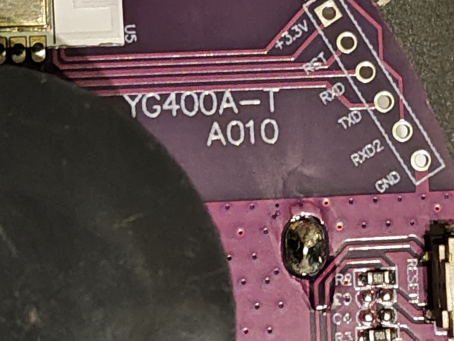
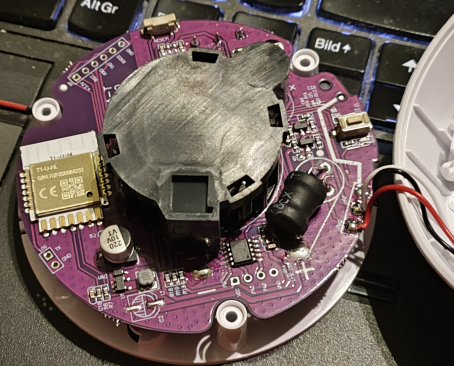
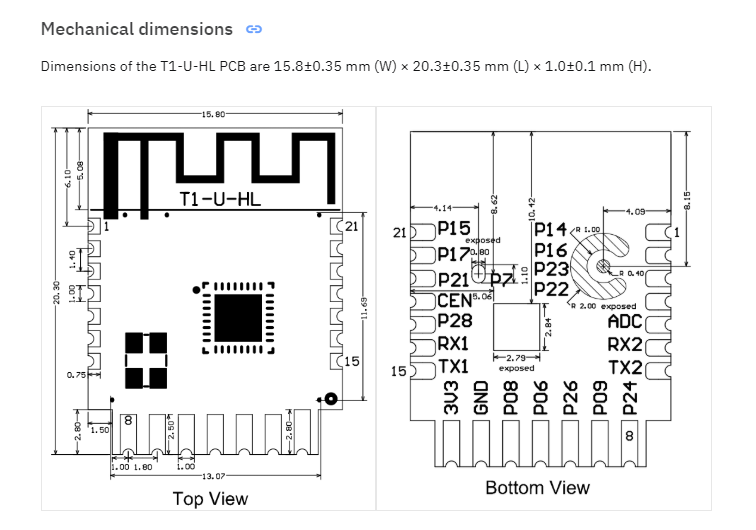
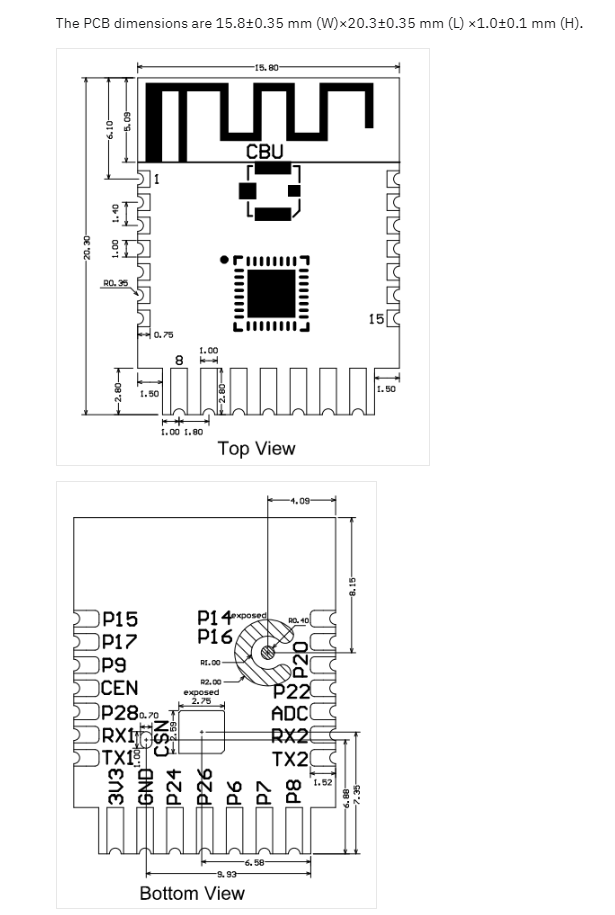
But the PCB (YG400A-T A010) has another CPU T1-U-HL chip than expected.
I found a thread in this forum with this chip and so I tried to flash the chip.
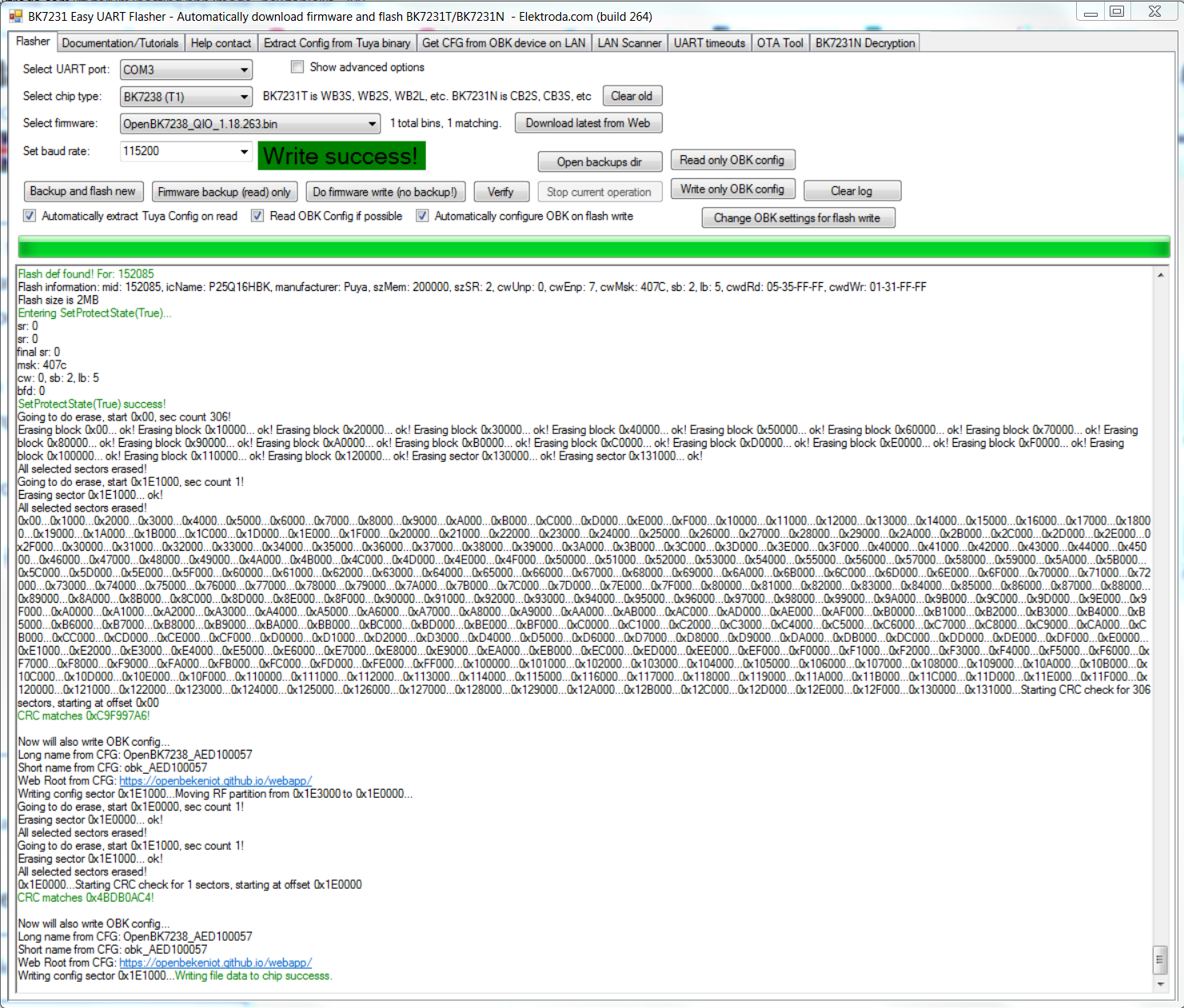
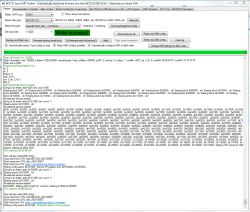
The flash process with the 'Easy UART flasher' and this file 'OpenBK7238_QIO_1.18.263.bin' was successful.
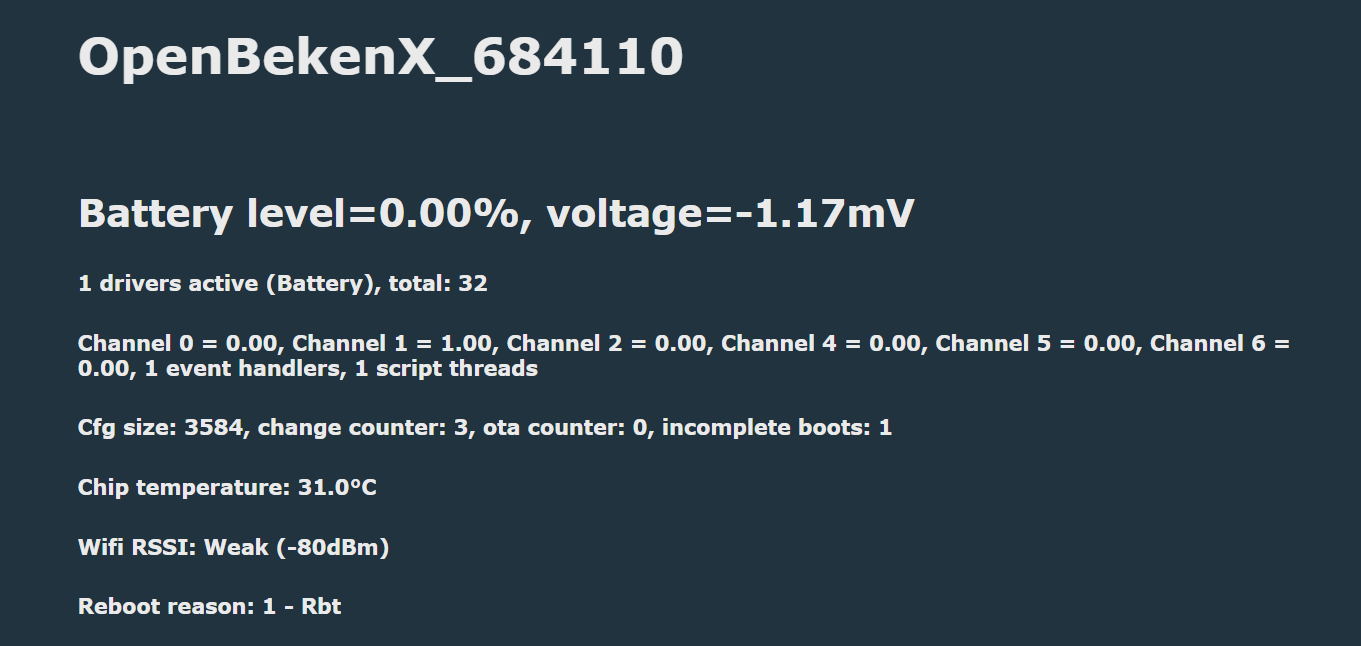
Wi-Fi is working and I could integrate the smoke detector into my local network.
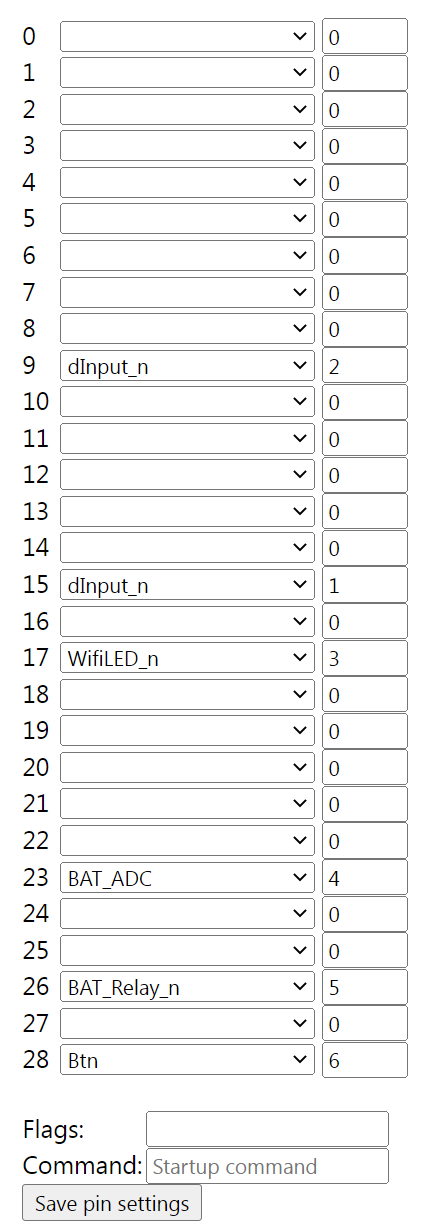
The configuration page looks newer than in the other thread (btn has now a second edit box, wifiled has no edit box).
Now I need some help on how to proceed further to get the smoke detector to work.
Configuration after original firmware backup:
Regards
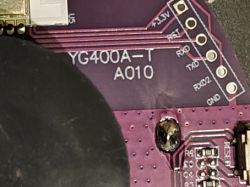
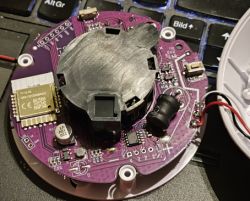
But the PCB (YG400A-T A010) has another CPU T1-U-HL chip than expected.
I found a thread in this forum with this chip and so I tried to flash the chip.
The flash process with the 'Easy UART flasher' and this file 'OpenBK7238_QIO_1.18.263.bin' was successful.
Wi-Fi is working and I could integrate the smoke detector into my local network.
The configuration page looks newer than in the other thread (btn has now a second edit box, wifiled has no edit box).
Now I need some help on how to proceed further to get the smoke detector to work.
Configuration after original firmware backup:
Regards