Hello guys.
Today we hack a LSC Smart Connect LED Smart Lightbulb A60 E27 RGB.
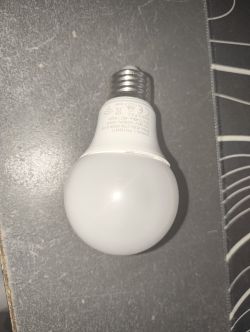
First open the bulb with a spudger:
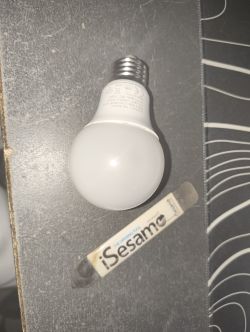
Next remove the joint with a cutter:
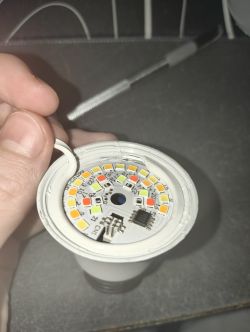
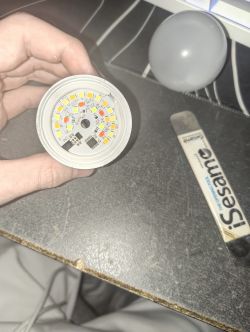
And remove the Led board:
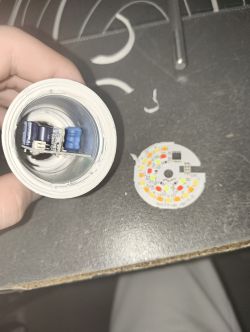
Now we have to desolder the CBLC5 Chip (I didn't want to remove the board, but you do as you wish.)
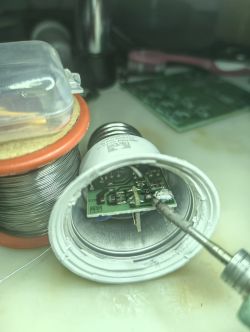
Now take your Uart programmer and solder it as shown in the diagram.
chip TX > RX programmer
chip RX> TX programmer
and solder a cable on RST
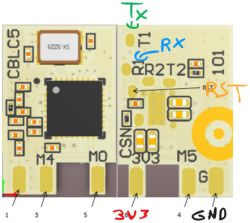
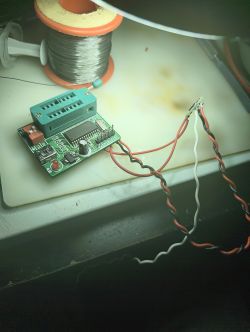
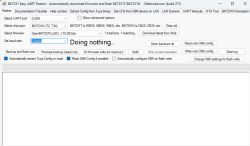
Next connect the programmer to the pc and launch the Uart Flasher : Link
Set the correct port, download the firmware, and make a backup.( The software will ask you to connect the pin rst to gnd. Do so and the backup will start.)
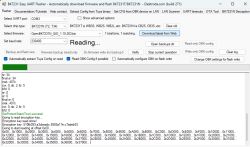
Next Flash the Module with the firmware. (You may have to change the Baud rate.)
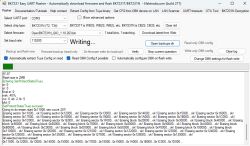
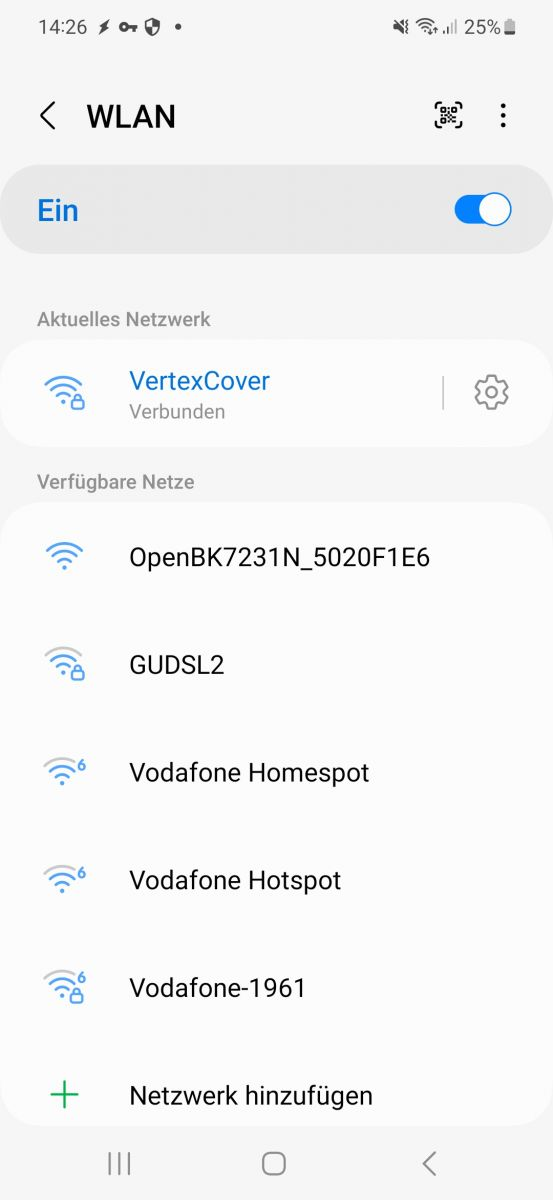
Check for a Wi-Fi called OpenBK7231N_ XXXXXXX and connect to it, then set up the Wi-Fi.
Desolder the module and clean it.
Clean the pad on the motherboard and resolder the module.
Clean the joints and replace the LED board.
Do not replace the bulb, then connect the lamp to 230V and test it.
Now test the color and white balance, and if it is good, glue the bulb.
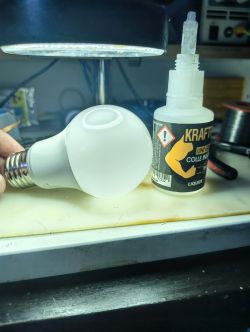
Voilaaa !!
Now you have a functional Open Beken bulb.
Thank you for reading.
AI: Hey, just to clarify—are you looking for help with any specific part of this flashing process, or are you just sharing your experience?
Sharing my experience
AI: Did you run into any issues or errors while flashing the firmware or setting up the bulb that you need advice on?
No just have to change the baud rate ^^
Today we hack a LSC Smart Connect LED Smart Lightbulb A60 E27 RGB.
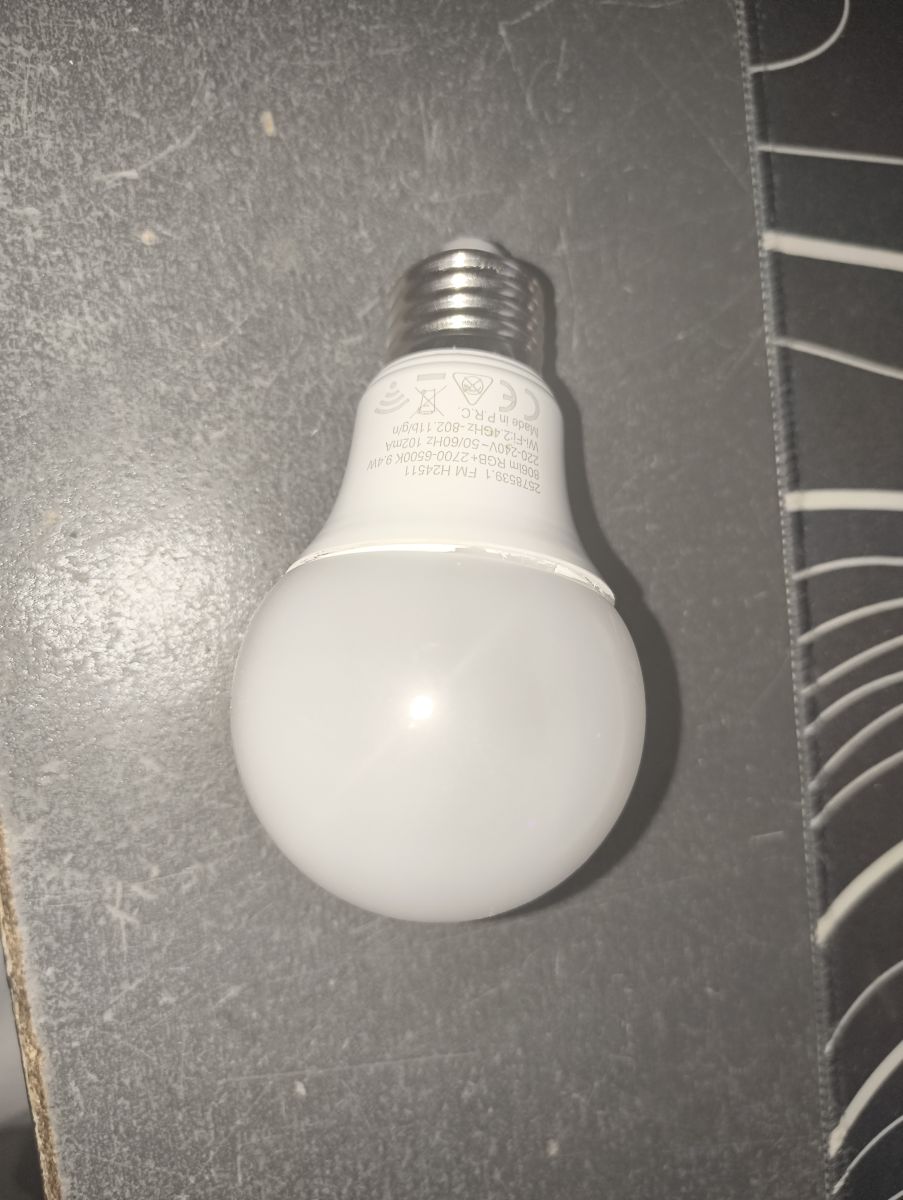
First open the bulb with a spudger:
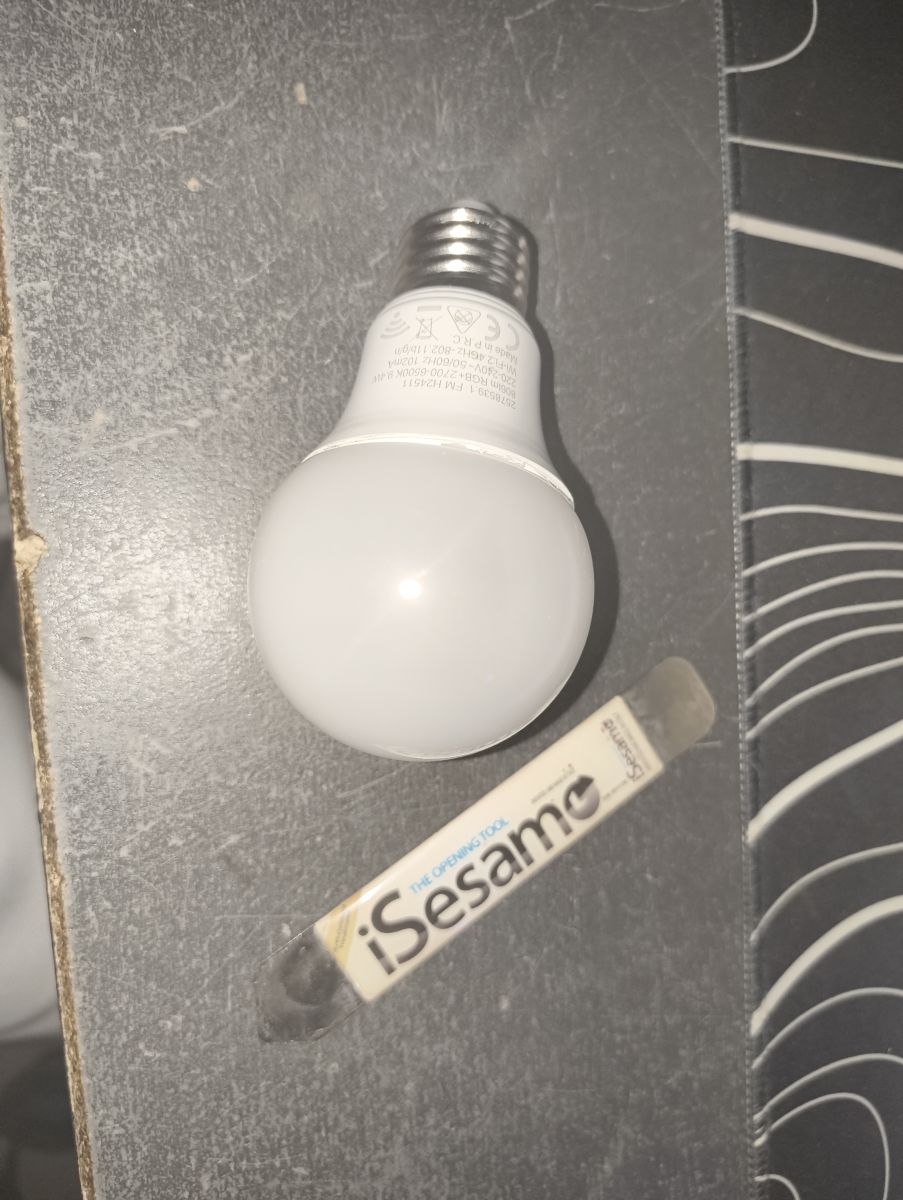
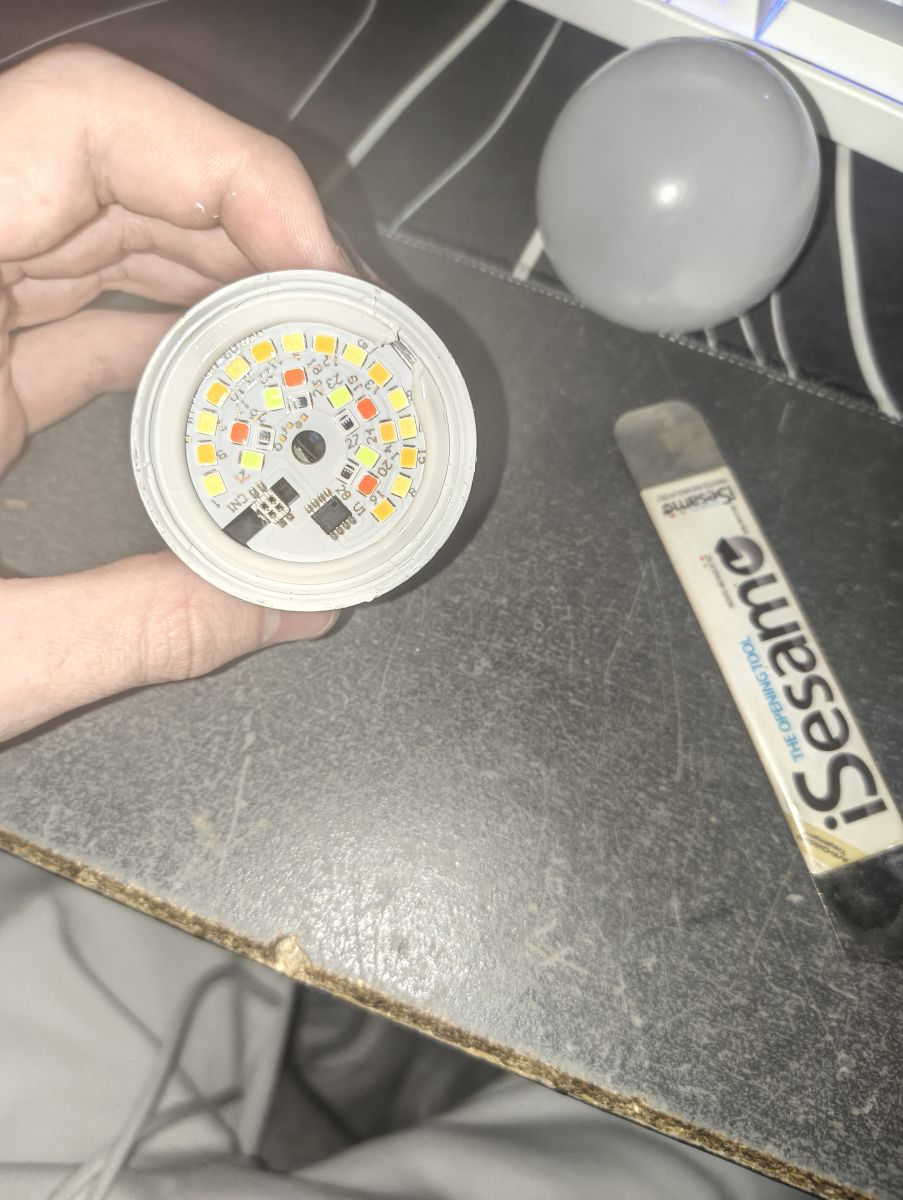
Next remove the joint with a cutter:
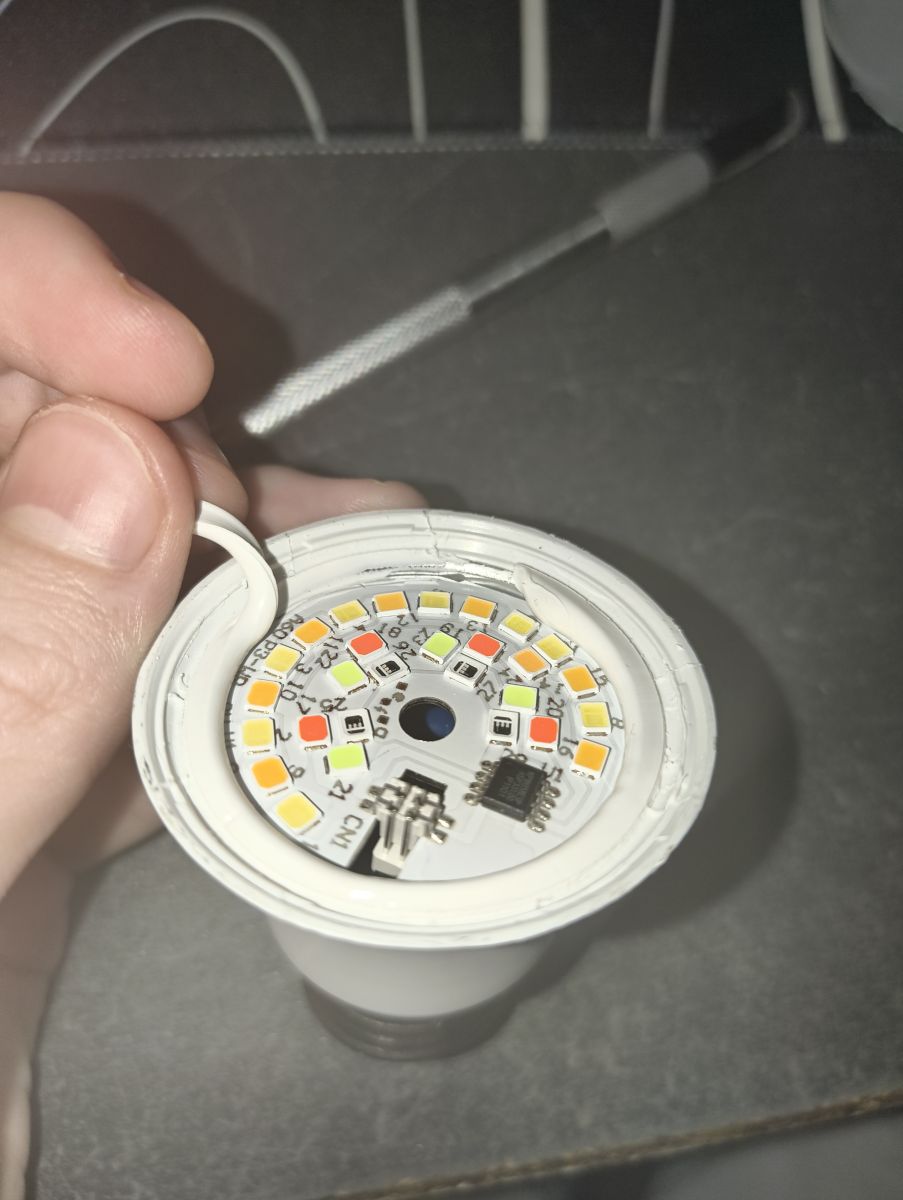
And remove the Led board:
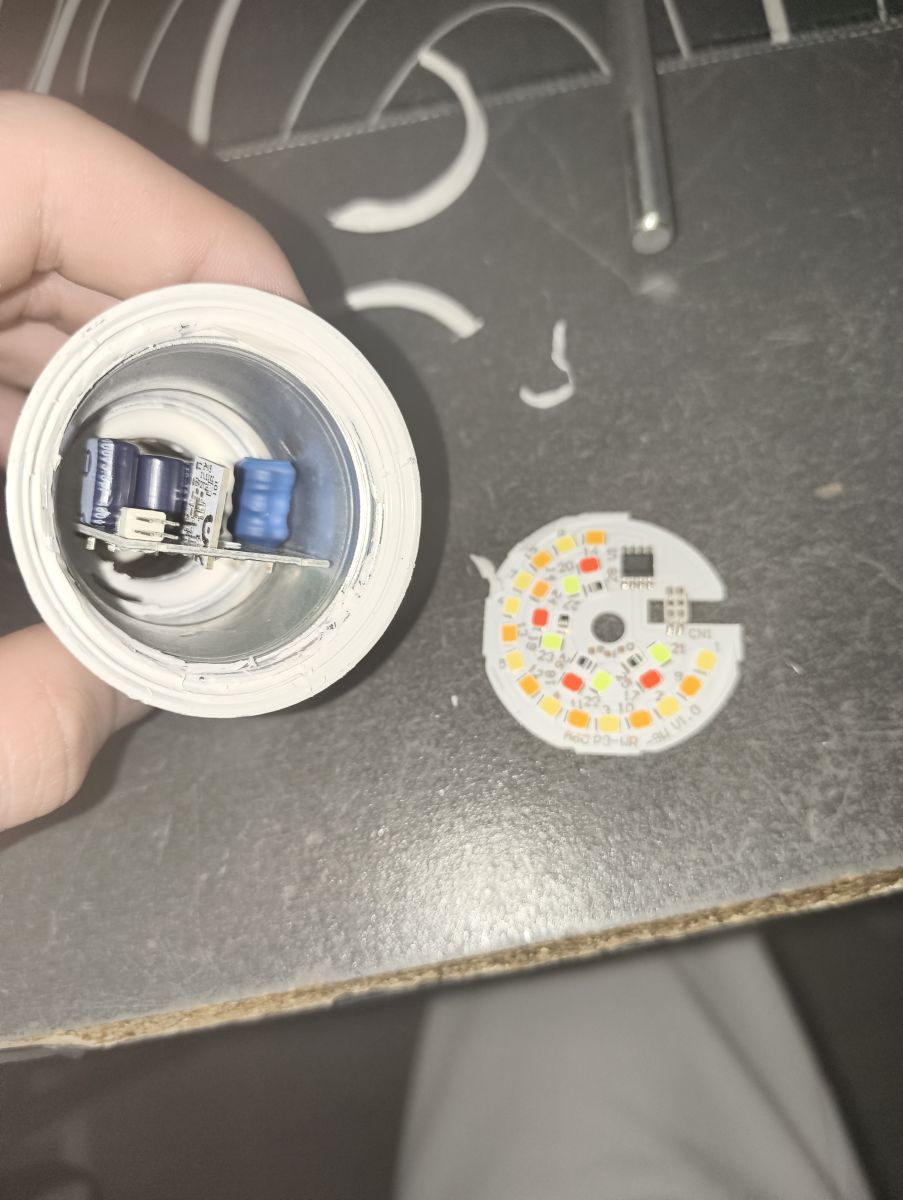
Now we have to desolder the CBLC5 Chip (I didn't want to remove the board, but you do as you wish.)
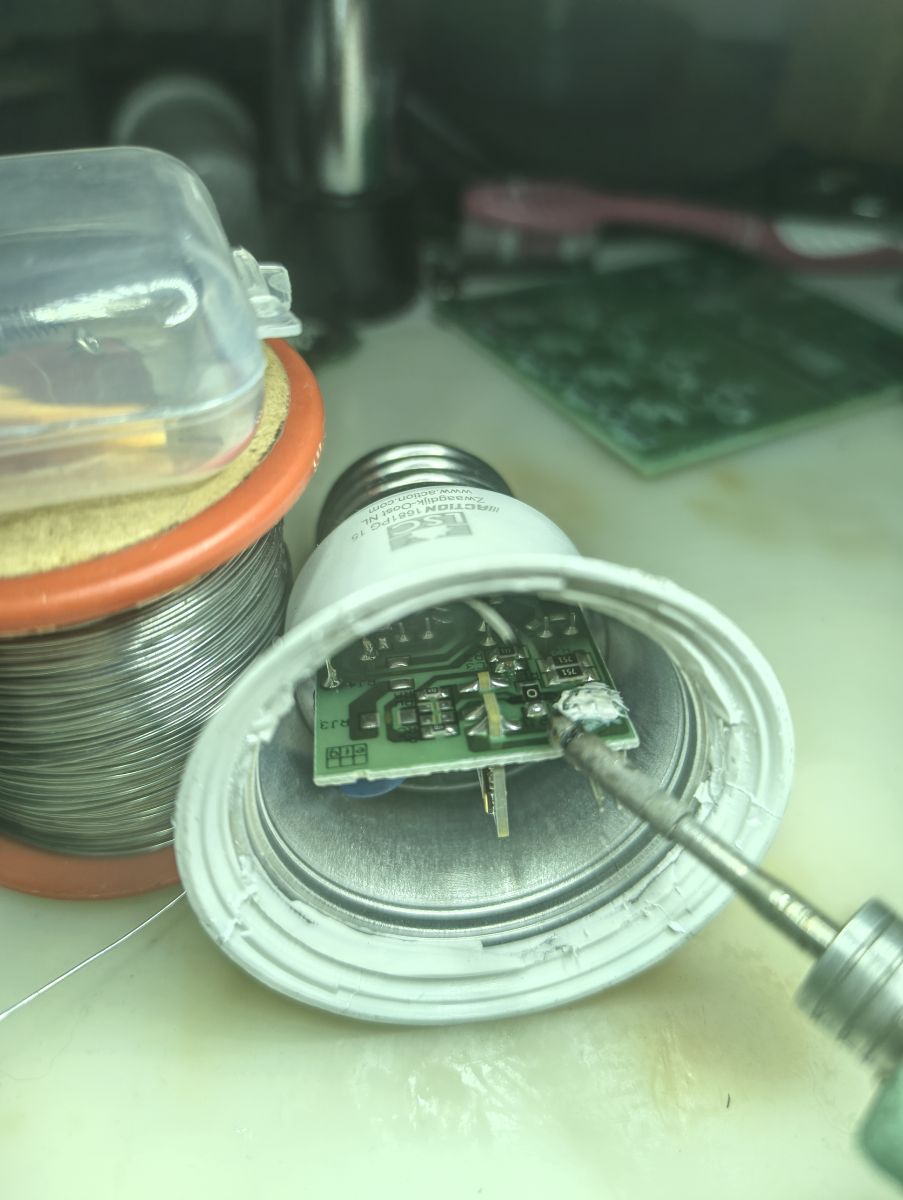
Now take your Uart programmer and solder it as shown in the diagram.
chip TX > RX programmer
chip RX> TX programmer
and solder a cable on RST
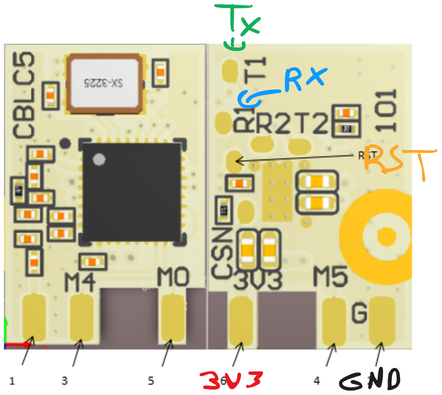
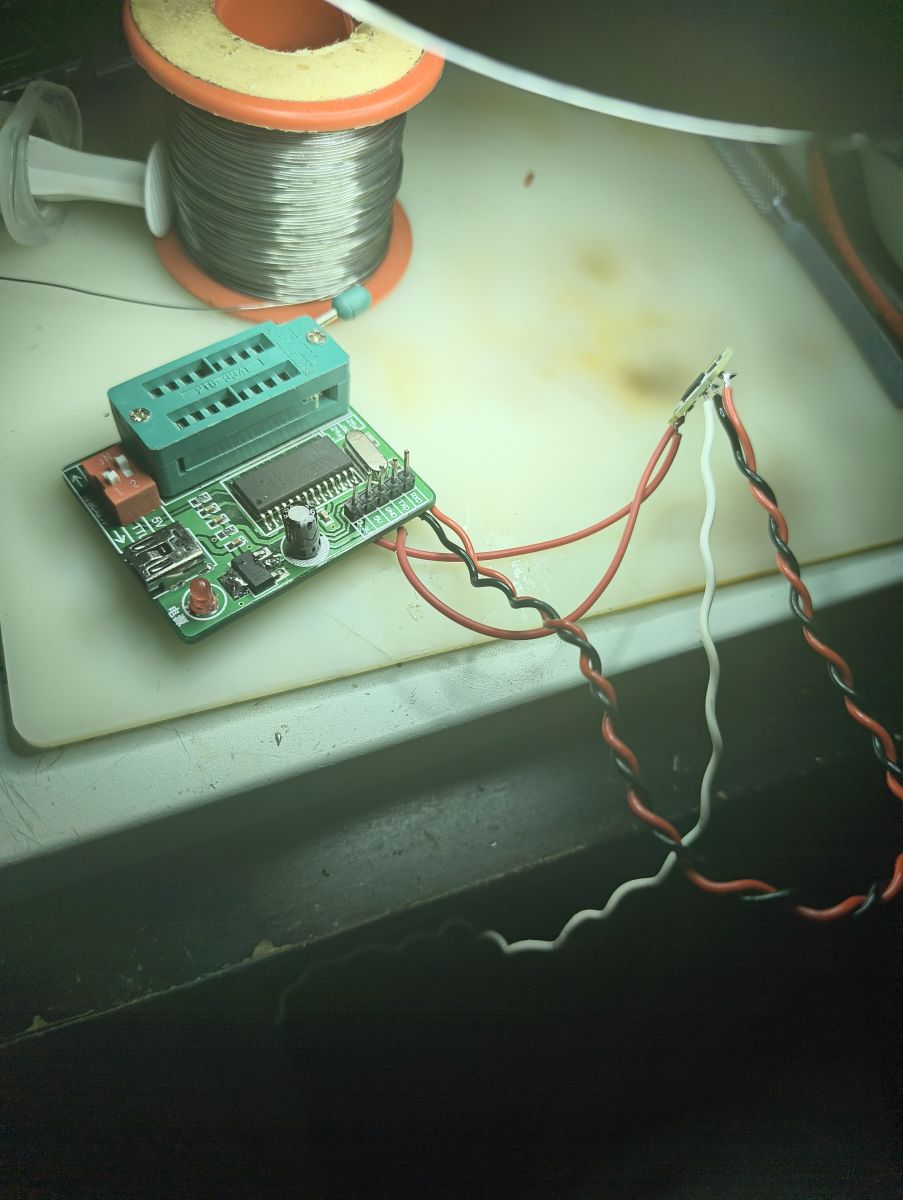
Next connect the programmer to the pc and launch the Uart Flasher : Link
Set the correct port, download the firmware, and make a backup.( The software will ask you to connect the pin rst to gnd. Do so and the backup will start.)
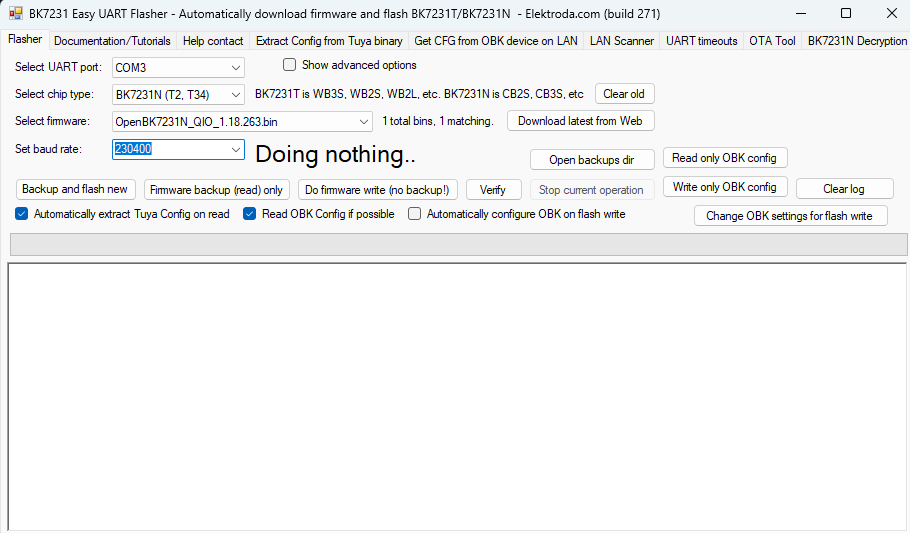
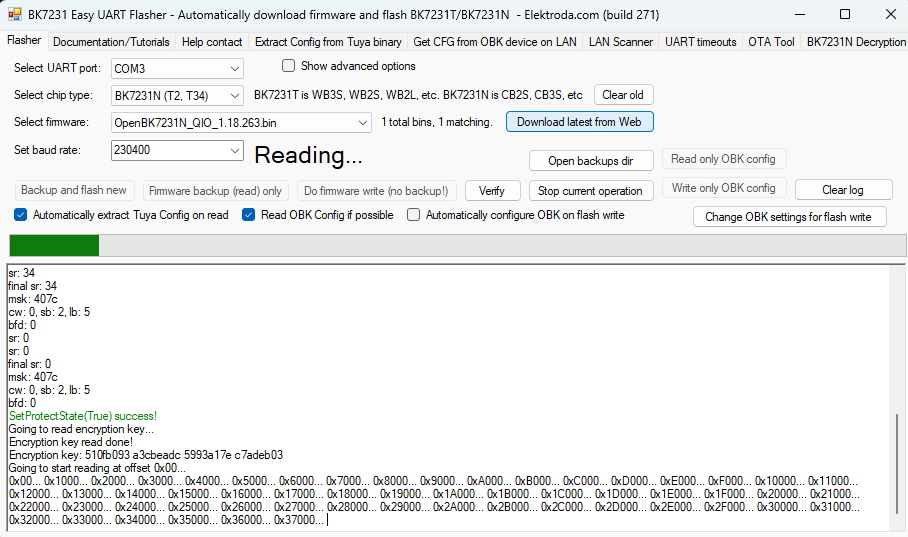
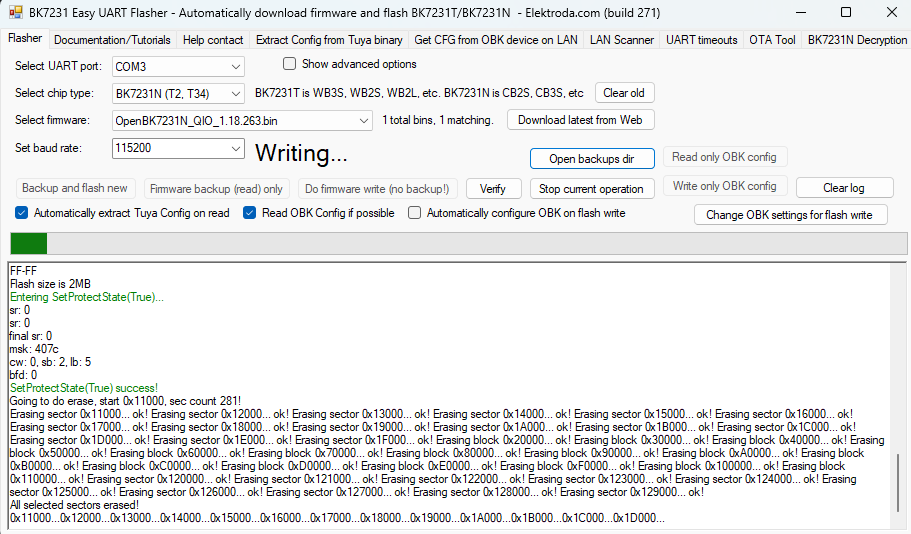
Next Flash the Module with the firmware. (You may have to change the Baud rate.)
Check for a Wi-Fi called OpenBK7231N_ XXXXXXX and connect to it, then set up the Wi-Fi.
Desolder the module and clean it.
Clean the pad on the motherboard and resolder the module.
Clean the joints and replace the LED board.
Do not replace the bulb, then connect the lamp to 230V and test it.
{
  "vendor": "Action",
  "bDetailed": "0",
  "name": "LSC Smart Connect LED Smart Lightbulb A60 E27 RGB (WiFi)",
  "model": "ArtNo. 2578539.1",
  "chip": "BK7231N",
  "board": "CBLC5",
  "flags": "5124",
  "keywords": [
    "Action LCS",
    "Lightbulb",
    "BK7231N",
    "CBLC5",
    "OpenBeken"
  ],
  "pins": {
    "6": "KP18058_DAT;0",
    "24": "KP18058_CLK;0"
  },
  "command": "backlog PowerSave 1; stopDriver *; startDriver KP18058; KP18058_Map 2 1 0 4 3; KP18058_Current 4 4; Dimmer 50;"
}
Now test the color and white balance, and if it is good, glue the bulb.
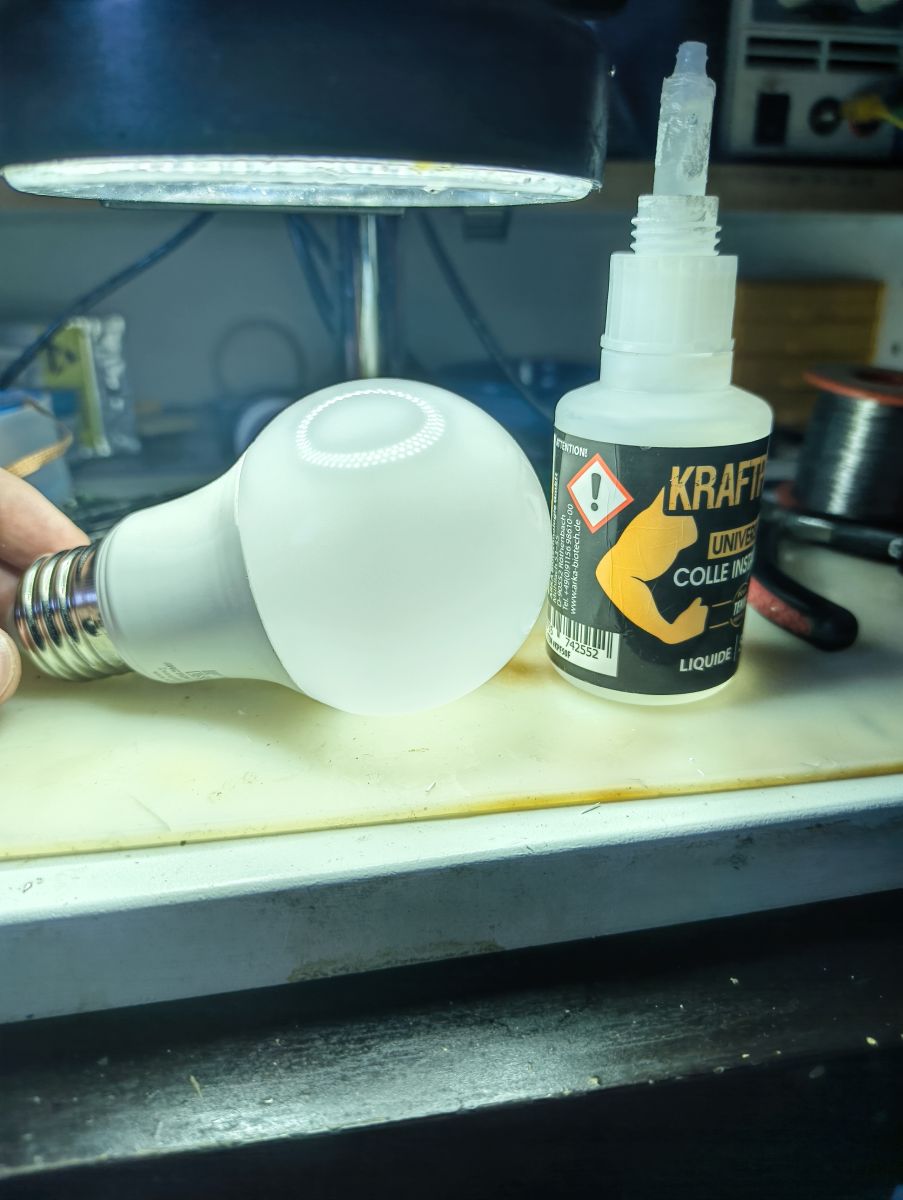
Voilaaa !!
Now you have a functional Open Beken bulb.
Thank you for reading.
AI: Hey, just to clarify—are you looking for help with any specific part of this flashing process, or are you just sharing your experience?
Sharing my experience
AI: Did you run into any issues or errors while flashing the firmware or setting up the bulb that you need advice on?
No just have to change the baud rate ^^
Cool? Ranking DIY