Hello.
I bought a Zegbee temperature sensor and after connecting it, it appears to overestimate the temperature by about 3.9°C.
Is this normal?
How can this be dealt with apart from remembering such a misrepresentation? Is it possible to calibrate them?
Has anyone used such sensors?
What are your opinions about them?
Sensor powered by 2 AAA type finger batteries, new.
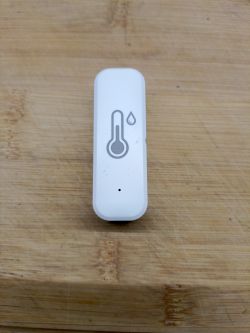
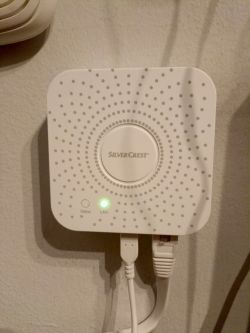
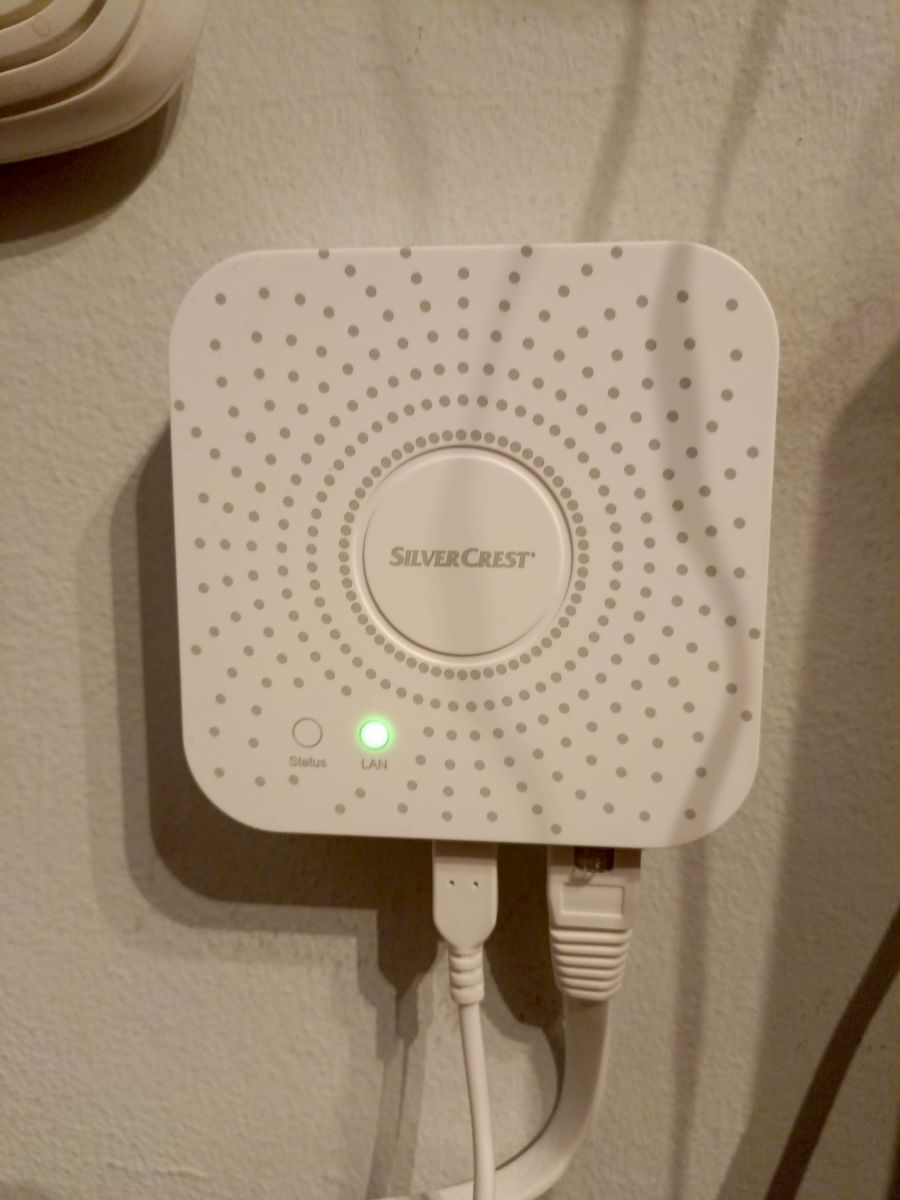
Photo of the Zegbee gateway. Connected via a network cable to the router.
Screen from the application.
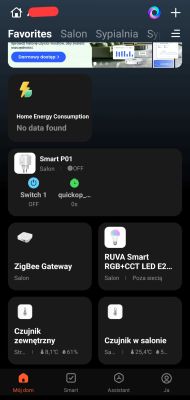
I noticed another interesting situation. I unplugged the Zigbee gateway from the power supply. In the Tuya app, I got an "out of network" message on the gateway. The socket works, the sensors work. As if this notorious gateway was not needed for anything. You can clearly see in the screengrab.
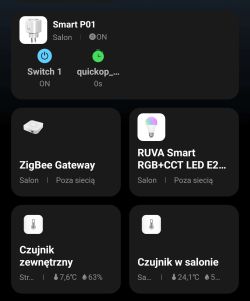
Below a screen shot of the devices that are visible. There is nothing and they work.

I bought a Zegbee temperature sensor and after connecting it, it appears to overestimate the temperature by about 3.9°C.
Is this normal?
How can this be dealt with apart from remembering such a misrepresentation? Is it possible to calibrate them?
Has anyone used such sensors?
What are your opinions about them?
Sensor powered by 2 AAA type finger batteries, new.
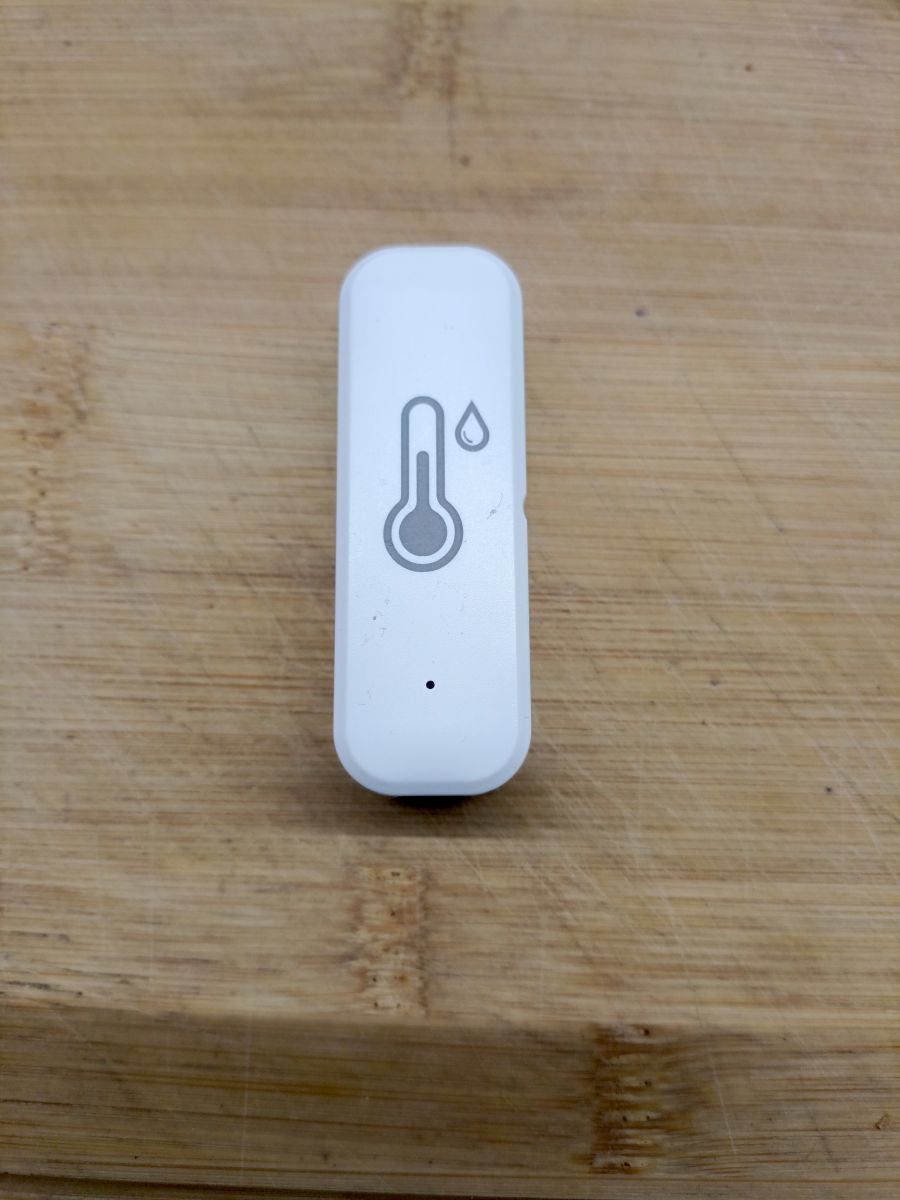
Photo of the Zegbee gateway. Connected via a network cable to the router.
Screen from the application.
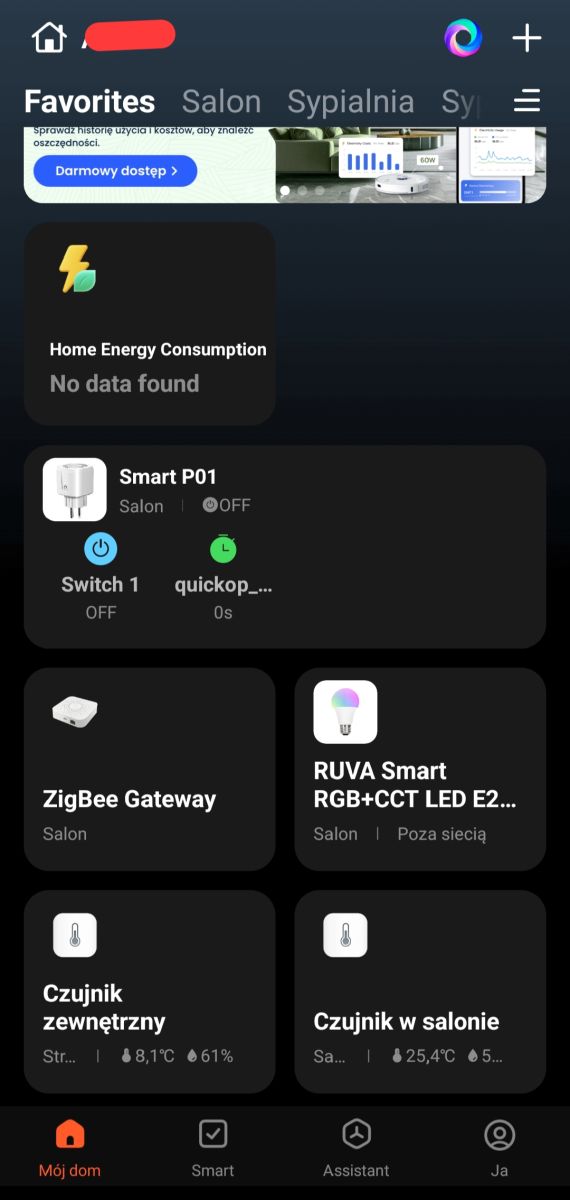
I noticed another interesting situation. I unplugged the Zigbee gateway from the power supply. In the Tuya app, I got an "out of network" message on the gateway. The socket works, the sensors work. As if this notorious gateway was not needed for anything. You can clearly see in the screengrab.
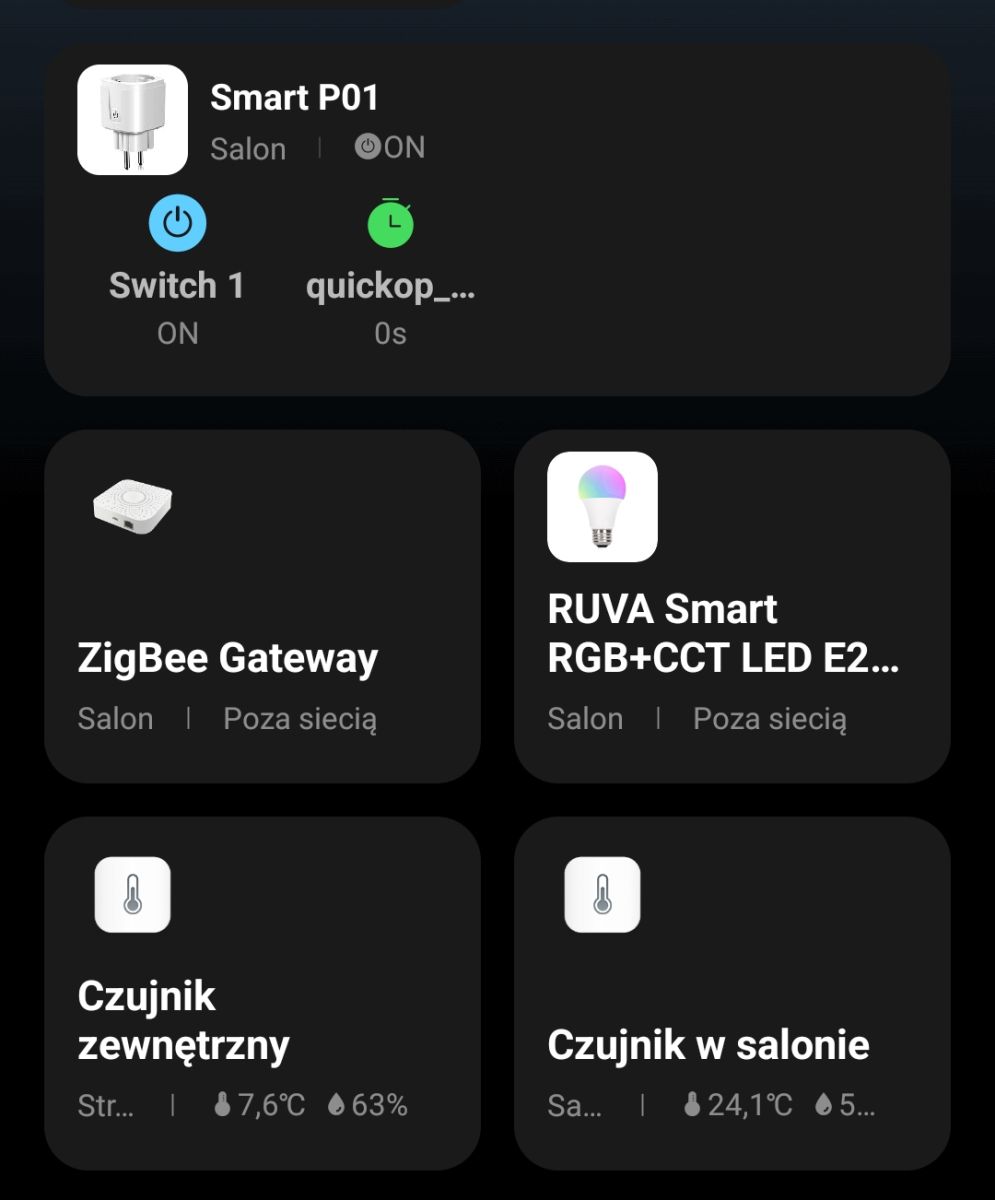
Below a screen shot of the devices that are visible. There is nothing and they work.