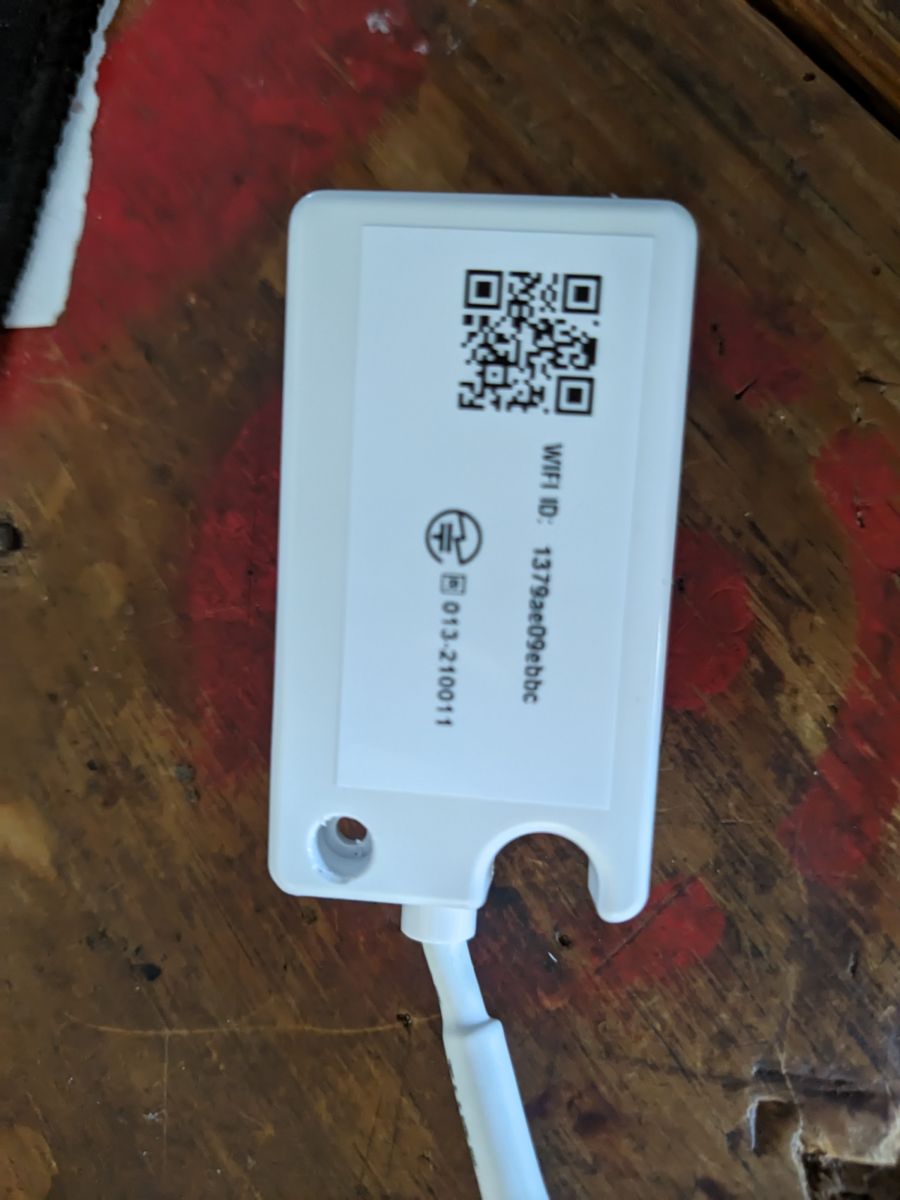
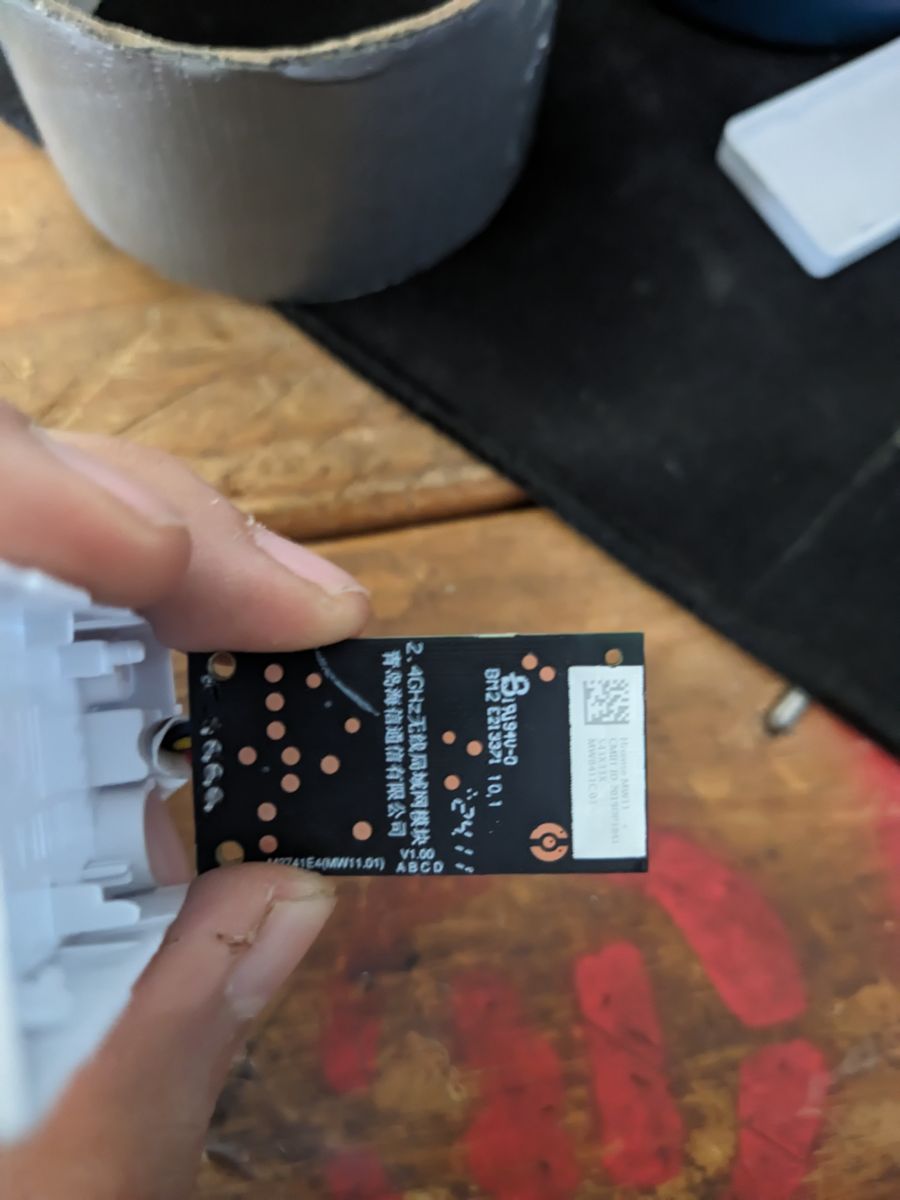
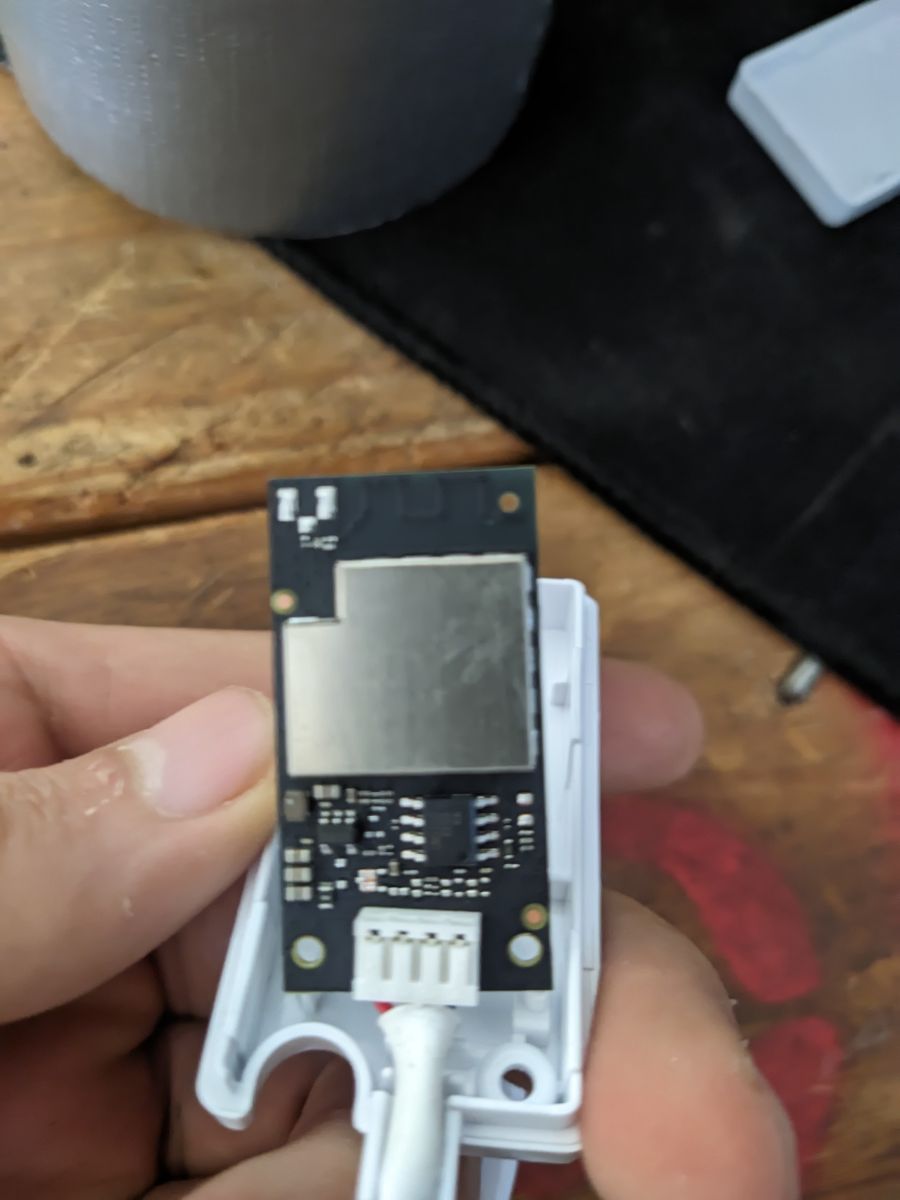
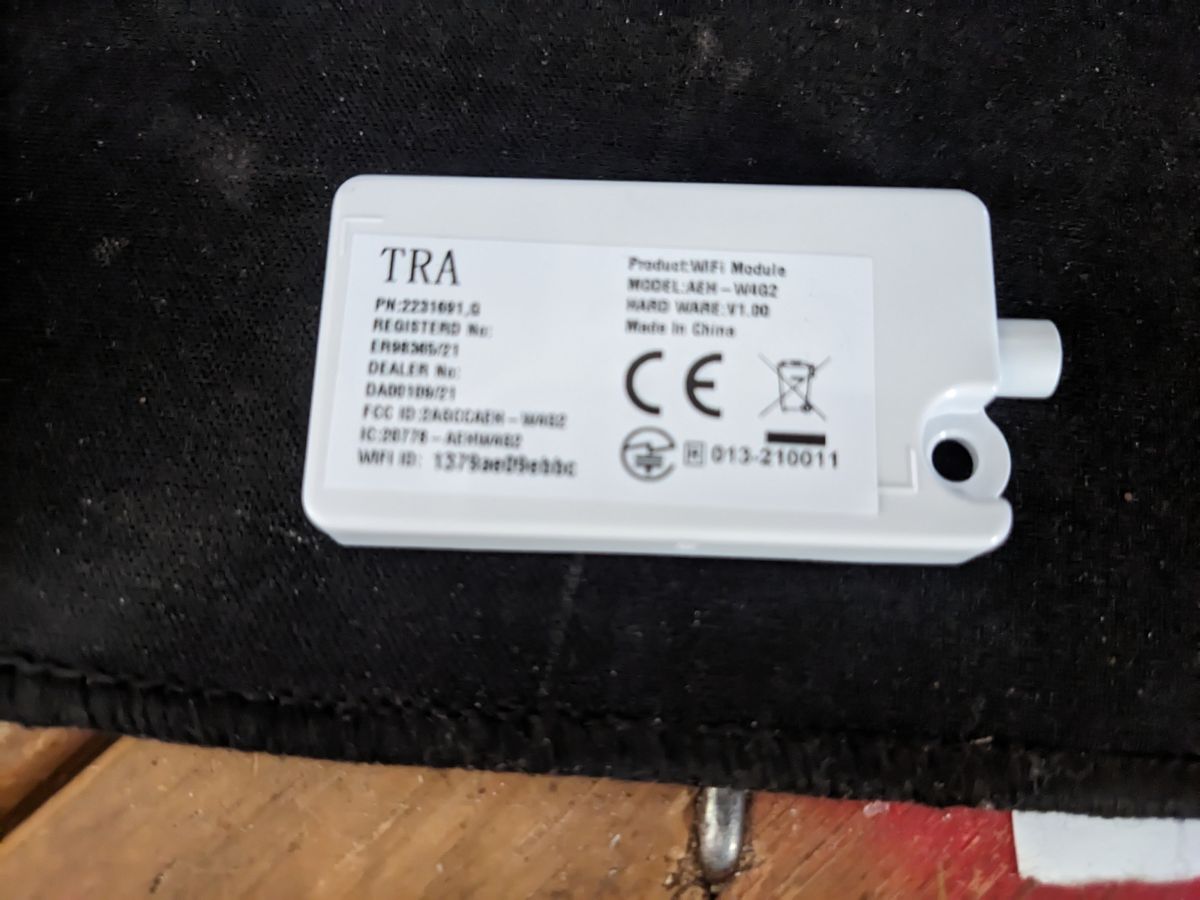
I am going to start this thread as a WIP for decoding (another unknown) UART based protocol.
I am going to present the findings so far but in a rough state as I am still working on figuring out what is in the packets. Assumption that I started with was that the packet is similar to IR commands where multiple states are sent/reported all at once and I was not wrong. So here goes some of it.
Important and right now focus of my exploration is frame 0x97 that contains all the telemetry and status bytes from the AC
and 0x29 frame which is a WiFi module control packet
These are the known frames so far (a lot of guess work still)
Using a tool I am developing to capture data so right now one of the 0x97 frames partialy decoded looks like this
Doing this to spark some interest and justify my absence from the development right now 😁
More to come in the next weeks but it is doable.
Let me know if anybody has anything to add or has done anything like this I would appreciate it.
One interesting finding for example is that horizontal swing is adding 0x02 bytes to mode byte (3) so for example fan_only: 08 becomes 0A, heat: 18 -> 1A and cool: 28 -> 2A etc....
Decoded data for this model (will update what model this is at the latter stage) is:
- power
- HVAC mode (cool, heat, fan only, etc.)
- target temperature
- fan speed
- horizontal swing on/off
- vertical swing on/off
- sleep
- eco
- fan mute
- super
-
- dimmer/display-state reporting
- smart operating-context reporting
- temperature unit (
P.S. Ariston is not forgotten as well, first drivers version is working and now in full use, after confirmation it will be updated and incorporated into main. Also non wifi boards are on the "healing bench" atm and will be worked on at some point.
I am going to present the findings so far but in a rough state as I am still working on figuring out what is in the packets. Assumption that I started with was that the packet is similar to IR commands where multiple states are sent/reported all at once and I was not wrong. So here goes some of it.
### General frame structure

| Byte offset(s) | Example                                                | Working meaning                                                          | Confidence |
| -------------- | ------------------------------------------------------ | ------------------------------------------------------------------------ | ---------- |
| `0:1`          | `F4 F5`                                                | Frame header / sync                                                      | High       |
| `2`            | `00` / `01`                                            | Source or direction byte. `00` = Wi-Fi module TX, `01` = AC-side TX      | High       |
| `3`            | `40`                                                   | Protocol family / constant channel byte                                  | High       |
| `4`            | `0C`, `13`, `29`, `7B`, `97`                           | Opcode / frame kind. Does not currently behave like a simple length byte | High       |
| `5:12`         | `00 00 01 01 FE 01 00 00` or `01 00 FE 01 01 01 01 00` | Routing / endpoint / addressing block                                    | Medium     |
| `13:14`        | `65 00`, `66 00`, `1E 00`                              | Packet type / subtype family                                             | High       |
| `15:n-4`       | varies                                                 | Payload / body                                                           | High       |
| `n-4`          | `01`, `02`, `04`, `05`                                 | Trailing control / count byte, exact purpose unknown                     | Low        |
| `n-3`          | e.g. `B3`, `5C`, `7A`, `B1`                            | Checksum byte                                                            | Medium     |
| `n-2:n-1`      | `F4 FB`                                                | Frame footer / terminator                                                | High       |
Important and right now focus of my exploration is frame 0x97 that contains all the telemetry and status bytes from the AC
#### `0x97` long status/state response

| Offset(s) | Example bytes             | Working meaning             |
| --------- | ------------------------- | --------------------------- |
| `0:1`     | `F4 F5`                   | Header                      |
| `2`       | `01`                      | Sent by AC side             |
| `3`       | `40`                      | Protocol family             |
| `4`       | `97`                      | Long status opcode          |
| `5:12`    | `01 00 FE 01 01 01 01 00` | Routing block               |
| `13:14`   | `66 00`                   | Status family               |
| `15:n-4`  | long variable payload     | State / telemetry data      |
| `n-4`     | e.g. `04`, `05`           | Trailing control/count byte |
| `n-3`     | e.g. `B1`, `7A`           | Checksum                    |
| `n-2:n-1` | `F4 FB`                   | Footer                      |
and 0x29 frame which is a WiFi module control packet
#### `0x29` control/update

| Offset(s) | Example bytes                     | Working meaning                                |
| --------- | --------------------------------- | ---------------------------------------------- |
| `0:1`     | `F4 F5`                           | Header                                         |
| `2`       | `00`                              | Sent by Wi-Fi module                           |
| `3`       | `40`                              | Protocol family                                |
| `4`       | `29`                              | Control/update opcode                          |
| `5:12`    | `00 00 01 01 FE 01 00 00`         | Routing block                                  |
| `13:14`   | `65 00`                           | Control/update family                          |
| `15:45`   | variable control payload          | Desired state / control fields                 |
| `18:19`   | e.g. `5C 2D`, `3C 2D`, `00 33`    | High-value control pair within payload         |
| `46`      | usually `02`                      | Trailing control/count byte                    |
| `47`      | e.g. `5C`, `3C`, `06`             | Checksum                                       |
| `48:49`   | `F4 FB`                           | Footer
These are the known frames so far (a lot of guess work still)
### Known frame families

| Opcode byte `[4]` | Direction | Typical type/subtype | Working meaning                               | Confidence |
| ----------------- | --------- | -------------------- | --------------------------------------------- | ---------- |
| `0C`              | TX        | `66 00`              | Short poll request                            | High       |
| `13`              | TX/RX     | `1E 00`              | Short query / telemetry / confirmation family | Medium     |
| `29`              | TX        | `65 00`              | Control / update request                      | High       |
| `7B`              | RX        | `65 00`              | Direct response / ack to `0x29`               | High       |
| `97`              | RX        | `66 00`              | Longer status / state report                  | High       |
Using a tool I am developing to capture data so right now one of the 0x97 frames partialy decoded looks like this
PARSED STRUCTURE:
  header      : F4 F5 [0:2]
  src         : 01 (ac) [2:3]
  family      : 40 [3:4]
  opcode      : 97 (status) [4:5]
  route       : 01 00 FE 01 01 01 01 00 [5:13]
  type        : 66 [13:14]
  subtype     : 00 [14:15]
  body        : 01 12 00 08 1A 1A 1A 80 80 00 01 01 00 00 00 00 00 00 00 00 40 00 80 05 00 00 00 00 00 0C 2C 0E 00 00 00 DF 00 00 00 00 00 00 00 00 00 00 00 00 00 00 00 00 00 00 00 00 00 00 00 00 00 00 00 00 00 00 00 00 00 00 00 00 00 00 00 00 00 00 00 00 00 00 00 00 00 00 00 00 00 00 00 00 00 00 00 00 00 00 00 00 00 00 00 00 00 00 00 00 00 00 00 00 00 00 00 00 00 00 00 00 00 00 00 00 00 00 00 00 00 00 00 00 00 00 00 00 00 00 00 00 00 [15:156]
  trail       : 05 [156:157]
  checksum    : 96 [157:158]
  footer      : F4 FB [158:160]
  body_len    : 8D
RULESET:   Main Status
ROUTING:   Key=STATUS_66_POLL -> Targets=[Main Status]
Pair:      TX seq 15 (Δt=+199.7ms)

DECODED:
  STATUS_DATA_MARKER : stable_status_page_marker_candidate (01)
  STATUS_WIND_STATUS : high (12)
  STATUS_SLEEP_STATUS : off (00)
  STATUS_MODE_RUN_DIRECTION_PACKED_CANDIDATE : fan_only_on_horizontal_swing_off (08)
  STATUS_INDOOR_TEMPERATURE_SETTING_DISPLAY : 26
  STATUS_INDOOR_TEMPERATURE_STATUS_DISPLAY : 26
  STATUS_INDOOR_PIPE_TEMPERATURE_C : 26
  STATUS_INDOOR_HUMIDITY_SETTING : unavailable (80)
  STATUS_INDOOR_HUMIDITY_STATUS : unavailable (80)
  STATUS_FEEL_DISPLAY_CONTEXT_09_11_CANDIDATE : 00 01 01
  STATUS_PRESET_OR_FLAGS_11 : alt_runtime_context_candidate (01)
  STATUS_TIMER_RTC_BLOCK_12_19_CANDIDATE : 00 00 00 00 00 00 00 00
  STATUS_PRESET_STAGE_20_CANDIDATE : vertical_swing_on_candidate (40)
  STATUS_PRESET_STAGE_21_CANDIDATE : normal_or_clear_candidate (00)
  STATUS_FEATURE_PRESET_STATE_20_23_CANDIDATE : 40 00 80 05
  STATUS_FEATURE_EXTENSION_24_25_CANDIDATE : 00 00
  STATUS_RUNTIME_TELEMETRY_26_31_CANDIDATE : 00 00 00 0C 2C 0E
  STATUS_OUTDOOR_TELEMETRY_32_39_CANDIDATE : 00 00 00 DF 00 00 00 00
  STATUS_POWER_LOAD_INDEX_35_CANDIDATE : DF
  STATUS_OUTDOOR_SYSTEM_STATE_40_45_CANDIDATE : 00 00 00 00 00 00
  STATUS_RESERVED_ZERO_46_55_CANDIDATE : 00 00 00 00 00 00 00 00 00 00
  STATUS_BLOCK_56_71 : 00 00 00 00 00 00 00 00 00 00 00 00 00 00 00 00
  STATUS_BLOCK_72_87 : 00 00 00 00 00 00 00 00 00 00 00 00 00 00 00 00
  STATUS_BLOCK_88_103 : 00 00 00 00 00 00 00 00 00 00 00 00 00 00 00 00
  STATUS_BLOCK_104_120 : 00 00 00 00 00 00 00 00 00 00 00 00 00 00 00 00 00

RAW:
F4 F5 01 40 97 01 00 FE 01 01 01 01 00 66 00 01 12 00 08 1A 1A 1A 80 80 00 01 01 00 00 00 00 00 00 00 00 40 00 80 05 00 00 00 00 00 0C 2C 0E 00 00 00 DF 00 00 00 00 00 00 00 00 00 00 00 00 00 00 00 00 00 00 00 00 00 00 00 00 00 00 00 00 00 00 00 00 00 00 00 00 00 00 00 00 00 00 00 00 00 00 00 00 00 00 00 00 00 00 00 00 00 00 00 00 00 00 00 00 00 00 00 00 00 00 00 00 00 00 00 00 00 00 00 00 00 00 00 00 00 00 00 00 00 00 00 00 00 00 00 00 00 00 00 00 00 00 00 00 00 05 96 F4 FB

PAYLOAD:
01 12 00 08 1A 1A 1A 80 80 00 01 01 00 00 00 00 00 00 00 00 40 00 80 05 00 00 00 00 00 0C 2C 0E 00 00 00 DF 00 00 00 00 00 00 00 00 00 00 00 00 00 00 00 00 00 00 00 00 00 00 00 00 00 00 00 00 00 00 00 00 00 00 00 00 00 00 00 00 00 00 00 00 00 00 00 00 00 00 00 00 00 00 00 00 00 00 00 00 00 00 00 00 00 00 00 00 00 00 00 00 00 00 00 00 00 00 00 00 00 00 00 00 00 00 00 00 00 00 00 00 00 00 00 00 00 00 00 00 00 00 00 00 00
ASCII:     ....................@.........,..............................................................................................................
Doing this to spark some interest and justify my absence from the development right now 😁
More to come in the next weeks but it is doable.
Let me know if anybody has anything to add or has done anything like this I would appreciate it.
One interesting finding for example is that horizontal swing is adding 0x02 bytes to mode byte (3) so for example fan_only: 08 becomes 0A, heat: 18 -> 1A and cool: 28 -> 2A etc....
Decoded data for this model (will update what model this is at the latter stage) is:
- power
- HVAC mode (cool, heat, fan only, etc.)
- target temperature
- fan speed
- horizontal swing on/off
- vertical swing on/off
- sleep
- eco
- fan mute
- super
-
iFeeltemperature-source override behavior
- dimmer/display-state reporting
- smart operating-context reporting
- temperature unit (
C/F)
P.S. Ariston is not forgotten as well, first drivers version is working and now in full use, after confirmation it will be updated and incorporated into main. Also non wifi boards are on the "healing bench" atm and will be worked on at some point.
Cool? Ranking DIY