Hello,
until recently, the prices of devices on Zigbee were higher compared to equivalents on WiFi. Nowadays they have evened out and even dropped. Unfortunately, the build quality has also dropped. Initially, a ready-made module containing a chip supporting a particular type of network was used for communication. Over time, the chip itself began to be mounted directly on the device board - often without even the pads for programming it. The next stage involved maximum "slimming down" of the design: a minimum number of components, lower-quality subassemblies and sometimes even circuit clones.
And this is exactly what we are dealing with here. But one step at a time...
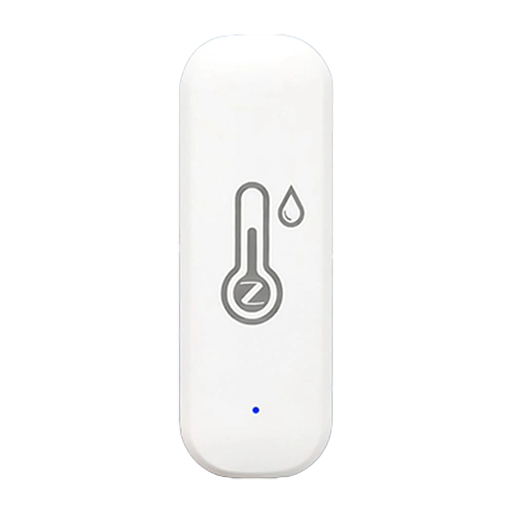
I recently bought on Aliexpress extremely cheap temperature and humidity sensors powered by two AAA batteries and communicating via Zigbee. The price of one unit was less than PLN8 - and that's probably their only advantage.
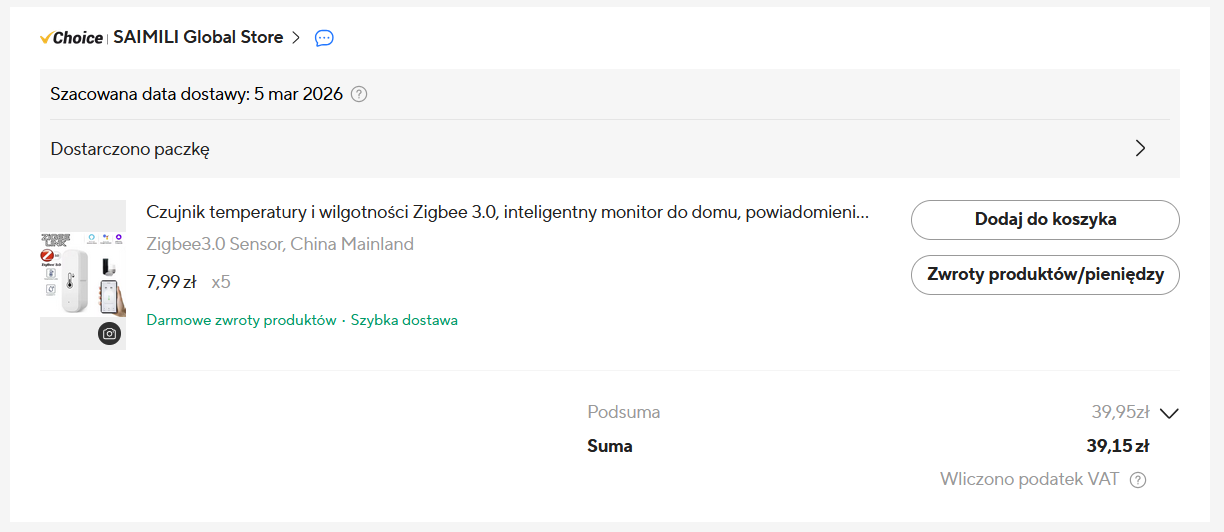
Even before the package arrived, some rather interesting comments started appearing on the product page. Standard ones like " ***** are great! but I haven't checked yet " and " * crap, doesn't work! ", suggesting that some buyers had not read that the device required a Zigbee gateway. Others began to appear, with very poor range, self-disconnection, and incorrect indications. There was even one with pictures of the device board, which.... was about 1/3 the size of those in older versions.
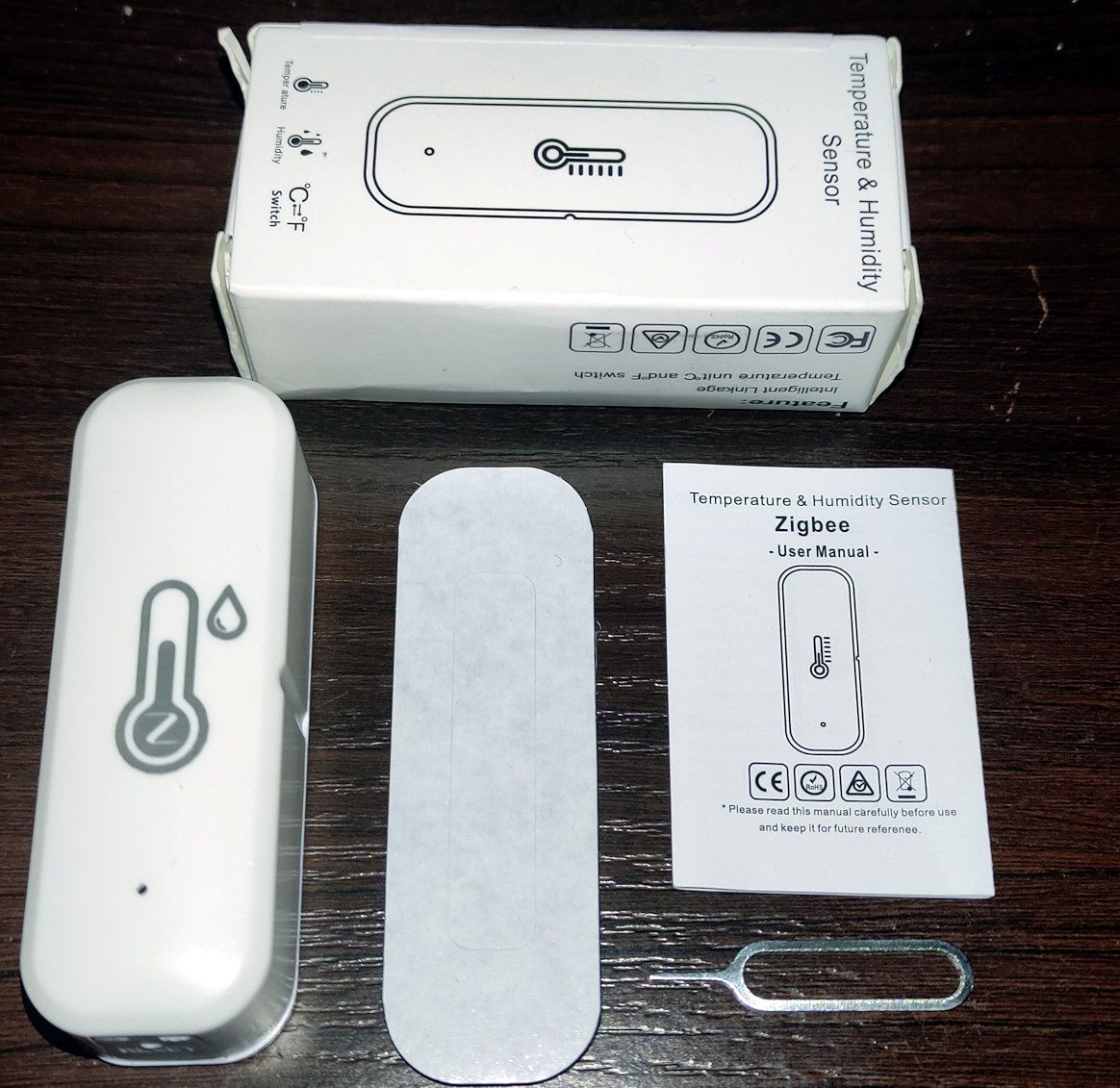
Eventually, the thermometers arrived. A standard cardboard box, and in it: a brief manual, foam with adhesive tape for assembly, a key for the reset button and the device itself.
Right out of the box, you can see that this is budget equipment. The plastic gives the impression of being of inferior quality - it is not perfectly white, rather slightly creamy and seems to be softer.
After inserting the rechargeable batteries, I paired the device with the Zigbee2MQTT I was using. The sensor was detected without any problems and reported itself as ZY-ZTH02.
The Z2M detected the basic entities:
- temperature
- humidity
- battery percentage
- battery voltage
- signal level
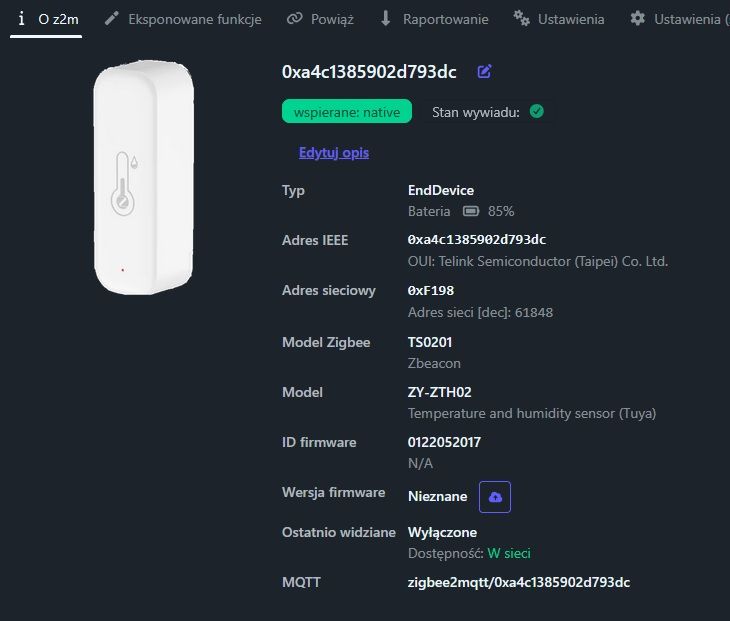
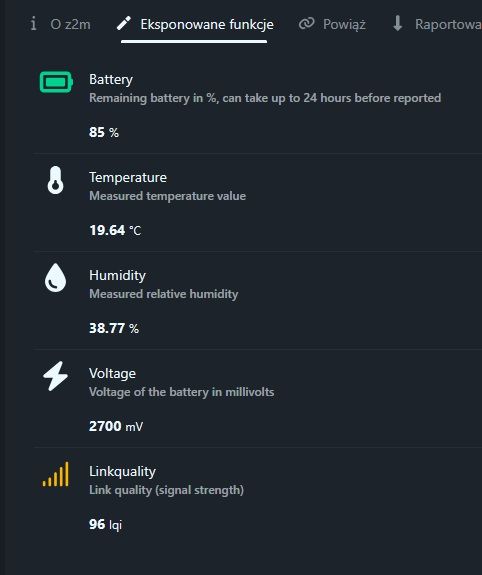
At this stage everything looked correct.
The only thing I noticed was the use of a blue LED instead of a red one. Blue LEDs require a higher voltage, so I'm curious to see how this LED will behave with heavily discharged batteries.
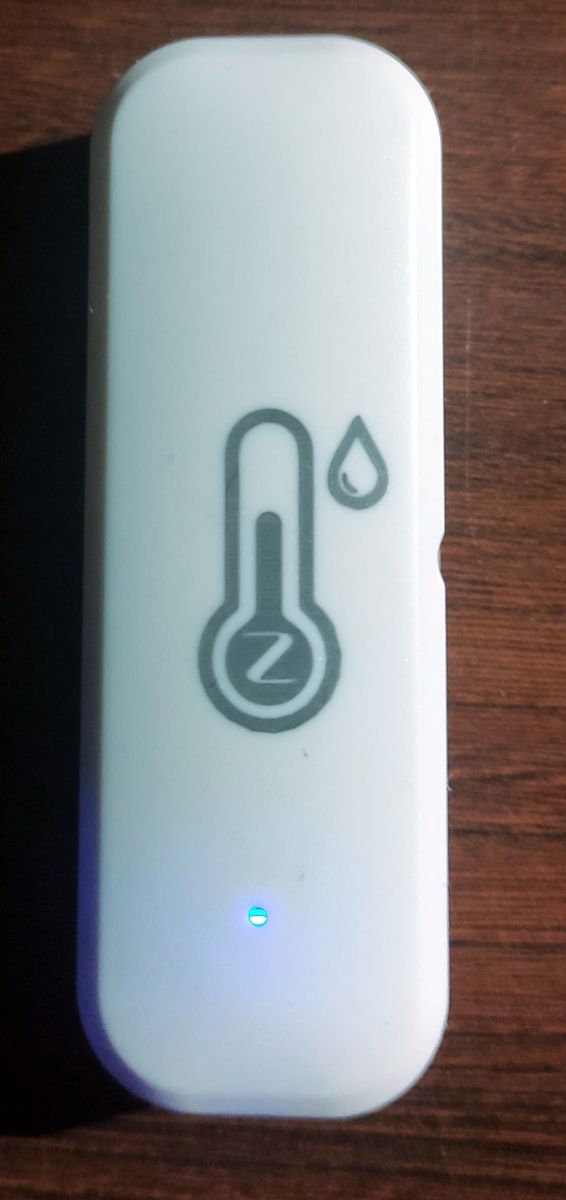
The temperature and humidity readings update very quickly - presumably the measurement is sent every time the value changes. This will have an impact on battery life, but for now it is difficult to assess how much.
Of course, I also took a look inside. The thermometer comes apart very easily, it just snaps on either side. Inside is a small blue plate - already familiar to me from the photos in the comments.
However, I was now able to read what components were used there. The main circuit is most likely the original Telink TLSR8251 in a 48-leg case. And on the board itself, the soldering points needed for its programming have been brought out.
The situation with the temperature and humidity sensor is much worse. Instead of the Sensirion SHT40 chip, its Chinese equivalent GXHT40 was used, labelled G40 or GV4, depending on the model. In addition, the sensor was placed at the side edge of the board rather than centrally opposite the holes in the housing.
According to the documentation, the performance of the GXHT40 is only marginally worse than the original. In practice, it unfortunately looks worse.
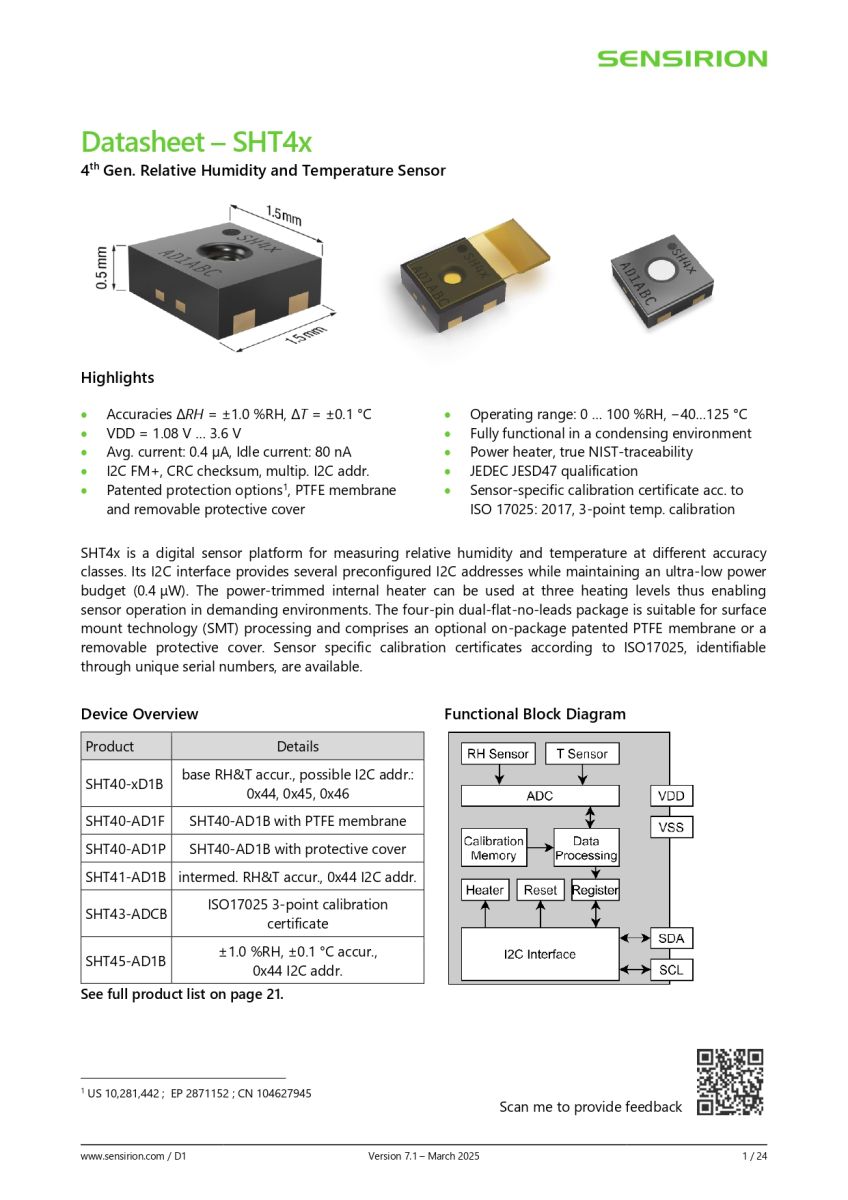
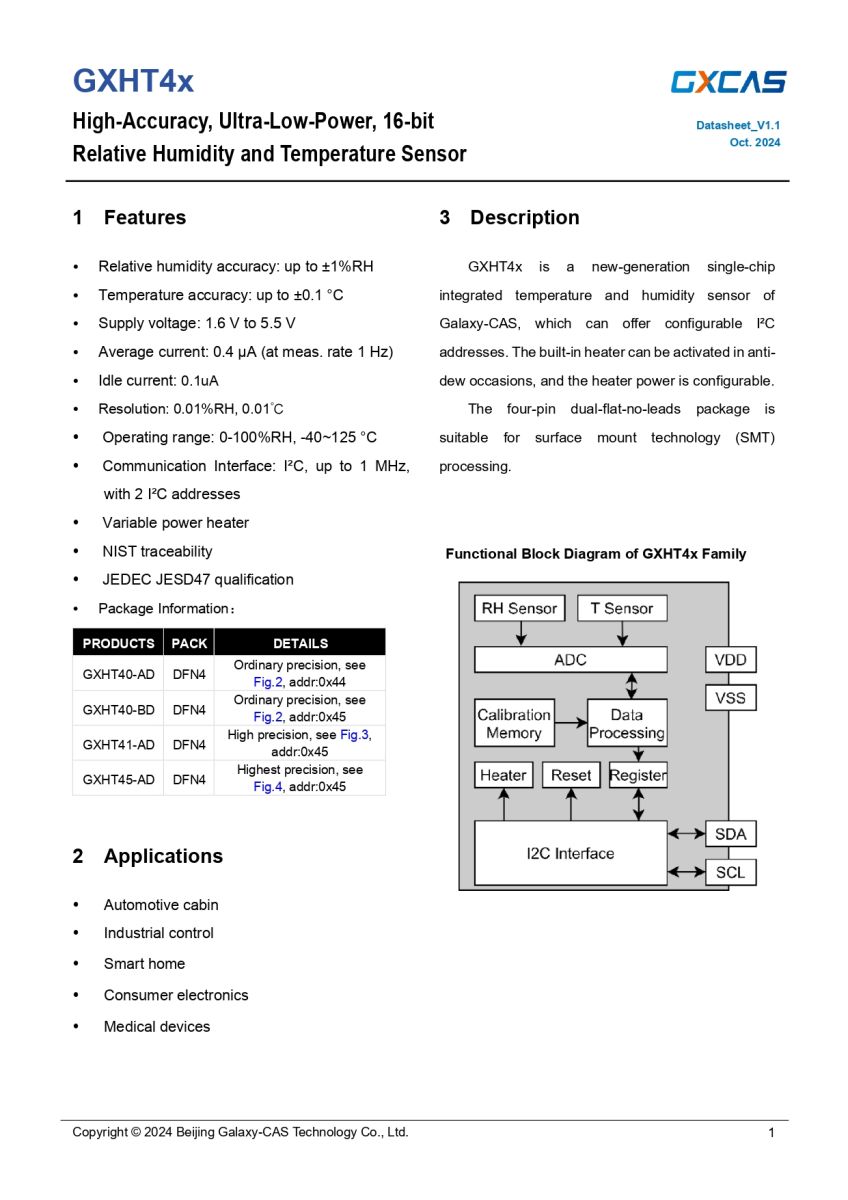
The differences in temperature readings between the units purchased were around 0.5°C, so still acceptable. In the case of humidity, on the other hand, discrepancies could exceed 20%.
Admittedly, Zigbee2MQTT enables calibration of the readings, but such differences are a good indication of the quality of the sensors used.

This is basically where I could have ended. However, I decided to check whether alternative software was available, such as ZigbeeTlc .
It turned out that there is firmware for a device also reporting as ZY-ZTH02 , but this is a completely different design - with a TLSR8258-based ZTU module and CHT832x sensor.
After reviewing other models, I found a very similar device - ZBeacon TH01 . The manufacturer uses the BT3L module, which contains the TLSR8250 chip. It differs from the TLSR8251 mainly in the lack of I2S audio support, while the other parameters are the same.
The temperature sensor was also compatible, as the original SHT4x. It remained to check that the same pins were used. I measured to which legs the SCL and SDA lines were connected, as well as the button and LED. Here was probably the biggest surprise, as everything matched!
- pin: 22 - PB4 - SCL
- pin: 2 - PA0 - SDA
- pin: 11 - PB5 - button (connect to gnd)
- pin: 31 - PC3 - led (colour blue)
So you can try uploading new software. To play with, I took the copy with the largest scatter of indications. The OTA update unfortunately failed - there was a non-response error. I don't know if this was due to a bad file header or a lack of OTA support on this unit.
This left the programmer. As with previous devices on Telink, I used TlsrComSwireWriter and a USB-TTL adapter for the CP2102. I first ripped the original firmware so that I could have a return.
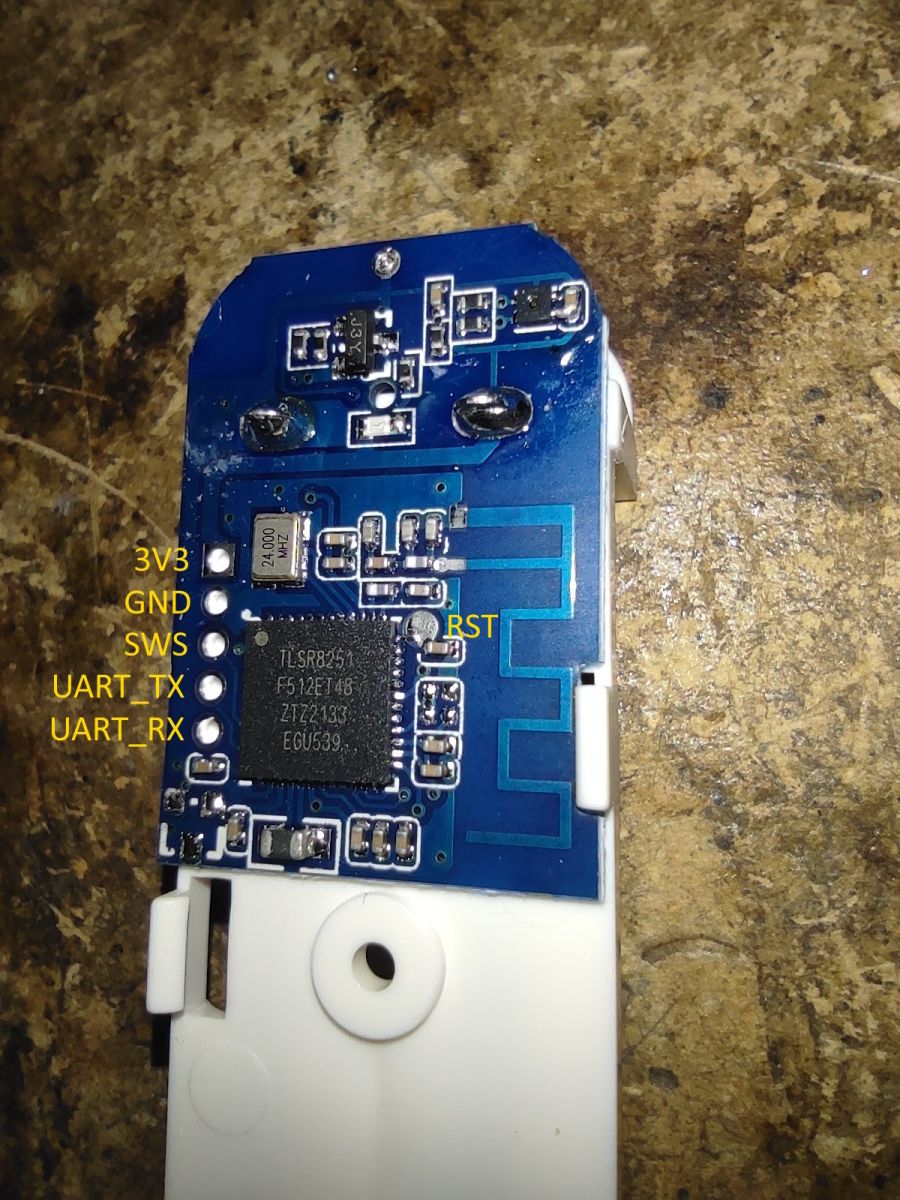
I then uploaded the file ZBTH01_v0134.bin and rebooted the device. The LED started flashing - but it looked more like a CPU reboot than a pairing mode. On the factory fw the LED then flashed quickly evenly. However, I clicked on Z2M connecting a new device and this was added as TH01-z. Unfortunately, it turned out once again that Z2M does not have a ready-made configuration for this firmware. So I had to add it manually in external_converters .
const {Zcl} = require("zigbee-herdsman");
const m = require("zigbee-herdsman-converters/lib/modernExtend");

const gutek_zcl = {
    enableDisplay: m.binary({
        name: "enable_display",
        valueOn: [true, 0],
        valueOff: [false, 1],
        cluster: "hvacUserInterfaceCfg",
        attribute: {ID: 0x0106, type: Zcl.DataType.ENUM8},
        description: "Whether to enable the device display.",
    }),
    temperatureDisplayMode: m.enumLookup({
        name: "temperature_display_mode",
        lookup: {celsius: 0, fahrenheit: 1},
        cluster: "hvacUserInterfaceCfg",
        attribute: "tempDisplayMode",
        description: "The unit of the temperature displayed on the device screen.",
    }),
    comfortSmiley: m.binary({
        name: "comfort_smiley",
        valueOn: [true, 0],
        valueOff: [false, 1],
        cluster: "hvacUserInterfaceCfg",
        attribute: {ID: 0x0002, type: Zcl.DataType.ENUM8},
        description: "Whether to show a comfort indicator on the device screen.",
    }),
    comfortTemperatureMin: m.numeric({
        name: "comfort_temperature_min",
        cluster: "hvacUserInterfaceCfg",
        attribute: {ID: 0x0102, type: Zcl.DataType.INT16},
        description: "Minimum temperature that is considered comfortable (default 20.00°C).",
        unit: "°C",
        valueMin: -50.0,
        valueMax: 120.0,
        valueStep: 0.01,
        scale: 100,
    }),
    comfortTemperatureMax: m.numeric({
        name: "comfort_temperature_max",
        cluster: "hvacUserInterfaceCfg",
        attribute: {ID: 0x0103, type: Zcl.DataType.INT16},
        description: "Maximum temperature that is considered comfortable (default 25.00°C).",
        unit: "°C",
        valueMin: -50.0,
        valueMax: 120.0,
        valueStep: 0.01,
        scale: 100,
    }),
    comfortHumidityMin: m.numeric({
        name: "comfort_humidity_min",
        cluster: "hvacUserInterfaceCfg",
        attribute: {ID: 0x0104, type: Zcl.DataType.UINT16},
        description: "Minimum relative humidity that is considered comfortable (default 40.00%)",
        unit: "%",
        valueMin: 0,
        valueMax: 100,
        scale: 100,
    }),
    comfortHumidityMax: m.numeric({
        name: "comfort_humidity_max",
        cluster: "hvacUserInterfaceCfg",
        attribute: {ID: 0x0105, type: Zcl.DataType.UINT16},
        description: "Maximum relative humidity that is considered comfortable (default 60.00%).",
        unit: "%",
        valueMin: 0,
        valueMax: 100,
        scale: 100,
    }),
    temperatureCalibration: m.numeric({
        name: "temperature_calibration",
        cluster: "hvacUserInterfaceCfg",
        attribute: {ID: 0x0100, type: Zcl.DataType.INT16},
        description: "Offset to add/subtract to the reported temperature (default 0°C).",
        unit: "°C",
        valueMin: -50.0,
        valueMax: 50.0,
        valueStep: 0.01,
        scale: 100,
    }),
    humidityCalibration: m.numeric({
        name: "humidity_calibration",
        cluster: "hvacUserInterfaceCfg",
        attribute: {ID: 0x0101, type: Zcl.DataType.INT16},
        description: "Offset to add/subtract to the reported relative humidity (default 0%).",
        unit: "%",
        valueMin: -50.0,
        valueMax: 50.0,
        valueStep: 0.01,
        scale: 100,
    }),
    measurementInterval: m.numeric({
        name: "measurement_interval",
        cluster: "hvacUserInterfaceCfg",
        attribute: {ID: 0x0107, type: Zcl.DataType.UINT8},
        description: "Configure sensor measurement interval (default 10 seconds).",
        unit: "s",
        valueMin: 3,
        valueMax: 255,
    }),
};

module.exports = [
    {
        zigbeeModel: ["TY0201-z"],
        model: "TS0201",
        vendor: "Tuya",
        description: "Temperature and Humidity Monitor (pvvx/ZigbeeTLc)",
        extend: [
            m.temperature({reporting: {min: "10_SECONDS", max: "1_HOUR", change: 10}}),
            m.humidity(),
            gutek_zcl.enableDisplay,
            gutek_zcl.temperatureDisplayMode,
            gutek_zcl.temperatureCalibration,
            gutek_zcl.humidityCalibration,
            gutek_zcl.measurementInterval,
            m.battery({
                voltage: true,
            }),
        ],
        ota: true,
    },
    {
        zigbeeModel: ["TH01-z"],
        model: "TH01-2-z",
        vendor: "ZBeacon",
        description: "Temperature and Humidity Sensor (pvvx/ZigbeeTLc)",
        extend: [
            m.temperature({reporting: {min: "10_SECONDS", max: "1_HOUR", change: 10}}),
            m.humidity({reporting: {min: "10_SECONDS", max: "1_HOUR", change: 50}}),
            gutek_zcl.temperatureCalibration,
            gutek_zcl.humidityCalibration,
            gutek_zcl.measurementInterval,
            m.battery({
                voltage: true,
            }),
        ],
        ota: true,
    },
];
After adding the configuration, additional options appeared:
- temperature calibration
- humidity calibration
- setting the reporting frequency
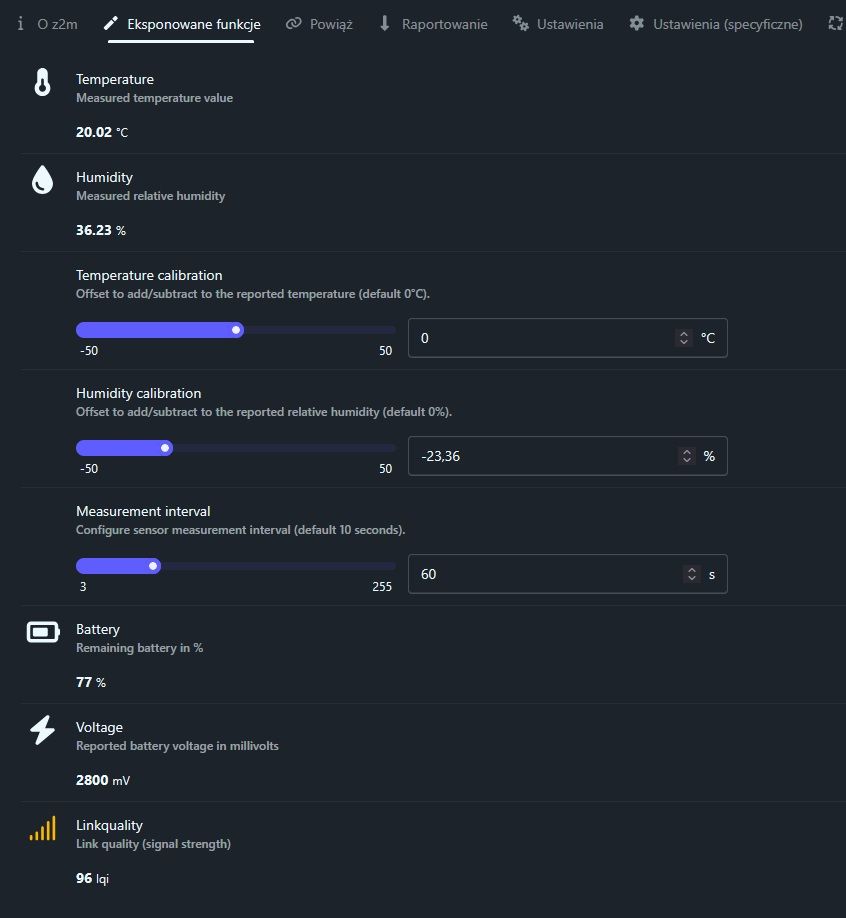
For clarification I would like to add that these calibrations work at the device level, i.e. the corrected values are already sent out. In addition to this, the Z2M itself has calibration options in the "Specific settings" tab, but those there simply improve the Z2M.
I am testing one piece for now and it looks like the firmware is working fine. It will also be possible to assess the battery life against the factory firmware after more time.
Do I recommend these thermometers? Rather not. It's better to look for a model with an original sensor, although with cheap electronics from China it's often a lottery anyway - you never know what the manufacturer has actually put in.
Attached, I add the ripped factory firmware.
Cool? Ranking DIY