The CrowPanel DIS08070H is a 7-inch capacitive touchscreen HMI with a resolution of 800×480 pixels, designed as a ready-to-use platform for building user interfaces in embedded systems. The device is based on the ESP32-S3-WROOM-1-N4R8 module, which offers a dual-core Xtensa LX7 processor clocked at up to 240 MHz, 4 MB Flash and 8 MB PSRAM, as well as built-in Wi-Fi and Bluetooth 5.0 connectivity. The TFT-LCD display used utilises the EK9716BD3 and EK73002ACGB control chips, operating in parallel RGB interface mode for an 800×480 panel, enabling smooth graphics in libraries such as LVGL without the typical performance limitations of the SPI bus. This is complemented by additional hardware interfaces (UART, I²C, GPIO), a microSD card slot and audio output, allowing the panel to be used as a solid base for many IoT and automation projects.
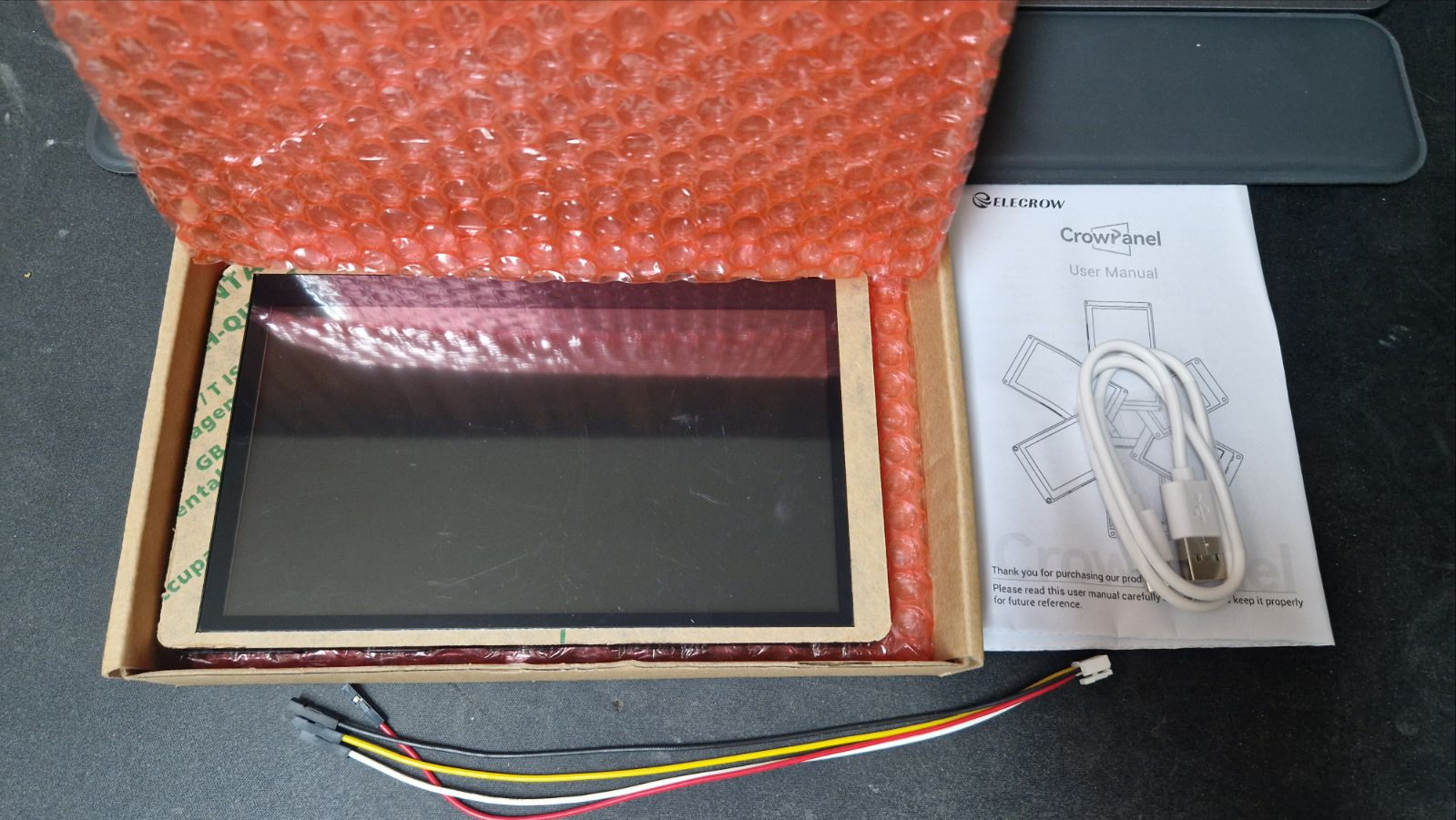
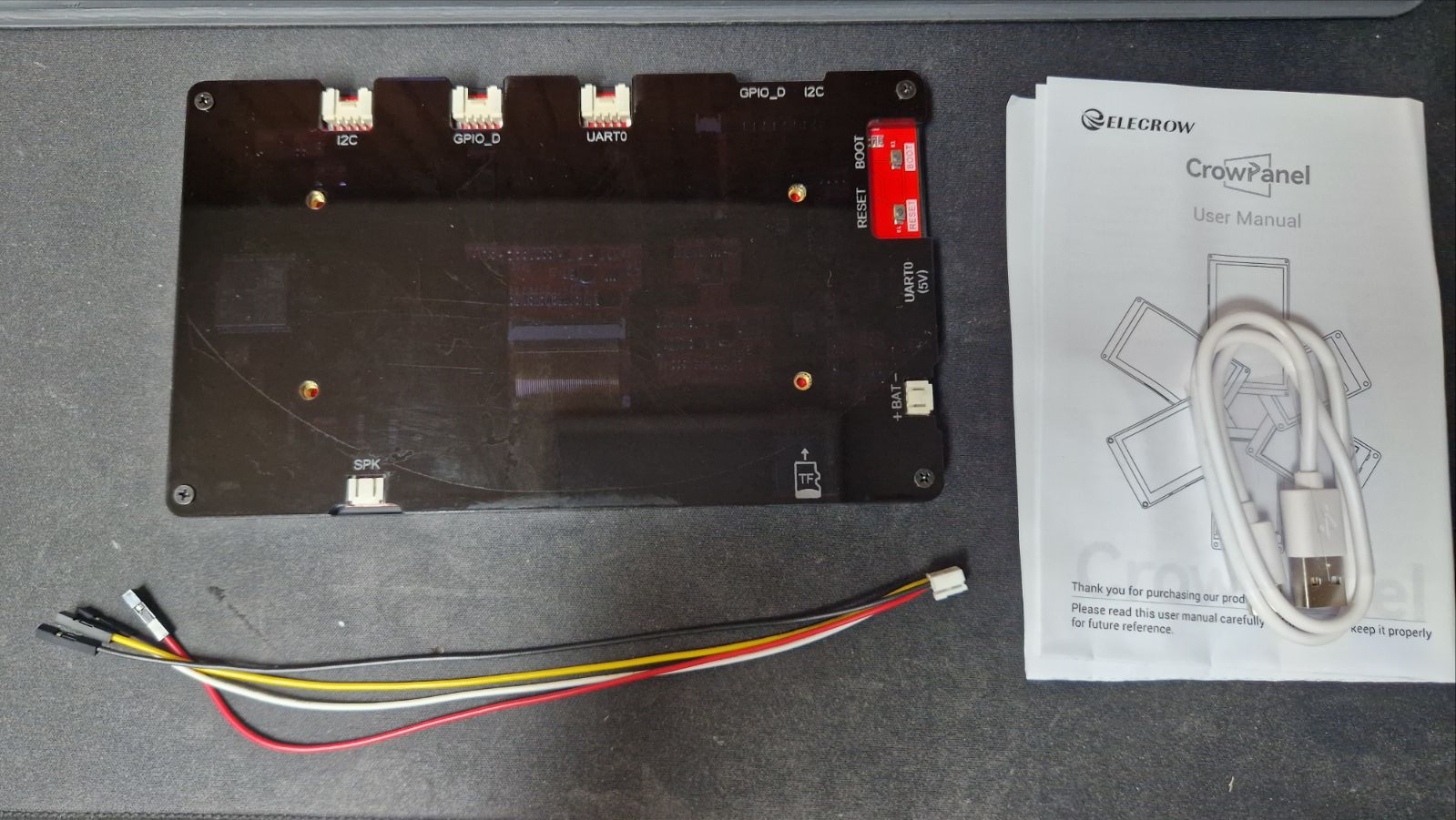
The device is available to buy for around 100 PLN. It also comes with cables (USB and Crowtail/Dupont) and a brief manual.
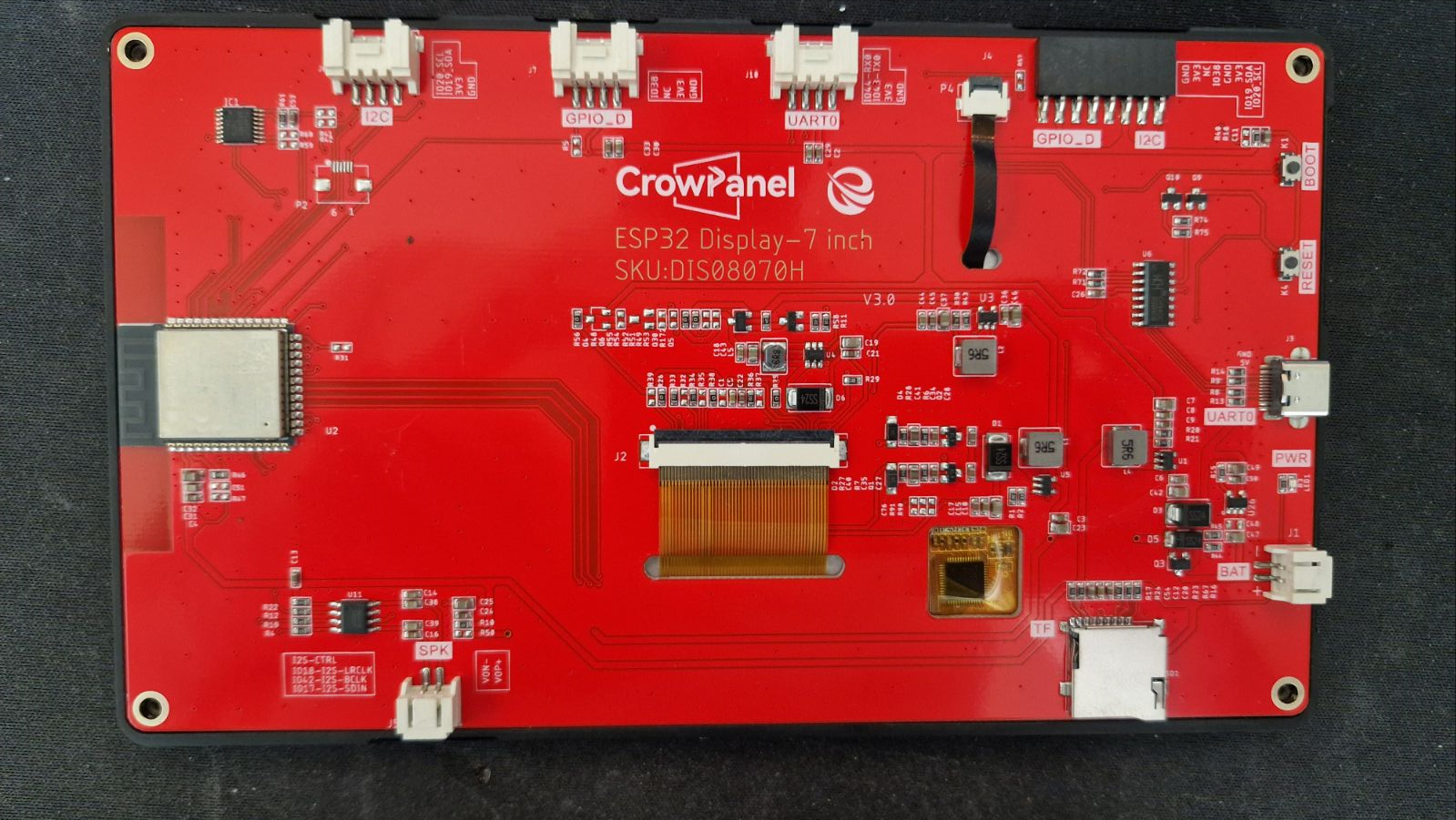
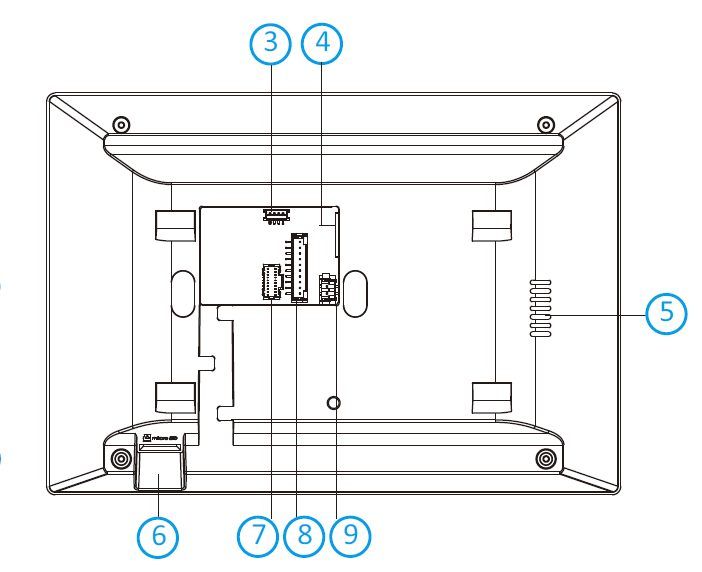
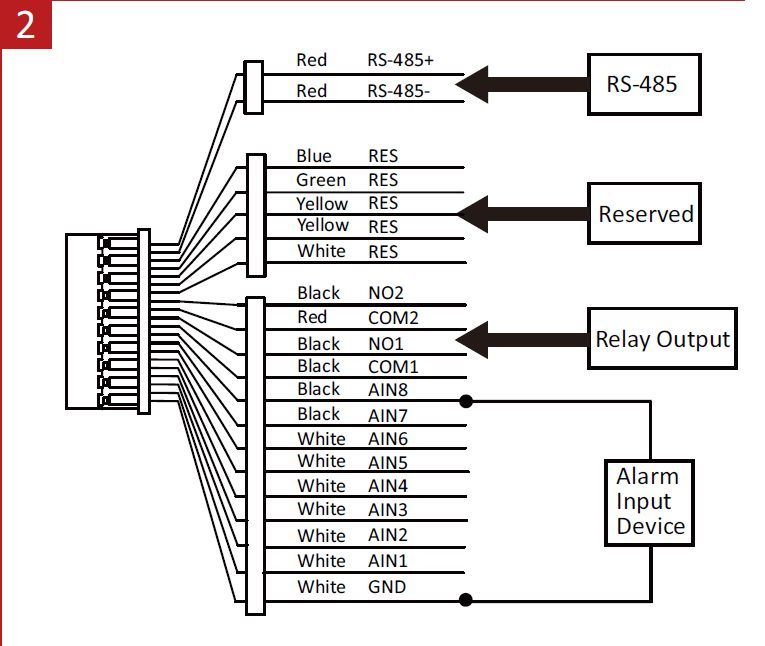
The specific location of the connectors is shown in the graphic:
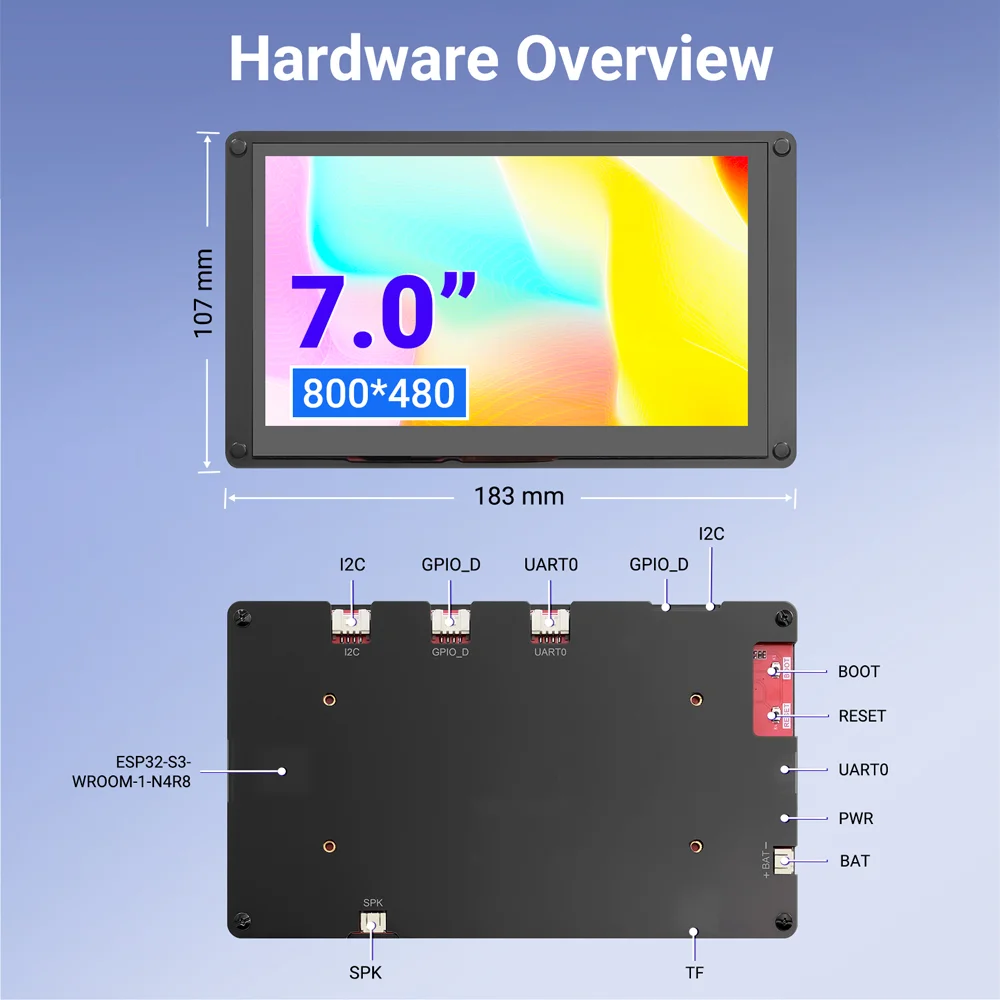
I have included the diagram as an attachment in PDF format.
The board has a sample program uploaded:
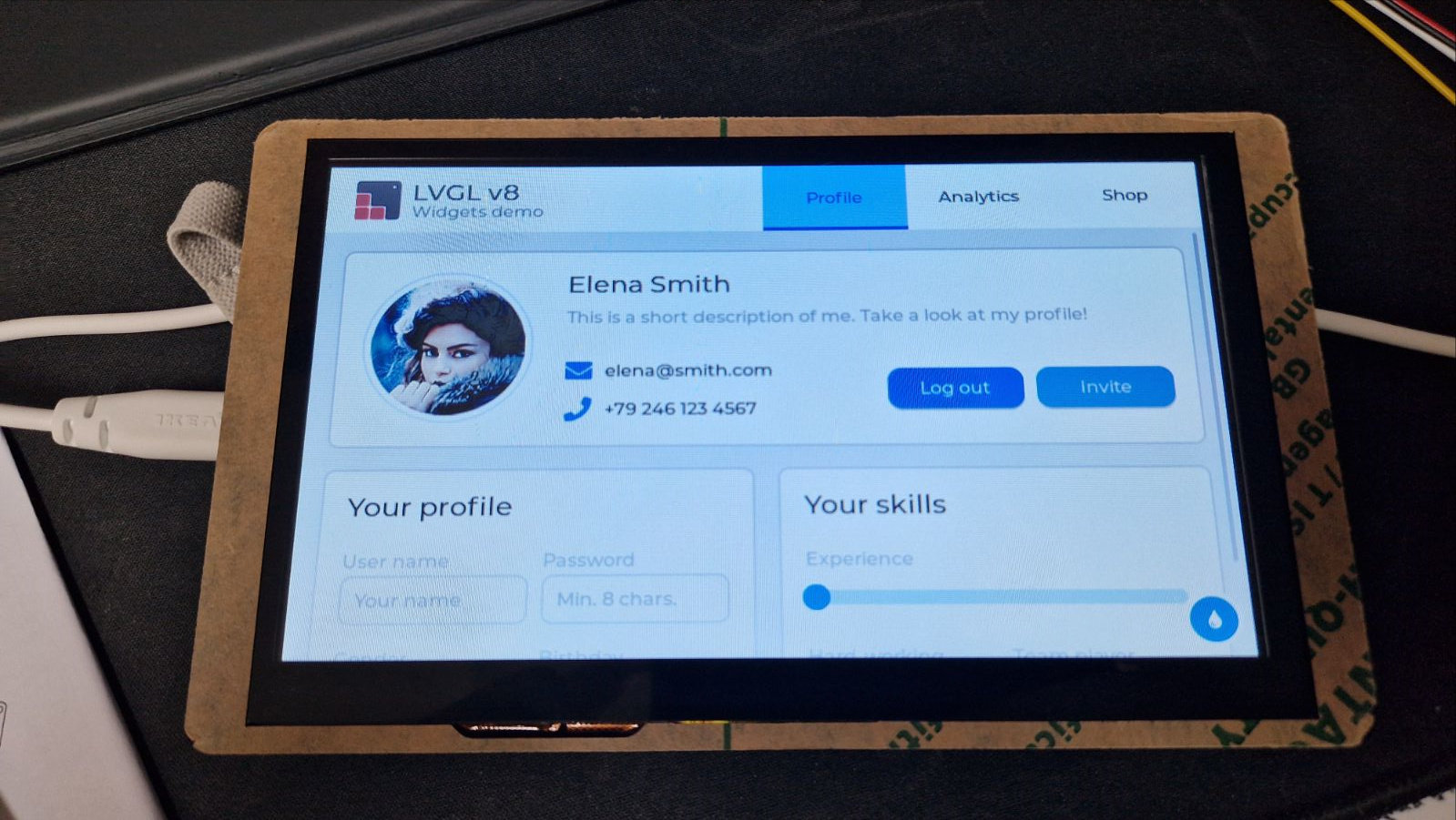
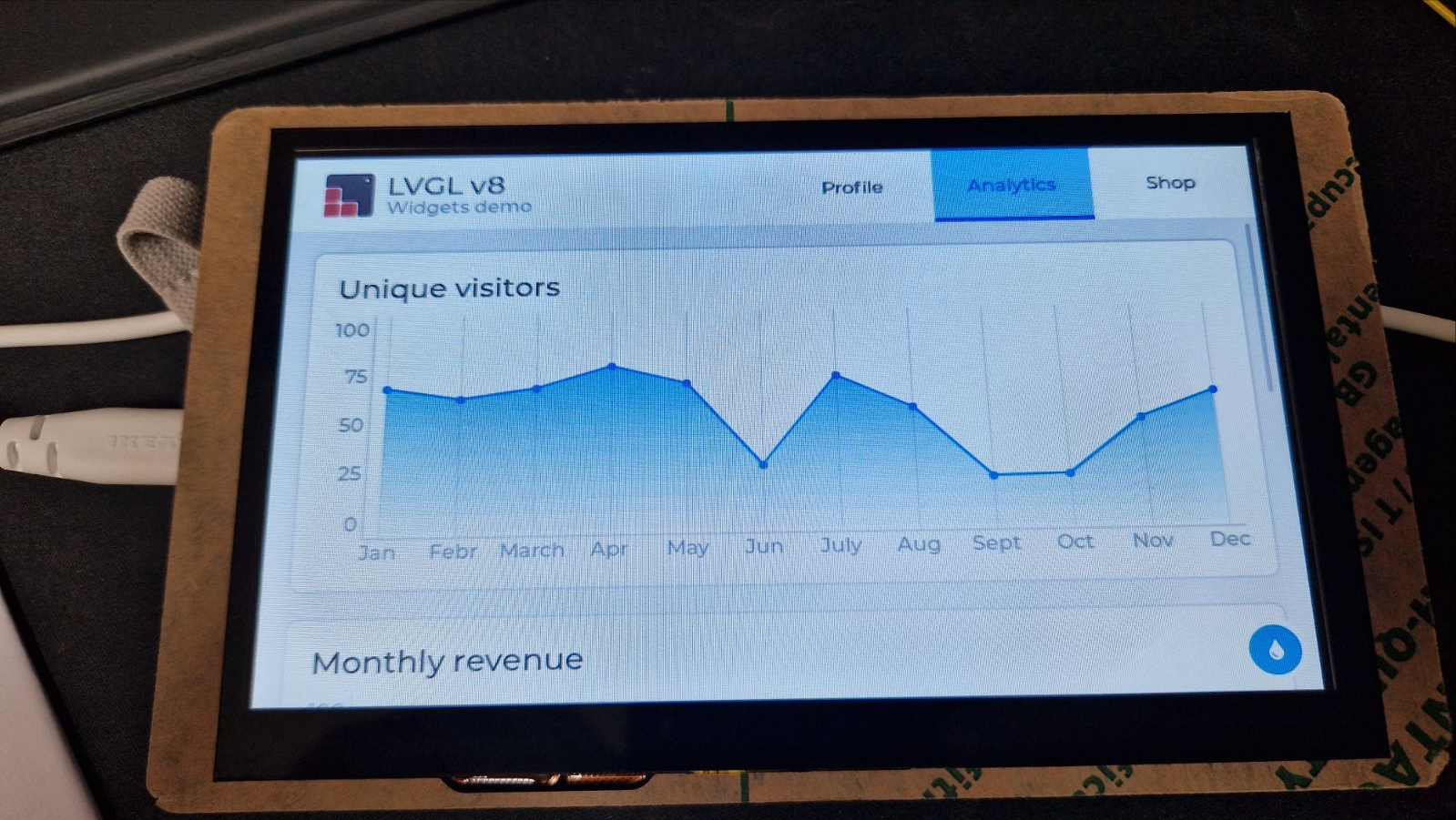
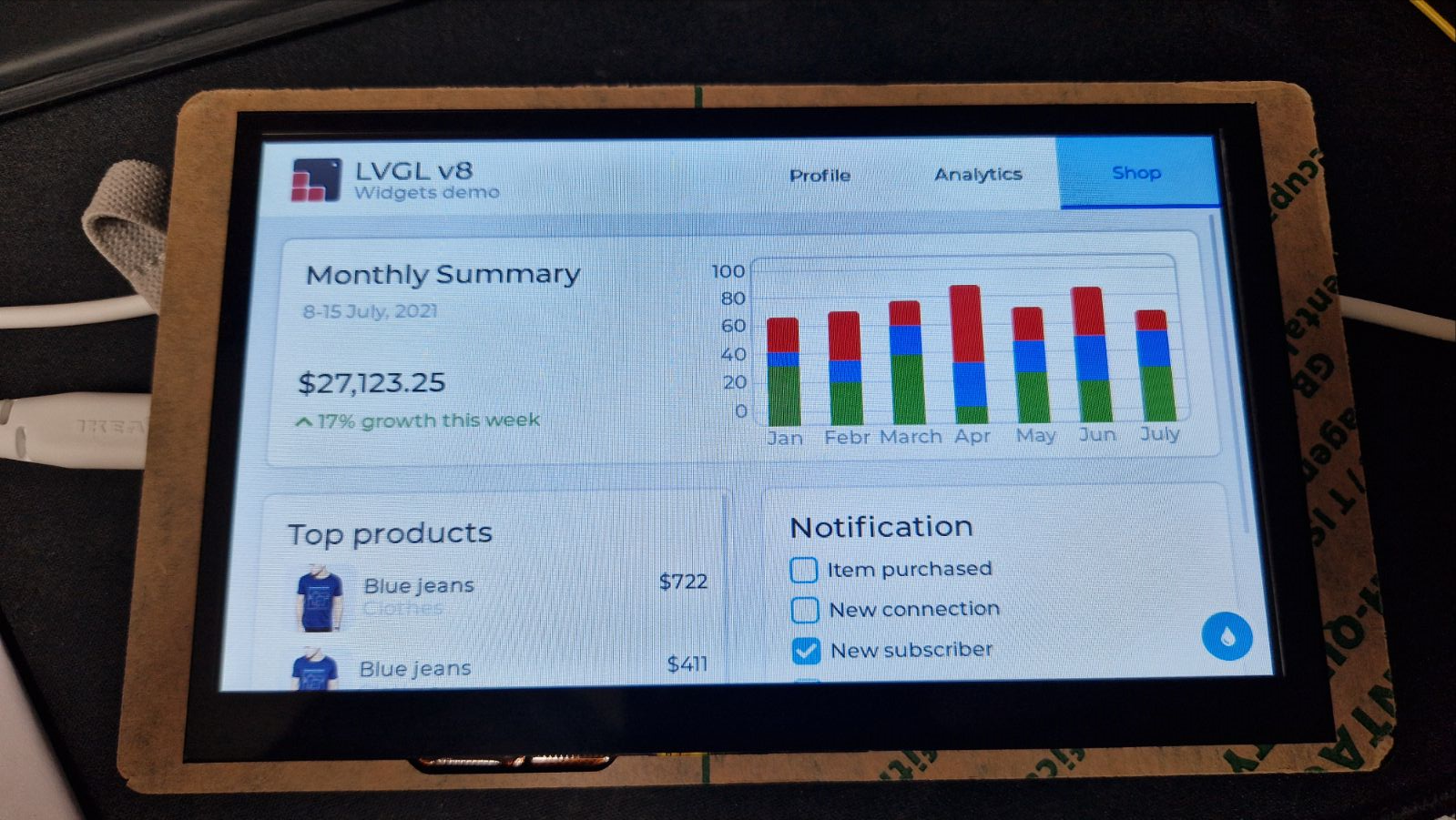
I made a backup copy of it:
https://github.com/openshwprojects/FlashDumps/commit/23b44a168f7a9ba962a8a85af8078f628fac1384
The board is easiest to run with the library ESP32_Display_Panel . I have already presented the library in the context of other displays:
ESP32-S3-Touch-LCD-4.3 i.e. ESP32-S3 and touchscreen - running in PlatformIO
Waveshare ESP32-S3-Touch-LCD-5 - Wi-Fi, BLE, CAN, RS485 and 800x480 touchscreen
The situation here is similar. Getting started comes down to enabling support for our particular board in the library configuration. This automatically sets all the hardware pin numbers (from the RGB LCD bus, touchpad, I2C, etc.) so we don't have to search for a catalogue note and manually map the pins.
For example, in an Arduino IDE (or PlatformIO) environment, it is usually enough to uncomment the macro in the ESP_Panel_Board_Supported.h file:
Code: C / C++
This time we used our multi-platform IoT firmware supporting over 32 platforms for this process, although the driver only runs on ESP32. We simply completed the integration of the indicated library. It went quickly and smoothly - we only needed to add to our build script to pass two Kconfig settings to the sdkconfig file (our system fully automates the build process with ESP-IDF):
Code: Ini
That's it - the ESP32_Display_Panel library will take care of the rest and all the display and touch configuration will be done automatically (based on ready-made definitions).
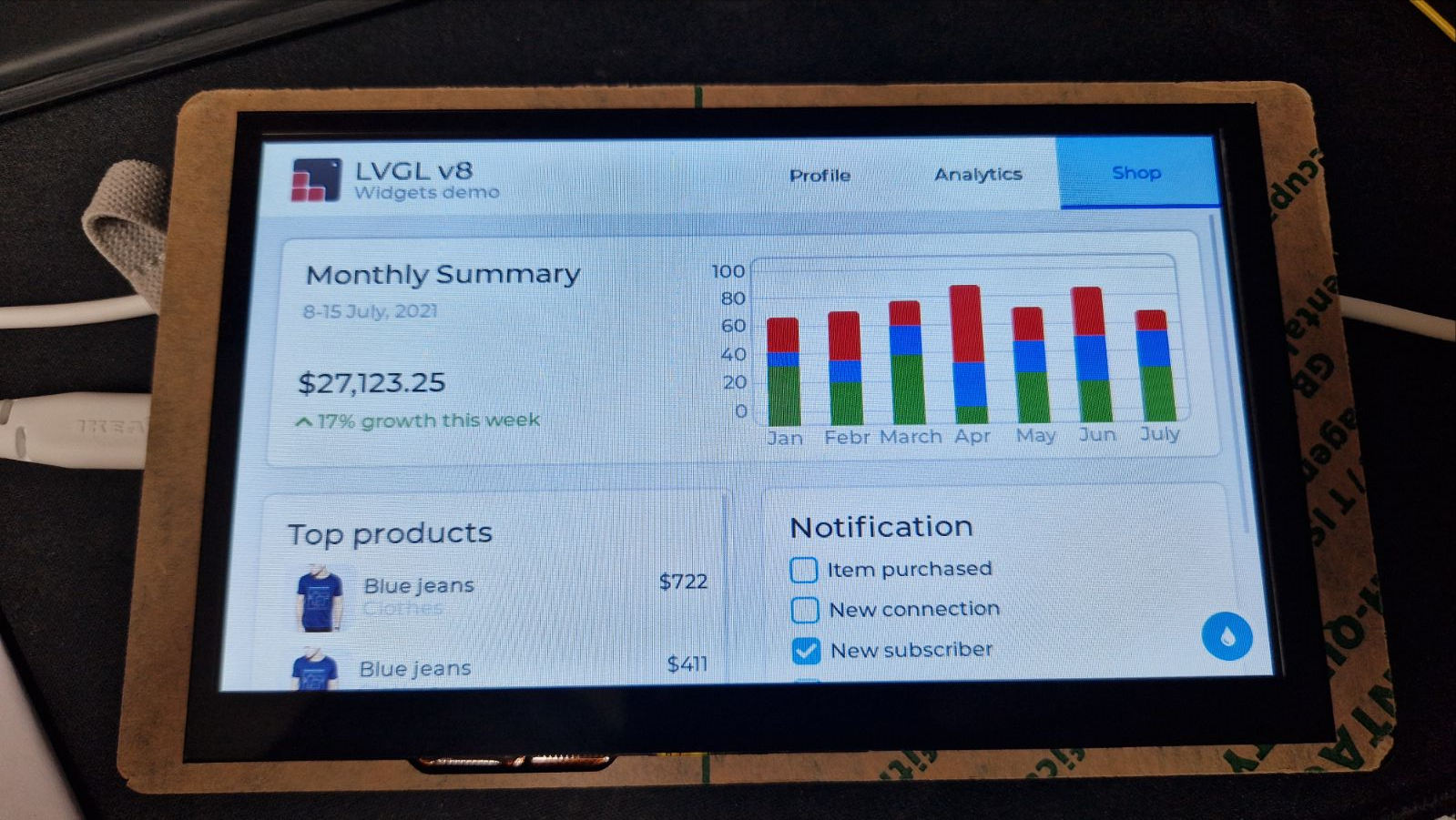
Here are the results:
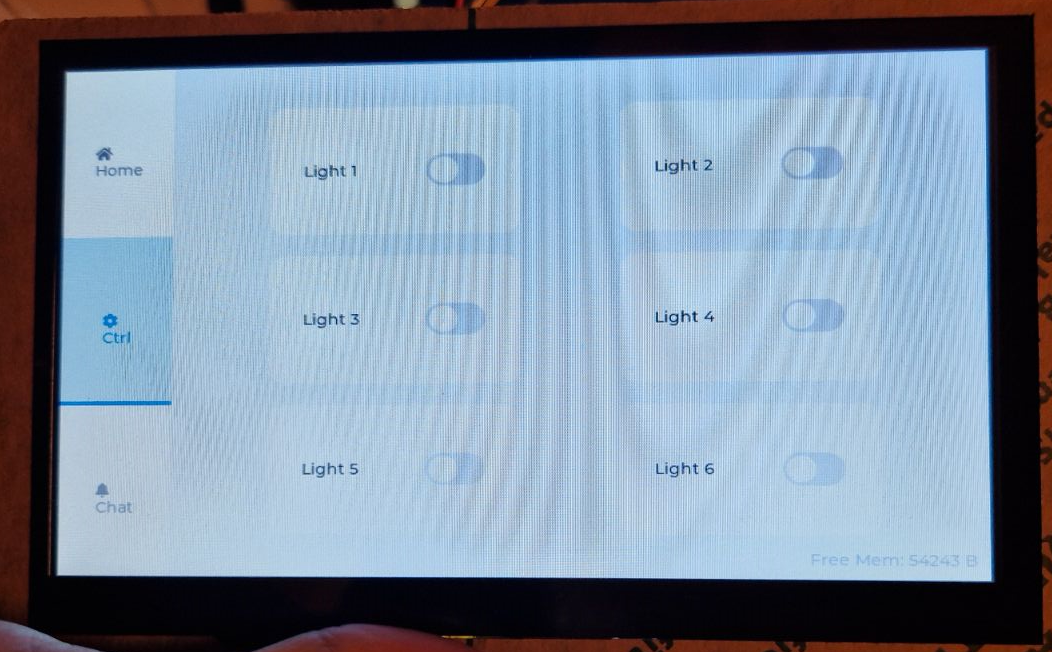
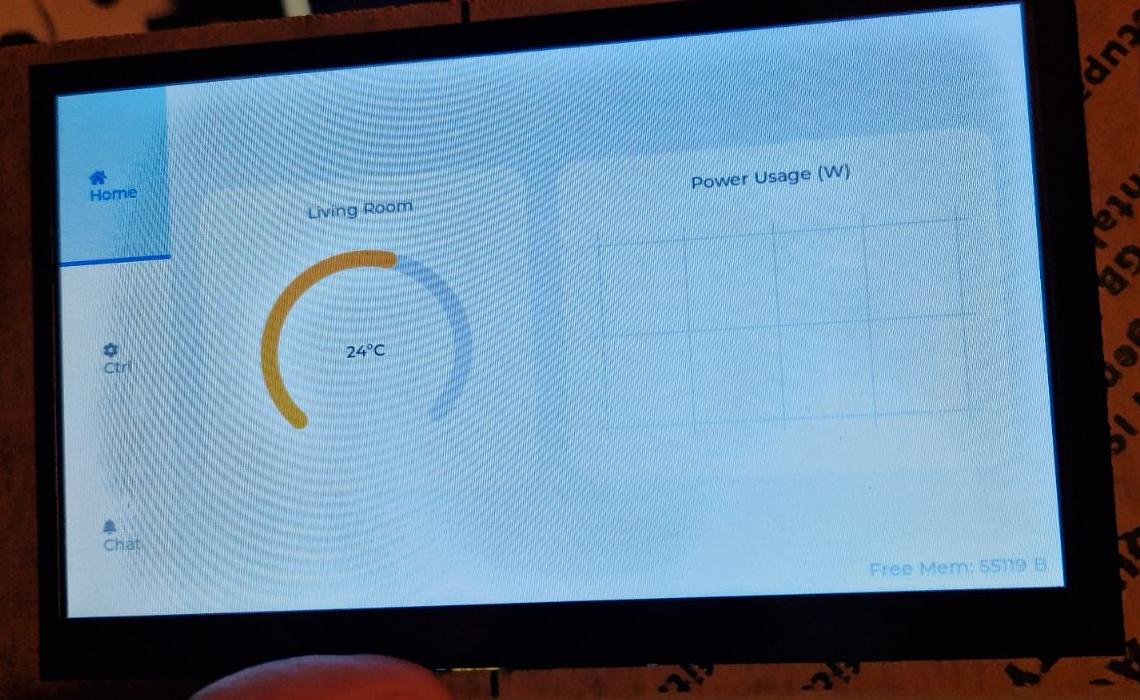
Example code (in our OBK, but in PlatformIO/ESP IDF LVGL would be identical):
Code: C / C++
In summary , this was another platform for the LVGL experience. In this particular case, the display was based on EK9716BD3 and EK73002ACGB controllers (RGB interface) and the touch was based on a GT911 chip, but this makes very little difference to the Waveshare discussed earlier, especially as everything is hidden under the hood of the library used. The ESP32 Display Panel has again risen to the challenge and shown that getting started with LVGL is not that difficult at all.
I can take this opportunity to remind you of the related series of materials:
ESP32 and touchscreen display - tutorial - part 1 - how to program? Basics
ESP32 and touch display - part 2 - how to draw pixels, lines, shapes, performance issues
ESP32 and touch display - tutorial part 3 - interactions, games and fun
ESP32 and touch display - tutorial part 4 - web weather, APIs, JSON
ESP32 and touch display - part 5 - LVGL in SquareLine Studio
ESP32 and touch display - part 6, RGB lamp control, RGB picker
ESP32 and touch display - part 7, how to make a keyboard in LVGL? Logging.
Finally, I guess I still have to make the standard point that such a display will not match the performance of modern touch tablets, so everyone has to judge for themselves whether such hardware suits them in practice. In addition, the more elements on the UI, also the lower the FPS, and it just feels to some extent that this is not a modern smartphone. But is this such a problem? For many projects it should be enough anyway.
Have you already built something based on such a display with LVGL? Let us know in the comments .
Cool? Ranking DIY Helpful post? Buy me a coffee.