







Recently bought new "smart" device - Smart LED Bulb, E27, Wifi - XLD-WIFIBLE-A19
Bulb can be easily disassembled without any issues. Inside there is CB2L with LN882H.
Put it on the table and with help of needles was able to power it from USB to UART and successfully downloaded original firmware (it is "pristine", I did not turned the lamp on before). And flashed OpenBeken for LN882H. No soldering needed.
Just when was assembling it back - drilled small hole for the N wire and soldered it (see on pictures).
In the end - it works but I disappointed by the WiFi range of the module - bulb cannot connect to home wifi if moved 1 room away (1 brick wall, 5m) from the router.
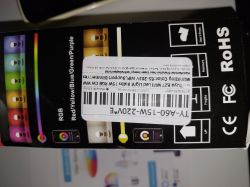
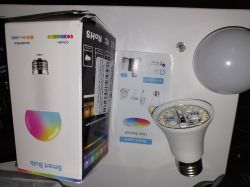
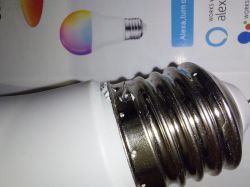
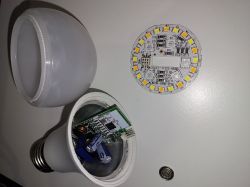
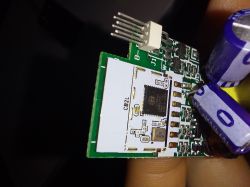
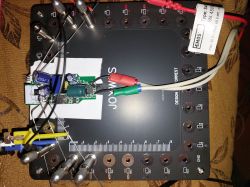
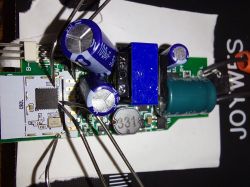
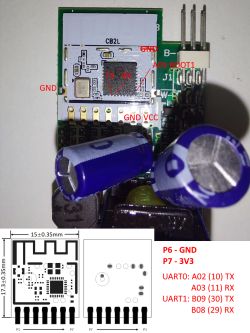
Configuration, settings and original firmware you can find below.
Original firmware:
Original config:
Startup script (partially duplicates config below).
Config
Bulb can be easily disassembled without any issues. Inside there is CB2L with LN882H.
Put it on the table and with help of needles was able to power it from USB to UART and successfully downloaded original firmware (it is "pristine", I did not turned the lamp on before). And flashed OpenBeken for LN882H. No soldering needed.
Just when was assembling it back - drilled small hole for the N wire and soldered it (see on pictures).
In the end - it works but I disappointed by the WiFi range of the module - bulb cannot connect to home wifi if moved 1 room away (1 brick wall, 5m) from the router.
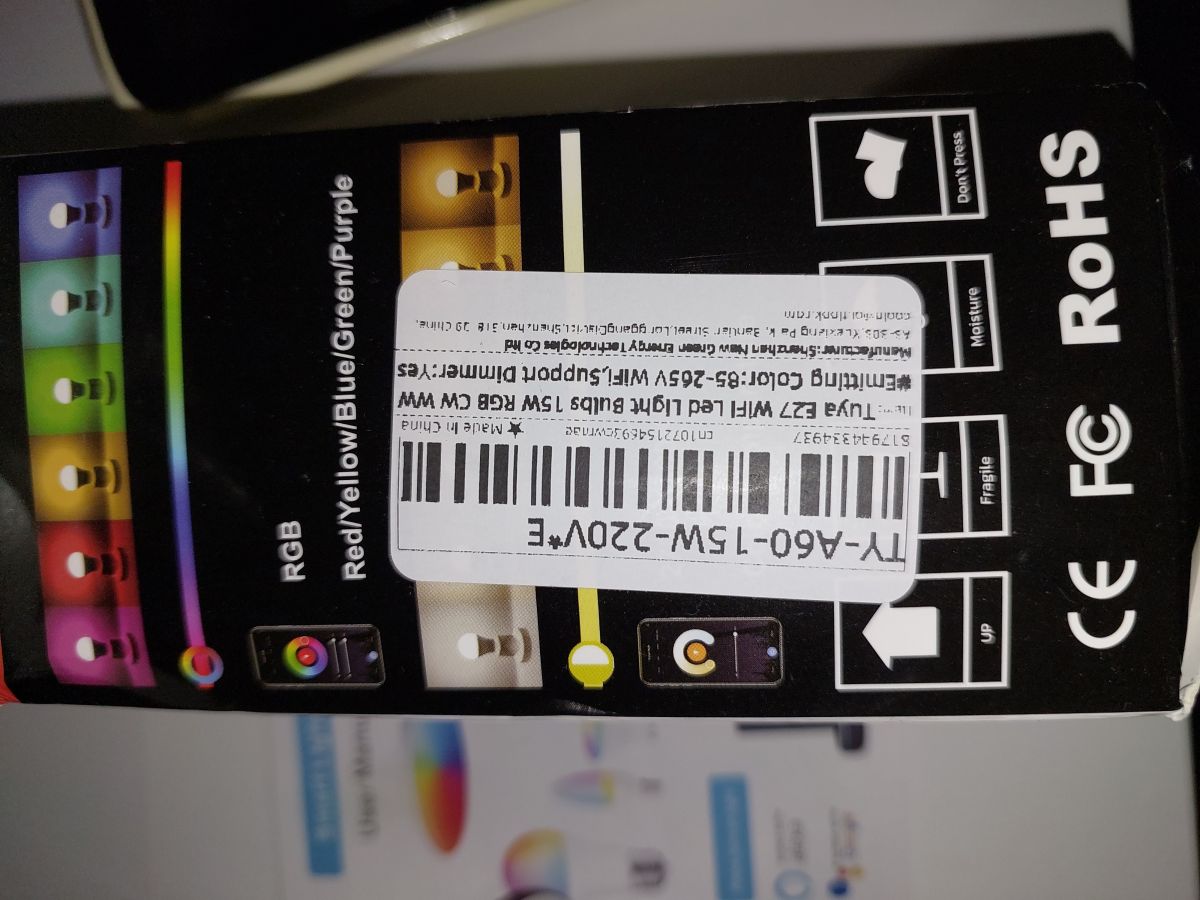
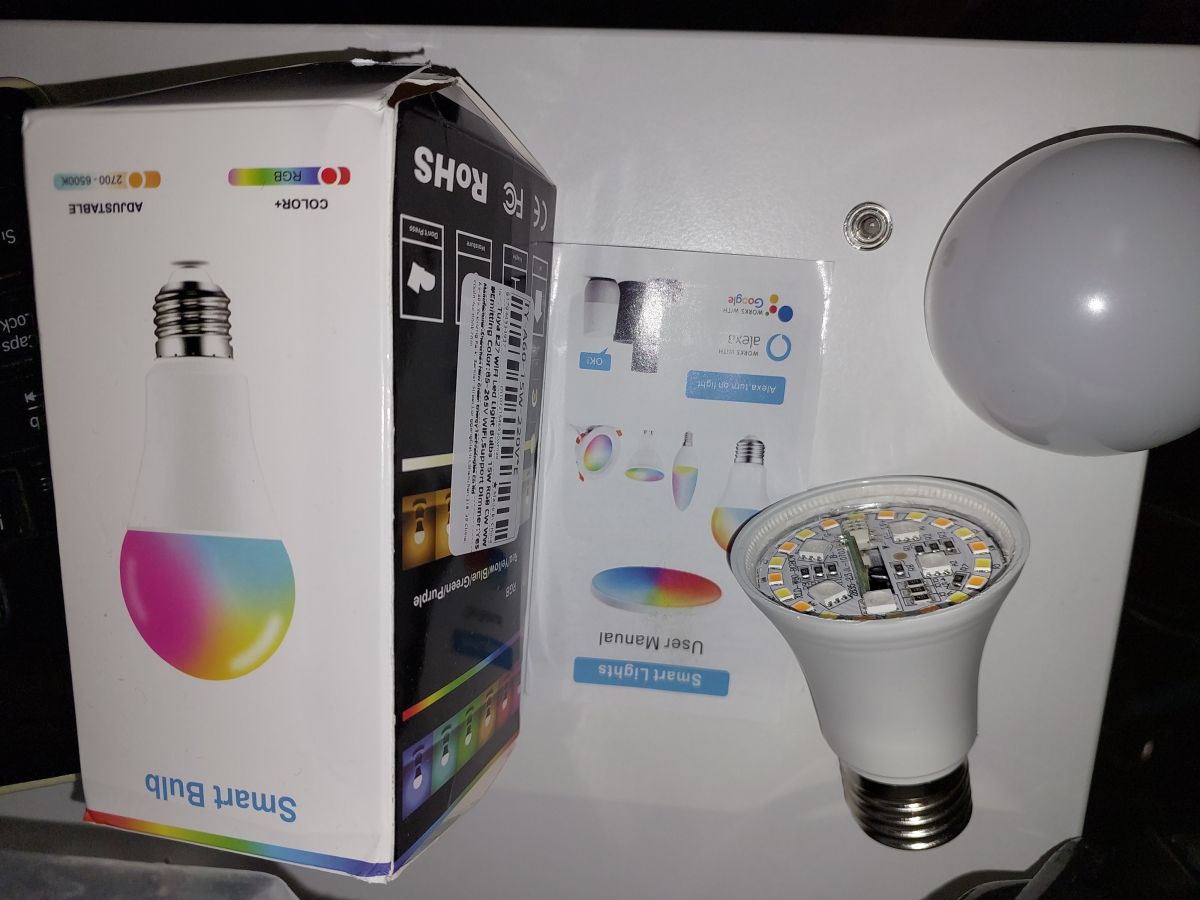
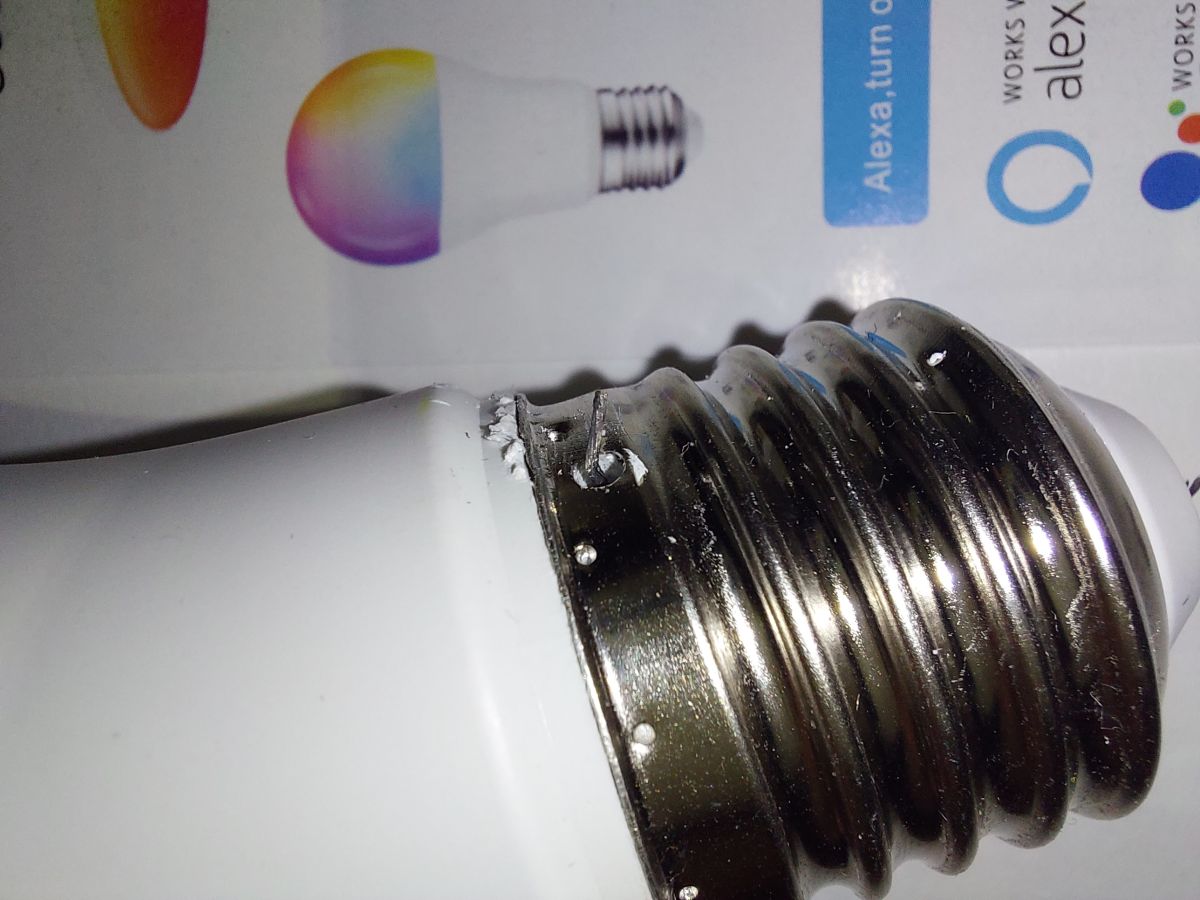
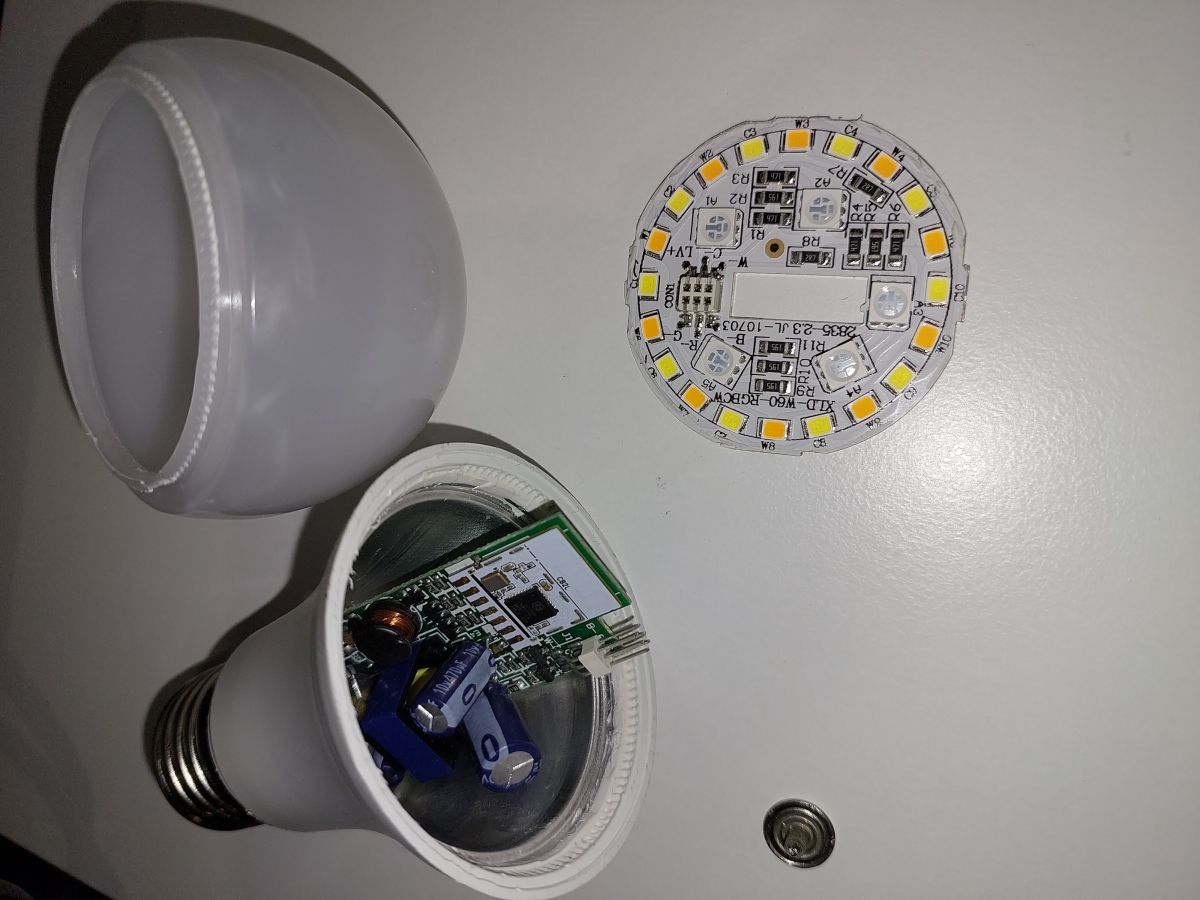
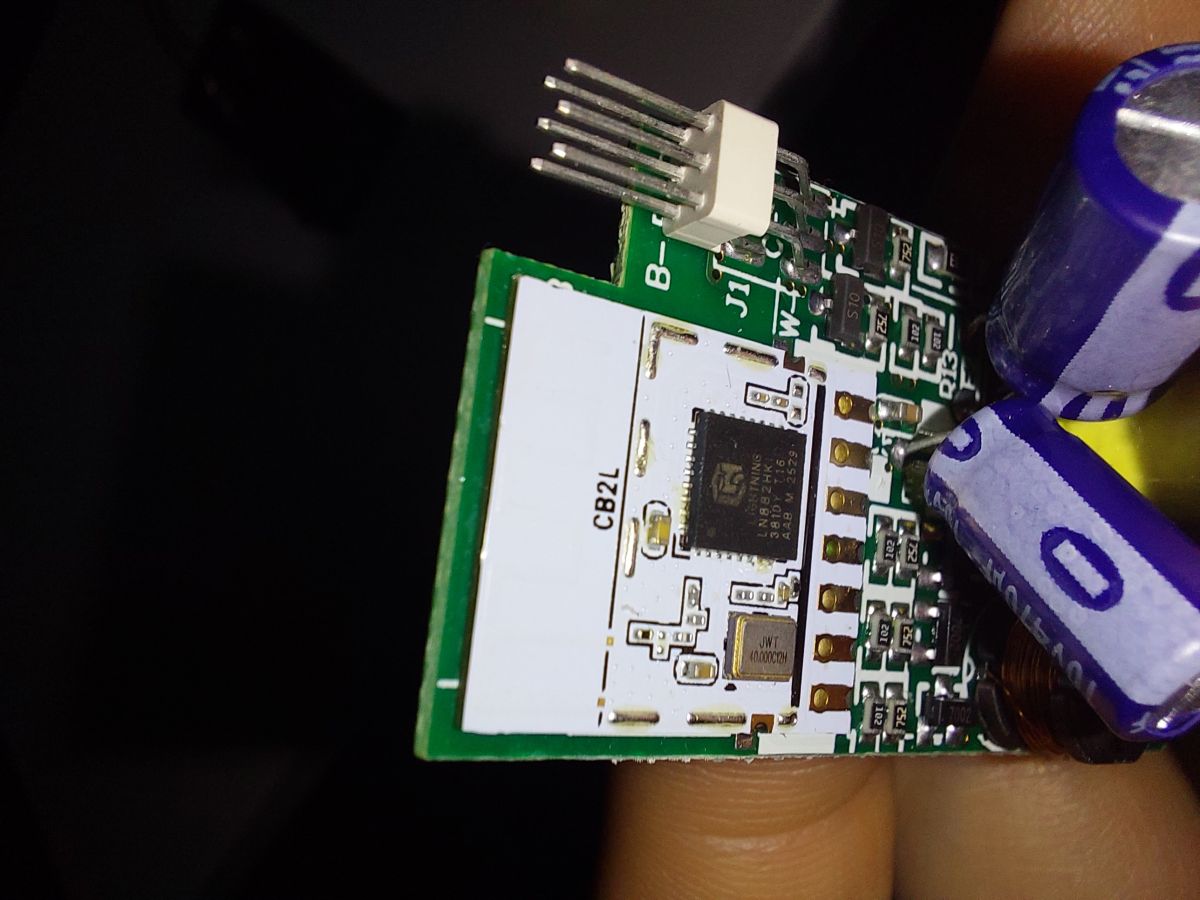
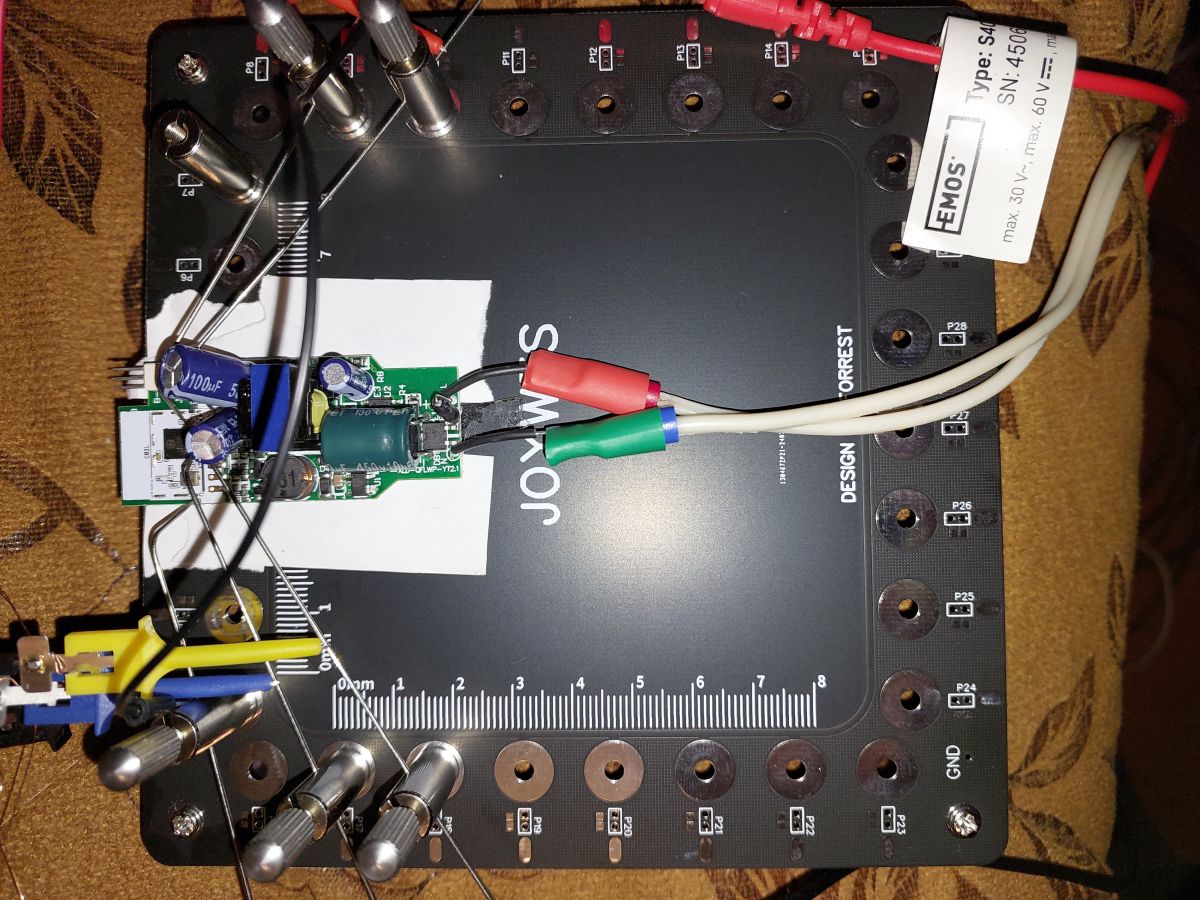
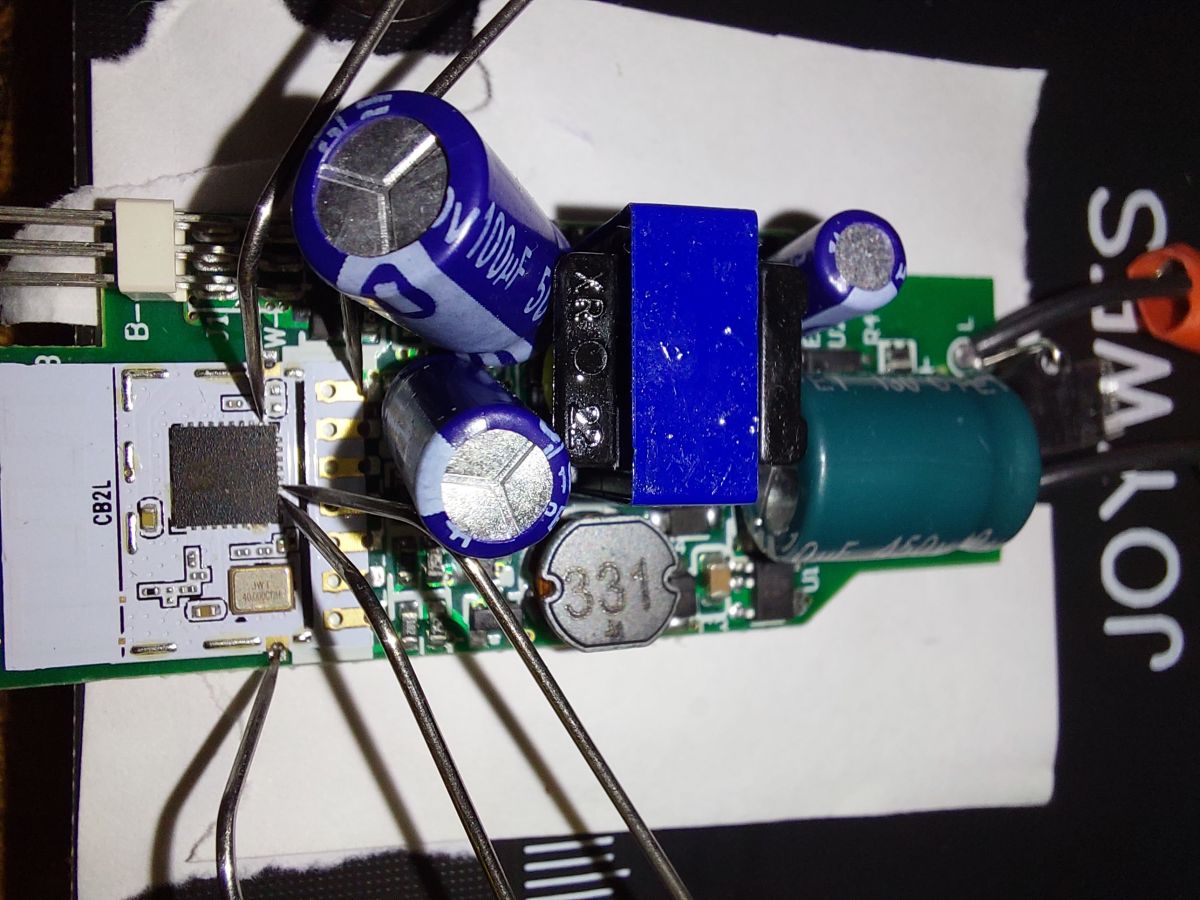
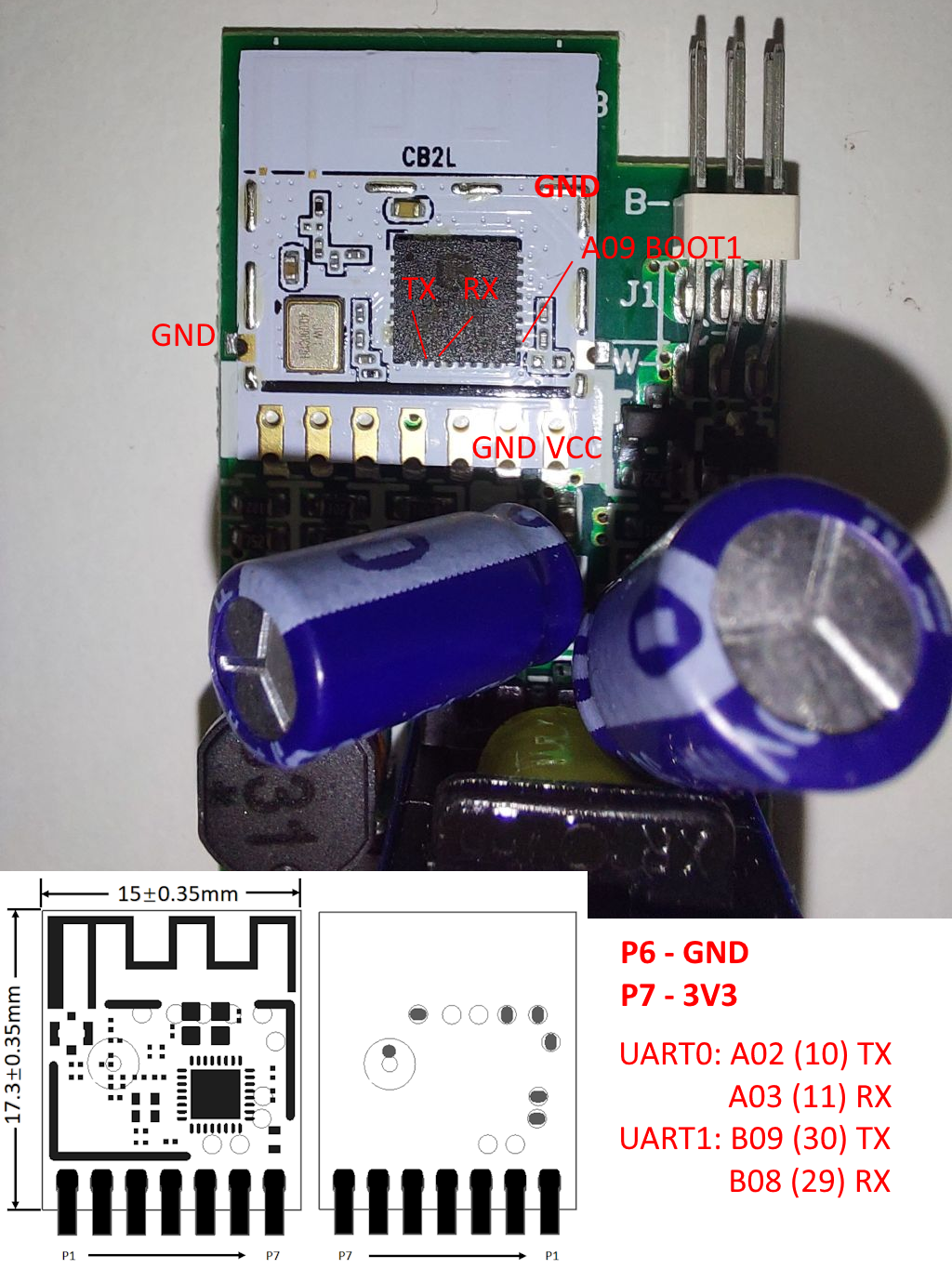
Configuration, settings and original firmware you can find below.
Original firmware:
Original config:
{
   "Jsonver":"1.0.0",
   "brightmin":"10",
   "gmwb":"75",
   "title20":"0",
   "gmwg":"70",
   "wfcfg":"spcl_auto",
   "colormin":"10",
   "pmemory":"1",
   "gmkb":"60",
   "pairt":"18",
   "cmod":"rgbcw",
   "mixway":"0",
   "cwtype":"0",
   "rstbr":"50",
   "colormax":"100",
   "c_pin":"26",
   "notdisturb":"0",
   "module":"CB2L",
   "b_pin":"6",
   "b_lv":"1",
   "cwmaxp":"100",
   "dmod":"0",
   "brightmax":"100",
   "wfct":"3",
   "pwmhz":"5000",
   "r_pin":"8",
   "defbright":"100",
   "rstnum":"3",
   "rstcor":"c",
   "r_lv":"1",
   "deftemp":"100",
   "c_lv":"1",
   "bleonoff":"1",
   "g_lv":"1",
   "wt":"20",
   "onofftime":"800",
   "prodagain":"0",
   "remdmode":"0",
   "cagt":"20",
   "g_pin":"7",
   "w_lv":"1",
   "colorpfun":"0",
   "gmwr":"100",
   "rgbt":"10",
   "gmkg":"60",
   "onoffmode":"0",
   "w_pin":"24",
   "rsttemp":"100",
   "category":"0505",
   "gmkr":"80",
   "defcolor":"c",
   "crc":"29"
}
Device configuration, as extracted from Tuya:
- LED Cool (Channel 4) on P26
- LED Blue (Channel 3) on P6
- PWM Frequency 5000
- LED Red (Channel 1) on P8
- LED Green (Channel 2) on P7
- LED Warm (Channel 5) on P24
Device seems to be using CB2L module, which is using BK7231N.
And the Tuya section starts at 2015232 (0x1EC000), which is a default LN882H offset.
Startup script (partially duplicates config below).
PWMFrequency 5000

SetPinRole PWM 7
SetPinRole PWM 10
SetPinRole PWM 11
SetPinRole PWM 12
SetPinRole PWM 19

SetPinChannel 7 1
SetPinChannel 10 2
SetPinChannel 11 3
SetPinChannel 12 4
SetPinChannel 19 5

setChannelType 1 Dimmer
setChannelLabel 1 R

setChannelType 2 Dimmer
setChannelLabel 2 G

setChannelType 3 Dimmer
setChannelLabel 3 B

setChannelType 4 Dimmer
setChannelLabel 4 Cold

setChannelType 5 Dimmer
setChannelLabel 5 Warm

led_dimmerScale 0.8
led_temperature 3000
led_dimmer 100
Config
{
  "vendor": "Tuya",
  "bDetailed": "0",
  "name": "Full Device Name Here",
  "model": "enter short model name here",
  "chip": "LN882H",
  "board": "TODO",
  "flags": "5120",
  "keywords": [
    "TODO",
    "TODO",
    "TODO"
  ],
  "pins": {
    "7": "PWM;1",
    "10": "PWM;2",
    "11": "PWM;3",
    "12": "PWM;4",
    "19": "PWM;5"
  },
  "command": "PWMFrequency 5000\r\n\r\nSetPinRole PWM 7\r\nSetPinRole PWM 10\r\nSetPinRole PWM 11\r\nSetPinRole PWM 12\r\nSetPinRole PWM 19\r\n\r\nSetPinChannel 7 1\r\nSetPinChannel 10 2\r\nSetPinChannel 11 3\r\nSetPinChannel 12 4\r\nSetPinChannel 19 5\r\n\r\nsetChannelType 1 Dimmer\r\nsetChannelLabel 1 R\r\n\r\nsetChannelType 2 Dimmer\r\nsetChannelLabel 2 G\r\n\r\nsetChannelType 3 Dimmer\r\nsetChannelLabel 3 B\r\n\r\nsetChannelType 4 Dimmer\r\nsetChannelLabel 4 Cold\r\n\r\nsetChannelType 5 Dimmer\r\nsetChannelLabel 5 Warm\r\n\r\nled_dimmerScale 0.8\r\nled_temperature 3000\r\nled_dimmer 100",
  "image": "https://obrazki.elektroda.pl/YOUR_IMAGE.jpg",
  "wiki": "https://www.elektroda.com/rtvforum/topic_YOUR_TOPIC.html"
}