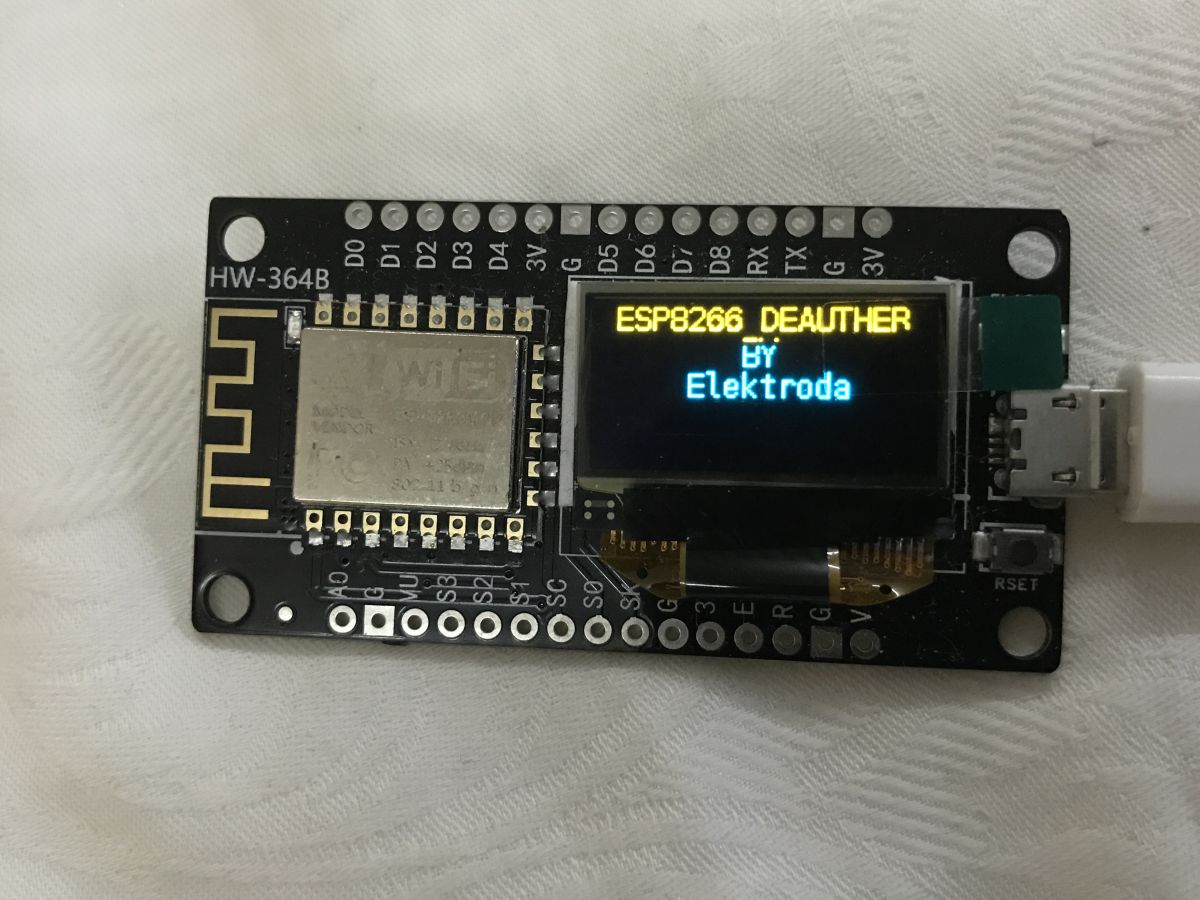
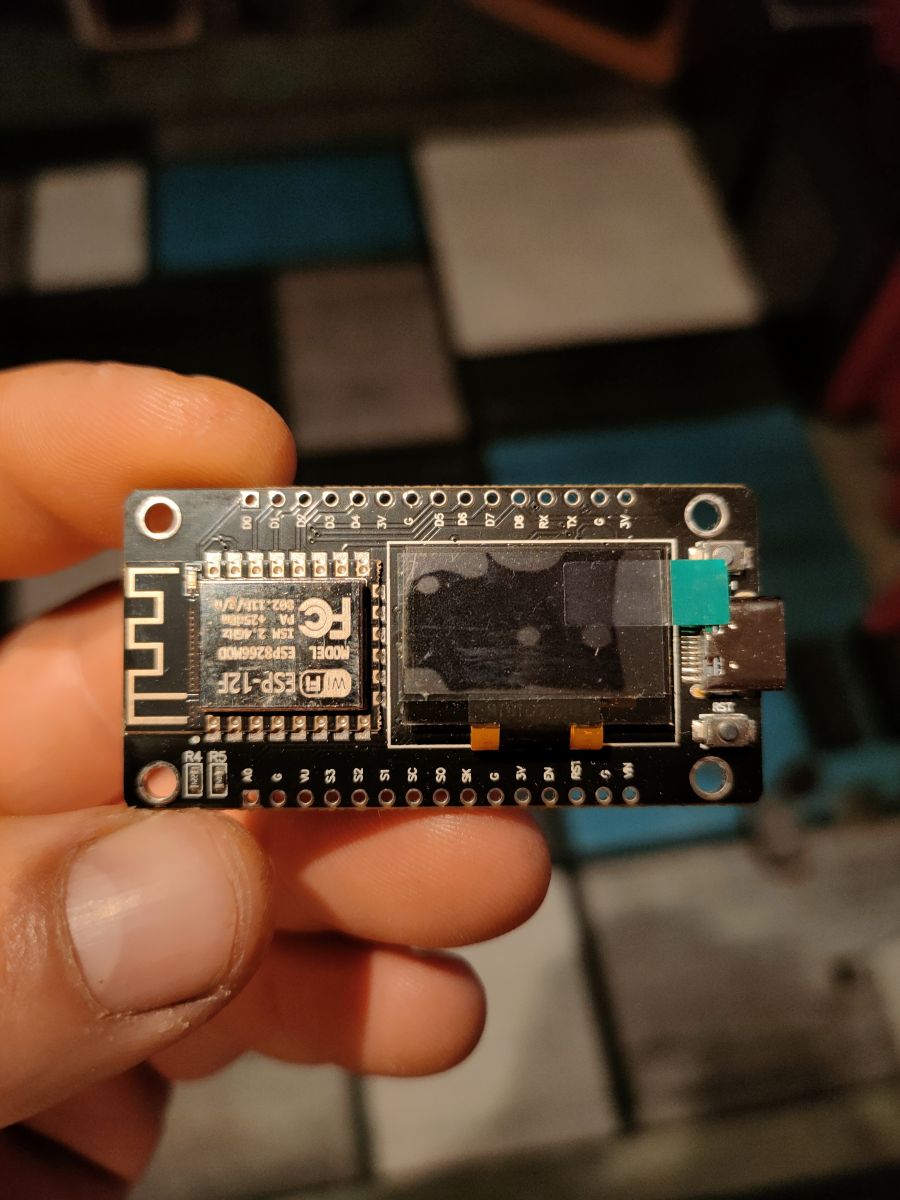
ESP8266 NodeMCU V3.0 OLED 0.9 inch
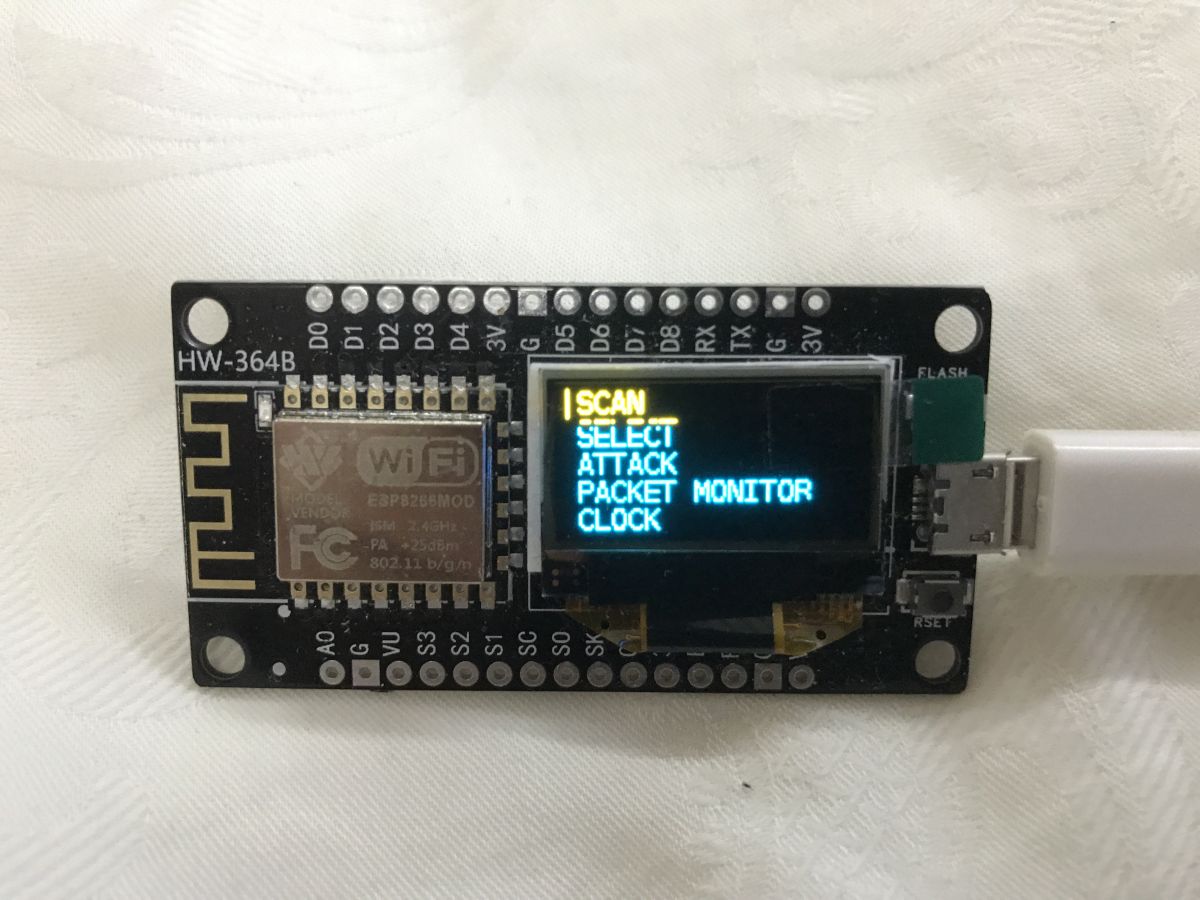
Hello everyone, I have a problem with this board. I am completely unfamiliar with programming, but wanted to give it a try. I managed to upload the Deautcher program, the program works because there is Wi-Fi of this board on the phone, it connects the phone to the board through Wi-Fi and through the IP address it displays the program on the phone, but I have another problem. The built-in OLED display on the board does not work, I uploaded the program step by step according to this video: https://youtu.be/6tAm77G_AV0?is=SdE16GEiDdRd2a8u probably something needs to be changed in the code, but I have no idea what, when I bought the board, there was a demo program uploaded, the display worked.
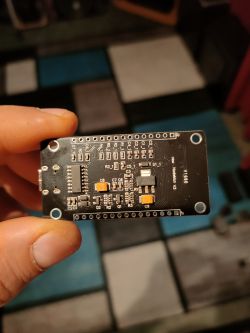
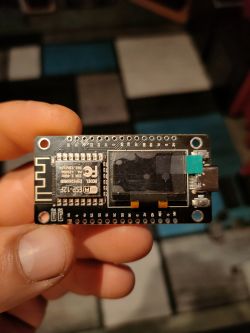
What exact version of Deauther did you upload and where did you download it from - the finished .bin file or the project from the Arduino IDE/GitHub?
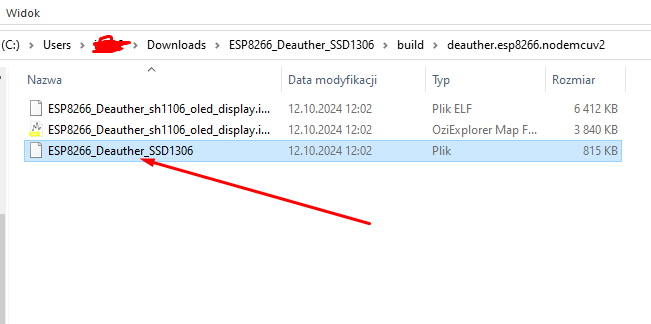
The Deauther version from the link from the YouTube video given in the description, probably a .bin file.
When uploading, did you select somewhere the board type or the OLED display settings (e.g. I2C pins/address 0x3C/0x3D), or did you upload everything quite "step-by-step" without any changes?
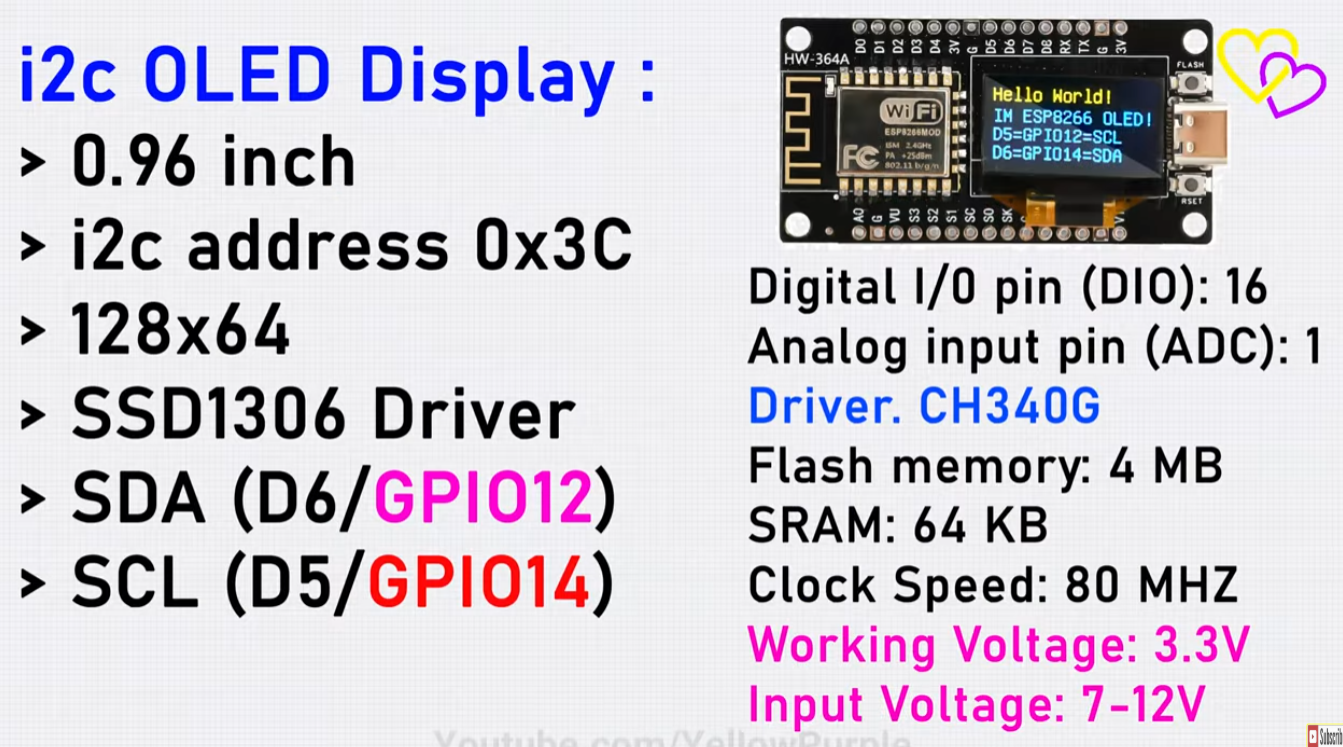
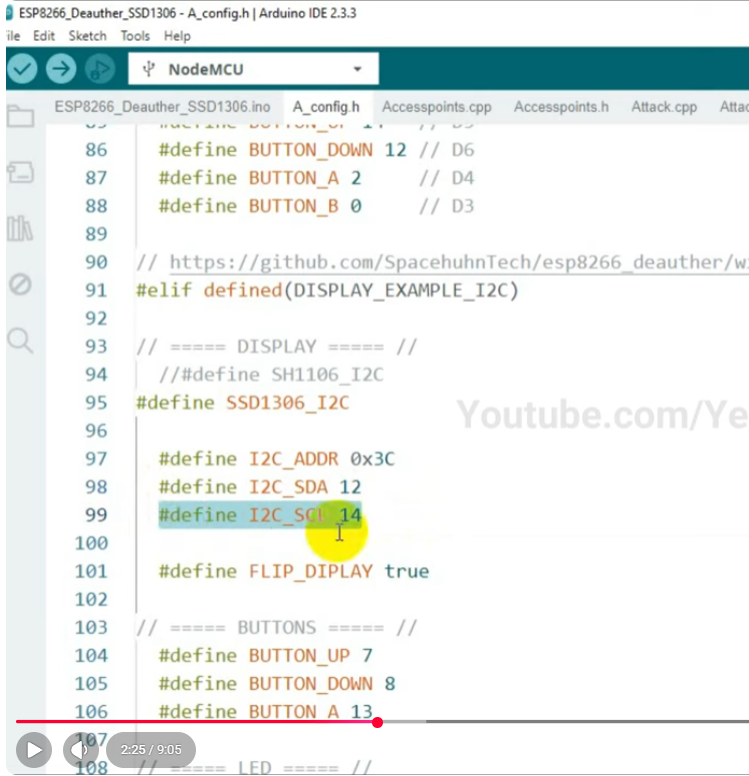
Yes, I changed 0x3C to 0x3D and the SDA and SCL pins to 14 and 12, and it has the reverse and the Arduino IDE program, but it didn't do anything.
Hello everyone, I have a problem with this board. I am completely unfamiliar with programming, but wanted to give it a try. I managed to upload the Deautcher program, the program works because there is Wi-Fi of this board on the phone, it connects the phone to the board through Wi-Fi and through the IP address it displays the program on the phone, but I have another problem. The built-in OLED display on the board does not work, I uploaded the program step by step according to this video: https://youtu.be/6tAm77G_AV0?is=SdE16GEiDdRd2a8u probably something needs to be changed in the code, but I have no idea what, when I bought the board, there was a demo program uploaded, the display worked.
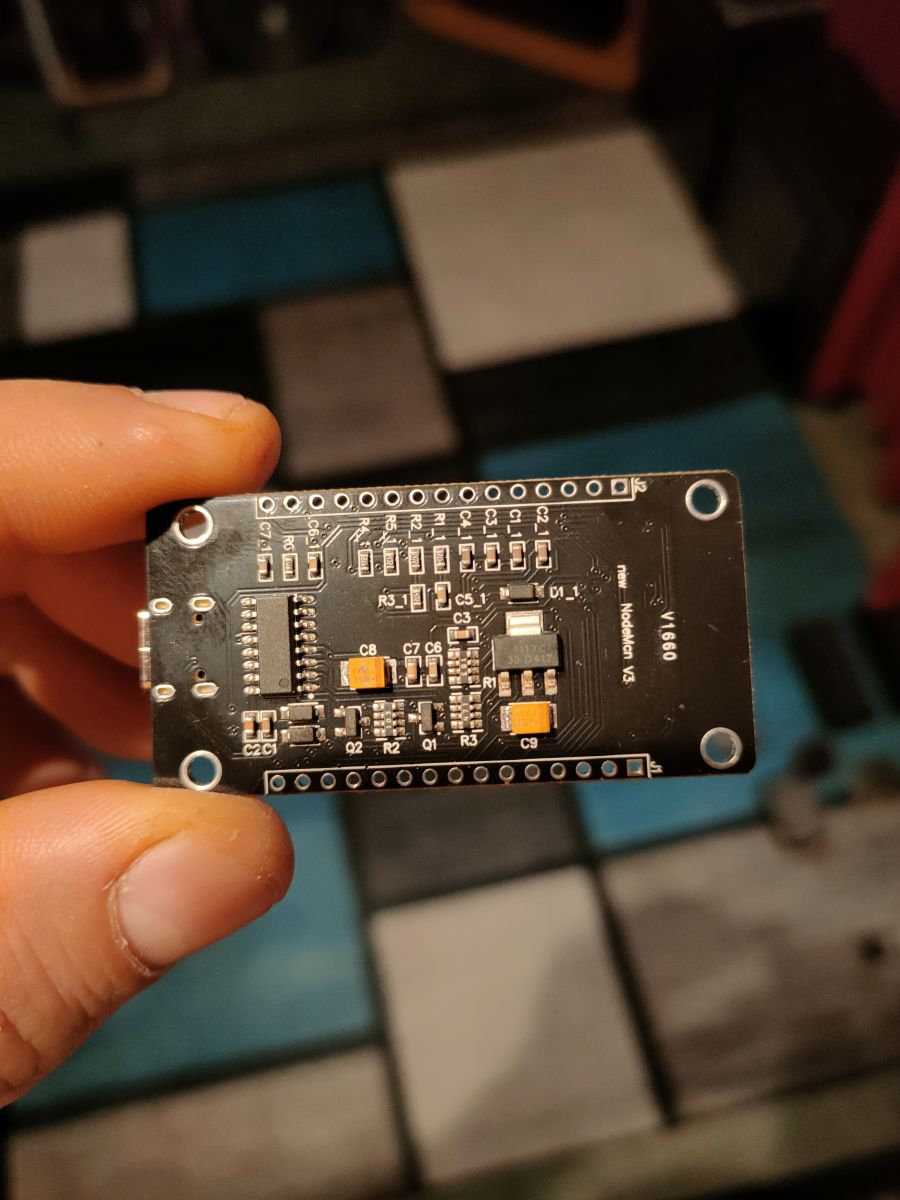
What exact version of Deauther did you upload and where did you download it from - the finished .bin file or the project from the Arduino IDE/GitHub?
The Deauther version from the link from the YouTube video given in the description, probably a .bin file.
When uploading, did you select somewhere the board type or the OLED display settings (e.g. I2C pins/address 0x3C/0x3D), or did you upload everything quite "step-by-step" without any changes?
Yes, I changed 0x3C to 0x3D and the SDA and SCL pins to 14 and 12, and it has the reverse and the Arduino IDE program, but it didn't do anything.