







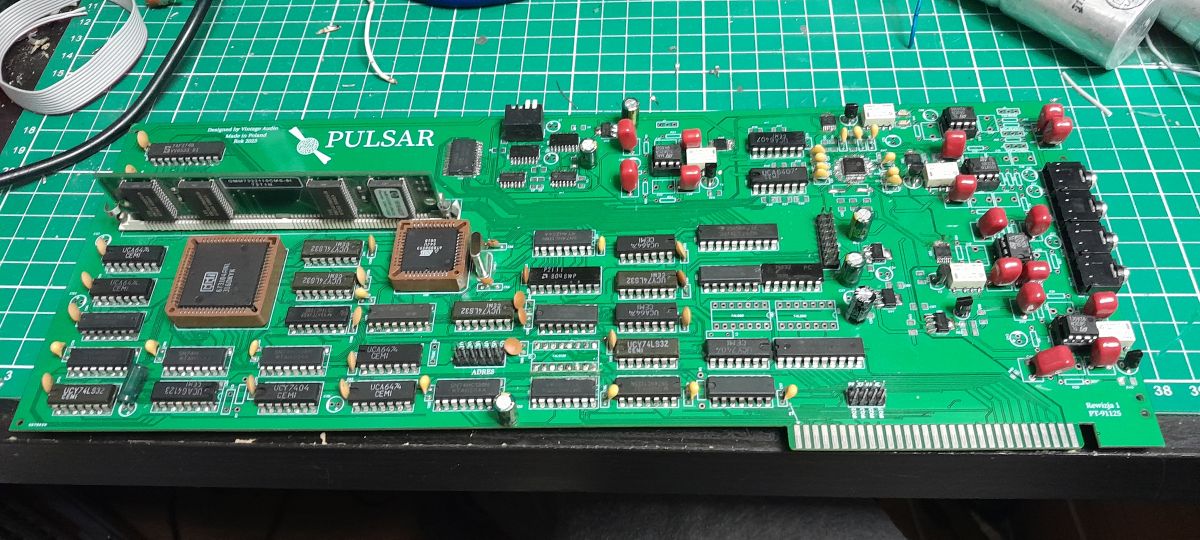
I think it’s high time to present the design for the Pulsar sound card – a Sound Blaster clone enhanced with:
- The replacement of the 8051 with the AT89S8253; in terms of instructions, it is still an 8051, but it features an added hardware SPI controller, which is crucial for communication with the VS1063. The microcontroller converts parallel data to serial data, reads and sets flags for the ISA bus control logic, reads states from the DREQ line, and sets states on the SS and DSS lines – in short, it handles full SPI communication with the VS1063.
-Hardware MP3 decoder based on the VS1063 chip – this is a 32-bit chip communicating via SPI. The chip also provides balance control, bass and treble adjustment, a 6-band graphic equaliser, EQ presets (including Country, Rock, Disco, electronic music, etc.) and a master volume control. This chip was also used in the Prisma MP3 card for the Amiga – hence the inspiration.
- A hardware DRAM memory controller based on the 673104ANL chip – the 673104 is capable of addressing up to 16 MB of memory – addresses are generated from a 4-bit BCD code via three 74LS138 decoders. The controller works in conjunction with the Arbitrator and anti-hazard circuits, which prevent situations where, for example, the ISA bus is simultaneously writing data to the card and reading data from it. This is where the DRAM buffer comes into play: if the ISA is busy at any given moment and the uC wishes, for example, to write data to the ISA, it will be able to write the data to DRAM. Once the ISA is freed up, the data can be read from DRAM.
- SRAM for the 89S8253 on the 2111 chip – used to store constants and variables utilised by the uC. It acts as an extension of the uC’s internal memory.
- Digital potentiometers – these allow the volume of individual inputs to be adjusted and the signals to be mixed.
- An OPL 3 YMF262 FM synthesiser has been added, along with two YAC512 DACs with a resolution of 20 bits per channel – 2x10 bits for the left channel and 2x10 bits for the right channel
- Support for dynamic, electret and condenser microphones.
- Input switching and muting via relays.
- Option to connect a MIDI interface by disconnecting the OPL3 synthesiser.
- Mixer based on an operational amplifier.
There are therefore quite a few changes compared to the original SB 1.0.
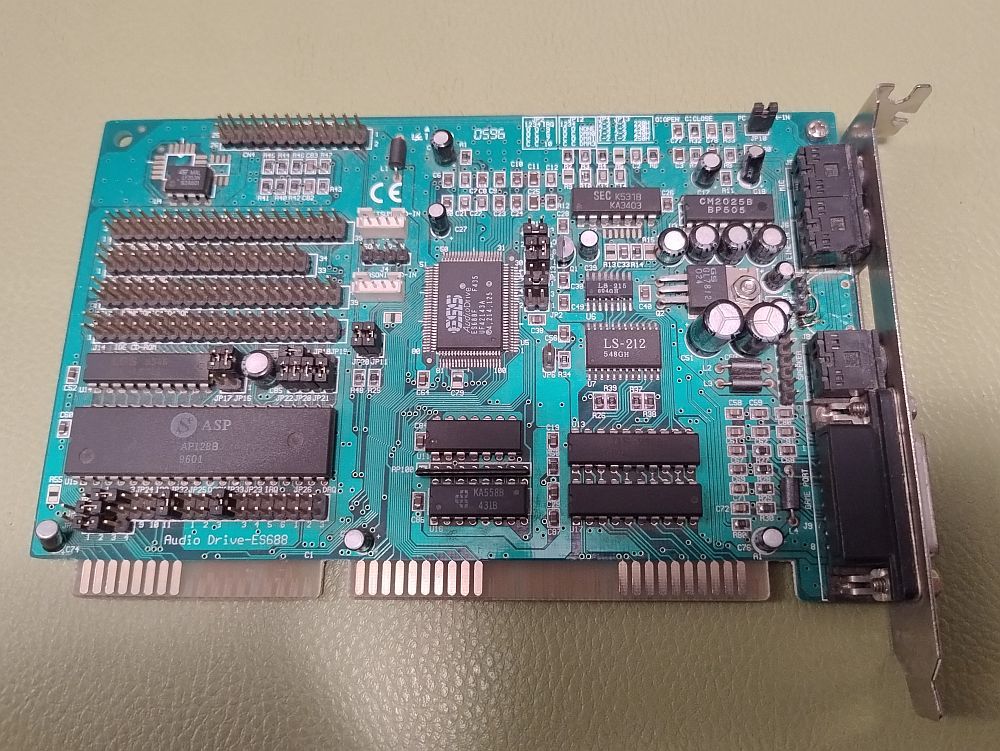
The assumption was that, since computers with 386 and 486 processors, and even more so those with 286, 186 and 8086/8088 processors, could not cope with software-based MP3 decoding due to their low processing power, an ISA sound card with a hardware decoder/encoder was required.
The choice of Sound Blaster 1.0 and 1.5 was no accident – the topology of the SB 1.0 and SB 1.5 had been thoroughly documented online, including a dump of the DSP1321 (8051) contents. An 8-bit ISA card was deliberately chosen to ensure the card was also compatible with the PC XT. I deliberately opted out of Game Blaster support – firstly, because few games supported Game Blaster, and secondly, because the prices of Philips SAA1099 chips ran into the hundreds, or even thousands, of zlotys per unit. I omitted the Game Port due to a lack of space – all the control signals for the Game Port electronics and the power supply are routed to connector J6. This allows for the addition of a Game Port daughterboard.
The project is still in progress. However, it’s already making quite an impression.
Cool? Ranking DIY
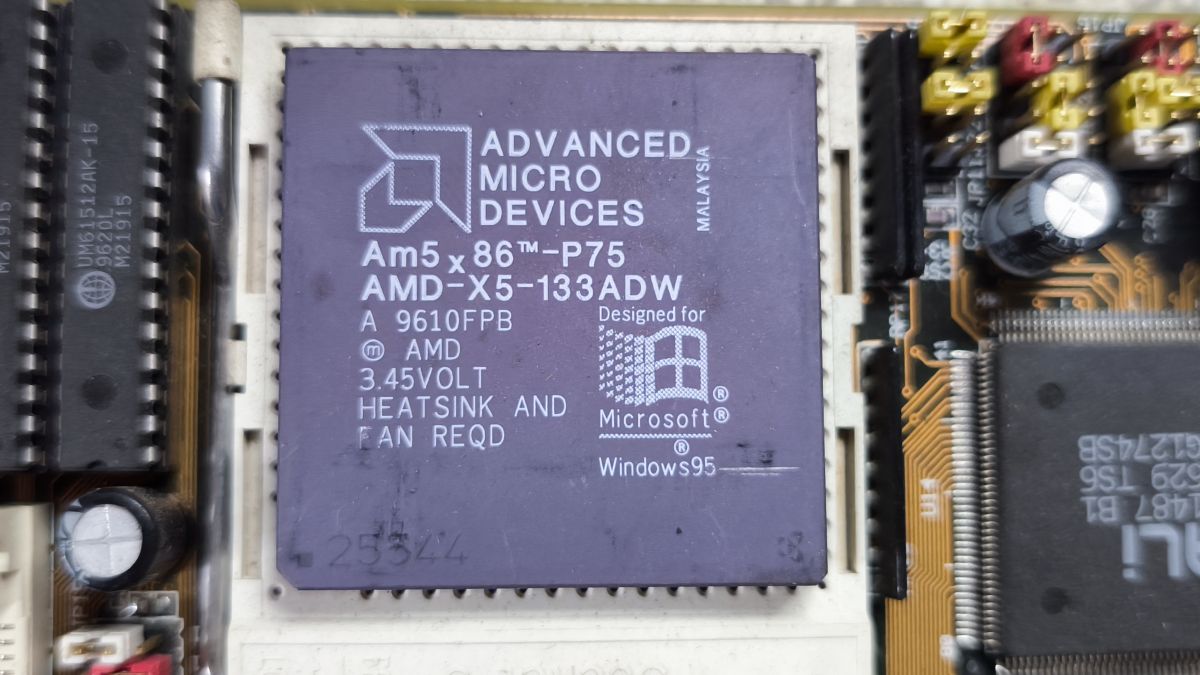
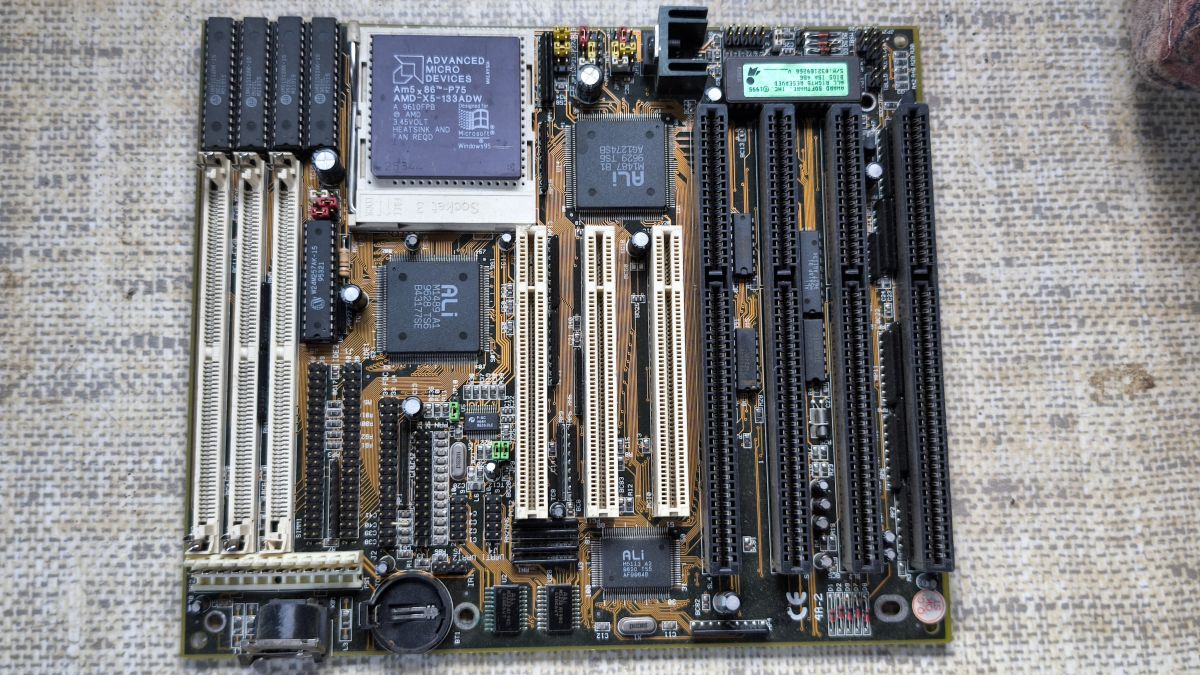
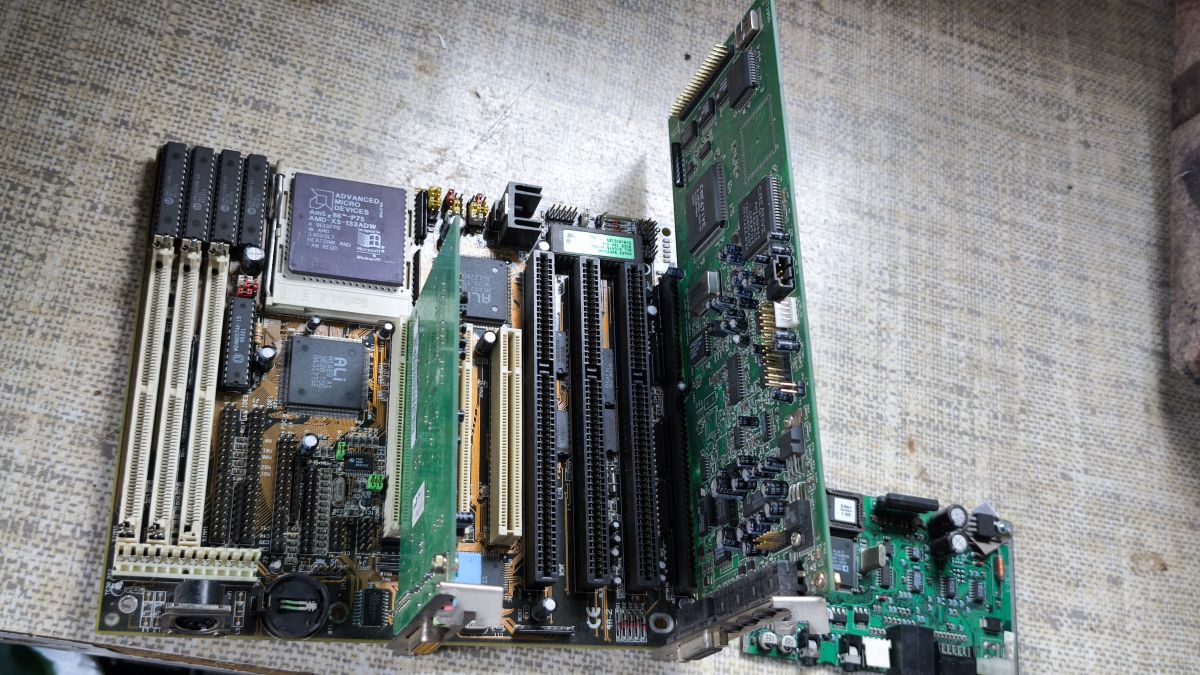
 . All the more so if someone’s building a retro PC on a vintage motherboard.

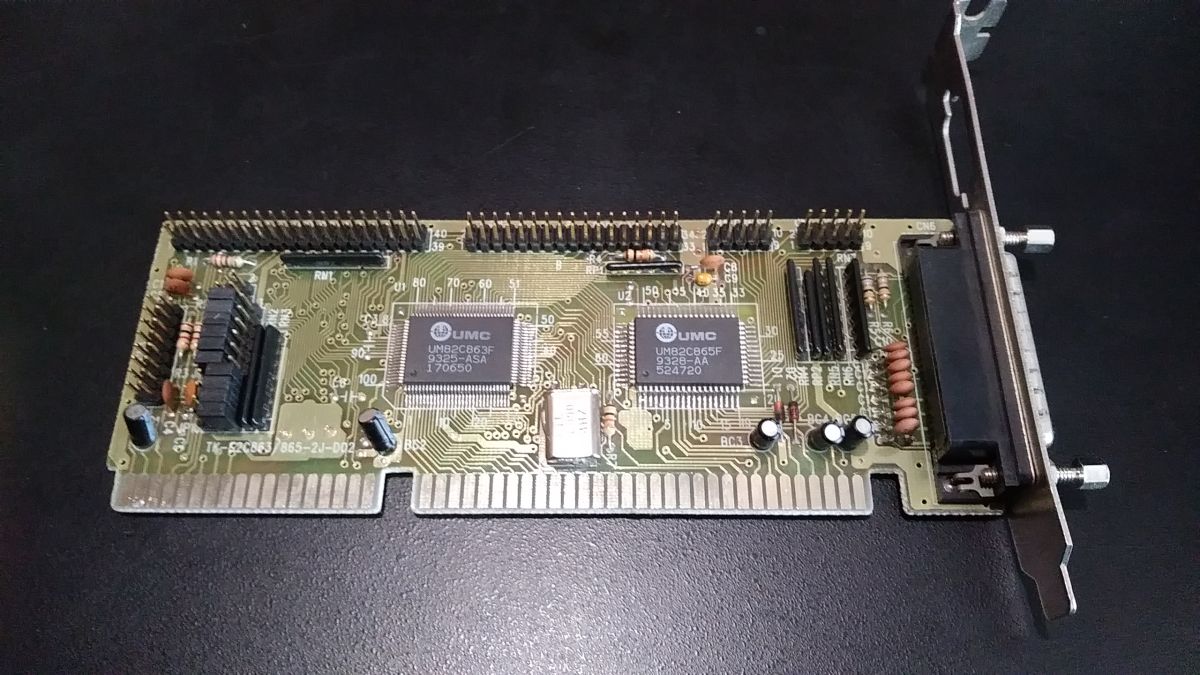
 What a surprise I had when I used a cable from another computer. I plugged in the mouse and it didn’t work 🤔 I plugged it back into the first one – it worked 👀 I racked my brains trying to work out why it wouldn’t work. After analysing the ribbon cable connections, it turned out that two different standards were being used
