logo elektroda
logo elektroda
X
logo elektroda
Dostępna jest polska wersja

Czy wolisz polską wersję strony elektroda?

Nie, dziękuję Przekieruj mnie tam

The simplest Internet radio on the ESP32-S3? No installation required – just upload it and it works!

Seba_smd 4089 39
ADVERTISEMENT
Treść została przetłumaczona polish » english Zobacz oryginalną wersję tematu
  • Hi!
    I’d like to show you my internet radio project based on the ESP32-S3 module. The main aim was to create a system that absolutely anyone can get up and running – without having to install an IDE, search for missing libraries or troubleshoot compilation issues. The entire firmware is uploaded directly from your browser!

    🔧 Hardware used
    At the heart of the system is the ESP32-S3 N16R8, which handles audio and network interfaces exceptionally well. In addition, you’ll need the following to build it:

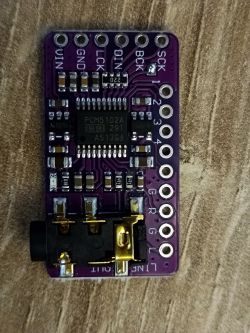
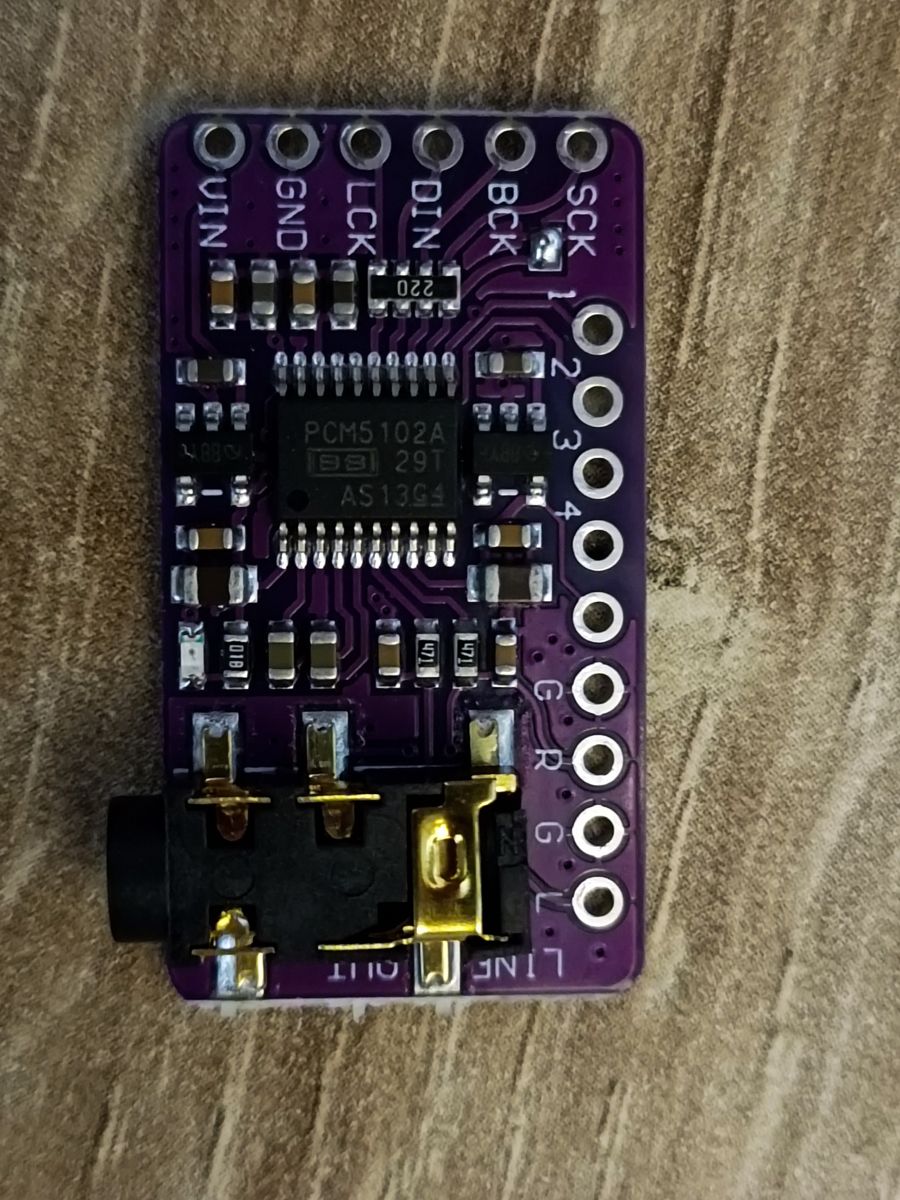
    DAC: PCM5102 (I2S communication)

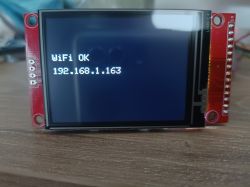
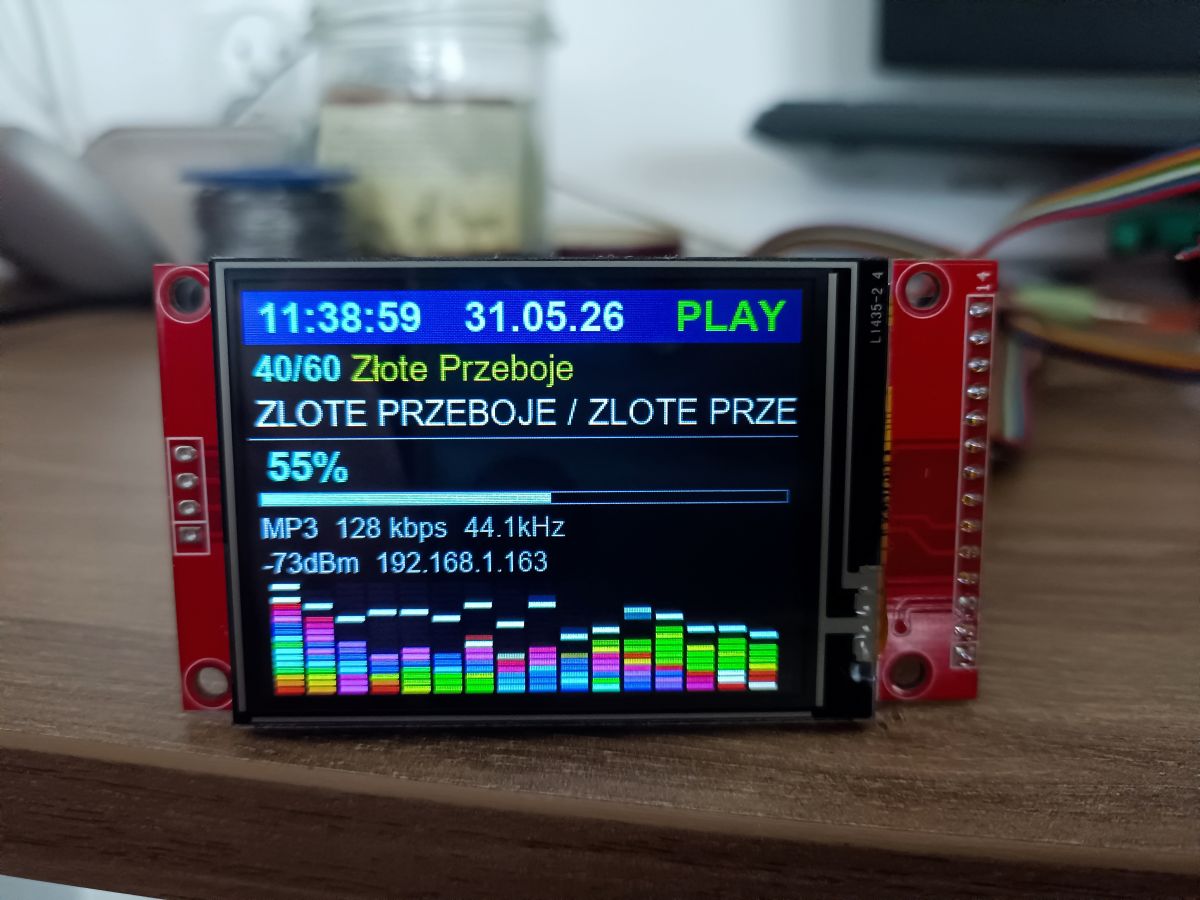
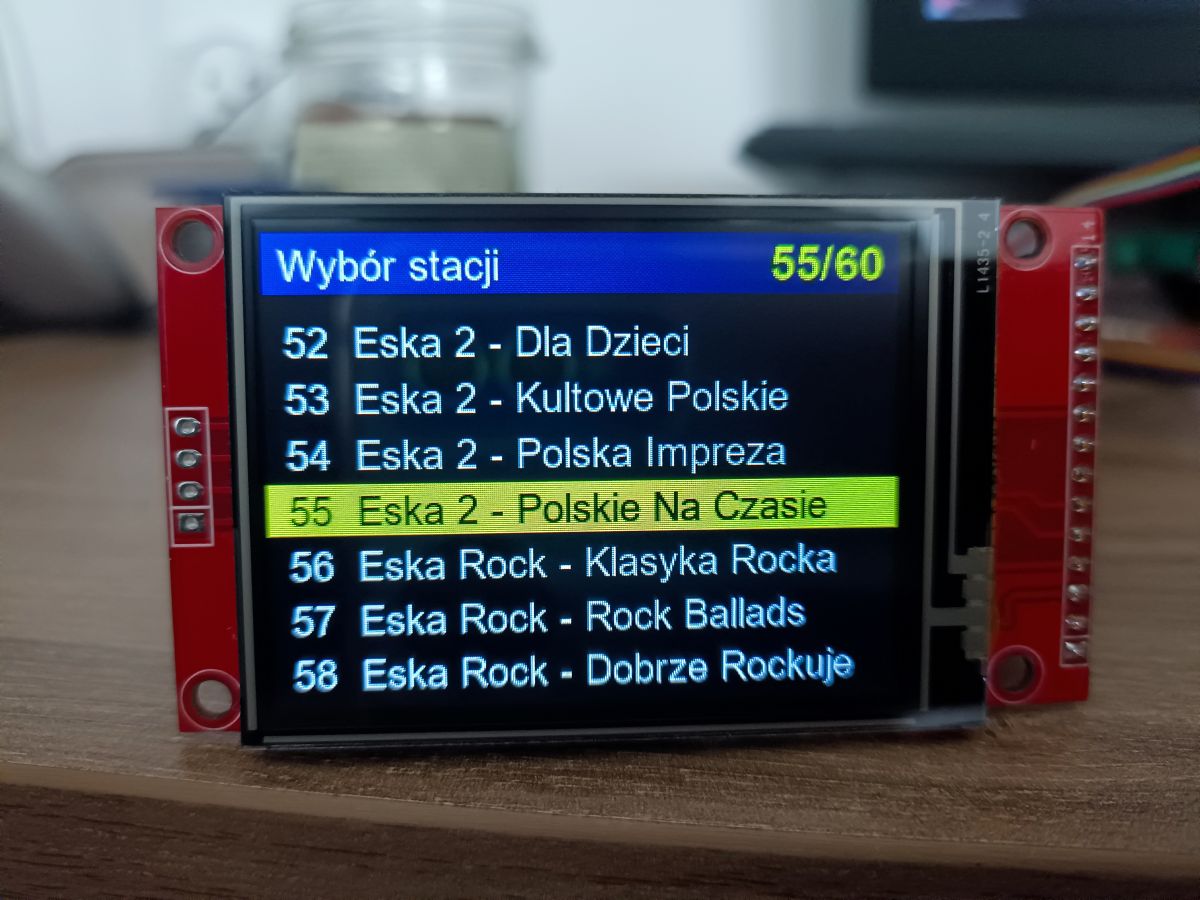
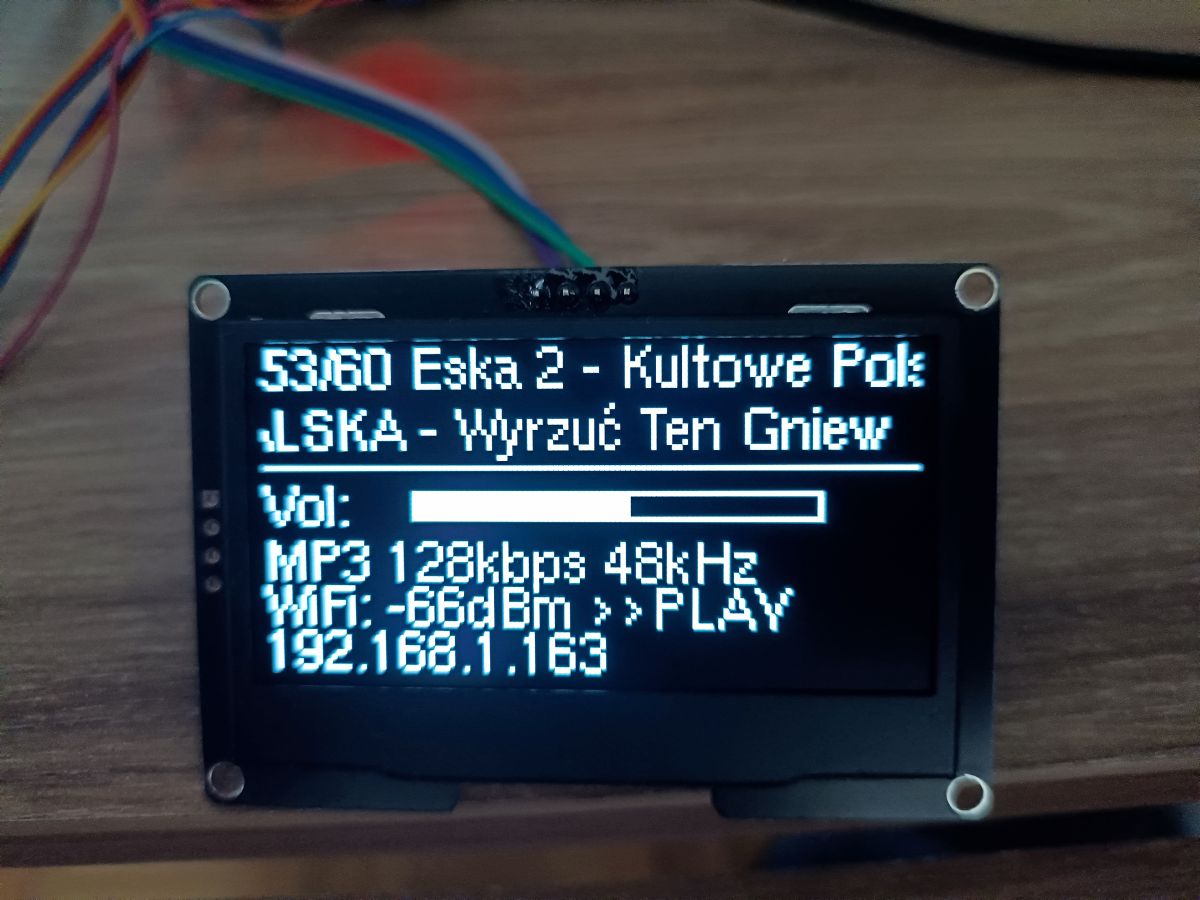
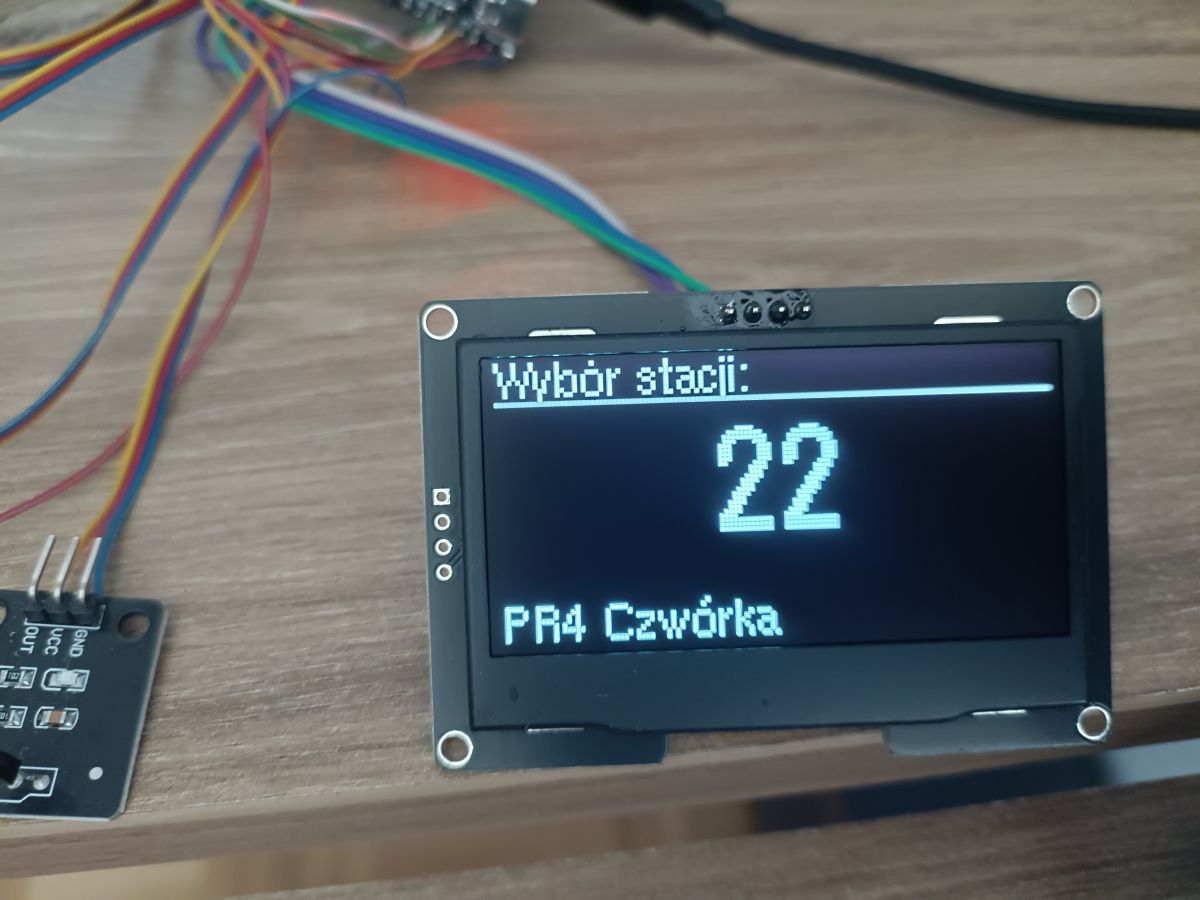
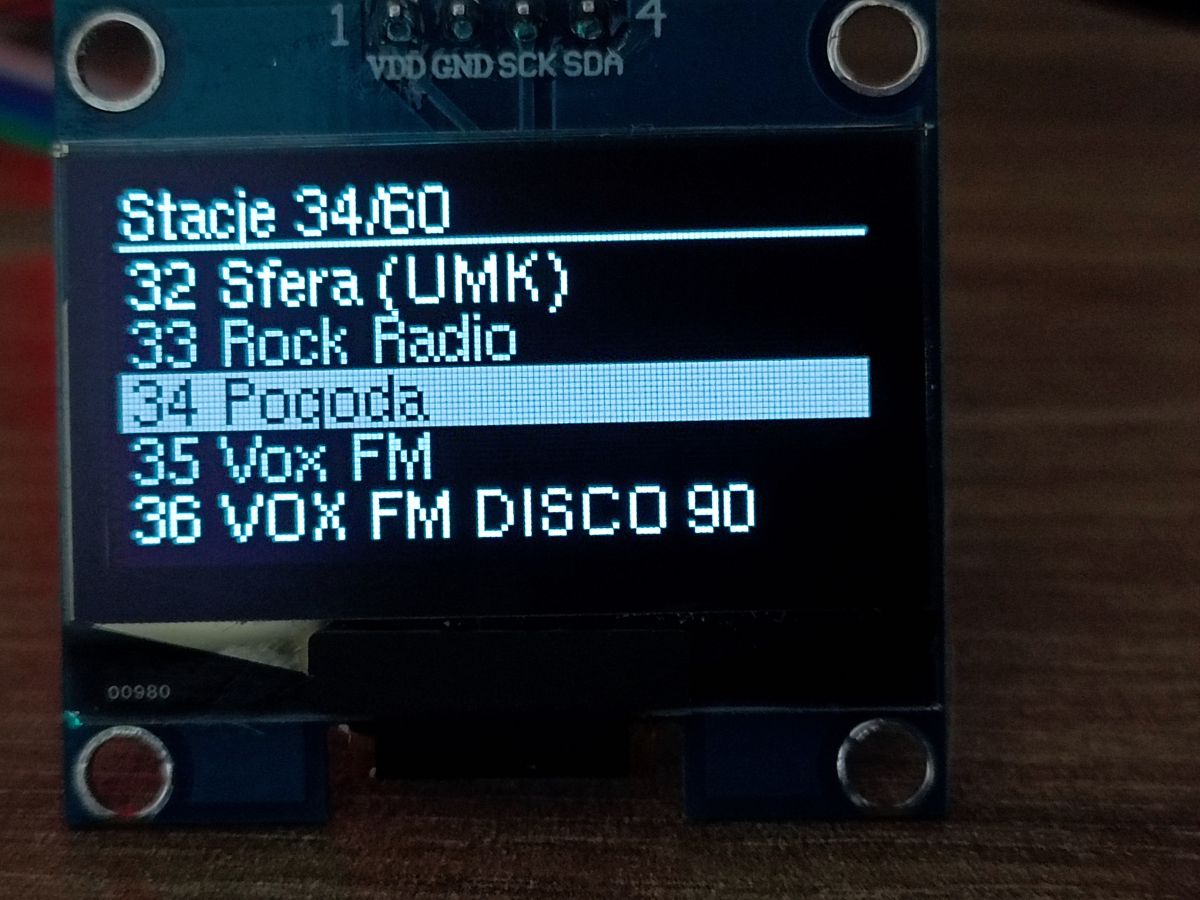
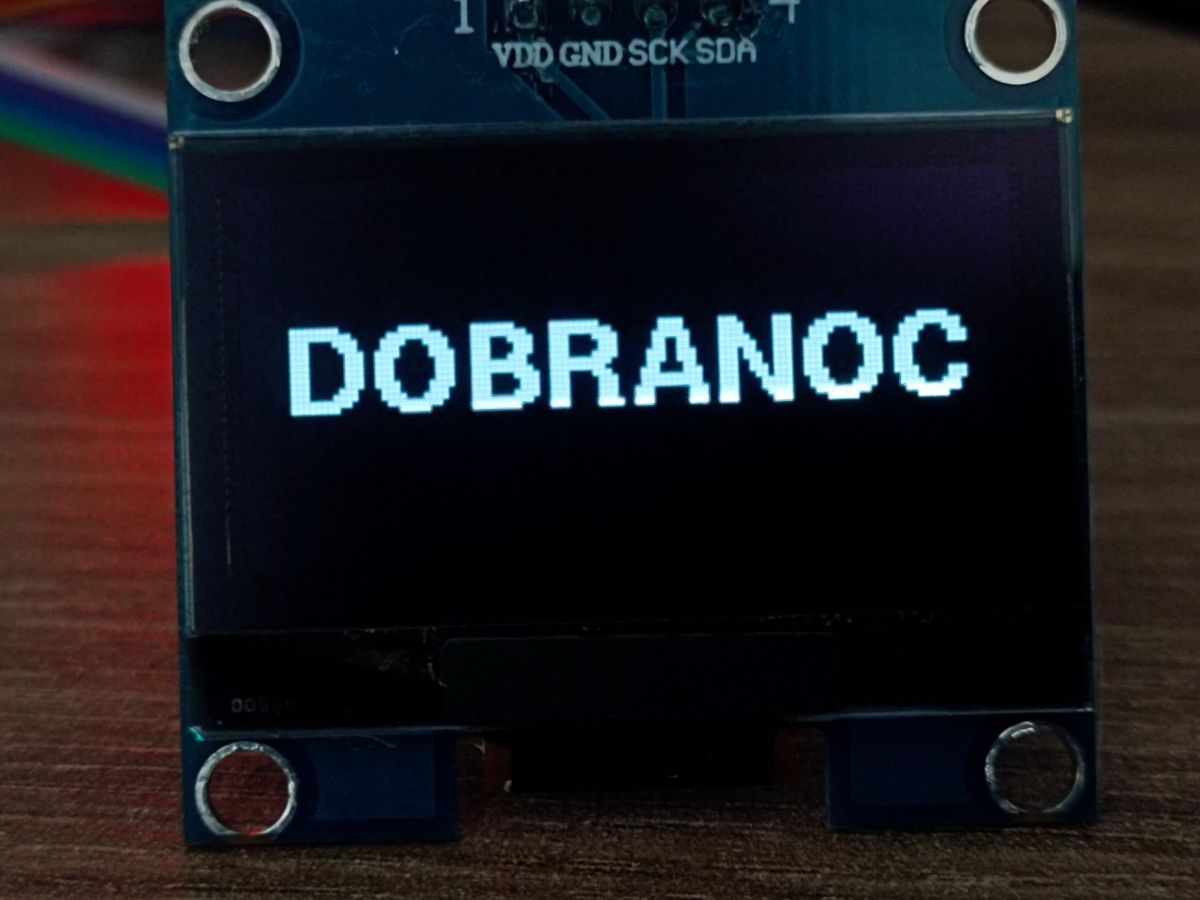
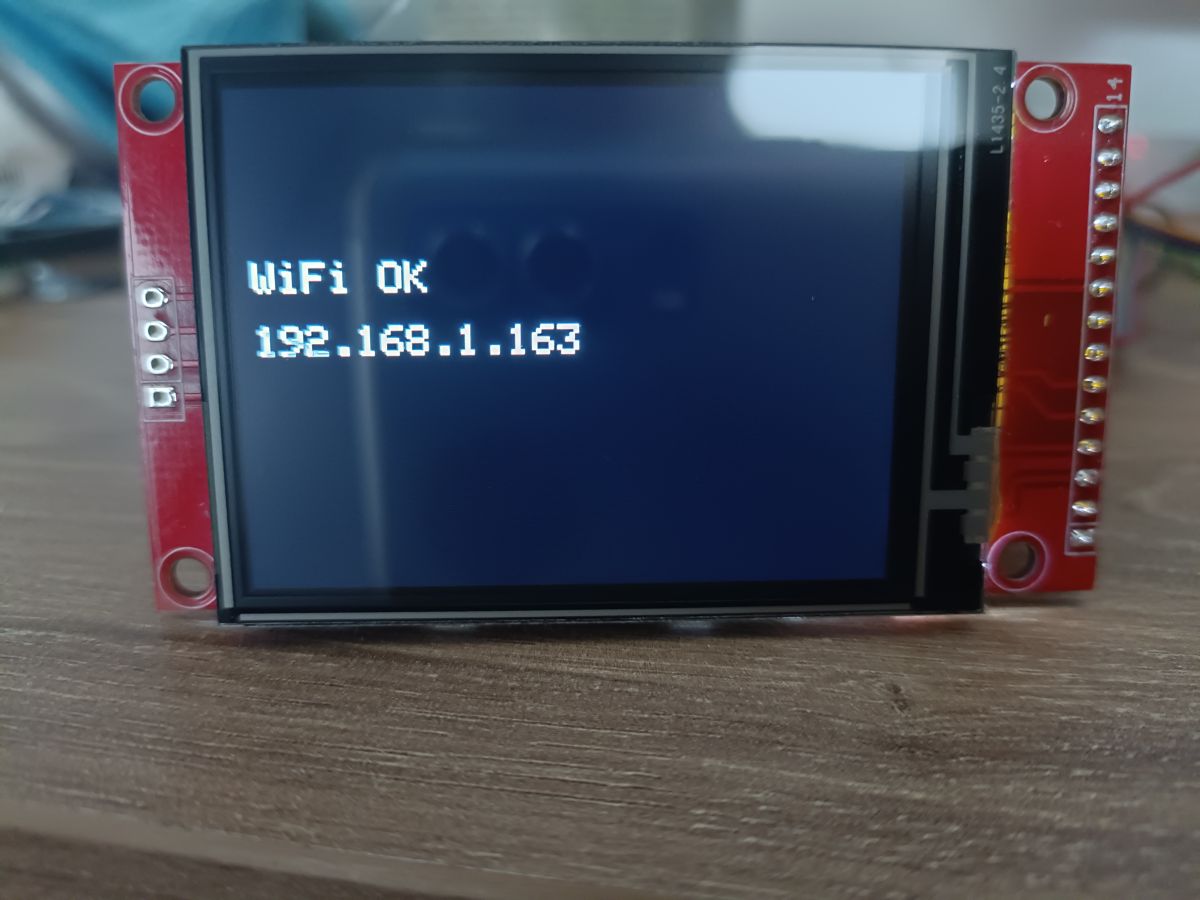
    Display: Both OLEDs (e.g. SSD1309 / SH1106 via I2C) and colour displays (SPI) are supported.

    Control: Rotary encoders and an infrared (IR 38kHz, NEC standard) receiver for remote control operation.

    Power supply: 5V.

    💻 Software and quick installation
    The biggest advantage of this project is the installation process. You don’t need the Arduino IDE or PlatformIO.

    Plug the ESP32-S3 into a USB port.

    Go to the dedicated website (which uses the Web Serial API – works in Chrome/Edge).
    https://seba131.github.io/esp32-radio-installer/

    Click ‘Install’, select the COM port and wait a few dozen seconds.

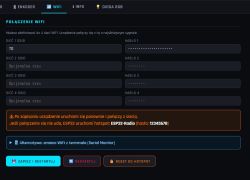
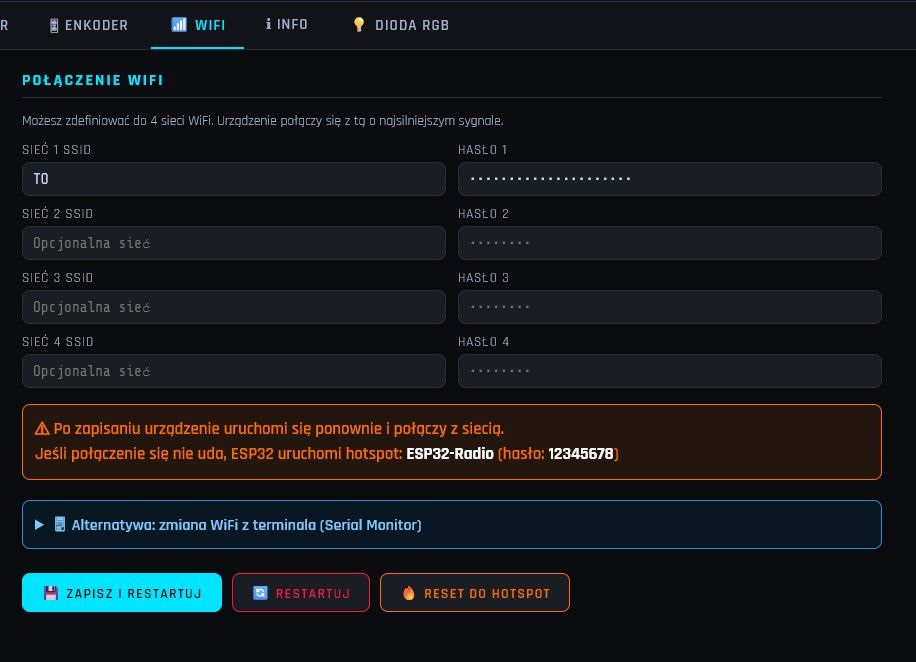
    Done! You can carry out the initial configuration (Wi-Fi network password) via the UART terminal directly on this same website.

    ⚙️ Configuration via the web interface
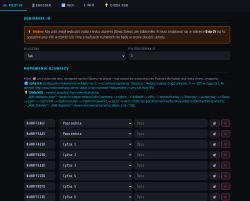
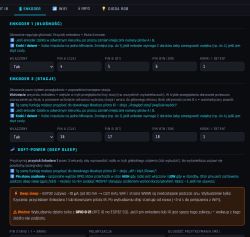
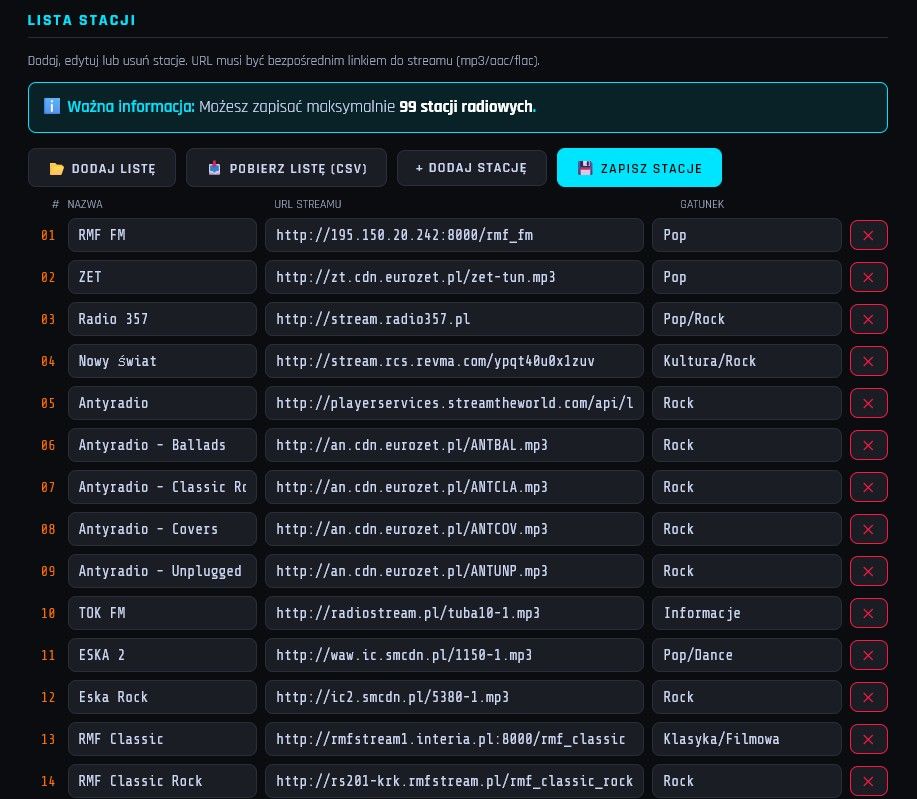
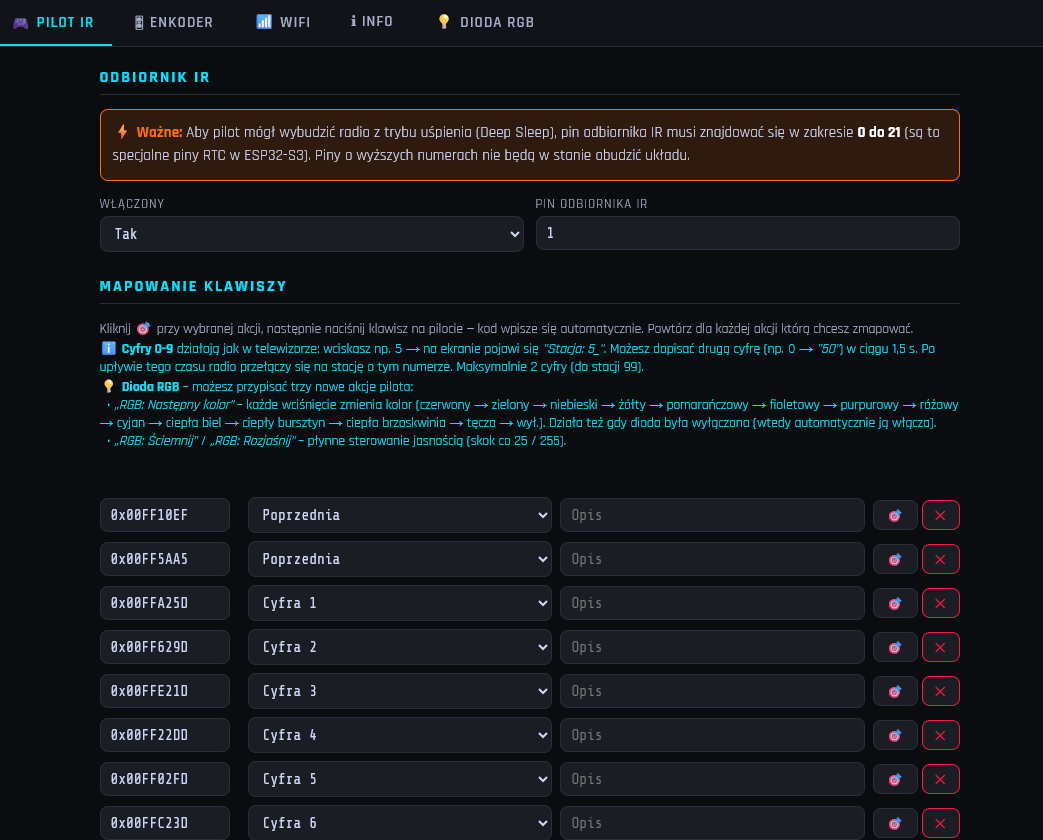
    Once the radio has connected to your home network, you can configure everything else via a web browser by entering its IP address. From the web interface, you can:

    Assign any pins to the display (CS, DC, SDA, SCL, etc.).

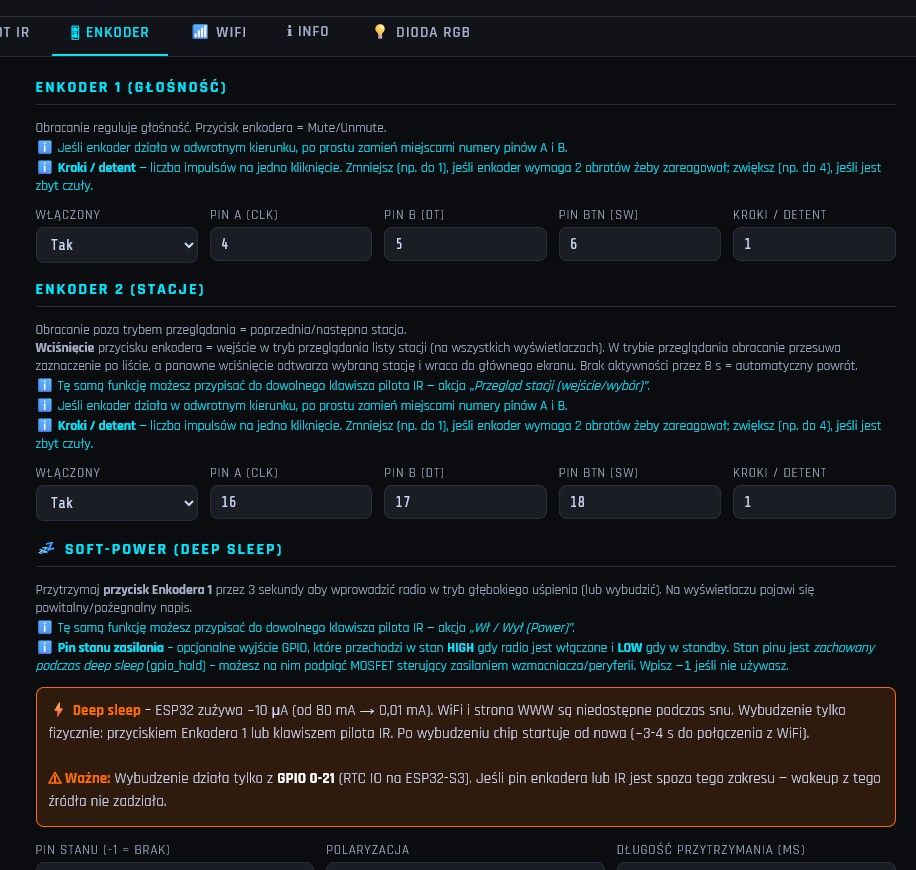
    Configure the pins for the encoders and specify their ‘steps’ (this prevents the device from jumping two positions with a single click).

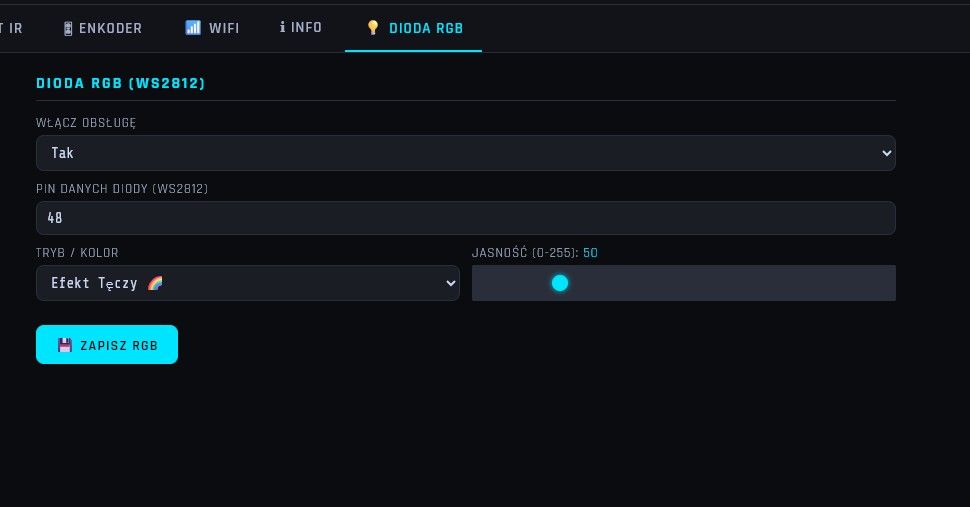
    Programme the IR remote control buttons (read codes on the fly and assign them to functions: volume up, volume down, next station, sleep mode, RGB LED control).

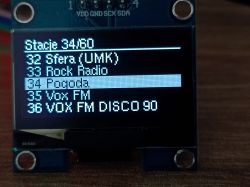
    Manage the list of radio stations.

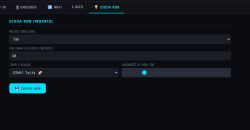
    Set the display brightness and image rotation (0/180 degrees).

    Configure the wake-up pin (e.g. to control a relay switching on an external amplifier).

    📺 Video demonstration
    For those interested in exactly how the installation process works, what the web panel looks like and how the radio works in practice, I’ve put together a short video. In it, I walk you through the entire process step by step, from a bare ESP to a working radio:
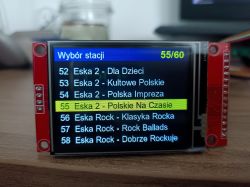
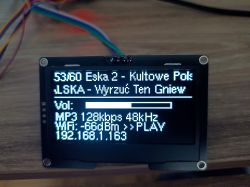
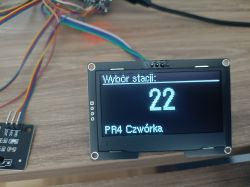
    The simplest Internet radio on the ESP32-S3? No installation required – just upload it and it works!

    The simplest Internet radio on the ESP32-S3? No installation required – just upload it and it works!

    The simplest Internet radio on the ESP32-S3? No installation required – just upload it and it works!

    The simplest Internet radio on the ESP32-S3? No installation required – just upload it and it works!

    The simplest Internet radio on the ESP32-S3? No installation required – just upload it and it works!

    The simplest Internet radio on the ESP32-S3? No installation required – just upload it and it works!

    The simplest Internet radio on the ESP32-S3? No installation required – just upload it and it works!

    The simplest Internet radio on the ESP32-S3? No installation required – just upload it and it works!

    The simplest Internet radio on the ESP32-S3? No installation required – just upload it and it works!

    The simplest Internet radio on the ESP32-S3? No installation required – just upload it and it works!

    The simplest Internet radio on the ESP32-S3? No installation required – just upload it and it works!

    The simplest Internet radio on the ESP32-S3? No installation required – just upload it and it works!

    The simplest Internet radio on the ESP32-S3? No installation required – just upload it and it works!

    The simplest Internet radio on the ESP32-S3? No installation required – just upload it and it works!

    Cool? Ranking DIY
    About Author
    Seba_smd
    Level 17  
    Offline 
    Seba_smd wrote 301 posts with rating 87, helped 8 times. Live in city Toruń. Been with us since 2003 year.
  • ADVERTISEMENT
  • Pull GPIO0 high to prevent ESP32-S3 boot mode issues

    #2 21921244
    simw
    Level 27  
    Posts: 757
    Help: 94
    Rate: 288
    Seba_smd wrote:
    For anyone interested in exactly how the installation process works, what the web panel looks like and how the radio works in practice, I’ve put together a short video

    A brilliant initiative and execution; I’ll definitely give it a go when I get the chance.

    In my opinion, one important piece of information and a step are missing. The ESP32S3 module does not have a configured boot pin, and at random moments after a reset it will enter programming mode; this will be annoying and require a reset. You should pull the GPIO0 pin up to 3.3V
  • #3 21921311
    maliniak80
    Level 17  
    Posts: 289
    Help: 2
    Rate: 377
    Well done – I was actually thinking about a little radio like that to go with my valve amp for my workshop stereo.
  • ADVERTISEMENT
  • #4 21921453
    lemgo
    Level 15  
    Posts: 145
    Rate: 152
    Have you considered publishing your sources? I’d encourage you to do so :)
  • #5 21921512
    efi222
    Level 22  
    Posts: 767
    Help: 12
    Rate: 1207
    lemgo wrote:
    Have you considered publishing the source code?

    I think the author’s intention was to keep it simple, without having to deal with different core versions, libraries, patches and the frequent hassle of compiling, etc.
    There’s plenty of source code for radio players on the internet.
  • #6 21921562
    szwagros
    Level 33  
    Posts: 1843
    Help: 232
    Rate: 271
    simw wrote:
    In my opinion, one important piece of information and a step are missing. The ESP32S3 module does not have a boot pin configured, and at random intervals after a reset it will enter programming mode; this will be annoying and require a reset. You should pull the GPIO0 pin up to 3.3V

    GPIO0 on the ESP32S3 is internally pulled up to 3.3V, so you can leave it floating.
  • Intentional no-source-code approach for simplicity

    #7 21921600
    Seba_smd
    Level 17  
    Posts: 301
    Help: 8
    Rate: 87
    efi222 wrote:
    lemgo wrote:
    Have you considered publishing the source code?

    I think the author’s intention was to keep it simple, without having to deal with different core versions, libraries, patches and the frequent hassle of compiling, etc.
    There’s plenty of source code for radio players on the internet.


    That was exactly the intention.
    As for the source code, there’s plenty of it, for example:
    Link
    Link
    Link
    and many others.
  • Remove GPIO0 capacitor to prevent boot mode

    #8 21921602
    atlantis2
    Level 17  
    Posts: 309
    Help: 23
    Rate: 37
    szwagros wrote:
    simw wrote:
    In my opinion, one important piece of information and a step are missing. The ESP32S3 module does not have a configured boot pin, and at random intervals after a reset it will enter programming mode; this will be irritating and require a reset. You should pull the GPIO0 pin up to 3.3V

    GPIO0 on the ESP32S3 is internally pulled up to 3.3V, so you can leave it floating.


    In cheap modules from AliExpress, there is a 100nF capacitor between GPIO0 and ground, which causes the device to enter BOOT mode. It should be removed, or, as the previous speaker mentioned, pulled up to VCC with an additional resistor (the internal pull-up takes too long to charge this capacitor).
  • #9 21921705
    John Yossarian
    Level 12  
    Posts: 62
    Help: 1
    Rate: 20
    >>21921192 A cool project. I think it’s based on YoRadio, but it saves you having to compile it :)
  • #10 21921710
    sq3evp
    Level 39  
    Posts: 6576
    Help: 219
    Rate: 874
    There’s nothing left to do but check – I’ve got everything, apart from the DAC and the problem with decoding audio from the stream.
    I reckon you can pair the ESP’s Bluetooth with a Bluetooth device that has an audio output.
  • ADVERTISEMENT
  • #11 21921716
    John Yossarian
    Level 12  
    Posts: 62
    Help: 1
    Rate: 20
    >>21921710 This problem may be due to the fact that the audioI2S library does not handle https streams correctly. They must be via http.
  • ESP32-S3 boot pin pull-up and reset wiring check

    #12 21921874
    Seba_smd
    Level 17  
    Posts: 301
    Help: 8
    Rate: 87
    atlantis2 wrote:
    szwagros wrote:
    simw wrote:
    In my opinion, one important piece of information and a necessary step are missing. The ESP32S3 module does not have its boot pin configured, and at random moments after a reset it will enter programming mode; this will be irritating and will require a reset. You should pull the GPIO0 pin up to 3.3V

    GPIO0 on the ESP32S3 is internally pulled up to 3.3V, so you can leave it floating.


    In cheap modules from AliExpress, there is a 100nF capacitor between GPIO0 and ground, which causes the device to enter BOOT mode. You should remove it, or as the previous speaker mentioned, pull it up to VCC with an additional resistor (the internal pull-up takes too long to charge this capacitor).


    THAT IS NOT ENTIRELY CORRECT.
    Since the module has a BOOT button, then:
    GPIO0 → already handled on the module board
    EN/RST → there should also be a RESET button on the module
    A typical Chinese ESP32-S3 module has:
    [BOOT] → GPIO0 with pull-up and a button
    [RST] → EN with pull-up and a button
    You don’t need to connect anything extra – the manufacturer has already done it.

    The only thing you might need
    If you want automatic firmware flashing (without manually pressing BOOT+RST) via USB-UART:
    DTR ──[100nF]──► EN
    RTS ──[100nF]──► GPIO0
    But this is only if you’re using an external programmer. With the ESP32-S3’s built-in USB-CDC, it’s usually not necessary.

    I’LL EXPLAIN HOW TO CHECK THIS FOR FUTURE REFERENCE
    Measure the voltage:
    Set the multimeter to DC voltage (20V or similar)
    Black probe → GND of the module
    Red probe → GPIO0
    Read the voltage:
    ~3.3V = pull-up present ✅
    ~0V = no pull-up ❌
    Then do the same for EN:
    Black probe → GND
    Red probe → EN

    Good news for the ESP32-S3
    The ESP32-S3 has a built-in pull-up on EN within the chip itself – so the absence of an external resistor may be intentional and normal operation is guaranteed.

    GPIO0 – if the module has a BOOT button, the manufacturer has almost certainly included a pull-up resistor; it may simply be very small and hidden beneath the module.

    The simplest practical test
    Does the ESP32-S3 boot normally without pressing anything once power is applied?
    Yes → everything’s OK, the pull-up is working ✅
    No → problem with GPIO0 or EN ❌
    Because this is the best way to check! 🙂

    Added after 17 [minutes]:

    John Yossarian wrote:
    >>21921710 This problem may be due to the audioI2S library not handling https streams correctly. They must be via http.

    sq3evp wrote:
    There’s nothing left to do but check – I’ve got everything apart from the DAC, and I’m having trouble decoding audio from the stream.
    I reckon you can pair the ESP’s Bluetooth with a Bluetooth device that has an audio output.


    It reads https.
    The simplest Internet radio on the ESP32-S3? No installation required – just upload it and it works!
  • ADVERTISEMENT
  • #13 21921903
    szwagros
    Level 33  
    Posts: 1843
    Help: 232
    Rate: 271
    Seba_smd wrote:
    The ESP32-S3 has a built-in pull-up resistor on the EN pin within the chip itself – so the absence of an external resistor may be intentional, and normal operation is guaranteed.

    The AI says one thing, the manual another.

    Table snippet: CHIP_PU pin; high enables chip, low powers down; note not to leave CHIP_PU floating
  • #14 21921921
    John Yossarian
    Level 12  
    Posts: 62
    Help: 1
    Rate: 20
    >>21921874 In that case, it’s probably based on a different I2S library, such as yoradio.
  • #15 21922322
    Seba_smd
    Level 17  
    Posts: 301
    Help: 8
    Rate: 87
    John Yossarian wrote:
    >>21921874 In that case, it’s probably on a different I2S library, such as yoradio.


    Audio I2S v3.4.4 – new I2S driver (ESP-IDF 5), improved stability on S3, requires core 3.x
  • #16 21922351
    John Yossarian
    Level 12  
    Posts: 62
    Help: 1
    Rate: 20
    >>21922322 OK, thanks for the info.
  • #17 21923297
    Andrzej Ch.
    Level 33  
    Posts: 2238
    Help: 223
    Rate: 388
    That’s a really cool project. My question is about the diagram – or, to be more precise, where can I find the wiring diagram for the whole thing? As I understand it, the programme is written for a specific hardware configuration, isn’t it?
  • Checking PCM5102 wiring after silent output

    #18 21923365
    miroskop
    Level 23  
    Posts: 466
    Help: 65
    Rate: 62
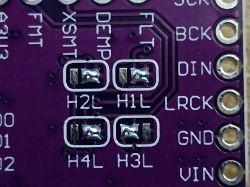
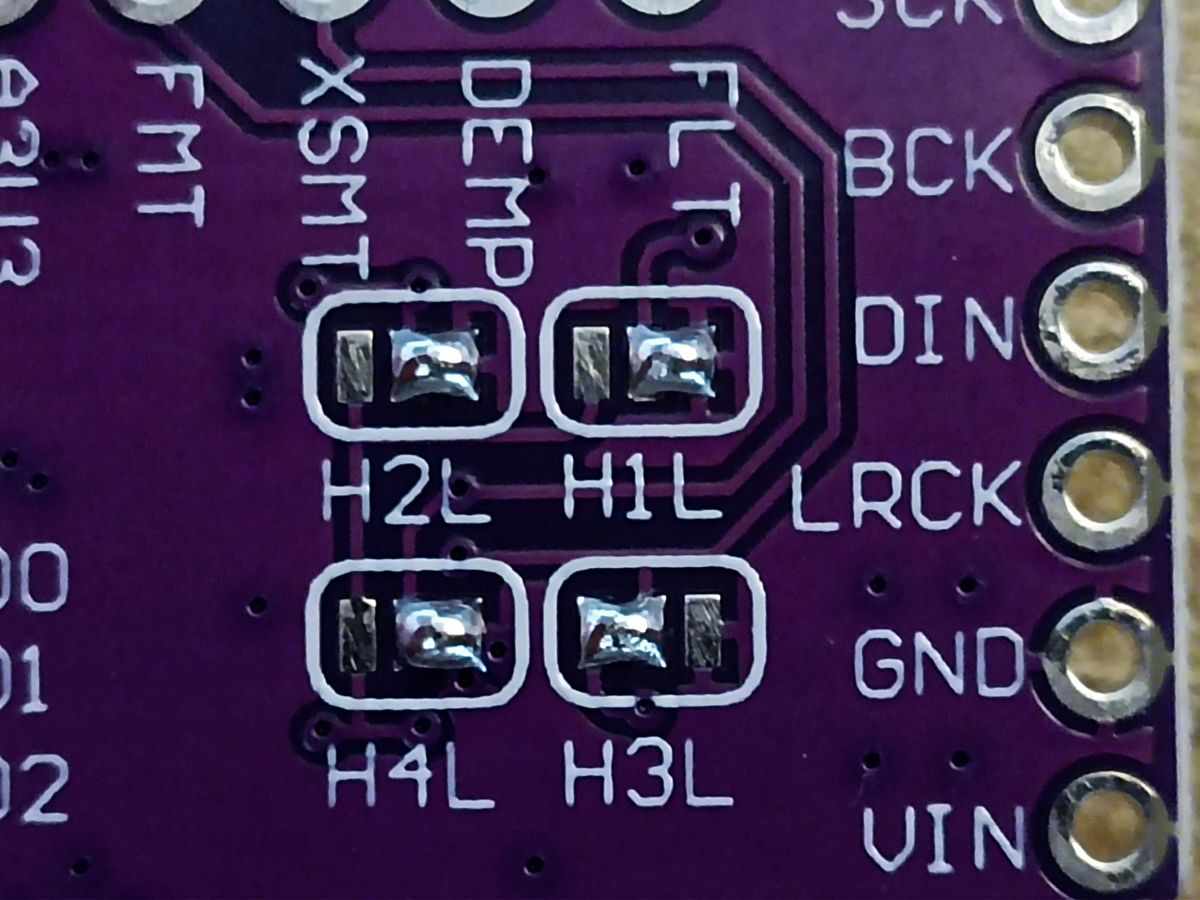
    I don’t know why, but there’s silence at the PCM5102 output. I’ve checked two boards with soldered jumpers as shown in the photo; I also took one board from another radio (ESP32-MiniWebRadio), where it worked without any problems. The red power LED is lit, so power is getting through. The other pins are also connected: BCK to 21, LCK to 15 and DIN to 47. SCK is connected to ground. The display and encoders are working. Where could the problem lie? Help!
  • #19 21923367
    efi222
    Level 22  
    Posts: 767
    Help: 12
    Rate: 1207
    miroskop wrote:
    (ESP32-MiniWebRadio)

    An ESP32S3 is probably what’s needed here
  • #20 21923377
    miroskop
    Level 23  
    Posts: 466
    Help: 65
    Rate: 62
    efi222 wrote:

    I think an ESP32S3 is what’s needed here


    That’s exactly the one I used: ESP32-S3 N16R8, but I’ll try swapping it for another one tomorrow. Perhaps this one has a manufacturing fault; it was taken straight out of the packaging.
  • Need ESP32-S3 and terminal output check

    #21 21923460
    Seba_smd
    Level 17  
    Posts: 301
    Help: 8
    Rate: 87
    miroskop wrote:
    efi222 wrote:

    You’ll probably need an ESP32S3 here


    That’s exactly the one I used: ESP32-S3 N16R8, but I’ll try swapping it for another unit tomorrow. Perhaps this one has a manufacturing fault; it was taken straight out of the packaging.


    Connect it to the terminal Link and show me what it displays, It should work if you’ve connected it properly and soldered the jumpers on both sides – five jumpers in total. Can you access it via the web interface? Read the ESP32-S3 via the terminal – let’s see what it’s sending you?
  • #22 21923469
    miroskop
    Level 23  
    Posts: 466
    Help: 65
    Rate: 62
    I’ve replaced the ESP and the radio’s working!!! So the PCM5102 wasn’t to blame after all. Thanks for your reply.
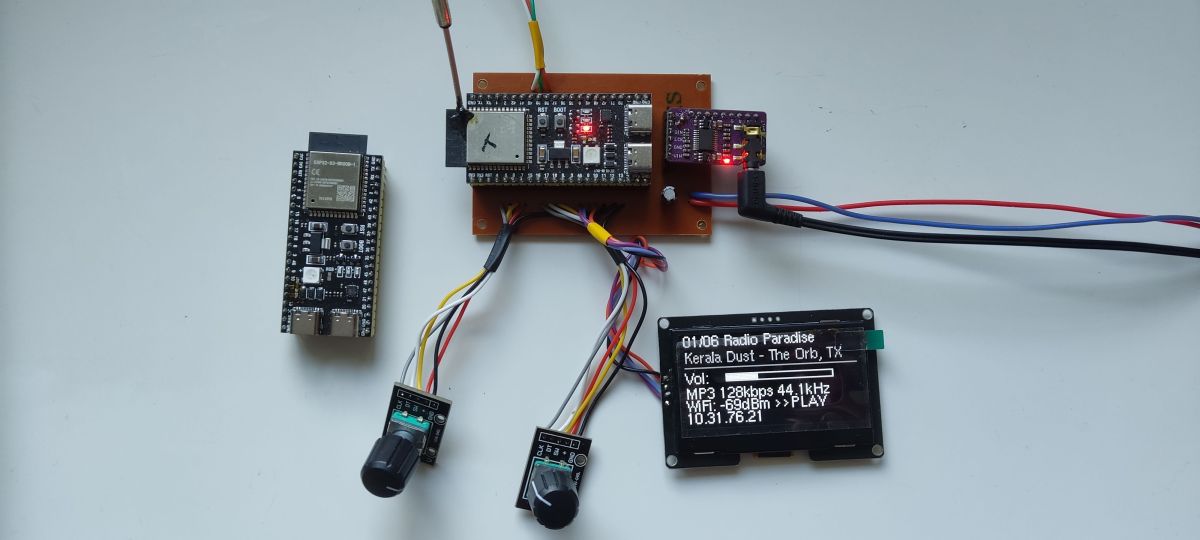
    I’m posting a photo of my setup so you don’t think I’m just messing about.
    Prototype device with an ESP module, wiring, and a display showing internet radio playback information.
  • 3D-printed front panel for ESP32-S3 radio enclosure

    #23 21924146
    miroskop
    Level 23  
    Posts: 466
    Help: 65
    Rate: 62
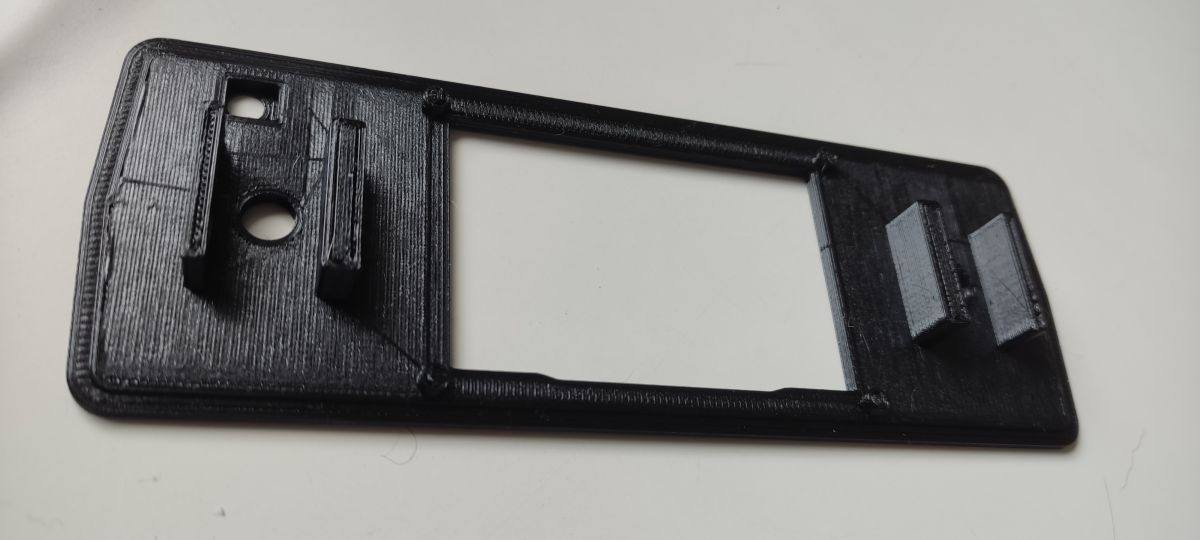
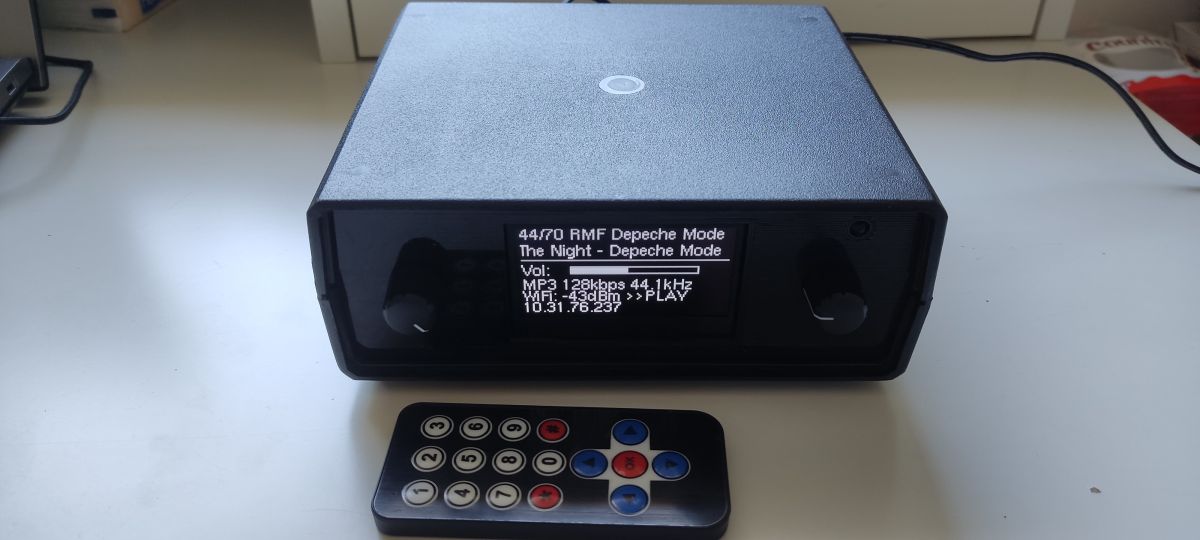
    All done! Encased in a Z4A (Kradex) housing but with a modified front panel. As my encoders don’t have a threaded shaft and need to be mounted on spacers, it was easier for me to 3D-print a dedicated panel. Here’s a photo of the plate and the finished radio. The IR receiver has a specially recessed socket so that its ‘eye’ isn’t hidden. Thanks to my friend Sebastian for creating and sharing this project. The radio works flawlessly; stations switch without any glitches, and configuration via the web interface is convenient and straightforward.
    The simplest Internet radio on the ESP32-S3? No installation required – just upload it and it works!
    Black radio enclosure with OLED display and IR remote on a tabletop
  • Asking whether the speakers provide audio output

    #24 21924165
    sq3evp
    Level 39  
    Posts: 6576
    Help: 219
    Rate: 874
    >>21924146
    Congratulations – I’m waiting for the components to arrive so I can get started too. I don’t have a printer, but I’ll manage somehow.
    Do the speakers have an audio output? It’ll work better for me with an output – either for my home cinema system or for external active speakers.

    I’ve got a few similar remotes, but I’ve no idea what encoding they use – is there any way to check this by sending a signal to the IR receiver?
  • #25 21924212
    miroskop
    Level 23  
    Posts: 466
    Help: 65
    Rate: 62
    I have a mini-jack audio output, without an amplifier. The whole thing is powered by a 5V plug-in power supply, which is why I didn’t bridge the IN-OUT pins on the ESP-32. You can test the remote controls on the finished radio paired with the web panel. There’s a tab for remote control configuration where everything is plain to see.
  • Mini-jack output and Bluetooth receiver plans

    #26 21924220
    sq3evp
    Level 39  
    Posts: 6576
    Help: 219
    Rate: 874
    miroskop wrote:
    I have a mini-jack audio output, without an amplifier. The whole thing is powered by a 5V plug-in power supply, which is why I didn’t bridge the IN-OUT pins on the ESP-32. You can test the remote controls on the finished radio paired with the web panel. There’s a tab for remote control configuration where everything is plain to see.

    That’s brilliant – I’m currently using a Bluetooth receiver powered by a mobile phone charger.
    I’m planning to replace it with this receiver – I think I’ll be able to find a library that allows for Bluetooth reception, and perhaps a small tweak to the interface will let us choose whether we’re receiving radio or Bluetooth signals.
  • #28 21924234
    sq3evp
    Level 39  
    Posts: 6576
    Help: 219
    Rate: 874
    >>21924223
    An interesting project – you can make use of remote controls, as they’re often lying around with bits of kit that are no longer in use.
  • ILI9341 TFT works in test but not radio project

    #29 21924298
    jaostaszewski
    Level 7  
    Posts: 3
    Rate: 2
    Great idea, and it all works really well.

    I ran a test on a small OLED display with encoders, and everything worked as it should – it’s brilliant.
    Ultimately, I wanted to build a radio using a 3.2" 240x320 ILI9341 TFT display because it’s cool and big.
    Unfortunately, it didn’t work :( The display is in working order. I tested it by uploading a very simple programme to this ESP32 S3 that loads an image across the entire display, using the same pins you suggest in your project, and it works without any issues.
    Maybe I’m doing something wrong…
    In the video, you’re using a similar one, but the 2.4" version if I’m not mistaken, and it starts up straight away. I don’t know what else I can check
  • #30 21924323
    Seba_smd
    Level 17  
    Posts: 301
    Help: 8
    Rate: 87
    jaostaszewski wrote:
    ..
    In the video, you’re using a similar one, but the 2.4-inch version if I’m not mistaken, and it starts up straight away. I don’t know what else I can check


    I’m using the ST7789 2.4" Link
    In theory, the ILI9341 3.2 should work. It’s a shame I don’t have one to test it, or if there were still space in the ESP32-S3’s memory, I could add it – is this the one?? Link
ADVERTISEMENT