
Hello everyone,
I’m having a persistent problem when trying to upload OpenBeken onto a Tuya smart prepayment switch equipped with the BK7238 (T1) chip. I’ve spent many hours on this and tried almost every diagnostic method available, but I’ve completely hit a dead end. I would be very grateful for any advice from the experts on this forum.
Below is a detailed description of my hardware, the nature of the problem and all the steps I have taken so far.
1. Hardware and configuration
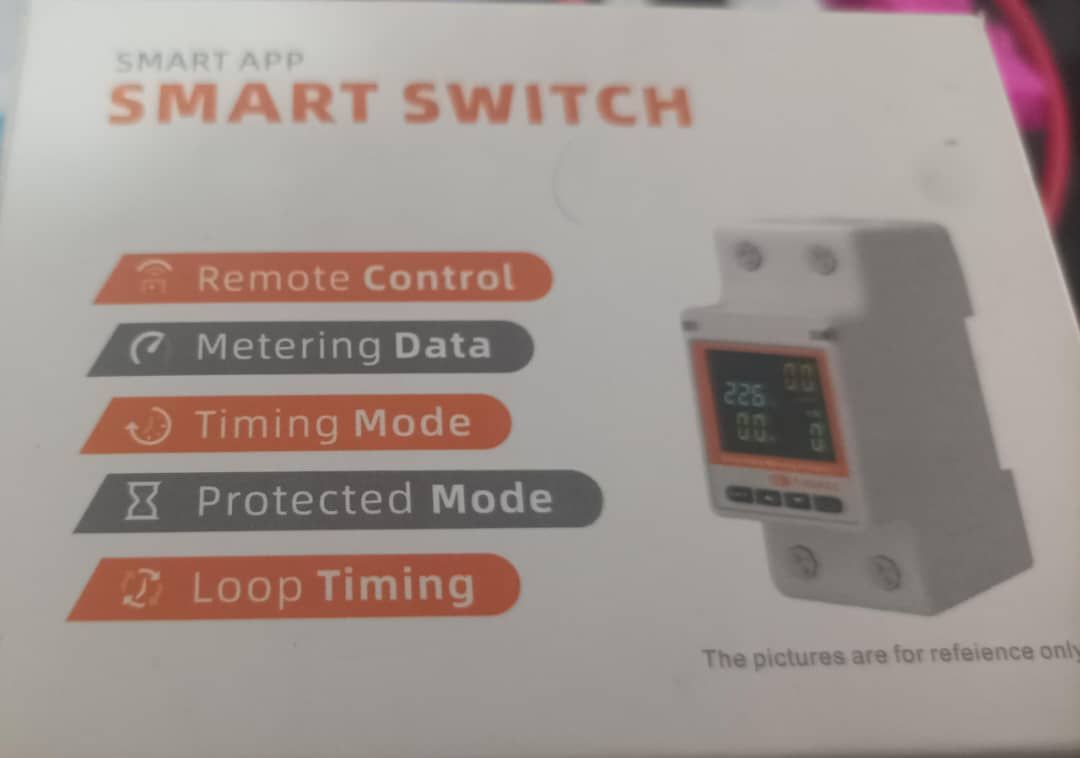
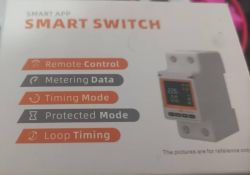
Target device: Tuya smart prepaid switch (based on TuyaMCU, 9600 baud transmission speed).
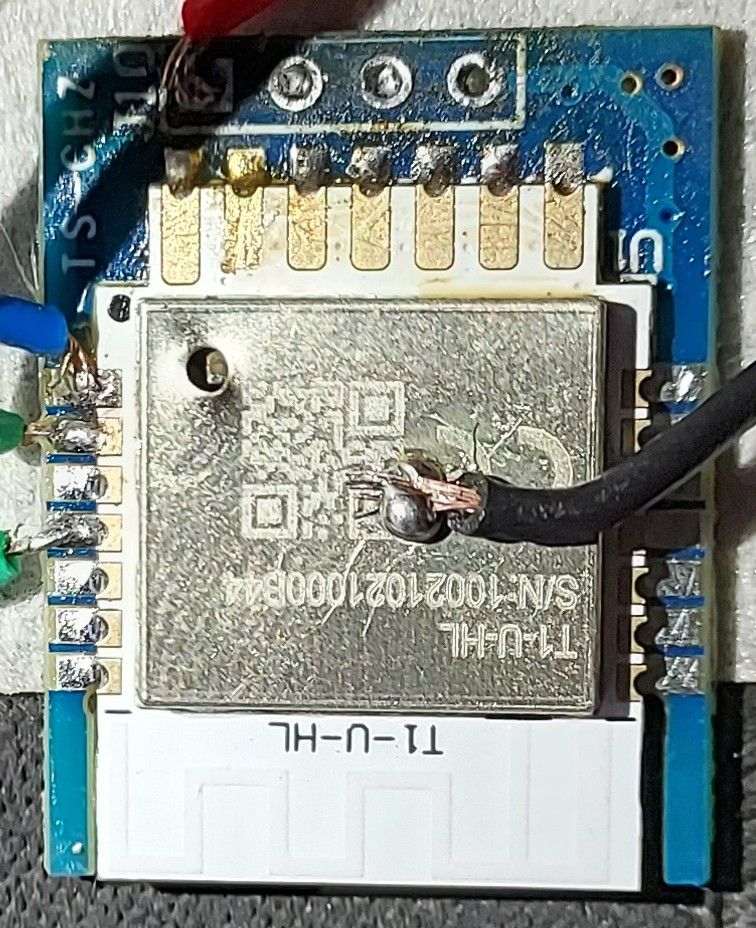
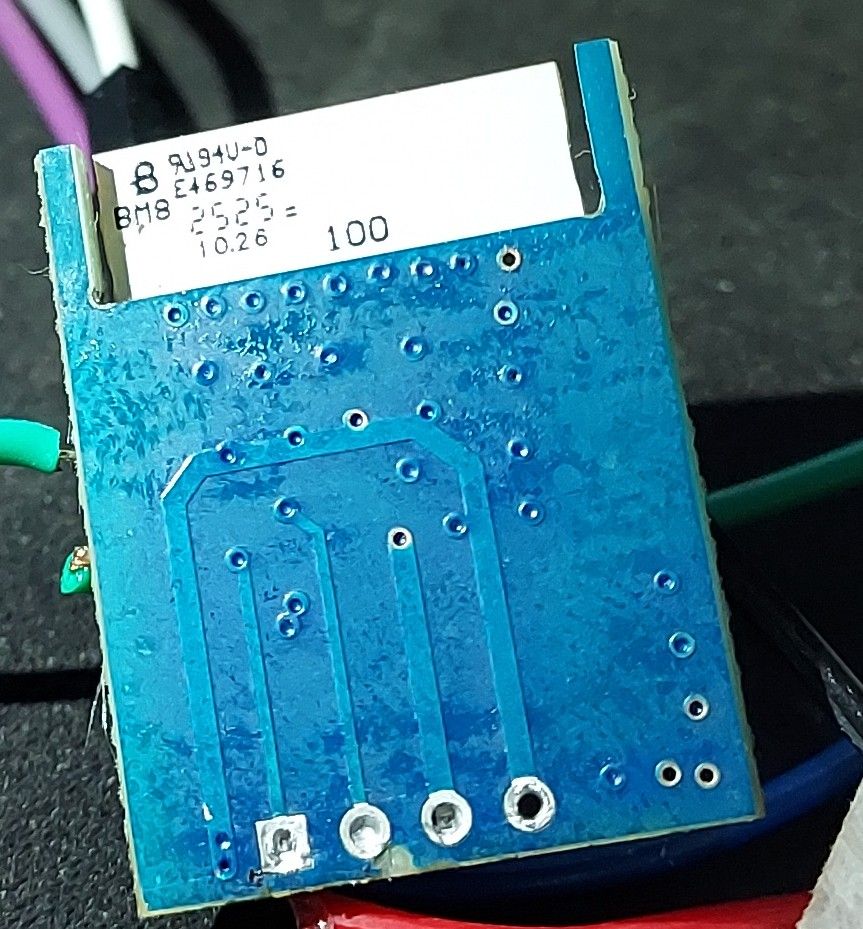
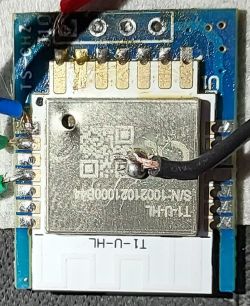
Wi-Fi module: BK7238 (internal T1 platform).
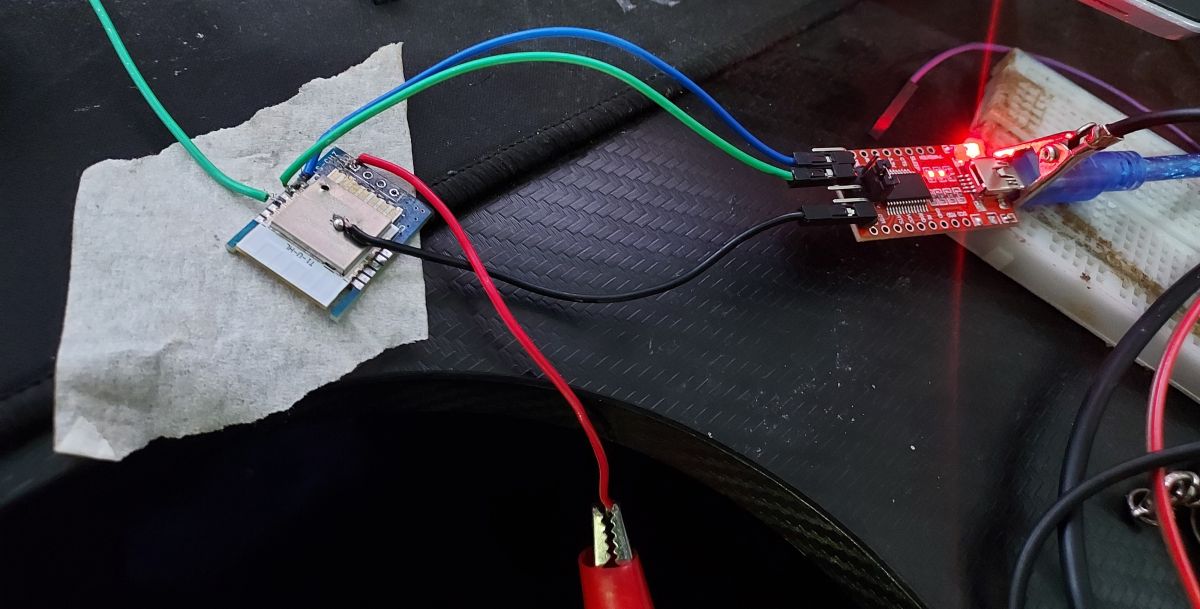
Power supply: External laboratory power supply set to a stable 3.3 V (capable of delivering high current), monitored using an ammeter.
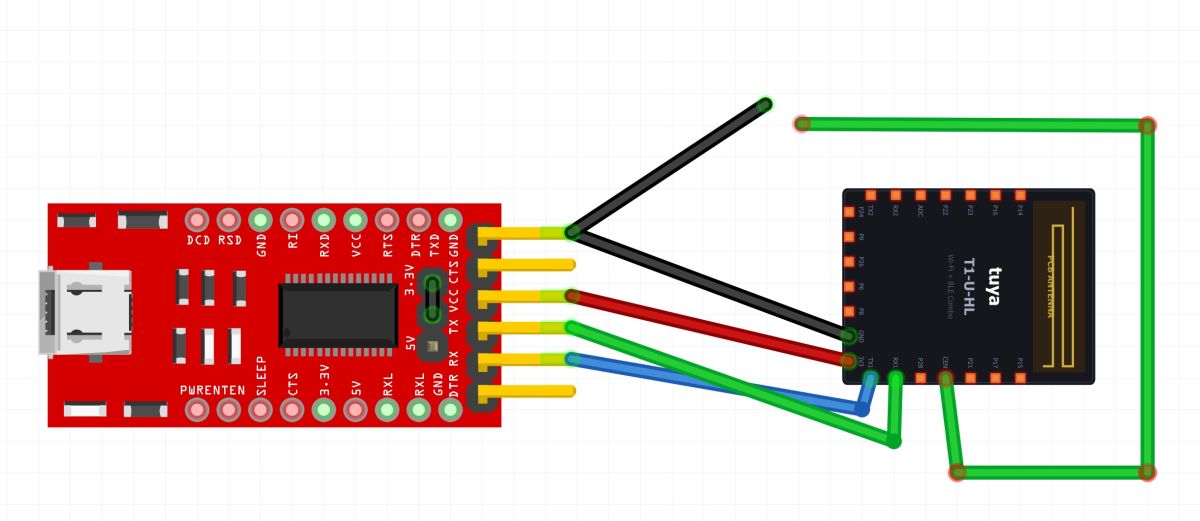
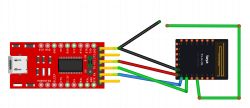
UART adapter: Initially an FT232RL (which later failed the loopback test); I am currently using an Arduino Uno as a USB-TTL adapter in pass-through mode (the RESET pin connected to GND).
Connections: The common ground (GND) is 100% correctly connected between the laboratory power supply, the circuit and the UART adapter.
2. Timeline (how the problem began)
Phase 1 (Complete success):
I successfully connected to the chip and read the original firmware using the BK7231 GUI Flash Tool. The backup was created correctly, and the tool read the Tuya configuration without any issues (Platform: T1, Baud: 9600, presence of TuyaMCU confirmed).
Phase 2 (Failure):
I clicked the flash button to upload the OpenBeken firmware. The process began but ended in an error precisely during the first stage of memory erasure, with the following message:
Phase 3 (Current status):
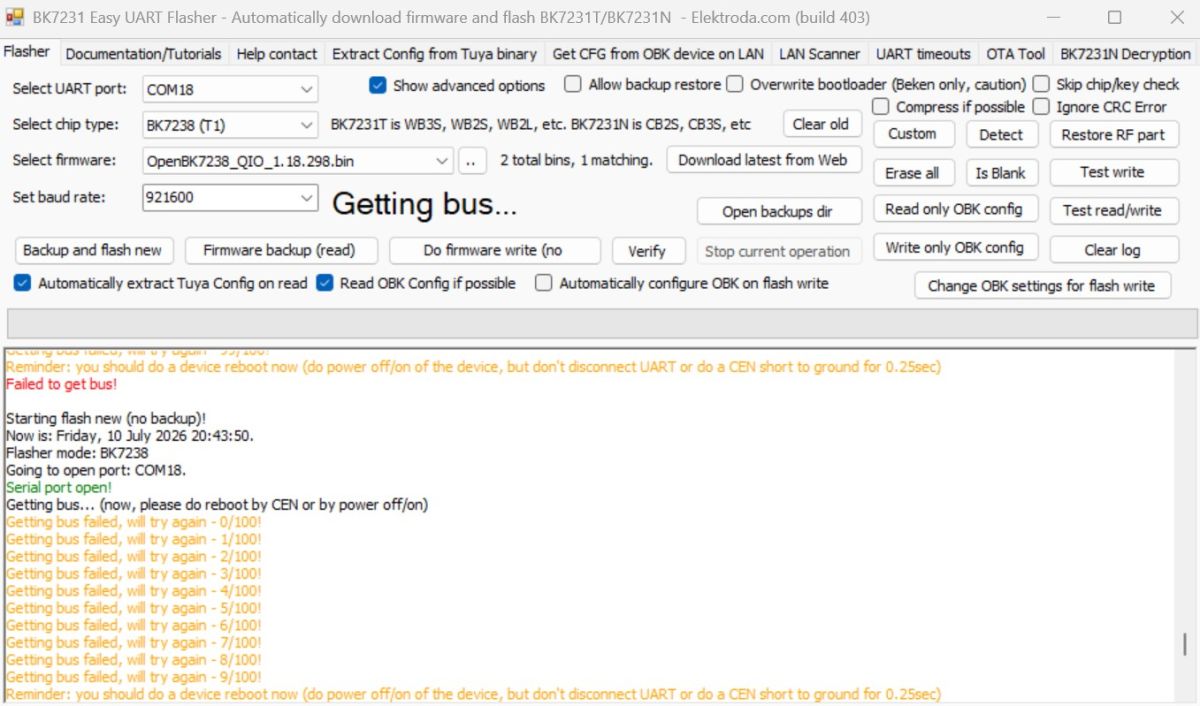
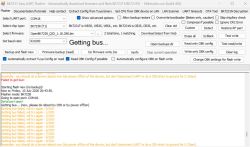
Since this error occurred during memory erasure, the chip appears to be in a state of partial software failure (‘soft brick’). Every time I try to reprogram it, I get an endless loop of errors:
3. Diagnostic steps already carried out (over 100 attempts!)
To save you time, below are all the tests I have already carried out:
Power cycle synchronisation:
I left the 3.3 V cable disconnected, clicked the ‘Flash’ button in the GUI, and precisely at the moment the message appeared:
I connected the 3.3 V cable to produce a sharp rising edge on the power supply. There was no response.
Resetting the CEN pin:
I left the power on, started the flashing process and, for about 0.5 seconds, shorted the CEN pin to GND during the “Getting bus” loop. I also tried the ‘Woodpecker’ method (rapid, repeated shorting of the pin to GND). To no avail.
Diagnostics using an ammeter:
The chip draws a normal current in the range of 30 mA to 80 mA during operation, which indicates that it has not been physically damaged. When I short-circuit the CEN pin to GND, the current draw drops to around 0 mA, which confirms that the internal reset circuit is functioning correctly.
Baud rates:
I tried changing the programmer’s baud rate to 115200 baud, and then setting it back to 921600 baud.
Changing the UART adapter:
After the loopback test on my FTDI adapter failed, I switched to using an Arduino Uno (RESET connected to GND) as a serial bridge. (Note: in this configuration, I connected TX to TX and RX to RX as required for this workaround).
Hard Recovery:
Is there a specific ‘hard recovery’ method or an alternative tool (such as hid_download_py or Beken Writer 1.60) for the BK7238 chip, which failed precisely during the following operation:
I have a safely stored backup of the original firmware, but I simply need to re-establish communication with the bus.
Thank you in advance for your time, and for any help and expert advice!
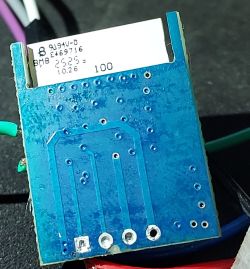
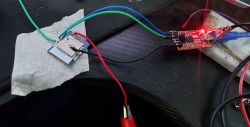
I’m having a persistent problem when trying to upload OpenBeken onto a Tuya smart prepayment switch equipped with the BK7238 (T1) chip. I’ve spent many hours on this and tried almost every diagnostic method available, but I’ve completely hit a dead end. I would be very grateful for any advice from the experts on this forum.
Below is a detailed description of my hardware, the nature of the problem and all the steps I have taken so far.
1. Hardware and configuration
Target device: Tuya smart prepaid switch (based on TuyaMCU, 9600 baud transmission speed).
Wi-Fi module: BK7238 (internal T1 platform).
Power supply: External laboratory power supply set to a stable 3.3 V (capable of delivering high current), monitored using an ammeter.
UART adapter: Initially an FT232RL (which later failed the loopback test); I am currently using an Arduino Uno as a USB-TTL adapter in pass-through mode (the RESET pin connected to GND).
Connections: The common ground (GND) is 100% correctly connected between the laboratory power supply, the circuit and the UART adapter.
2. Timeline (how the problem began)
Phase 1 (Complete success):
I successfully connected to the chip and read the original firmware using the BK7231 GUI Flash Tool. The backup was created correctly, and the tool read the Tuya configuration without any issues (Platform: T1, Baud: 9600, presence of TuyaMCU confirmed).
Phase 2 (Failure):
I clicked the flash button to upload the OpenBeken firmware. The process began but ended in an error precisely during the first stage of memory erasure, with the following message:
failed, will retry! Erasing block 0x00...failed with serial.BytesToRead 0 (expected 16)
Phase 3 (Current status):
Since this error occurred during memory erasure, the chip appears to be in a state of partial software failure (‘soft brick’). Every time I try to reprogram it, I get an endless loop of errors:
Getting bus failed, will try again - 0/100!
...
Getting bus failed, will try again - 99/100!
Failed to get bus!
3. Diagnostic steps already carried out (over 100 attempts!)
To save you time, below are all the tests I have already carried out:
Power cycle synchronisation:
I left the 3.3 V cable disconnected, clicked the ‘Flash’ button in the GUI, and precisely at the moment the message appeared:
Getting bus... 0/100
I connected the 3.3 V cable to produce a sharp rising edge on the power supply. There was no response.
Resetting the CEN pin:
I left the power on, started the flashing process and, for about 0.5 seconds, shorted the CEN pin to GND during the “Getting bus” loop. I also tried the ‘Woodpecker’ method (rapid, repeated shorting of the pin to GND). To no avail.
Diagnostics using an ammeter:
The chip draws a normal current in the range of 30 mA to 80 mA during operation, which indicates that it has not been physically damaged. When I short-circuit the CEN pin to GND, the current draw drops to around 0 mA, which confirms that the internal reset circuit is functioning correctly.
Baud rates:
I tried changing the programmer’s baud rate to 115200 baud, and then setting it back to 921600 baud.
Changing the UART adapter:
After the loopback test on my FTDI adapter failed, I switched to using an Arduino Uno (RESET connected to GND) as a serial bridge. (Note: in this configuration, I connected TX to TX and RX to RX as required for this workaround).
Hard Recovery:
Is there a specific ‘hard recovery’ method or an alternative tool (such as hid_download_py or Beken Writer 1.60) for the BK7238 chip, which failed precisely during the following operation:
Erasing block 0x00
I have a safely stored backup of the original firmware, but I simply need to re-establish communication with the bus.
Thank you in advance for your time, and for any help and expert advice!