






Hello
I have a temperature and humidity sensor which, until now, had been connected to the Ewlink, Home and Smartlife apps. As the batteries were very low, I had to replace them with new ones. Since then, the sensor has refused to connect. It is detected by the Smartlife app, where I try to add it again. And when the whole process is almost complete, an error pops up.
The network is 2.4 GHz
Sometimes I enter the name of my Wi-Fi, and other times the network name generated by the sensor itself. When the app detects it, a process begins, but it always ends in an error. I’ve been struggling with this for a few days now, and the AI isn’t much help either.
Can any of you offer any advice?
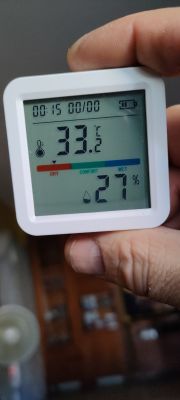
Best regards
AI: Please provide the exact make and model of this sensor, or alternatively post a photo of the label or a link to the exact same device.
I don’t know the manufacturer; I bought it from a Chinese seller
AI: What exact error does SmartLife display at the end of the pairing process, and in which mode are you adding the sensor: quick pairing/EZ or AP mode, i.e. via the Wi-Fi network created by the sensor?
The Wi-Fi icon flashes slowly and goes out before the saving process is complete.
I have a temperature and humidity sensor which, until now, had been connected to the Ewlink, Home and Smartlife apps. As the batteries were very low, I had to replace them with new ones. Since then, the sensor has refused to connect. It is detected by the Smartlife app, where I try to add it again. And when the whole process is almost complete, an error pops up.
The network is 2.4 GHz
Sometimes I enter the name of my Wi-Fi, and other times the network name generated by the sensor itself. When the app detects it, a process begins, but it always ends in an error. I’ve been struggling with this for a few days now, and the AI isn’t much help either.
Can any of you offer any advice?
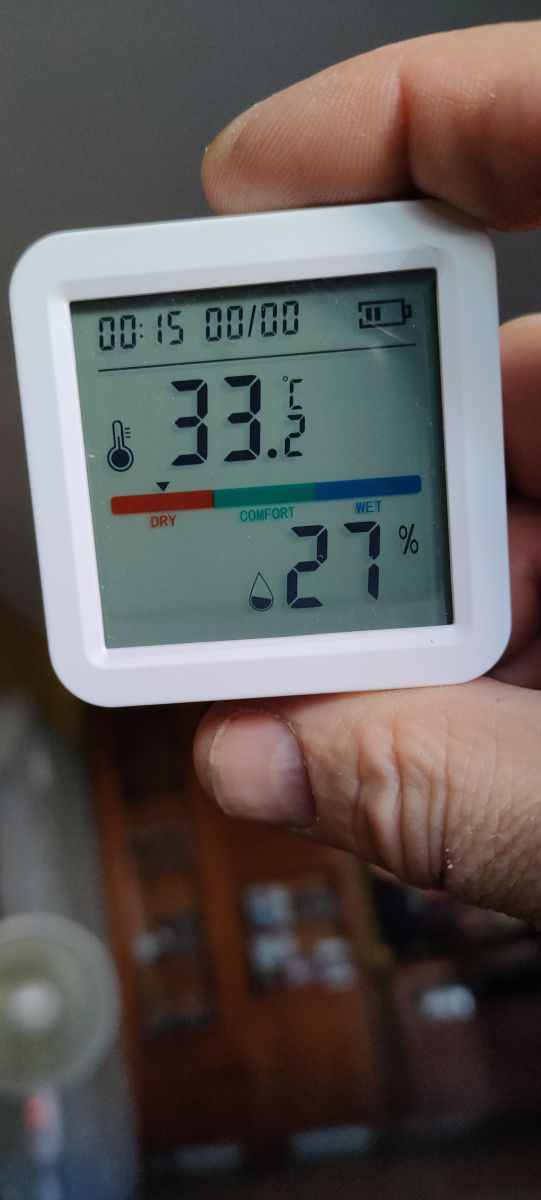
Best regards
AI: Please provide the exact make and model of this sensor, or alternatively post a photo of the label or a link to the exact same device.
I don’t know the manufacturer; I bought it from a Chinese seller
AI: What exact error does SmartLife display at the end of the pairing process, and in which mode are you adding the sensor: quick pairing/EZ or AP mode, i.e. via the Wi-Fi network created by the sensor?
The Wi-Fi icon flashes slowly and goes out before the saving process is complete.
