logo elektroda
logo elektroda
X
logo elektroda

ESP32-Cam, how do I start and operate a camera with ESP32 in PlatformIO?

p.kaczmarek2  3 4083 Cool? (+7)
📢 Listen (AI):

TL;DR

  • An ESP32-CAM project in PlatformIO starts the OV2640 camera, serves a live MJPEG stream, and adds web controls for snapshots and the onboard LED.
  • The stream uses HTTP multipart/x-mixed-replace on a separate port 81, while the control page runs on port 80 with handlers for JPG download and LED switching.
  • The board pairs an ESP-32S with 4MB Flash, 520KB RAM, and 4MB external SRAM, and the demo stream drew about 250mA at 5V before the LDO.
  • Captured frames can be decoded from JPEG to RGB888 with fmt2rgb888, edited with custom pixel code such as drawing rectangles, then re-encoded with fmt2jpg.
  • A stripped PlatformIO project is provided because the original example failed on fd_forward.h, and the face-detection feature was removed.
Generated by the language model.
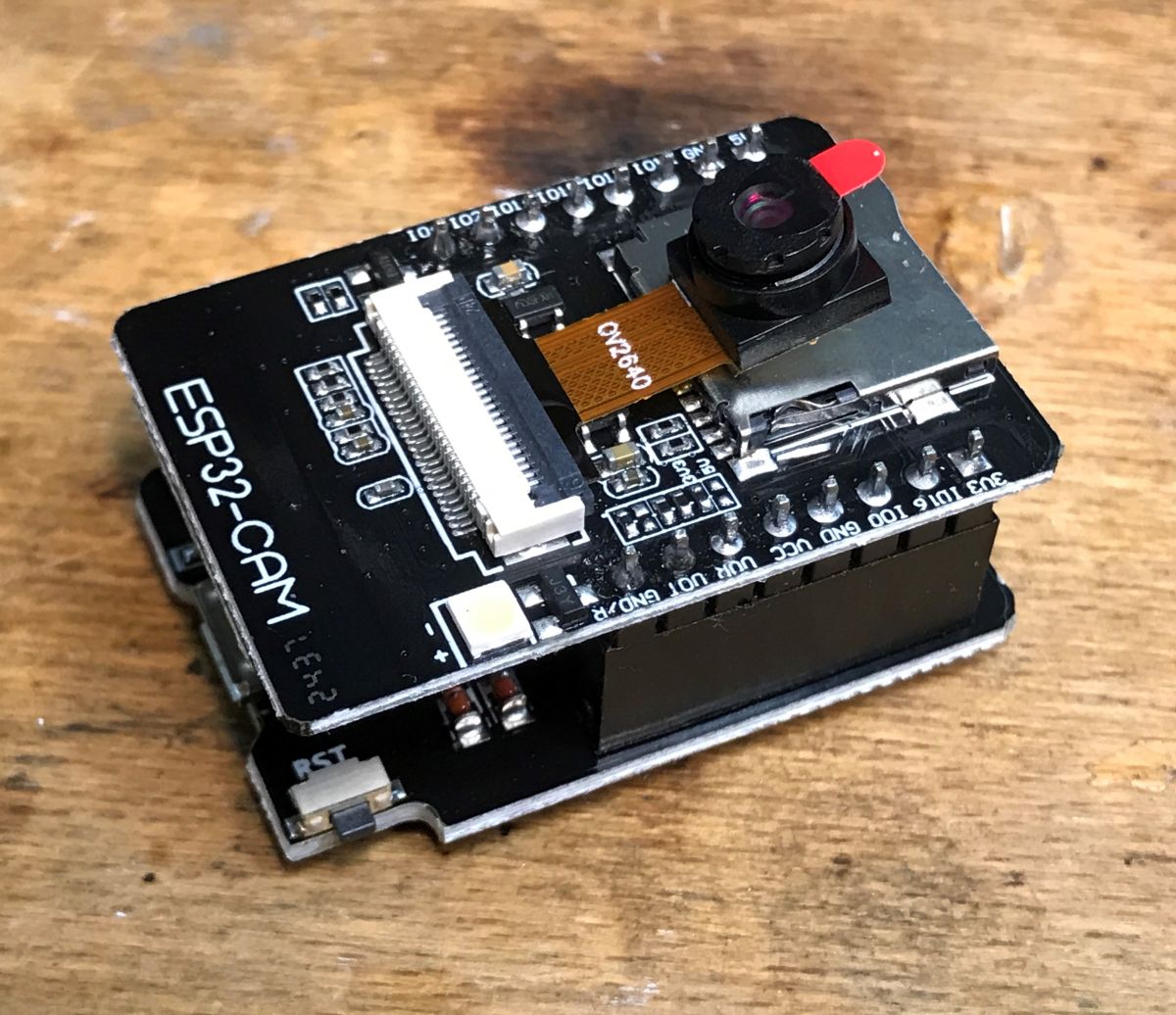
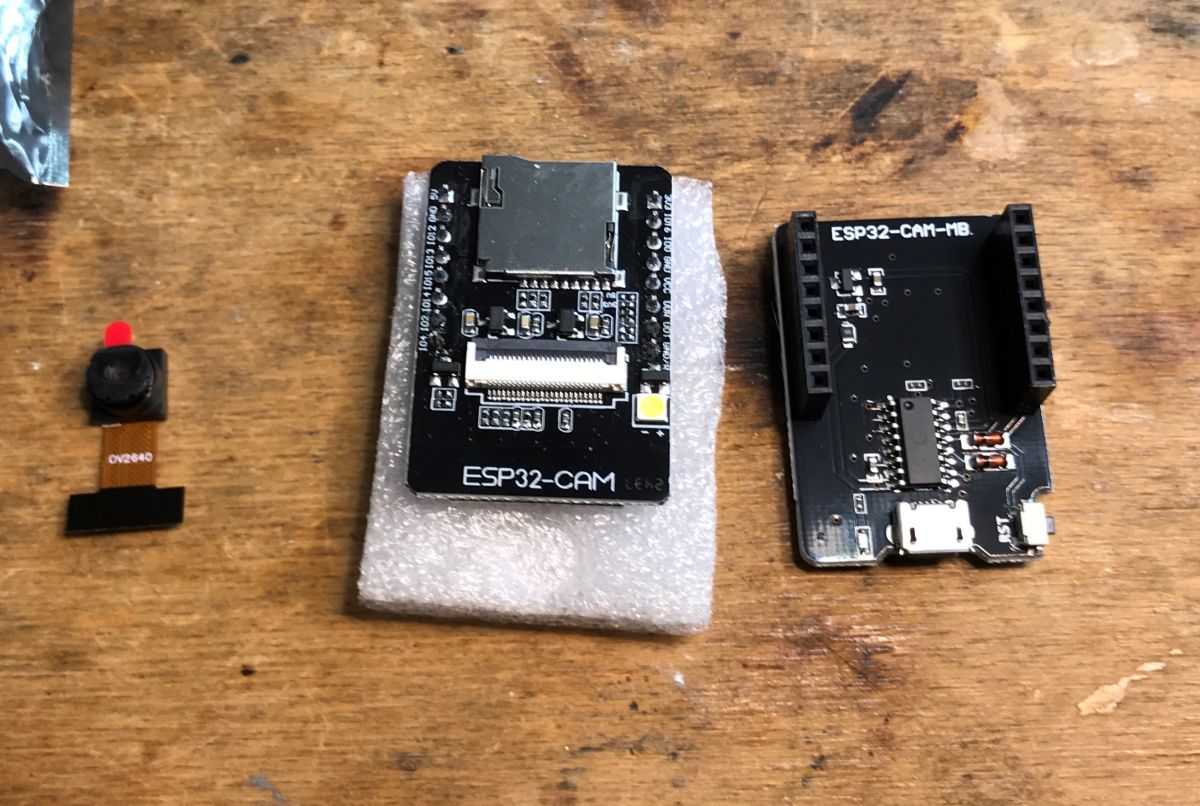
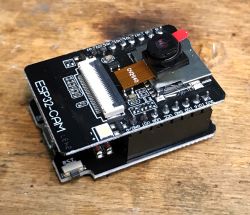
ESP32-Cam module with OV2640 camera on wooden background .
Here I'll cover running the ESP32-Cam in PlatformIO, analyse how streaming video (?) from this board works, and show how to access the pixels of the image taken from the camera (e.g. to draw rectangles).
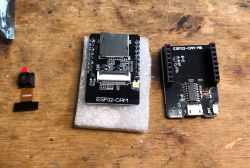
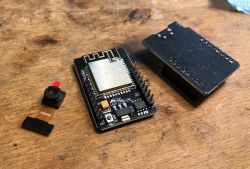
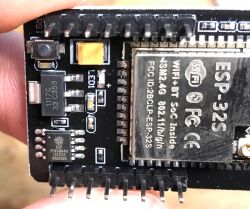
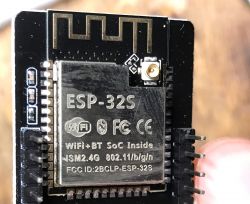
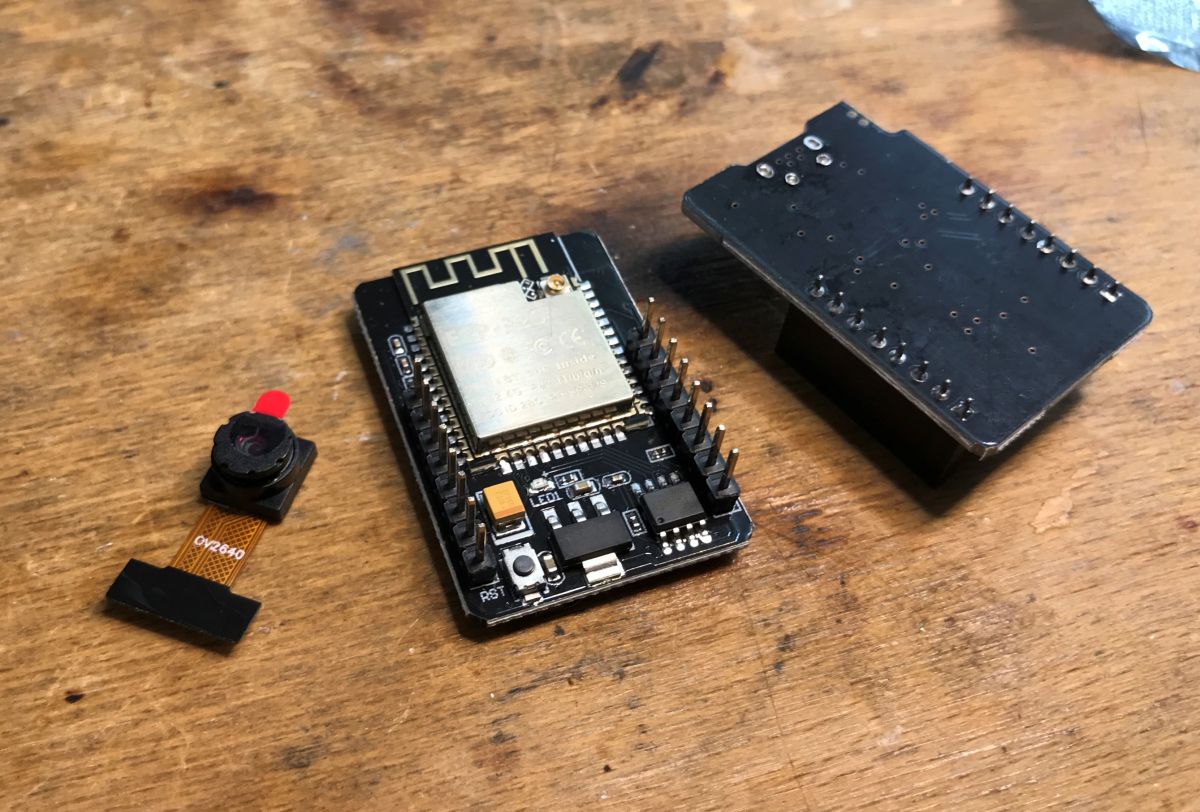
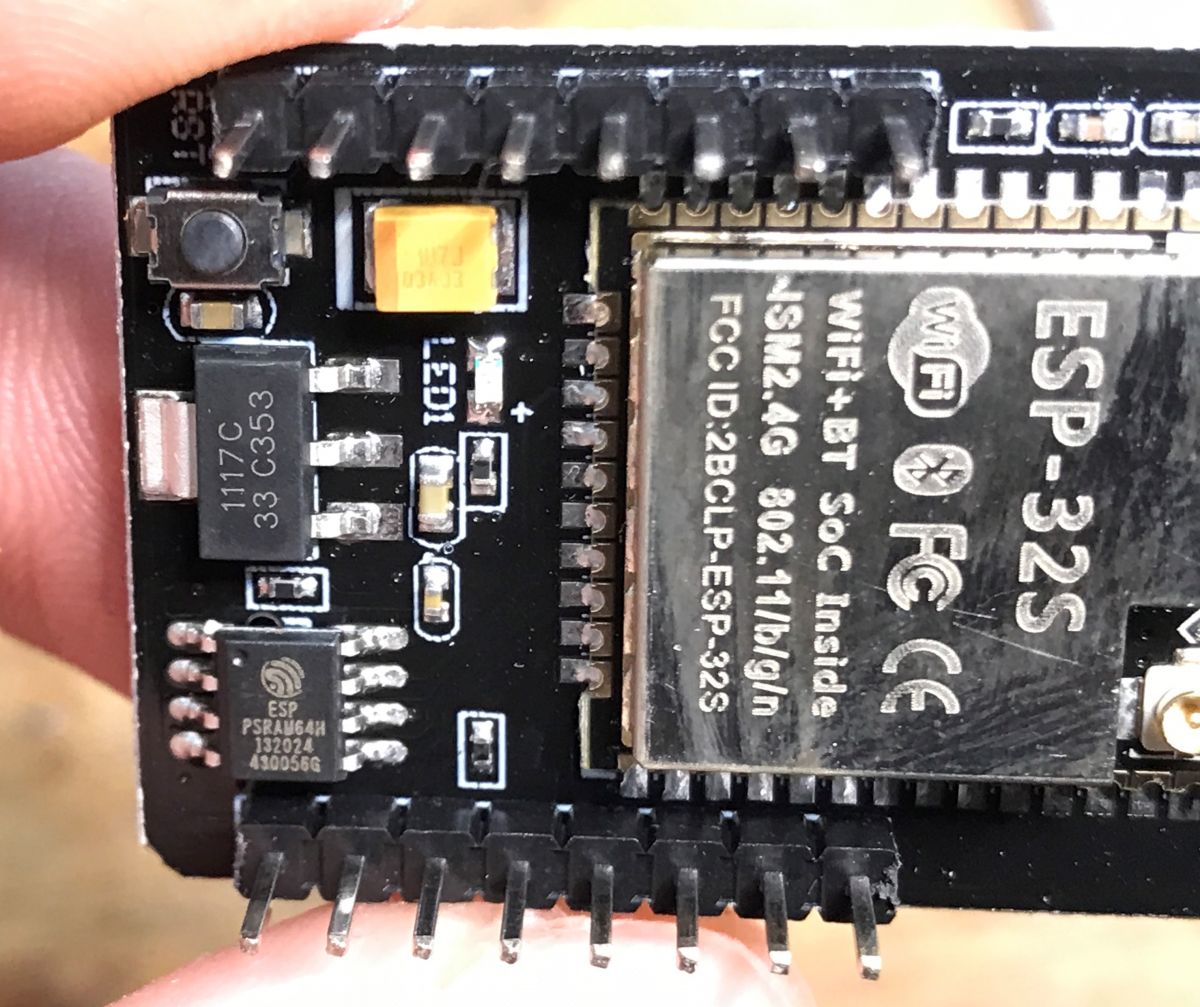
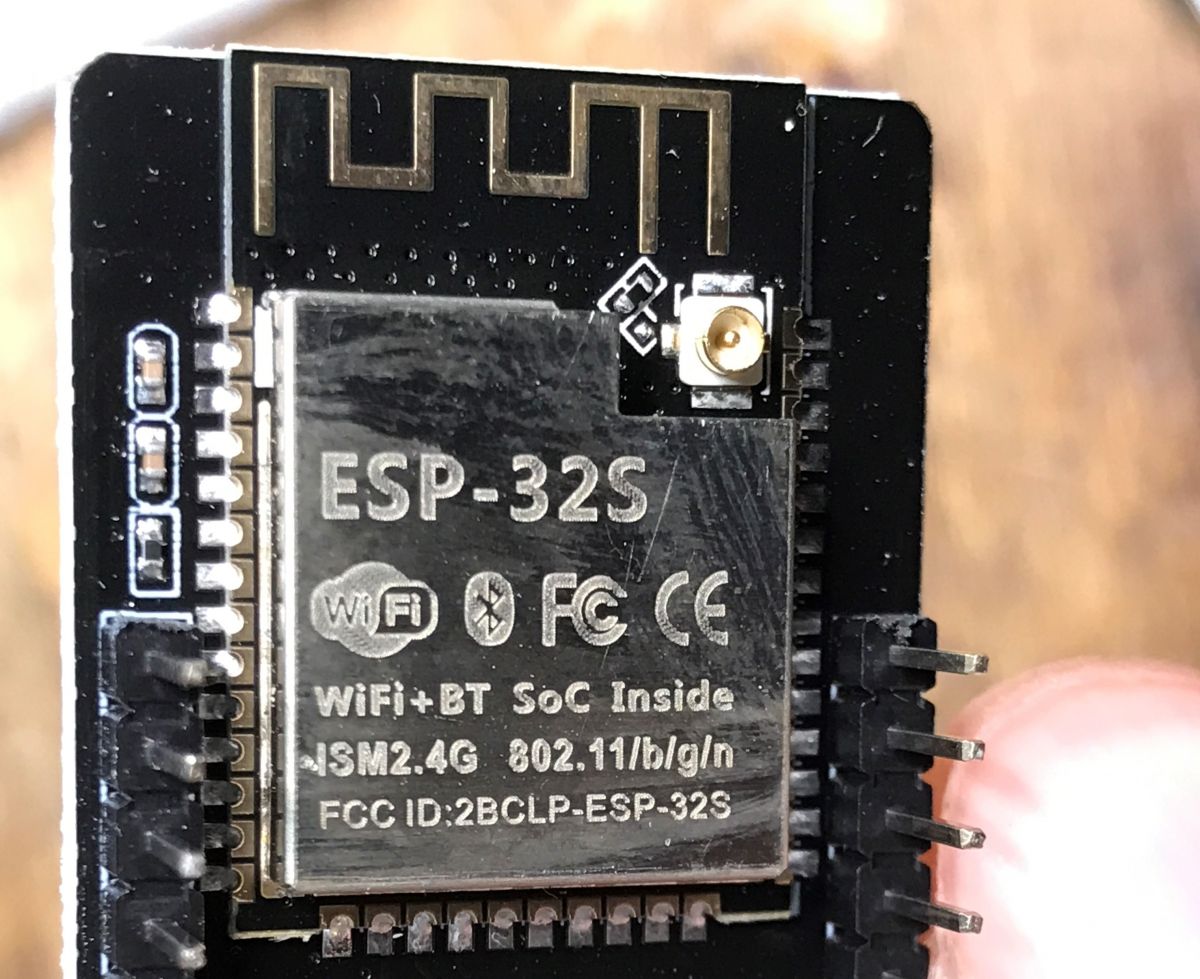
The ESP32-Cam is a small and handy board offering an ESP-32S module (4MB Flash, 520KB RAM) along with an additional 4MB of external SRAM, and the eponymous camera (OV2640) with up to 1600×1200px resolution. Next to the camera there is also an LED which can be used as a backlight, and on the other side of the board we have a slot for a microSD card to, for example, save photos taken on it.
The ESP32-Cam is normally programmed via UART, like other ESP modules, but it is worth buying an ESP32-Cam-MB adapter for it, which is basically a CH340G-based USB to UART converter.
You can get a whole kit like this for a few tens of zlotys, depending on whether you buy in our country or import from China.
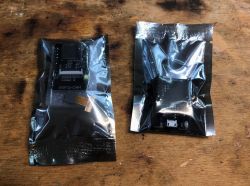
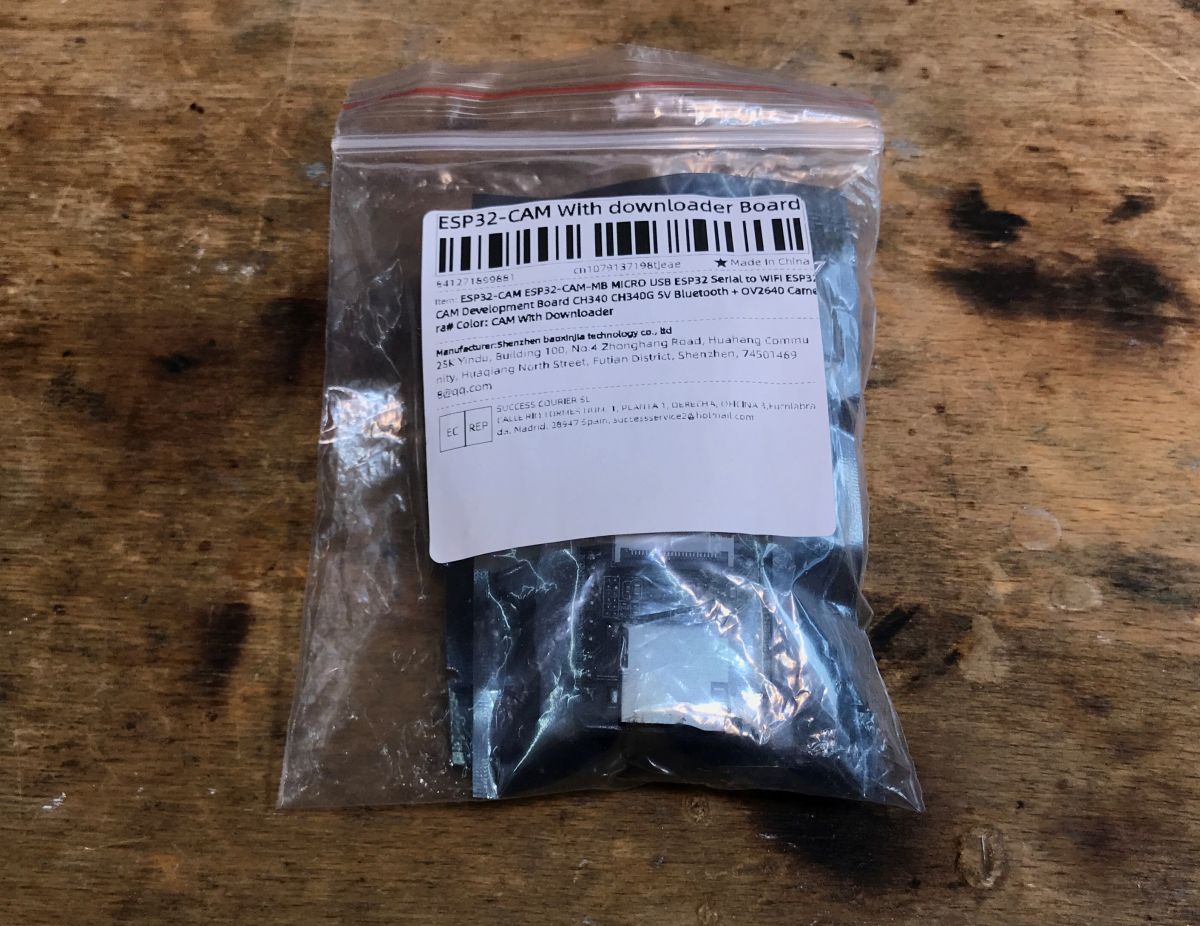
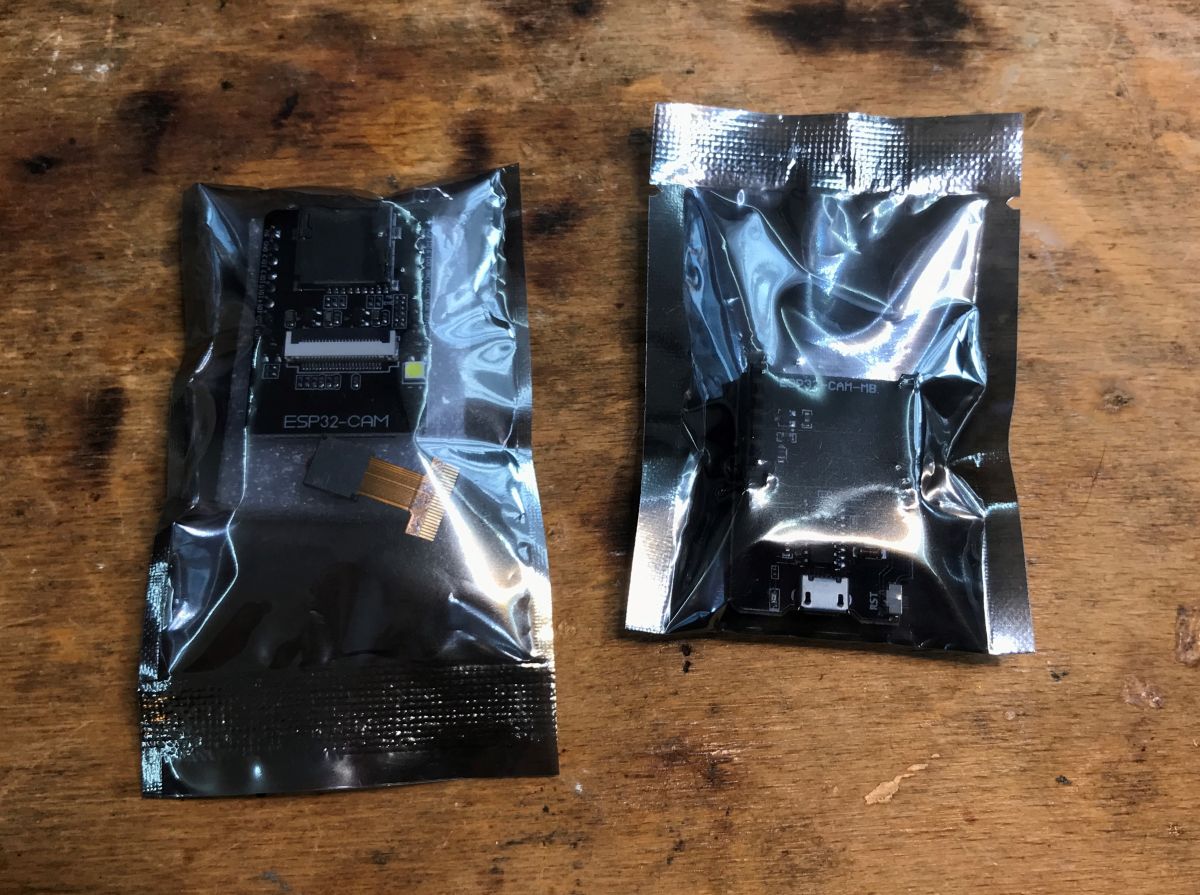
Here I will present just such a kit:
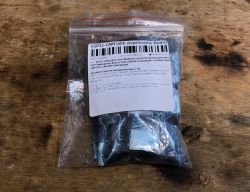
ESP32-Cam packaged in a plastic bag Two packaged ESP32-Cam kits on a wooden background. ESP32-Cam with OV2640 camera and ESP32-Cam-MB adapter on a wooden table ESP32-Cam board with OV2640 camera and MB adapter on a wooden surface. ESP32-Cam with ESP-32S module and additional hardware ESP-32S module with visible chip and antenna connector. ESP-32S module with visible chip and antenna connector.
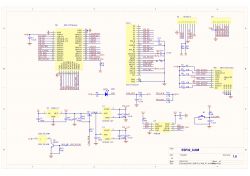
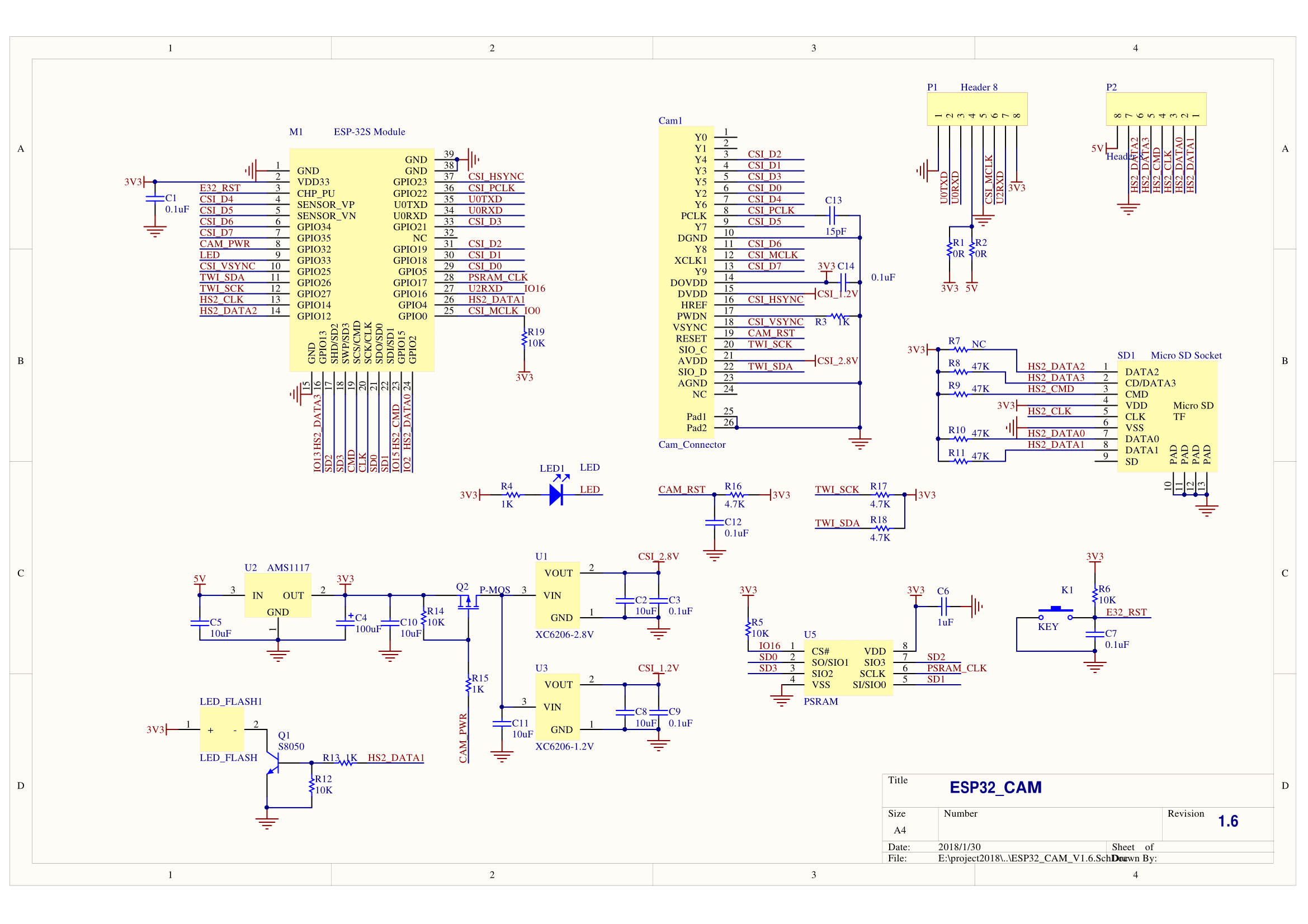
Diagram:
Electrical schematic of the ESP32-Cam module.

Demonstration software .
The board has a pre-loaded demonstration program. I have posted a copy of it on my repository:
https://github.com/openshwprojects/FlashDumps/commit/8d0b74c26a26db29a91fd226e7d85909b4ca6eb4
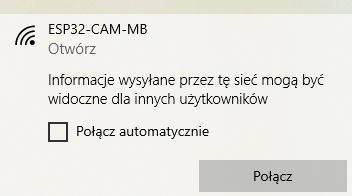
The program creates an open access point that anyone can join:
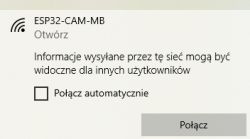
ESP32-CAM-MB network notification with connect option .
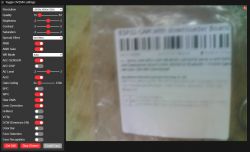
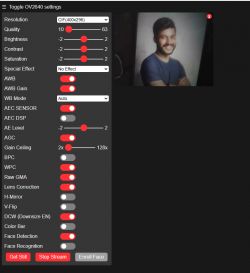
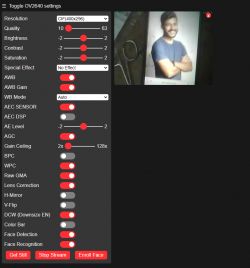
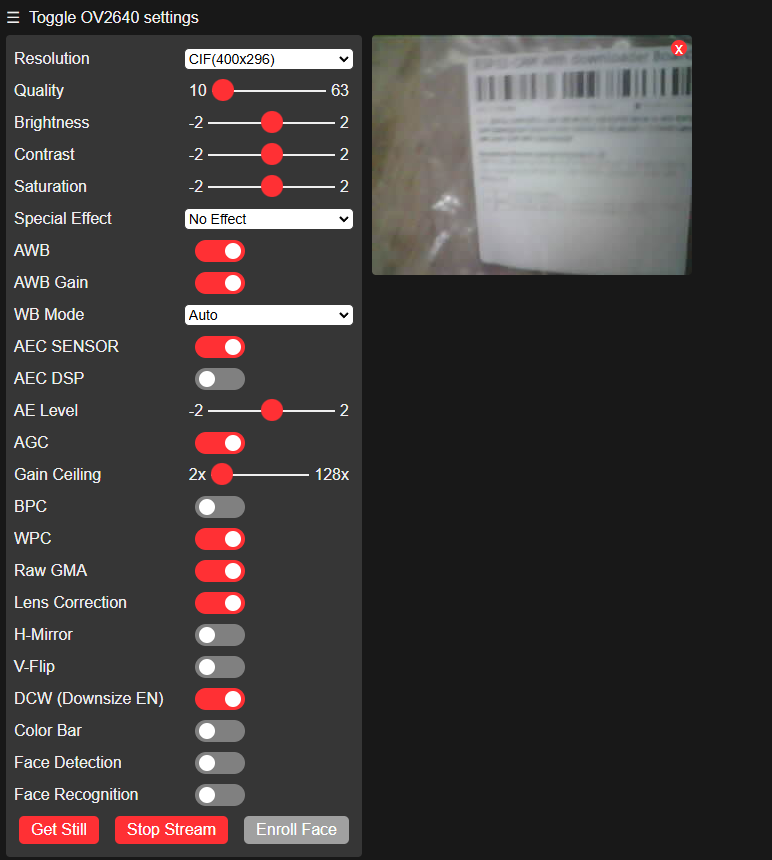
A control page is available at IP address 192.168.4.1, along with a live view of the camera:
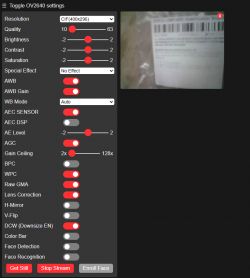
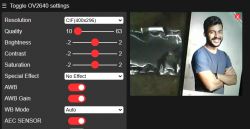
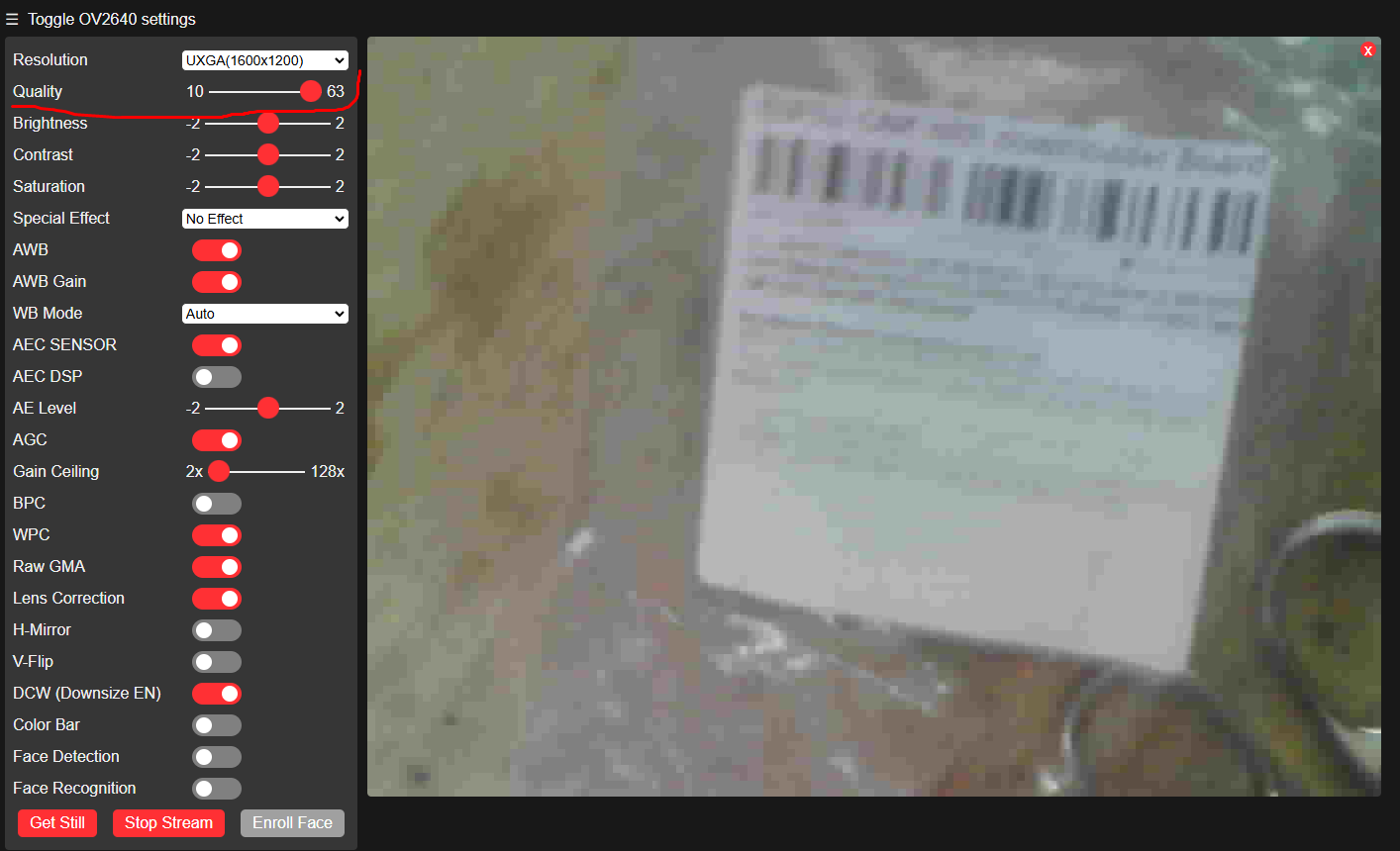
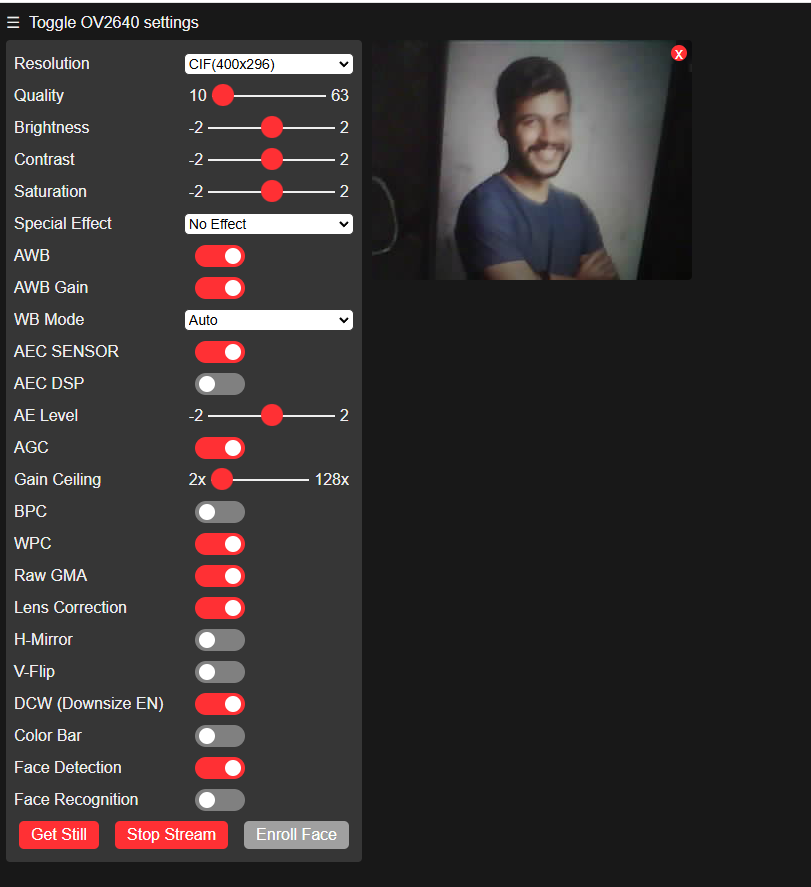
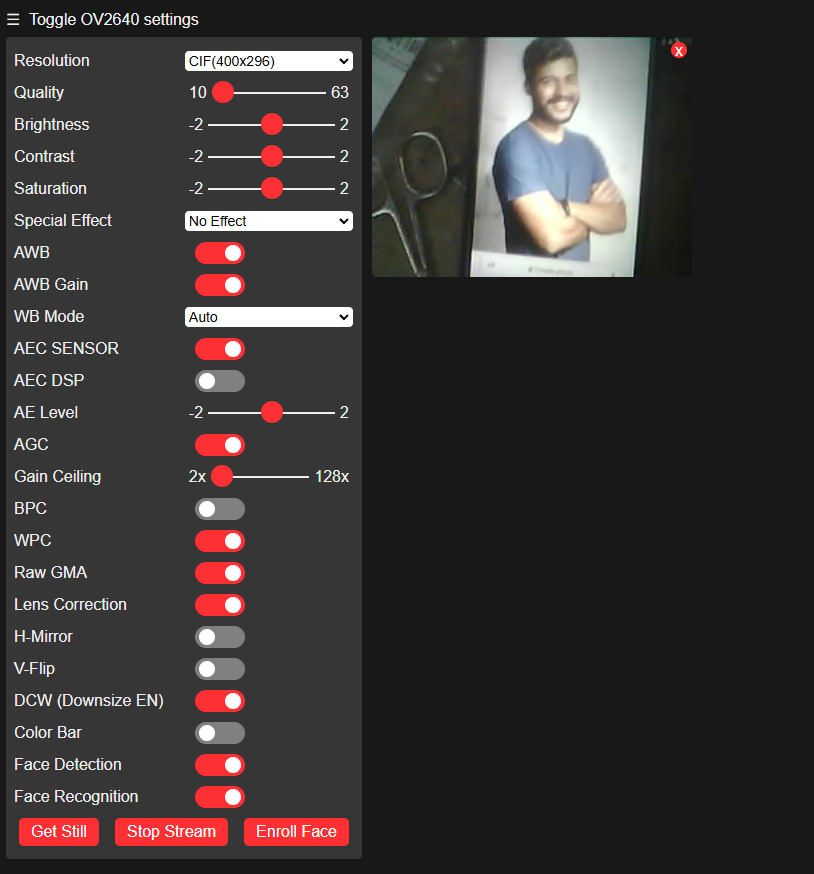
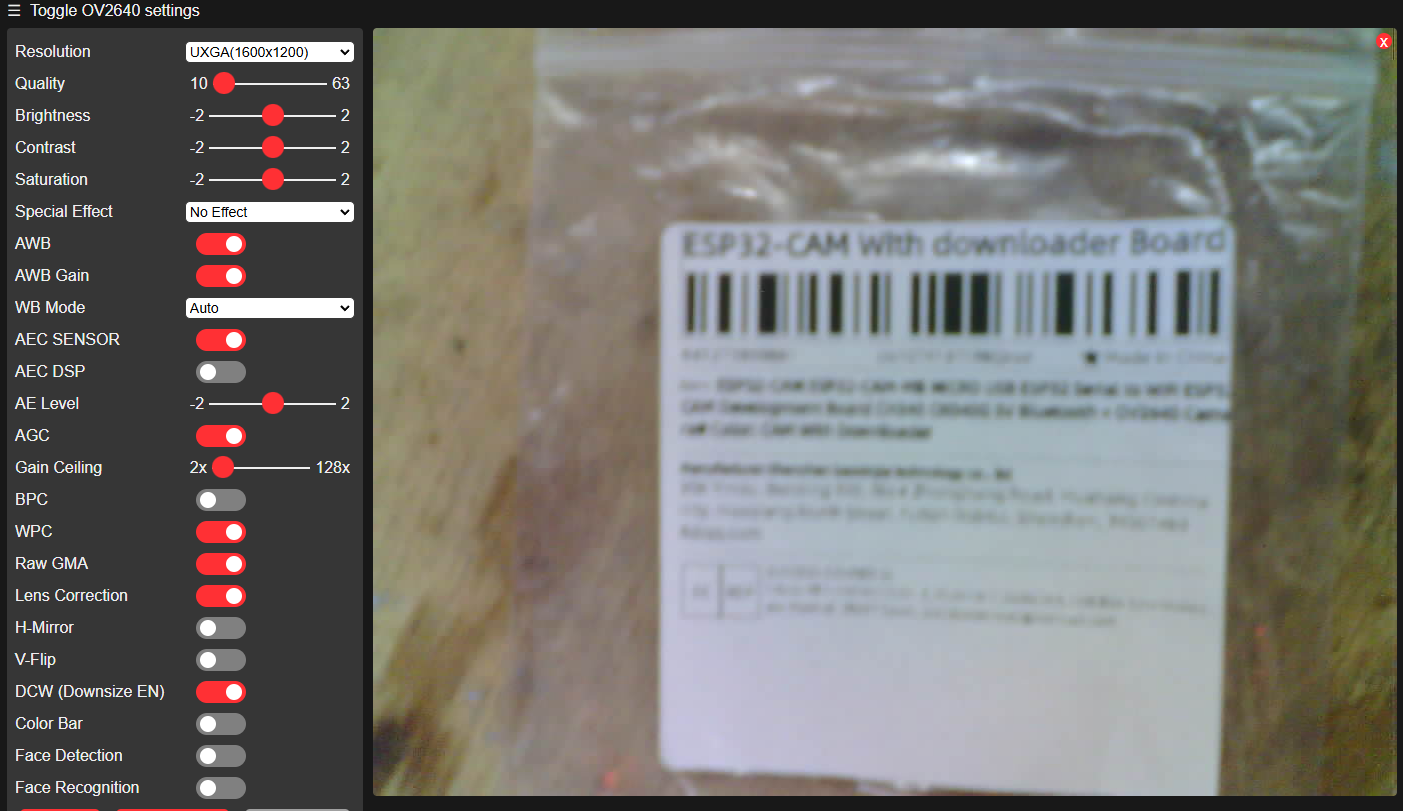
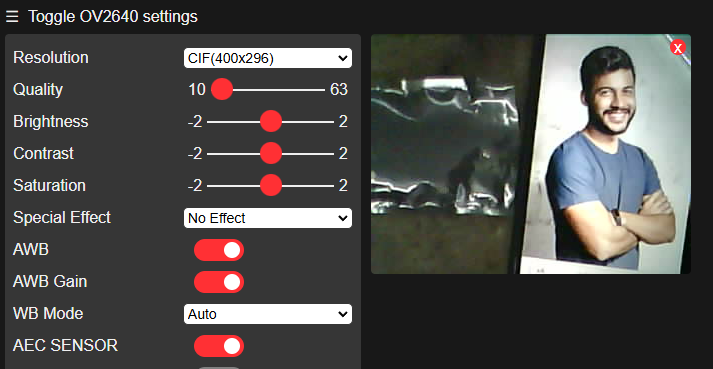
ESP32-Cam camera settings interface User interface with ESP32-Cam camera settings. OV2640 camera configuration interface on ESP32-Cam with quality and resolution settings. ESP32-Cam settings interface with image preview User interface for adjusting ESP32-Cam OV2640 camera settings. .
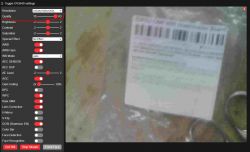
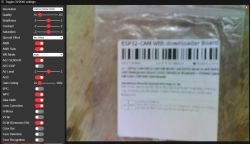
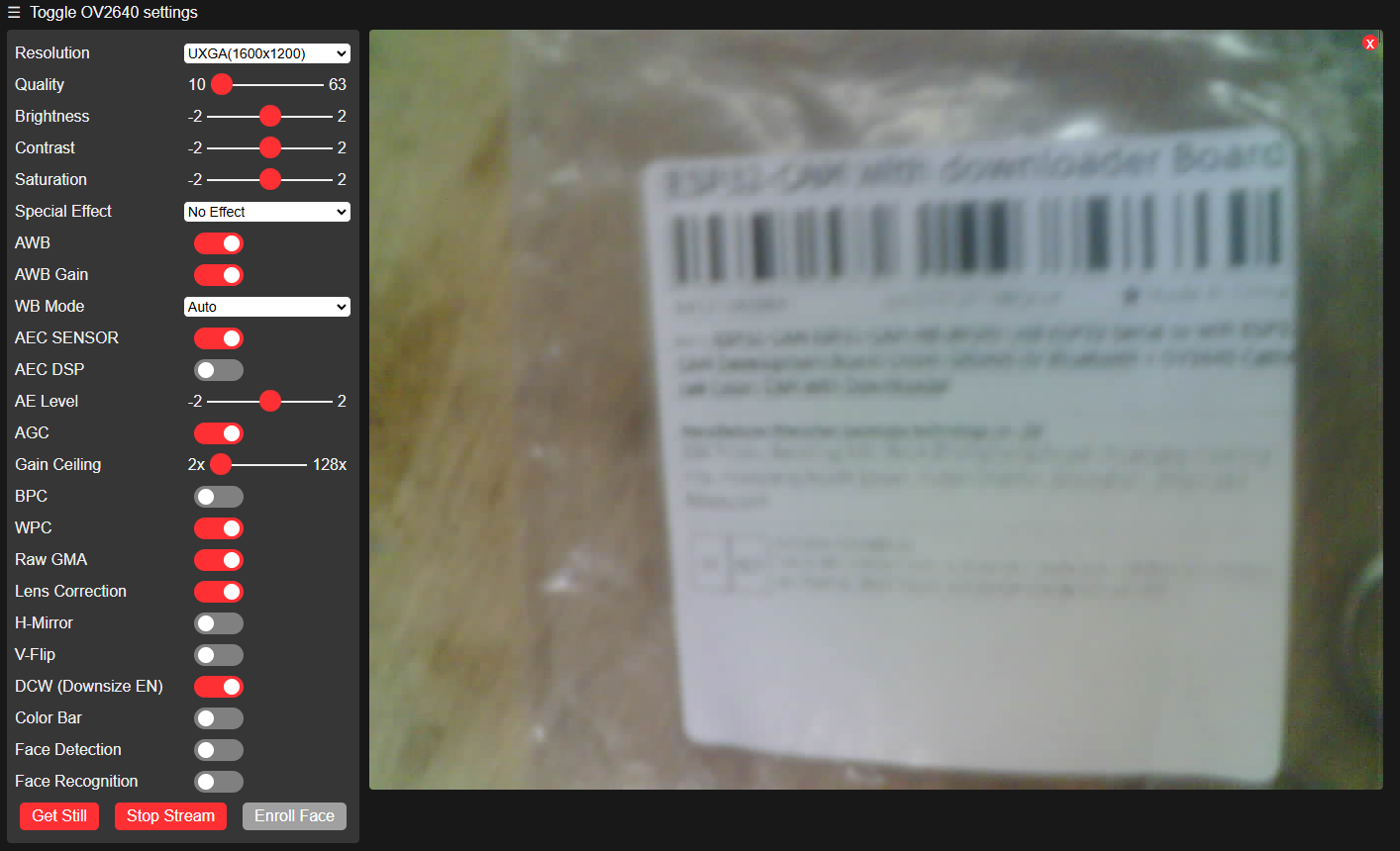
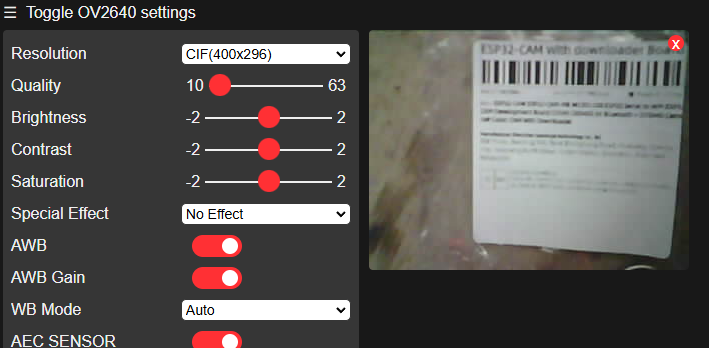
Something didn't sit right with me at first, and then I realised that I had tested without removing the protective film from the lens! It was because of this that everything was so blurry. Here's another one now, with the film off:
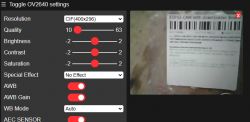
ESP32-CAM settings panel with image preview. User interface with ESP32-CAM camera settings and a blurred image. OV2640 configuration interface with camera image .
Face detection in both cases did not work either on my person or on photos from the internet.
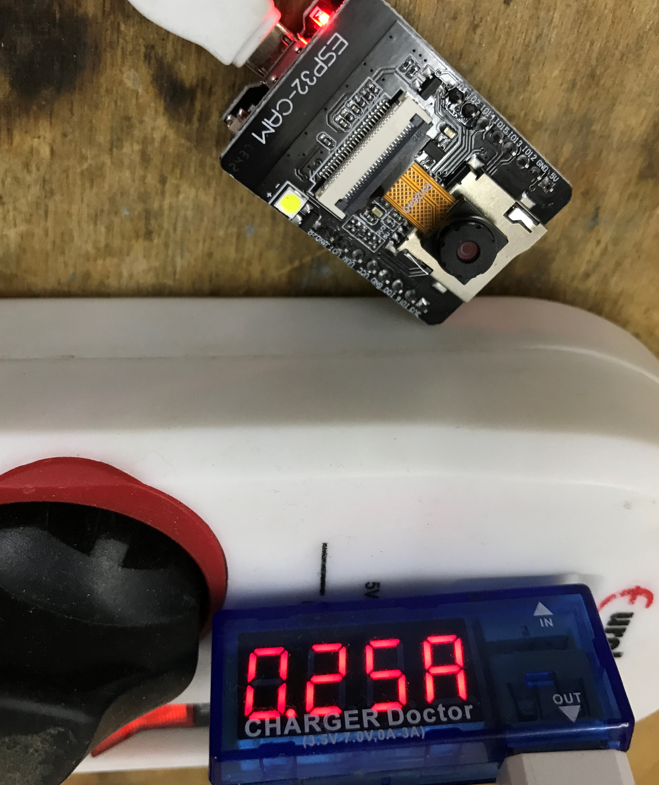
Here is the current draw when streaming video, 250mA measured before LDO, at 5V:
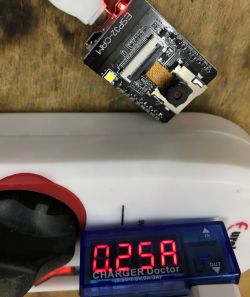
ESP32-Cam connected to power with a display showing 0.25A .

<br> Compile the demo in PlatformIO .
Now it's time to compile and upload something yourself. There are plenty of tutorials for this Arduino IDE board on the internet, so I took the PlatformIO. PlatformIO is a free add-on for Visual Studio Code. I tried running a demo project in it. It can be found in various forms on the internet, such as here:
https://github.com/grimmpp/esp32-cam-example
There was a bit of trouble at first with the missing fd_forward.h , but I reworked the code to remove this dependency.

src/app_httpd.cpp:22:10: fatal error: fd_forward.h: No such file or directory

The full project can be downloaded here:
https://github.com/openshwprojects/esp32cam-simplified/tree/main/esp32cam-simplified
Just open in PlatformIO and compile, the result is the same program as preloaded, only without the face recognition.
There is no point in giving screenshots here as everything works analogously... .
It is worth remembering that in main.cpp here we have a choice of tile type:
Code: C / C++
Log in, to see the code
.
The main function also initialises the camera accordingly depending on whether SRAM is available:
Code: C / C++
Log in, to see the code
.

<br> Minimal example in PlatformIO .
This may come as a bit of a surprise, but to fire up a simple stream, we only need to make a single HTTP request, which is the type of content returned by the server. Such a request is automatically sent repetitively by the browser, resulting in a moving image:
Code: C / C++
Log in, to see the code
.
The "multipart/x-mixed-replace;boundary=" content type in HTTP allows multiple pieces of content to be streamed in a single request, where each piece replaces the previous one. Here it is used in conjunction with JPG compression to stream video as a sequence of JPEG images in real time, thereby creating a simple web "webcam".

In this situation, there is no HTML code here, we have a direct link to the stream, just as you can directly open an image in your browser, or there an XML file....


Add HTML .
We can now add an HTML document in which we embed our camera view. Just a note - we can't just add support for another path, because the browser refreshes this camera view all the time. For this reason, it will be more efficient to create a separate mini server, a separate TCP socket, etc:
Code: C / C++
Log in, to see the code
.
Now the stream will be on a port 1 larger, i.e. as we create the server on 80 by default, the stream will be on port 81. This is because somehow these sockets need to be distinguished.
The stream method stays the same, so let's just look at the page_handler, where I put a simple page:
Code: C / C++
Log in, to see the code
.
The original esp32-cam example has the HTML documents encoded as hex in separate headers, this I typed the whole thing "at my finger tips" for simplicity.
The result:
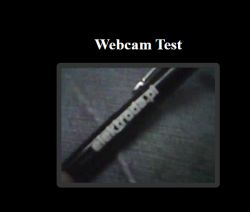
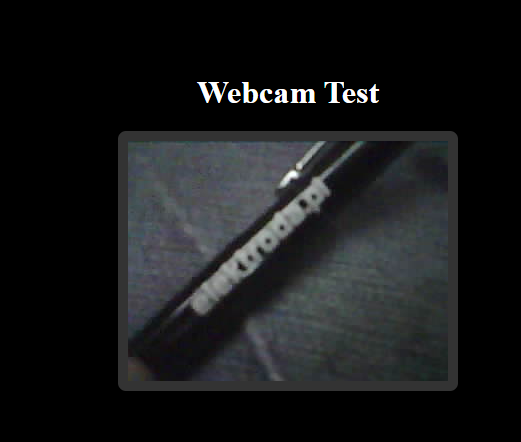
Image displayed from ESP32-Cam on a test webpage. .


<br> Download JPG .
We already have the function that creates the JPG image in the code, so we just need to use it. So let's add a button to download a snapshot from the webcam:
Code: HTML, XML
Log in, to see the code
.
You also need to add its handler:
Code: C / C++
Log in, to see the code
.
Handler implementation:
Code: C / C++
Log in, to see the code
.
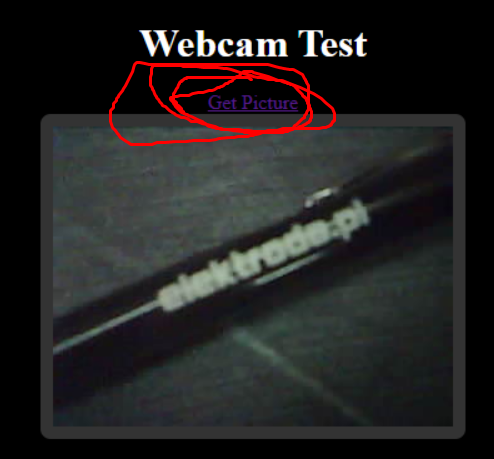
The result is a link which, when pressed, will download our JPG image:
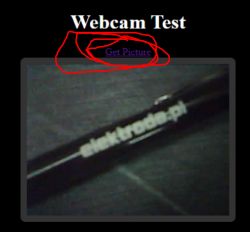
Screenshot from ESP32-Cam camera test with Get Picture button. .


<br> LED operation .
The LED in question is located on pin four:
Code: C / C++
Log in, to see the code
.
We set this pin to output mode just like on the Arduino:
Code: C / C++
Log in, to see the code
.
We will add an HTTP endpoint to handle the pin:
Code: C / C++
Log in, to see the code
.
The endpoint also needs to be registered:
Code: C / C++
Log in, to see the code
.
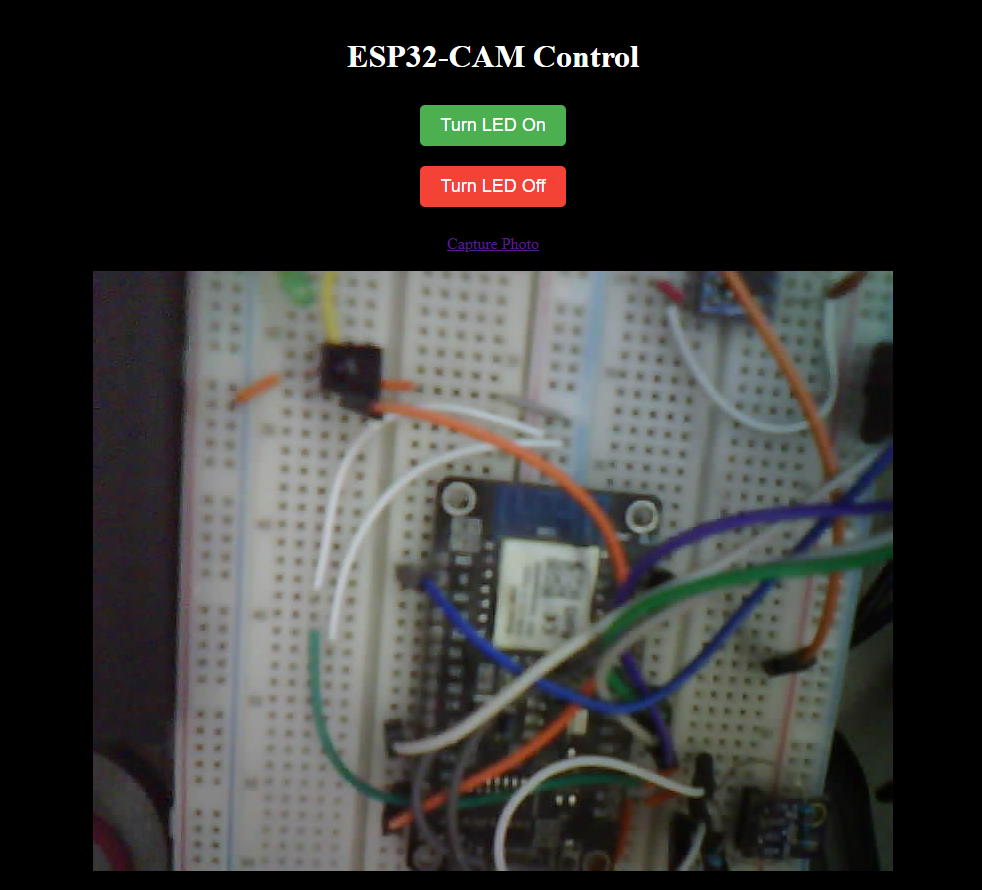
It would now be possible to send a manual POST to control the diode, But it is easier to add buttons on the control panel:
Code: HTML, XML
Log in, to see the code
.
From now on it is possible to control the LED from the web page:
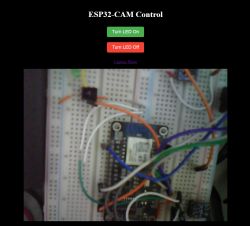
ESP32-CAM with control interface .
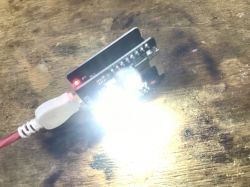
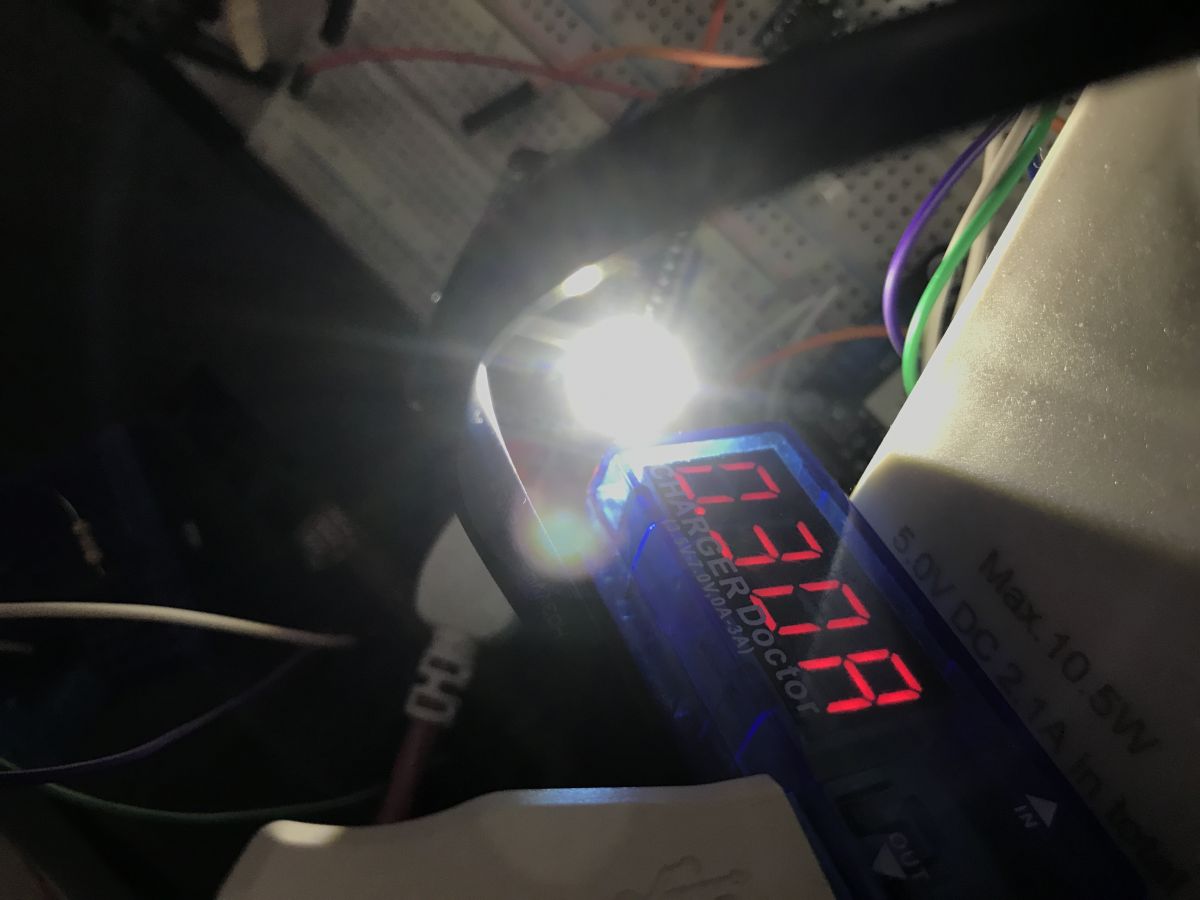
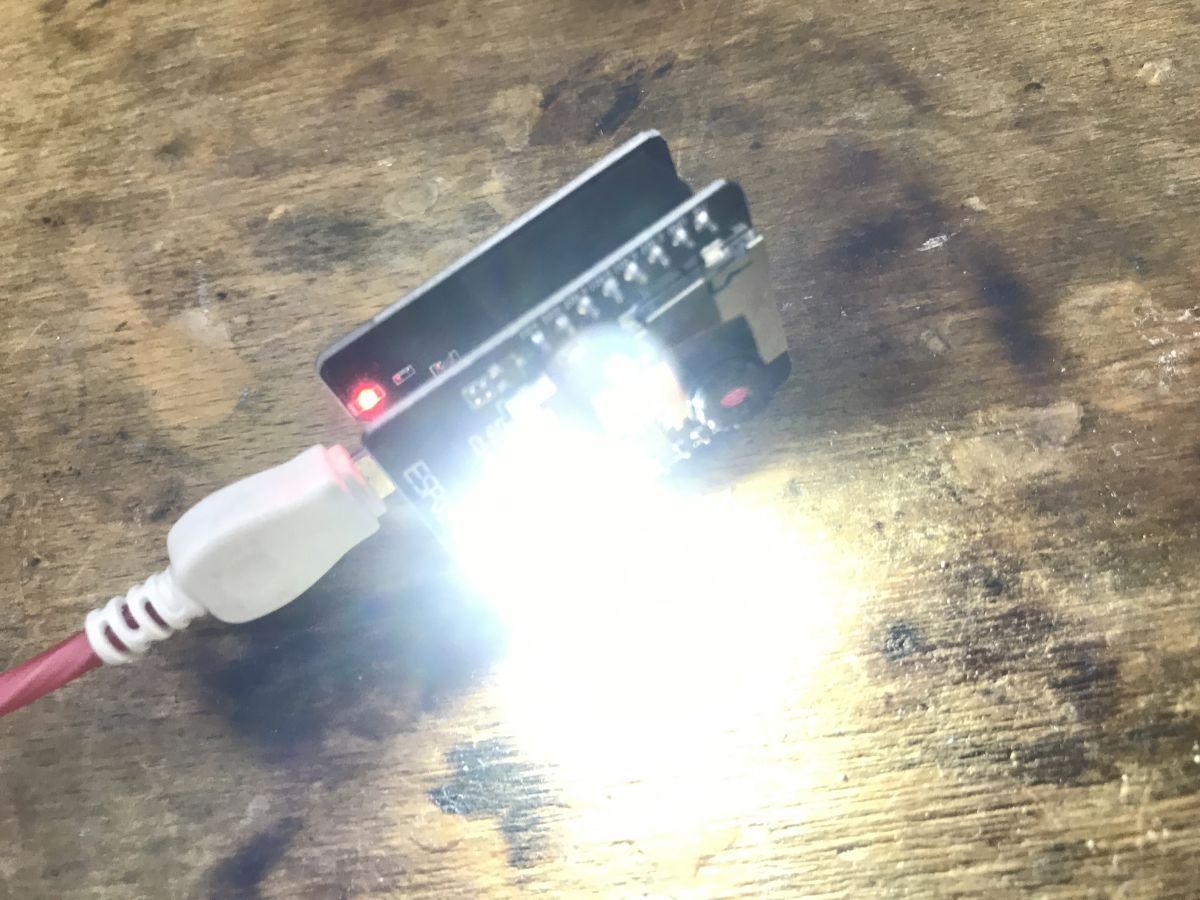
The LED consumes approximately 50mA:
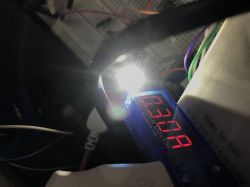
ESP32-Cam current consumption meter ESP32-Cam with USB cable connected and LED light on .


Image format .
Now we will try to apply something to the captured image. We can get the frame buffer with the esp_camera_fb_get function:
Code: C / C++
Log in, to see the code
.
The structure of the buffer is as follows:
Code: C / C++
Log in, to see the code
.
Here we mainly have its data (bytes), dimensions (width and height) and pixel type. Various pixel formats of different sizes are supported here:
Code: C / C++
Log in, to see the code
.
In addition to the usual formats (3 bytes per pixel - RGB888, 3 bytes per two pixels - RGB444 - 4 bits per colour, so 4+4+4 = 12 bits per pixel), we also have here the possibility to receive pixels immediately subjected to lossy JPG compression - the PIXFORMAT_JPEG format.
So my first thought was to change the pixel format from JPG stream to e.g. RGB555 in the camera initialisation:
Code: C / C++
Log in, to see the code
.
Unfortunately this solution is not an option as it spoils both the existing image capture and the stream. I have not been able to get this to work even at small resolutions, so I suspect that the library used may not support it. For this reason, I decided to use the fmt2rgb888 and fmt2jpg functions to first convert the JPG stream from the camera frame to RGB888 data, and then (after editing) to change that data back to JPG. I put my data processing itself in a function. Here is a new callout of the download of one image, along with my editing of it:
Code: C / C++
Log in, to see the code
.
NOTE: The above code assumes that FRAMESIZE_SVGA [800x600] resolution is set.
The whole operation here is very inefficient, but that's not the point. First, I fetch the camera frame with the esp_camera_fb_get function, then allocate a buffer for pixels (RGB888 format), then decode the frame to those pixels (fmt2rgb888), release the camera frame (esp_camera_fb_return), edit the pixels (my_demo_rgb888), and then finally convert them back to JPG (fmt2jpg). Of course, I also free up memory.
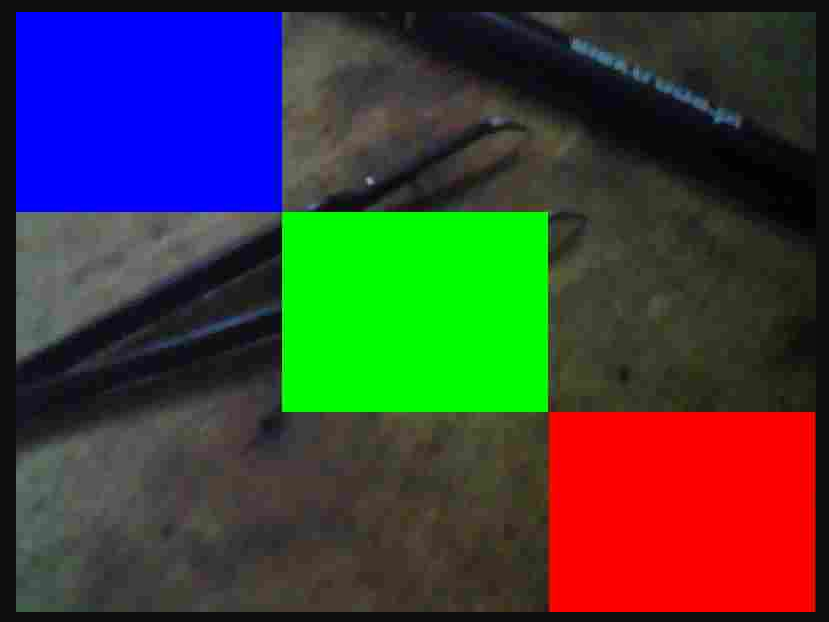
What's left is the pixel editing itself - well, since we already have classic RGB888, you can, for example, scratch the rectangles:
Code: C / C++
Log in, to see the code
.
Other operations can be implemented analogously, including, for example, drawing text.
Result:
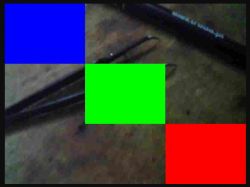
Image from ESP32-Cam with overlaid rectangles in red, green, and blue colors. .

<br> How to configure OTA in PlatformIO? .
OTA, or software update over WiFi, has already been discussed in a related topic:
How to program a Wemos D1 (ESP8266) board in the shape of an Arduino? ArduinoOTA in PlatformIO .
Analogous here - I refer you to the documentation:
https://docs.arduino.cc/libraries/arduino_esp32_ota/

Summary .
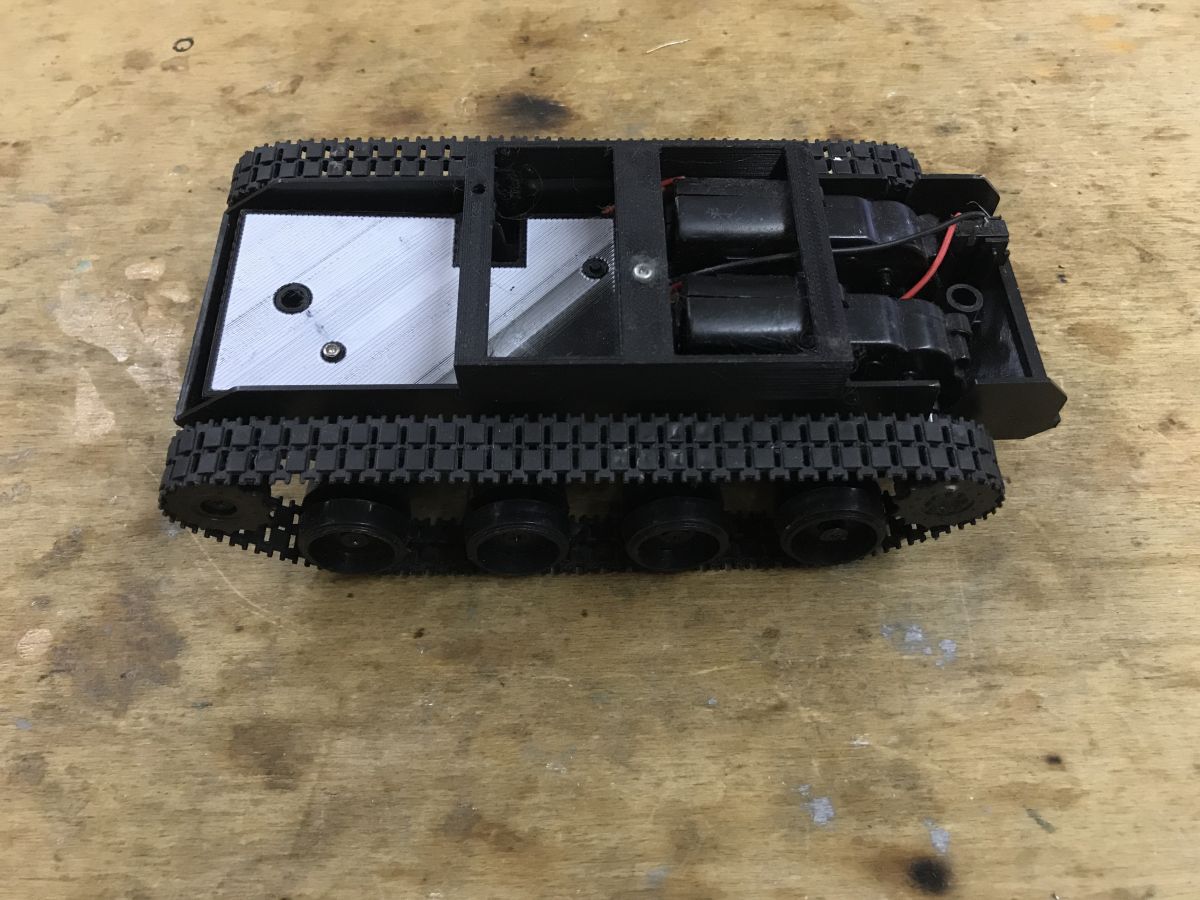
Very cool board, I am comfortable programming with it in PlatformIO. There are already some interesting projects realized on it on Github, so I will probably present something else based on it. Maybe some simple classification objects, or some kind of text or QR reading in simple form? We'll see, I've got an interesting chassis module from a robot besides, just need to protect the motors so they don't kill the ESP with surges:
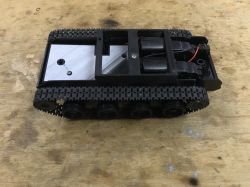
Robot chassis module with tracks .
From my side, that's it, but have any of you already done any project on ESP with camera? Feel free to discuss.

PS: There was already this board presented on our forum by colleague @ArturAVS in the topic ESP32-CAM, 2Mpix camera module for IoT part 1 , but the Arduino IDE which I try to avoid was used there, so I decided to show an alternative here anyway. .

I am attaching a project from PlatformIO containing my experiments on this topic. In addition, the project is stripped of the face detection system, so there will be no problem with the missing fd_forward.h.
Attachments:
  • esp32-cam-example-master-withMyChanges20241223.zip (25.25 KB) You must be logged in to download this attachment.

About Author
p.kaczmarek2
p.kaczmarek2 wrote 14417 posts with rating 12374 , helped 650 times. Been with us since 2014 year.

Comments

Anonymous 24 Dec 2024 14:07

Just a question, is it possible to squeeze out more fps with this set? [Read more]

Andrzej Ch. 25 Dec 2024 12:48

I have already been through this topic, well, such a camera (included in the kit) is not suitable for any even semi-professional applications, rather a toy or a preview camera. I had purchased several... [Read more]

Mocny Amper 20 Jan 2025 12:13

ESP-Cam is an absolute shambles. Don't let God Green do anything else on it, and it comes apart like old pants in a crotch :/ Lots of people have problems with the so-called Brownout, and it affected me... [Read more]

FAQ

TL;DR: If you want ESP32-CAM in PlatformIO, this thread shows a working path with 5 V / 250 mA video streaming and the practical lesson "remove the protective film first". It helps makers build a live stream, snapshot download, LED control, and basic pixel editing without Arduino IDE or face-detection dependencies. [#21360136]

Why it matters: This FAQ turns a long hands-on thread into direct answers for developers who want a reproducible ESP32-CAM + PlatformIO workflow and need to avoid the usual setup traps.

Board Strength from the thread Main weakness from the thread Better fit
ESP32-CAM Cheap, easy PlatformIO demo, web stream, SD slot, LED Brownout complaints, unstable behavior, weak image quality Experiments, preview, learning
LILYGO TTGO T-Camera Plus Reported as more reliable for photo-trap use No detailed setup shown in the thread SD recording + web server reliability

Key insight: Keep the camera in JPEG mode for streaming and capture. If you need pixel edits, convert JPEG to RGB888, modify the buffer, then convert it back to JPEG.

Quick Facts

  • The ESP32-CAM board described here uses an ESP-32S, 4 MB Flash, 520 KB RAM, 4 MB external SRAM, and an OV2640 camera up to 1600×1200 px. [#21360136]
  • Measured power during live video streaming was about 250 mA at 5 V, measured before the LDO. [#21360136]
  • The onboard LED is on GPIO 4 and adds about 50 mA when turned on. [#21360136]
  • With PSRAM detected, the example uses FRAMESIZE_UXGA, JPEG quality 10, and 2 frame buffers; without PSRAM it drops to FRAMESIZE_SVGA, JPEG quality 12, and 1 frame buffer. [#21360136]
  • The simple web UI serves HTML on port 80 and the MJPEG stream on port 81, with the stream exposed as multipart/x-mixed-replace. [#21360136]

How do I start the ESP32-CAM in PlatformIO and upload a working camera web server example without using Arduino IDE?

Use PlatformIO in Visual Studio Code, open an ESP32-CAM project, select the correct camera model, build it, and upload over UART. For the AI-Thinker board, the thread uses #define CAMERA_MODEL_AI_THINKER. 1. Open the provided PlatformIO project. 2. Compile after removing the face-detection dependency. 3. Flash it and connect to the board’s access point, then open 192.168.4.1. The result matches the preloaded demo, but without face recognition. [#21360136]

What causes the missing fd_forward.h error when compiling an ESP32-CAM project in PlatformIO, and how can I remove that dependency?

The error comes from code that still expects the face-detection component, which includes fd_forward.h. The thread shows a fatal compile error at src/app_httpd.cpp:22:10 and fixes it by reworking the project to remove face-recognition features. That produces the same camera web server behavior, but without face recognition. This is the simplest fix when PlatformIO lacks that header in the chosen project layout. [#21360136]
How does the ESP32-CAM stream video over HTTP using multipart/x-mixed-replace, and why does a browser show it as a live image?

It streams a sequence of JPEG frames inside one HTTP response using multipart/x-mixed-replace. Each part contains Content-Type: image/jpeg and a new payload, so the browser keeps replacing the previous image with the next one. That creates a live-view effect without WebSocket or RTSP. In the thread, the stream handler loops forever, reads esp_camera_fb_get(), and pushes each JPEG chunk with a boundary string. [#21360136]

What is PSRAM on the ESP32-CAM, and how does it change frame size, JPEG quality, and frame buffer count?

"PSRAM" is external pseudo-static RAM that expands working memory for camera buffers, letting the ESP32-CAM hold larger frames and more than one frame buffer. In this thread, if psramFound() is true, the code sets FRAMESIZE_UXGA, jpeg_quality = 10, and fb_count = 2. Without PSRAM, it falls back to FRAMESIZE_SVGA, jpeg_quality = 12, and fb_count = 1. That directly affects image size, compression, and throughput. [#21360136]

How can I add a simple HTML control page for ESP32-CAM with a live stream, capture button, and LED controls?

Serve one HTTP endpoint for HTML and a second one for the stream, then add /capture and /led handlers. The thread uses port 80 for the page and port 81 for /stream, because the stream keeps one socket busy. The HTML page embeds <img src="http://192.168.4.1:81/stream">, adds a Capture Photo link to /capture, and sends POST requests with on or off to /led. That gives you a full browser control panel with live view. [#21360136]

Which camera model setting should I choose in PlatformIO for an AI-Thinker ESP32-CAM, and what happens if the wrong camera_pins profile is used?

Choose CAMERA_MODEL_AI_THINKER for an AI-Thinker ESP32-CAM. The thread explicitly enables that define in main.cpp before including camera_pins.h. If you use the wrong profile, the GPIO mapping for D0-D7, XCLK, VSYNC, HREF, SIOD, and SIOC will not match the board. Then camera initialization can fail or the image path can break, because the software is driving the wrong pins. [#21360136]

Why does the ESP32-CAM image look blurry out of the box, and what should I check on the OV2640 lens before troubleshooting software?

First check whether the protective film is still on the OV2640 lens. In this thread, the image looked bad until that film was removed, and the author states that this was why everything was so blurry. Do that before changing frame size, JPEG quality, or web code. This is the fastest hardware check, and it can save hours of pointless software debugging. [#21360136]

What is a brownout on ESP32-CAM, and why can it make the program crash or restart unpredictably during camera or SD card use?

"Brownout" is a low-voltage condition that forces the ESP32 to reset or behave unstably when current demand spikes, especially during camera, Wi‑Fi, or SD activity. In the thread, one user reports repeated brownout problems and says the program can fail without clear warning. That matches the typical symptom here: random crashes or restarts during heavier loads, even when the code itself looks correct. [#21401275]

How can I capture a single JPEG snapshot from ESP32-CAM over HTTP and download it as capture.jpg?

Add a /capture HTTP GET handler that grabs one frame with esp_camera_fb_get() and returns it as image/jpeg. The thread also sets Content-Disposition: inline; filename=capture.jpg, so browsers save or open the file with that name. If the frame is already JPEG, the handler sends fb->buf directly. Otherwise, it converts the frame first, then sends it and reports the JPEG size and elapsed milliseconds on the serial port. [#21360136]

Why does changing ESP32-CAM from PIXFORMAT_JPEG to RGB formats break streaming or capture, and what workaround can I use to edit pixels anyway?

Changing the camera output from PIXFORMAT_JPEG to RGB formats broke both stream and capture in this thread, even at small resolutions. The author suspected library support limits and could not make direct RGB capture work reliably. The workaround is to keep camera output in JPEG, decode that frame to RGB888 with fmt2rgb888, edit the pixels, and then encode it back with fmt2jpg. It is inefficient, but it works for one-image processing. [#21360136]

How do I convert an ESP32-CAM JPEG frame to RGB888, draw rectangles on the image, and convert it back to JPEG in PlatformIO?

Capture the JPEG frame, allocate an RGB888 buffer, convert it, edit the pixels, then encode the result back to JPEG. In the thread, the demo allocates 3 * 800 * 600 bytes for FRAMESIZE_SVGA, runs fmt2rgb888(...), modifies the buffer with draw_rect(...), and calls fmt2jpg(...) with quality 15. The rectangle function writes 3 bytes per pixel in RGB888 order, so drawing solid overlays is straightforward once the frame is decoded. [#21360136]

What power consumption should I expect from an ESP32-CAM while streaming video and when the onboard LED is turned on?

Expect about 250 mA at 5 V while streaming video, measured before the LDO in this setup. The onboard LED then adds about 50 mA more when enabled. Those are thread measurements, not datasheet limits, but they are useful for power budgeting. If you also use Wi‑Fi, camera capture, and SD storage together, keep extra headroom in your supply design. [#21360136]

How can I squeeze more FPS out of an ESP32-CAM with the stock OV2640 camera and PlatformIO setup?

The thread does not publish measured FPS gains, but it points to the practical levers. Use PSRAM if available, keep PIXFORMAT_JPEG, and lower the workload by reducing frame size from UXGA toward SVGA or below. The shown config also uses fb_count = 2 with PSRAM, which helps buffering. If you switch to non-JPEG processing, throughput drops sharply because the code must decode and re-encode every frame. [#21360136]

ESP32-CAM vs LILYGO TTGO T-Camera Plus — which board is better for a photo trap, SD recording, and web server reliability?

The thread favors the LILYGO TTGO T-Camera Plus for that use case. One user says brownout-related problems disappeared after switching from ESP32-CAM to the LILYGO board and reports using it for a photo trap with camera, SD recording, and a web server. By contrast, ESP32-CAM is described elsewhere in the thread as better suited to experiments, preview, or learning than semi-professional monitoring. [#21401275]

What options are there for camera modules other than OV2640 with ESP32 boards, and how much image quality improvement is realistic?

The thread does not confirm a proven non-OV2640 alternative for these ESP modules. One user explicitly says they are not sure compatible alternatives even exist in this context, and also judges the image quality as poor even at 1600×1200. Another user calls the bundled camera unsuitable for semi-professional work and describes the kit more as a toy or preview camera. So the realistic expectation here is modest improvement, not a dramatic jump to high-end imaging. [#21401275]
Generated by the language model.
%}