





Quad, battery-powered and clickable Zigbee scene switch - connection to Home Assistant
TL;DR 
- GISE GSBT-ZB 44065 is a four-button Zigbee scene switch with mechanical clicky keys and separate LEDs.
- It runs from one CR2430 battery and uses a simple Z3L-based circuit, avoiding extra inverter losses between the Zigbee module and battery.
- Home Assistant pairs it easily as TS0044, exposing battery level, signal quality, battery voltage in mV, and a current event field.
- Each button supports single, double, and hold actions, giving 12 scene-trigger combinations, though the PLN80 price feels a bit high.
AI summary based on the discussion. May contain errors.
 .
.
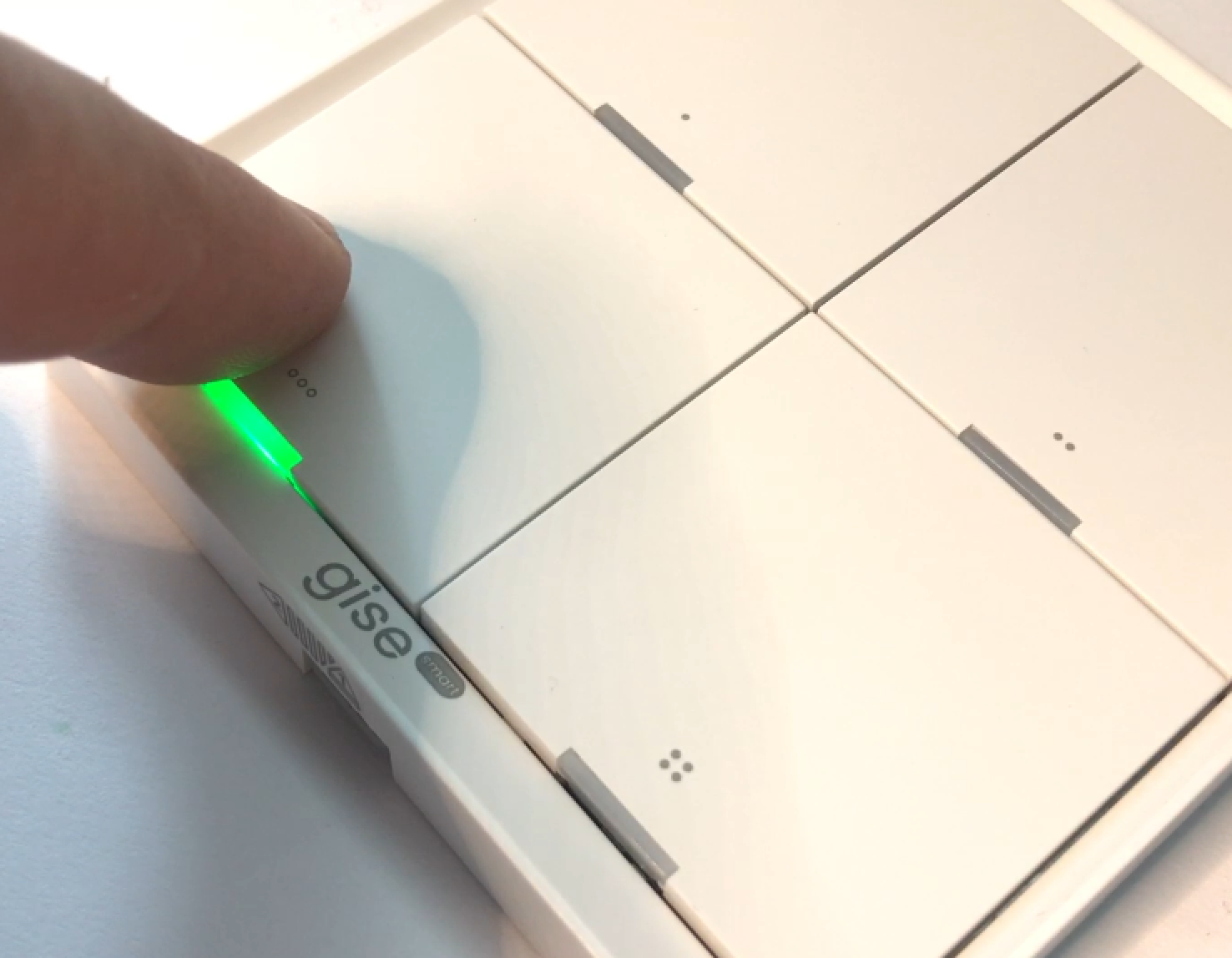
Do you also prefer classic mechanical buttons with a distinct click? In my opinion, they are much better than tactile ones - not only because they offer a better feel, but also because one button can trigger different actions. An example is this quadruple Zigbee controller, which differentiates between click, hold and double click - and costs just PLN80.
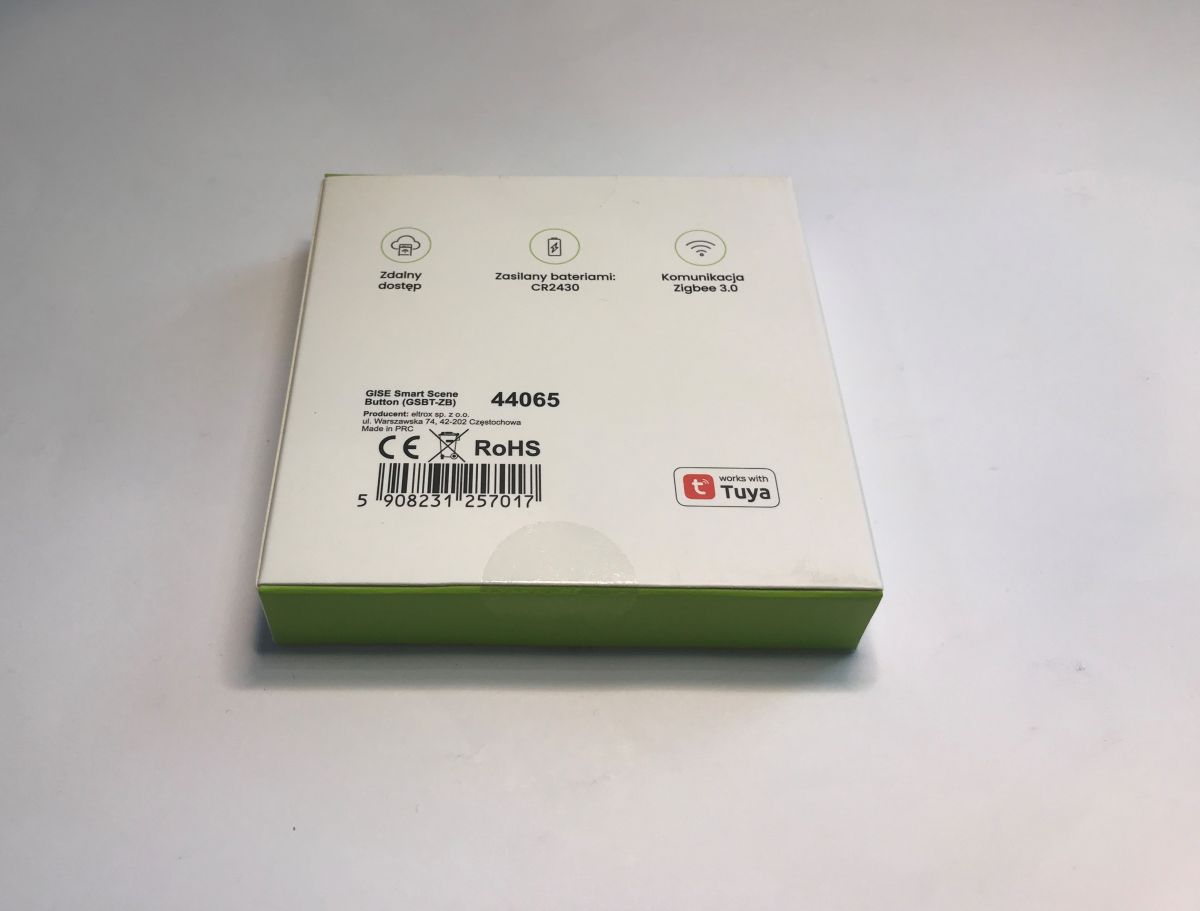
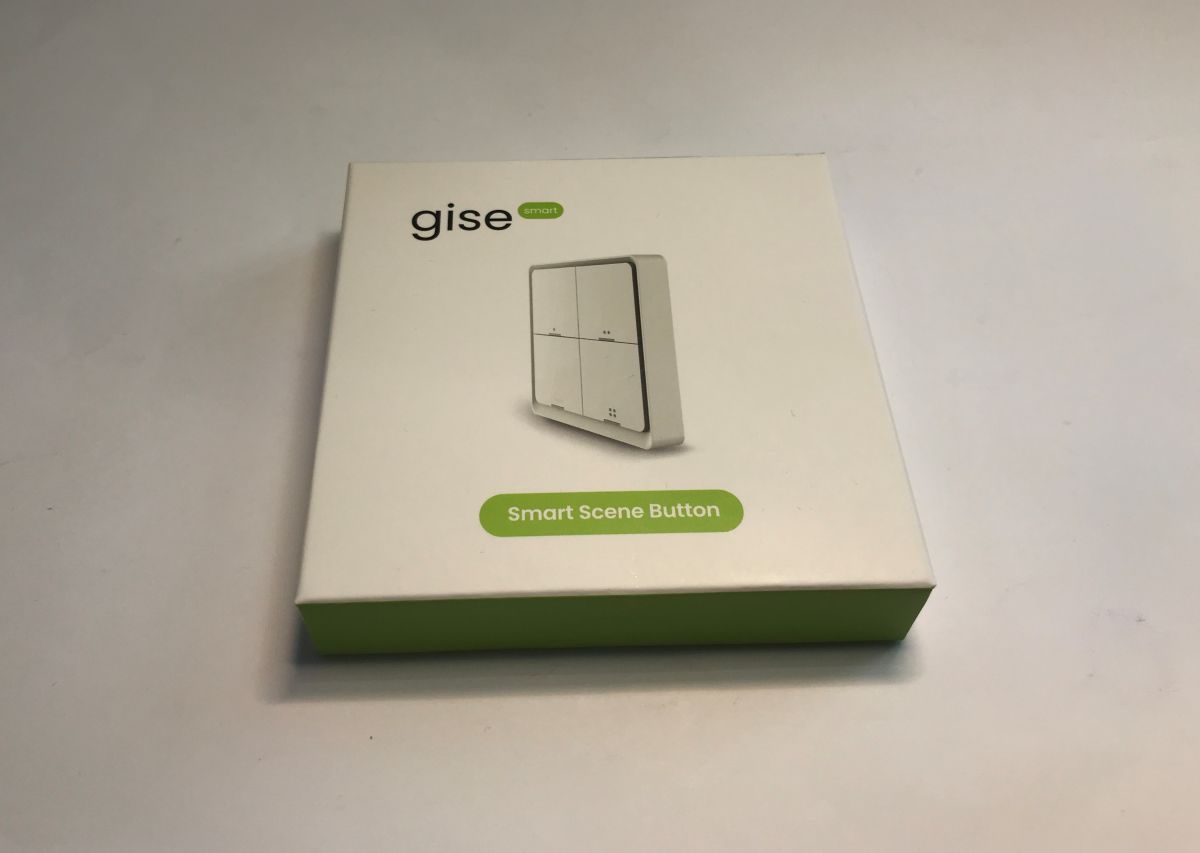
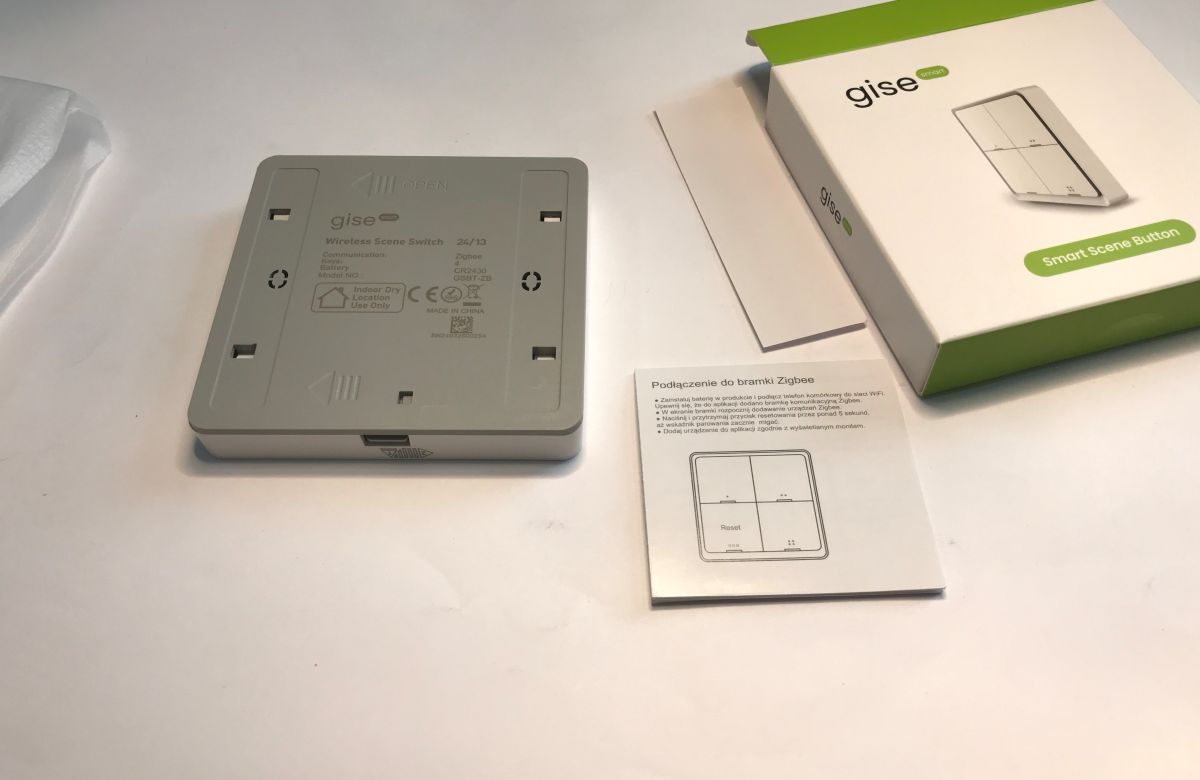
Let's start with the unboxing. The product discussed here is under the brand name GISE and the model is GSBT-ZB 44065. The lettering on the packaging is in our language, as it was purchased from a distributor in our country.
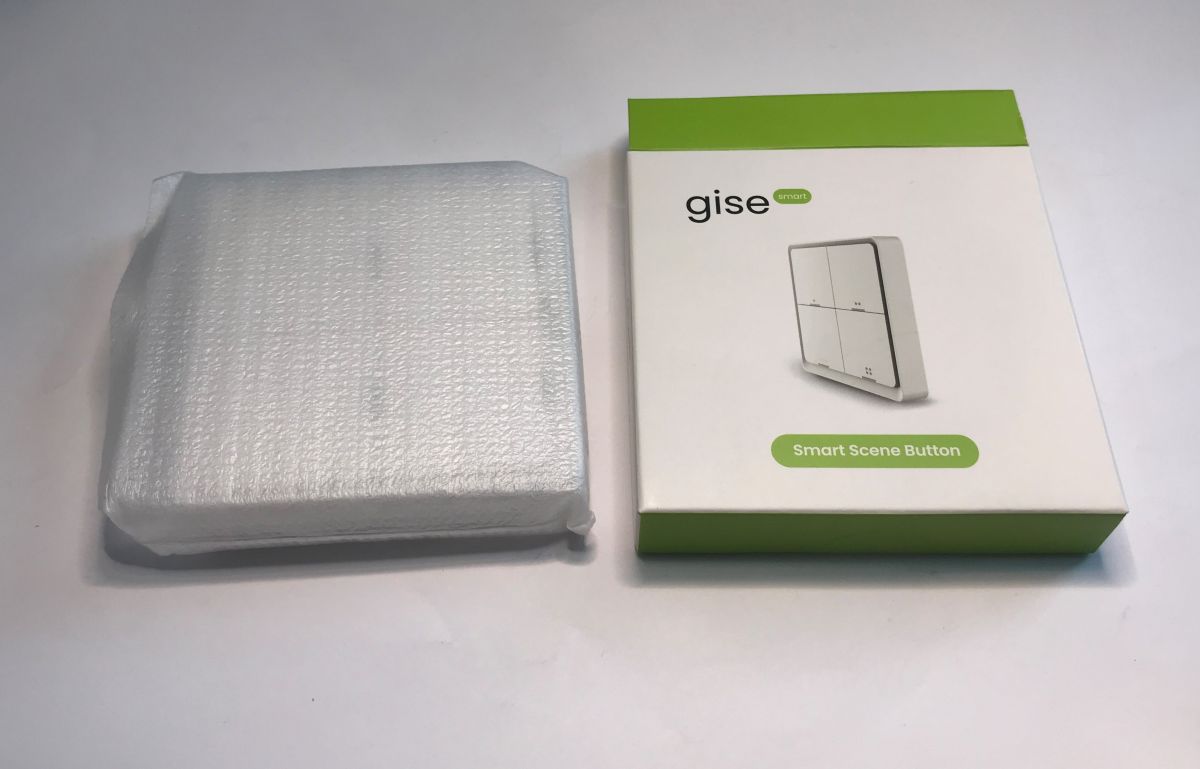
 .
.
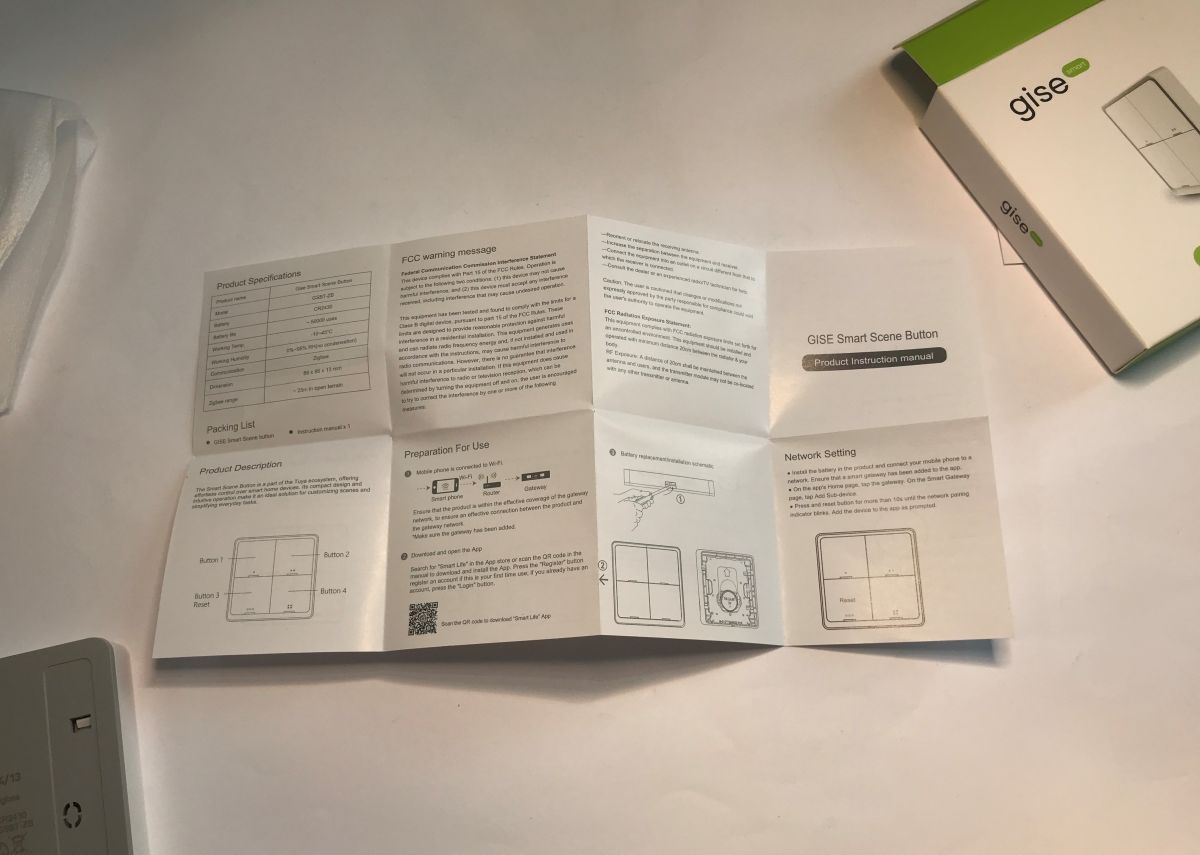
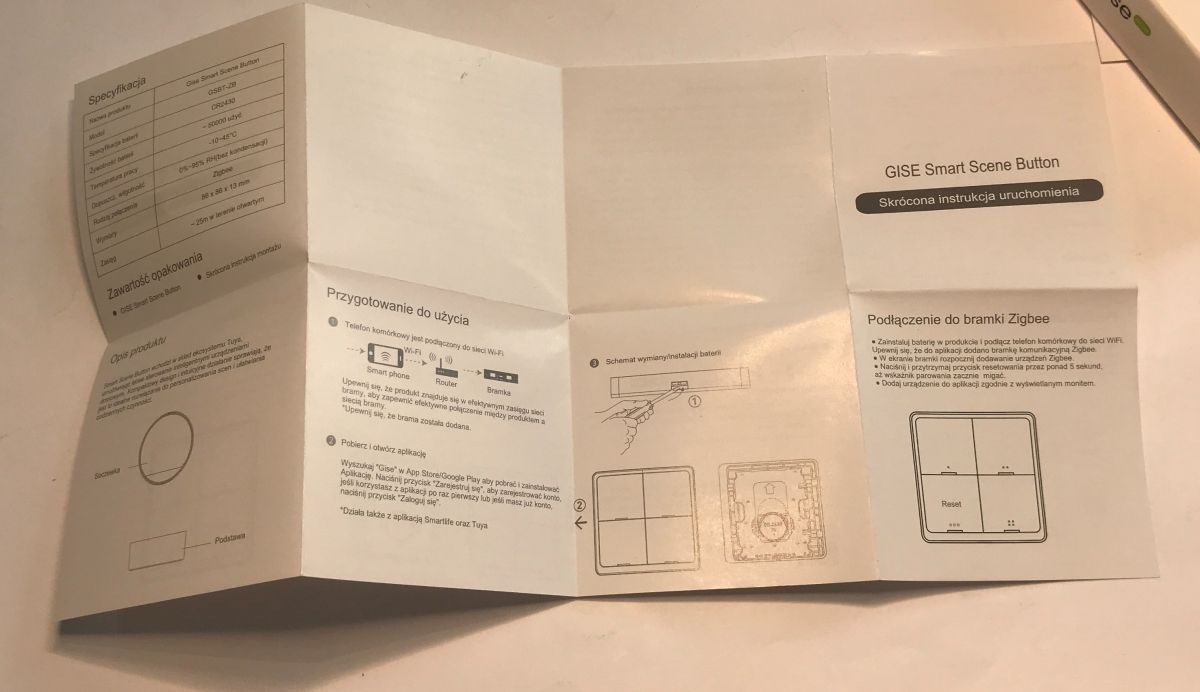
A strip of tape is included to stick the product to a smooth surface, but potential screw holes are also available on the case. The instructions are in Polish.
 .
.
The product is powered by one CR2430 battery.
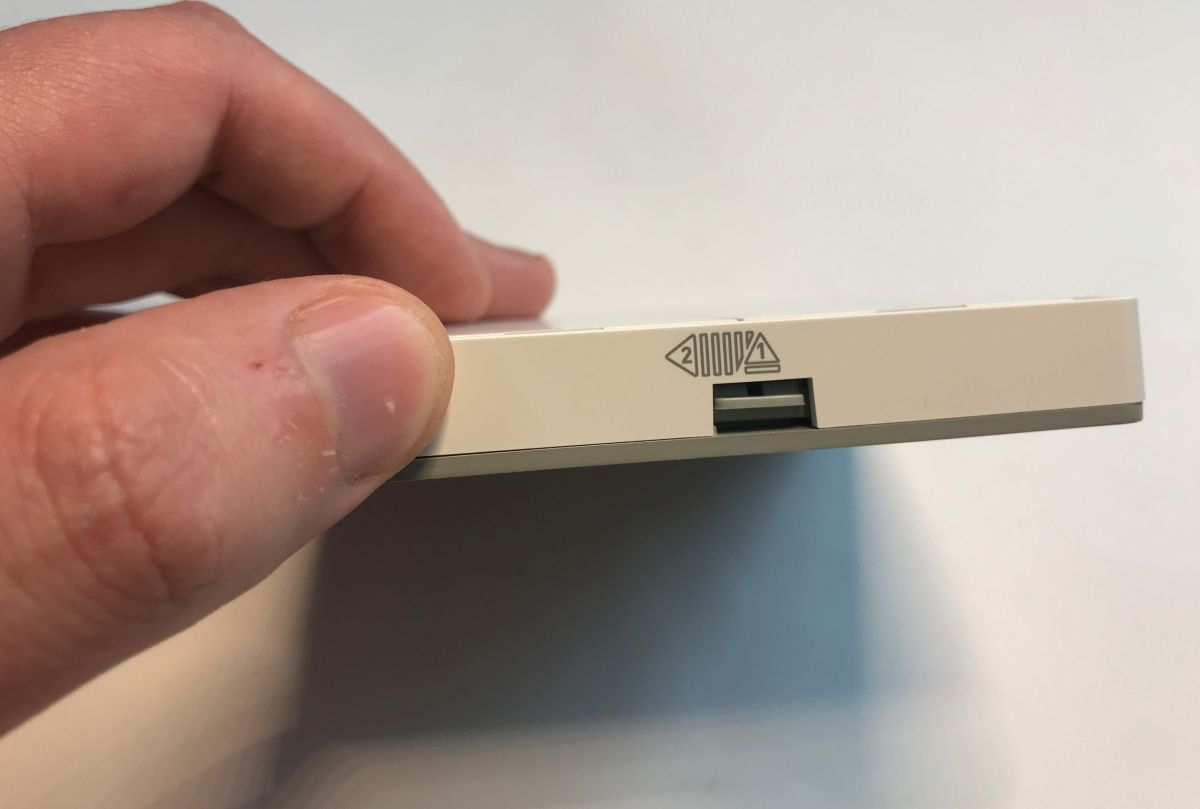
Let's take a look inside the product. Opening it is extremely difficult - you have to push in a lever and slide the casing to the side. This is not a USB port, although from the outside it looks like one.
 .
.
The battery inside is one.
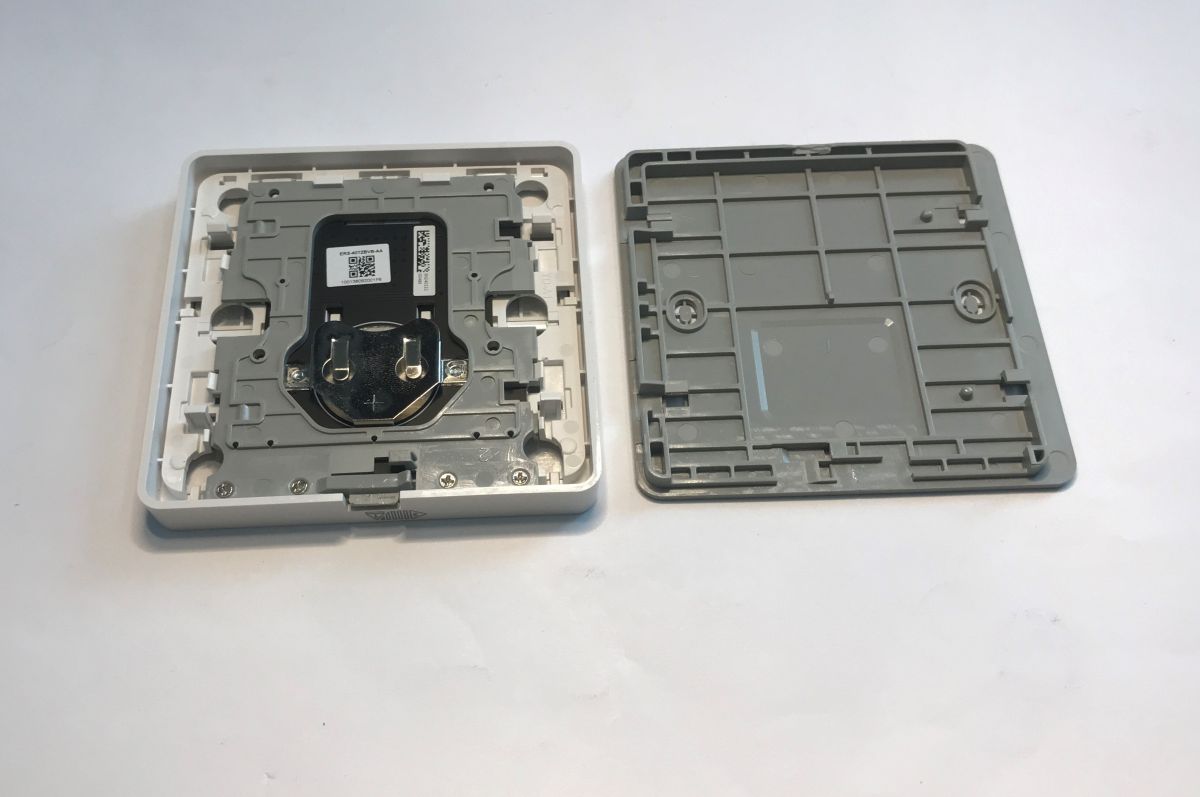
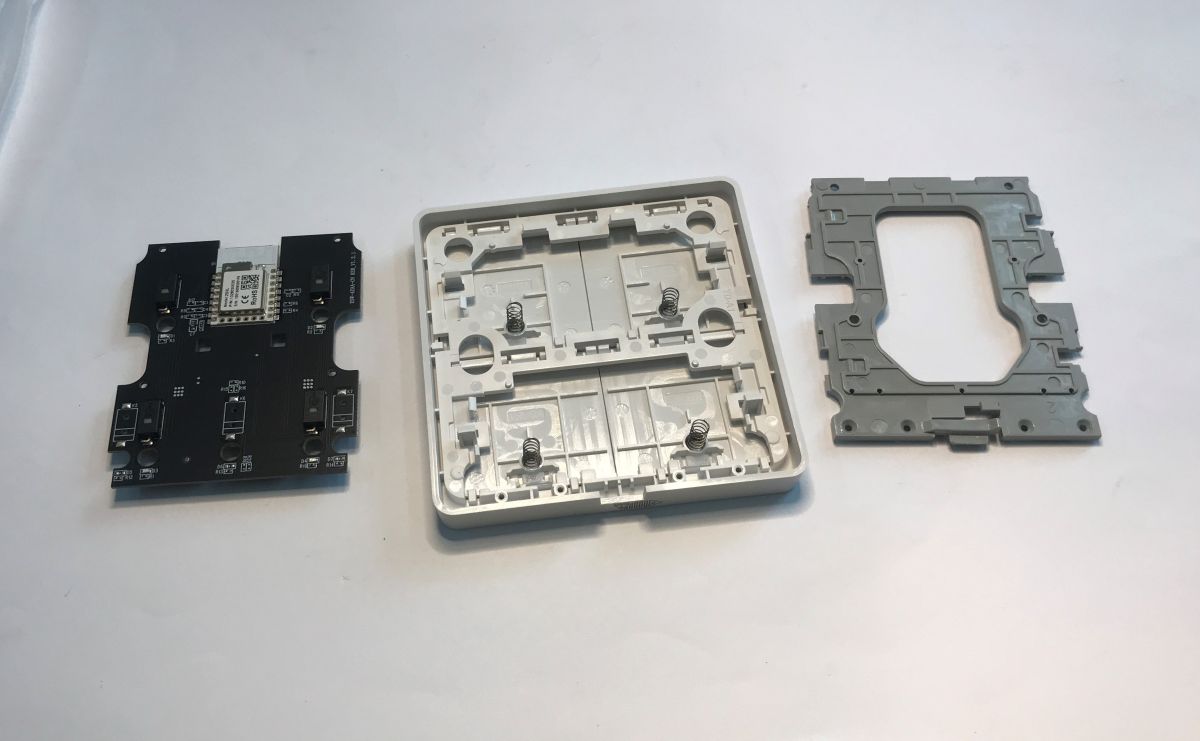 .
.
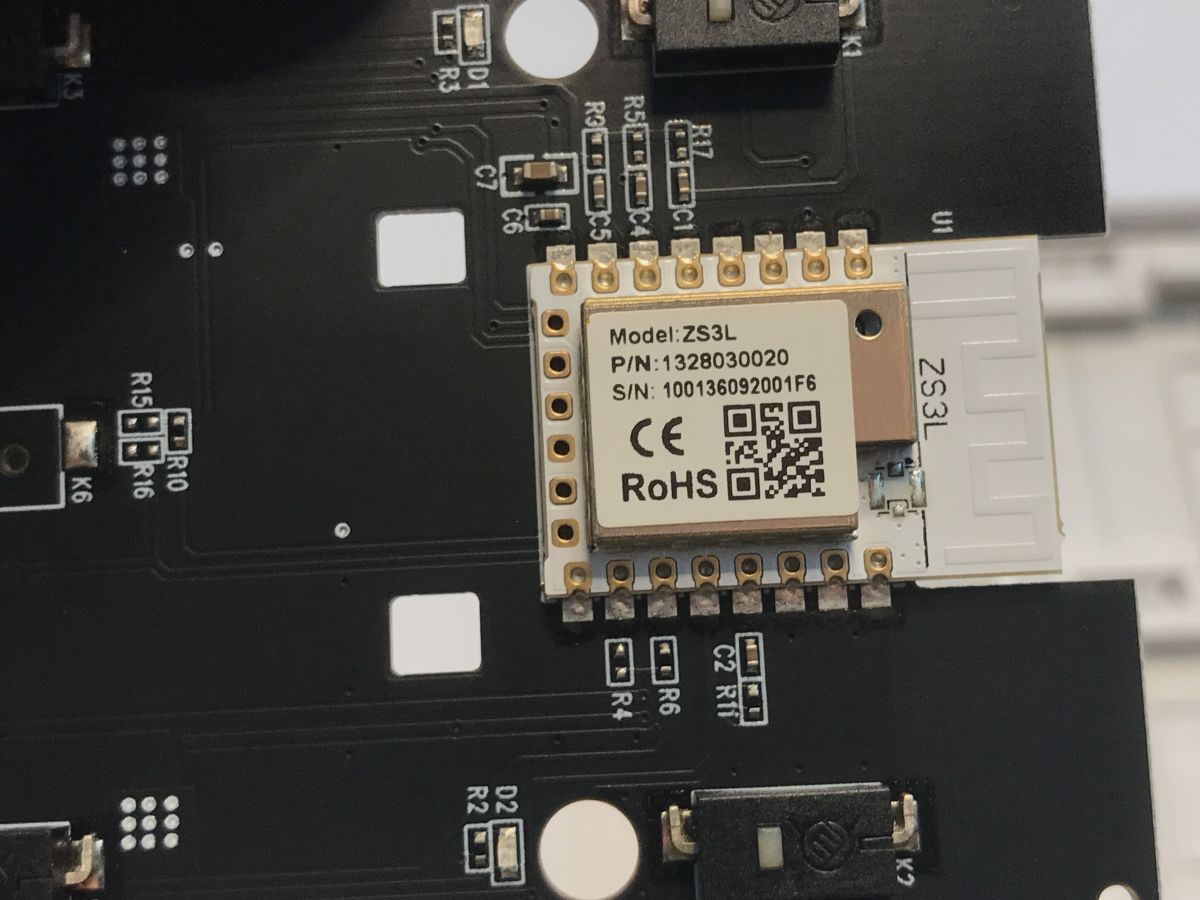
The product is built on the Z3L. Inside you can see that a 5-button version was also in production (or at least in the plans).
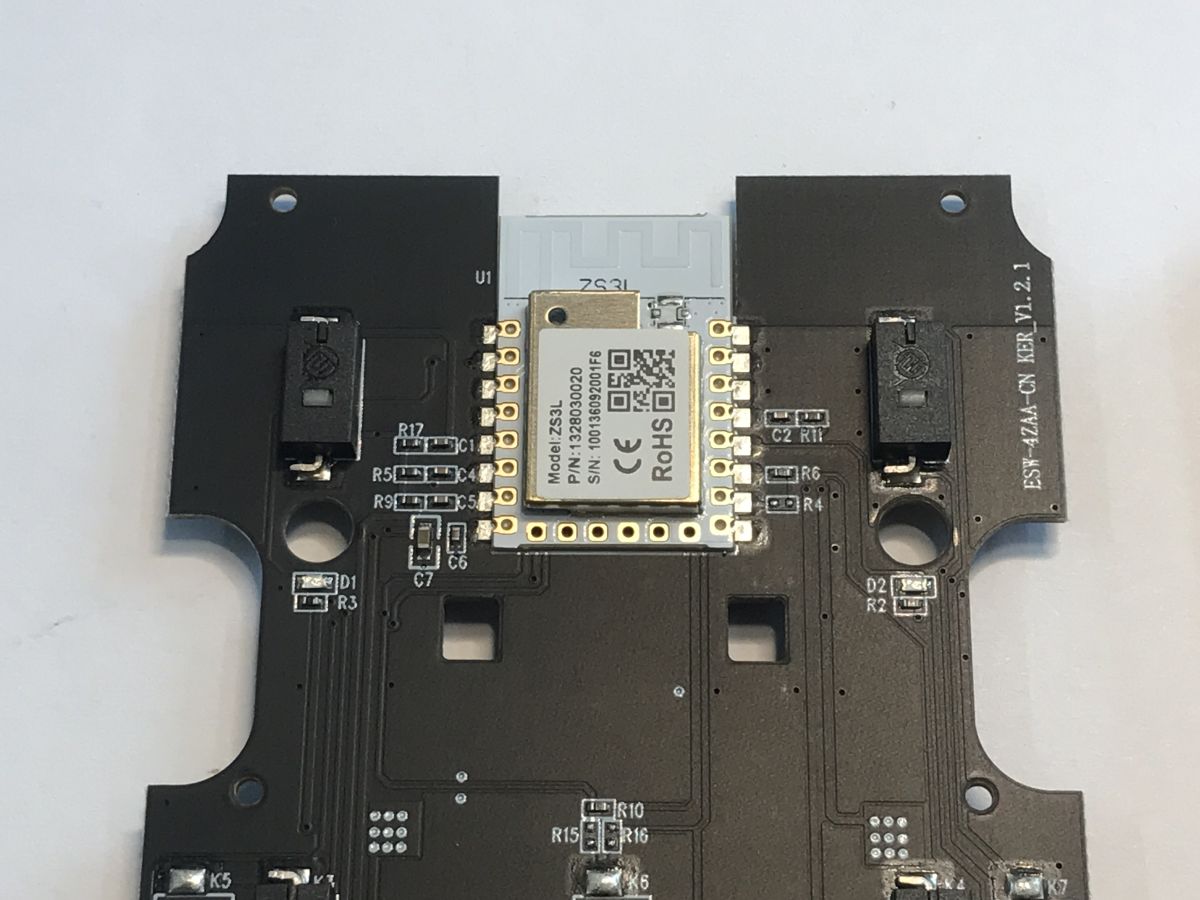 .
.
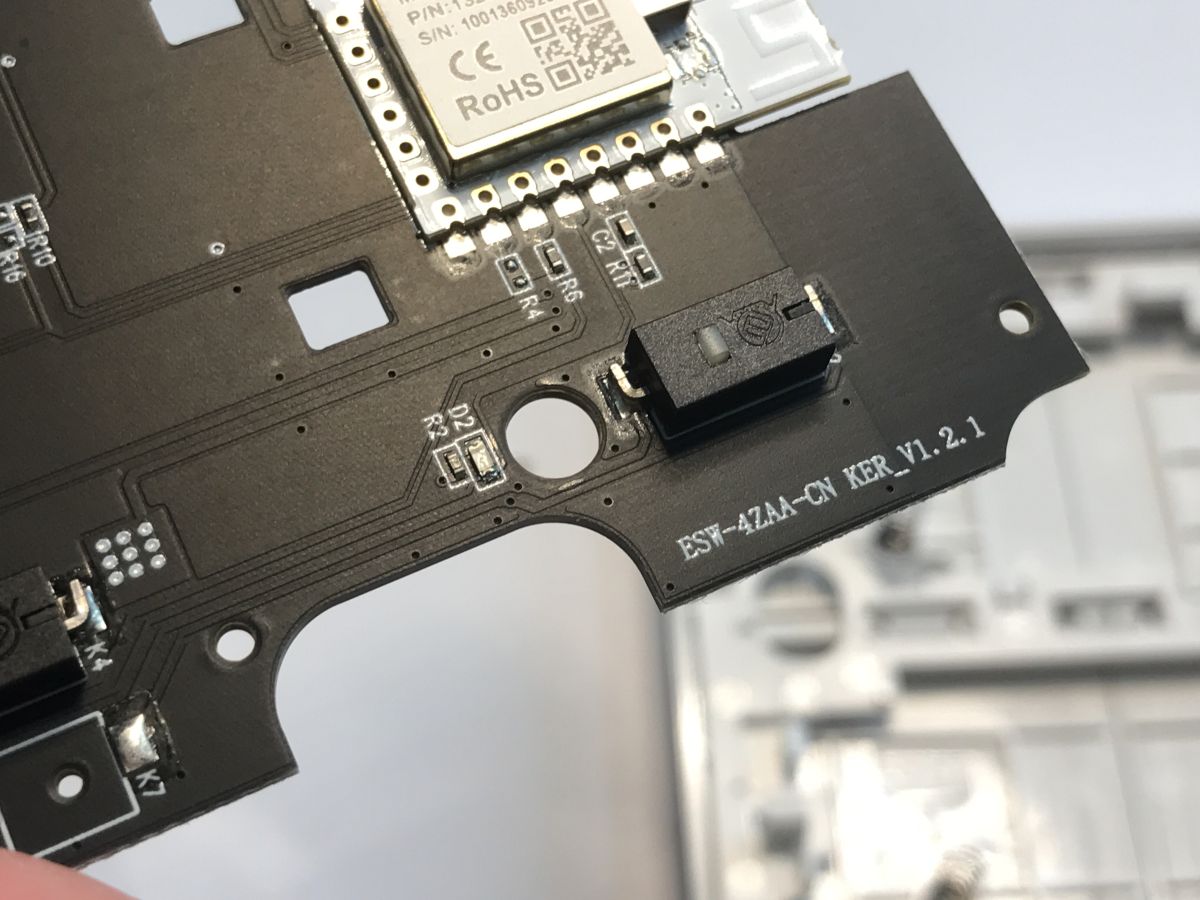
PCB designation: ESW-4ZAA-CN KER_V1.2.1
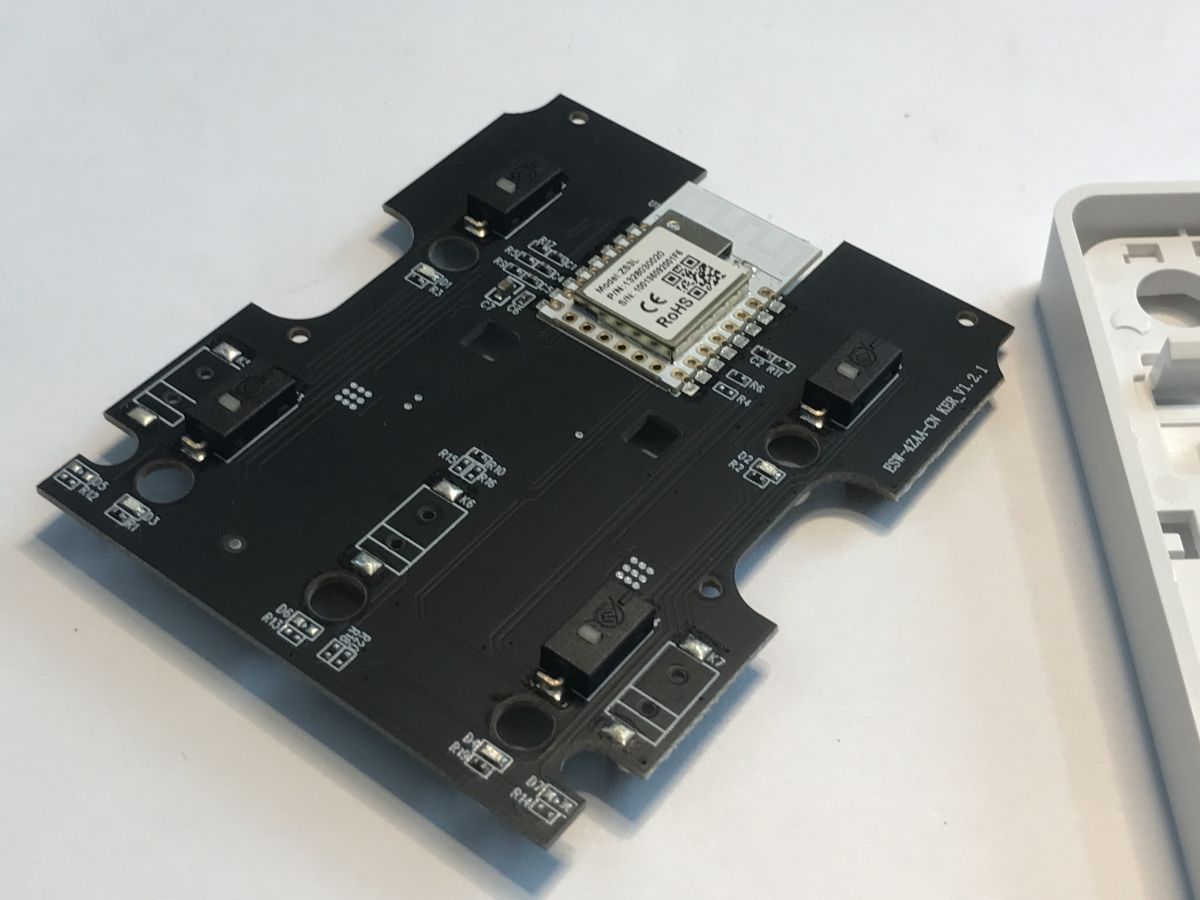
 .
.
The circuit is very simple, but this is understandable. Any inverters between the Zigbee module and the battery would introduce additional losses.
Let's get to the operation of the device already. First, a small audiovisual presentation - in the video you can hear the click we want and you can also see that an additionally pressed button lights up the corresponding LED.
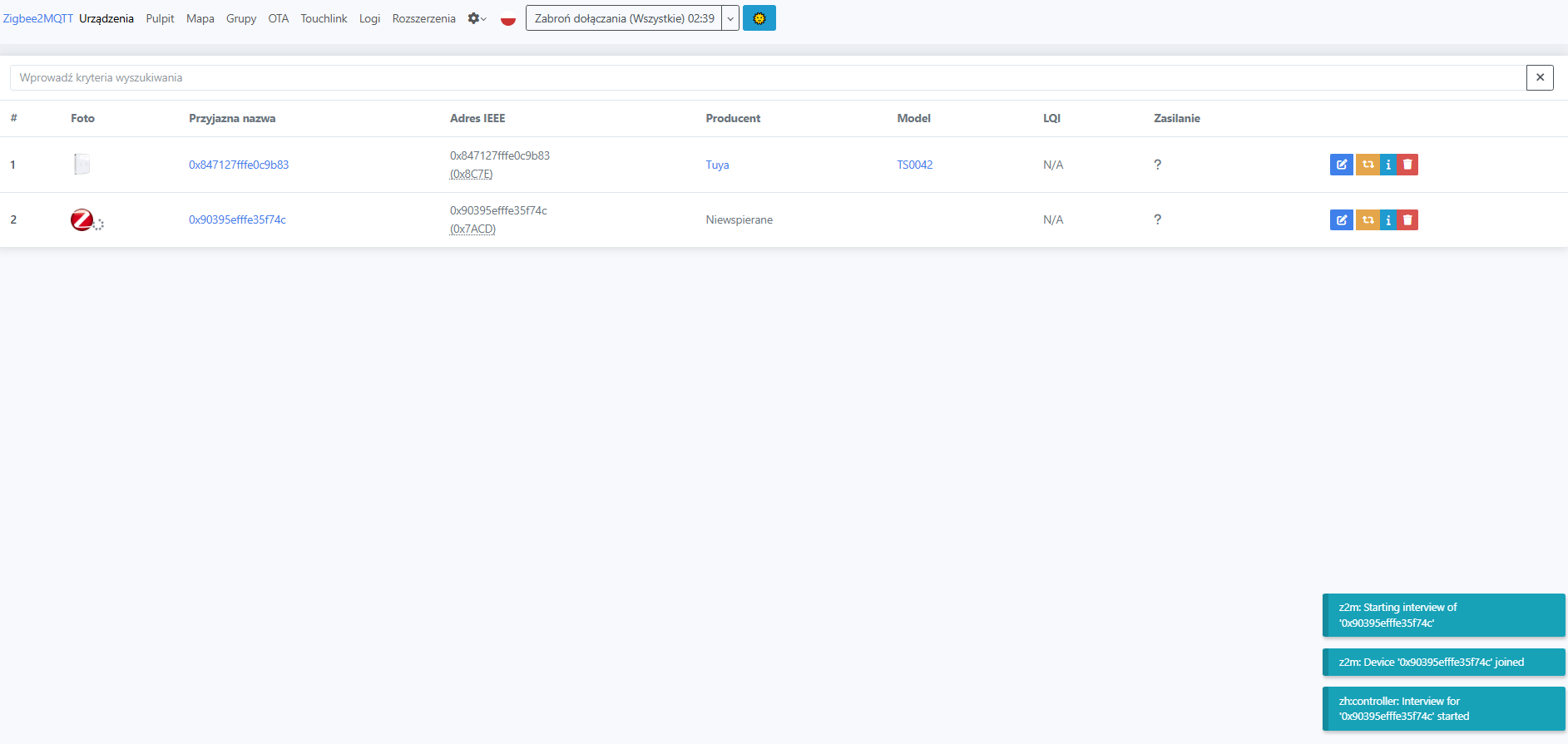
Pairing with the gateway/Home Assistant is very simple. Press the third button for longer as instructed.
 .
.
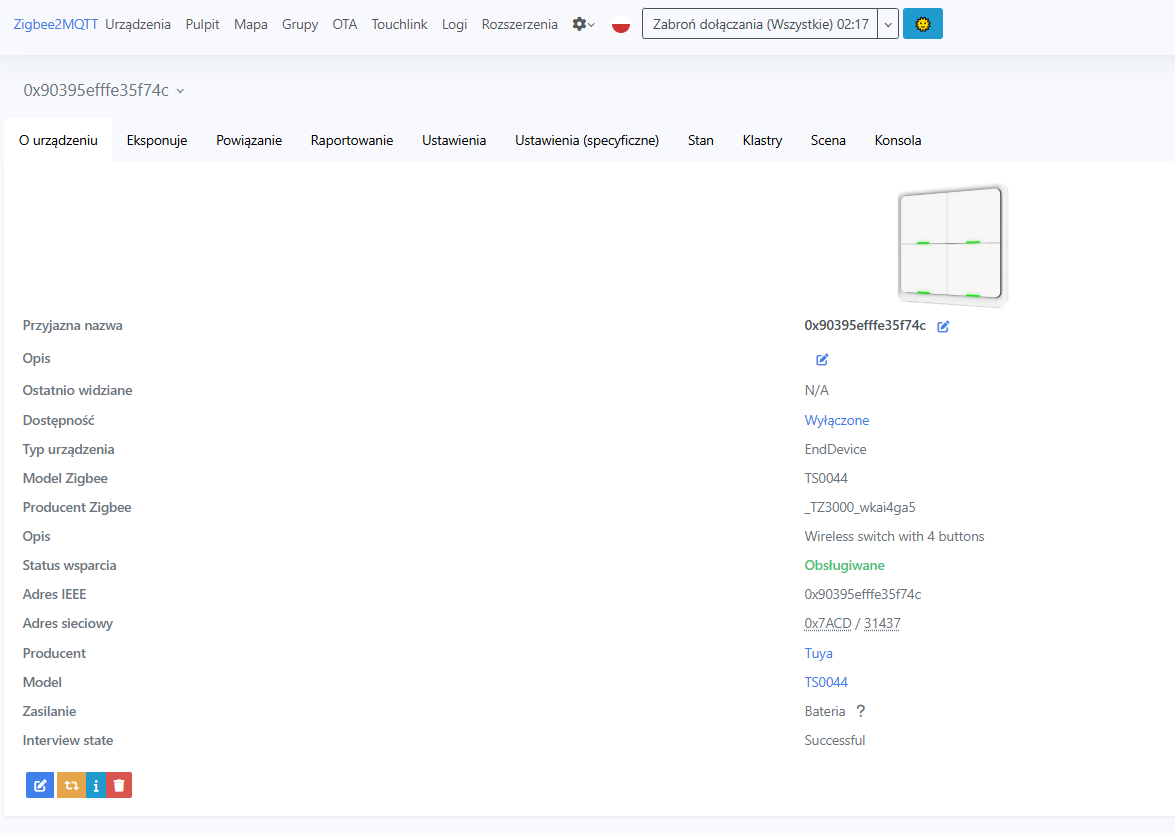
The device is seen as TS0044:
 .
.
 .
.
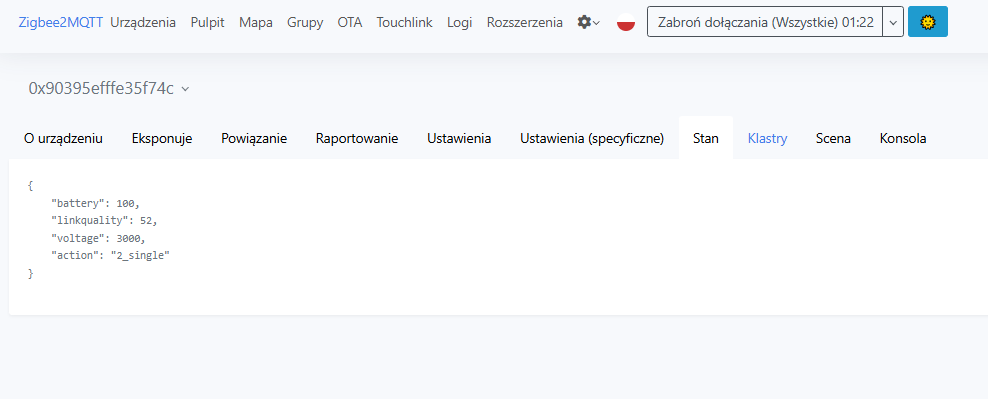
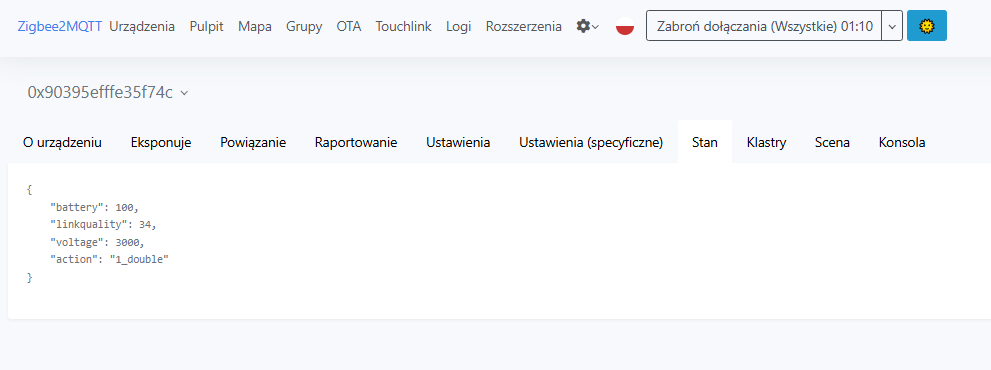
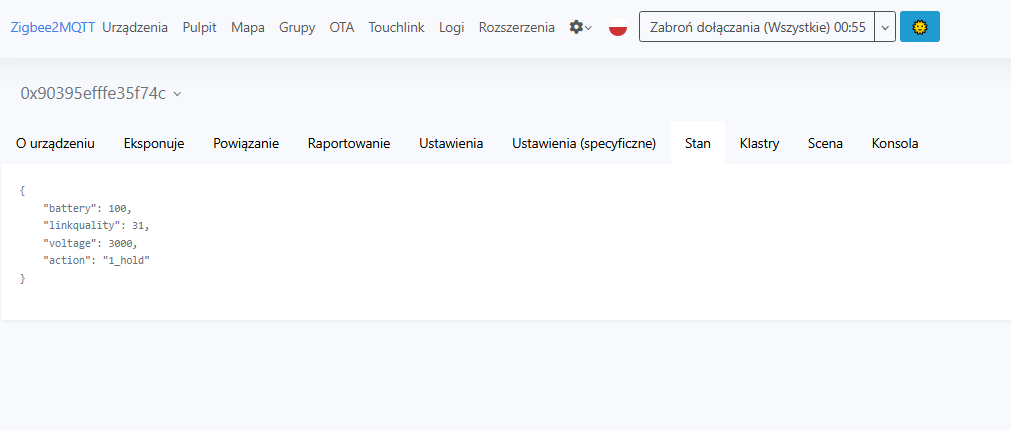
The entities provided are battery level, signal quality, voltage on battery in mV and current event.
 .
.
 .
.
 .
.
An event consists of a button index (1 to 4) and an action name - single, double or hold. Single click, double or press. That's all we need and you can already trigger scenarios in HA with this.
In summary , this was a quadruple Zigbee scene trigger bought for PLN80. Basically I liked it a lot, although the price could have been a bit less. You could probably get it from China cheaper. The product itself is very functional, and the physical ability to press a button with the additional still of an LED blink signal is satisfying to me. The four buttons with three actions each represent as many as twelve different combinations designed to control scenes in HA - it will probably allow you to control a lot of things.
Do you also use this type of action or scene trigger, and if so, which ones?

p.kaczmarek2 wrote 14823 posts with
rating 12994 , helped 659 times.
Been with us since 2014 year.
Comments
Is it possible to send a feedback signal for the LED from the button? [Read more]
I have not found such an option, it seems to me that the LEDs are permanently controlled directly by the buttons. [Read more]
If I see it correctly, this grey base has marked screw mounting points for a standard box? If so, a ZigBee 1 or 2 channel controller can be inserted into the box, e.g. to control lighting (e.g. outside),... [Read more]