What functionality could be added to the Tiny OnOff iPhone app?
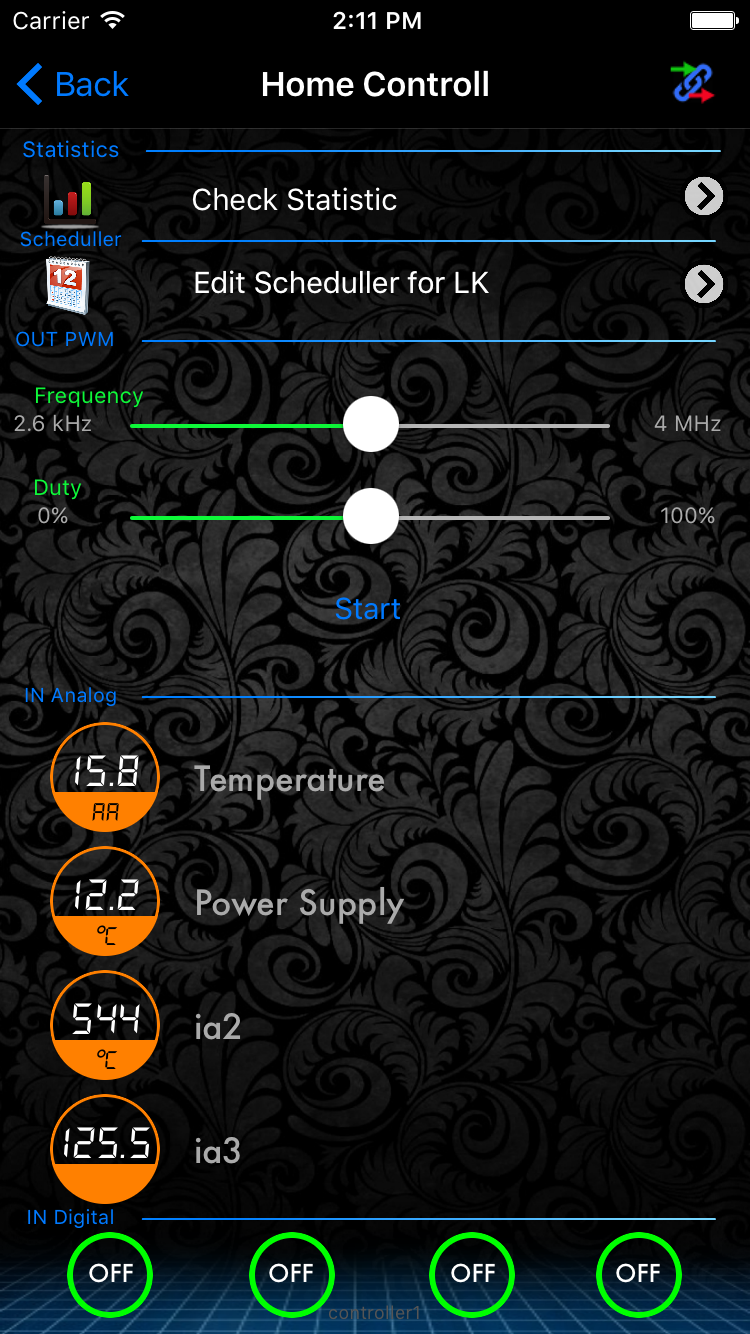
The main requested additions are better icon customization, PWM/dimmer support, and clearer feedback during communication with the controller. Users and the author discussed changing graphics/icons independently for each driver, adding more icon choices, and showing a progress indicator or other status when the app is waiting for data on a slow connection [#13066545][#13104272] PWM support was explicitly requested and later confirmed as being implemented, along with plans for dimming and possibly RGB control for LED loads [#13044020][#15365712] Another requested improvement was sound support for the buttons, plus better handling of weak internet connections so commands feel more responsive [#13066545][#13104272] The thread also mentions fixing smaller-screen layouts such as iPhone 4/4S support and adding outdoor temperature display/icon updates in later versions [#13040286][#13047595]
AI summary based on the discussion. May contain errors.
Hello again. Well I purchased Tiny OnOff yesterday with the intention of testing it. Unfortunately, I have a problem at the beginning: after installing and booting, I see the start screen and unfortunately I can't do anything. The info and setup buttons (the key icon) are highlighted. Info responds, while setup does not. What have I done wrong? iPhone 4 - OS 7.1.1
Added after 4 [hours] 54 [minutes]:
O! Something is happening: I am suspending the alarm. I will keep you informed of progress.
It is OK. I was able to do it. When switching to the "aeroplane" state, everything was able to be configured. But.
However, after association with a "friendly" Lan Controller, I cannot control it, while "some" temperature readings are displayed. Even though I have an internet connection (via WiFi) I get error 0001 and possible causes, as well as a "spinning sun" in the middle of the screen (suggesting a connection to the Lan Controller?) Please help - what is wrong?
Hi. A new update has been published on the AppStore. The published version is 2.0.29. Bugs reported:
- the app does not work if installed as an update. This is due to a completely different version of the settings.plist file. Please remove version 1.25 completely and download version 2.0.29 again for free
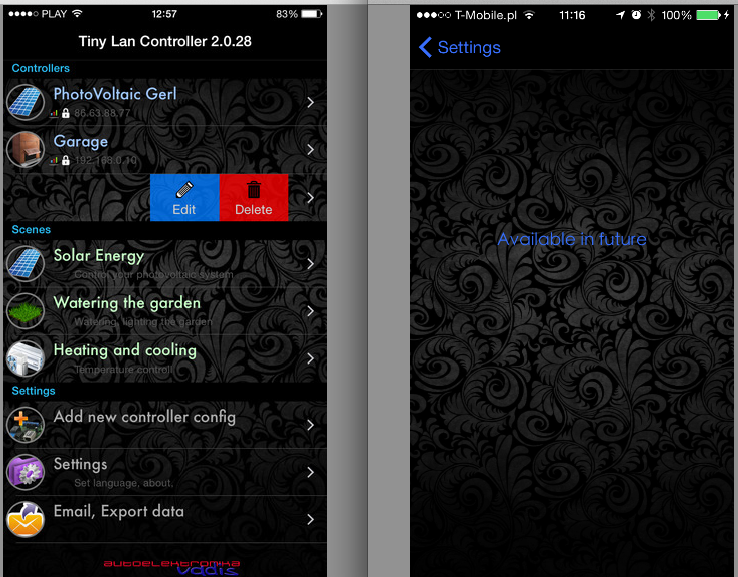
- on the iphone 4" (5.5c,5s) moving the drivers table cell to delete, edit a driver causes the > and delete buttons to overlap. For this reason it is not possible to delete the tiny driver in iphone5.... The application was tested on iphone6. But the resolved version of the app 2.0.30 was sent to apple yesterday. So in about 5-7 days should appear in the Appstore.
I have a question as to why the app crashes the program after being set up and pressing select lan controller.
Please can you give me instructions on how to install the app on iphone 6 as so far it is not working and I have been waiting a long time for an update.
Added after 15 [minutes]:
I have a question as to why the app crashes the program after configuring and pressing the lan controller selection.
Please can you give me instructions on how to install the app on iphone 6 as so far it is not working and I have been waiting a long time for an update.
please initially delete version 1.25 and reinstall the current version.
then update the firmware in the Tiny Lan Controller to version 3.10.
this should (99.9%) help.
the situations described by you in two cases are known:
- lan controller version 3.06 (the differences in the returned xml syntax between 3.06 and 3.10 were described in a post on the tiny lan controller forum)
- the iphone remains after version 1.25 of the plist settings file. (required deletion and re-uploading of the current version from the AppStore)
As of 7.10.2015, version 2.0.31 supporting iOS9 and higher has been released for acceptance by Apple. The app accepts systems iOS8.0 or later. The app does not support systems older than iOS8.0 .
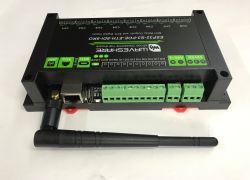
Let me ask a question here. What is the easiest way to extend this device with Wi-Fi support? Is it possible to connect a tiny Wi-Fi module so that it can be installed away from the router?
Information to the author of the software on iOS version 9.1 iphone 4s does not want to install the system reports that the application is incompatible. App purchased from apstore
Please inform me about this issue
I hope that the version currently available in the Appstore as an update (2.0.32)
works on the required platforms.
We are making efforts to launch app support on HW2.0 SW2.xx drivers
PWM support functionality - requested by users - is also currently being implemented.
Create an account, log in here and be active on the forum — ads won't appear. Earn points for registering and replying.