
logo elektroda
logo elektroda
X
logo elektroda

What features should be added to the Tiny OnOff app for iPhone?

vadis0781 19647 45
Best answers

What functionality could be added to the Tiny OnOff iPhone app?

The main requested additions are better icon customization, PWM/dimmer support, and clearer feedback during communication with the controller. Users and the author discussed changing graphics/icons independently for each driver, adding more icon choices, and showing a progress indicator or other status when the app is waiting for data on a slow connection [#13066545][#13104272] PWM support was explicitly requested and later confirmed as being implemented, along with plans for dimming and possibly RGB control for LED loads [#13044020][#15365712] Another requested improvement was sound support for the buttons, plus better handling of weak internet connections so commands feel more responsive [#13066545][#13104272] The thread also mentions fixing smaller-screen layouts such as iPhone 4/4S support and adding outdoor temperature display/icon updates in later versions [#13040286][#13047595]
Generated by the language model.
ADVERTISEMENT
Treść została przetłumaczona polish » english Zobacz oryginalną wersję tematu
  • #1 12958999
    vadis0781
    Level 11  
    Posts: 35
    Help: 1
    Rate: 7
    Hello
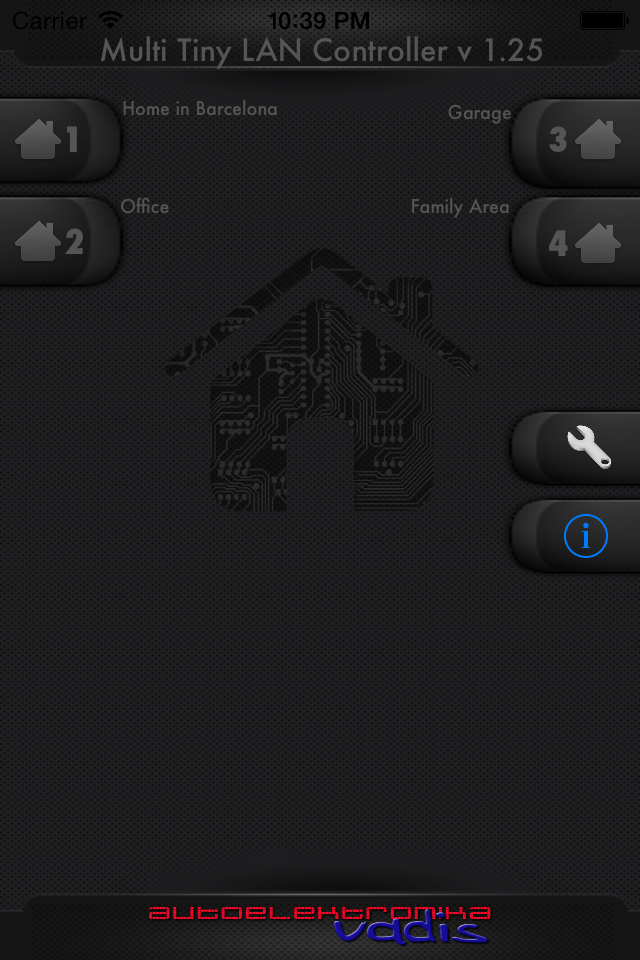
    For the long-established Lan TINY Controller module on the market, I recently decided to write an attractive-looking and pretty cool application for the Apple smartphone platform Tiny OnOff .

    Since the module is attractively priced (136 PLN) and extensions to it cheap , so I think that the offer in combination with my application may seem reasonable and economically correct :)
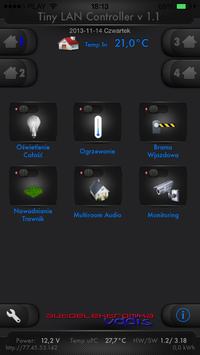
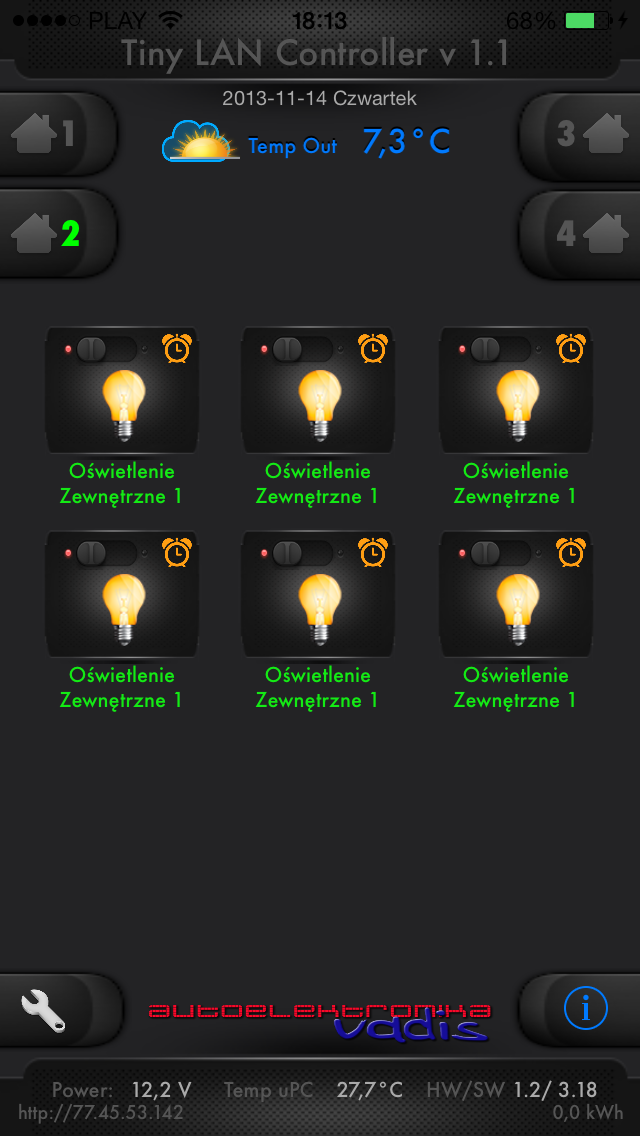
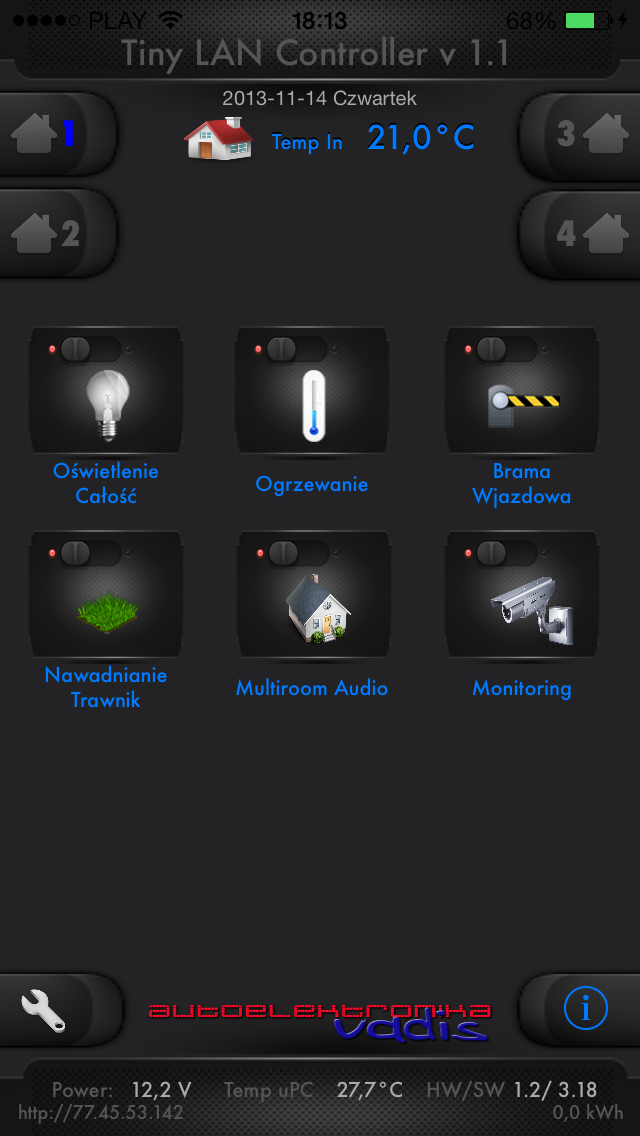
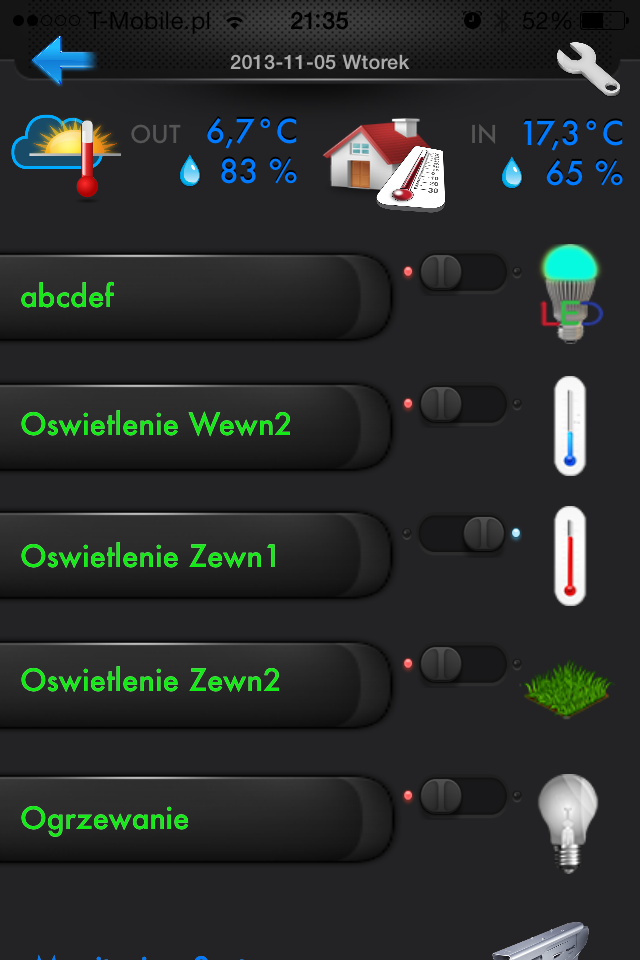
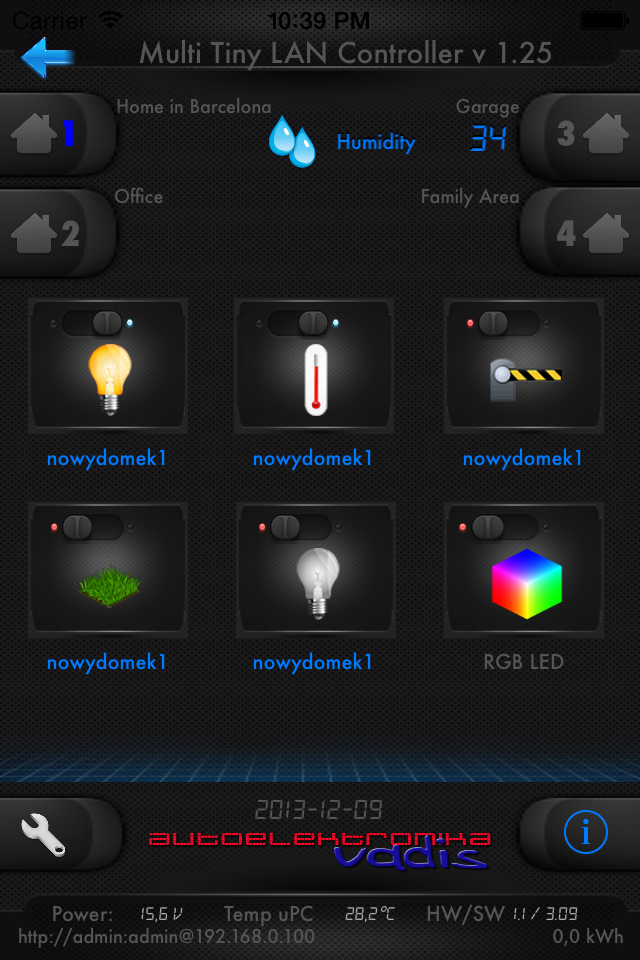
    I would like to add that I am looking for suggestions as to what functionality could be added to the application. Currently we have temperature and humidity readings and control of 5 relays - NOTE - in 4 controllers at the same time, which gives us 20 ON/OFF circuits.

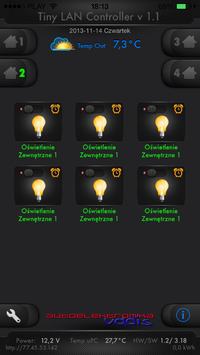
    I would like to add that the application enables us to program an OFF-Timer / in seconds / for each of the outputs, each icon is programmed by the user during the configuration according to needs, and the descriptions of the buttons are also programmable and can be changed freely. Each change-control of the circuit results in a feedback check of the states of the switches and other parameters from the module, and the changes are reflected in the application window in a pleasant graphic form.

    In the near future, we are planning RGB control, and perhaps DIMMER - dimming for traditional 220 volt lighting.

    Short presentation: Presentation


    What features should be added to the Tiny OnOff app for iPhone?

    What features should be added to the Tiny OnOff app for iPhone?
  • ADVERTISEMENT
  • #2 12959378
    stkop
    Level 15  
    Posts: 121
    Help: 14
    Rate: 7
    Great that you have made such an application. I had a similar idea regarding the LAN Controller.... Link .... even not long ago in the electrode classifieds someone was looking for a programmer for this purpose....
  • #3 12983785
    arkomp
    Level 11  
    Posts: 14
    Hello
    actually, I was looking for a programmer a few weeks ago to help write such an application but unfortunately the costs are very high and I started to write myself a page in html with which to control 4 pieces of lankontroller because I need so much to control the whole flat (mainly light switching, measurement of current consumption, motion sensors, measurement of temperatures and maybe in the future control of strain gauge heads on radiators) So far I have written switching of lights, reading of temperatures, dimming of LED lighting using PWM(I also made a simple electronic circuit that controls 12V LED bulbs using current regulation. Today I noticed your app and I think that my further writing is pointless because it is better to control from the app than the browser, the app also has more possibilities.
    Best regards and I look forward to further development of your software
  • #4 12987475
    falafuks
    Level 11  
    Posts: 8
    Hello
    I bought the program but it does not work very difficult to press anything. please send instructions to the author at m.falkowski(_at_)me.com
  • ADVERTISEMENT
  • #5 12987626
    vadis0781
    Level 11  
    Posts: 35
    Help: 1
    Rate: 7
    When configuring the IP and port, activate Airplane mode on the iPhone. After the configuration you can safely turn it off. Version 1.0 of the software was affected by this issue and an update will be available soon, which has been submitted to APPLE for approval.

    I hope I have helped. Please let me know how the case ended, as the application was tested for 3 weeks on several connected controllers both in local networks and public addressing.

    Please keep the rules of proper polish and correct spelling of posts. Otherwise I will be forced to delete them. Please correct! [retrofood]
  • #6 12987720
    falafuks
    Level 11  
    Posts: 8
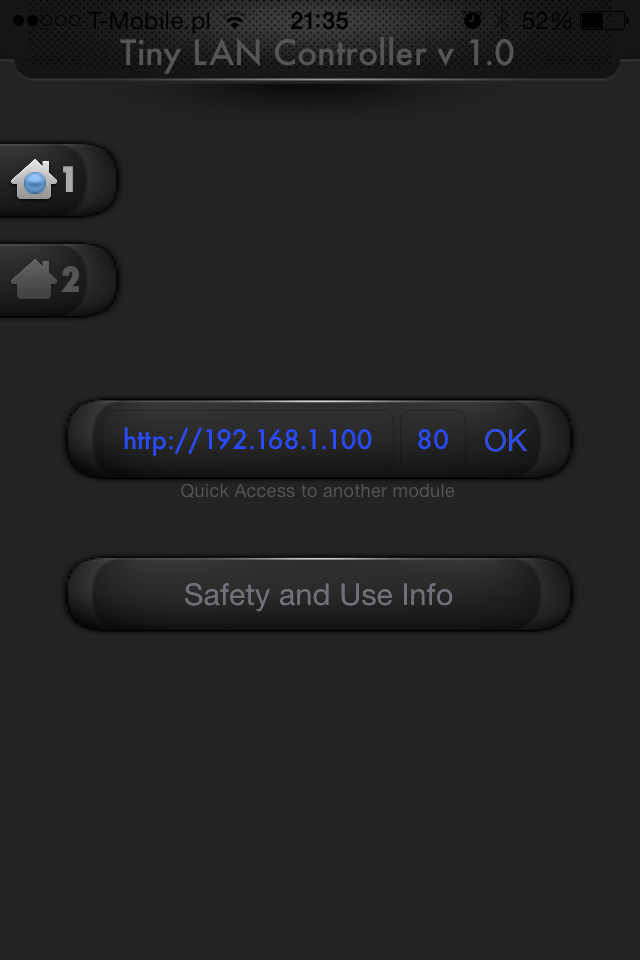
    i changed the ip to 192.168.1.100 and port 80 as it is on the device and it doesn't work, what should I do?
  • #7 12987941
    vadis0781
    Level 11  
    Posts: 35
    Help: 1
    Rate: 7
    is a local address. are you sure it's port80?
    and the IP address should be http://
    is the device available in the public address range?
    is a password set up?


    my information for you is complete

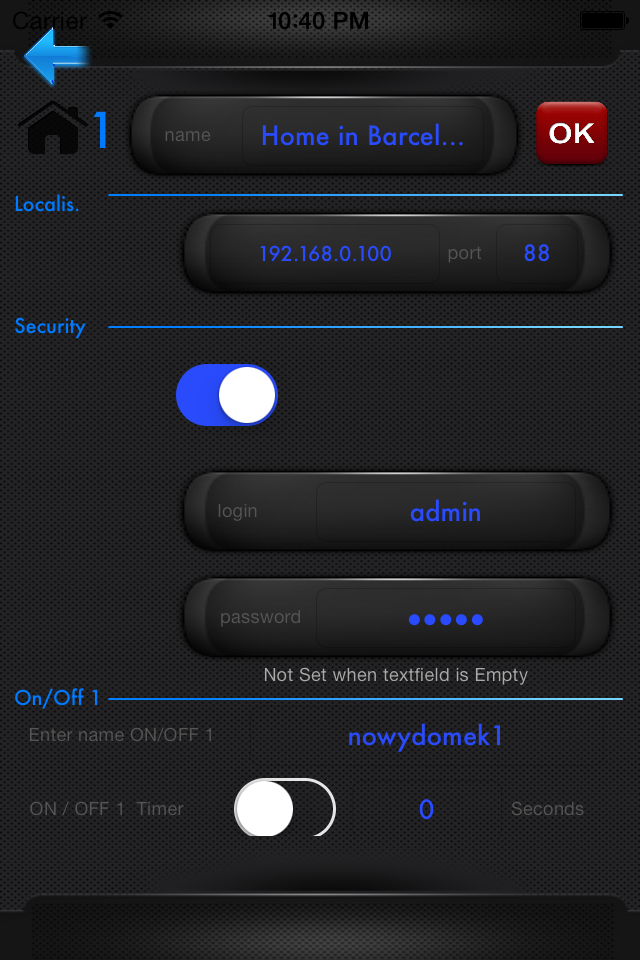
    construction of a sample IP address:
    http://192.168.0.100
    port 88
    passwords disconnected

    and if you have a fixed IP and unblocked forwarding on the router then you can try an external IP, and it must work. tested on software from 2.50 up to and including the current one with both 1.0 and 1.2 HW drivers.

    - one more thing occurred to me - maybe you have a current 3G connection and not WIFI connected to the same router ?
    If so, you must configure everything under public addressing.
  • #8 12988750
    falafuks
    Level 11  
    Posts: 8
    thank you very much the problem was that I had login and password enabled. I am waiting for an update.
  • #9 12990178
    falafuks
    Level 11  
    Posts: 8
    Hello
    I have another question about the temperature sensors that are shown in the program external and internal along with humidity what and which sensors should be connected to the module ?
  • #10 13014023
    vadis0781
    Level 11  
    Posts: 35
    Help: 1
    Rate: 7
    I tested the first version of the programme on the DTH11 , a dual sensor with humidity measurement. The next version is in the process of being finalised, with a lot of improvements, and I will inform you of the publication date on the AppStore as soon as it is available.
  • #11 13025794
    arkomp
    Level 11  
    Posts: 14
    I installed the app today but it has a lot to be desired:
    - The screen is not adapted to the Iphone 4S and yet it is the most popular model, only 4 outputs can be configured because 5 do not fit on the screen
    - It is not possible to connect more LK than 1,
    - Temperatures are probably preset because I do not have any sensors connected to the LK yet it displays some temperatures.
    - The application does not refresh the status of the outputs, it is necessary to switch on one of the outputs or switch to another screen in order to refresh all of them

    Let us hope that the next version will be more refined

    What features should be added to the Tiny OnOff app for iPhone?
    What features should be added to the Tiny OnOff app for iPhone?
    What features should be added to the Tiny OnOff app for iPhone?
  • ADVERTISEMENT
  • #12 13040286
    vadis0781
    Level 11  
    Posts: 35
    Help: 1
    Rate: 7
    The application is optimised for iOS7 and iPhone5 , 5S , 5C.
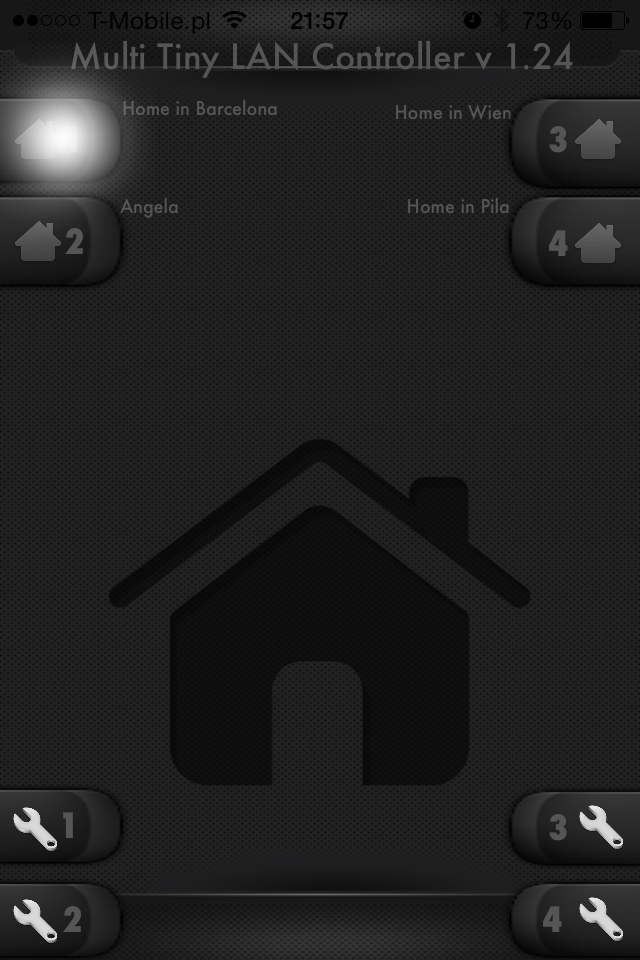
    The iPhone 4 is slowly going away, but although I have not taken this display size into account in the next version, i.e. 1.24, which will be available any moment, I will try to take it into account in the next version. We are writing something for a larger display, so it is difficult to fit it on a smaller one and to display it dynamically. But I will try very hard :)
  • #13 13043537
    arkomp
    Level 11  
    Posts: 14
    The iPhone 4S has ios 7 and is on sale all the time on the Apple Store, plus it is the most popular because it has the most owners.
    I have installed hundreds of applications and they have always been able to fit on the screen, even the newest ones, on Ipad, Ipod - the same situation - the application does not fit on the screen

    Thanks for the good intentions and I look forward to a quick update

    Added after 54 [minutes]:

    I just noticed that there is an update but unfortunately the soft works even worse.In 1 channel of LK the program emts are scattered and there is no possibility for example to press OK, the rest of the channels do not work. Photos below.

    Do you plan to make a dimmer in the future by adjusting the fill on PWM? - This would be very useful

    What features should be added to the Tiny OnOff app for iPhone?
    What features should be added to the Tiny OnOff app for iPhone?
  • #14 13044020
    vadis0781
    Level 11  
    Posts: 35
    Help: 1
    Rate: 7
    I did the optimisation for iphone4 today, your information was sent in a post after I sent version 1.24 to Apple. I am sorry, but today's version 1.25 has already been sent to Apple, and I only included support for 3.5" display.
    You are waiting another 6 days for a version that will satisfy you, I believe.
    Version 1.24 itself is very stable and has many improvements. The fact is that I was not aware of such overlapping of graphics on a smaller screen before. From the very beginning of the creation of the application was on the iphone5. It was only under your suggestions today that I changed this.
    I hope that 1.25 will satisfy you. Unfortunately, every work is born in pain.
    As far as the dimmer is concerned, I think that as soon as the controller pcb evolves, we will definitely implement it quickly. I think everyone would be more interested in PWM RGB loadable up to 2-3 A. This would give interesting possibilities, if the board supports this I will add it as soon as possible.

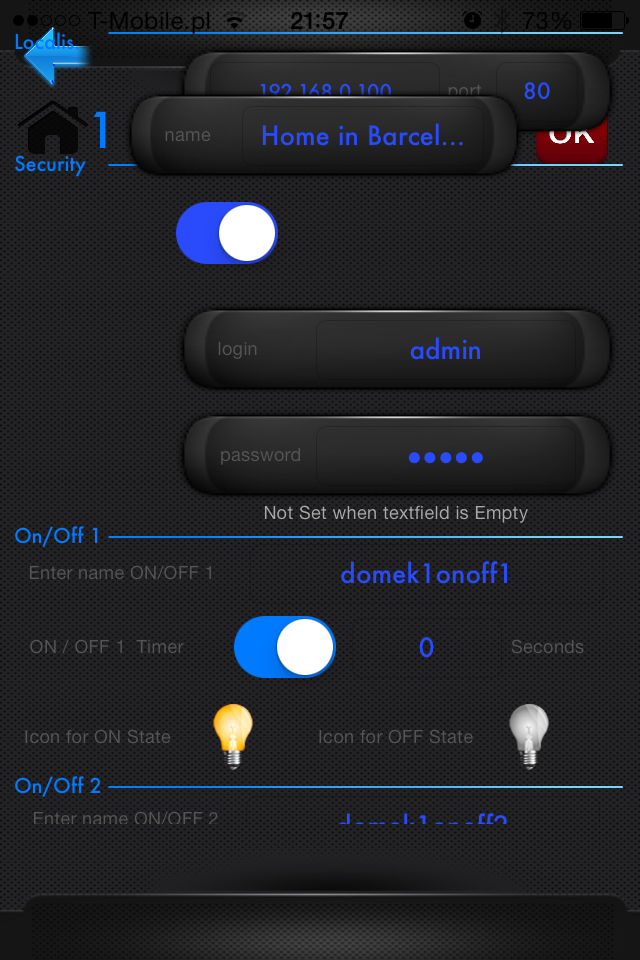
    other than that , the setting views move up - down.
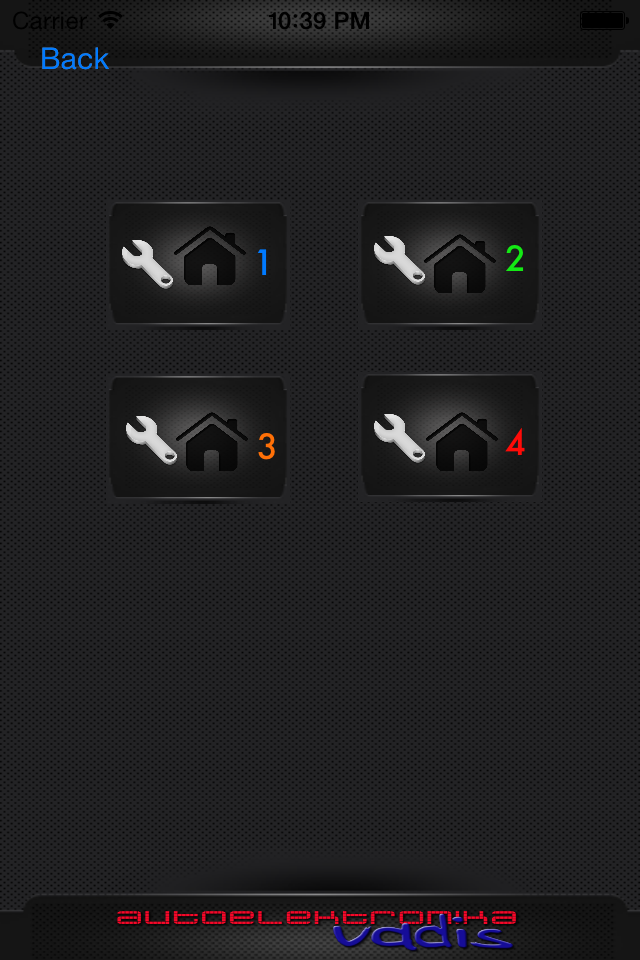
    Attached are the revised views for the 3.5"

    I take very scrupulously all information sent and implement it as soon as possible.

    What features should be added to the Tiny OnOff app for iPhone? What features should be added to the Tiny OnOff app for iPhone? What features should be added to the Tiny OnOff app for iPhone? What features should be added to the Tiny OnOff app for iPhone? What features should be added to the Tiny OnOff app for iPhone? What features should be added to the Tiny OnOff app for iPhone?

    Please write , how do you currently implement dimming on this single channel PWM. Because as far as I know, I think the current capabilities are small. But I haven't analysed and I could be wrong.

    In addition, I encourage discussion on what to add to the program and also what and how to change it. I will definitely, within the possibilities, try to implement this in the future.
  • #15 13046251
    arkomp
    Level 11  
    Posts: 14
    In fact, I'm about to make a smart home on 4 LK units. TZN:
    - Control of lighting and appliances in the rooms (each input to the LK i.e. light attachment is redirected to an output on the LK or PWM i.e. dimmer)
    - display of temperatures, future regulation by strain gauges on radiators
    - possible placement of motion detectors which will switch off unnecessary lighting in rooms after e.g. 10 minutes of immobility.

    As you know, there are no dimmers for LED bulbs on sale, but it is very easy to dim a 12V bulb using current rather than voltage control.
    All you need to do is shape the PWM signal from the LK and feed it into the transistor that regulates the bulbs current. If anyone is interested I can post the schematic.

    Maybe you have some way of controlling 4 pieces of LK from the outside
    I have purchased 1 external IP and have no problem controlling 1 LK when redirected from WAN to LAN but how to do it with 4 LK pieces that have internal IP. Additionally, when I am at home the Iphone uses the internal IPs on the LAN as it connects to the router.
  • #16 13046527
    vadis0781
    Level 11  
    Posts: 35
    Help: 1
    Rate: 7
    Set each driver to a different port. That's all
  • #17 13046686
    falafuks
    Level 11  
    Posts: 8
    why can't I set anything in this program after the update, it displays the message 0001
  • #18 13046725
    vadis0781
    Level 11  
    Posts: 35
    Help: 1
    Rate: 7
    Aeroplane mode, but everything works even without it
    settings and reassign the correct IP, and check everything for the presence, correctness of the password and user name. And if required, toggle the password switch. Finally, save the settings
  • ADVERTISEMENT
  • #19 13046802
    falafuks
    Level 11  
    Posts: 8
    i do this and nothing, still error 0001 ip good password also I don't know with the previous version the plane mode helped.


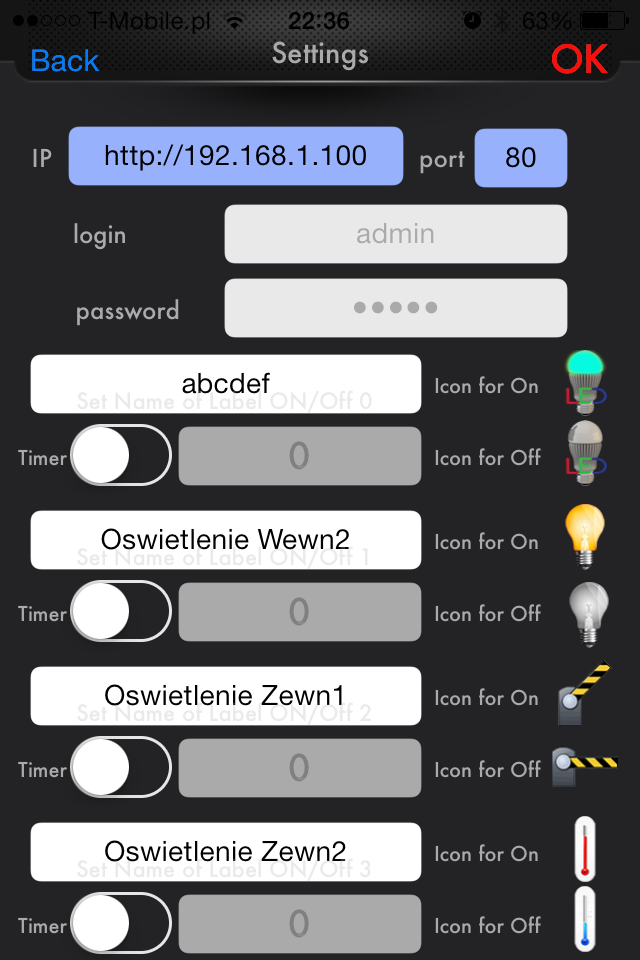
    Sorry it's already working but I have one more problem how to change the light bulb icons ?

    And one more question what should be done to make the outside temp shown. At the moment it shows 5.1 degrees and I don't know where from ?
  • #20 13047595
    vadis0781
    Level 11  
    Posts: 35
    Help: 1
    Rate: 7
    Outdoor temp and icons at the next update. I didn't have a sensor to plug in :) , The only one I had was this DTH-11 with humidity measurement, and it works ok.
  • #21 13053868
    vadis0781
    Level 11  
    Posts: 35
    Help: 1
    Rate: 7
    Version 1.25 available in the AppStore.
    Some of the fixes have been implemented, others will follow in the next update publications.
  • #22 13055063
    falafuks
    Level 11  
    Posts: 8
    hello
    Icons still cannot be changed
  • #23 13055471
    vadis0781
    Level 11  
    Posts: 35
    Help: 1
    Rate: 7
    Have you read the 1.25 changelog?
    There is a new concept for changing the icons
    I am working on it.
  • #24 13065188
    arkomp
    Level 11  
    Posts: 14
    vadis0781 wrote:
    Set each driver to a different port. That's all


    Apparently so, but the application does not run stably from the outside: On the icons you can not see if the port is on…, it crashes. In addition, when you come home - as the phone connects to the internal network and so you have to give the IP over the LAN.

    What are the channels that scroll for (4 x 6 icons each)?

    When can we expect a major update?
  • #25 13066545
    vadis0781
    Level 11  
    Posts: 35
    Help: 1
    Rate: 7
    This is not true. The application, after external settings, works ok. And even in terms of the analogy and construction of the Internet network there is no right to have such a situation as you describe.
    It is a fact that after 3G the time of waiting for the return information, in which you can see whether your order was executed is slightly longer. However, I have no influence on what kind of connection you have, whether it is 3G or perhaps EDGE. One thing is certain, pressing the ON/OFF button sends a command to the controller, which in turn returns the actuation states of practically all parameters. A refresh frame is built on this basis. Whether you receive it in a second or in 20 is already a question of your connection or DNS server, if you use such a service. For example, please read how the leading Fibaro product, home center2, works. Depending on the connection, it may also take a while for the Fibaro product to work,
    I plan to extend the upload function with a progress bar. I am planning to add a progress bar to the upload function. This will be visible in the case of a fast connection for about 0.5 seconds, and in the case of a slow connection I think you will be able to see what is happening thanks to this bar. However, believe me, every time you press send to the controller, it has an effect, and if you press it repeatedly, I think you will only increase the waiting time.
    We are also planning to add sound support to the buttons.

    The current version is the third release in the order of publication and the second update. Please note that virtually all applications have bugs, which are fixed over time, and changes to the way the applications work are implemented based on information and requests from users

    The application will continue to evolve and we welcome feedback on its operation and future features
  • #26 13101266
    arkomp
    Level 11  
    Posts: 14
    Please let me know if you are preparing an update and when?
    If so, what will it contain?
  • #27 13104272
    vadis0781
    Level 11  
    Posts: 35
    Help: 1
    Rate: 7
    Currently, the so-called iTunesConnect is closed and no developer will be able to do anything during the holidays. Apple policy.
    after the new year, the Tiny OnOff app will once again be equipped with changing graphics - icons - and there will be many more of them than there are now.
    The settings for changing icons will, of course, be independent for each driver.
    In addition, we will try to take care of a situation with an extremely weak internet connection so that the app lets you know that it is doing something, e.g. waiting for data from the driver. At the moment, with a fast connection it is ok, but with a slow one, e.g. EDGE, sometimes you don't know if you have reacted to a command being sent or not. I would also like to add sounds for buttons and PWM support . We will see if we can do this in one update.
  • #28 13232926
    arkomp
    Level 11  
    Posts: 14
    Hello
    and how is something happening there? with the update?
    So far the application for me useless.
  • #29 13232995
    vadis0781
    Level 11  
    Posts: 35
    Help: 1
    Rate: 7
    Hello , please colleague arcomp to specify what does not work according to him.
    The application is used by at least dozens of drivers. It works correctly everywhere. Perhaps we can clarify the substantive issues over the phone, Everything that you write in your earlier posts is wrong and the result of a bad configuration I think.
    The very fact that you think that something that was set on an external IP and after entering the cottage no longer works is meaningless. There is simply no such option. Please, if necessary, thoroughly rethink the configuration of ports and their redirection on your home router, and then check the correct configuration of the password, user name and correct IP storage. I would add that the application in the settings should only have IP addresses written to existing controllers. So if it is only one driver, the rest of IPs should be empty and saved to the application settings.
    I suggest an alternative contact - telephone - and maybe we can solve your problem with the application and at the same time take into account other information from you as a user. They are certainly valuable. Best regards.
    contact email: autoelektronika.vadis(_at_)gmail.com
  • #30 13400797
    kwanat
    Level 11  
    Posts: 3
    Hello, congratulations on the app. The question is: have you not thought about an android version?
ADVERTISEMENT