unless to rpi1 



Czy wolisz polską wersję strony elektroda?
Nie, dziękuję Przekieruj mnie tam
 . I then tested the office glue. Now the most promising track record of improved adhesion is given by rosin. I dissolved it in spirit and smeared it on. The evaporated layer was not very smooth. The part did not fall off, but the unevenness of the rosin was visible. I wanted to let it go and started washing it off with spirit. And after rough washing, I got a very thin and even sticky layer. After heating the table, the rosin improves its adhesion even more (we are going at 60 degrees). And the prints are very smooth after peeling off. The cost of rosin is negligible, as isopropene spirit. I am curious to hear your opinions if you decide to try it.
jariko wrote:I dissolved it in spirit and smeared it on. The evaporated layer was not very smooth. The part did not fall off, but the unevenness of the rosin was visible. I was about to let it go and started washing it off with spirit. And after a rough washing off, I got a very thin and even sticky layer.
Andrzej Ch. wrote:Interesting topic.
I would like to seek your opinion, because at the moment I am using ender3 pro without any modifications regarding the motherboard. the only things I have installed other than "shop" are, as I mentioned before, a 0.2 mm diameter nozzle (I will change to 0.5-0.6 mm), a metal guide with a filament presser and I have replaced the flexible mat with glass (it also seems to me to be crooked during levelling or the whole structure is dislocated on a flat table.... i don't know myself anymore, that's why....
Reading your posts, I am thinking of buying an auto-leveling system (bltouch) for sure, and secondly a motherboard that will support this and at the same time have drivers to make the printer quieter.
As far as bltouch is concerned, the matter is rather simple, while someone mentioned the NC sensor, but somehow I cannot find any more information on this subject. Is it better, is it worse (it is said to be safer). Please provide a little more information on this subject.
I have found information that good replacements for the motherboard are (without hardware modification) the Creality 1.1.5 model (with what default software ?? Merlin ???) and e.g. SKR mini E3 with Merlin 2.0 on board.
Essential question to those who have an idea, is it better to buy the SKR mini (v 1.2) or the Creative 1.1.5 board.
What does this look like in practice.
As I understand it the BLtouch module will work here and here.
Interestingly, it is possible to connect a colour LCD touch display to the SKR mini E3.
At a further stage I'm thinking about an extruder, but that's the next stage after replacing the components I wrote about above.
Finally, one more question, when replacing the motherboard, do you have to re-calibrate the x, y and z axes and the extruder or can you rewrite the values to the new board. I suspect that if the hardware and drivers have changed then the calibration has to be done from scratch. Is this correct ?
dziabi2 wrote:I have the skr mini e3 v1.2 board fitted in the enderk 3 pro and indeed the motors are inaudible but :
- the original board handles better at the edges , virtually no lip or otherwise shooting through.
in order for the skr mini e3 to match the original board, it has to have a terribly exasperated breakaway , acceleration ( about 3 times more )
- On the original board the temperature reading is stable, on skr mini e3 it jumps like stupid. I used external mosfets and it is better.
- Display TFT35 E3 V3.0 is some kind of failure, constantly screwed up, I disconnected reset from rs232 line and it's seemingly ok but this display lives its own life. It could abort prints at the magic 87% or 89% progress.
I disconnected this display and installed the original one because the original menu gives many more options.
It's just that the software of this colour display is not perfect and miracles happen.
In summary, don't rush to replace the original ender 3 board because you will make hours of worry and testing.
If it wasn't for my foolish passion to upgrade at all costs I would have gone back to the original ender 3 board a long time ago.
It is very possible that I will still do this at some point.
It's quiet, nothing happens apart from the layers skipping. Apparently the problem could be that the stepstick is too hot, but how much truth in that I don't know.... I need to put a heatsink on and check.
siewcu wrote:I have "almost" 1.1.5, because I have a TMC2208 soldered into a 1.1.3 board
siewcu wrote:If you're already clinging, the extruder is the whole thing, and these levers are part of the press. I also had this lever broken, in fact I bought a (used) printer with this lever already broken. I first glued it together and, pressing the filament by hand, printed a new one with PLA.... it even worked somehow, eventually I put on an aluminium extruder pressure mechanism.This is the extruder, not the extruder feeder.
siewcu wrote:Not counting the typo, not every program does this.... usually you select in the program which port to use and only block it when the port is opened, not as "pro forma" as CURA does.Just like any program that uses USB-COM adapters...
tzok wrote:Old firmware (1.0.x should definitely be updated, due to lack of protection against temperature sensor failure).
siewcu wrote:It isn't, and the manufacturer itself warns against it. If the controller sees any reading lower than the set temperature (e.g. through shorted thermistor leads, or the thermistor peeling off the table), it will fire at 100%. There are documented cases of printer fires with this firmware. Newer firmware checks if the temperature rises when the heater is turned on - if there is no response for 20 seconds, it reports a sensor error and shuts down the heater: https://creality.com/info/ender-3-ender-3-pro...5-firmware-source-code-upgraded-i00025i1.htmlAnd that's interesting, because I haven't touched the firmware - and have no intention of doing so - and the protection is there.
tzok wrote:
especially at the beginning of the print has a problem with the feeding of the filament, the extruder drive skips (with better pressure) or slips (with the original plastic lever).
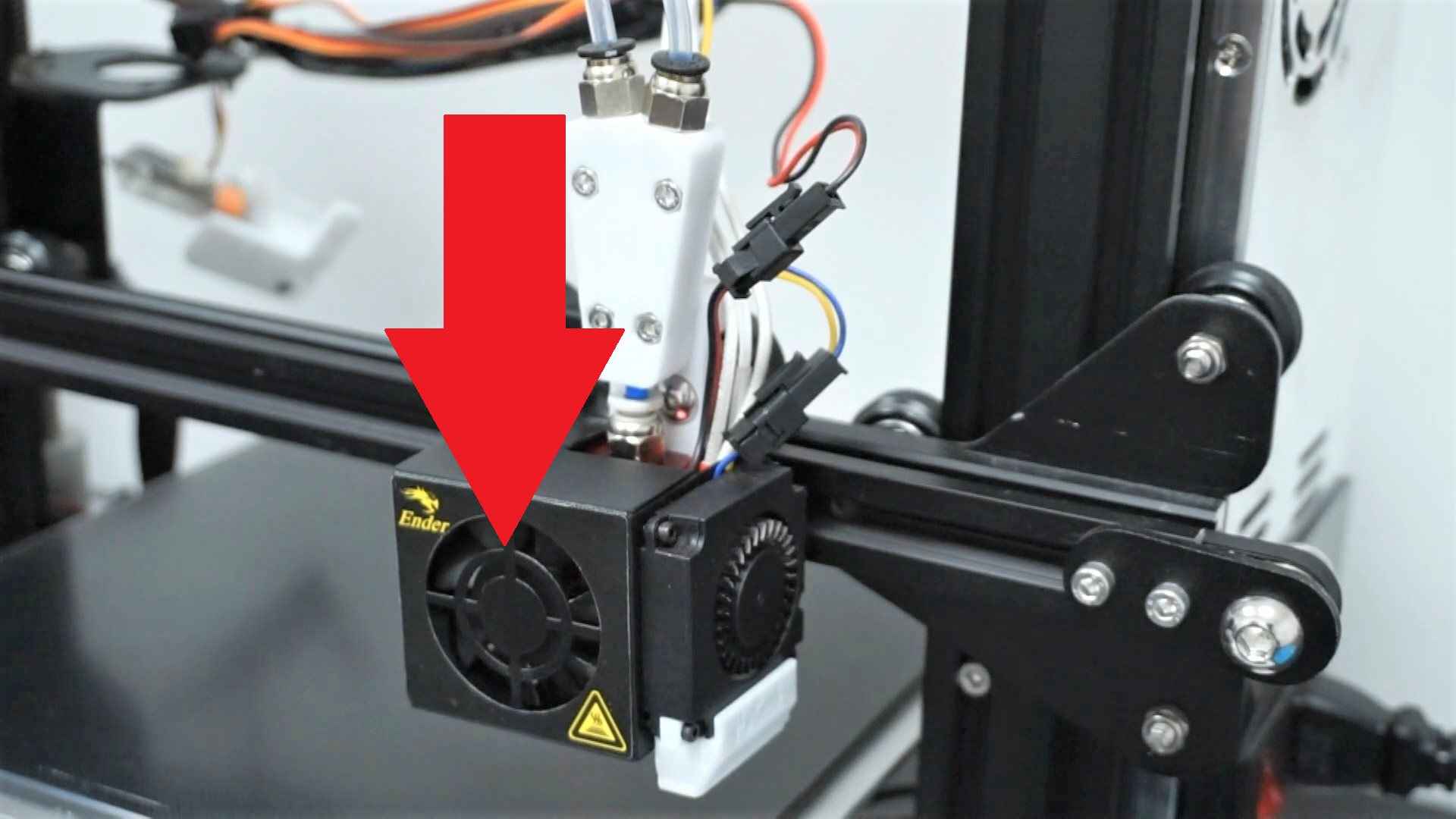
siewcu wrote:It may have, in my case replacing this tube solved the problem. The high resistance of the filament makes retraction difficult or even impossible. Of course the slicer (or rather its settings) is also important.The pulling of the filaments behind the head has nothing to do with melted Teflon in the heatbreak, in my case it pulls and the heatbreak is metal.