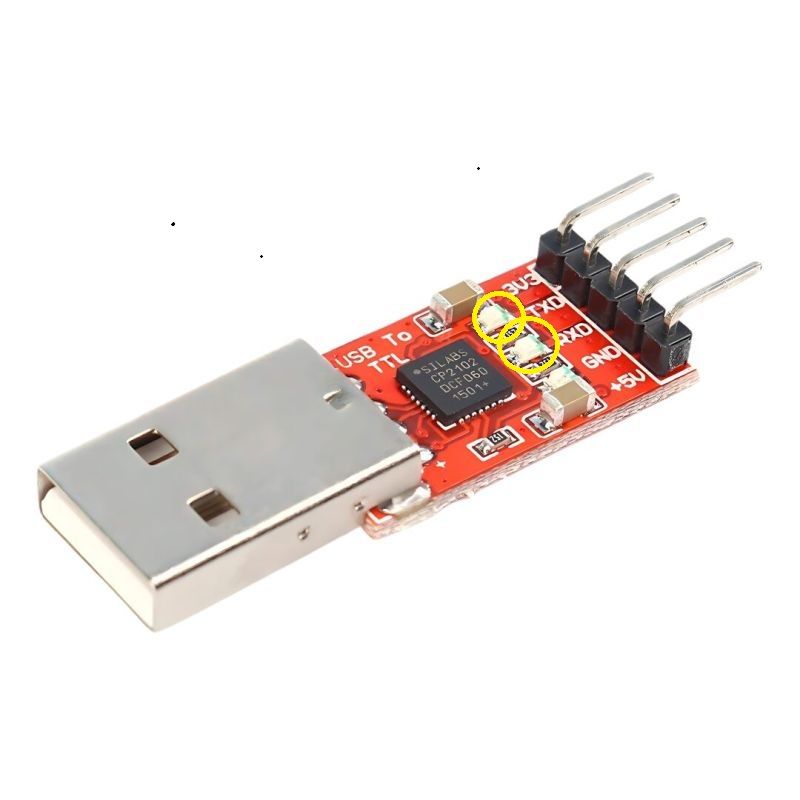
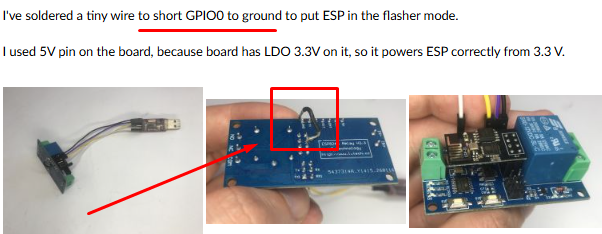
How do the LEDs on the USB converter react when an attempt is made to transmit data or when power is supplied to the ESP module?




Czy wolisz polską wersję strony elektroda?
Nie, dziękuję Przekieruj mnie tam


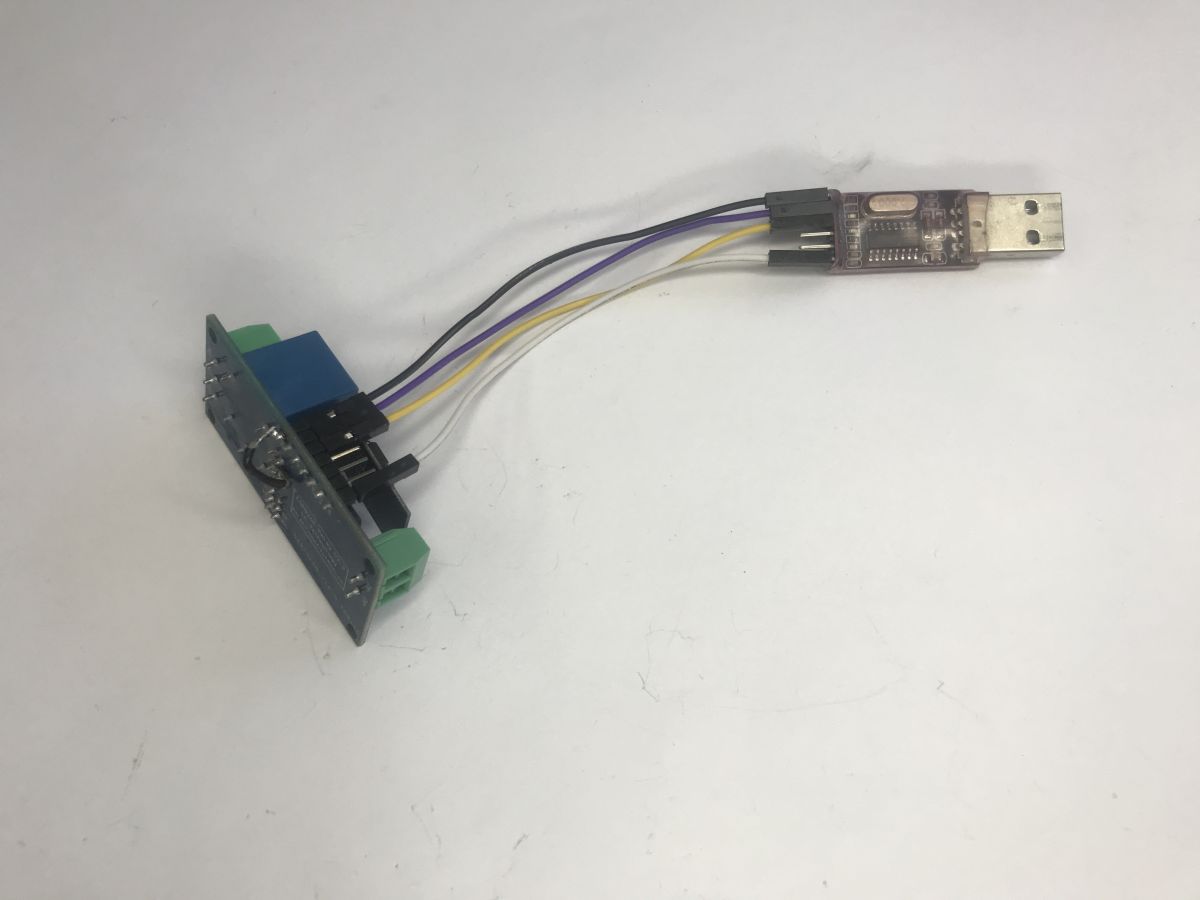
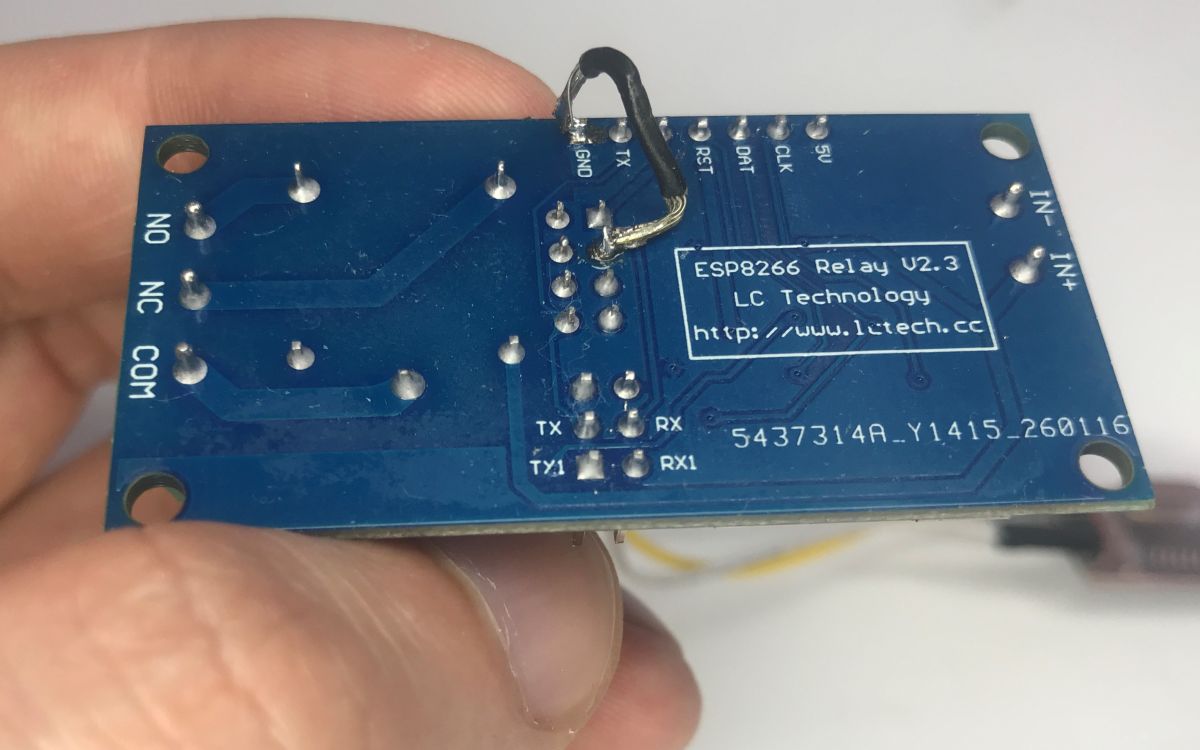
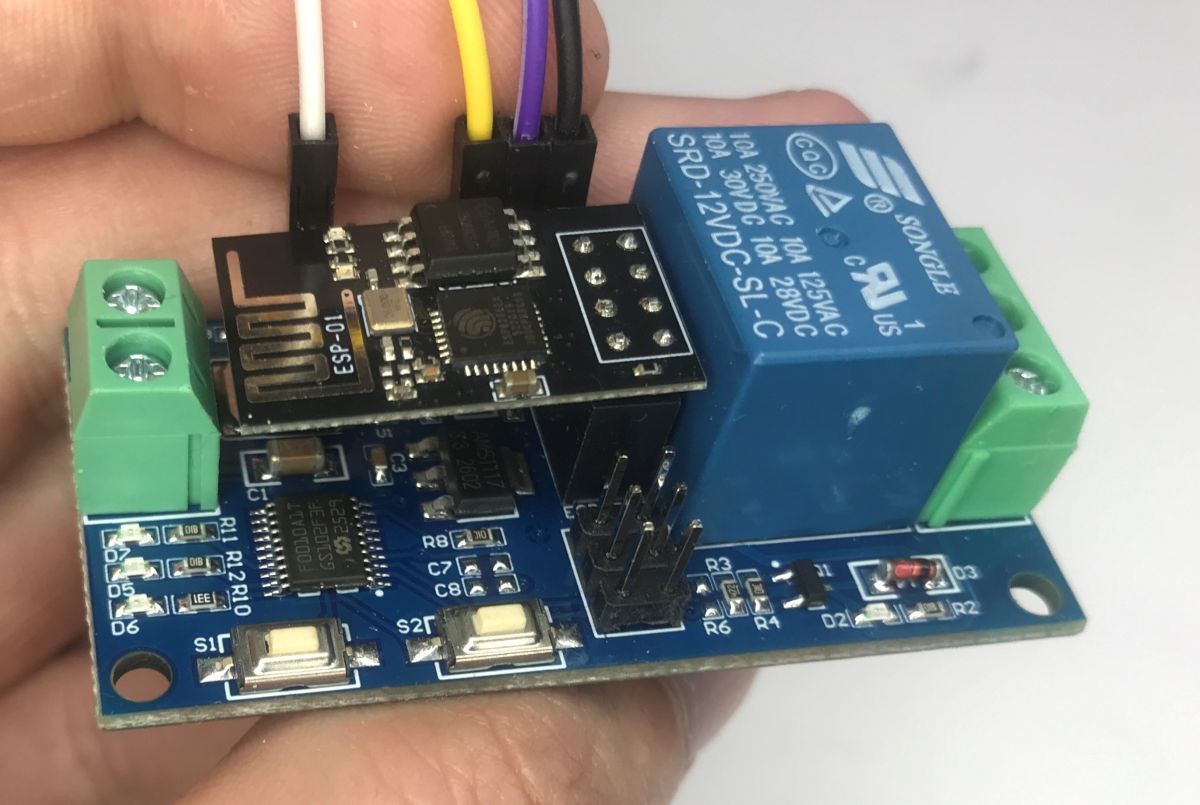
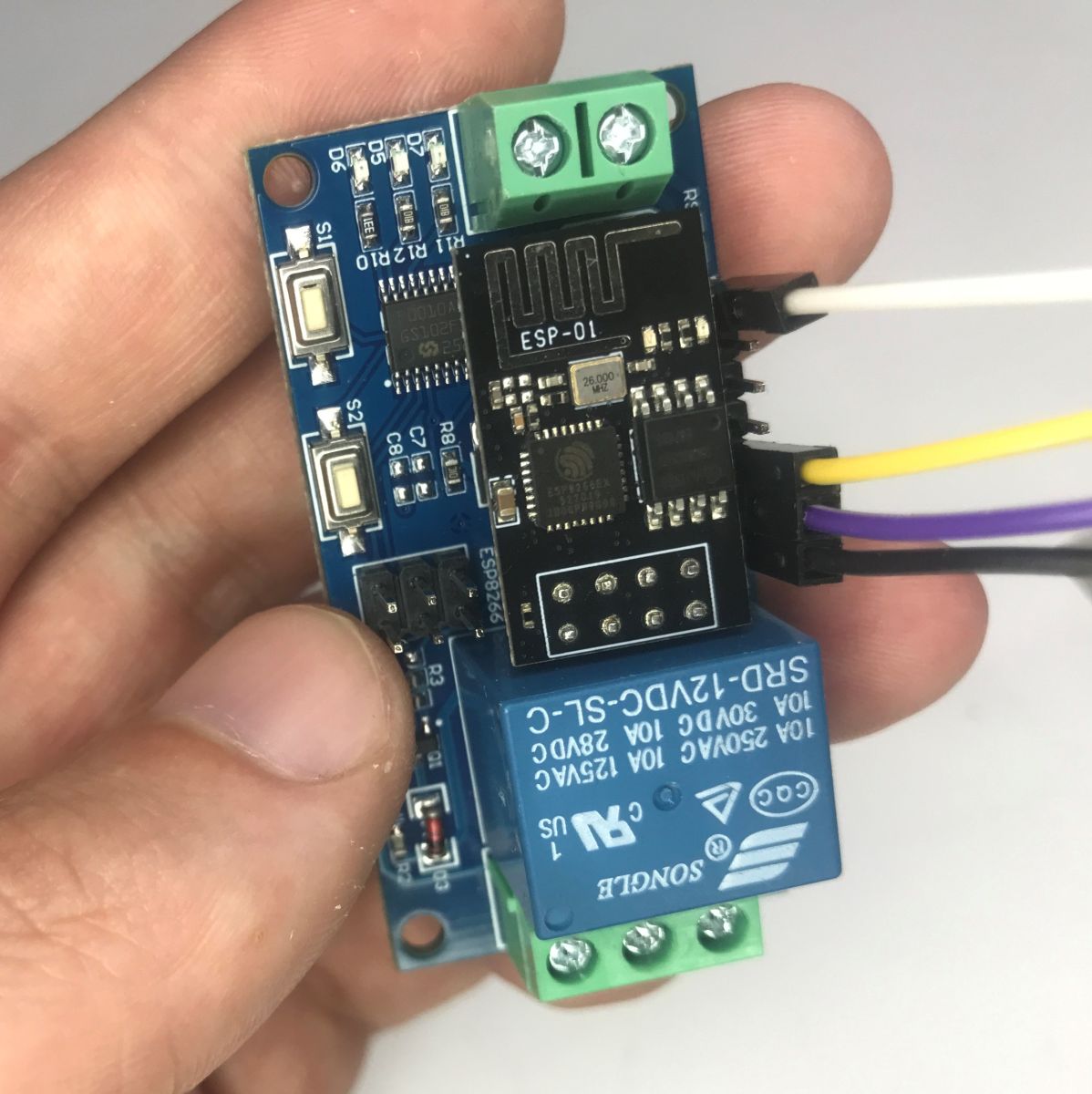
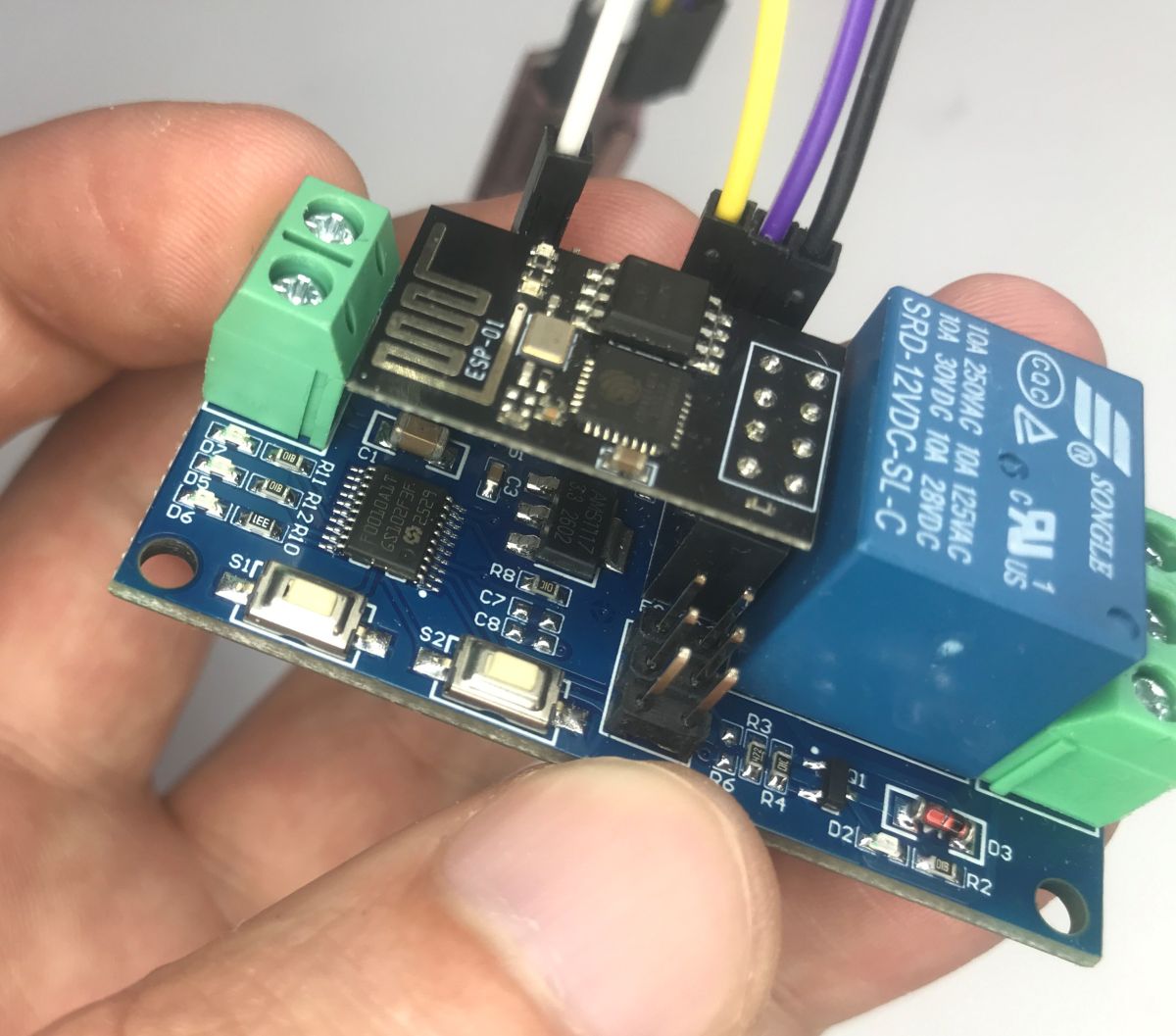
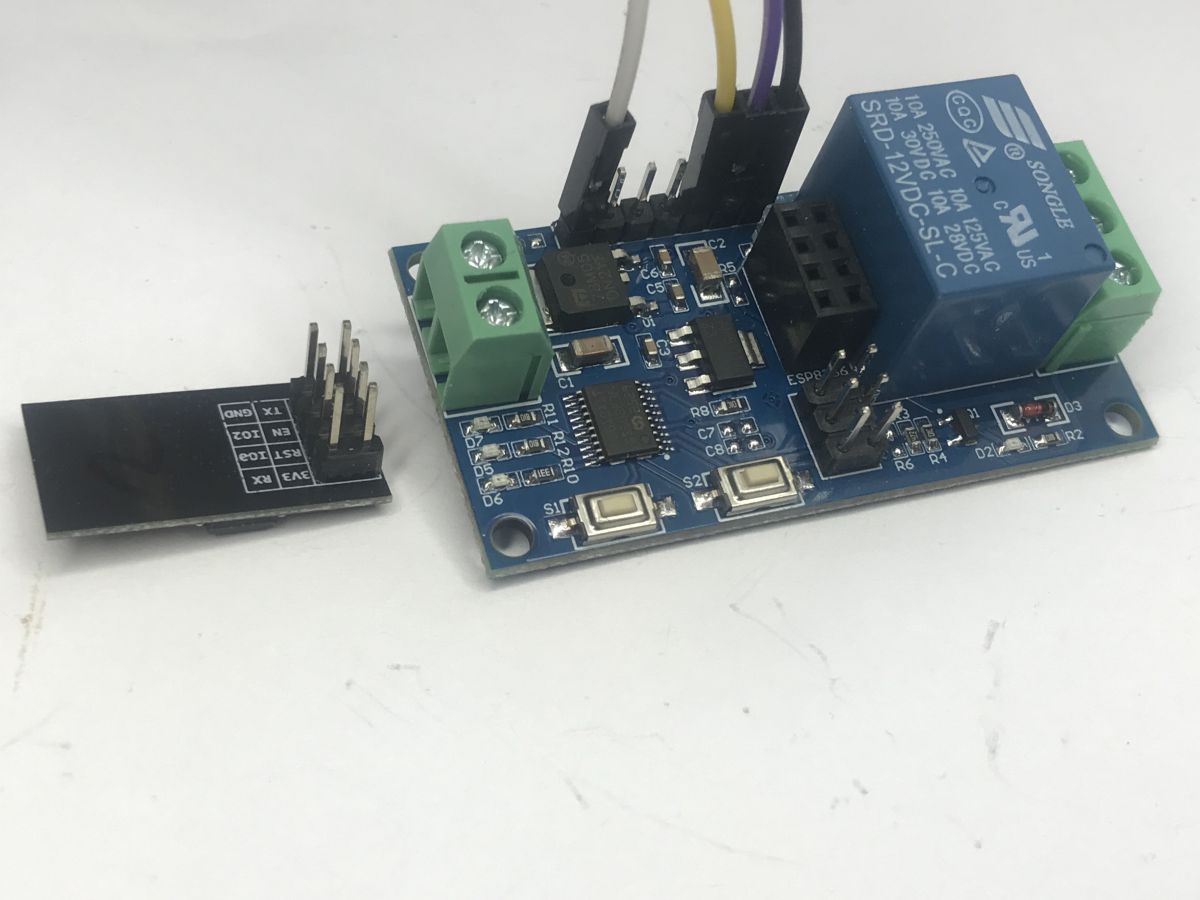
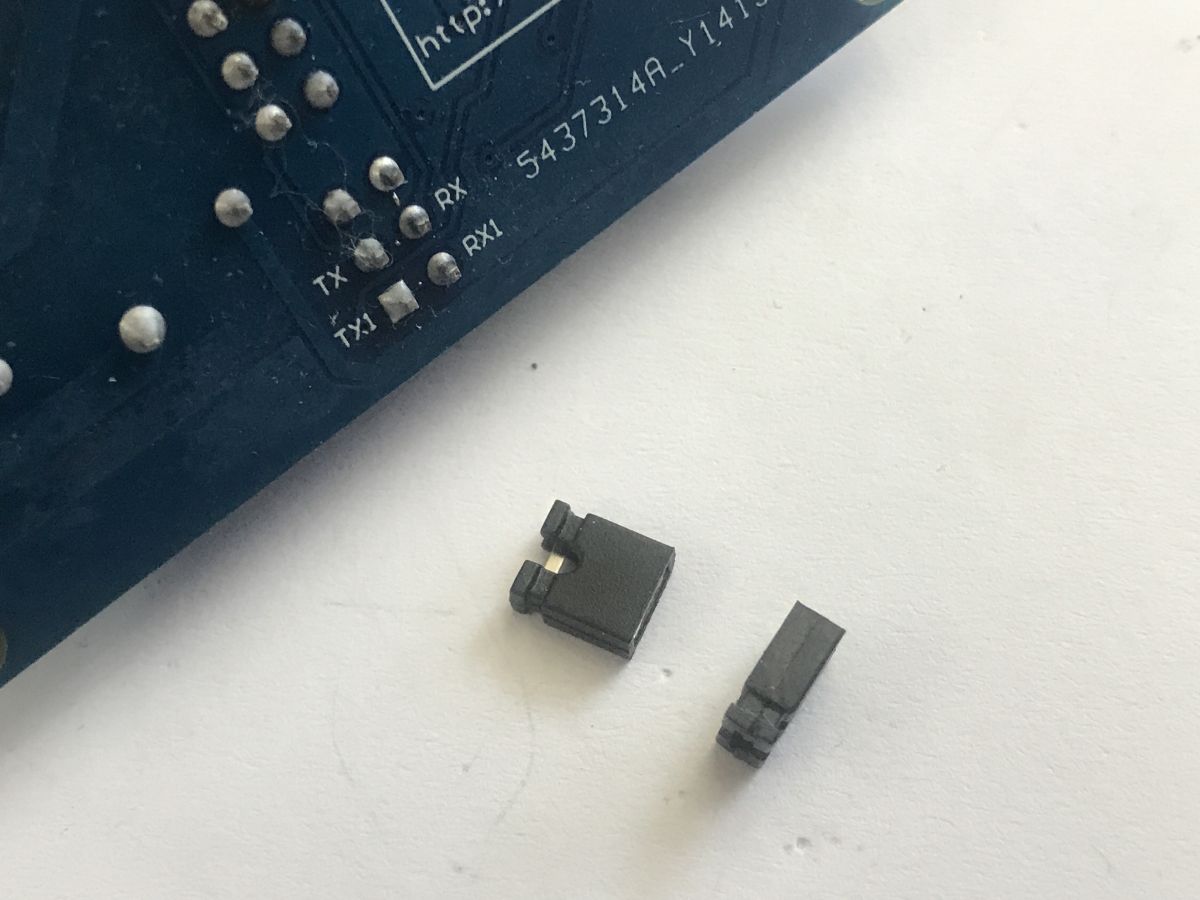
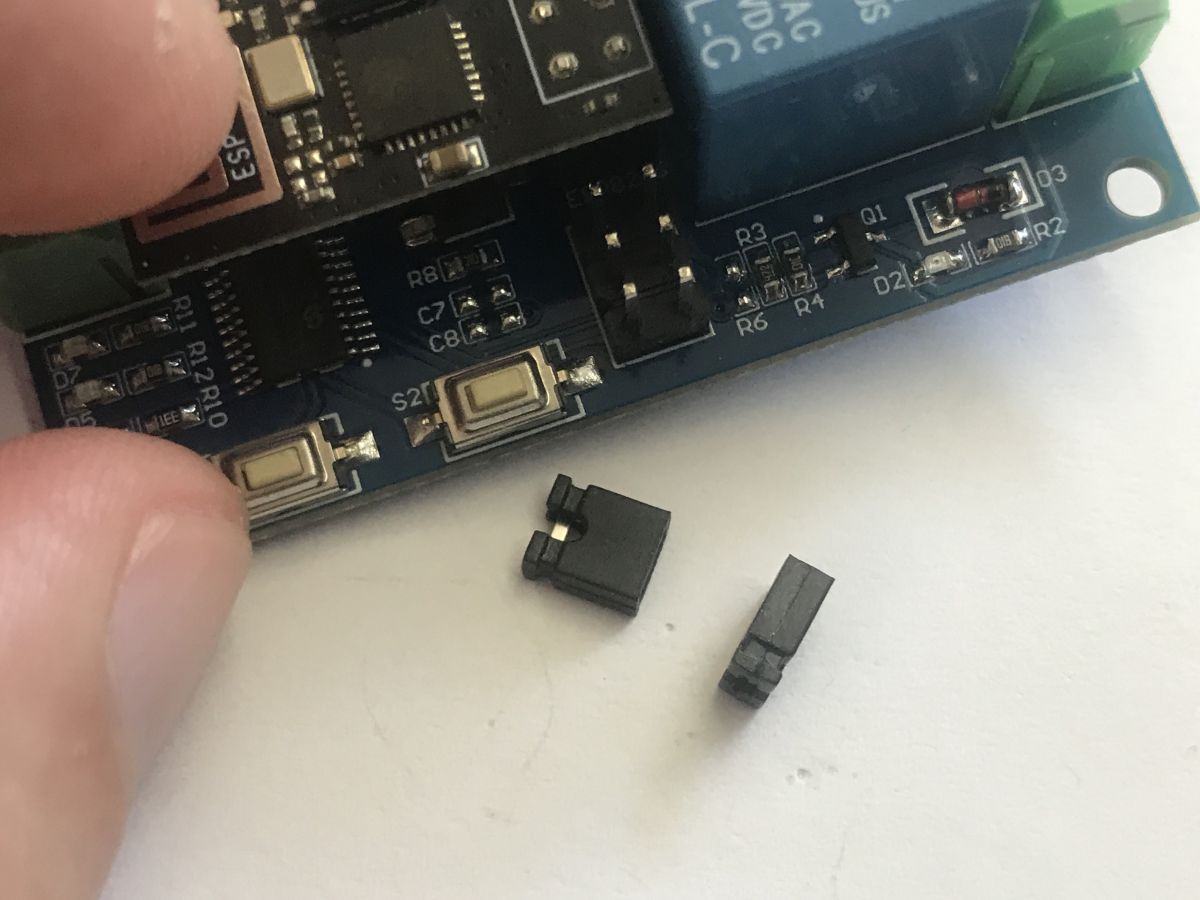
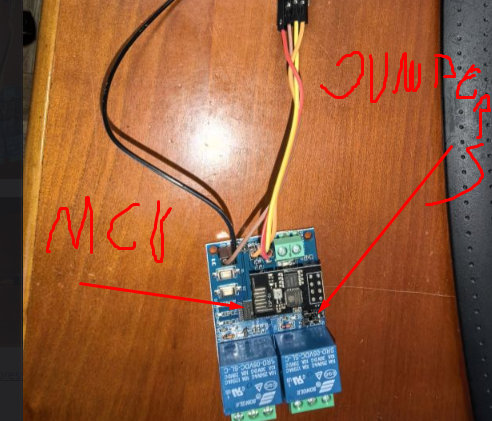
Quote:LC Technology WiFi Relay - Single Relay~
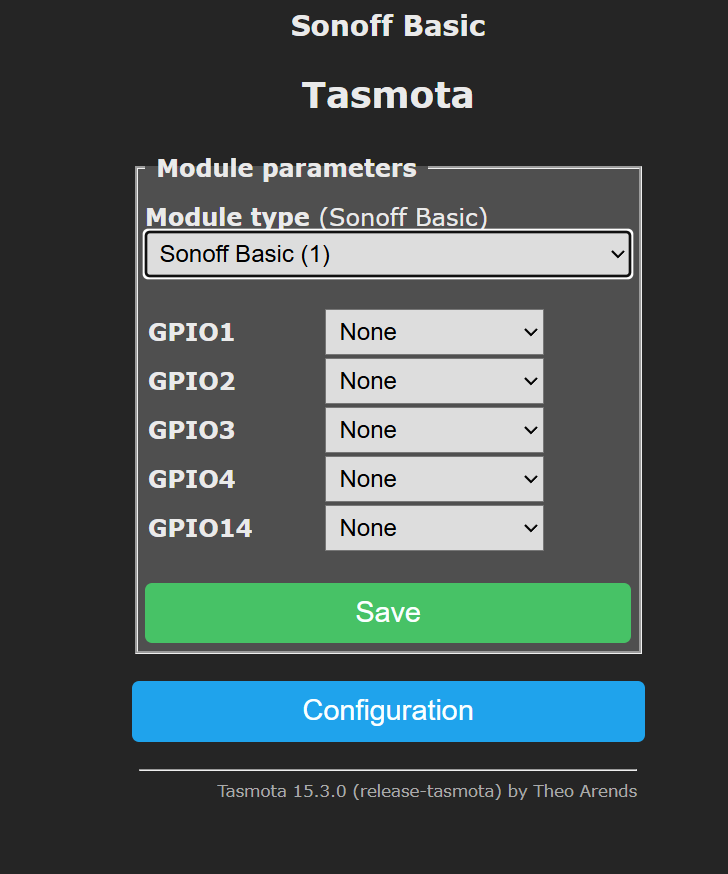
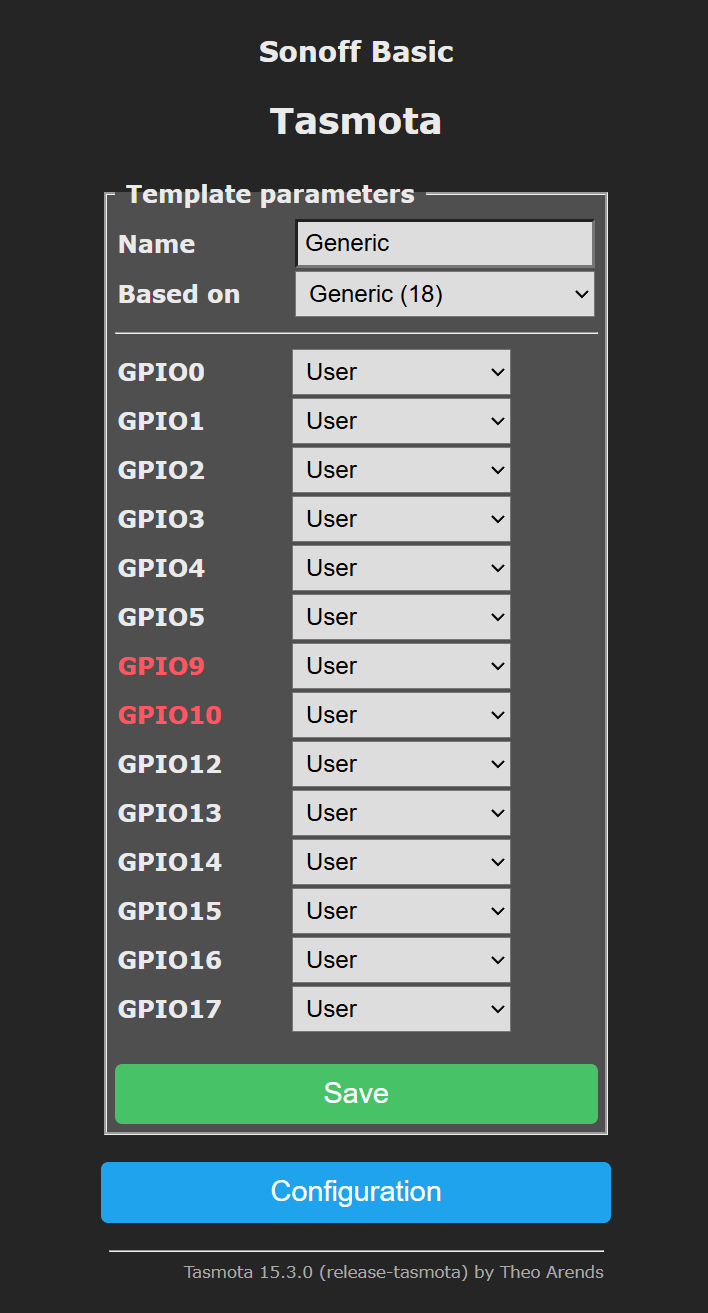
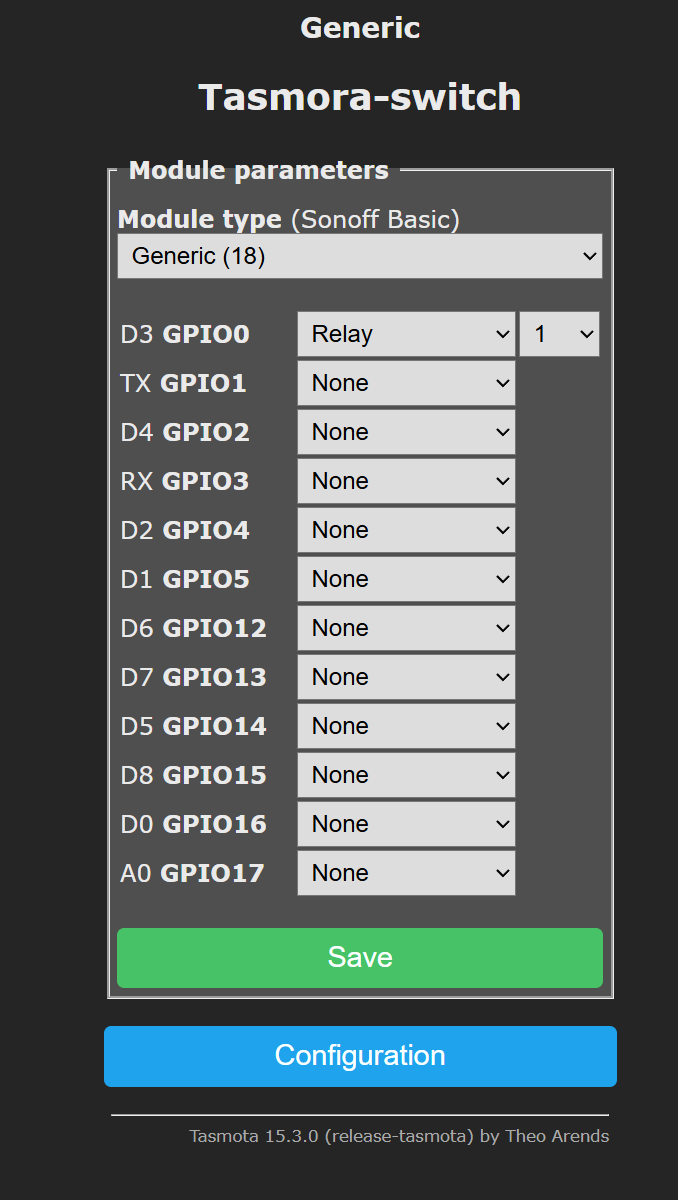
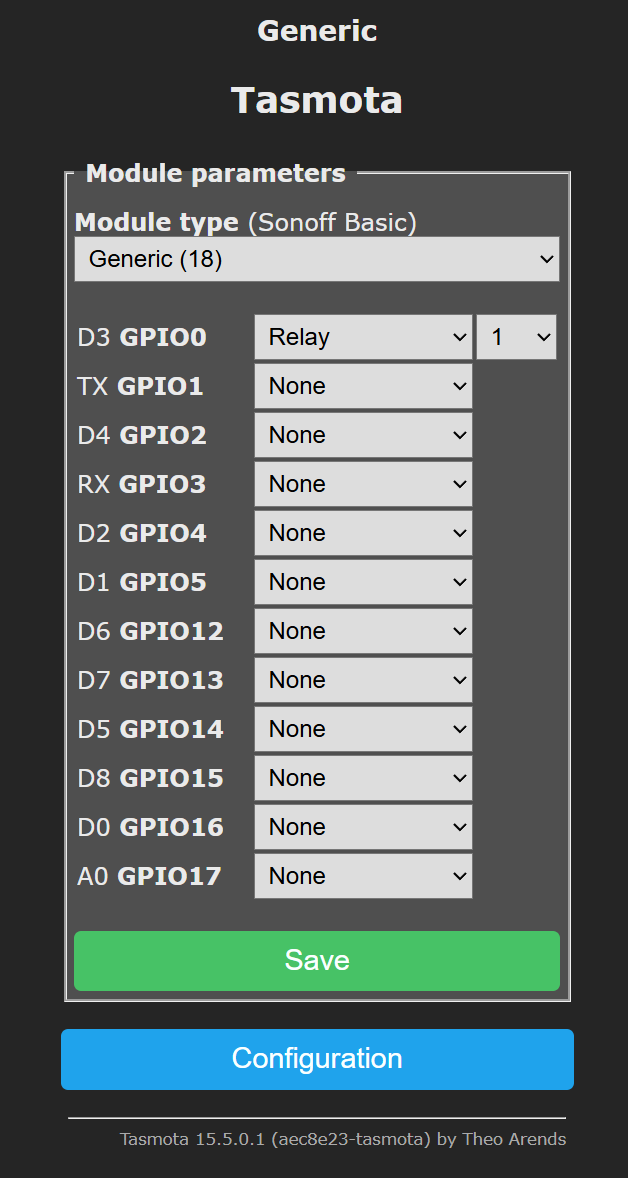
The LC Technology relay devices use GPIO1 and GPIO3 for the serial communications used to control the relays. You do not need to specify these in the template. SerialSend uses these standard serial communications GPIO by default.
inot wrote:>>21927150
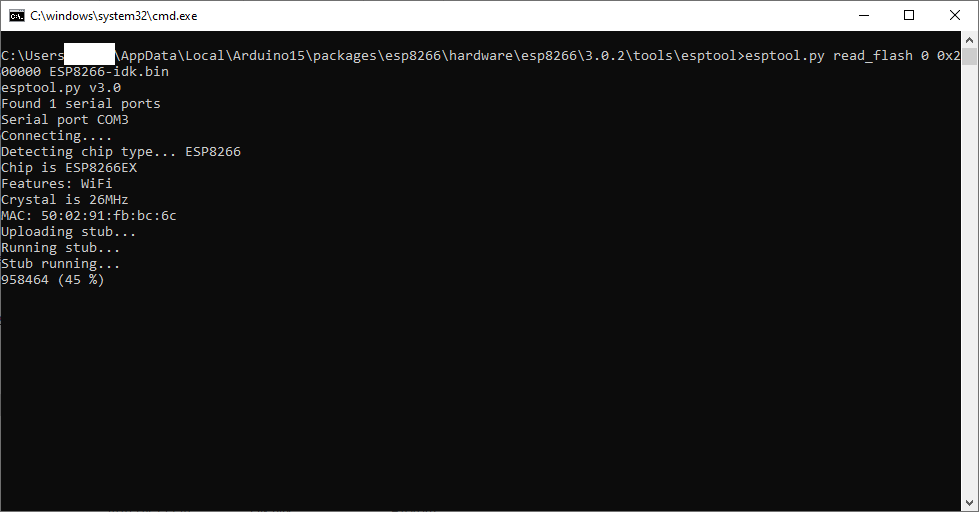
As shown in the last attachment, communication with the ESP8266 is working, so it is difficult to understand why the original poster was unable to achieve this result.
esptool.py read_flash 0x00000 0x200000 backup.bin
00:00:00.001 HDW: ESP8266EX
00:00:00.050 CFG: Loaded from flash at F6, Count 76
00:00:00.056 QPC: Count 1
00:00:00.068 Project tasmota - Tasmora-switch Version 15.3.0(release-tasmota)-2.7.8(2026-02-19T13:51:25)
00:00:01.001 WIF: Connecting to AP1 TOM-FIN Channel 7 BSSId 70:4F:57:8F:0F:9F in mode 11n as tasmota-EB6B5A-2906...
00:00:02.514 WIF: Connected
00:00:02.767 HTP: Web server active on tasmota-EB6B5A-2906 with IP address 192.168.1.154
16:10:38.049 MQT: Attempting connection...
16:10:38.259 MQT: Connect failed to 192.168.1.197:1883, rc -2. Retry in 10 sec
16:10:40.258 QPC: Reset
16:10:49.594 MQT: Attempting connection...
16:10:49.769 MQT: Connect failed to 192.168.1.197:1883, rc 5. Retry in 20 sec
16:11:10.081 CMD: seriallog 0
16:11:10.084 RSL: RESULT = {"SerialLog":{"0":{"Active":"0"}}}
16:11:14.895 MQT: Attempting connection...
16:11:15.034 MQT: Connect failed to 192.168.1.197:1883, rc 5. Retry in 30 sec
16:11:47.168 MQT: Attempting connection...
16:11:47.663 MQT: Connect failed to 192.168.1.197:1883, rc 5. Retry in 40 sec
16:12:29.491 MQT: Attempting connection...
16:12:32.459 MQT: Connect failed to 192.168.1.197:1883, rc 5. Retry in 50 sec
16:13:23.875 MQT: Attempting connection...
16:13:27.011 MQT: Connect failed to 192.168.1.197:1883, rc 5. Retry in 60 sec
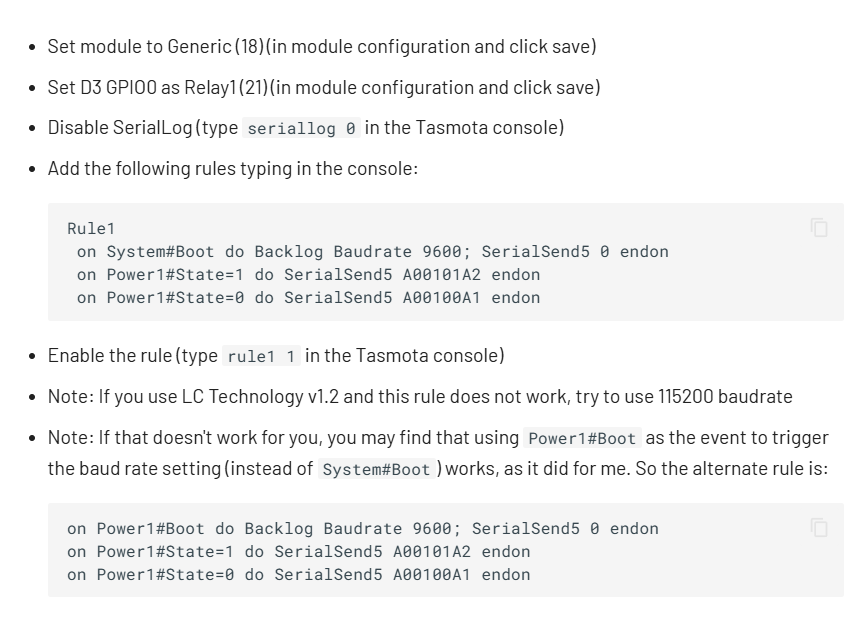
16:13:34.523 CMD: on system#boot do backlog baudrate 9600; serialsend5 0 endon
16:13:34.529 RSL: RESULT = {"Command":"Unknown","Input":"ON system#boot do backlog baudrate 9600; serialsend5 0 endon"}
16:14:30.538 MQT: Attempting connection...
16:14:31.956 MQT: Connect failed to 192.168.1.197:1883, rc 5. Retry in 70 sec
16:14:53.811 CMD: on power#state=1  do serialsend5 A00101A2 endon
16:14:53.817 RSL: RESULT = {"Command":"Unknown","Input":"ON power#state=1  do serialsend5 A00101A2 endon"}
16:15:43.963 MQT: Attempting connection...
16:15:44.173 MQT: Connect failed to 192.168.1.197:1883, rc -2. Retry in 80 sec
16:15:45.032 RSL: STATE = {"Time":"2026-07-01T16:15:45","Uptime":"0T00:05:13","UptimeSec":313,"Heap":24,"SleepMode":"Dynamic","Sleep":50,"LoadAvg":22,"MqttCount":0,"POWER":"OFF","Wifi":{"AP":1,"SSId":"TOM-FIN","BSSId":"70:4F:57:8F:0F:9F","Channel":7,"Mode":"11n","RSSI":24,"Signal":-88,"LinkCount":1,"Downtime":"0T00:00:04"},"Hostname":"tasmota-EB6B5A-2906","IPAddress":"192.168.1.154"}
16:15:53.085 CMD: on power1#state=1  do serialsend5 A00101A2 endon
16:15:53.090 RSL: RESULT = {"Command":"Unknown","Input":"ON power1#state=1  do serialsend5 A00101A2 endon"}
16:16:23.834 CMD: on power1#state=1  do serialsend5 A00100A1 endon
16:16:23.839 RSL: RESULT = {"Command":"Unknown","Input":"ON power1#state=1  do serialsend5 A00100A1 endon"}
16:17:09.573 MQT: Attempting connection...
16:17:09.674 MQT: Connect failed to 192.168.1.197:1883, rc 5. Retry in 90 sec
16:18:42.100 MQT: Attempting connection...
16:18:42.590 MQT: Connect failed to 192.168.1.197:1883, rc 5. Retry in 100 sec
16:18:44.376 CMD: on power1#boot do backlog baudrate 9600; serialsend5 0 endon
16:18:44.382 RSL: RESULT = {"Command":"Unknown","Input":"ON power1#boot do backlog baudrate 9600; serialsend5 0 endon"}
16:19:14.819 CMD: on power1#state=1  do serialsend5 A00101A2 endon
16:19:14.824 RSL: RESULT = {"Command":"Unknown","Input":"ON power1#state=1  do serialsend5 A00101A2 endon"}
16:19:14.819 CMD: on power1#state=1  do serialsend5 A00101A2 endon
16:19:14.824 RSL: RESULT = {"Command":"Unknown","Input":"ON power1#state=1  do serialsend5 A00101A2 endon"}
Backlog SerialLog 0; Baudrate 115200; Rule1 0
Rule1 ON System#Boot DO Backlog SerialLog 0; Baudrate 115200 ENDON ON Power1#State=1 DO SerialSend5 A00101A2 ENDON ON Power1#State=0 DO SerialSend5 A00100A1 ENDON
Rule1 1
Restart 1TL;DR: A single-relay ESP8266 with Tasmota draws only 0.7 W at 5 V (“almost like a Sonoff”)[Elektroda, p.kaczmarek2, post #19130883] "Sonoff is not a magic black box"[Elektroda, p.kaczmarek2, post #19132603] Set static IP or hostname, then control via HTTP or MQTT—no cloud needed.
Why it matters: DIY Wi-Fi switching costs little, keeps data local and scales with open-source firmware.
• ESP8266-01 must run at 3.3 V; 5 V will destroy it[Elektroda, p.kaczmarek2, post #19130883] • Relay SRD-05VDC-SL-C coil voltage: 5 V[Elektroda, p.kaczmarek2, post #19130883] • Total current: 140 mA (0.7 W) relay on; 70 mA (0.35 W) off[Elektroda, p.kaczmarek2, post #19130883] • Tasmota config AP appears as “tasmota_xxxx”; browse 192.168.4.1 after flash[Elektroda, p.kaczmarek2, post #19130883] • Static address via console: IPAddress 192.168.x.y, or rely on hostname[Elektroda, khoam, post #19131175]