logo elektroda
logo elektroda
X
logo elektroda

BK7238 MultiAHTX_493371f360d3 Module Ignores Static IP, Shows wlan0 Net Name

taggbricka 510 7
ADVERTISEMENT
  • #1 21593212
    taggbricka
    Level 7  
    I am using the new module for BK7238 with two AHT30 sensors.

    There is a small quirk with this module that is not present in the vanilla "OpenBK7238_1.18.124"
    The setting of static IP is not honored.
    The device comes up with a DHCP assigned IP and a funny net name "wlan0" where "OpenBekenX_92D994" would be expected.
    The difference in behaviour is repeatable when I OTA switch between the two load modules.

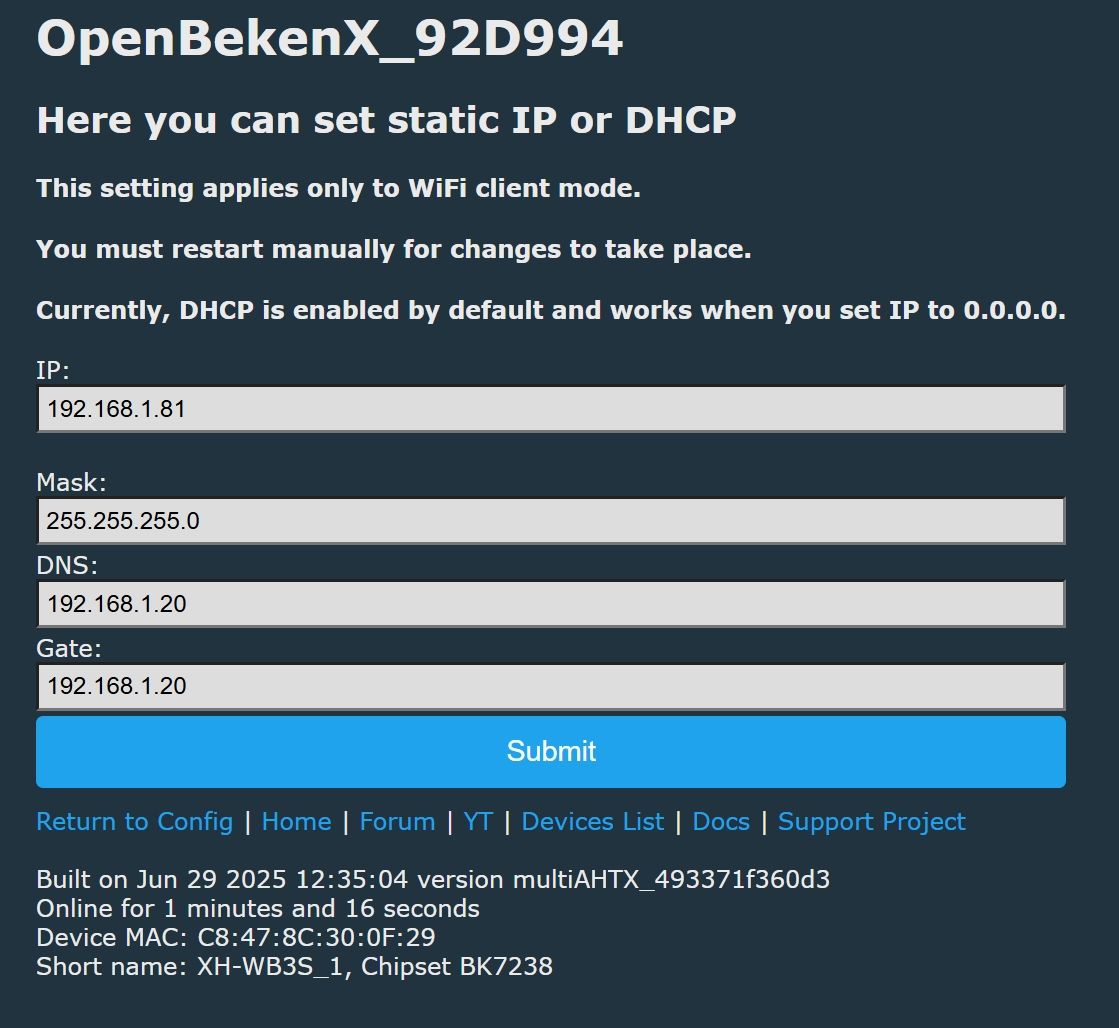
    This is the setup that works with OpenBK7238_1.18.124 but not with multiAHTX_493371f360d3
    BK7238 MultiAHTX_493371f360d3 Module Ignores Static IP, Shows wlan0 Net Name
  • ADVERTISEMENT
  • #2 21593477
    max4elektroda
    Level 24  
    Just to verify or rule out my change is the cause of that issue:
    Could you please try latest release (1.18.127)?
    If it's present there, try the releases in between to find the one breaking the function.
  • ADVERTISEMENT
  • #3 21851252
    gotvmodding
    Level 2  
    I am having the same issue with an LSC Smart Plug running on a BK7238, OBK version 1.18.266.
    When I set a static IP and reboot (both powering the device off and restarting from the interface), the IP won't stick. How did you solve your issue?

    EDIT: When running version 1.18.124 as the original poster said, the IP seems to stick. Something must have happened in between these updates.
  • ADVERTISEMENT
  • #5 21859260
    gotvmodding
    Level 2  
    >>21851416 Sorry for the late reply. No, it doesn't seem to work on .254 either. No point in trying .255. I'll be installing .124 on this other new plug I got in the meantime.

    EDIT: Another thing I tried was setting the IP on .124, then reverting to .270. It went back to the original DHCP IP.
  • #6 21877835
    gotvmodding
    Level 2  
    >>21859260 another issue I've found is that after a couple of days connected to the Wi-Fi, the smart plugs disconnect, but the Status LED is still lit up. This is just on the smart plugs that are running firmware .124 (chip type BK7238), the BK7231 doesn't seem to have the same issue.
  • #7 21877852
    divadiow
    Level 38  
    do your devices have different mac addresses? did you flash them with Easy Flasher read/write combo button or purposefully restore RF from factory backup when you converted them, if at al?
  • ADVERTISEMENT

Topic summary

✨ The BK7238 module with MultiAHTX_493371f360d3 firmware exhibits an issue where static IP settings are ignored, resulting in the device obtaining a DHCP-assigned IP and displaying the network interface name as "wlan0" instead of the expected "OpenBekenX_92D994". This behavior contrasts with the vanilla OpenBK7238_1.18.124 firmware, which honors static IP configurations and shows the correct network name. The problem is reproducible when switching firmware via OTA between the two modules. A suggestion was made to test the latest firmware release 1.18.127 and intermediate versions to identify when the static IP functionality was broken.
Generated by the language model.
ADVERTISEMENT