FAQ
TL;DR: New Tuya Mini Smart Switch units with T1-2S-NL boot as BK7238; backup showed 0 CRC errors, and a 60‑second pairing window. “Seems that you are perfectly right!” [Elektroda, 00svd00, post #21649217]
Why it matters: This FAQ helps tinkerers identify the right flash mode, pins, and energy‑meter quirks without bricking their switch.
Quick-Facts
- Module seen: Tuya T1‑2S‑NL; thread includes Tuya datasheet link for reference. [Elektroda, 00svd00, post #21649141]
- Works in BK7238 mode; confirmation from early testing. [Elektroda, p.kaczmarek2, post #21649205]
- Factory encryption key observed: 5cf97a16 (non‑standard warning noted). [Elektroda, 00svd00, post #21649141]
- Example GPIO map: 1=WifiLED_n, 8=Rel, 9=Btn_Tgl_All, 24=TglChanOnTgl. [Elektroda, 00svd00, post #21649217]
- Some variants include BL0942 energy metering; enable with startDriver BL0942. [Elektroda, bovops, post #21696124]
Quick Facts
- Module seen: Tuya T1‑2S‑NL; thread includes Tuya datasheet link for reference. [Elektroda, 00svd00, post #21649141]
- Works in BK7238 mode; confirmation from early testing. [Elektroda, p.kaczmarek2, post #21649205]
- Factory encryption key observed: 5cf97a16 (non‑standard warning noted). [Elektroda, 00svd00, post #21649141]
- Example GPIO map: 1=WifiLED_n, 8=Rel, 9=Btn_Tgl_All, 24=TglChanOnTgl. [Elektroda, 00svd00, post #21649217]
- Some variants include BL0942 energy metering; enable with startDriver BL0942. [Elektroda, bovops, post #21696124]
What is the Tuya T1‑2S‑NL module?
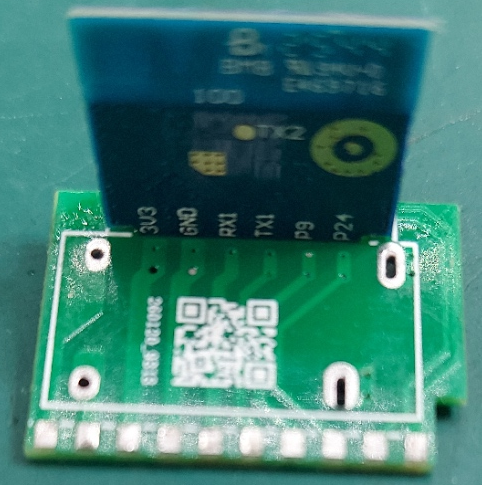
It’s a Tuya Wi‑Fi module used in newer mini smart switches. The thread links the official T1‑2S datasheet for specs and pinout context. If your PCB carries T1‑2S‑NL, expect TuyaOS firmware and UART pads for flashing. [Elektroda, 00svd00, post #21649141]
Does this switch boot in BK7238 mode?
Yes. Community testing indicates it boots and operates when treated as BK7238. One expert noted, “I think it will work in BK7238 mode.” Use BK7238 profile during backup or flashing. [Elektroda, p.kaczmarek2, post #21649205]
Which GPIO template worked on the reported unit?
Confirmed mapping: 1=WifiLED_n; 8=Rel; 9=Btn_Tgl_All; 24=TglChanOnTgl. The device booted and backed up without CRC errors using this setup. Apply this as your starting template. [Elektroda, 00svd00, post #21649217]
What factory encryption key did people see?
When probed as BK7231N/M, the tool read a repeating key 5cf97a16 and flagged it as non‑standard. Handle dumps with care and verify integrity before flashing. [Elektroda, 00svd00, post #21649141]
Is there an energy‑monitoring version of this switch?
Yes. Another sample with the same T1‑2S‑NL used a BL0942 energy meter. It began reporting only after loading the BL0942 driver via startDriver BL0942. [Elektroda, bovops, post #21696124]
Why do I get BL0942 errors in logs?
Factory logs showed read failures and a user‑write‑protect error for BL0942. That indicates either missing hardware on your board or an uninitialized/locked meter. This is an expected failure mode on non‑meter variants. [Elektroda, divadiow, post #21649943]
How do I wire power and UART for flashing on similar boards?
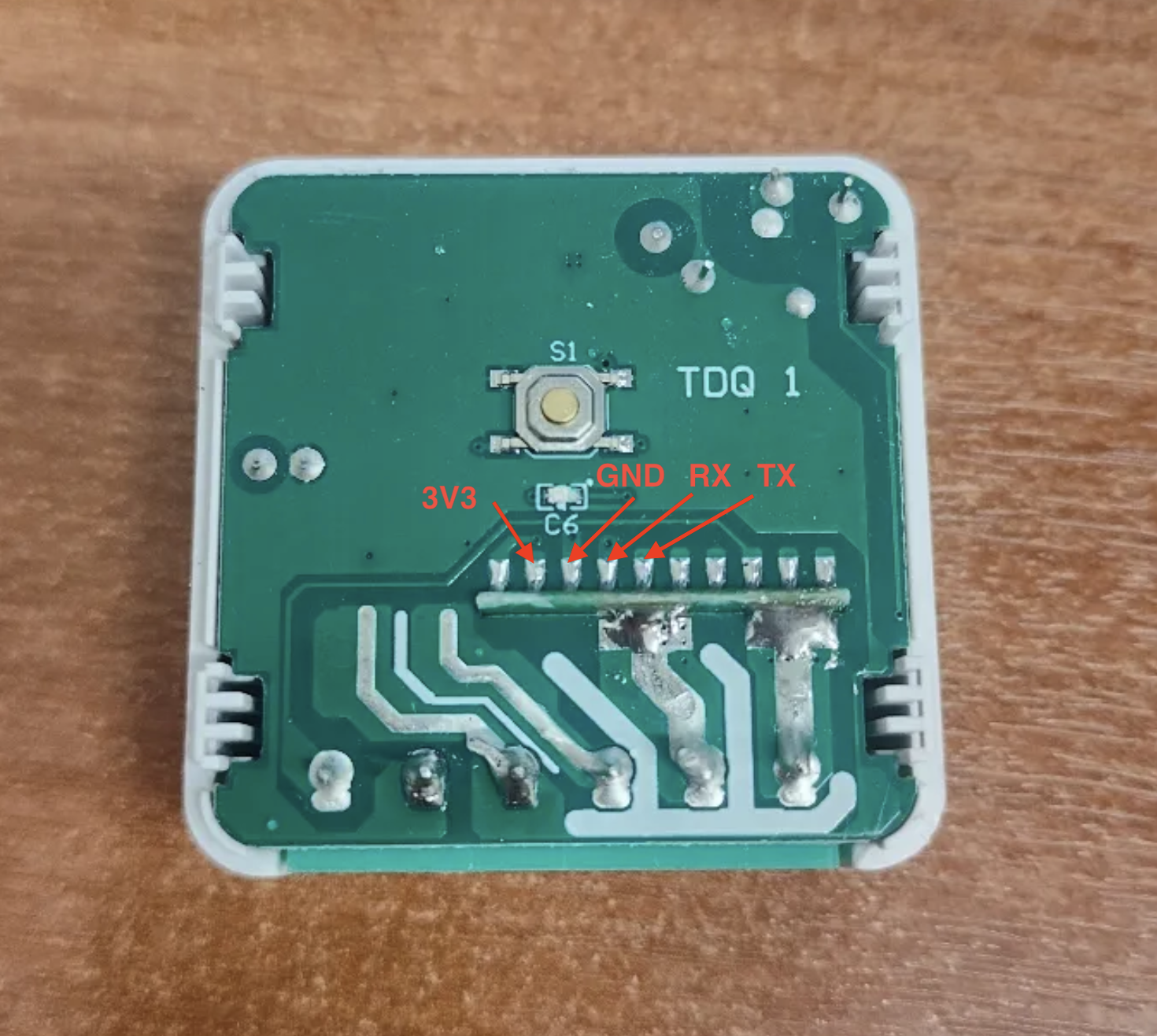
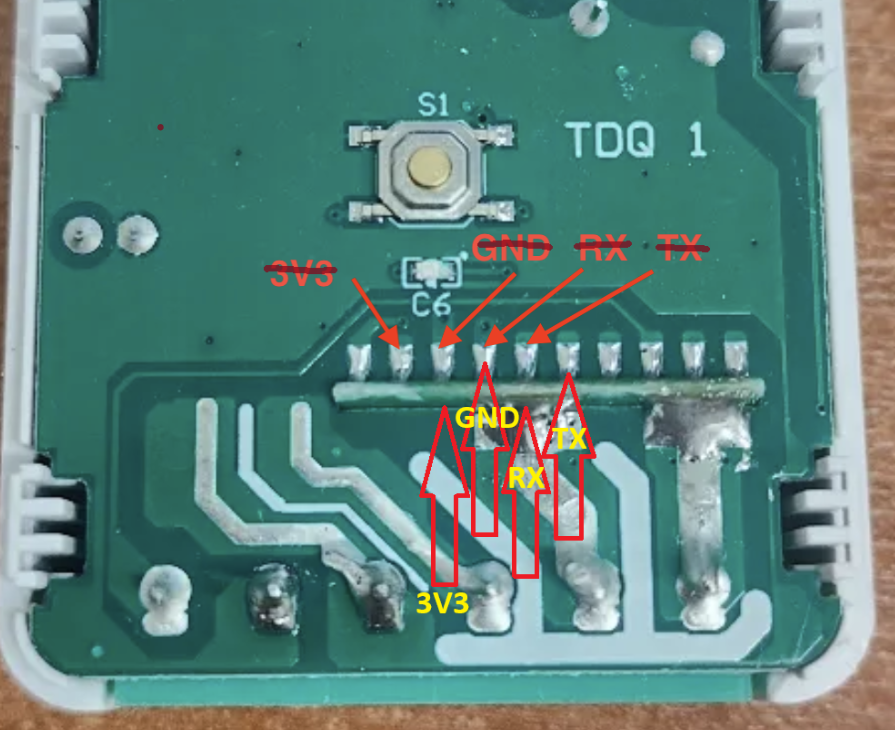
On a similar BK7238 unit: 3.3 V and GND to the AMS1117 regulator pins; TX1 and RX1 are on pins 29 and 30, already broken out. Confirm your pinout before connecting. 1) Connect 3.3 V and GND. 2) Wire TX1↔RX, RX1↔TX. 3) Use BK7238 profile to read/flash. [Elektroda, groove6j, post #21650893]
Will OTA work after flashing OpenBeken?
Only if you flashed with the bootloader overwrite flag enabled. Without that flag, OTA updates will not function, and you must reflash via UART for updates. [Elektroda, insmod, post #21650305]
How do I pair it, and what SSID should I expect?
Factory AP mode broadcast looked like SmartLife‑19D7 with a default channel. The log shows a 60‑second pairing window and BLE advertising. Power on, then join the SSID within that window. [Elektroda, divadiow, post #21649943]
Where was this particular unit bought and what does it look like?
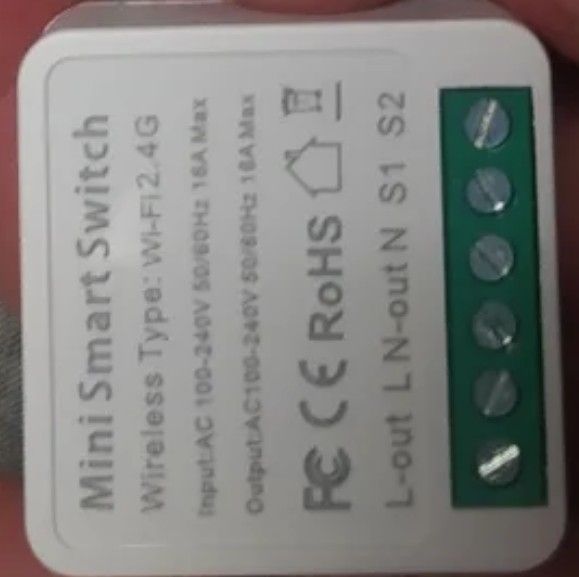
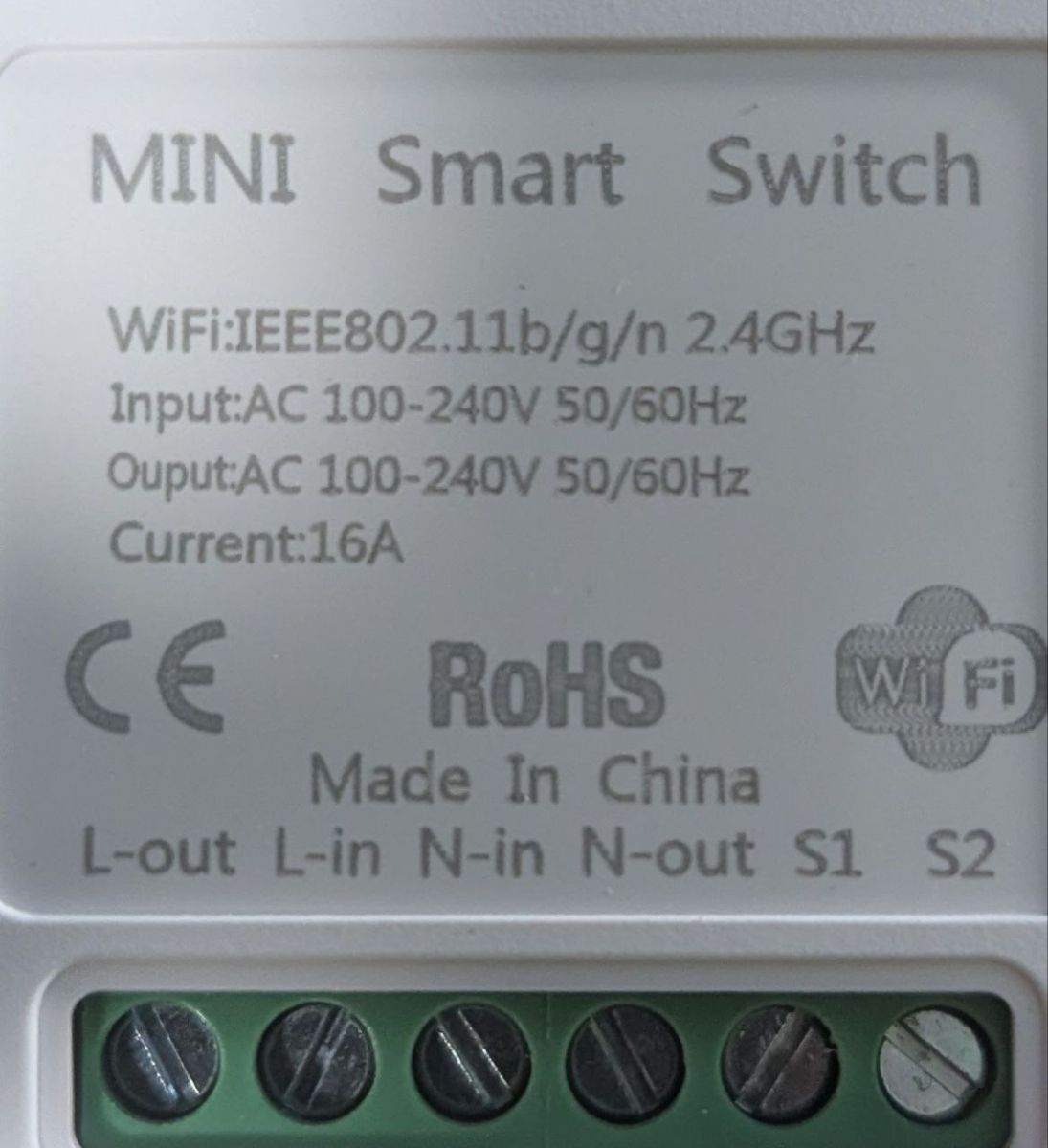
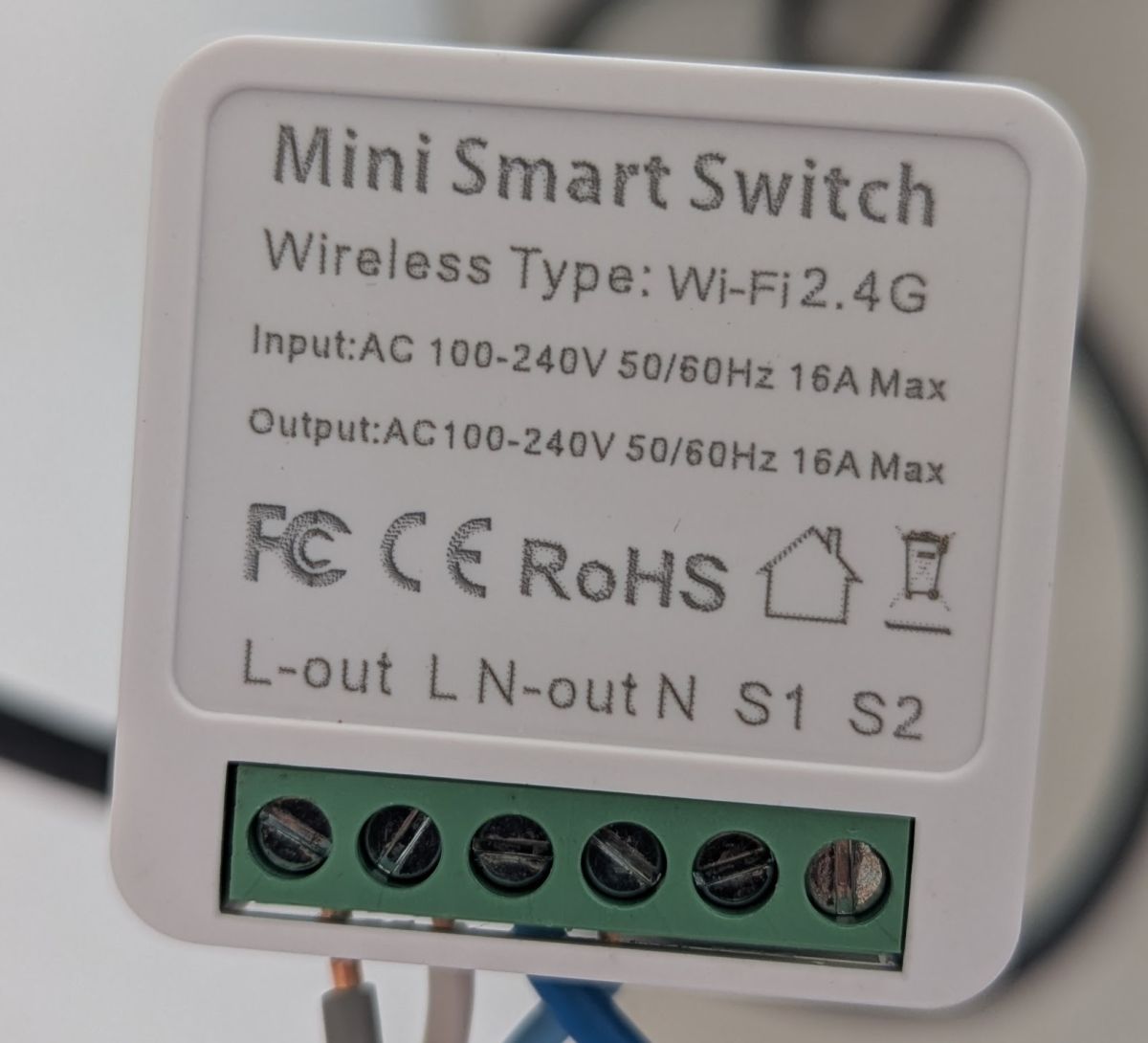
One user sourced it from a local marketplace. It resembles a typical Tuya mini smart switch, but contact order differs from some older models. Photos in the thread illustrate the layout. [Elektroda, 00svd00, post #21649961]
How can I add this device to the OpenBeken device list?
Post a complete JSON template with filled fields, images, and any wiki links. The maintainers requested updates to the T1 devices list via the webapp repository. [Elektroda, p.kaczmarek2, post #21651110]
No model name on my board—what identifiers help others?
Share high‑resolution photos and any PCB silkscreen markings. Even brief silkscreen codes greatly help distinguish revisions in the device catalog. [Elektroda, divadiow, post #21651136]
Is Wi‑Fi powersave safe on BK7238 right now?
Proceed carefully. A user asked about powersave stability after seeing reports of potential crashes. If reliability matters, leave powersave off until your unit passes stress tests. [Elektroda, groove6j, post #21651807]
Is there an alternate pinout observed in the wild?
Yes. Another sample mapped 6=WifiLED_n; 8=Rel; 9=TglChanOnTgl; 26=Btn. Verify your board; manufacturers may ship differing layouts. [Elektroda, groove6j, post #21650893]
How do I enable energy readings when BL0942 is present?
Load the BL0942 driver in firmware. In OpenBeken, run startDriver BL0942, then check telemetry for voltage, current, and power. “Energy meter starts work after loading the driver.” [Elektroda, bovops, post #21696124]