





Hi,
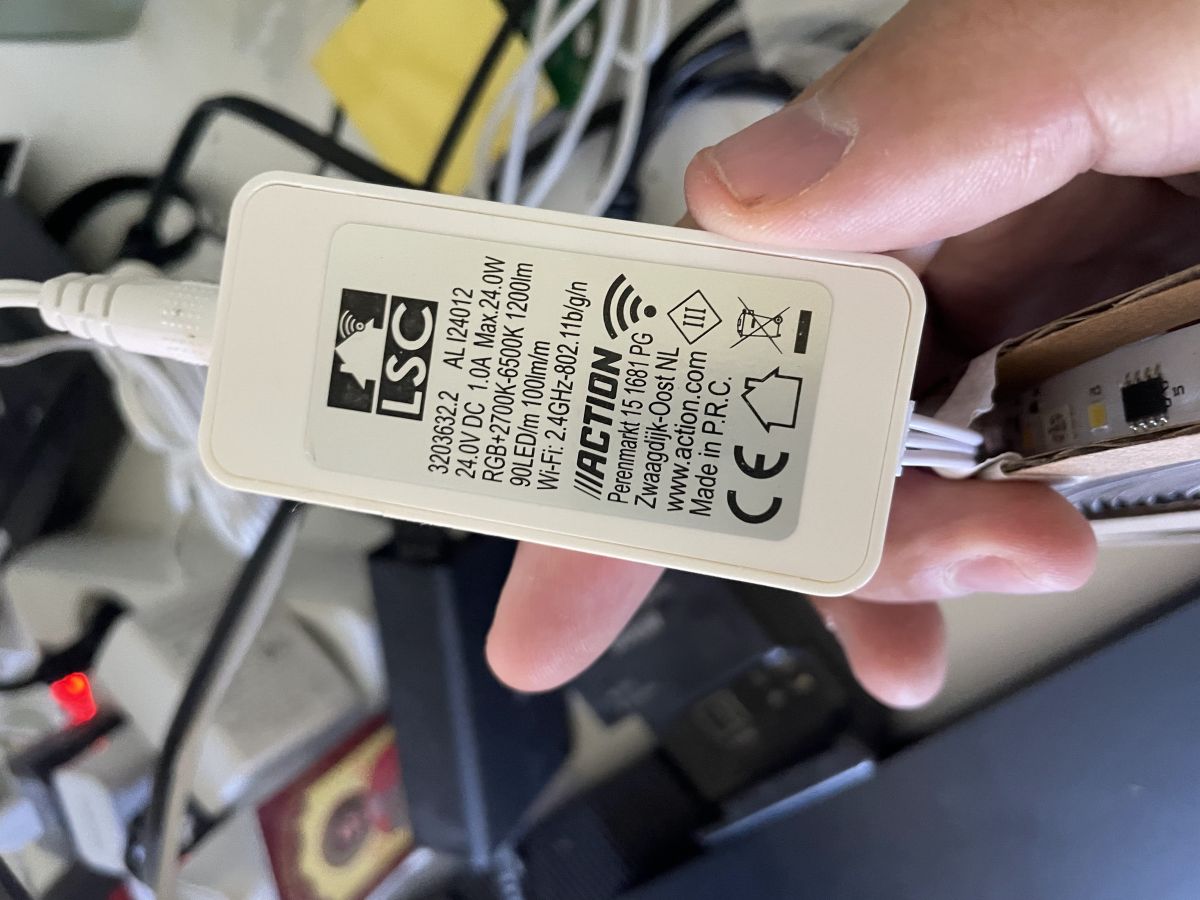
Seems like LSC (Action) released a new version of the 5m LED strip, model number 3203632.2. It is still based on bk7231n, and flashing is quite easy.
Pins that are already described here:
https://community.home-assistant.io/t/using-l...1-rgbic-cctic-ledstrip-with-esphome/812822/35
But it has only 3 connectors; however, I can't use CW, W leds here, my config:
and Autoexec.bat:
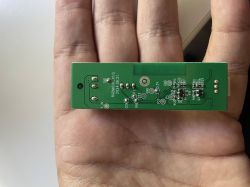
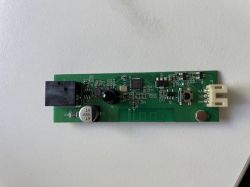
>
Does somebody else have the same LED stip and could share with me autoexec.bat?
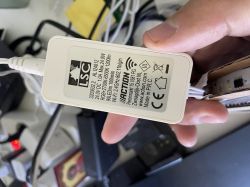
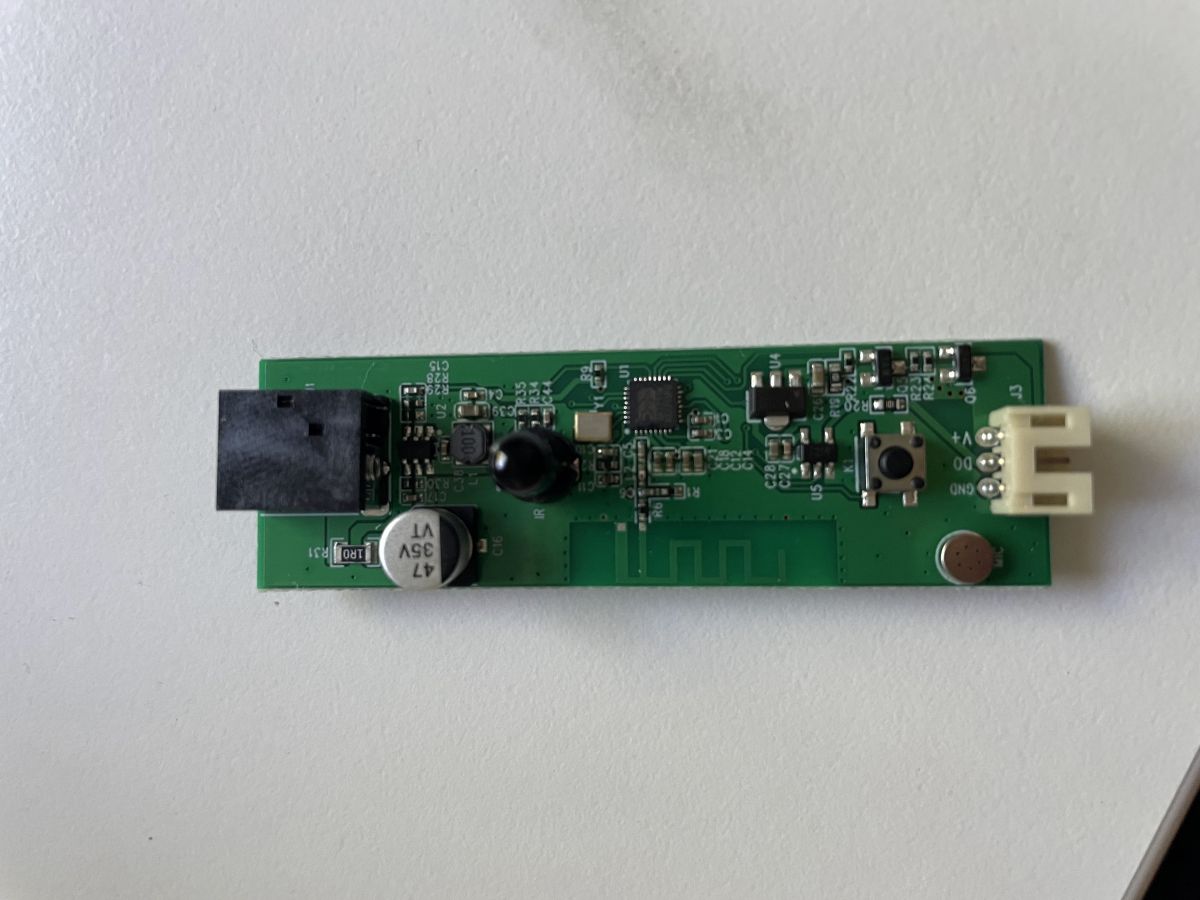
AI: Could you specify the exact board version or any markings on the PCB? This might help others with the same hardware share a compatible autoexec.bat.
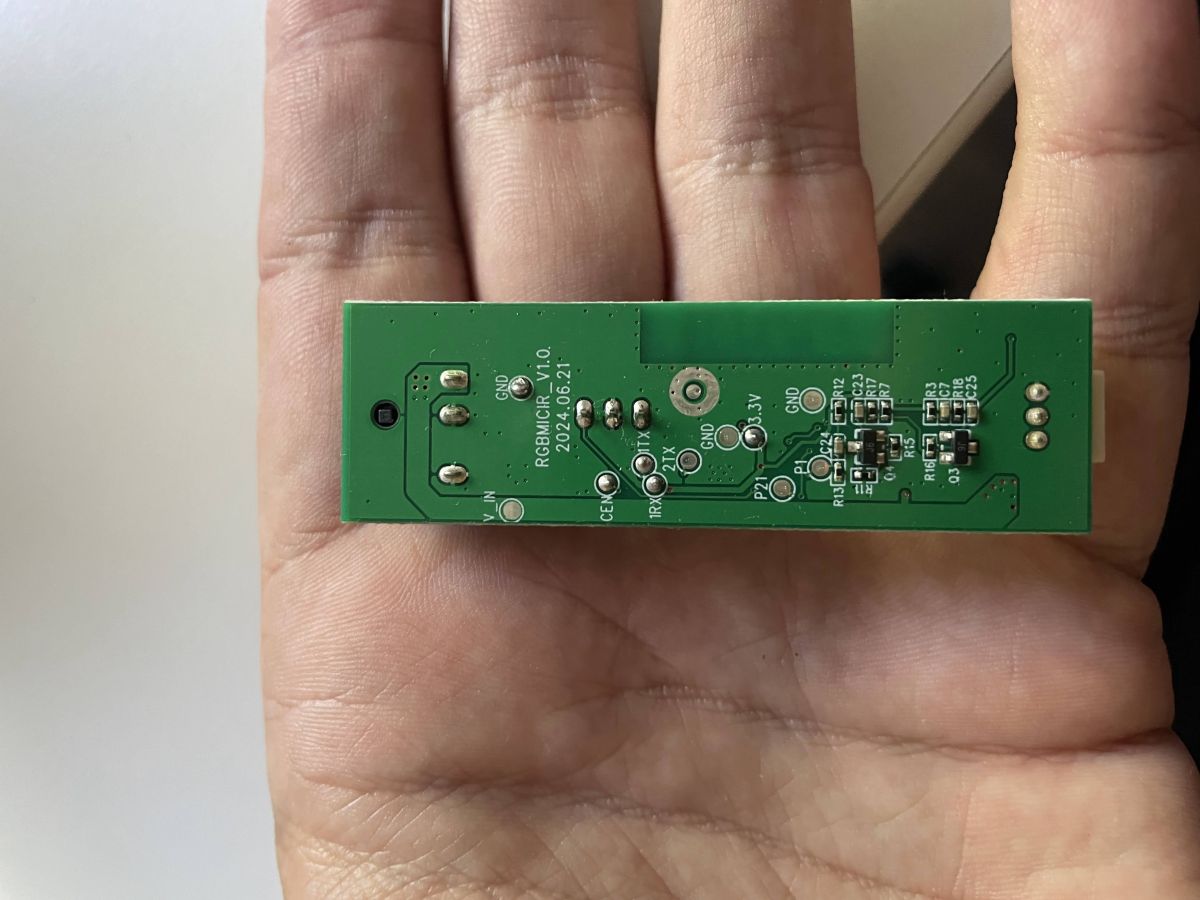
RGBMICIR_V1.0.
2024.06.21
Seems like LSC (Action) released a new version of the 5m LED strip, model number 3203632.2. It is still based on bk7231n, and flashing is quite easy.
Pins that are already described here:
https://community.home-assistant.io/t/using-l...1-rgbic-cctic-ledstrip-with-esphome/812822/35
But it has only 3 connectors; however, I can't use CW, W leds here, my config:
Code: JSON
and Autoexec.bat:
PowerSave 0 // otherwise IR won't work
startDriver SSDP
startDriver Wemo // for Alexa
startDriver SM16703P
SM16703P_Init 120 RBG
startdriver pixelanim
startDriver NTP
// Configure a local NTP server on your LAN so that devices do not need to connect to the internet
ntp_setServer 192.168.77.145
addEventHandler2 IR_NEC 0x0 0x6 led_enableAll 1
addEventHandler2 IR_NEC 0x0 0x1 led_enableAll 0
addEventHandler2 IR_NEC 0x0 0x10 add_dimmer 10
addEventHandler2 IR_NEC 0x0 0x3 add_dimmer -10
ADVERTISEMENT
 >
>
Does somebody else have the same LED stip and could share with me autoexec.bat?
AI: Could you specify the exact board version or any markings on the PCB? This might help others with the same hardware share a compatible autoexec.bat.
RGBMICIR_V1.0.
2024.06.21
