As mentioned in https://www.elektroda.com/rtvforum/topic4166319.html where we were successful in cloud cutting one of the generic 1000 W/2000 W wall-mount heaters, I would like to attempt this with the Dreo 517s, which is nicer, very popular, and supposedly quieter. I got one coming in today.
We know these are NOT Tuya/TuyaMCU, but from the GitHub dreo-cloudcutter https://github.com/ouaibe/dreo-cloudcutter, which did this for a tower fan from Dreo, we know they use OpenBeken-compatible modules. And they use UART towards an MCU. So close enough.
This will probably end up being logic analysis and figuring out command values, read-back values, and CRCs.
But at the end of the day it probably won't end up being rocket science. I will post here what I find and hope for help where I get stuck.
If this works, many people will be happy.
Added after 5 [hours] 11 [minutes]:
So. It is here.
I have attached photos of the device and what it looks like taken apart.
It is now coupled with Dreo cloud and I intend to sniff the UART comms at the level shifter transistors.
I have therefore attached 2 wires and a ground connection where my slogic LA is now connected.
All of this looks extremely similar to a TuyaMCU device, I would almost say the MCU is basically identical to what was in the argo heater.
So let's see what we get, I will share some captures in due course.
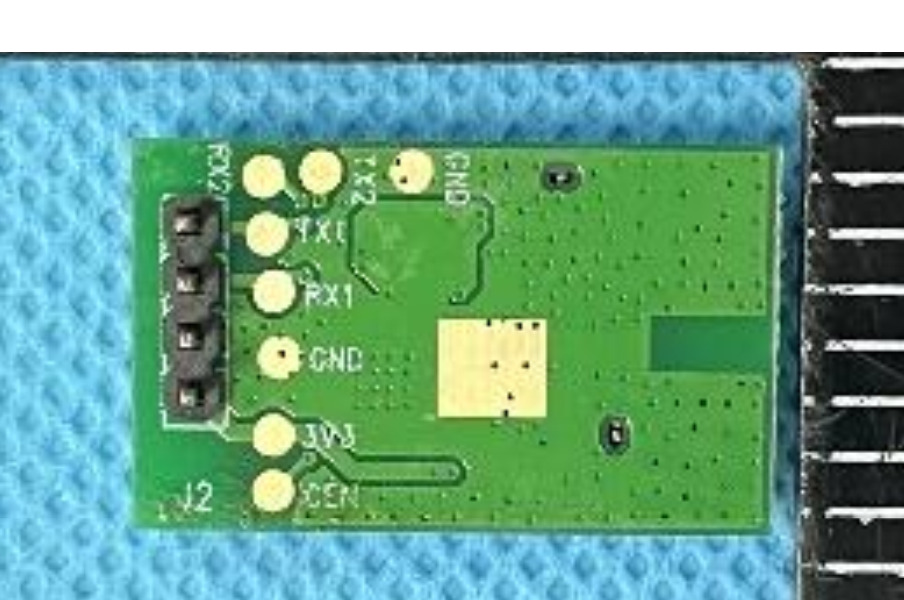
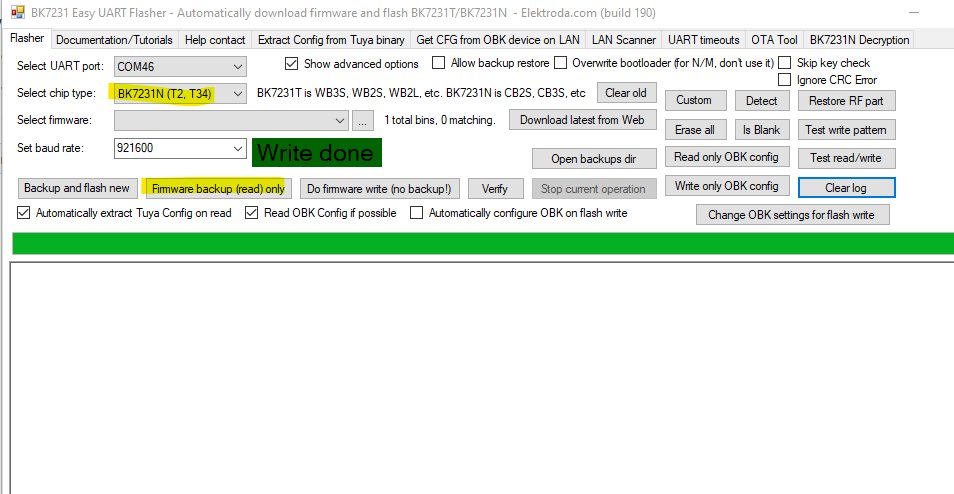
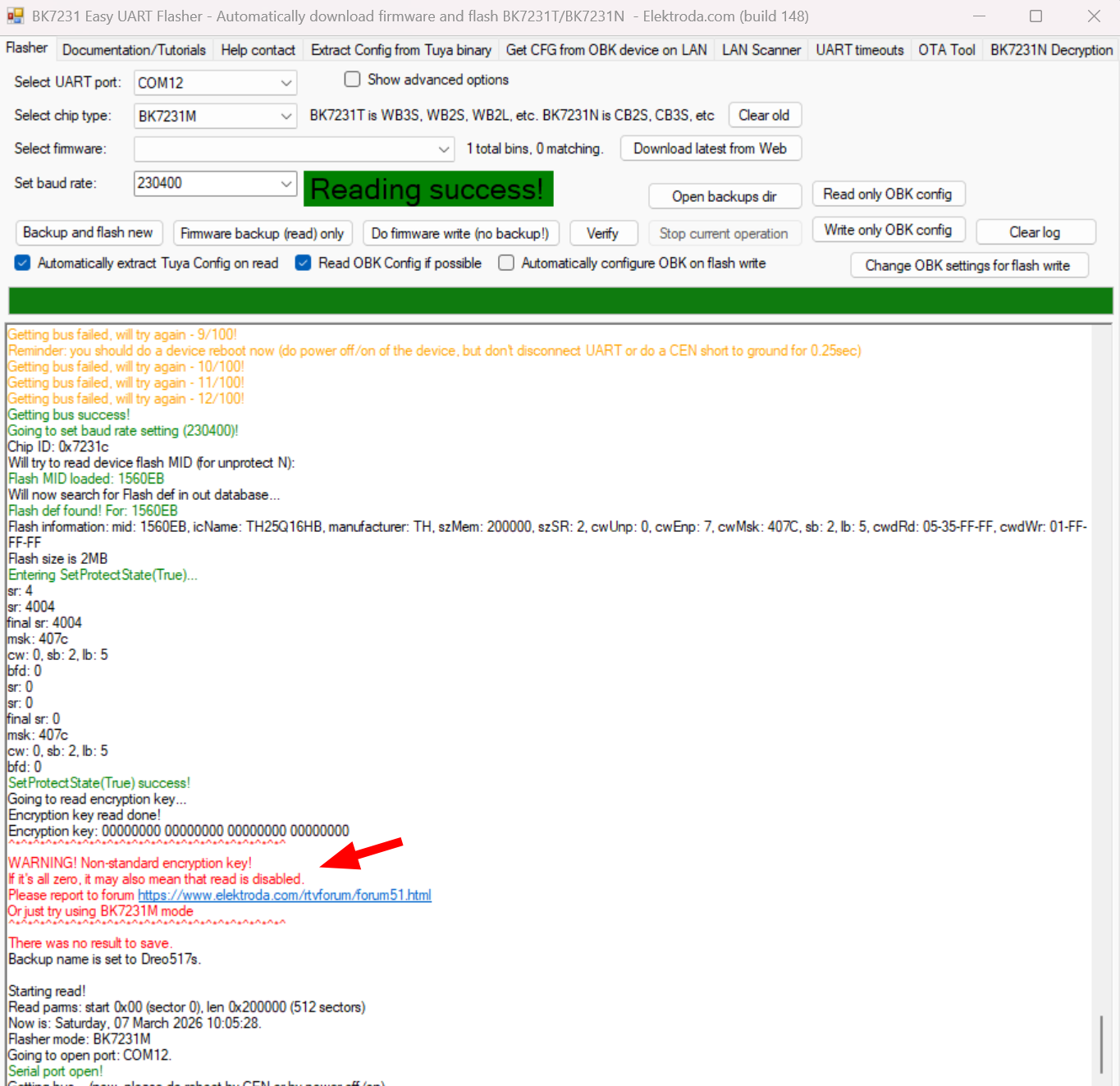
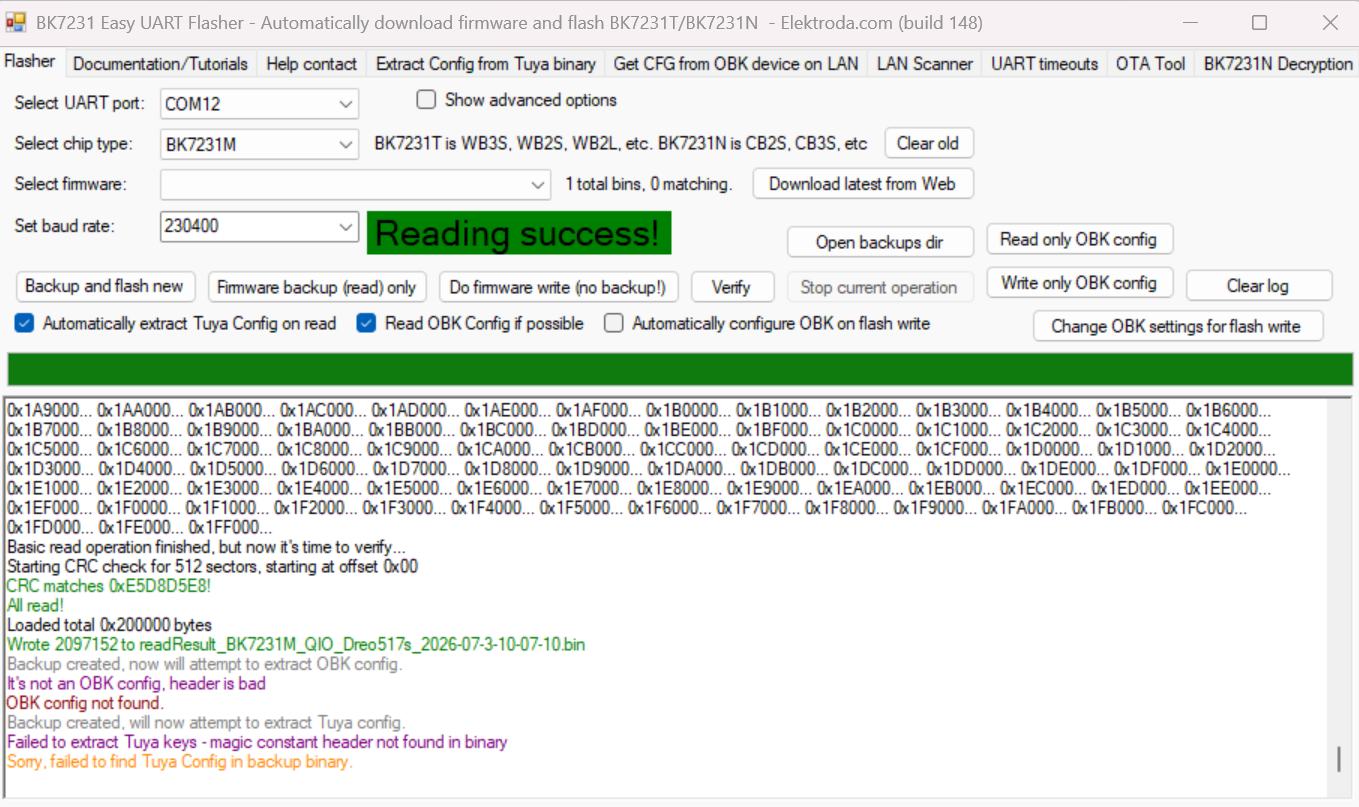
Any more ideas what we should look at? Also: which openBeken compatible chip is this and what do we need to do for saving the stock firmware and flashing our own later?
EDIT: attached manual
We know these are NOT Tuya/TuyaMCU, but from the GitHub dreo-cloudcutter https://github.com/ouaibe/dreo-cloudcutter, which did this for a tower fan from Dreo, we know they use OpenBeken-compatible modules. And they use UART towards an MCU. So close enough.
This will probably end up being logic analysis and figuring out command values, read-back values, and CRCs.
But at the end of the day it probably won't end up being rocket science. I will post here what I find and hope for help where I get stuck.
If this works, many people will be happy.
Added after 5 [hours] 11 [minutes]:
So. It is here.
I have attached photos of the device and what it looks like taken apart.
It is now coupled with Dreo cloud and I intend to sniff the UART comms at the level shifter transistors.
I have therefore attached 2 wires and a ground connection where my slogic LA is now connected.
All of this looks extremely similar to a TuyaMCU device, I would almost say the MCU is basically identical to what was in the argo heater.
So let's see what we get, I will share some captures in due course.
Any more ideas what we should look at? Also: which openBeken compatible chip is this and what do we need to do for saving the stock firmware and flashing our own later?
EDIT: attached manual
Attachments:
- Dreo517s_manual.pdf (6.73 MB) You must be logged in to download this attachment.
-
 PXL_20260306_165838694.RAW-01.jpg
(5.78 MB)
You must be logged in to download this attachment.
PXL_20260306_165838694.RAW-01.jpg
(5.78 MB)
You must be logged in to download this attachment.
-
 PXL_20260306_165159417.RAW-01.jpg
(6.23 MB)
You must be logged in to download this attachment.
PXL_20260306_165159417.RAW-01.jpg
(6.23 MB)
You must be logged in to download this attachment.
-
 PXL_20260306_164325055.RAW-01.jpg
(5.61 MB)
You must be logged in to download this attachment.
PXL_20260306_164325055.RAW-01.jpg
(5.61 MB)
You must be logged in to download this attachment.
-
 PXL_20260306_163942939.RAW-01.jpg
(4.93 MB)
You must be logged in to download this attachment.
PXL_20260306_163942939.RAW-01.jpg
(4.93 MB)
You must be logged in to download this attachment.
-
 PXL_20260306_163917471.RAW-01.jpg
(5.82 MB)
You must be logged in to download this attachment.
PXL_20260306_163917471.RAW-01.jpg
(5.82 MB)
You must be logged in to download this attachment.
-
 PXL_20260306_163852891.RAW-01.jpg
(5.66 MB)
You must be logged in to download this attachment.
PXL_20260306_163852891.RAW-01.jpg
(5.66 MB)
You must be logged in to download this attachment.
-
 PXL_20260306_163711675.RAW-01.jpg
(7.27 MB)
You must be logged in to download this attachment.
PXL_20260306_163711675.RAW-01.jpg
(7.27 MB)
You must be logged in to download this attachment.
-
 PXL_20260306_163704936.RAW-01.jpg
(7.11 MB)
You must be logged in to download this attachment.
PXL_20260306_163704936.RAW-01.jpg
(7.11 MB)
You must be logged in to download this attachment.
-
 PXL_20260306_142117438.RAW-01~2.jpg
(5.25 MB)
You must be logged in to download this attachment.
PXL_20260306_142117438.RAW-01~2.jpg
(5.25 MB)
You must be logged in to download this attachment.
-
 PXL_20260306_164807059.RAW-01.jpg
(6.35 MB)
You must be logged in to download this attachment.
PXL_20260306_164807059.RAW-01.jpg
(6.35 MB)
You must be logged in to download this attachment.