









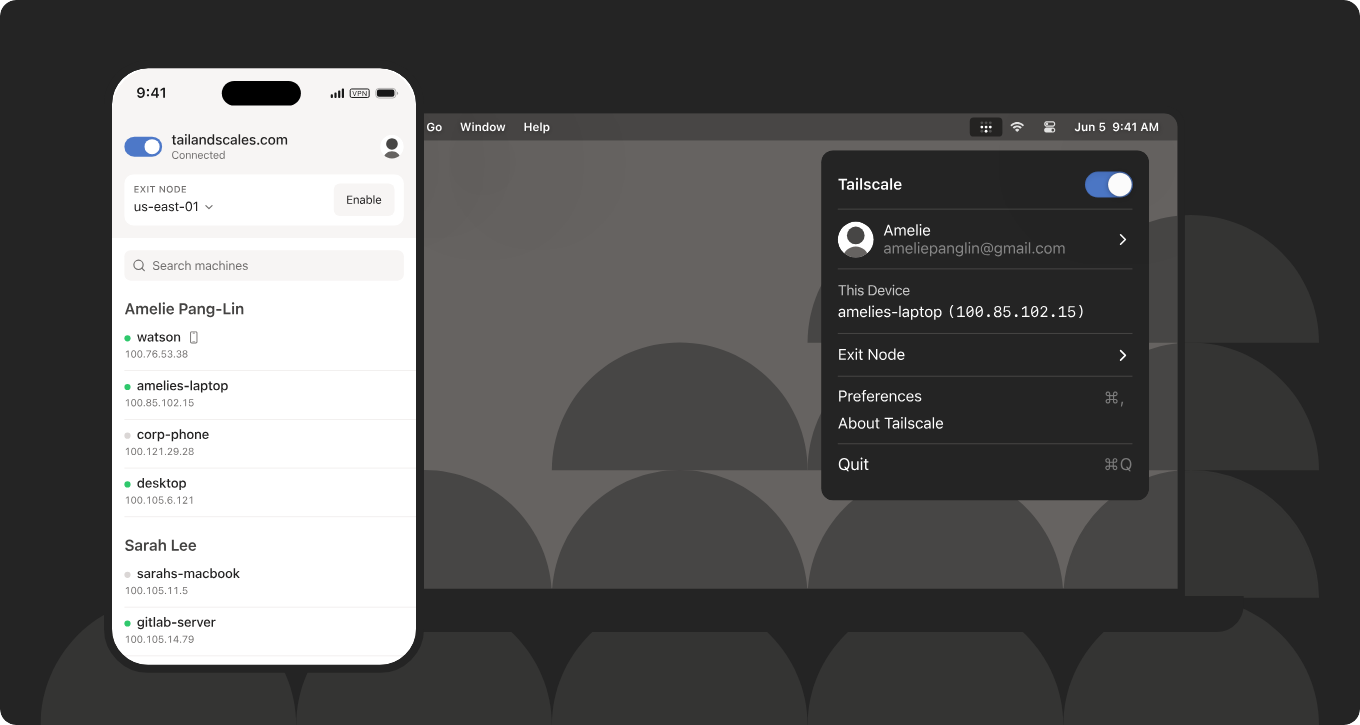
Today I'm going to present an interesting free solution to connect externally to our local network - for example IoT devices. You won't need a public IP here - everything will work even if we are behind NAT and don't have port forwarding. What's more, there will only be two devices to configure, namely our active computer, and an intermediary computer providing an outlet to the target LAN. In this way, we will get access to all devices on this network - including IoT hardware based on ESP8266, ESP32 or thereabouts BK7231.
We start the adventure by downloading Tailscale to both machines, administrator rights are needed. It is also important to reboot the system - I've already fallen for this once, because seemingly access to HTTP worked, but with other services there was a problem.
https://tailscale.com/
It is best to log into Tailscale via your Google account. Once installed, the service will be hidden as an icon in the toolbar:
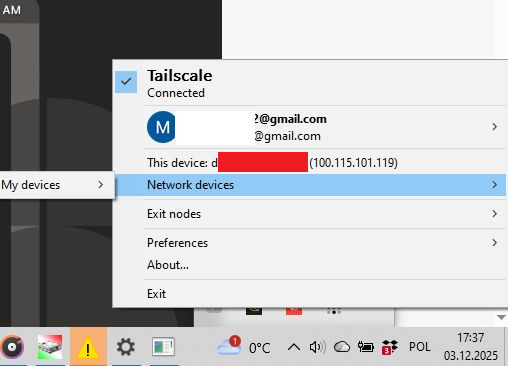
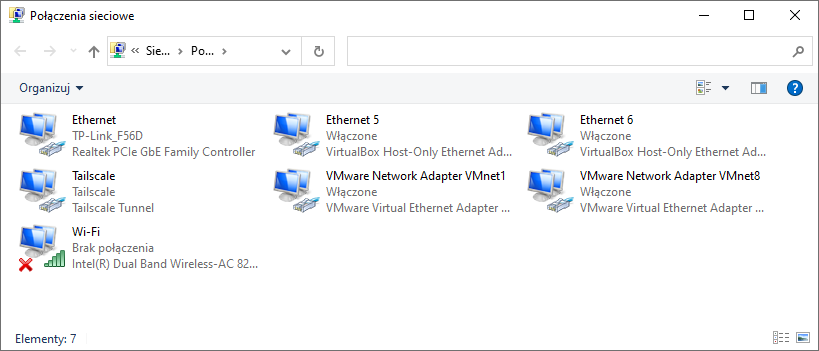
It also sees the new IP of our device. Similarly, the installation should add the Tailscale virtual network card for us:
The full extent of our virtual network is easiest to check on the Tailscale website:
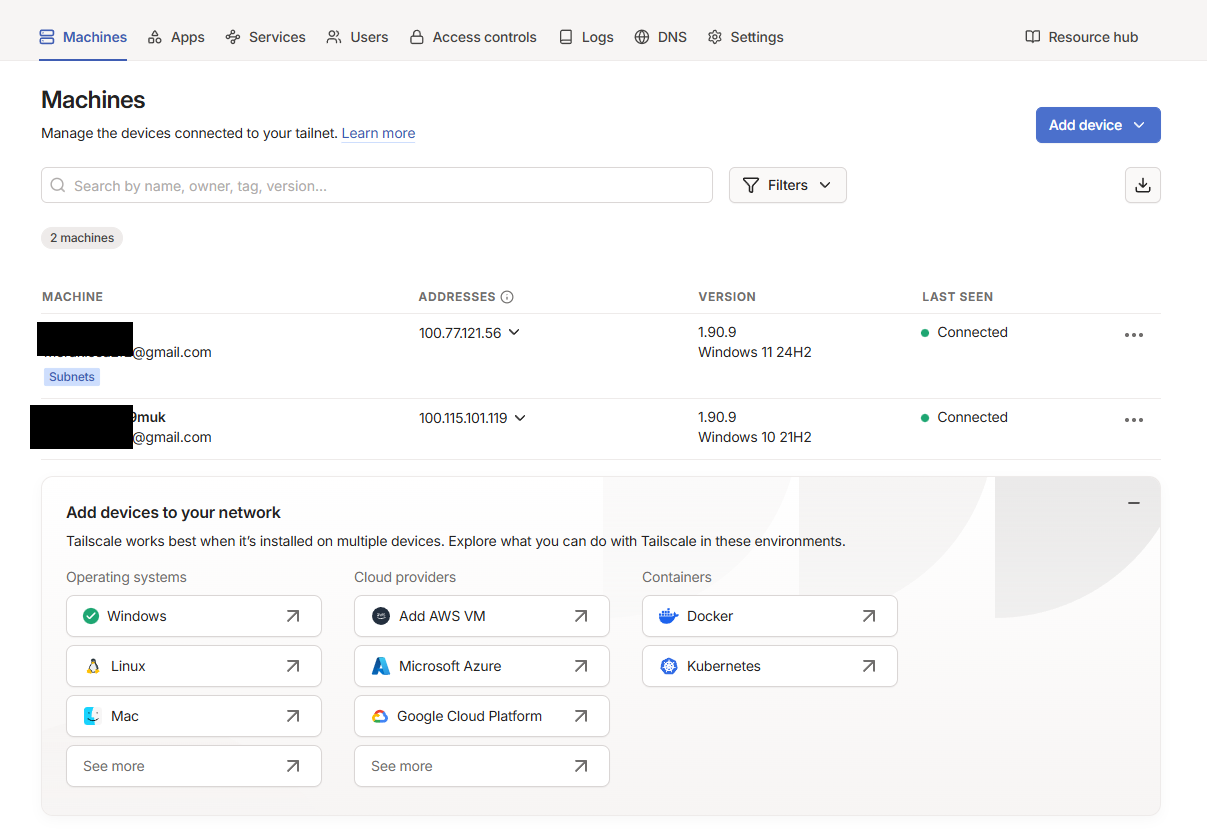
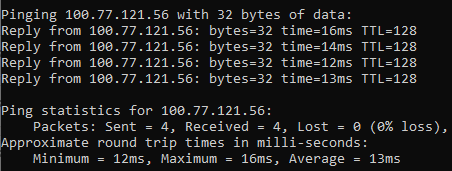
This is sufficient for the devices to see each other:
But this will not give us access to the entire LAN of the target computer. You need to do more than that - you need to enable the so-called Subnet Router (subnet routing). This will allow other devices on the Tailscale network to see the entire LAN behind this computer - i.e. ESP8266, ESP32, router, cameras, printers etc.
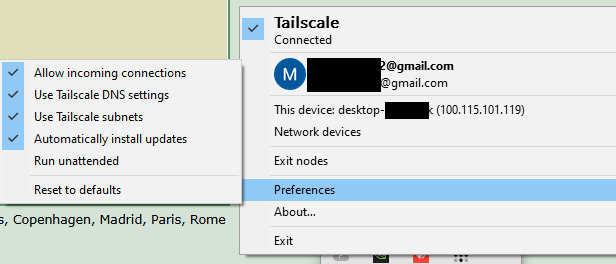
You can also use the command: tailscale up --reset --advertise-routes=192.168.1.0/24
Then on the intermediary computer go into the routing settings:
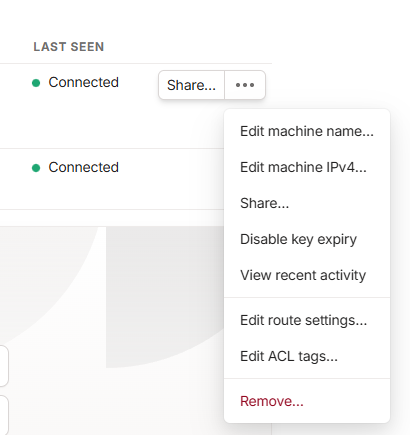
There we enable the subnet-router:
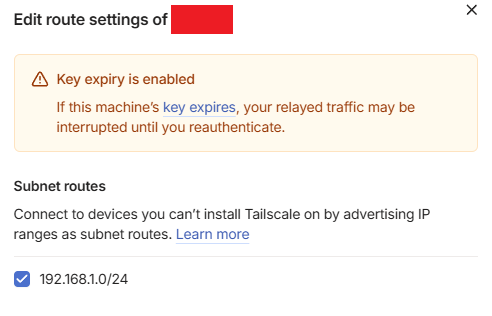
By default this checkbox is disabled!
From now on we can access the devices from the target network via their normal IP.
In summary, in this configuration I have:
- my LAN 192.168.0.1/24
- the target LAN 192.168.1.1/24
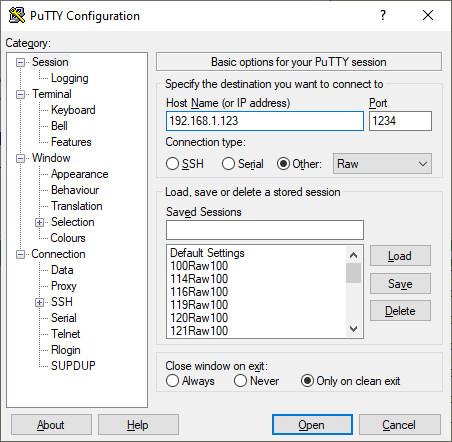
and being on my machine on my LAN, I can access the device from the target LAN by its normal IP, e.g. IP 192.168.1.123 works, both in the browser and in programs. I can make TCP or HTTP connections normally and communication works both ways.
If in doubt, this can be tested at least in PuTTY:
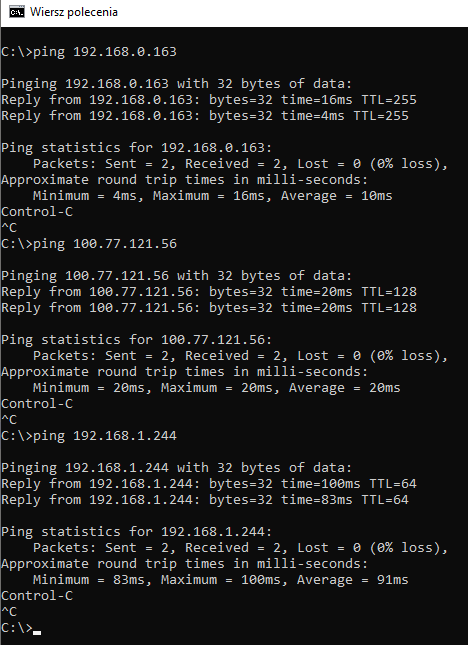
The screenshot shows the final test for three levels of communication - device on my LAN, target computer, device on the target LAN:
This is a very convenient solution - and certainly more accessible than public IP and port forwarding.
Do you use this type of tunneling, and if so, for what? Which VPNs do you recommend? Feel free to discuss.
PS: It is also worth mentioning what an Exit Node is. An Exit Node is a device that can act as an exit for all Internet traffic to other devices. While a Subnet Router only provides access to the selected local network behind the intermediary computer, an Exit Node takes over all traffic - both to the LAN and out to the Internet.8daabababe08
Cool? Ranking DIY Helpful post? Buy me a coffee.

