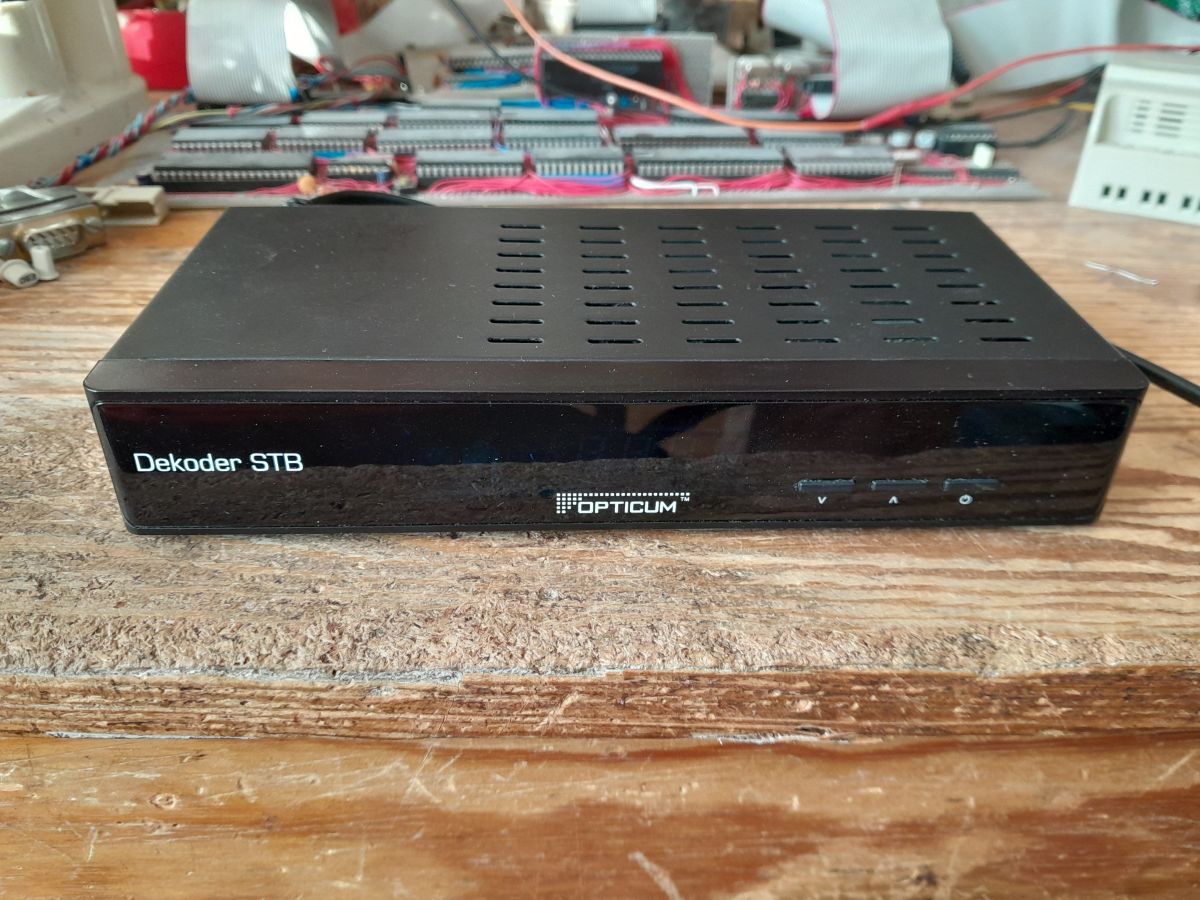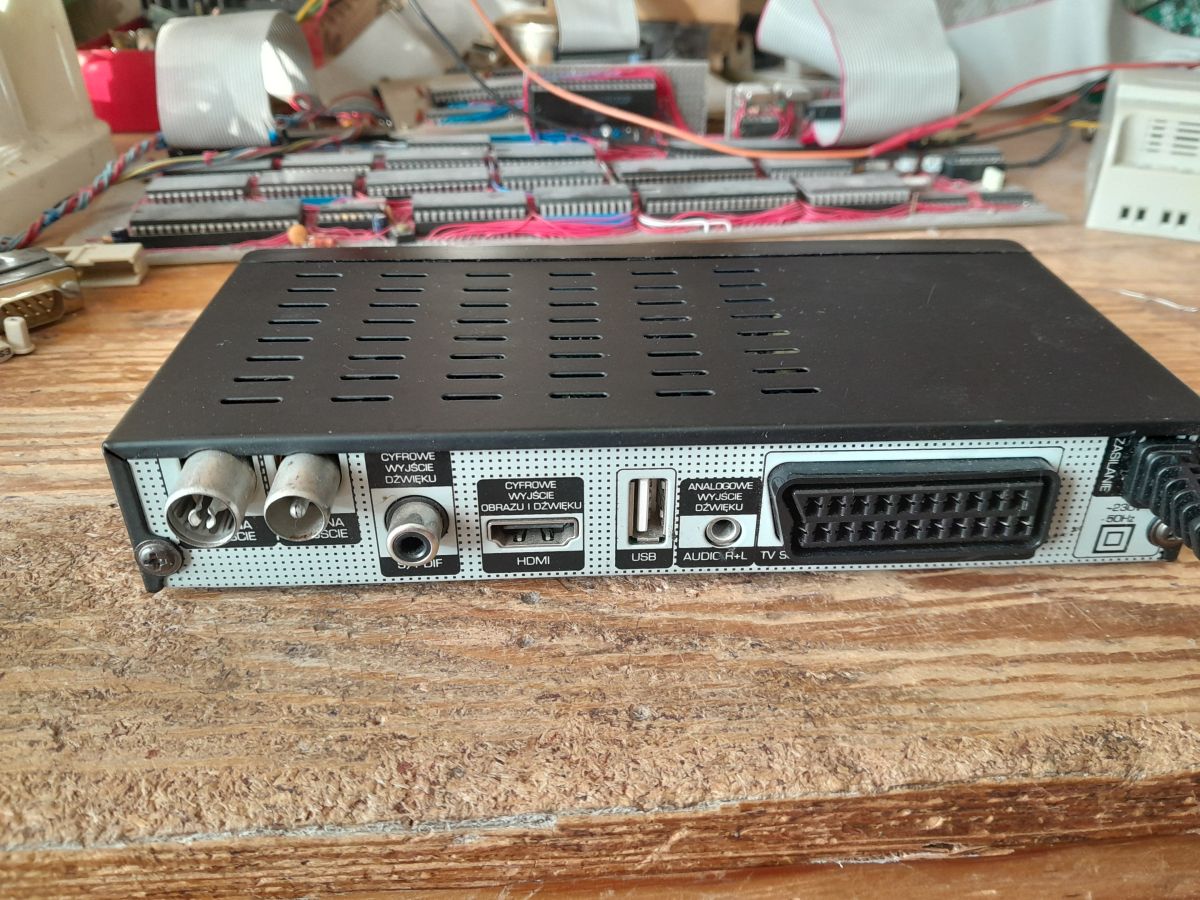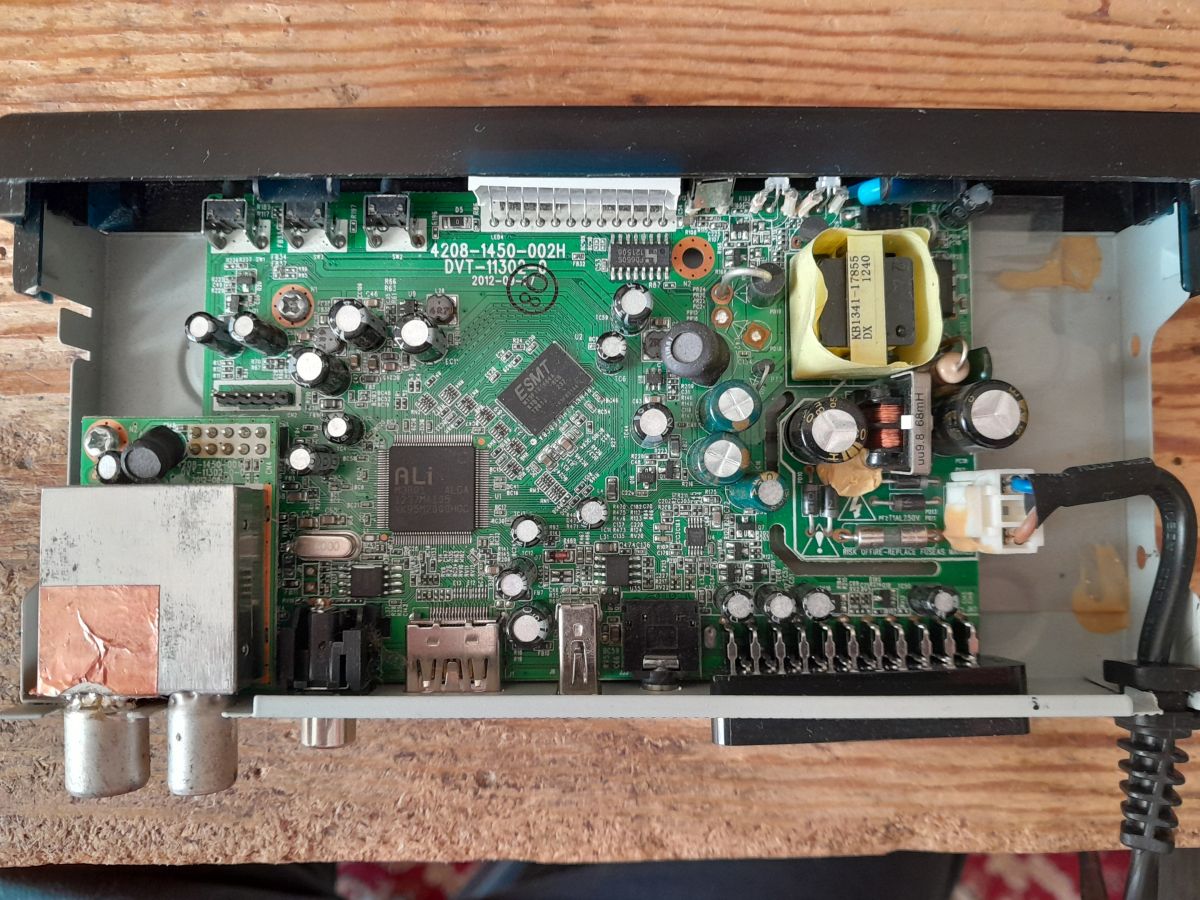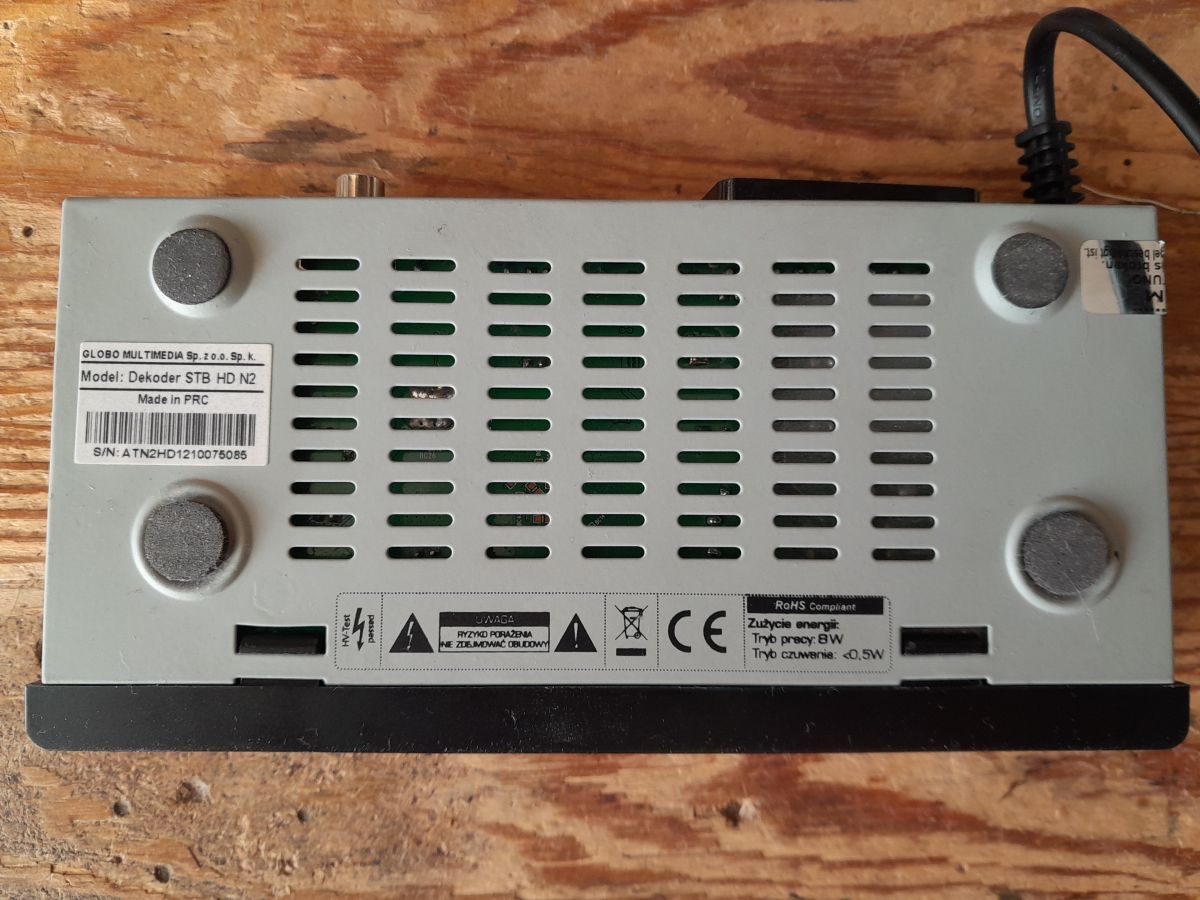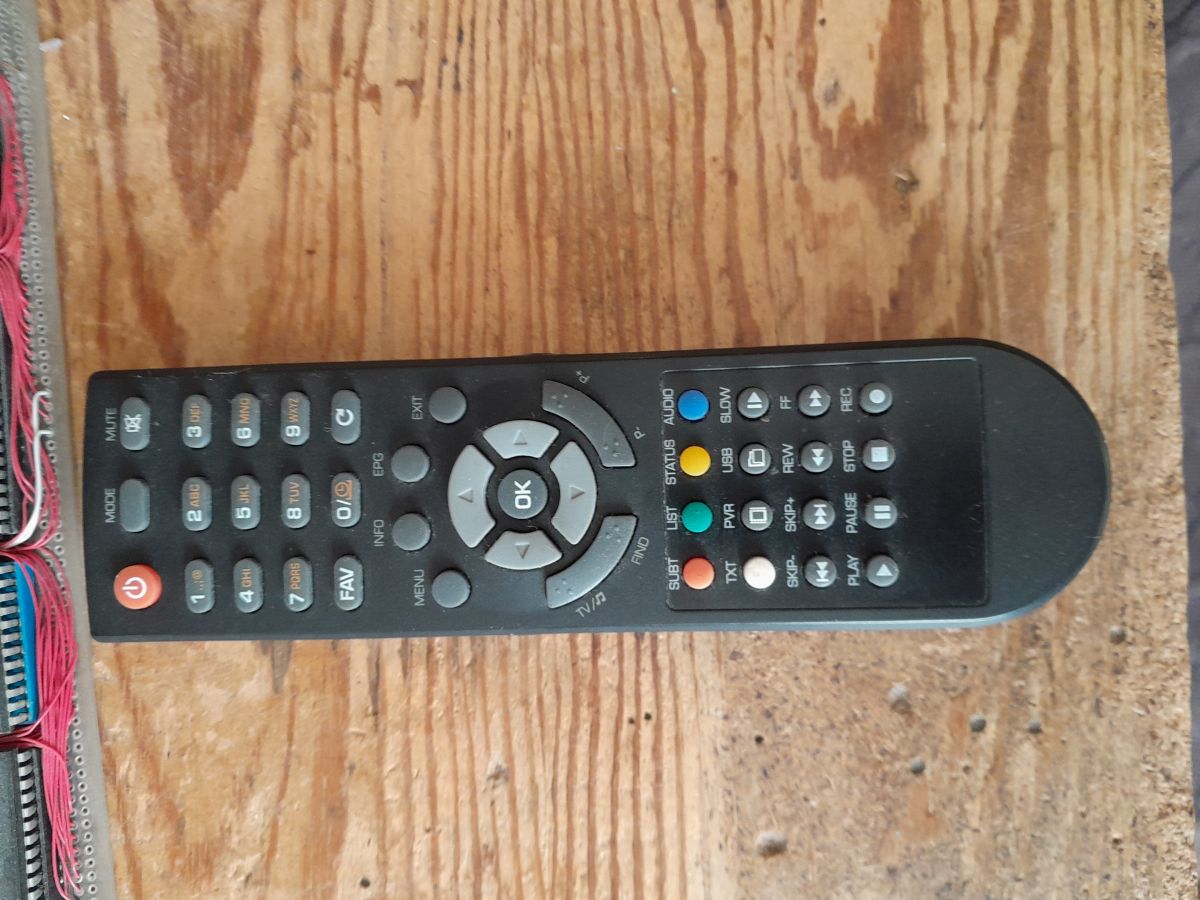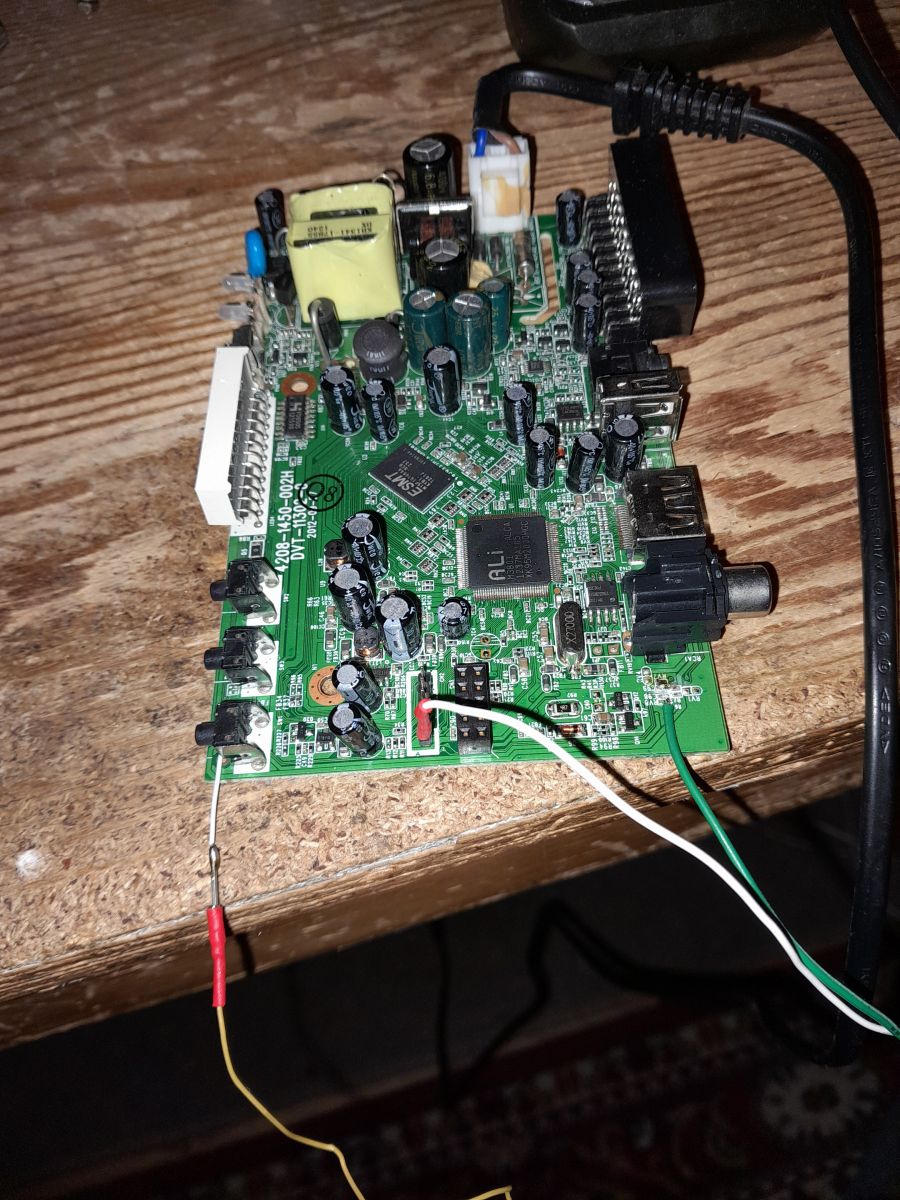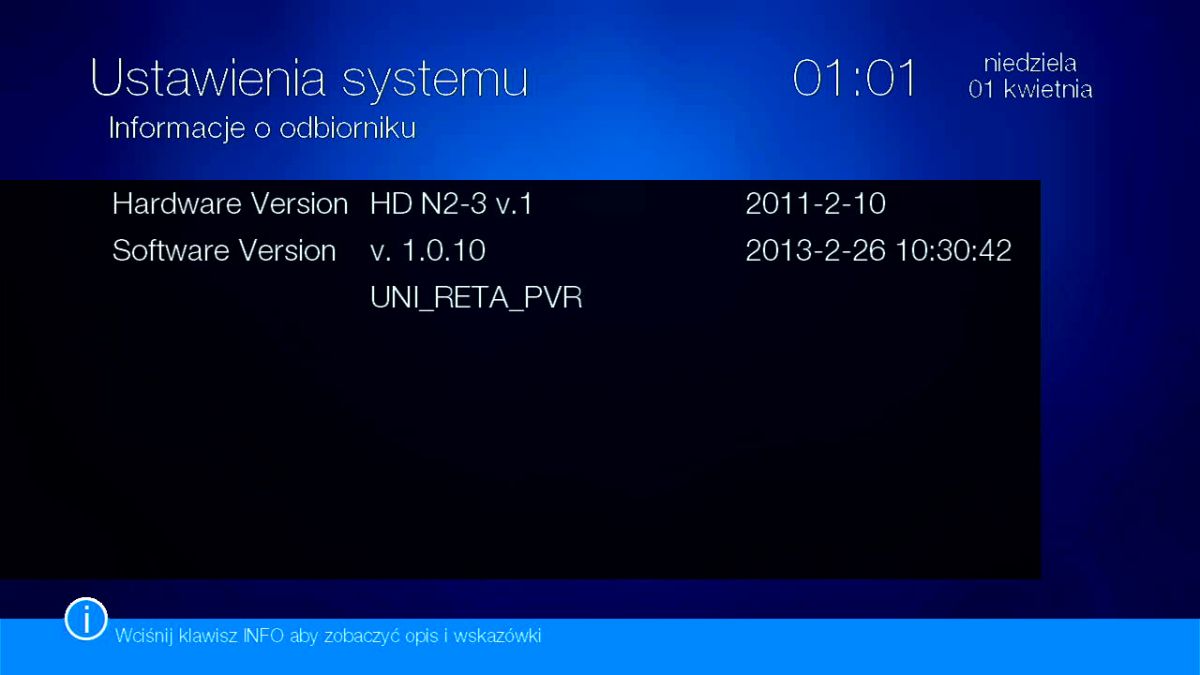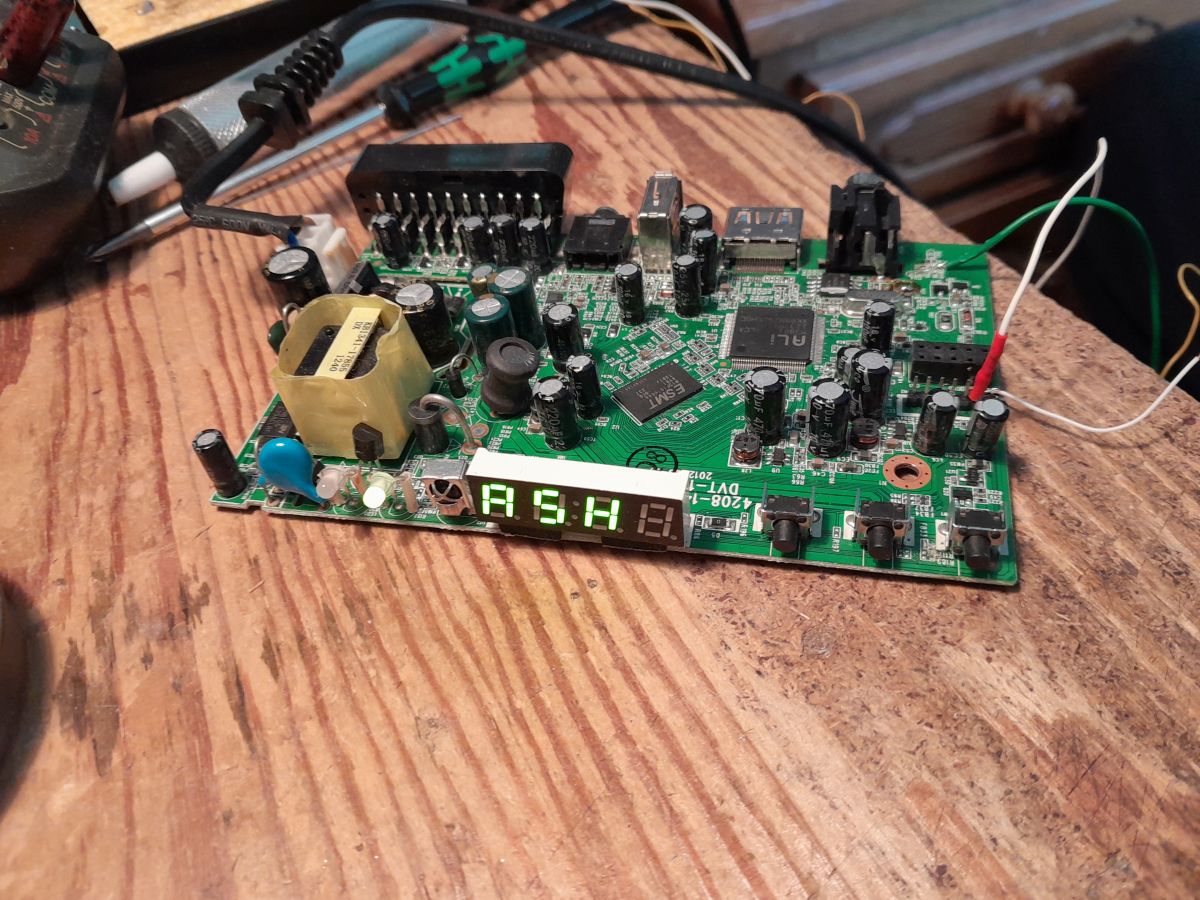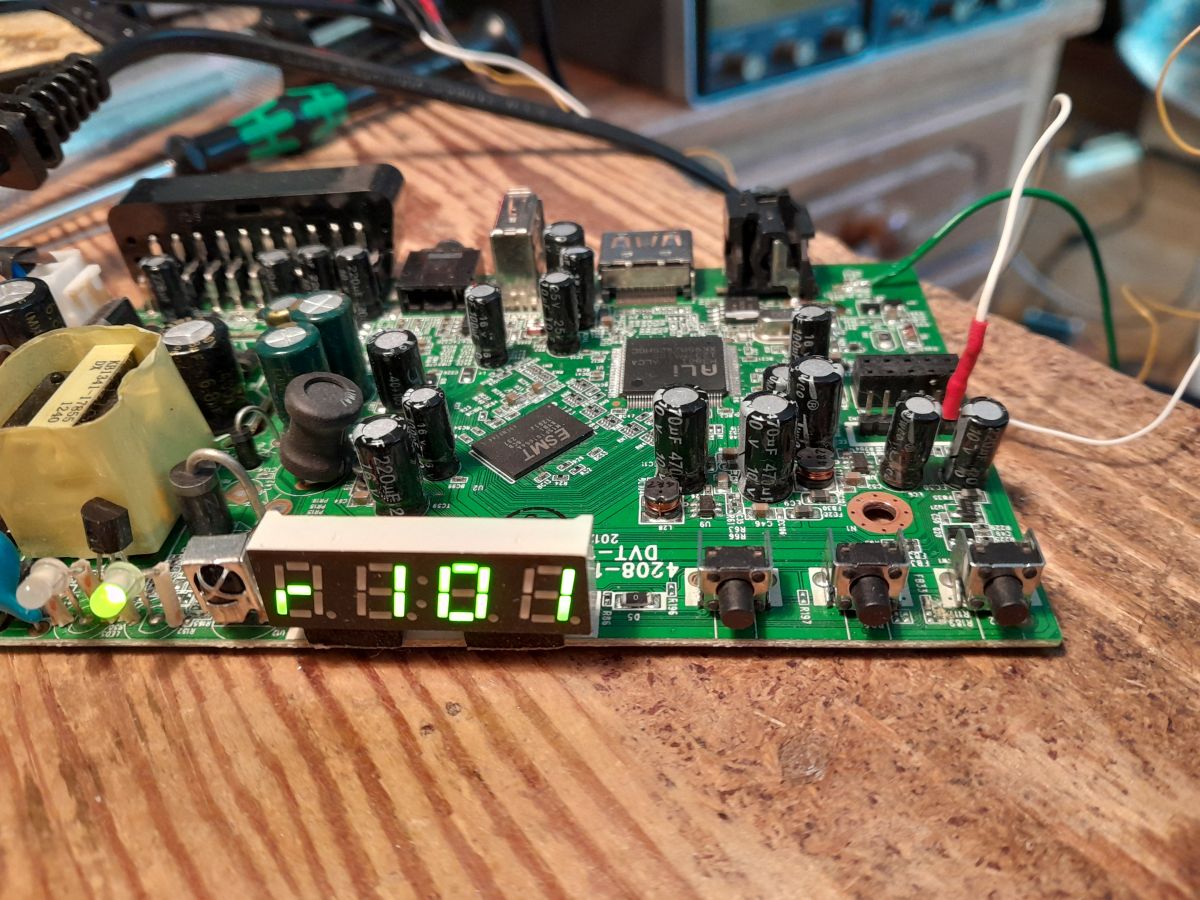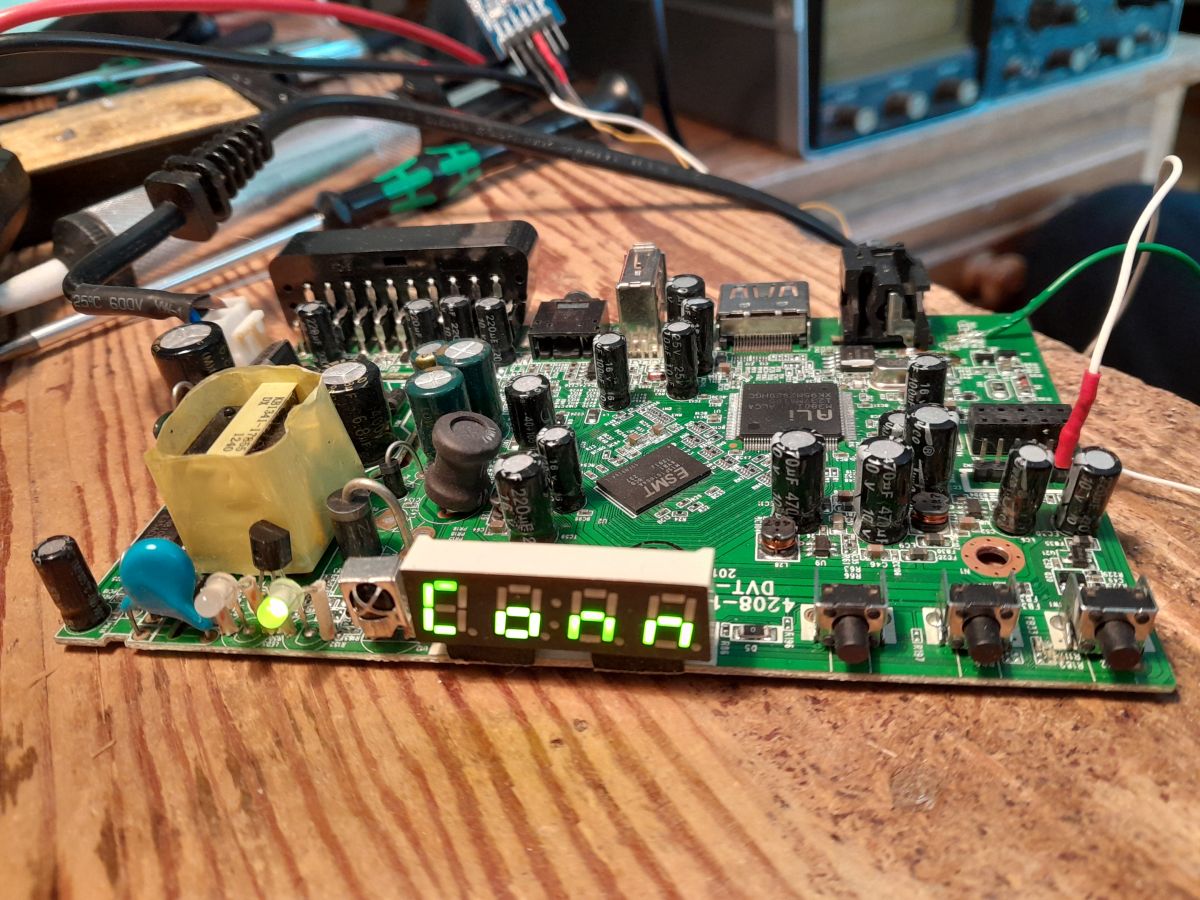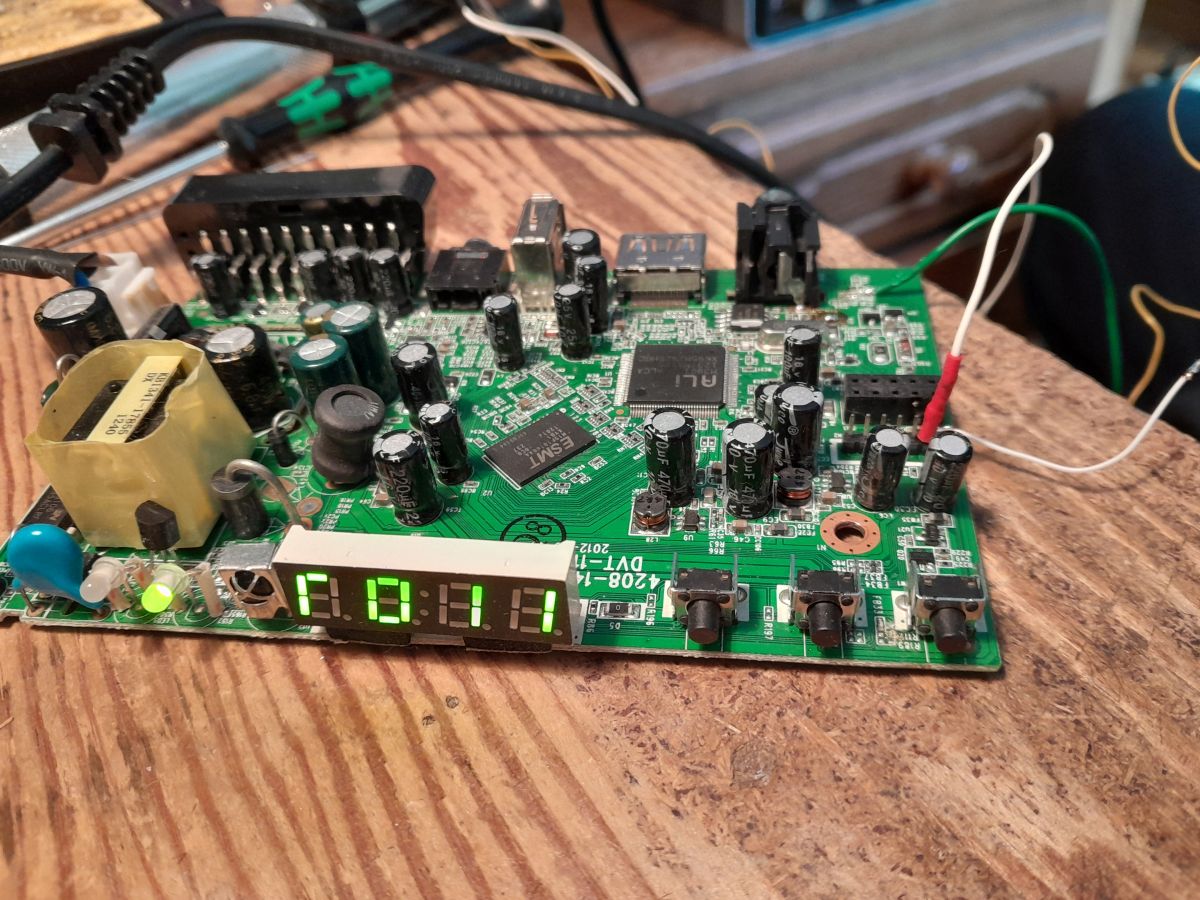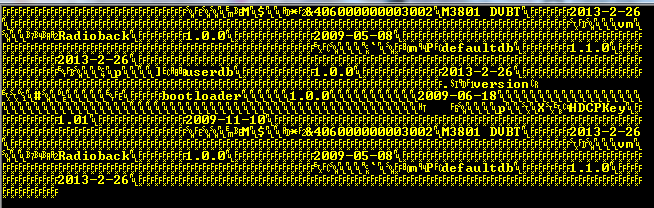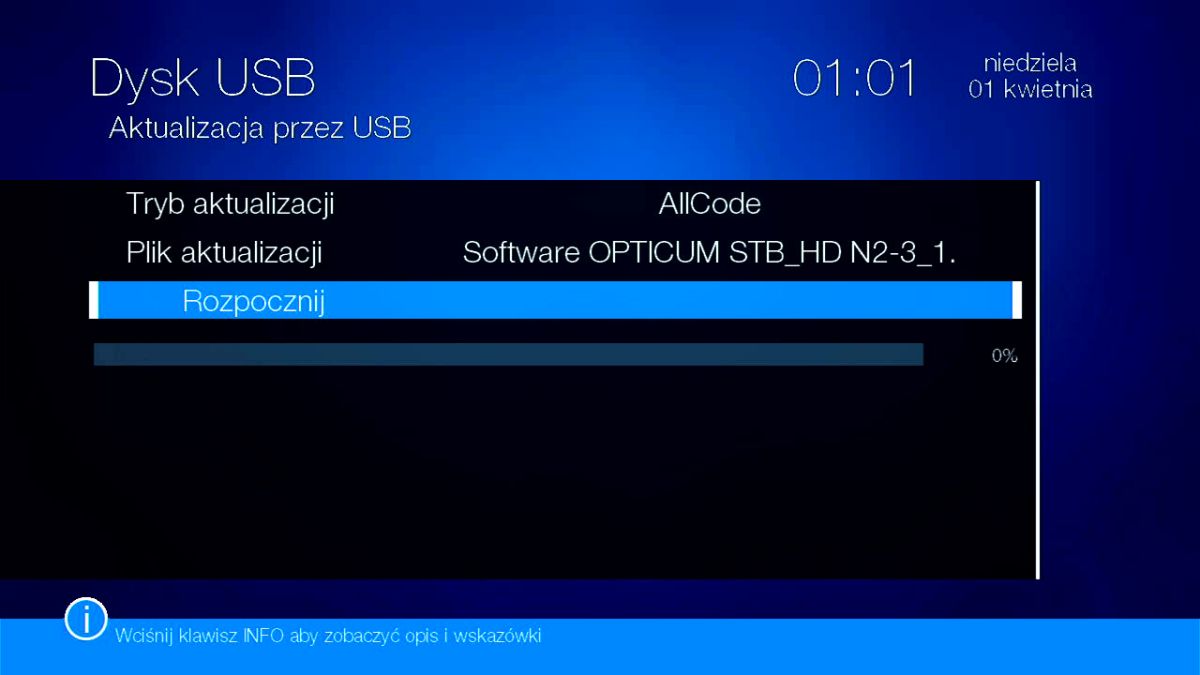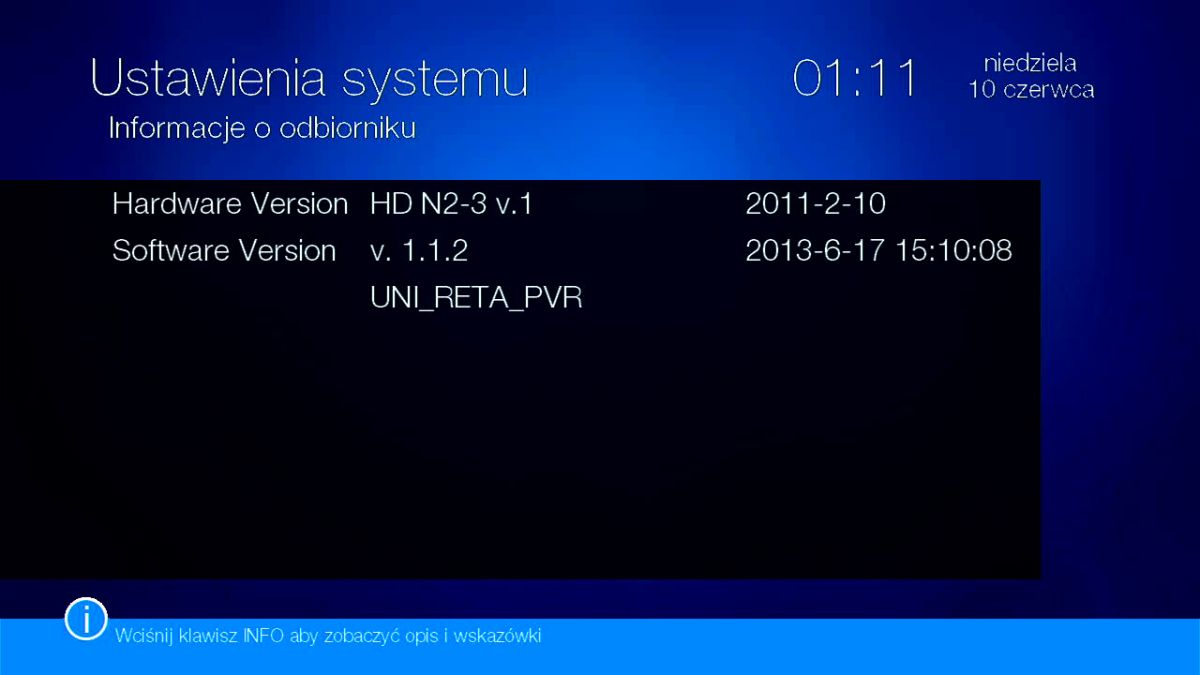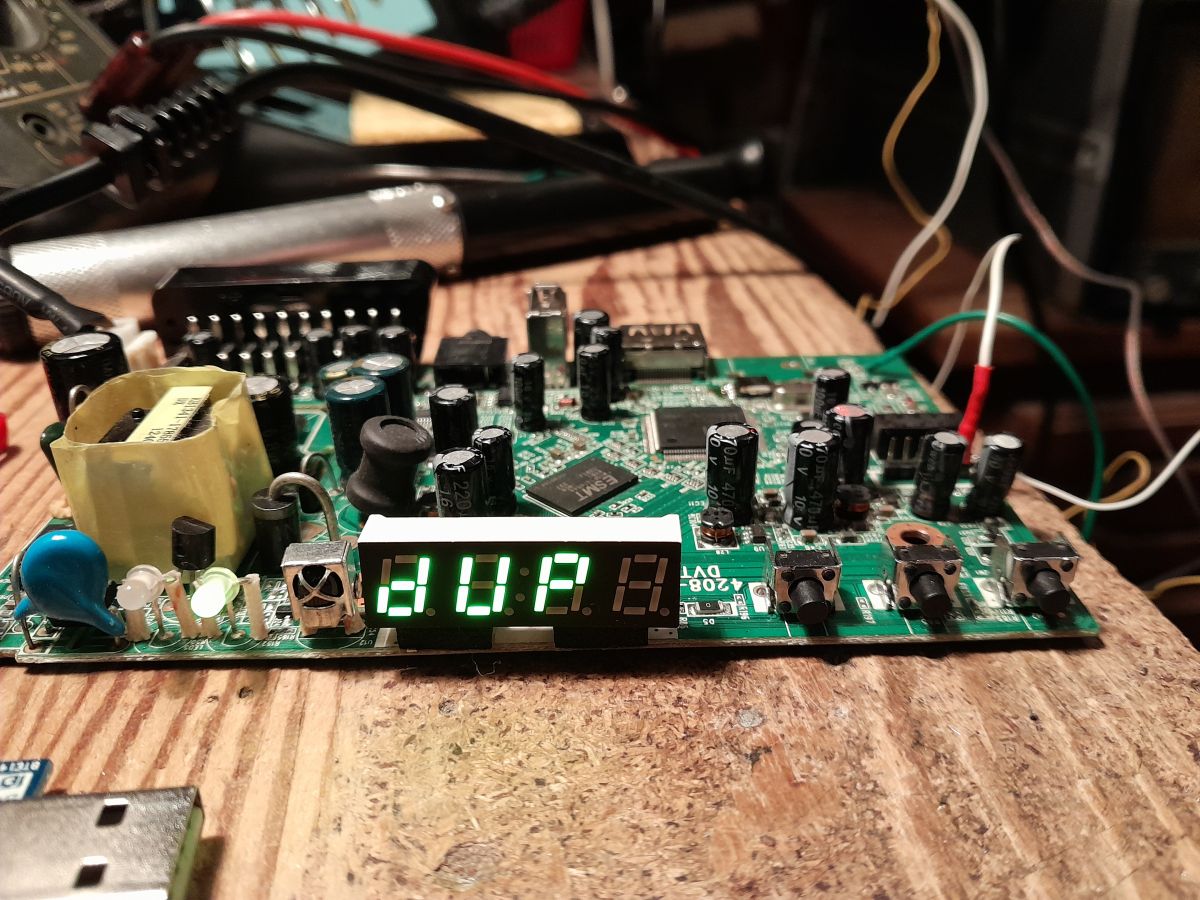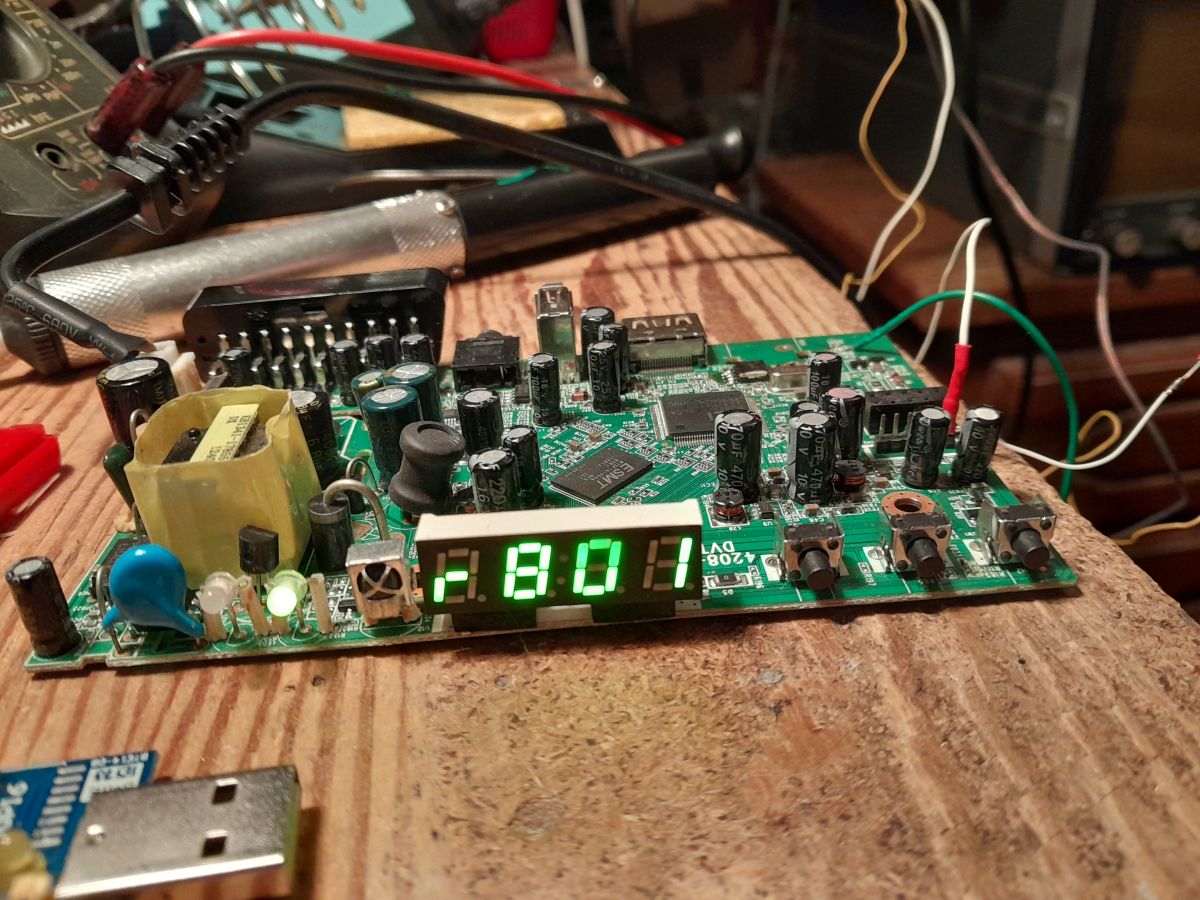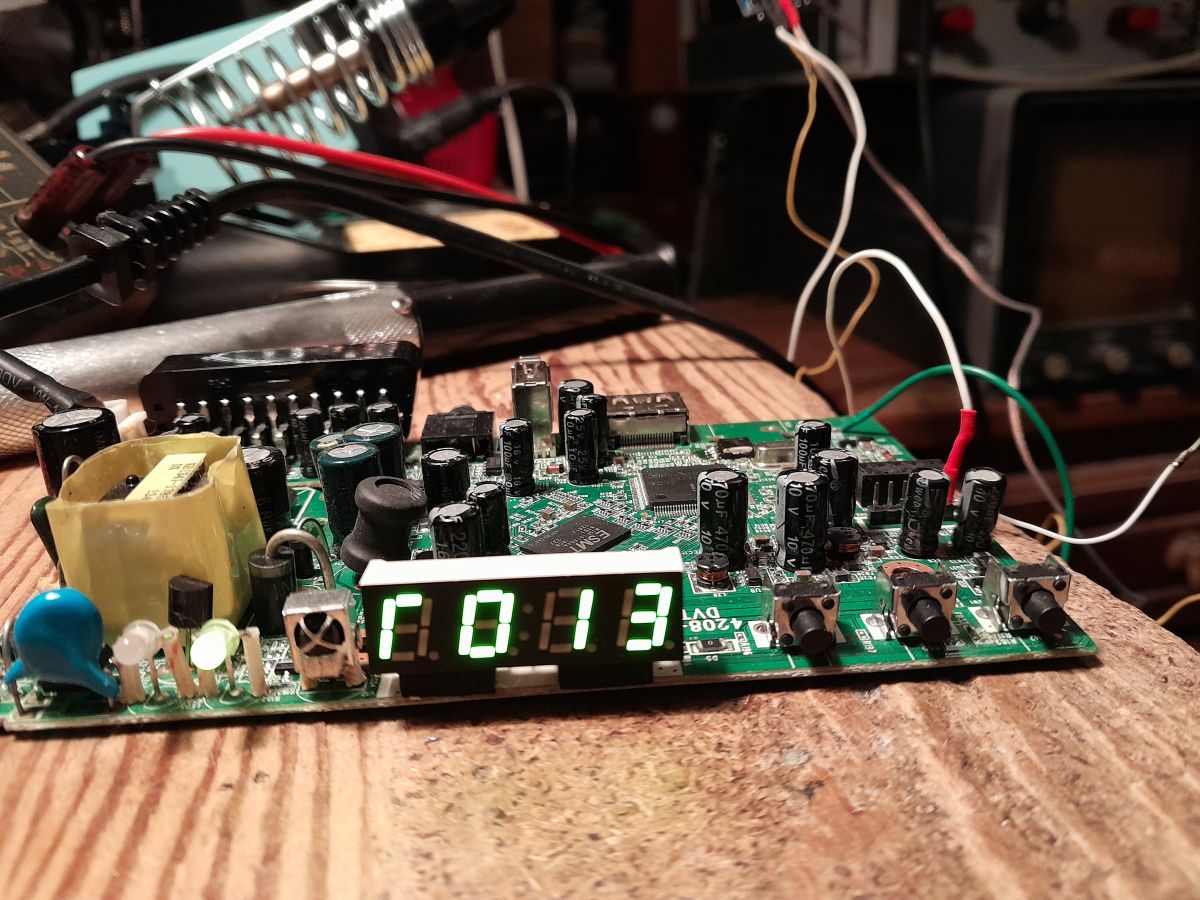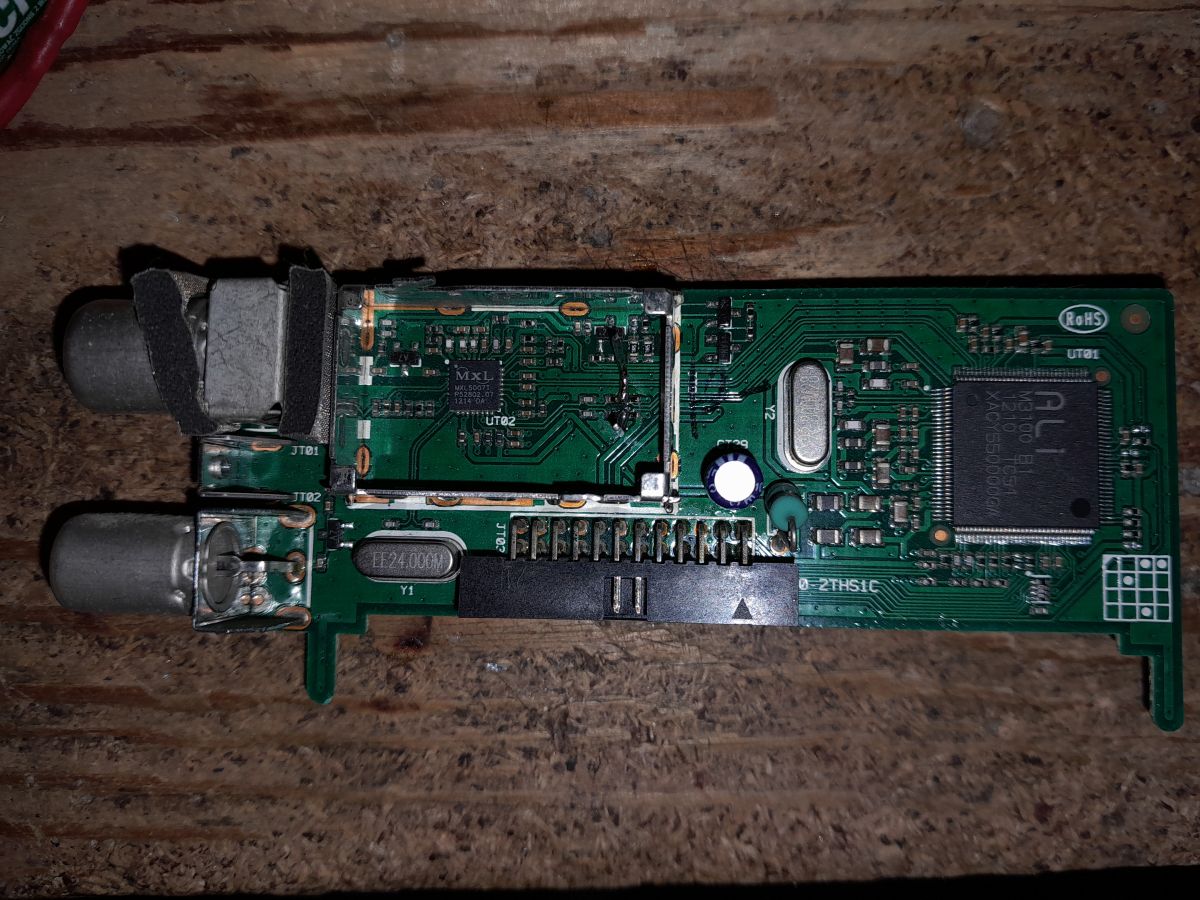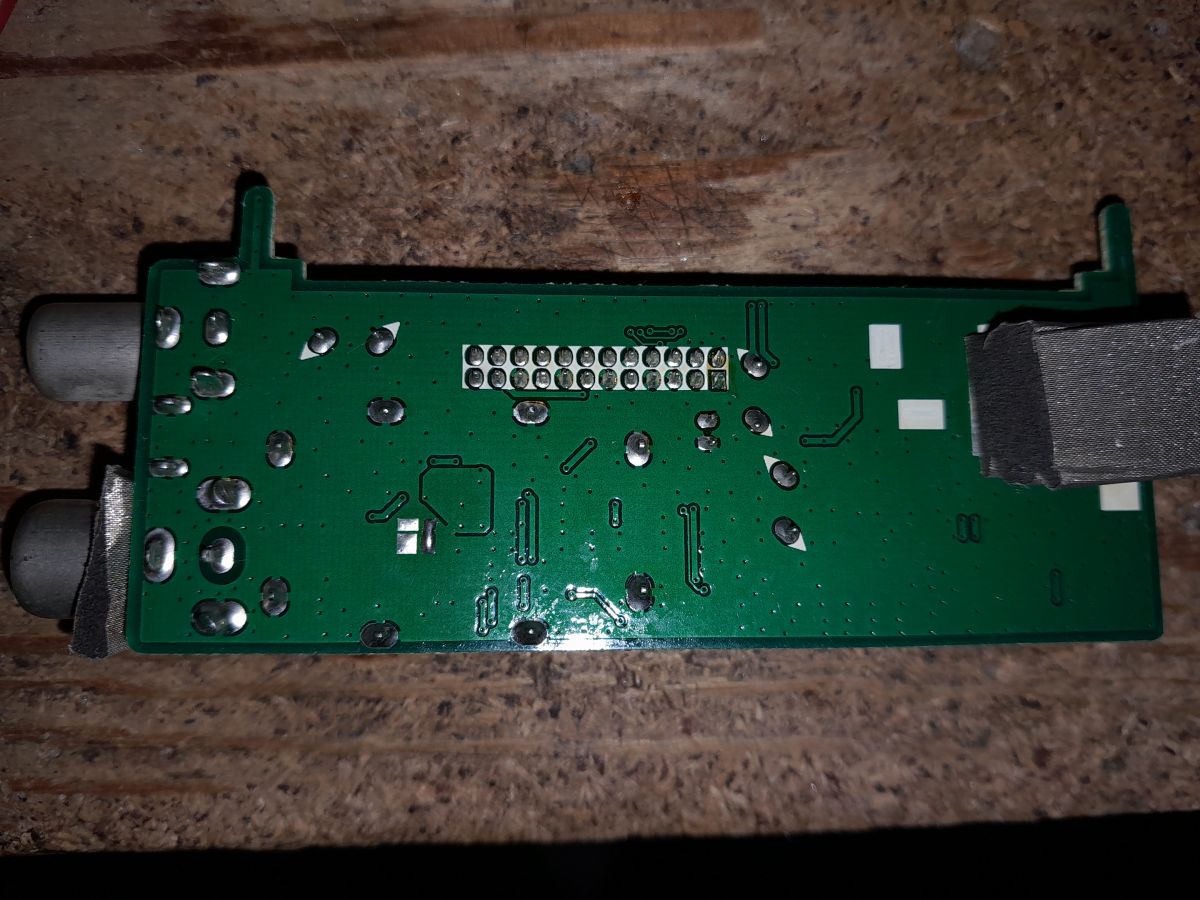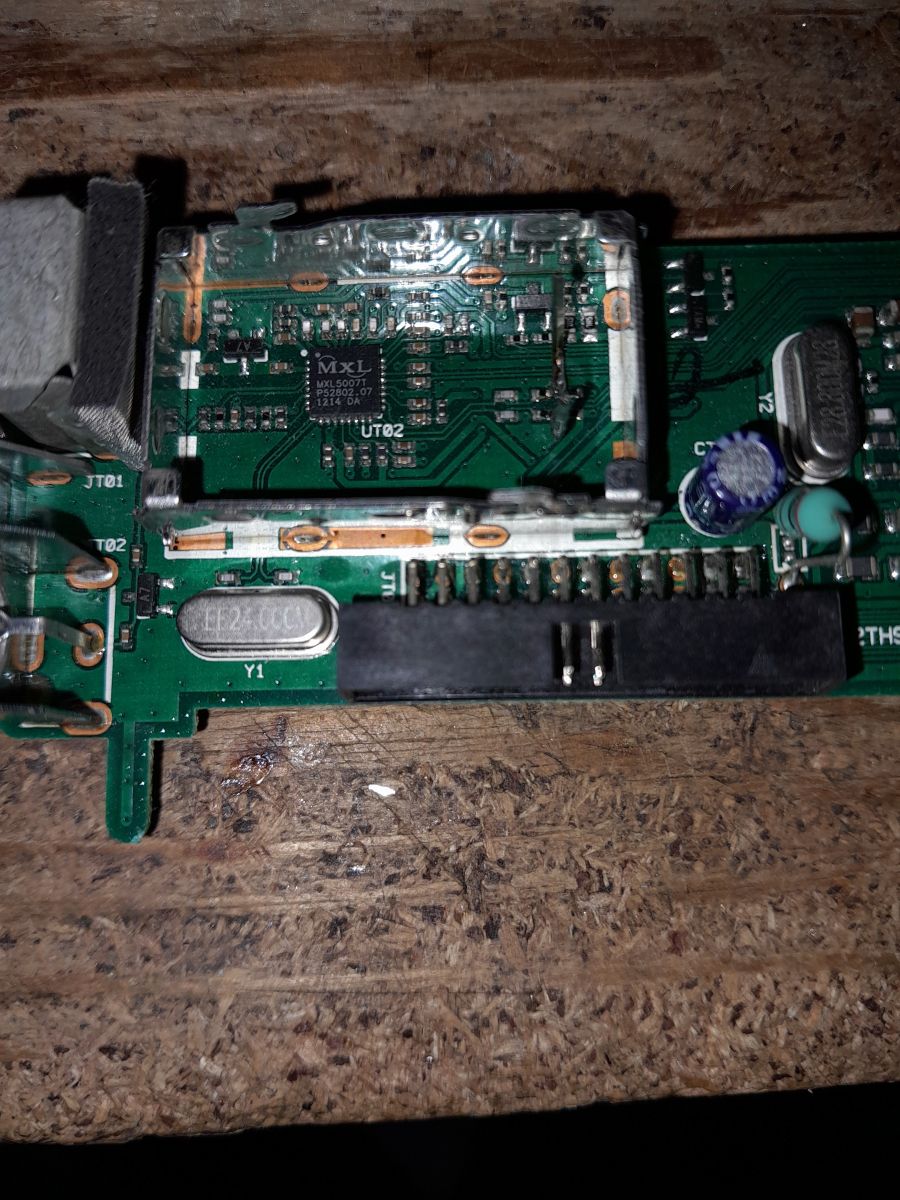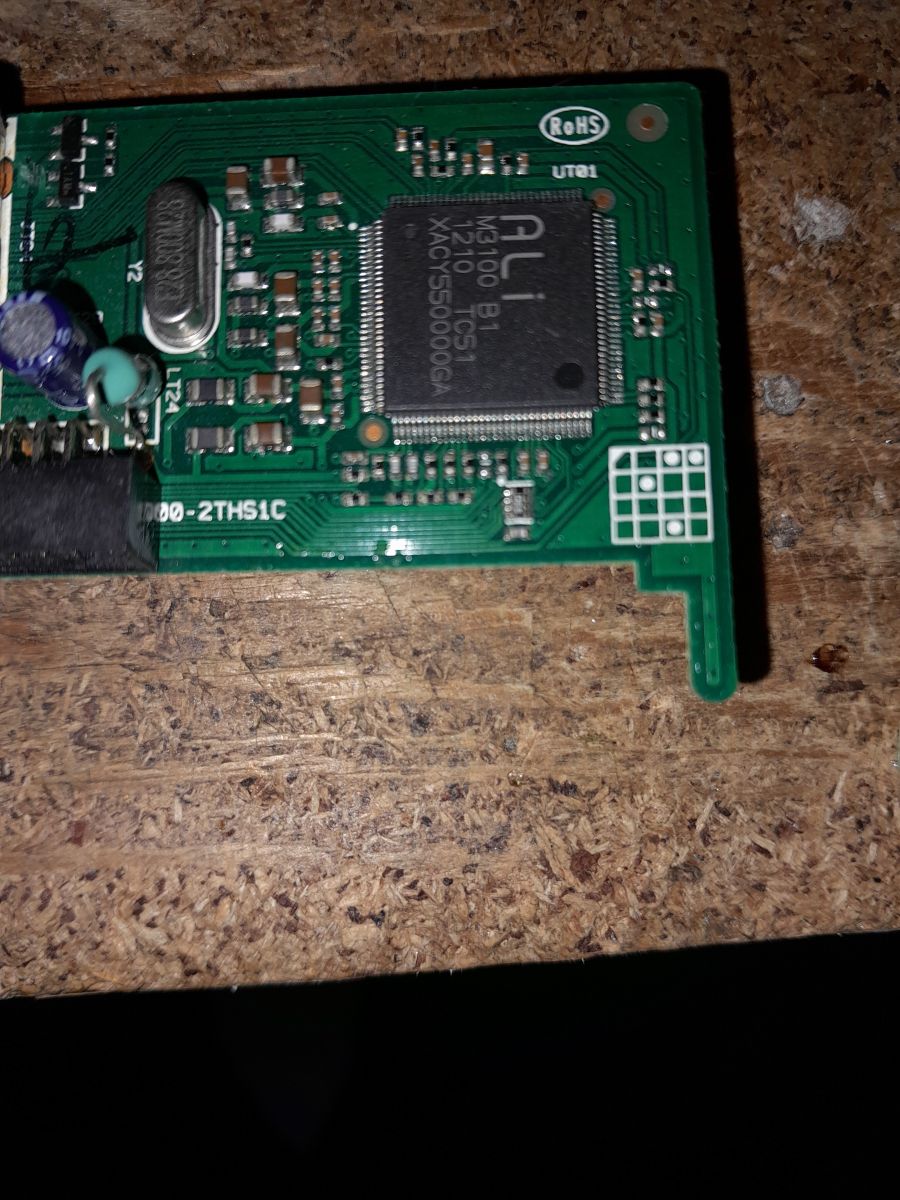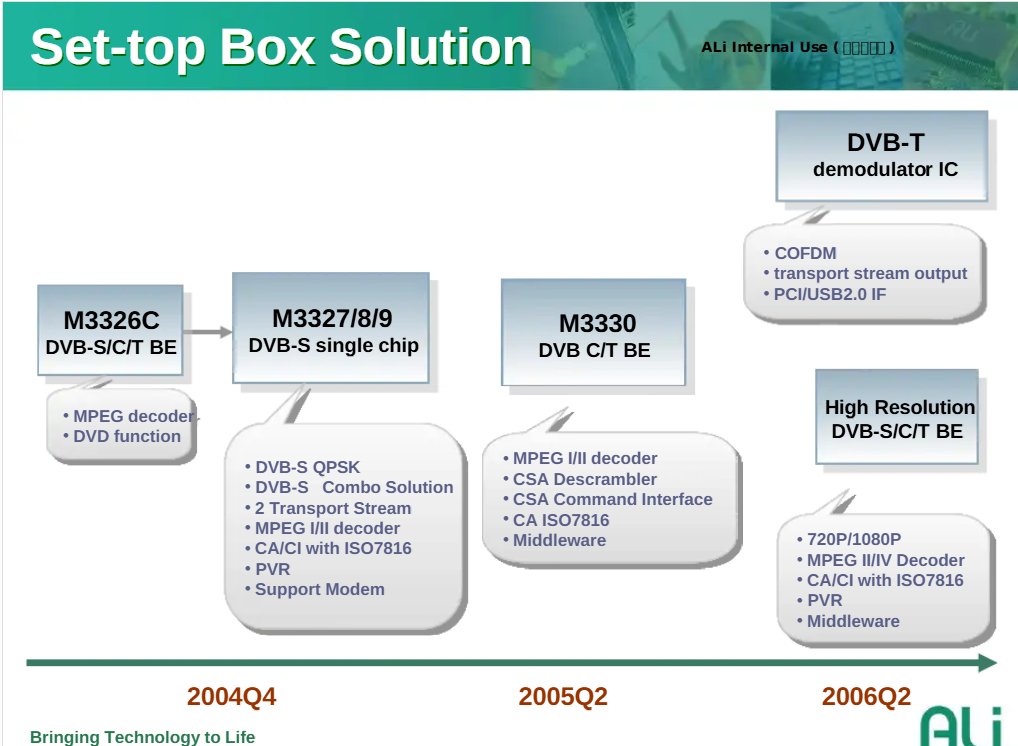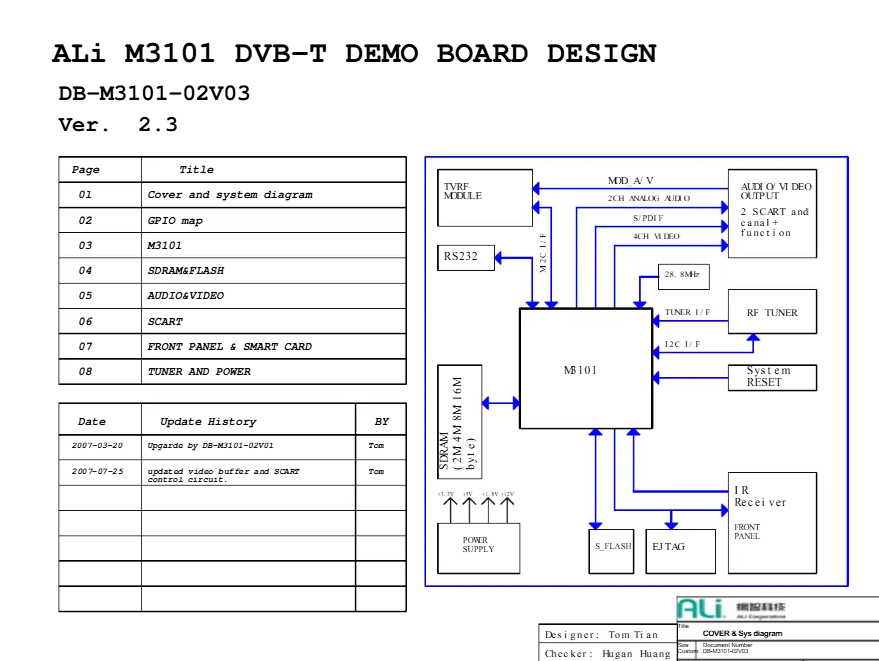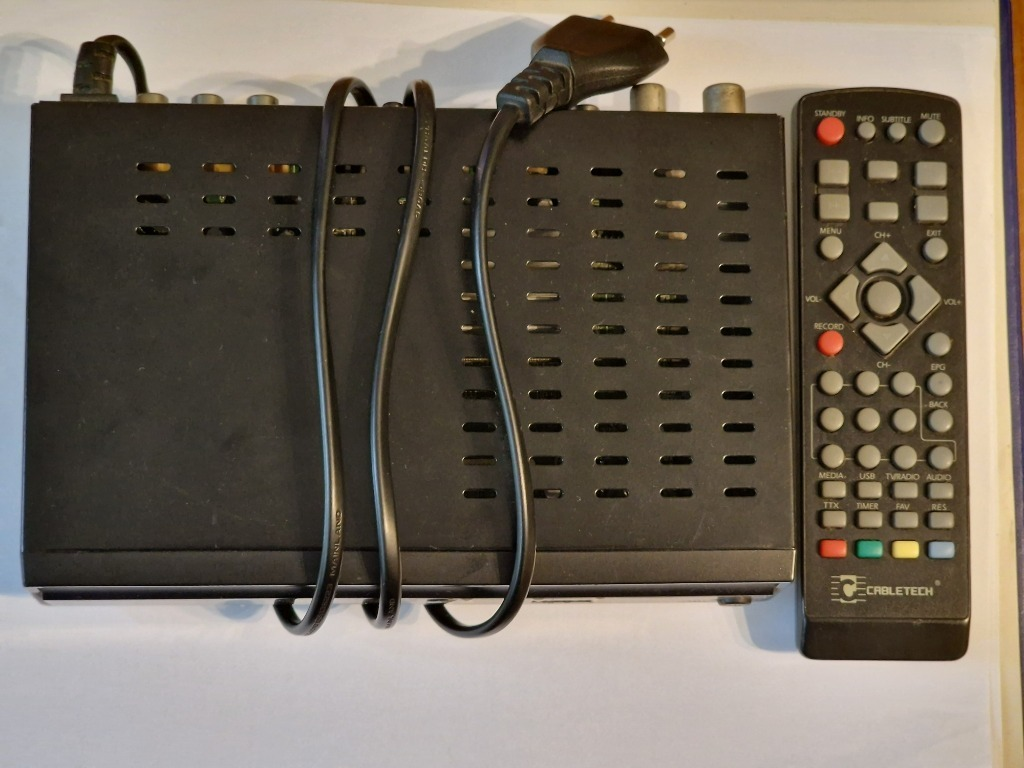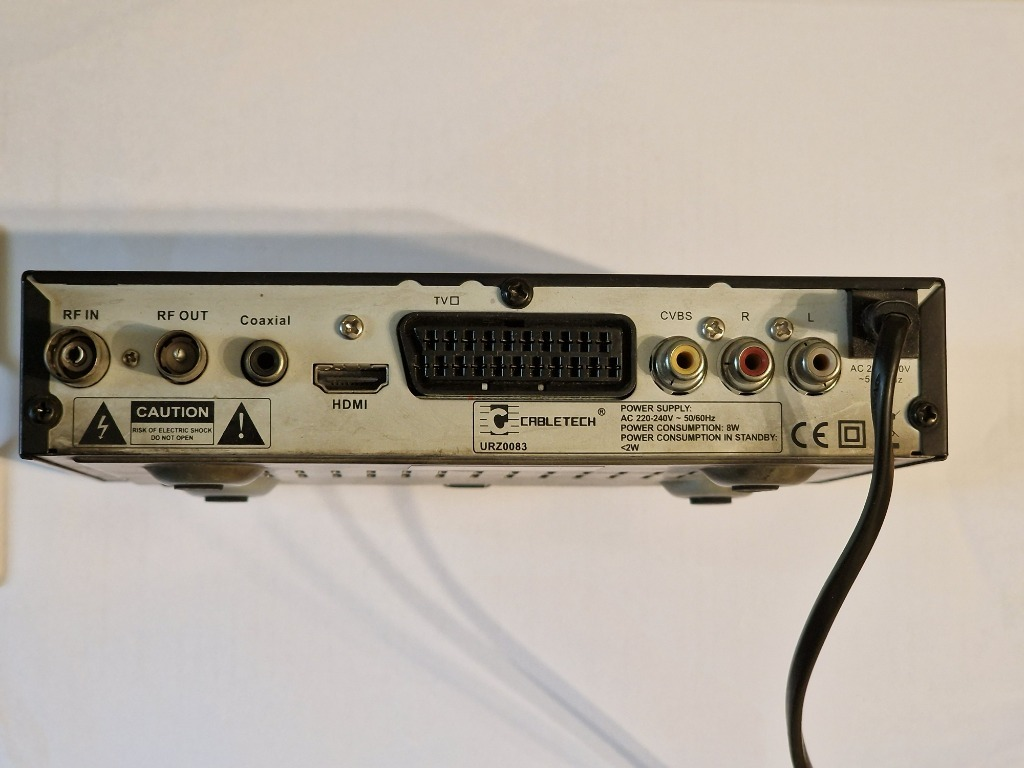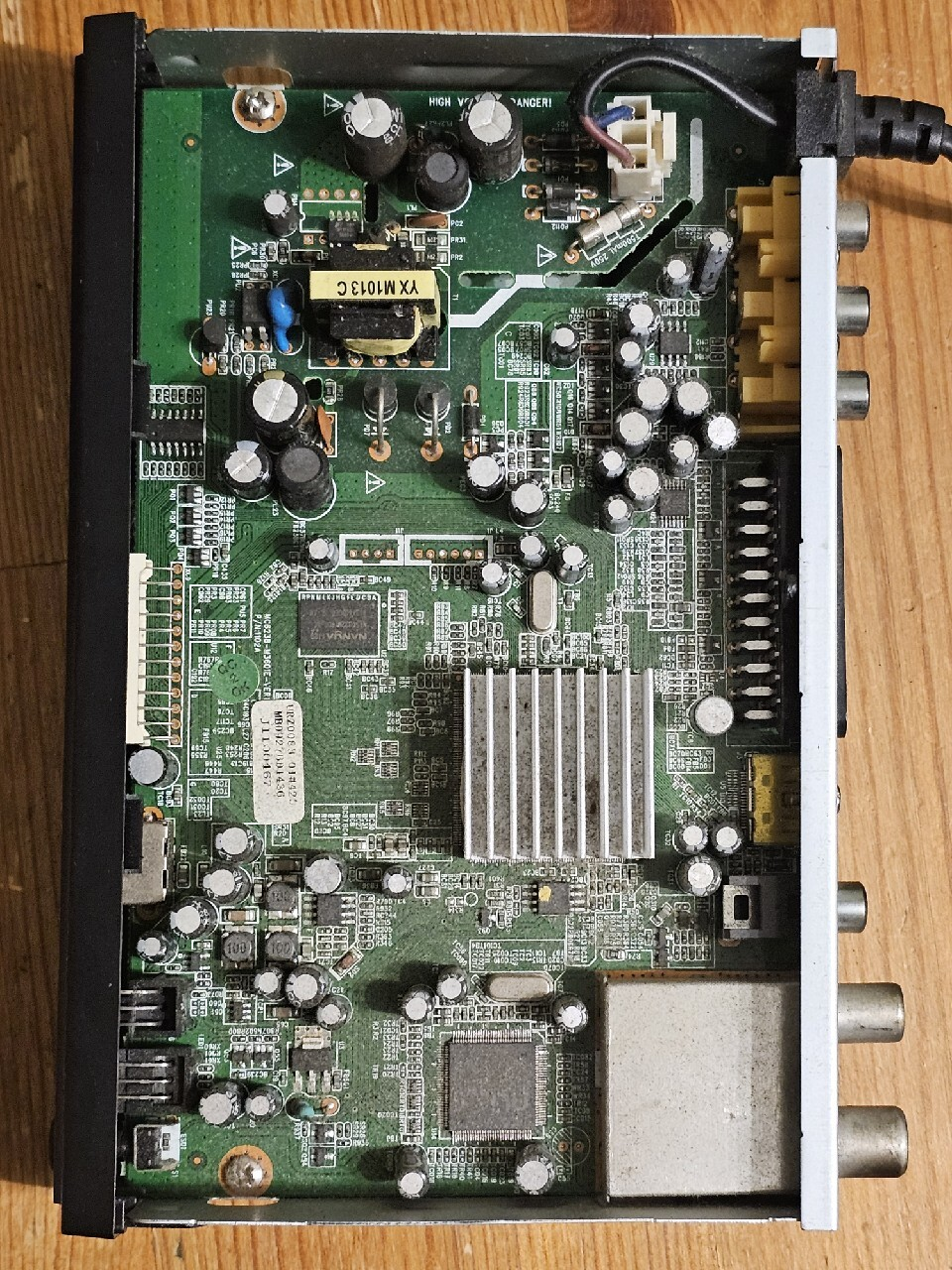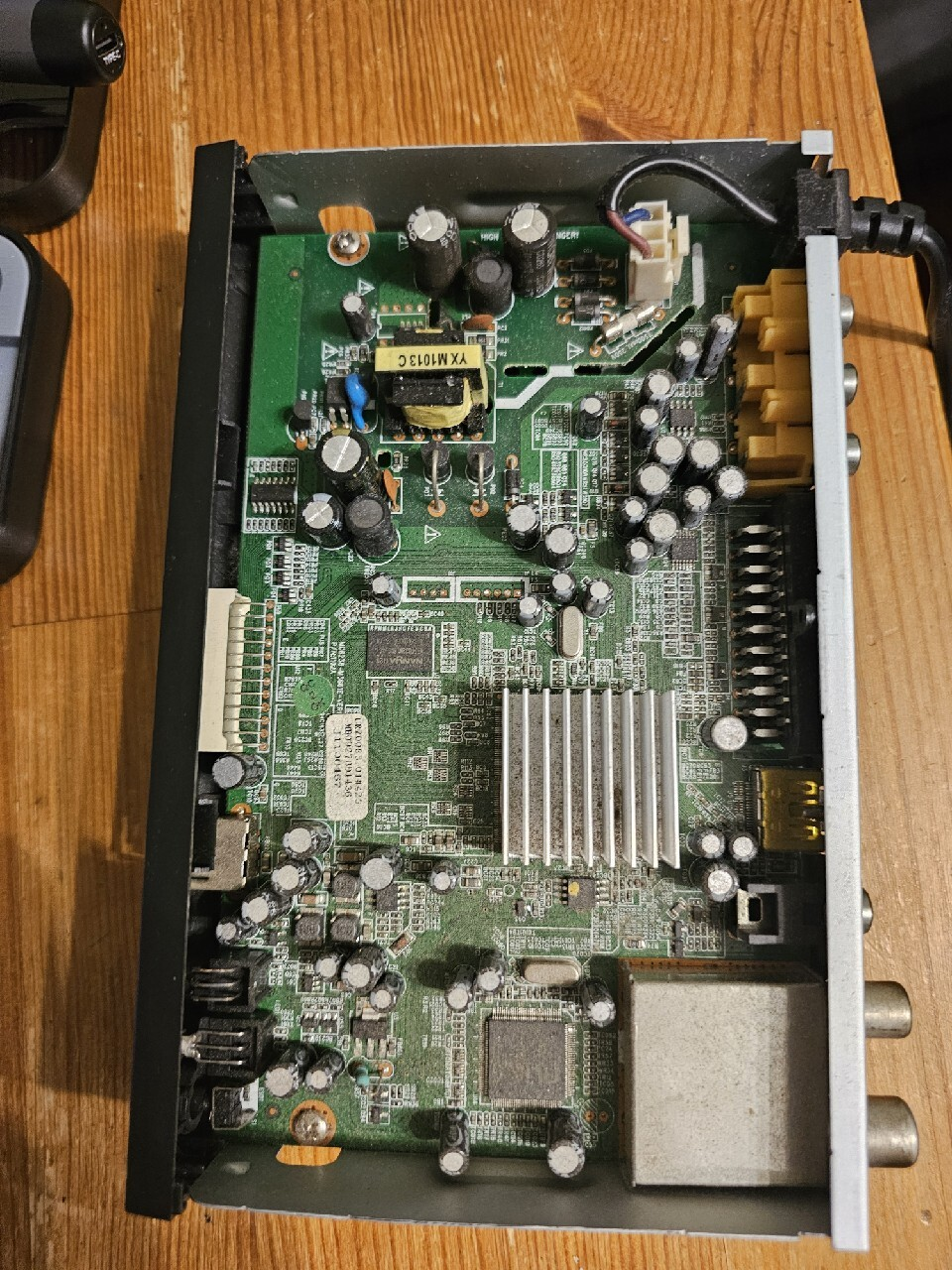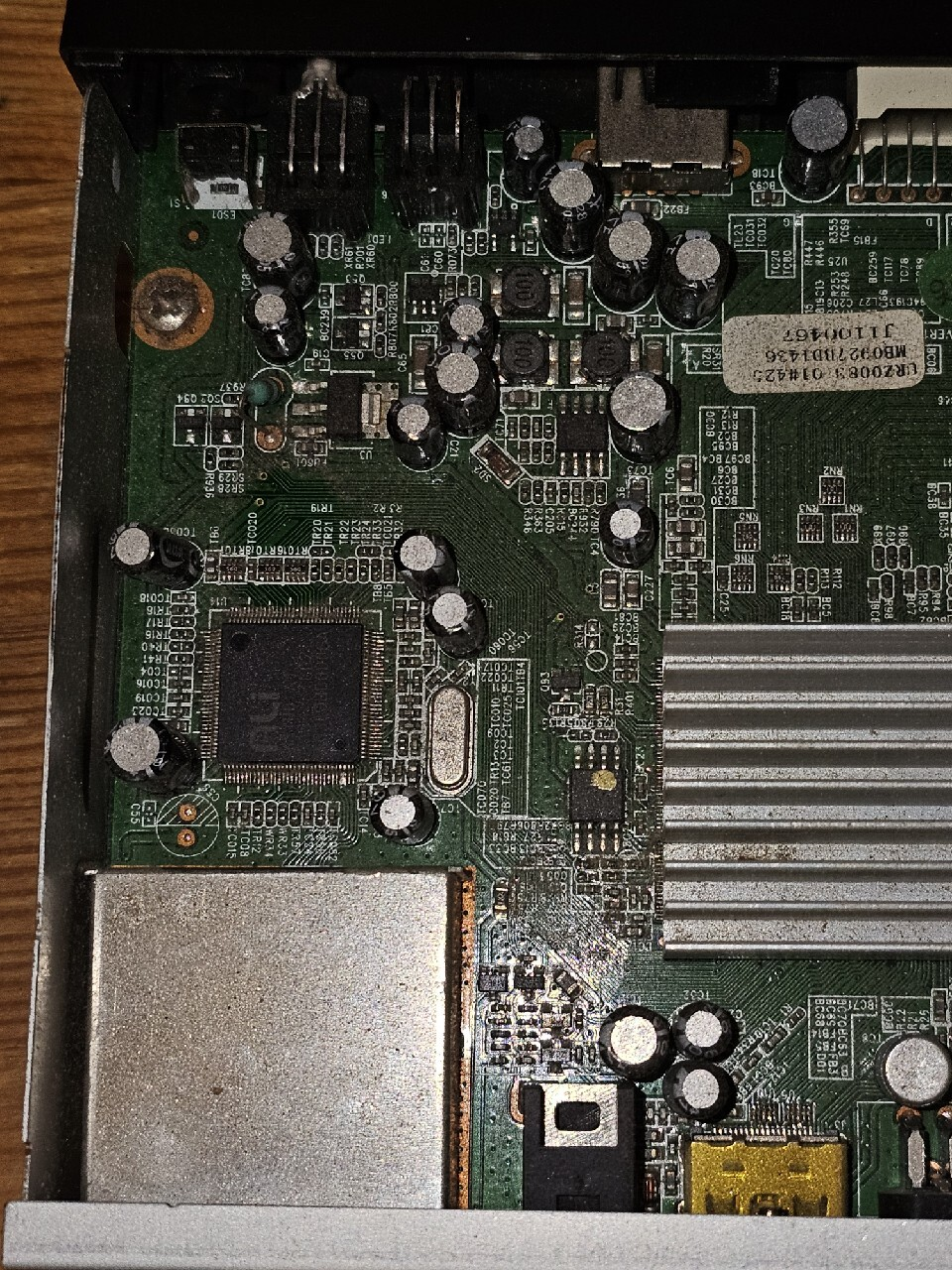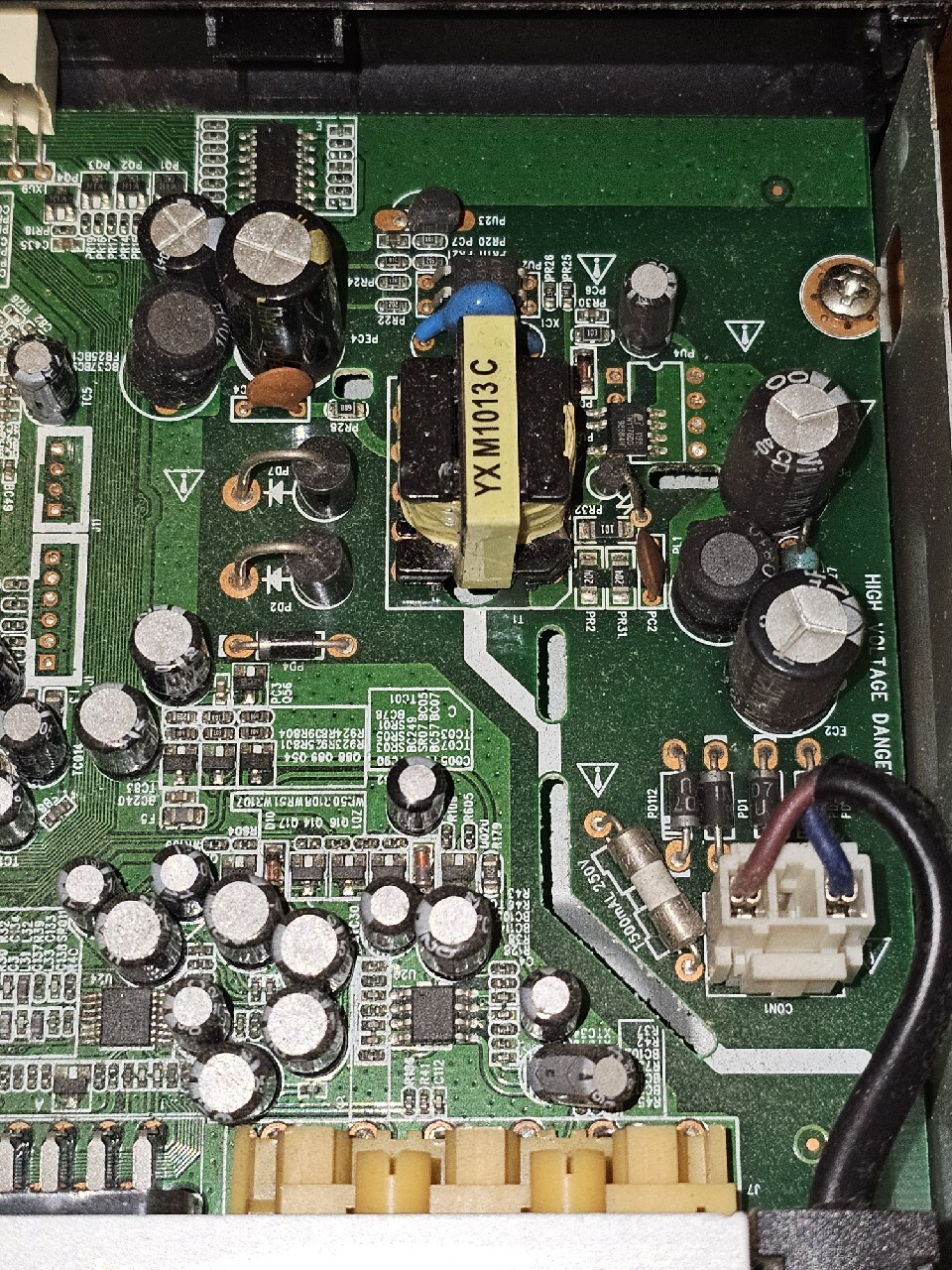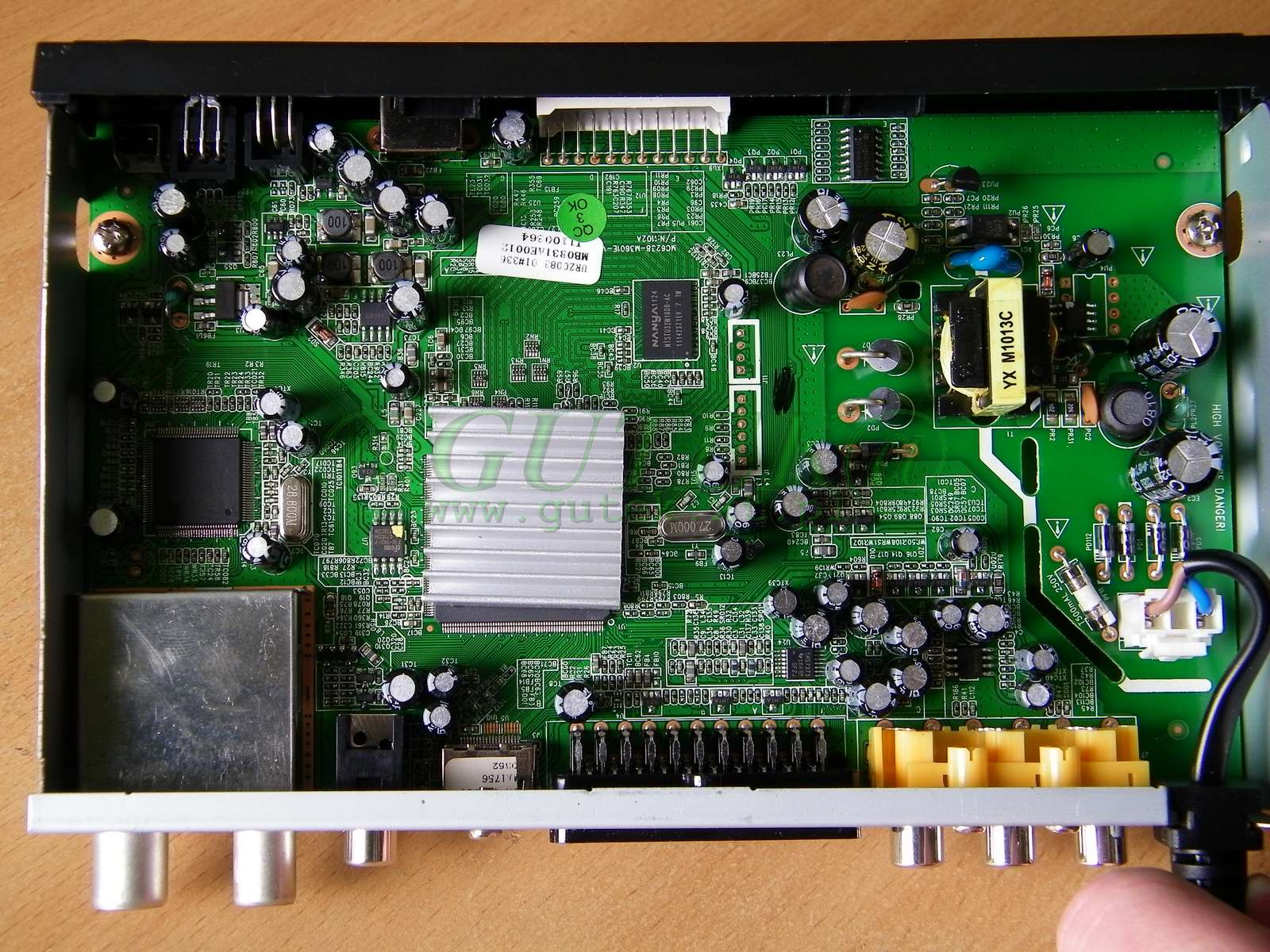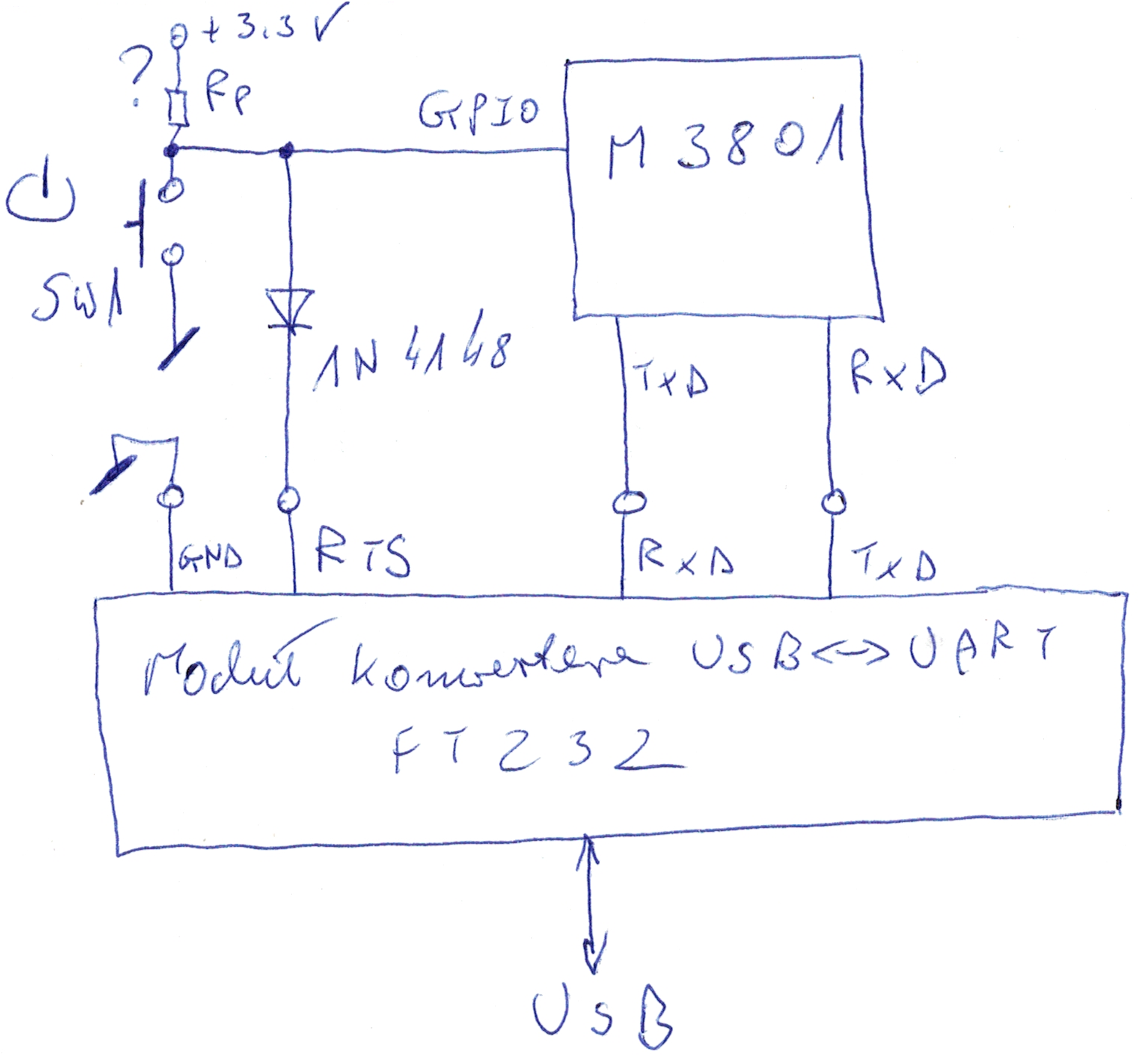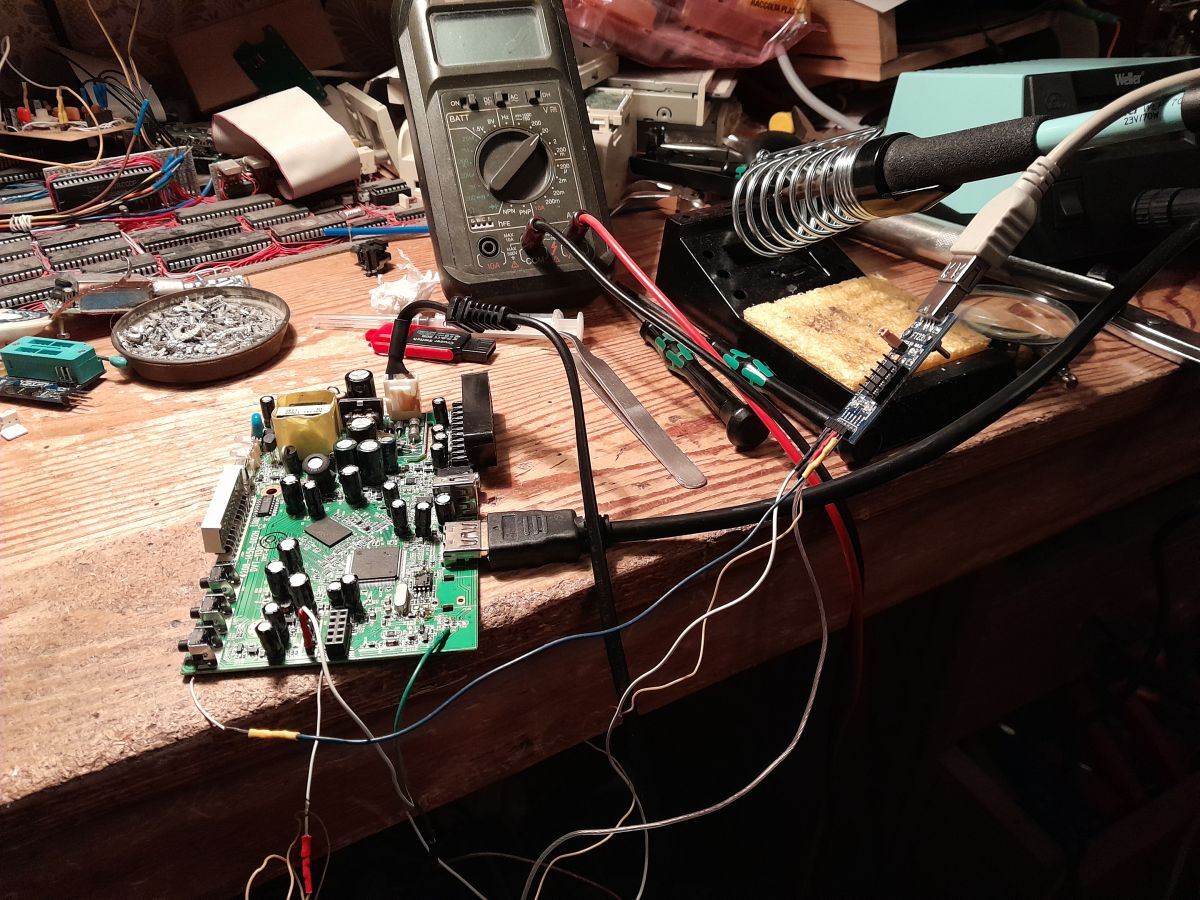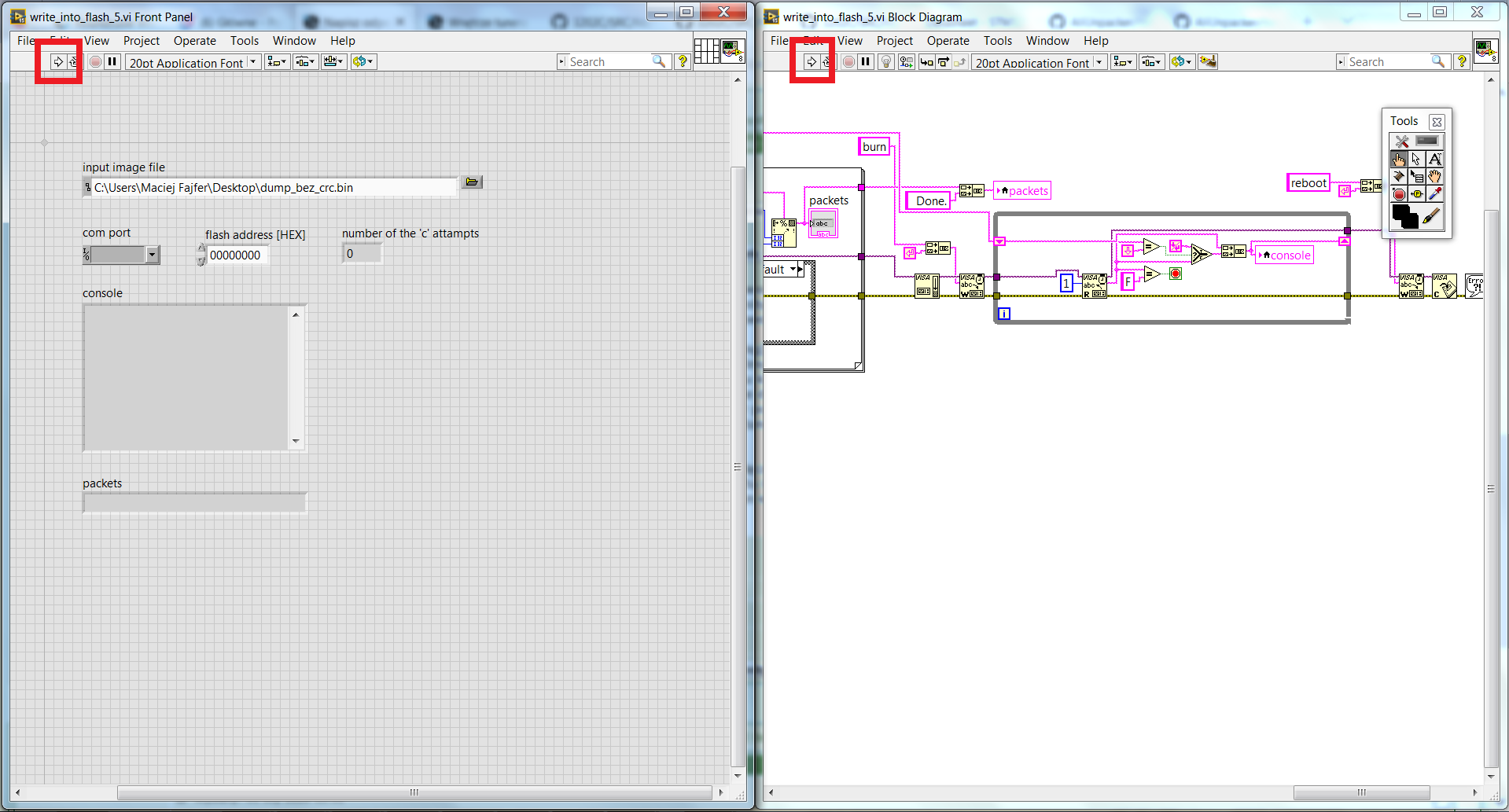




I will show here the first attempts and a simple "Hello world" for the ALI M3801 processor on the example of an old Comsat TE 1050 HD tuner based on the project ali_sdk from GitHub. I will then try to add new functionality to it - GPIO support. The project shown here is not a full Linux SDK, but on the contrary, it is a minimalist demo built from scratch to which most of the functionality has yet to be added.
Organising the working environment
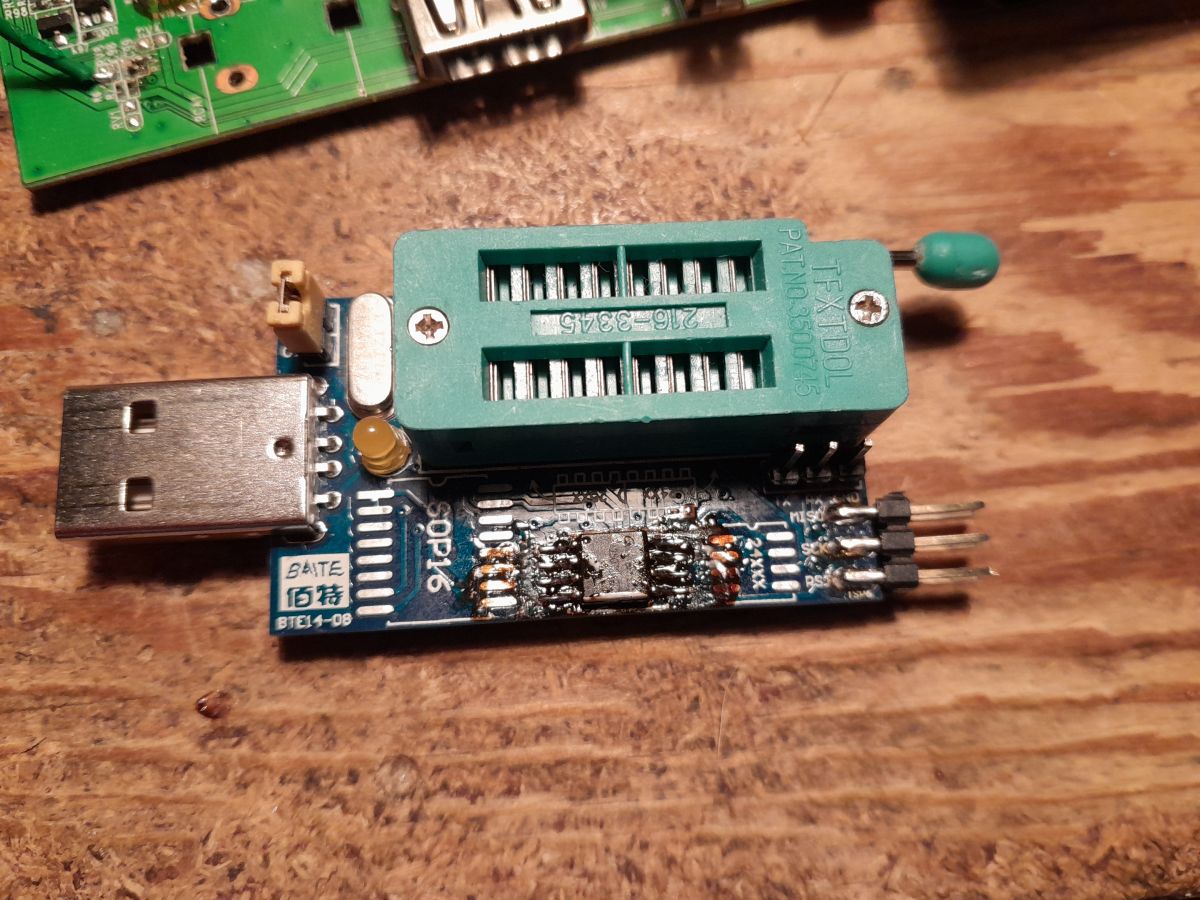
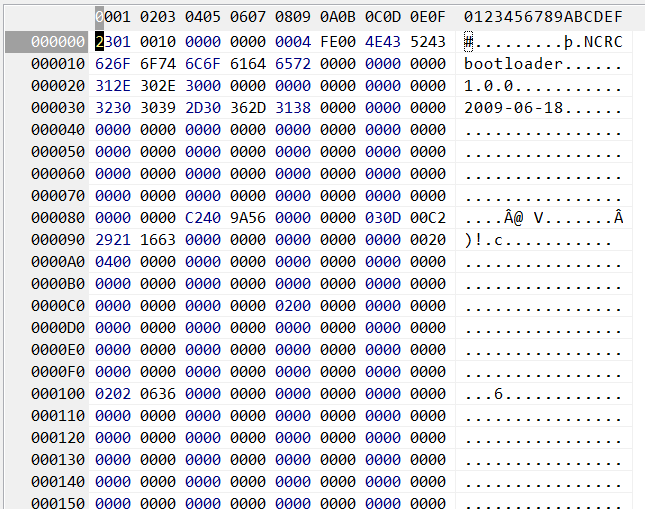
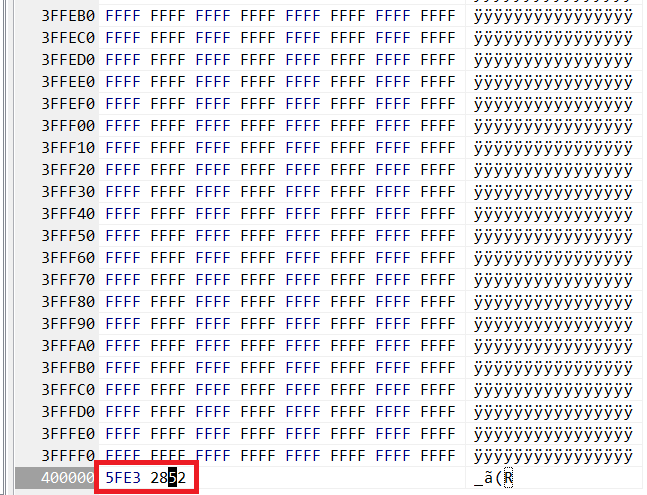
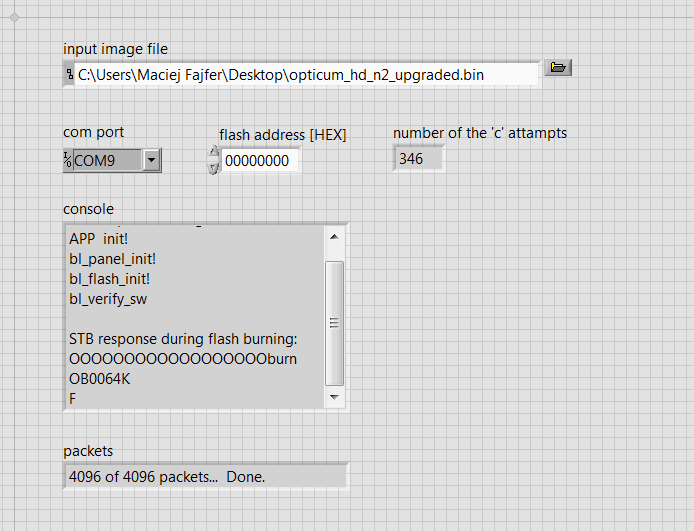
You have to start with the programming method. I use the CH341, the clip didn't work for me - it can't see the memory. On the computer side I fire up NeoProgrammer.

The ALI M3801 is based on the MIPS architecture. I compile the firmware on Ubuntu, according to the readme from the demo author ( michal4132 ):

I tried to compile these demos under Cygwin and WSL - without success. Only on Ubuntu did it work. Additionally, I had to compile the toolchain via crosstool-NG anyway - it took a while, with GCC alone grinding for over half an hour.
Hello World from the author
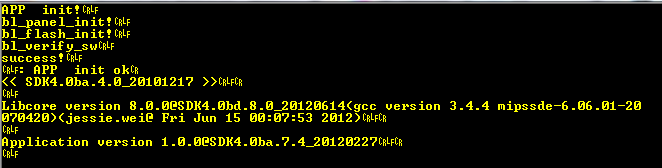
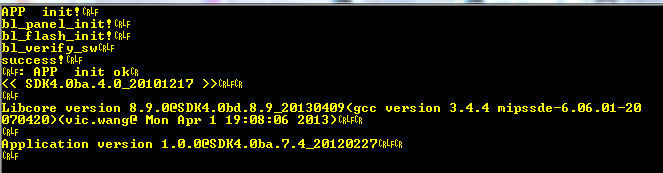
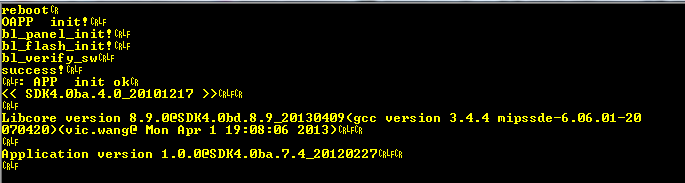
The presented repository includes a simple Hello World offering information display on the UART and a minimalist command line system:
Code: C / C++
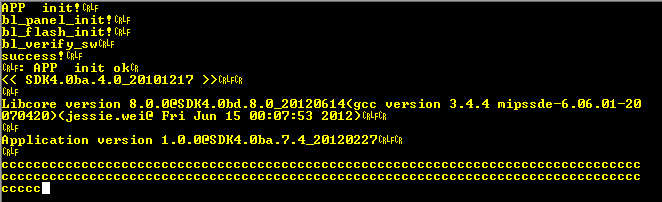
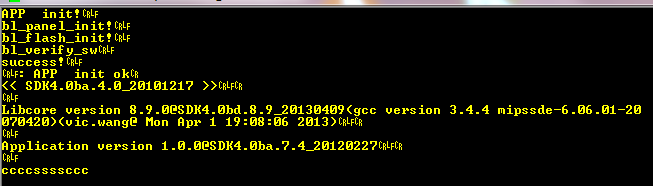
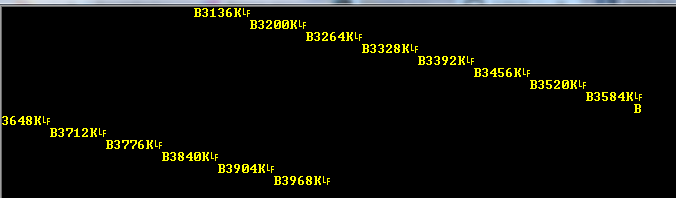
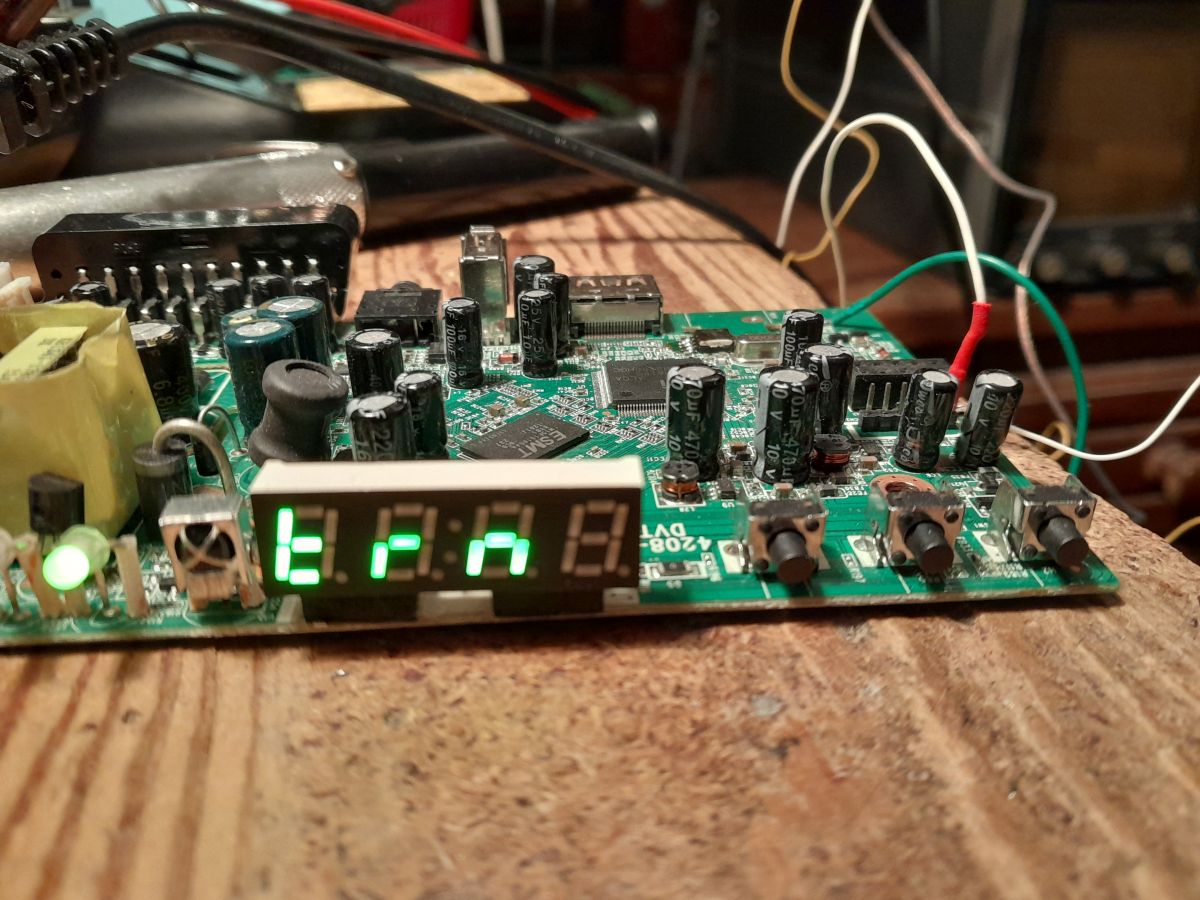
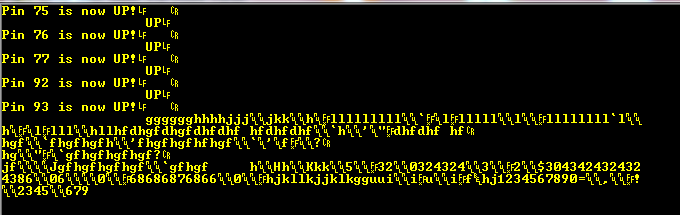
The program in me runs correctly, but does not receive data from the RealTerm :

I will leave this problem for now, but will come back to it later.
GPIO support - buttons
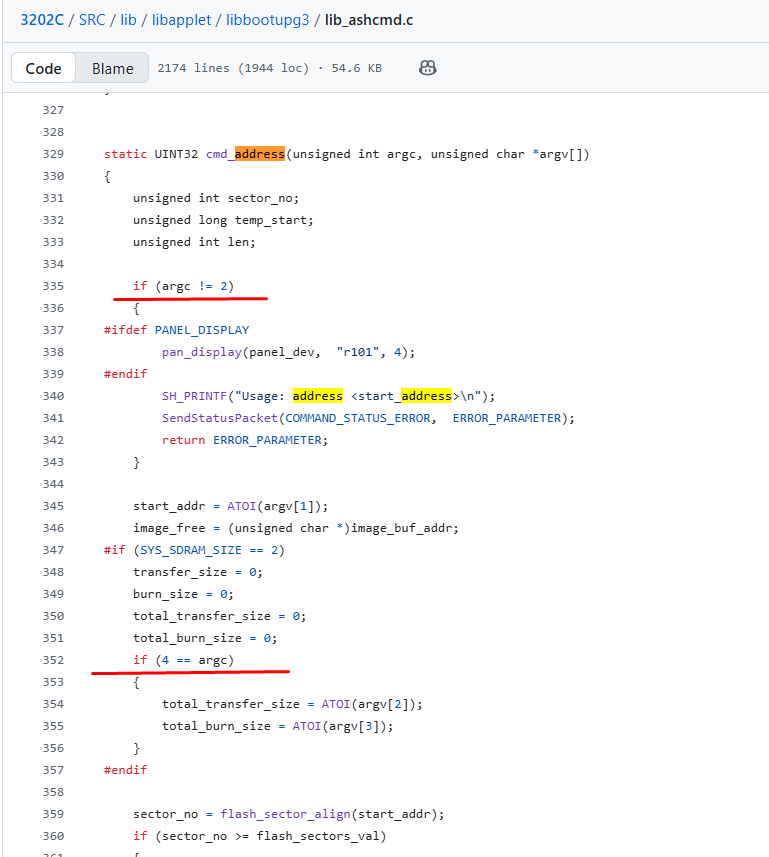
I added the GPIO support on my own, I will outline the methodology here. I just searched by registers - the UART register is already used in the project - 0xb8018300 - a search by it on GitHub leads to some interesting projects. They are not complete, but you can approach other registers:
https://github.com/search?q=0xb8018300&type=code
This is how I came across the m36_gpio.h and m36_gpio.c files:
https://github.com/qttest1/PDK_GoBian/blob/a3...rs/aliminirpc/inc/asm/mach-ali/m36_gpio.h#L53
You can see here how the pins are organised on the M36XX platform - on the M3801 it may be similar.
First we have the four byte words for each port.
Code: C / C++
Then we have a mechanism to select a register for the pin index - the indexes are absolute, starting at 0. For example, to enable GPIO:
Code: C / C++
From a distance you can see that there are quite a lot of pins. This is confirmed by the GPIO_PORT_MAX constant:
Code: C / C++
I transferred these functions to the presented program and managed to make a simple pin scanner. the 8 pins are packed into a single byte and the results are displayed on the screen in a loop.
Code: C / C++
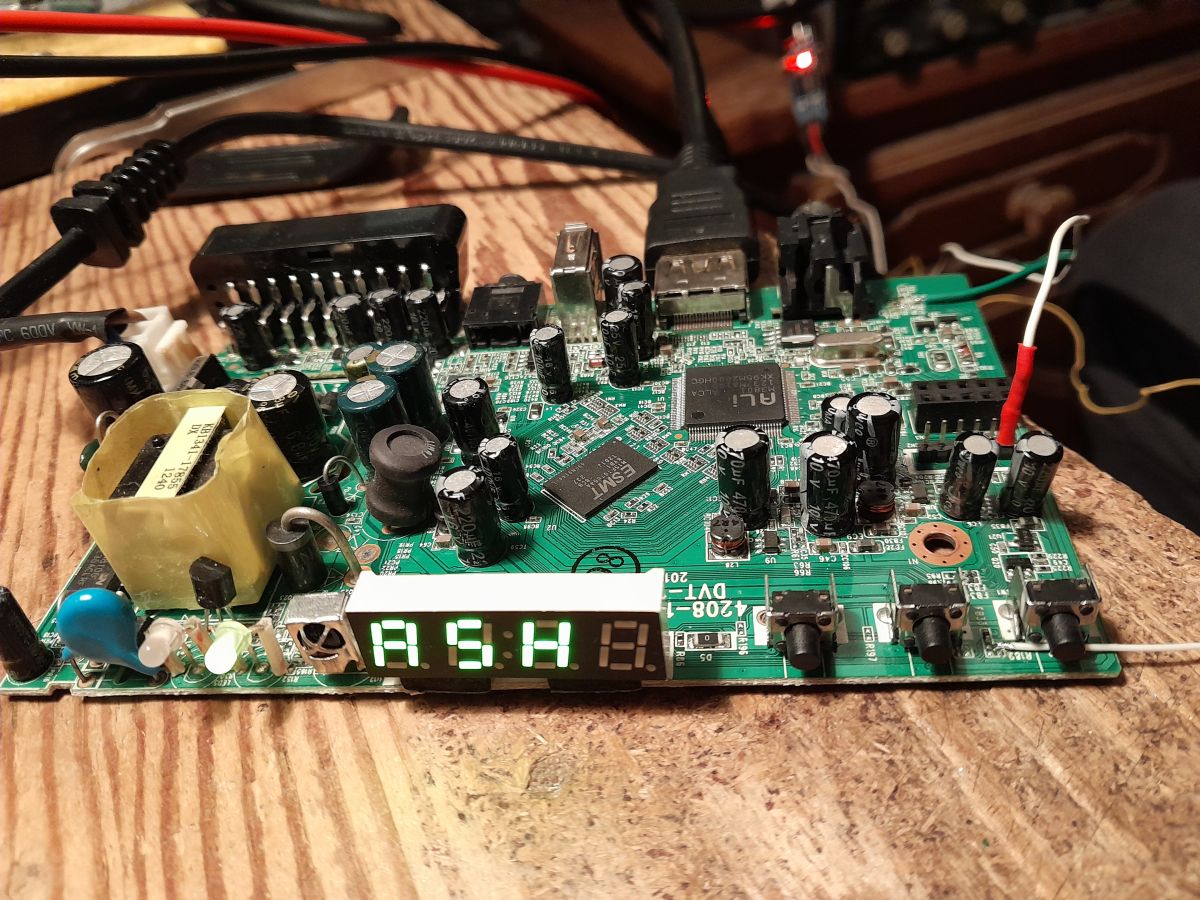
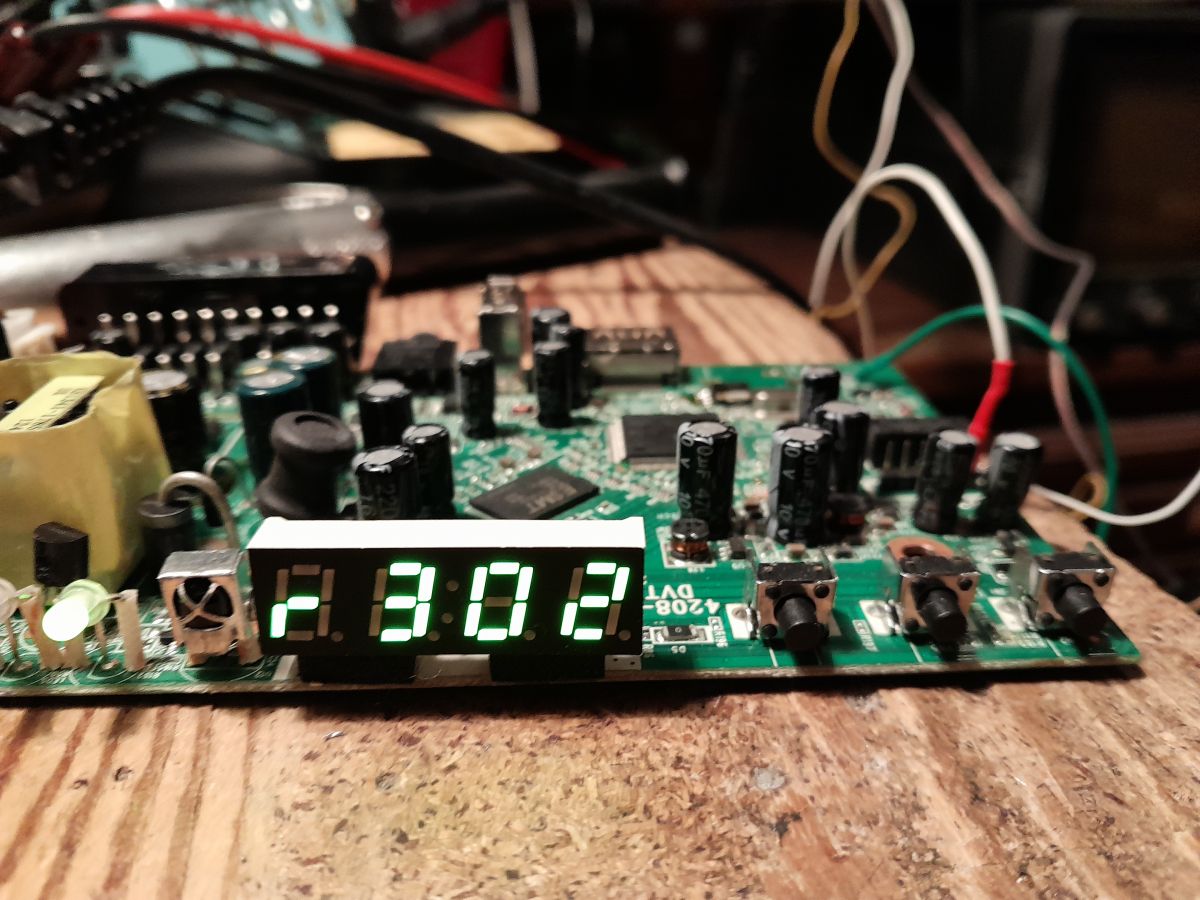
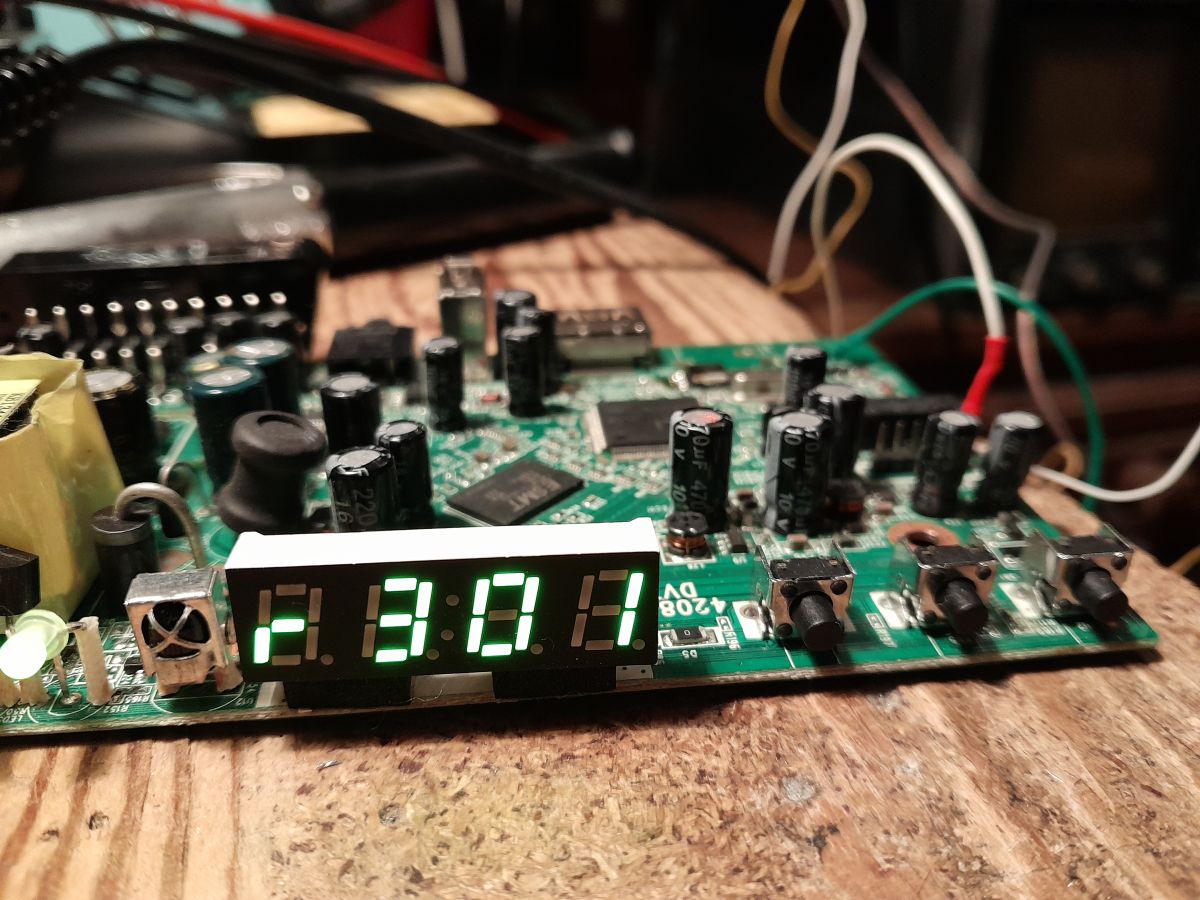
The GPIO readout is working - you can see the responses to the buttons:

Reading chip id (chip ID)
I looked at other SDKs and saw an interesting bit that reads the chip ID. Everything here works in a similar way to pins - there is a special address for this.
Code: C / C++
Oddly enough, the returned value is not passed on directly, but is translated into other constants.
Code: C / C++
For myself, I have prepared without translating to constants:
Code: C / C++
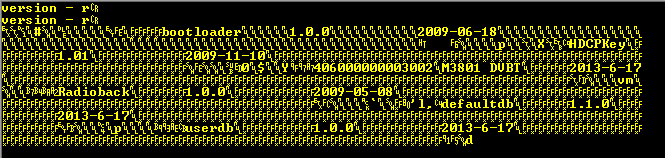
The result:

I have ALI M3801 and I received 0x3811, but maybe it is some internal revision of the chip.
Faster button scan
I also wanted to improve the GPIO scan so that it displays what has changed. To start with I used the following code:
Code: C / C++
This didn't start - all I get is "Booting.... M" on the UART and silence. Perhaps the array didn't fit on the stack.
So I optimised the code so that one pin is one bit:
Code: C / C++
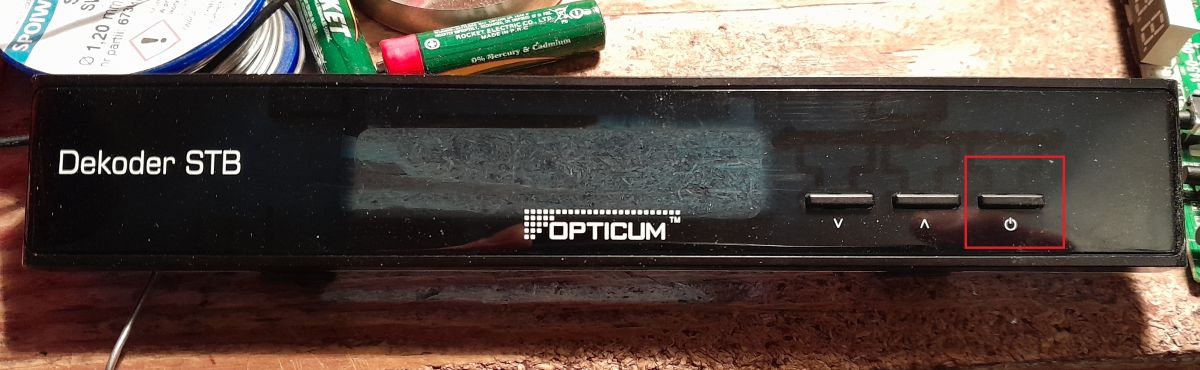
Bingo - you can now see which pins are the buttons from the programs. Interestingly, the main on/off button is not seen:

Continued testing with UART
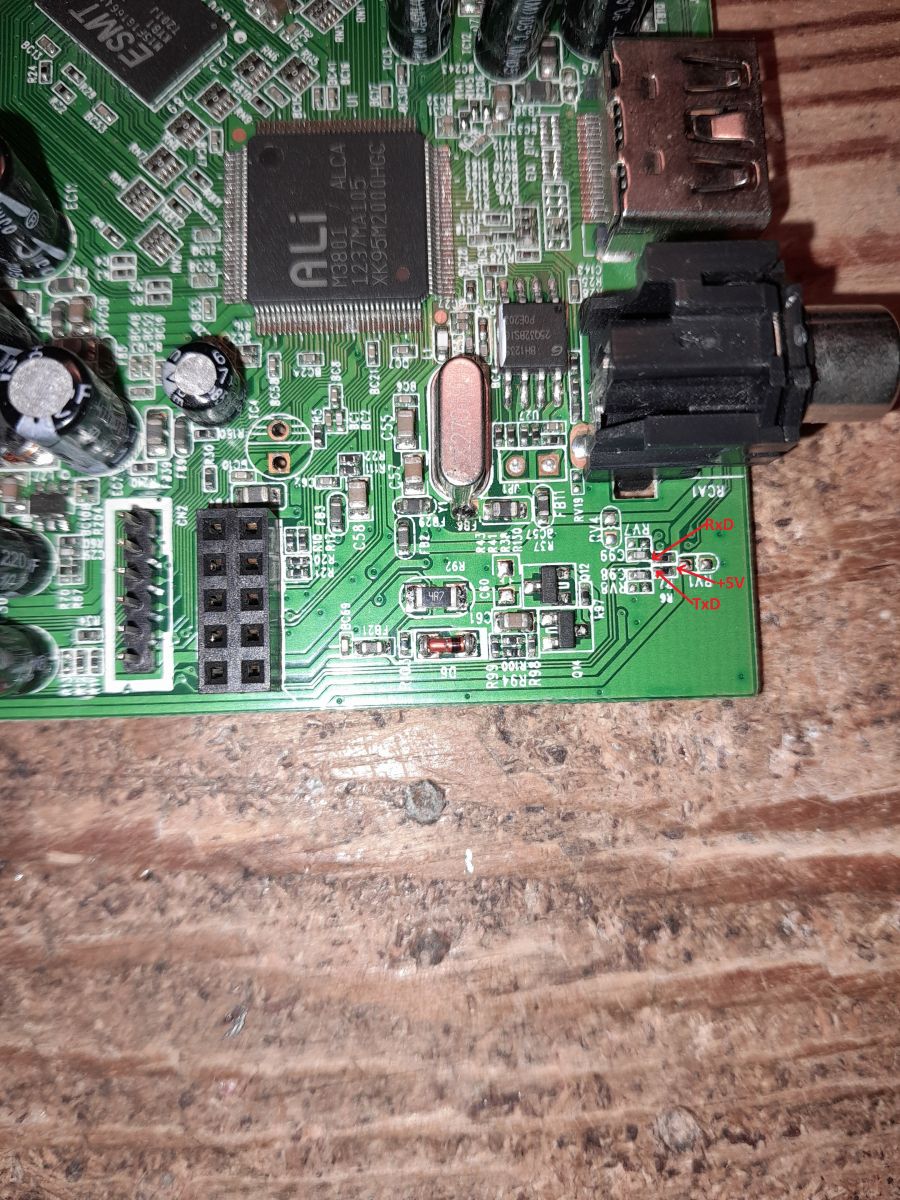
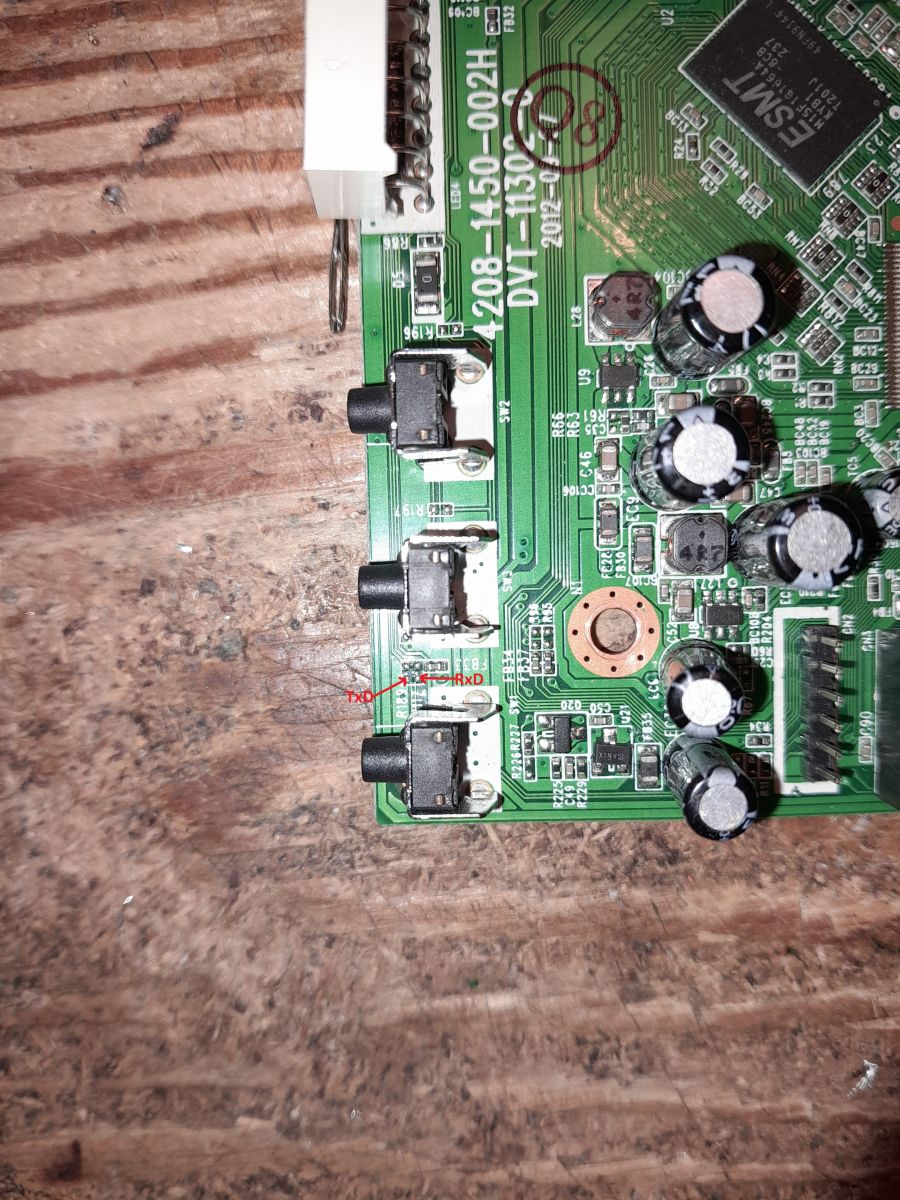
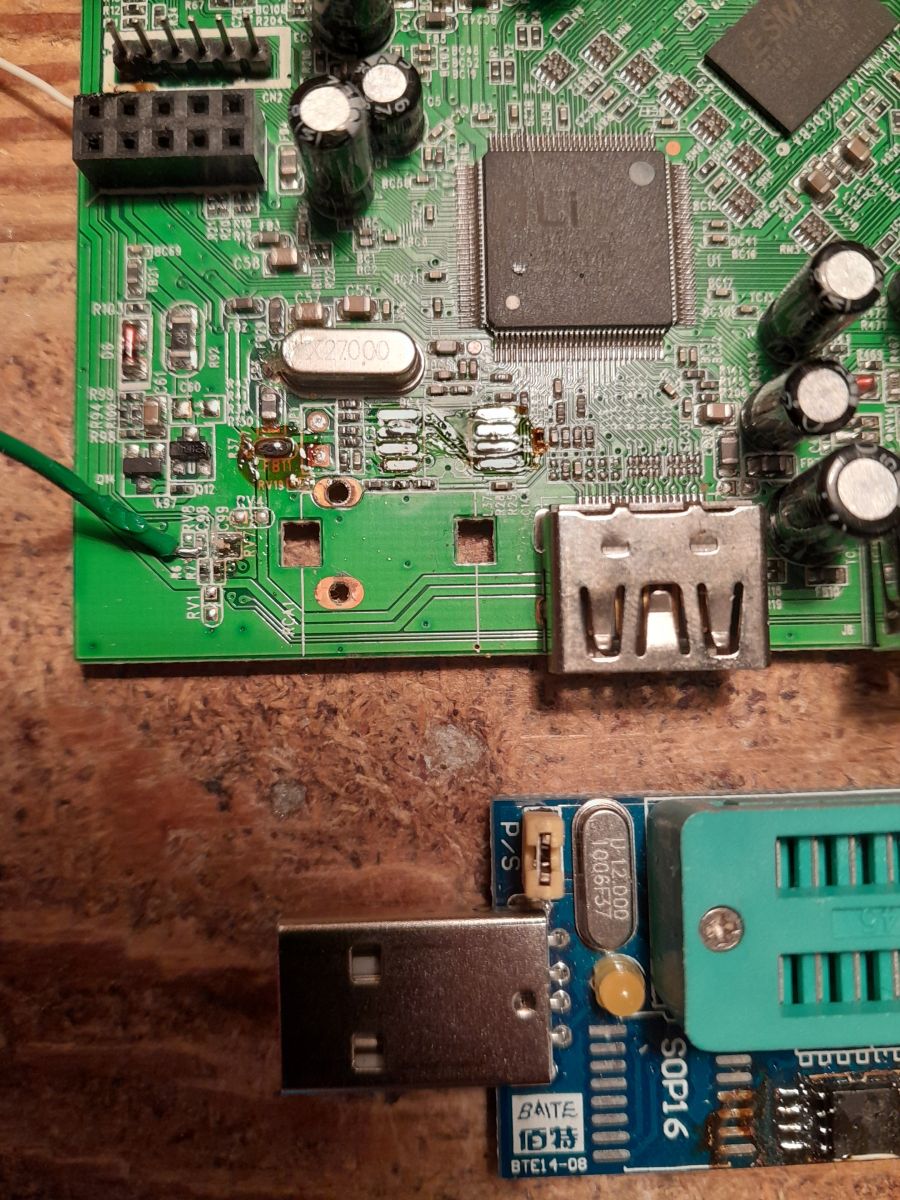
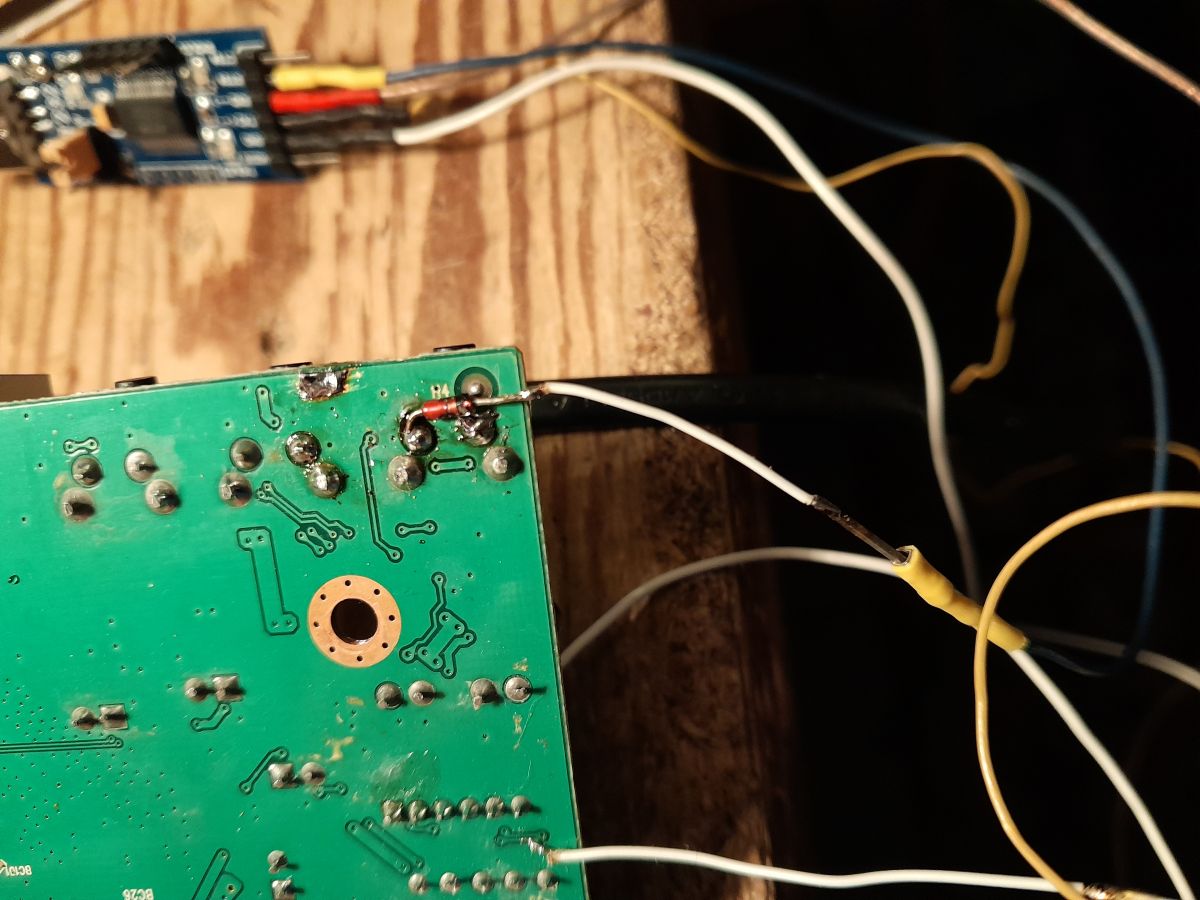
The complete lack of UART communication on the computer -> device line was giving me no peace of mind. I started by verifying the pins to see if I had indeed correctly identified where the RX of the microprocessor was.

Everything is correct. We have TX, RX, 5 volts and ground in sequence. I also tried removing the pull up resistors (you can see them in the picture under the RX/TX pins), but to no avail.
In the end, I was interested in the UART configuration itself. After all, it has a parity bit set in it - even mode. A rather unusual setting. I tried turning it off:

It is immediately much better, but there are still problems:

I have looked at the information on the web about the CH341 I am using and I am coming to the conclusion that:
- CH341 does not handle parity bits correctly
- or more precisely, data with the even bit is not sent correctly (the receiver rejects it - bad parity or no parity?)
- but interestingly, when the device sends data with this bit to CH341, CH341 nevertheless receives it correctly, so in a way it misleads me by giving the impression that everything is ok....
I guess I'll have to check this with a logic analyser. I don't even have other USB to UART converters to compare.


Further plans
This UART does not work very stably and in addition receiving is solved in a blocking way for the processor, and too slow debouncing causes characters to be lost. It is imperative to run this based on interrupts, just how? There is residual information on the web, no full documentation of what registers to set.
I'll try to search as much information as I can about it, and potentially test - you need to add an ISR (function to handle the interrupt) and check that it calls. Maybe increment the volatile variable in it and in the main loop detect the change. Add to that a simple menu operation, since my buttons already work, and have different functions that set registers so I can quickly test different options.
Materials for further analysis and searches
UART register addresses - 0xb8018300 and 0xb8001600:
https://github.com/search?q=0xb8018300+&type=code
https://github.com/search?q=0xb8001600+&type=code
ALI_SOC_BASE base address - 0xb8000000:
https://github.com/search?q=ALI_SOC_BASE+&type=code
https://github.com/search?q=0xb8000000+&type=code
Other circuit types (my 0x3811 is not here):
Code: C / C++
Interrupts?
https://github.com/zhe2lucifer/linux-kernel-z...s/modules/aliarch/mips/ali/m36/m36_irq.c#L327
https://github.com/zhe2lucifer/linux-kernel-z...b/6.8.3.2-dev/arch/mips/kernel/irq_cpu.c#L101
Summary
The project found is promising, but necessarily requires the implementation of interrupts for the UART and then a simple bootloader. This can be quite difficult due to the lack of documentation on the subject, but I will try to move forward with it and report the results soon.
I've also attempted to simulate the Mips core based on libraries from Python - I can already do the assembler this way, but it doesn't simulate anything but instructions, so it's more of a curiosity. I will present this in a separate topic.
Do any of you have this or a similar Ali chip and would be willing to try your hand at programming it? Any help welcome, on the fly I am trying to move on with this and am looking for similar tuners.
Cool? Ranking DIY Helpful post? Buy me a coffee.