









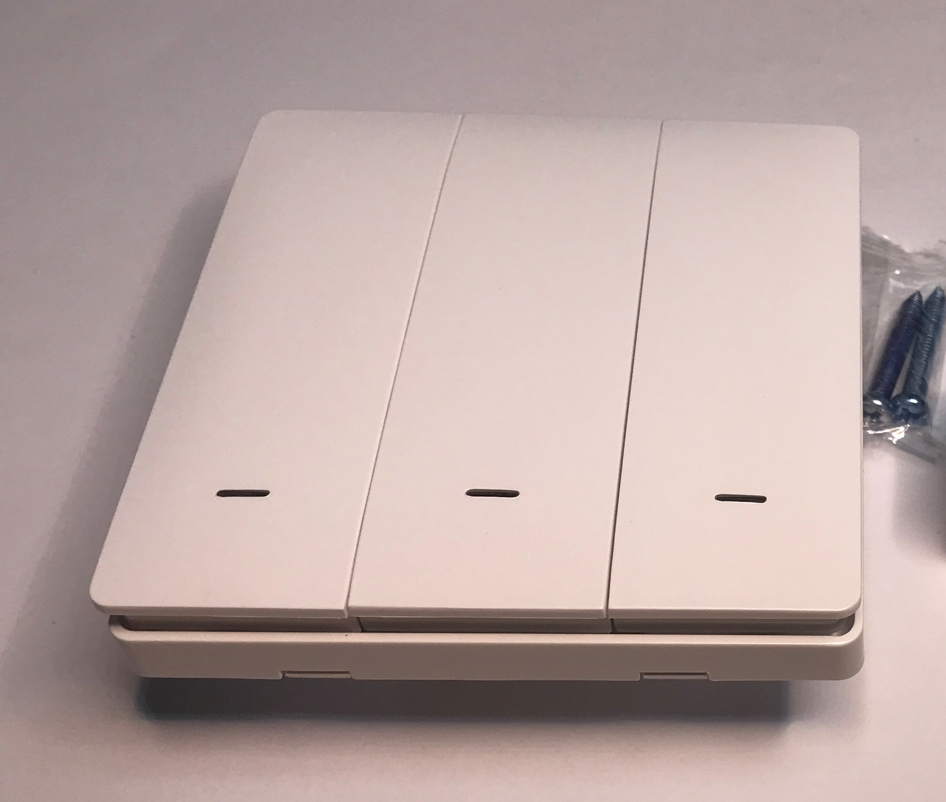
Do you like touch buttons? They are very easy to find in all sorts of modern devices today - including building automation systems. However, I myself am not a fan of them, which is why in this topic I will be showing a Wi-Fi enabled programmable switch based on classic, clickable buttons - the so-called microswitch. It will combine the traditional convenience of control with the possibilities of remote control over the network. The topic will, of course, focus on changing its firmware so that it will work 100% locally, without the manufacturer's cloud.
One must start with the price. The 'triple' version was bought by a reader for PLN55. He then sent it to me along with the other devices so I could change the firmware. I uploaded our forum OpenBeken here.
Let's move on to the packaging. The Bluetooth + Wi-Fi markings generally tell us that there is a Beken chip inside, but here it is only Wi-Fi alone that is mentioned.
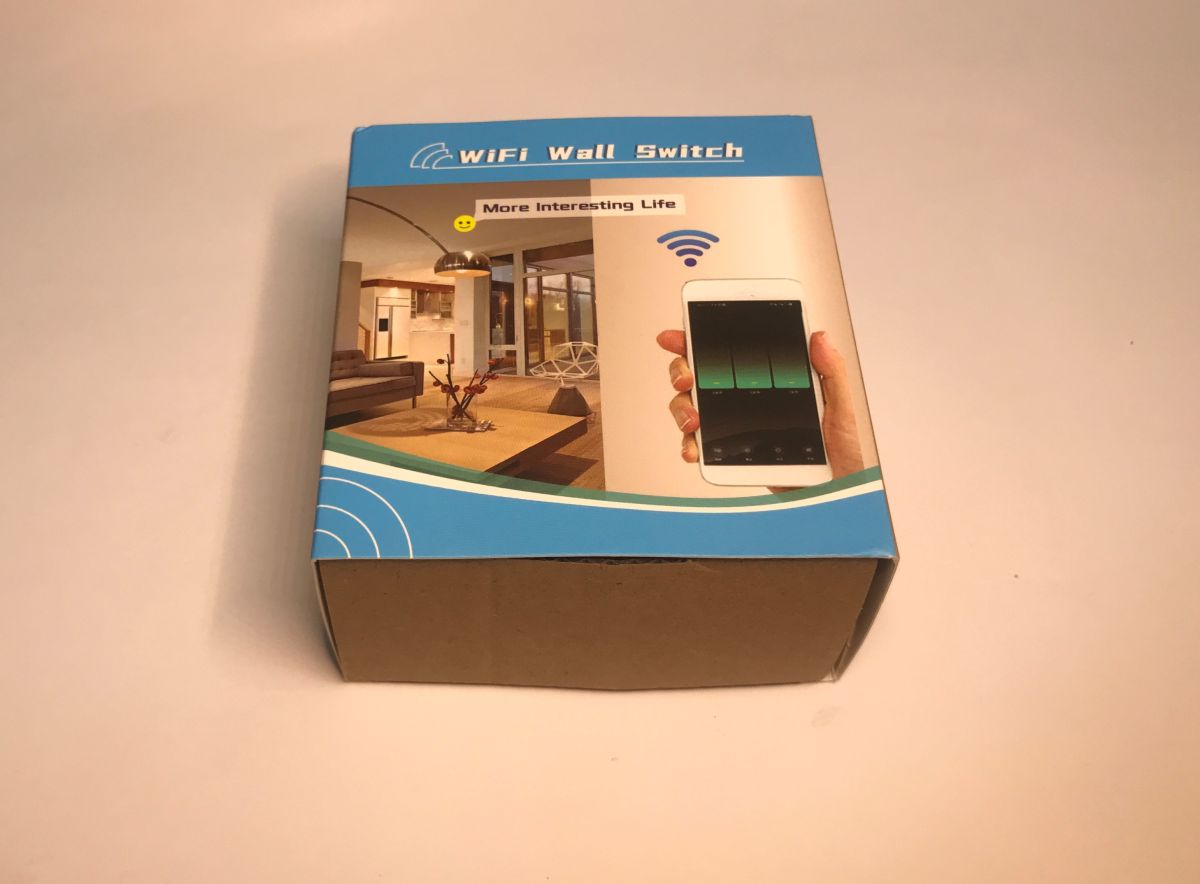
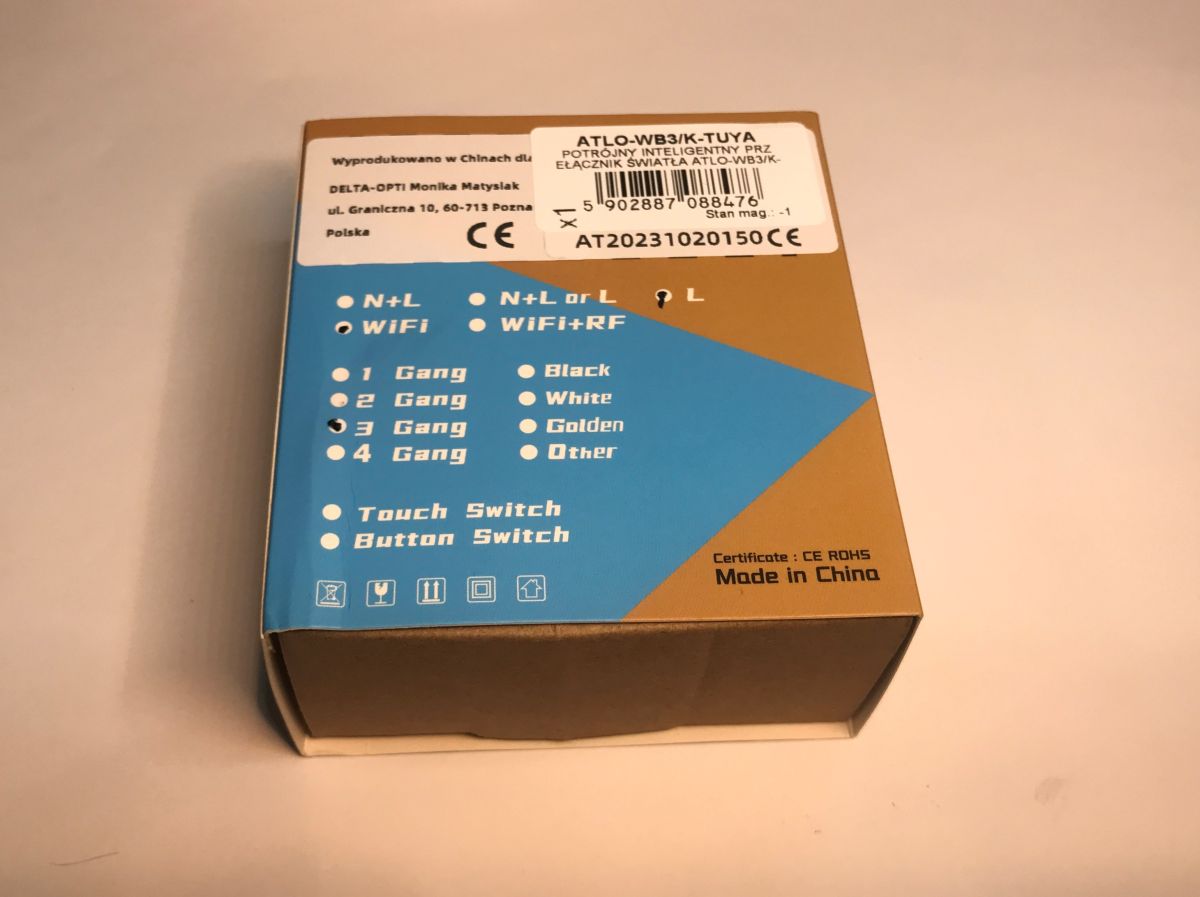
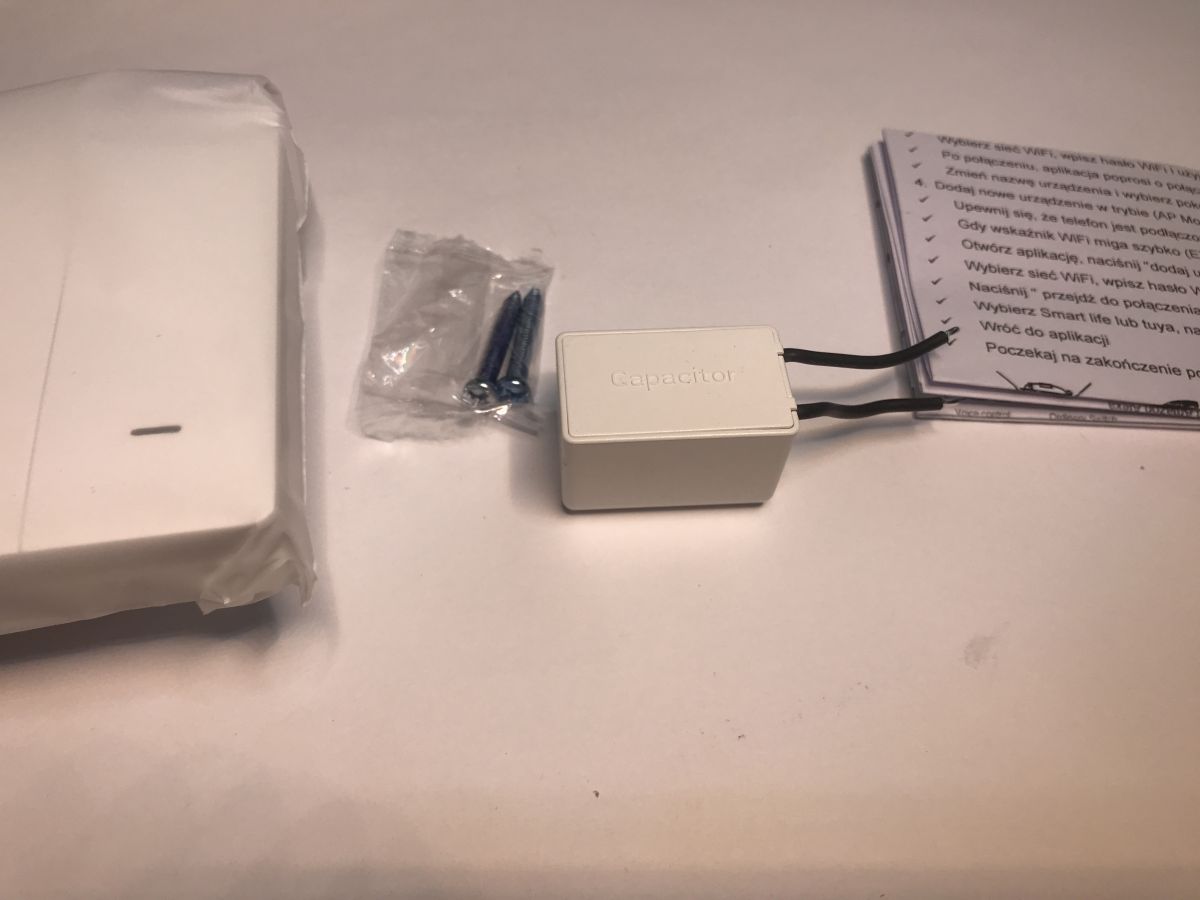
Inside is an on/off switch, instructions, screws, and a so-called 'adapter', which is effectively a capacitor. He is needed for operation without a neutral wire.
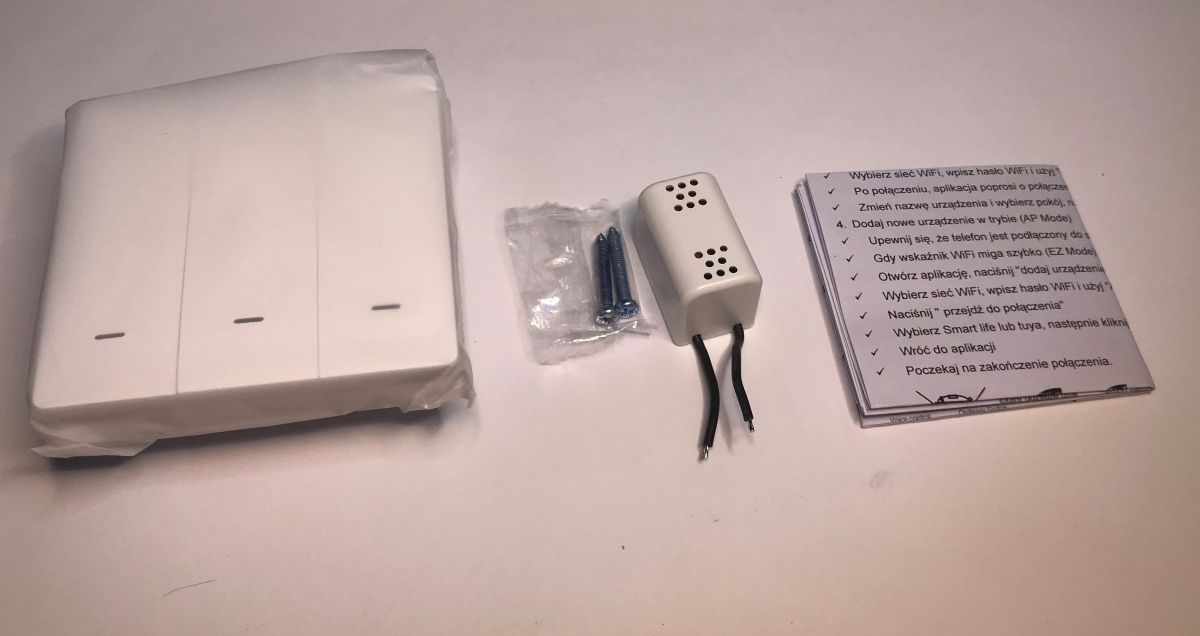
I have not yet seen this form of "adapter" housing:
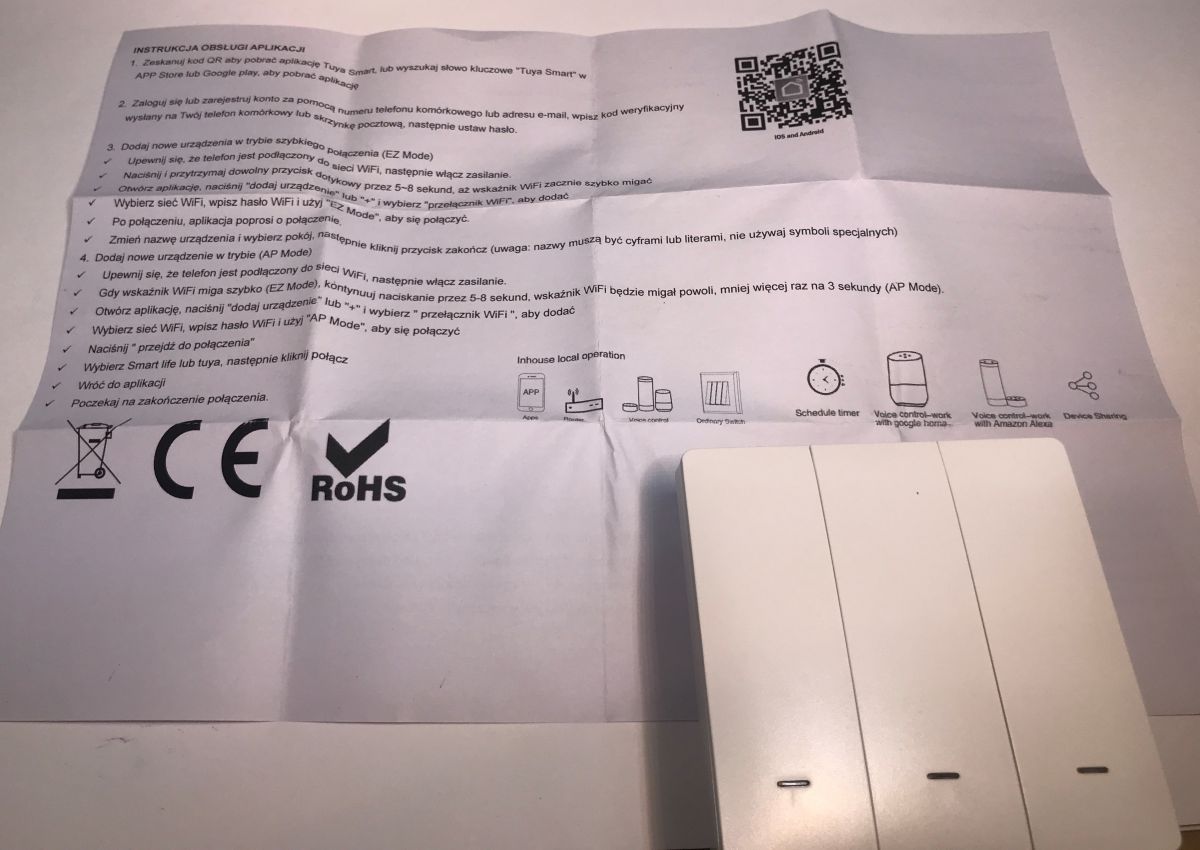
The seller has printed the instructions in our language. Here we find out how to pair with the Tuya - there are two modes, 'EZ Mode' and 'AP Mode'. See the pictures for details:
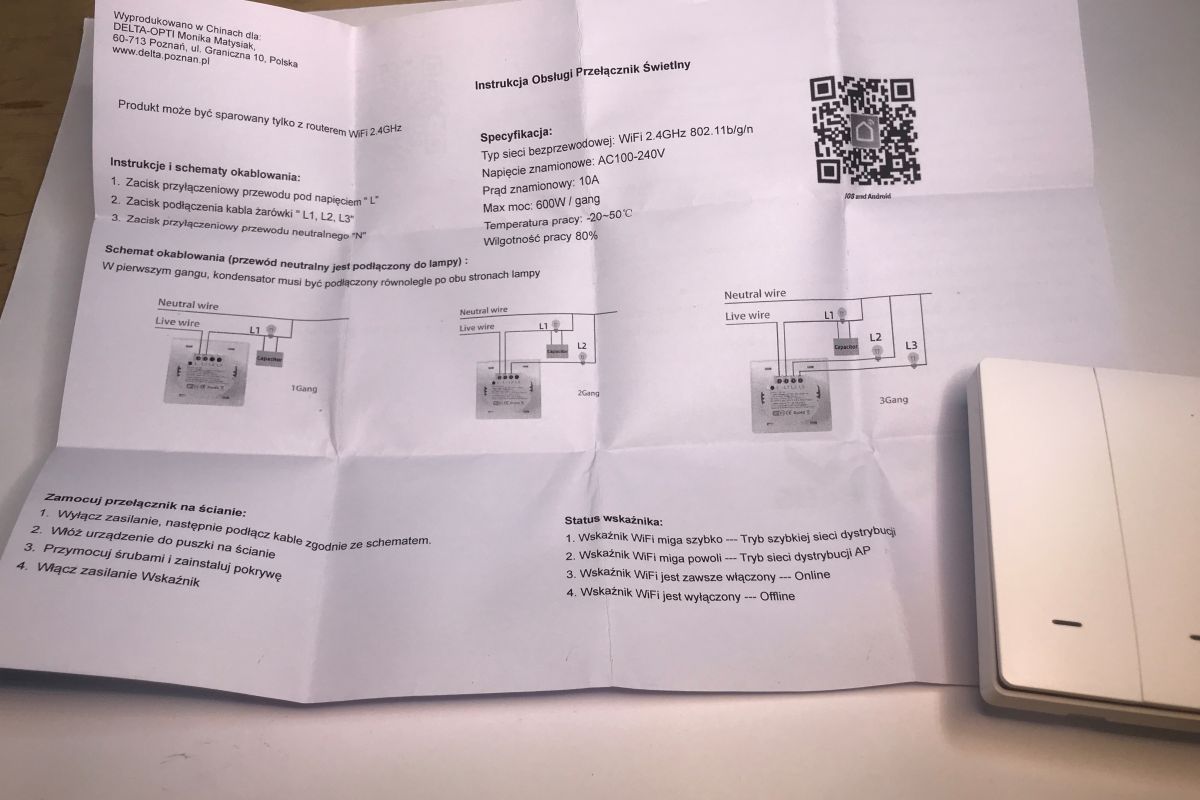
Declared power: 600W per channel.
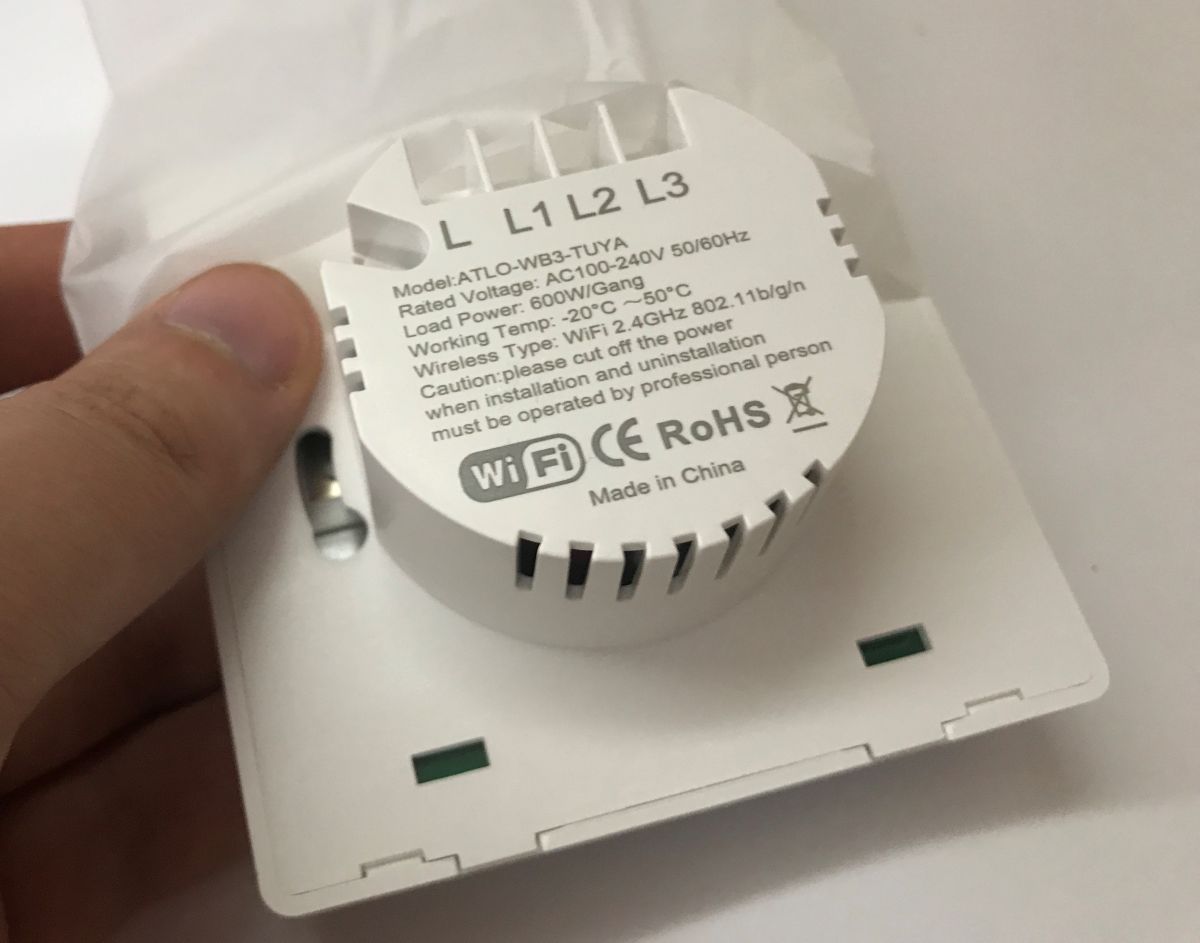
So much in a word of introduction. Now it's time to look inside. We remove the front:
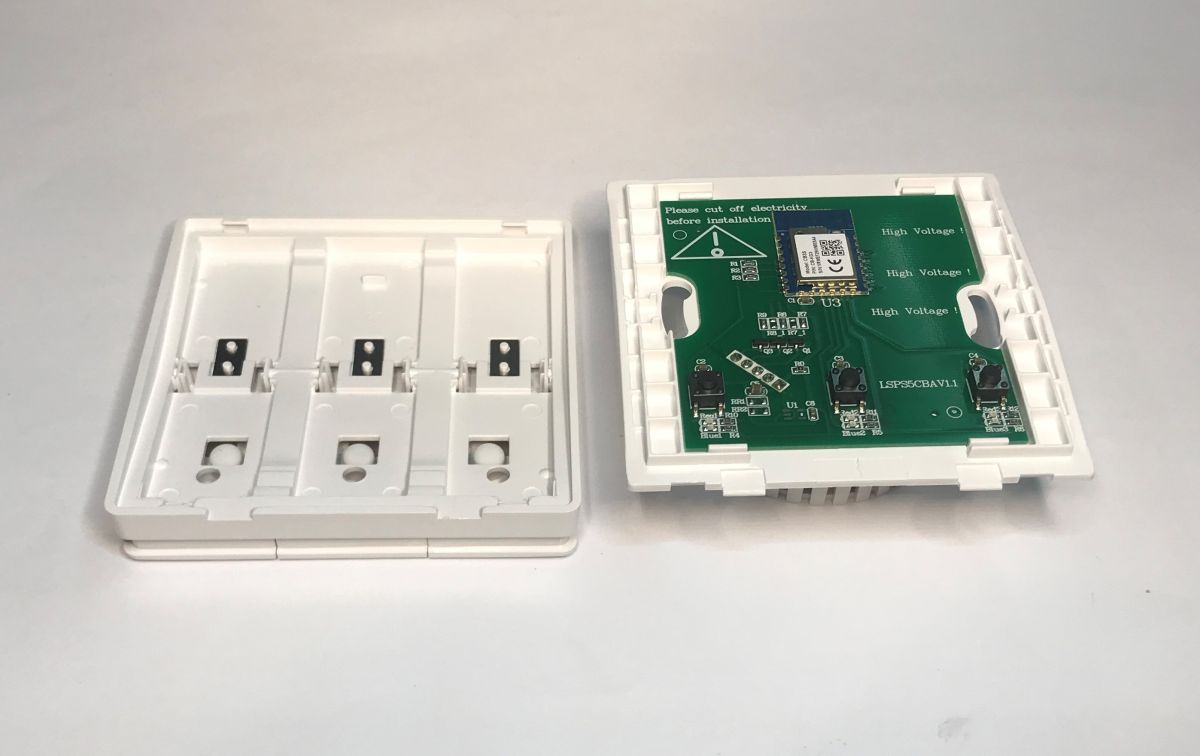
So there's a Beken inside after all - the CB3S, or BK7231N.
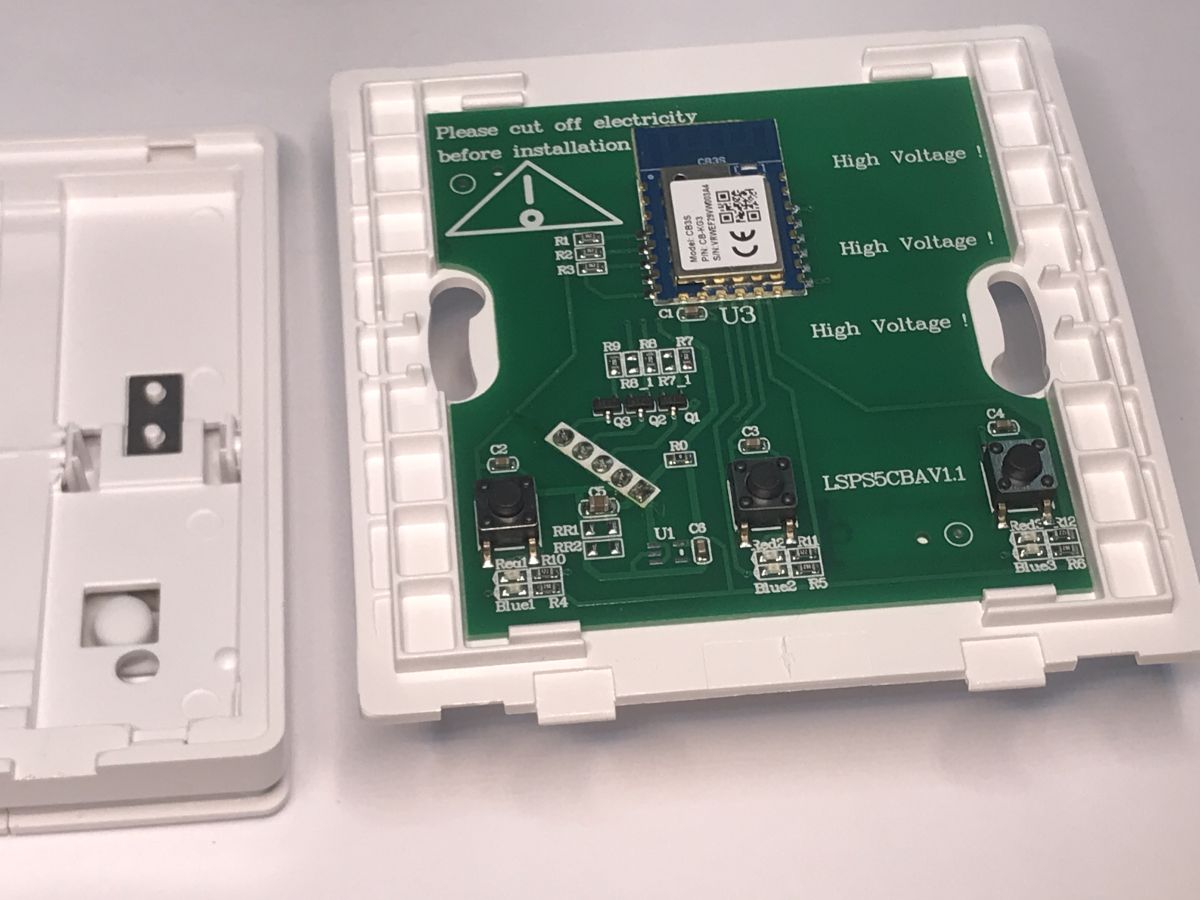
The PCB designation is LSPS5CBA V1.1
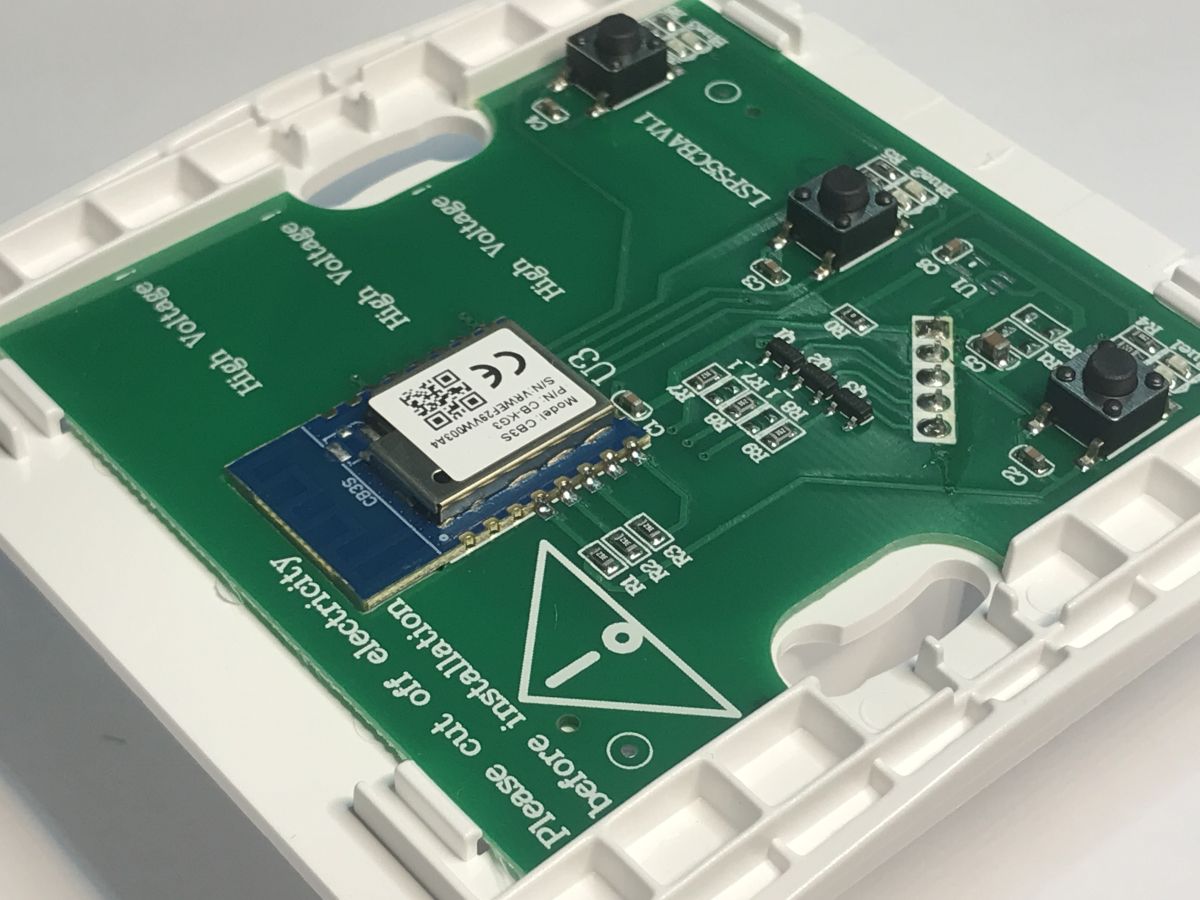
It is time to change the firmware.
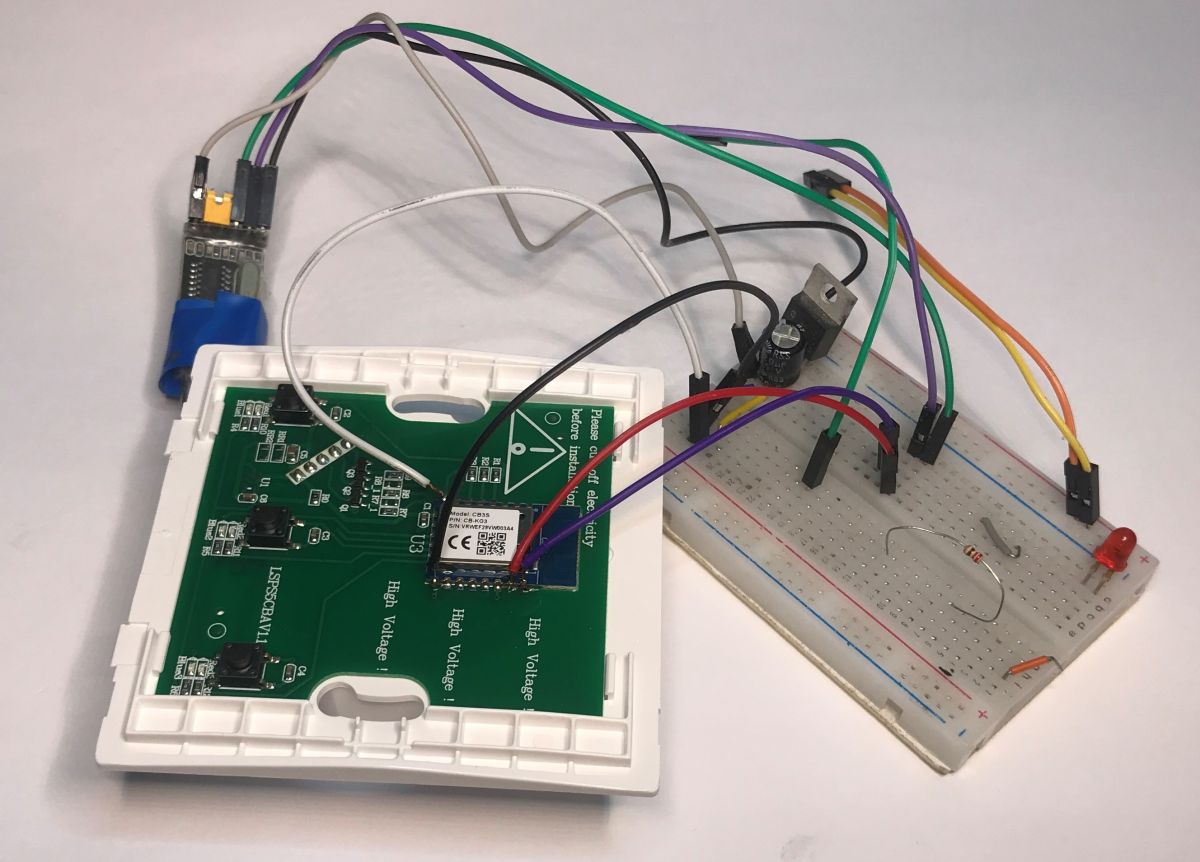
You need to have a USB to UART converter and solder four wires - 3.3V, ground, TX and RX. Follow the Flasher's instructions:
https://github.com/openshwprojects/BK7231GUIFlashTool
You can also watch one of the videos on our Elektrod channel:
CB3S leads:
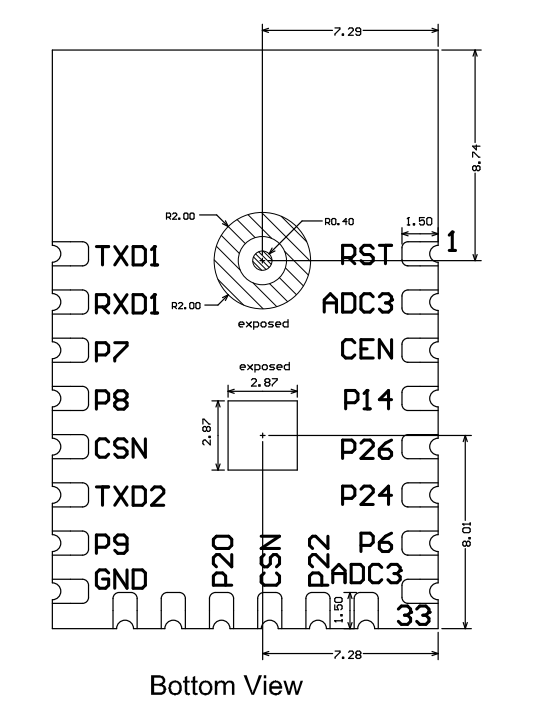
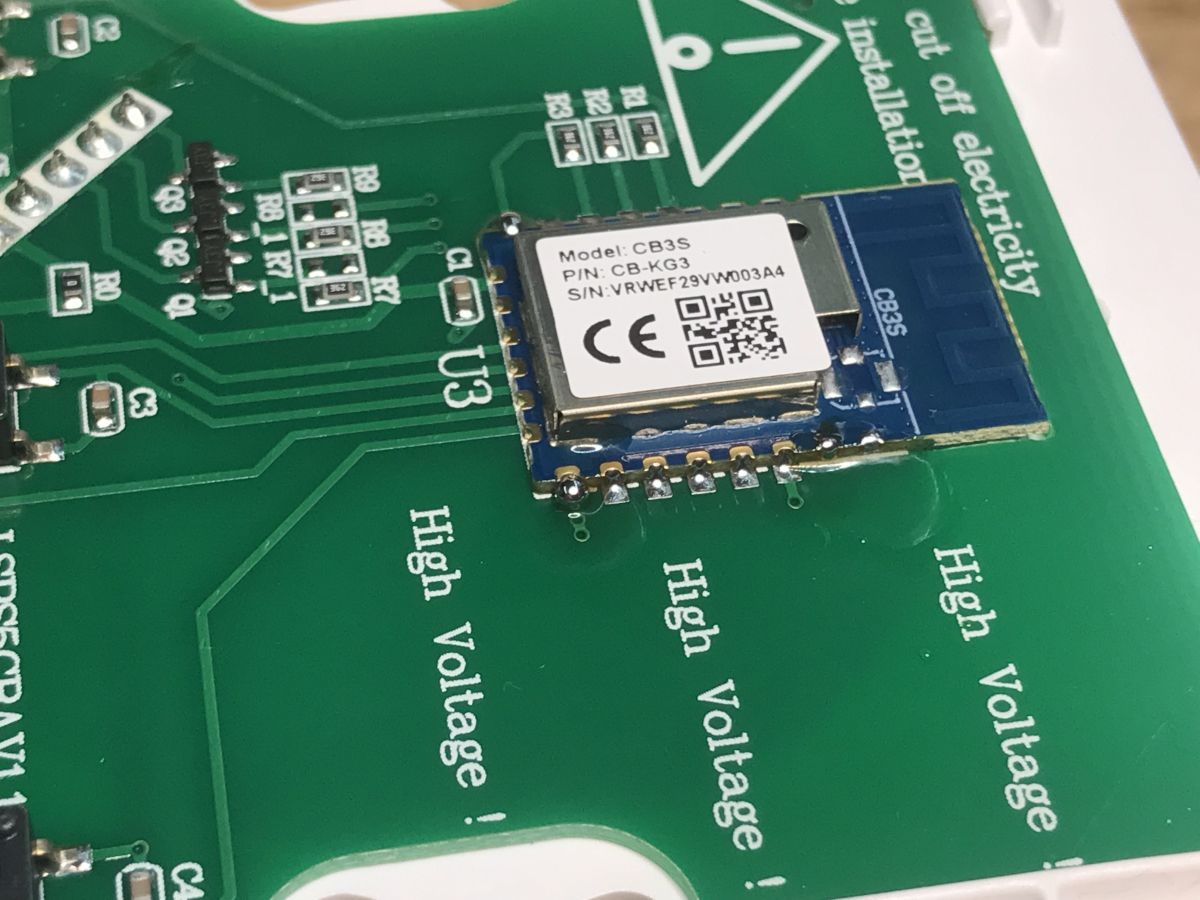
I start by adding flux to the pads:
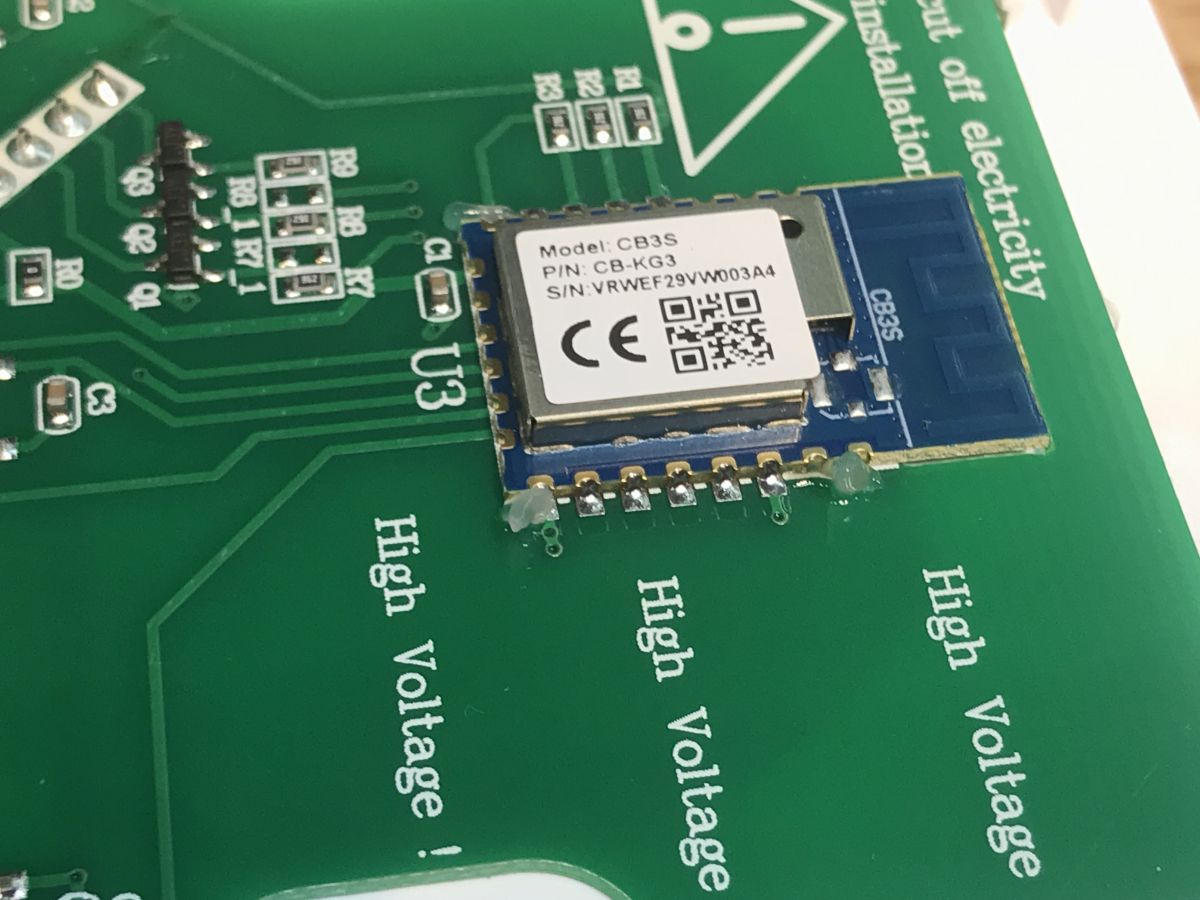
Then I whiten them:
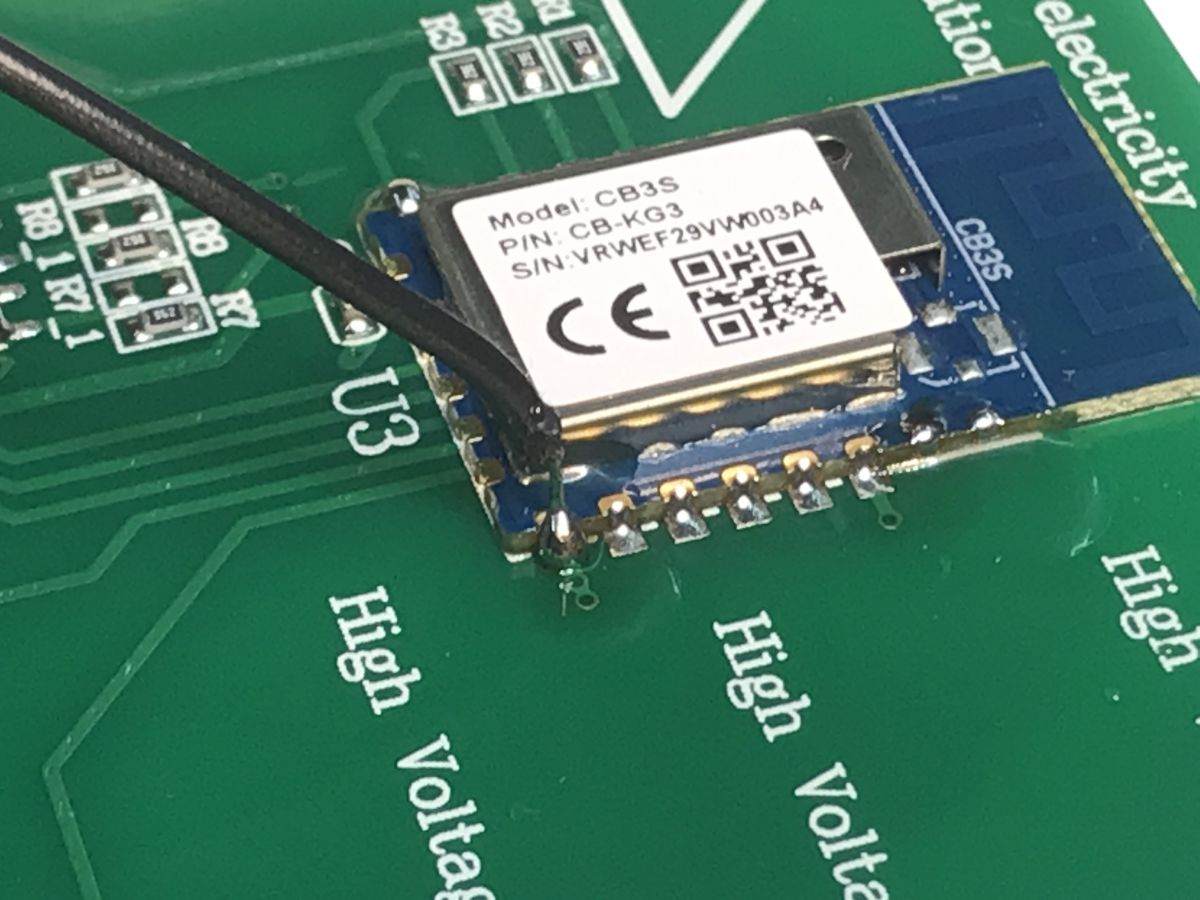
Then I solder the wires (also whitewashed):
I power the whole thing with 3.3V from an external LDO (I have a TC1264, but the AMS1117-3.3V is more popular), because 3.3V from a USB to UART converter doesn't have enough current capacity:
Reading the batch is done first - this allows the GPIO configurations to be discovered:
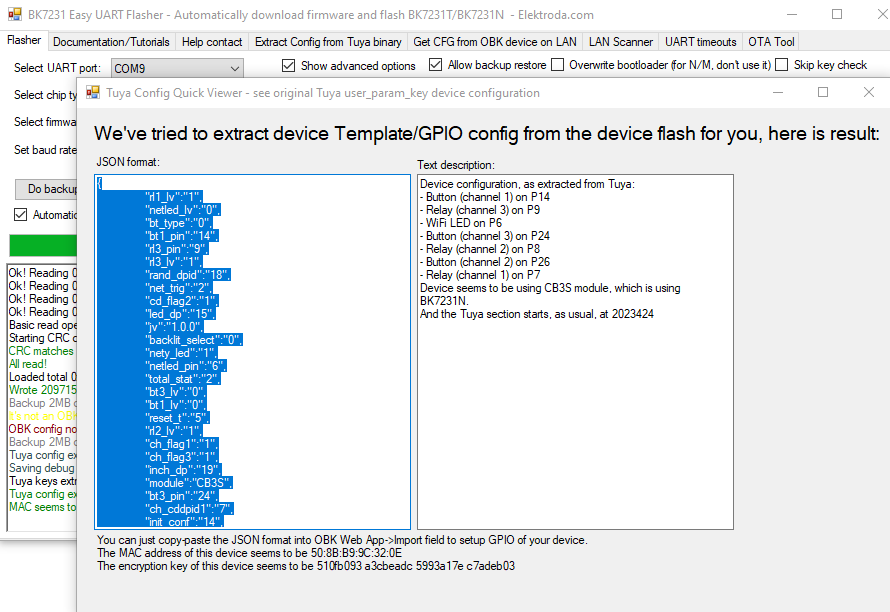
JSON Tuya:
Code: JSON
OBK template:
Code: JSON
Verbal description:
Quote:
Device seems to be using CB3S module, which is BK7231N chip.
- Relay (channel 1) on P7
- Relay (channel 2) on P8
- Relay (channel 3) on P9
- WiFi LED on P6
- Button (channel 1) on P14
- Button (channel 2) on P26
- Button (channel 3) on P24
Copy of the batch:
https://github.com/openshwprojects/FlashDumps/commit/9cef537926b7cda08ca00d9e4b7995e6b9ff14d4
Instructions for importing the template:
Pairing with HA:
It is now also possible to script the buttons so that, for example, the. publish click, long press or double-click events to Home Assistant:
Button actions Multiple press and hold etc
I didn't take photos of the performance part, but it was similar to the one for the other "silent" switch:
ATLO-TB2-TUYA - silent dual light switch with Wi-Fi control under Home Assistant
In summary , changing the firmware was very straightforward. There was no problematic T34 chip in the LGA chassis that has to be soldered out with hot air. There was also no need to cut off the RX and TX - just solder and go.
I could still show the inside of the 'adapter' - but this has already appeared on our forum:
https://www.elektroda.pl/rtvforum/topic4115589.html#21506592
Do you also prefer "clickable" buttons instead of the ubiquitous tactile ones?
PS: Copy of the batch: https://github.com/openshwprojects/FlashDumps/commit/09aea45fcd8c60ca397c716bb47f6c1a187ca988
Cool? Ranking DIY Helpful post? Buy me a coffee.

