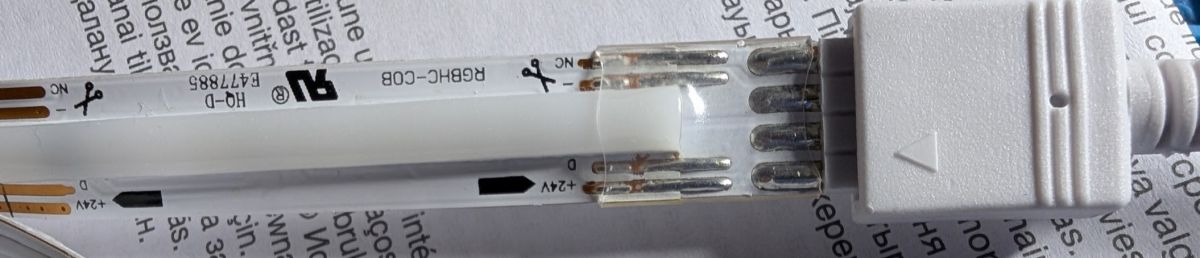
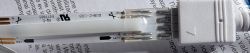
I have an unknown LED strip here. It's a "LEDVance COB Magic RGB" 3 m COB LED Strip. The strip is powered by 24 V and uses 3 pins (the connector has 4 pins, but one is not connected).
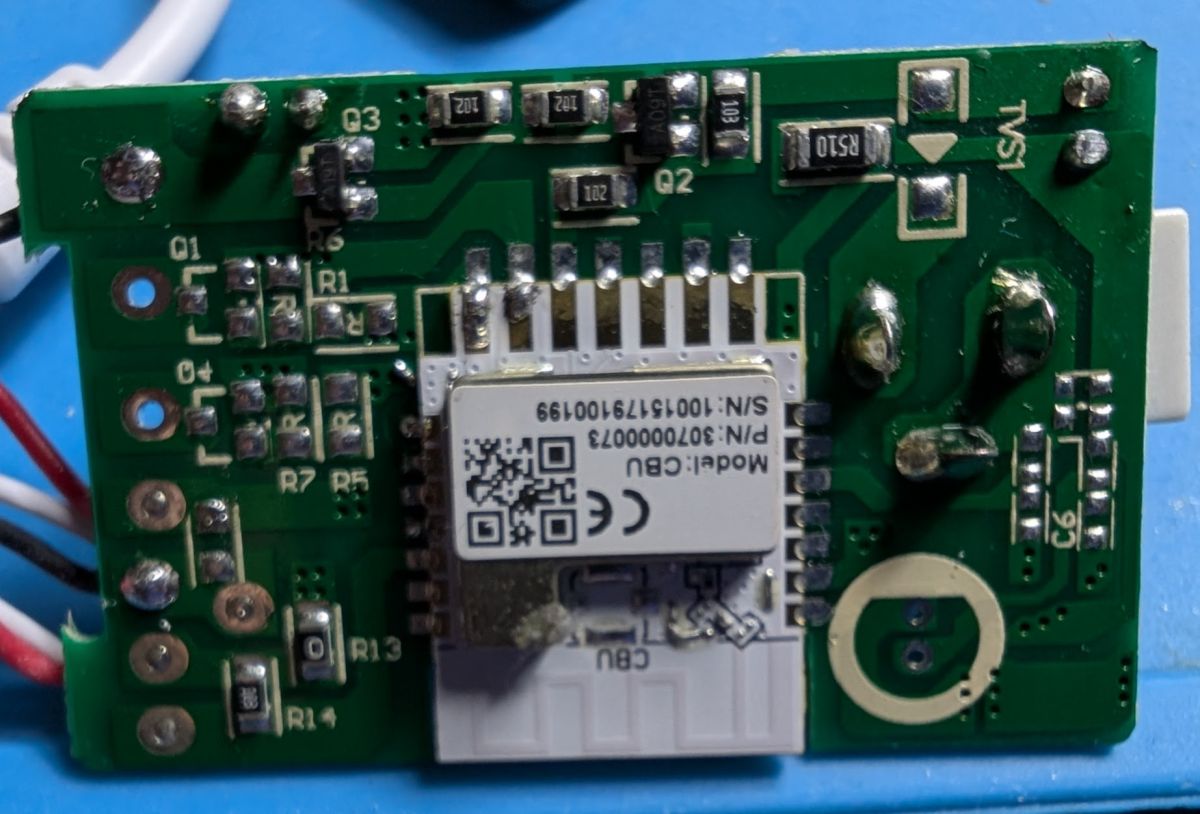
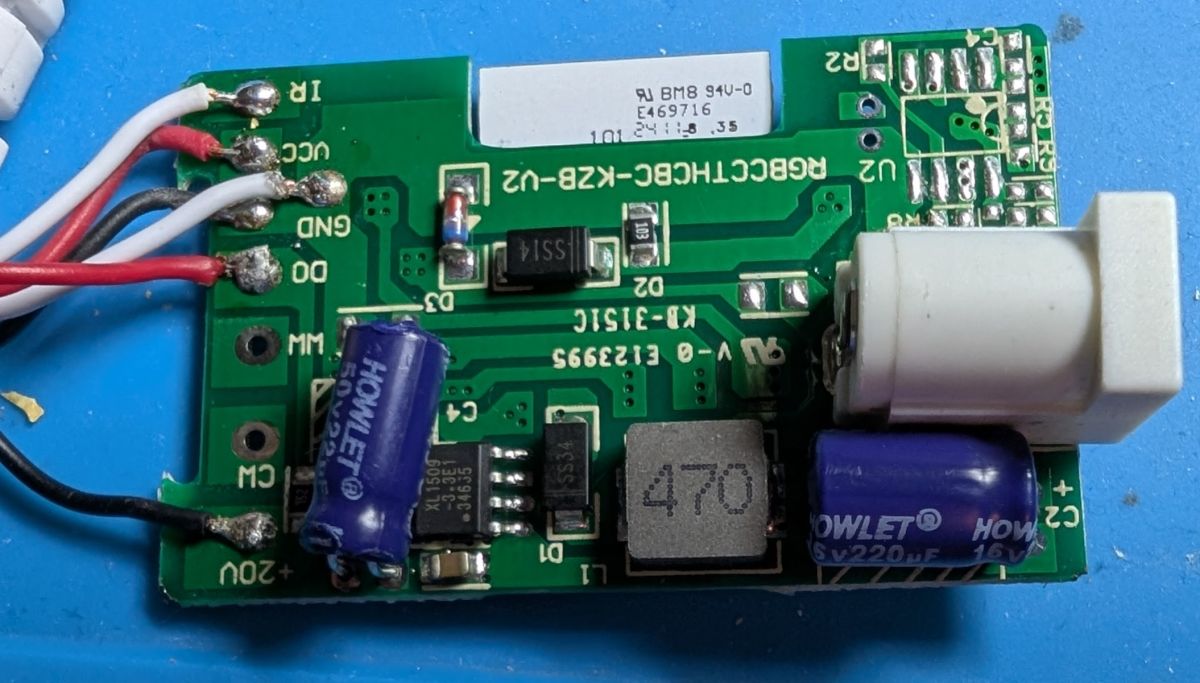
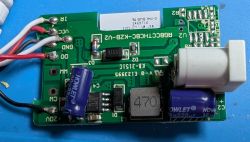
It comes with a controller that has a Tuya CBU module. I was able to dump the module just fine and flash Openbeken on it. However, no matter what I try, I cannot control the strip, or even get it to light up at all. I also connected the LED strip to an ESP8266 with WLED, and tried all the config options for the LED type, but none will make it light up.
If I restore the backup of the CBU, it will work just fine right away again.
Anyone have any idea what kind of LED strip this is?
It comes with a controller that has a Tuya CBU module. I was able to dump the module just fine and flash Openbeken on it. However, no matter what I try, I cannot control the strip, or even get it to light up at all. I also connected the LED strip to an ESP8266 with WLED, and tried all the config options for the LED type, but none will make it light up.
If I restore the backup of the CBU, it will work just fine right away again.
Anyone have any idea what kind of LED strip this is?