









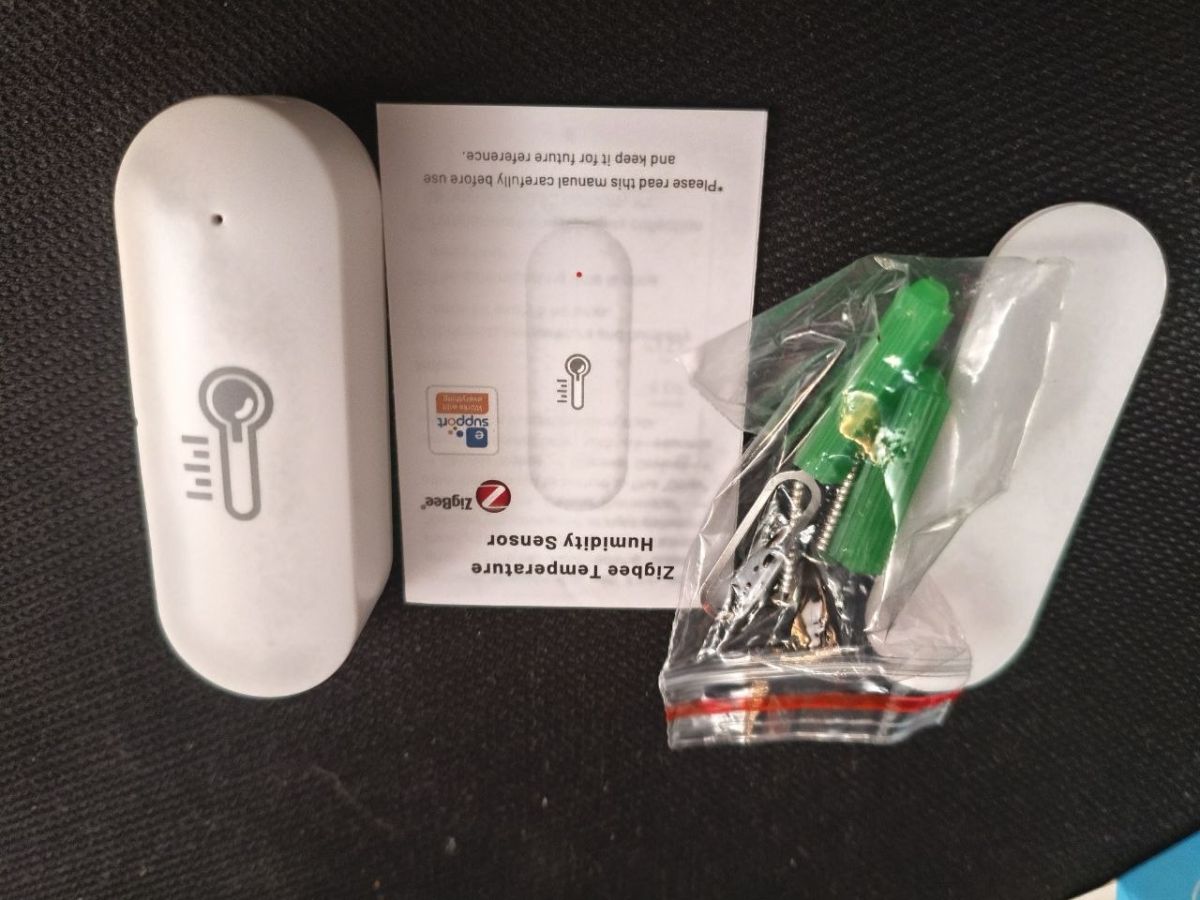
I present the inside of a temperature and humidity sensor on Zigbee.
The idea to present the inside came to me after it stopped working properly.
An offset appeared on my temperature reading. When it was 20 degrees it was showing 3 degrees.
I ordered a new one of the same kind and it turned out....
I chose this sensor for my application because it has the best range of all the ones I tested.
At my place, 2.4GHz barely gets out of the room and this one managed to get through to the other side of the house.
My sensor is read by Zigbee2Mqtt, the documentation and model page for this sensor can be found here:
https://www.zigbee2mqtt.io/devices/SNZB-02.html
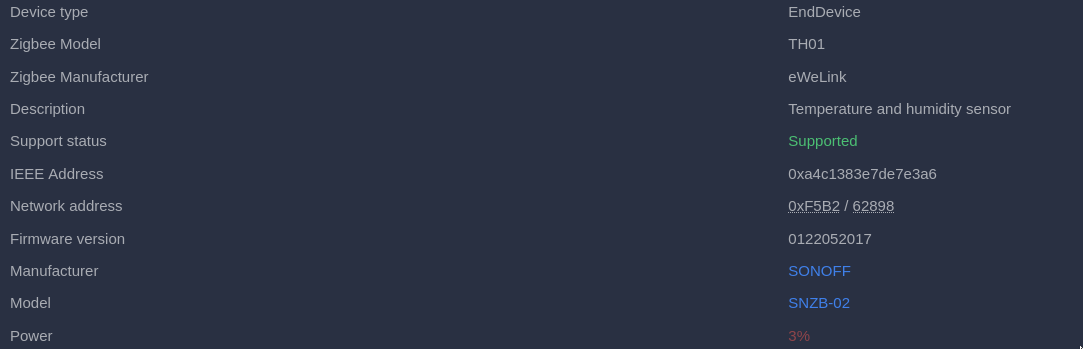
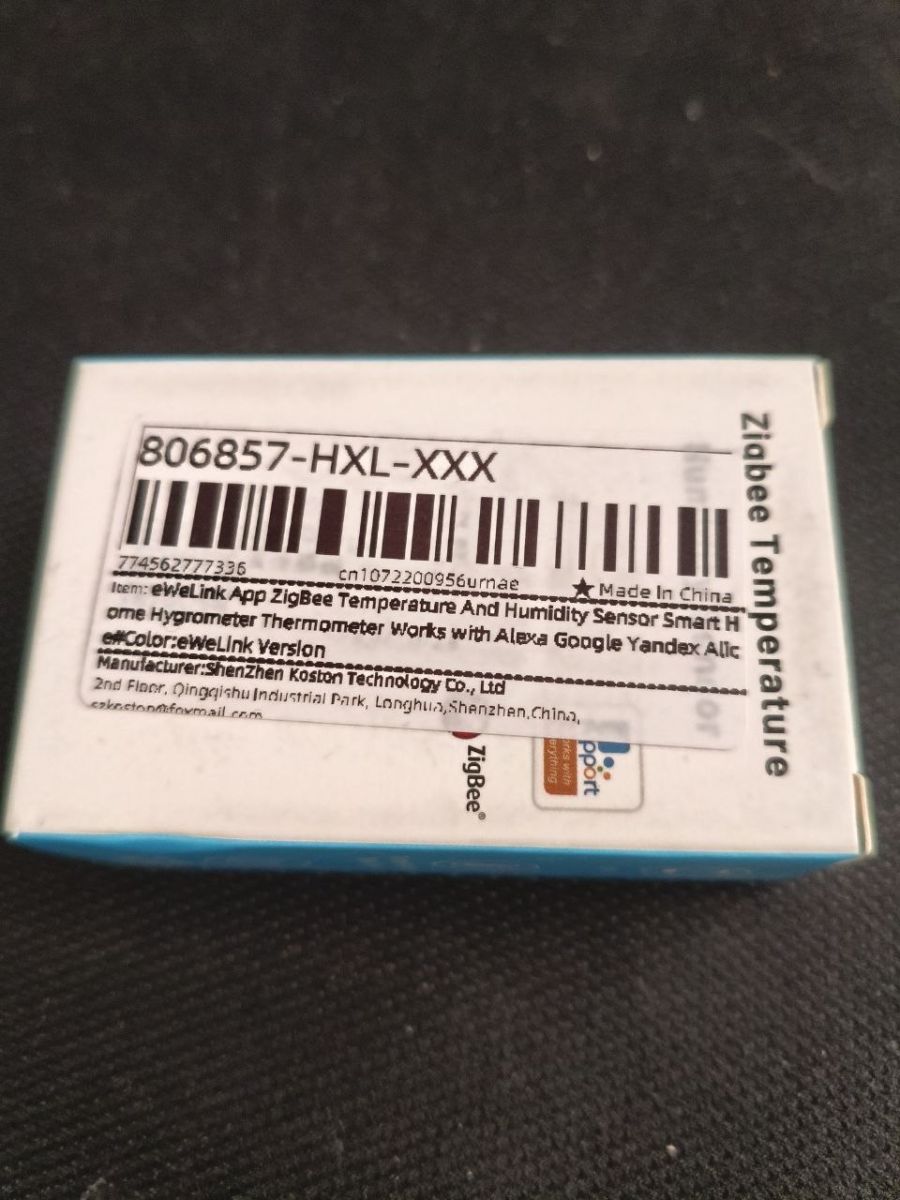
It is called eWeLink on the packaging.
When the sensor stopped working, I saw what was inside to check for any damage. It had been mounted on the north window outside for several months.
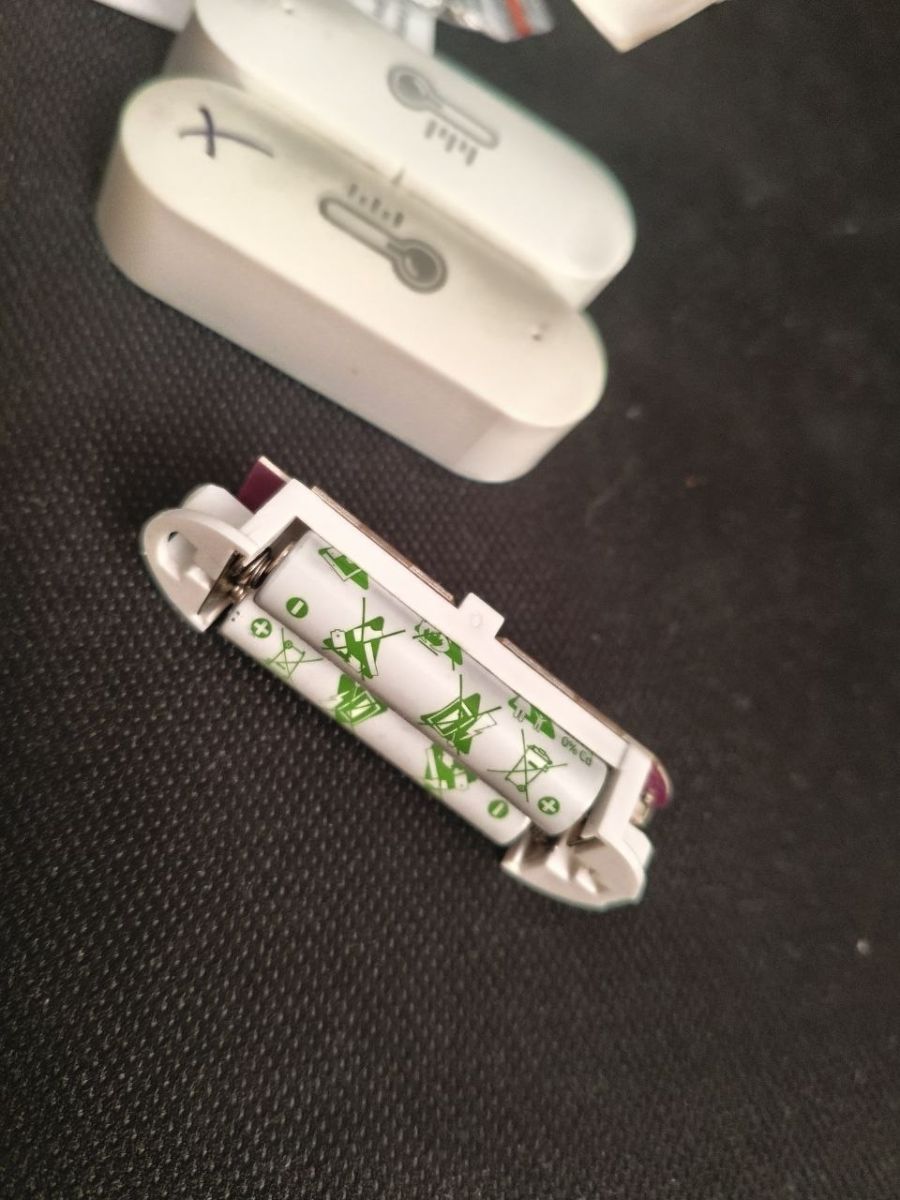
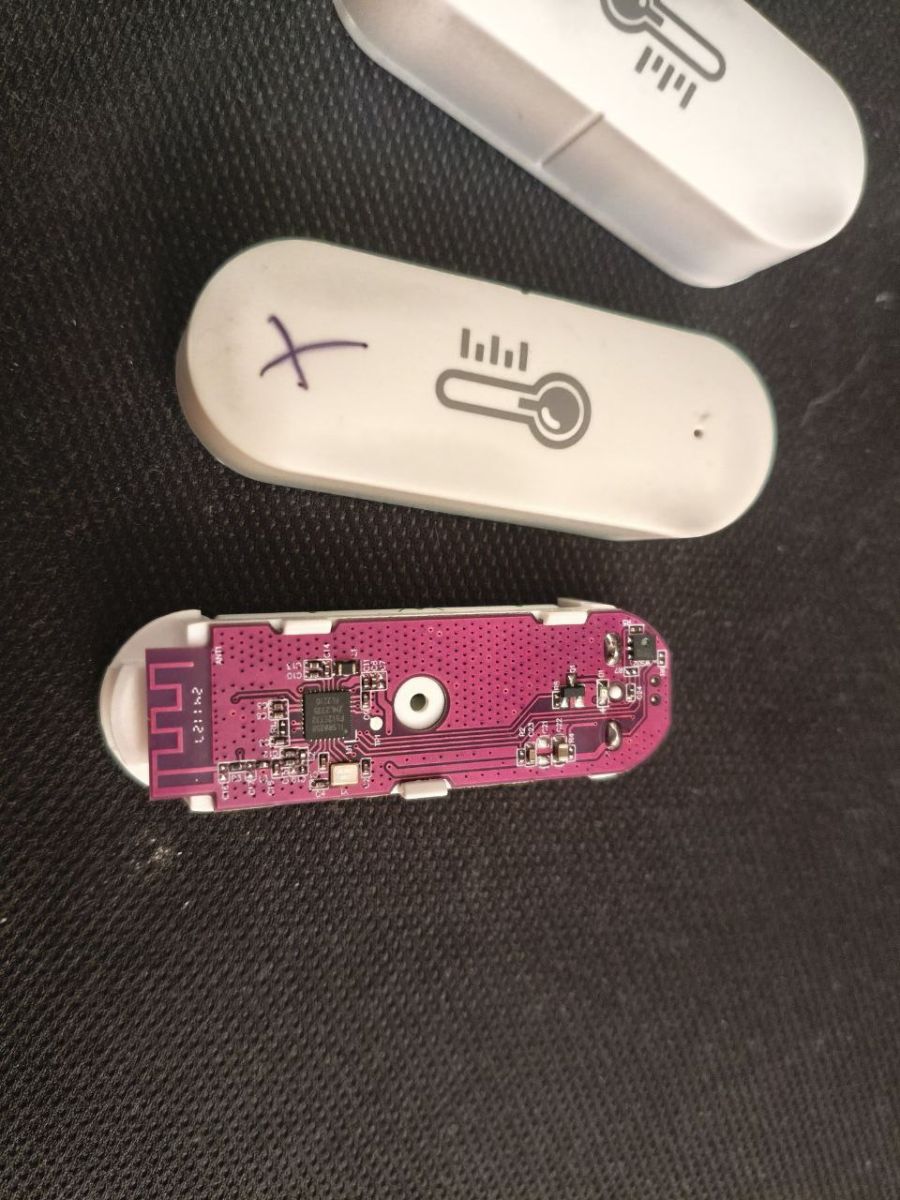
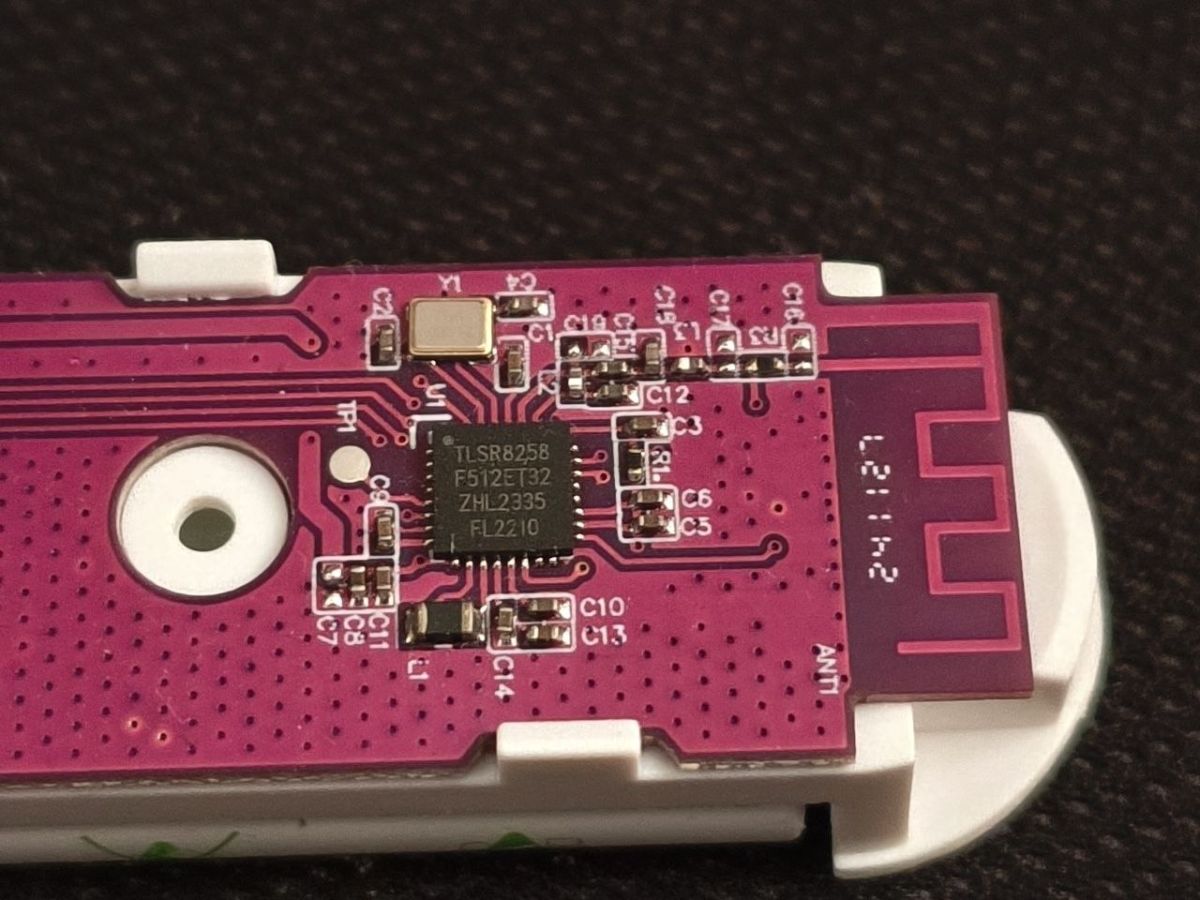
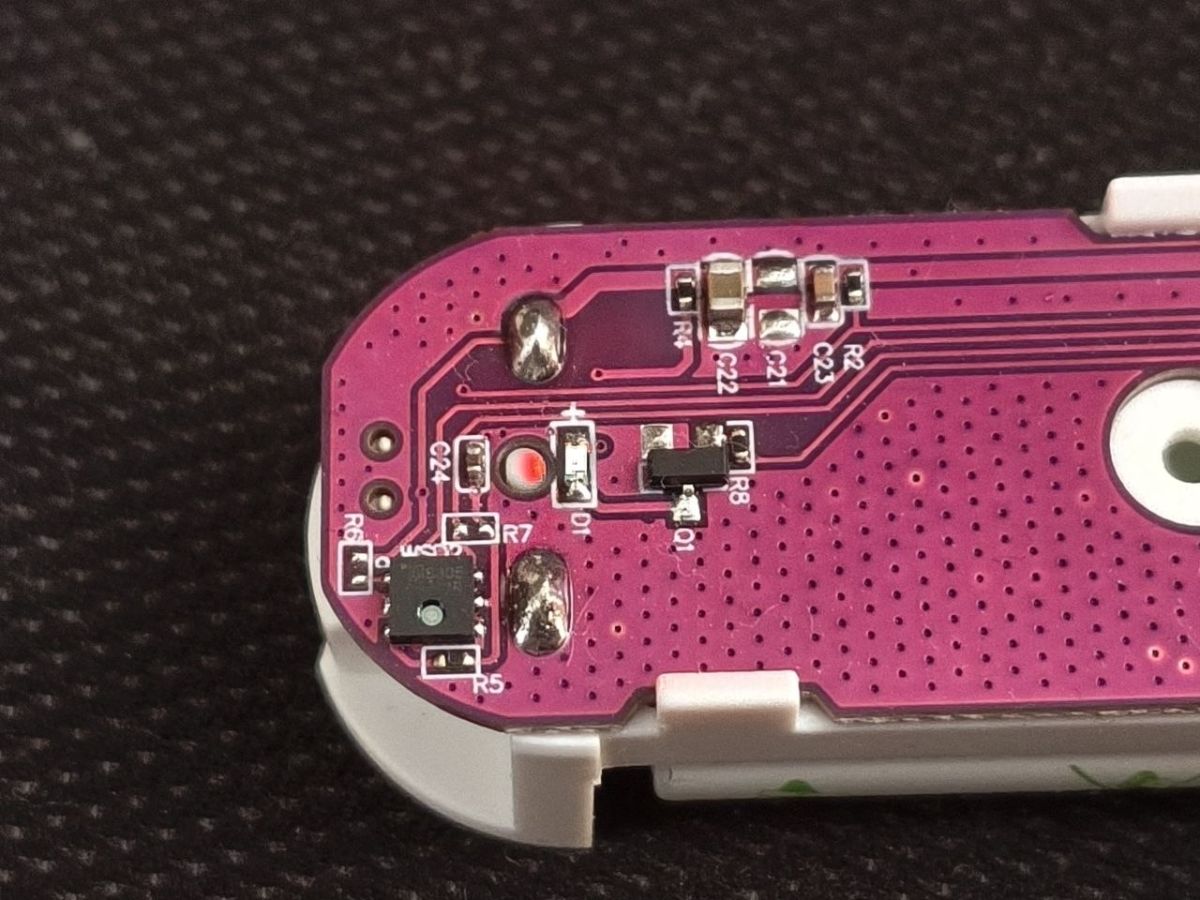
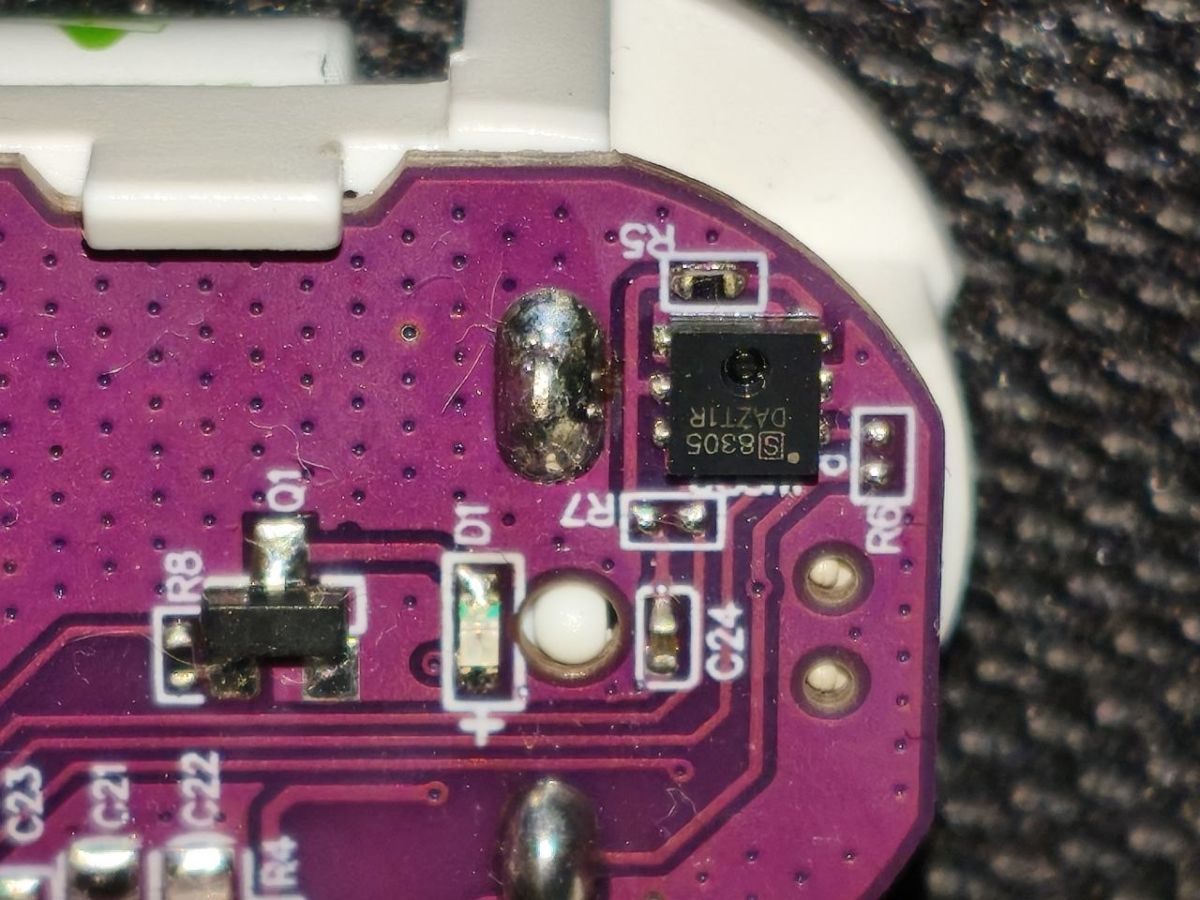
Inside everything looks correct, nothing is flooded.
As you can see there are few components inside:
-mikrokontroler TLSR8258F512ET32
-temperature and humidity sensor ch8305
- lED and its control transistor in SOT-23
- a button to pair with the network and start instantaneous measurement(didn't catch the photo)
TLSR8258F512ET32 64KB 512KB
Qualified for Bluetooth 5.3, AOA/Tx, Bluetooth Mesh, 802.15.4, Zigbee 3.0, RF4CE, HomeKit, Dual-Mode, 2.4G Proprietary
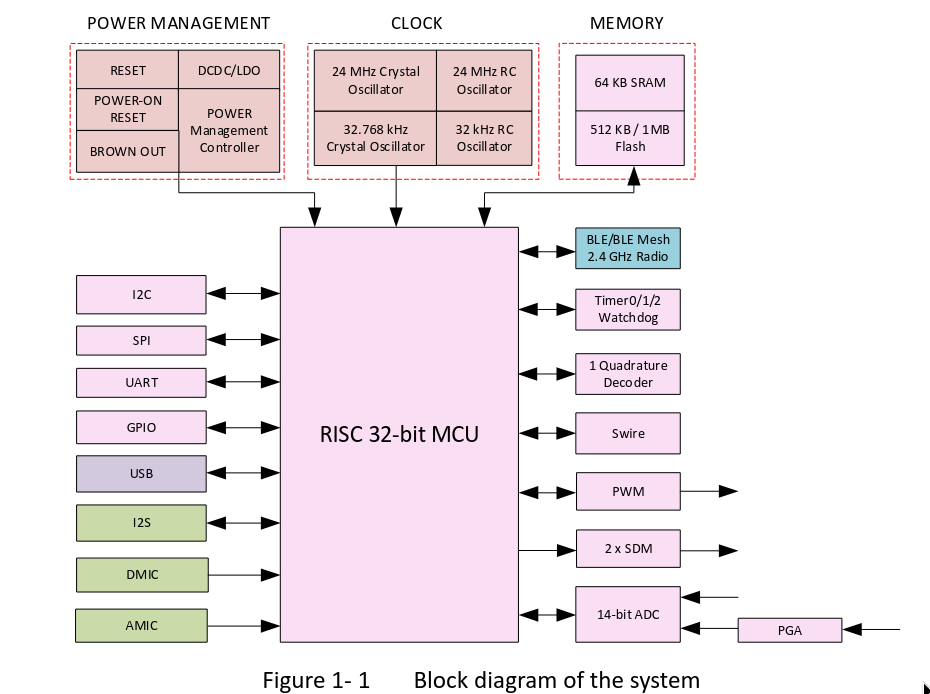
As you can see from the brief description the microcontroller has 512kB flash 64kB RAM. So it is quite large. In addition, it is equipped with a radio chip with quite a lot of capabilities. It has everything integrated into one housing with inverters and memory and radio. It works with voltages from 1.8V to 3.6V.
Temperature sensor ch8305
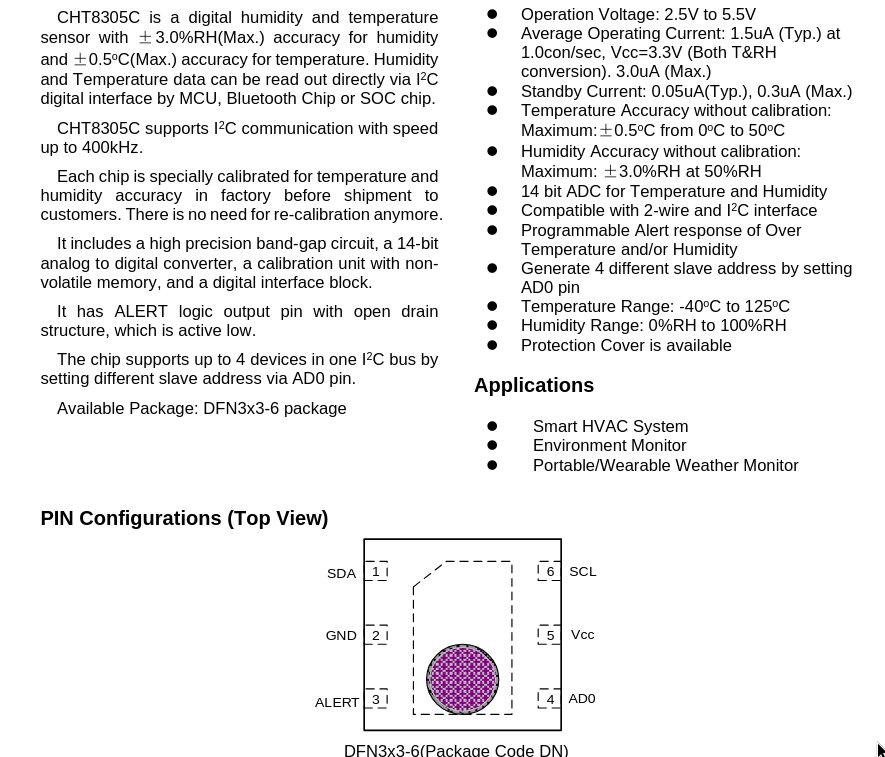
This is a small 3x3mm IC in a DFN housing. It has an I2C interface. The average current consumption is 3uA. It operates over a supply voltage range of 2.5V to 5.5V.
After buying a new sensor, I re-purposed the battery from the old one, connected it to the mains and found that this sensor was also showing the temperature reading incorrectly.
The only common element left was the battery. I fitted new ones and found that everything worked. Zigbee2Mqtt was showing that there was still 3% battery, so I didn't pay attention to that right away. The other sensors I have work to the end of the battery until they stop responding completely.
Measuring the battery voltage with a multimeter and it comes out 2.2V, which I thought was enough, there should still be some energy pulling from them, especially as the Zigbee connectivity was working fine.
A quick measurement on the board and it turned out that the sensor is powered directly from the batteries, and is running from 2.5V to 5.5V. Which is the direct cause of the problem.
Summary
The sensor consists of two temperature sensor ICs and a Chinese microcontroller with radio circuitry.
The reason for not working turned out to be a discharged battery, even though there was still 3% left.
I wonder if there are inverters that could be added here to get the maximum out of these batteries. Such a battery can be discharged to 1V, hence there would be 2V which would need to be bumped up to 3.3V. Such an inverter would also need to draw little current at no load in order not to discharge the battery additionally. I wonder how this would also affect the range, my experience with inverters is that they are very difficult to reconcile with the radio system, the range decreases significantly.
Cool? Ranking DIY
