







Hello everyone,
i'm a bit new to openbekken, but I am more experienced with HomeAssistant.
I recently bought a Tuya Wifi Water Leak Sensor off Aliexpress with the CB3S Chipset.
I managed to backup & flash the firmware and configuring OBK. After a successful OBK-write and a reset, the device won't connect to my WiFi, hence not doing anything.
I'd assume the device is dead, but i can successfuly read OBK data. I tried while powering the chip with my jumpercable-setup or with batteries. Nothing happens.
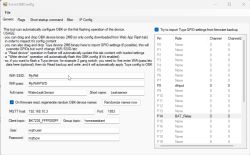
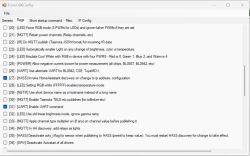
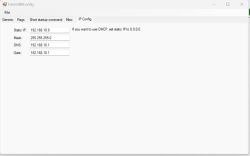
Flasher-Settings:
Log-Output:
Any help is greatly appreciated. Thanks
afaik4711
AI: Could you share the exact WiFi settings you entered in OBK (SSID, security type, password, etc.) and how you configured them?
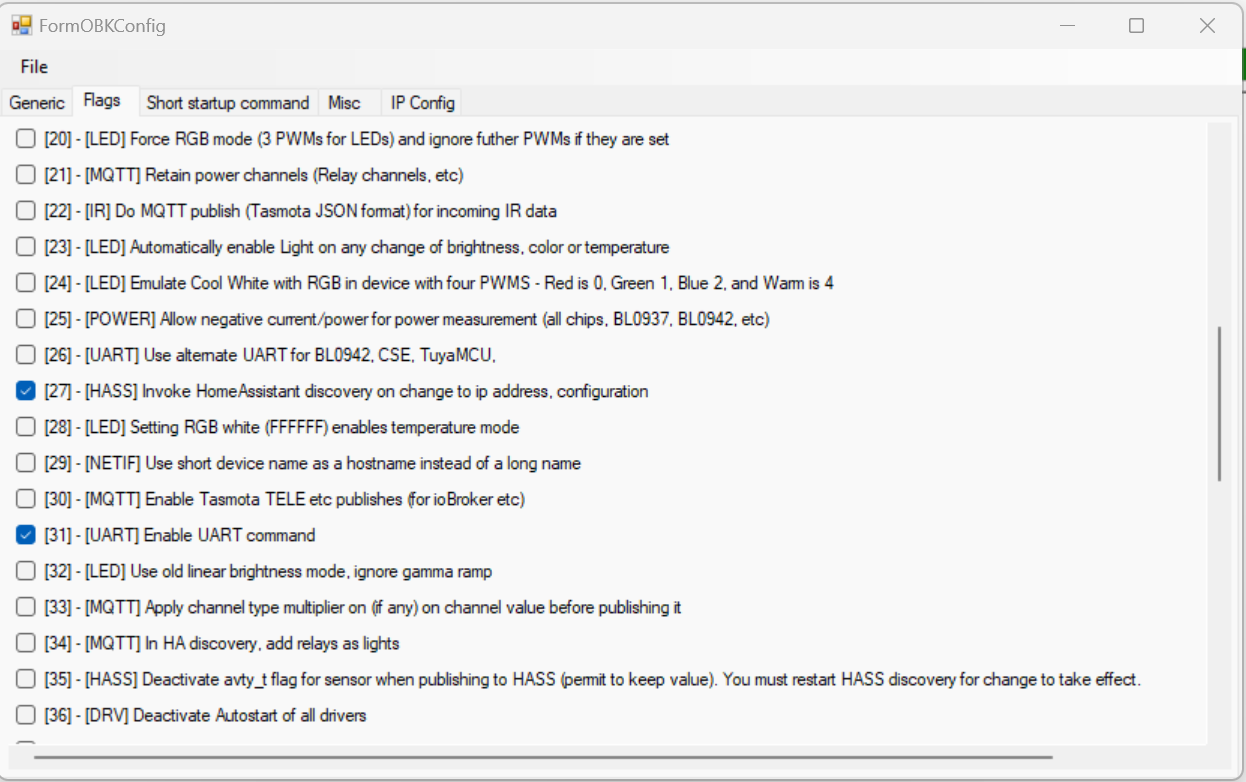
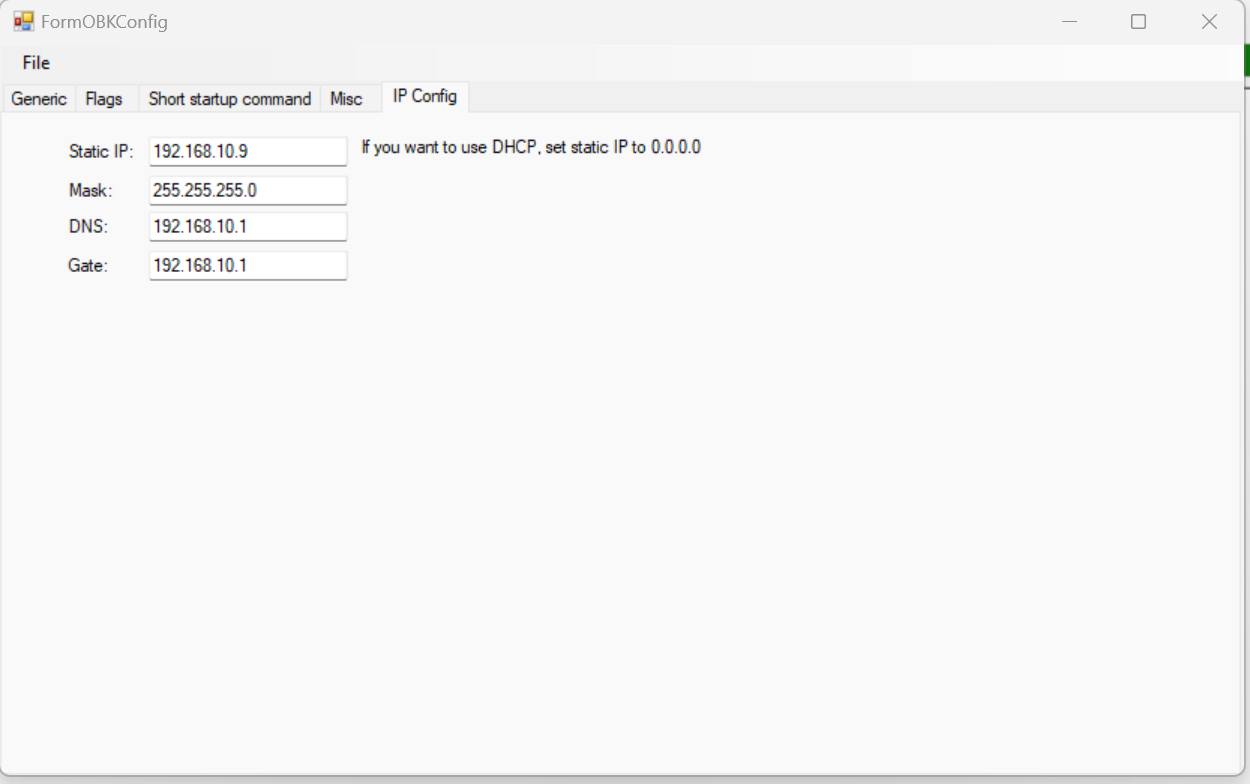
Please see my wifi settings in the embedded picture
AI: Are there any error messages, unusual LED patterns, or log outputs when the device tries to connect to WiFi after flashing OBK? If so, could you provide those details?
No visible error messages, no LED is on, unable to find where to view the UART-log
i'm a bit new to openbekken, but I am more experienced with HomeAssistant.
I recently bought a Tuya Wifi Water Leak Sensor off Aliexpress with the CB3S Chipset.
I managed to backup & flash the firmware and configuring OBK. After a successful OBK-write and a reset, the device won't connect to my WiFi, hence not doing anything.
I'd assume the device is dead, but i can successfuly read OBK data. I tried while powering the chip with my jumpercable-setup or with batteries. Nothing happens.
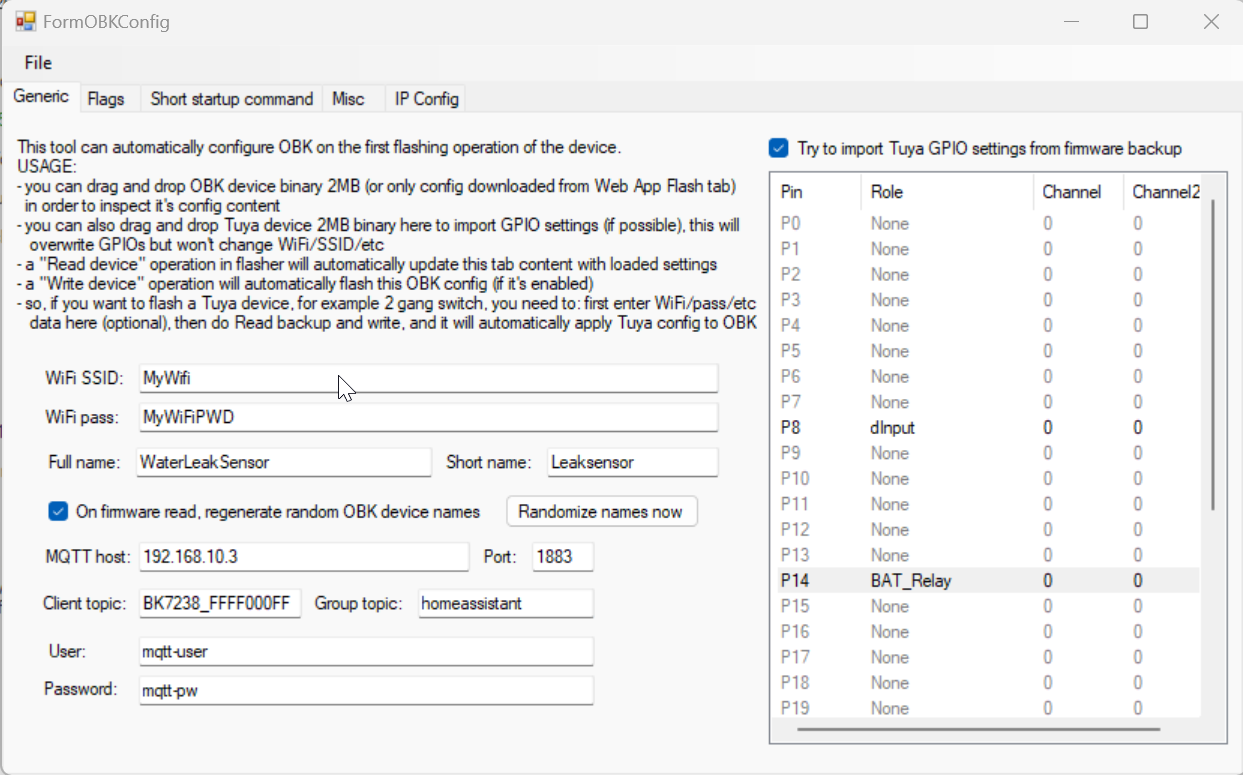
Flasher-Settings:
Spoiler:
Port=COM3
BaudRate=115200
Platform=BK7238 (T1)
bAdvanced=False
ScannerFirst=192.168.10.4
ScannerLast=192.168.10.255
RecentIP=127.0.0.1
Port=COM3
BaudRate=115200
Platform=BK7238 (T1)
bAdvanced=False
ScannerFirst=192.168.10.4
ScannerLast=192.168.10.255
RecentIP=127.0.0.1
Log-Output:
Spoiler:
Starting read!
Read parms: start 0x1E1000 (sector 481), len 0x1000 (1970176 sectors)
Now is: Thursday, 29 January 2026 11:13:57.
Flasher mode: BK7238
Going to open port: COM3.
Serial port open!
Getting bus... (now, please do reboot by CEN or by power off/on)
Getting bus success!
Going to set baud rate setting (115200)!
Chip ID: 0x7231c
Will try to read device flash MID (for unprotect N):
Flash MID loaded: 1560EB
Will now search for Flash def in out database...
Flash def found! For: 1560EB
Flash information: mid: 1560EB, icName: TH25Q16HB, manufacturer: TH, szMem: 200000, szSR: 2, cwUnp: 0, cwEnp: 7, cwMsk: 407C, sb: 2, lb: 5, cwdRd: 05-35-FF-FF, cwdWr: 01-FF-FF-FF
Flash size is 2MB
Entering SetProtectState(True)...
sr: 0
sr: 0
final sr: 0
msk: 407c
cw: 0, sb: 2, lb: 5
bfd: 0
SetProtectState(True) success!
Going to start reading at offset 0x1E1000...
Reading 0x1E1000... Ok!
Basic read operation finished, but now it's time to verify...
Starting CRC check for 1 sectors, starting at offset 0x1E1000
CRC matches 0x24C31913!
All read!
Loaded total 0x1000 bytes
OBK config loaded. You can now view it by clicking 'Change OBK settings' button.
You can also edit it however you want.
You can also use 'Write OBK config' button to write it back with your changes.
Starting read!
Read parms: start 0x1E1000 (sector 481), len 0x1000 (1970176 sectors)
Now is: Thursday, 29 January 2026 11:13:57.
Flasher mode: BK7238
Going to open port: COM3.
Serial port open!
Getting bus... (now, please do reboot by CEN or by power off/on)
Getting bus success!
Going to set baud rate setting (115200)!
Chip ID: 0x7231c
Will try to read device flash MID (for unprotect N):
Flash MID loaded: 1560EB
Will now search for Flash def in out database...
Flash def found! For: 1560EB
Flash information: mid: 1560EB, icName: TH25Q16HB, manufacturer: TH, szMem: 200000, szSR: 2, cwUnp: 0, cwEnp: 7, cwMsk: 407C, sb: 2, lb: 5, cwdRd: 05-35-FF-FF, cwdWr: 01-FF-FF-FF
Flash size is 2MB
Entering SetProtectState(True)...
sr: 0
sr: 0
final sr: 0
msk: 407c
cw: 0, sb: 2, lb: 5
bfd: 0
SetProtectState(True) success!
Going to start reading at offset 0x1E1000...
Reading 0x1E1000... Ok!
Basic read operation finished, but now it's time to verify...
Starting CRC check for 1 sectors, starting at offset 0x1E1000
CRC matches 0x24C31913!
All read!
Loaded total 0x1000 bytes
OBK config loaded. You can now view it by clicking 'Change OBK settings' button.
You can also edit it however you want.
You can also use 'Write OBK config' button to write it back with your changes.
Any help is greatly appreciated. Thanks
afaik4711
AI: Could you share the exact WiFi settings you entered in OBK (SSID, security type, password, etc.) and how you configured them?
Please see my wifi settings in the embedded picture
AI: Are there any error messages, unusual LED patterns, or log outputs when the device tries to connect to WiFi after flashing OBK? If so, could you provide those details?
No visible error messages, no LED is on, unable to find where to view the UART-log
