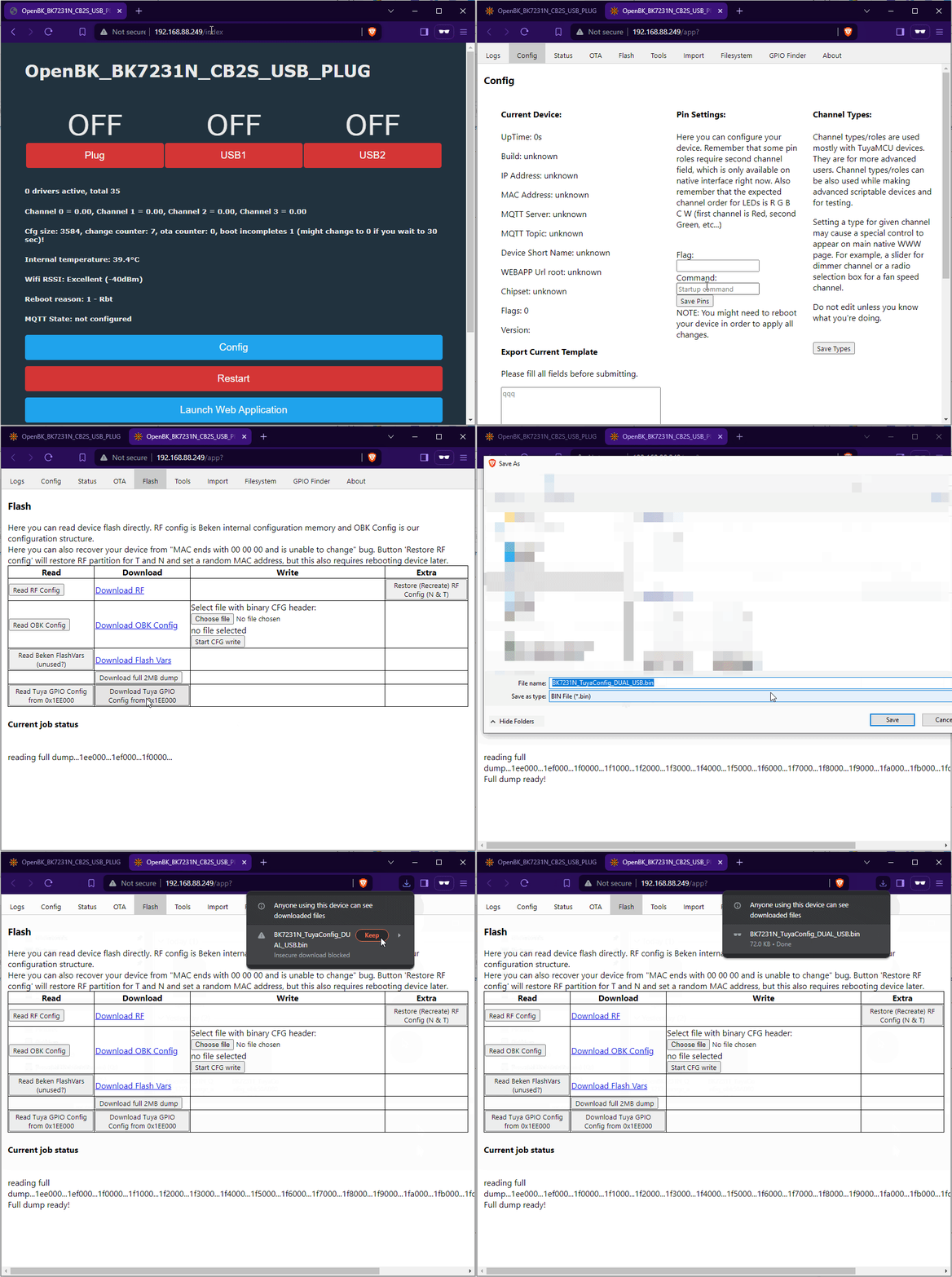
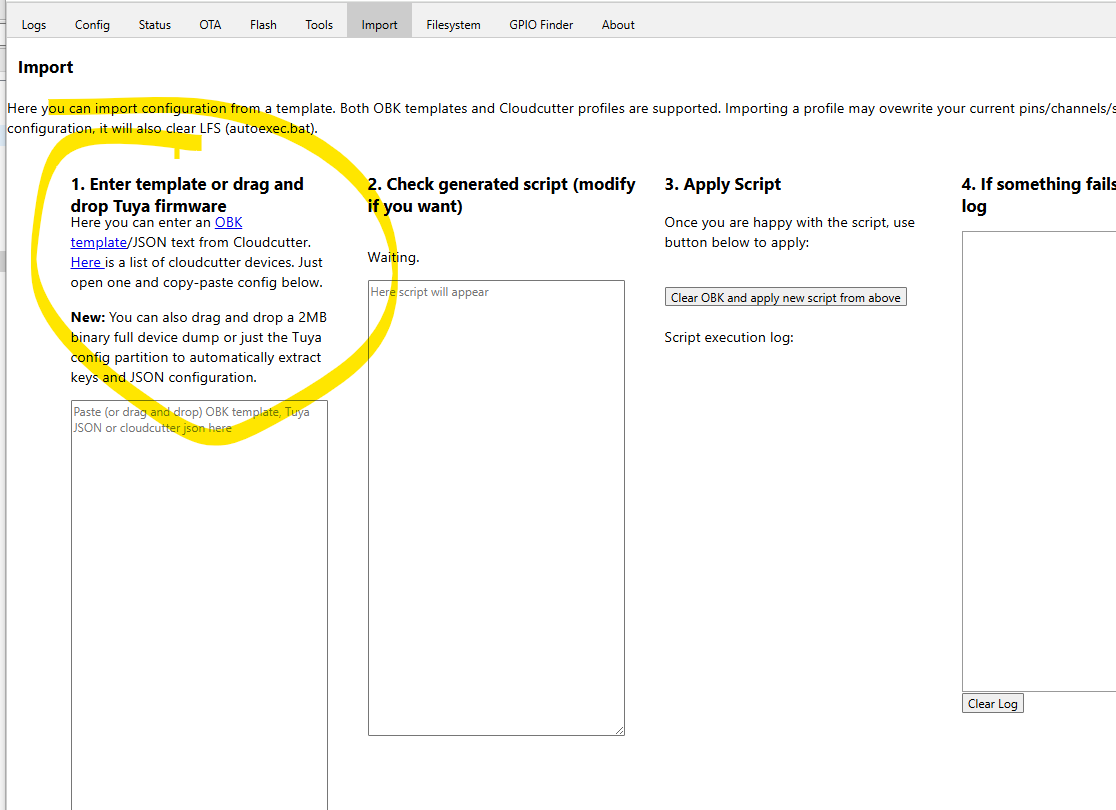
Well it looks like i've bricked my Lepro Lightbulb i went into this thinking it would be a fun learning experience but it wasn't i used Tuya-Cloudcutter
"uuid": "86faab92a2bc61ff",
"sn": "1000205080058F",
"category": "dj",
"product_name": "Smart Bulb",
"product_id": "8yeg5bfnccuibyqs",
"biz_type": 0,
"model": "PR901003-EUD\uff1bPR901003-UKD 10min\u95ea",
these were the details tinytuya gave me about my bulb i went through the tuya cloudcutter process smoothly using my pi3b+ but then it hit me that i didn't actually have any template or any Idea on how to configure the pins AI tried helping me but it just went in circles trying everything I'm posting here to see if any kind individual would like to help me out here as I do want my Room Light back 😭
AI: What firmware did Cloudcutter actually put on it / what are you trying to use now (OpenBeken, ESPHome, Tasmota, something else), and can you still get into its web page/AP/serial at all?
It put OpenBeken on it and the dashboard works flawlessly but I just have no Idea on how to configure it
AI: What does the bulb do right now after power-on (any blink pattern, Wi-Fi AP, totally dead, only white/RGB on, etc), and if you can open it, can you post the chip/module markings or a clear PCB photo so people can work out the pin mapping?
Well i'm no Technician but it doesnt show sign of life.
"uuid": "86faab92a2bc61ff",
"sn": "1000205080058F",
"category": "dj",
"product_name": "Smart Bulb",
"product_id": "8yeg5bfnccuibyqs",
"biz_type": 0,
"model": "PR901003-EUD\uff1bPR901003-UKD 10min\u95ea",
these were the details tinytuya gave me about my bulb i went through the tuya cloudcutter process smoothly using my pi3b+ but then it hit me that i didn't actually have any template or any Idea on how to configure the pins AI tried helping me but it just went in circles trying everything I'm posting here to see if any kind individual would like to help me out here as I do want my Room Light back 😭
AI: What firmware did Cloudcutter actually put on it / what are you trying to use now (OpenBeken, ESPHome, Tasmota, something else), and can you still get into its web page/AP/serial at all?
It put OpenBeken on it and the dashboard works flawlessly but I just have no Idea on how to configure it
AI: What does the bulb do right now after power-on (any blink pattern, Wi-Fi AP, totally dead, only white/RGB on, etc), and if you can open it, can you post the chip/module markings or a clear PCB photo so people can work out the pin mapping?
Well i'm no Technician but it doesnt show sign of life.