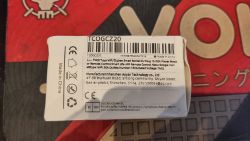
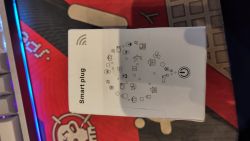
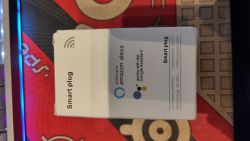
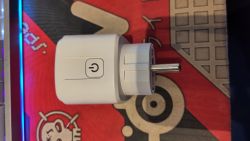
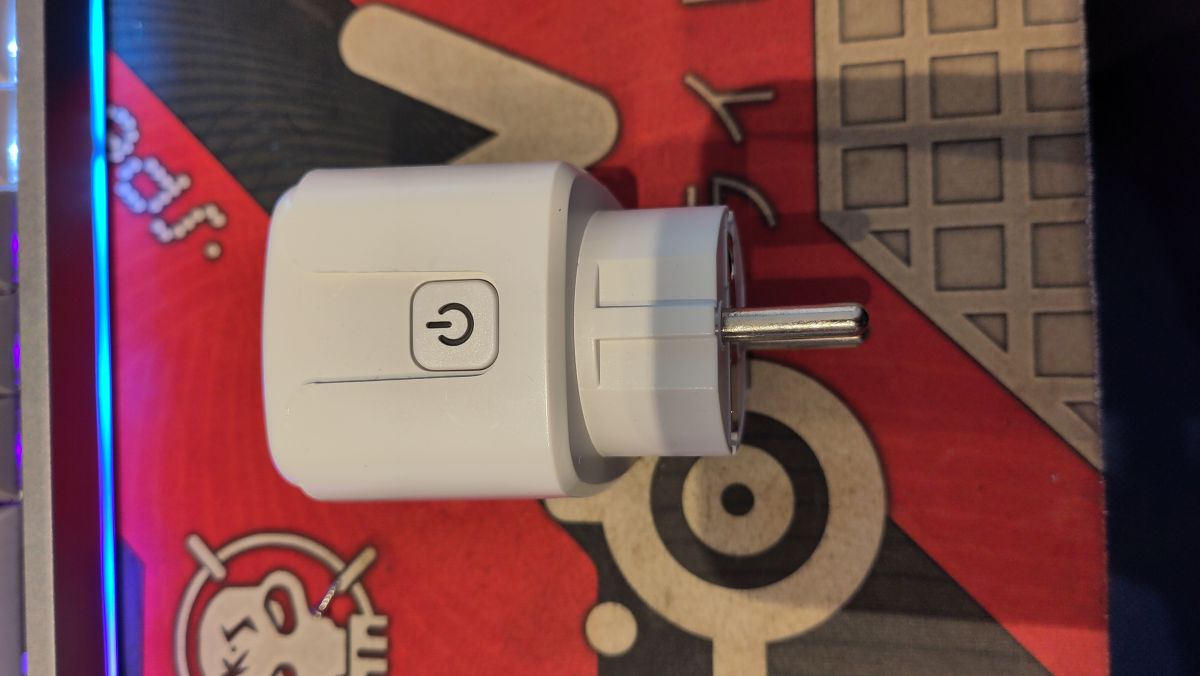
I recently purchased a TNCE Tuya Wifi Smart Socket (Model: TCOGCZ20).
I have successfully flashed it with OpenBeken and figured out the correct pin mapping for power monitoring, which was a bit tricky due to the LN882H pin grouping.
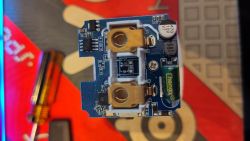
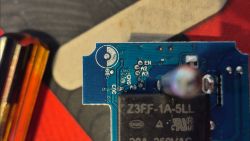
Hardware Details
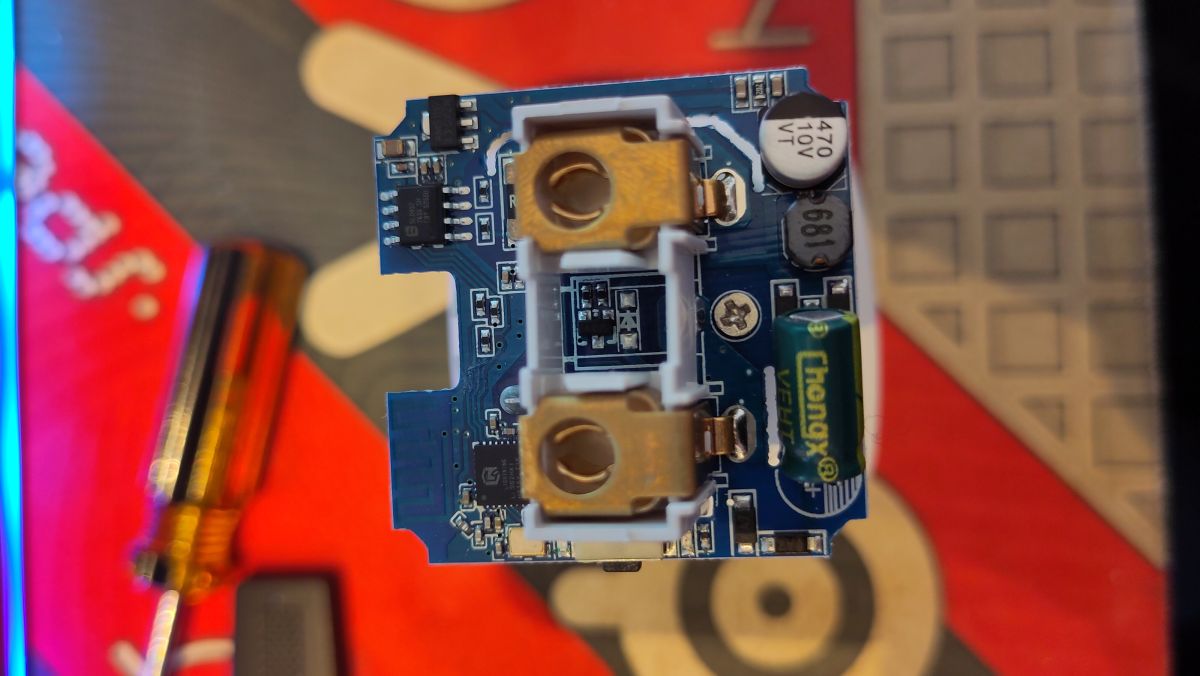
Device: TNCE Tuya Wifi Smart Socket EU Plug 16/20A
Model: TCOGCZ20
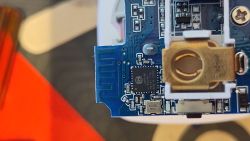
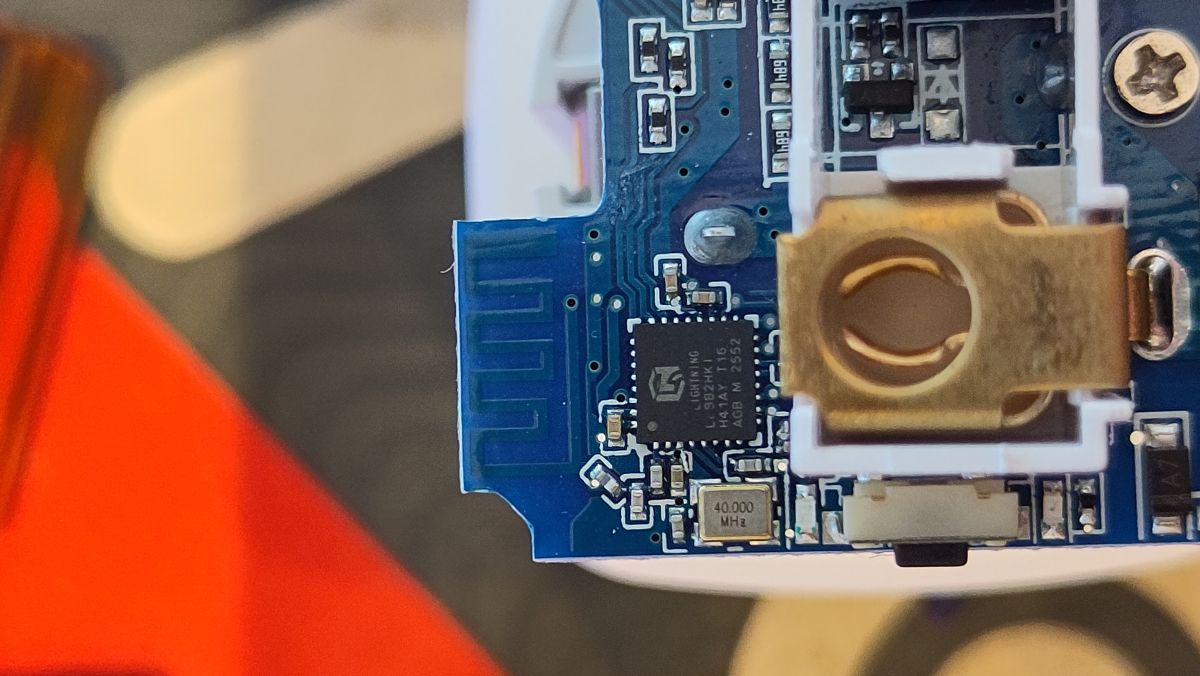
Main Chip: LN882H
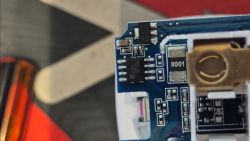
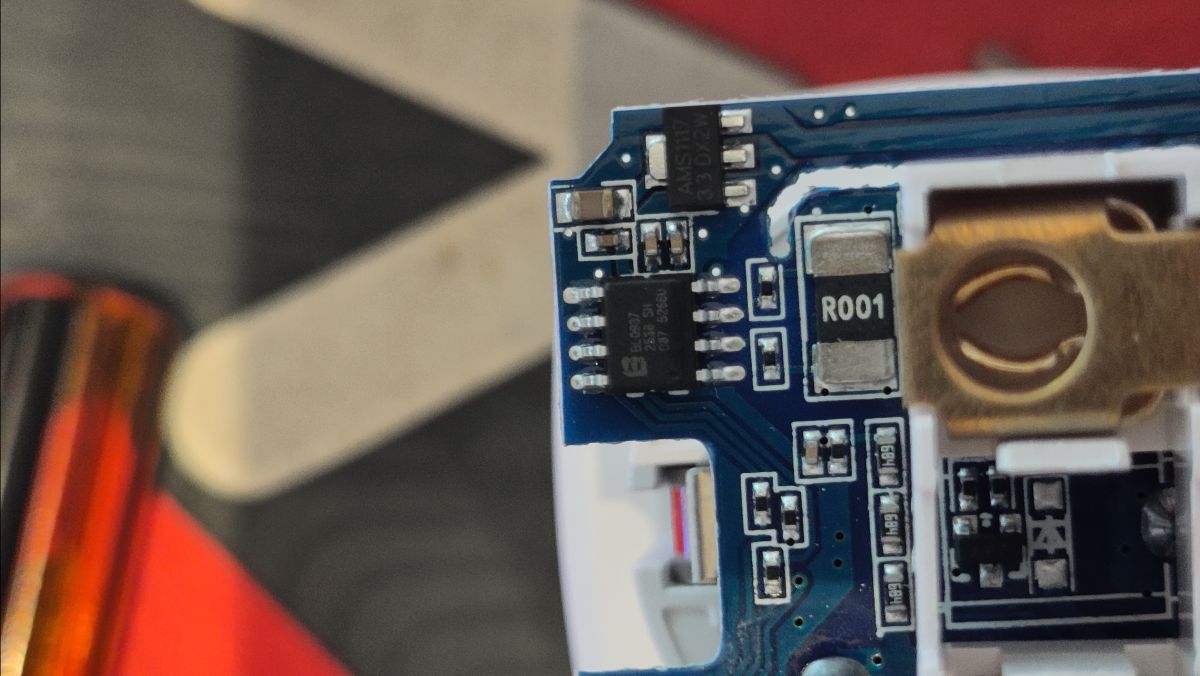
Power Monitoring Chip: BL0937
Flashing Procedure
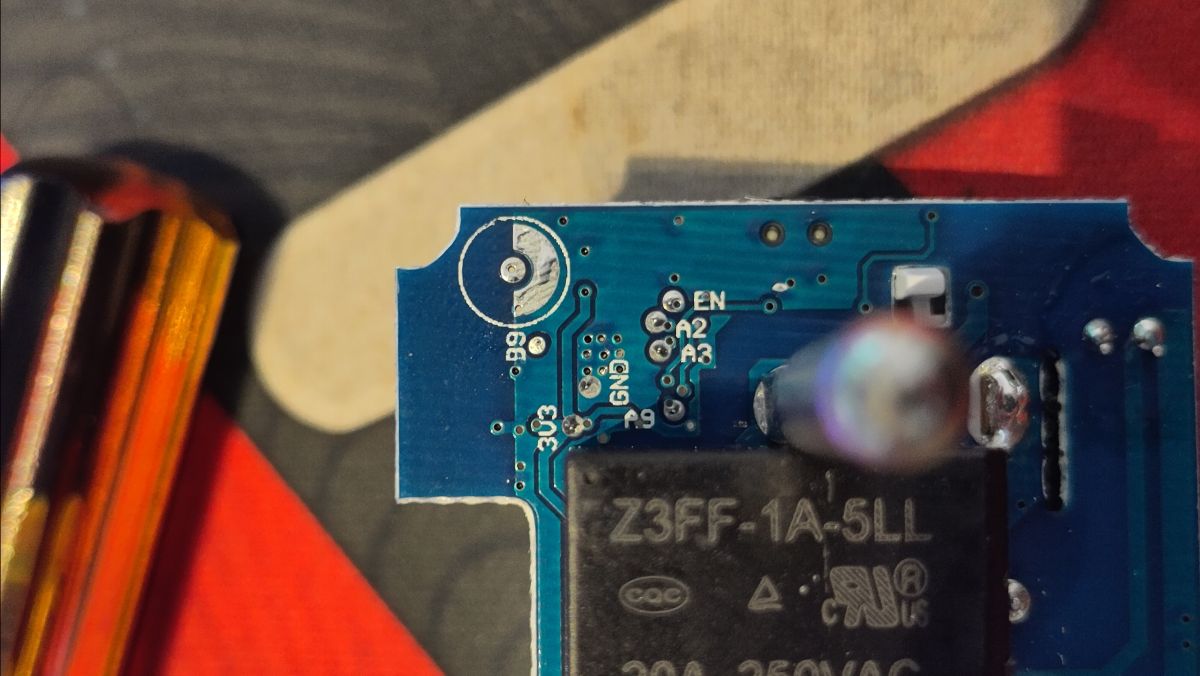
The device has accessible pads on the bottom of the PCB. I used the BK7231 GUI Flash Tool (which supports LN882H).
Wiring Map for Flashing:
3V3 => 3V3
TX0 (A2) => RX (of your USB-TTL adapter)
RX0 (A3) => TX (of your USB-TTL adapter)
GND => GND
A9 => GND (Bridge to GND during boot to enter flash mode)
Working Pin Configuration
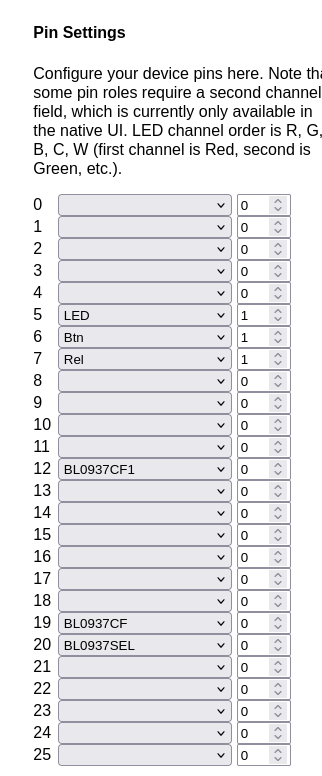
P5: LED (Channel 1)
P6: Btn (Channel 1)
P7: Rel (Channel 1)
P11 (B3): BL0937CF
P12 (B4): BL0937SEL
P20 (A12): BL0937CF1
Configuration Template
I have successfully flashed it with OpenBeken and figured out the correct pin mapping for power monitoring, which was a bit tricky due to the LN882H pin grouping.
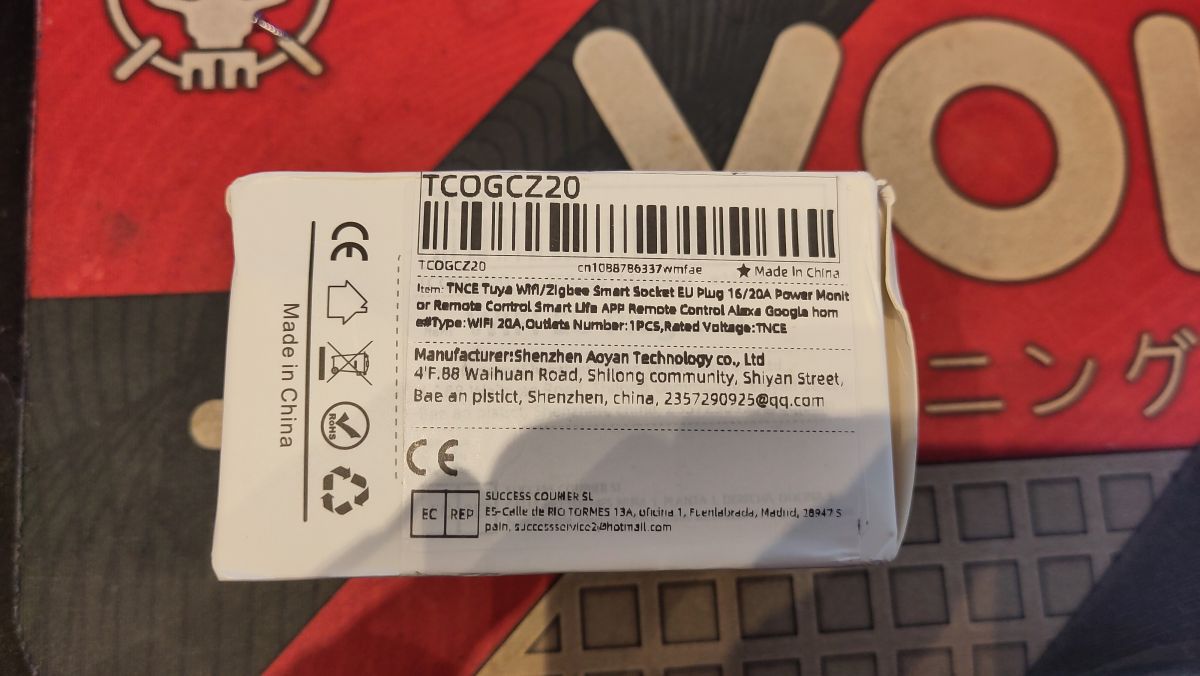
Hardware Details
Device: TNCE Tuya Wifi Smart Socket EU Plug 16/20A
Model: TCOGCZ20
Main Chip: LN882H
Power Monitoring Chip: BL0937
Flashing Procedure
The device has accessible pads on the bottom of the PCB. I used the BK7231 GUI Flash Tool (which supports LN882H).
Wiring Map for Flashing:
3V3 => 3V3
TX0 (A2) => RX (of your USB-TTL adapter)
RX0 (A3) => TX (of your USB-TTL adapter)
GND => GND
A9 => GND (Bridge to GND during boot to enter flash mode)
Working Pin Configuration
P5: LED (Channel 1)
P6: Btn (Channel 1)
P7: Rel (Channel 1)
P11 (B3): BL0937CF
P12 (B4): BL0937SEL
P20 (A12): BL0937CF1
Configuration Template
Code: JSON