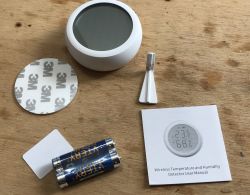
Hello, here I will test another Smart Home device, this time based on Zigbee protocol: cheap Tuya temperature/humidity sensor with an LCD display, model TS0201. I will try to pair it with Home Assistant by using Zigbee2MQTT plugin. Then, of course, I will also do a short teardown and check which electronic parts and modules are used inside.
Purchasing the TS0201
I found the product under the slogan
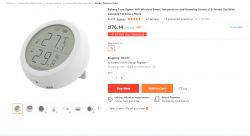
Bakeey Tuya Zigbee WIFI Wireless Smart Temperature and Humidity Sensor LCD Screen Use With Gateway For Smart Home , but you can also look for it by the model itself - TS0201 or RSH-Z-Bee-HS01. I paid about 20 USD (80 polish zl).
Screenshot of the offer:
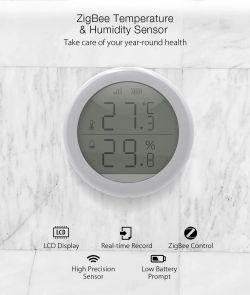
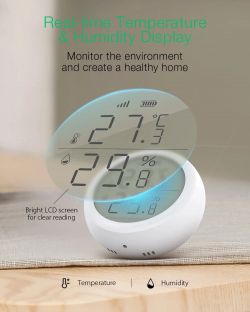
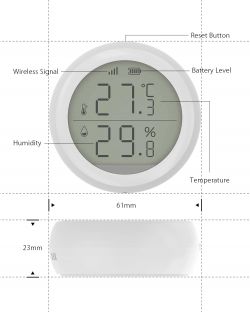
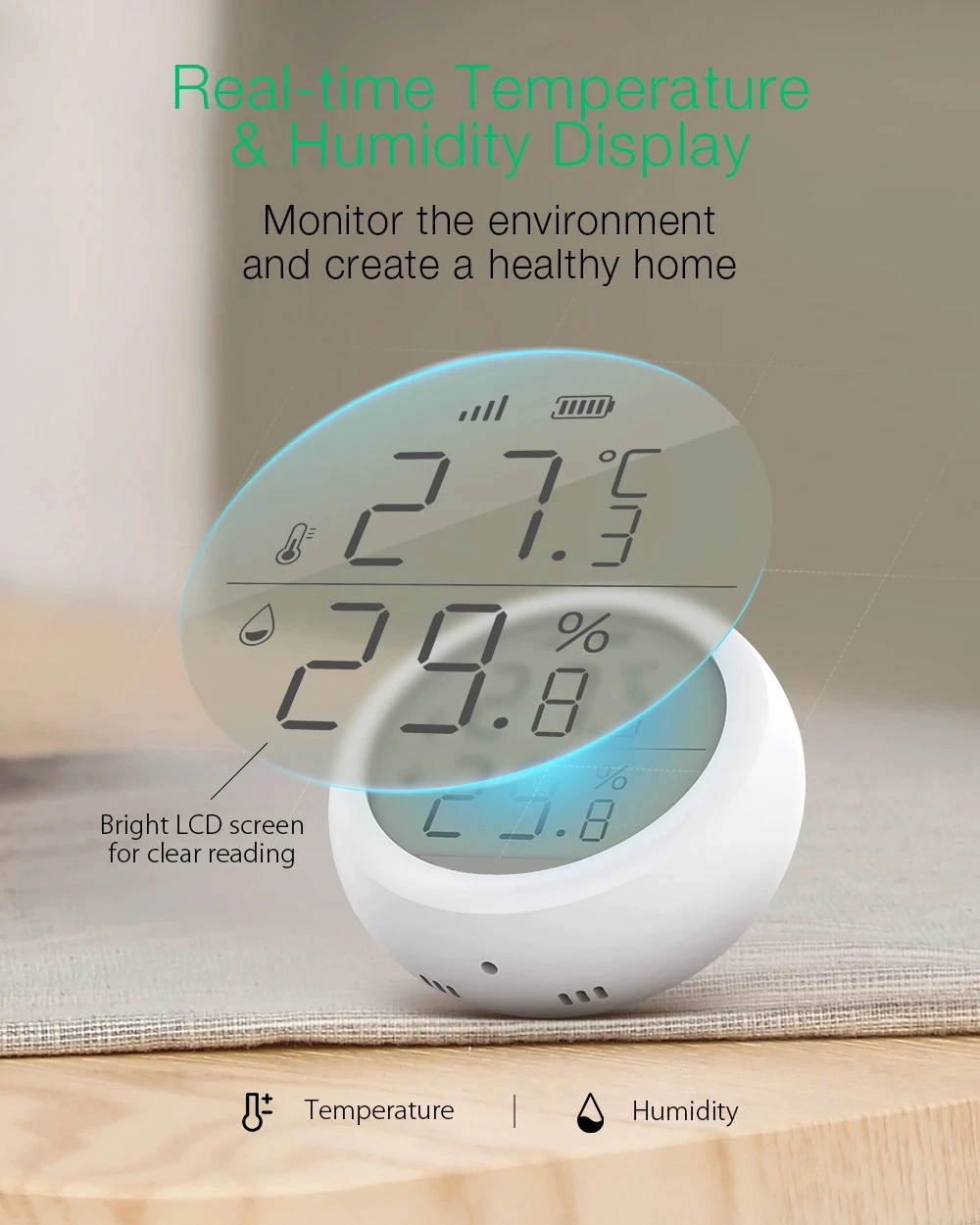
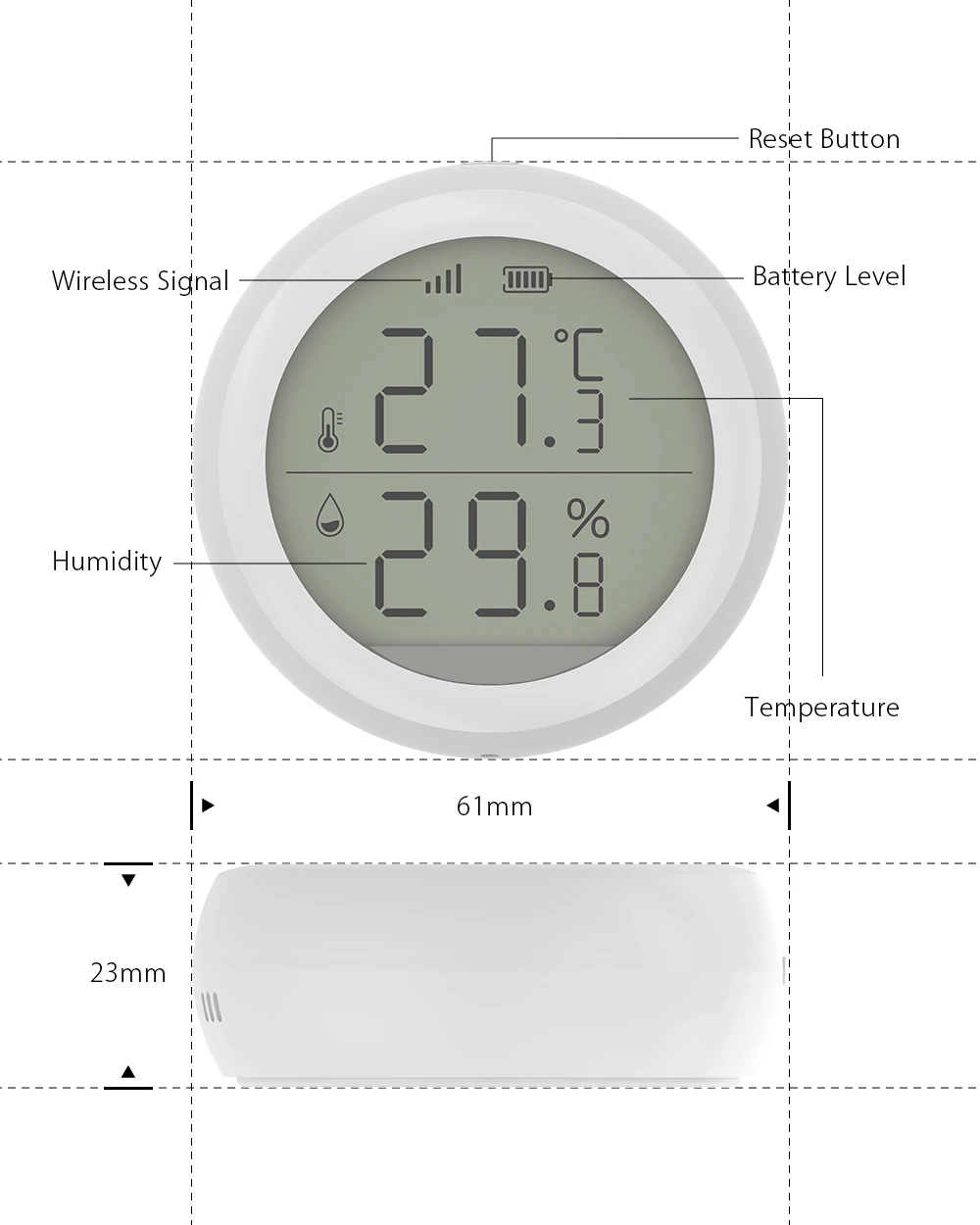
Graphics from the seller:
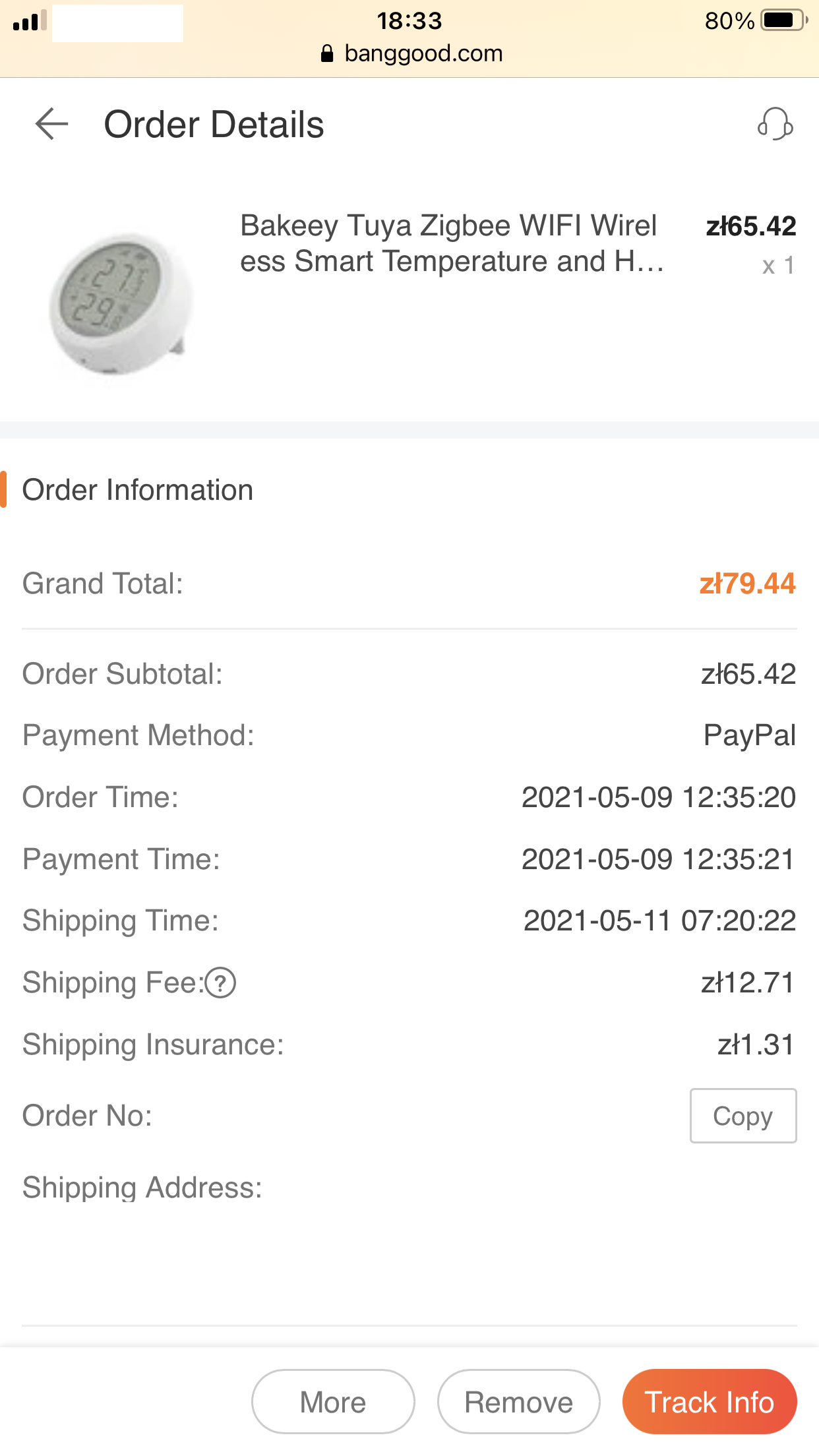
I placed the order on May 9, the product was shipped out on May 11:
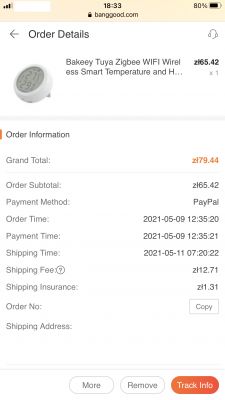
(screenshot from the phone because I ordered it in the field)
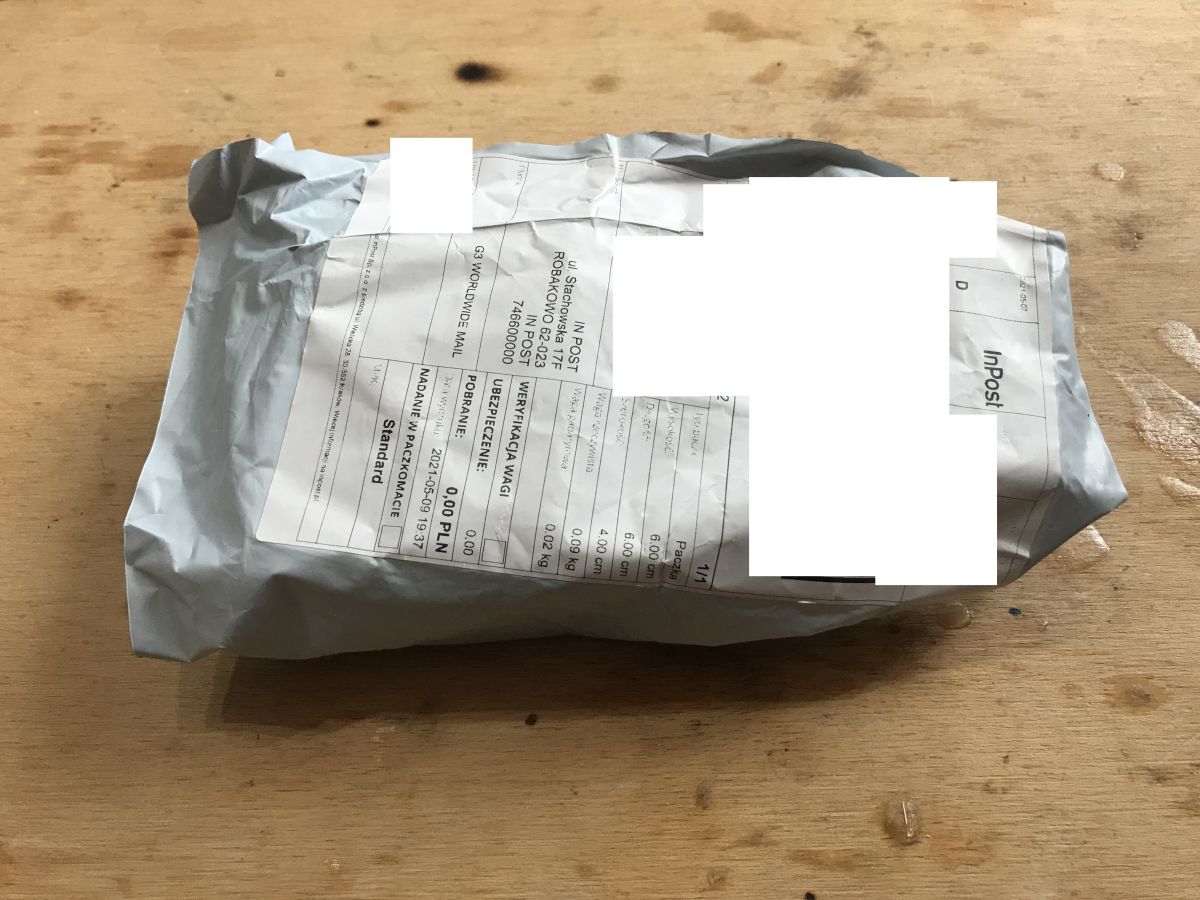
Inpost (tracked shipment) brought the package on May 18. Just over a week of waiting, very quick shipment.
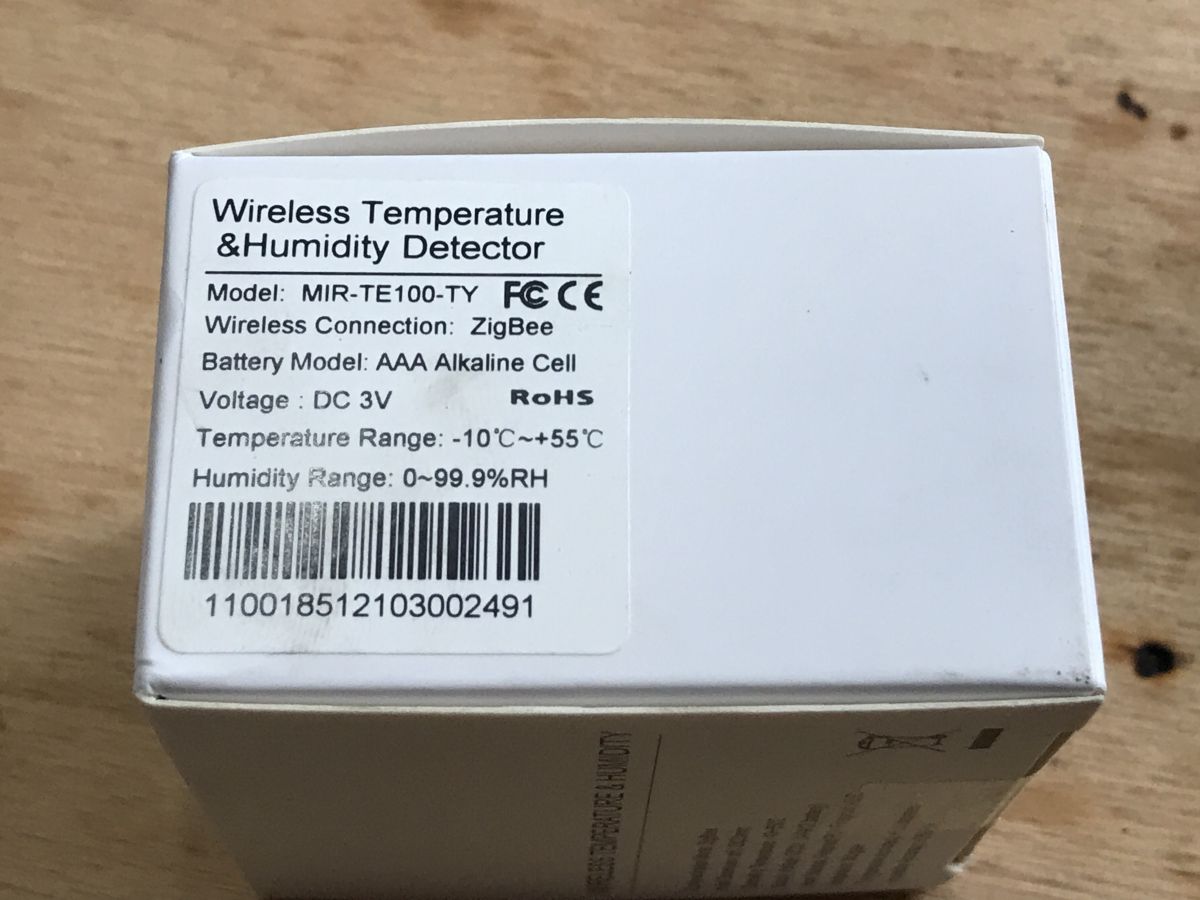
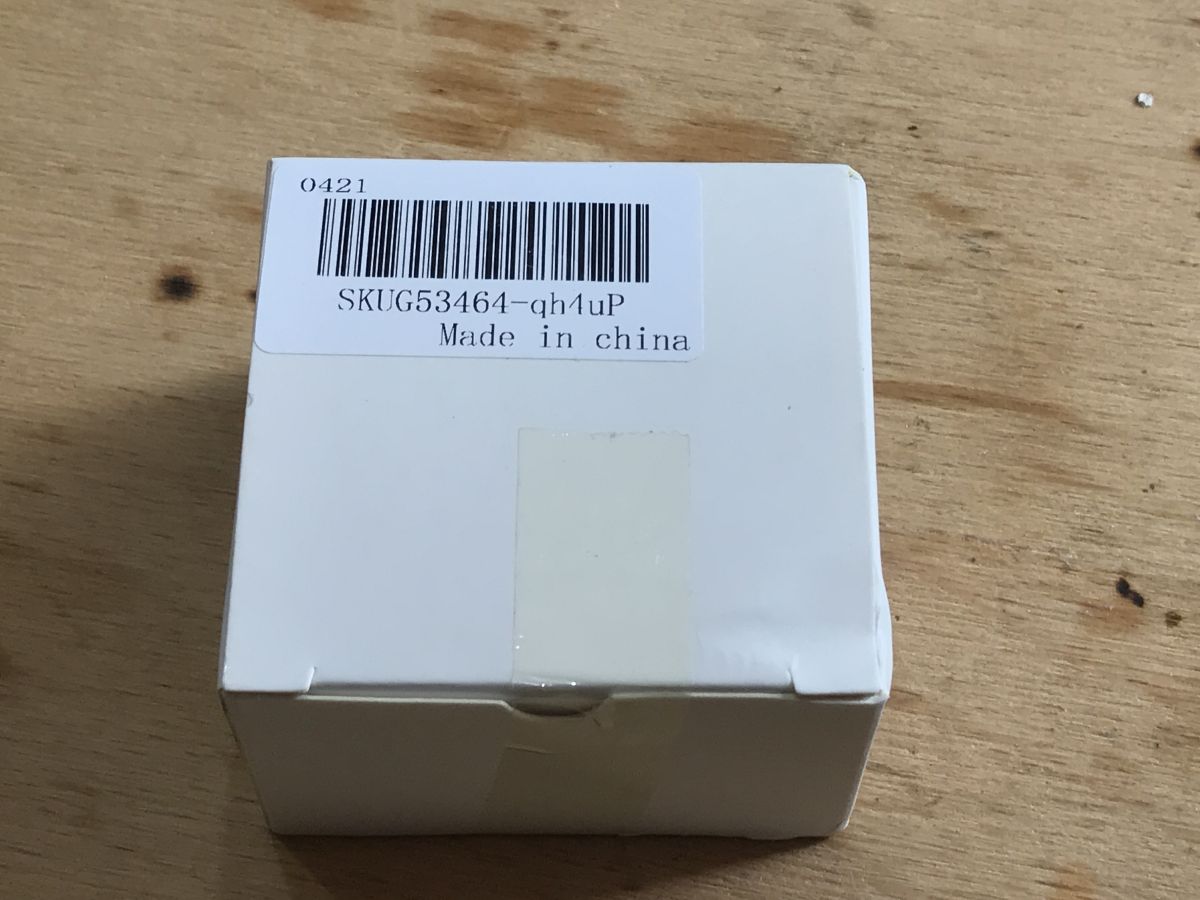
The SKU of this product is SKUG53464
Package contents
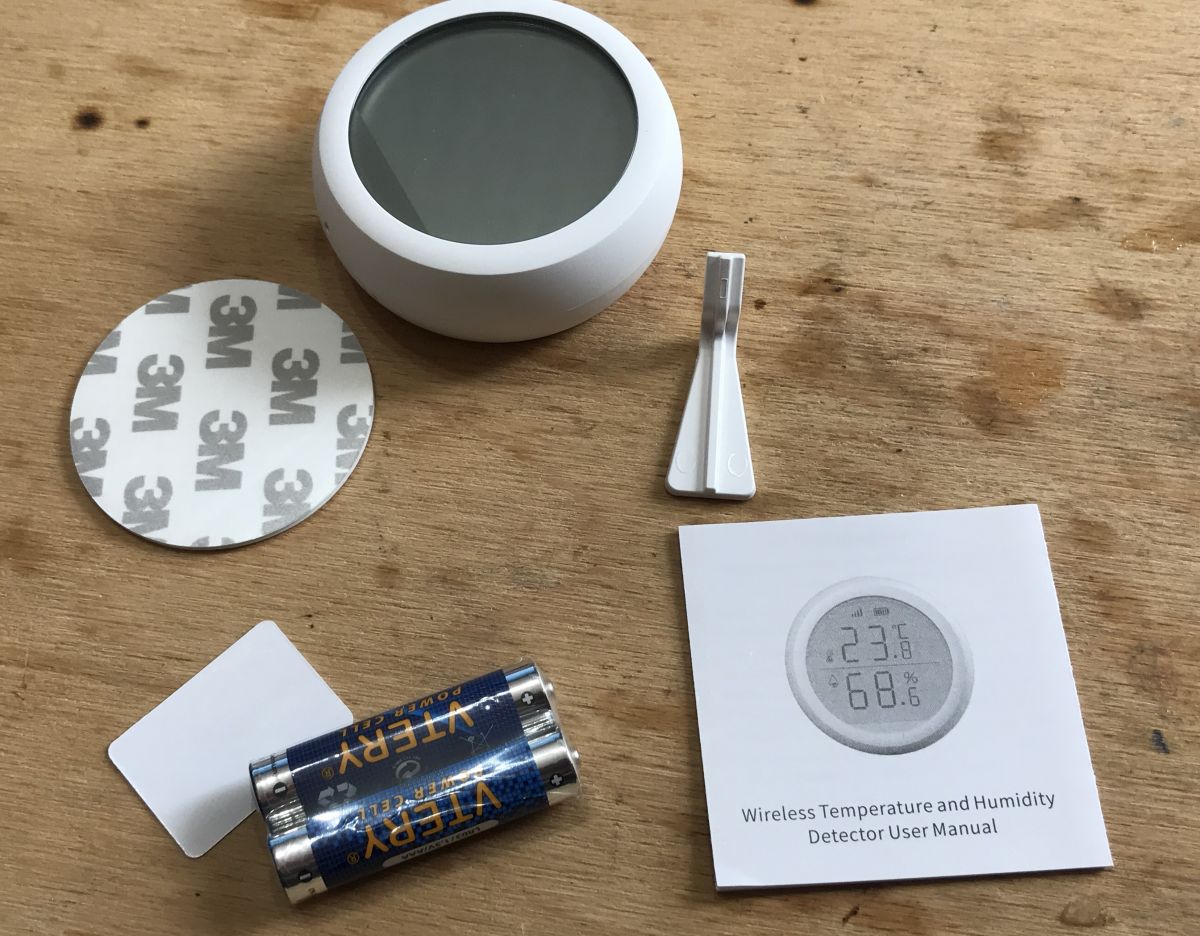
Let's check what we have received.
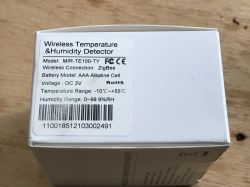
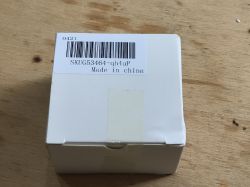
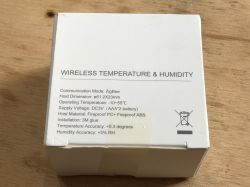
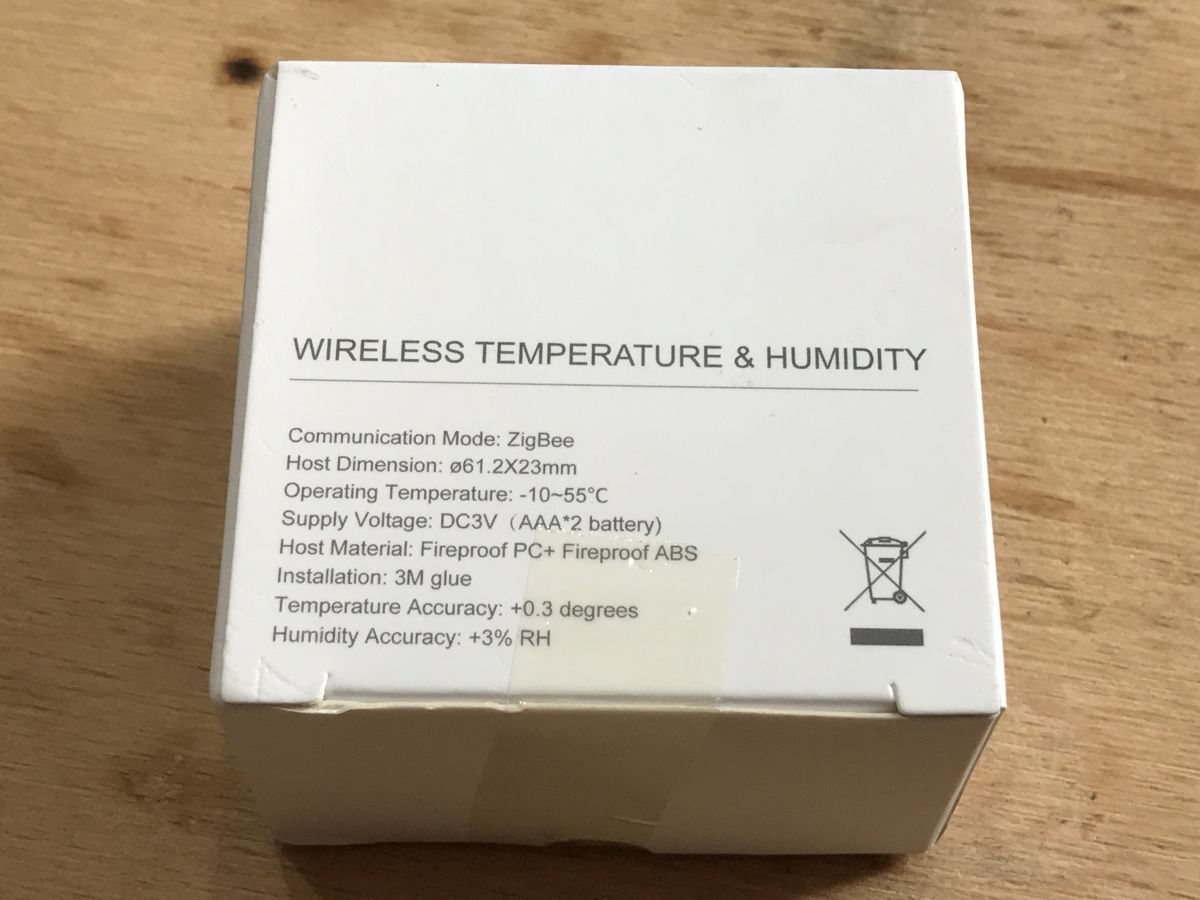
Surprisingly, the batteries are included - this is a very big positive, especially for those less technical users who are not prepared and do not have a spare.
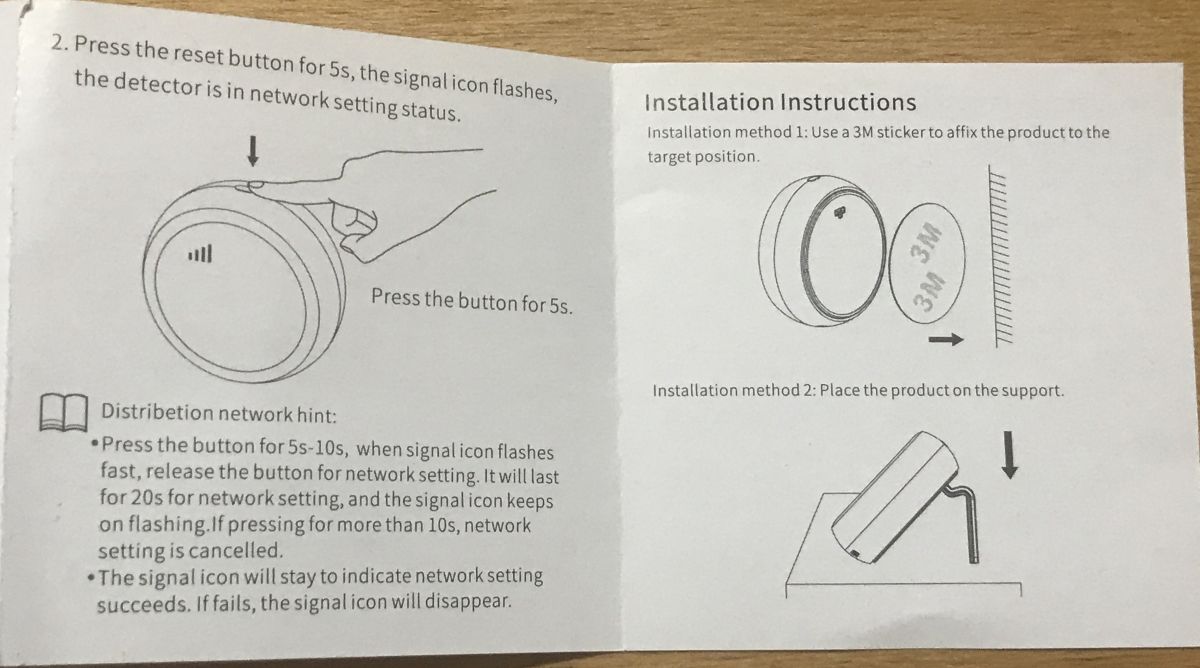
We also have a stand, a tape to stick on the wall and instructions.
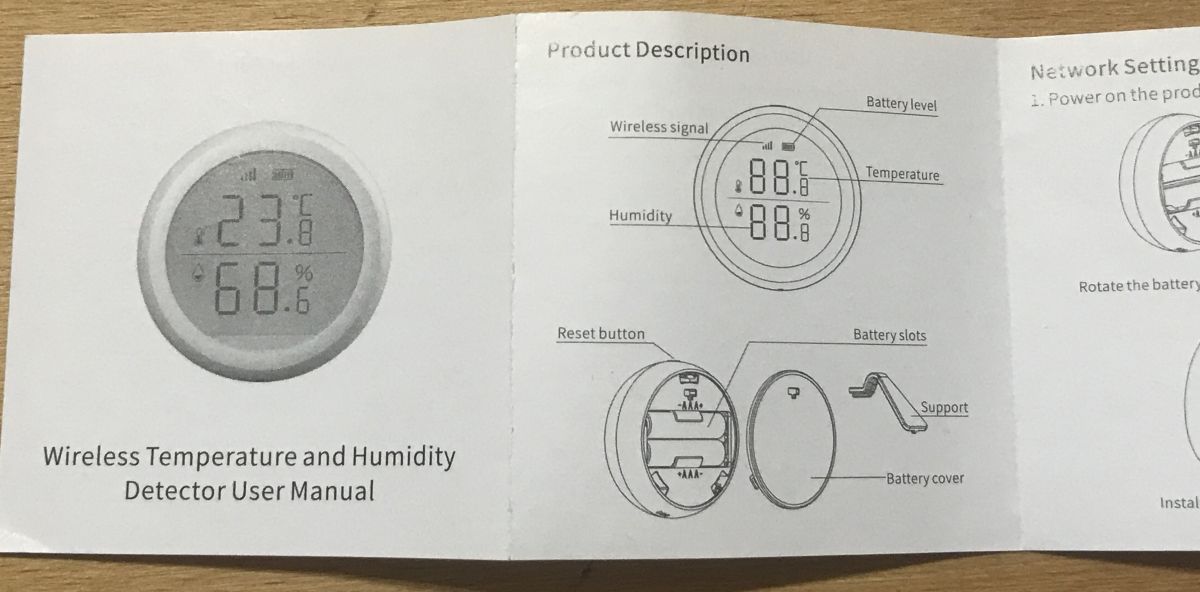
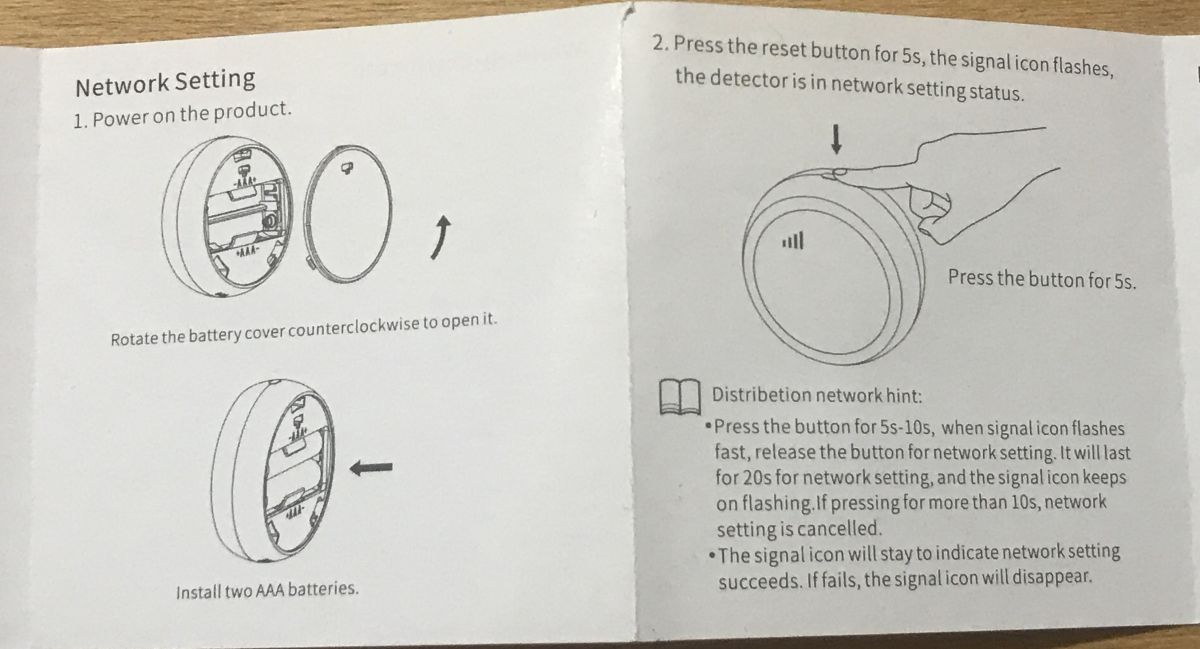
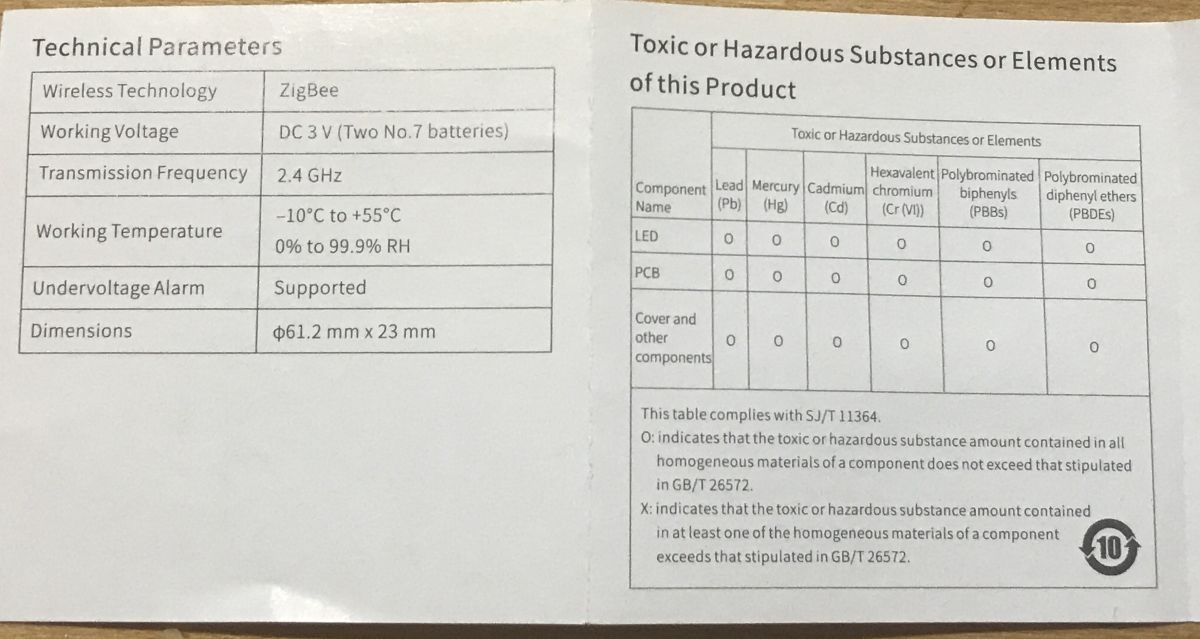
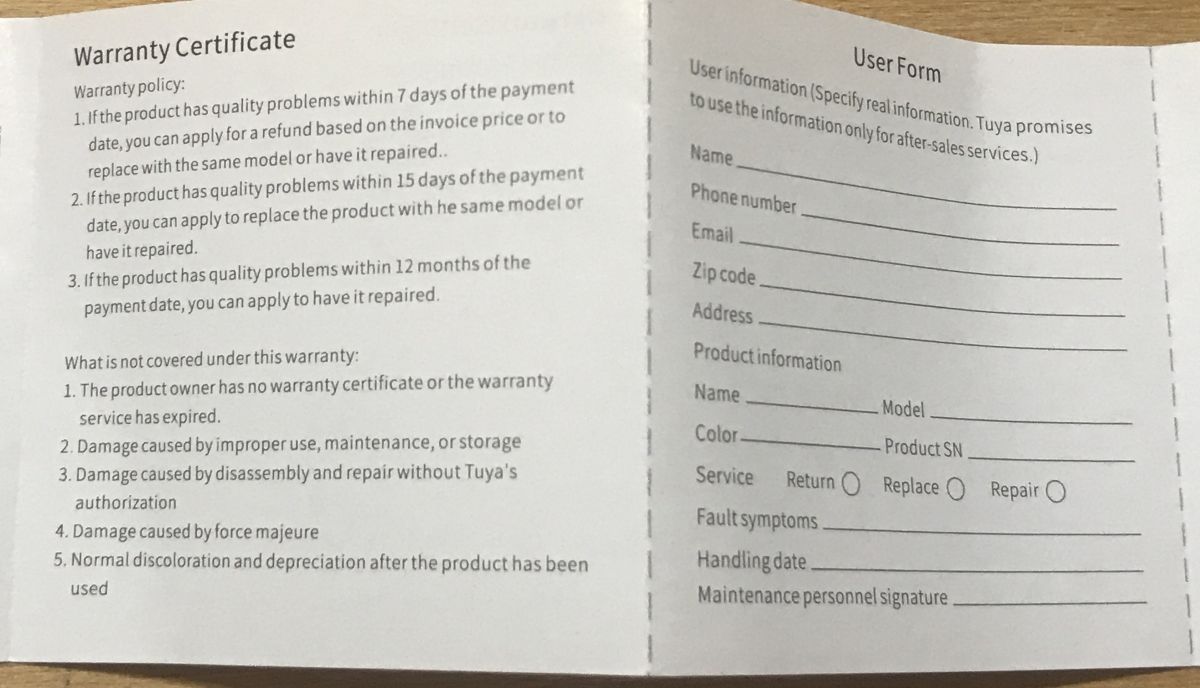
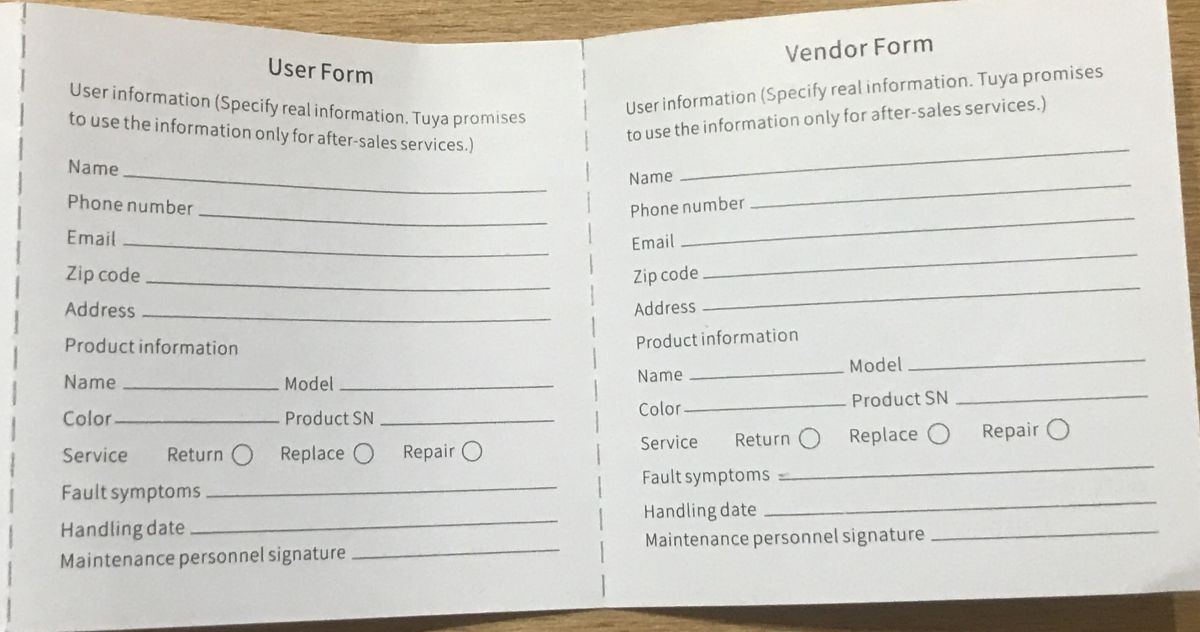
Instruction:
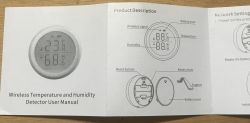
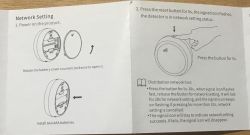
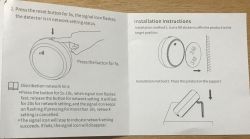
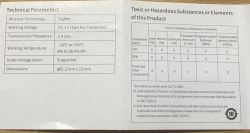


The most interesting part is this kind of warranty from Tuya for 12 months, does anyone know if it really works?
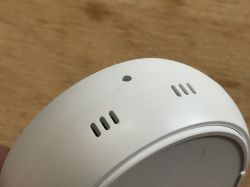
Button (short press refreshes the reading, long press starts pairing):
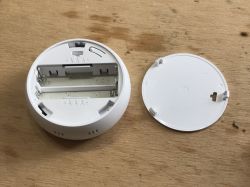
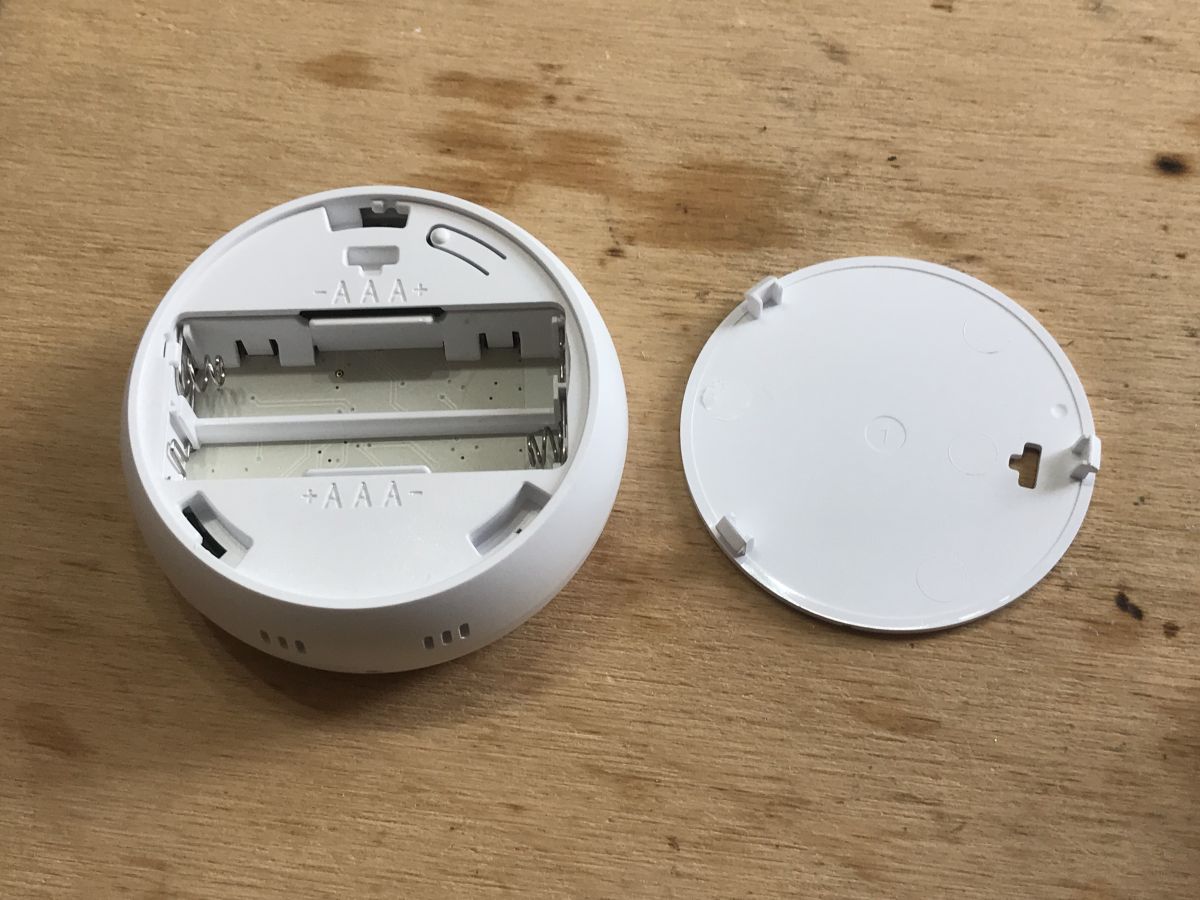
To install the battery, you need to gently twist the rear cover to the side (but after removing the stand leg!):
 Pairing with Home Assistant via Zigbee2mqtt
After installing the batteries, however, nothing happened. Nothing happened after a short press of the button.
It was necessary (according to the instructions) to press the button for more than 5 seconds.
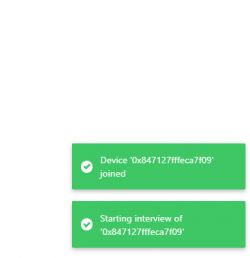
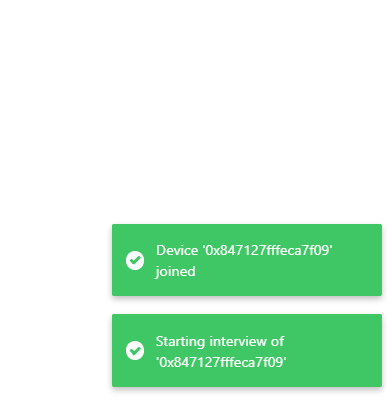
Then Home Assistant automatically detected a new device:
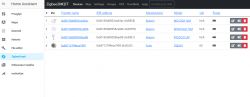
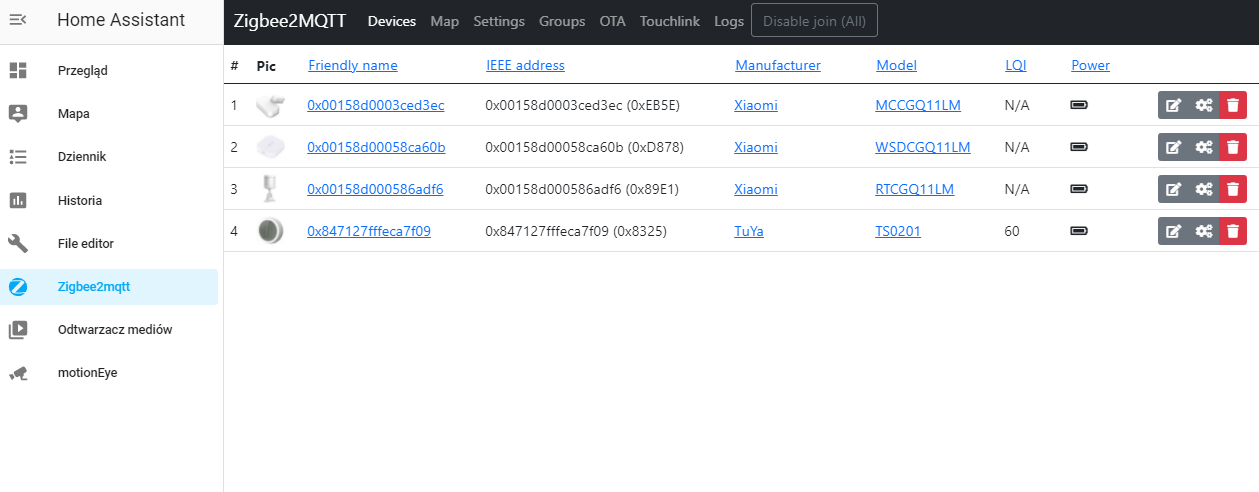
It also appeared on the Zigbee2MQTT list:
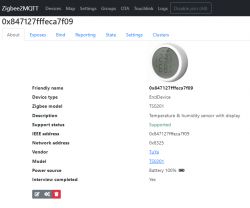
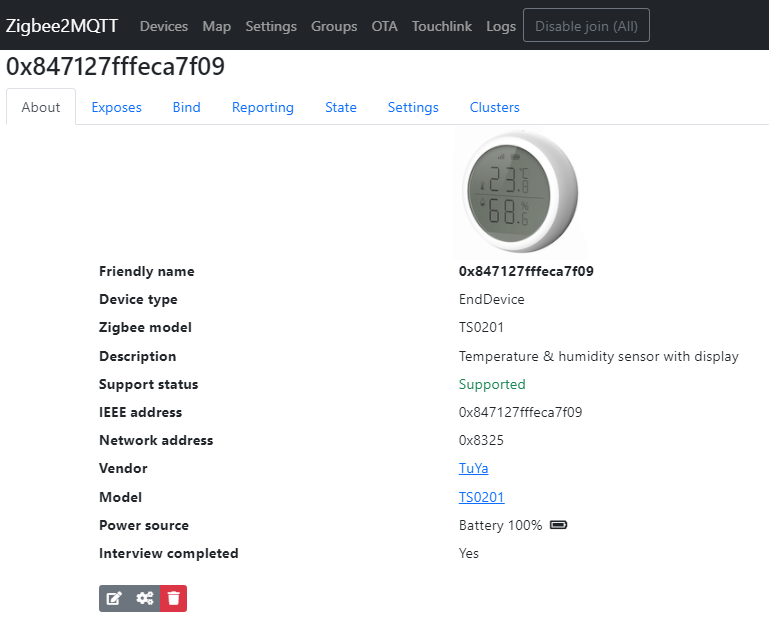
Device parameters:
Quote:
Friendly name: 0x847127fffeca7f09
Device type: EndDevice
Zigbee model: TS0201
Description: Temperature & humidity sensor with display
Support status: Supported
Network address: 0x8325
Vendor: TuYa
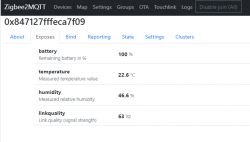
Shared variables:
 Temperature refresh
I noticed an interesting ailment of this device - the temperature is refreshed every 0.7°C and additionally the measurement is performed from time to time, unless we press the button on the housing.
This is definitely a battery saving mechanism.
I do not consider it a problem, at home these 0.7°C will not make any difference to us, and frequent battery replacing is definitely tiring.
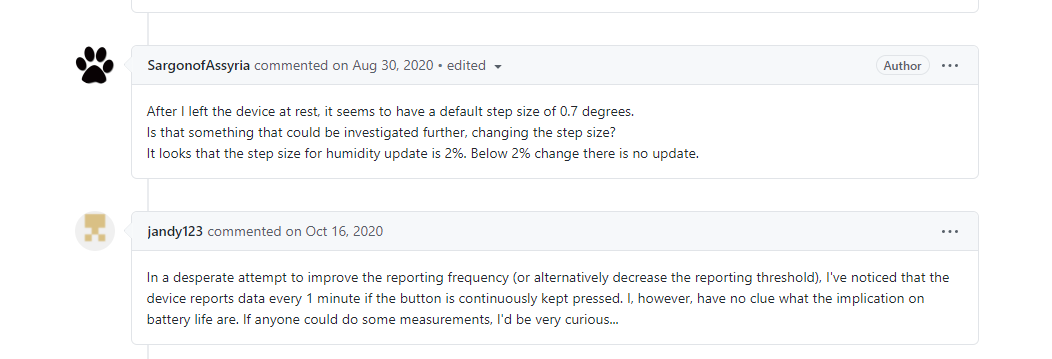
Various users of this device from the network have similar observations:

You could increase the frequency of reports by pressing the button permanently.
Automations and work scenarios
With such temperature/humidity sensor you can do various types of automation and work scenarios in the Home Assistant, for example turn on the heating when the temperature drops below the given threshold. I have already described it in the past in my Home Assistant Tutorial:
https://www.elektroda.pl/rtvforum/topic3777098.html
Comparison of measurements
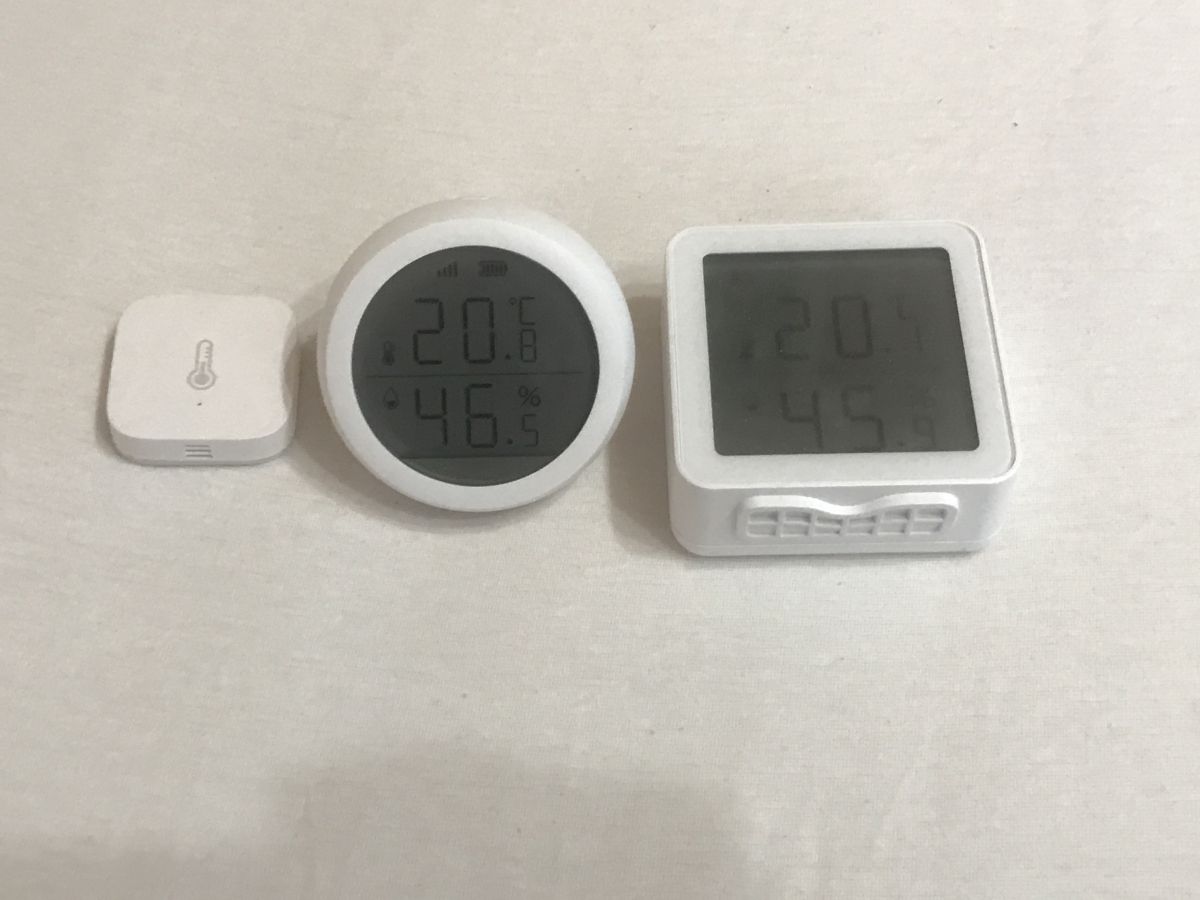
Let's compare the measurements from three similar devices.
Used devices:
- TS0201 from this topic
- Aqara WSDCGQ11LM from
https://www.elektroda.pl/rtvforum/topic3791330.html#19352435
- Multi IR MIR-TE200 on XR809 with WiFi
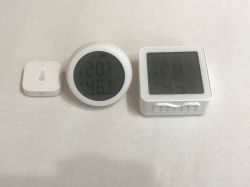
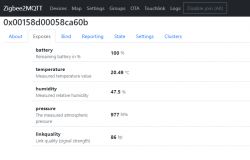
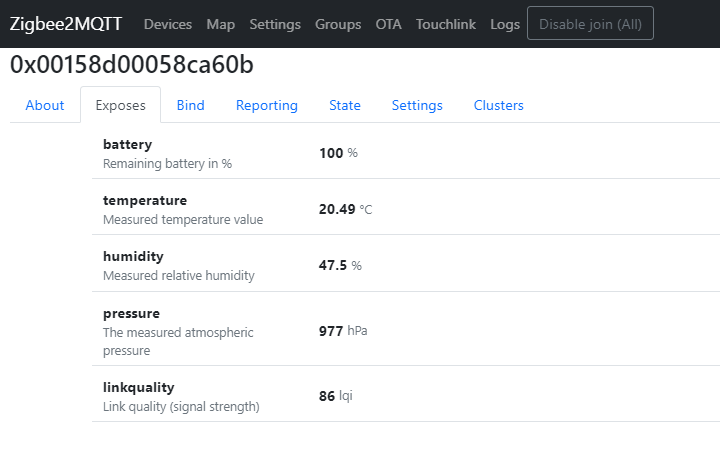
20.5°C, 20.8°C, 20.1°C. Less than one degree of dispersion of measurements.
47.5%, 46.5%, 45.1% just over 1% -2% of the measurement difference.
A higher-class reference point could be used, but the measurements are still quite consistent, and moreover, nobody in the house needs more accuracy.
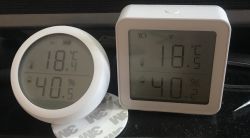
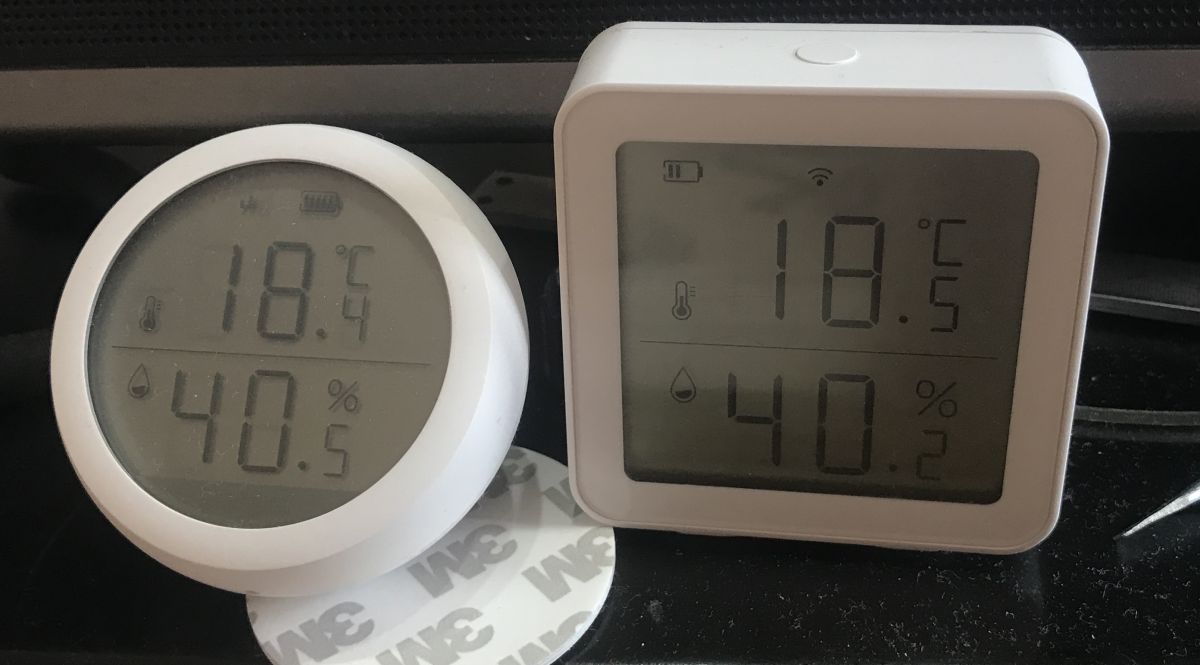
Of course, I tested it a little longer.
All my test shows that there is a maximum of 1 degree temperature difference and about 1-2% humidity:
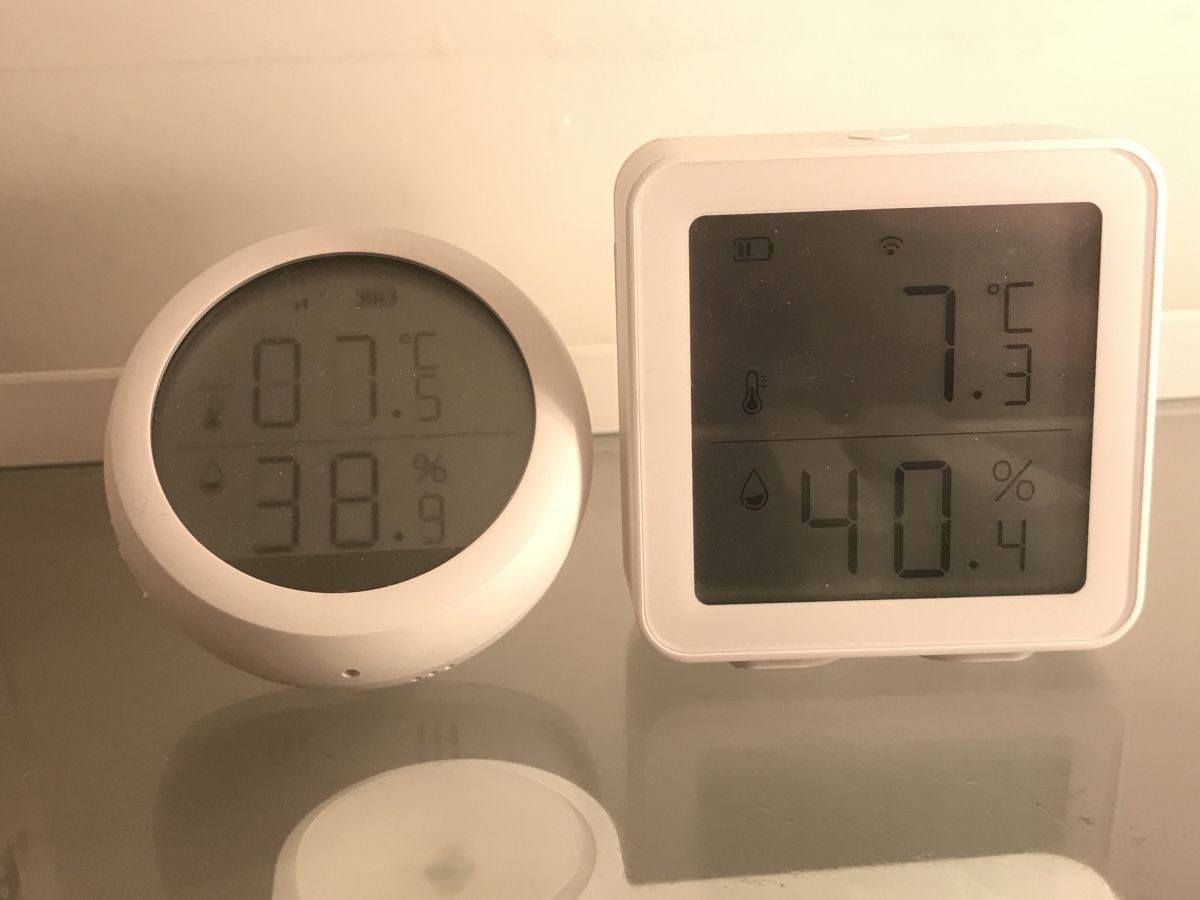
And also the measurement in the refrigerator:
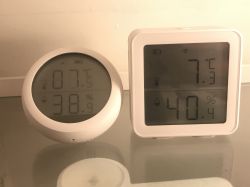
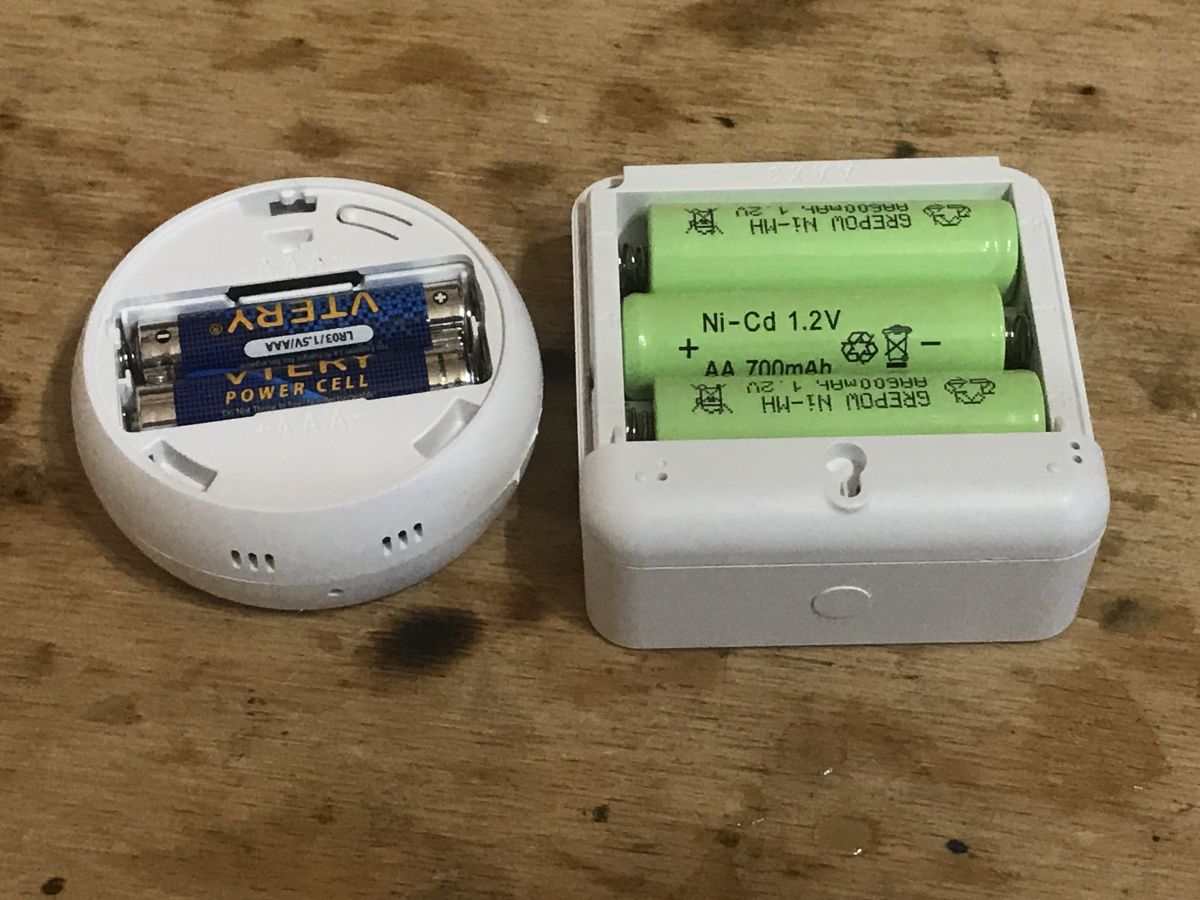
It is also worth noting that of the two LCD hygrometers, the one from Zigbee requires smaller batteries:
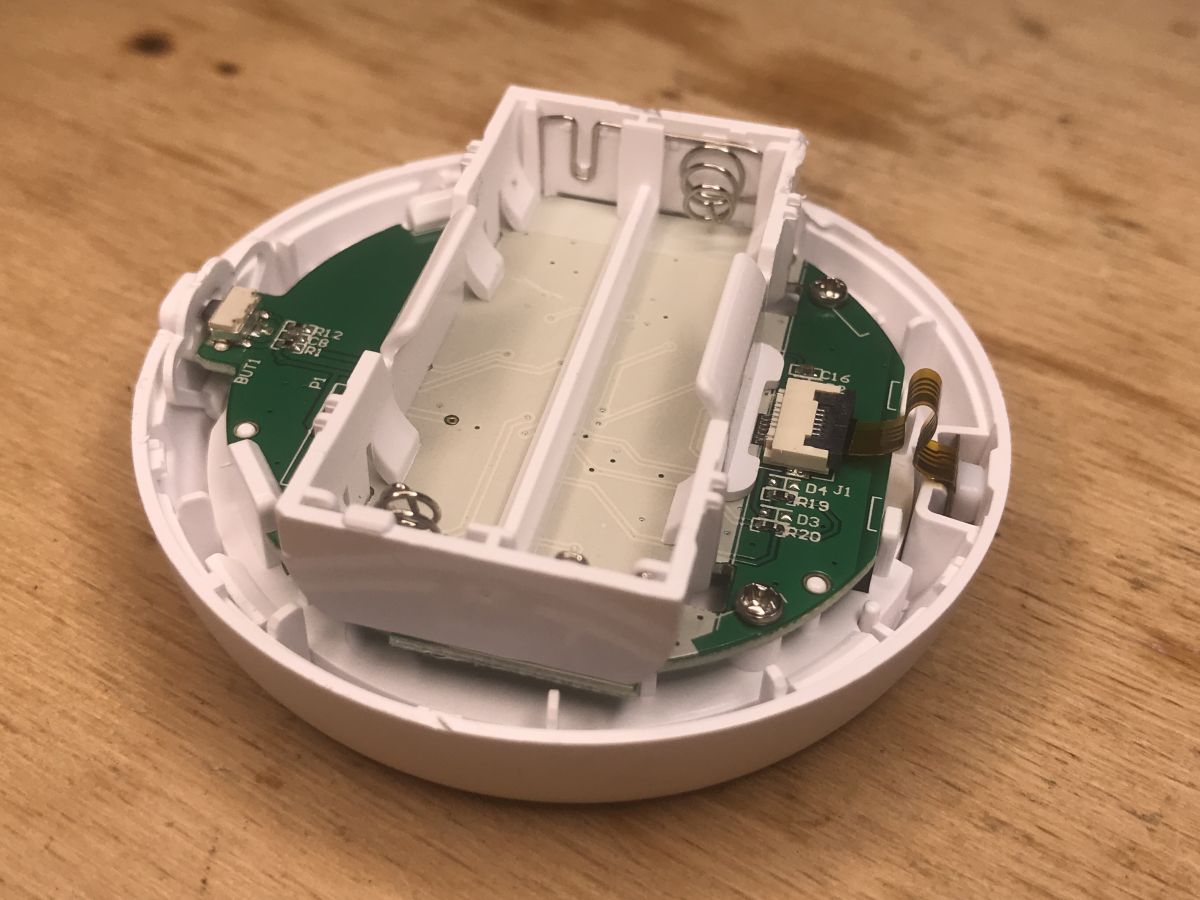
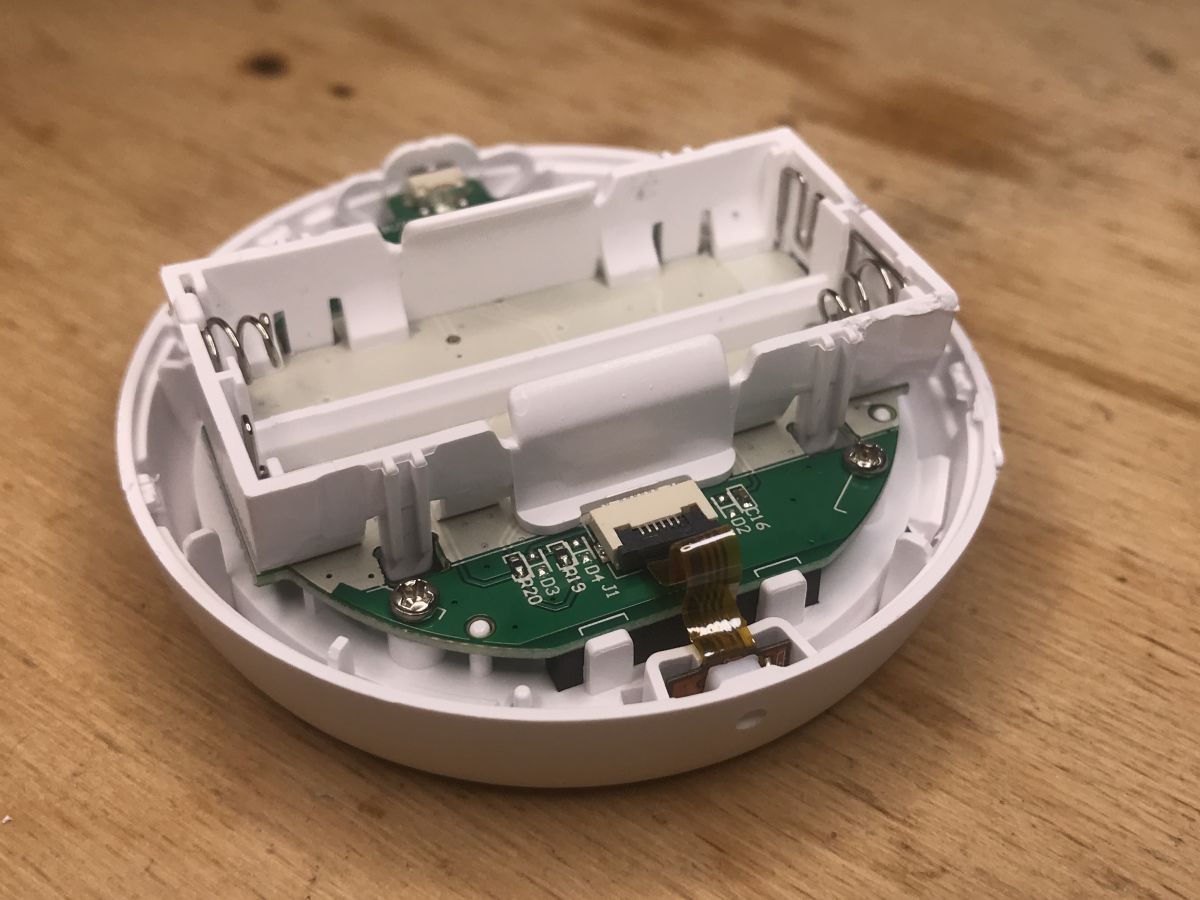
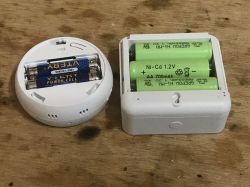 Interior of the TS0201
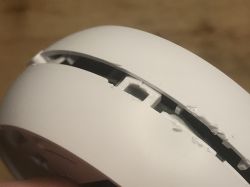
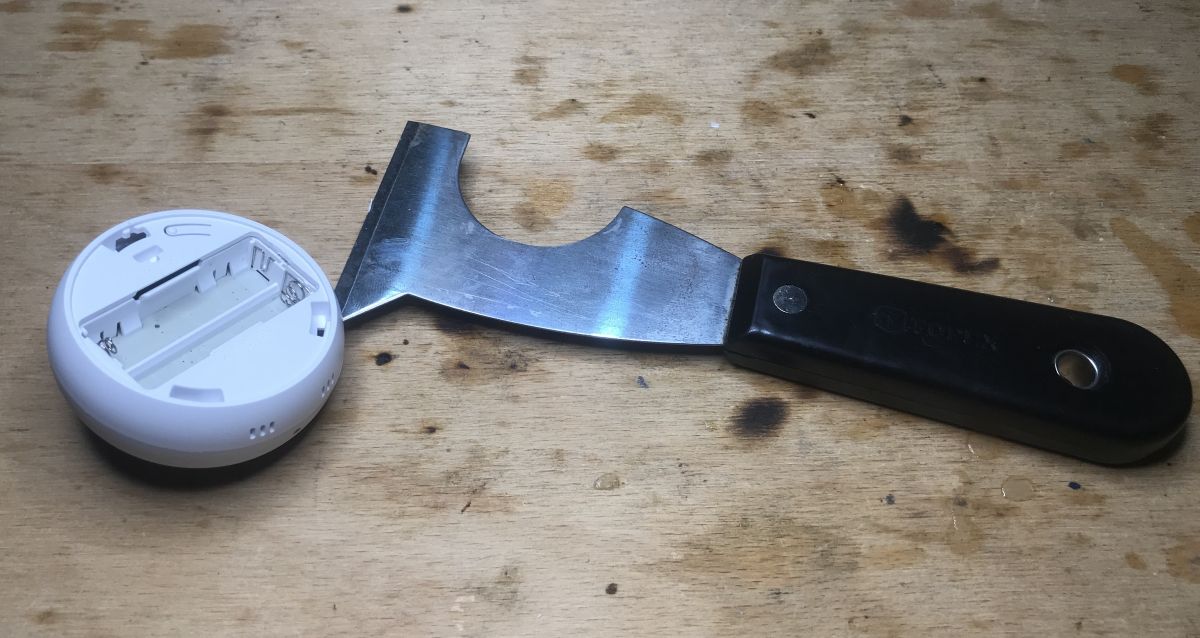
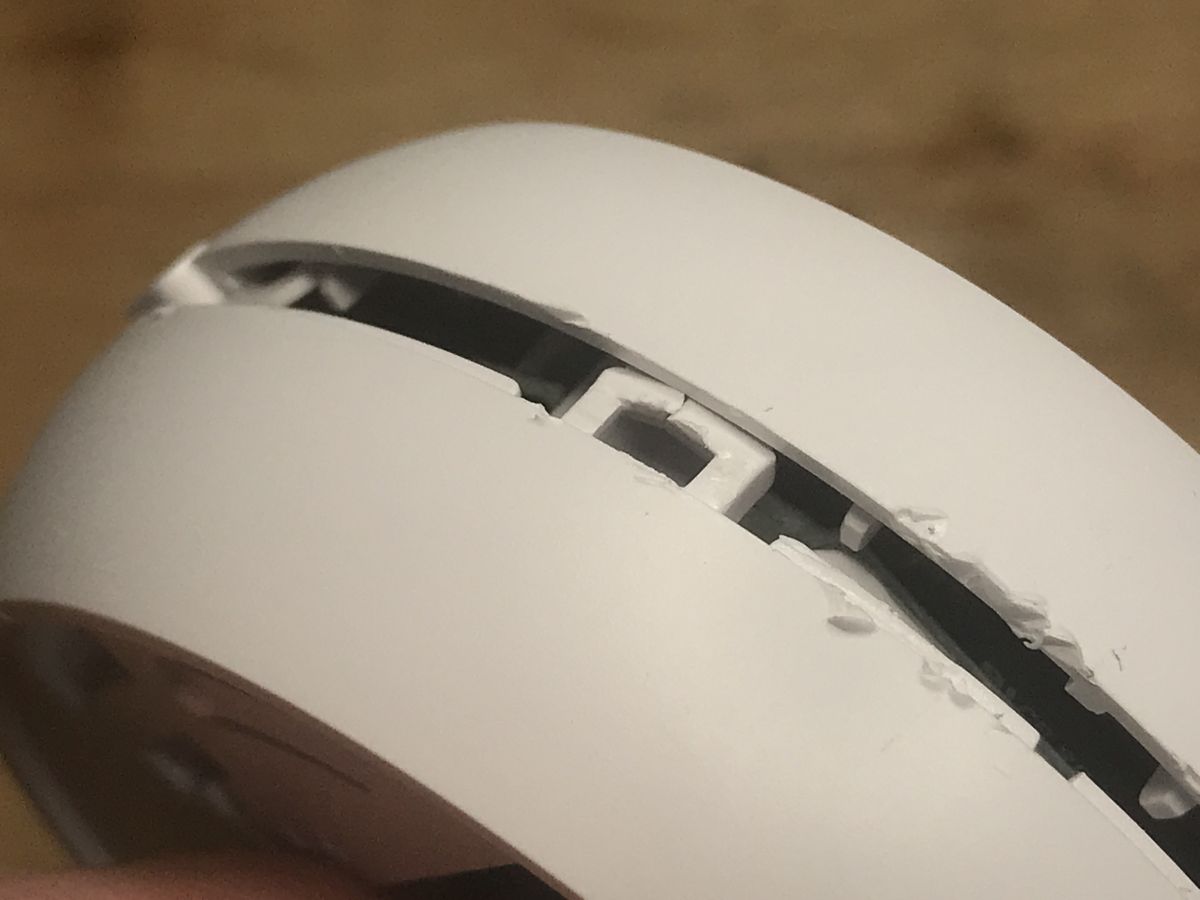
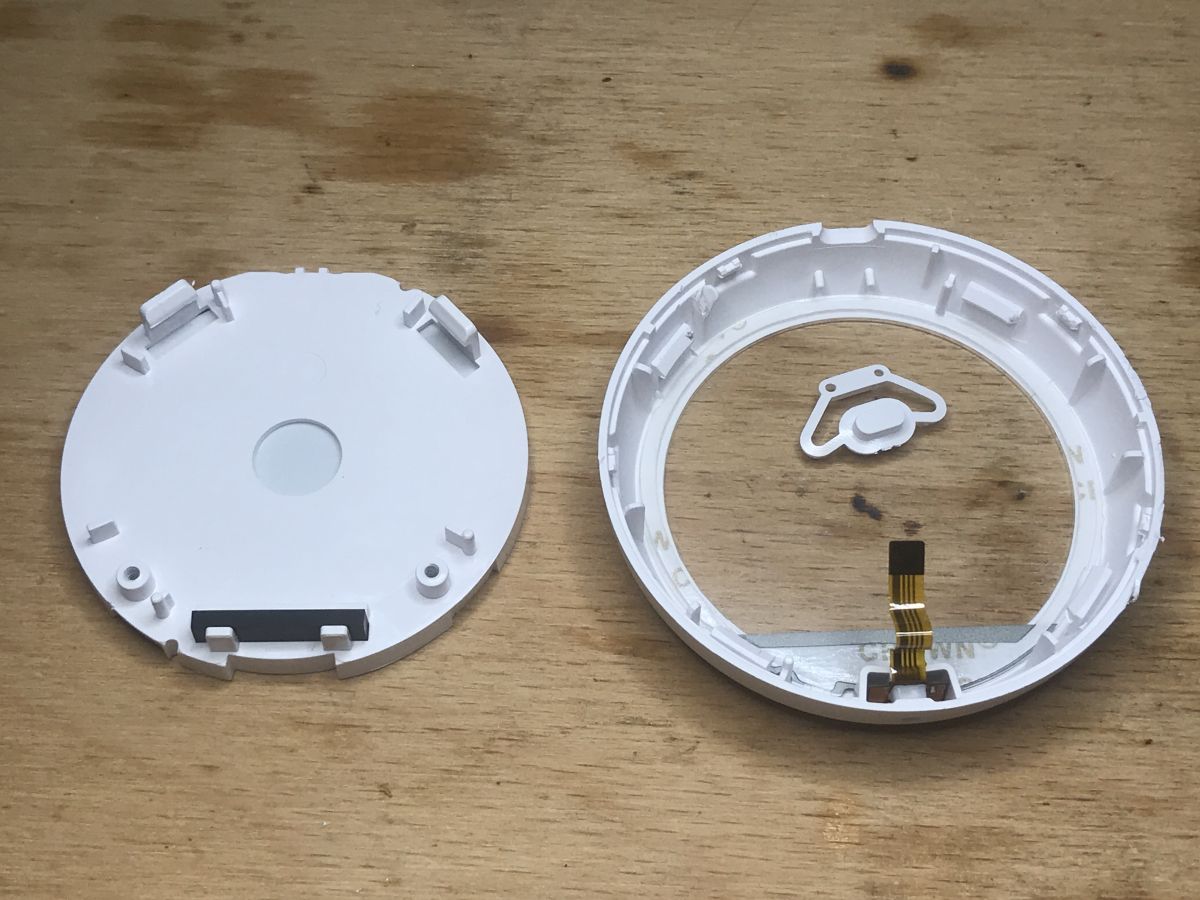
Getting inside is quite difficult. You just have to pry the case up:
 NOTE: Do not pry in the vicinity of the sensor because you can damage the ribbon!
The housing is held on the following catches:
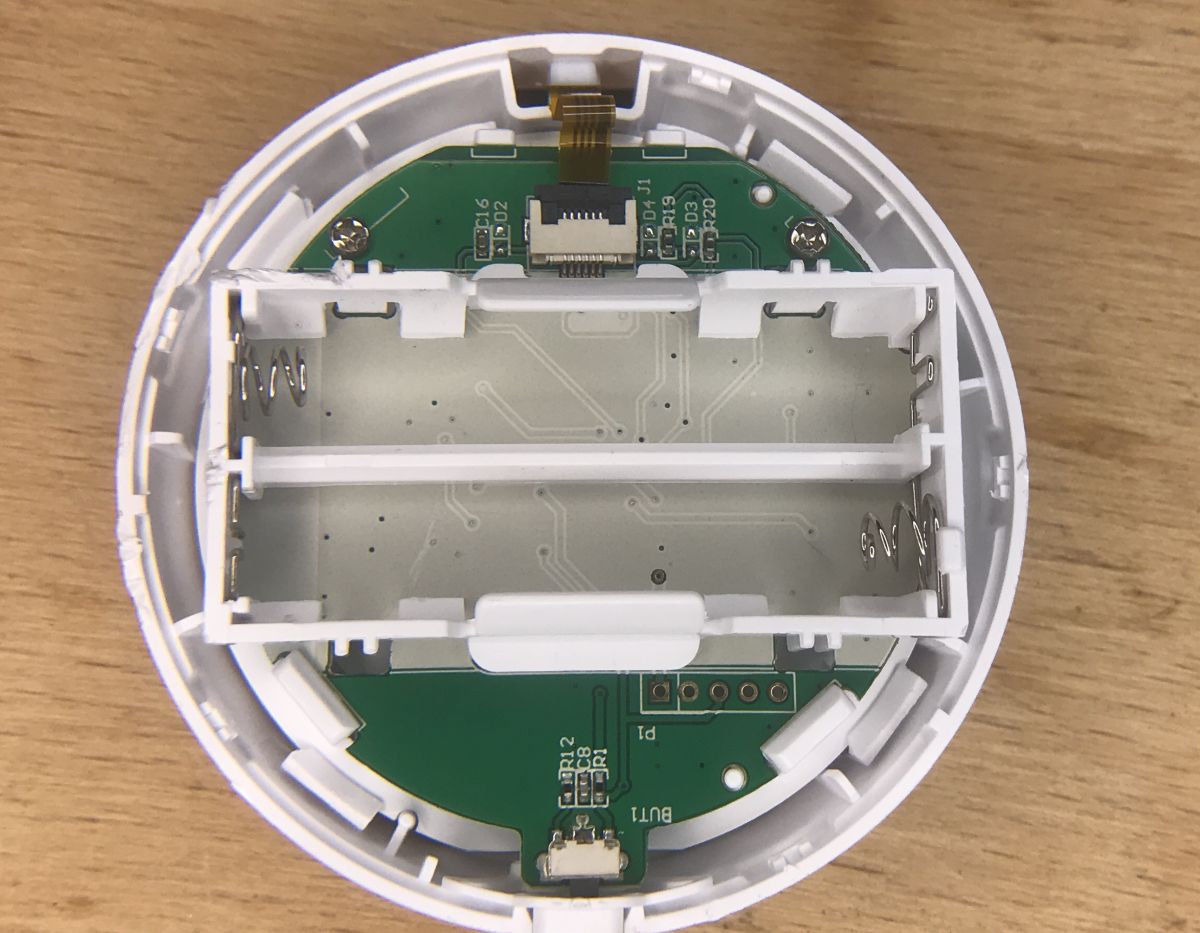
Interior:
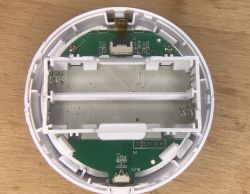
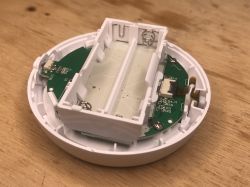
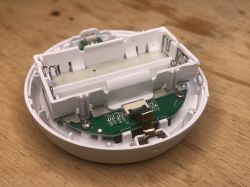
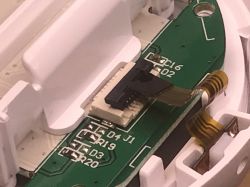
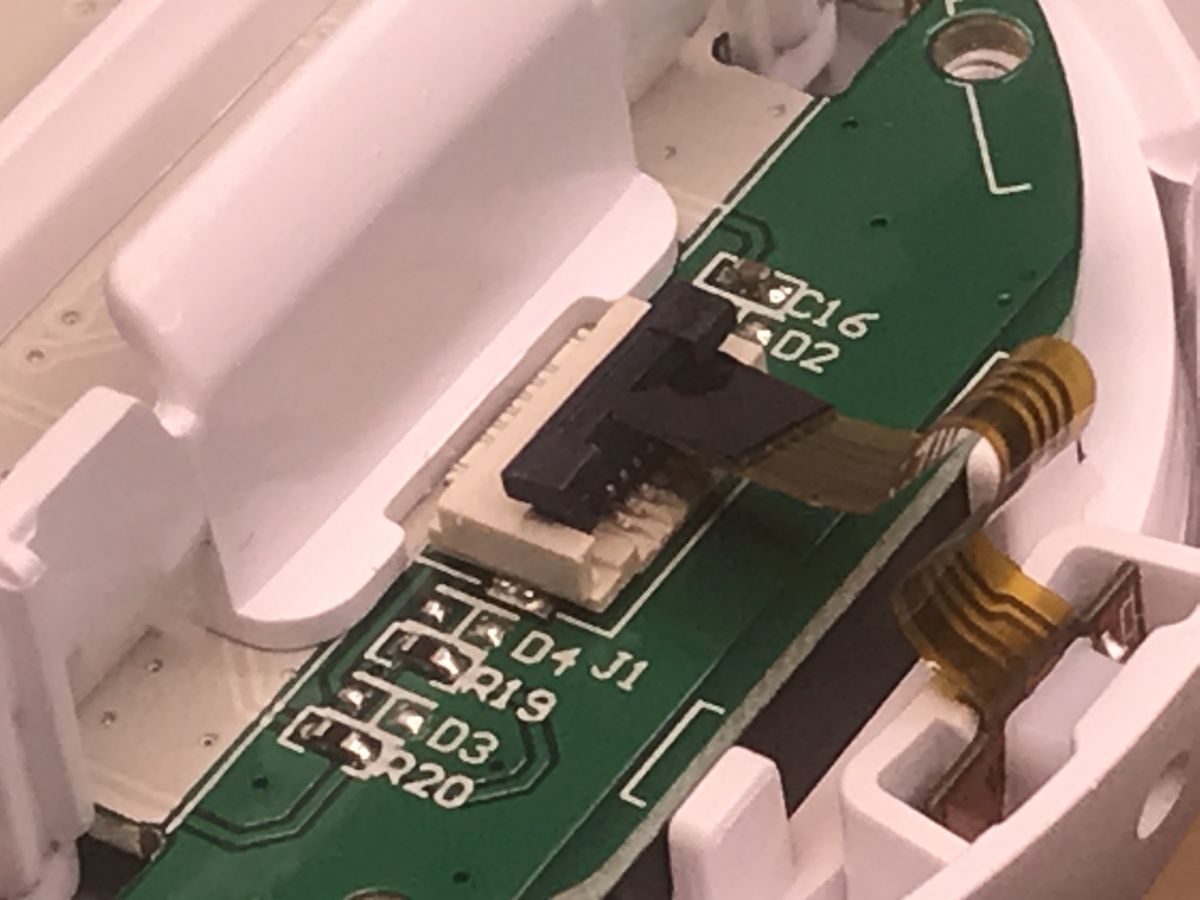
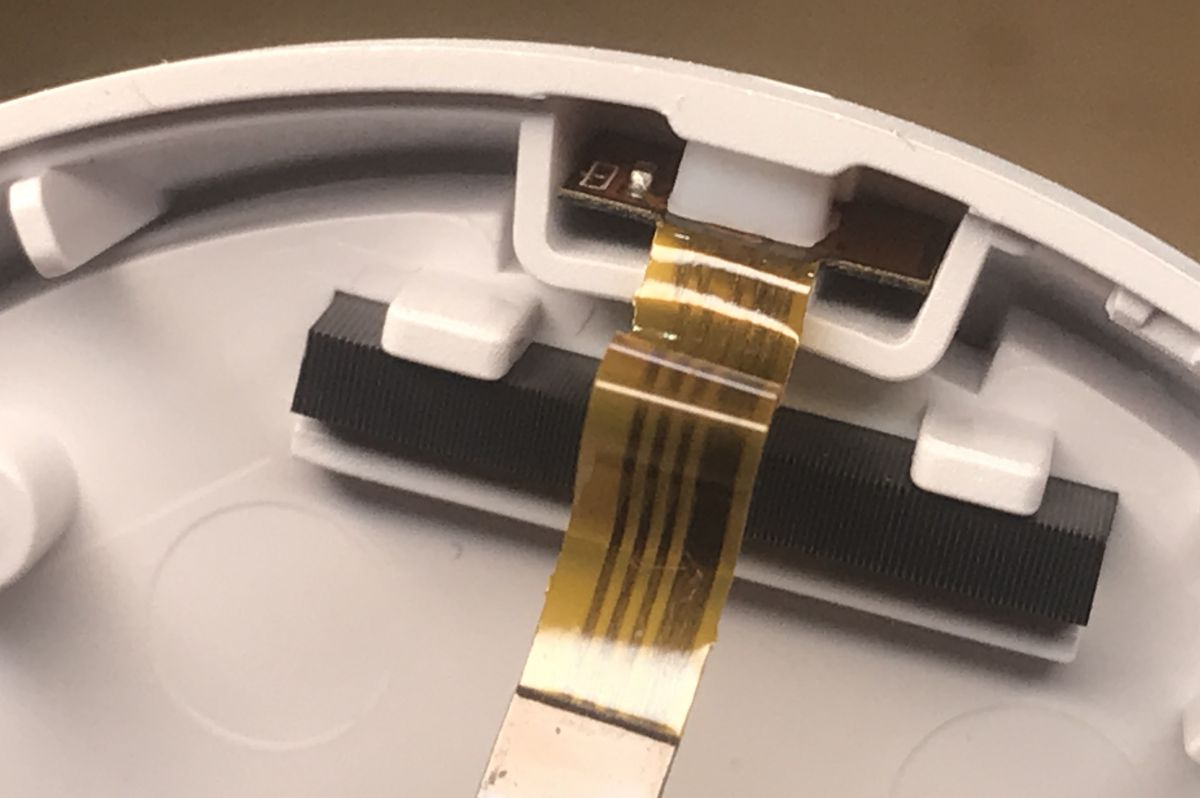
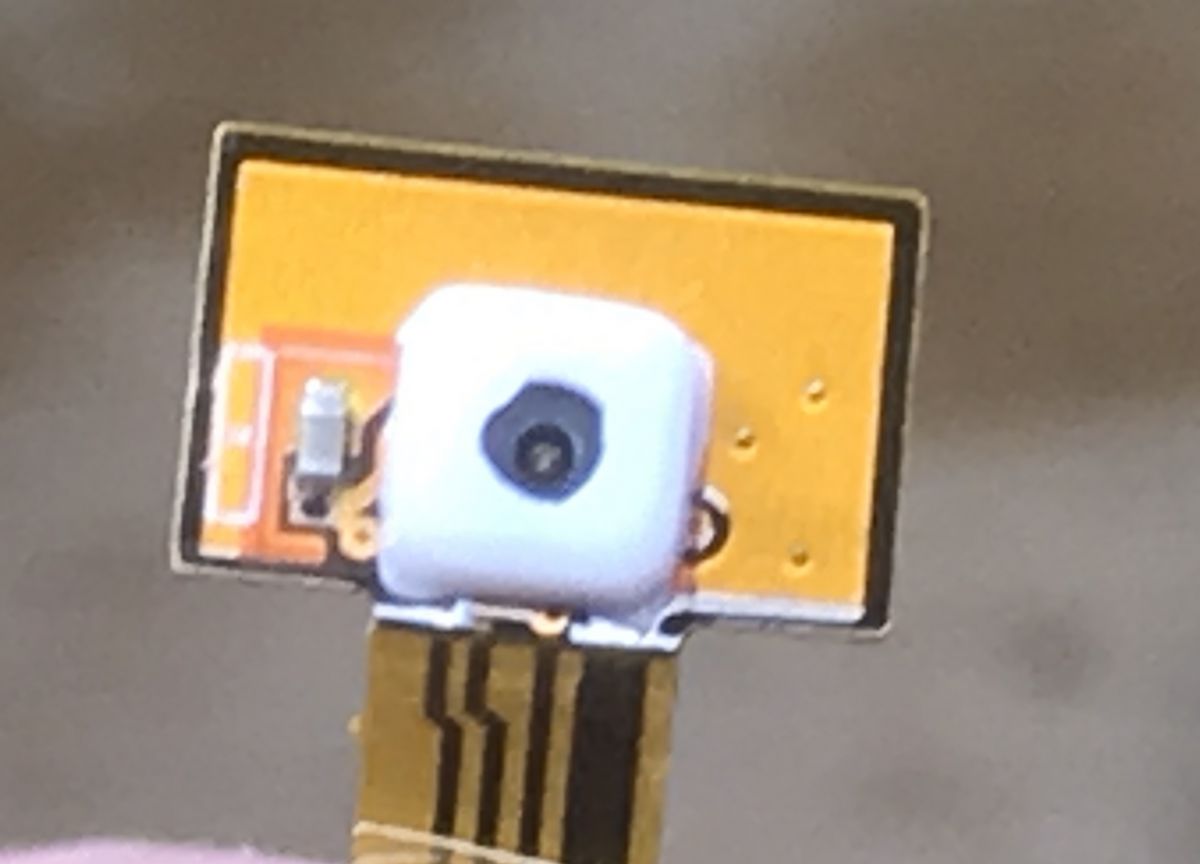
Ribbon for temperature and humidity sensor:
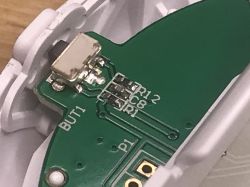
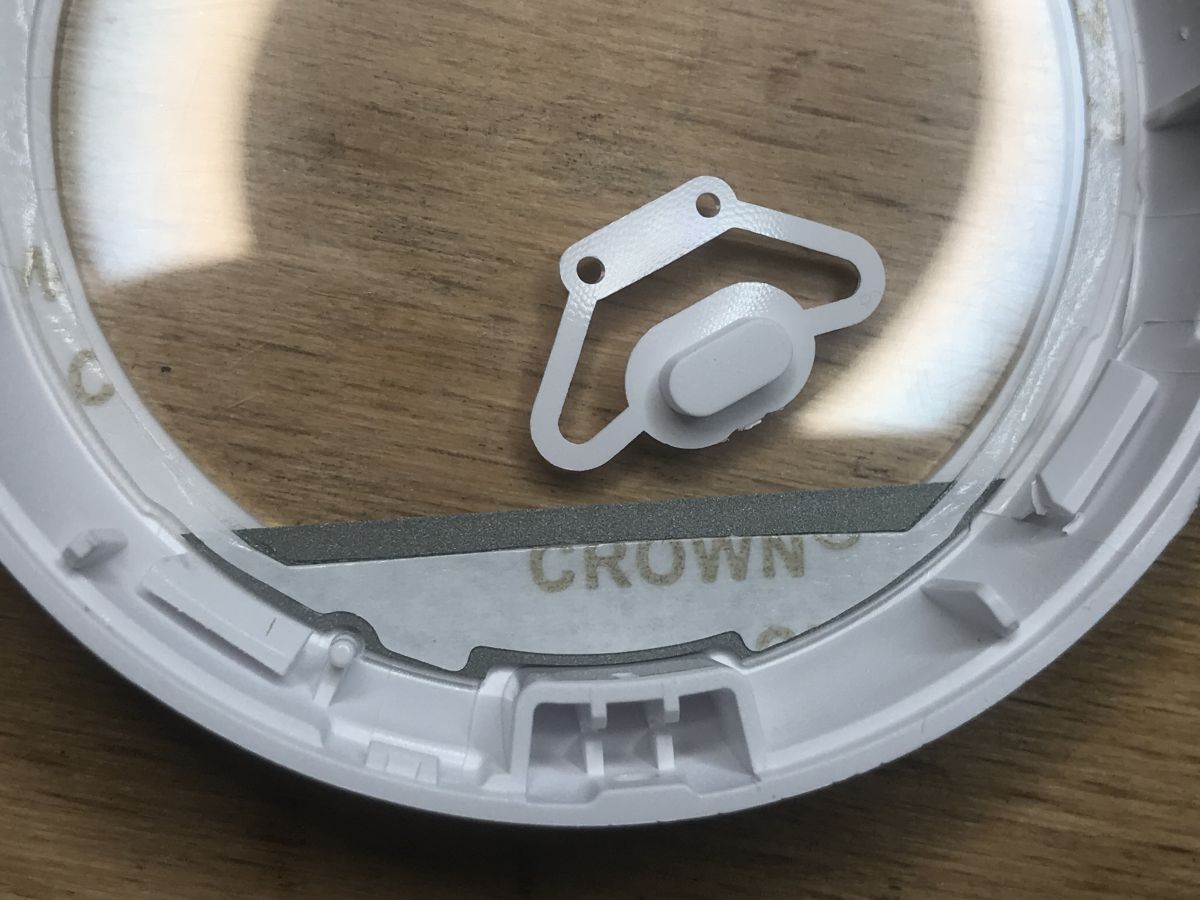
Button:
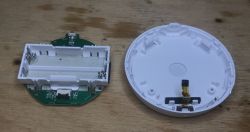
Then you need to remove the two screws and pry out the two hooks. Then you can take out the PCB.
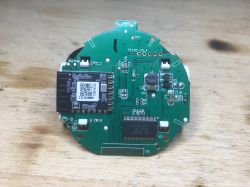
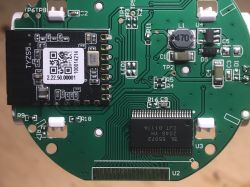
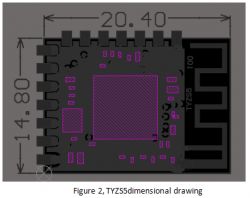
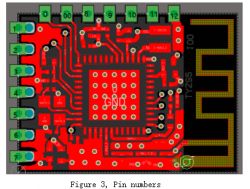
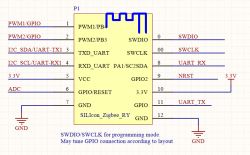
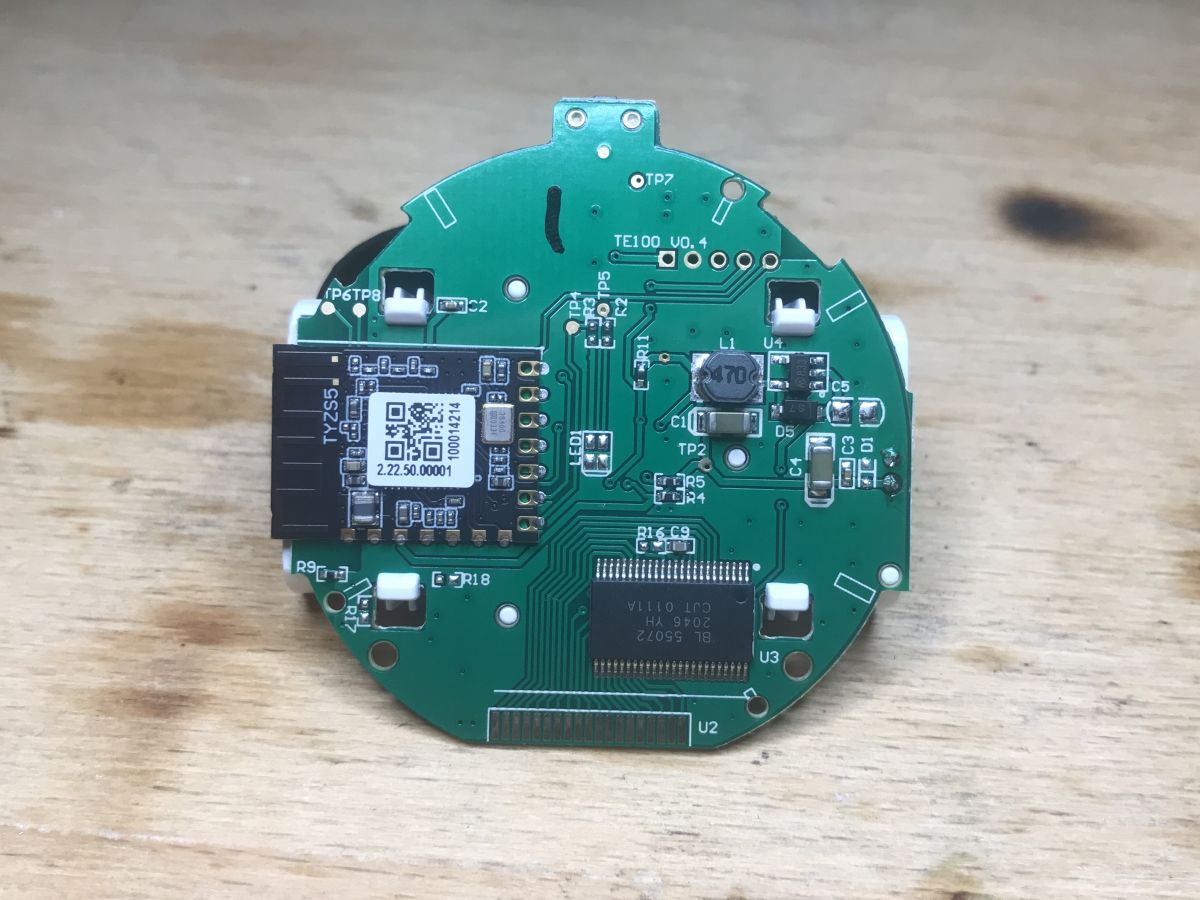
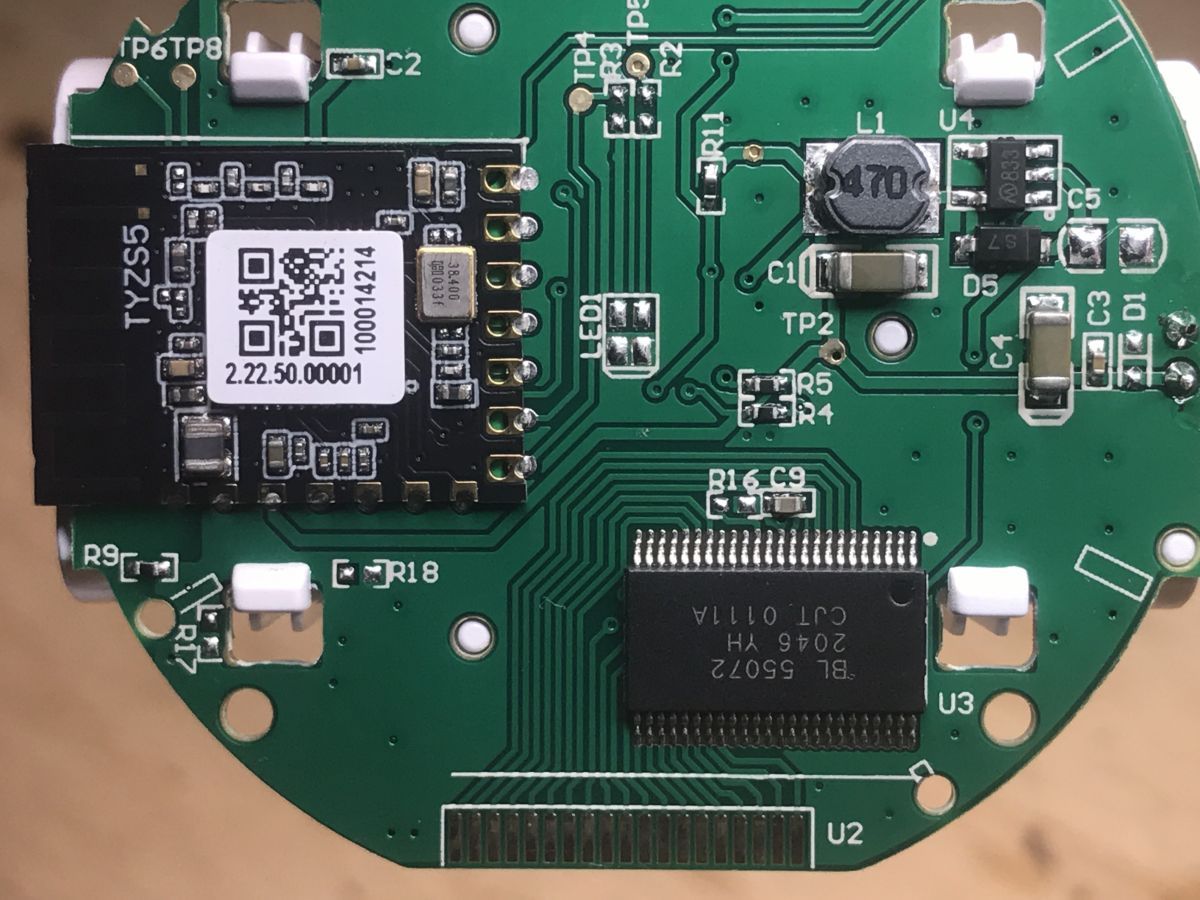
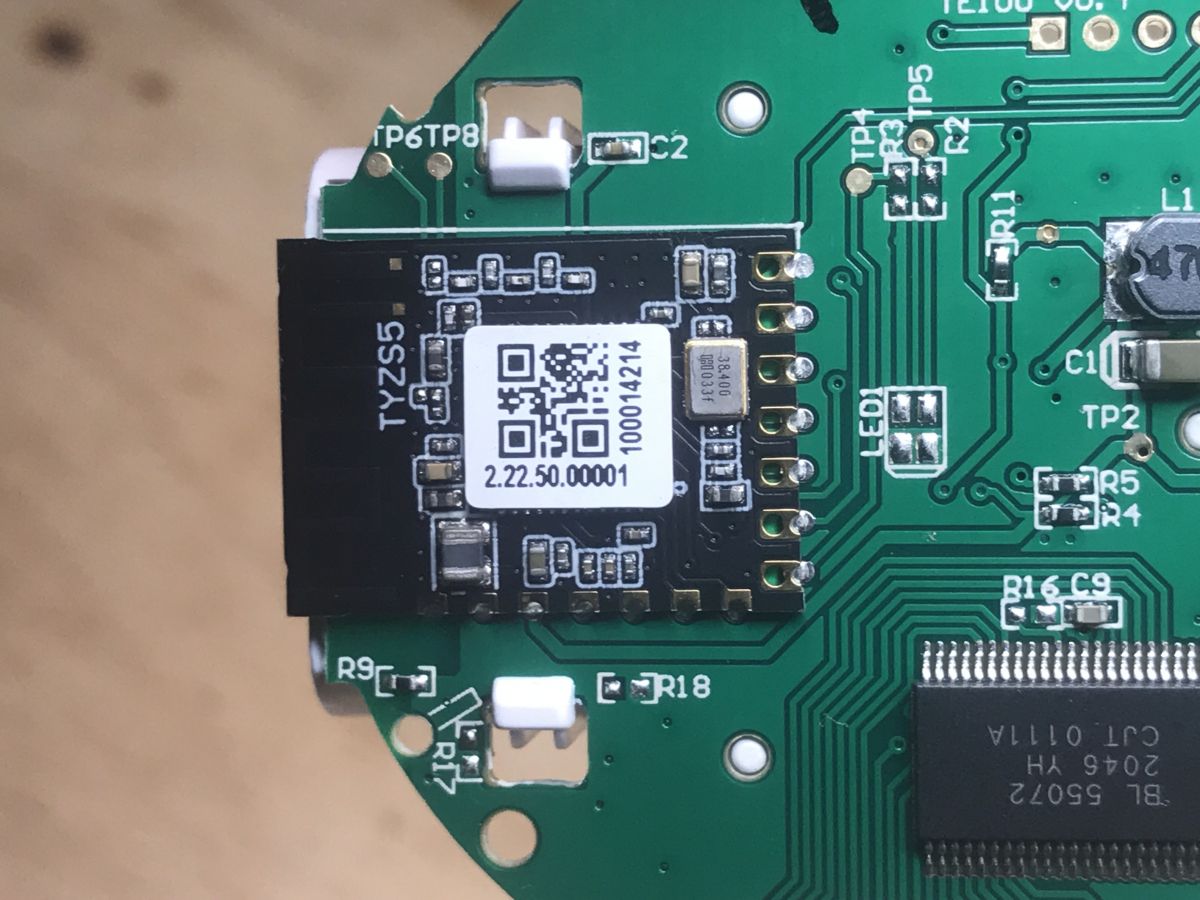
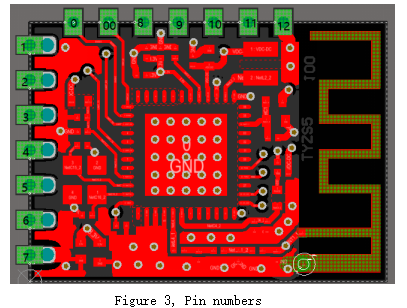
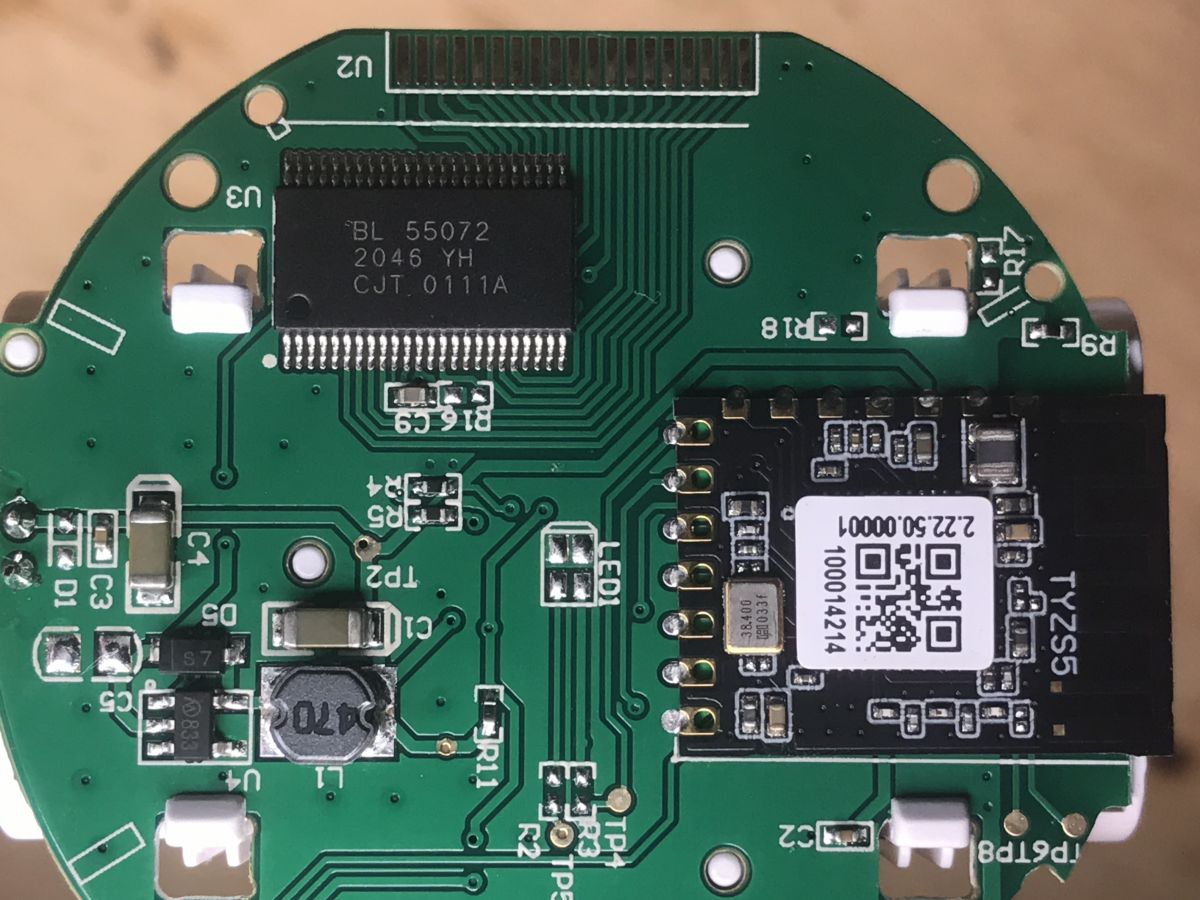
The system is based on TYZS5. On board the TYZS5, the 38,400MHz clock signal source is eye-catching. This is the characteristic frequency for Zigbee.
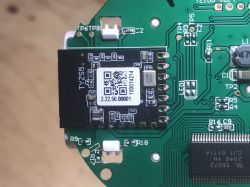
TYZS5 is an energy-saving Zigbee module from Tuya.
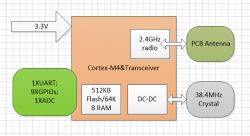
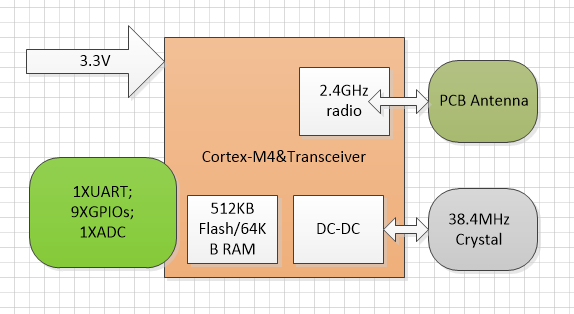
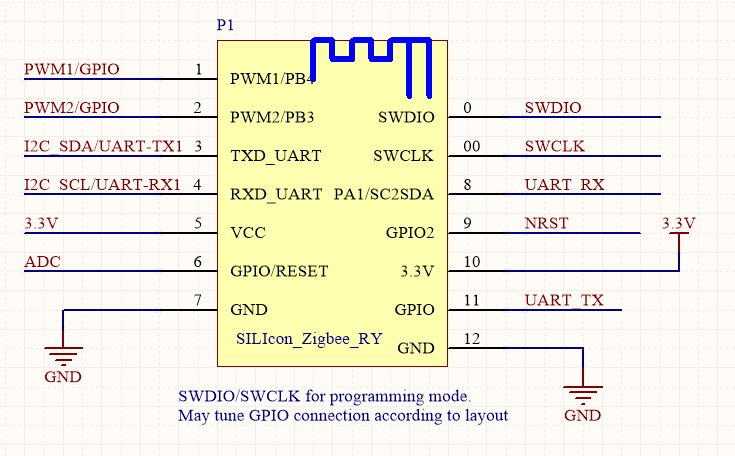
This module is based on the RFID EFR32MG13P732F512GM48-C chip (32-bit microcontroller with 512KB flash, 64KB RAM). It offers a built-in 802.15.4 PHY / MAC Zigbee stack.
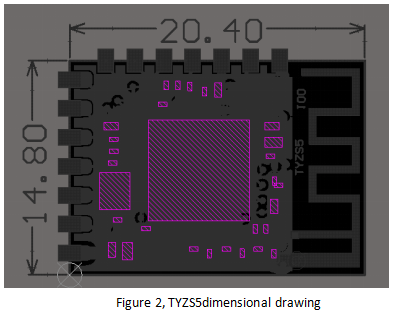
Dimensions and pinout:
Let's look further.
This is the power section:
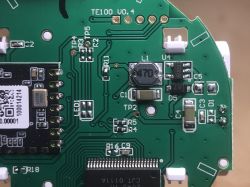
We see a choke (code 470, or 47uH), a rectifying diode S7 and a mysterious element signed M833.
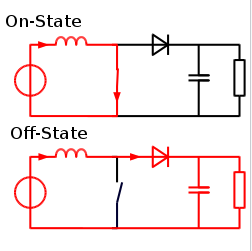
You can deduce what it is - a step up converter. The input is around 3V (or less, as the battery is discharged, there are two AAAs, each 1.5V), and the output is stable at 3.3V for the rest of the circuit.
I did not find its catalog note, but in the picture you can even see the connection of the choke to pin 833, a rectifier diode, a capacitor, something like that:
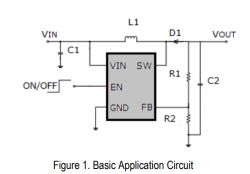
This integrated circuit has a transistor built into it. Below is a general Wikipedia step-up diagram (CC license):
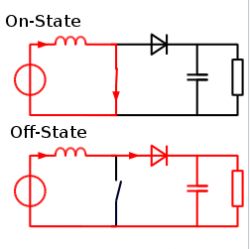
Of course, this 'switch' in the diagram is to illustrate the operation, there is a transistor there.
Another layout remains to be discussed:
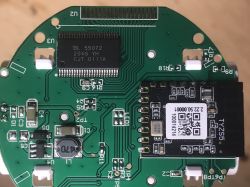
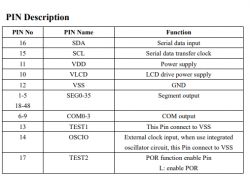
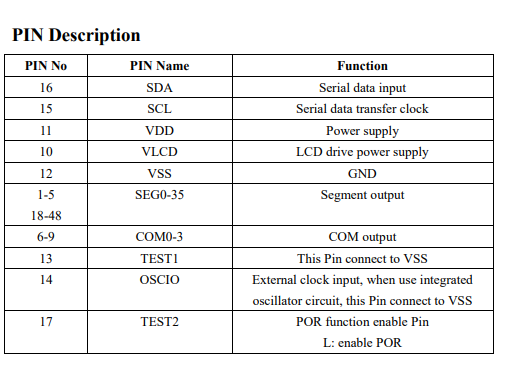
BL55072 is an LCD driver. Shanghai Belling produces it. It is in the TSSOP48 housing. Supports LCD 36 by 4.
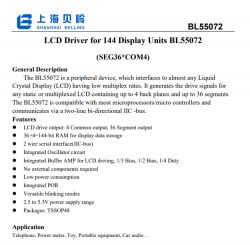
Pin Roles:
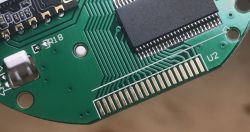
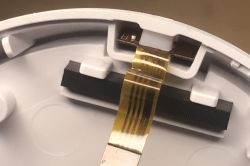
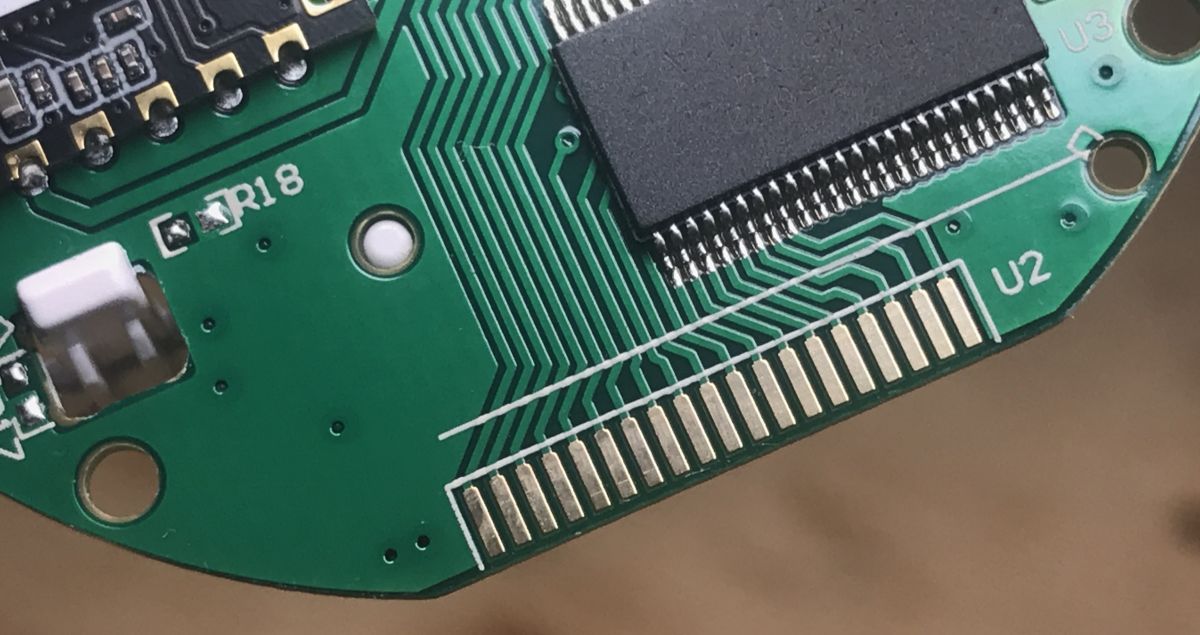
LCD contacts:
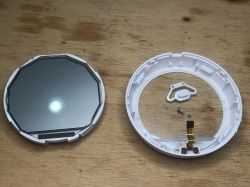
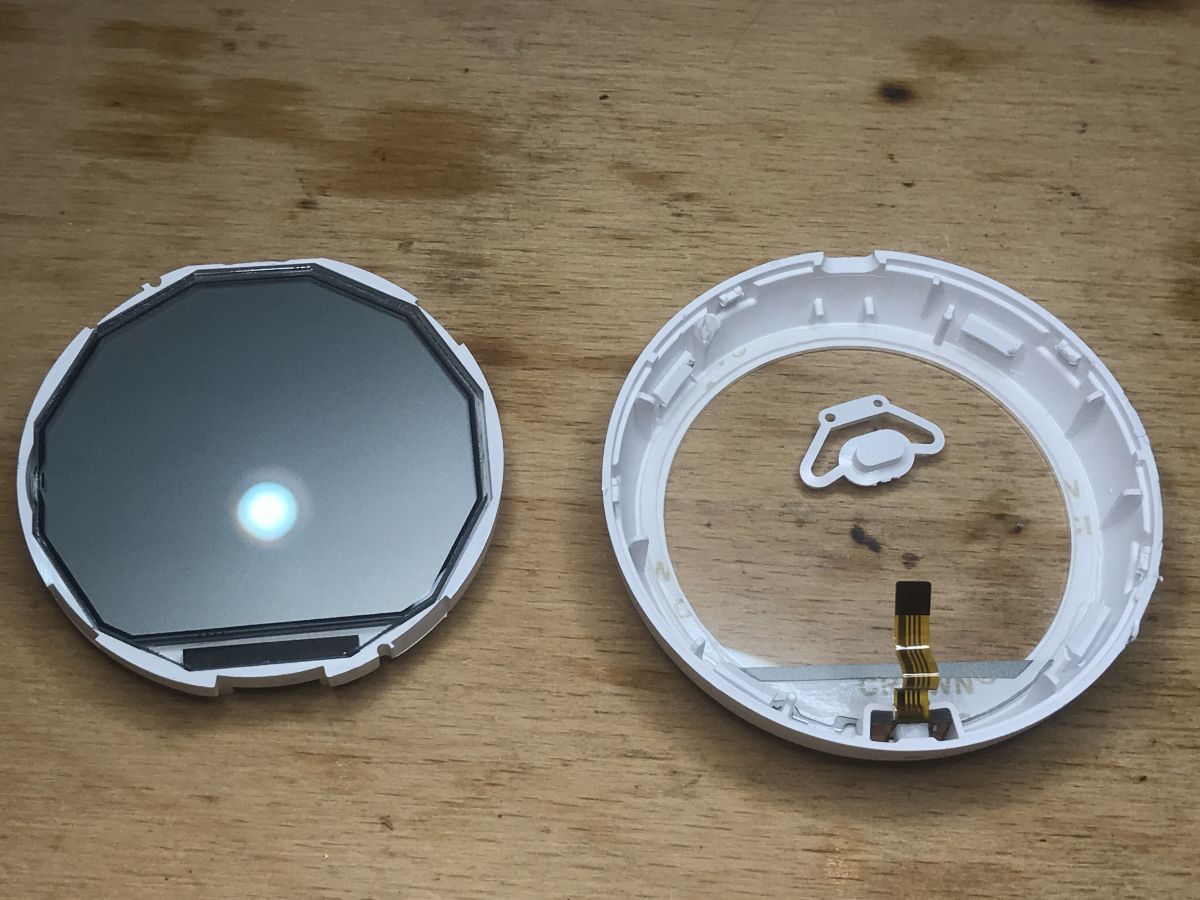
We can also remove the LCD:
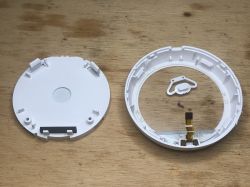
And sensor:
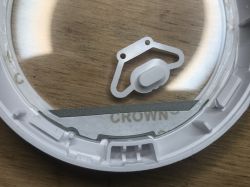
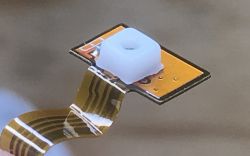
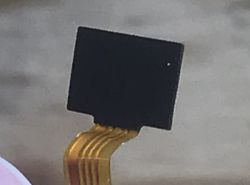
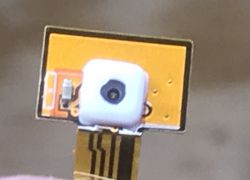
Unfortunately, I do not know what the specific sensor model is - maybe someone has an idea?
Summary
This product can be easily paired with Home Assistant and used to create automation in your smart home. I have not tested the manufacturer's solutions / hubs, in general I only use HA due to the universality, high modification possibilities, open code and independence from external servers.
This product takes a temperature measurement only occasionally and reports it when there is a change of approximately 0.7 ° C, but in my opinion this is not a problem.
More overzealous users can still try to press the button on its casing permanently (or make a bridge between the pins), because pressing the button causes the measurement to refresh immediately (you can see it, the value on the display changes then).
There is a Tuyi TYZS5 module inside, a 3.3V step up converter and a BL55072 LCD controller. I have not been able to define the model of the temperature / humidity sensor.
The measurement results from this TS0201 are similar to the measurements from related devices that I have had for some time.
There is still the question of how much the battery will hold - but I will find out about it over time.


















Comments
At 95% it is SHTC3 or SHT3x, i.e. SHT30 by Sensition - very cool and accurate sensors :) [Read more]
A little update. Today I found out that this thermometer / hygrometer when the battery is almost empty (but the LCD still works) simply freezes at the temperature it was before and even pressing the... [Read more]
I bought such a set of WiFi gateway -ZigBee plus a thermometer and hygrometer for temperature monitoring And what and .... HERITAGE. At first glance, it seemed OK. I plugged in, installed a miracle... [Read more]
Max-bit to report the temperature from change to change to save battery power. If there is no change in temperature, the measurement will actually be looks suspended, but as soon as the temperature changes... [Read more]
What is the battery life of individual sensors (and what batteries - regular or rechargeable)? I have this round sensor and there, it's good 10% for a month, I have batteries flying, but in the second... [Read more]
but it's not that it updates every hour ... Only it hasn't been updating for hours ... For now, I have put the sensor under the receiver and it works ... (literally) 30 cm .... Previously it... [Read more]
It's terrible shit if it's further than 1m ... it doesn't work NO BO NO. [Read more]
It is in my case that it flies through the wall from the other room - about 7 meters from the TUYA router (thermostat and thermometer). If you have a TUYA internet gateway and the app, it shows which... [Read more]
@maxbit I wrote about Tuya several times here and if it's because of my entries you are in trouble now, I apologize. I have a total of 5 temperature sensors. Some of them control the temperature of... [Read more]
I confirm the words "max-bit" unfortunately, the refresh times are different, I set a simple dependency on tests, below 19 ° C the roller shutter should close, above 19.5 ° C it should open. I changed... [Read more]
Could you link to such an example thermostat? [Read more]
I asked about this type specifically https://www.houseiq.pl/pl/p/Termostat-ZigBee-3.0-zwierny-piec-Czarny-TUYA/1124 I would like to add that I am not any representative and I do not advertise this store.... [Read more]
For me, when I change the battery, when I take it in my hand for a few seconds, the heaters turn off immediately because the body heats up immediately :) . Added after 1 [minutes]: For me, when... [Read more]