FAQ
TL;DR: The LVJING Wi-Fi grow light drives 220 LEDs through a 12-channel UCS1912S at 255-step PWM resolution [Elektroda, Sergio127, post #20272214] “Magic Home devices do not work with eWeLink” [Elektroda, p.kaczmarek2, post #20265831]
Why it matters: Knowing the hardware and firmware limits avoids wasted integration effort and prevents accidental bricking.
Quick Facts
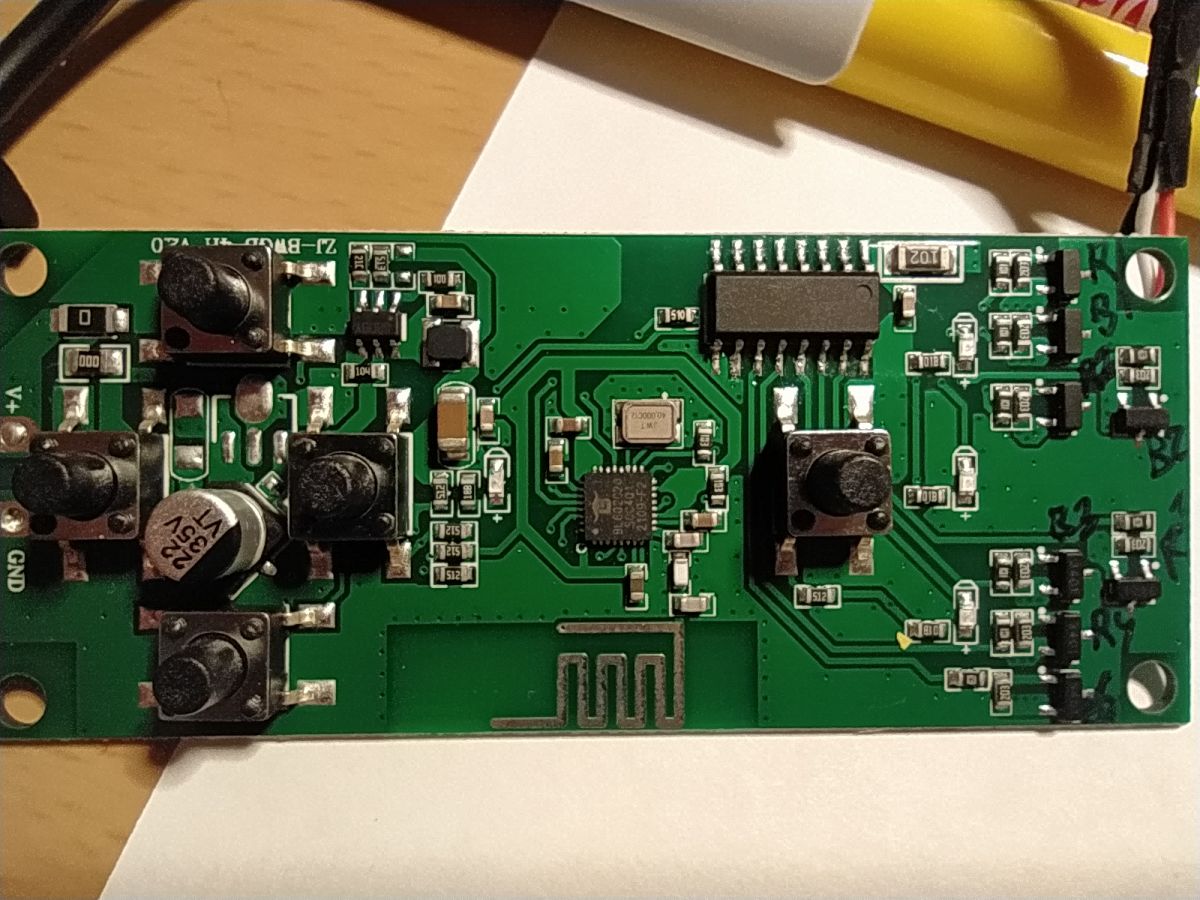
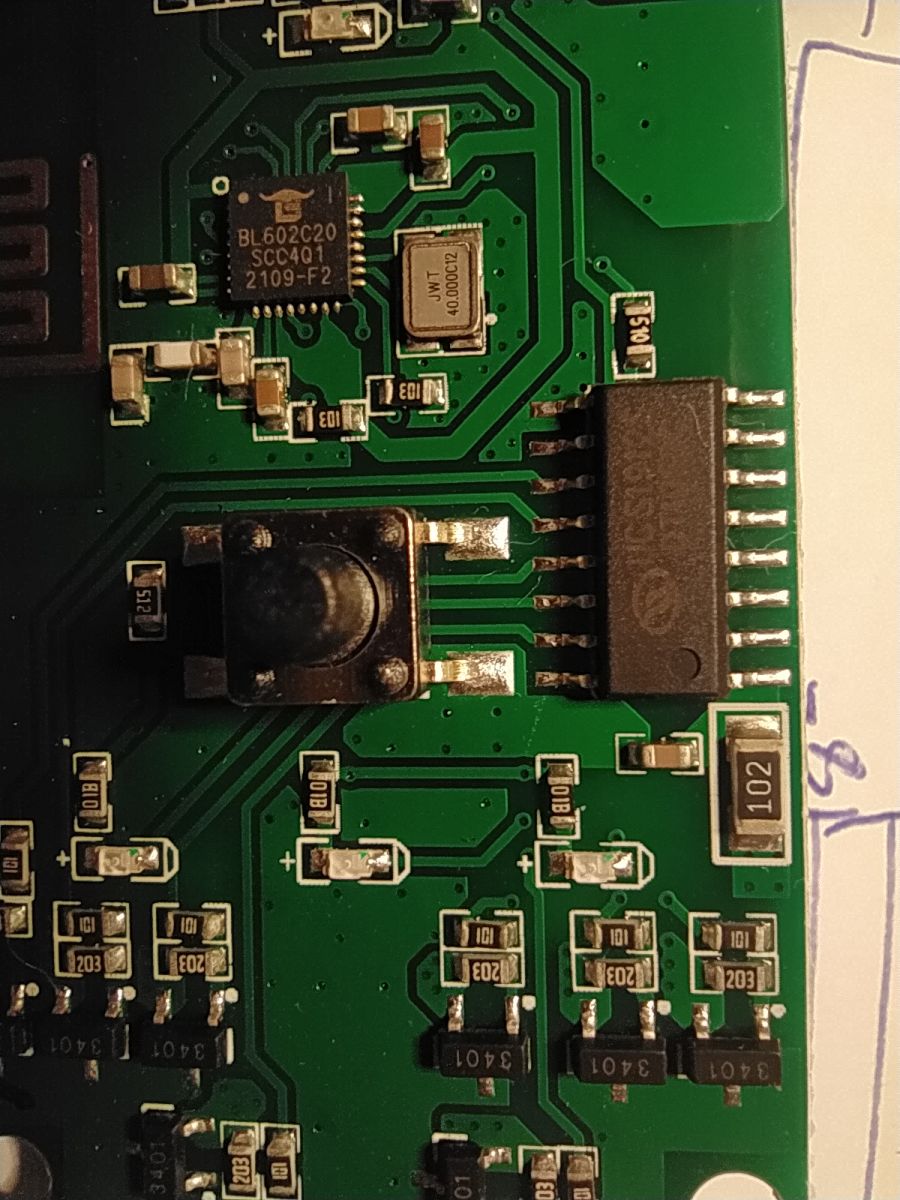
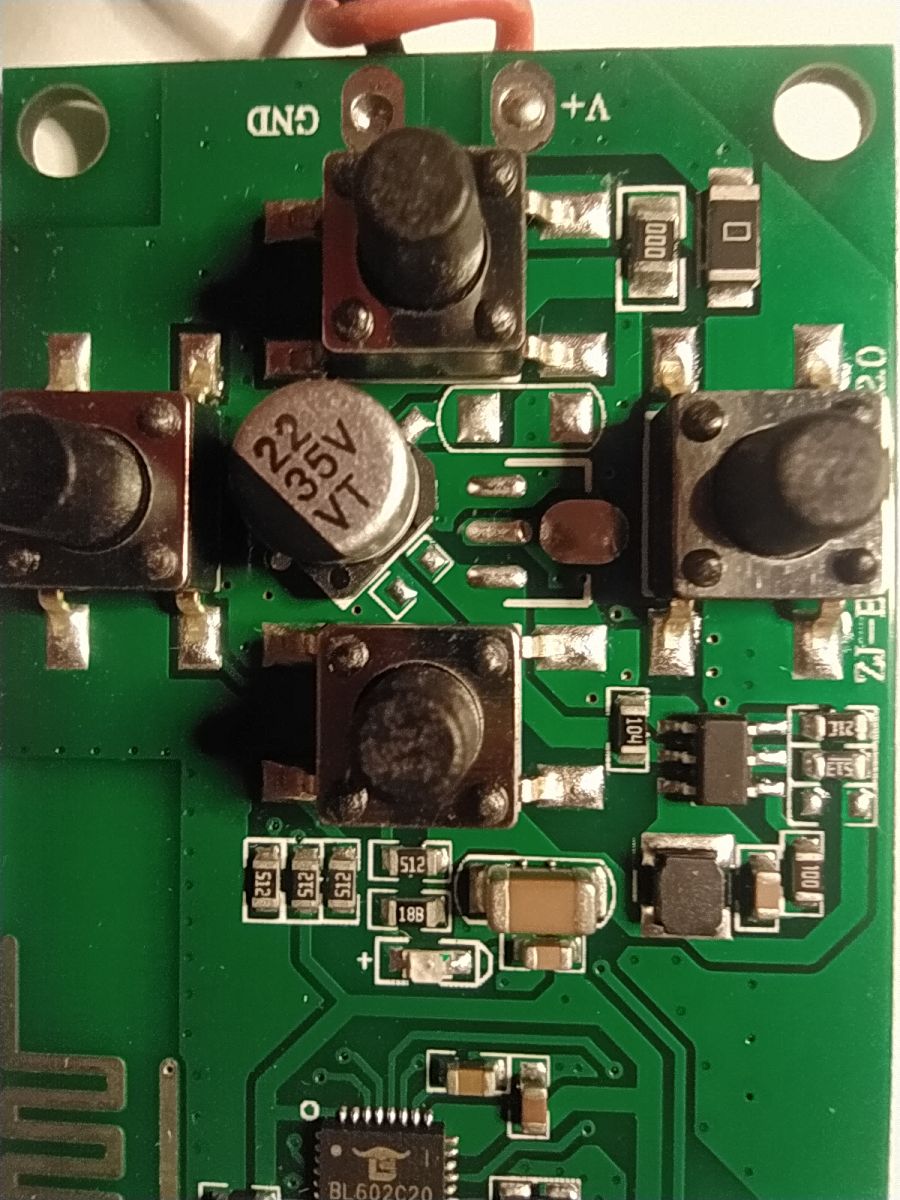
• MCU: Bouffalolab BL602, 32-bit RISC-V @ 32 MHz, 2.4 GHz Wi-Fi [Bouffalab DS].
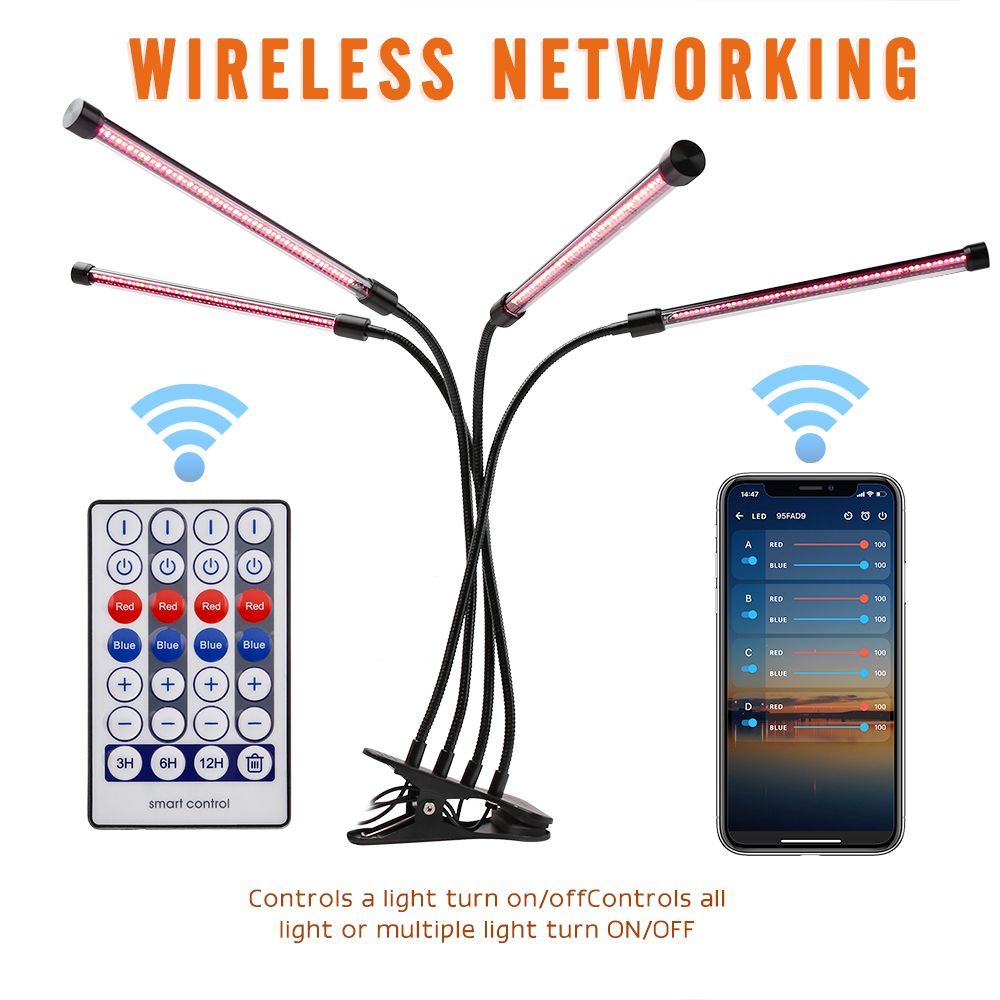
• Default control app: Magic Home (Android/iOS) [Elektroda, Sergio127, post #20264437]
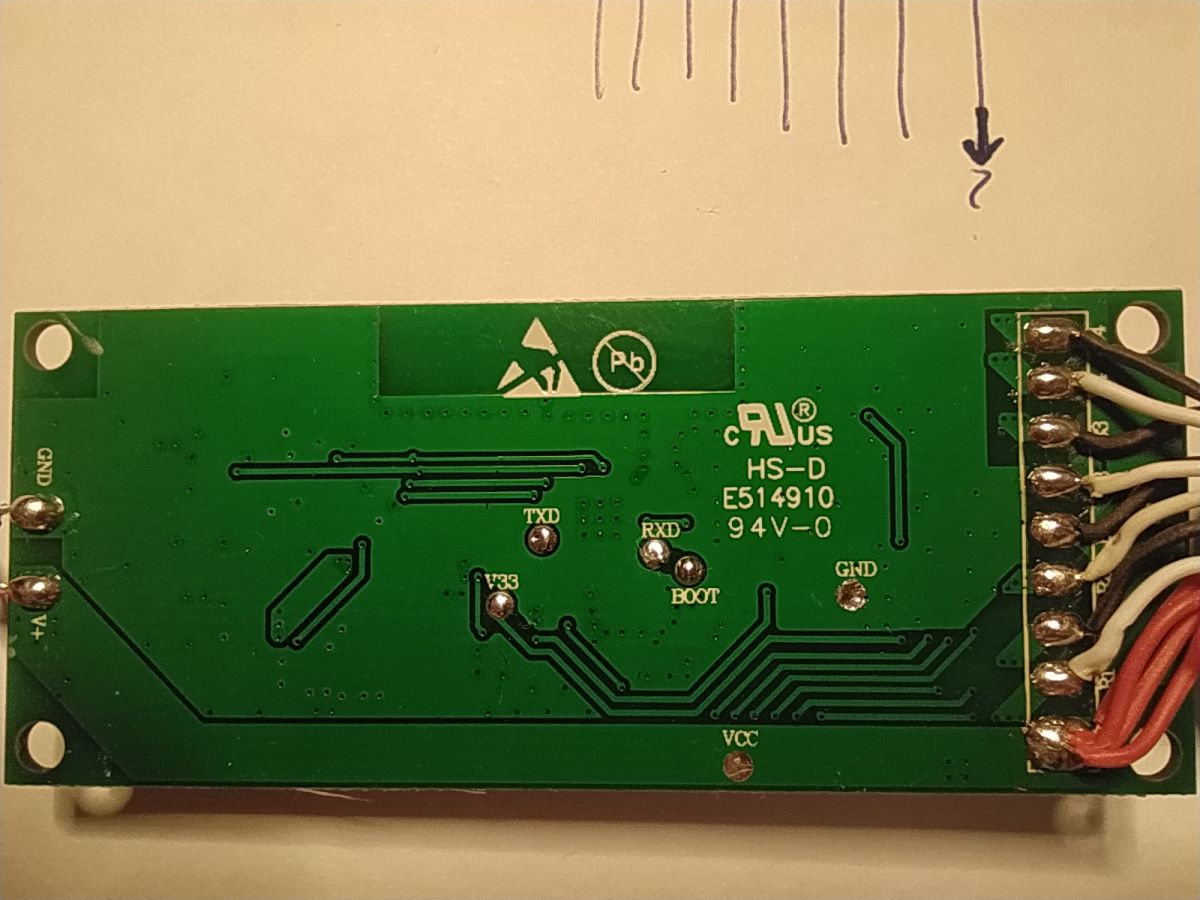
• LED driver: UCS1912S, 12 independent current sinks, 0–255 dim steps [UCS1912S DS].
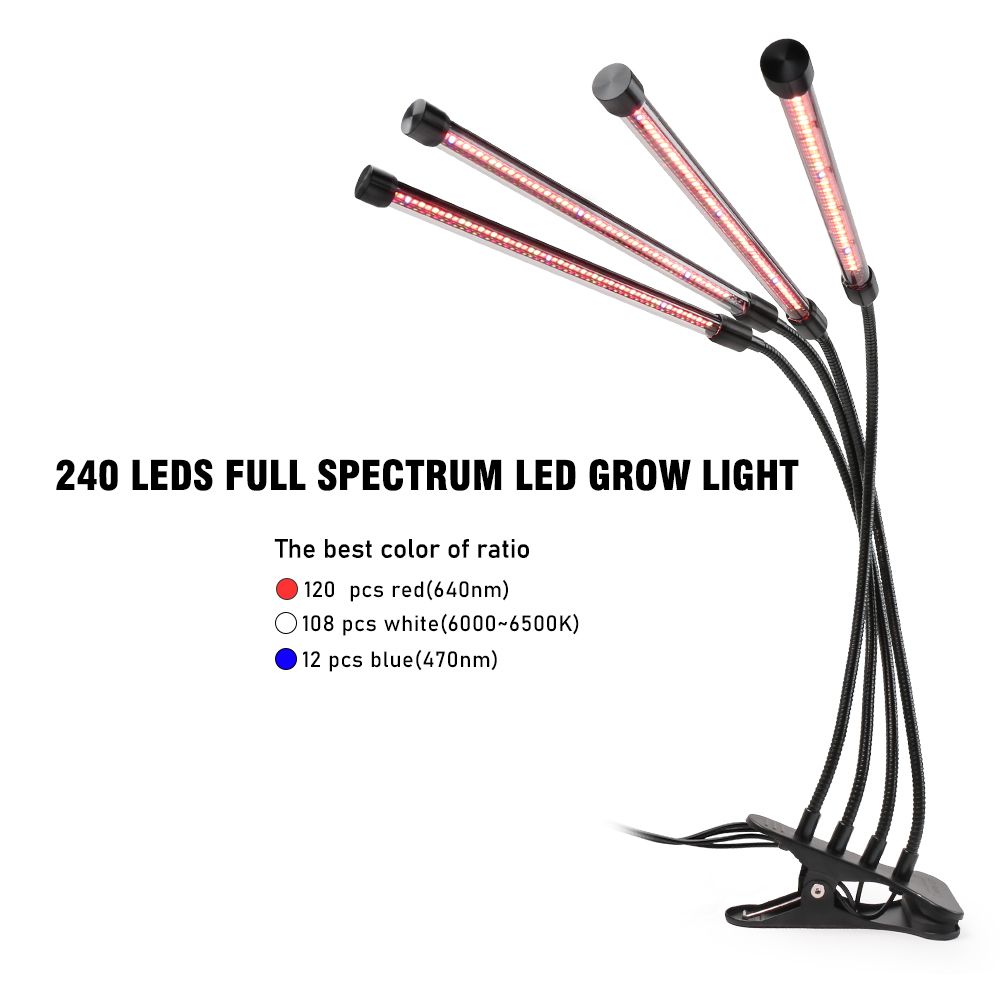
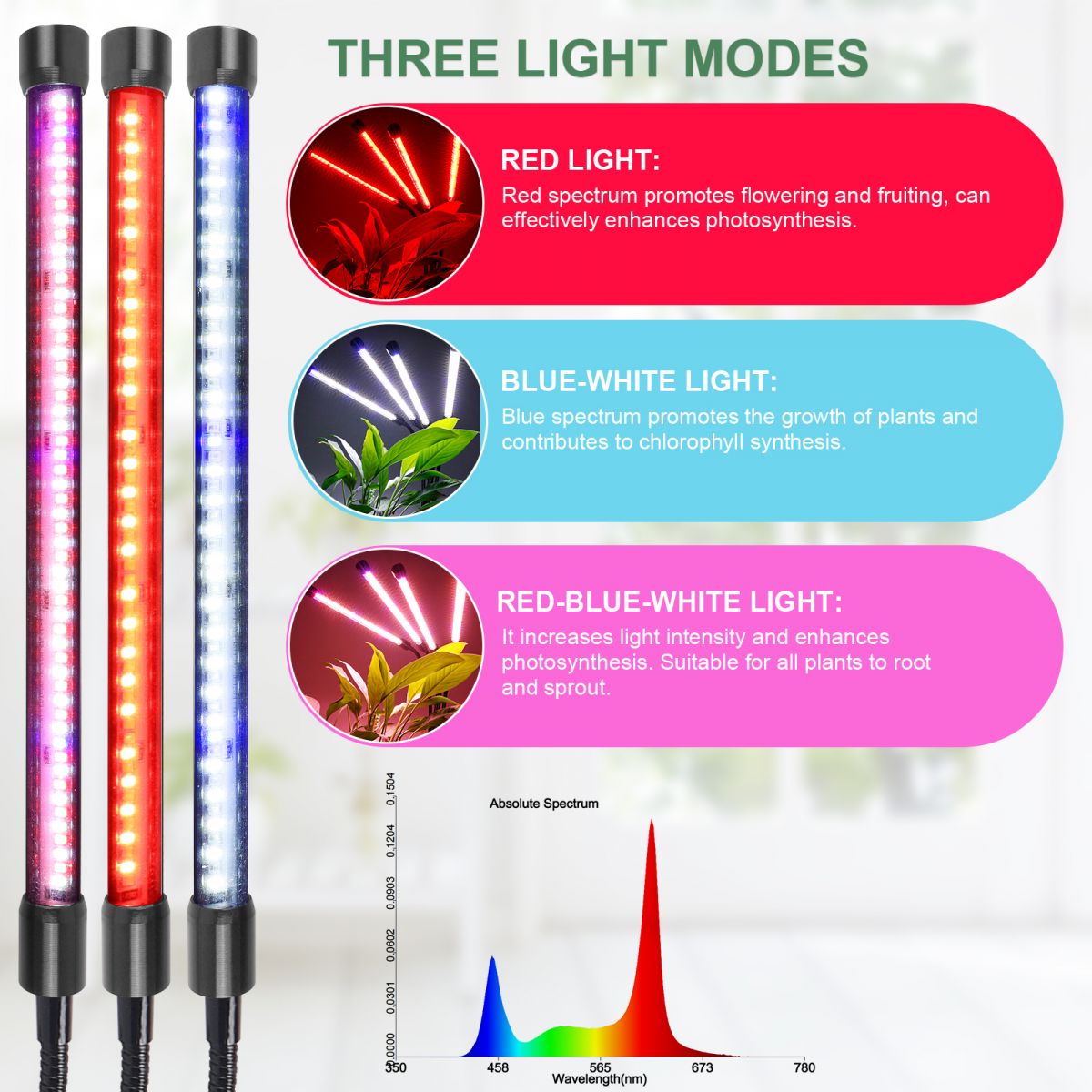
• LED strip: 220 mixed red/blue LEDs, common-anode 12 V, dual cathode channels [Elektroda, Sergio127, post #20272214]
• Street price: approx. US$18 on AliExpress (Oct 2022 listing).
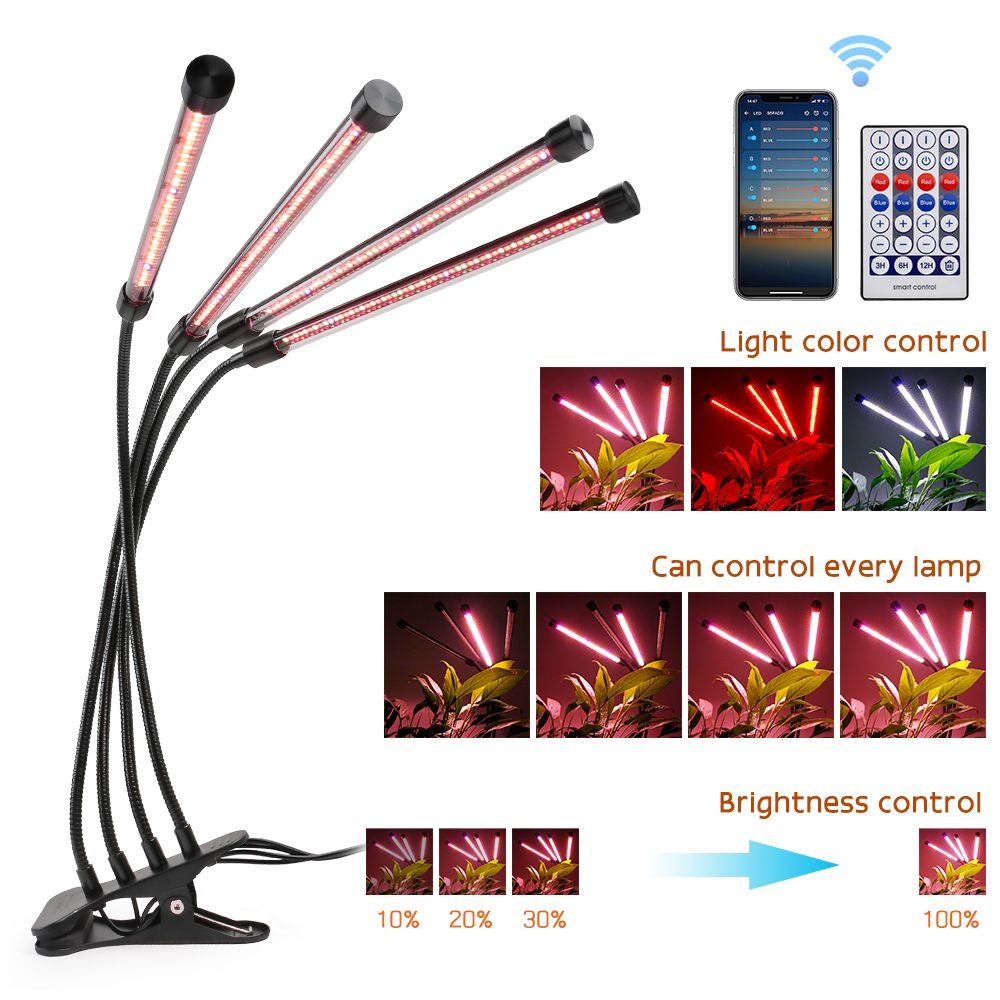
What controller powers the LVJING Wi-Fi Plant Grow Light?
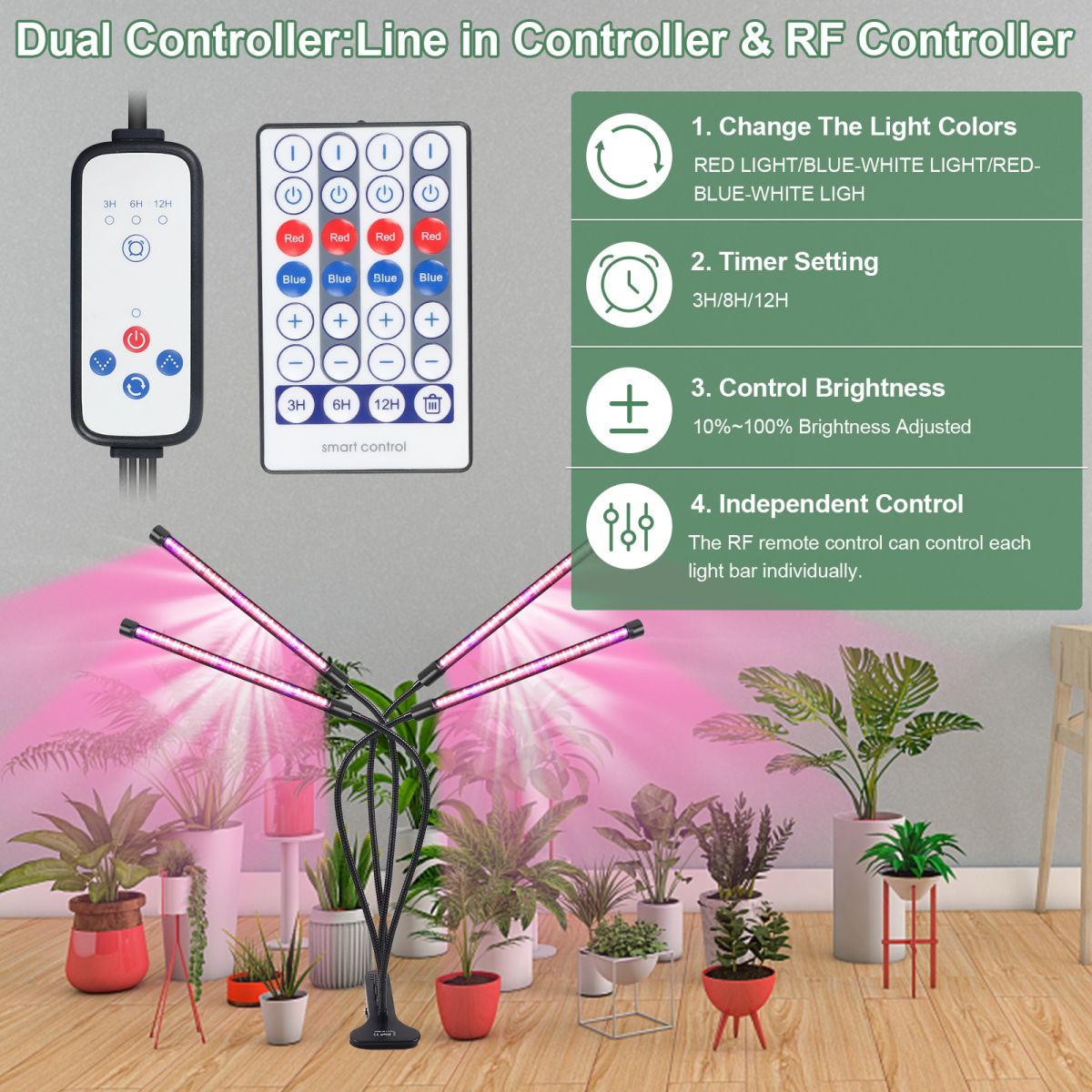
Which BL602 GPIO pins map to the front-panel buttons?
Does the lamp work with the eWeLink or Tuya apps?
Why does Home Assistant only show an On/Off switch?
How is the internal LED strip wired?
What does the UCS1912S chip actually do?
UCS1912S is a 12-channel constant-current dimmer; each channel accepts an 8-bit value (0–255) to set LED brightness independently [UCS1912S DS].
How many LEDs and what power does the strip draw?
There are 220 LEDs (55 × 4 segments). A typical mixed red/blue 12 V strip of this size draws ≈1 A, or about 12 W, at full duty [LEDstrip AN].
Can I already flash community firmware and control every channel?
Why does the firmware version stay 1.14.133 after flashing?
Is there a risk of damaging the lamp while testing?
Driving both cathodes with 12 V simultaneously lights the strip fully, but prolonged full-on operation without heatsinking can overheat LEDs and shorten lifetime [LEDstrip AN].
How do I flash alternative firmware over serial?
- Solder RX (GPIO7), TX (GPIO16), 3.3 V, and GND to a USB-TTL adapter.
- Hold the Reverse button (GPIO3) to enter boot mode, then power the board.
- Use blflash to upload the .bin at 2 Mbps. Release the button and reset.
Follow-up console commands will verify channel output [Elektroda, Sergio127, post #20271098]
How will testers know once full UCS1912S support lands?
AI summary based on the discussion. May contain errors.






Comments
Hi, could this be any chance using ewelink app since it's BL602 chip? [Read more]
I do not know about ewelink, default application - Magic Home. [Read more]
As far as I know Magic Home devices does not work with eWeLink App. They have totally different SDK used, they are not even Tuya... I will look into supporting this new chip, wait. The device reminds... [Read more]
I started looking for an alternative firmware to the device because the integration "Magic Home" in the Home Assistant only allows to turn the lamp on and off. [Read more]
Yes, just needed to make sure since I've never seen BL602 with Tuya, at least with ewelink firware from some gu10 bulbs. I did purchase Magic Home LED bulb, but that one's using a chip i've never seen... [Read more]
CC8000, I have one piece of this chip. I have one because I bought that item: HLK-B30-V1.0 https://obrazki.elektroda.pl/7772271500_1667468454_thumb.jpg https://obrazki.elektroda.pl/5659954700_1667468620_thumb.jpg... [Read more]
Help me, please I flashed 1.14.133, installed UCS1912_DIN on GPIO12. Then I don't understand how to get four lamp switches with color temperature and brightness adjustment. [Read more]
Please wait, @sergio127 . It is not functional yet. I only started working on it and added a driver as a stub. I am working with a scope to check the waveforms. Hopefully I will get this running in the... [Read more]
ok, I'm waiting. P.S. I found a marking on the tube with LEDs, maybe it will be useful www.ledtopplus.com 55LED*4-220LED-XJGD--12V-ZN [Read more]
The LED strip has 3 contacts: 1 positive common (red), 2 - negative red LEDs (black), 3 - negative blue LEDs (white). No data pin. If you give a 12 volts to the common contact and negative both, then... [Read more]