logo elektroda
logo elektroda
X
logo elektroda

Voltage-free WiFi relay - OXT SWT10 - interior, programming

p.kaczmarek2  8 5496 Cool? (+4)
📢 Listen (AI):

TL;DR

  • OXT SWT10 to volt-free relay WiFi, freed from the Tuya cloud and configured with OpenBeken.
  • Inside sits a BP2525 supply, AMS1117-3.3V regulator, a CB3S module, and the relay on a separate PCB.
  • Programming used the BK7231 GUI flasher; the board exposes UART1 on pins 15 and 16, and the device sells for around PLN 40.
  • OpenBeken setup assigned LED to P9, switch to P8, relay to P6, button to P26, and flashing completed successfully without an external LDO.
  • The relay output is galvanically isolated, so it can switch a different low-voltage circuit, but the package lacked screws and double-sided tape.
Generated by the language model.

I will show here the interior and the procedure of freeing the OXT SWT10 volt-free relay from the cloud. A volt-free relay is one that does not have a permanent power supply to the output of the relay. The relay output is completely isolated here, so we can successfully control a completely different circuit with it, even a 12V one. This is a completely different situation than in the case of most popular Sonoff/Qiahip/Tuya gadgets, where the most popular versions allow you to conveniently control only mains voltage devices, which also power the system and is routed directly to one of the relay contacts.

Purchase OXT SWT10
I got the OXT SWT10 in a package from a reader, along with other Tuya gadgets for which I had to change the firmware for him, because he is a person who does not even have a soldering iron. The product itself, in turn, is quite popular on the web and is easy to buy in our country. Around PLN 40 is not such a big price at all.
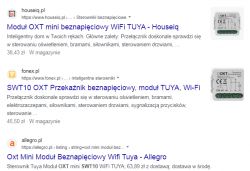
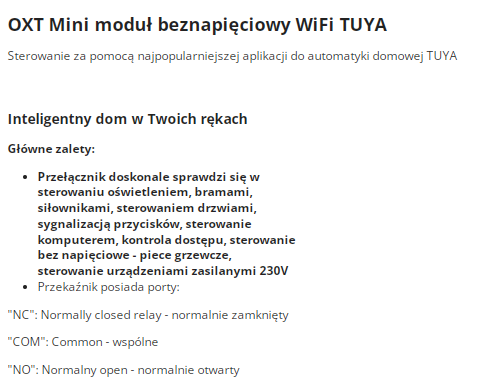
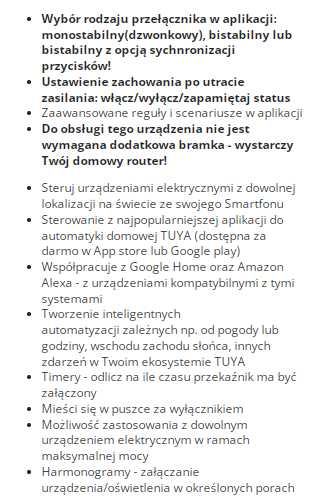
A few screenshots from the sale offer:
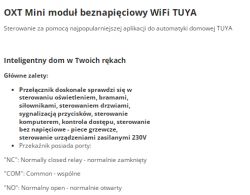
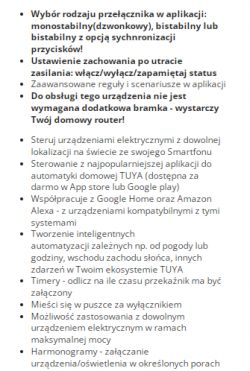
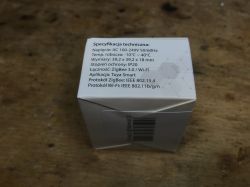
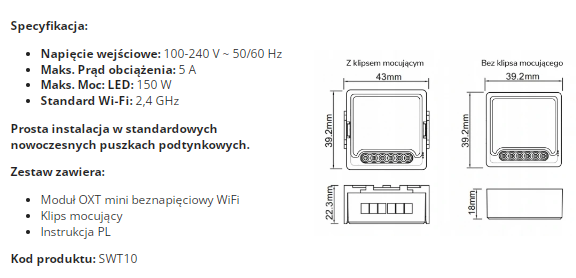
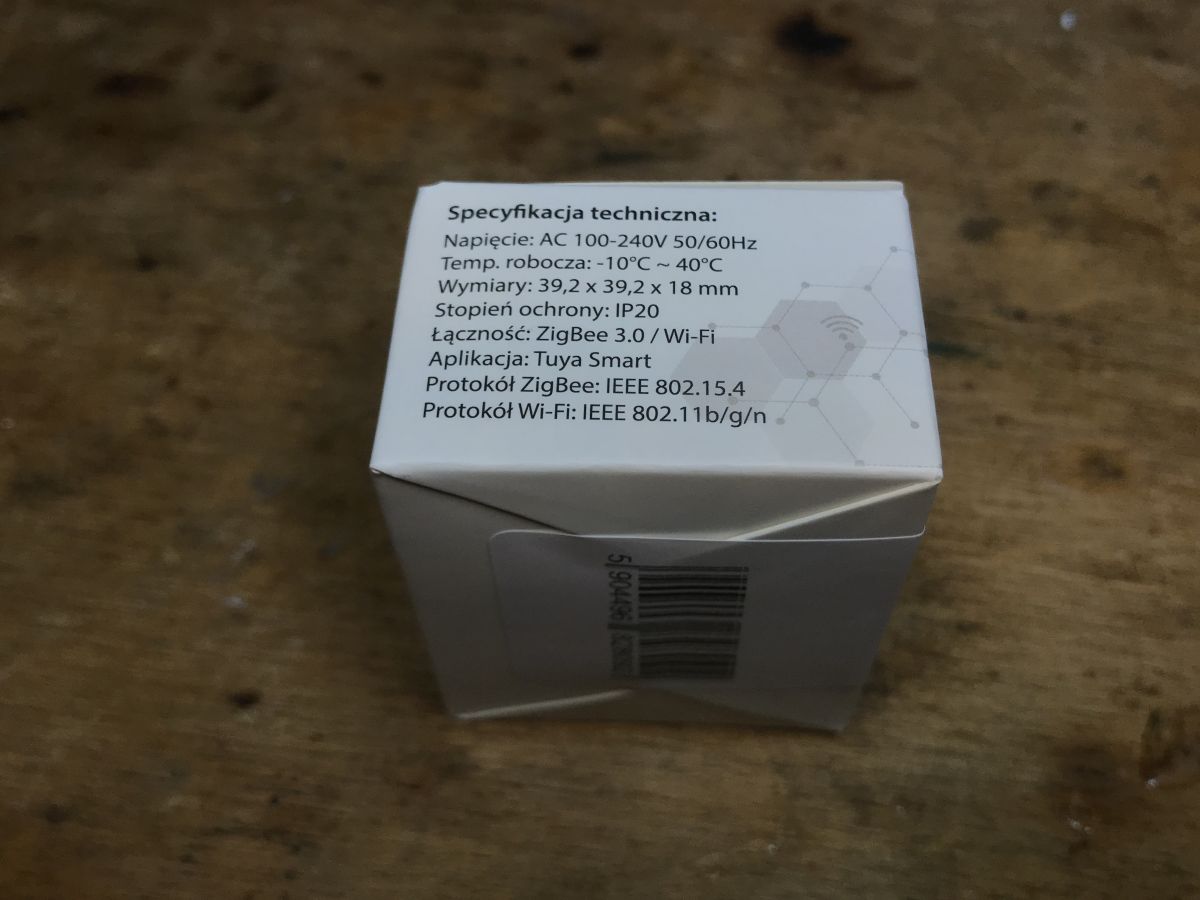
These schedules etc. are in the Tuya application, but I have described it many times, so I will skip it today. Just parameters:
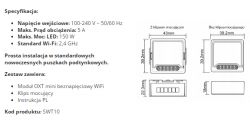

Kit contents
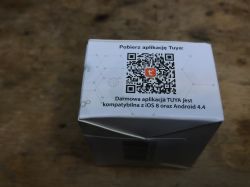
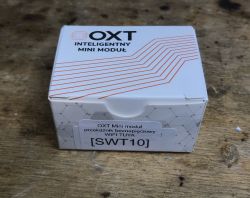
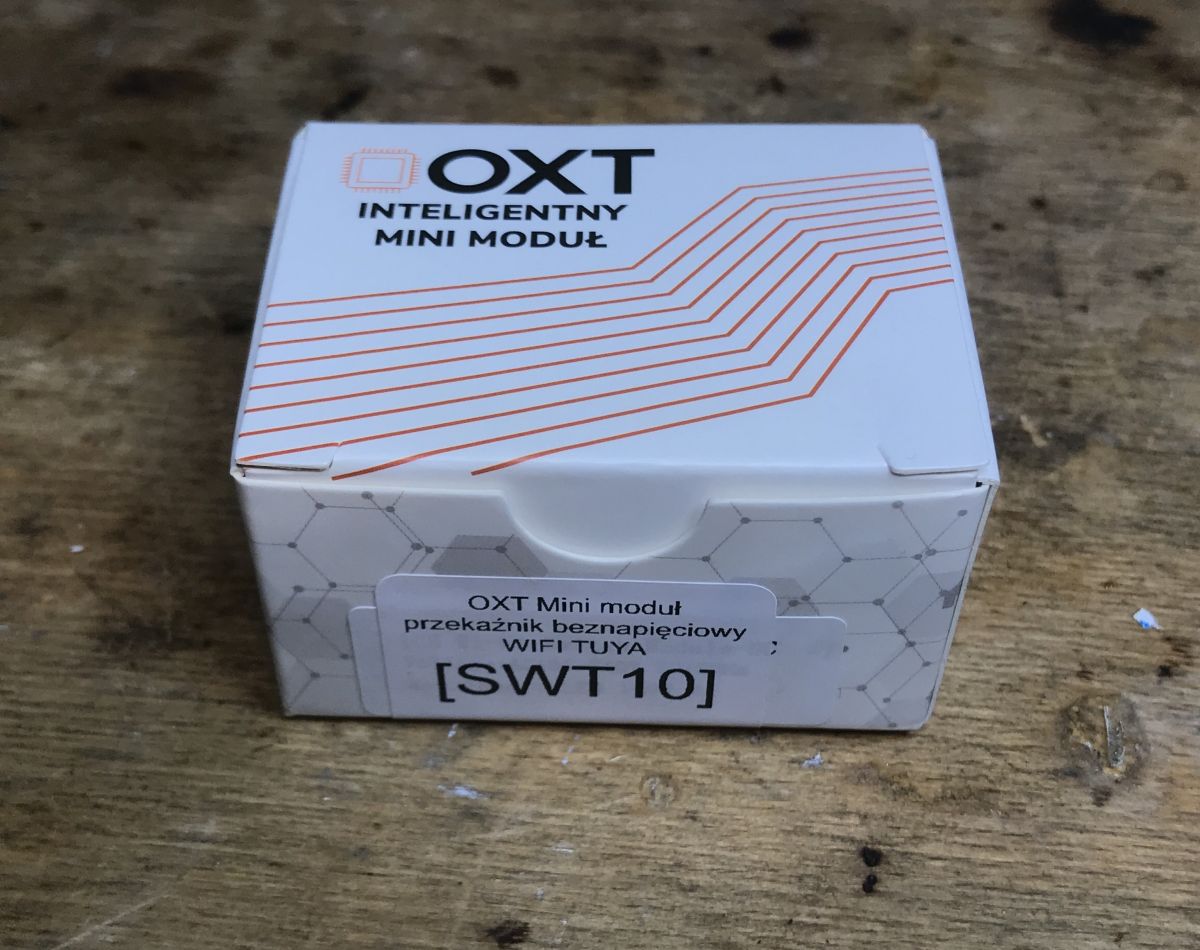
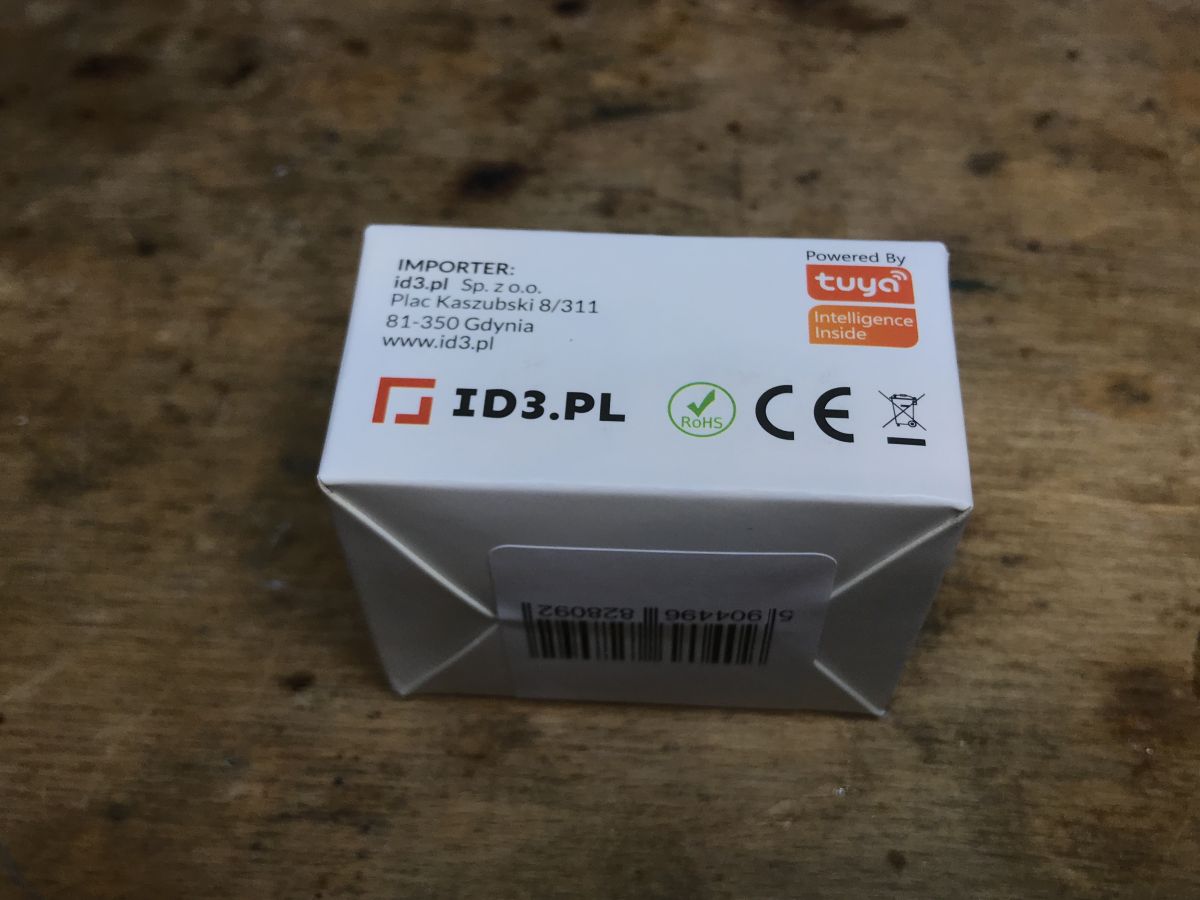
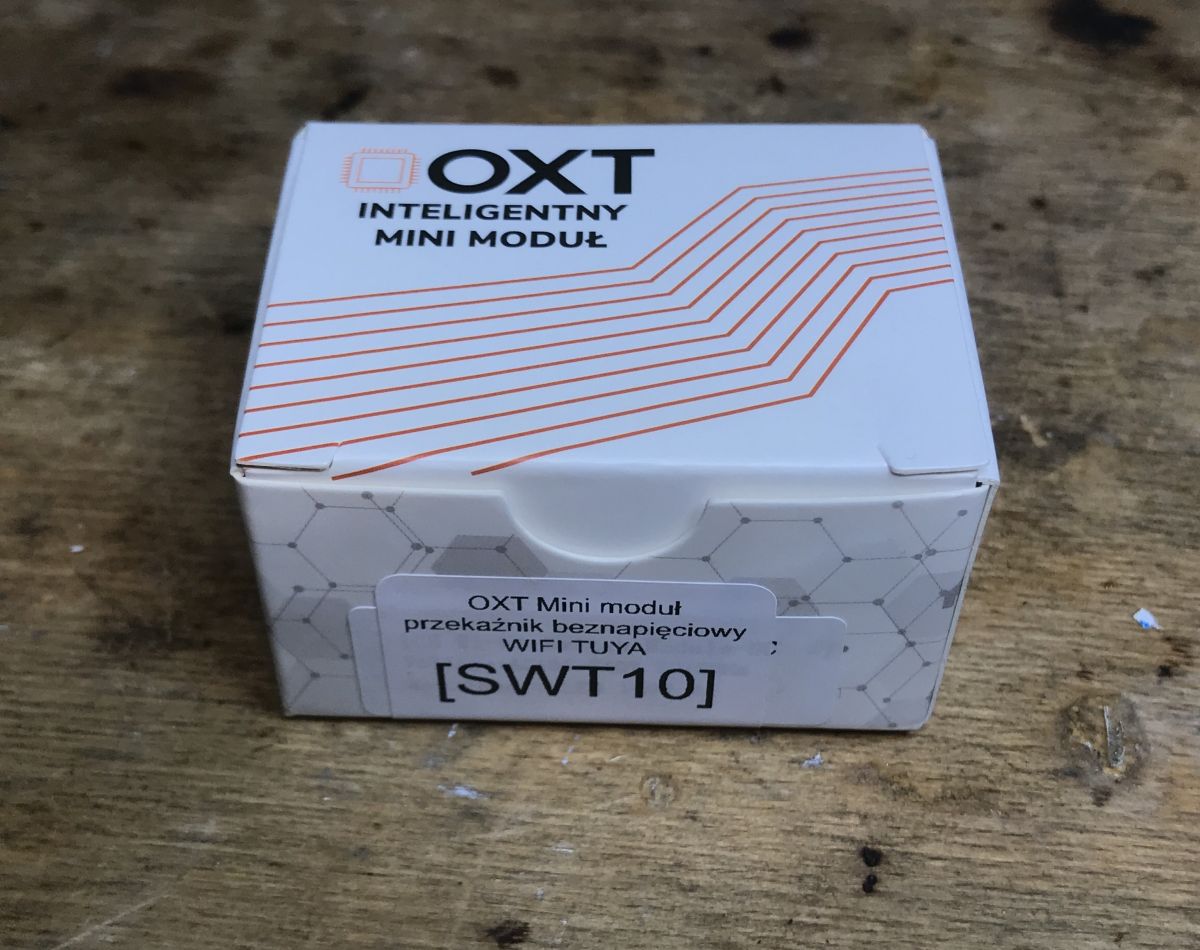
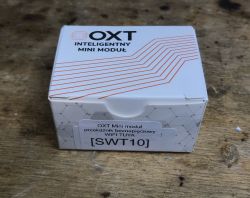
Here are some photos of the packaging (with markings) and the contents of the set:
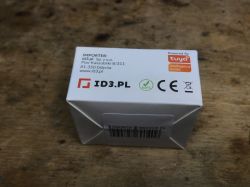
This time quite poor. They didn't even provide screws and double-sided tape.

OXT SWT10 interior
It's time to look inside and upload OpenBeken to free this product from the cloud.
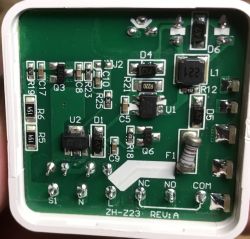
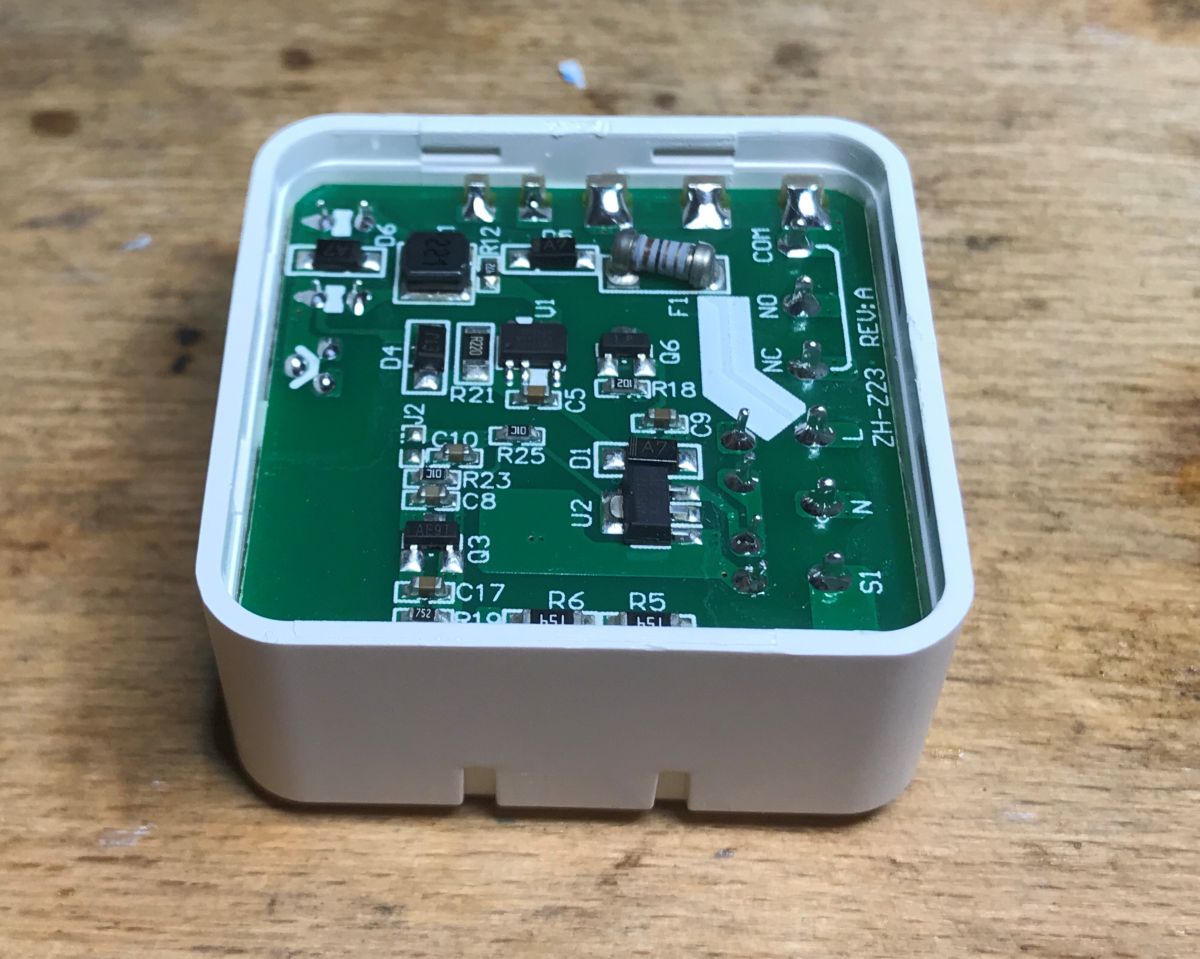
We start by prying the cover:
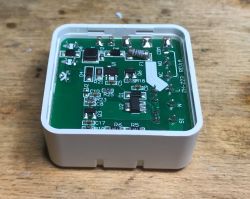


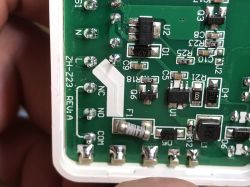
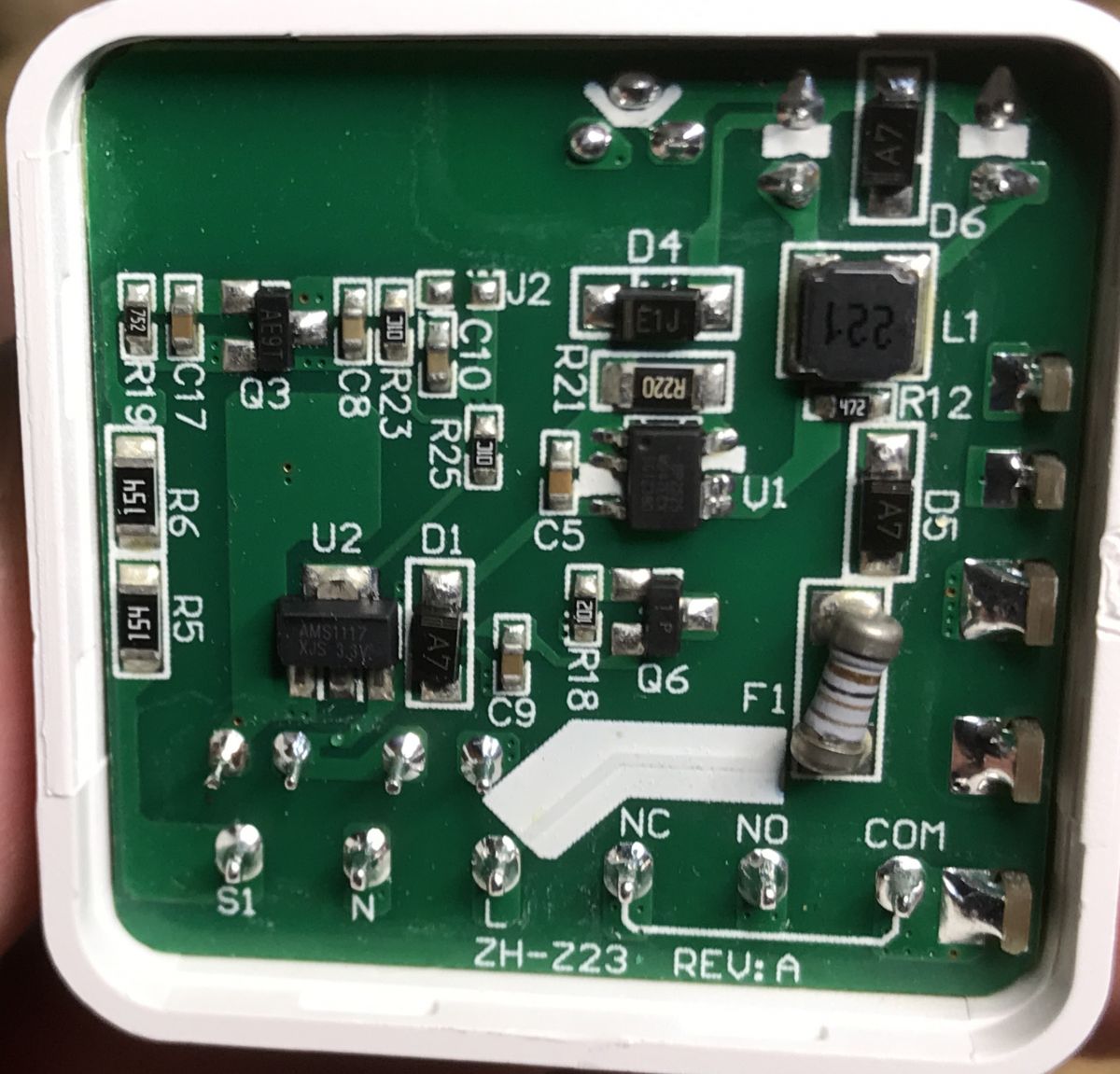
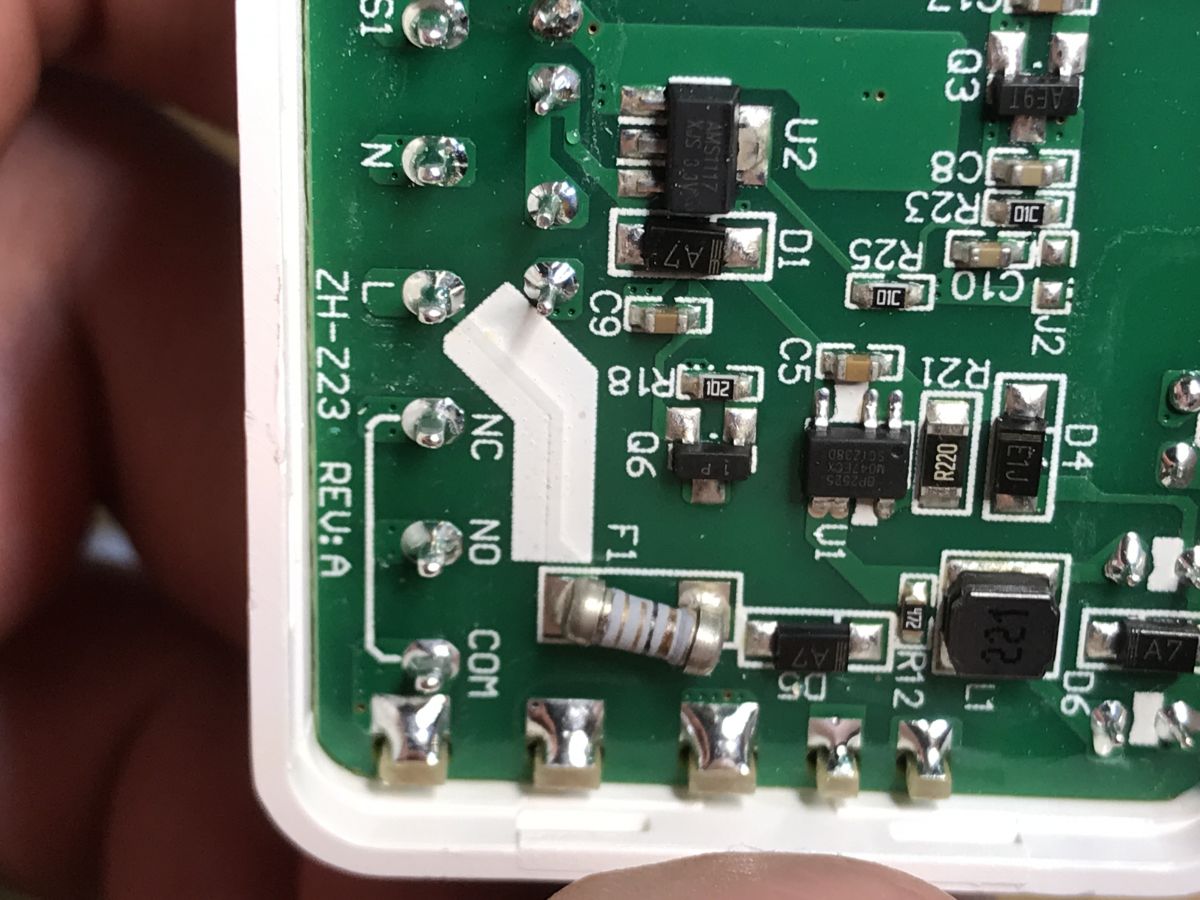
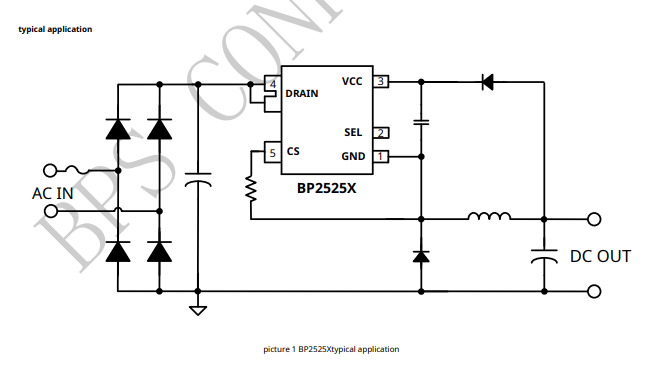
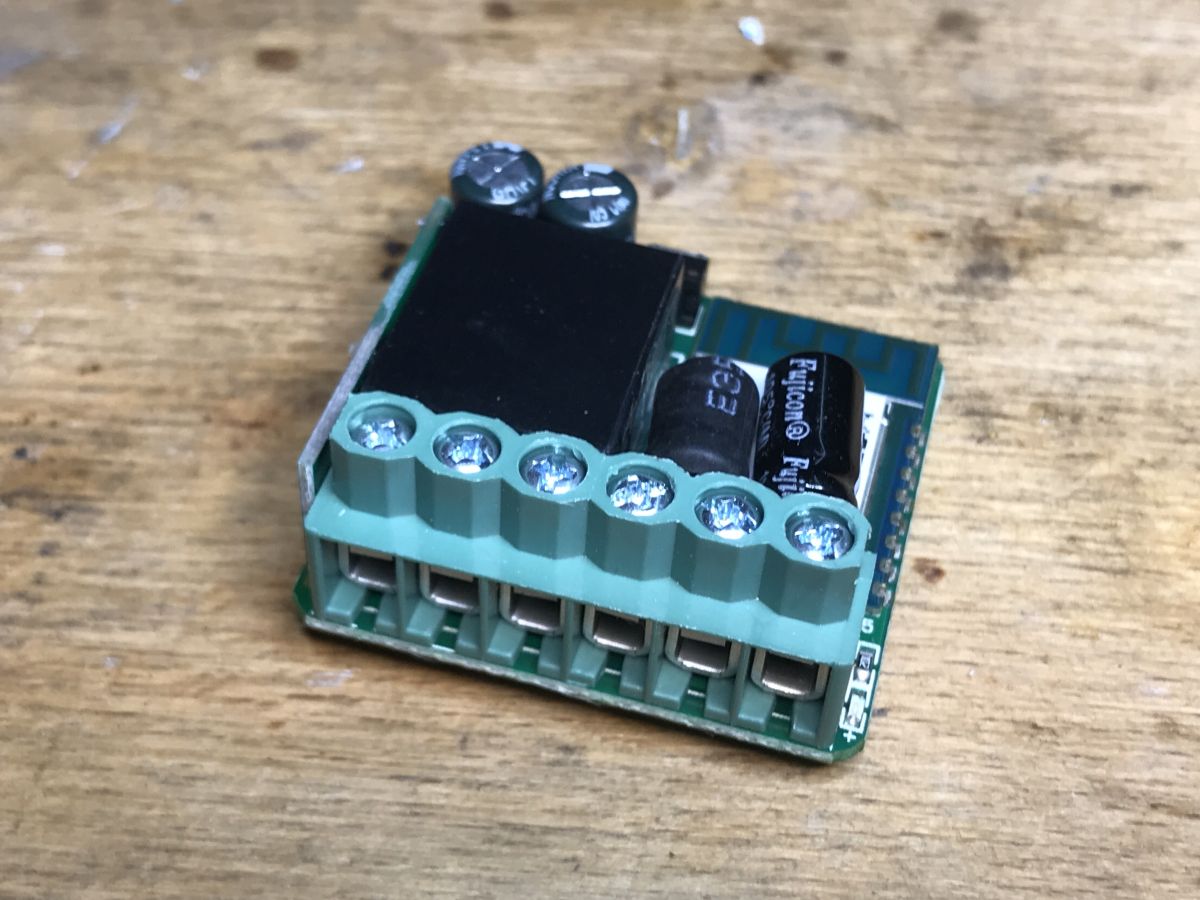
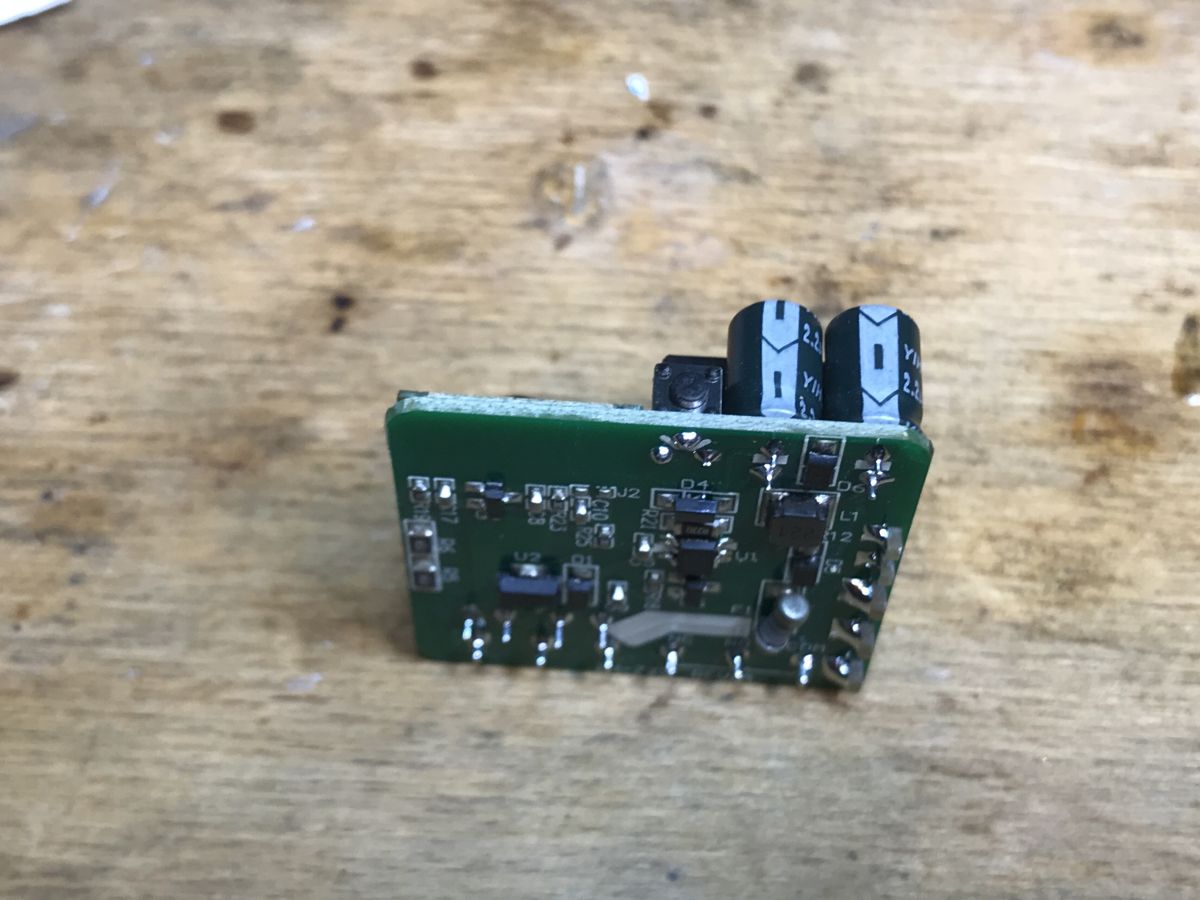
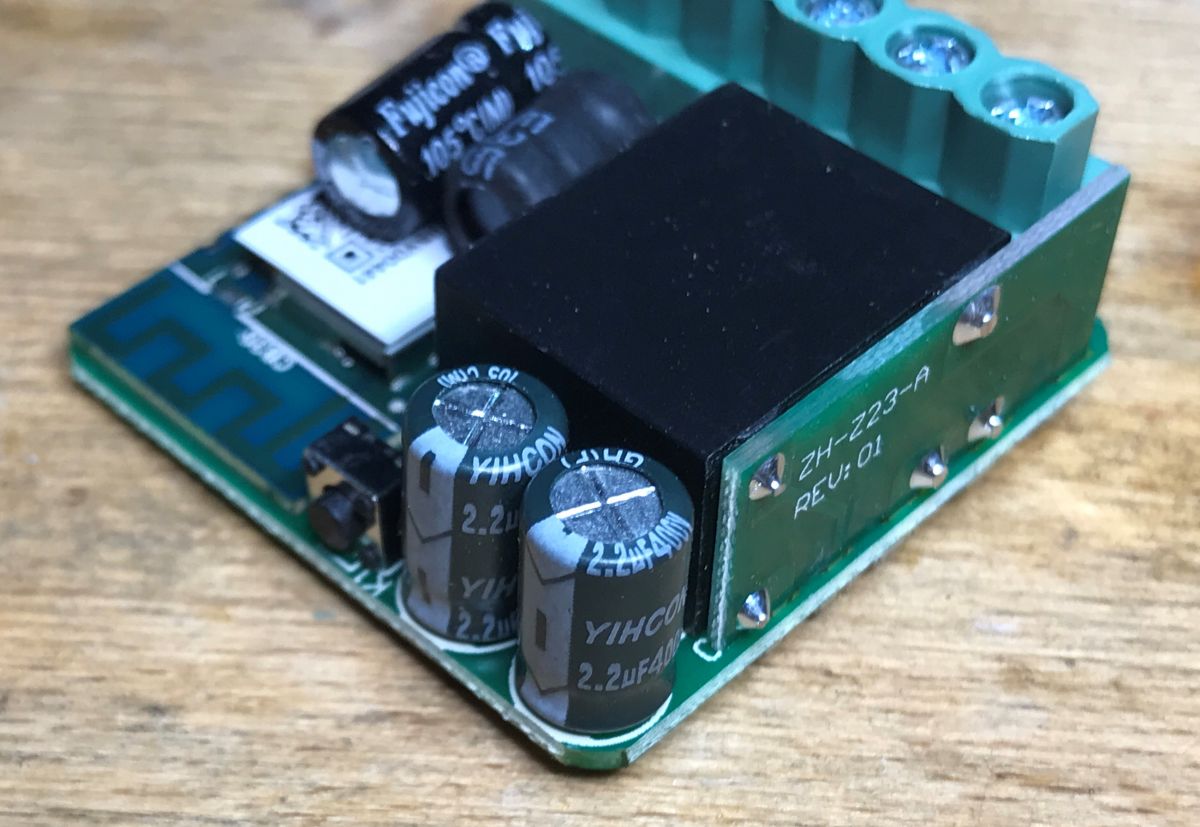
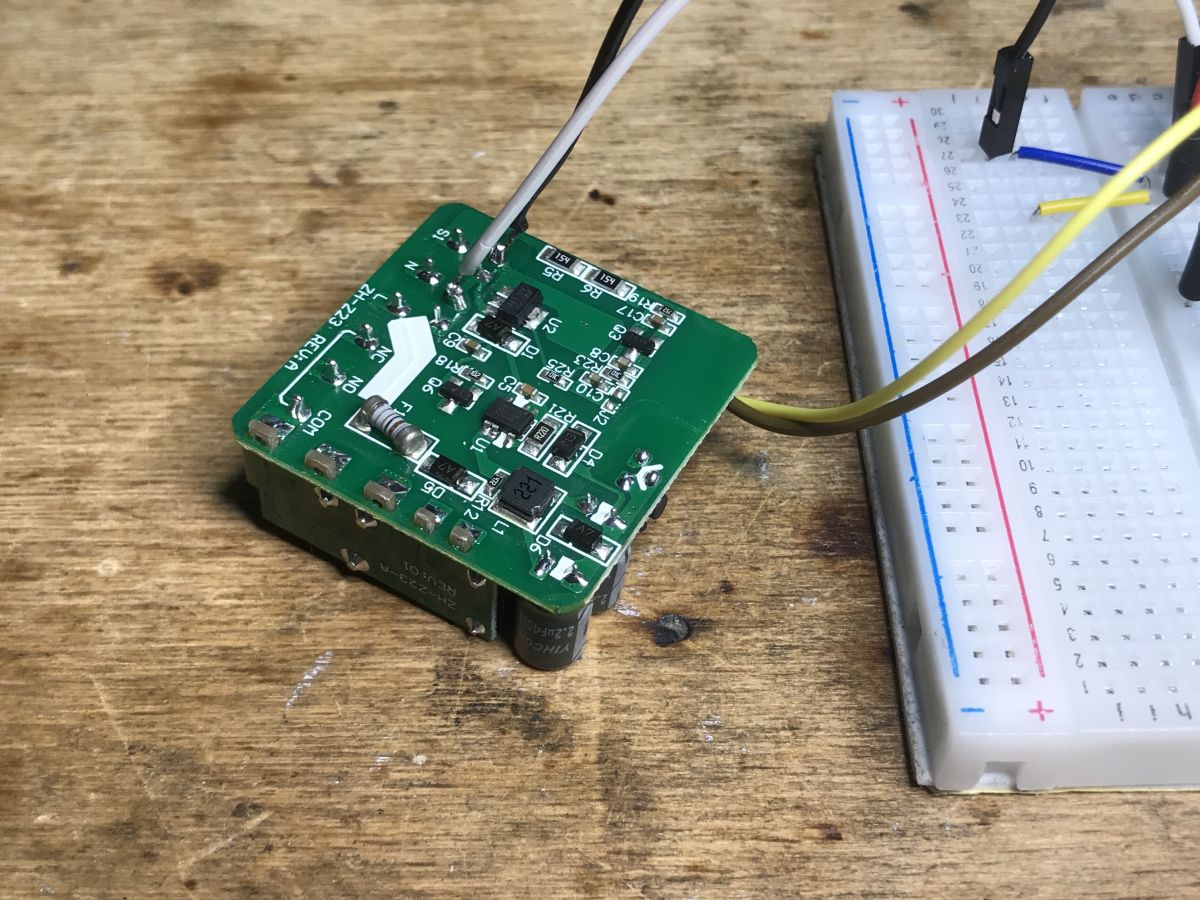
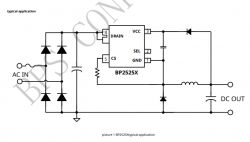
Inside there is a standard power supply for BP2525 and AMS1117-3.3V that gives a stable power supply for the WiFI module.
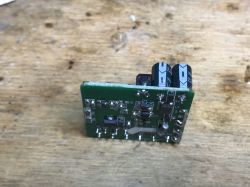
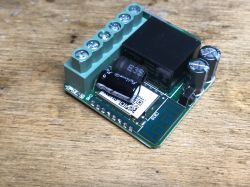
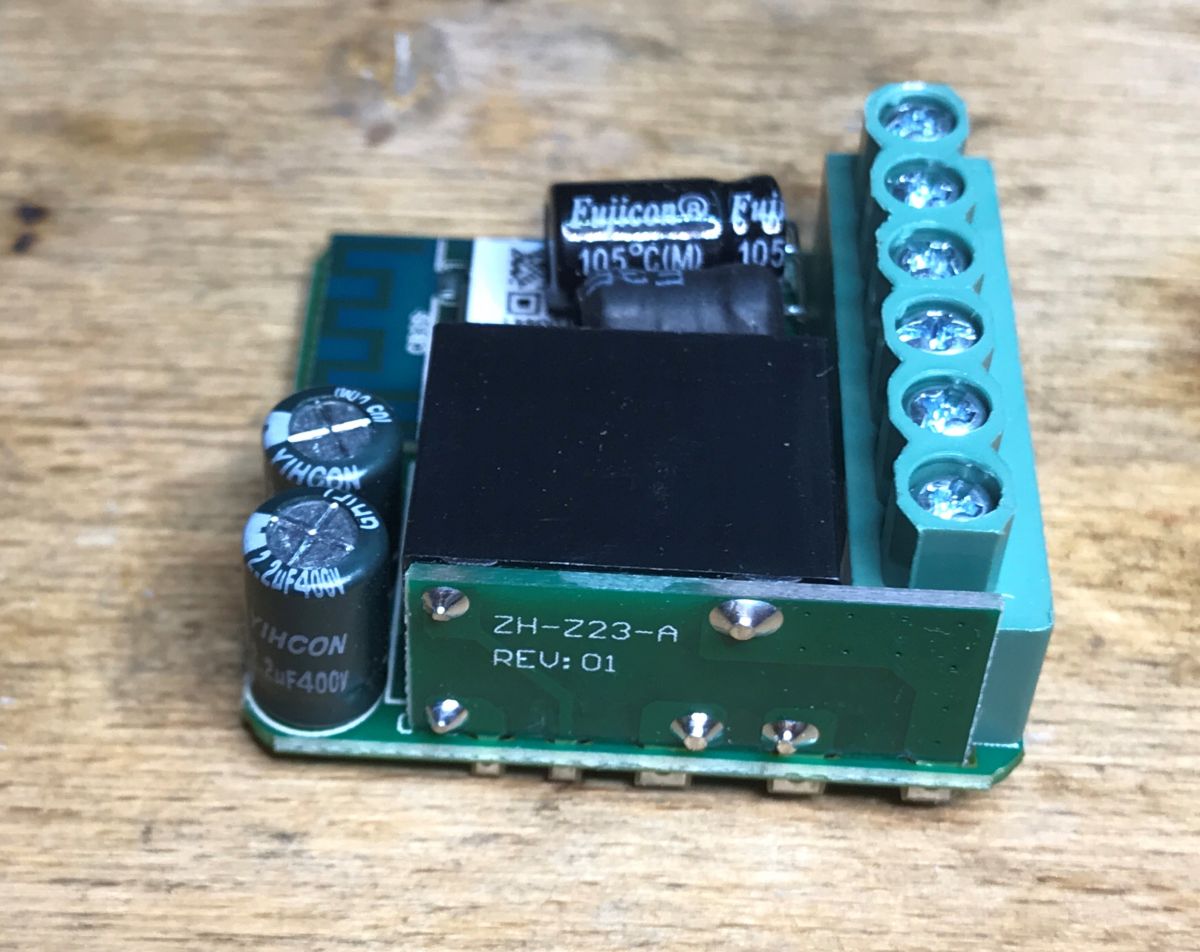
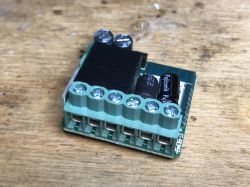
The relay is mounted quite interestingly, because on an additional small PCB:
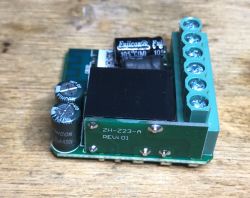
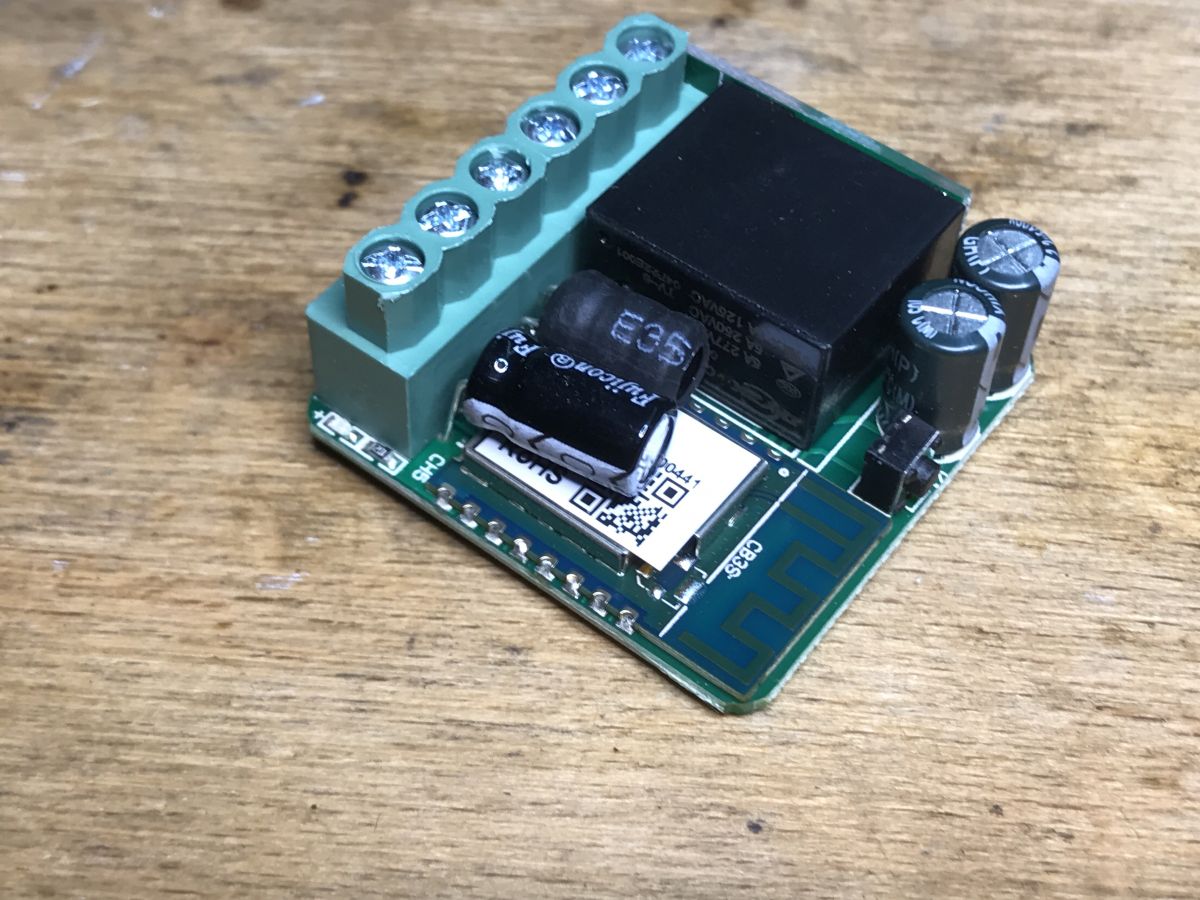
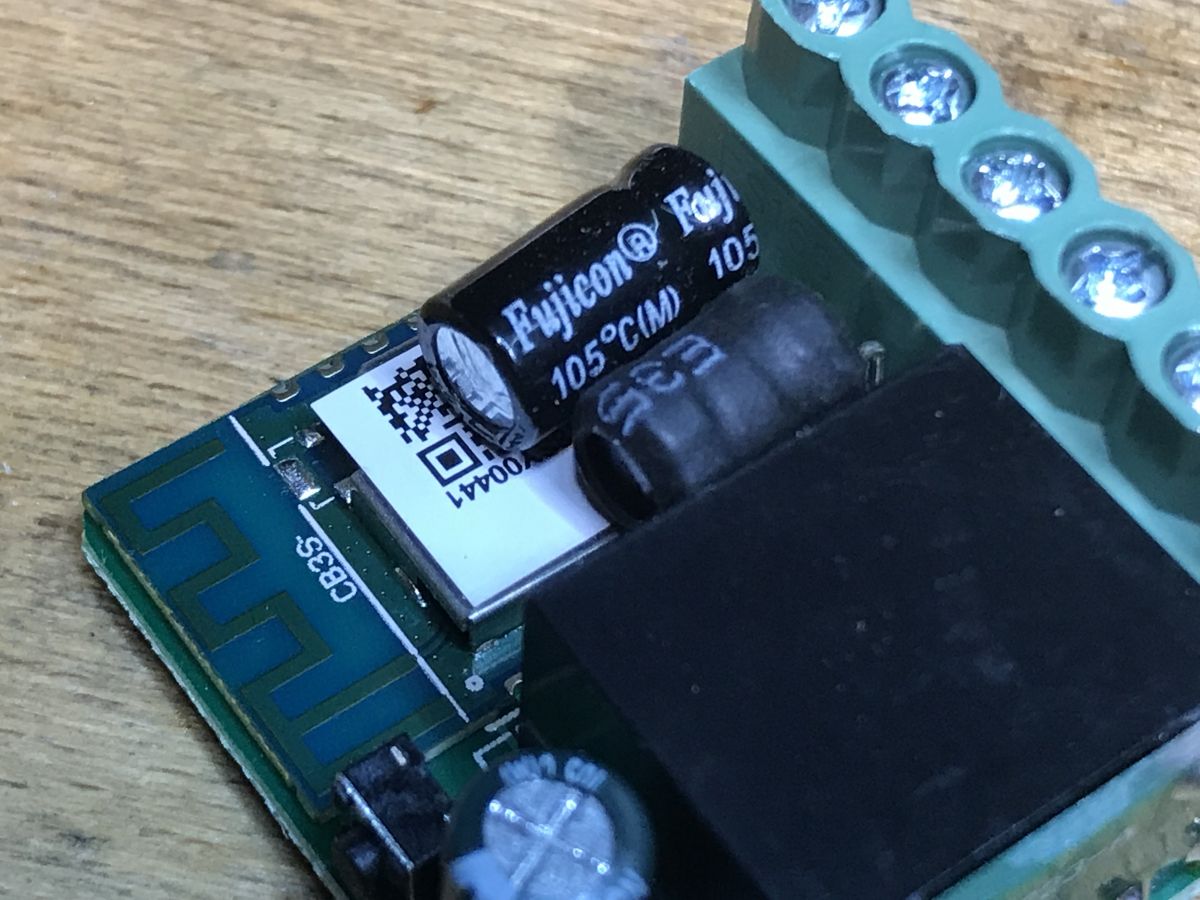
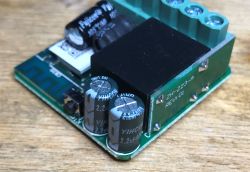
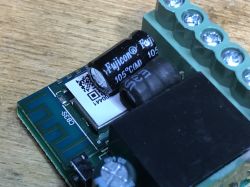
The product is based on the CB3S WiFi module. This time, however, not CB2S. It's probably because the CB2S would be too tall for this case.

Wgrywanie OpenBeken
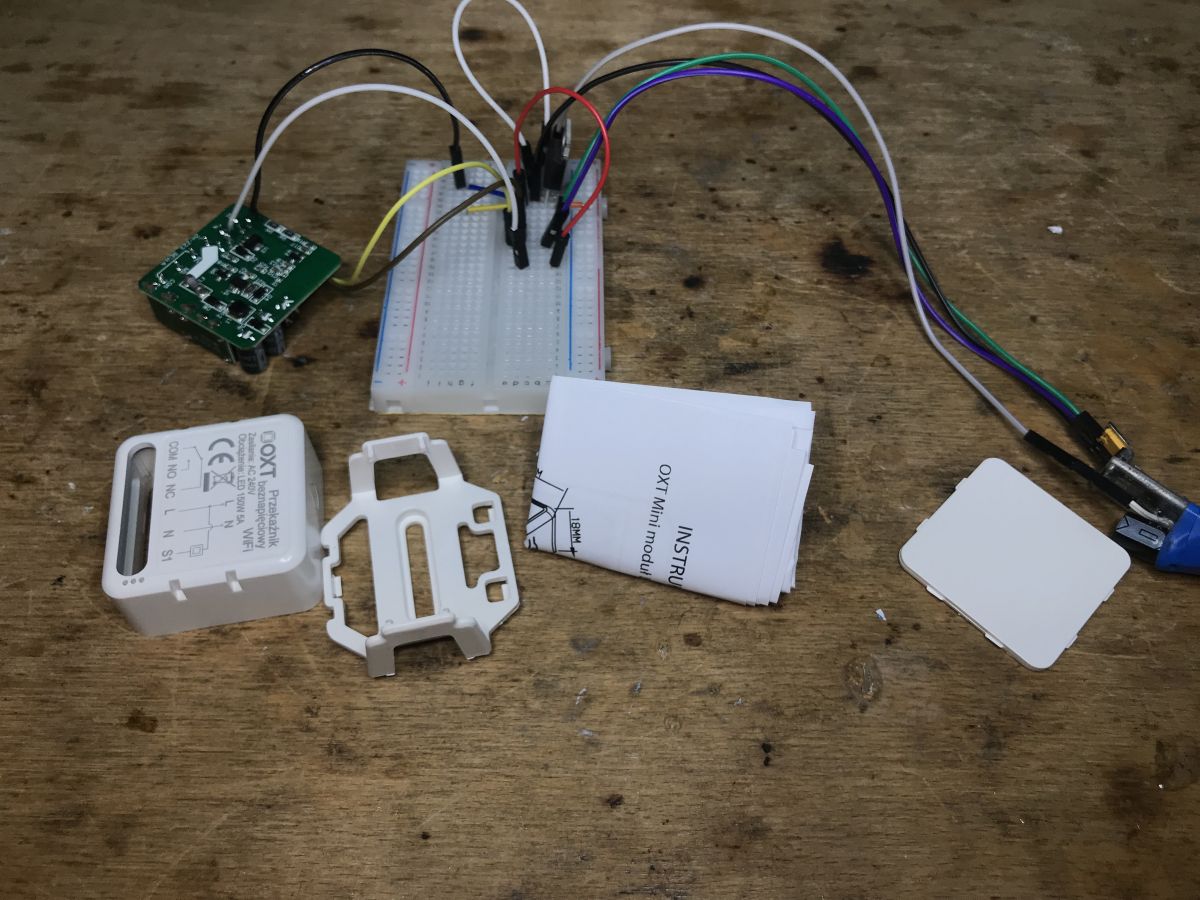
Programujemy moim BK7231 GUI flasherem:
https://github.com/openshwprojects/BK7231GUIFlashTool
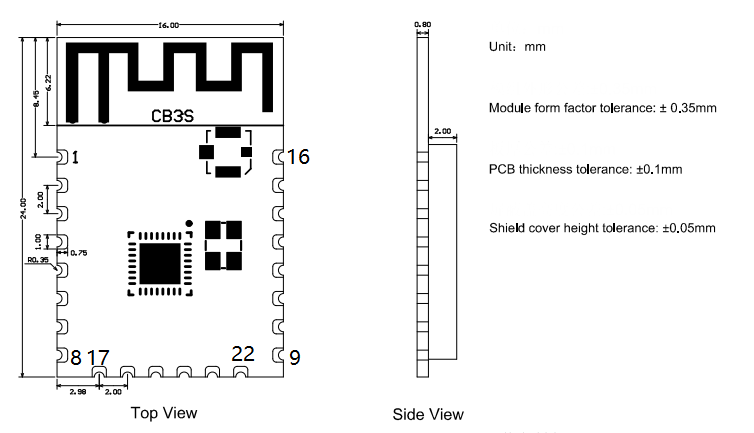
Dokumentacja CB3S szybko nam powie, gdzie są interesujące nas sygnały.
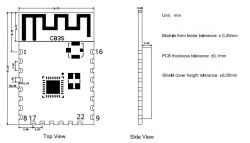
Pin number Symbol I/O type Function
8 VCC P Power supply pin (3.3V)
9 GND P Power supply reference ground
15 RXD1 I/O UART1_RXD (user serial interface), which corresponds to P10 of the IC. Do not connect it to the VCC. By default, the MCU serial port should be in low-level or high-impedance state.
16 TXD1 I/O UART1_TXD (user serial interface), which corresponds to P11 of the IC. Do not connect it to the VCC. By default, the MCU serial port should be in low-level or high-impedance state.

In this particular case, no external LDO regulator is needed because the AMS1117-3.3V is on board. You can solder in front of him.
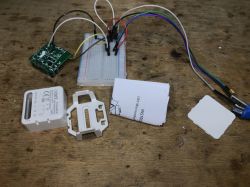
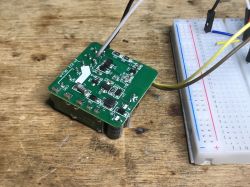
I did not solder the CEN either, I did the RESET by cutting off the power supply (5V) for a moment. Programming went smoothly.

GPIO roles
Otherwise, the OpenBeken template, there is not much to set here:
- LED - P9 (you can set the role of WiFi LED or LED_n to work inversely to the relay)
- switch - ToggleChannelOnToggle - P8
- relay - P6
- push-through on the housing - Button role - P26
It is worth remembering that in OpenBeken you can turn on energy saving on this type of devices using the PowerSave 1 command.
Same in Tuya JSON form:
Code: JSON
Log in, to see the code

And in the form of an OBK template:
Code: JSON
Log in, to see the code


Summary
Another device freed from the cloud. This particular relay was distinguished by the fact that it is "voltage-free", i.e. it does not have a rigidly connected relay output to the network, you can connect a lower voltage receiver there (with galvanic separation) and everything will work properly.
Of course, you could convert an ordinary smart switch to work this way, I've seen some cut the PCB traces to "free" the relay output from 230V, but why make a sculpture? This product costs only PLN 40 and does its job well.
When buying from China, it would probably be even cheaper, but this time we bought in our country and it wasn't that expensive.


About Author
p.kaczmarek2
p.kaczmarek2 wrote 14611 posts with rating 12622 , helped 654 times. Been with us since 2014 year.

Comments

noel200 30 Jun 2023 10:41

Are they with ESP8266 or ESP8285? Or does this board fit a module with ESP, for example ESP-12F? [Read more]

p.kaczmarek2 30 Jun 2023 11:11

They certainly are, although now I will not give any "certainty" from ESP from memory, because sometimes some manufacturers change WiFi modules to others. That's why I'm doing OpenBeken, so that... [Read more]

noel200 30 Jun 2023 12:36

That's what I meant. Thanks. [Read more]

metalMANiu 30 Jun 2023 15:08

@pkaczmarek2 I suggest calling this relay "dry contact" instead of "voltage free". Since you still need to open the device in order to upload a new firmware, I see no problem in cutting one track on... [Read more]

bogus_54 29 Jul 2023 09:40

Hello, I read that you are great at Smart Home issues. Can you give me advice? - I have a standard wifi network at home, of course - I want to find a wifi relay with a dry contact NC or NO, which I... [Read more]

p.kaczmarek2 29 Jul 2023 09:58

The Zigbee version is the version that requires an additional Zigbee gateway. So if you only have WiFi at home, you need to buy a Zigbee gateway separately to support Zigbee. If you care about low costs... [Read more]

bogus_54 29 Jul 2023 10:57

Thank you for your help [Read more]

Chris_snk 17 Mar 2024 09:43

How to change the status of the switch in the Tuya application so that when the contacts are closed it shows that the gate is open? [Read more]

FAQ

TL;DR: Around PLN 40 buys an OXT SWT10 that one expert called a "device freed from the cloud" after flashing OpenBeken. This FAQ helps DIY users choose WiFi vs Zigbee, identify the CB3S/BK7231T hardware, and wire the dry-contact relay safely for separate 12V control circuits. [#20635683]

Why it matters: The thread shows when the stock Tuya firmware is enough and when flashing OpenBeken gives cleaner local control, lower idle power, and clear GPIO mapping.

Option What you need Remote control Extra hardware Best fit
OXT SWT10 WiFi + Tuya Home WiFi Yes, from anywhere via app None Non-technical users
OXT SWT10 WiFi + OpenBeken WiFi + flashing access Local/custom control USB-UART and soldering DIY users
OXT SWT10 Zigbee Zigbee network Yes, after gateway setup Zigbee gateway Larger Zigbee systems

Key insight: If you only have home WiFi and want simple remote switching, buy the WiFi version and keep the factory firmware. Flash OpenBeken only if you want local control, custom GPIO behavior, or to remove cloud dependence. [#20672283]

Quick Facts

  • Approximate street price in the thread is around PLN 40, which made the dedicated dry-contact design cheaper than modifying a standard smart switch for many users. [#20635683]
  • The board uses a BP2525 mains supply stage and an AMS1117-3.3V regulator, so the WiFi module already has onboard 3.3V for flashing. [#20635683]
  • The WiFi module is CB3S with a BK7231T platform, not CB2S, and the author notes the slimmer module likely fits this enclosure better. [#20635683]
  • Package contents were minimal: the relay unit and packaging, but no screws and no double-sided tape were included. [#20635683]
  • OpenBeken GPIO map from the thread: relay P6, wall switch input P8, WiFi LED P9, and housing button P26. [#20635683]

What is a voltage-free relay, and how is it different from a dry contact relay in devices like the OXT SWT10?

In this thread, the OXT SWT10 is described as a relay whose output is fully isolated from its own supply, so it can switch a separate circuit, including 12V loads, without a permanent mains connection on the relay output. "Dry contact" is an electromechanical relay output that only opens or closes a separate circuit, with galvanic isolation and no fixed supply voltage on the contacts. One commenter suggested that "dry contact" is the better term than "voltage-free." [#20636563]

How do I open the OXT SWT10 and flash OpenBeken onto its CB3S WiFi module step by step?

You open the cover, expose the CB3S pads, and flash OpenBeken through UART. 1. Pry off the housing cover and locate the CB3S module and AMS1117-3.3V area. 2. Solder to VCC 3.3V, GND, RXD1, and TXD1 using the CB3S pinout. 3. Use the BK7231 GUI flasher and briefly cut 5V power to reset the board if needed. The author reports that programming "went smoothly." [#20635683]

Which GPIO pins on the OXT SWT10 control the relay, LED, wall switch input, and housing button in OpenBeken?

OpenBeken maps the OXT SWT10 as relay P6, wall switch input P8, WiFi LED P9, and housing button P26. The thread assigns ToggleChannelOnToggle to P8, Rel;1 to P6, WifiLED_n to P9, and Btn_Tgl_All to P26. That gives you one relay channel, one external switch input, one status LED, and one front-button input. [#20635683]

Why does the OXT SWT10 use a CB3S module instead of CB2S, and what chip is inside it?

The thread says the OXT SWT10 uses CB3S because the taller CB2S would not fit this enclosure as well. The OpenBeken template in the same post identifies the platform as BK7231T. So the practical reason is mechanical fit, while the actual controller family used for firmware work is BK7231T on the CB3S module. [#20635683]

What power supply components are inside the OXT SWT10, and how do the BP2525 and AMS1117-3.3V work together?

The OXT SWT10 has a mains supply section built around BP2525 and a AMS1117-3.3V linear regulator. The thread says this combination provides stable power for the WiFi module, which is why no extra external 3.3V LDO was needed during flashing. In practice, the author soldered in front of the onboard AMS1117 instead of adding another regulator. [#20635683]

Which UART pins on the CB3S module should I use for flashing, and why should RXD1 and TXD1 not be connected to VCC?

Use CB3S pin 15 = RXD1, pin 16 = TXD1, pin 8 = VCC 3.3V, and pin 9 = GND. The thread warns not to connect RXD1 or TXD1 to VCC because they are UART signal lines, not power lines, and the module documentation says the MCU serial interface should stay low or high-impedance by default. Wiring them to 3.3V would break serial flashing. [#20635683]

How can I reset the OXT SWT10 for flashing if I do not solder to the CEN pin?

You can reset it by briefly interrupting the board’s 5V supply instead of soldering to CEN. The author explicitly says he did not solder CEN and performed reset by cutting power for a moment. That is the simple fallback when you only need one flash session and want fewer wires on the board. [#20635683]

In what way is the CB3S pin-compatible with TYWE3S or ESP-12F, and how hard is it to replace the module with an ESP board?

The thread says CB3S is pin-compatible with TYWE3S, which also means compatibility with ESP-12 style modules such as ESP-12F. That makes physical substitution possible, but it still requires opening the device and replacing the module, so it is more work than using the existing CB3S with OpenBeken. The author points to module replacement as feasible, not effortless. [#20636293]

What are the differences between using the OXT SWT10 with Tuya cloud firmware and replacing it with OpenBeken?

Factory Tuya firmware gives easy app control and schedules without soldering, while OpenBeken gives local, cloud-free control and manual GPIO setup. The thread recommends keeping the stock firmware if you simply want remote switching from your phone. Flash OpenBeken when you need custom roles like P6 relay and P8 toggle input, or want to avoid cloud dependence entirely. [#20672283]

How does the OXT SWT10 compare with modifying a regular smart switch by cutting PCB traces to create a dry contact output?

The OXT SWT10 is the cleaner option because it already has isolated relay contacts, while a standard smart switch may need a PCB trace cut to separate the contact from 230V mains. The author argues that buying a purpose-built unit for about PLN 40 avoids unnecessary board surgery. A commenter notes trace cutting is still viable if you already must open the device for flashing. [#20635683]

Which version should I choose for remote control from anywhere: the WiFi OXT SWT10 or the Zigbee version with a gateway?

Choose the WiFi OXT SWT10 if you already have home WiFi and want app control from anywhere without extra hardware. The thread states the Zigbee version needs a separate Zigbee gateway, so it adds cost and setup complexity. For a small installation with one relay and no existing Zigbee network, the WiFi version is the direct choice. [#20672283]

What does the PowerSave 1 command do in OpenBeken on BK7231T devices like the OXT SWT10?

It enables power saving on this class of OpenBeken devices. The thread specifically says that on this type of hardware you can turn on energy saving with the command PowerSave 1. No current figure is given, so the practical takeaway is simple: use it when you want lower idle consumption on a BK7231T-based relay. [#20635683]

Where can I buy the OXT SWT10, and what usually comes in the package?

The thread says the OXT SWT10 is easy to buy locally in the author’s country and is also available from China-based sellers. In the shown package, the contents were sparse: the relay and packaging materials, but no screws and no double-sided tape. That matters if you expect a ready-to-mount kit for a wall box or gate controller enclosure. [#20635683]

How do I use the OXT SWT10's NO and NC dry contacts to control a separate 12V circuit safely?

Use the relay contacts as an isolated switch in the 12V circuit, not as a power source. "Dry contact" is an isolated relay interface that only opens or closes another circuit, so you supply the external voltage separately and keep it galvanically separated from the device’s own power path. The thread says the OXT SWT10 offers NO and NC contacts and can switch a lower-voltage receiver correctly because the output is not rigidly tied to mains. [#20672283]

How can I change the switch status in the Tuya app so that when the contacts are closed it shows the gate as open?

The thread does not provide a confirmed method for inverting the gate status in the Tuya app. It only asks that question on 2024-03-17 and shows no posted solution afterward. If you need that behavior with certainty, this thread alone is insufficient, so treat it as an unresolved app-side limitation rather than a documented OXT SWT10 setting. [#21007330]
Generated by the language model.
%}