logo elektroda
logo elektroda
X
logo elektroda

Arduino R4 WiFi - how to display text on matrix display? DIY LedMatrix Font

p.kaczmarek2  0 4365 Cool? (+12)
📢 Listen (AI):

TL;DR

  • Builds a DIY ASCII font system for the Arduino Uno R4 WiFi LED matrix, with support for animated moving text.
  • Ports font data from MD_Parola by searching variable-width characters, reading each character’s size, and copying column bytes into the Arduino frame buffer.
  • Uses a byte array format where each character is preceded by its size in bytes, and one byte represents 8 pixels in a column.
  • Keeps the implementation beginner-friendly by using one byte per pixel for the matrix array, even though it could be 8x more compact.
Generated by the language model.
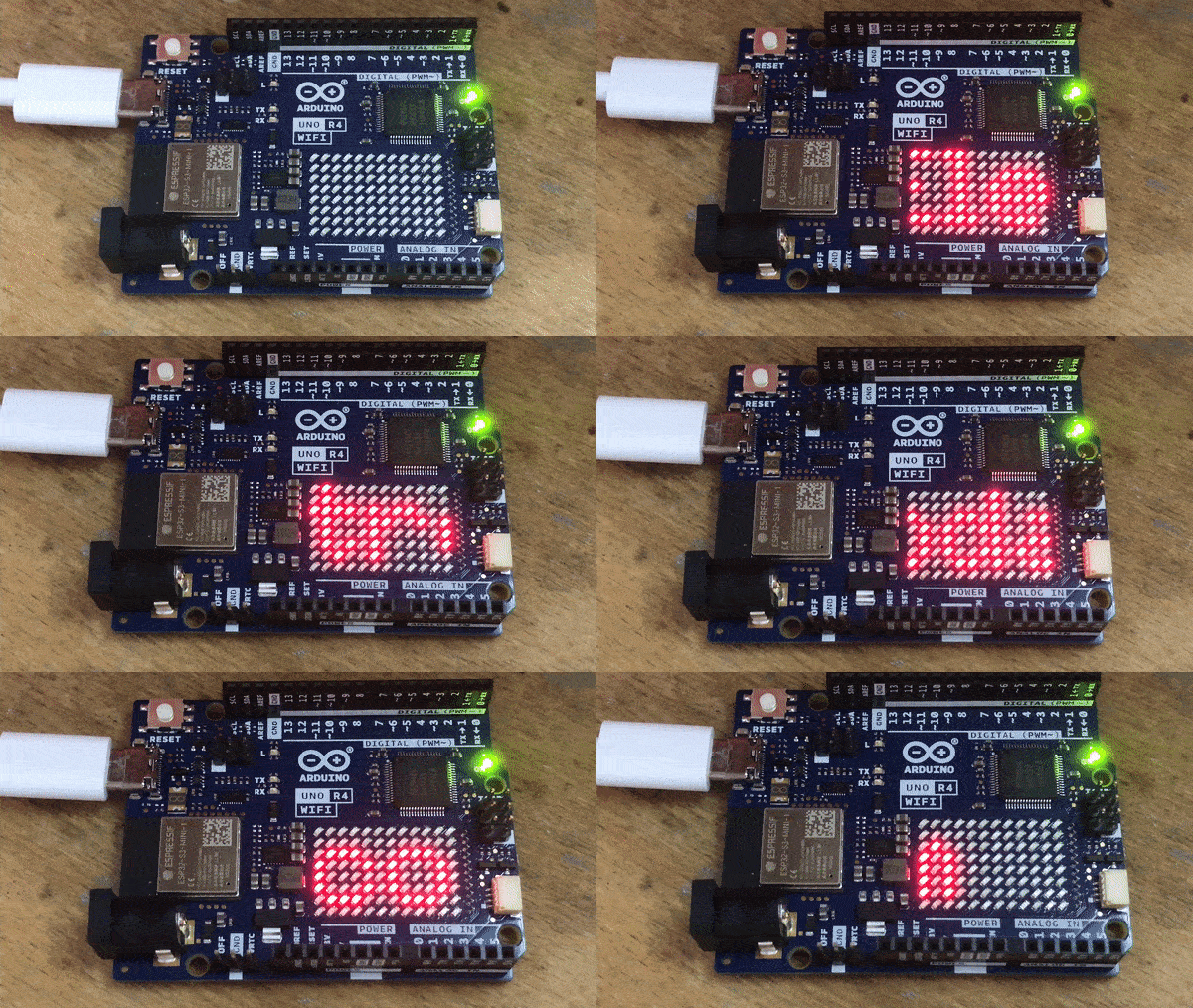
Arduino Uno R4 WiFi with connected LED matrix.
Today I will present a simple font system for ASCII characters designed for a matrix display with Arduino Uno R4 WiFi. By the way, I will also demonstrate how to animate moving text based on the codes placed here. The implementation of the font will be 100% DIY, we will write it together and put it in our sketch, although we will already have the font itself - we will borrow it from the MD_Parola library.

Hello world LED Matrix
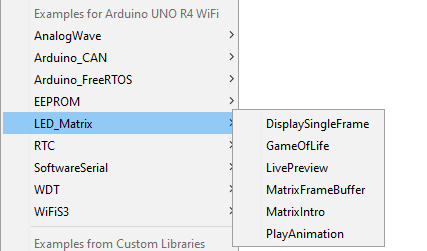
Arduino R4 contains ready-made examples of LED arrays, which I recommend to read before reading the topic:
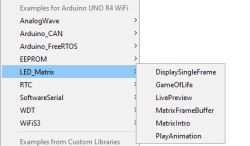
Arduino IDE example menu with LED_Matrix examples expanded for Arduino UNO R4 WiFi.
However, I will not describe them here, because it would be pointless. We'll do something new together. Let's start by displaying an array on a matrix:
Code: C / C++
Log in, to see the code

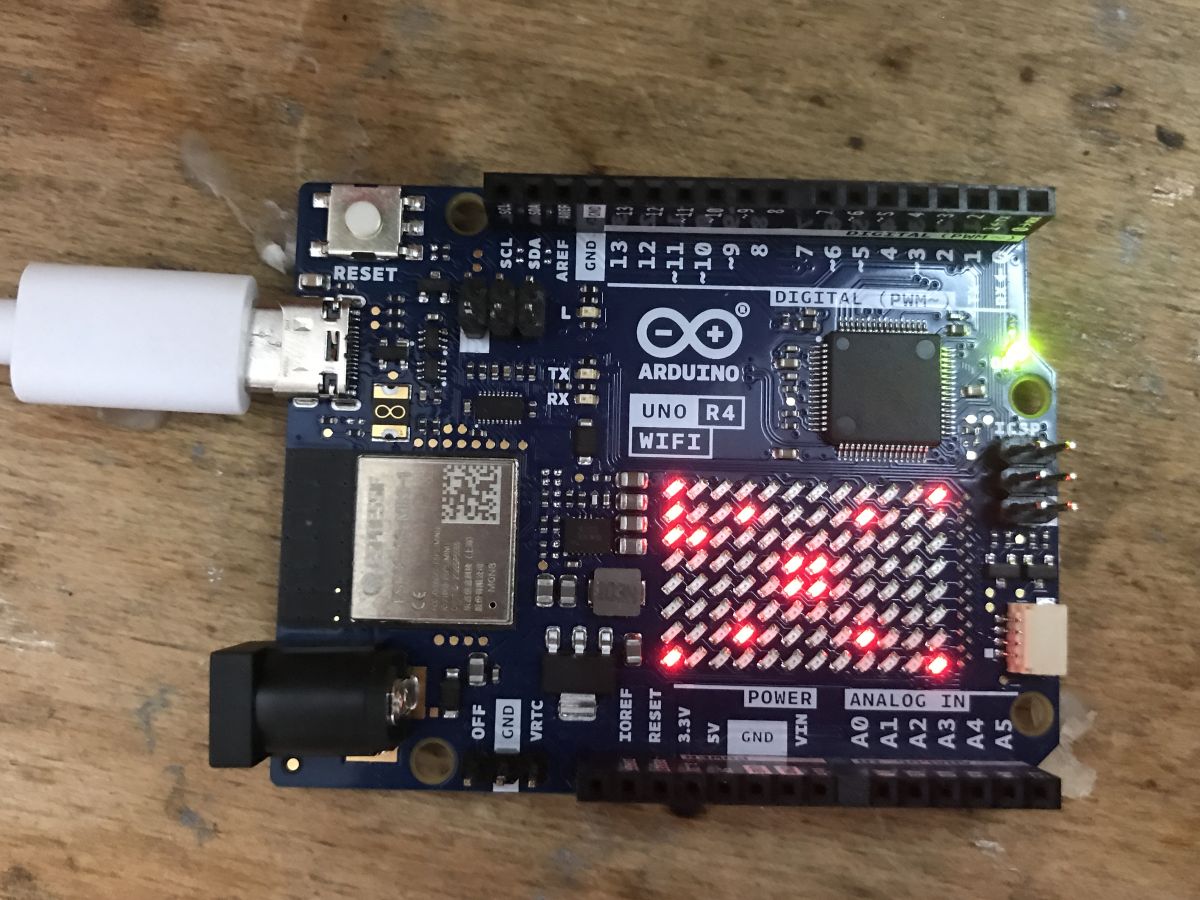
Result:
Arduino Uno R4 WiFi board with an illuminated LED matrix display powered by a USB-C cable.
as you can see, we've got everything nicely organized here into a two-dimensional array of bytes. One byte is one pixel. It could be done better, 8x better to be exact, where the pixel would be a bit, but the subject is for beginners, so I didn't want to complicate it that much.

New font for LED matrix
A font system would be nice. You could create each character manually from pixels yourself, but why? We have ready-made fonts for this, for example the one from MAX7219 from the Parola library:
https://github.com/mrWheel/ESP_ticker/blob/master/parola_Fonts_data.h
Let's try to port it from ESP MAX7219 to our Arduino.
First you need to note that each character can have a different width .
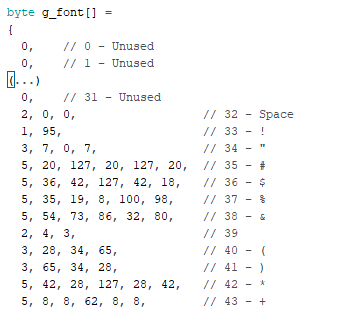
This is due to the data recording format:
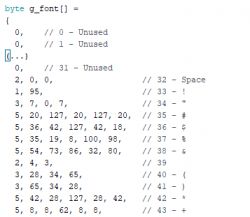
A fragment of C code showing the definition of a g_font byte array containing font data for an LED matrix display.
The font is a byte array, where each character is preceded by its size in bytes, and then we have data bytes, where each byte represents the state of 8 pixels in a given column.
We will have to:
- search for a character in the font data (since each can have a different number of bytes, we will not count its offset)
- read its size
- copy its pixels from bits to Arduino bytes
Let's start with the search. Based on MD_Parola:
Code: C / C++
Log in, to see the code

The above code sets the pointer to the beginning of the font data and then counts down the ASCII characters until it hits the one we are looking for, while skipping the data of the characters we are not interested in. The result will be a pointer to the ASCII character data we are looking for.
Now the function that iterates the string and prints it character by character (with support for printing on a given position):
Code: C / C++
Log in, to see the code

This function goes through the string character by character (through a pointer to char, the end of a character is a byte zero) and sequentially fetches the font of the given character and if it is available, it first prints that character and then adds a space of one column.
The function additionally counts how many columns were actually displayed, later I will explain why I added it.
Now let's see the display of one character:
[syntax=c]
int LED_displayArray(byte *p, int devs, int ofs)
{
int drawn = 0;
for(int i = 0; i < devs; i++) {
int di = ofs + i;
if(di < 0)
continue; // skip
if(di >= TOTAL_COLUMNS)
break; //dont go outside array
for(int j = 0; j < 8; j++) {
frame[j][di] = !!(p[i] & (1


About Author
p.kaczmarek2
p.kaczmarek2 wrote 14372 posts with rating 12290 , helped 649 times. Been with us since 2014 year.

Comments

FAQ

TL;DR: A 12×8 Arduino R4 LED matrix frame needs just 96 bytes, and “each character can have a different width” [Elektroda, p.kaczmarek2, post #20703376]; port Parola fonts by scanning size-prefixed byte blocks and copying bits.

Why it matters: This lets you animate readable text without external hardware or exhausting the Uno R4’s 32 kB RAM.

Quick Facts

• MCU: Renesas RA4M1, 48 MHz Arm Cortex-M4 [Arduino UNO R4, 2023] • Built-in display: 12 × 8 red LED matrix, controlled by Arduino_LED_Matrix.h [Arduino Example, 2023] • Parola ASCII font: 96 glyphs, 1–8 bytes wide [Parola_Fonts_data.h] • Flash footprint of full font table: ≈760 bytes [Parola_Fonts_data.h] • Free SRAM after sample sketch upload: ≈27 kB of 32 kB [Arduino Memory, 2023]

How do I show a custom bitmap on the Arduino R4 WiFi matrix?

Load Arduino_LED_Matrix, declare an 8 × 12 byte array, call matrix.begin(), then matrix.renderBitmap(frame, 8, 12) as shown in the thread example [Elektroda, p.kaczmarek2, post #20703376]

What is the Parola font data format?

Each glyph starts with one byte holding its column count, followed by that many bytes; every bit represents one pixel in an 8-row column [Elektroda, p.kaczmarek2, post #20703376]

How does LED_GetFontStart() find a glyph?

It walks the font array, subtracting one from an ASCII counter while skipping current_byte_count + 1 until the desired code matches; the loop stops when it meets 0xFF, the table terminator [Elektroda, p.kaczmarek2, post #20703376]

Can I print strings longer than 12 columns?

Yes. LED_print() advances an offset for each column and silently ignores pixels left of 0 or right of TOTAL_COLUMNS, so oversize text appears to scroll off-screen without crashes [Elektroda, p.kaczmarek2, post #20703376]

How do I add horizontal scrolling?

  1. Store the frame in RAM.
  2. Call LED_print(startCol – step, "Hello").
  3. Decrement startCol inside loop and delay 30 ms. This creates a smooth 33 fps ticker on the 48 MHz MCU [Arduino Timing, 2023].

What memory does the full ASCII font consume?

The 96-character Parola table occupies about 760 bytes of flash and only a few stack bytes at runtime [Parola_Fonts_data.h]. That is under 2 % of the Uno R4’s 32 kB flash [Arduino UNO R4, 2023].

Edge case: what if ofs + i exceeds TOTAL_COLUMNS?

LED_displayArray() breaks the loop when di >= TOTAL_COLUMNS, so no out-of-bounds write occurs; the character simply clips at the edge [Elektroda, p.kaczmarek2, post #20703376]

Can I keep the font in PROGMEM to save RAM?

Yes. Declare const uint8_t g_font[] PROGMEM and replace direct access with pgm_read_byte(); this frees all 760 bytes from SRAM [AVR PROGMEM Guide, 2022].

Does the sketch compile on an older Uno R3?

No. Arduino_LED_Matrix relies on the R4’s integrated display hardware; the R3 lacks it, and the library will fail to initialize the I2C peripheral [Arduino LED Matrix Docs, 2023].

How do I invert or mirror characters?

Invert: XOR every font byte with 0xFF before writing to frame. Mirror: reverse bit order with the built-in _bitrev() or manual shifting; then send to display [AVR Bit Manipulation].

What causes random garbage on the matrix after a few seconds?

The most common culprit is writing past the 12-column limit; check TOTAL_COLUMNS constant. “One missed boundary check can scramble everything” [Elektroda, p.kaczmarek2, post #20703376]
Generated by the language model.
%}