logo elektroda
logo elektroda
X
logo elektroda

[ESP8285] WS-05H1, i.e. Sonoff Dual R2 clone - firmware change, template, Tasmota

p.kaczmarek2  3 2655 Cool? (+6)
📢 Listen (AI):

TL;DR

  • WS-05H1, a repainted Sonoff Dual R2 clone, gets a teardown, firmware replacement, and Tasmota template for a two-relay Wi‑Fi module.
  • Inside, it uses an isolated flyback power supply instead of a non-isolated step-down converter, plus an ESP8285 with built-in memory and a programming header.
  • The unit cost PLN 60 and the power supply uses a CSC7102C controller; the board also exposes GPIO00 and GPIO09 on the expansion header.
  • Flashing Tasmota makes the relays work locally without the cloud and pair easily with Home Assistant, while leaving spare GPIOs for sensors like a DHT11.
  • Bootloader mode needs GPIO0, but it is routed to Button0, so soldering and DIY access are required.
Generated by the language model.
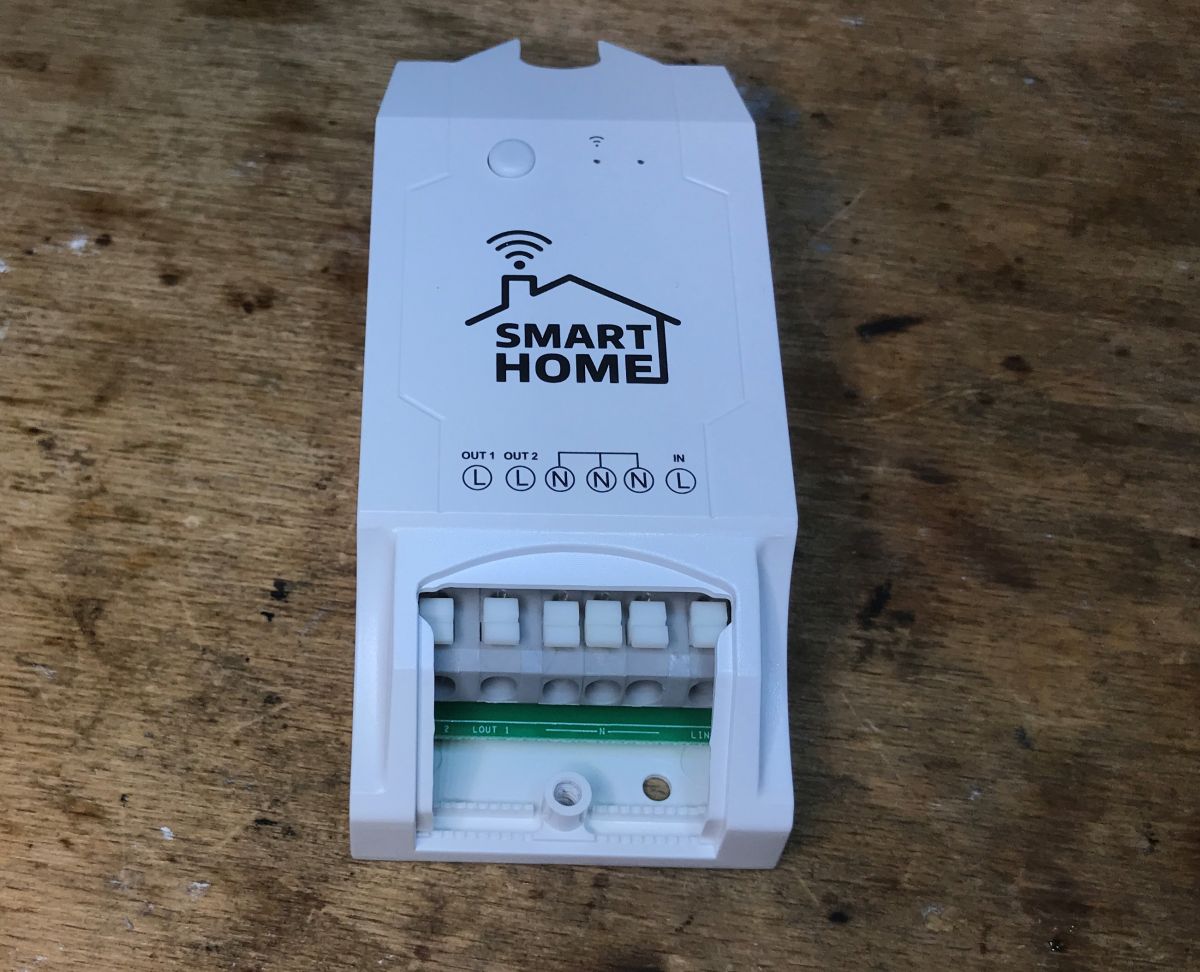
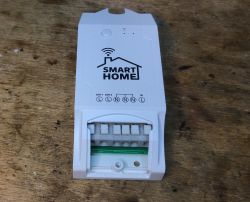
WS-05H1 smart home device on a wooden table.
Today we are uploading Tasmota to a device that is essentially a repainted Sonoff Dual R2, a relay module commercially available under the name WS-05H1. The equipment was given to me by a reader so that I could change the firmware and take a few photos. As usual, first a presentation of the interior, then programming and finally a template. Here we go!

Purchase of WS-05H1
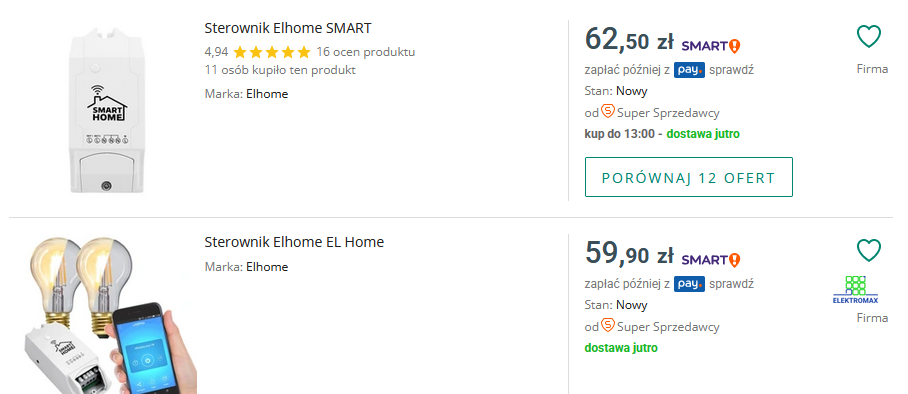
The equipment was purchased in our country for PLN 60:
Screenshot of a webpage featuring Elhome controllers for sale.
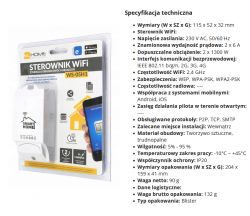
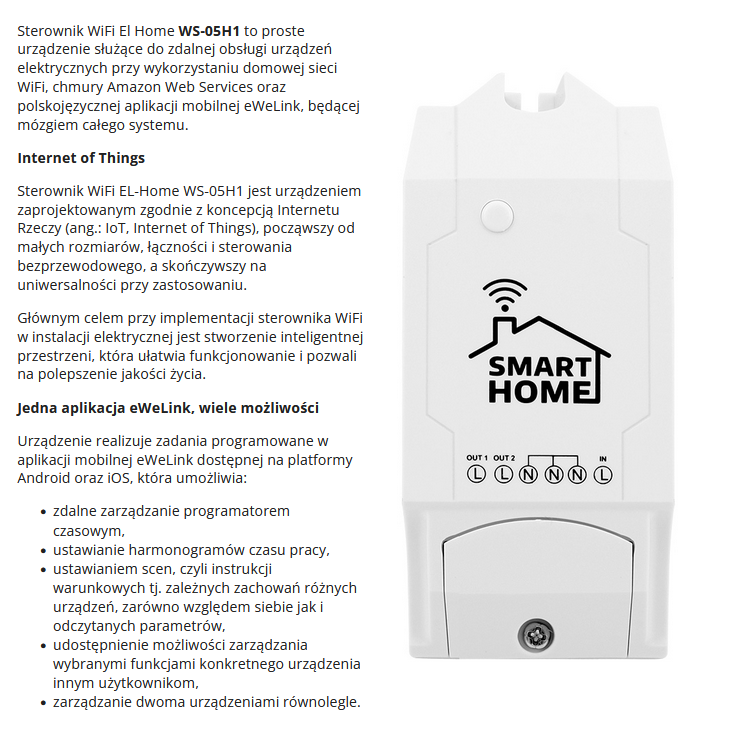
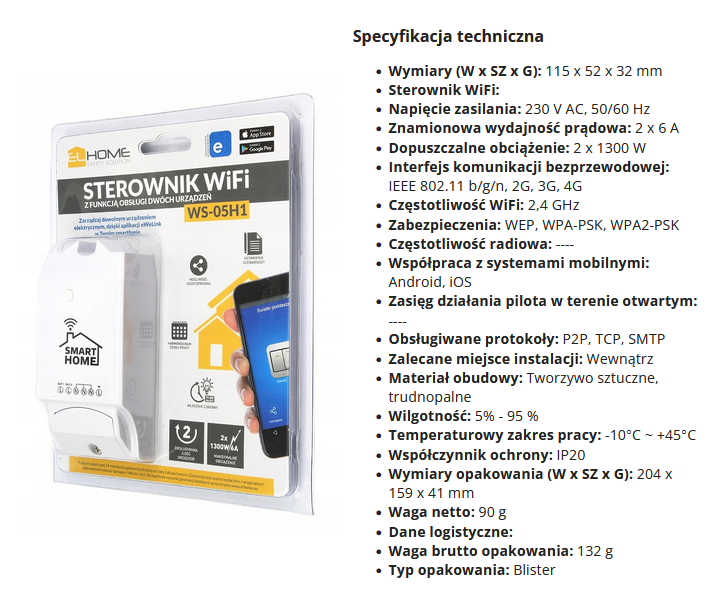
Here are screenshots from the seller's description:
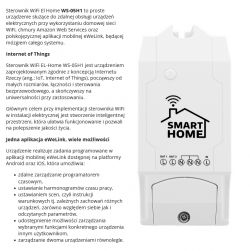
WiFi controller EL Home WS-05H1 with feature information. Packaging of WS-05H1 WiFi controller with technical specifications displayed.
I won't even test the eWeLink application, it has already been done, we will change the firmware immediately.
Let's see what we get in practice:
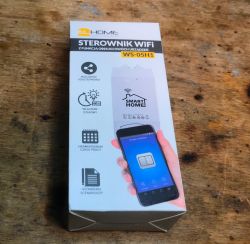
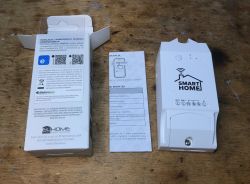
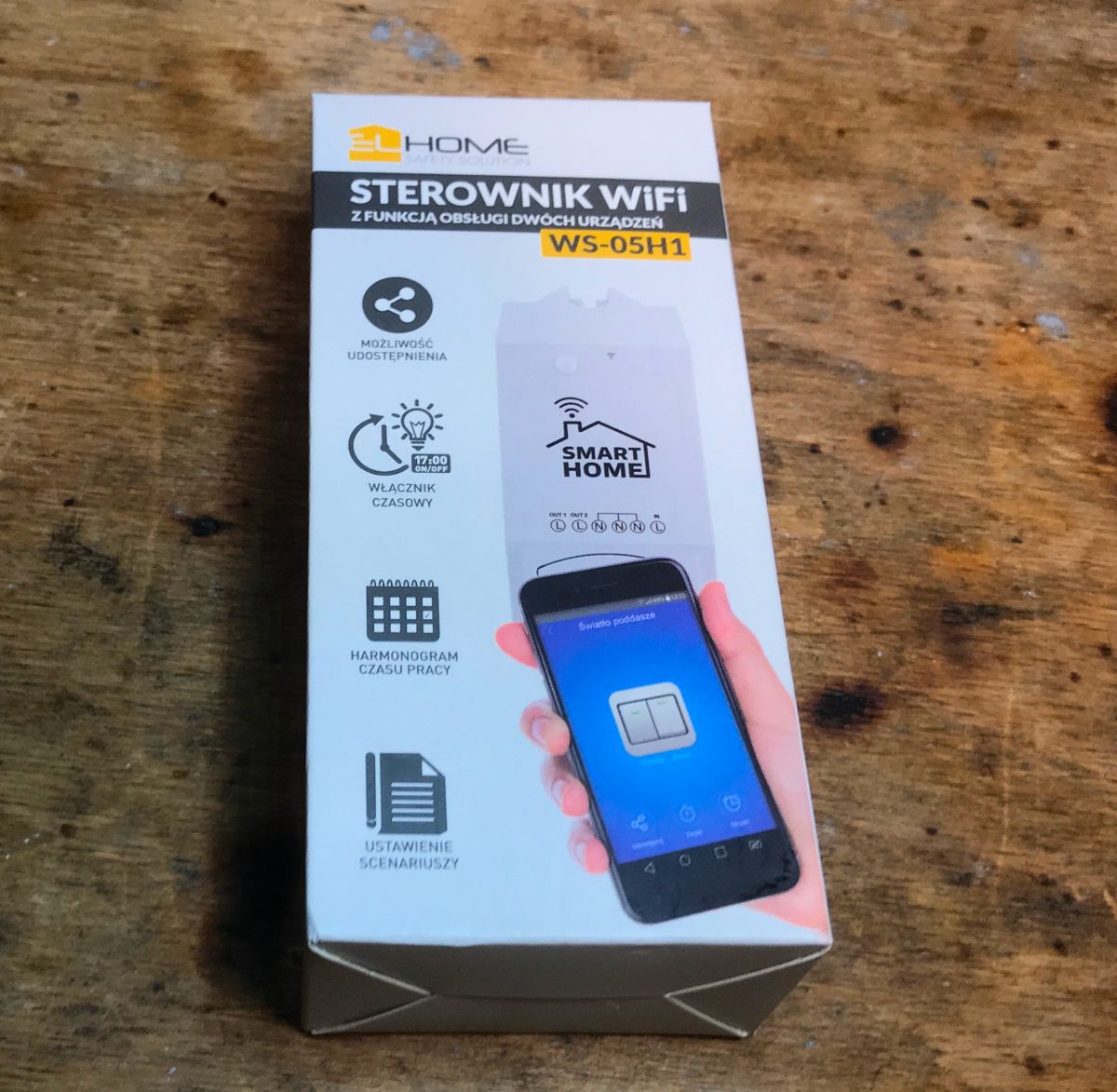
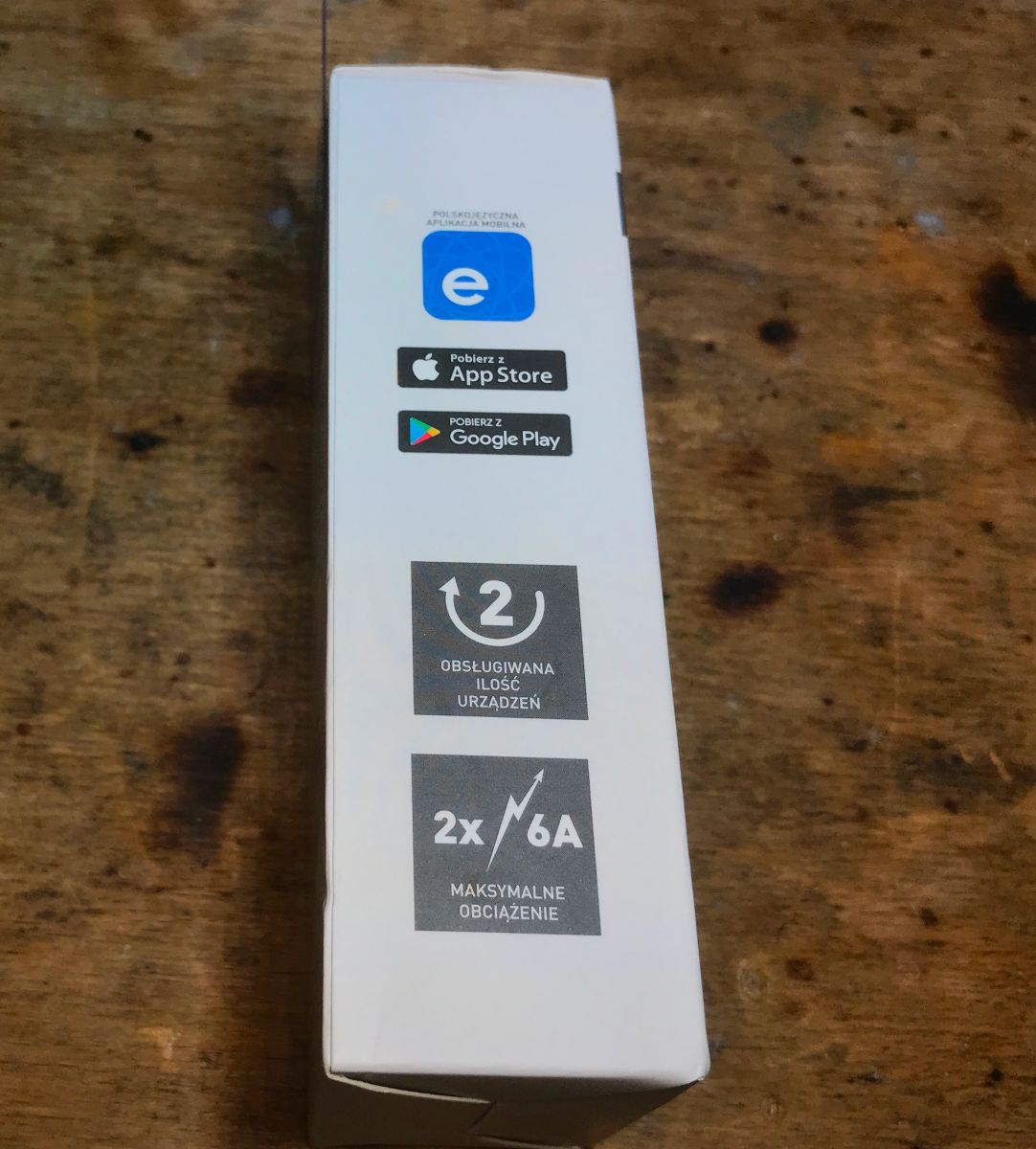
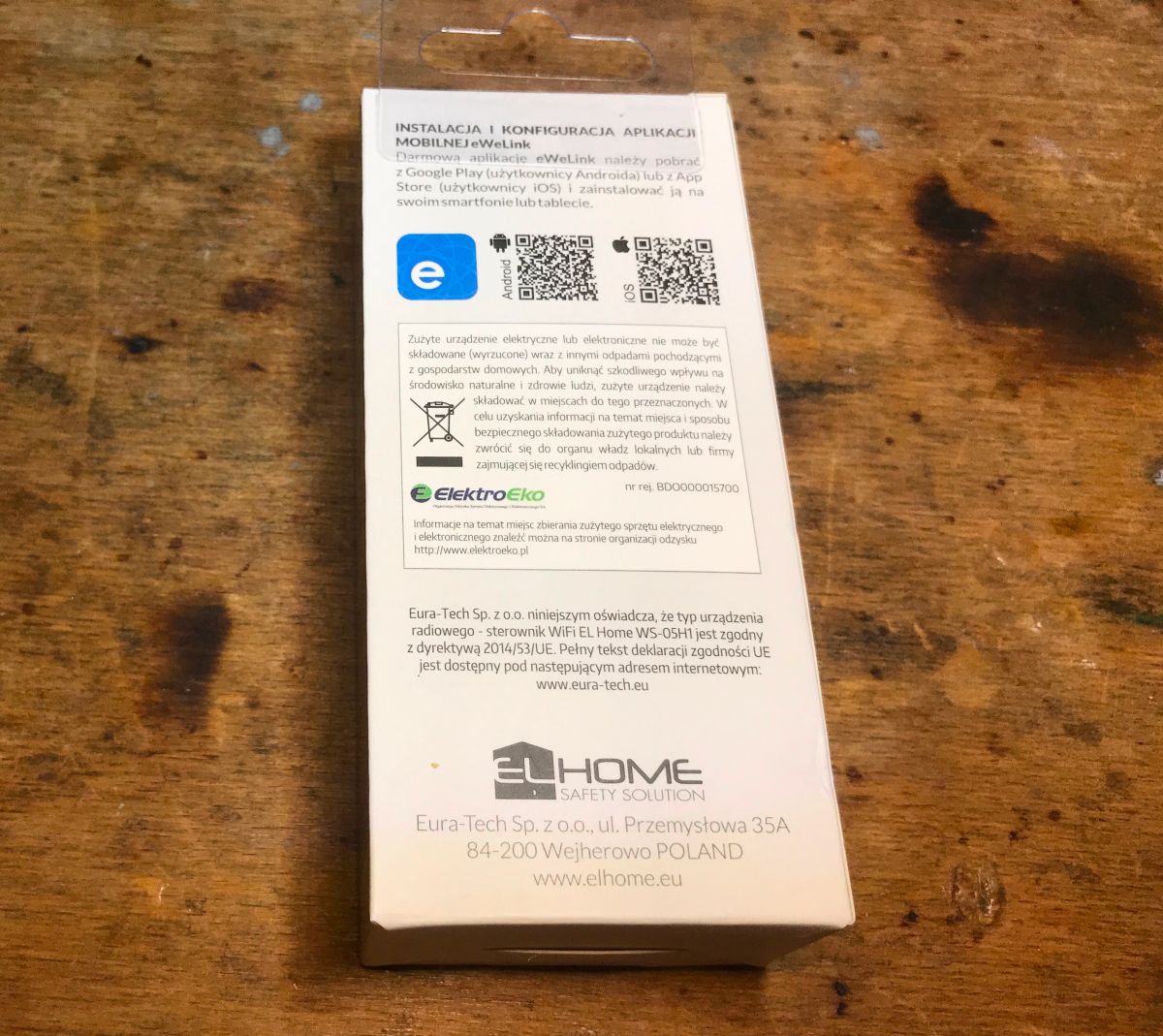
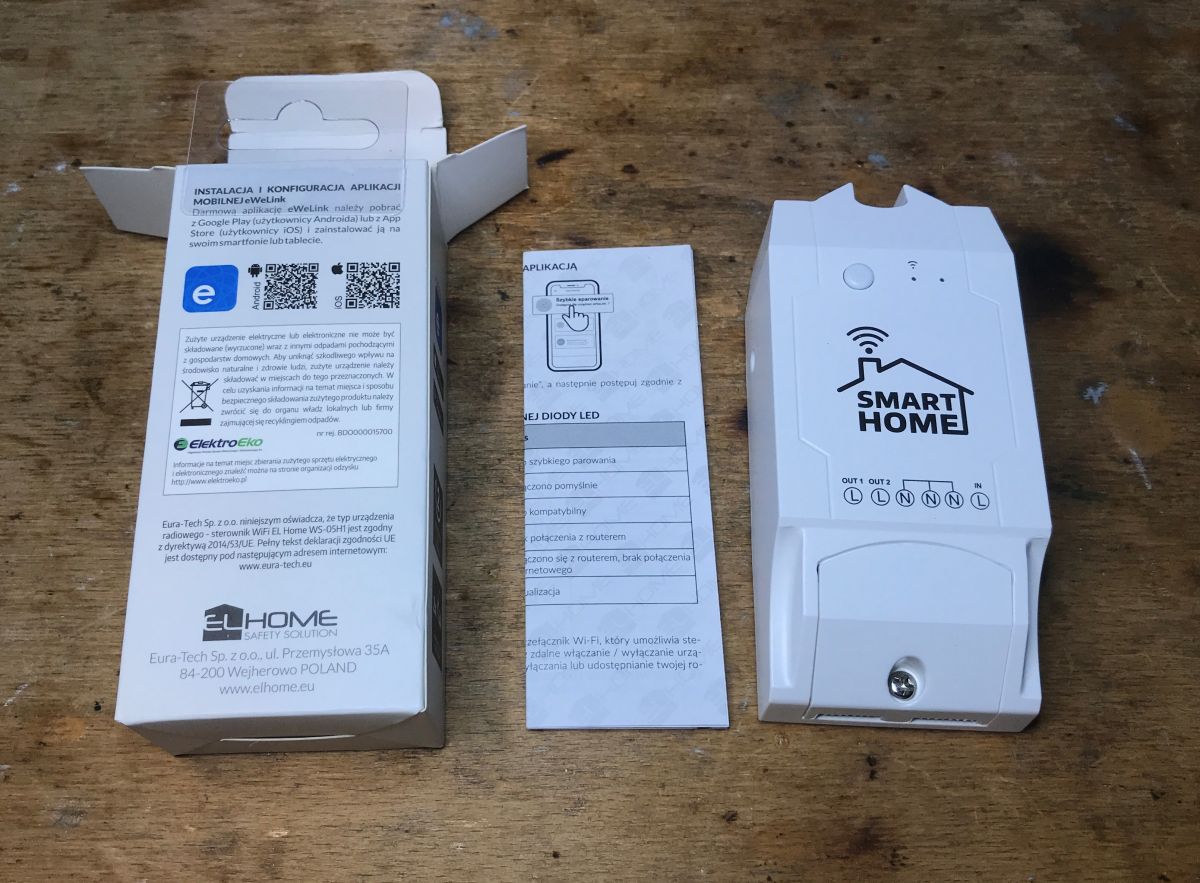
Packaging of the WS-05H1 WiFi controller on a wooden surface. Side of the WS-05H1 device box with description of features Packaging of the WiFi EL Home WS-05H1 device with instructions. WS-05H1 packaging with barcode and certification marks. WS-05H1 controller lying on a table next to packaging and instructions.
Instruction:
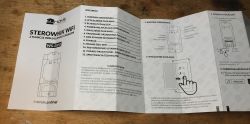
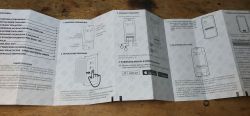
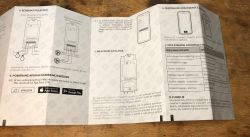
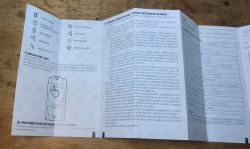
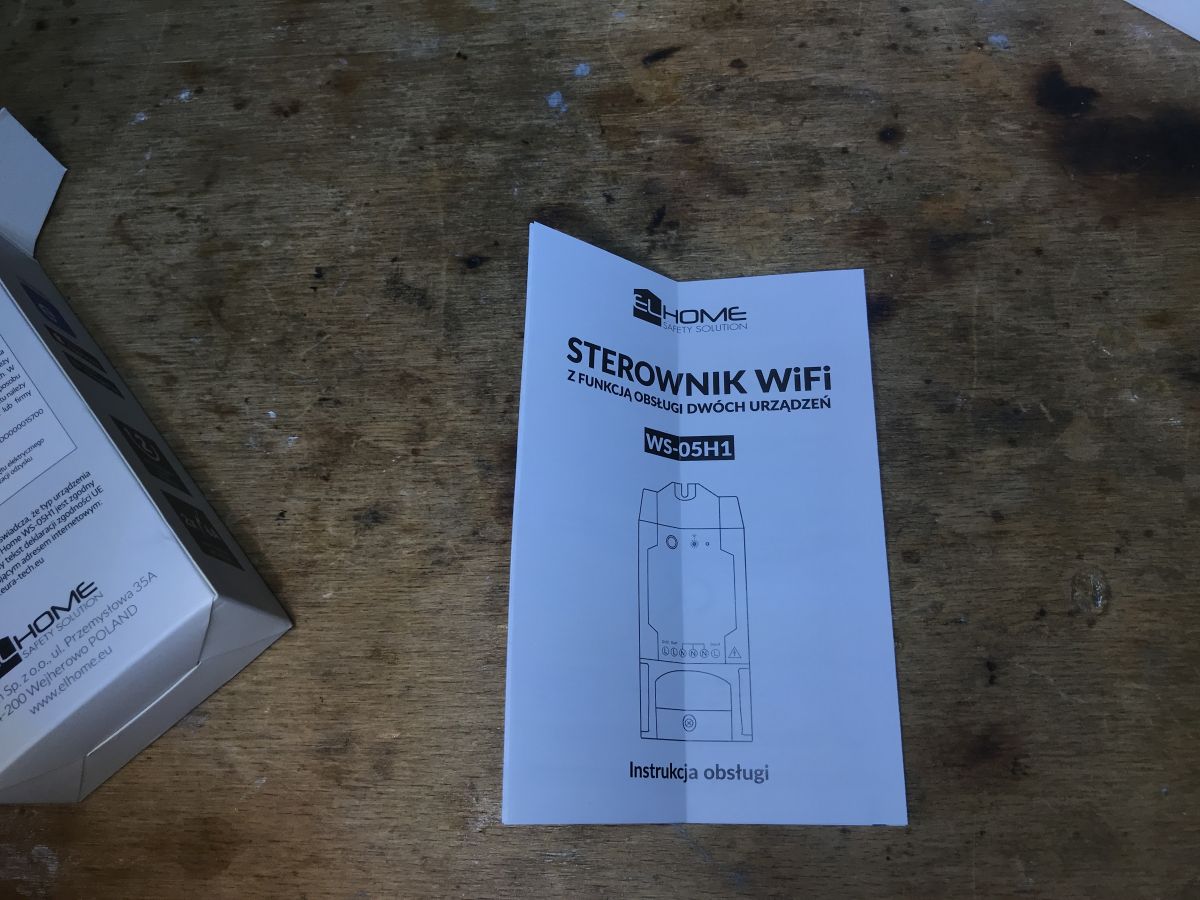
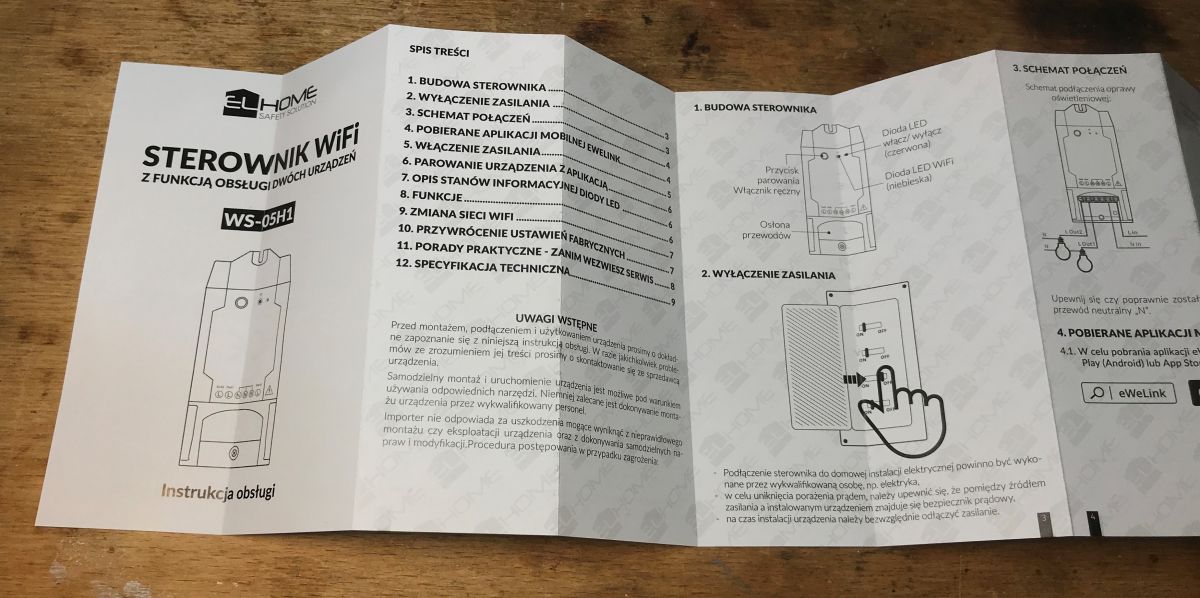
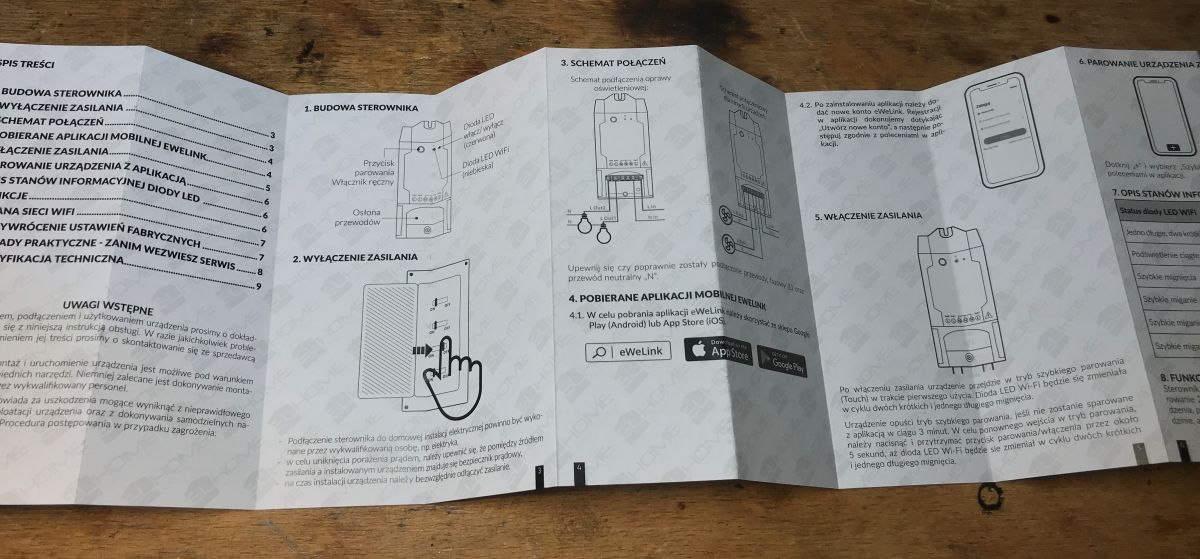
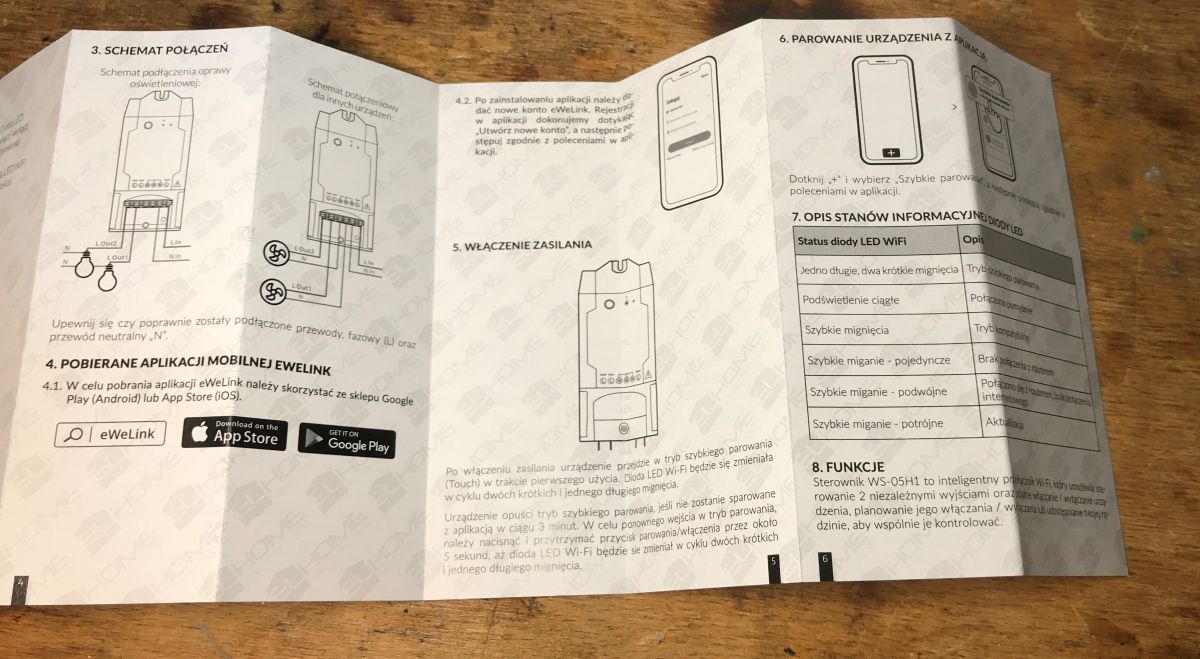
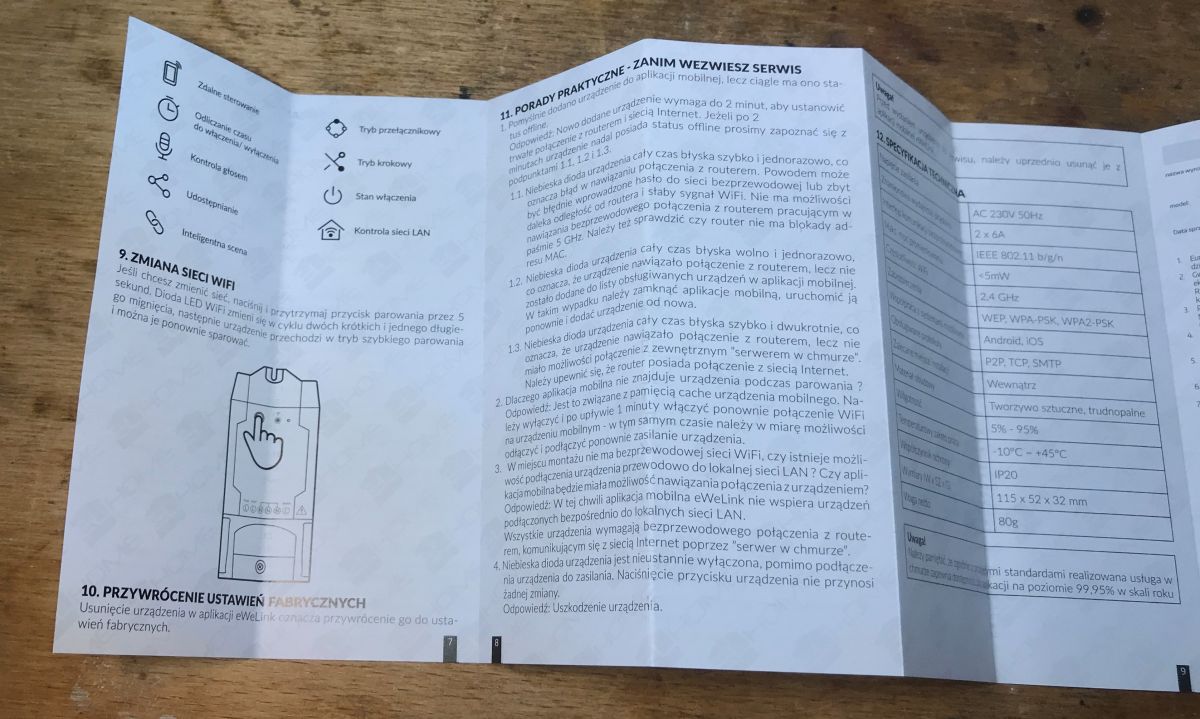
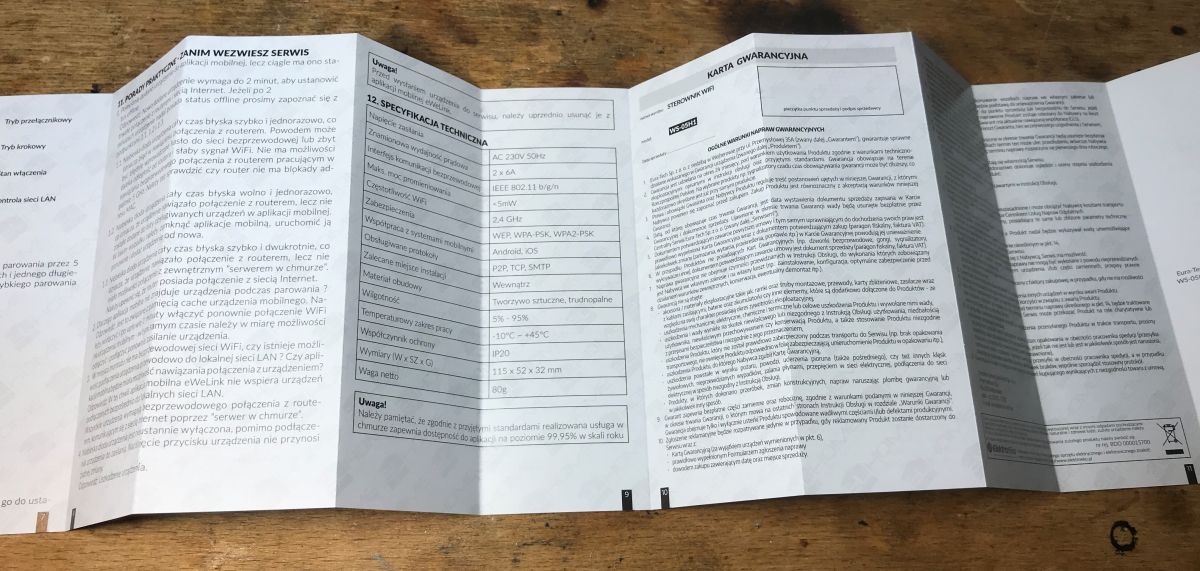
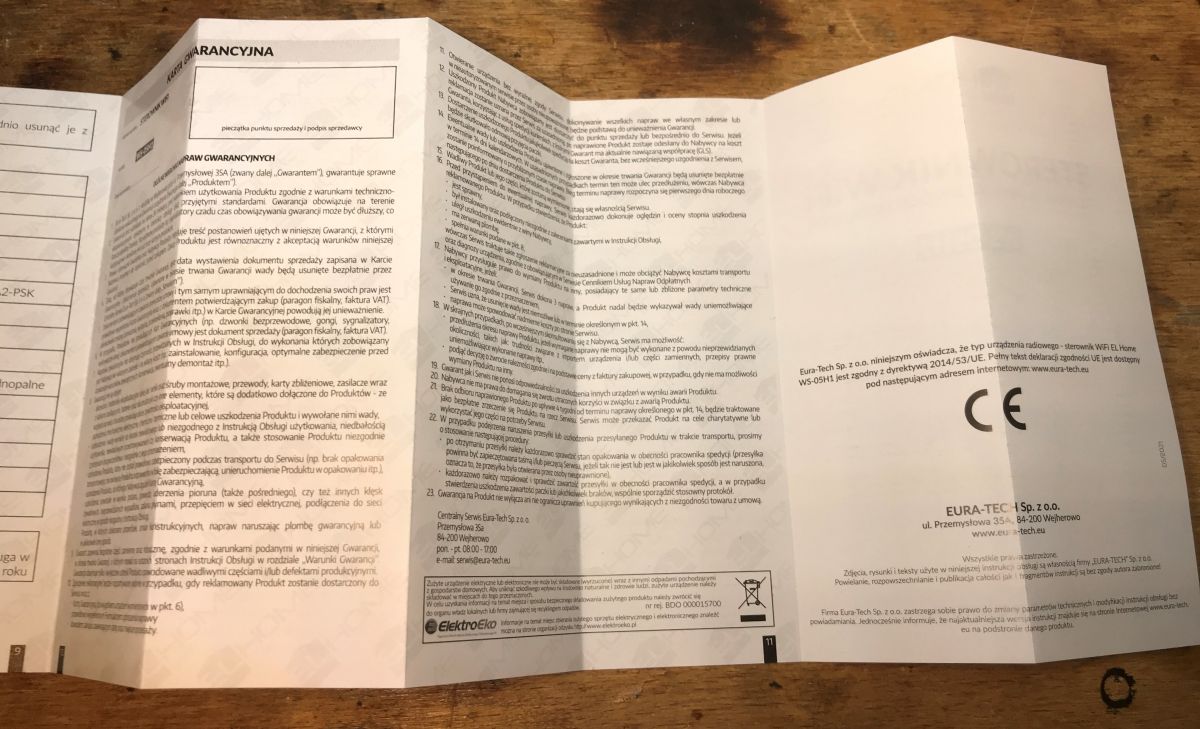
User manual for WS-05H1 WiFi controller on a wooden surface. Instruction manual for WS-05H1 WiFi controller unfolded on a table. Manual for the WS-05H1 device with illustrations. User manual for the WS-05H1 device on a wooden surface background. User manual of the WS-05H1 device in Polish with graphics and technical specifications. Open user manual for the WS-05H1 device, showing technical specifications and warranty information. Photo of the WS-05H1 device manual lying on a table.
And the driver itself:
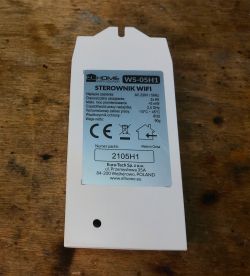
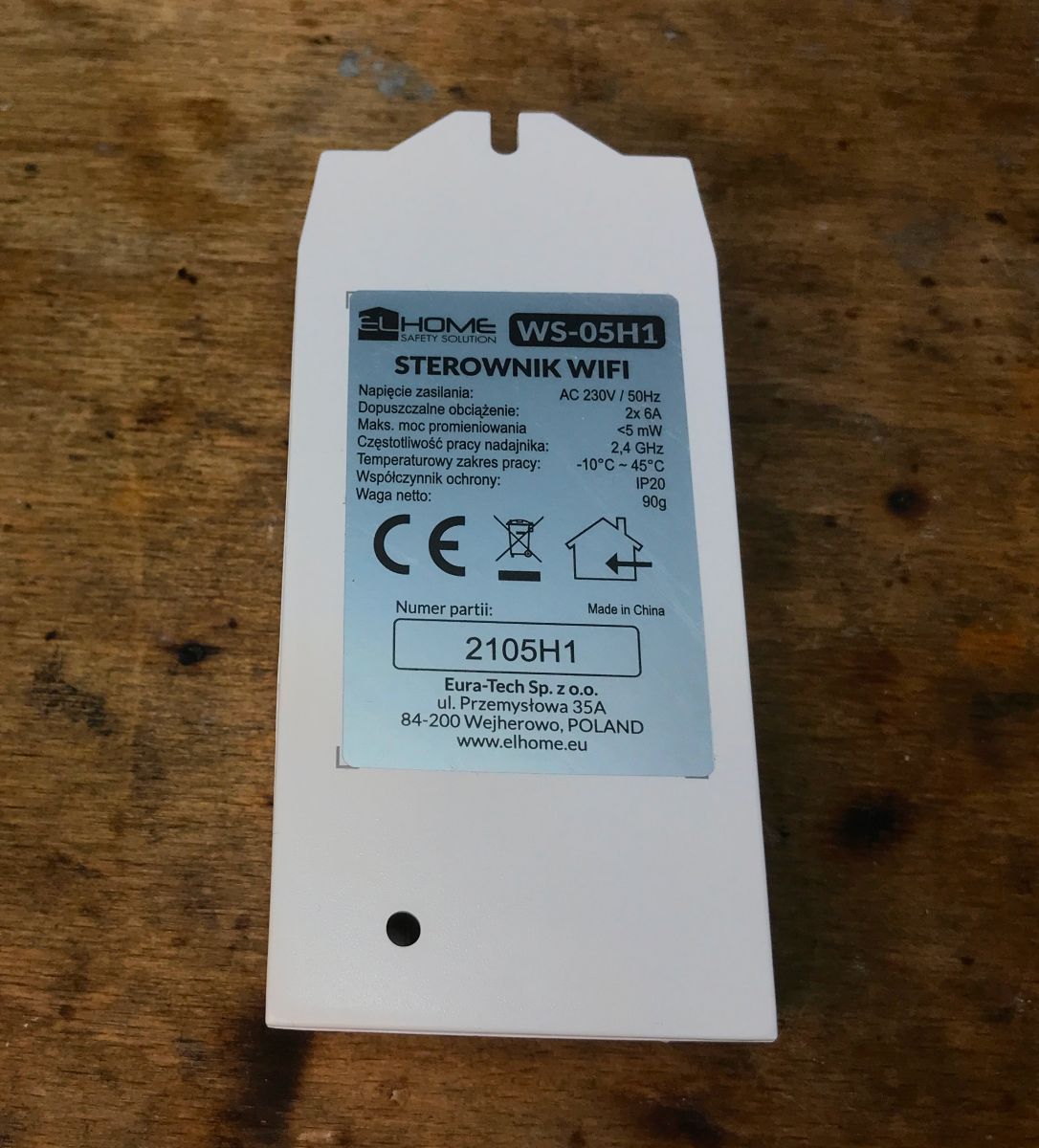
WS-05H1 WiFi controller with technical label on a wooden table. WS-05H1 smart home device on a wooden table.

Interior of WS-05H1
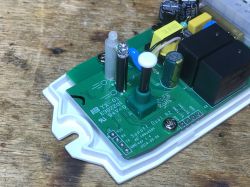
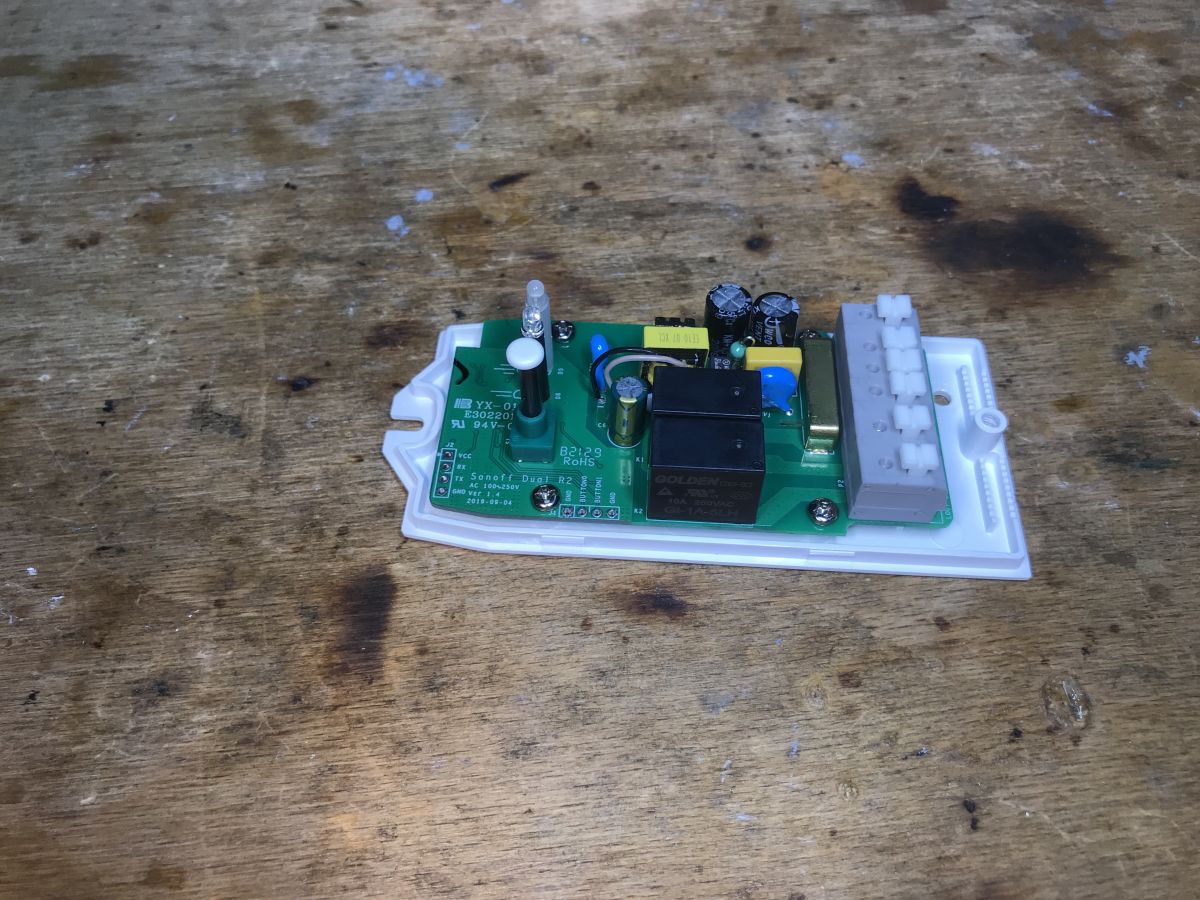
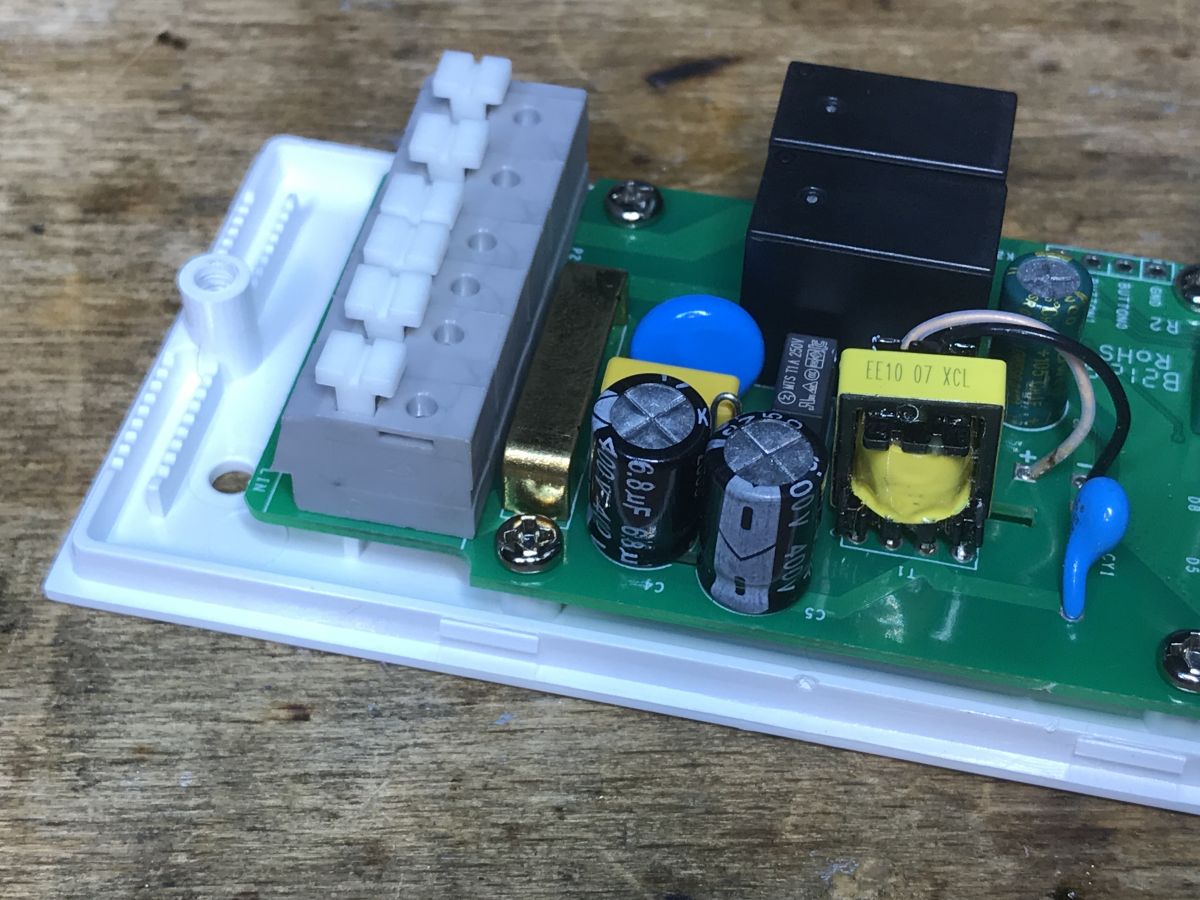
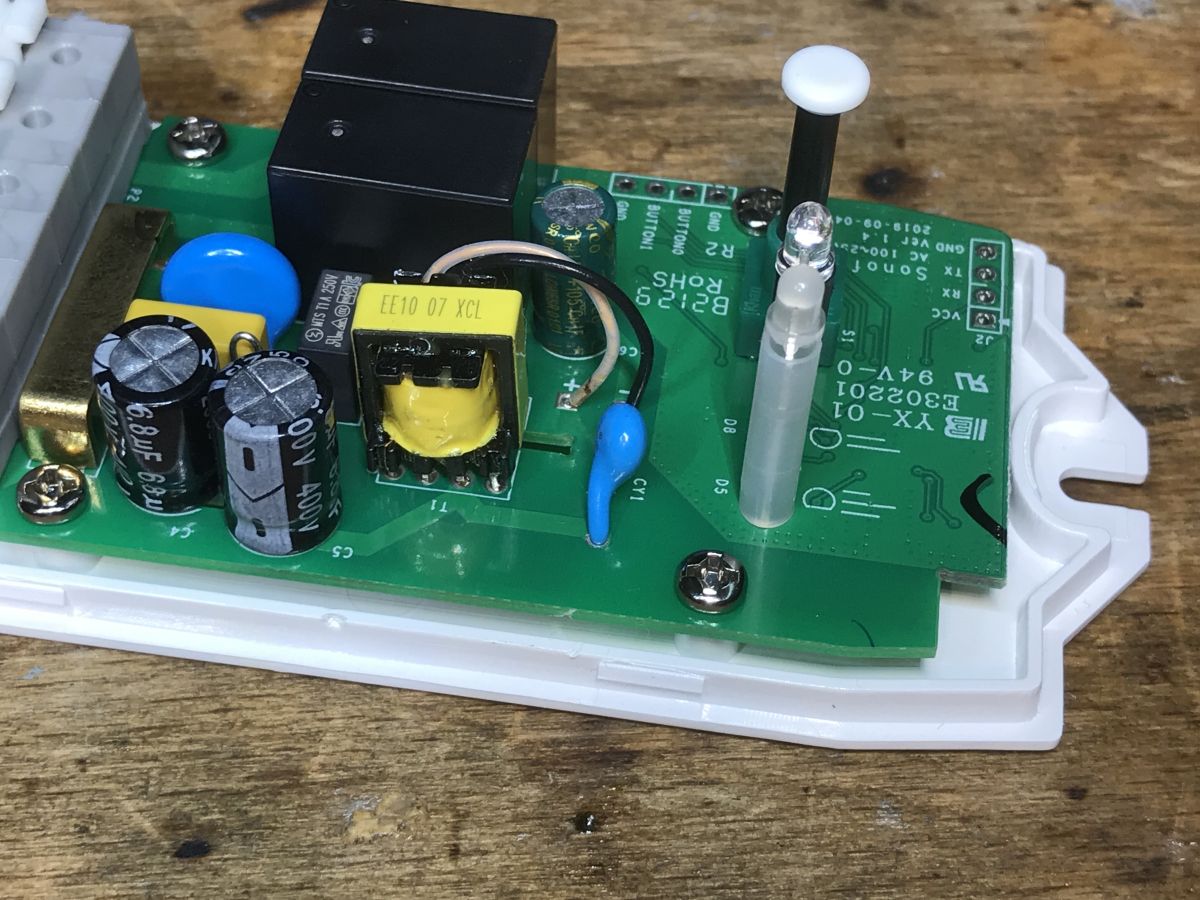
It is customary to pry the lid off. This time, however, it is a bit different. This device is distinguished by the presence of an isolated flyback power supply. Smaller modules contain non-isolated step down converters.
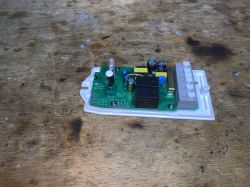
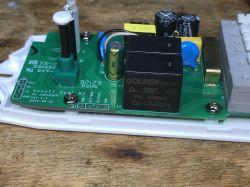
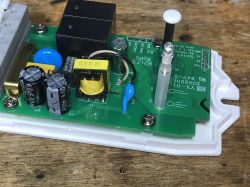
Interior of the WS-05H1 module with visible components on the PCB. Interior of the WS-05H1 module showing a relay and electronic components.
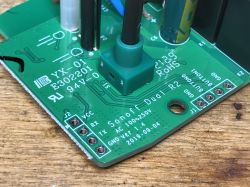
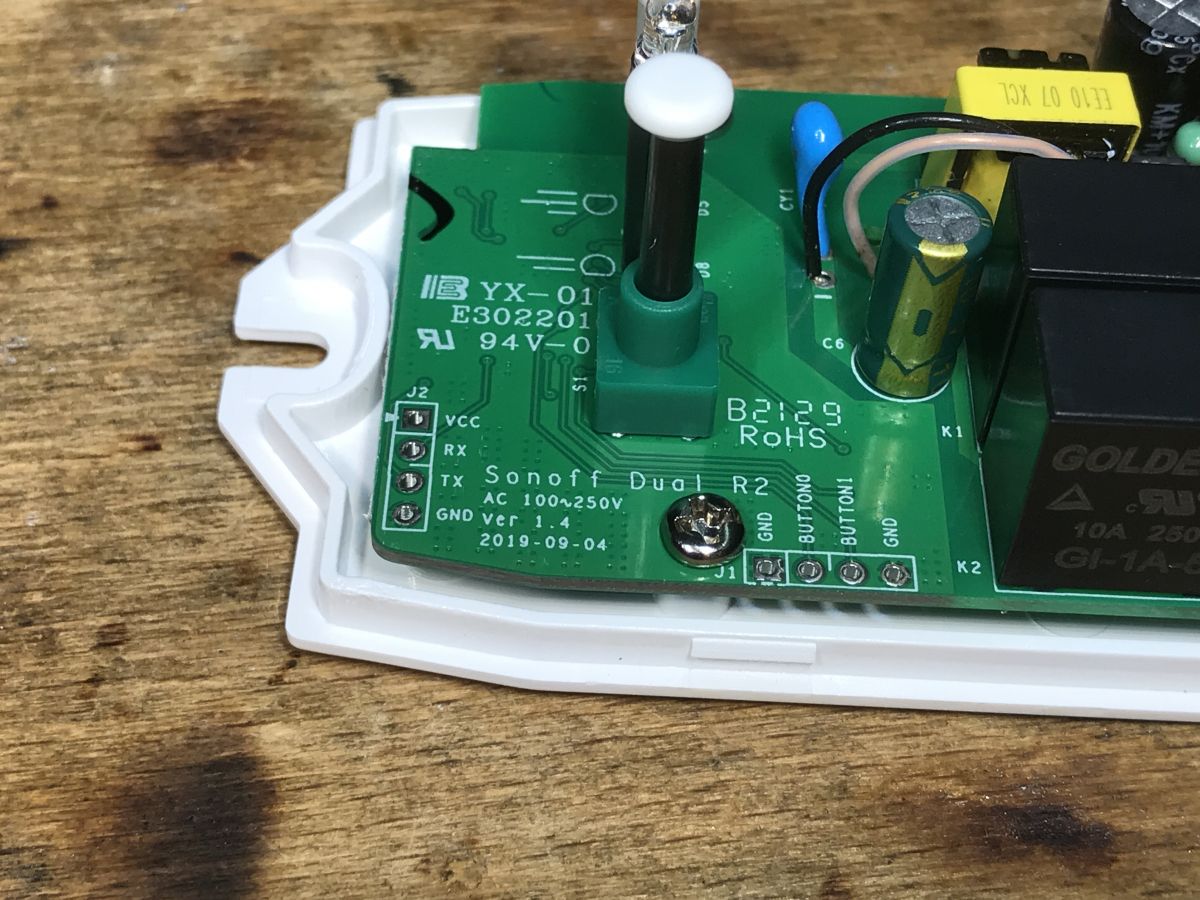
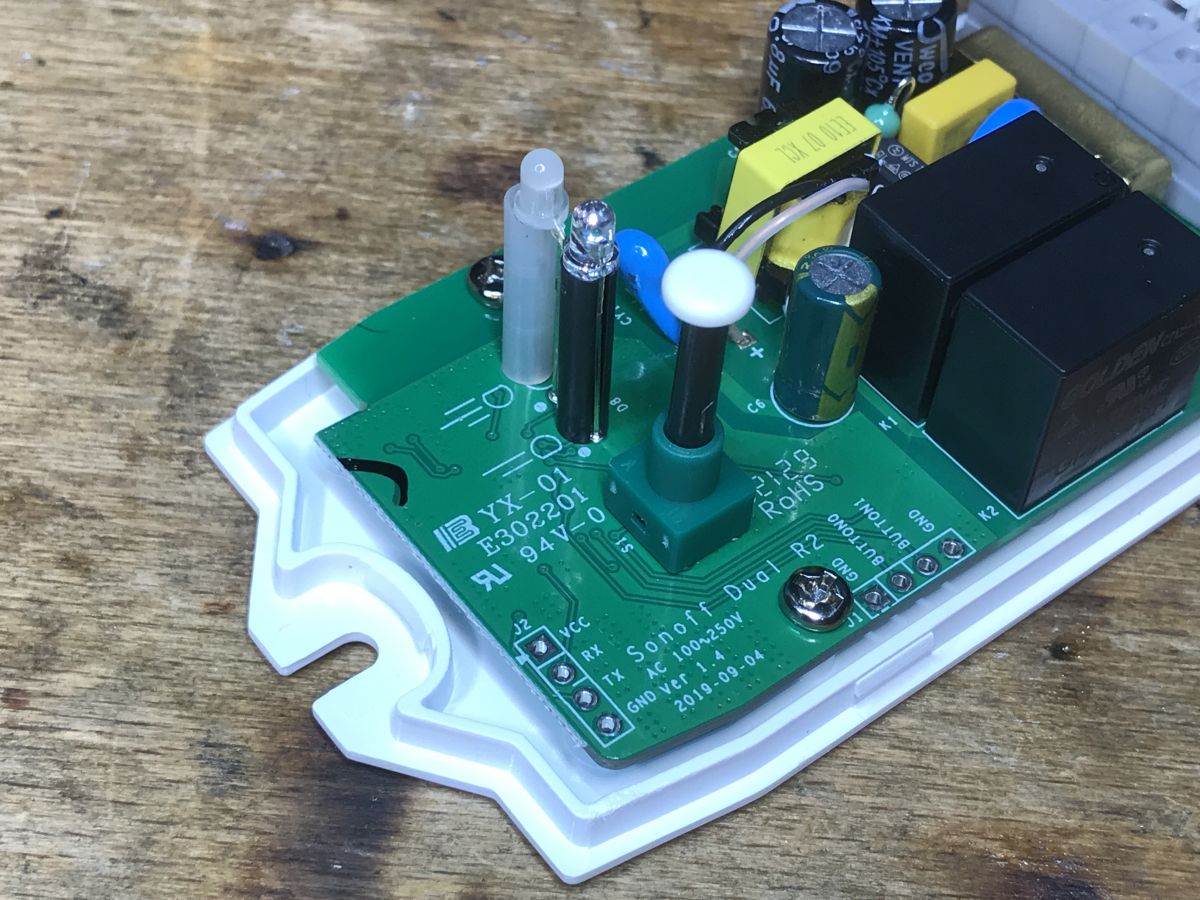
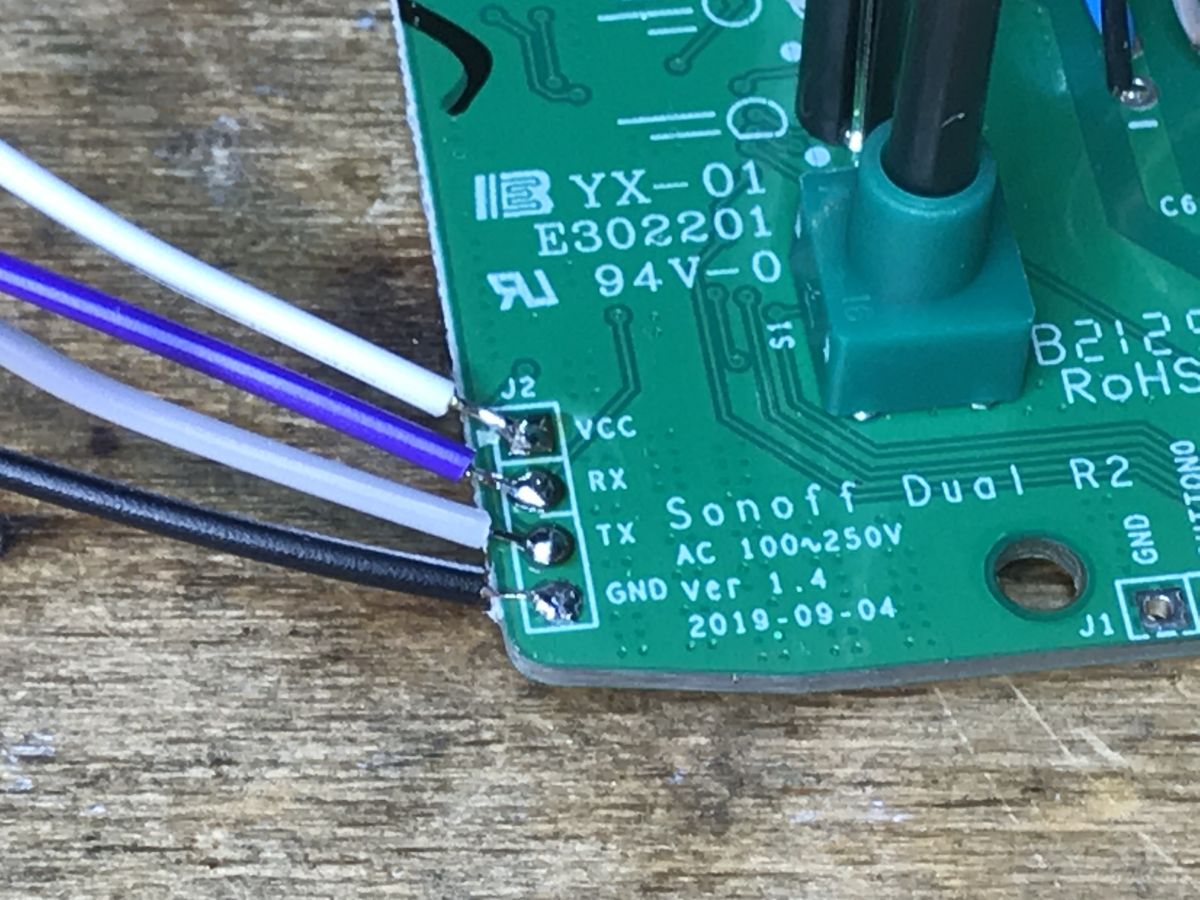
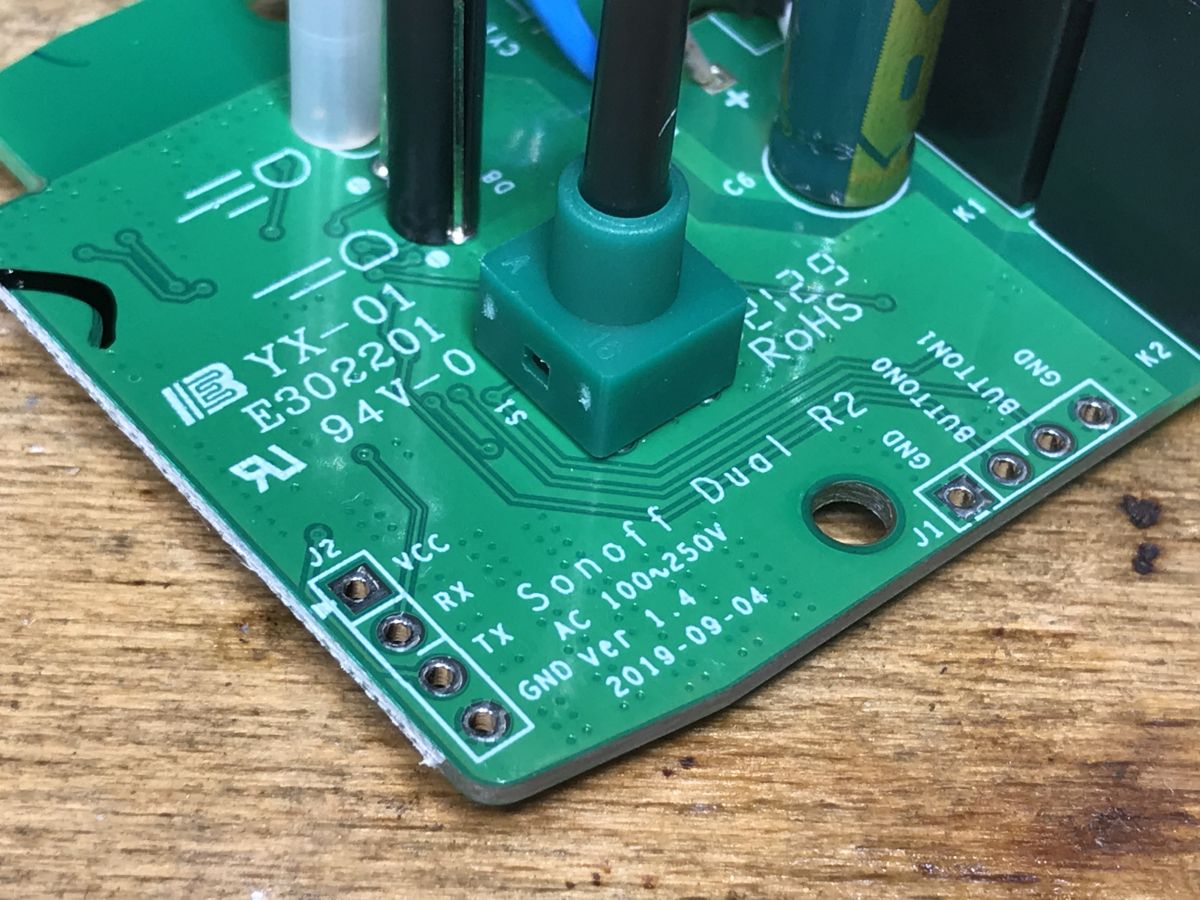
The PCB has a programming connector (without IO0) and additional signals from the buttons - it's worth doing DIY.
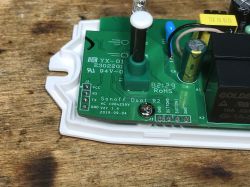
Close-up of the WS-05H1 controller PCB with connector and component labels.
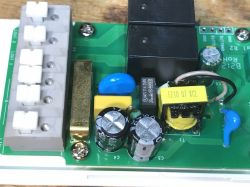
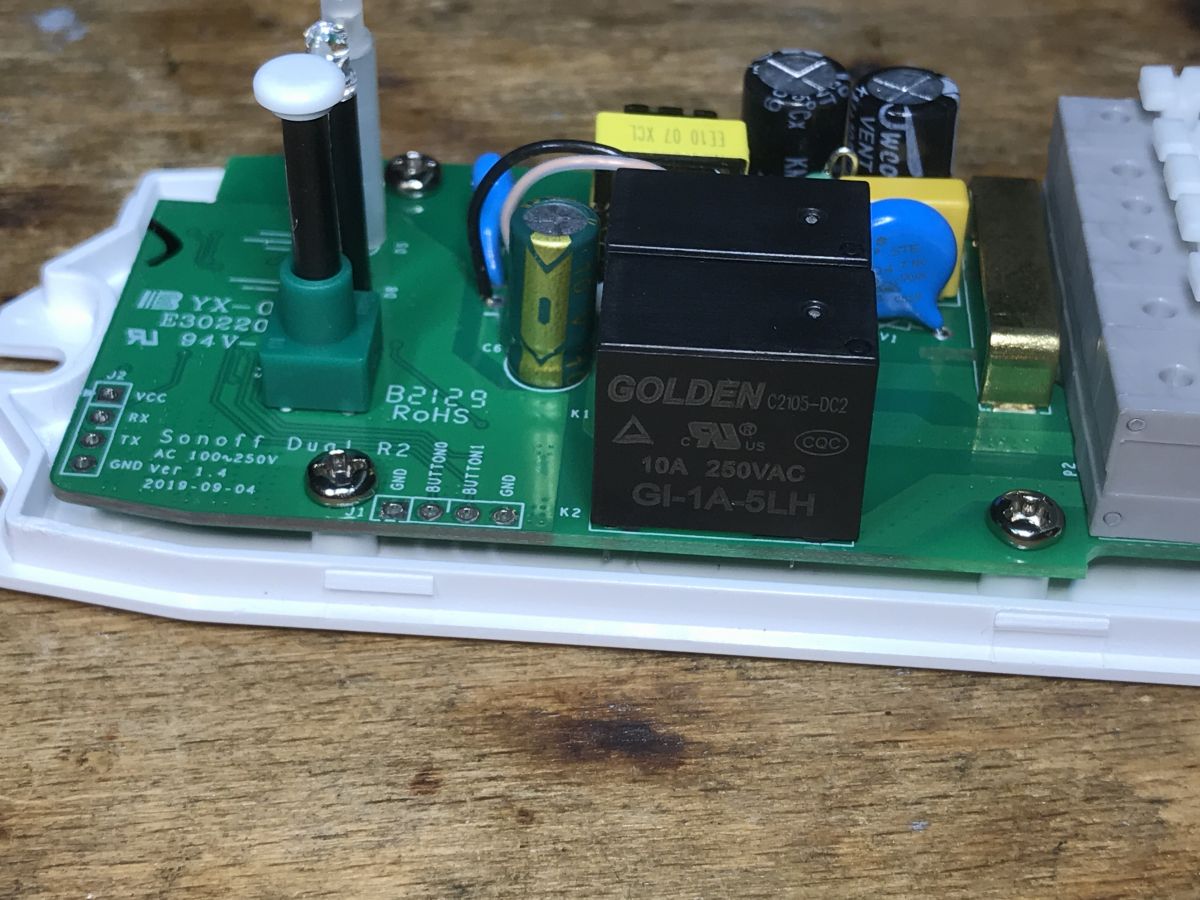
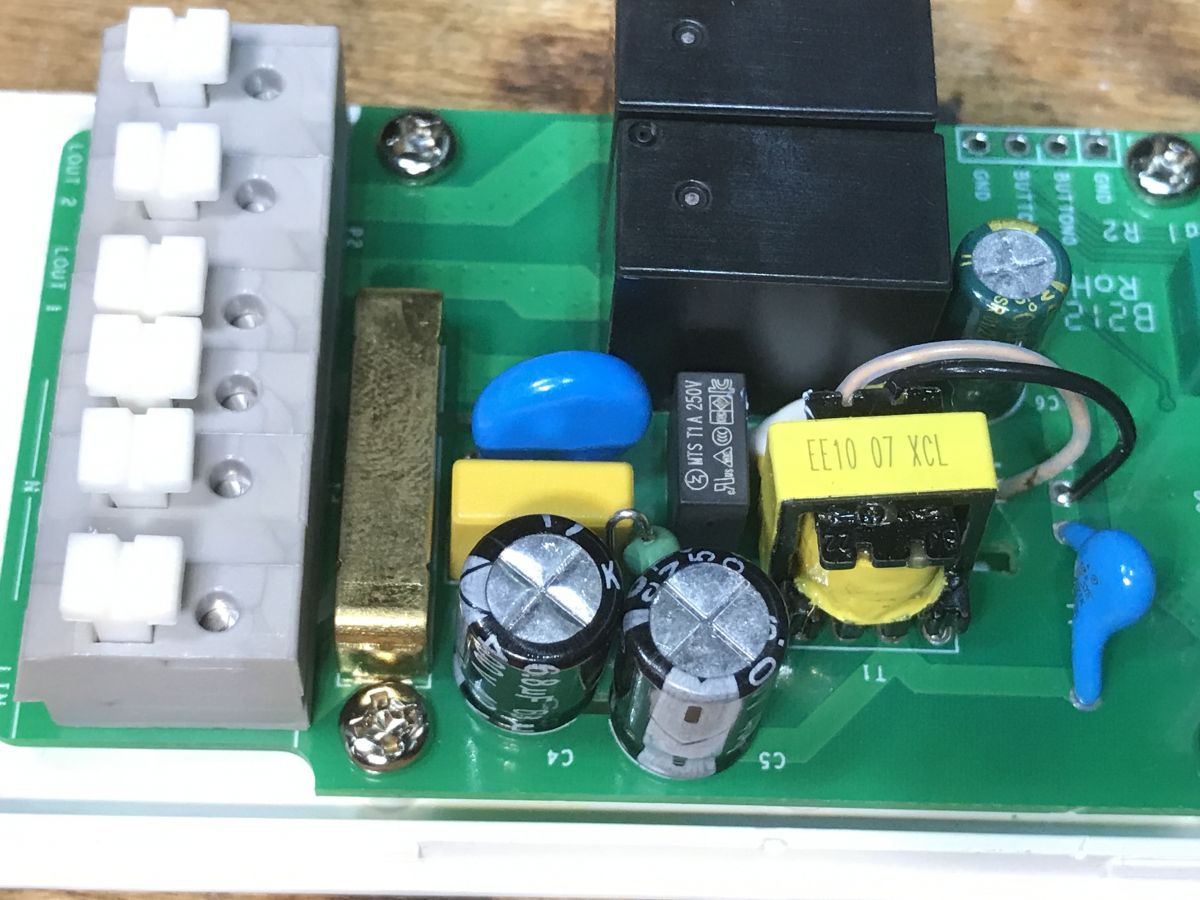
The interior is not that bad, I see a filter, a varistor, a fuse, the CY capacitor from the power supply (connects the secondary and primary sides) is also present:
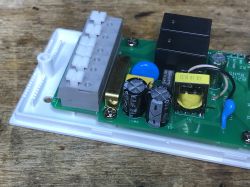
Interior of the WS-05H1 relay module with visible electronic components. PCB of the WS-05H1 device with electronic components. Close-up of the WS-05H1 module's interior showing relays, capacitors, and a flyback power supply. Close-up of the interior of a Sonoff Dual R2 module showing electronic components.
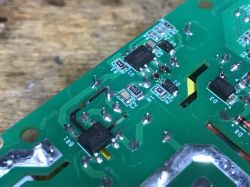
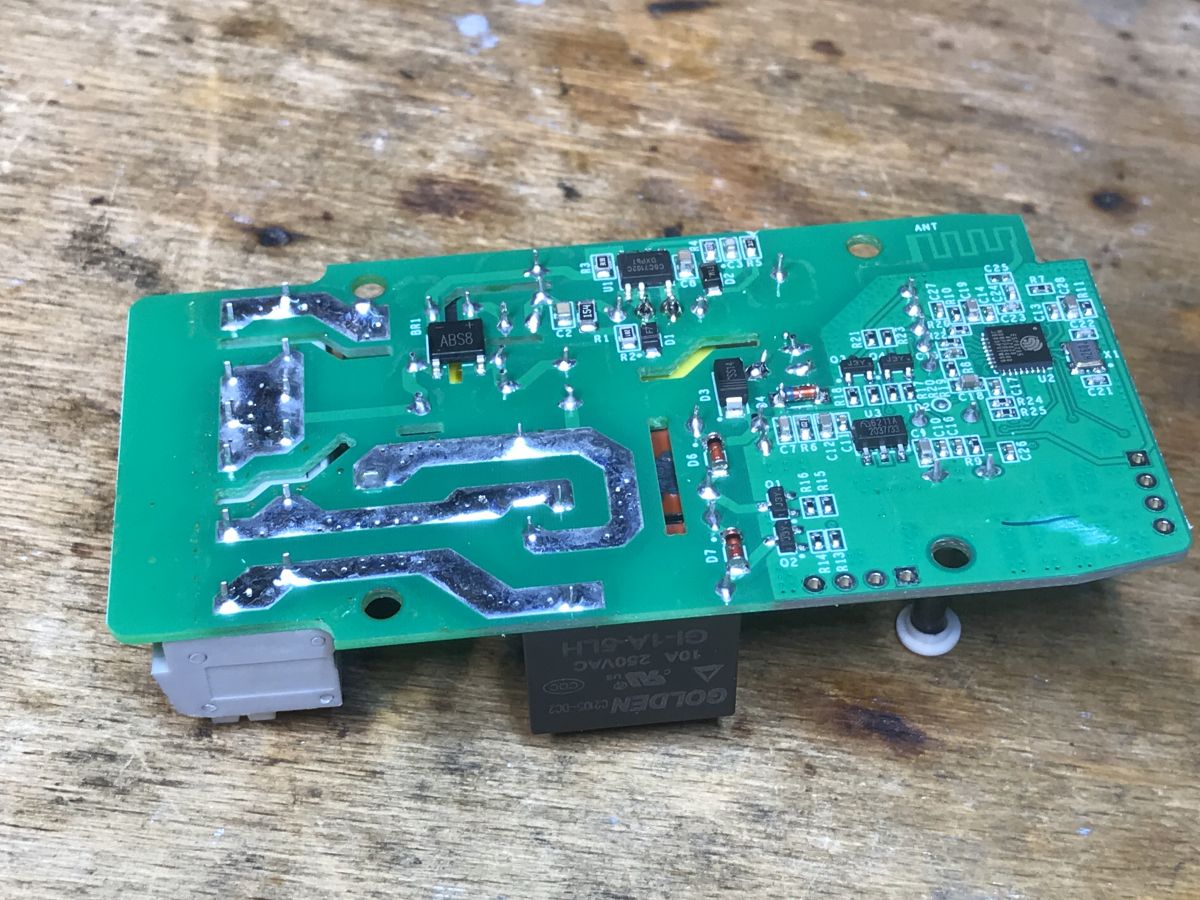
The bottom of the PCB - high current paths are tinned:
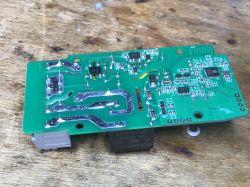
PCB with electronic components of the WS-05H1 device on a wooden background.
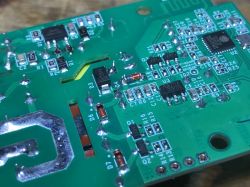
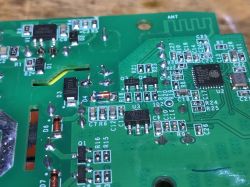
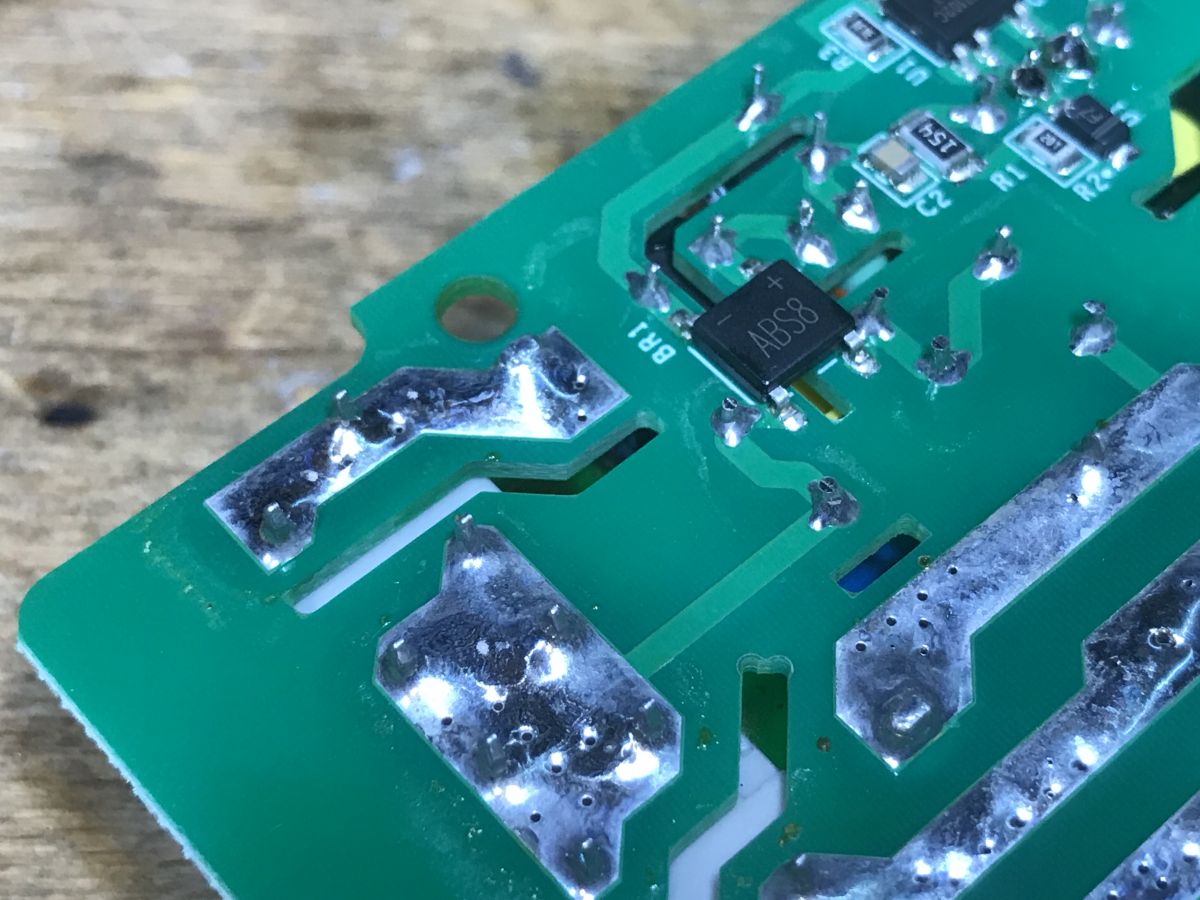
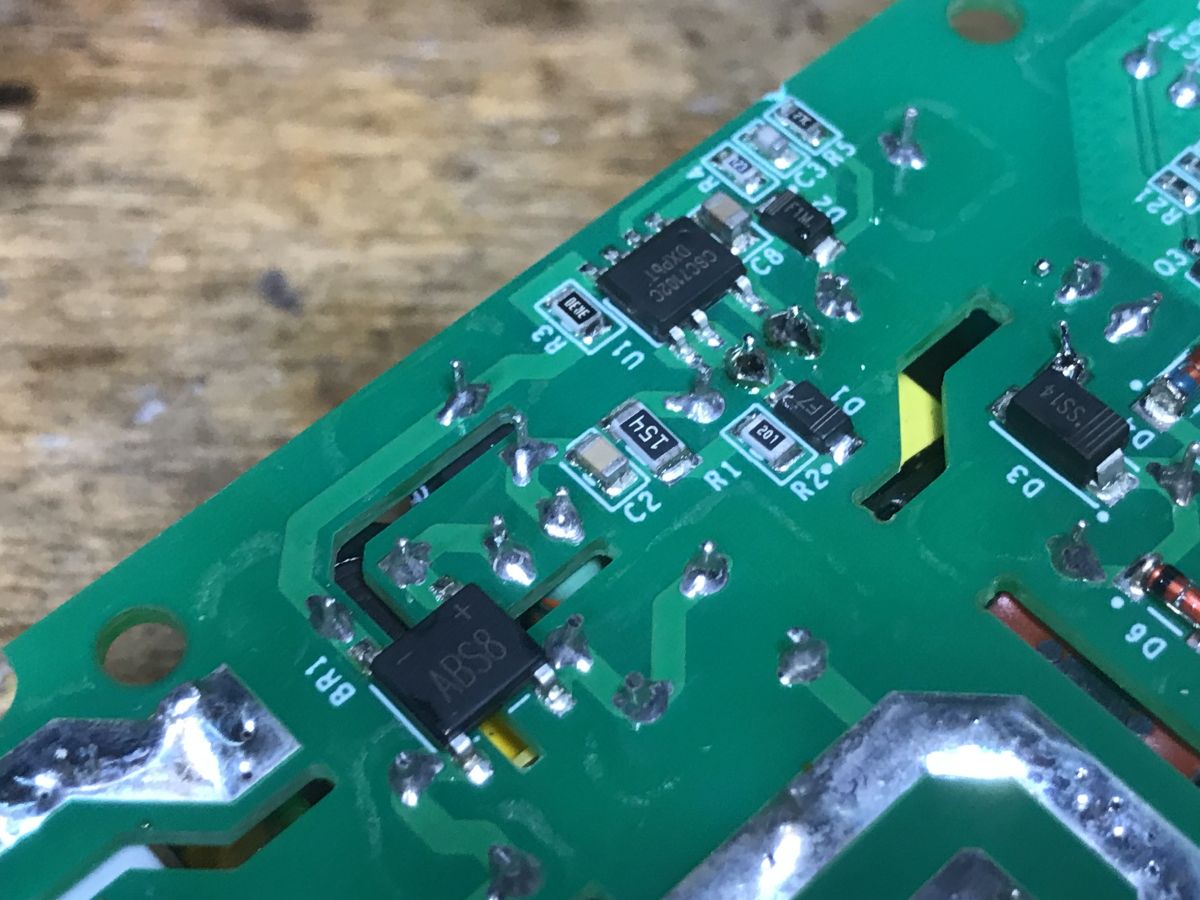
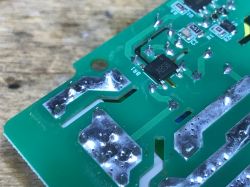
On the bottom there is a rectifier bridge and a flyback controller:
Close-up of PCB with visible tracks and electronic components Printed circuit board with electronic components on WS-05H1 module.
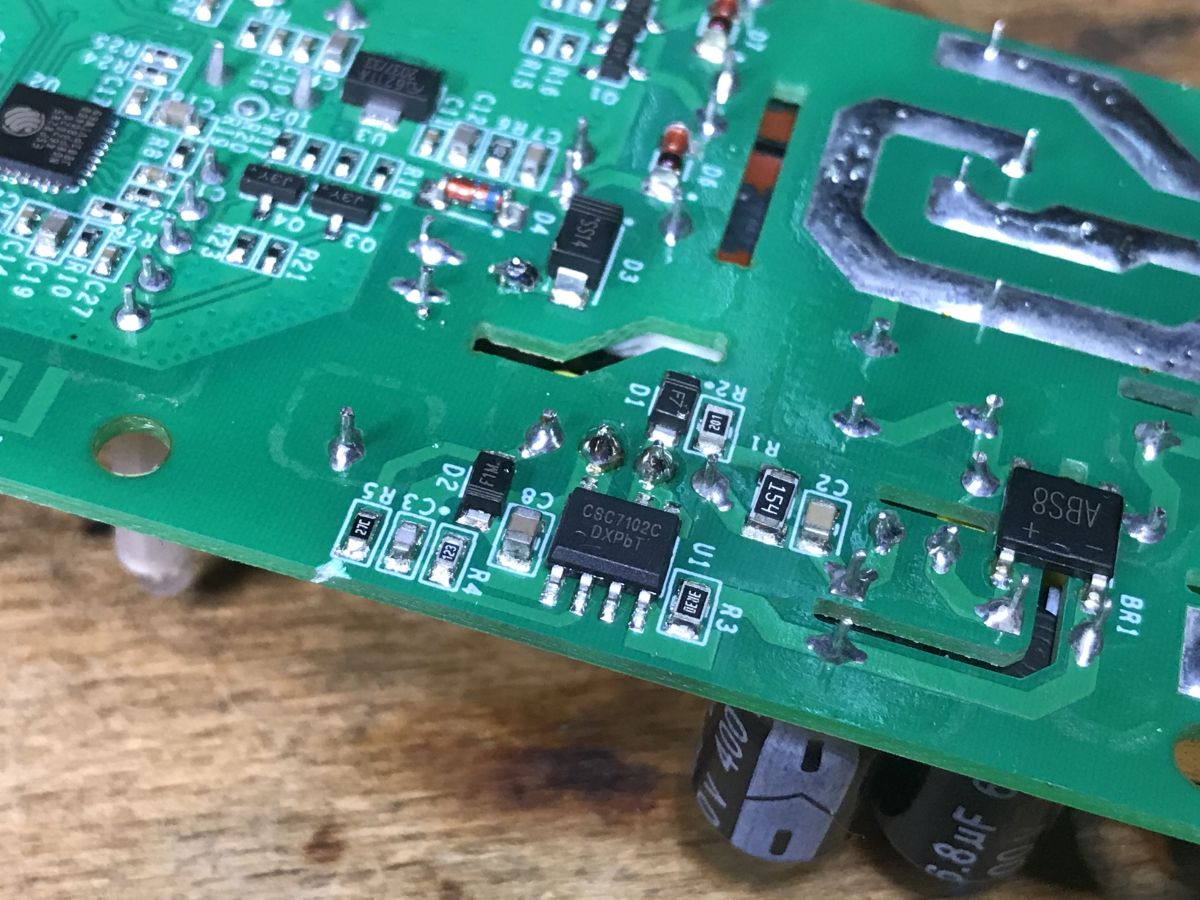
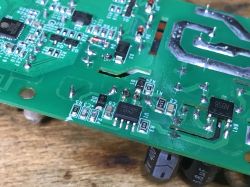
The power supply is based on CSC7102C, which I have already seen in another Sonoff product:
Sonoff Basic ZBR3, the famous Zigbee version of the relay. Interior, diagram
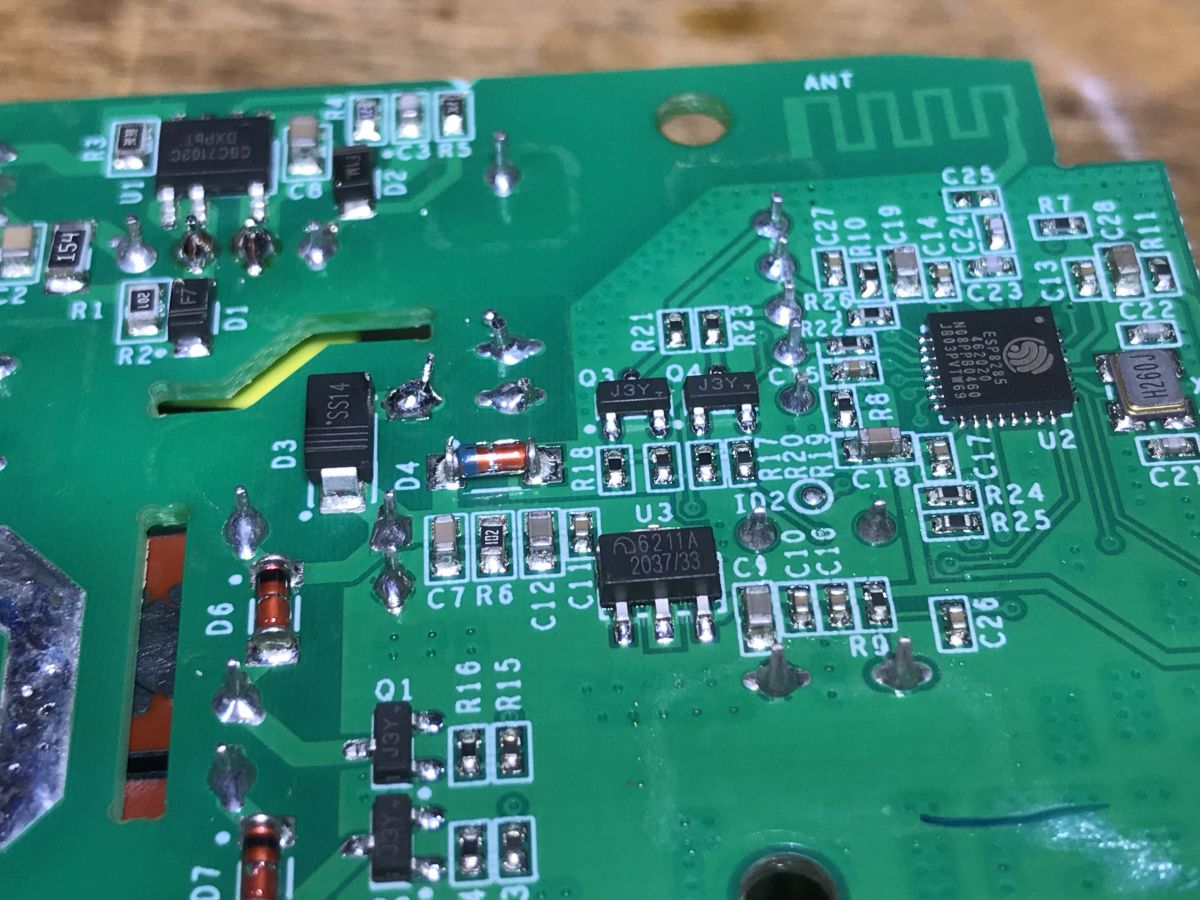
Second photo:
Close-up of the WS-05H1 device PCB showing electronic components.
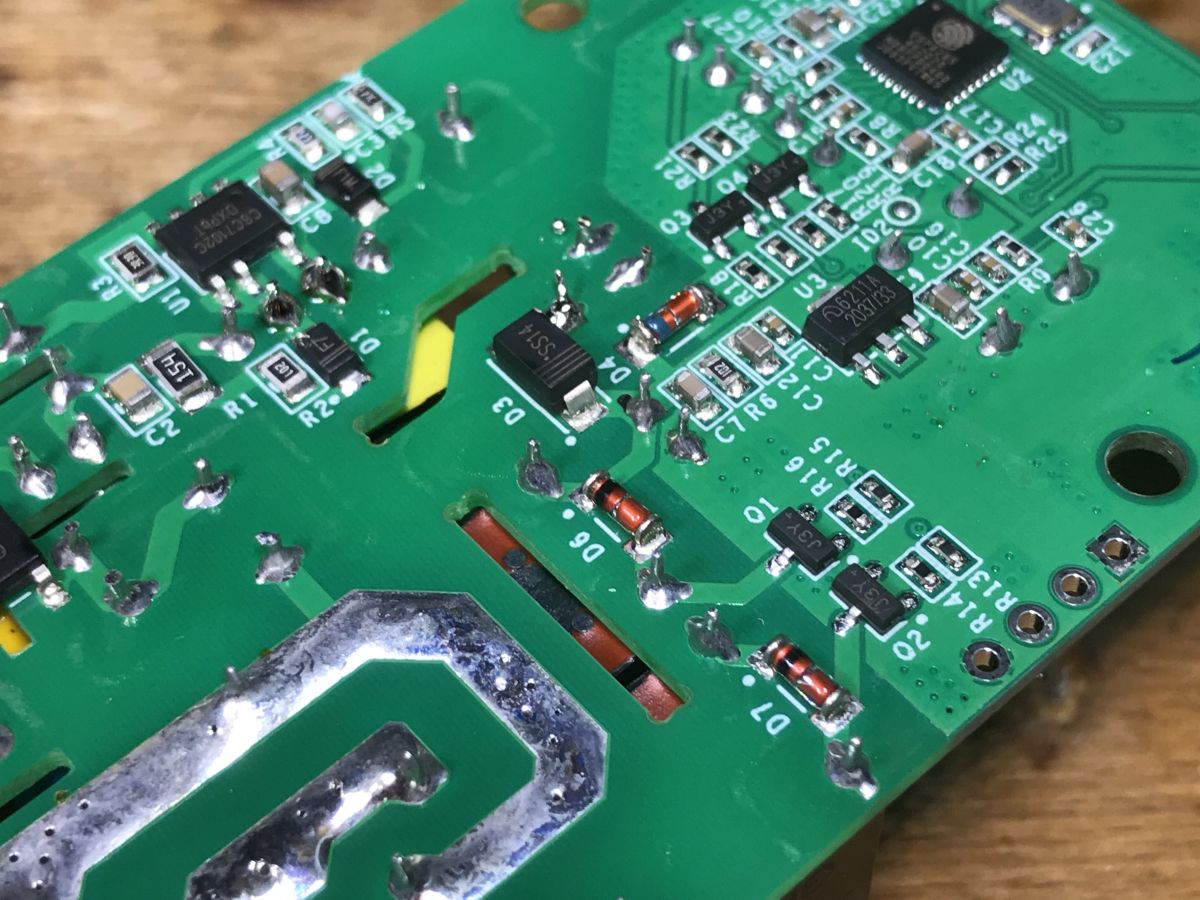
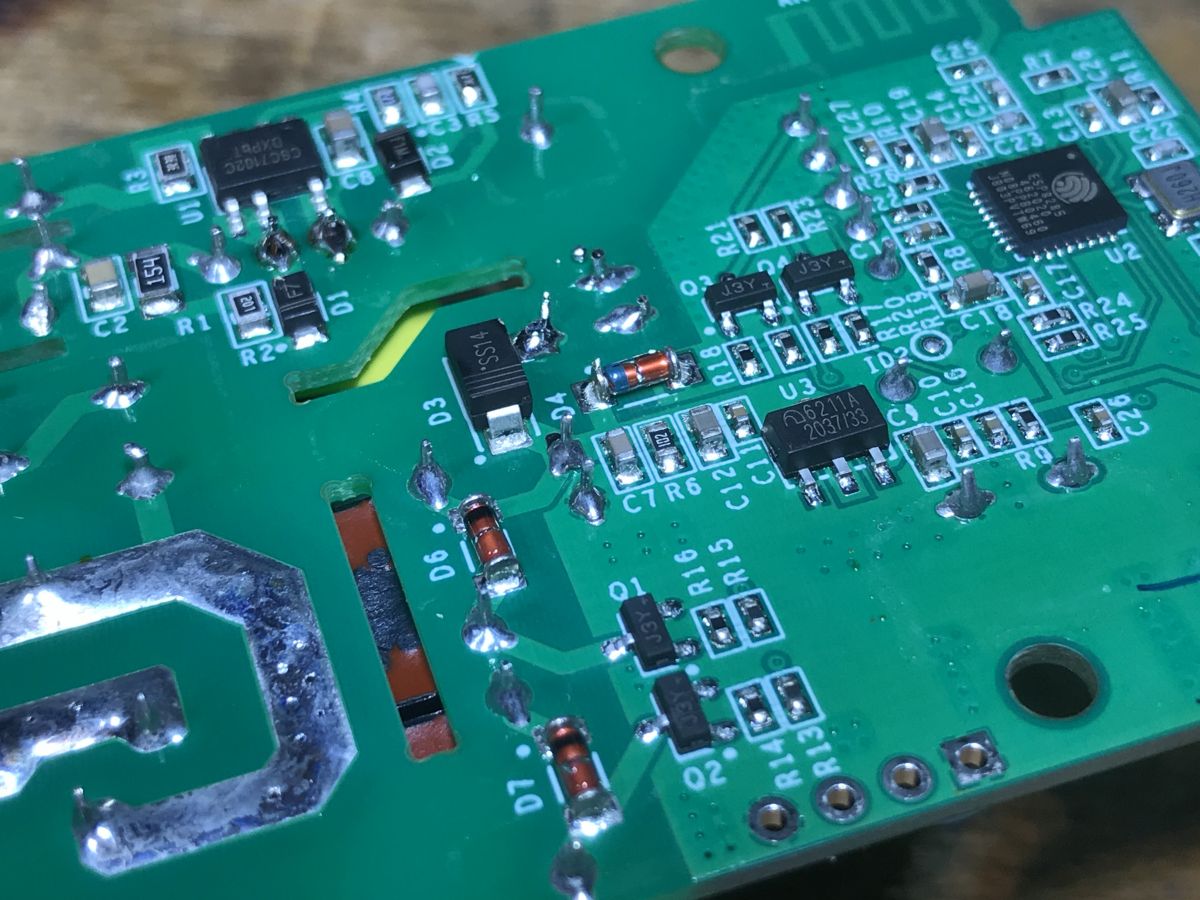
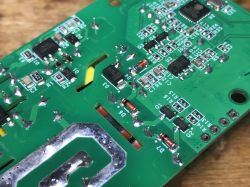
Still standard, J3Y transistors controlling the relays with protection diodes:
Close-up of the bottom of a circuit board with electronic components. Close-up of WS-05H1 circuit board with visible electronic components
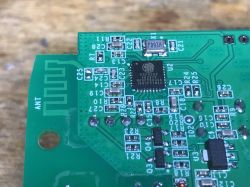
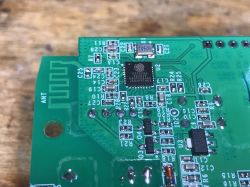
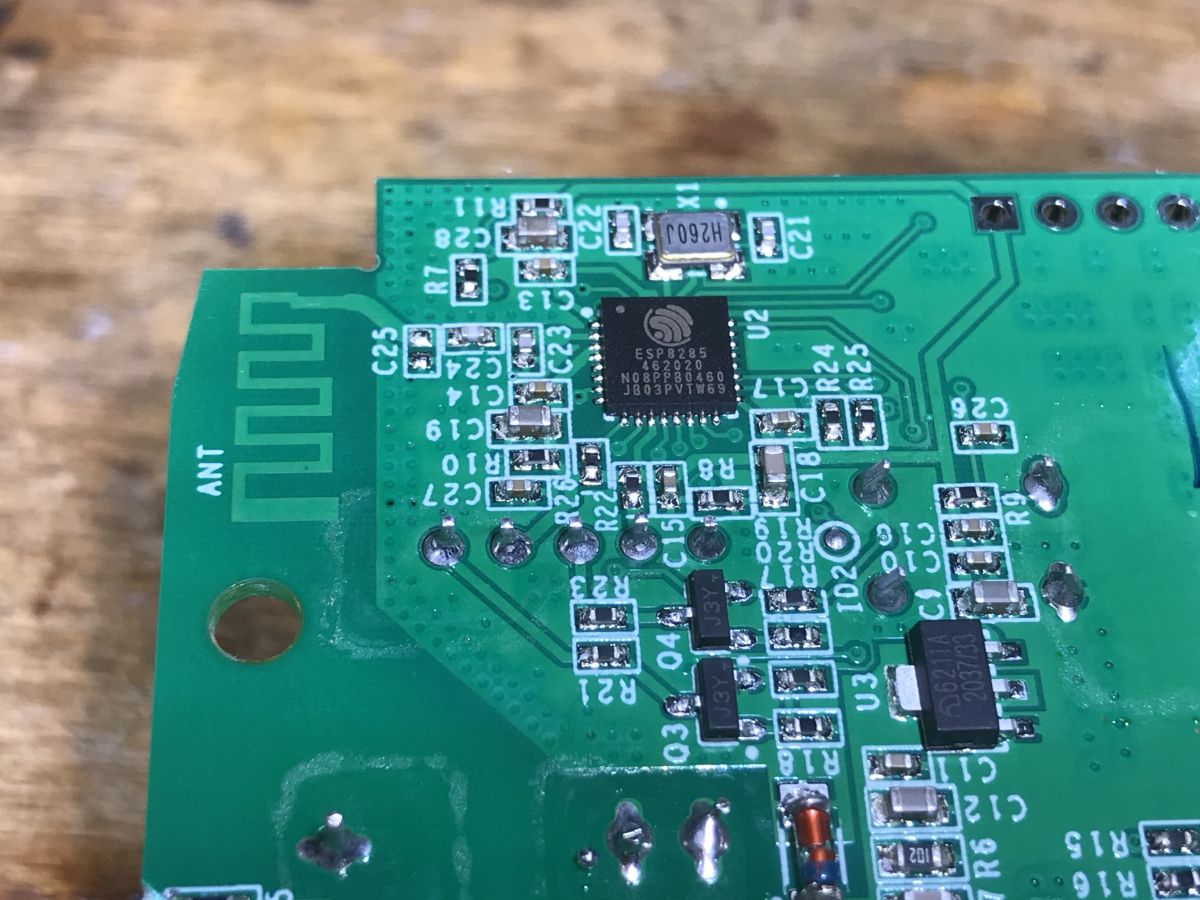
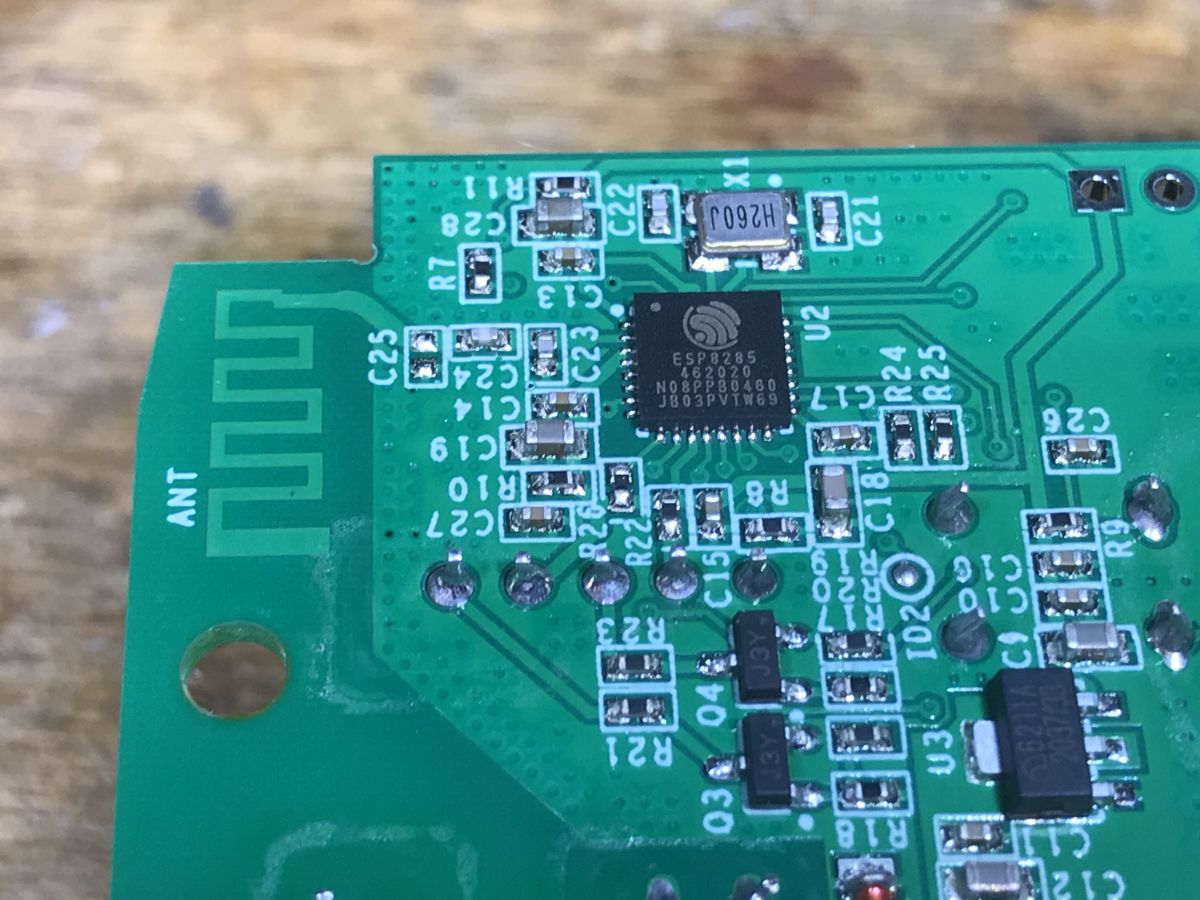
A little further you can see LDO 3.3V and ESP, this time on the PCB:
Close-up of a circuit board with an ESP8285 chip and several electronic components. PCB with ESP8285 and electronic circuits. Close-up of the PCB with electronic components of the WS-05H1.
There is no external Flash chip here because it is ESP8285, i.e. with built-in memory.

Firmware change
As in the topic about the light switch:
SmartLife switch - test, interior and programming of a WiFi light switch
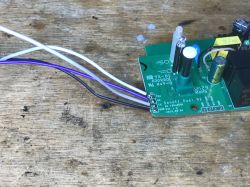
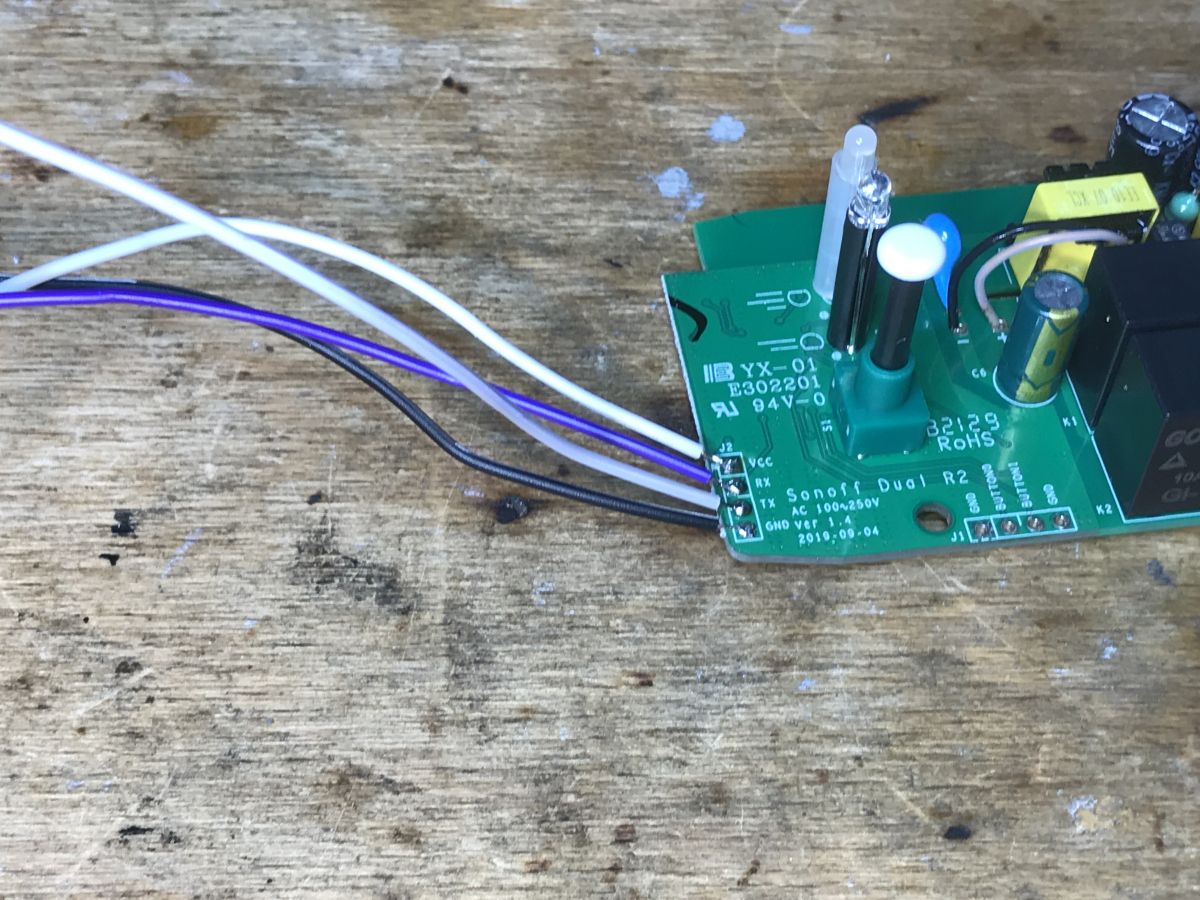
We solder the cables:
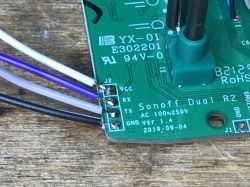
Close-up of a Sonoff Dual R2 circuit board with visible soldering points and wires. Close-up of Sonoff Dual R2 circuit board with visible connectors. Sonoff Dual R2 circuit board with connected wires.
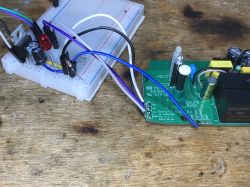
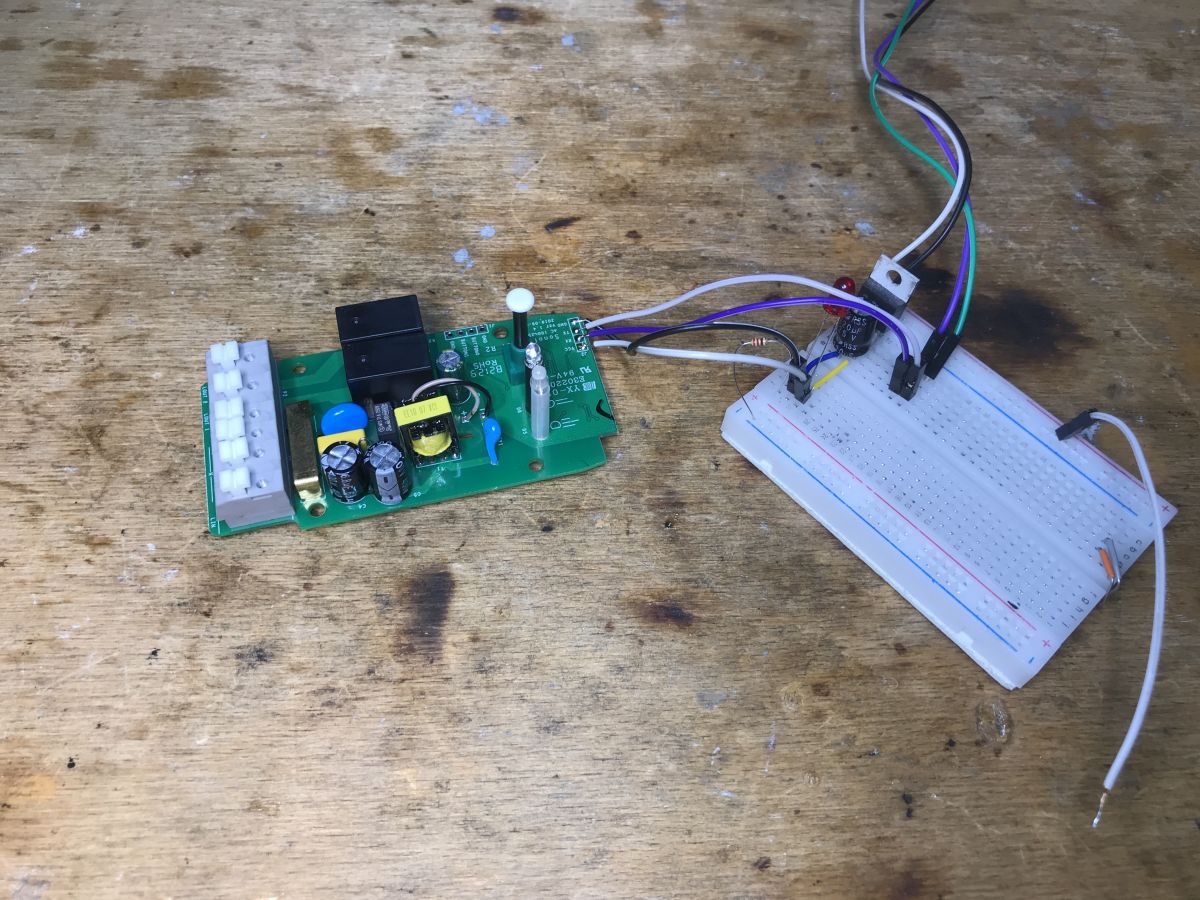
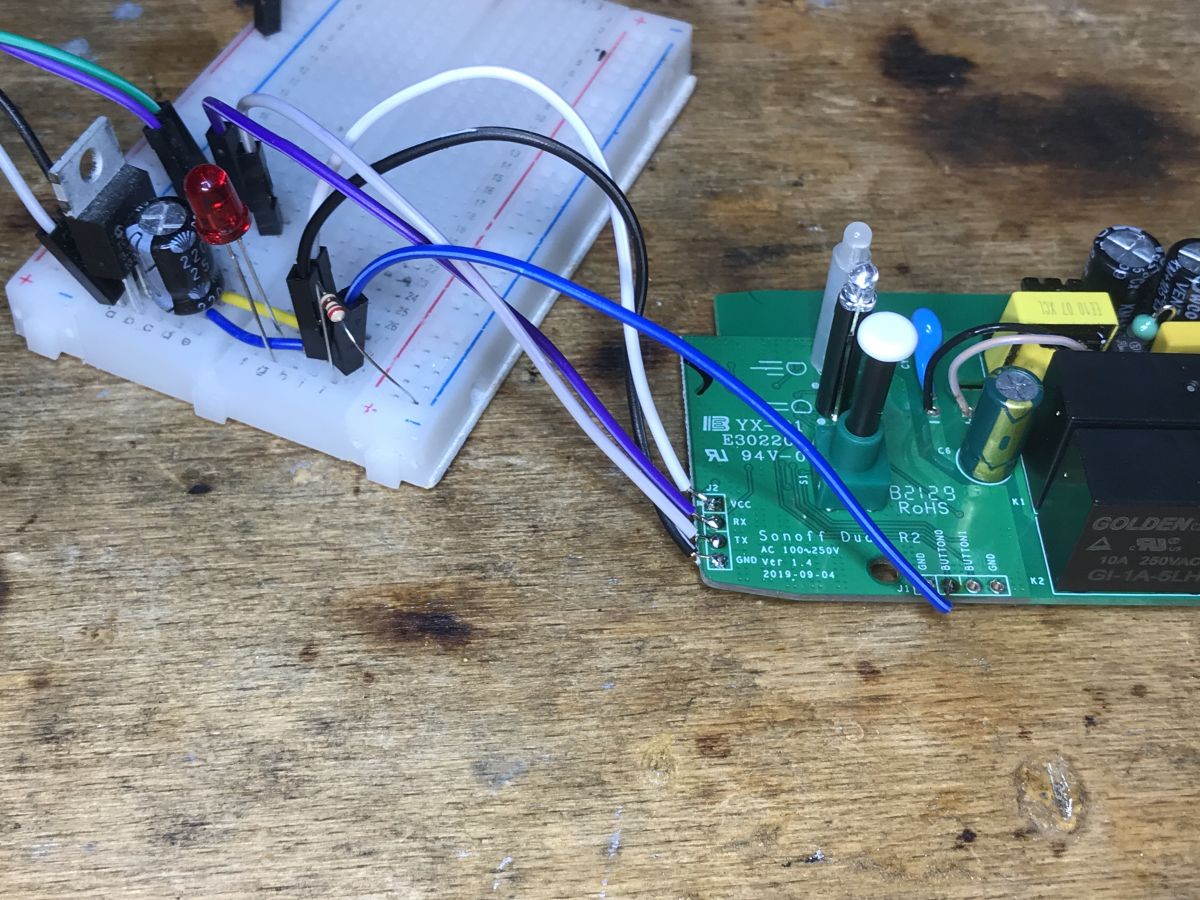
And now note - we need GPIO0 to enter the bootloader mode, but it is output to Button0:
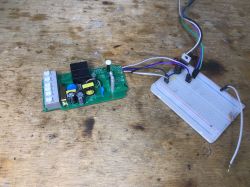
Electronics and breadboard on a wooden table Close-up of Sonoff Dual R2 PCB with connected wires on a breadboard.
And that's it - here's the list of GPIO roles:

Pin	Function
GPIO10	Push Button
GPIO00	Pin "button 0" on expansion header
GPIO09	Pin "button 1" on expansion header
GPIO12	Relay #1 and red color on LED
GPIO05	Relay #2 and green color on LED
GPIO13	Blue Status LED


Summary
I've seen modules twice as small, also with two relays, but fitting into a standard box... but it's probably not bad anyway. There is ESP on board, you can upload the proven Tasmota and the product will work without the cloud and fully locally on our network, it will also pair easily with Home Assistant.
In addition, we have two GPIOs available on the connector, you could even connect a DHT11 or another sensor, Tasmota has supported this for a long time. There is no fear of shock, the power supply is isolated and there is a flyback, similar to another Sonoff product previously discussed.
Do I recommend it? It depends on how much space we have. Or maybe you will tell me? Do you prefer smaller modules, or do you also use this type of relays in "large" housings?


About Author
p.kaczmarek2
p.kaczmarek2 wrote 14612 posts with rating 12630 , helped 655 times. Been with us since 2014 year.

Comments

krzbor 02 Dec 2023 12:33

Sonoff, both Basic and Dual, are great platforms for your own DIY - we have: ESP, power supply, relay and housing. When doing it from scratch, we have to take care of all these components separately. Basic... [Read more]

MarekS6 04 Dec 2023 18:43

Well, look, recently I was looking for Sonoff Dual R2 on Aliexpress and Allegro and I was surprised that they are no longer available, as if they stopped producing them and switched to double cup modules.... [Read more]

p.kaczmarek2 06 Dec 2023 23:59

Our electrode list of interior IoT devices was created to share such information. If you type Sonoff there, WS-05H1 pops up: https://obrazki.elektroda.pl/2847224700_1701903549_thumb.jpg https://... [Read more]

FAQ

TL;DR: With 2 relays and the quoted benefit "without the cloud," the WS-05H1 is a Sonoff Dual R2-style ESP8285 relay for users who want local Tasmota control, Home Assistant compatibility, and simple serial flashing through its programming pads and Button0-linked GPIO0 path. [#20842487]

Why it matters: This FAQ helps DIY users replace vendor firmware on a WS-05H1, map its GPIOs correctly, and judge whether its larger isolated design is worth the extra installation space.

Option Relay count Housing / fit Power section noted in thread DIY convenience
WS-05H1 / Sonoff Dual R2 clone 2 Larger housing Isolated flyback supply Extra button signals and programming connector
Smaller two-relay modules 2 Can fit a standard box Not specified here; contrasted with non-isolated step-down designs Better for tight installs
Sonoff Basic 1 Very small Not compared here Good DIY base, but cable routing is harder

Key insight: The main advantage is not just Tasmota support. The thread shows a rare combination of ESP8285 + isolated flyback supply + exposed extra GPIOs, which makes the module safer and more reusable for local DIY automation.

Quick Facts

  • The unit was bought locally for PLN 60, positioning it as a low-cost ESP8285 two-relay platform for custom firmware and local automation. [#20842487]
  • The board includes an LDO 3.3V regulator, an onboard ESP8285 with built-in flash, and no separate external flash chip. [#20842487]
  • The author identified visible protection parts: fuse, varistor, filter, and CY capacitor, plus an isolated flyback supply rather than a simple non-isolated dropper. [#20842487]
  • The expansion area exposes 2 extra button-related GPIO lines beyond the relay outputs, which the thread suggests can support sensors such as DHT11. [#20842487]
  • One user programs similar modules in batches of 5–10 pieces and adds headers first, because it speeds future reflashing over a USB-to-serial adapter. [#20846393]

How do you flash Tasmota onto a WS-05H1 Sonoff Dual R2 clone with an ESP8285 step by step?

You flash it over the PCB programming pads and force bootloader mode through GPIO0. 1. Solder wires to the programming connector for serial flashing. 2. Pull GPIO0 low through the exposed Button0 pin, because the header itself lacks a dedicated IO0 pad. 3. Power the ESP8285 in boot mode, flash Tasmota, then release GPIO0 and reboot normally. The thread shows this board has an onboard 3.3V domain and an ESP8285 with built-in flash, so no separate flash chip wiring is needed. [#20842487]

Which GPIO pins on the WS-05H1 control the two relays, the LEDs, and the buttons in Tasmota?

The thread maps the GPIOs directly. GPIO12 drives Relay 1 and the red LED, GPIO05 drives Relay 2 and the green LED, and GPIO13 drives the blue status LED. For inputs, GPIO10 is the push button, GPIO00 appears on the header as button 0, and GPIO09 appears as button 1. This mapping is the key data you need when building a Tasmota template or manual GPIO assignment. [#20842487]

What is ESP8285, and how is it different from ESP8266 with an external flash chip?

“ESP8285” is a Wi‑Fi microcontroller that integrates flash memory on-chip, eliminating the external flash package used by many ESP8266 board layouts. In this module, that means you see the ESP on the PCB but no separate Flash chip nearby. The practical difference in the thread is simple: the board stays compact and the flashing process uses the usual serial method, but storage is already built into the ESP8285 itself. [#20842487]

What is an isolated flyback power supply, and why is it safer than a non-isolated step-down converter in WiFi relay modules?
“An isolated flyback power supply” is an AC-to-DC converter that transfers energy through a transformer, keeping the low-voltage control side galvanically separated from mains voltage. The author highlights it because many smaller modules use non-isolated step-down converters instead. Here, the board also shows a CY capacitor between primary and secondary, plus other protection parts, so the low-voltage side is treated more like a proper separated supply. The thread explicitly says this reduces fear of electric shock during DIY work. [#20842487]

Why does the WS-05H1 need GPIO0 pulled through the Button0 pin to enter bootloader mode during flashing?
It needs that step because the programming connector does not expose a separate IO0 pin. The author notes that GPIO0 is instead routed to the expansion header as Button0, so you must use that line to pull GPIO0 low and enter the ESP bootloader. If you skip it, the ESP8285 starts normally instead of accepting new firmware. That header detail is the main flashing trap on this board. [#20842487]

What Tasmota template should I use for the WS-05H1 or Sonoff Dual R2 clone?

Use a custom Tasmota template built from the published GPIO map, because the thread gives pin roles but not an importable JSON template. Set GPIO12 to Relay1 with the red LED, GPIO05 to Relay2 with the green LED, GPIO13 to the blue status LED, GPIO10 to the push button, and keep GPIO00/GPIO09 available for the two header button lines. That mapping reflects how the WS-05H1 behaves as a Sonoff Dual R2-style clone. [#20842487]

How does the WS-05H1 compare with smaller two-relay modules for installation space, wiring convenience, and DIY use?

The WS-05H1 uses more space, but it offers a roomier platform for DIY work. The author has seen smaller two-relay modules that fit a standard box, yet this unit still looks attractive because it combines 2 relays, an isolated supply, and extra GPIO access. Another reply praises the larger Dual-style housing for decent cable attachment and same-side terminals, which can be more convenient than cramped compact boards. Choose the smaller option for tight boxes, and this one for easier modification. [#20842730]

Why is the WS-05H1 described as basically a repainted Sonoff Dual R2 clone?

It is described that way because the hardware closely matches the Sonoff Dual R2 design, down to the point that the PCB still carries Sonoff markings. One reply says the device seems to remain available under another commercial name even though Sonoff Dual R2 listings became harder to find. The author also treats the WS-05H1 as functionally the same class of product: same general layout, same relay concept, and the same kind of ESP-based reflashing workflow. [#20846393]

What protections are present inside the WS-05H1, such as the fuse, varistor, filter, and CY capacitor, and what do they do?

The thread identifies four visible protection-related parts: a fuse, a varistor, an input filter, and a CY capacitor in the supply. The fuse protects against overcurrent faults, the varistor helps clamp voltage surges, the filter reduces mains noise, and the CY capacitor links primary and secondary for EMI control in the isolated flyback stage. The author specifically calls out their presence as a positive sign when comparing this board with simpler WiFi relay modules. [#20842487]

How can I use the extra GPIO pins on the WS-05H1 to add sensors like DHT11, DHT22, or DS18B20?

You can use the extra header GPIOs as general-purpose sensor inputs after assigning them in firmware. The author says the connector exposes 2 additional GPIO-related lines and even mentions DHT11 as a realistic add-on under Tasmota. A second post shows the broader idea in practice on Sonoff hardware: DS18B20 temperature sensors and a DHT22 were connected using spare serial pins repurposed as normal I/O. The key limit is that every added sensor consumes GPIOs you might want for other functions. [#20842730]

What's the best way to prepare Sonoff or WS-05H1 modules for future reflashing: solder wires directly, add a goldpin header, or rely on OTA?

The most reusable approach in this thread is to add a header first. One experienced user says soldering a goldpin connector into every module is the first step, especially when buying 5–10 pieces, because it makes later USB-to-serial reflashing fast and repeatable. He warns that relying only on OTA is not enough, since some cases still require the traditional wired method. Direct wires work once, but a permanent header is better for repeated service. [#20846393]

How well does Tasmota on the WS-05H1 integrate with Home Assistant for fully local control without the eWeLink cloud?

It integrates well for local control, and that is one of the thread’s main selling points. The author says that after flashing Tasmota, the product works “without the cloud” and “will also pair easily with Home Assistant.” That means the WS-05H1 can leave the eWeLink ecosystem and stay on the local network instead. The thread does not list discovery steps or entities, but it clearly positions Home Assistant compatibility as straightforward. [#20842487]

Why are Sonoff Dual R2 modules harder to find now, and where can I still buy the same hardware under names like WS-05H1?

A reply suggests Sonoff Dual R2 units became harder to find because sellers appear to have shifted toward double in-wall modules. The same post says very similar hardware is still sold under other names, including WS-05H1, and notes that Sonoff branding can still be seen on the PCB. The author then points readers to an Elektroda device list where searching “Sonoff” surfaces WS-05H1 as a related match. [#20850030]

What is the CSC7102C chip used in the WS-05H1 power supply, and where else is it found in Sonoff devices?

“CSC7102C” is a flyback power-supply controller that manages the isolated AC-to-DC stage in this relay module, supporting a separated low-voltage rail for the ESP electronics. The author identifies CSC7102C on the WS-05H1 power section and says he has already seen the same chip in another Sonoff product. He specifically links it to the Sonoff Basic ZBR3 teardown as a previous example. [#20842487]

When building DIY automation, what are the pros and cons of using a larger Sonoff Dual-style housing versus a smaller Sonoff Basic or in-wall module?

A larger Dual-style housing gives you easier cable handling, more internal room, and a better DIY platform, but it costs installation space. One user says Sonoff Basic is very small, yet safe cable embedding is harder and the terminals on opposite sides are not always convenient. He prefers the Dual layout because the pins sit on one side and the housing offers decent cable attachment. The trade-off is obvious: smaller modules fit tighter spaces, while larger housings simplify custom builds and servicing. [#20842730]
Generated by the language model.
%}