logo elektroda
logo elektroda
X
logo elektroda

[ESP8285] WS-05H1, i.e. Sonoff Dual R2 clone - firmware change, template, Tasmota

p.kaczmarek2 2583 3

TL;DR

  • WS-05H1, a repainted Sonoff Dual R2 clone, gets a teardown, firmware replacement, and Tasmota template for a two-relay Wi‑Fi module.
  • Inside, it uses an isolated flyback power supply instead of a non-isolated step-down converter, plus an ESP8285 with built-in memory and a programming header.
  • The unit cost PLN 60 and the power supply uses a CSC7102C controller; the board also exposes GPIO00 and GPIO09 on the expansion header.
  • Flashing Tasmota makes the relays work locally without the cloud and pair easily with Home Assistant, while leaving spare GPIOs for sensors like a DHT11.
  • Bootloader mode needs GPIO0, but it is routed to Button0, so soldering and DIY access are required.
Generated by the language model.
ADVERTISEMENT
Treść została przetłumaczona polish » english Zobacz oryginalną wersję tematu
📢 Listen (AI):
  • WS-05H1 smart home device on a wooden table.
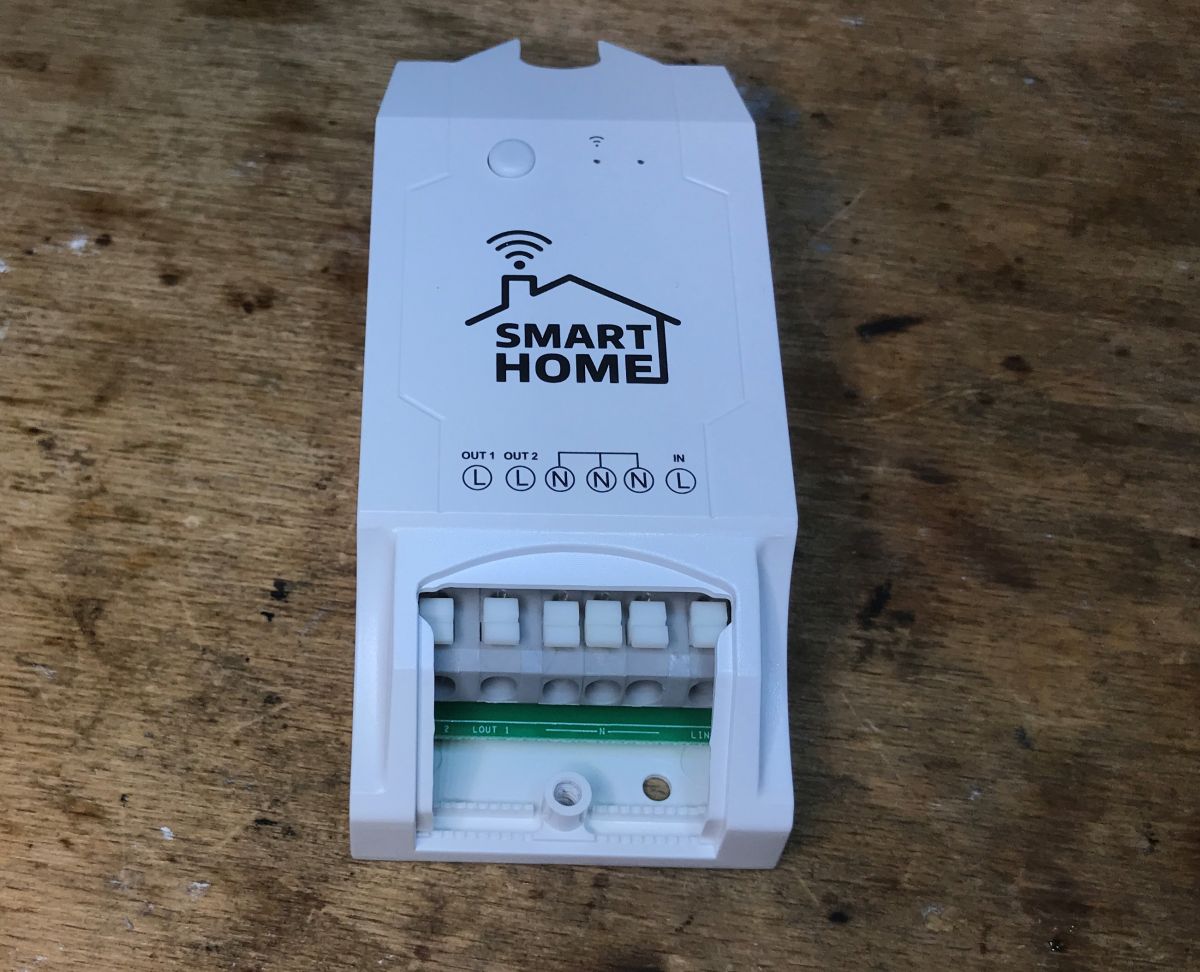
    Today we are uploading Tasmota to a device that is essentially a repainted Sonoff Dual R2, a relay module commercially available under the name WS-05H1. The equipment was given to me by a reader so that I could change the firmware and take a few photos. As usual, first a presentation of the interior, then programming and finally a template. Here we go!

    Purchase of WS-05H1
    The equipment was purchased in our country for PLN 60:
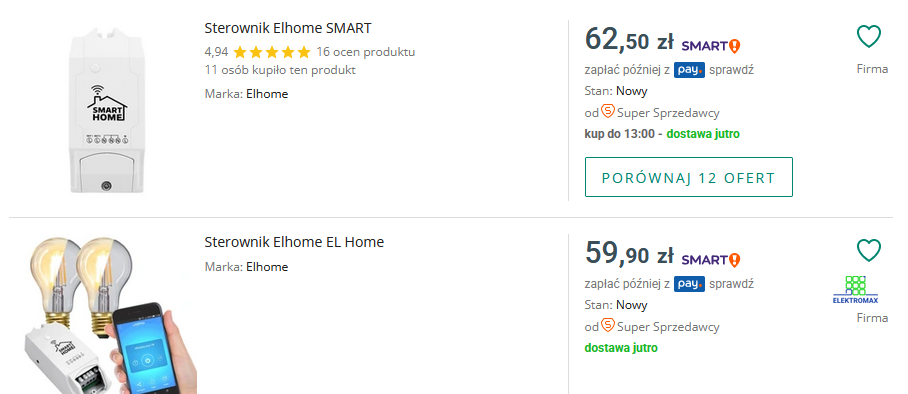
    Screenshot of a webpage featuring Elhome controllers for sale.
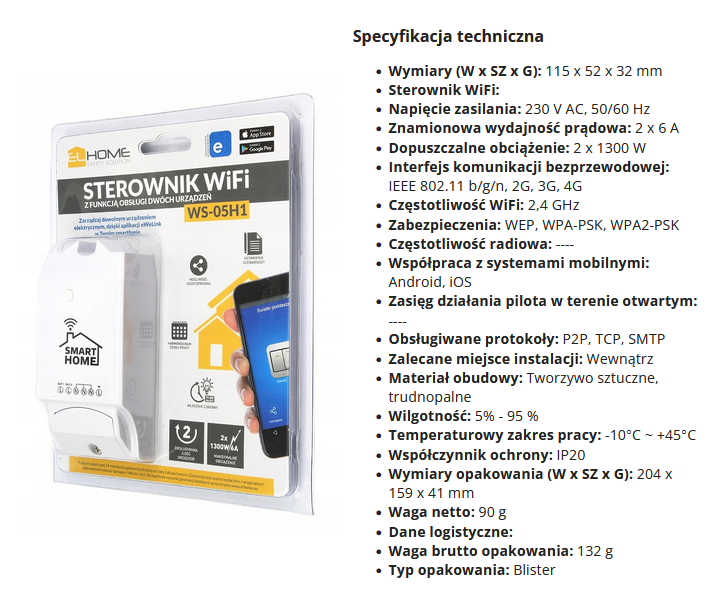
    Here are screenshots from the seller's description:
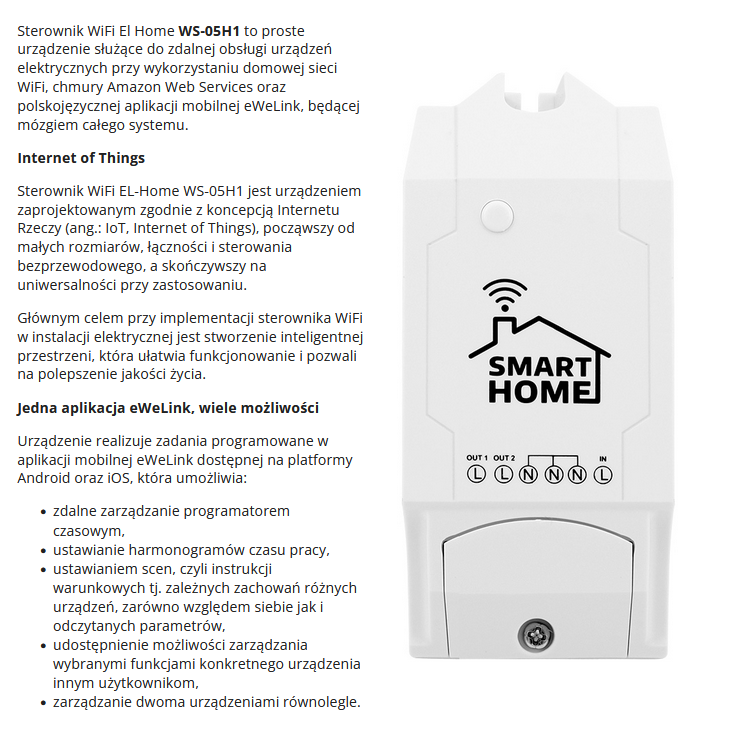
    WiFi controller EL Home WS-05H1 with feature information. Packaging of WS-05H1 WiFi controller with technical specifications displayed.
    I won't even test the eWeLink application, it has already been done, we will change the firmware immediately.
    Let's see what we get in practice:
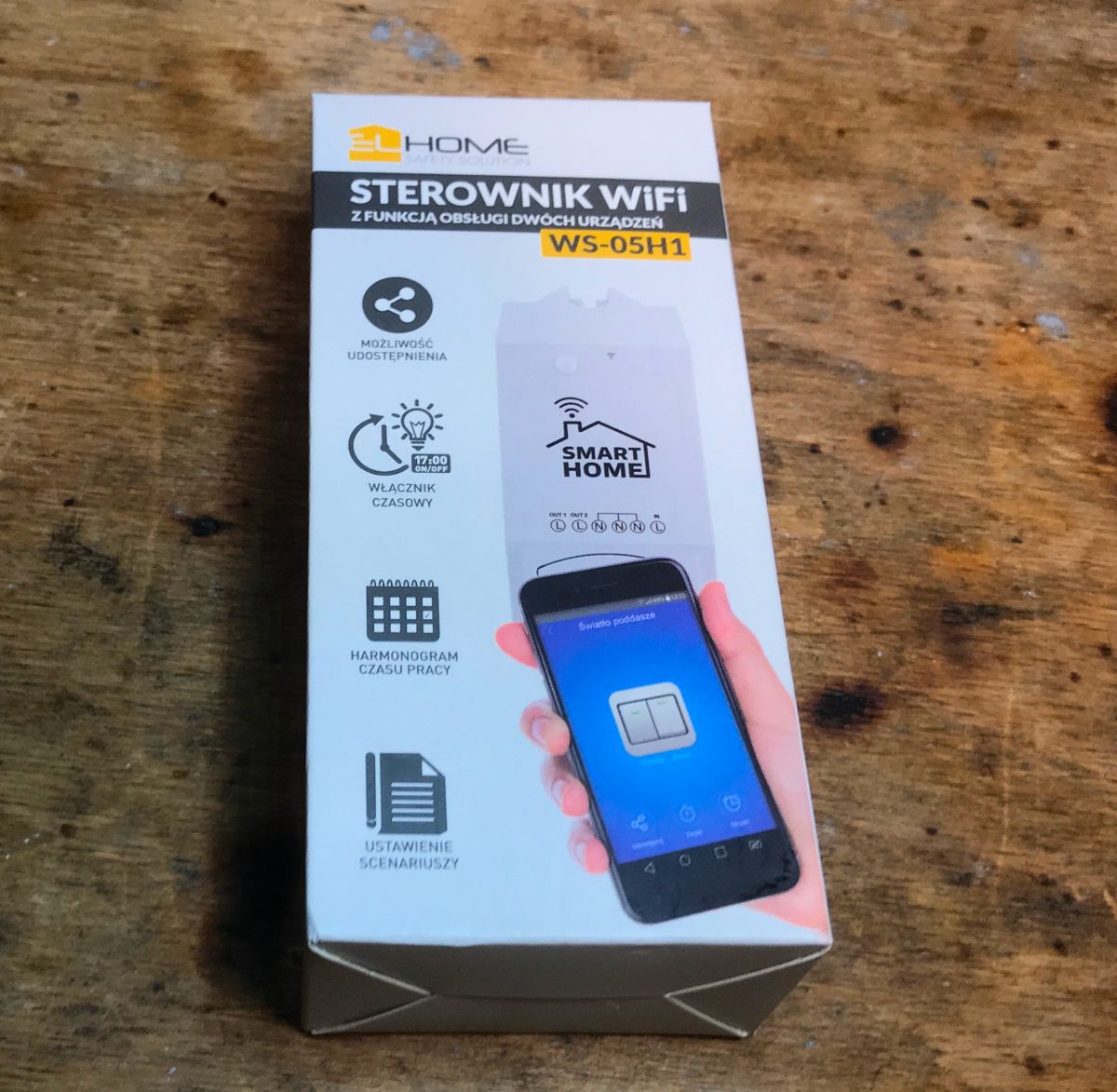
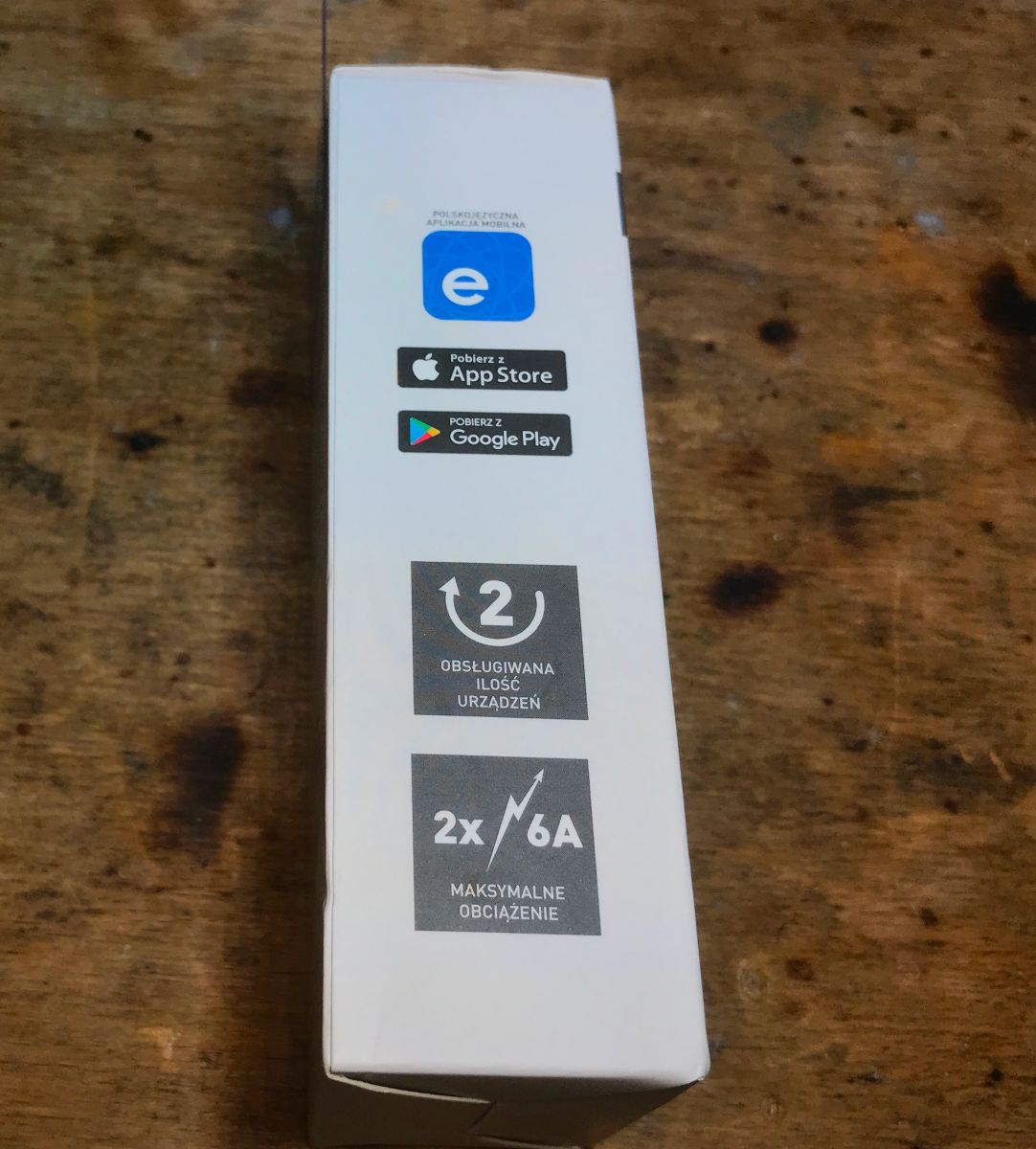
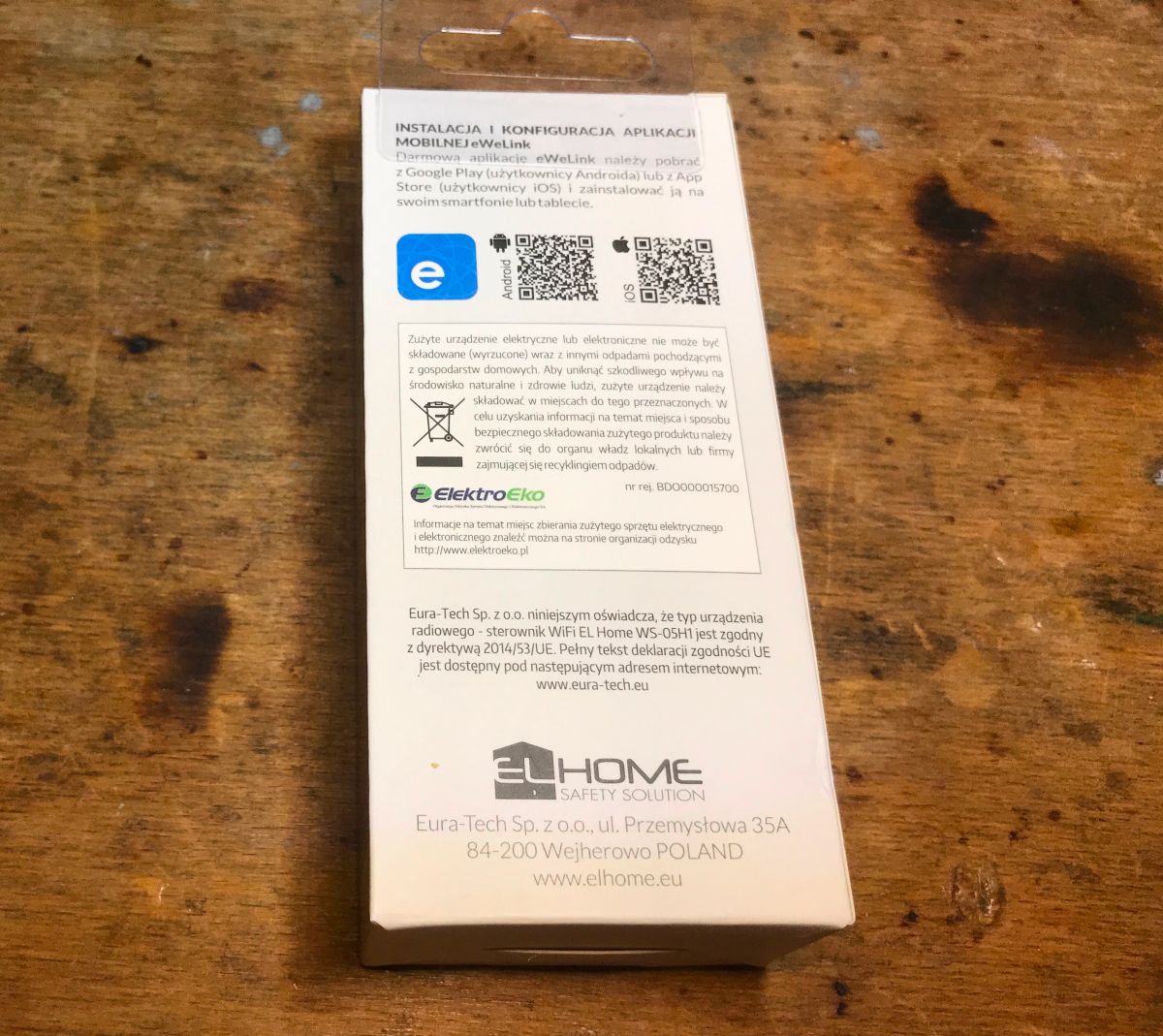
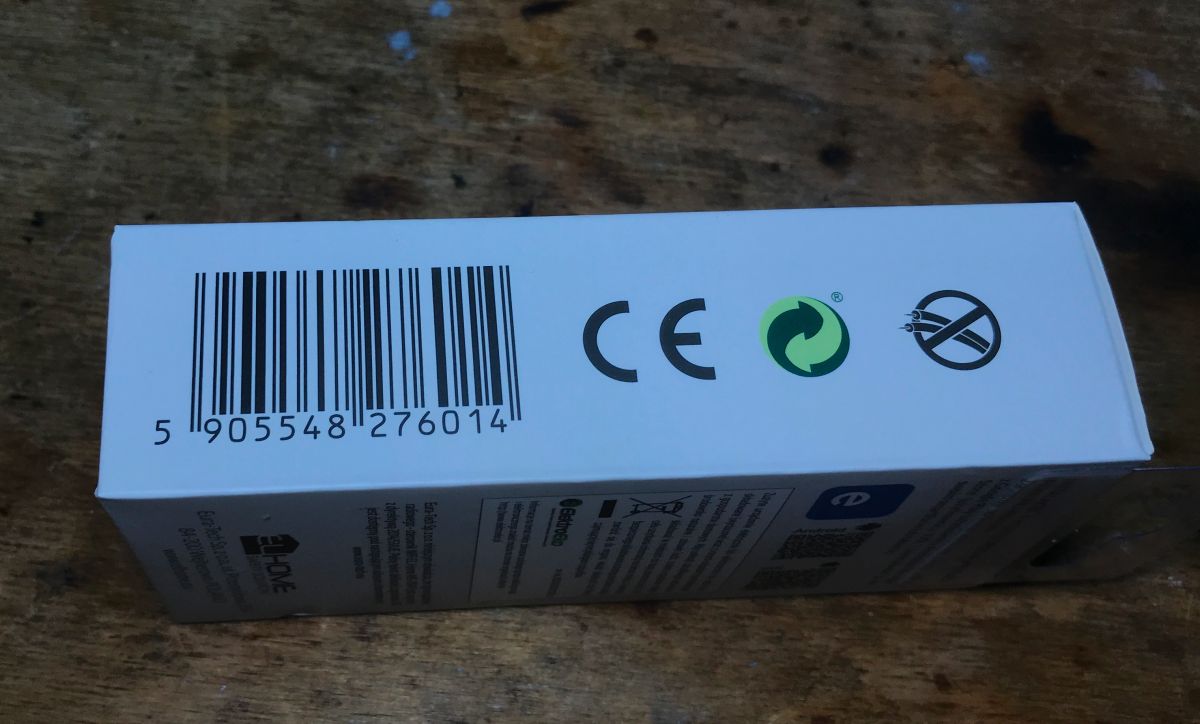
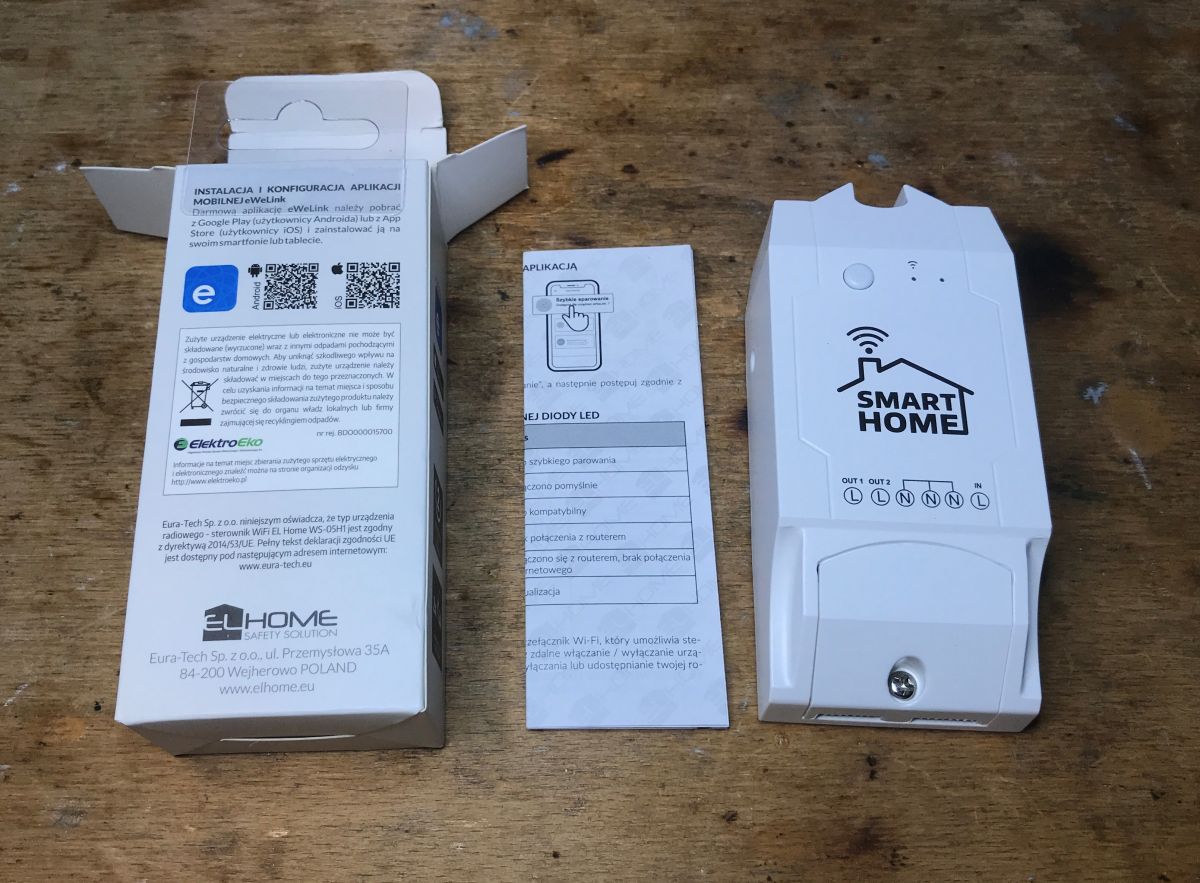
    Packaging of the WS-05H1 WiFi controller on a wooden surface. Side of the WS-05H1 device box with description of features Packaging of the WiFi EL Home WS-05H1 device with instructions. WS-05H1 packaging with barcode and certification marks. WS-05H1 controller lying on a table next to packaging and instructions.
    Instruction:
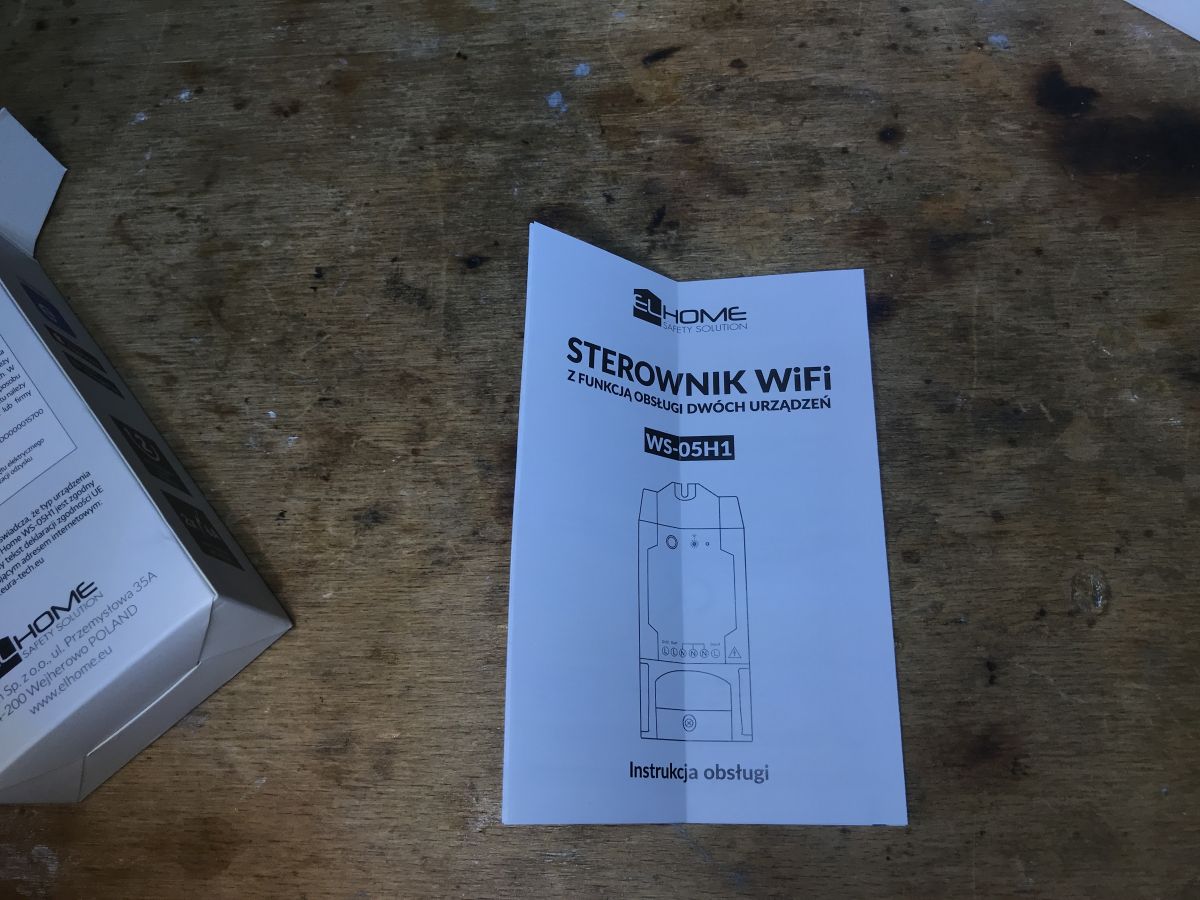
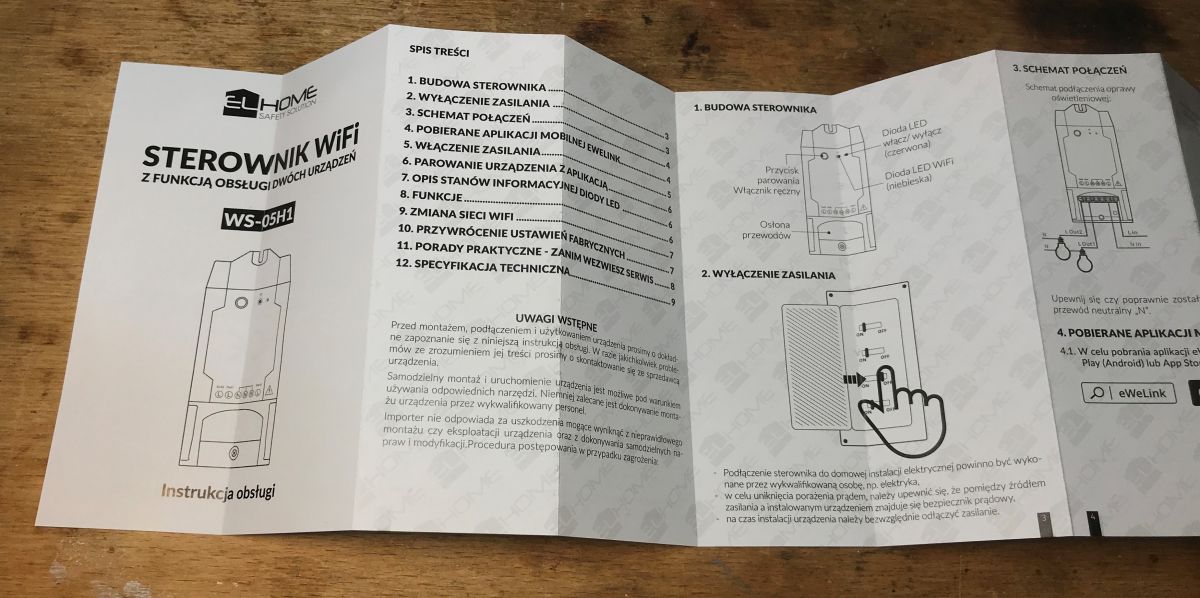
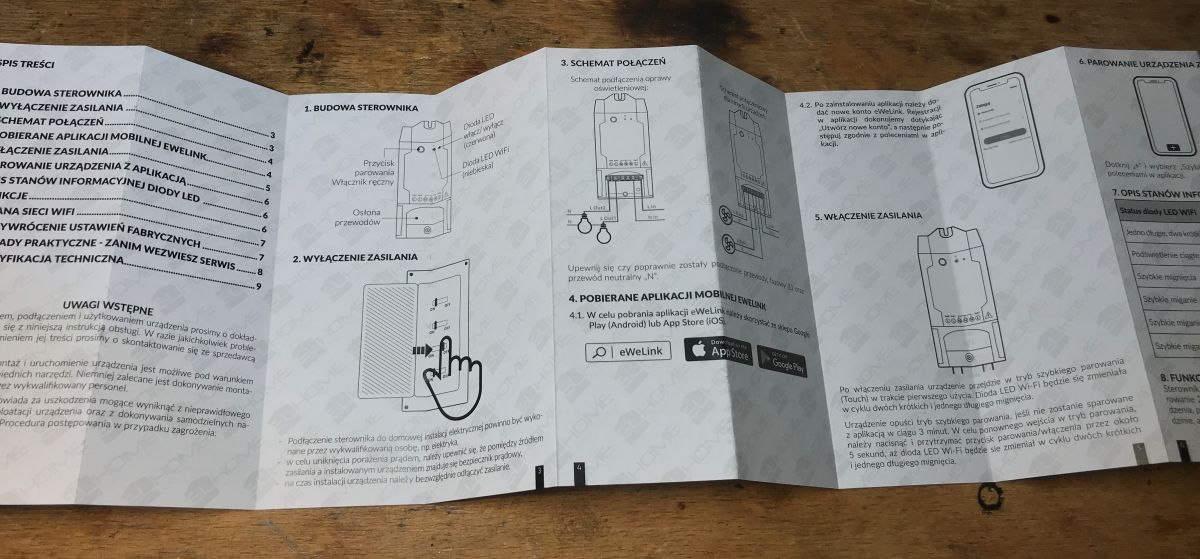
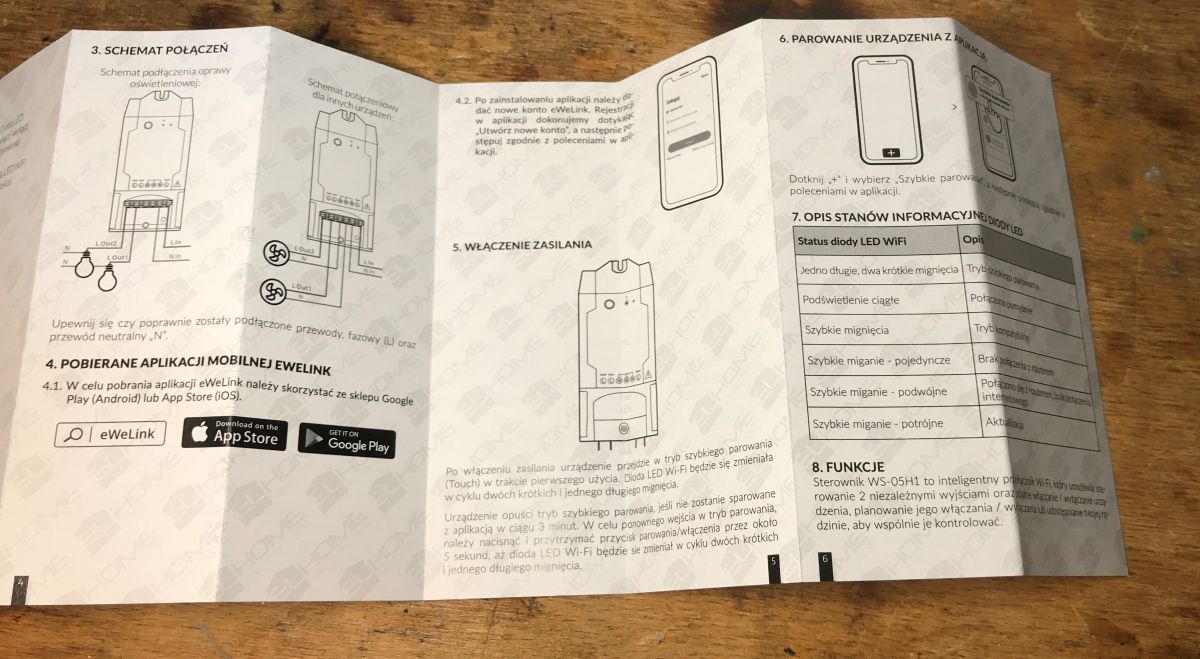
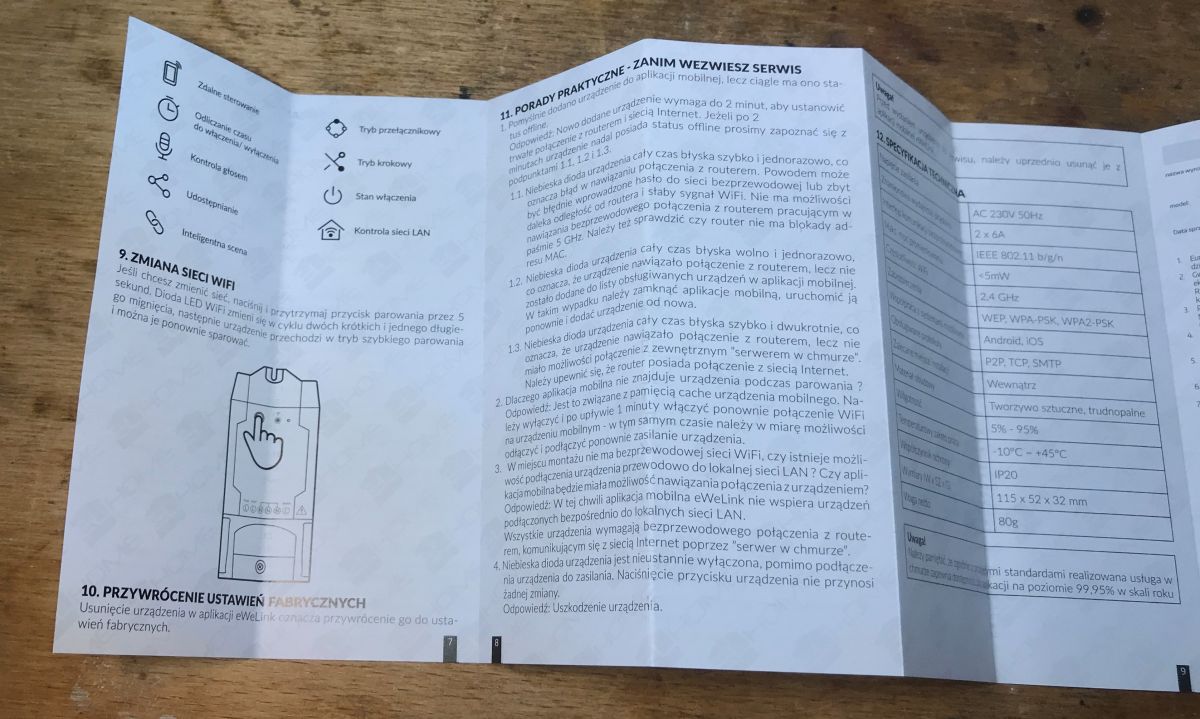
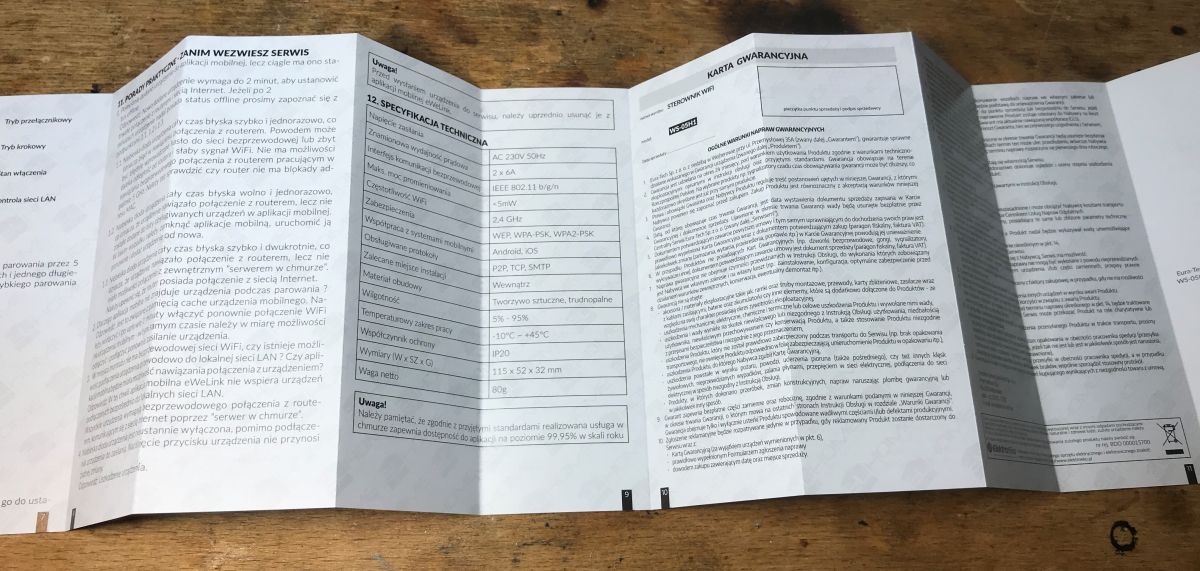
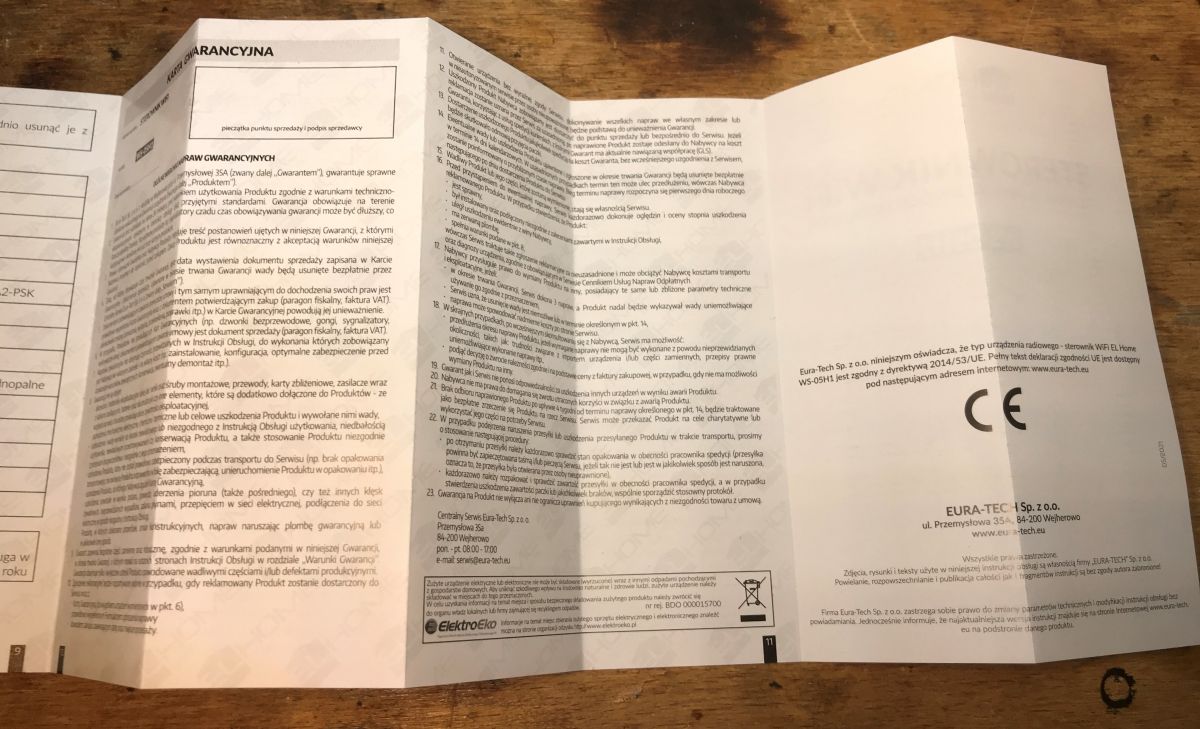
    User manual for WS-05H1 WiFi controller on a wooden surface. Instruction manual for WS-05H1 WiFi controller unfolded on a table. Manual for the WS-05H1 device with illustrations. User manual for the WS-05H1 device on a wooden surface background. User manual of the WS-05H1 device in Polish with graphics and technical specifications. Open user manual for the WS-05H1 device, showing technical specifications and warranty information. Photo of the WS-05H1 device manual lying on a table.
    And the driver itself:
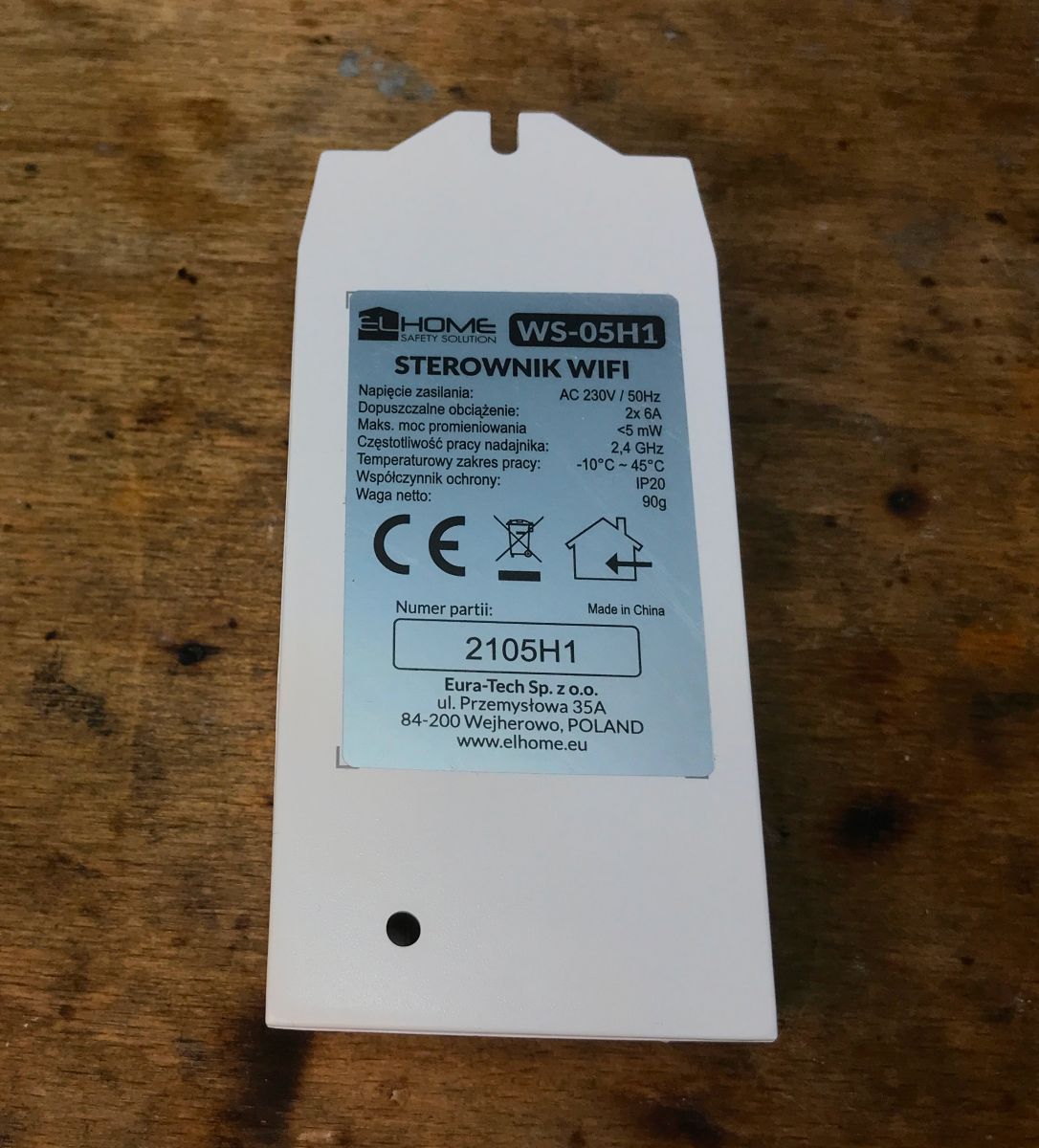
    WS-05H1 WiFi controller with technical label on a wooden table. WS-05H1 smart home device on a wooden table.

    Interior of WS-05H1
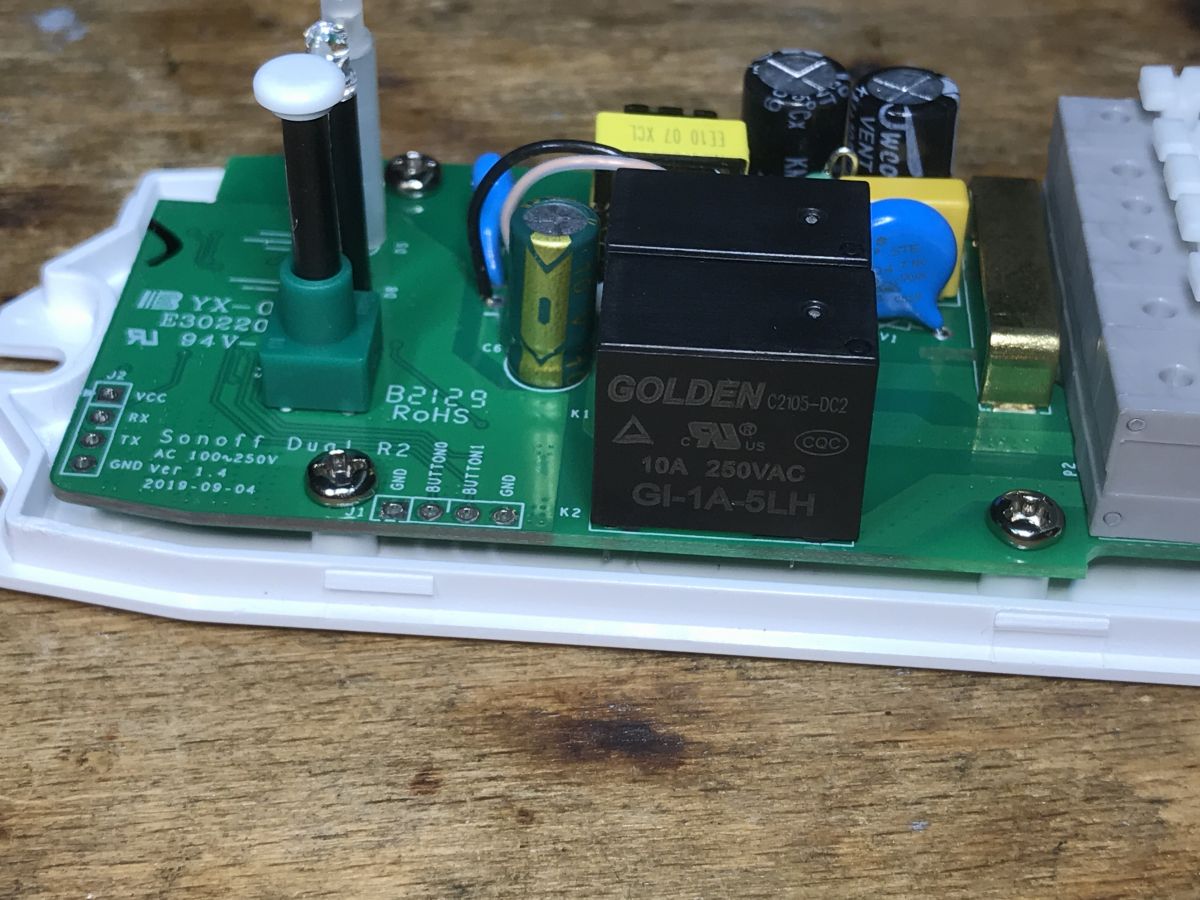
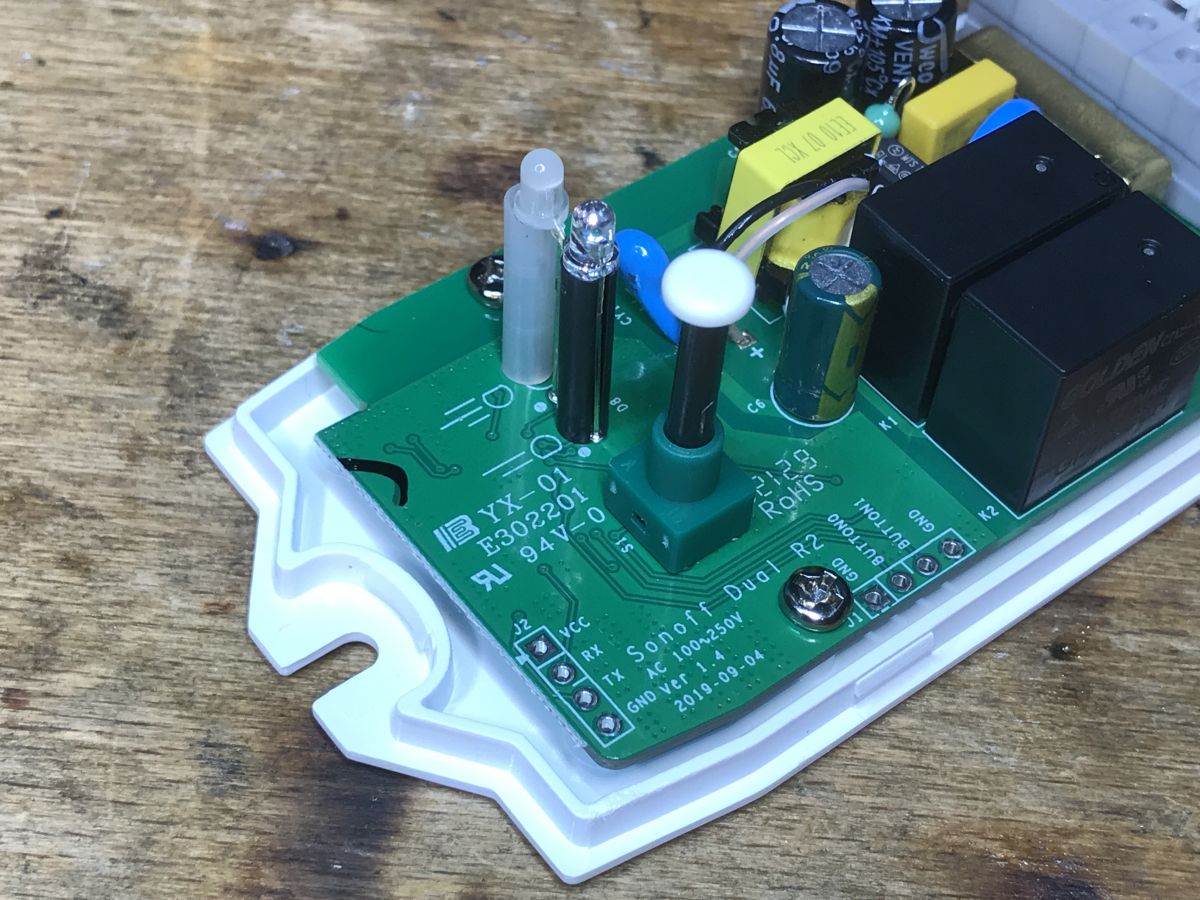
    It is customary to pry the lid off. This time, however, it is a bit different. This device is distinguished by the presence of an isolated flyback power supply. Smaller modules contain non-isolated step down converters.
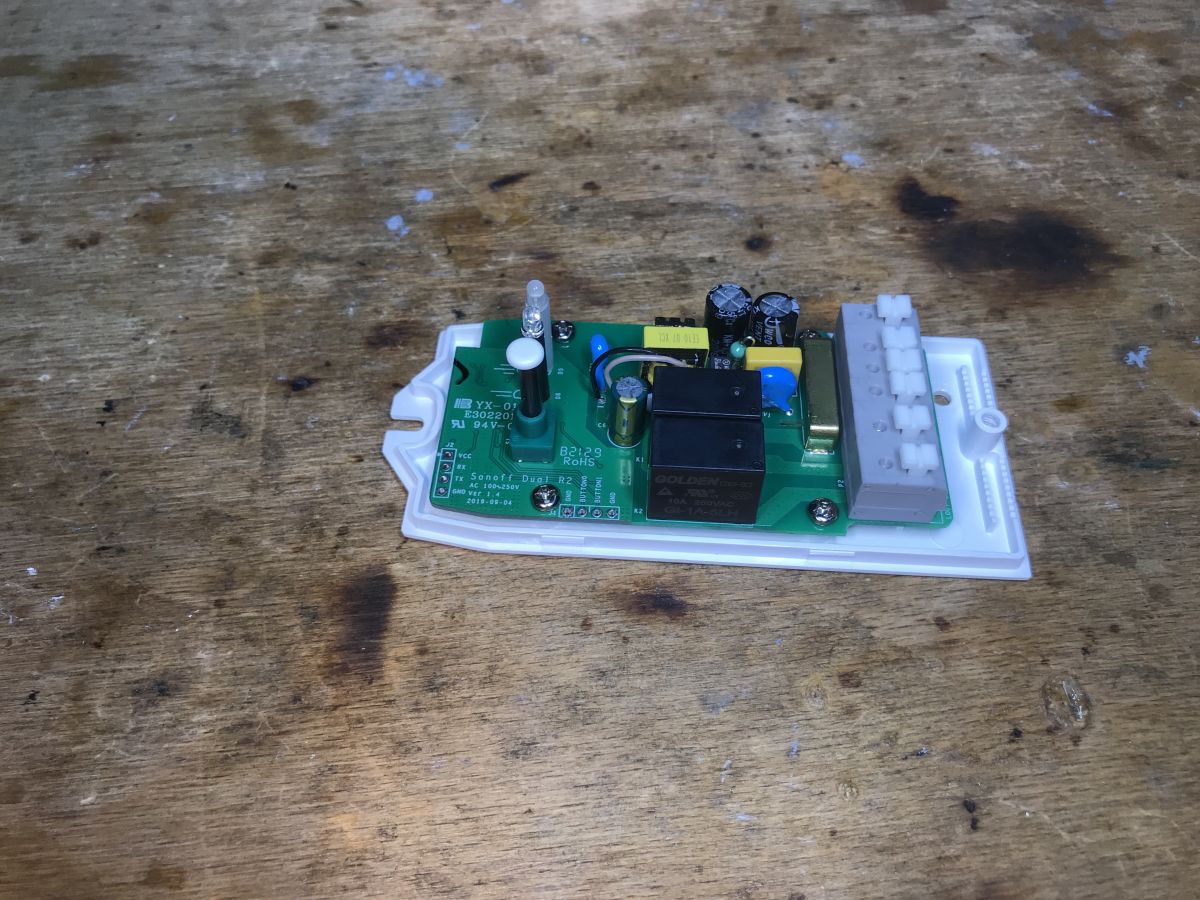
    Interior of the WS-05H1 module with visible components on the PCB. Interior of the WS-05H1 module showing a relay and electronic components.
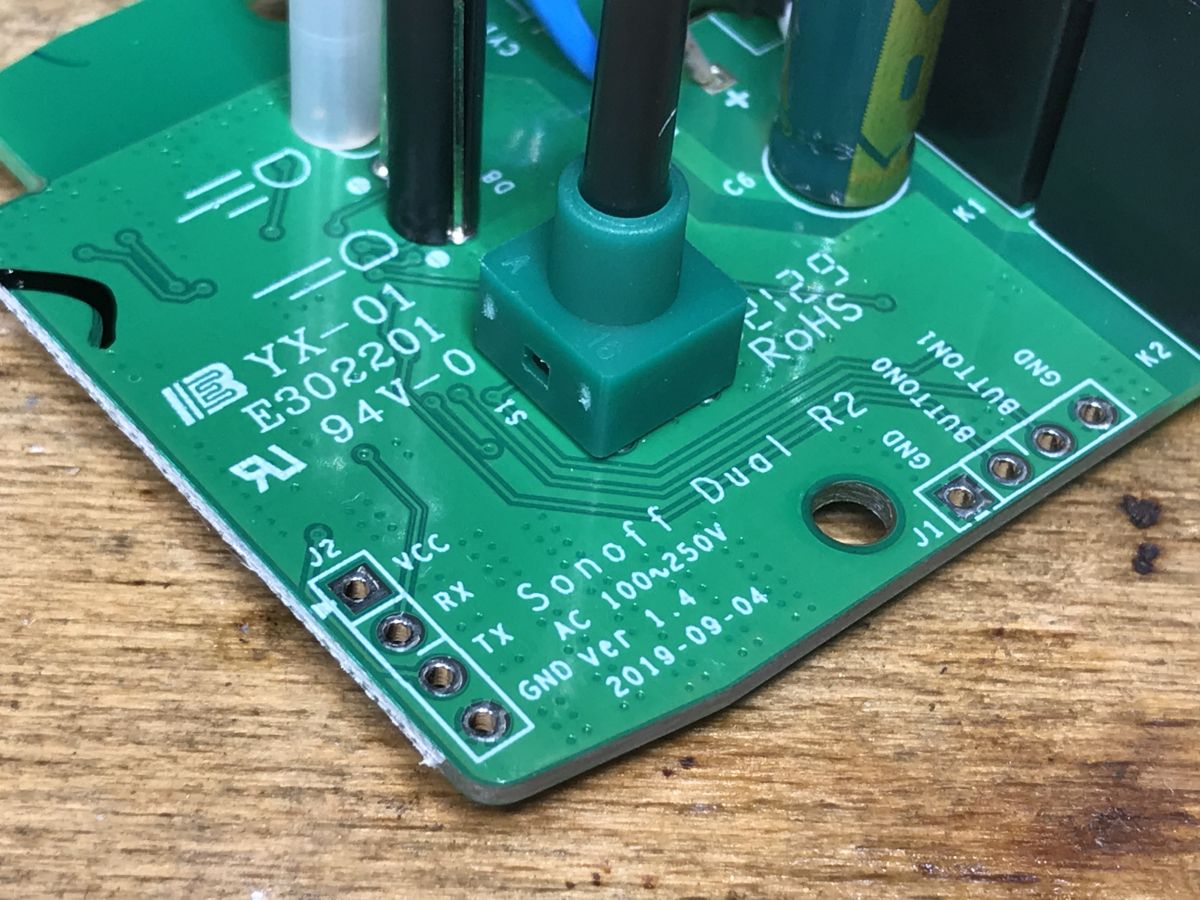
    The PCB has a programming connector (without IO0) and additional signals from the buttons - it's worth doing DIY.
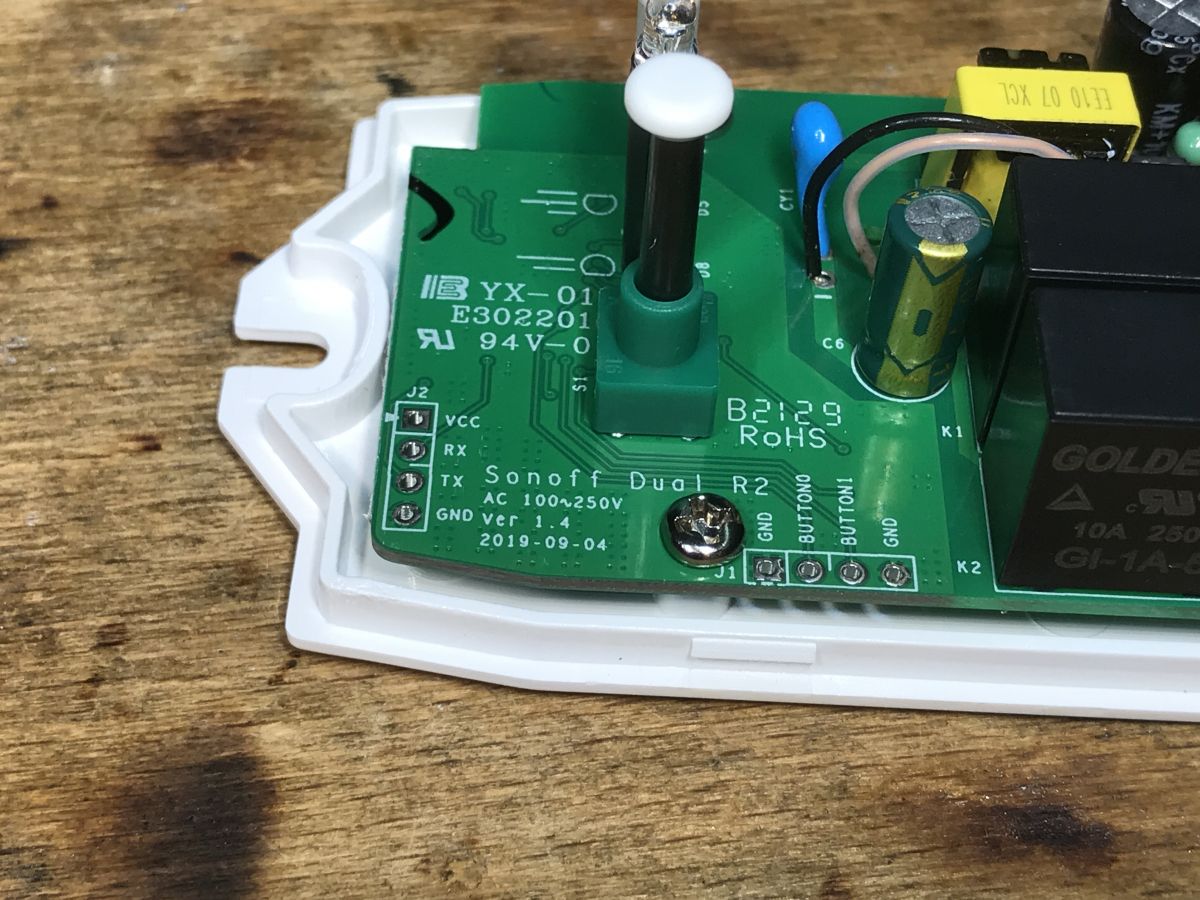
    Close-up of the WS-05H1 controller PCB with connector and component labels.
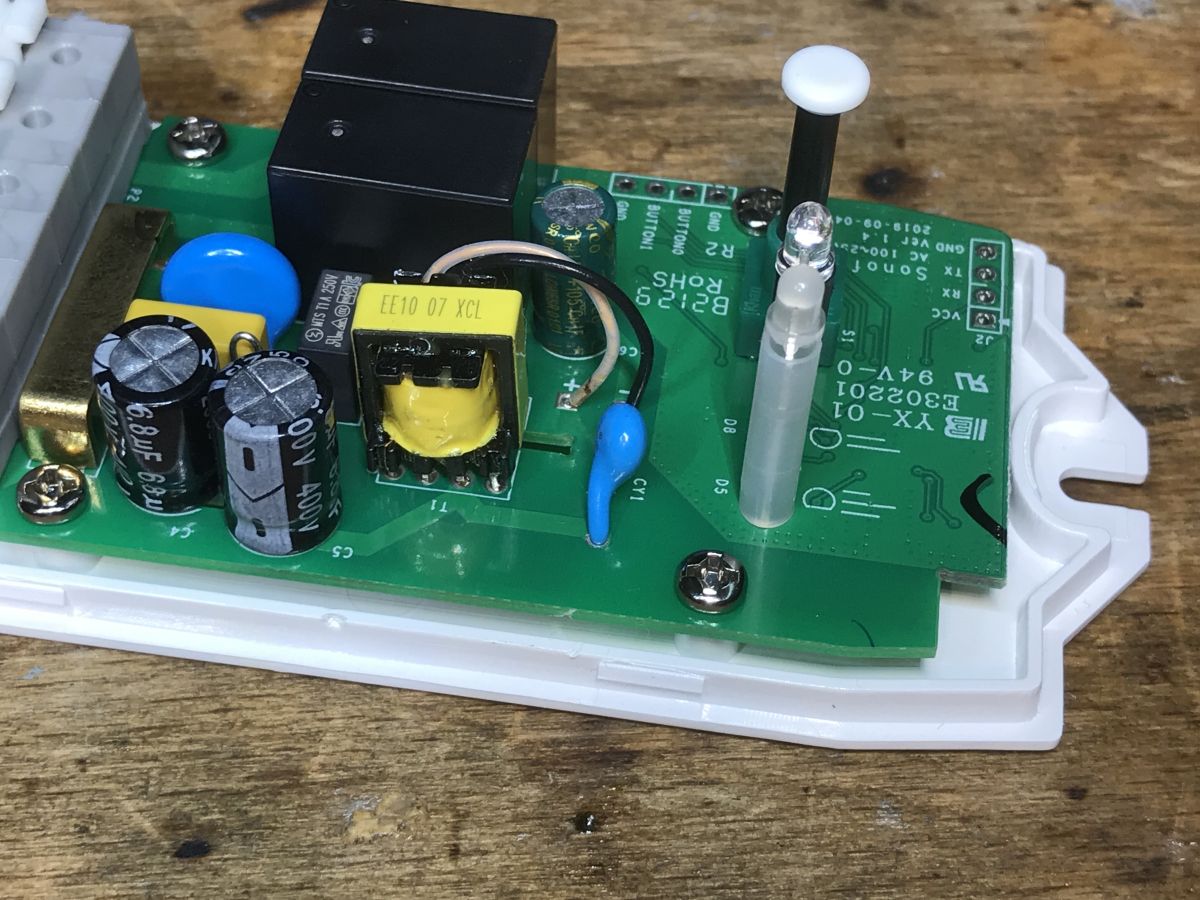
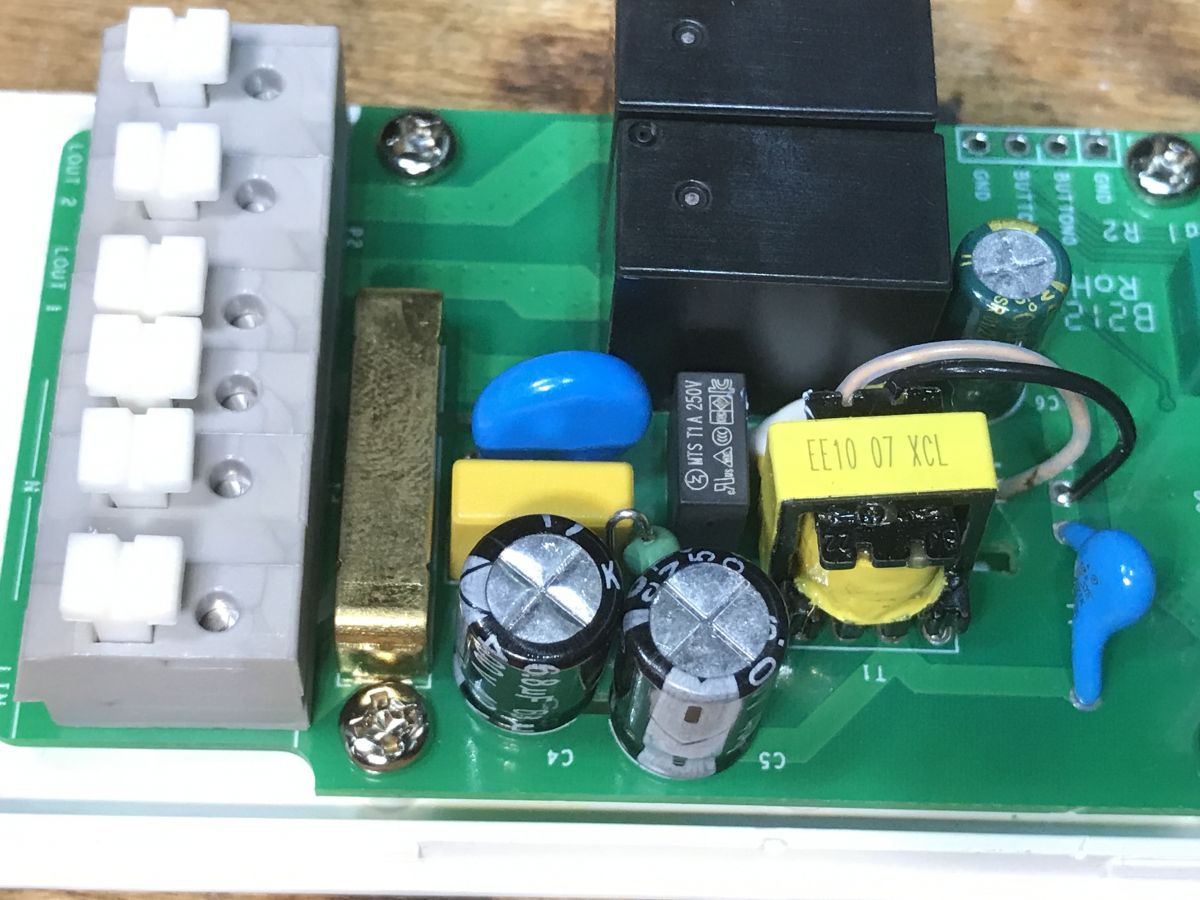
    The interior is not that bad, I see a filter, a varistor, a fuse, the CY capacitor from the power supply (connects the secondary and primary sides) is also present:
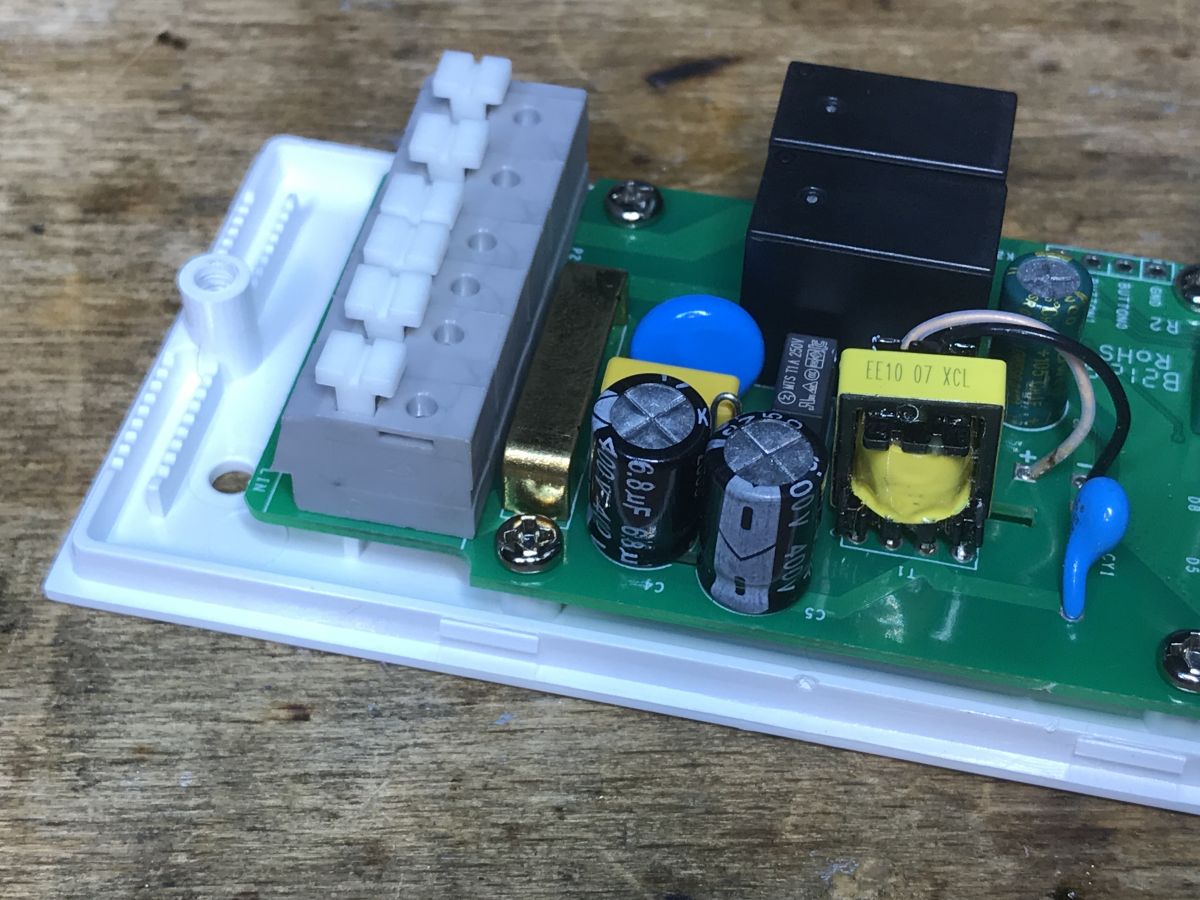
    Interior of the WS-05H1 relay module with visible electronic components. PCB of the WS-05H1 device with electronic components. Close-up of the WS-05H1 module's interior showing relays, capacitors, and a flyback power supply. Close-up of the interior of a Sonoff Dual R2 module showing electronic components.
    The bottom of the PCB - high current paths are tinned:
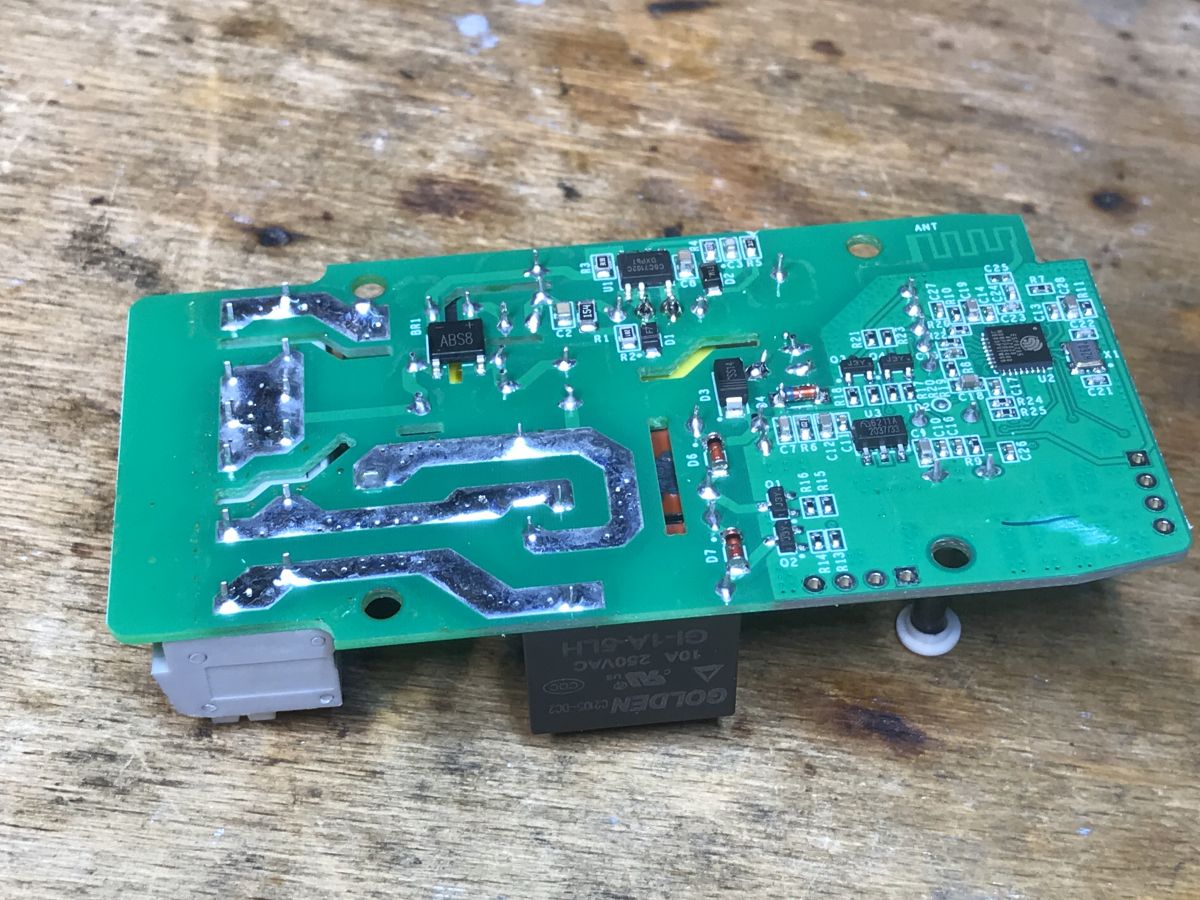
    PCB with electronic components of the WS-05H1 device on a wooden background.
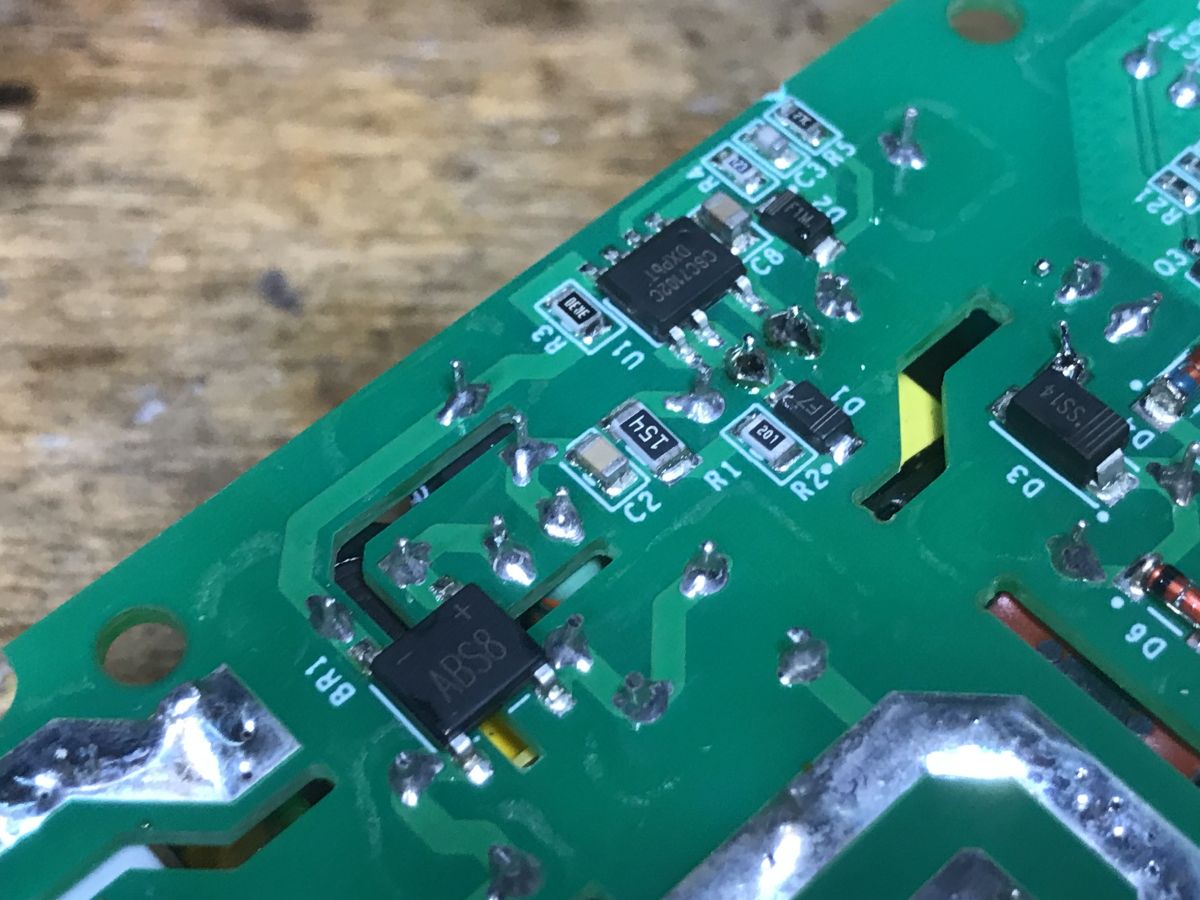
    On the bottom there is a rectifier bridge and a flyback controller:
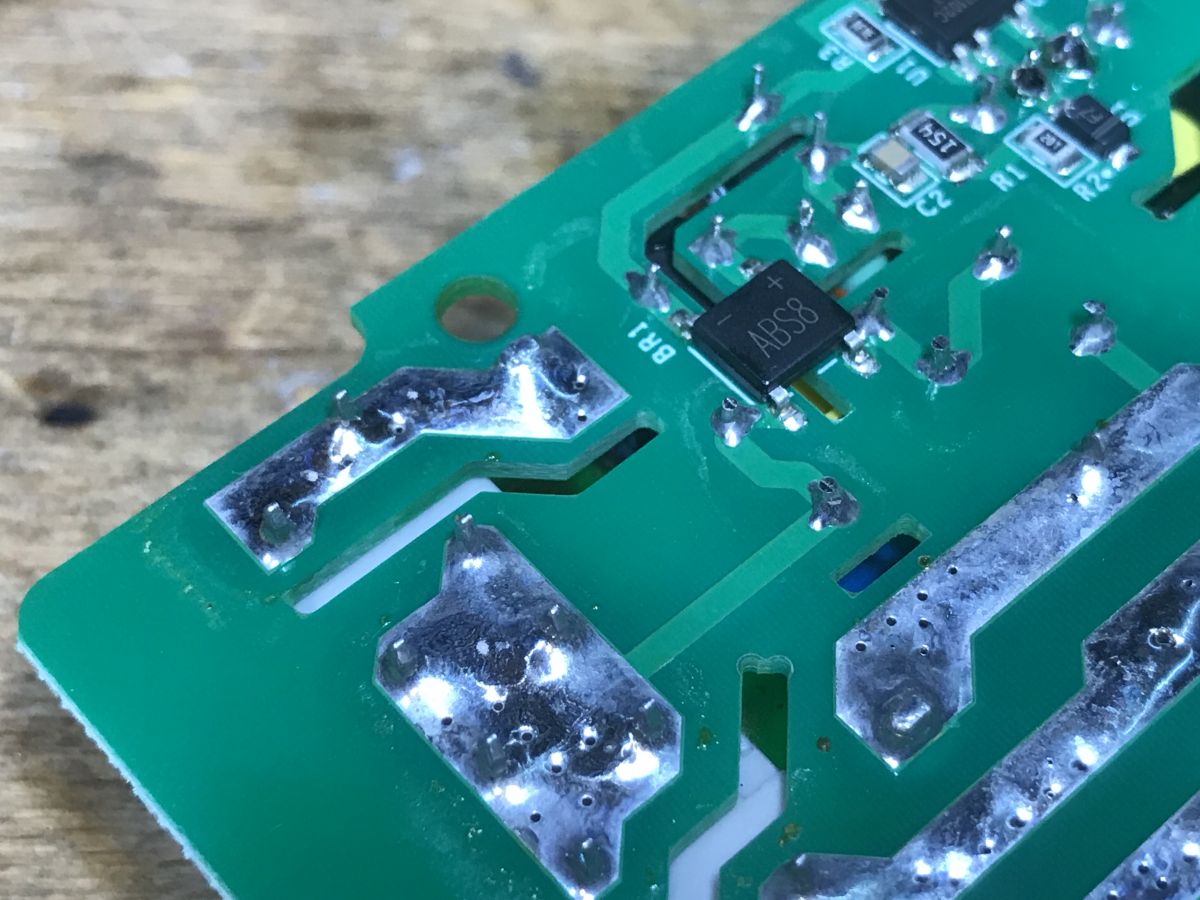
    Close-up of PCB with visible tracks and electronic components Printed circuit board with electronic components on WS-05H1 module.
    The power supply is based on CSC7102C, which I have already seen in another Sonoff product:
    Sonoff Basic ZBR3, the famous Zigbee version of the relay. Interior, diagram
    Second photo:
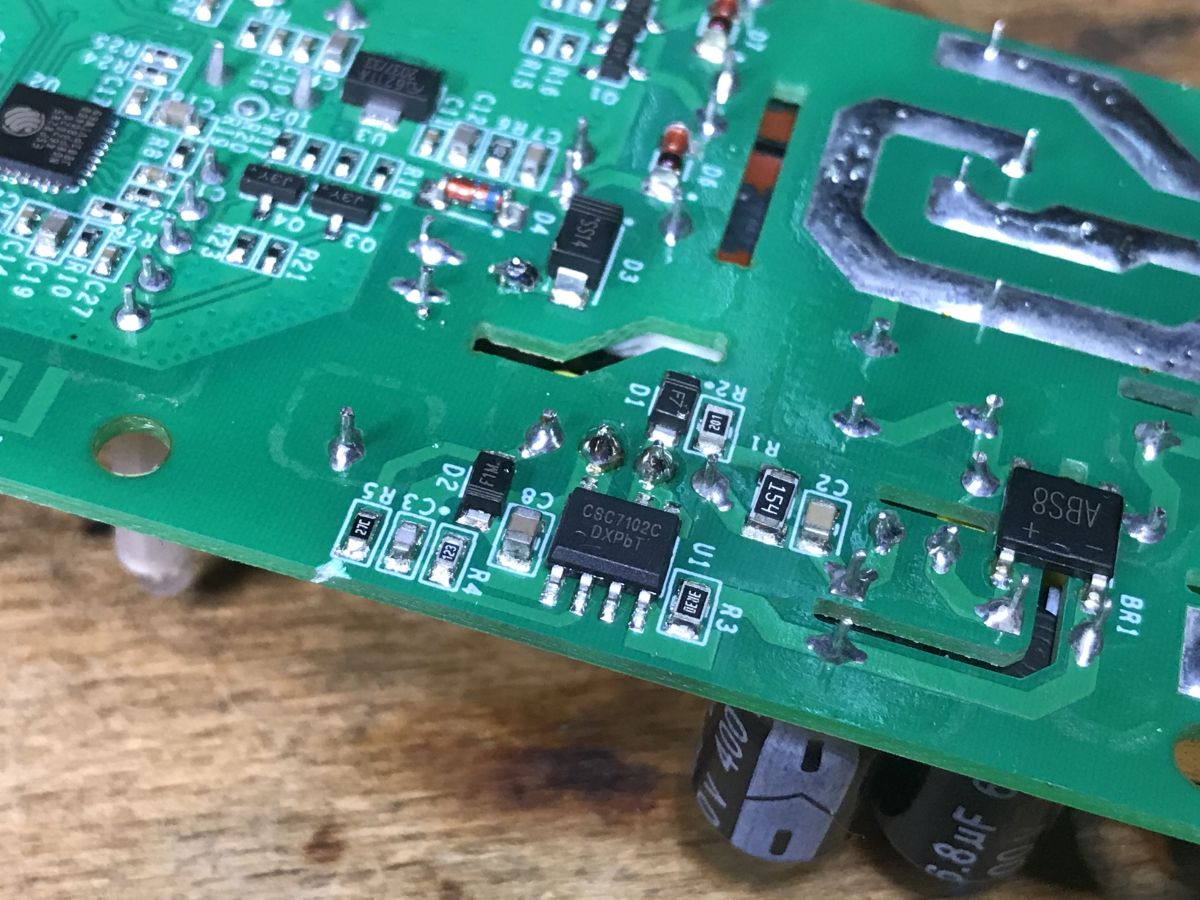
    Close-up of the WS-05H1 device PCB showing electronic components.
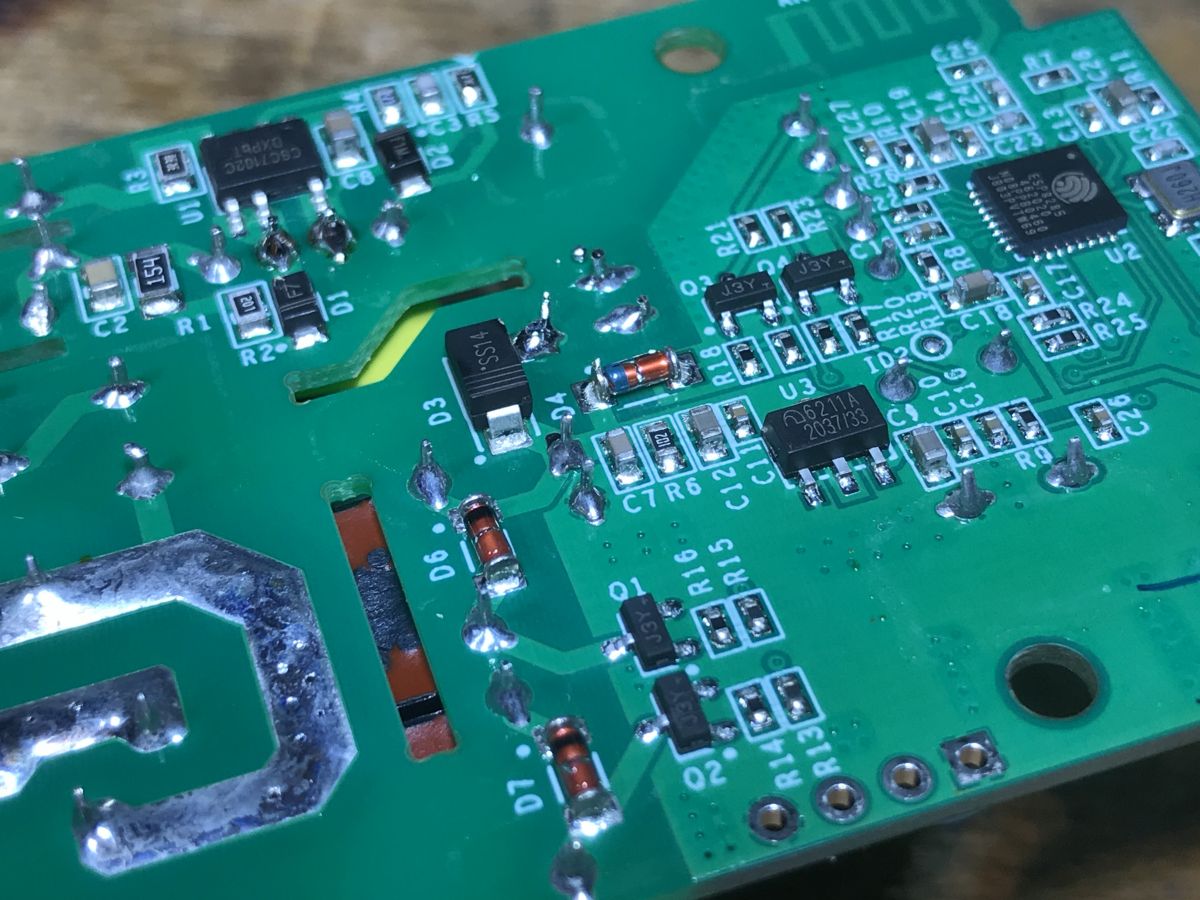
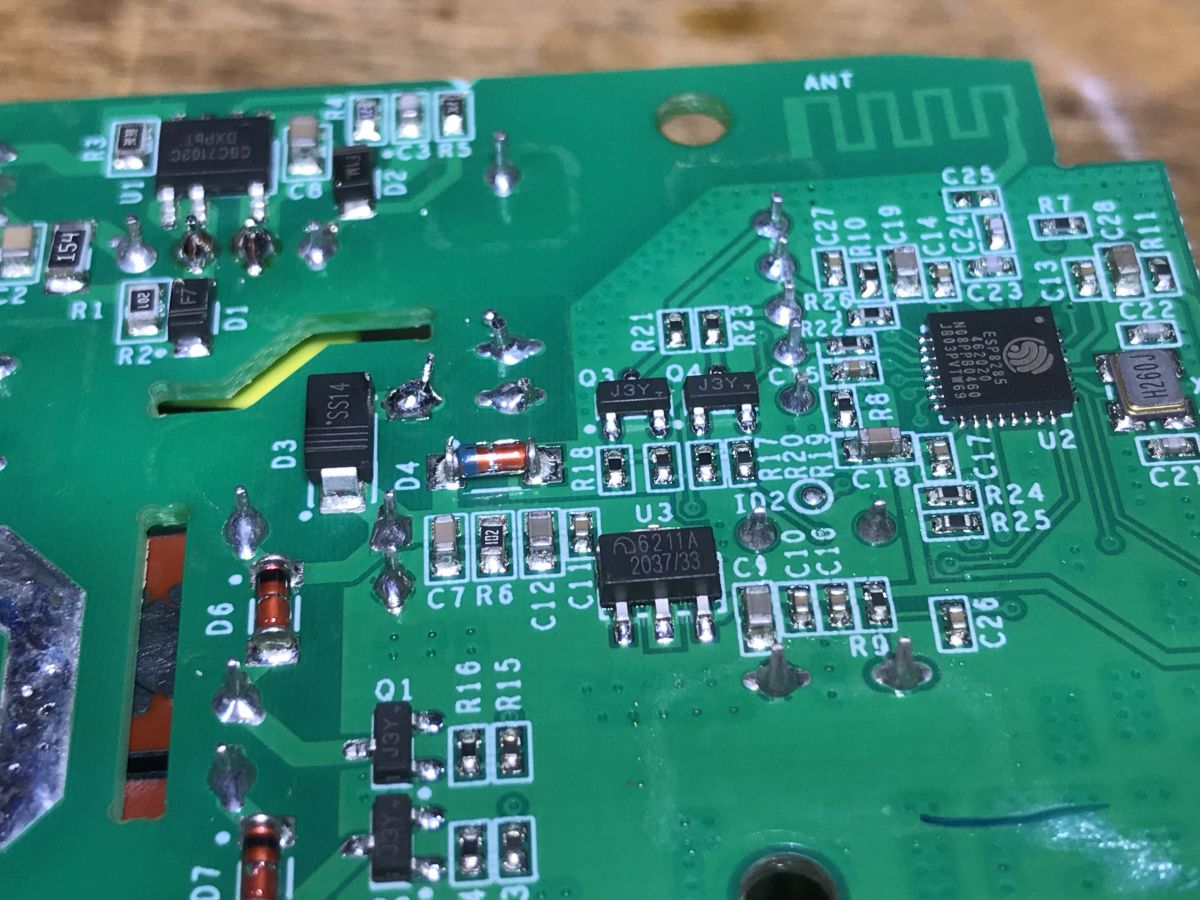
    Still standard, J3Y transistors controlling the relays with protection diodes:
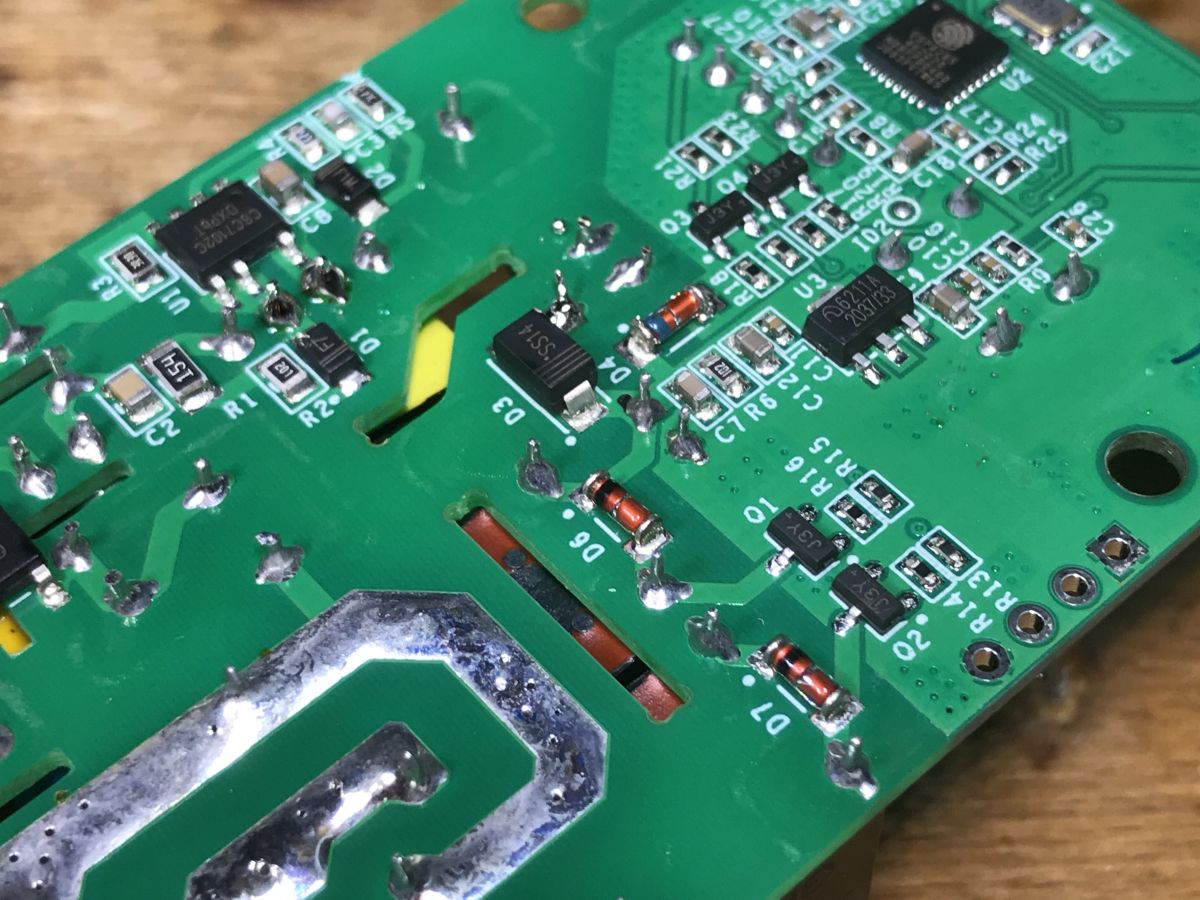
    Close-up of the bottom of a circuit board with electronic components. Close-up of WS-05H1 circuit board with visible electronic components
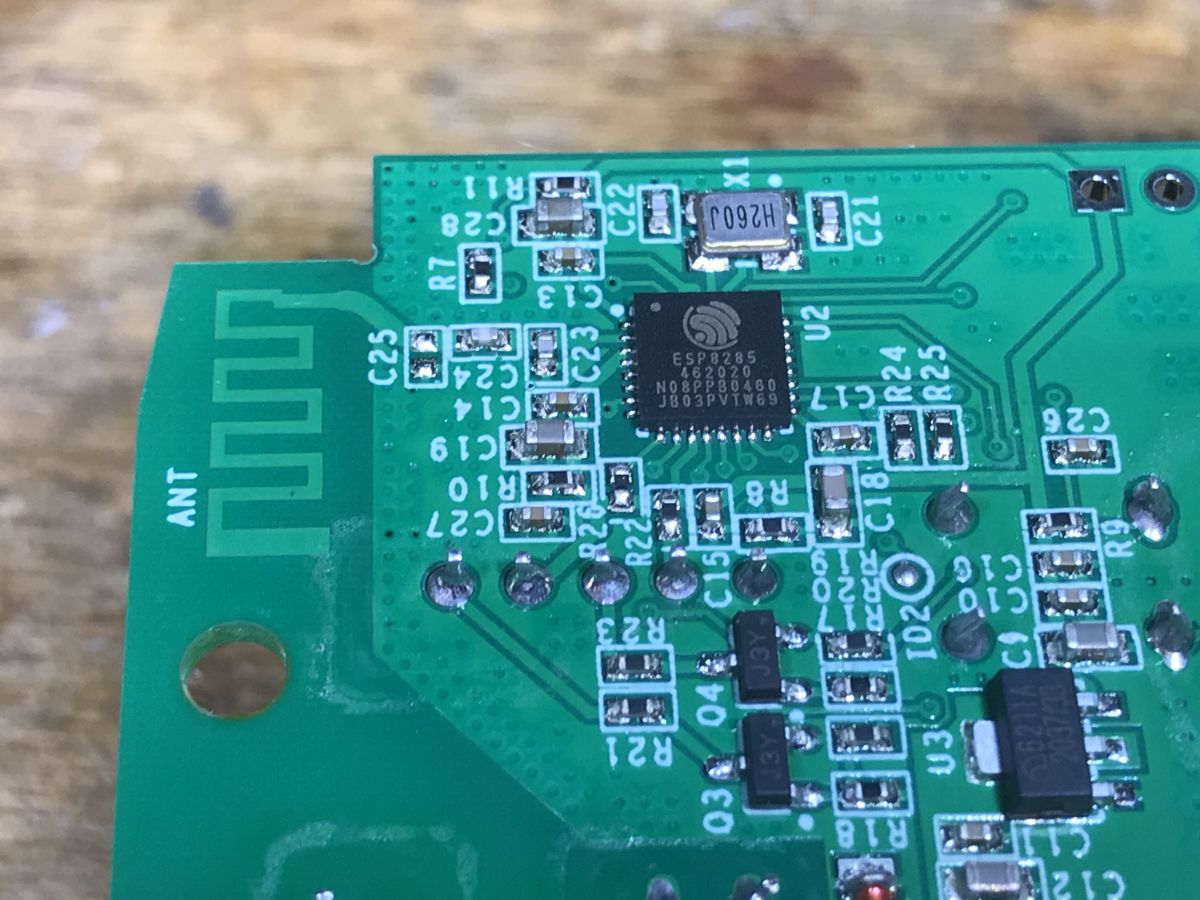
    A little further you can see LDO 3.3V and ESP, this time on the PCB:
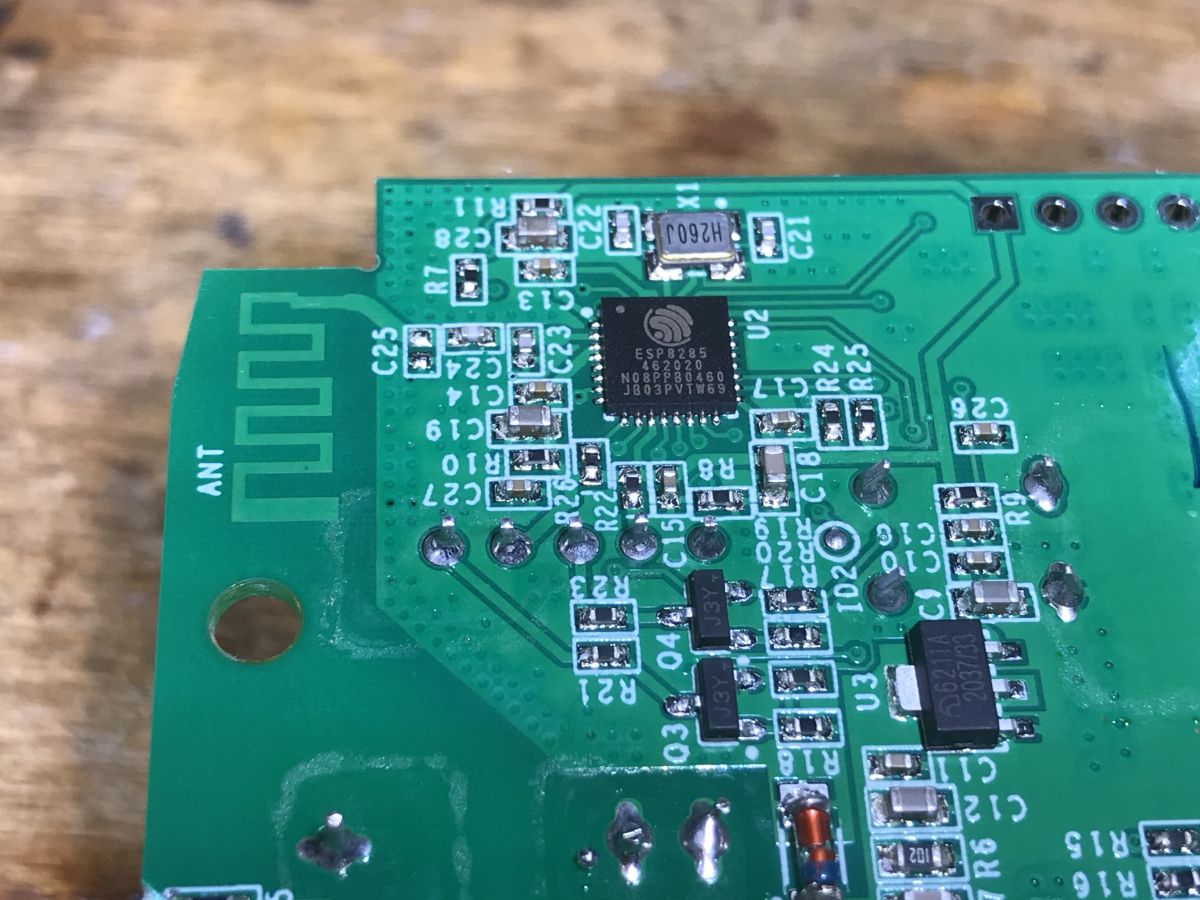
    Close-up of a circuit board with an ESP8285 chip and several electronic components. PCB with ESP8285 and electronic circuits. Close-up of the PCB with electronic components of the WS-05H1.
    There is no external Flash chip here because it is ESP8285, i.e. with built-in memory.

    Firmware change
    As in the topic about the light switch:
    SmartLife switch - test, interior and programming of a WiFi light switch
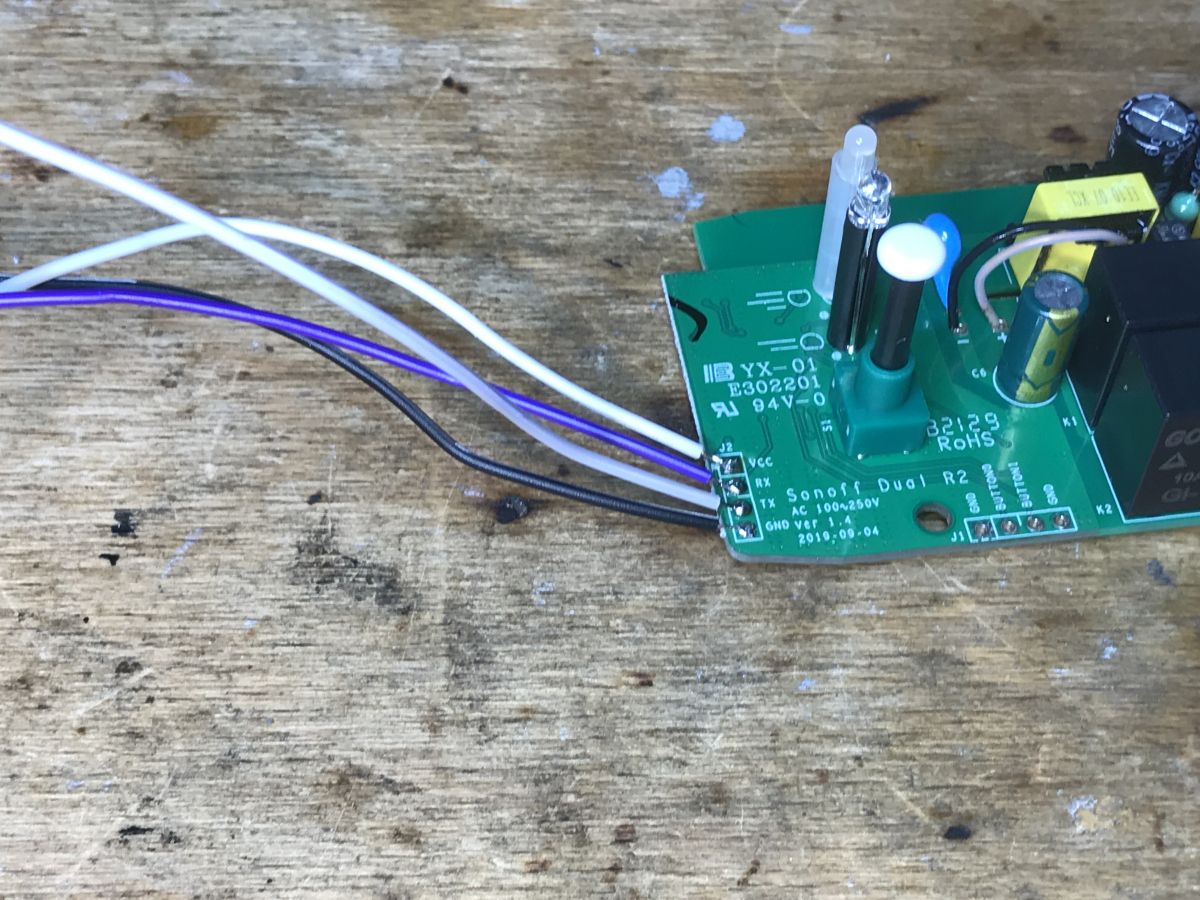
    We solder the cables:
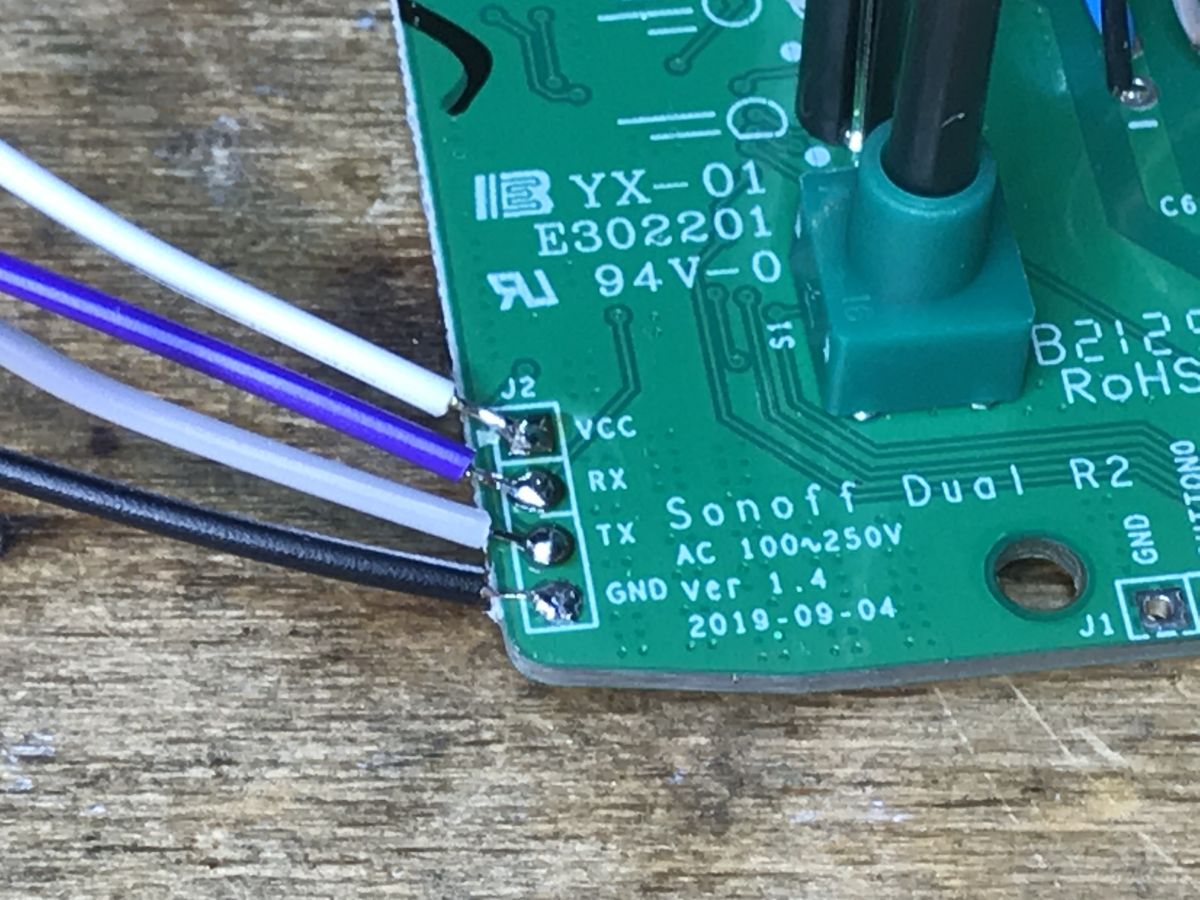
    Close-up of a Sonoff Dual R2 circuit board with visible soldering points and wires. Close-up of Sonoff Dual R2 circuit board with visible connectors. Sonoff Dual R2 circuit board with connected wires.
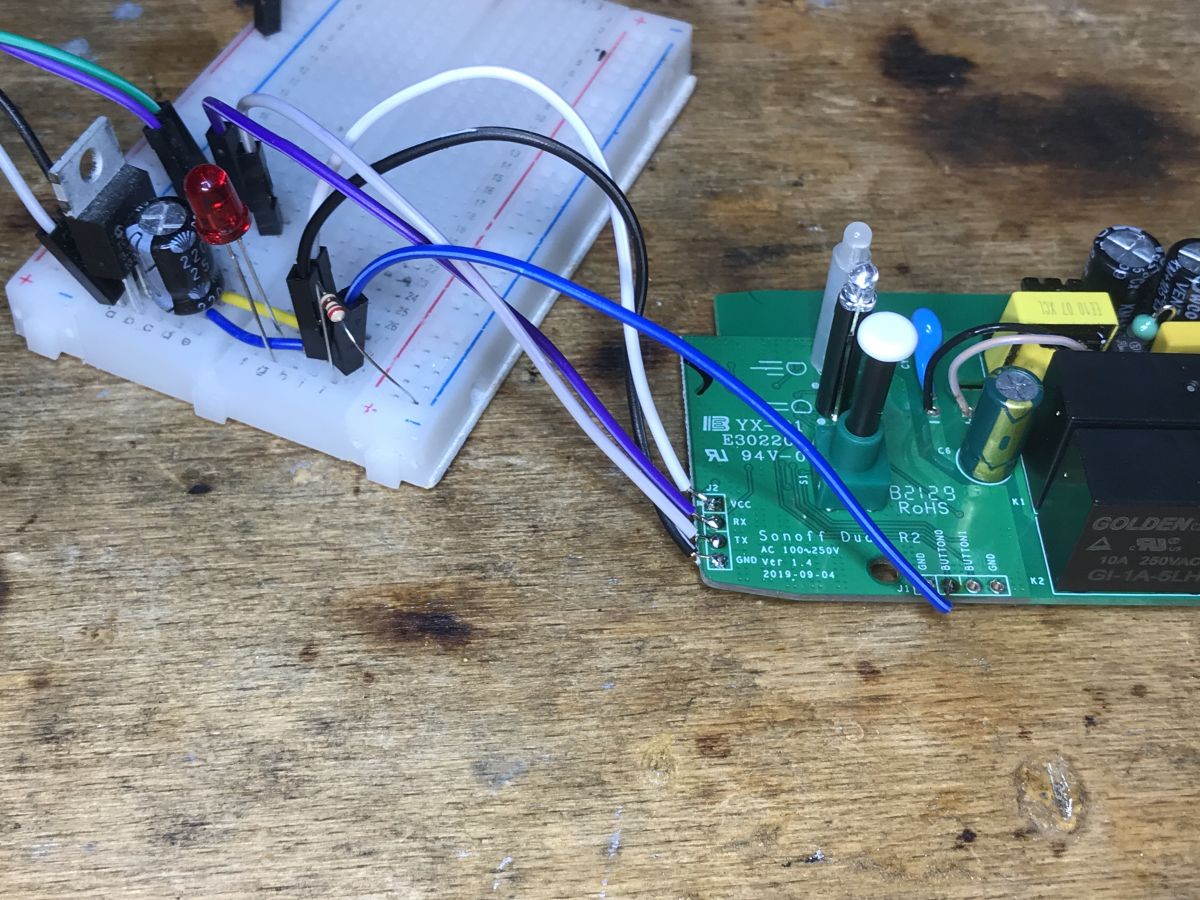
    And now note - we need GPIO0 to enter the bootloader mode, but it is output to Button0:
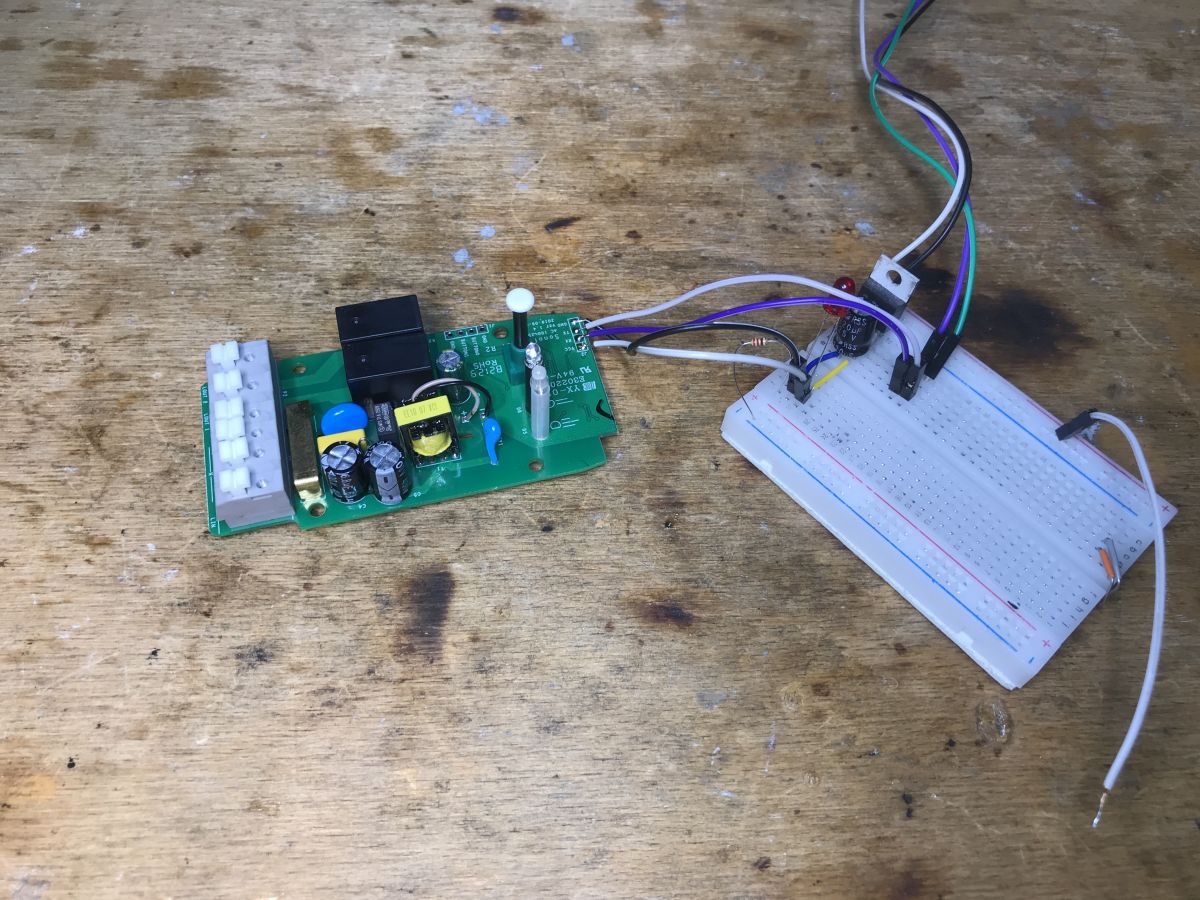
    Electronics and breadboard on a wooden table Close-up of Sonoff Dual R2 PCB with connected wires on a breadboard.
    And that's it - here's the list of GPIO roles:
    
    Pin	Function
    GPIO10	Push Button
    GPIO00	Pin "button 0" on expansion header
    GPIO09	Pin "button 1" on expansion header
    GPIO12	Relay #1 and red color on LED
    GPIO05	Relay #2 and green color on LED
    GPIO13	Blue Status LED


    Summary
    I've seen modules twice as small, also with two relays, but fitting into a standard box... but it's probably not bad anyway. There is ESP on board, you can upload the proven Tasmota and the product will work without the cloud and fully locally on our network, it will also pair easily with Home Assistant.
    In addition, we have two GPIOs available on the connector, you could even connect a DHT11 or another sensor, Tasmota has supported this for a long time. There is no fear of shock, the power supply is isolated and there is a flyback, similar to another Sonoff product previously discussed.
    Do I recommend it? It depends on how much space we have. Or maybe you will tell me? Do you prefer smaller modules, or do you also use this type of relays in "large" housings?

    Cool? Ranking DIY
    Helpful post? Buy me a coffee.

    About Author
    p.kaczmarek2
    Moderator Smart Home
    Offline 
    p.kaczmarek2 wrote 14395 posts with rating 12316, helped 650 times. Been with us since 2014 year.
  • ADVERTISEMENT
  • #2 20842730
    krzbor
    Level 29  
    Posts: 1731
    Help: 40
    Rate: 1042
    Board Language: polish
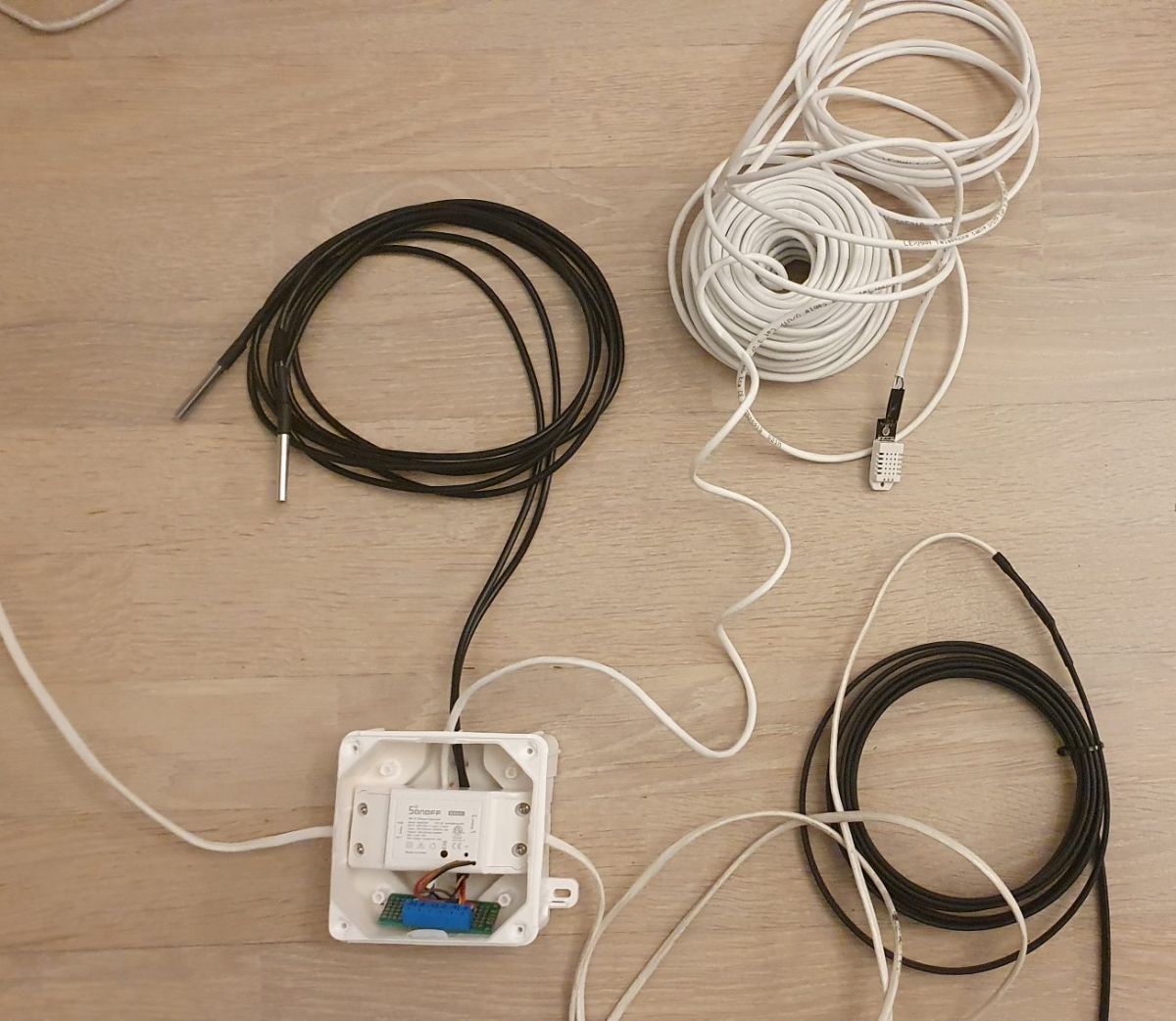
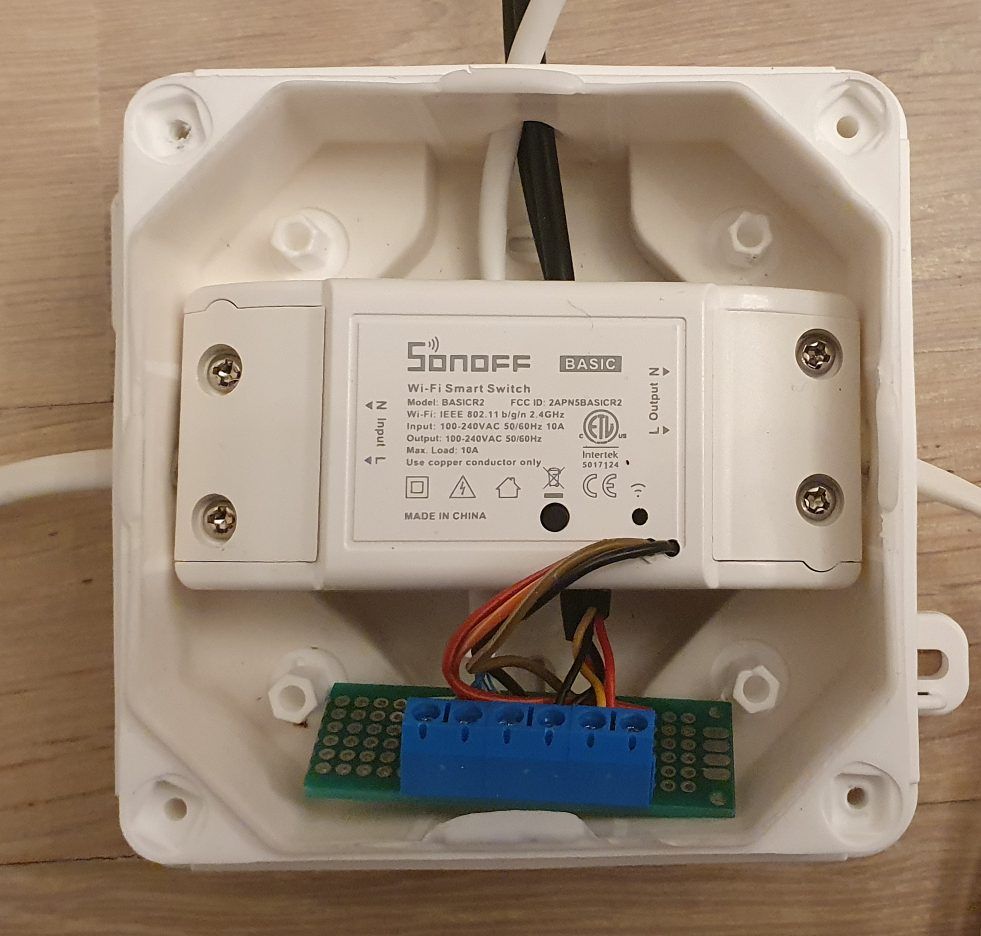
    Sonoff, both Basic and Dual, are great platforms for your own DIY - we have: ESP, power supply, relay and housing. When doing it from scratch, we have to take care of all these components separately. Basic is very small and it is difficult to safely embed cables in it. Additionally, it has terminals on opposite sides, which is not always convenient. Dual has a much larger housing and decent cable attachment. The pins are on one side, which is an advantage for me. I have just finished another project - antifreeze heating of the water installation based on a heating cable along with temperature and humidity monitoring in a newly constructed building. Below are some photos:
    Components of a DIY system with Sonoff Basic and sensor cables.

    Sonoff Basic with attached circuit board in a white enclosure.
    As you can see, Sonoff (Basic here) is perfect for DIY. The program written in Arduino works as a thermostat and additionally sends information about the temperature of the valve (under the insulation) and the temperature outside the insulation (temperature of the garage, because the water installation is there). DS18B20 were used for this purpose. An additional DHT22 sensor measures temperature and humidity and allows you to monitor the drying of plasters. This sensor is on a very long cable - it can be moved to any room. In addition to temperature and humidity data, the operating time of the heating cable is also sent. To connect all this, the RX and TX pins acting as regular I/O were enough.
  • ADVERTISEMENT
  • #3 20846393
    MarekS6
    Level 17  
    Posts: 293
    Rate: 61
    Board Language: polish
    Well, look, recently I was looking for Sonoff Dual R2 on Aliexpress and Allegro and I was surprised that they are no longer available, as if they stopped producing them and switched to double cup modules. Meanwhile, you can still buy these modules under a different name. What surprised me the most was that even on PCB they didn't want to change the description and Sonoff continues to write there :-)

    Yes, by the way - no offense, but soldering the cables directly to the pads instead of soldering the goldpin connector is asking for vengeance to heaven ;p I have various modules in stock, for the future (when the need arises, I program it for a specific task) and the first thing I do when the delivery arrives (because I always buy 5-10 pieces), I solder the goldpin in all of them so that I can quickly program or reprogram the module in the future. Yes, sometimes it is possible to perform further programming OTA, but out of habit I prefer (and sometimes need to) connect the USB-to-serial port adapter and do it using the traditional method.

    In my case, I program all modules with our Polish SUPLA :-)
  • #4 20850030
    p.kaczmarek2
    Moderator Smart Home
    Posts: 14395
    Help: 650
    Rate: 12316
    MarekS6 wrote:
    Meanwhile, you can still buy these modules under a different name.

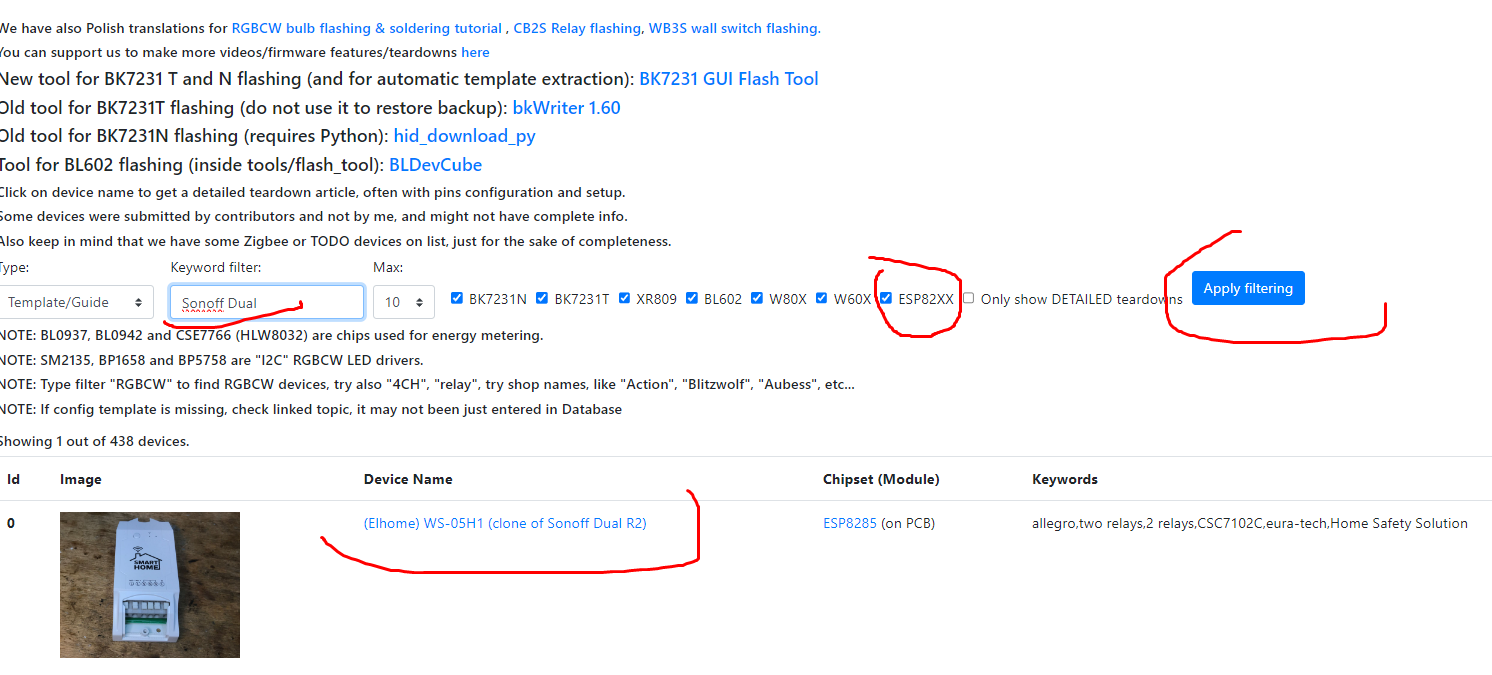
    Our electrode list of interior IoT devices was created to share such information. If you type Sonoff there, WS-05H1 pops up:
    Screenshot showing an IoT devices list filtering Sonoff Dual.
    https://openbekeniot.github.io/webapp/devicesList.html
    Helpful post? Buy me a coffee.
📢 Listen (AI):

FAQ

TL;DR: WS-05H1 (Sonoff Dual R2 clone) costs about PLN 60 (~€14) [Elektroda, p.kaczmarek2, post #20842487] and can be flashed to Tasmota in under 5 minutes; "great platforms for DIY" [Elektroda, krzbor, post #20842730] Why it matters: Local firmware frees you from cloud lock-in and adds sensor GPIOs.

Quick Facts

• MCU: ESP8285 with 1 MB integrated flash [Espressif Datasheet, 2023] • Power: Isolated flyback PSU, 85-265 VAC input [Elektroda, p.kaczmarek2, post #20842487] • Relays: Typical 10 A @ 250 VAC Songle SRD-05VDC-SL-C [Songle Datasheet] • Extra GPIOs: GPIO9 & GPIO10 available on header [Elektroda, p.kaczmarek2, post #20842487] • Street price: PLN 60–70 retail (≈€14–16) [Elektroda, p.kaczmarek2, post #20842487]

What is the WS-05H1 and how does it compare to the original Sonoff Dual R2?

WS-05H1 is a re-branded Sonoff Dual R2; even the PCB still reads “Sonoff.” Housing, two relays and ESP8285 match the original, so templates and enclosures are interchangeable [Elektroda, p.kaczmarek2, post #20842487]

Which microcontroller and memory does the board use?

The module uses an ESP8285—an ESP8266 variant with 1 MB embedded SPI flash, eliminating an external flash chip [Elektroda, p.kaczmarek2, #20842487; Espressif Datasheet, 2023].

How do I enter bootloader mode for flashing?

Hold Button 0 (wired to GPIO0) low while powering the board. This pulls GPIO0 to ground and starts the UART bootloader [Elektroda, p.kaczmarek2, post #20842487]

Can you give a 3-step serial flashing procedure?

  1. Solder 3.3 V, GND, RX, TX, and a temporary wire to Button 0/GPIO0.
  2. Press Button 0, power the board, then run esptool.py write_flash 0x0 tasmota.bin.
  3. Reboot, connect to the Tasmota AP, and configure Wi-Fi.

Is the power supply safe for human contact?

Yes. Unlike many cheap Wi-Fi relays, WS-05H1 uses an isolated flyback converter plus fuse, varistor and CY cap, reducing shock risk [Elektroda, p.kaczmarek2, post #20842487]

Which firmware options work besides Tasmota?

Any ESP8266 firmware—ESPHome, OpenBeken, SUPLA—flashes fine via serial. Users already run SUPLA for Polish smart-home setups [Elektroda, MarekS6, post #20846393]

What GPIOs remain free for sensors?

GPIO9 and GPIO10 appear on the expansion header; they can read DS18B20, DHT11/22 or drive LEDs under Tasmota without code changes [Elektroda, p.kaczmarek2, post #20842487]

What load can the relays handle?

The onboard Songle SRD-05VDC-SL-C relays are rated 10 A @ 250 VAC or 15 A @ 125 VAC [Songle Datasheet]. Keep switching spikes low to extend relay life.

Edge case: what if you forget to remove GPIO0 jumper after flashing?

The ESP will stay in bootloader mode at every reboot, appearing “dead.” Remove the jumper and cycle power to resume normal operation [Espressif Bootloader Guide, 2023].

Why solder a pin header instead of loose wires?

Gold-pin headers allow repeated firmware or debug sessions without resoldering, saving pads from lifting; “soldering cables directly … is asking for vengeance” [Elektroda, MarekS6, post #20846393]

Can I perform OTA updates later?

Yes. After serial flashing, enable OTA in Tasmota or ESPHome. Updates then take ≈90 s over Wi-Fi, no disassembly needed [Tasmota OTA Docs].

Where can I still buy Dual-style modules now that Sonoff discontinued them?

Search for WS-05H1 or similar clones on AliExpress or local platforms; community device lists flag them as replacements [Elektroda, p.kaczmarek2, post #20850030]

How does it integrate with Home Assistant?

Tasmota auto-discovers via MQTT; ESPHome provides native API. Setup takes under two minutes once Wi-Fi is configured [Home Assistant Docs].

Are smaller relay modules a better choice?

Smaller boards fit junction boxes but often lack isolation and secure cable clamps. WS-05H1 trades size for safer PSU and stronger terminals [Elektroda, p.kaczmarek2, post #20842487]
Generated by the language model.
ADVERTISEMENT