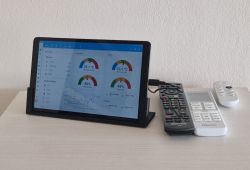
.
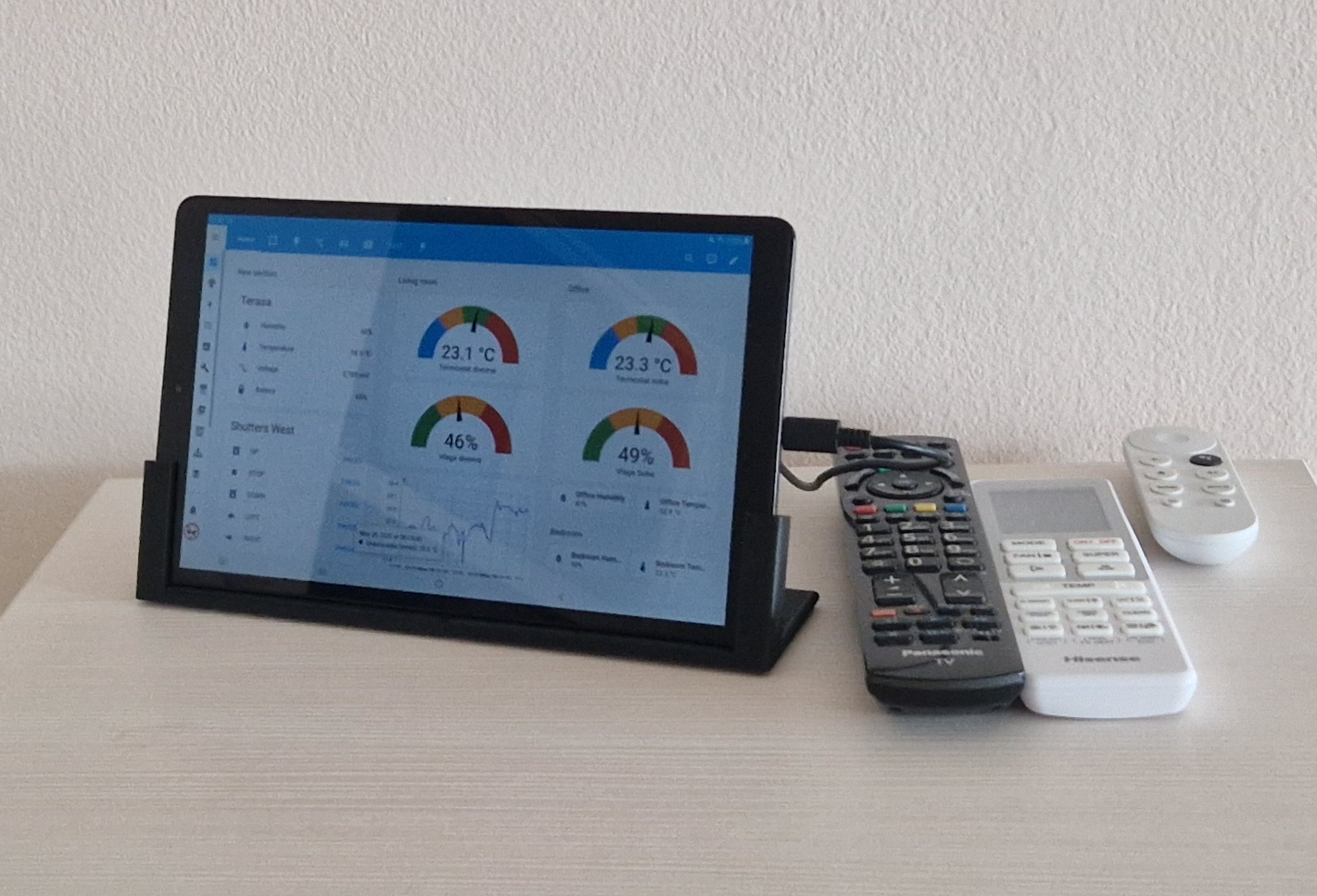
Have an old tablet that's been sitting in a drawer for years collecting dust? Give it a second life and turn it into a control panel for the Home Assistant - the mini project shown here is very simple, and gives you full control over your own home automation. You don't even need a dedicated app - a simple web browser will do. I will show here in practice what this can look like.
The starting point is a working touchscreen tablet. Probably many of us have one that is either already too weak for today's applications or, for example, has problems with the range or the cell inside. Already at this stage we have 90% of the fun ready to go. We used the Samsung Tab A10 (SM-T510) for the presentation.
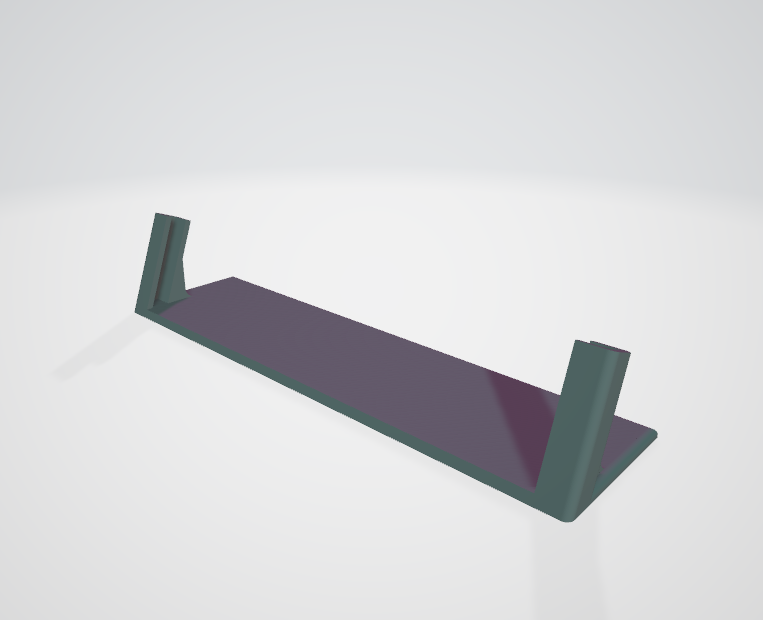
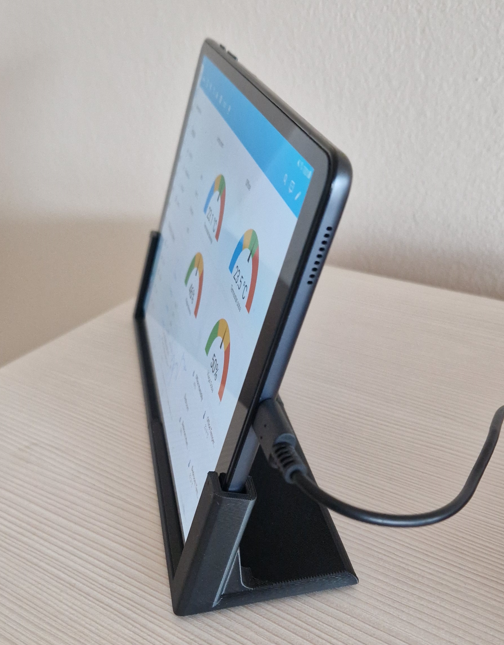
Now all that's left to do, according to preference, is to disable or select screen blanking in the settings, log in to our HA panel and place the link on the desktop and prepare the power station. You can use a 3D printer for this:
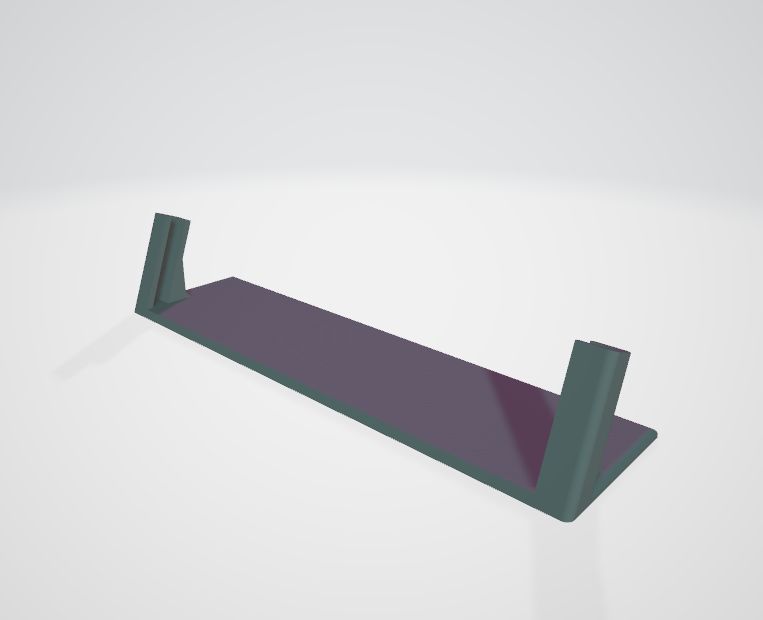
.
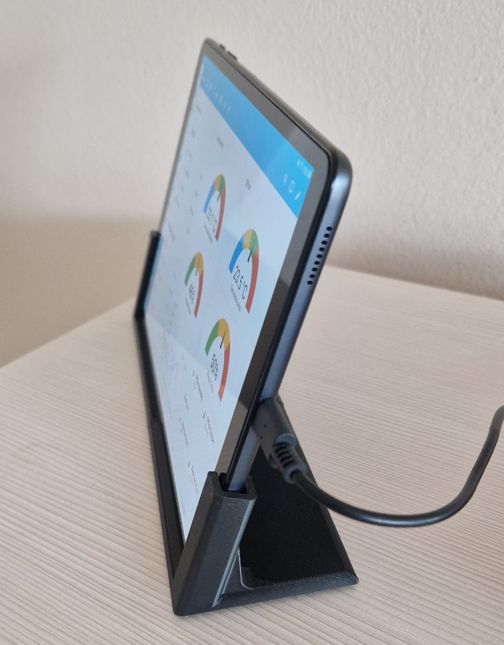
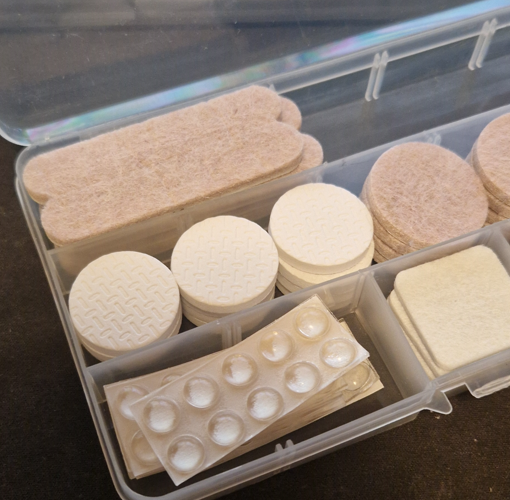
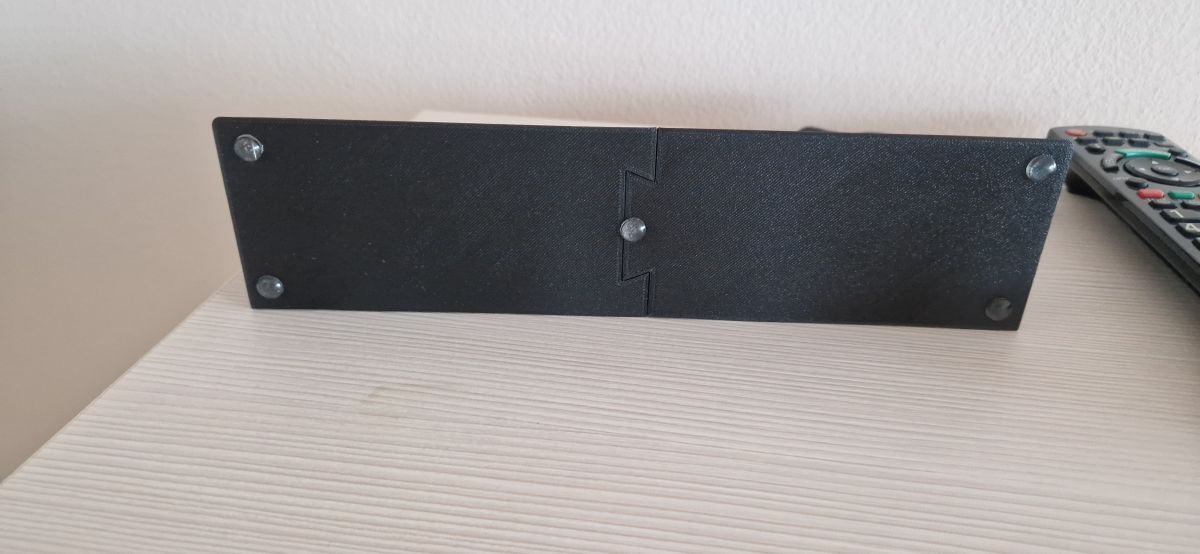
Depending on our taste, we can choose a wall mount or a stand on a table or desk. In the case of a desk stand, the legs will also be useful:
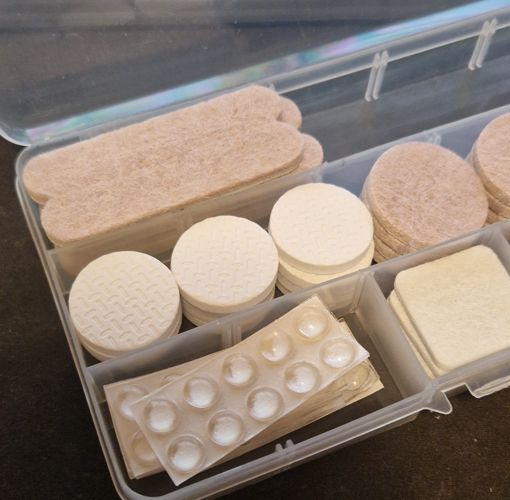
.
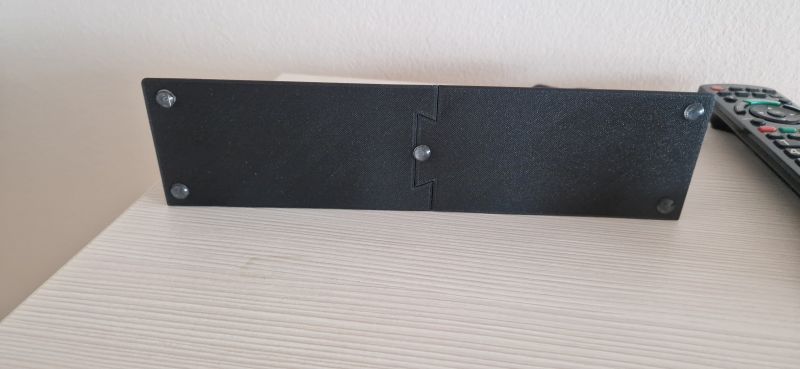
.
At this stage we already have a virtually finished project, although here you can still think about optimising the cabling and buy at least an angled USB connector, or you can even go a step further and plug in the power supply from the back of the tablet. This, of course, only if you feel up to opening it up and reworking it.
.
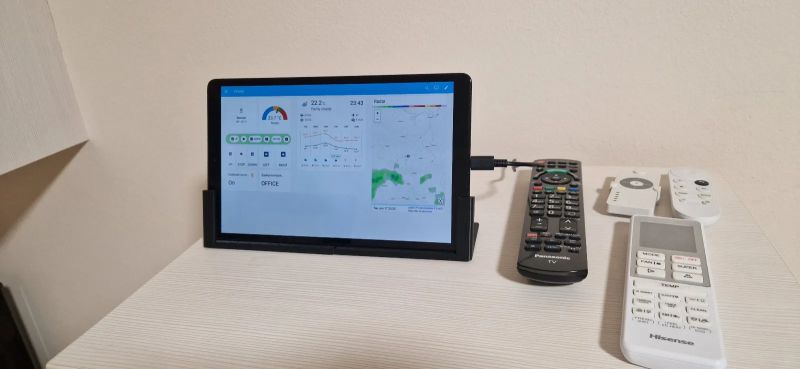
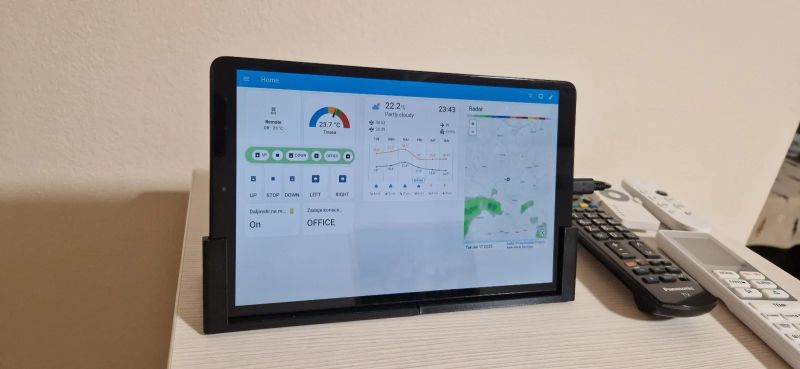
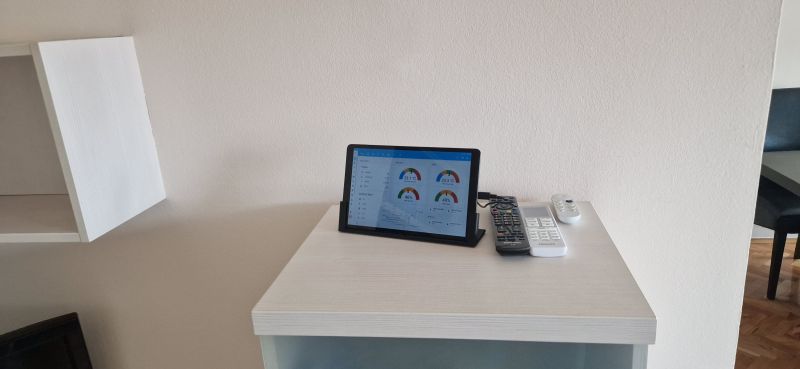
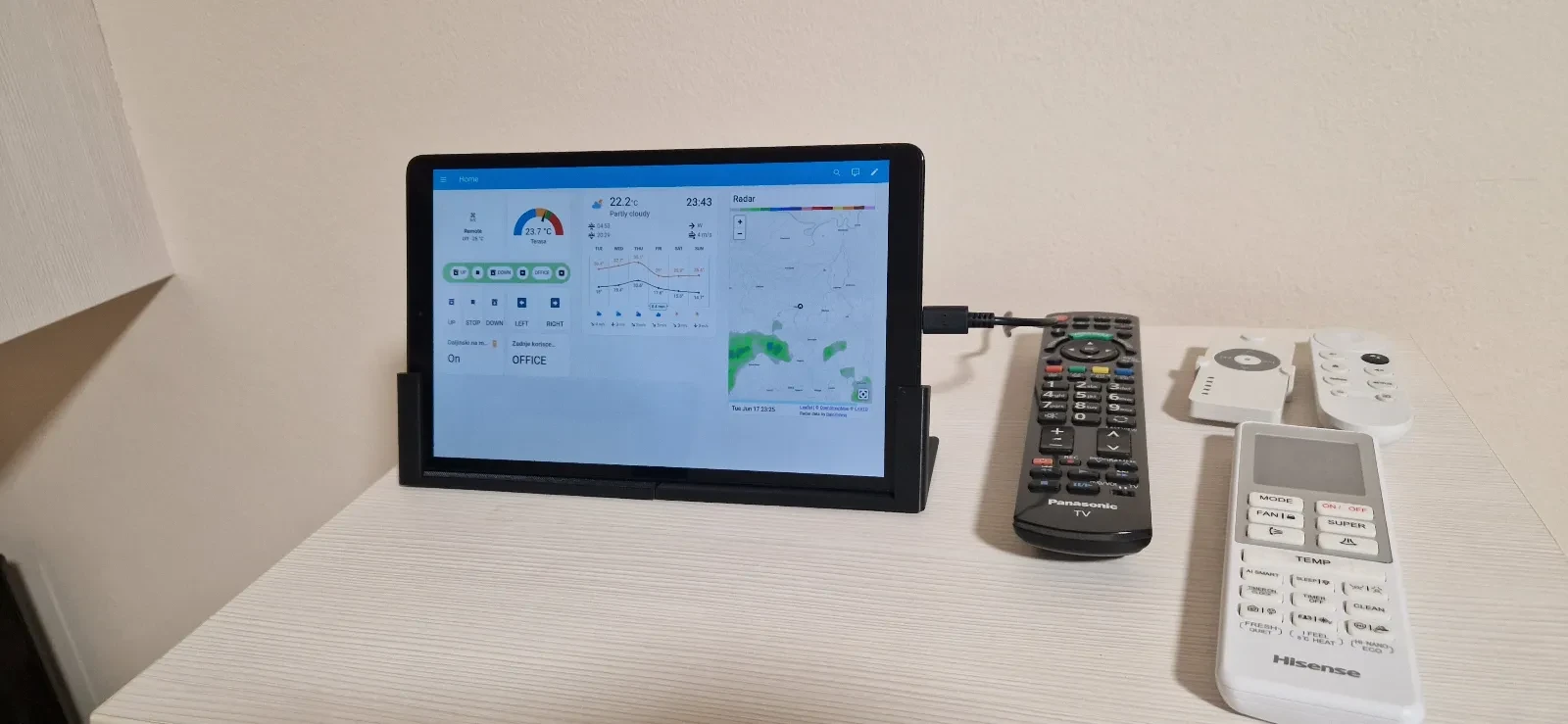
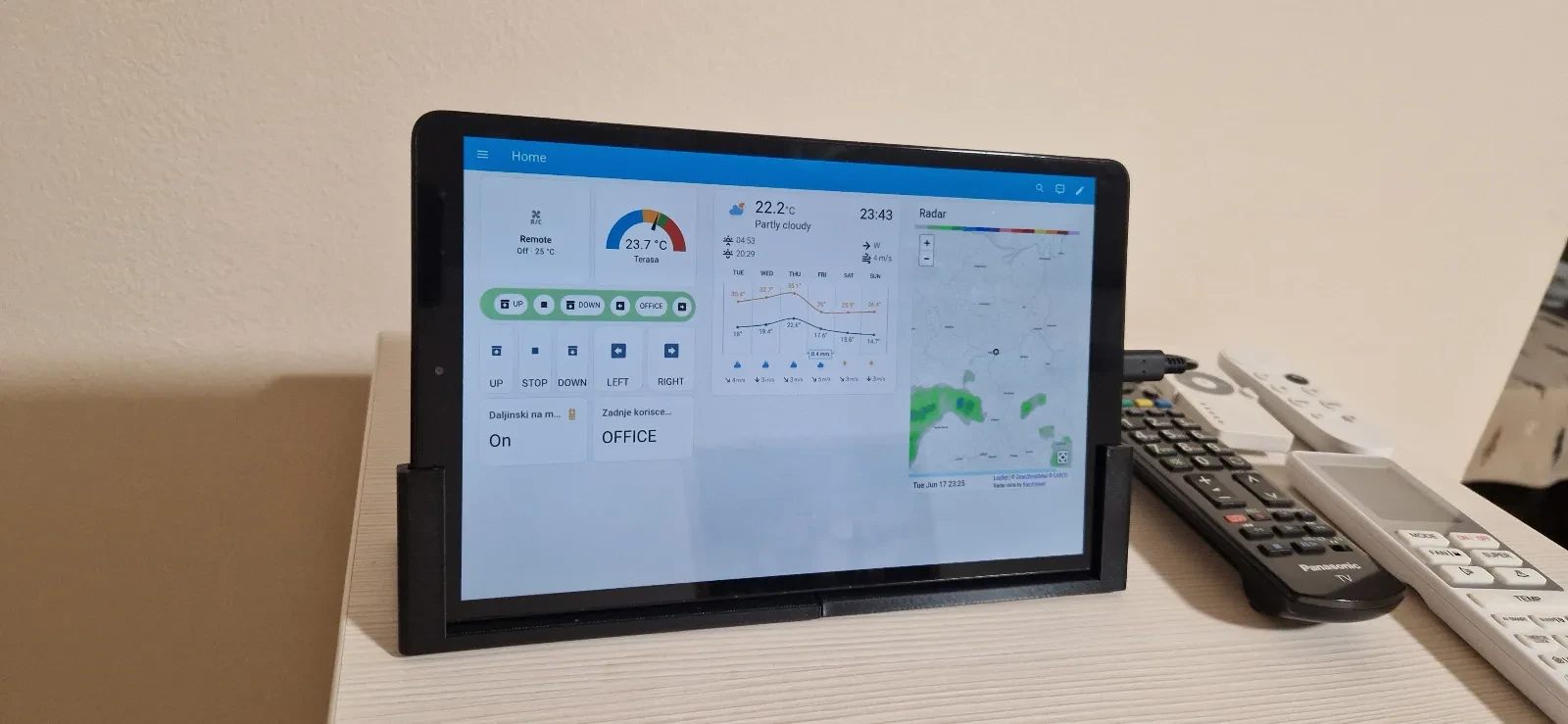
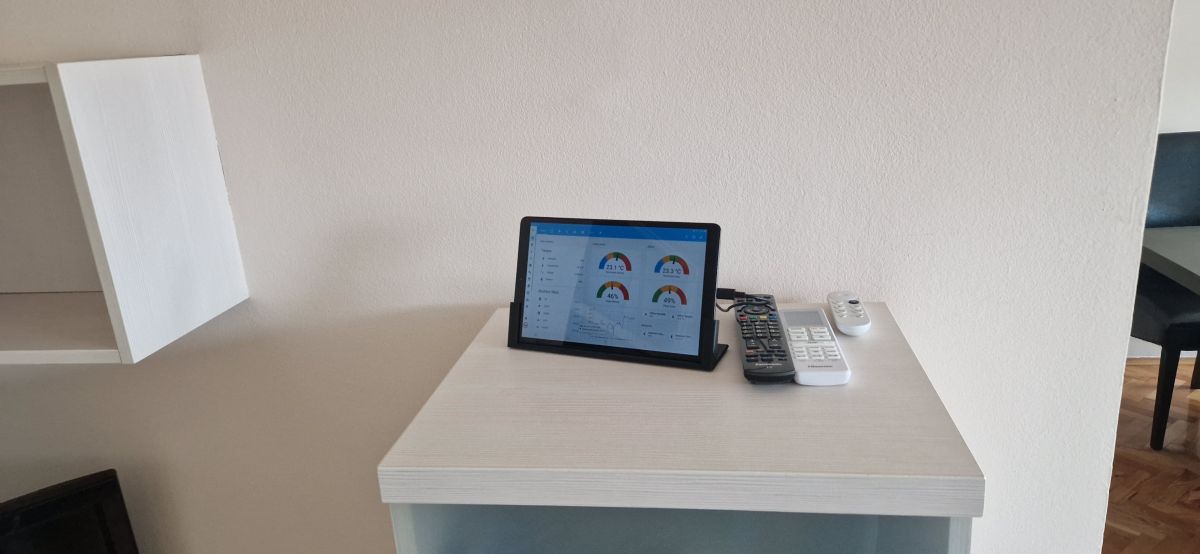
The end result depends on what we set ourselves on the Dashboard and Home Assistant views, below are examples from us:
.
.
.
In summary , this was probably the simplest DIY I've ever shown on the forum, but at the same time you have to admit that the result is quite good. I was motivated to publish by a post in one of the topics about
Waveshare boards . I intend to cover the HA GUI in more detail separately in the future, but this will already be shown independently of the tablets.
I invite you to comment - or have you tried converting an old tablet into a control panel? What experiences have you had with this, what form of attachment and power supply have you chosen? .
PS: Photos are courtesy of @dedamraz .







Comments
That "old" tablet from the description is a 2019 Samsung with an 8 core processor and Android 9 (maybe it got an update to a newer one, I haven't looked). How this is old hardware is beyond me. Turns out... [Read more]
Modern websites, applications and also browsers are simply getting more and more resource-intensive and it is hard to do anything concrete about it. I myself deplore this and often try to run and speed... [Read more]
This is why the HA website doesn't work on old tablets. Nothing online works and it doesn't go to upgrade: Android WebView. https://play.google.com/store/apps/details?id=com.google.android.webview [Read more]
I did the same with an old tablet installed HomeHabit. Unfortunately it drained the battery due to being connected to the charger all the time and I had to do a quick rewrite to turn the charger on/off... [Read more]
Here an example of using a home TV, to present data from the HA. Specifically, from Grafana. To present the data, Pi0W is used. https://www.youtube.com/watch?v=DmhyVHaGkN8 [Read more]
. I chose a wall mount so that no cables are visible, and it looks like this: https://obrazki.elektroda.pl/6528223000_1750336137_thumb.jpg . The mount on the tablet side looks like this: https://obrazki.elektroda.pl/3789225900_1750336233_thumb.jpg... [Read more]
My solution is to buy a case for the tablet. We remove the cover from the case, as we are only interested in the plastic frame. The frame is screwed to the wall and the tablet can be easily inserted ro... [Read more]
. A good solution is Fully Kiosk Browser which integrates very nicely with HA. Unfortunately, the options package that allows you to use it to its full potential is paid, but it can be enabled for free,... [Read more]
. I wonder to what extent it would be possible to simply plug into the battery socket with the power supply. At the moment I don't know if or how these batteries report their presence - whether there's... [Read more]
. It's not that simple. There really is miniaturisation there, with the battery plugged in with tape (no normal cables). [Read more]
. Retaining the existing battery means that we have a mobile device all the time, in my case with the magnetic connector of the tablet I can simply detach it from the wall and use it as a remote control... [Read more]
How did you do the detection? [Read more]
The home assisant additionally runs in the background on the tablet, and the tablet exhibits its battery status as another sensor. That is, the tablet is an additional user. After that, only automation... [Read more]
I simply replace the cells with cells in steel cases - they never swell, and they have the ~700mAh From simple solutions you can also give a diode before the battery. There is usually no control there,... [Read more]
. I've done exactly the same thing at my place, and additionally introduced a charging counter. Every fifth charge the tablet charges to full, the socket turns off when the entity state changes from... [Read more]
Hello. Instead of using the HA app and Full Kiosk you can use the WallPanel app. It is unfortunately not in the Google Store and you have to install from github Link . There is motion detection by... [Read more]
You have shown how to make a tablet stand , and how about control applications . it seems to me that this should be the main topic. Greetings Wlodek [Read more]
Home Assistant tutorial: Home Assistant tutorial - configuration, WiFi, MQTT, Zigbee, Tasmota . Tasmota step by step: ESP8266 and Tasmota - WiFi relay control step by step List of IoT devices... [Read more]
The disadvantage of these apps is that they are based on webview, ha on older ones does not even load. I had to download chrome on my android 6 picture frames, on its built-in engine it works. [Read more]