logo elektroda
logo elektroda
X
logo elektroda

Remote-controlled "smart" strip with USB C and QC? SL-PS27 - test, interior, Home Assistan

p.kaczmarek2  1 1014 Cool? (+12)
📢 Listen (AI):

TL;DR

  • The SL-PS27 “smart” power strip offers three mains sockets, four USB ports, Wi‑Fi control, and a claimed laptop overload protection feature.
  • Inside, it has an NTC thermistor, an empty varistor place, and a flyback PSU with an 817 optocoupler instead of PSR control.
  • It costs around 100 zł and includes three mains sockets, four USB sockets, and one mains switch.
  • Firmware was changed from Tuya to OpenBeken, then the strip paired with Home Assistant and still delivered 20W at 5V.
  • The strip lacks a visible surge varistor, and the claimed laptop overload protection appears to be only an app timer that switches charging off.
Generated by the language model.
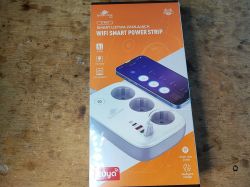
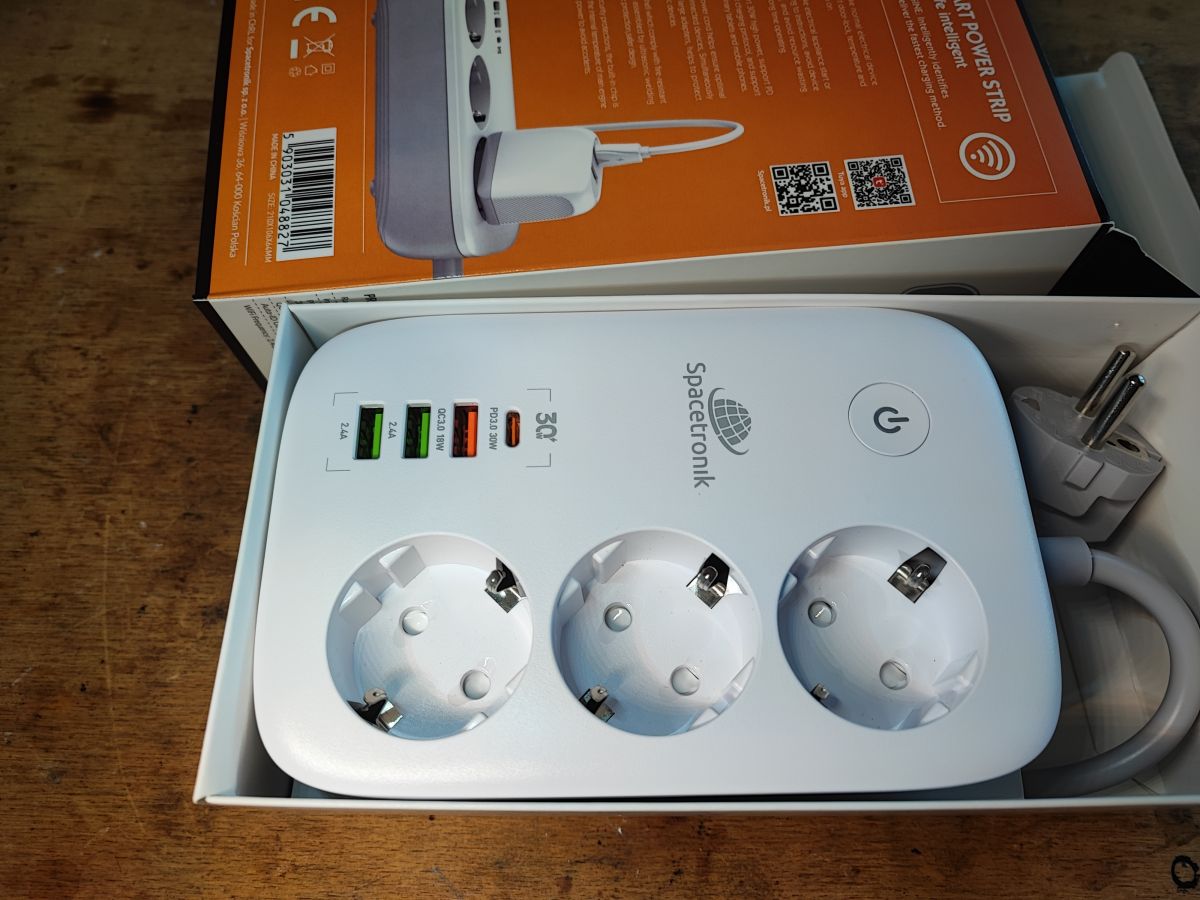
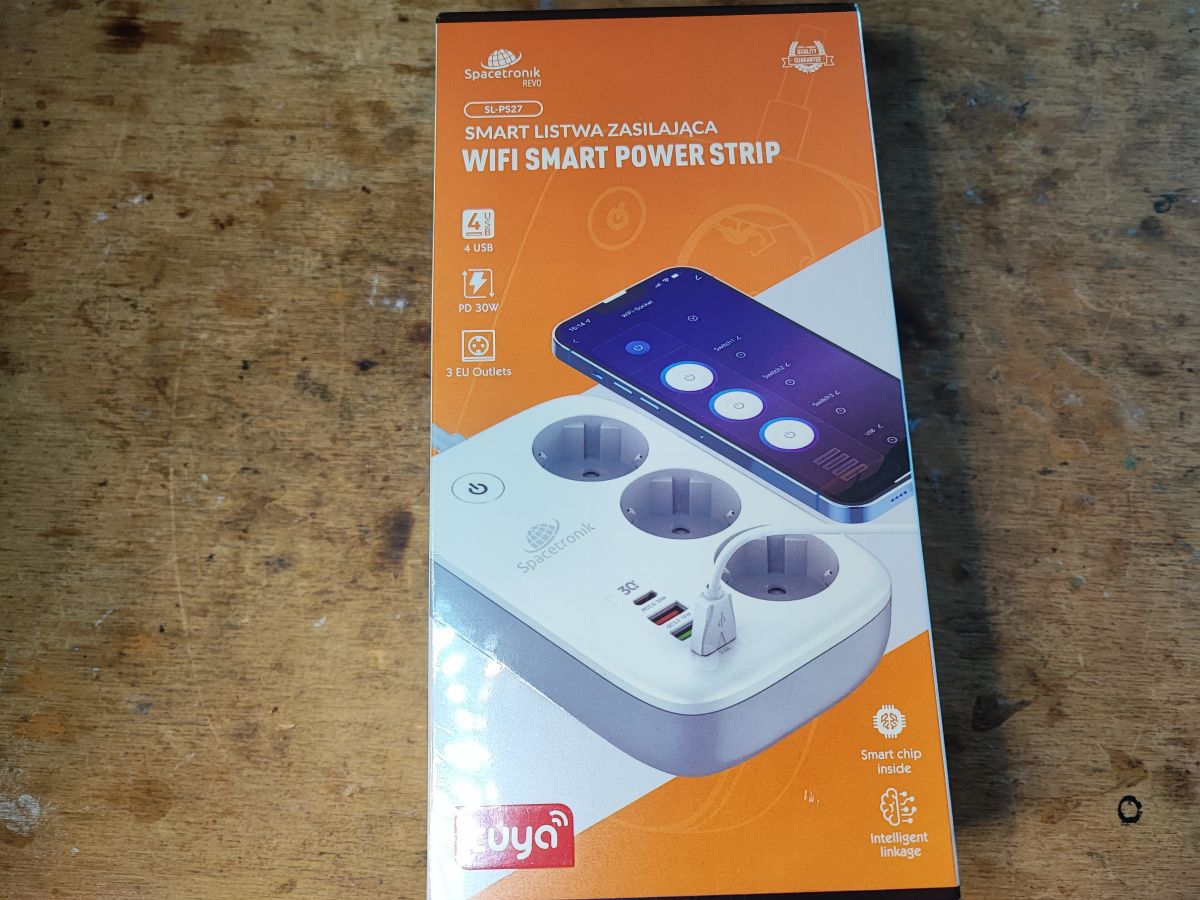
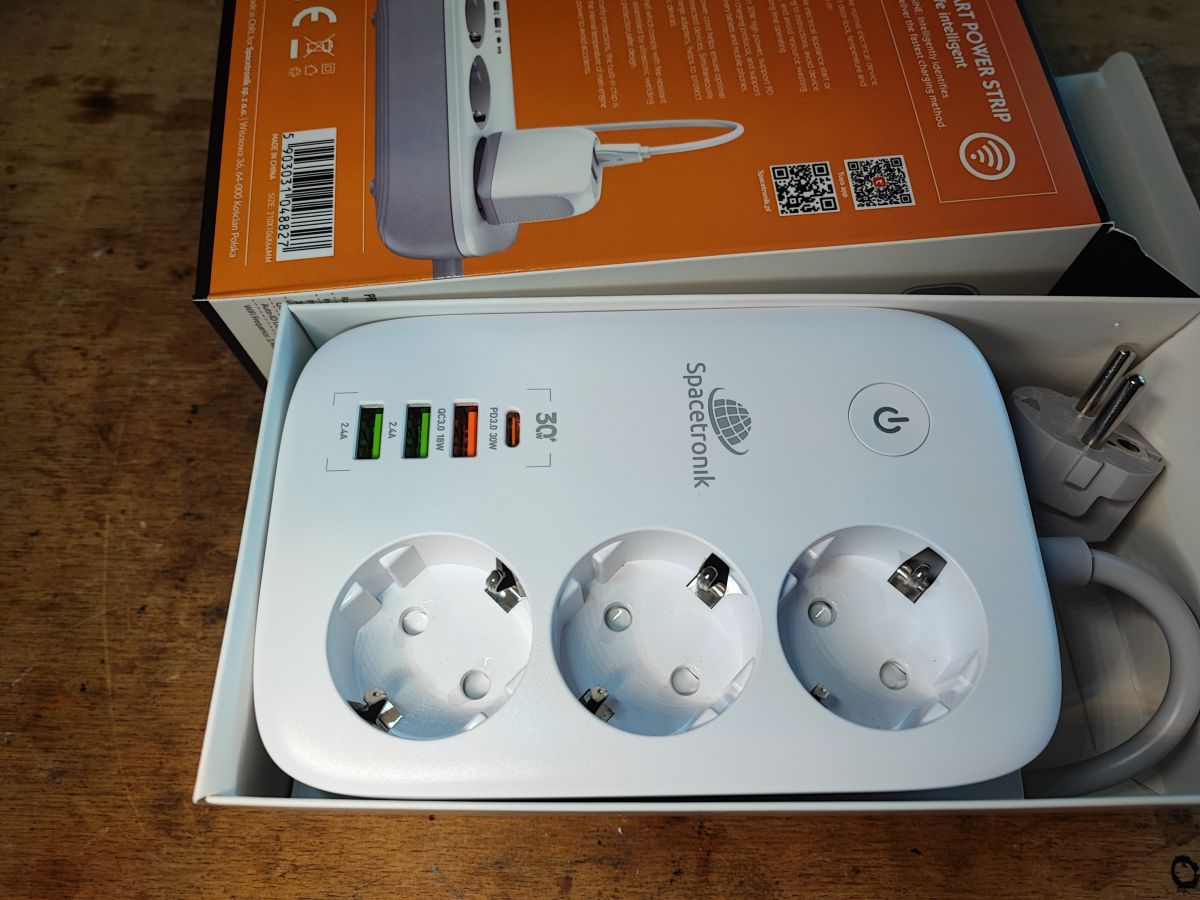
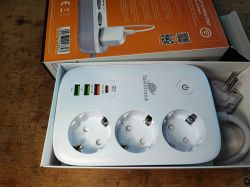
Spacetronik SL-PS27 power strip with 3 sockets and 4 USB ports in a box .
I invite you to a short test, presentation of the interior and change of firmware of the "intelligent" power strip model SL-PS27. By the way, we will also find out what is the "laptop overload protection" that this power strip supposedly offers.

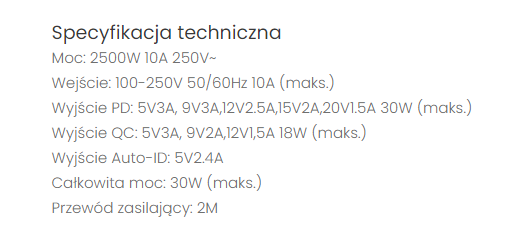
We will start by purchasing the power strip. It costs around 100 zł. For this amount we get 3 mains sockets and 4 USB sockets and one mains switch. What does the seller say about the product?
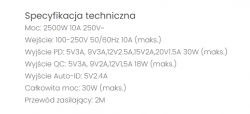
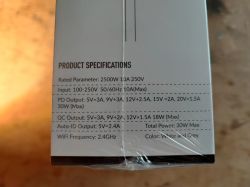
Technical specs of SL-PS27 power strip with 2500W rating and multiple USB outputs .
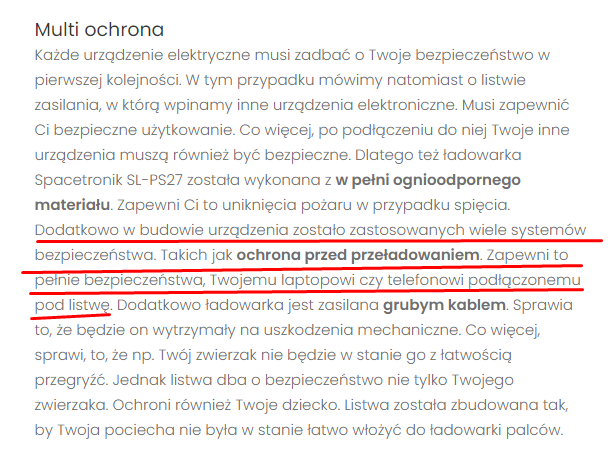
No mention of anti-surge I noticed, but this bit is interesting:
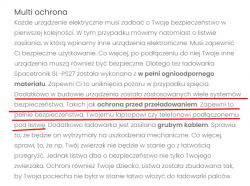
Description of safety functions in the Spacetronik SL-PS27 power strip .
To quote:
Quote:
.
In addition, a number of safety systems have been incorporated into the design of the device. Such as overload protection. This will ensure the complete safety of your laptop or phone connected to the power strip.
f1
.
What's the point here? About the fact that in Tuya you can set a timer that will switch off charging after a certain amount of time? But for what?

So let's see what you get after purchase:
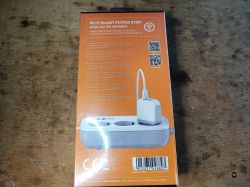
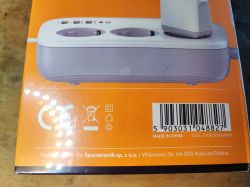
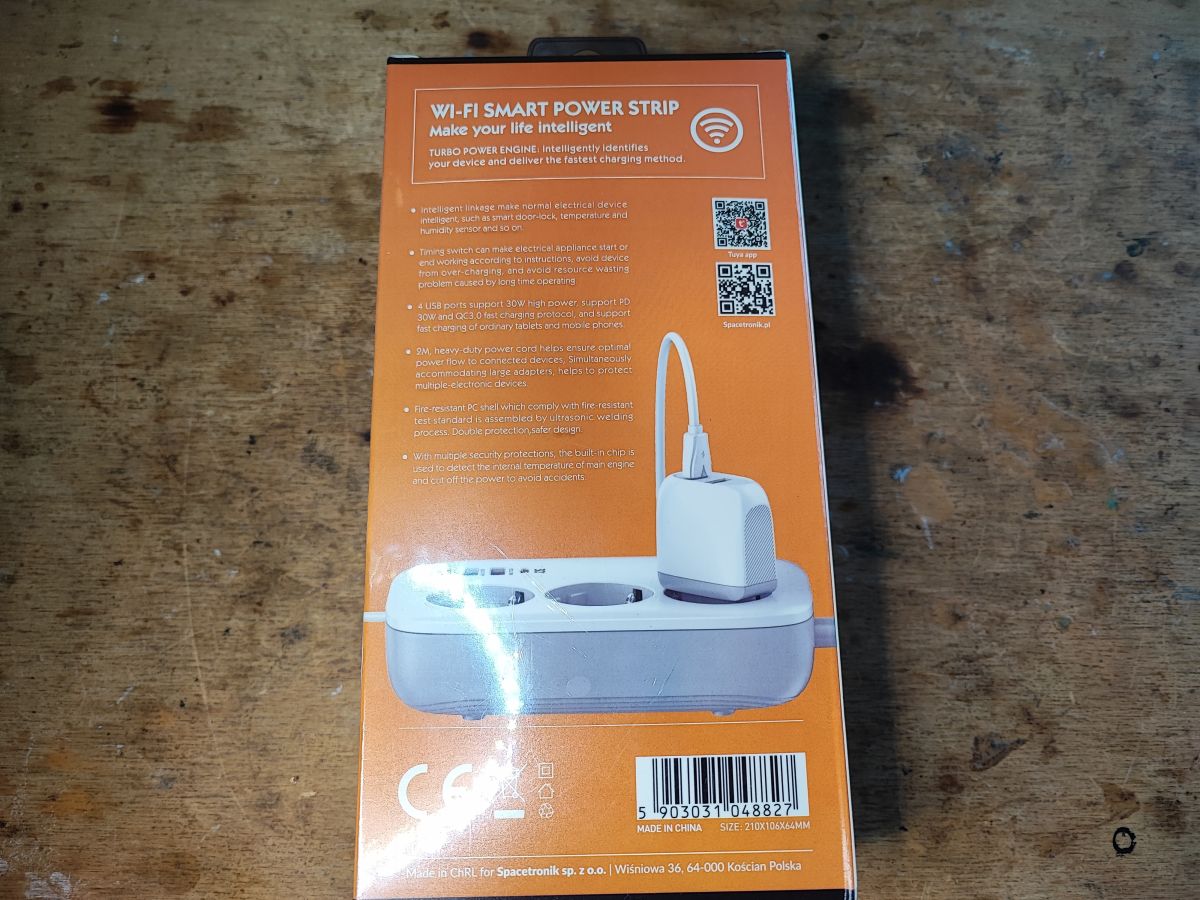
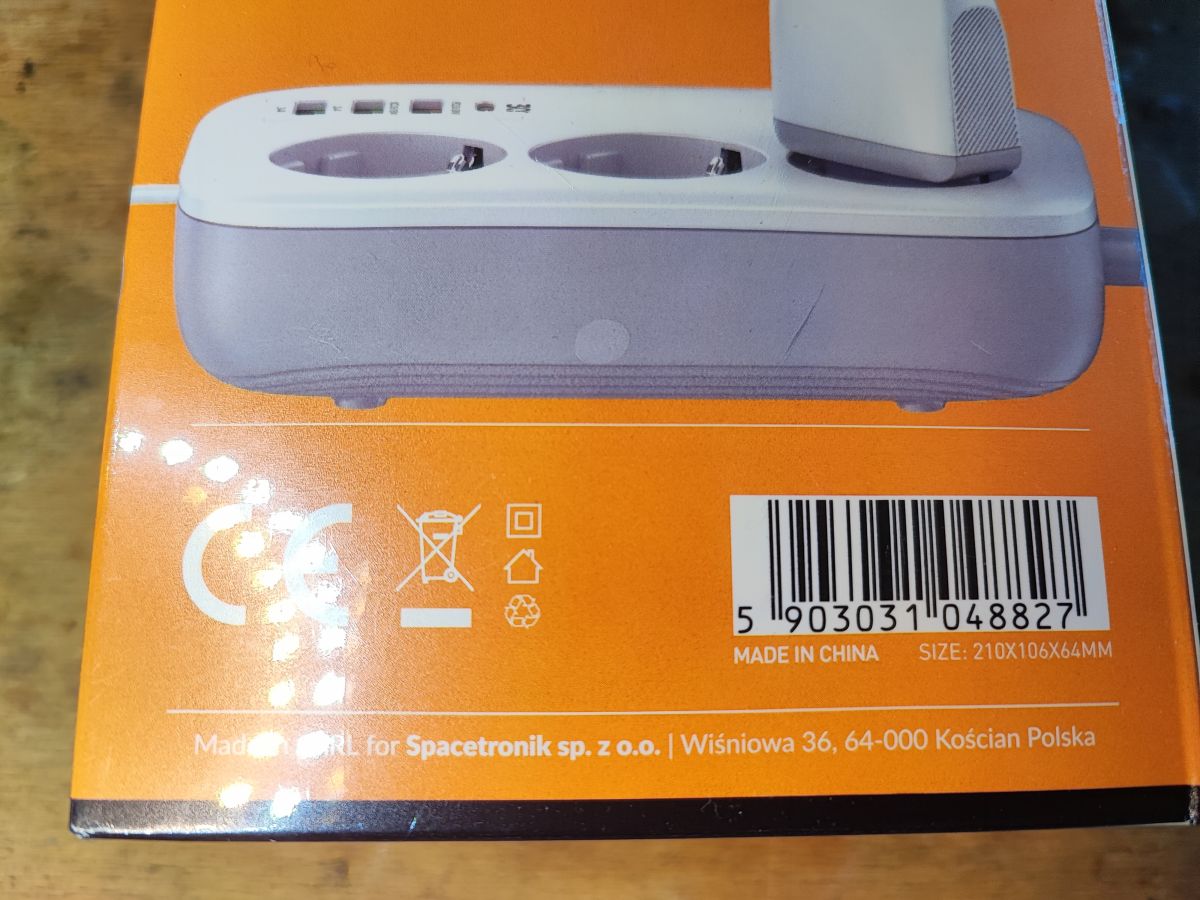
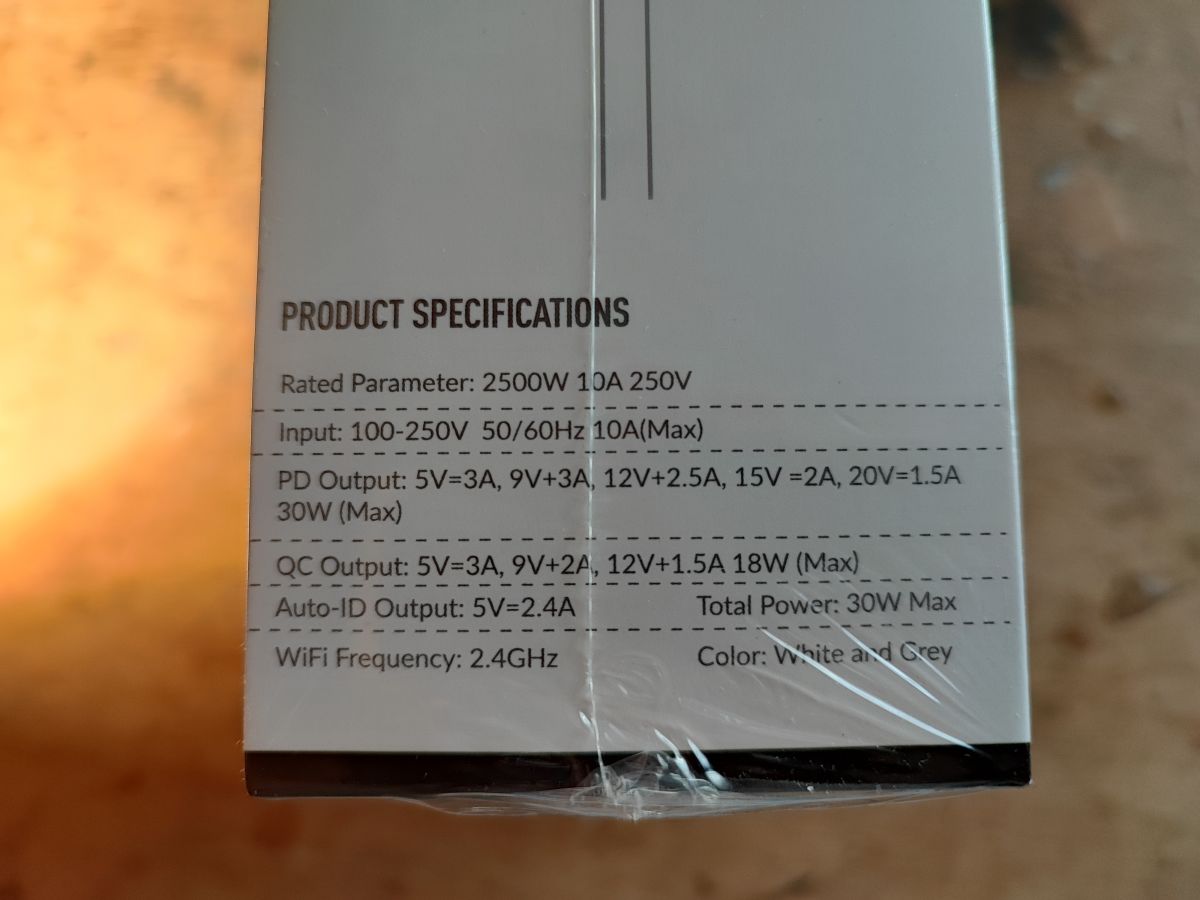
Back of Spacetronik SL-PS27 smart power strip packaging on wooden surface Part of Spacetronik power strip box with barcode and CE symbol Packaging of Spacetronik SL-PS27 smart power strip with WiFi and 4 USB ports. Technical spec label for the SL-PS27 power strip on package. Technical spec label for the SL-PS27 power strip on package. .
Contents:
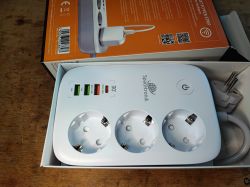
Spacetronik power strip with 3 outlets and 4 USB ports inside the box
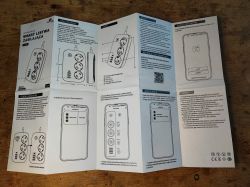
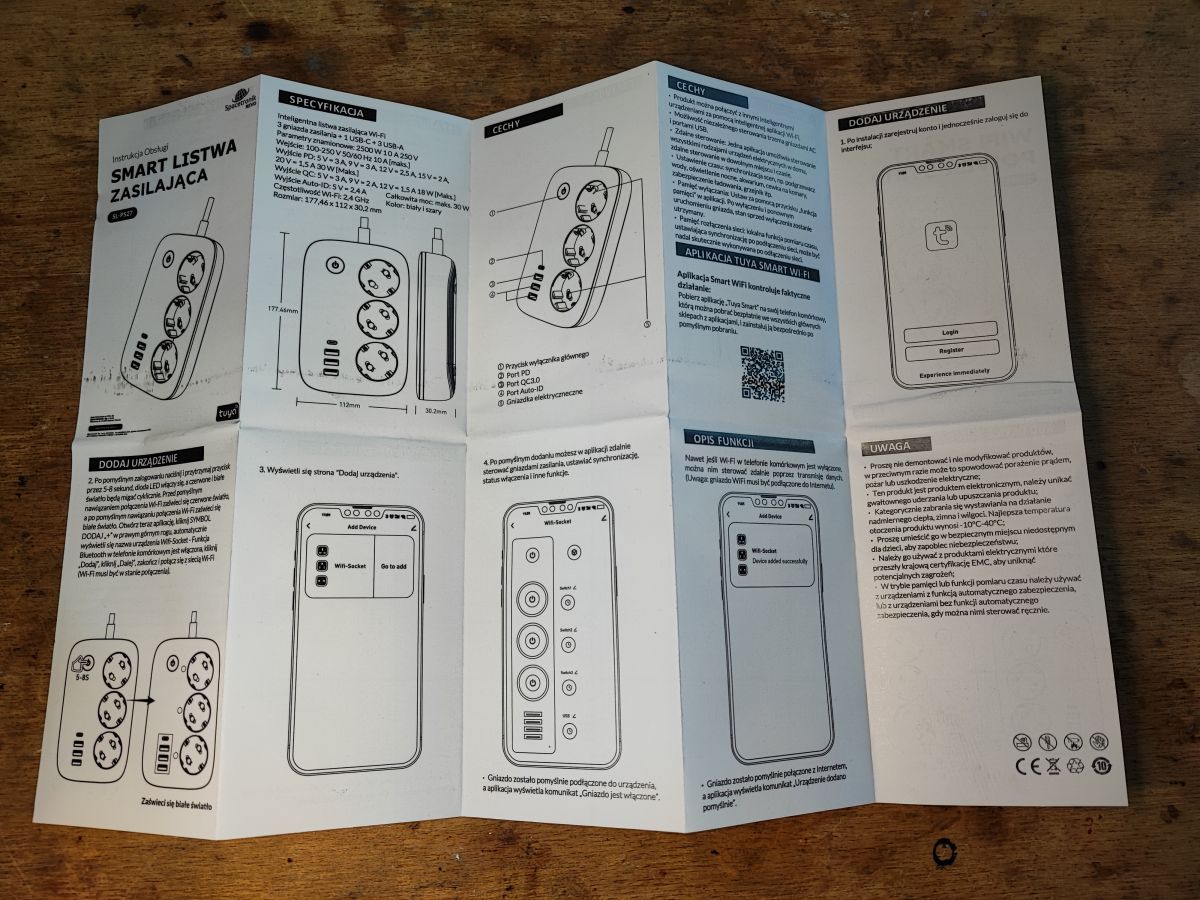
Instructions;
User manual for power strip with illustrations and feature description .
Here we have four remote control channels - three network sockets and collectively all USB.

I skip the tests with the Tuya app, this has been tested many times.

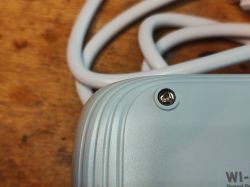
We take a look inside, a special screwdriver will come in handy:
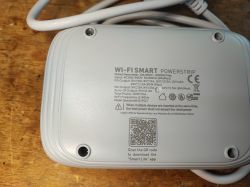
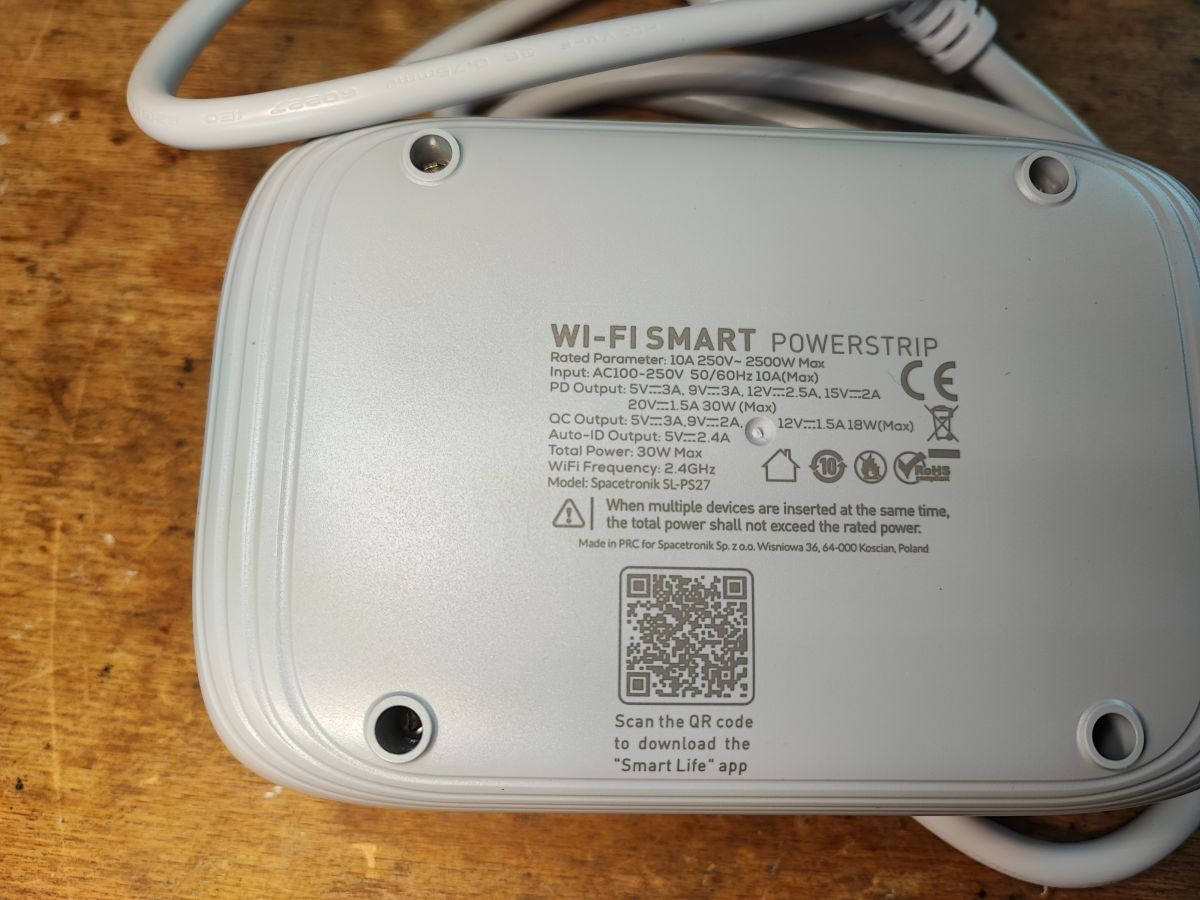
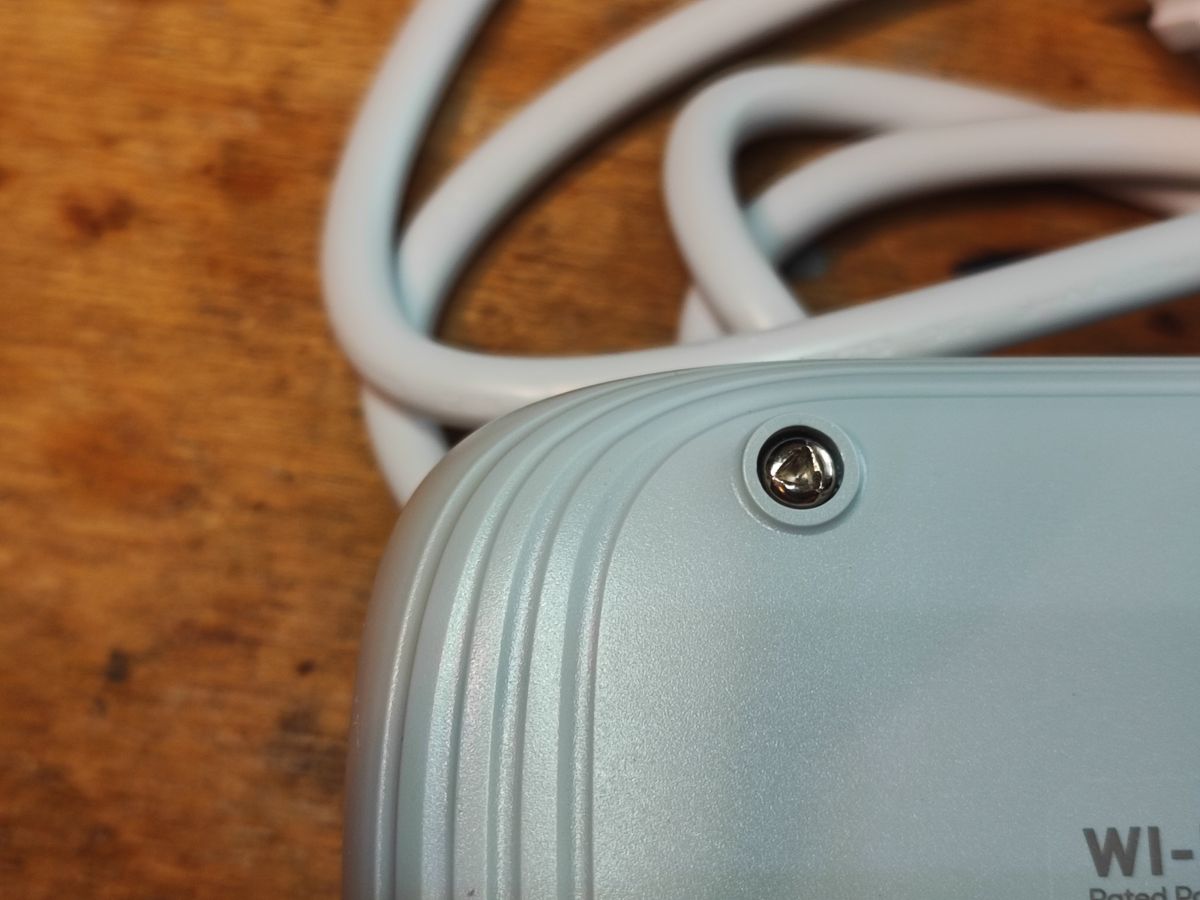
Close-up of SL-PS27 power strip bottom with printed technical specifications Close-up of triangular screw on the SL-PS27 power strip casing .
Remove the cover:
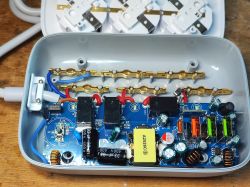
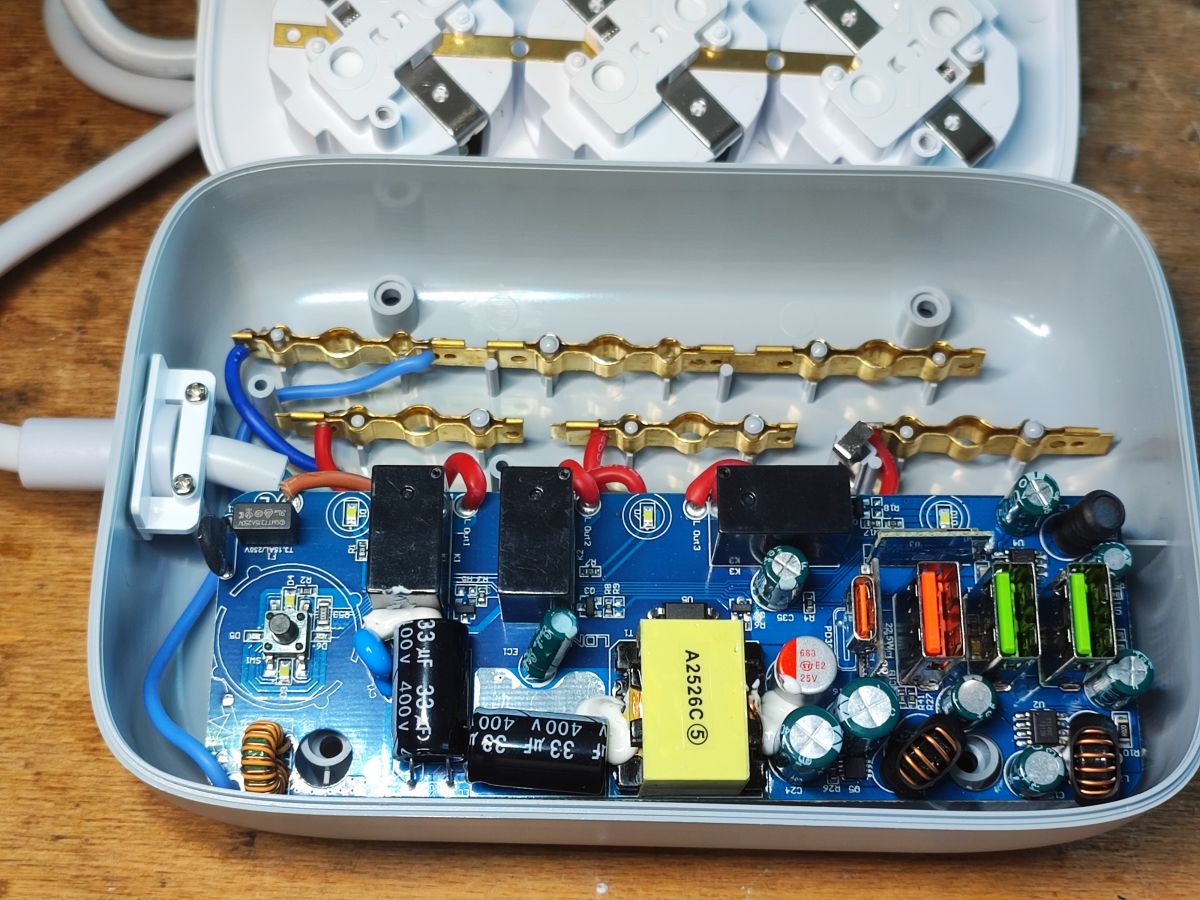
Inside view of SL-PS27 smart power strip showing electronic components and USB ports .
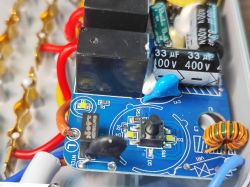
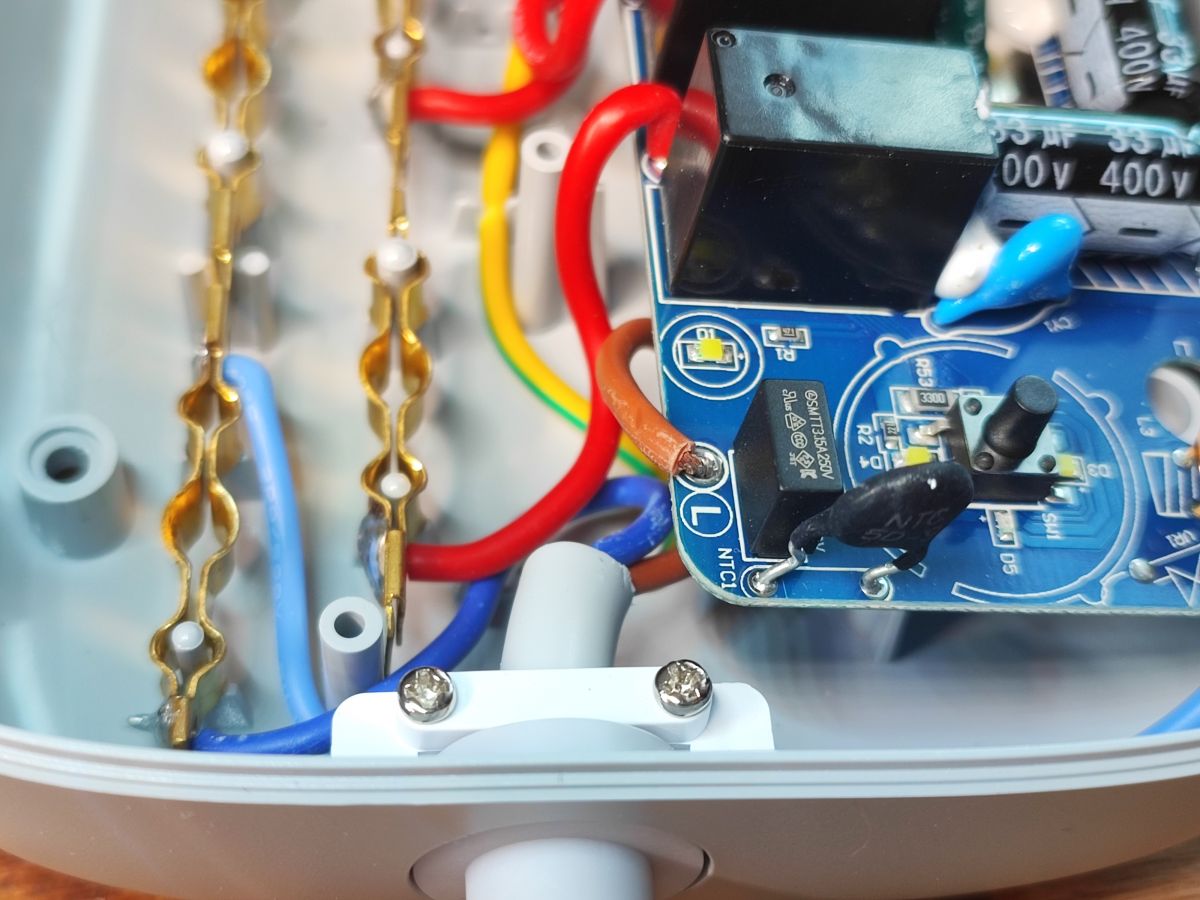
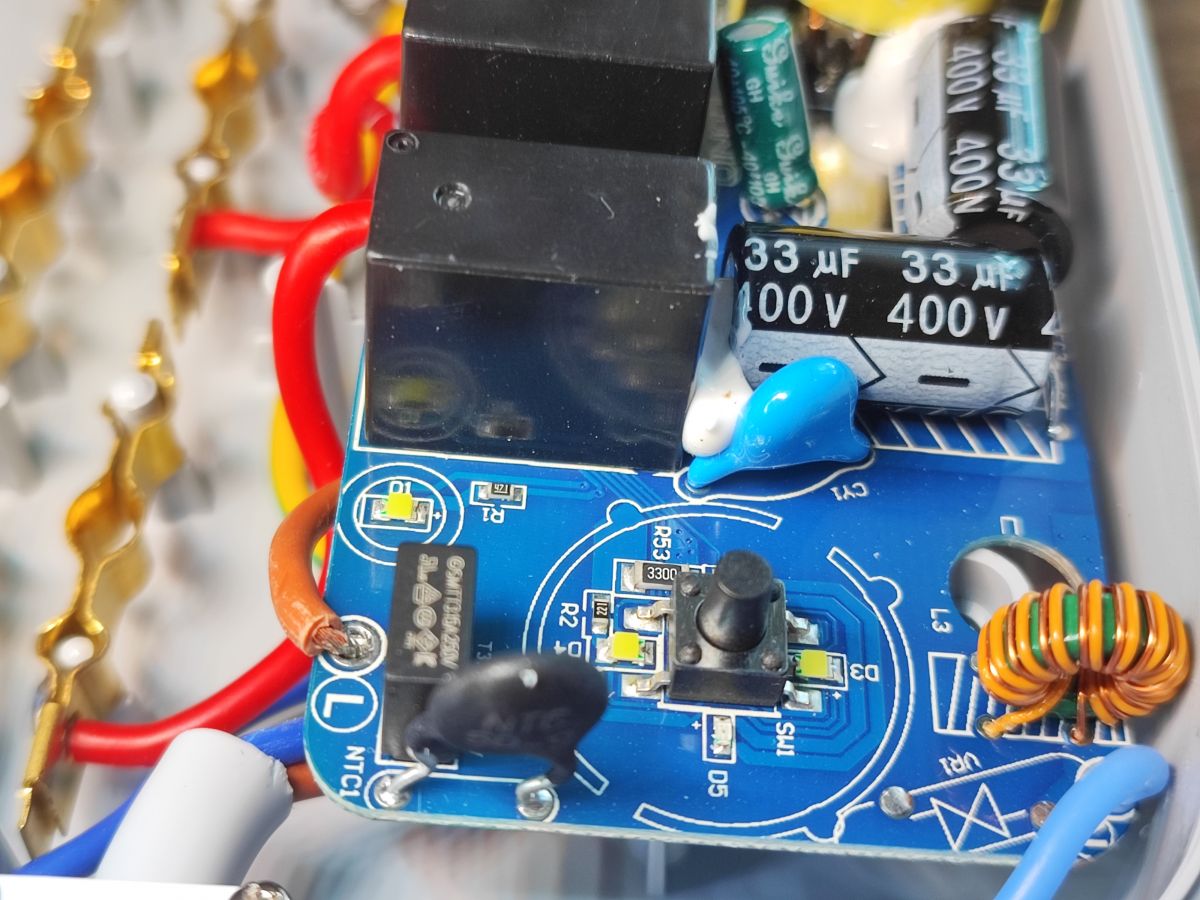
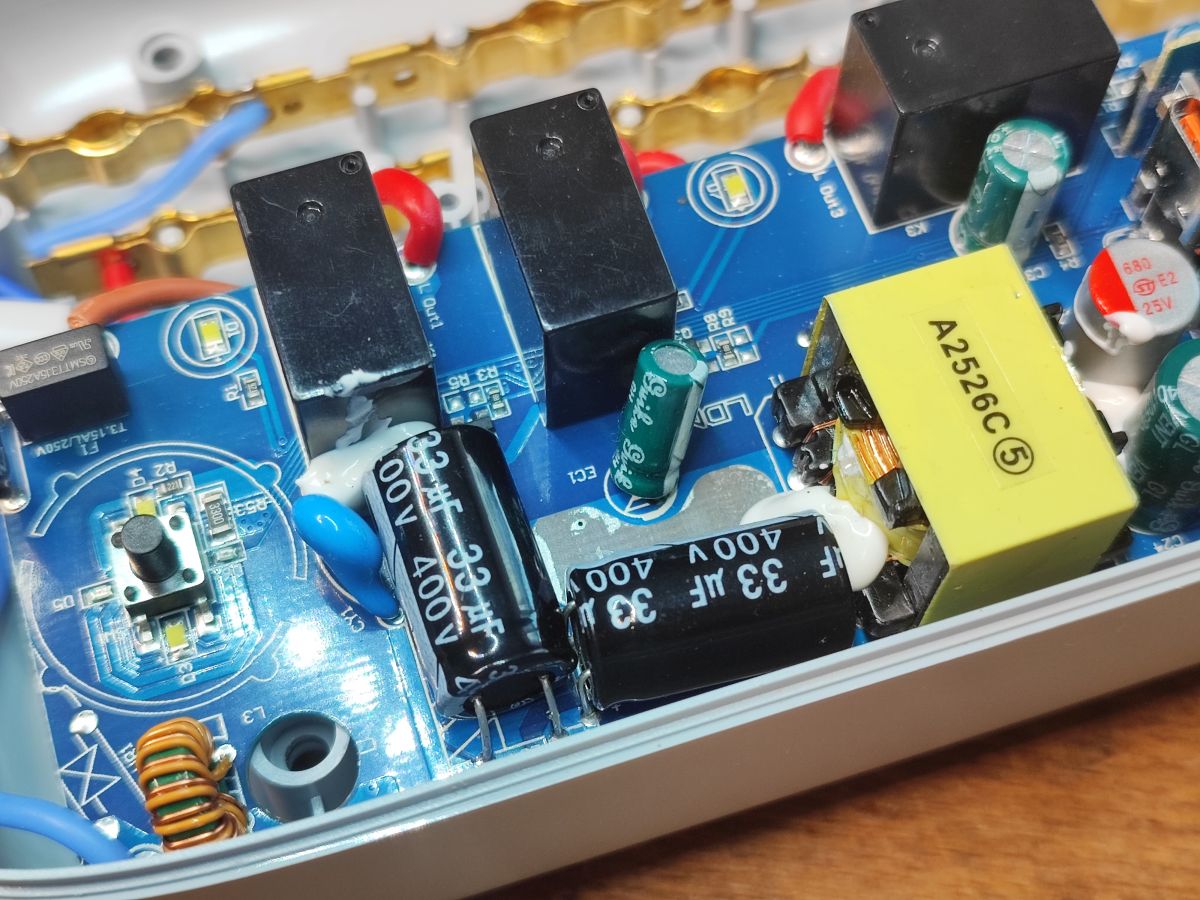
The first thing that catches the eye is the presence of an NTC starting thermistor- better than nothing. Secondly, I also see here that there is no normal on/off switch, this button on the casing only gives the WiFi module the signal that all four relays need to be switched off....
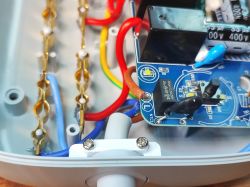
SL-PS27 power strip interior with NTC thermistor and colored wires visible Close-up of SL-PS27 power strip circuit board with capacitors, switch, and wiring.
Well, and you can see (as usual) the empty space for the varistor. Well, because why protect against surges?
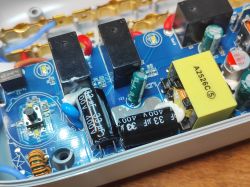
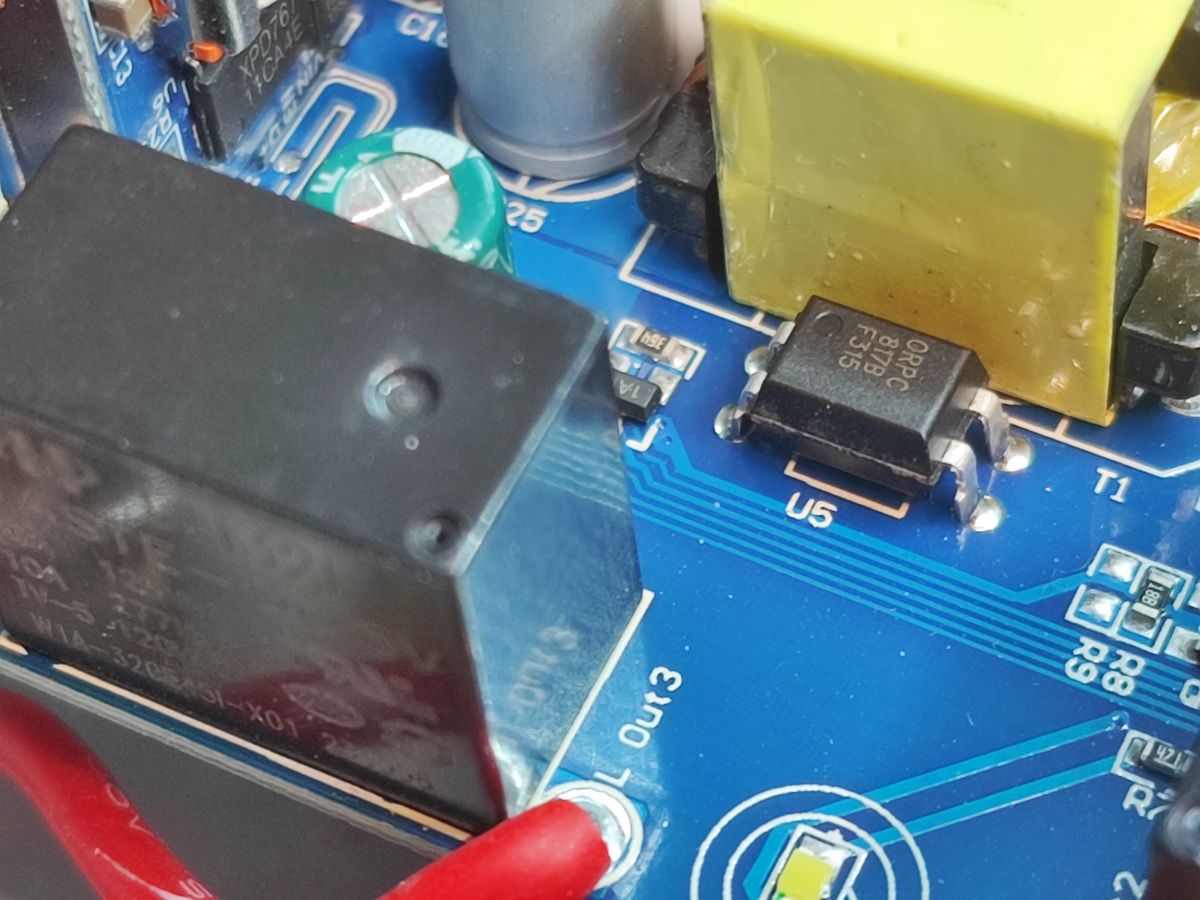
The power supply itself is probably in flyback topology:
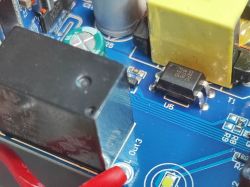
Close-up of electronic components on the SL-PS27 power strip PCB Close-up of power strip interior showing capacitors and A2526C module .
This time it's not the usual budget PSR (Primary Side Regulation), there's an optocoupler here, a classic 817, for feedback from the secondary side.
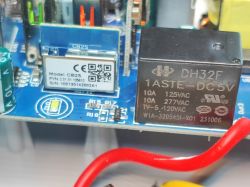
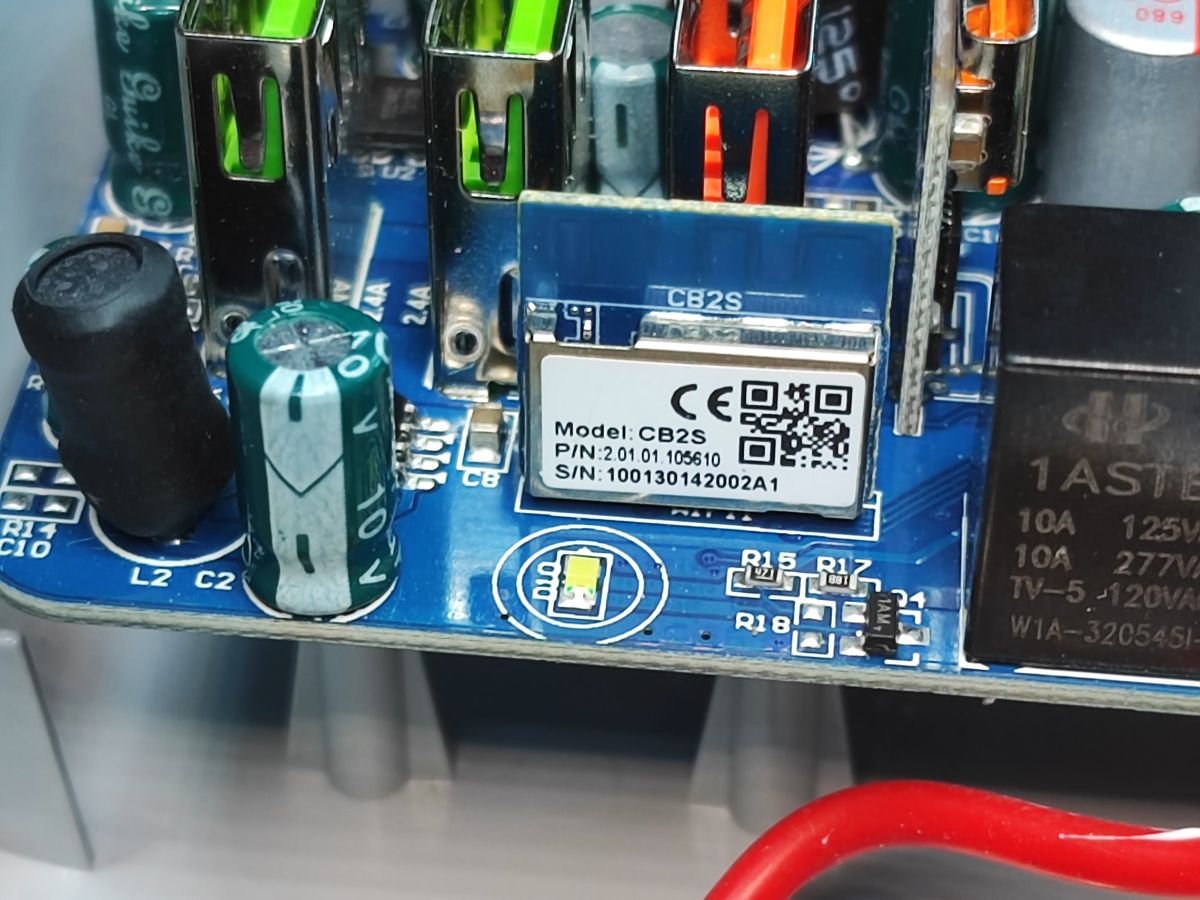
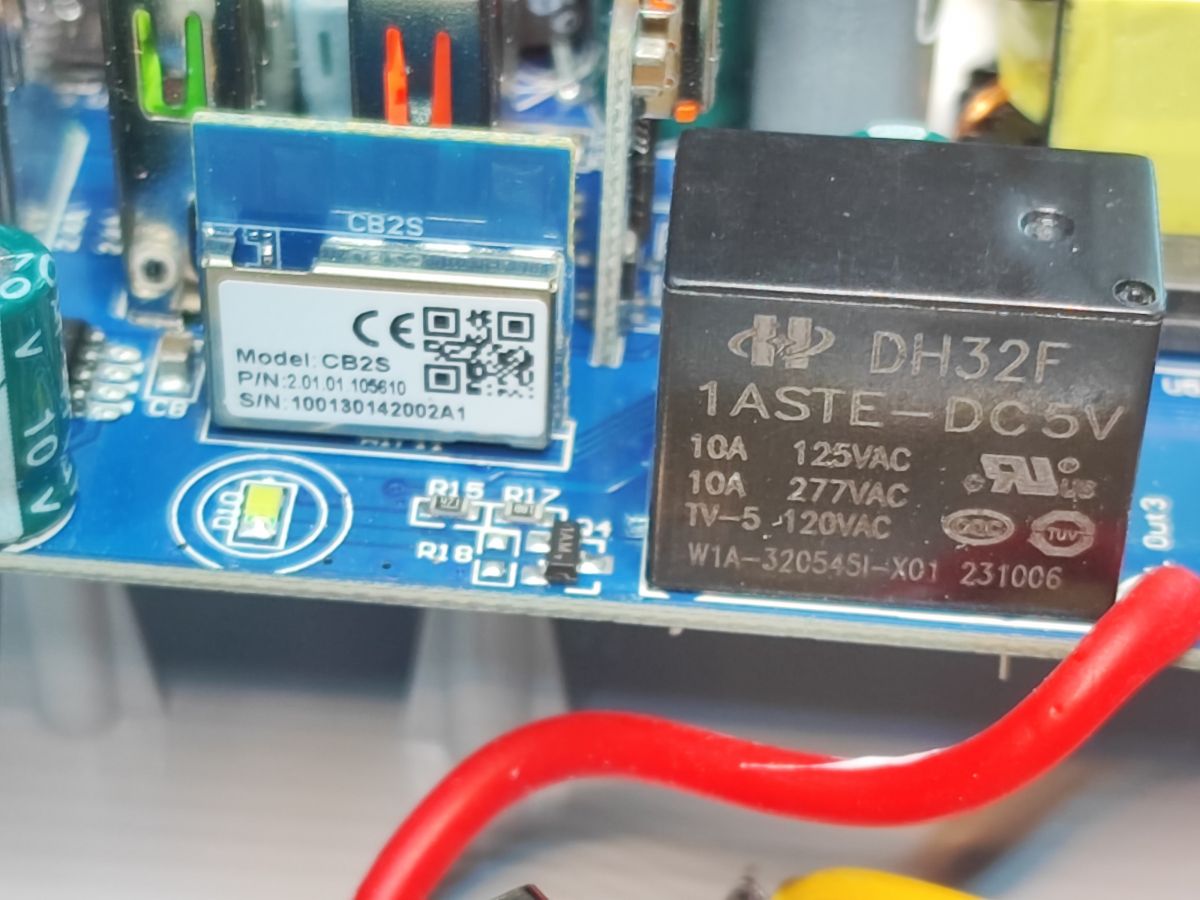
And then there's the WiFi module:
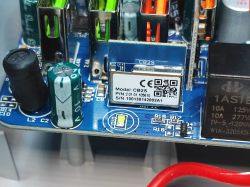
CB2S WiFi module on a power strip PCB with visible electronic components CB2S module and DH32F relay on SL-PS27 power strip circuit board .
OpenBeken can be uploaded on the CB2S, but let's look at the rest of the board first.
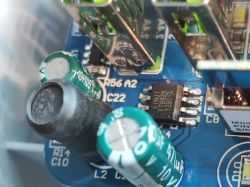
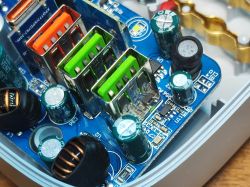
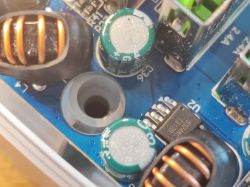
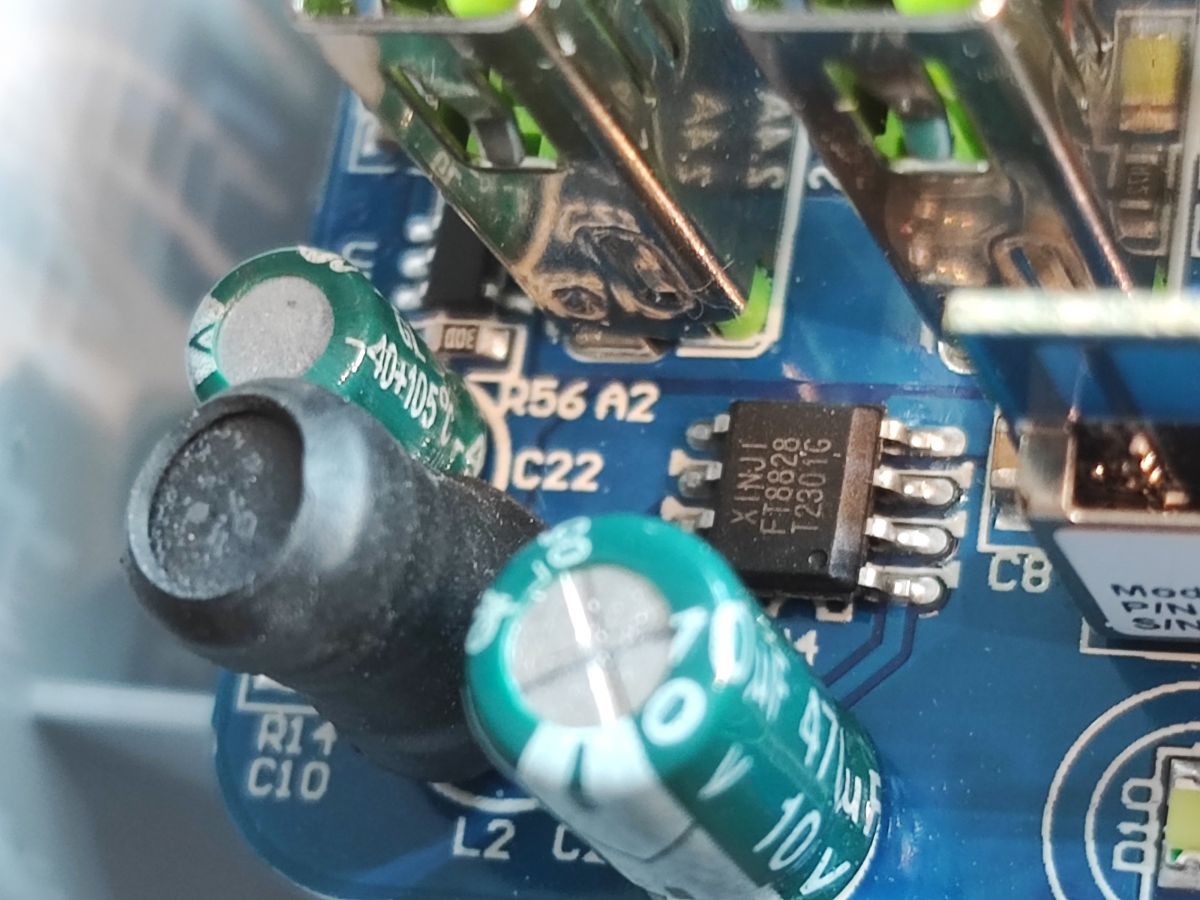
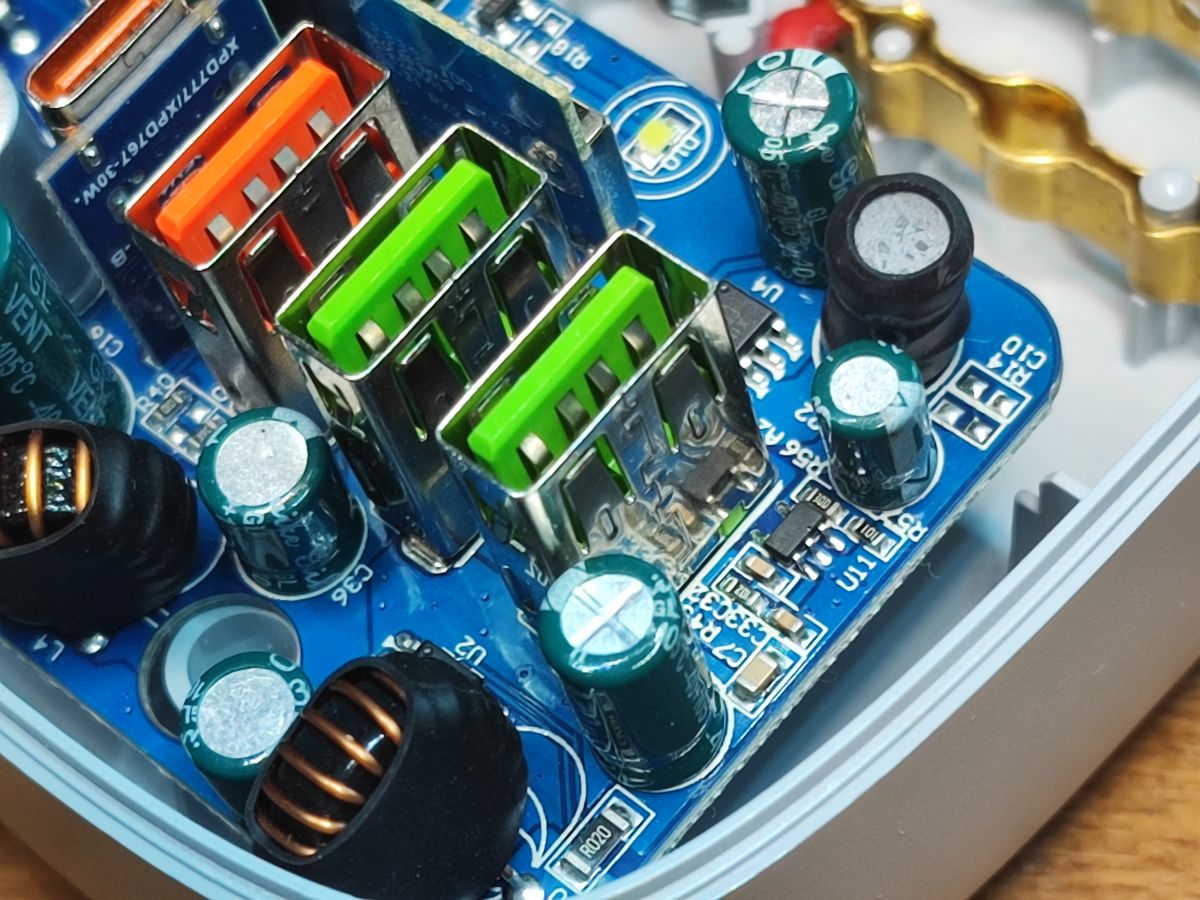
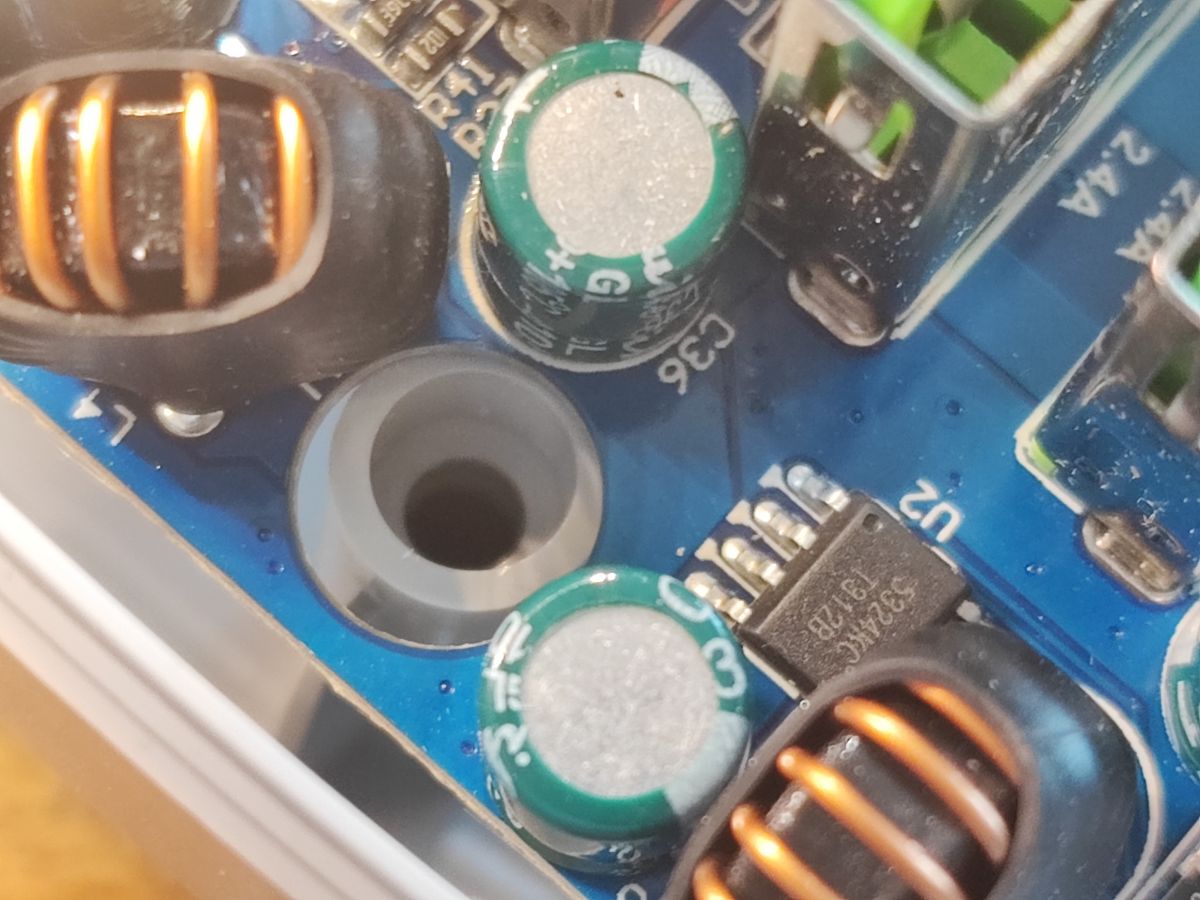
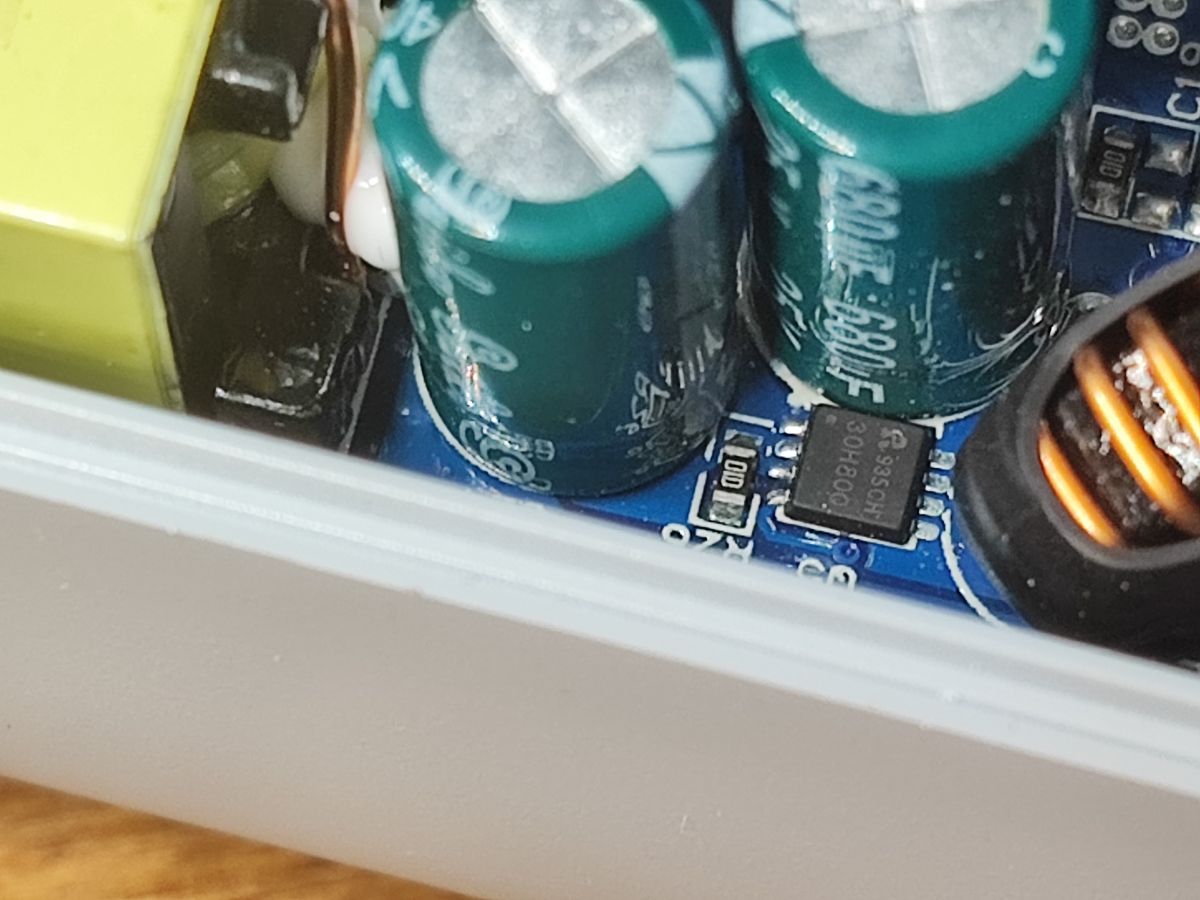
Close-up of FT8828 chip on circuit board with capacitors and USB ports Close-up of SL-PS27 power strip interior with USB ports and electronic components Close-up of electronic components inside SL-PS27 power strip .
What is this MOSFET? Maybe it's what the WiFi module uses to switch on the USB outputs?
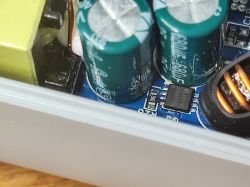
Close-up of electronic components on a power strip SL-PS27 circuit board .
On the USB side I see components suggesting another inverter. This is rather as expected, as QC attached and e.g. 9V on one port should not switch on 9V on the other ports, plus not all ports here have QC. Unfortunately the FT8828 datasheet note was not found, maybe someone will have more luck?
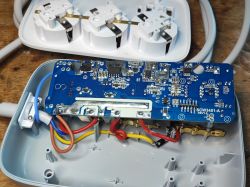
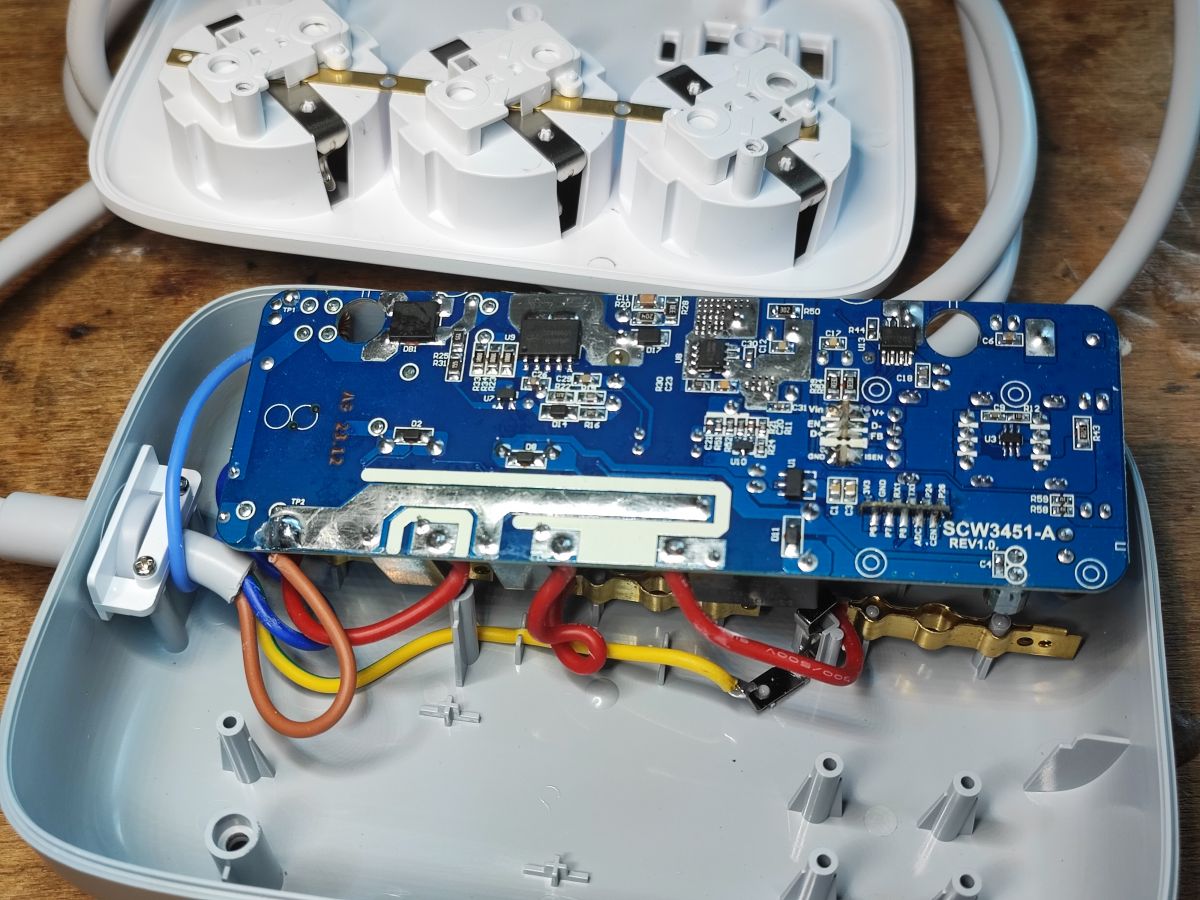
Interior of a disassembled power strip showing PCB SCW3451-A REV1.0 .
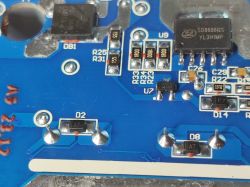
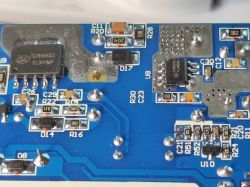
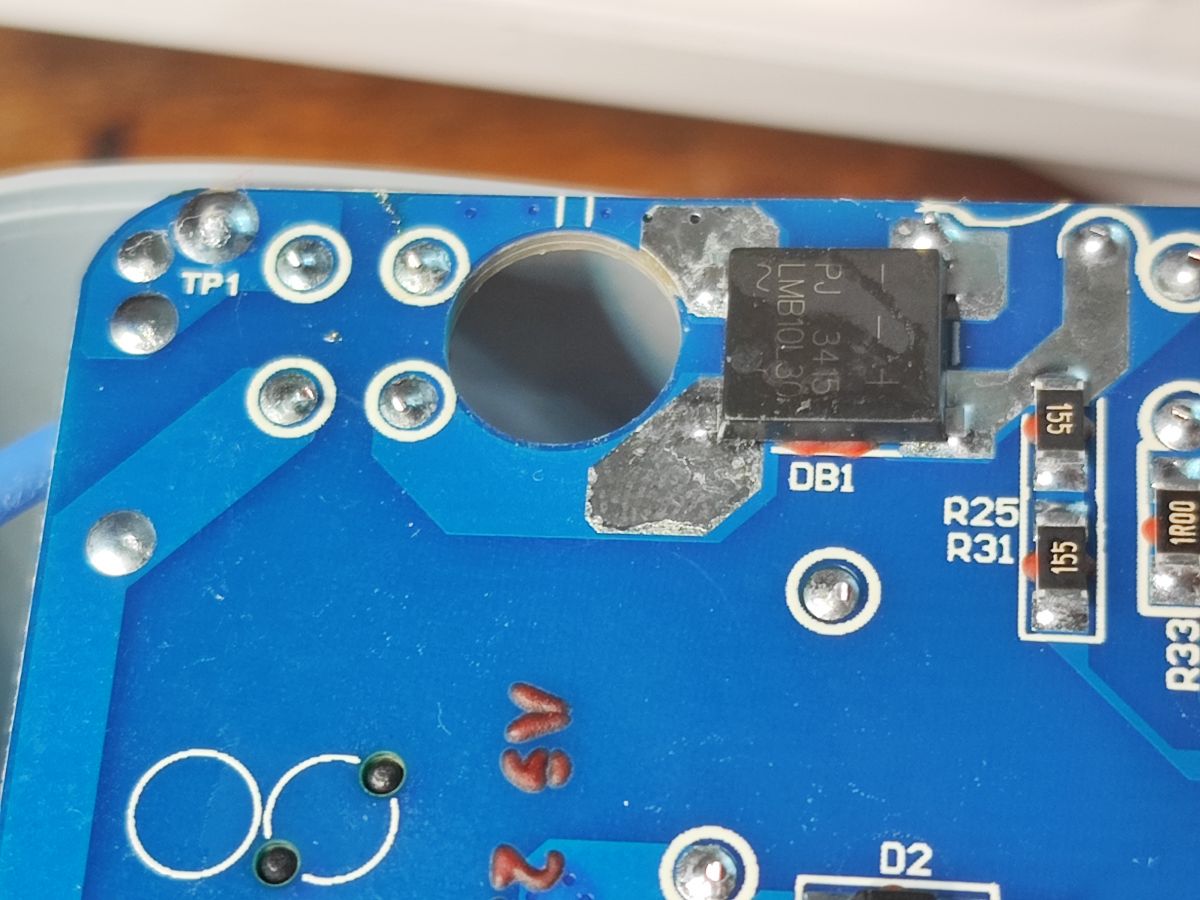
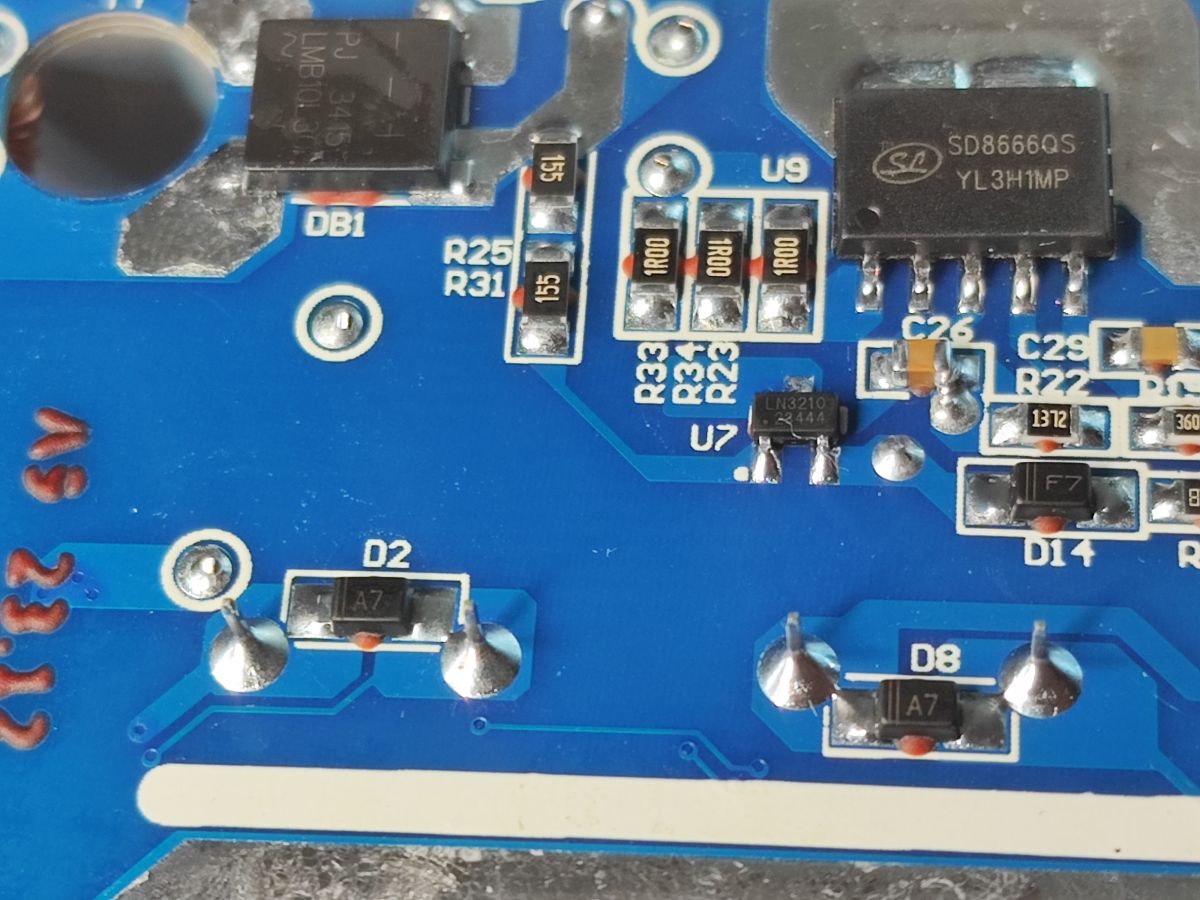
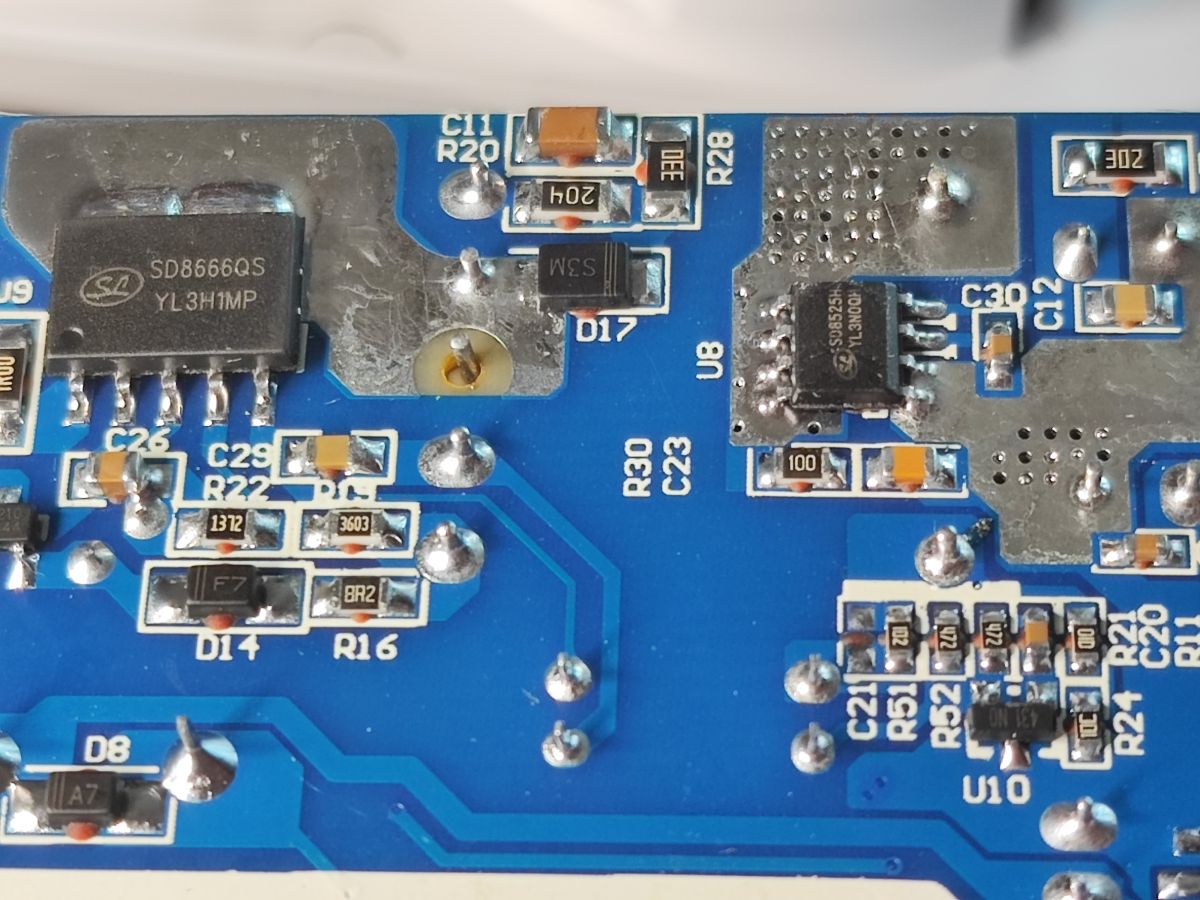
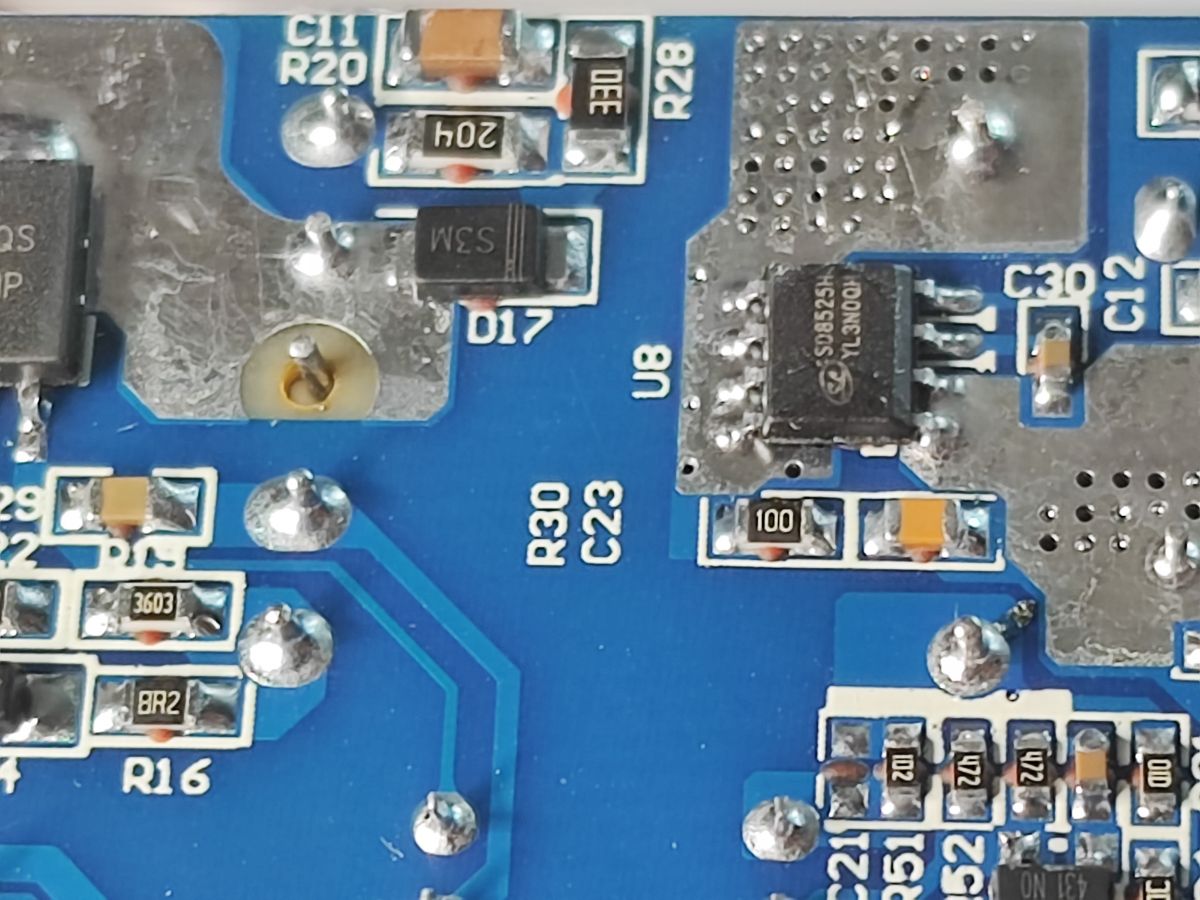
There's still the bottom of the PCB left.... On which there are quite a few components. You can see the rectifier bridge, then the main inverter controller, then (on the secondary side) a component which I suspect to be a synchronous rectifier (instead of a Schottky diode) and then I can still see the 3.3V supply for the WiFi module.
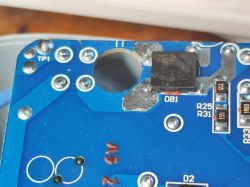
Close-up of PCB with bridge rectifier marked PJ3415 LMB1031 Close-up of PCB with SD8666QS, LN3210, and multiple SMD components and diodes Close-up of PCB with SD8666QS and SD8525H components on SL-PS27 power strip .
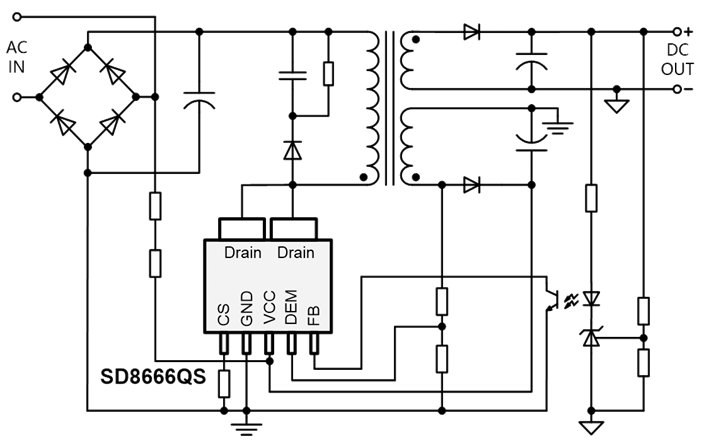
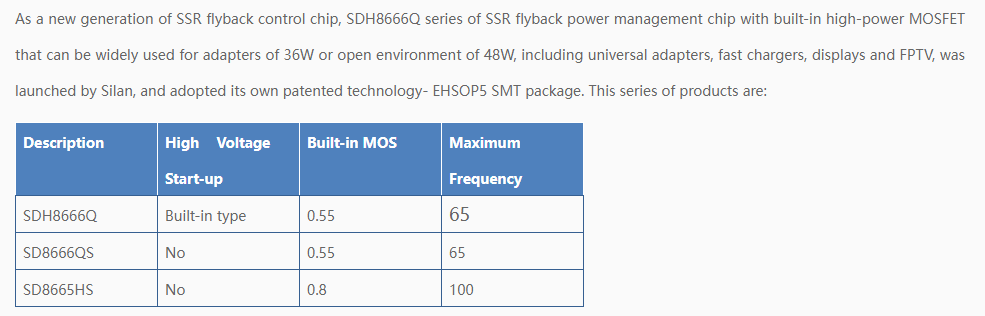
So the inverter is built here based on the SD8666QS. I haven't seen one realised using an optocoupler for a long time:
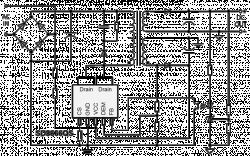
Power supply circuit diagram with SD8666QS controller and optocoupler feedback .
Power up to 36W, this would coincide with the description, as you still need to power the WiFi module and relays too.
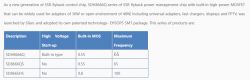
Comparison table of three SDH8666 chip models showing voltage, MOSFET, and frequency specs .
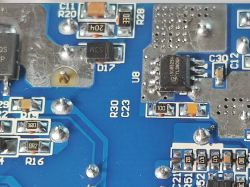
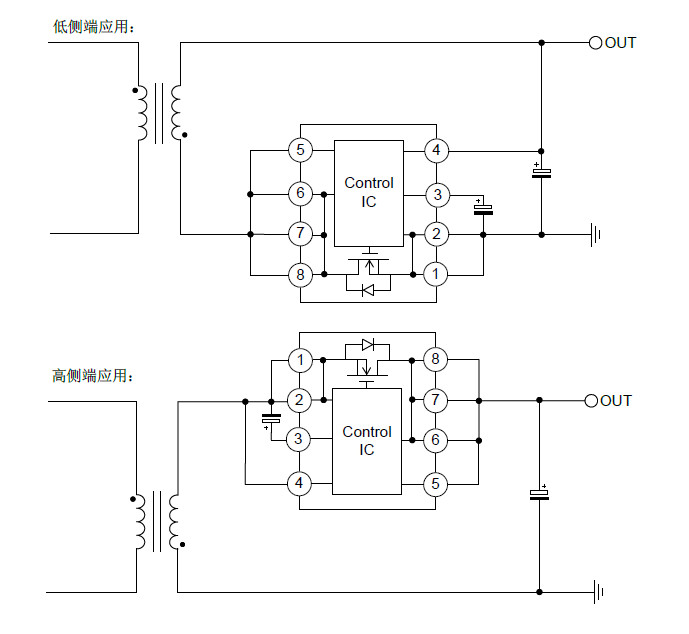
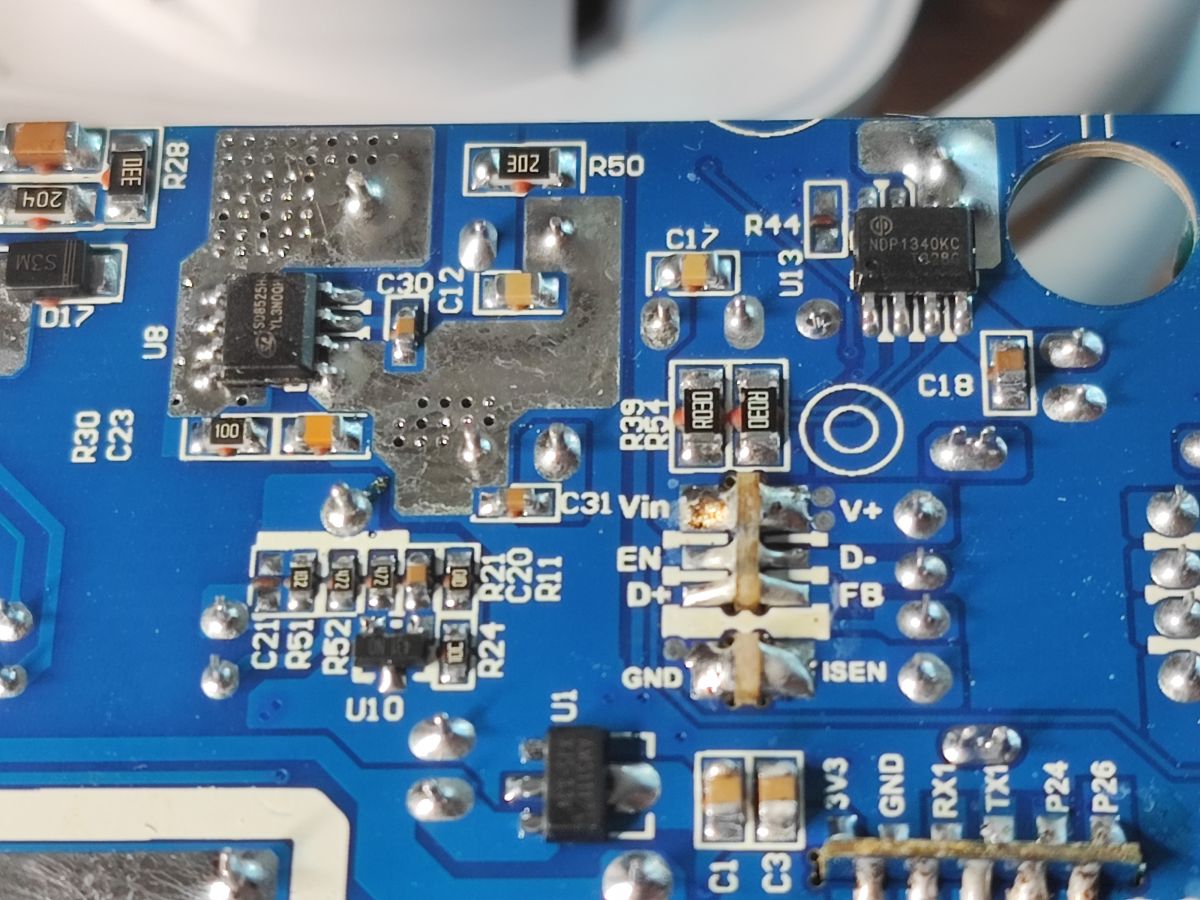
Next we have the SD8525H, just as I thought, a synchronous rectifier:
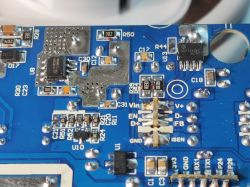
Close-up of SL-PS27 power strip PCB with visible NDP1340KC and SD8525H ICs Close-up of PCB with SD8525H chip and multiple SMD components .
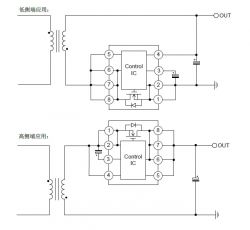
Diagram:
Application diagram of an 8-pin control IC managing MOSFET switching .
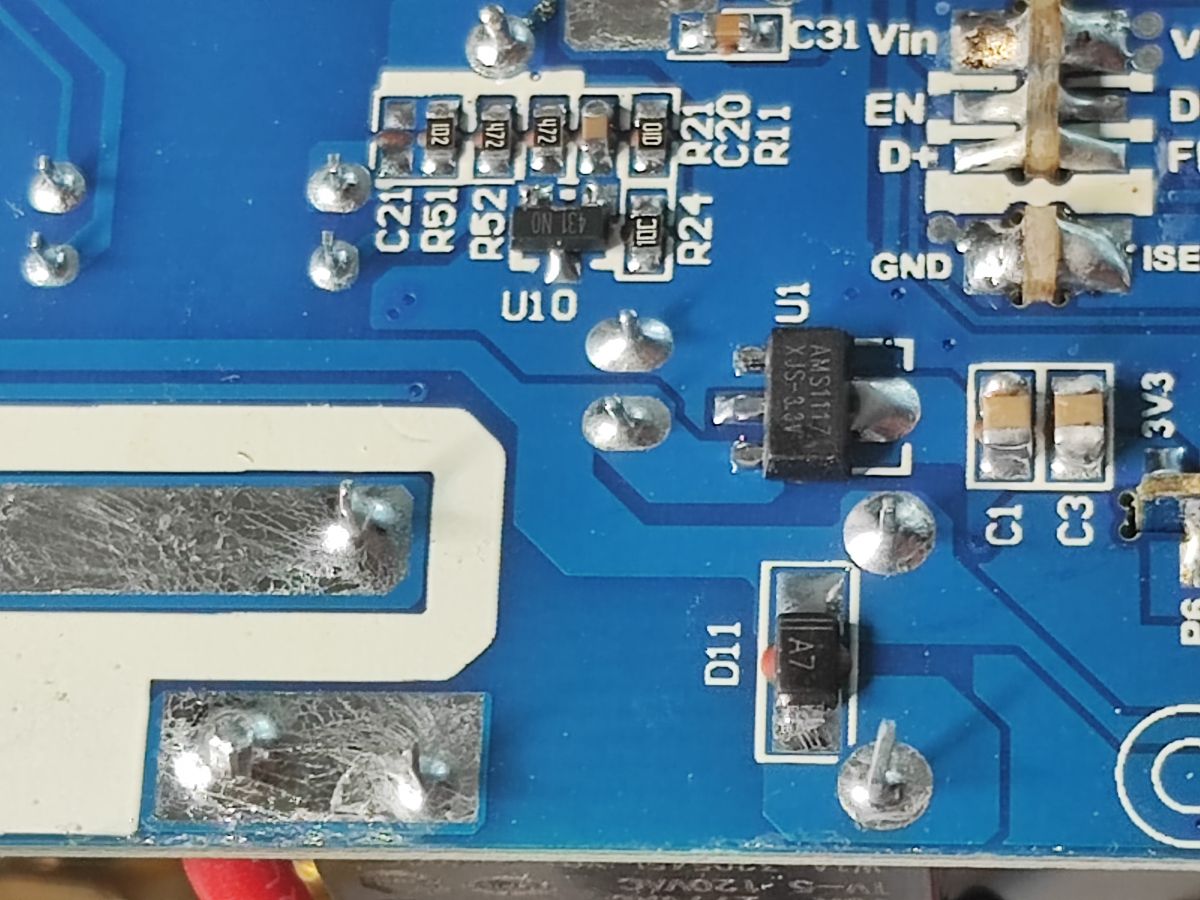
U1 is AMS1117-3.3V - LDO supplying the WiFi module:
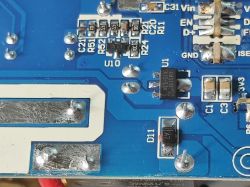
Close-up of PCB showing AMS1117-3.3V voltage regulator and diode labeled A7. .
Here we undoubtedly have a circuit that "reports" the charger to the phones, I wrote about this in more detail in the topic:
Two-port USB charger that accelerated the charging of my iPhone
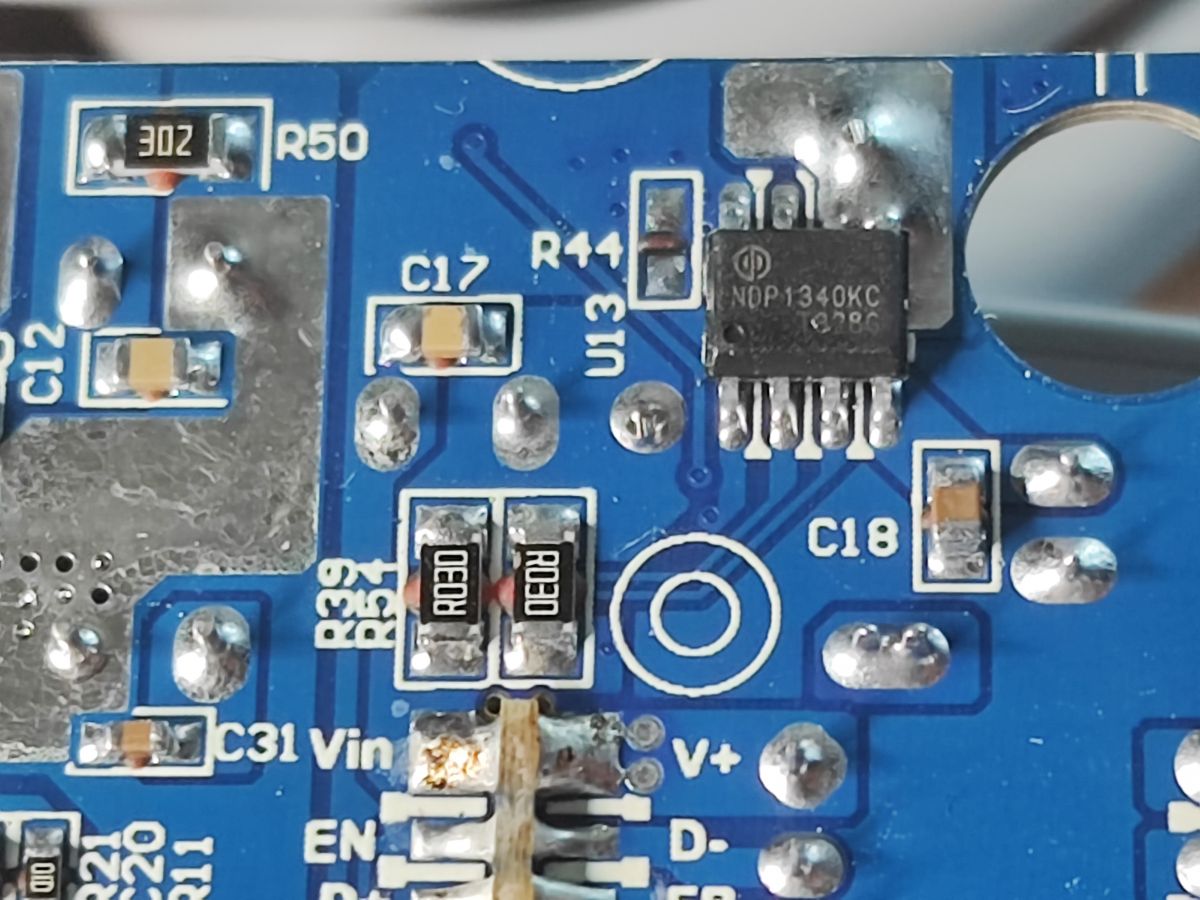
The NDP1340 remains:
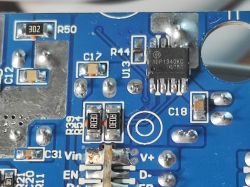
Close-up of NDP1340KC chip on blue PCB with labeled components and solder points .
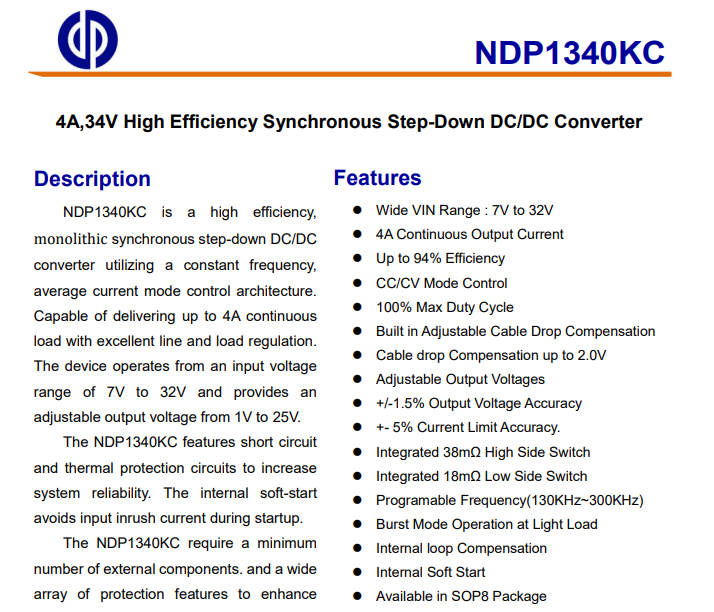
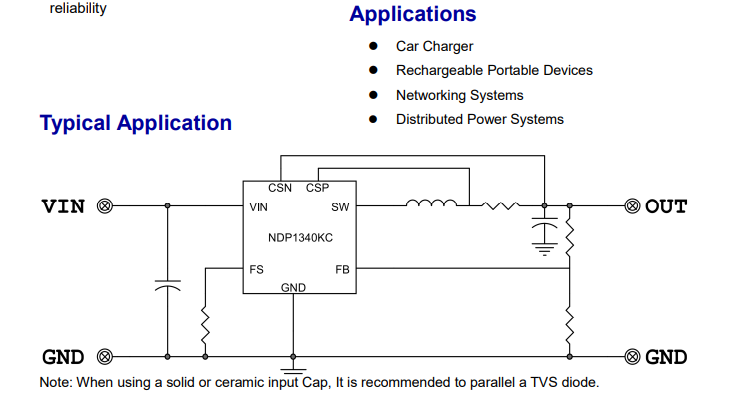
Buck inverter controller. So much for step down:
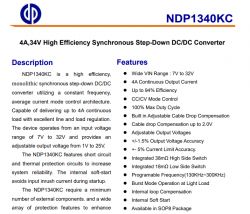
Section of NDP1340KC datasheet with description and feature list. .
From this it would appear that the main power supply generates the higher voltage and only the NDP1340 gives 5V for the USB?
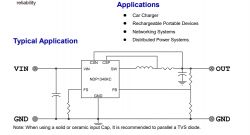
Application diagram of NDP1340KC controller with labeled VIN, GND, and OUT
PCB designation: SCW3451 REV1.0.
I have already seen this product in REV1.5, then I can now compare it with the 1.0 version.
[CB2S/BK7231N] LDNIO SEW3452 USB QC extender/charger strip .

Firmware change .
As per the flasher's instructions:
https://github.com/openshwprojects/BK7231GUIFlashTool
and with Elektroda's videos for BK7231:
https://www.youtube.com/playlist?list=PLzbXEc2ebpH0CZDbczAXT94BuSGrd_GoM
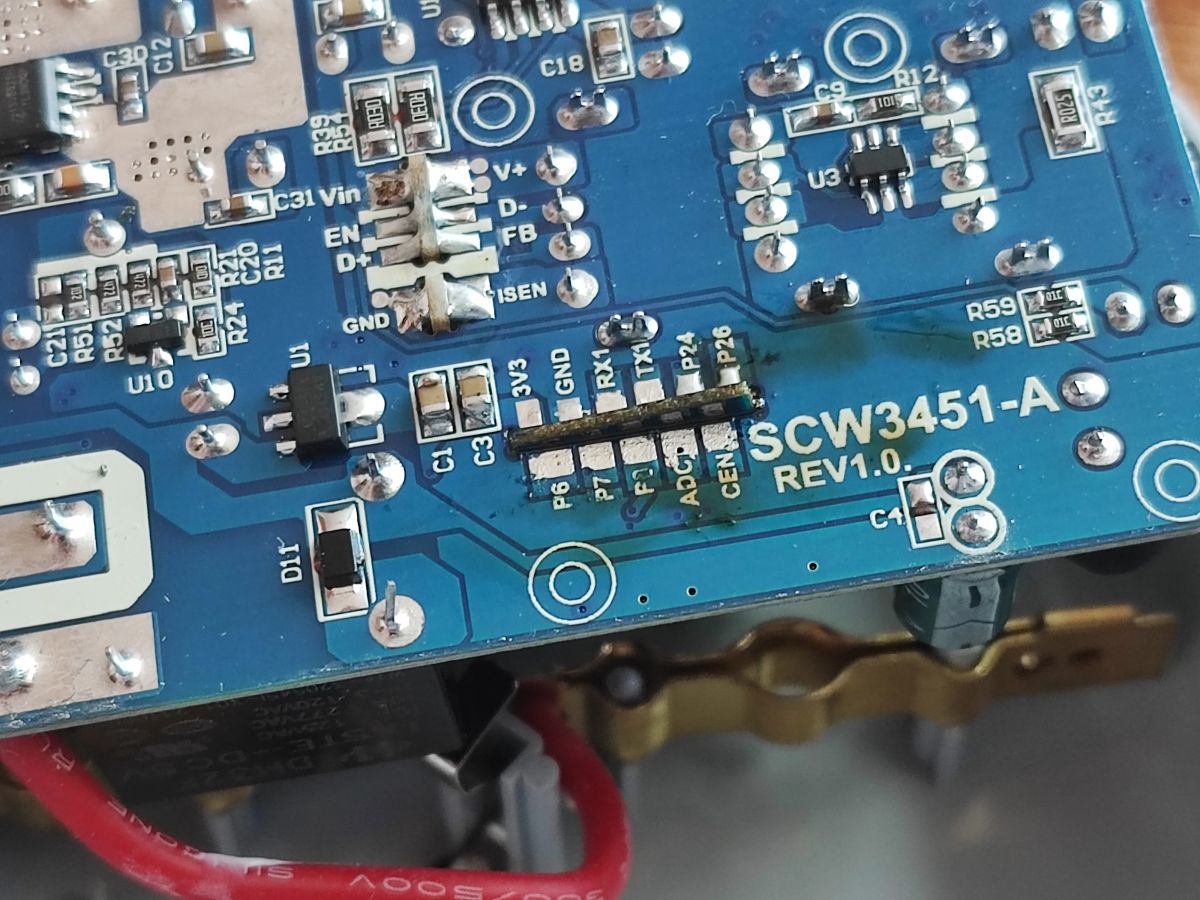
CB2S I soldered out:
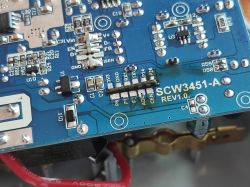
Close-up of SCW3451-A REV1.0 PCB showing pin headers and SMD components .
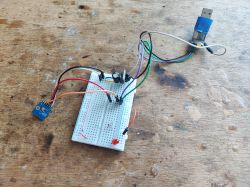
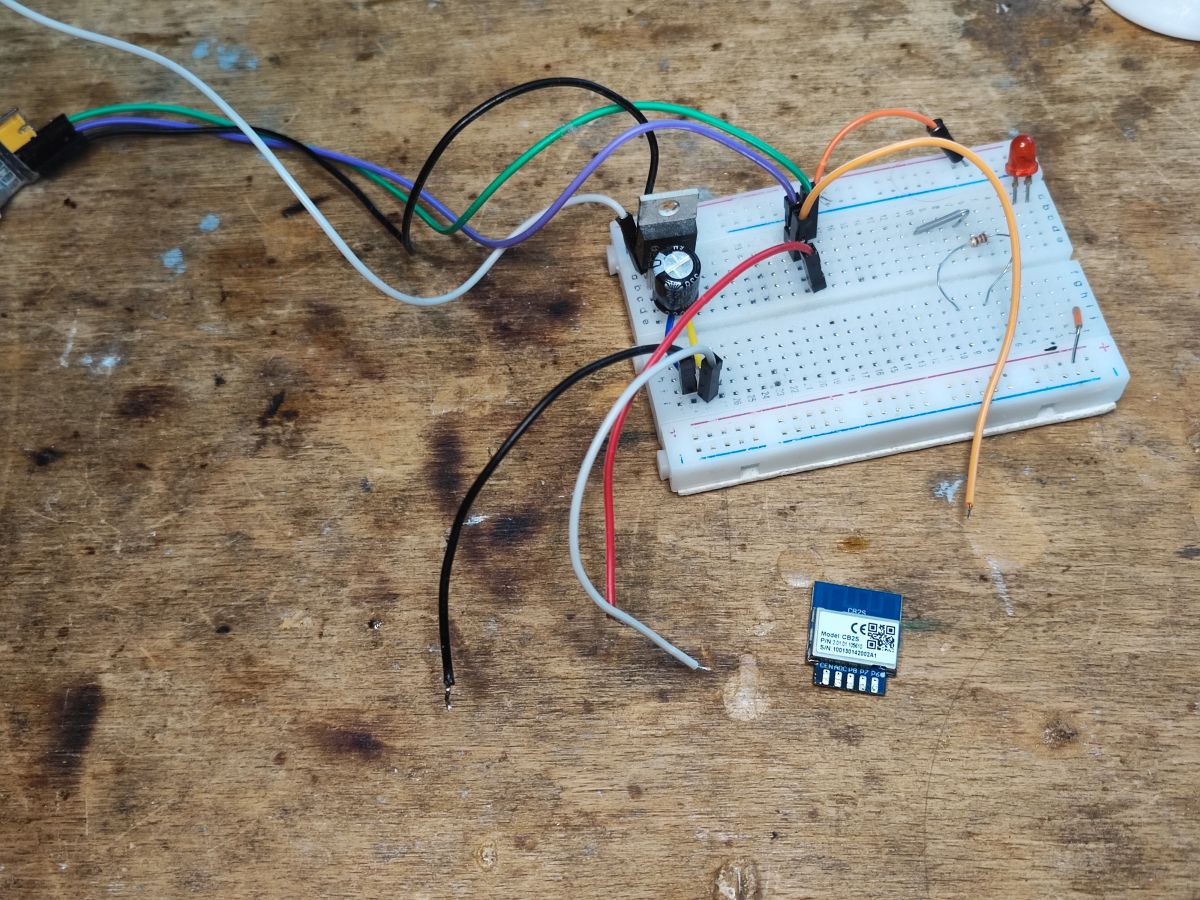
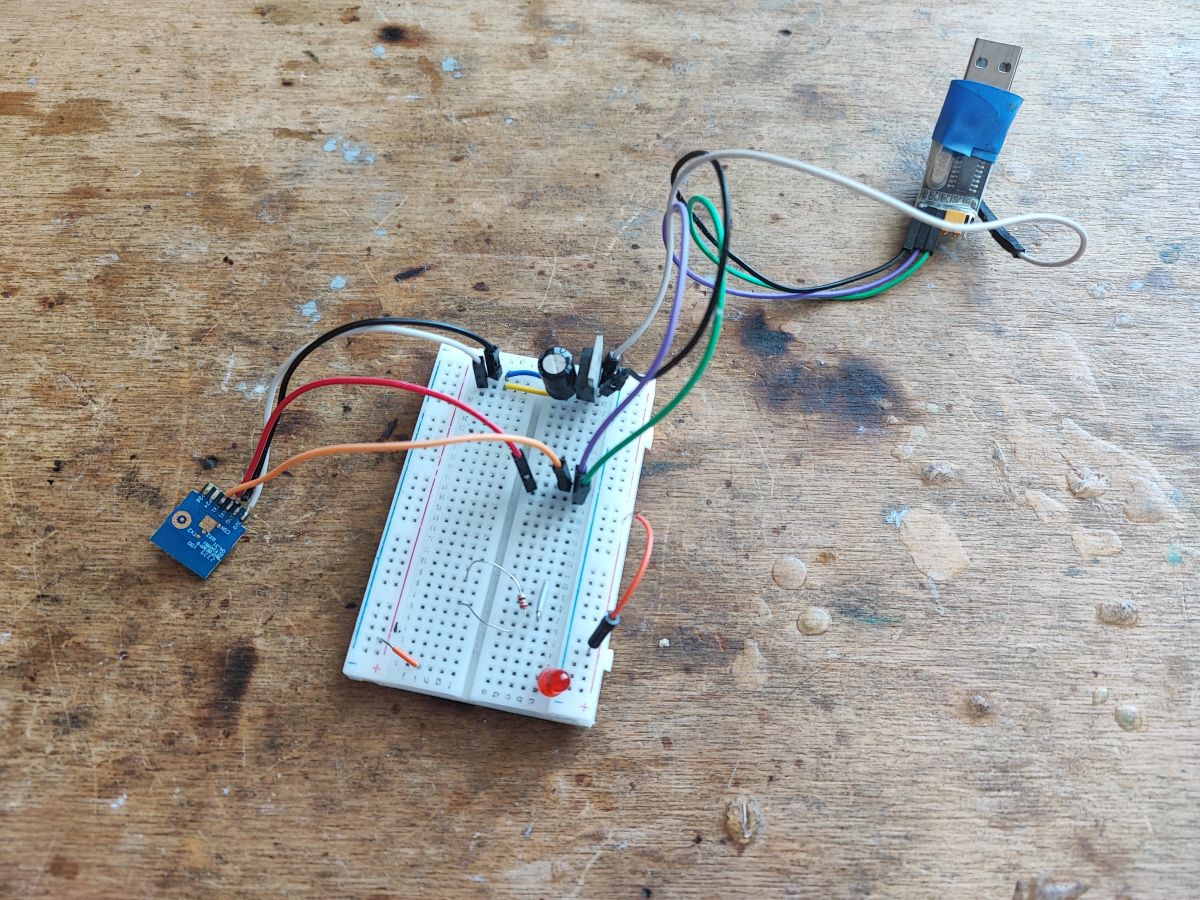
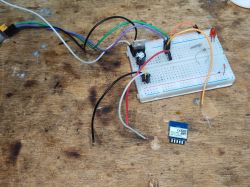
I powered via an external 3.3V LDO:
Breadboard with connected wires and CB2S Wi-Fi module placed nearby on table Breadboard with electronic test circuit, sensor module and USB adapter on wood surface
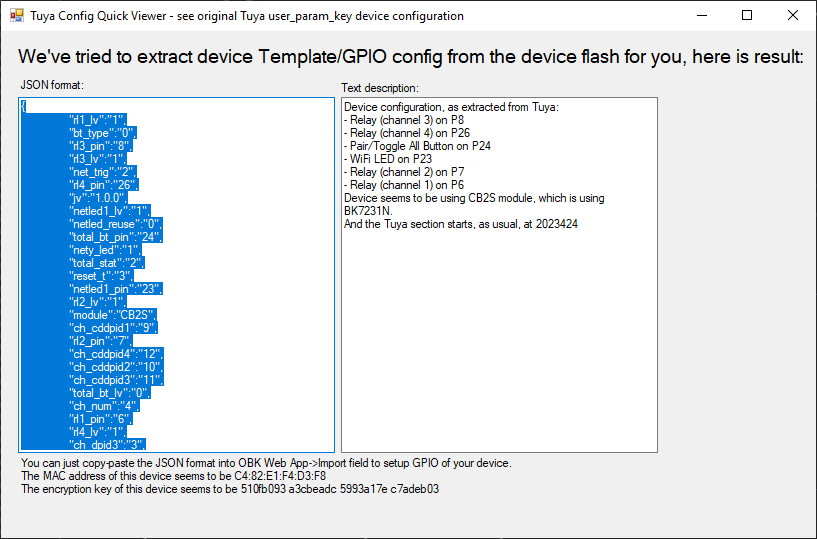
BK7231 easy gui flasher self-detected configuration:
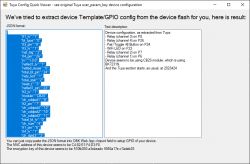
Screenshot of Tuya Config Quick Viewer showing CB2S module GPIO config
JSON Tuya:
Code: JSON
Log in, to see the code
.
OBK template:
Code: JSON
Log in, to see the code
.
The list can now be paired with HA:


.

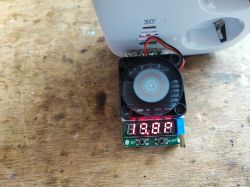
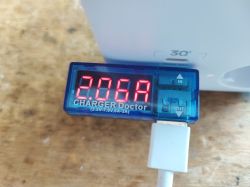
Current and charging capacity test .
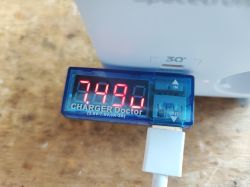
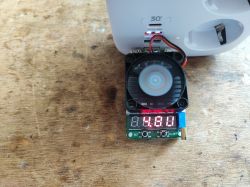
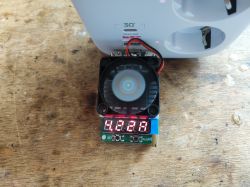
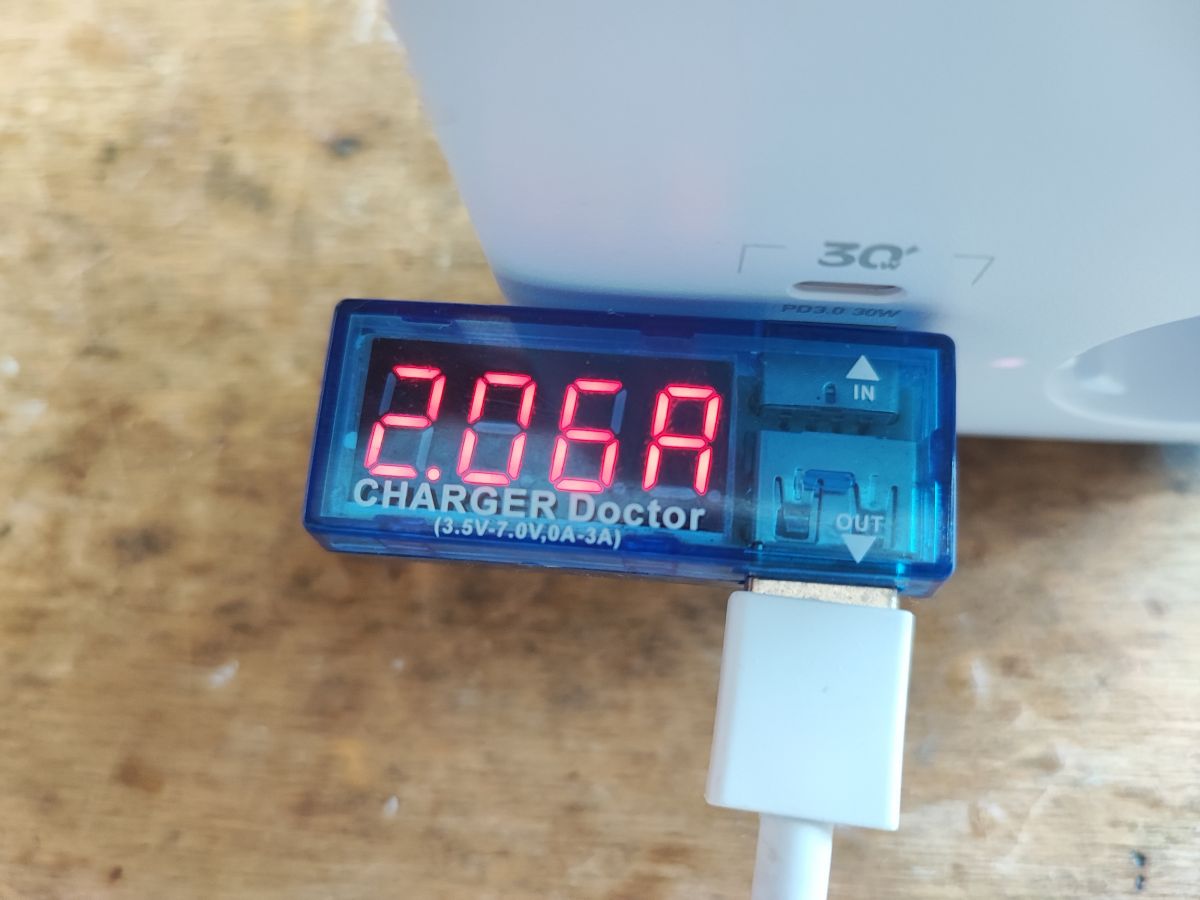
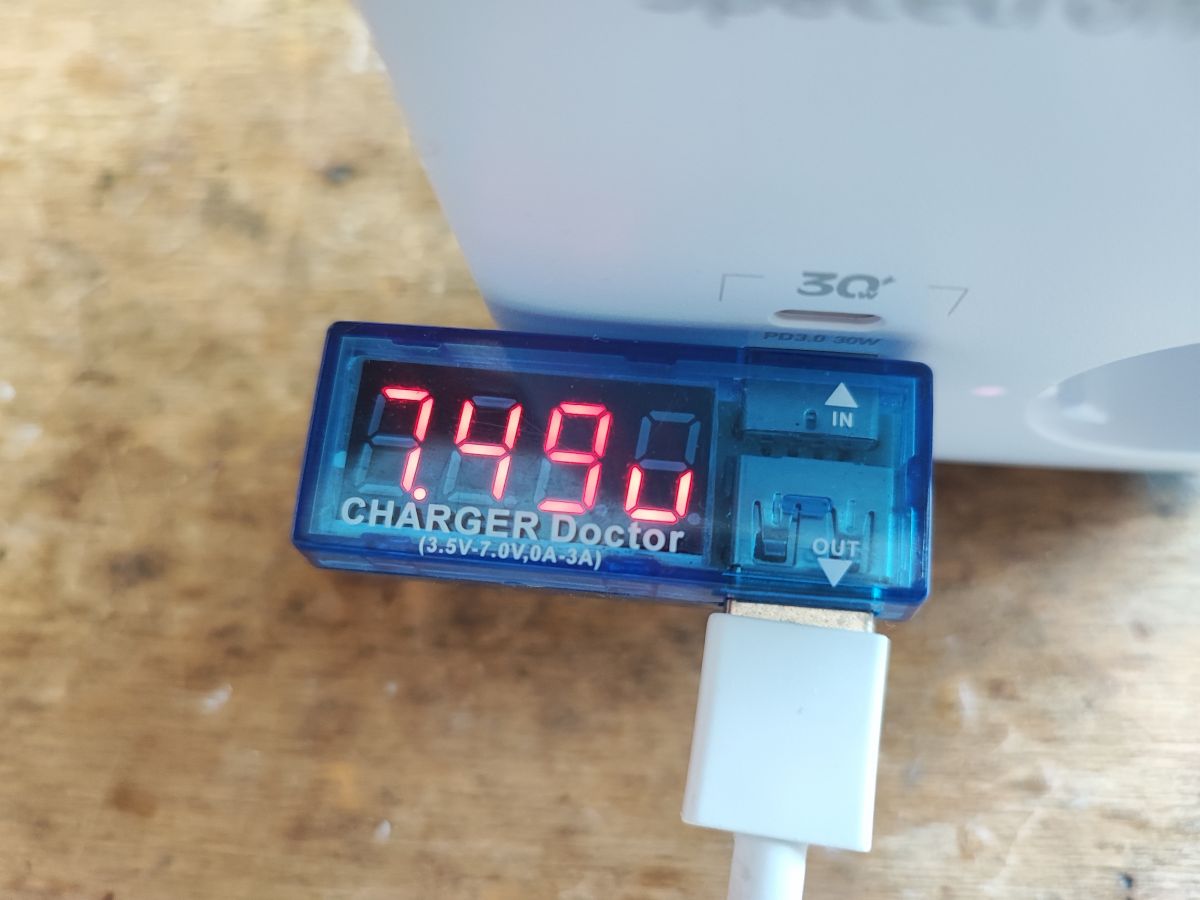
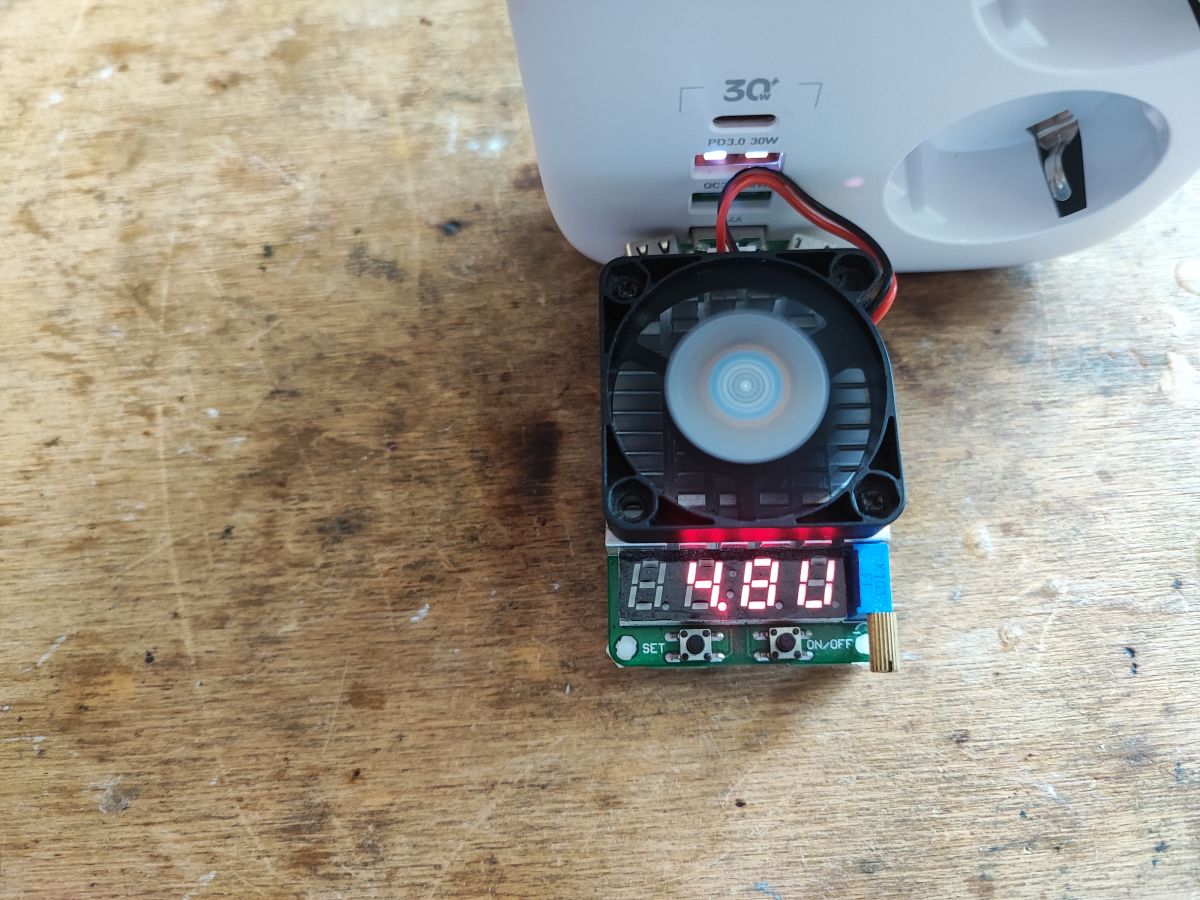
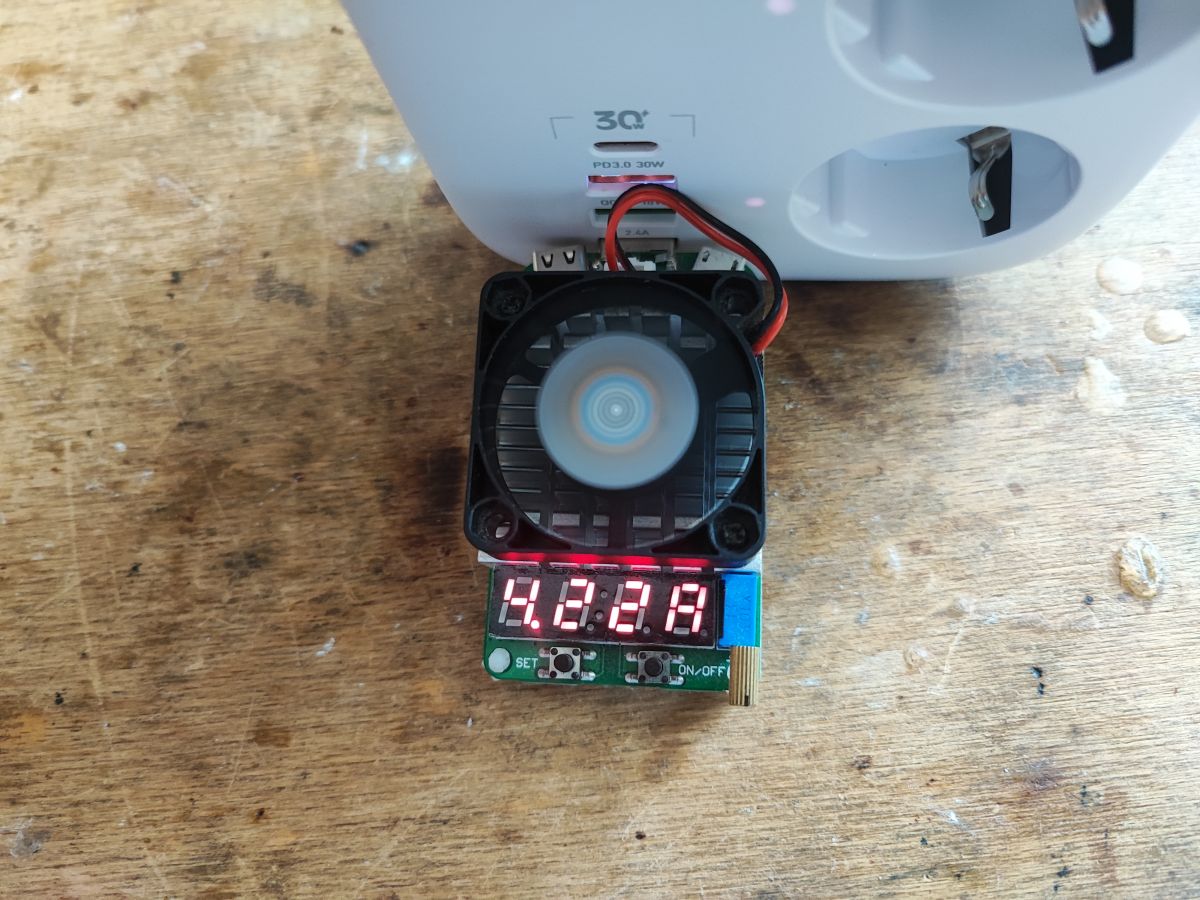
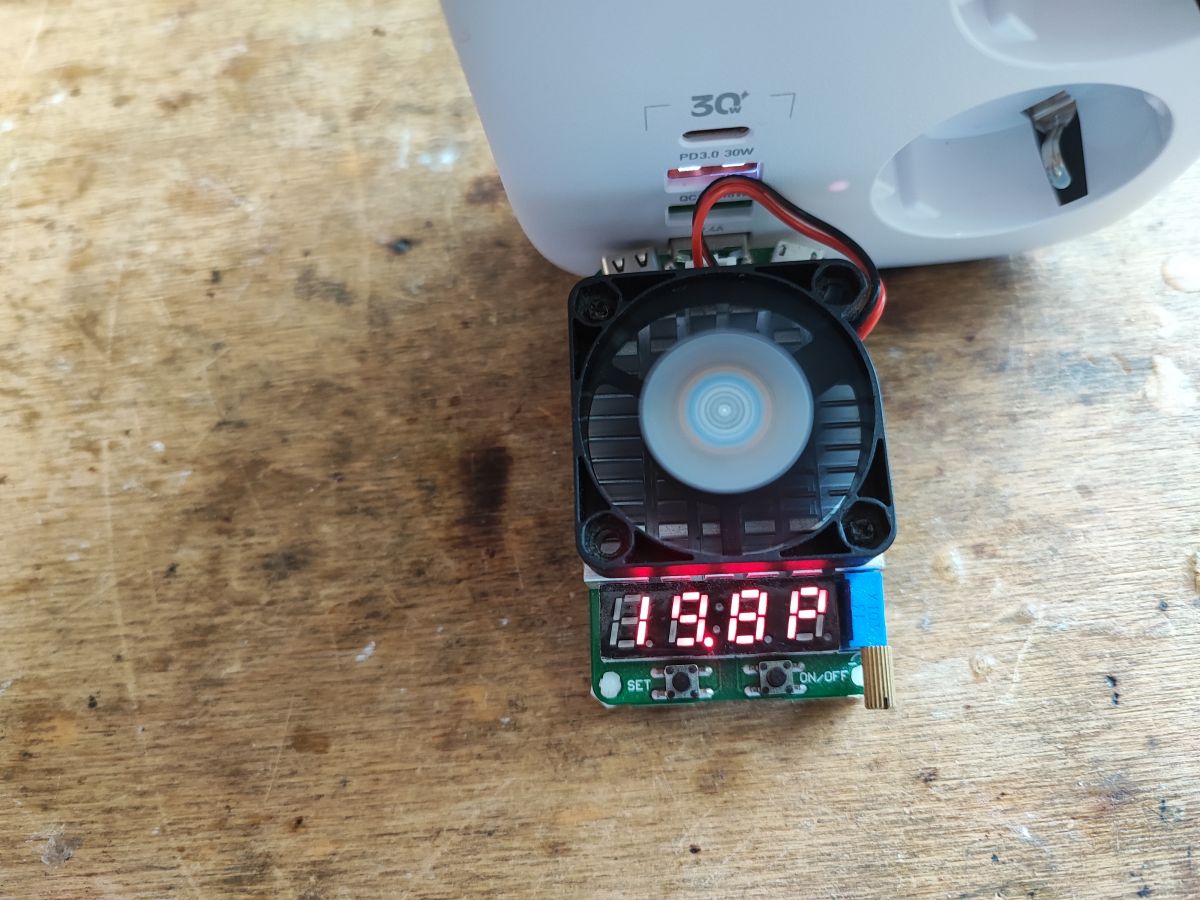
20W at 5V I am able to draw. With QC I was able to attach 7.5V at 2A for my phone, but I did not test with QC Trigger:
Charger Doctor meter showing 2.05A current during USB charging USB voltmeter showing 7.49V during QC charging test. USB tester with fan connected to a 30W PD outlet, voltage display showing 4.80V USB tester with fan showing 4.821 V output, connected to a power strip. USB load tester showing 19.8V, connected to SL-PS27 power strip .


Summary .
This strip is very similar to the LDNIO SEW3452. only here it is PCB version 1.0 and there it was 1.5. The GPIO template for the WiFi module for both products is consistent, even though the PCB version is different. Probably other strips looking the same from the outside may also have a similar template, so if you want to order something to work either with Tuya or 100% locally with Home Assistant (after a firmware change) it's rather not worth delaying. I've already flashed a few similar pieces and these strips do well in 'local' operation.


About Author
p.kaczmarek2
p.kaczmarek2 wrote 14403 posts with rating 12336 , helped 650 times. Been with us since 2014 year.

Comments

skansen 09 Jan 2026 12:42

Hi, Very cool and insightful review. Thank you. I'm considering buying such a strip and would like to ask how do you rate the 230V part (sockets, wires, tracks on the board, relays)? I infer from the... [Read more]

FAQ

TL;DR: SL‑PS27 delivers 20 W at 5 V; “Power up to 36W.” OpenBeken enables local HA control for tinkerers needing specs, flashing steps, and safety notes. [Elektroda, p.kaczmarek2, post #21634596]

Why it matters: You get local control, realistic power limits, and clear safety caveats before buying or modding.

Quick Facts

What do you get with the SL‑PS27 smart strip?

You get three mains sockets, four USB outputs, and a single case button. The strip exposes four control channels: three AC relays plus a grouped USB channel. It ships for about 100 zł and works with the Tuya app. The package includes instructions and a Wi‑Fi module on CB2S. [Elektroda, p.kaczmarek2, post #21634596]

Does the SL‑PS27 include real surge protection?

No. The board leaves the MOV varistor footprint empty, so there is no surge suppression. An NTC inrush thermistor is present, which helps soft‑start but does not stop surges. Use an external surge protector for overvoltage events. [Elektroda, p.kaczmarek2, post #21634596]

How much power can the USB ports supply?

Measured output reached 20 W at 5 V. The primary controller supports up to 36 W for the whole secondary side. QC negotiation achieved 7.5 V at 2 A using a phone. Budget is shared across USB outputs and the control electronics. [Elektroda, p.kaczmarek2, post #21634596]

Which ports support Quick Charge, and does QC voltage propagate to all ports?

QC is available on select ports only. The USB section includes additional conversion that isolates negotiated voltages. Negotiating 9 V on one QC port does not enable 9 V on the other ports. This helps protect 5 V‑only devices on adjacent ports. [Elektroda, p.kaczmarek2, post #21634596]

Is there USB‑C Power Delivery (PD) support?

PD was not confirmed in testing. The review observed QC negotiation to 7.5 V at 2 A on a phone. A dedicated PD or QC trigger was not used in the tests, so PD capability remains unverified. Treat PD as unsupported unless you validate it. [Elektroda, p.kaczmarek2, post #21634596]

How do I flash OpenBeken on the CB2S safely?

“OpenBeken can be uploaded on the CB2S.” Use the BK7231 GUI flasher and 3.3 V power. Steps: 1) Desolder CB2S or wire to its pads. 2) Power from a 3.3 V LDO, connect UART, and flash with BK7231GUIFlashTool. 3) Apply the provided OBK template and then pair with Home Assistant. [Elektroda, p.kaczmarek2, post #21634596]

What OpenBeken GPIO template should I use for SL‑PS27?

Use pins: 6=Rel1, 7=Rel2, 8=Rel3, 26=Rel4, 23=WifiLED_n, 24=Btn_Tgl_All. This maps three AC relays and one grouped USB relay. The template matches similar LDNIO‑style strips and enables immediate HA integration. Apply the JSON posted with the teardown. [Elektroda, p.kaczmarek2, post #21634596]
Does the main front button cut mains power or just toggle relays?

It does not cut mains. The button sends a signal to the Wi‑Fi module, which toggles the four relays. The internal power supply remains energized when the strip appears “off.” Treat the unit as live unless unplugged. [Elektroda, p.kaczmarek2, post #21634596]

What chips are inside, and what do they do?

Primary: SD8666QS flyback with optocoupler feedback (817). Secondary: SD8525H synchronous rectifier and NDP1340 buck for 5 V USB rail. Control: CB2S module (BK7231N) with AMS1117‑3.3 V LDO. USB handshake circuitry identifies chargers and negotiates QC on select ports. [Elektroda, p.kaczmarek2, post #21634596]

What does “laptop overload protection” actually mean here?

The listing claims “overload protection,” but teardown shows only standard elements like an NTC and controller regulation. There is no MOV surge element fitted. Do not equate this claim with surge protection or absolute device safety. Use proper external protection. [Elektroda, p.kaczmarek2, post #21634596]
Can I run it cloud‑free with Home Assistant?

Yes. After flashing OpenBeken, the strip pairs with Home Assistant and runs 100% locally. All four channels remain individually controllable. The posted template enables quick setup and stable operation without Tuya cloud. [Elektroda, p.kaczmarek2, post #21634596]
How does SL‑PS27 compare to the LDNIO SEW3452?

They are very similar in hardware layout and GPIO mapping. The reviewed SL‑PS27 board is SCW3451 REV1.0, while the LDNIO version seen earlier was REV1.5. The same OpenBeken template works across both designs. [Elektroda, p.kaczmarek2, post #21634596]

What is the PCB revision and model identifier?

The board is marked SCW3451 REV1.0. The Wi‑Fi module is CB2S based on BK7231N. The OpenBeken template names the device “smart strip 3x AC and 4x USB spacetronik” model SL‑PS27. [Elektroda, p.kaczmarek2, post #21634596]

Any safety caveats or edge cases I should know?

Two key points: the MOV varistor is not populated, and the front button does not isolate mains. The PSU stays energized when “off,” and surge suppression is absent. Use an external surge protector and unplug before internal work. [Elektroda, p.kaczmarek2, post #21634596]
Generated by the language model.
%}