



What exact bulb and board does this guide cover?
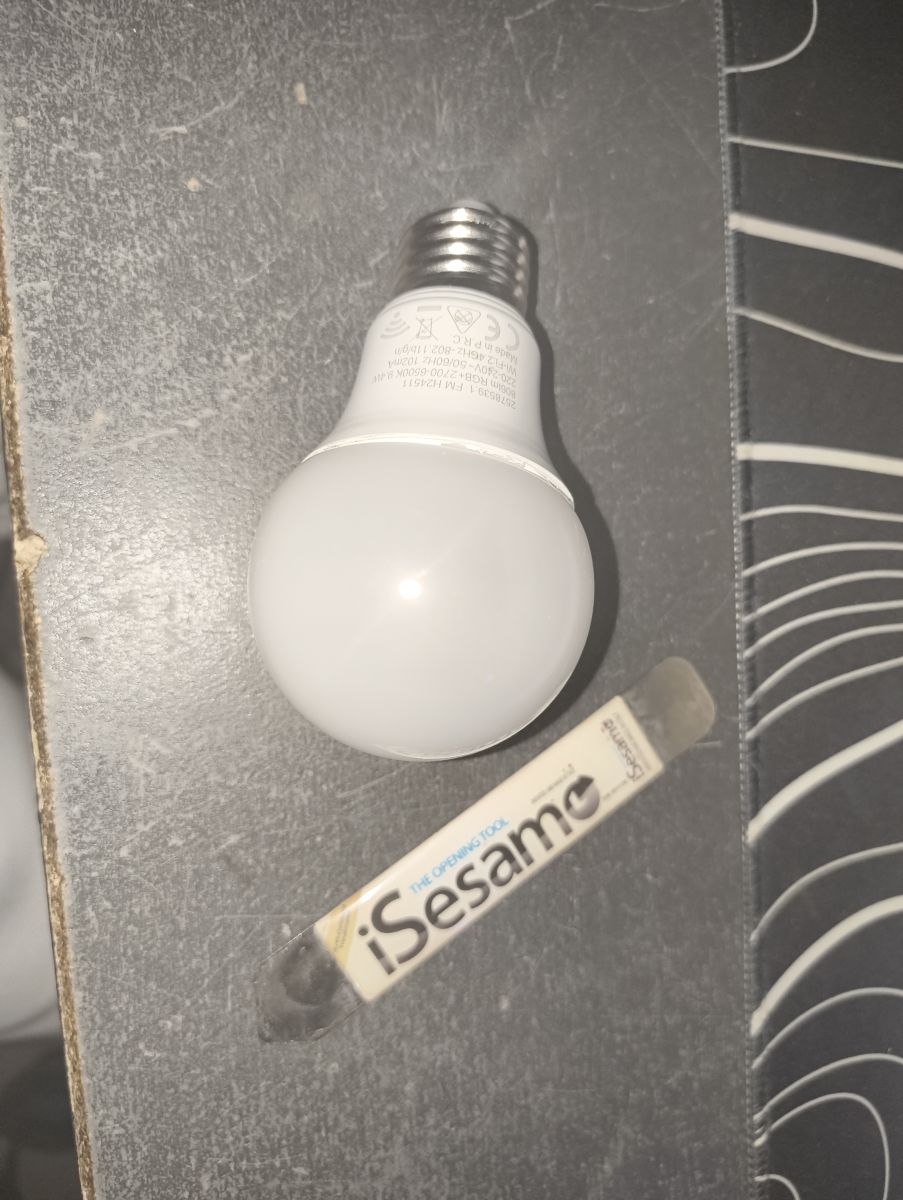
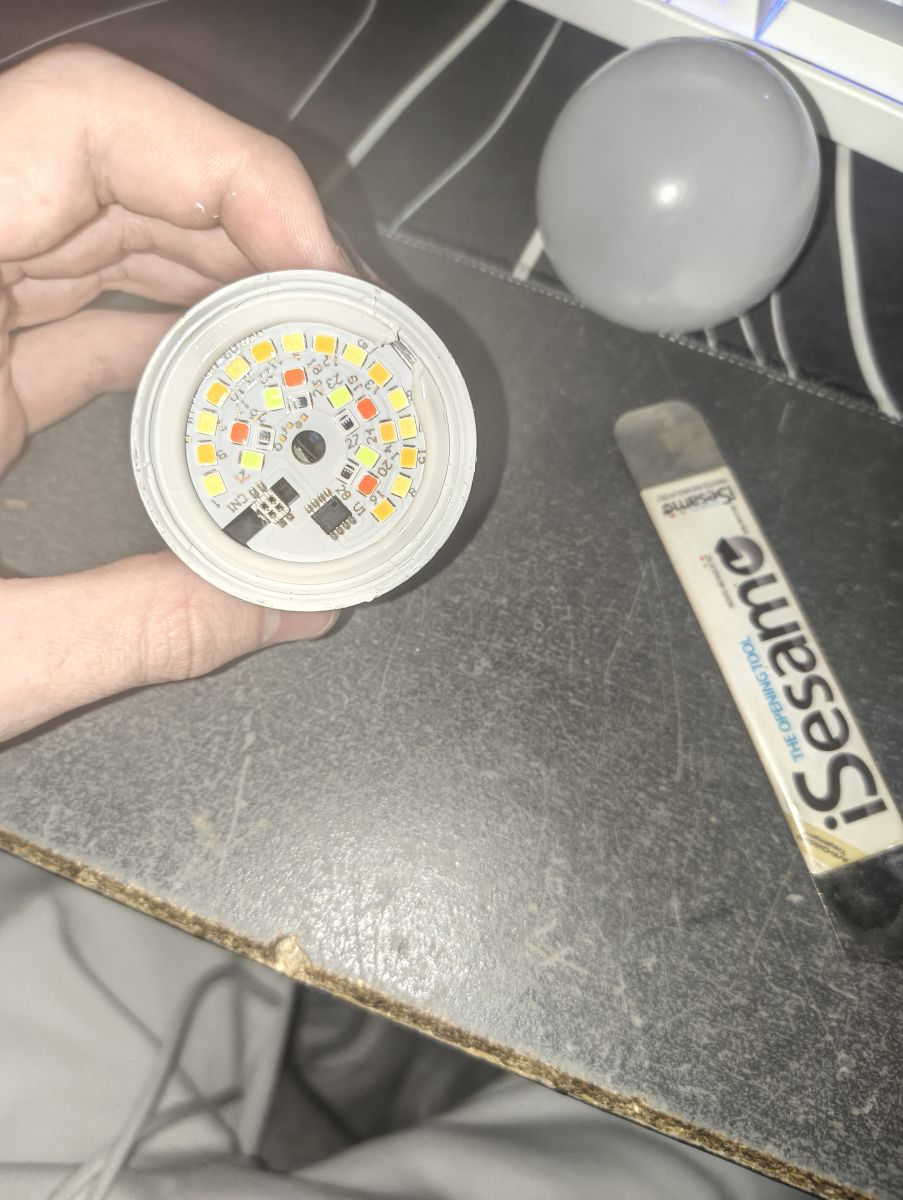
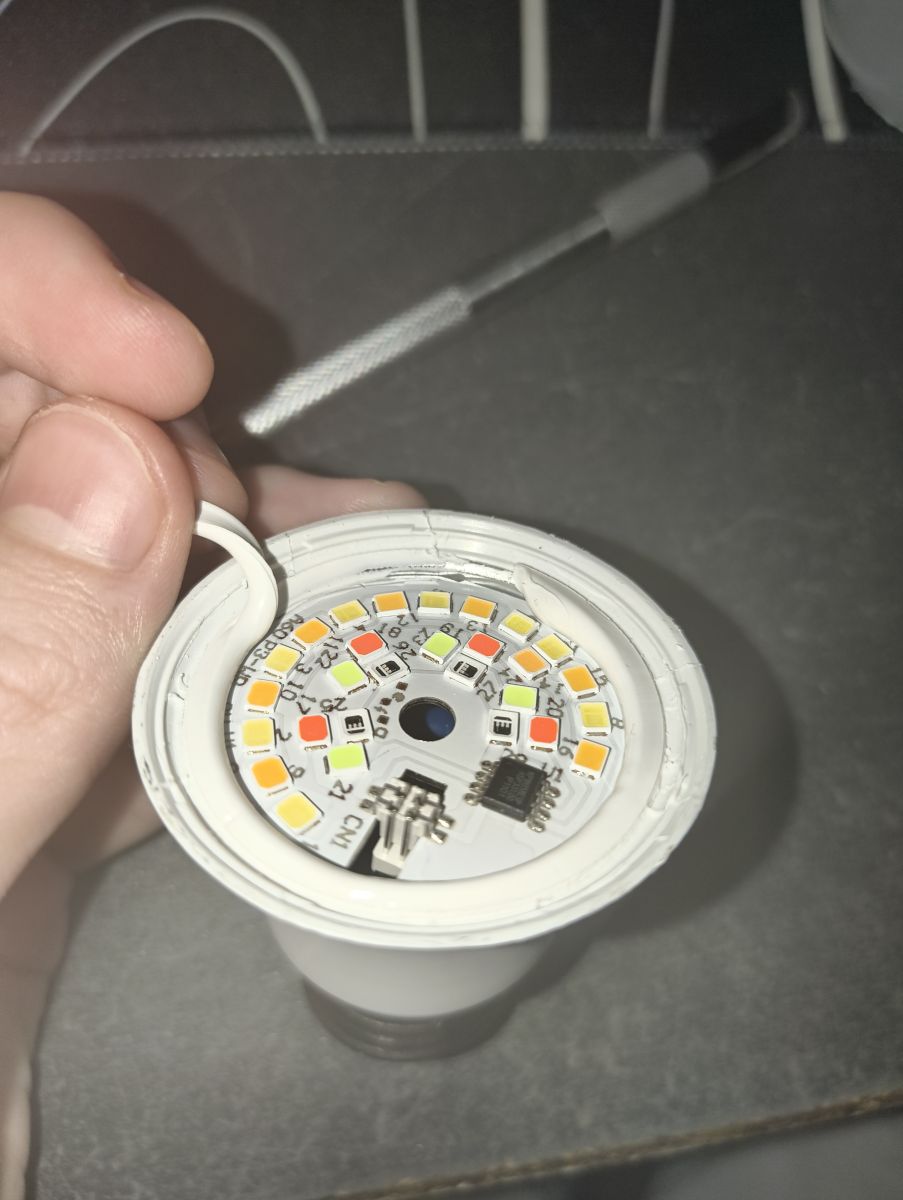
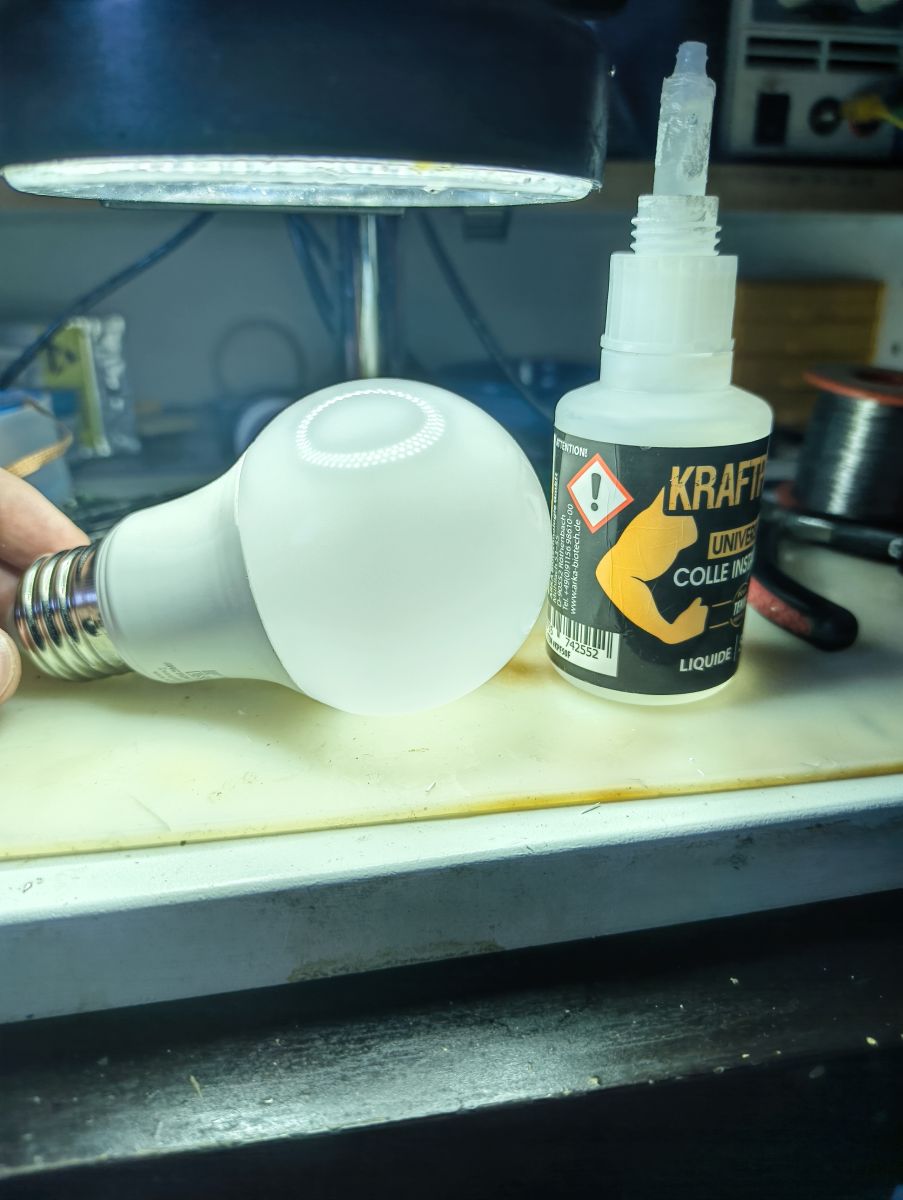
It targets the LSC Smart Connect LED Smart Lightbulb A60 E27 RGB (ArtNo. 2578539.1) using a BK7231N on a CBLC5 module. [Elektroda, louiscubiquepro, post #21848515]



Czy wolisz polską wersję strony elektroda?
Nie, dziękuję Przekieruj mnie tam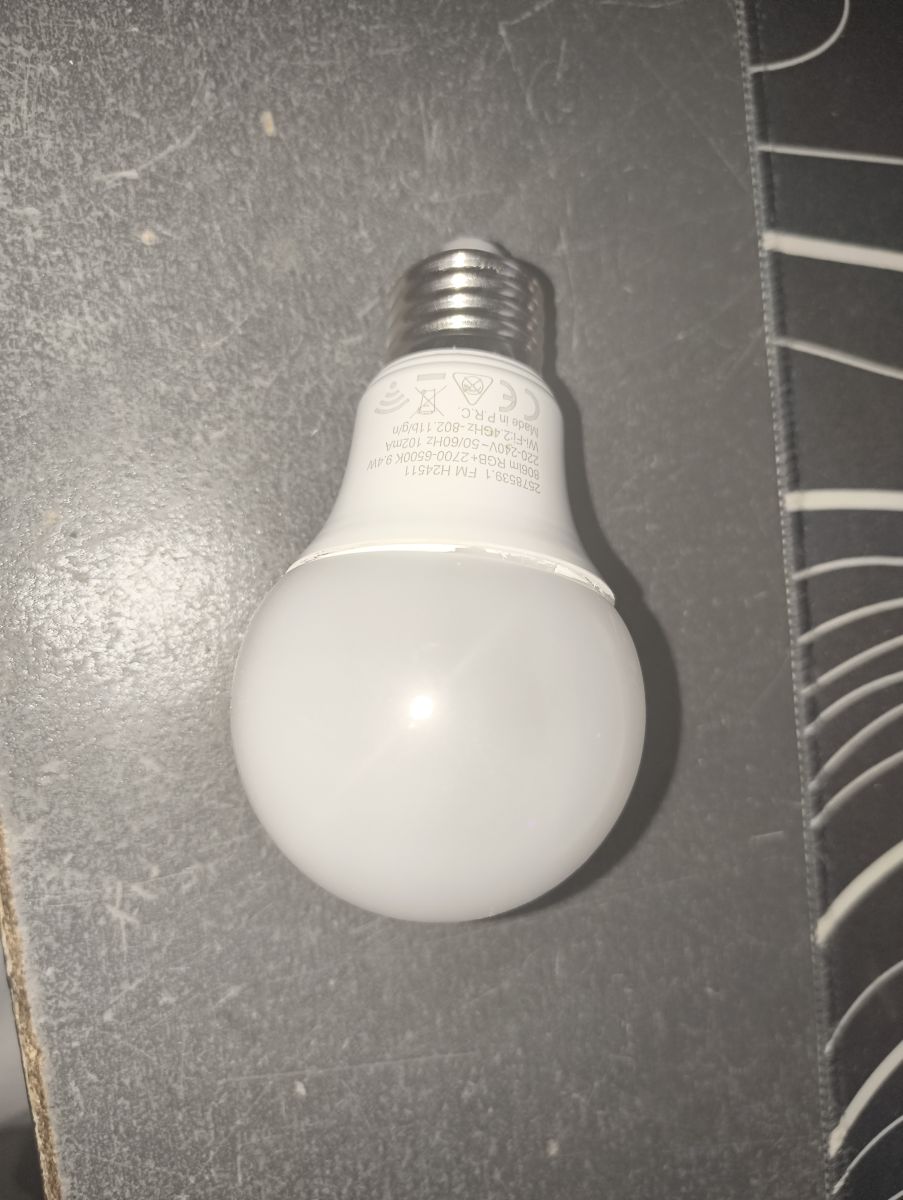
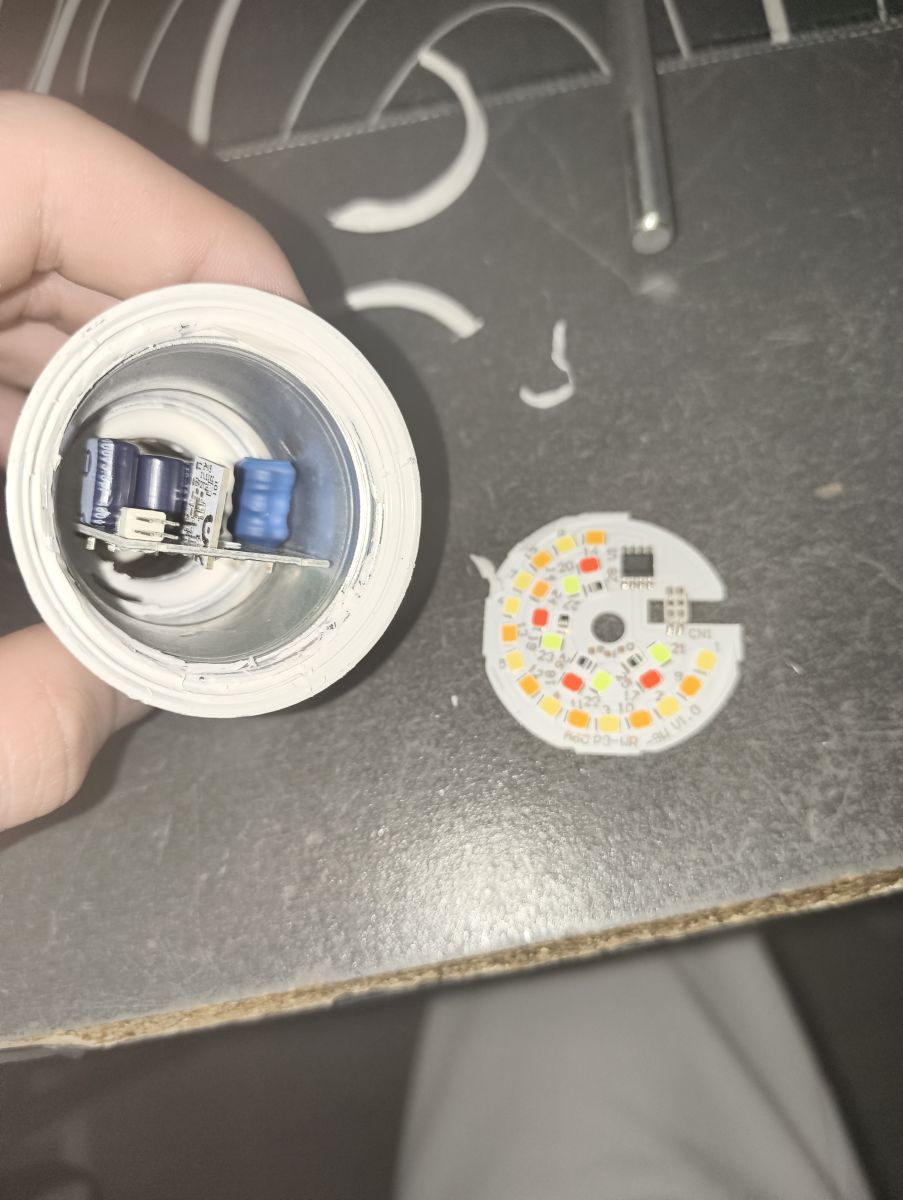
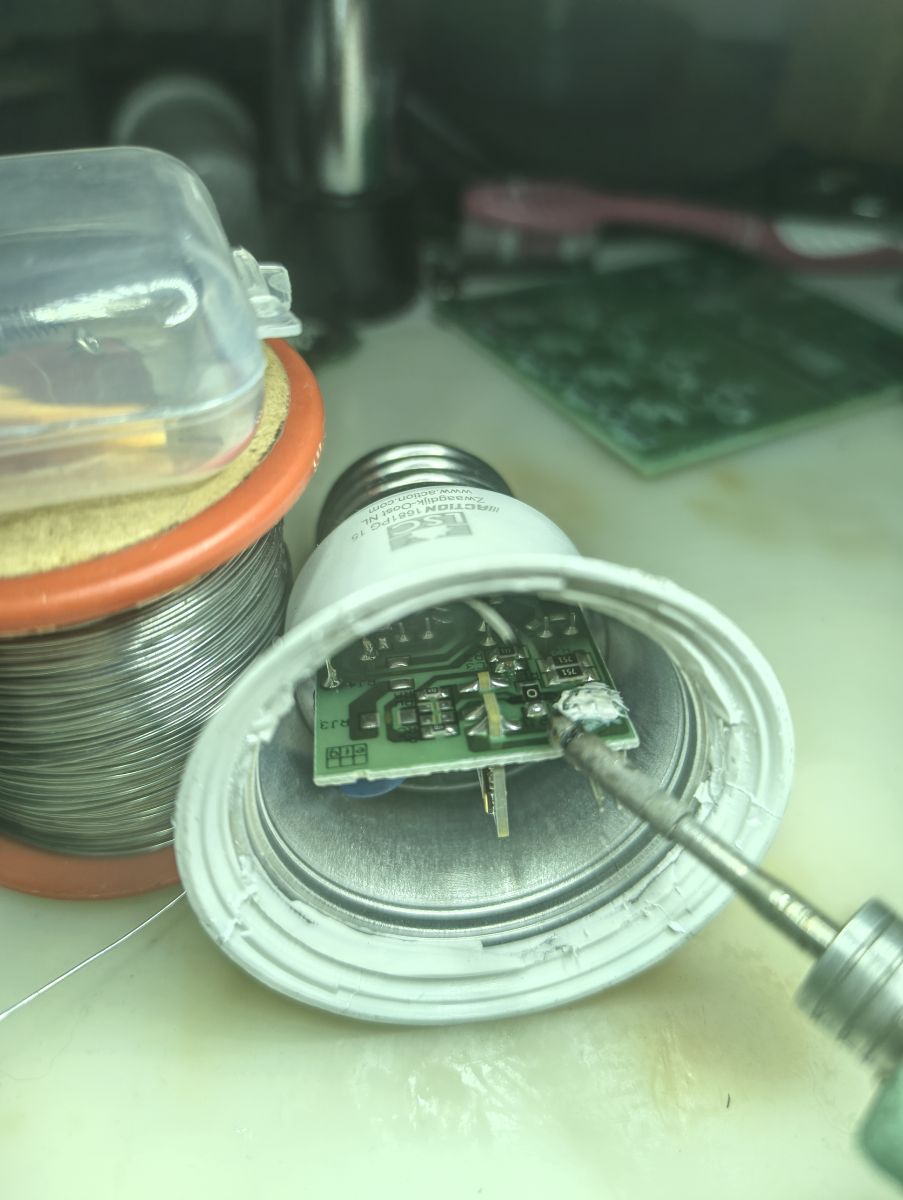
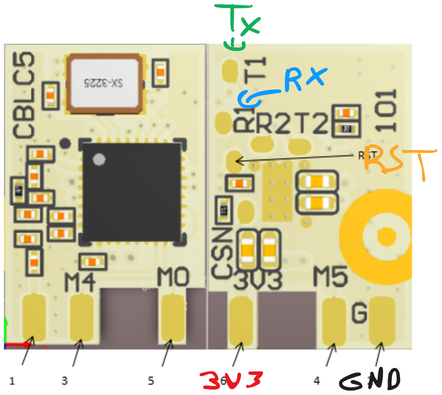
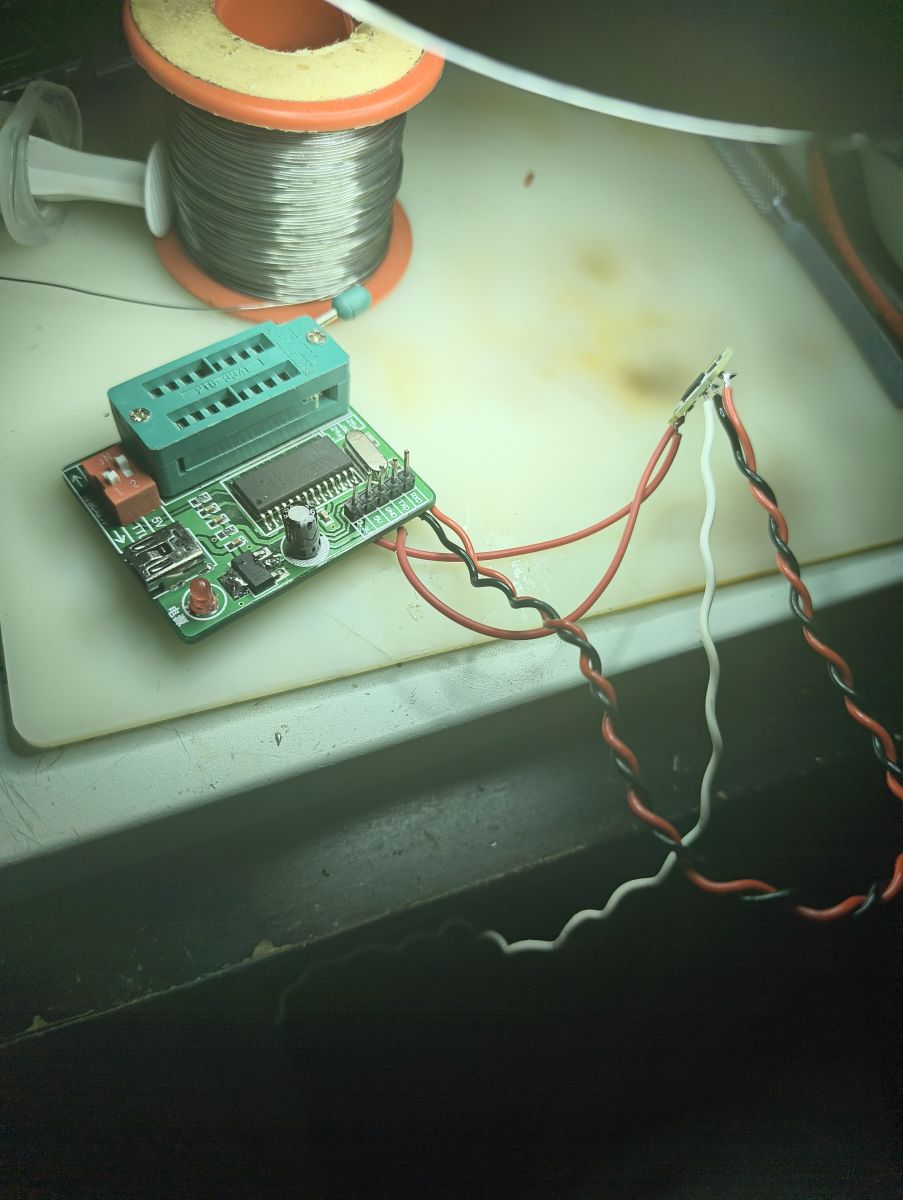
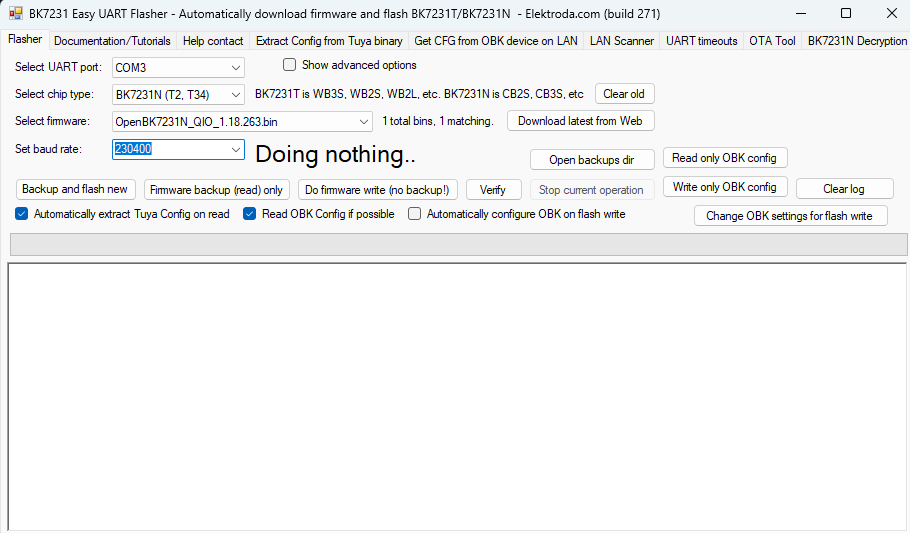
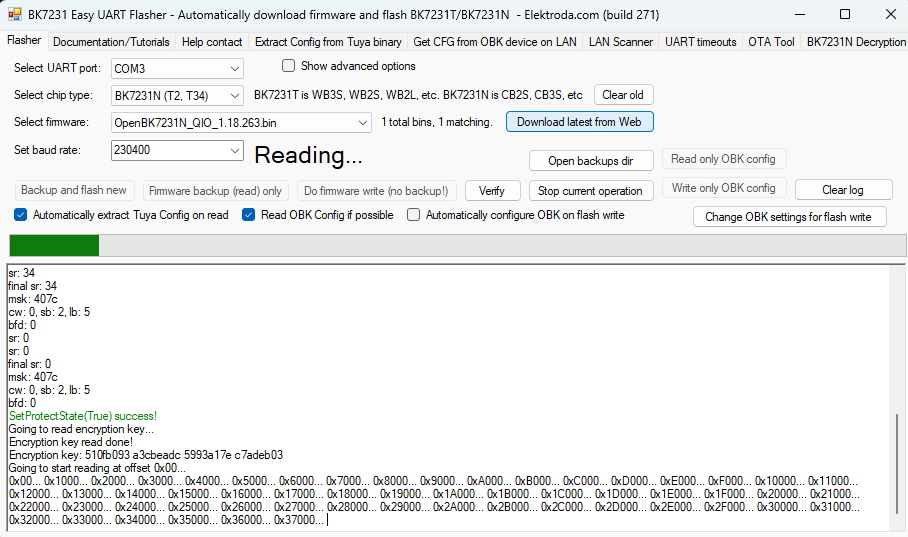
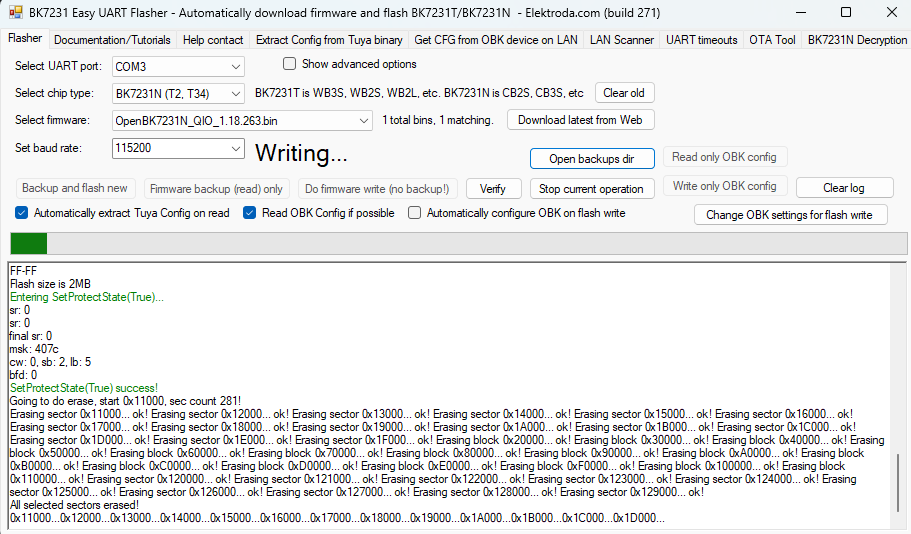
{
  "vendor": "Action",
  "bDetailed": "0",
  "name": "LSC Smart Connect LED Smart Lightbulb A60 E27 RGB (WiFi)",
  "model": "ArtNo. 2578539.1",
  "chip": "BK7231N",
  "board": "CBLC5",
  "flags": "5124",
  "keywords": [
    "Action LCS",
    "Lightbulb",
    "BK7231N",
    "CBLC5",
    "OpenBeken"
  ],
  "pins": {
    "6": "KP18058_DAT;0",
    "24": "KP18058_CLK;0"
  },
  "command": "backlog PowerSave 1; stopDriver *; startDriver KP18058; KP18058_Map 2 1 0 4 3; KP18058_Current 4 4; Dimmer 50;"
}
TL;DR: Flash the LSC A60 E27 RGB by 3‑wire UART (TX, RX, RST); “Now you have a functional Open Beken bulb.” Backup, flash, then join the OpenBK AP to configure. Works on BK7231N CBLC5 boards using KP18058 driver. [Elektroda, louiscubiquepro, post #21848515]
Why it matters: This FAQ helps DIYers replace locked firmware with OpenBeken for local control and longer device life.
Comments
Is this WiFi network to be called Open or has AI gone astray in the translation? [Read more]
Translation error, Wi-Fi is called "OpenBK...": https://obrazki.elektroda.pl/4086607000_1772048358_bigthumb.jpg (example from another post) [Read more]
template to list PR https://github.com/OpenBekenIOT/webapp/pull/271 [Read more]