logo elektroda
logo elektroda
X
logo elektroda

[CB3S/BK7231N] Appio 9620 roller blinds/curtains controller - firmware change and GPIO export from T

p.kaczmarek2 1974 0

TL;DR

  • Appio 9620 curtain controller was flashed from Tuya firmware to OpenBeken on a CB3S/BK7231N module.
  • RX, TX, GND and 3.3V were soldered in, and BK7231GUIFlashTool automatically detected the Tuya configuration after a power cycle.
  • The board uses a BK7231N chip, two JY32FNH-SH-DC5V-A relays, and a DP1801-based flyback power supply.
  • The flasher exported GPIOs for relay 1 on P6, relay 3 on P8, Wi‑Fi LED on P14, and buttons on P24, P7, and P26.
  • Firmware upgrade succeeded, but final roller-blind setup stayed untested because no motorized curtains were available.
Generated by the language model.
ADVERTISEMENT
Treść została przetłumaczona polish » english Zobacz oryginalną wersję tematu
📢 Listen (AI):
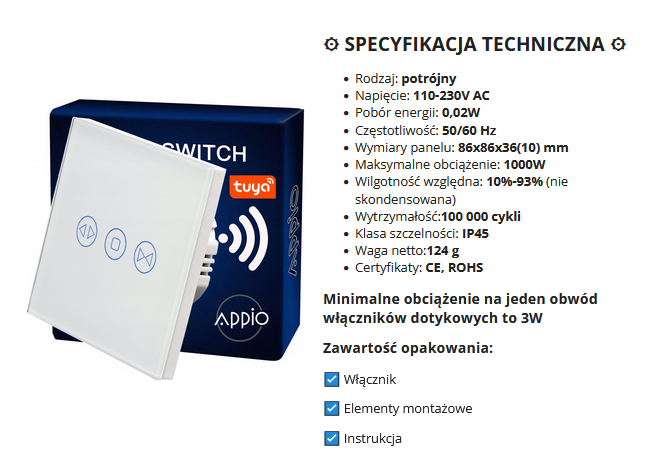
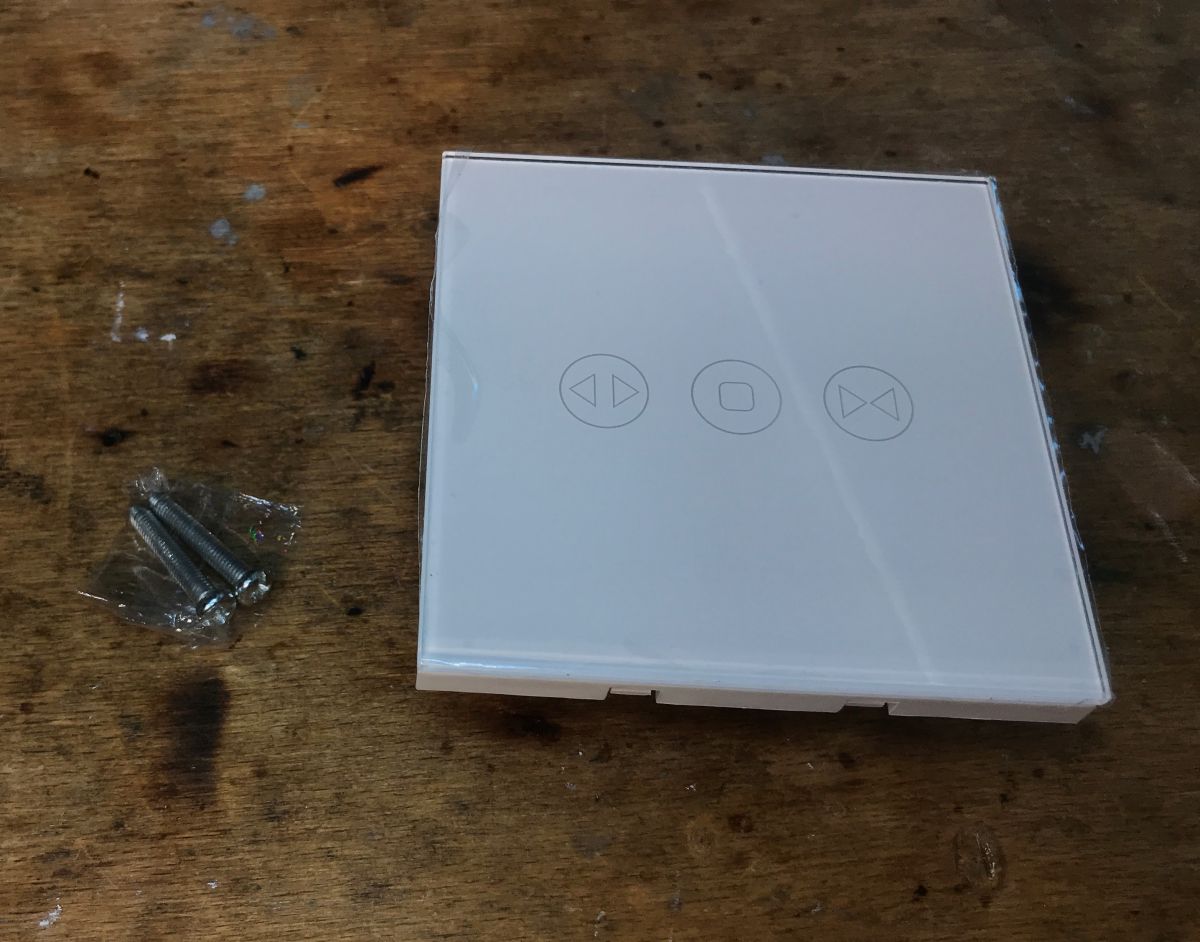
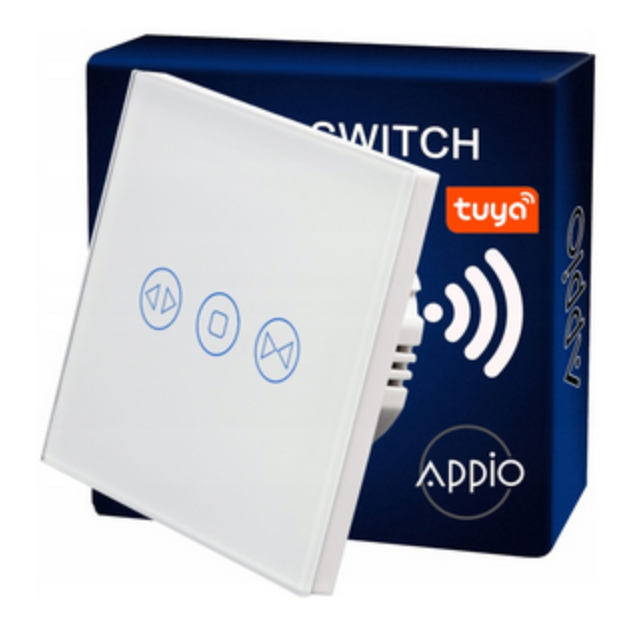
  • Appio 9620 curtain controller touch plate with packaging
    Today we are changing the firmware of the Appio 9620 curtain controller; OpenBeken I`m uploading it here not for myself, but at the reader`s request, I don`t even have motorized curtains yet, but maybe someday... we`ll also check whether automatic GPIO configuration/detection can handle the roller shutter controller.

    Purchase Appio 9620
    The product was purchased in our country from a distributor, it is much faster, we often get it in our hands literally within 2 days:
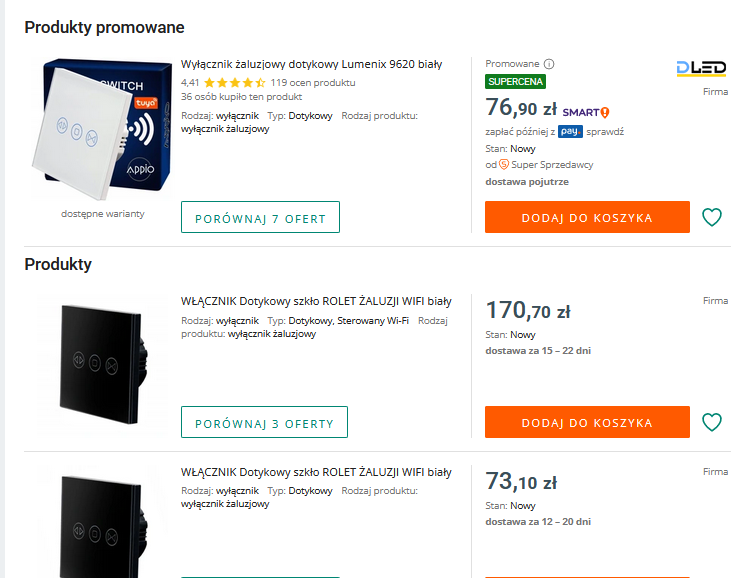
    Offer of shutter switches on an online store page.
    The product is not that expensive, the price is similar to ordinary triple switches, it is only PLN 80. Specification:
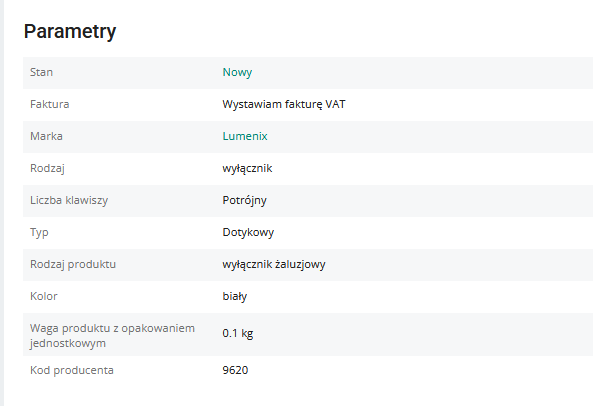
    Table with parameters of the Lumenix switch.
    Appio 9620 curtain control panel with leaflet and packaging.
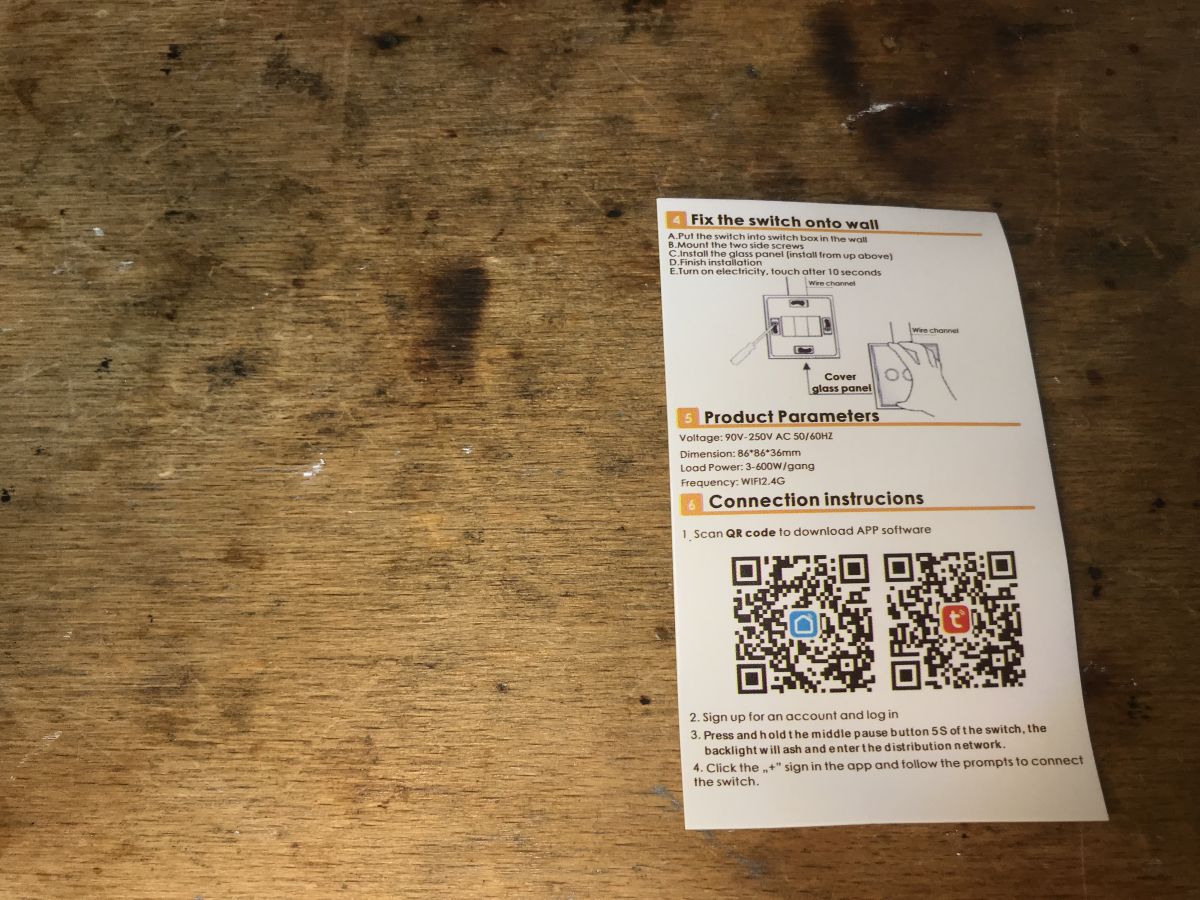
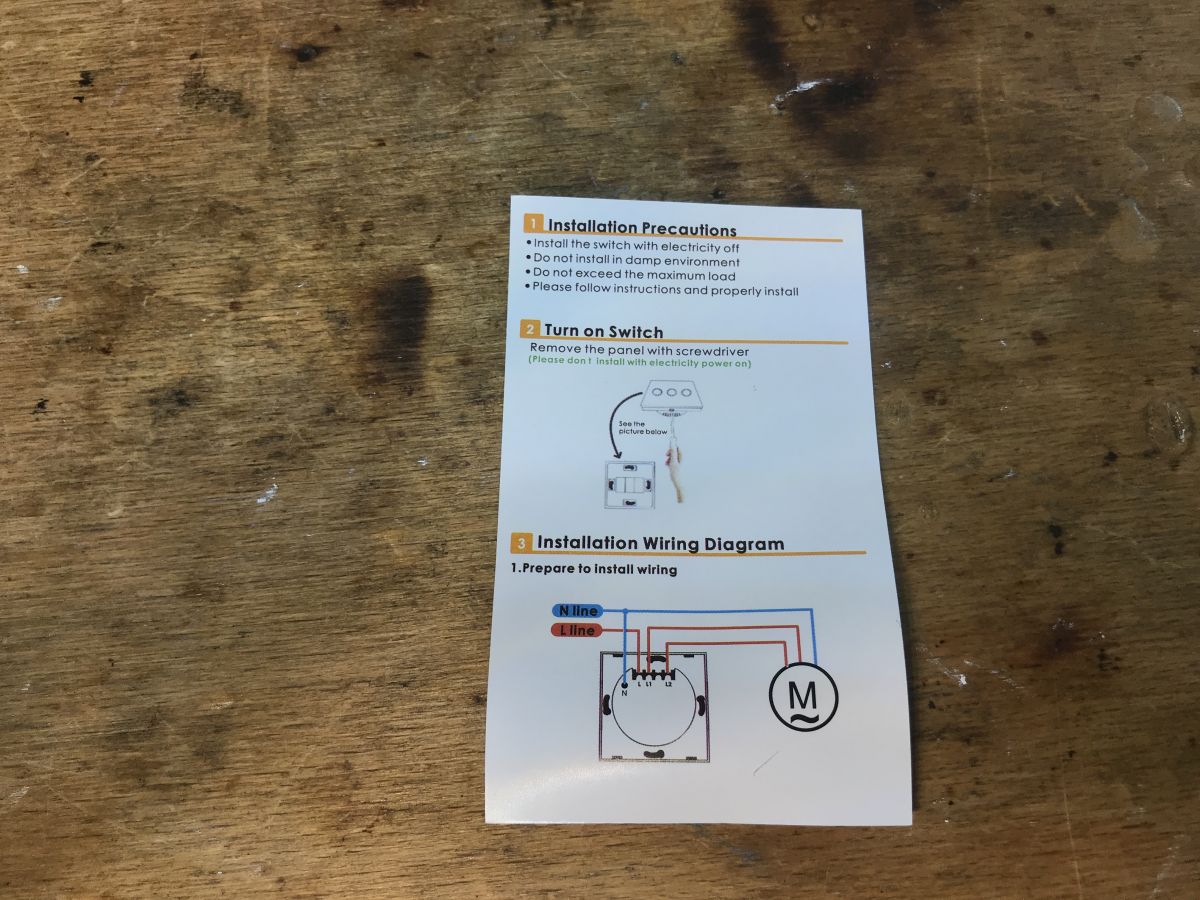
    Description of calibration in Tuya, but this does not apply to us because we will change the load:
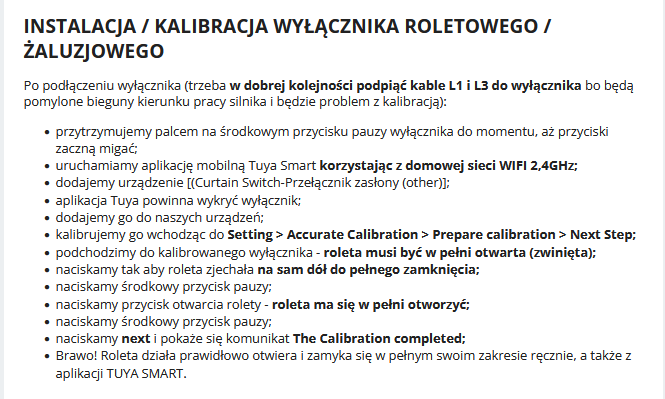
    Installation and calibration instructions for a Tuya curtain switch.
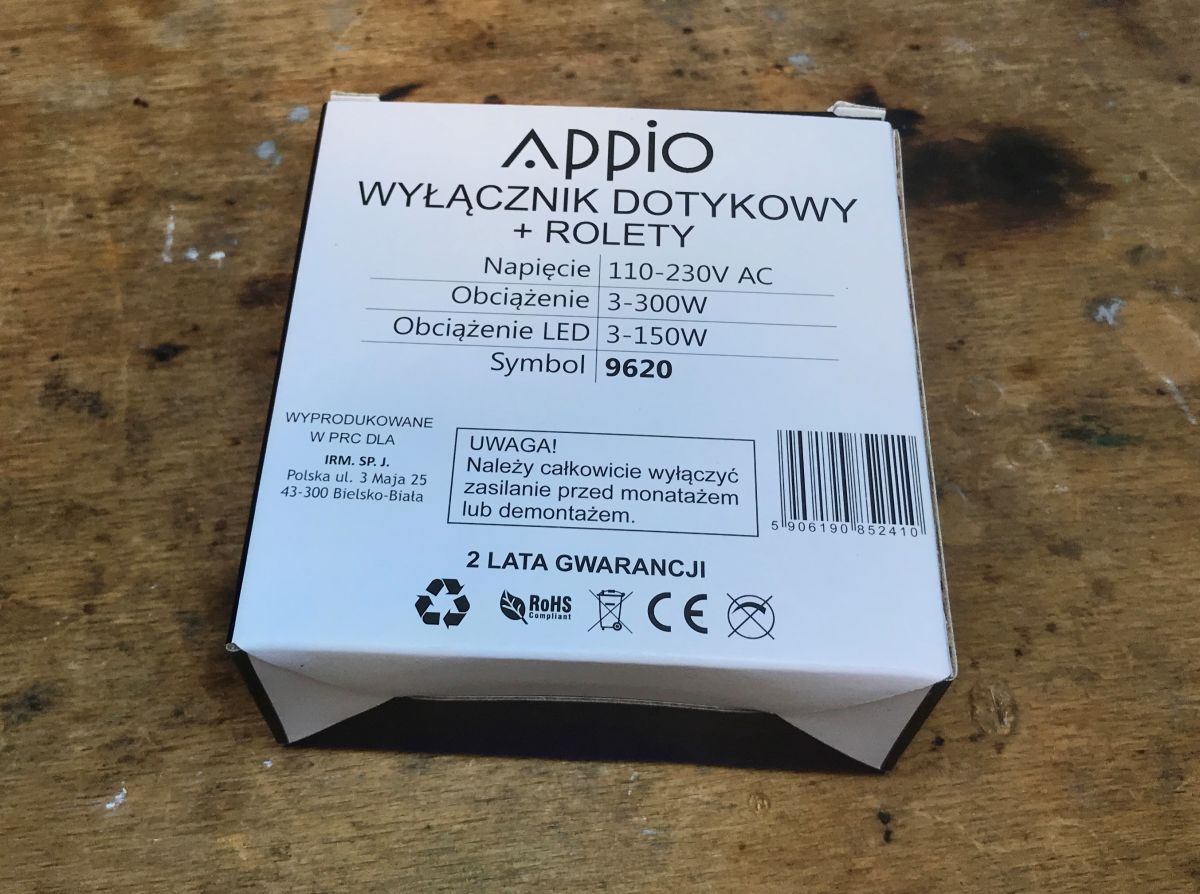
    Actual packaging including leaflet and kit contents:
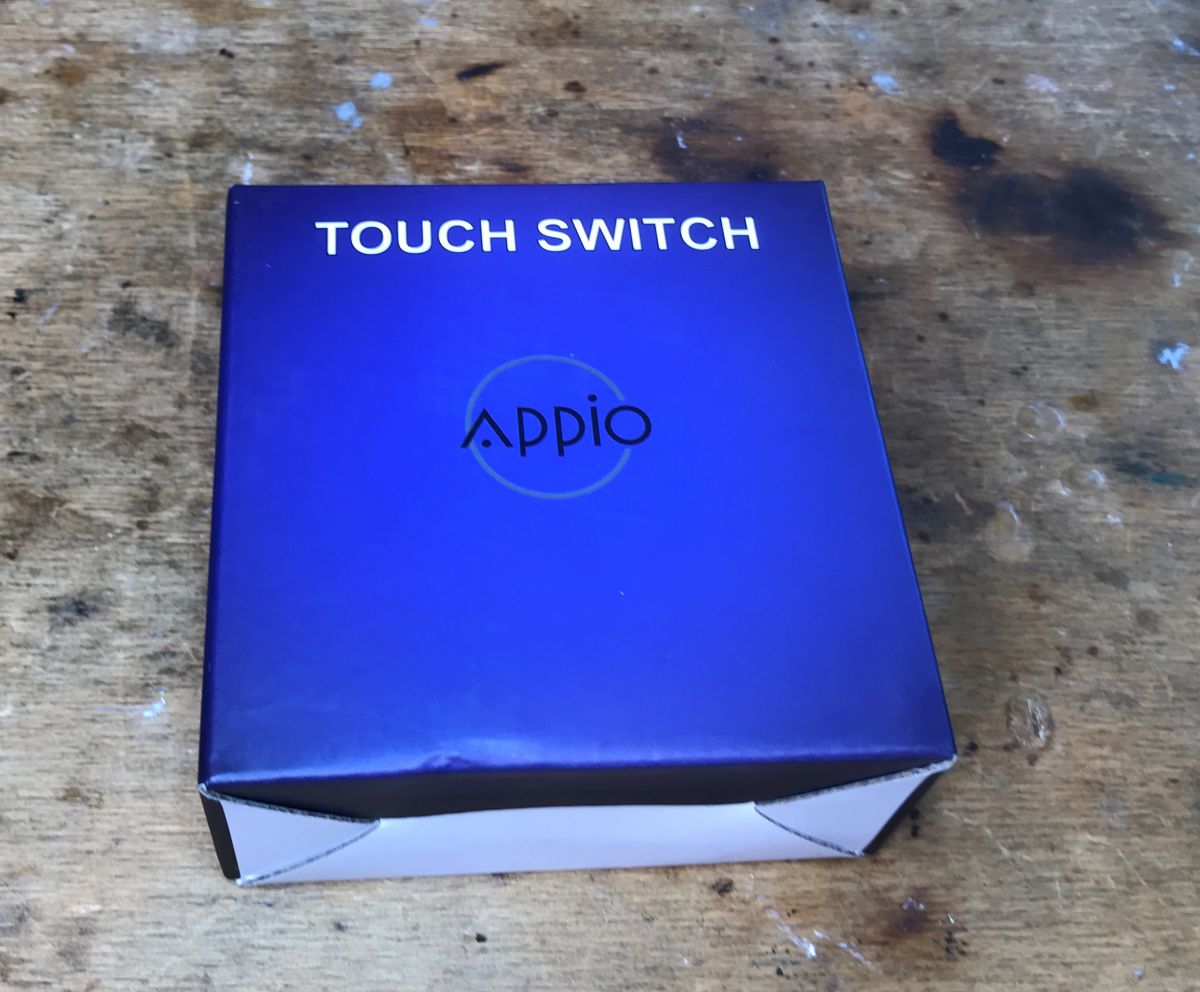
    Box of Appio 9620 touch controller on wooden background Appio 9620 touch switch packaging on a wooden table Installation instruction leaflet for curtain controller on a wooden surface. Installation guide for Appio 9620 shutter controller on a wooden background
    Appio 9620 controller panel on a wooden surface with four touch buttons.

    ADVERTISEMENT


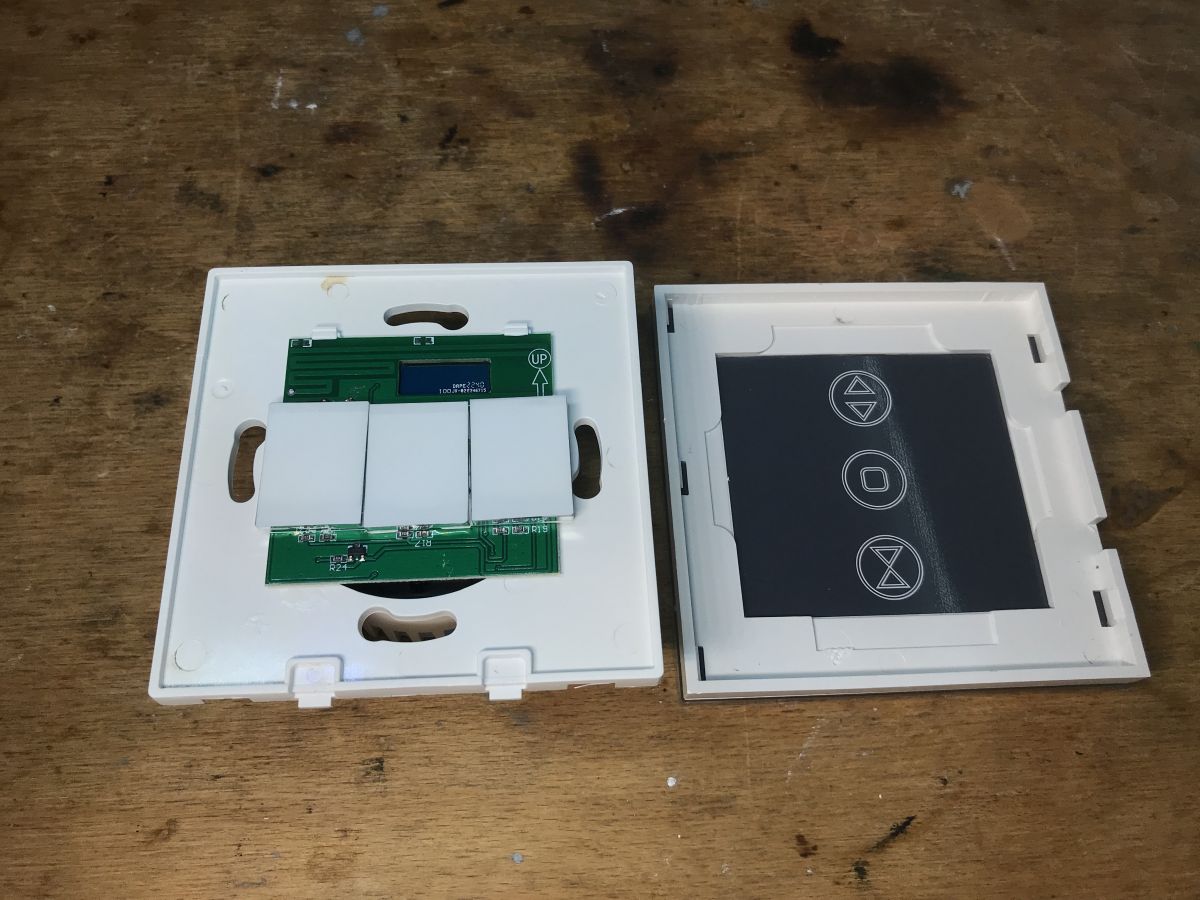
    Appio 9620 interior
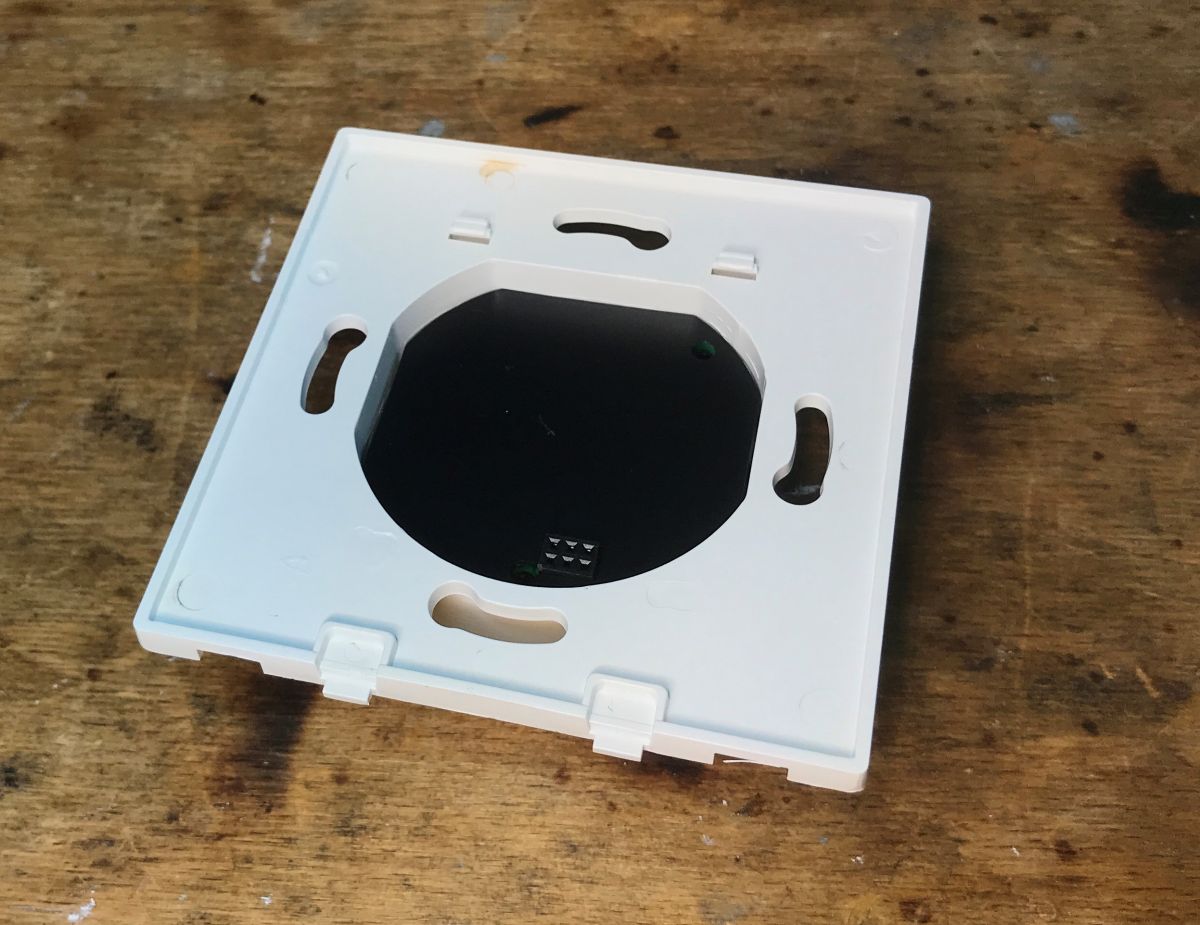
    You just need to pry the front:
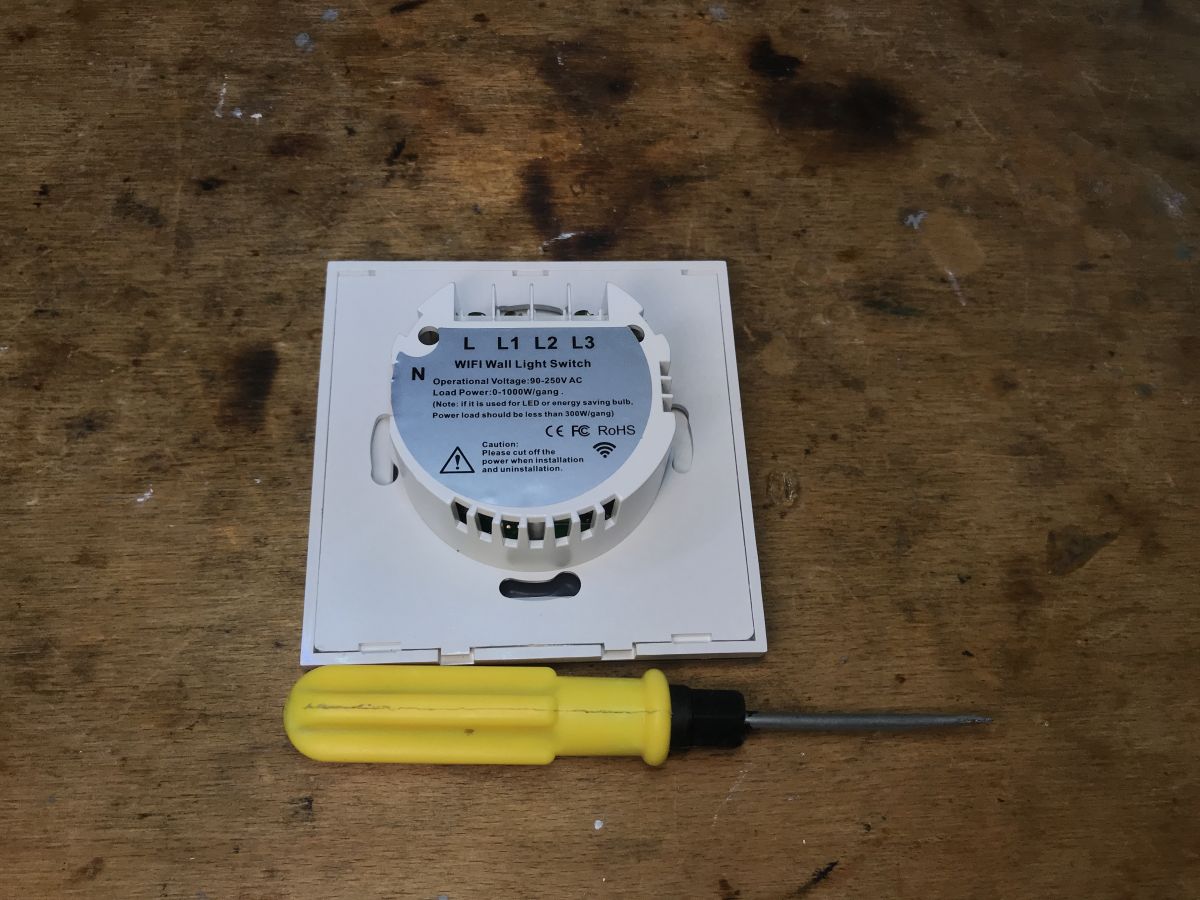
    View of Appio 9620 WiFi Wall Light Switch with a yellow screwdriver beside it. Open Appio 9620 shutter controller showing PCB and buttons.
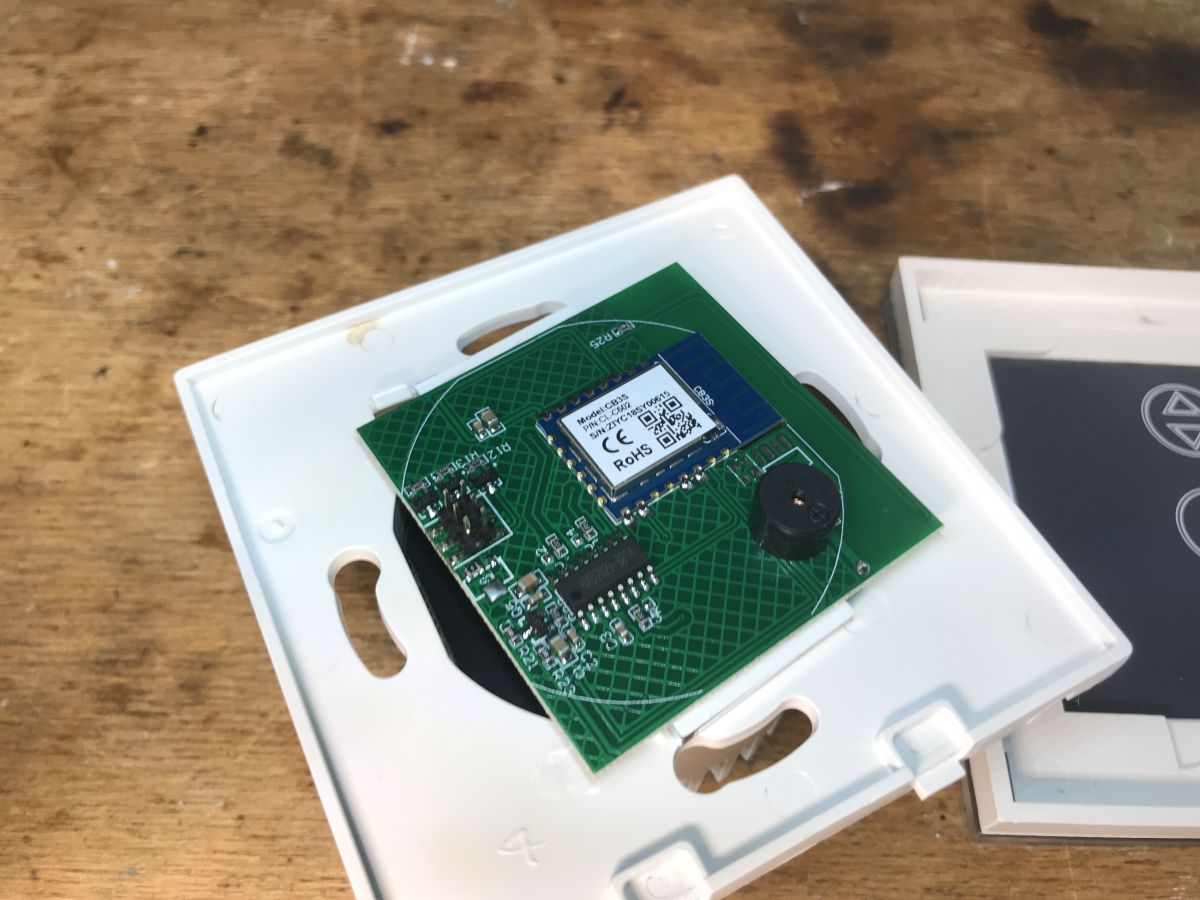
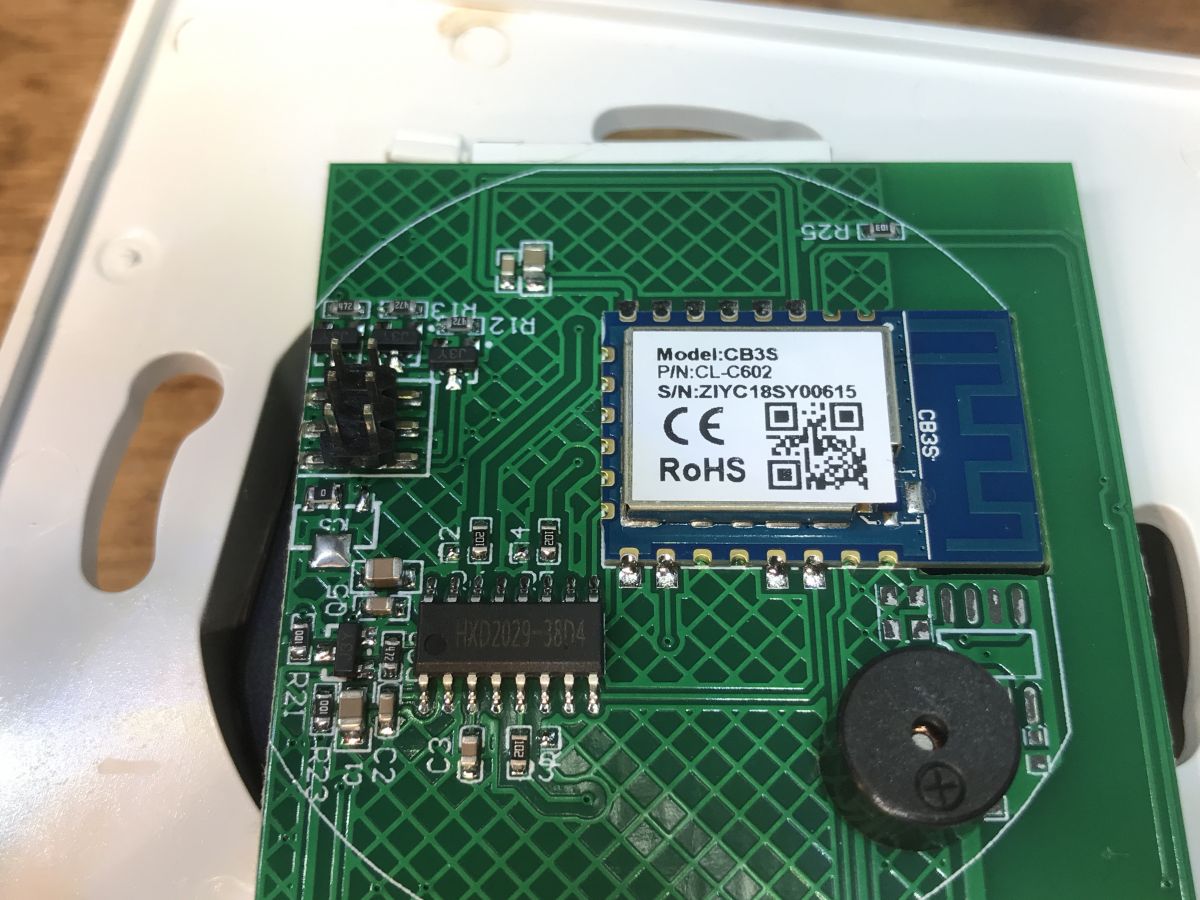
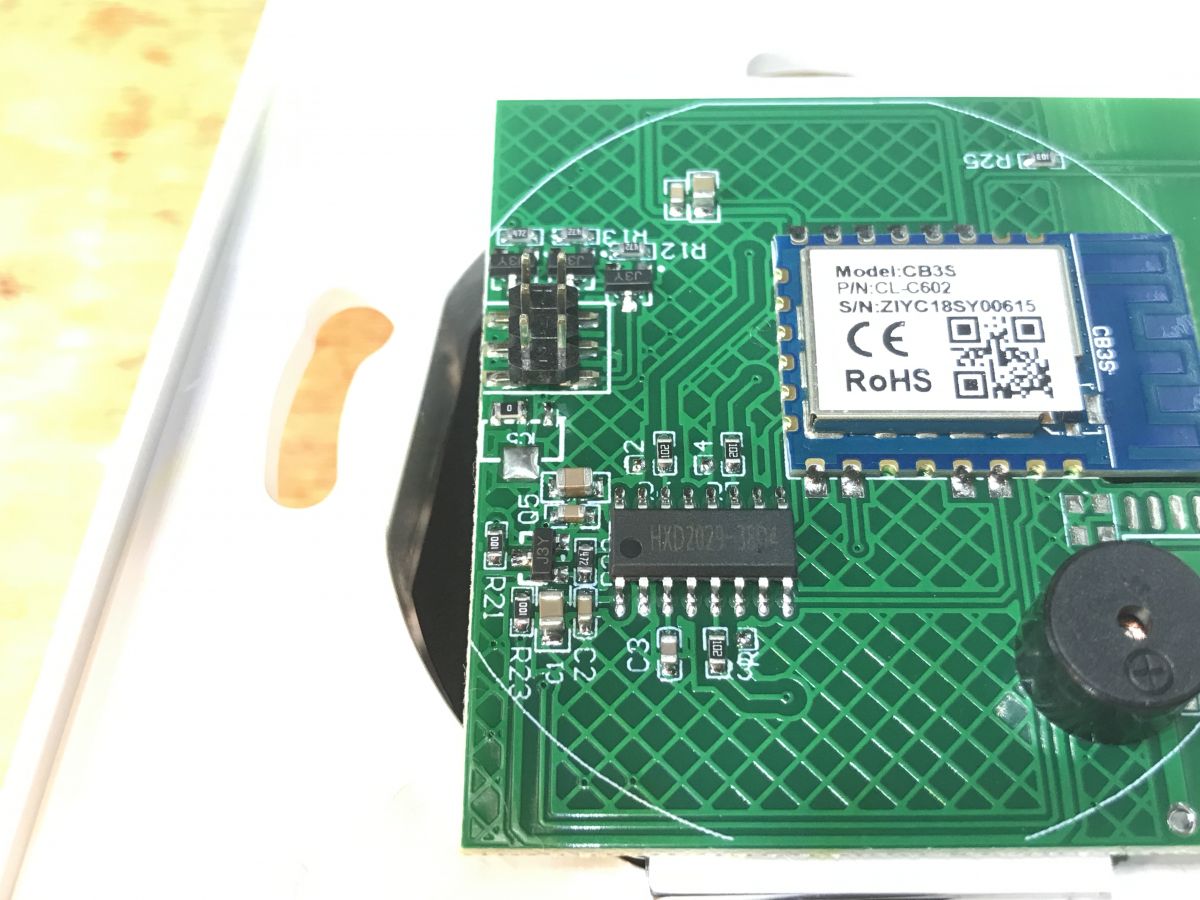
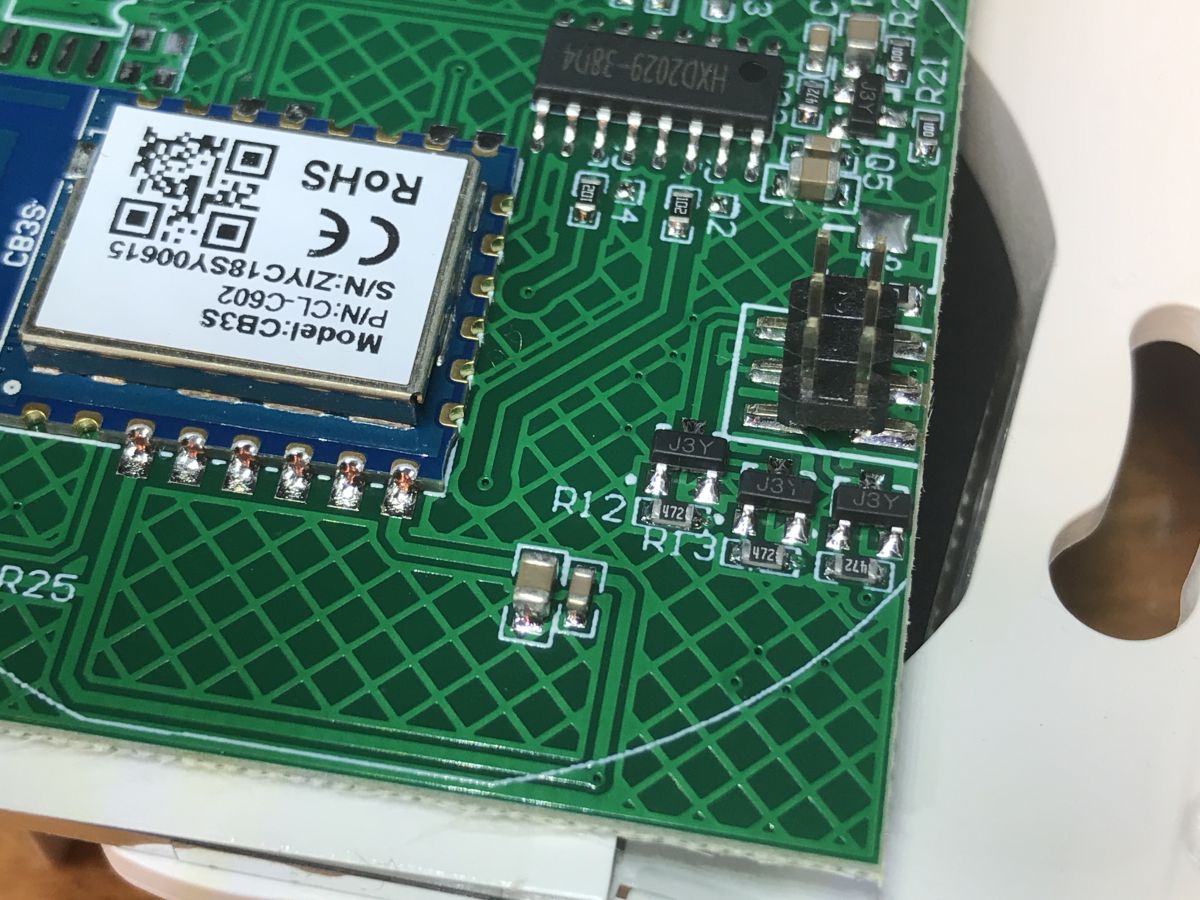
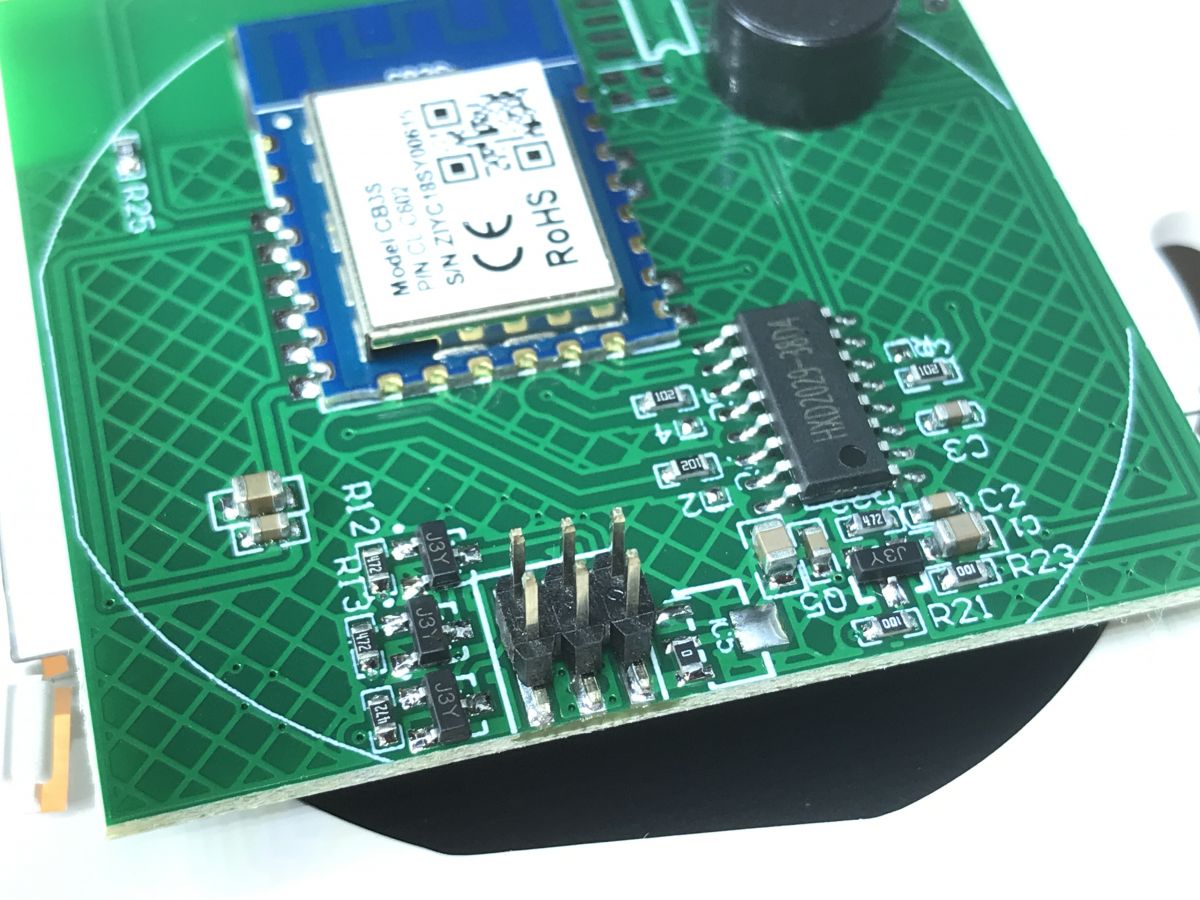
    You can already see that it is inside CB3S . It`s also interesting that we have a buzzer here, but no RF system... maybe we can use it somehow?
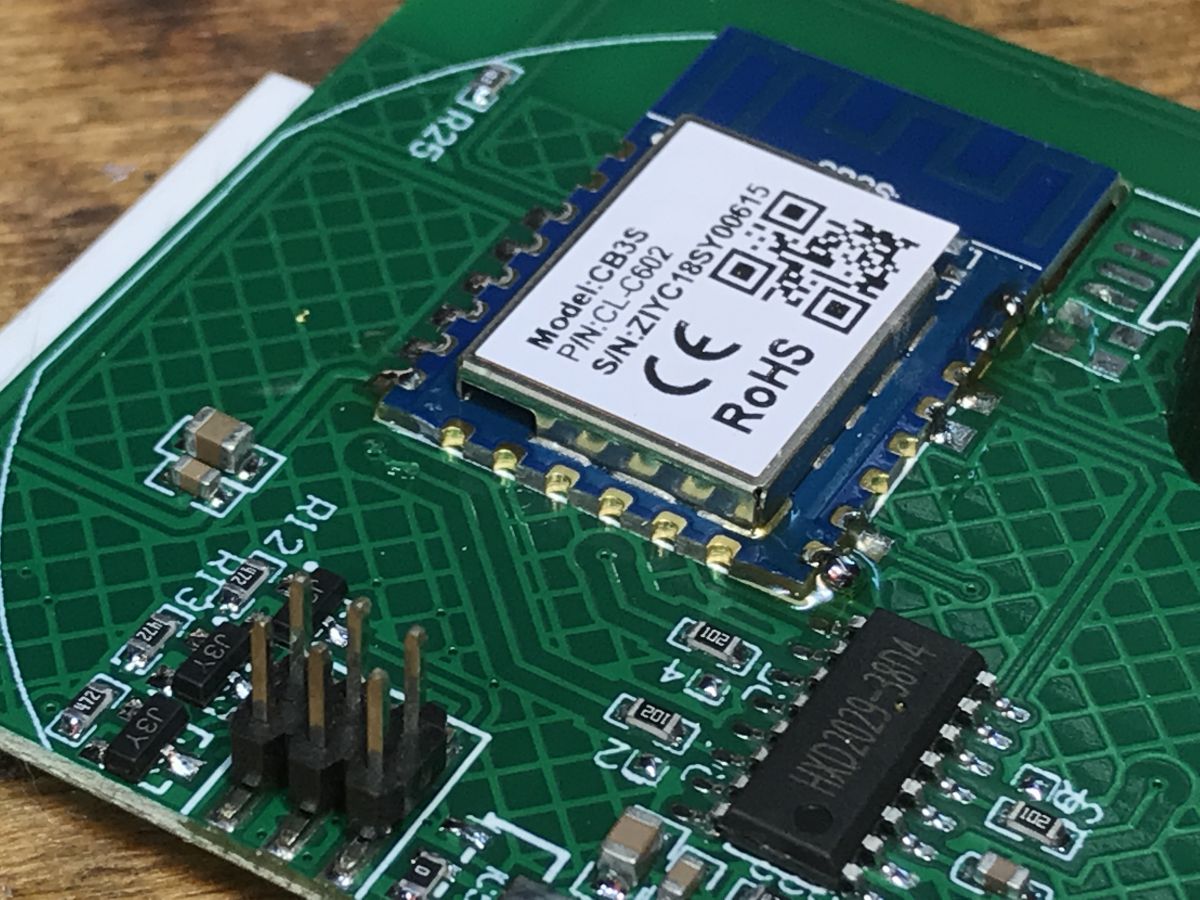
    CB3S module on a circuit board Interior of Appio 9620 curtain controller showing CB3S module. Close-up of CB3S module on the circuit board of Appio 9620 controller Close-up of a PCB with a CB3S module. Close-up of a PCB with a CB3S module. Close-up of a PCB with CB3S module.
    Out of curiosity, let`s take a look at the board with the power supply and relays:
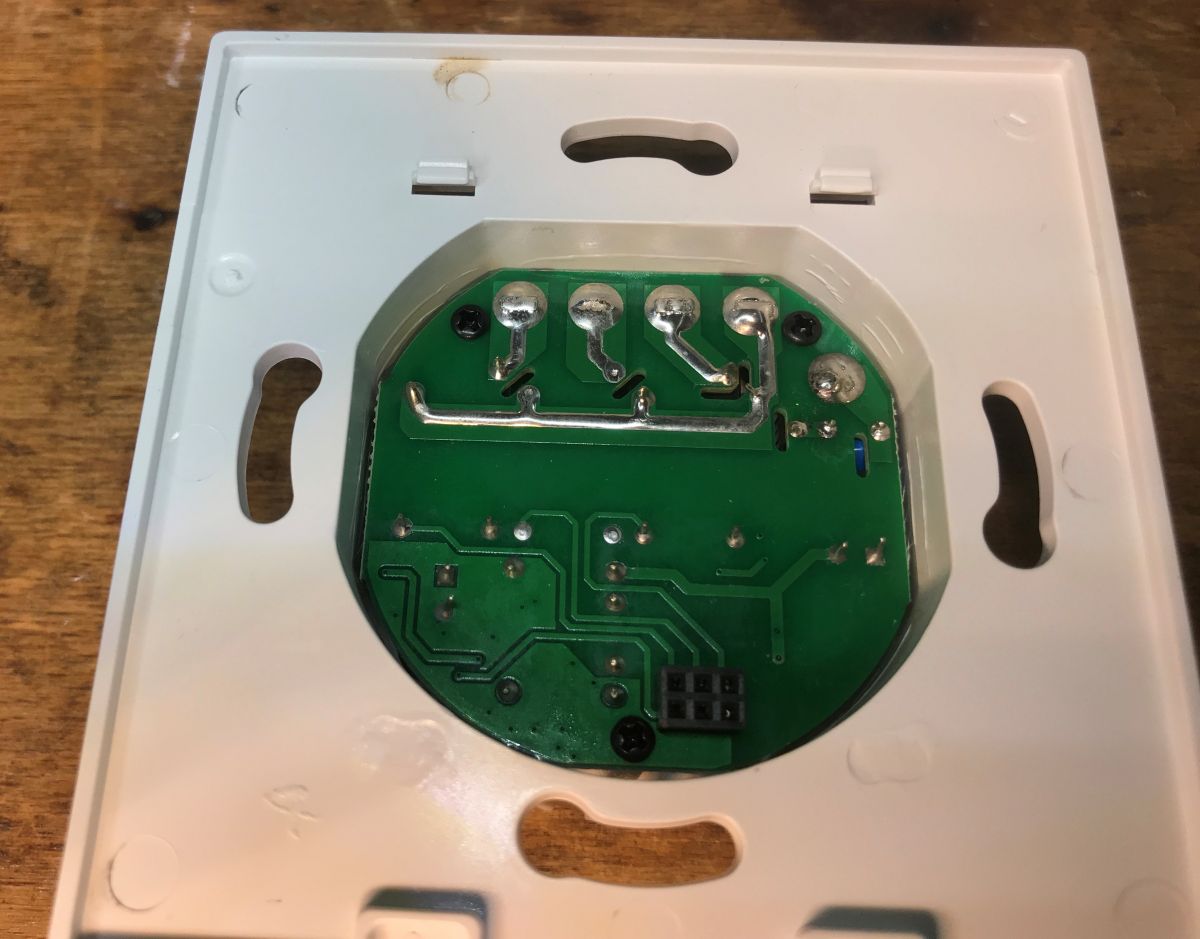
    Circuit board inside Appio 9620 curtain controller Appio 9620 curtain controller housing with visible interior.
    To remove the PCB, you need to unscrew the screws from the PCB and the screws from fastening the cables:
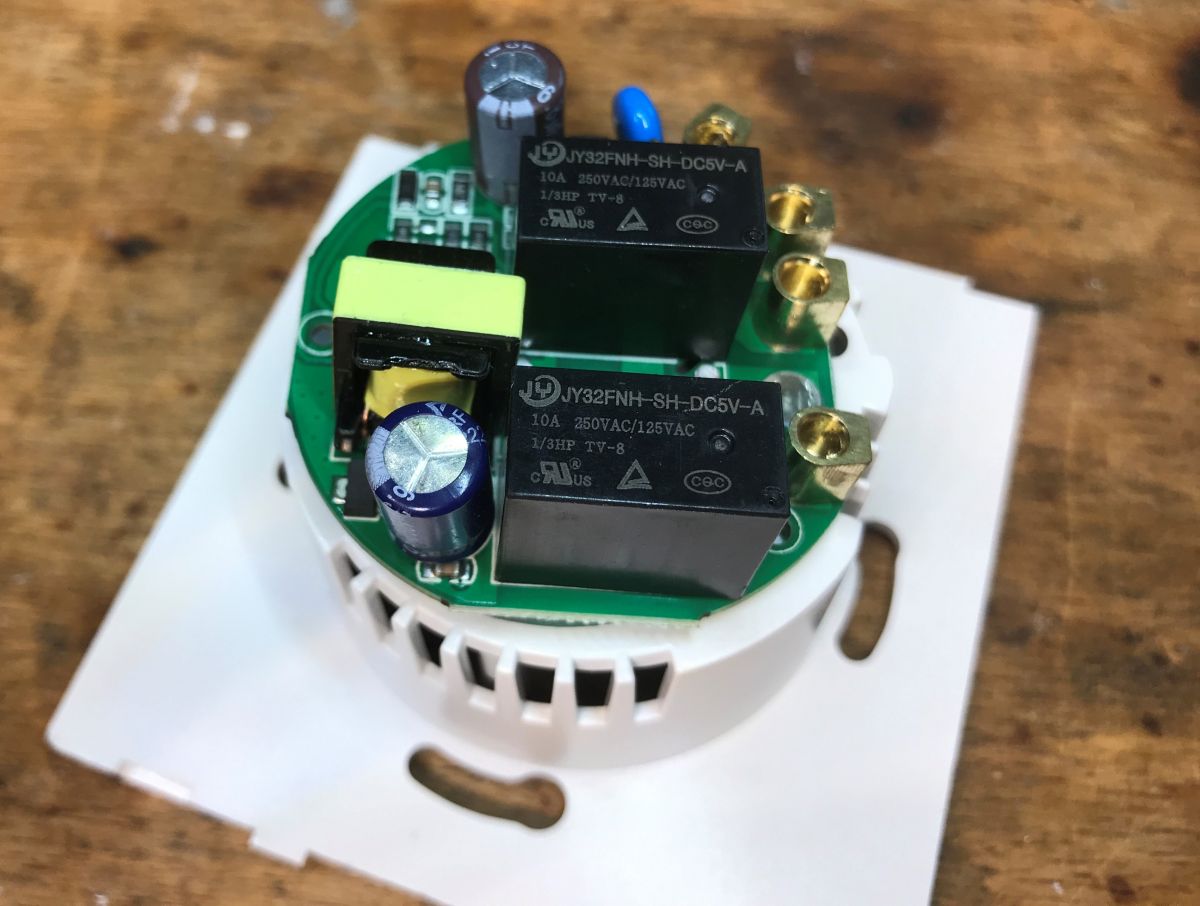
    Interior of the Appio 9620 curtain controller with visible electronic components. Interior of the Appio 9620 controller showing electronic components.
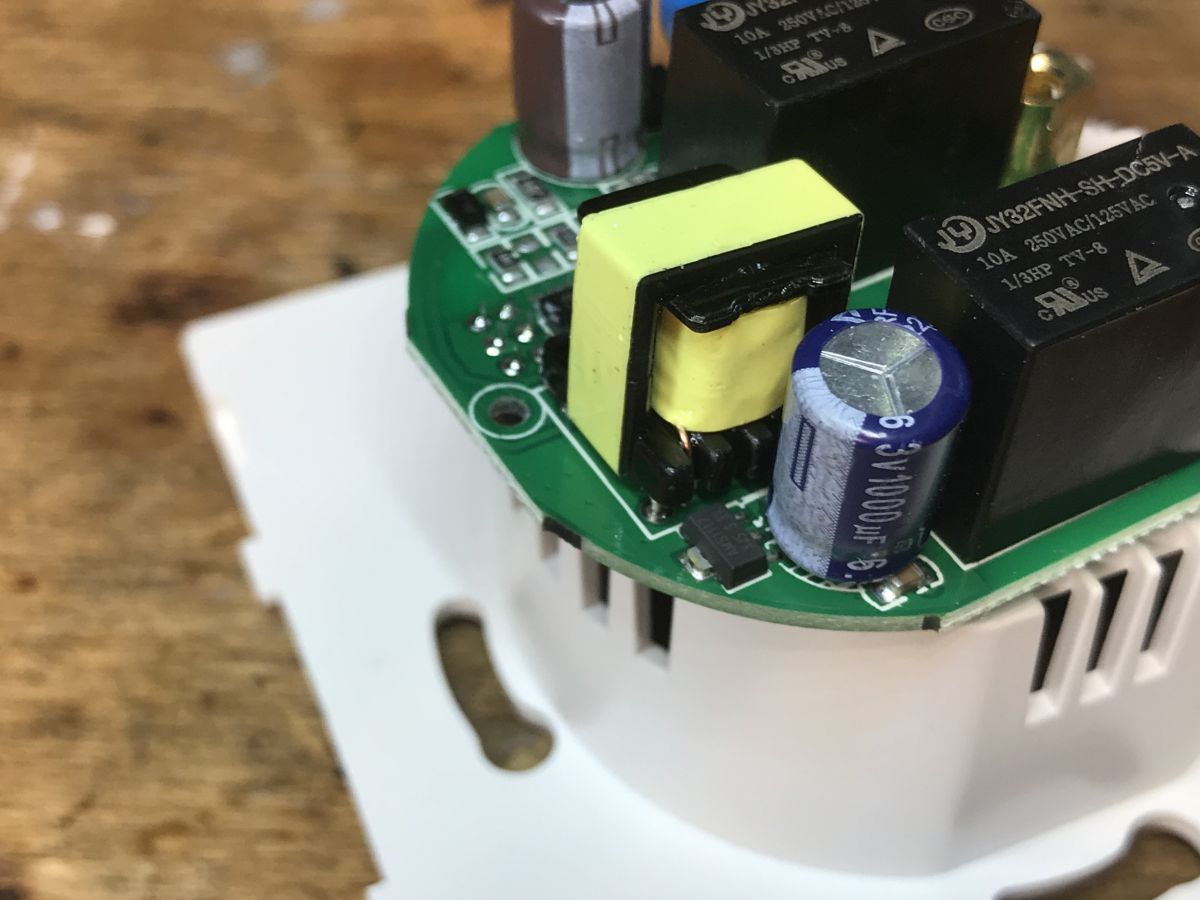
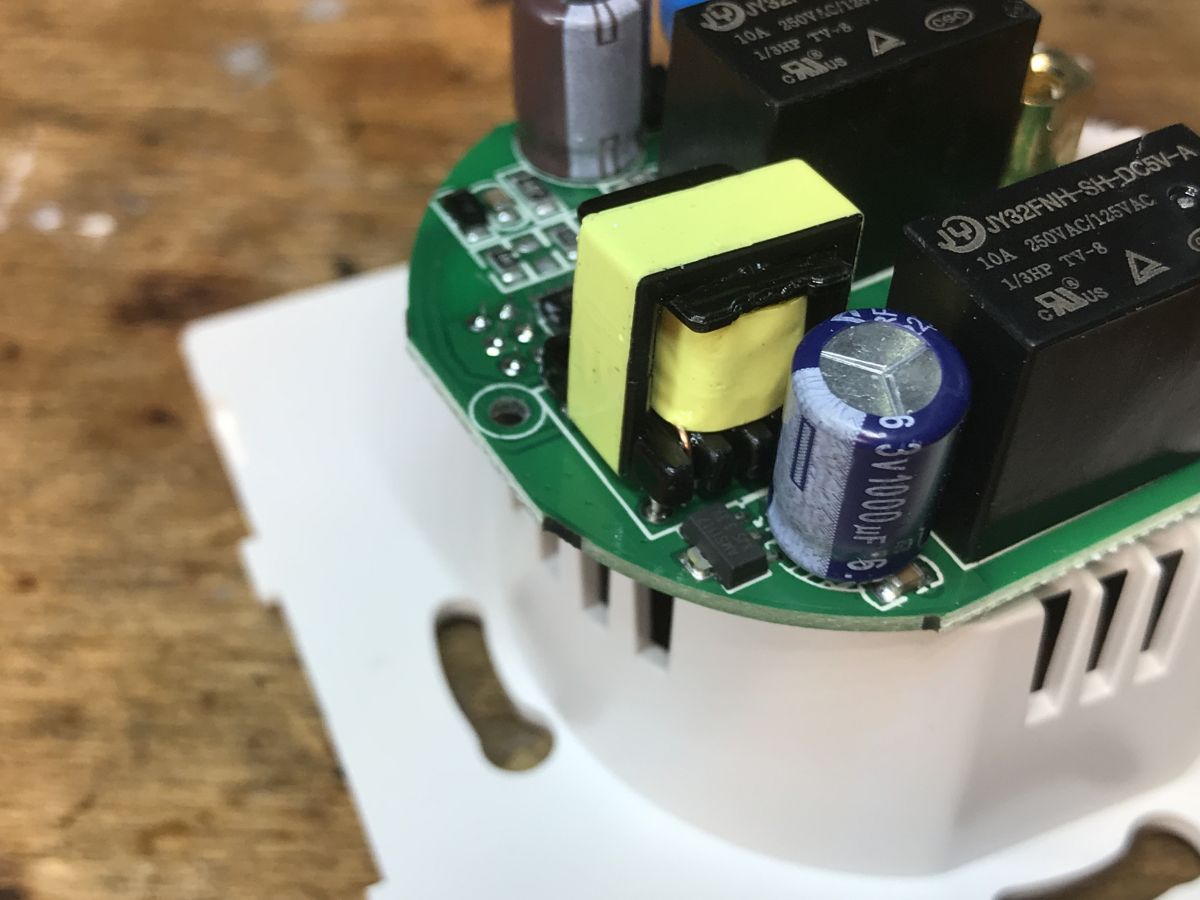
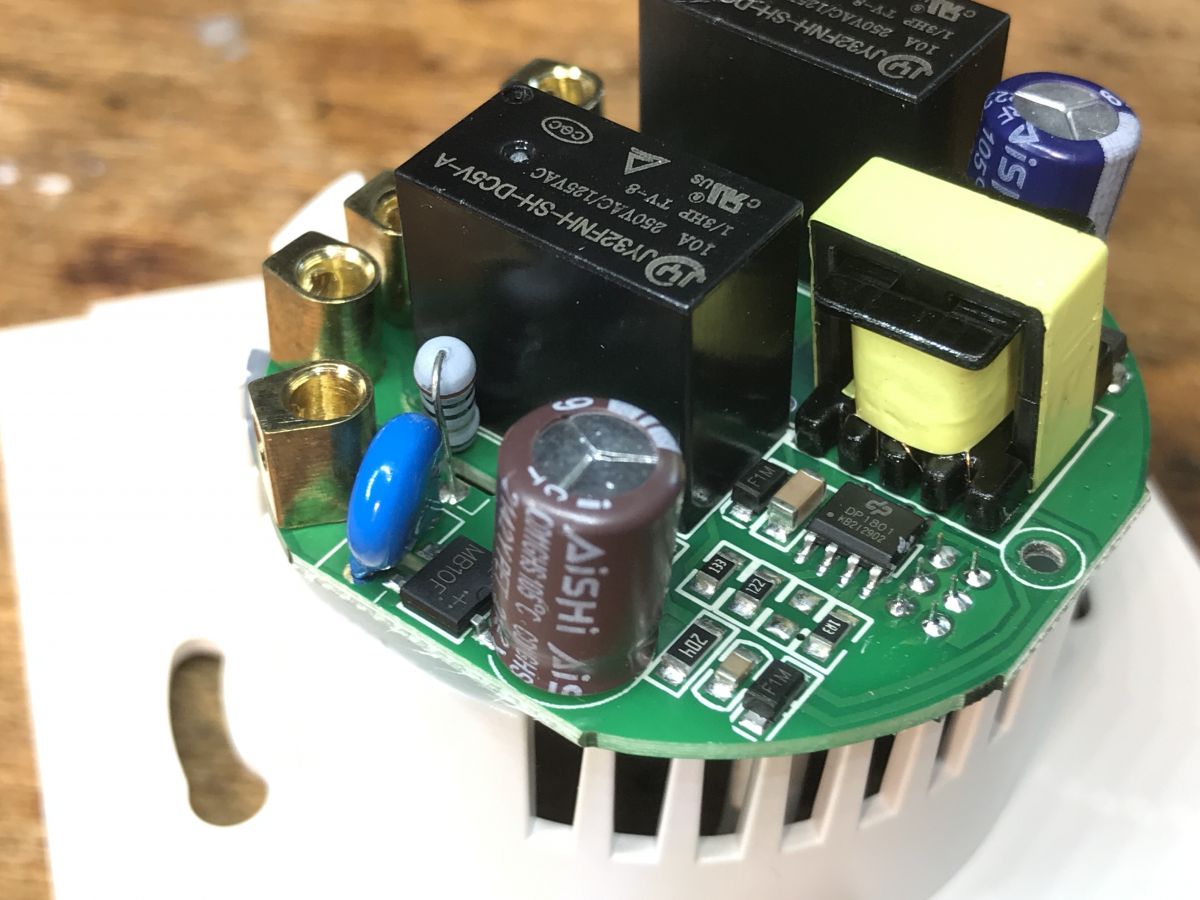
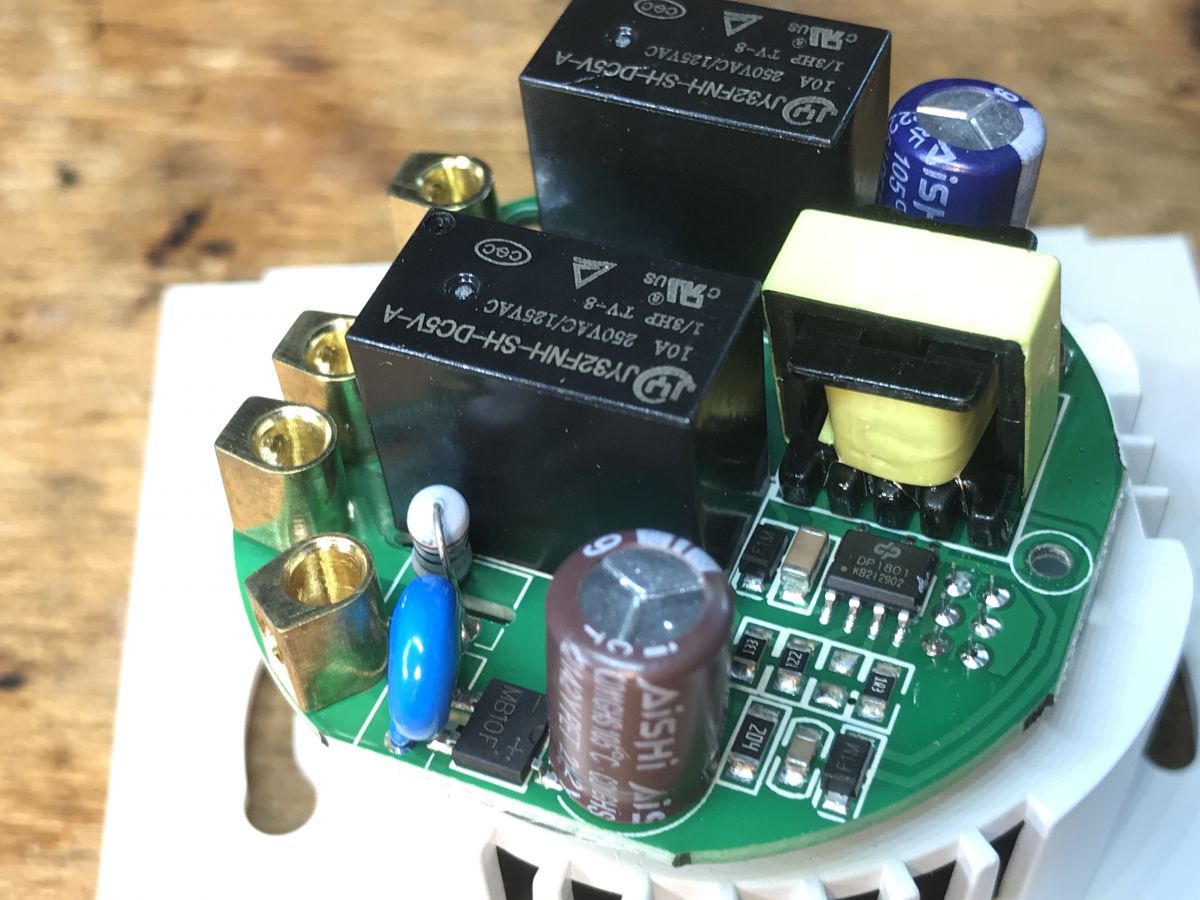
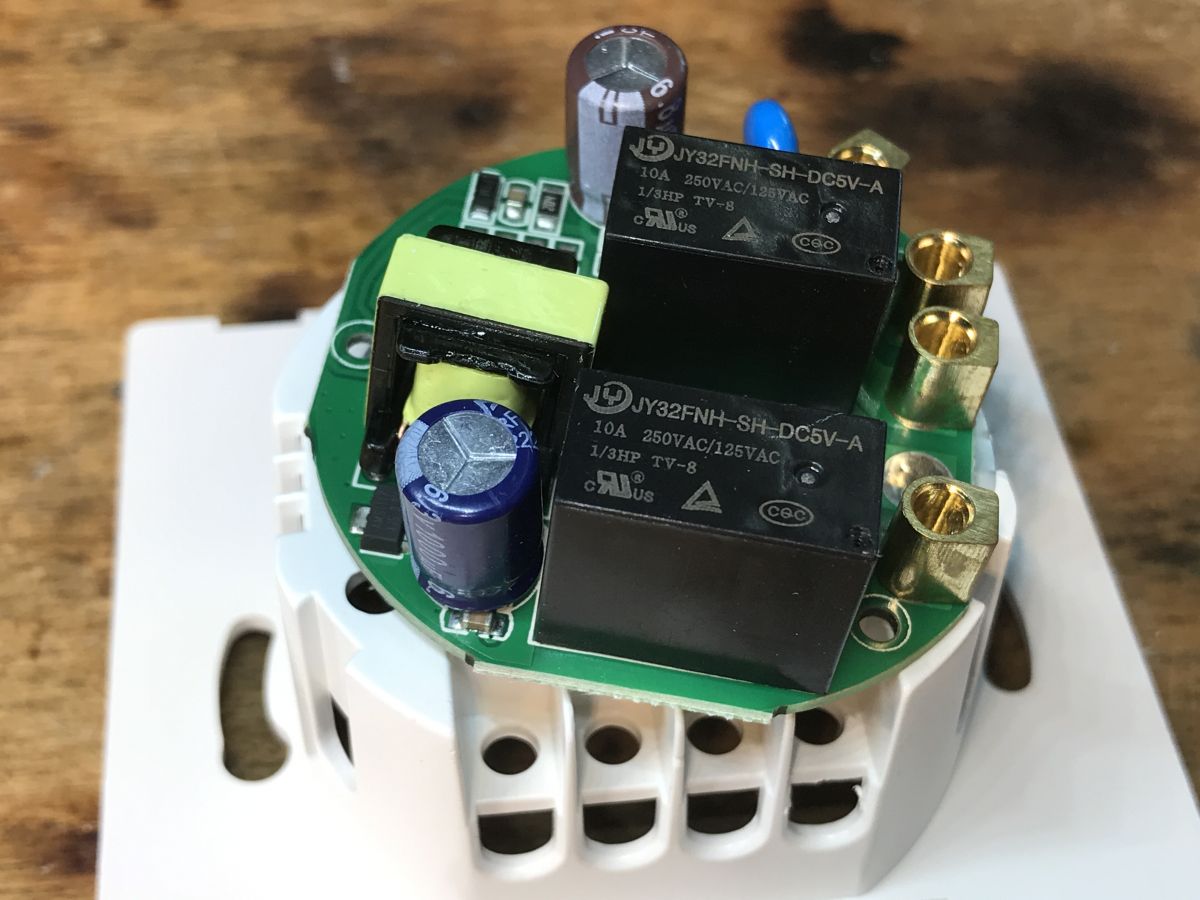
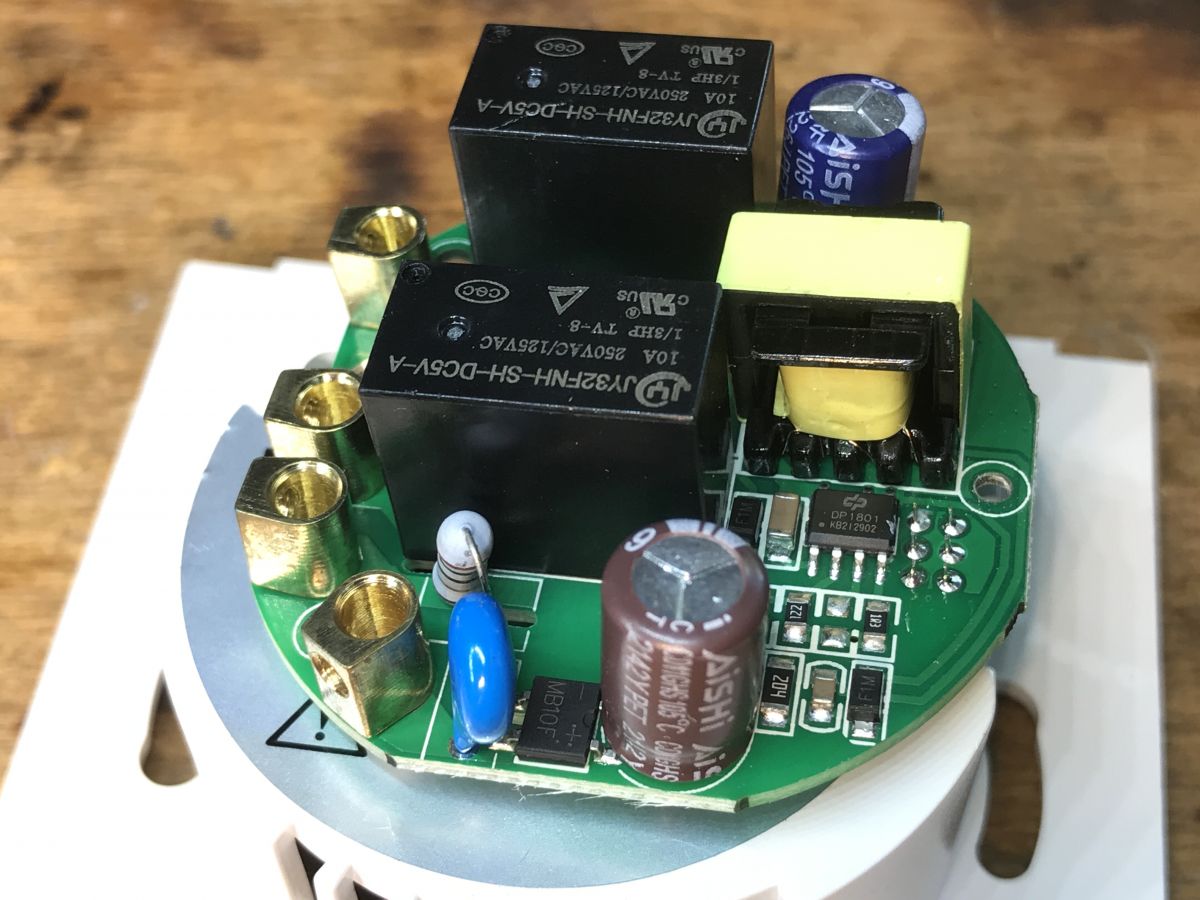
    We have two JY32FNH-SH-DC5V-A relays for 10A each and a simple flyback power supply:
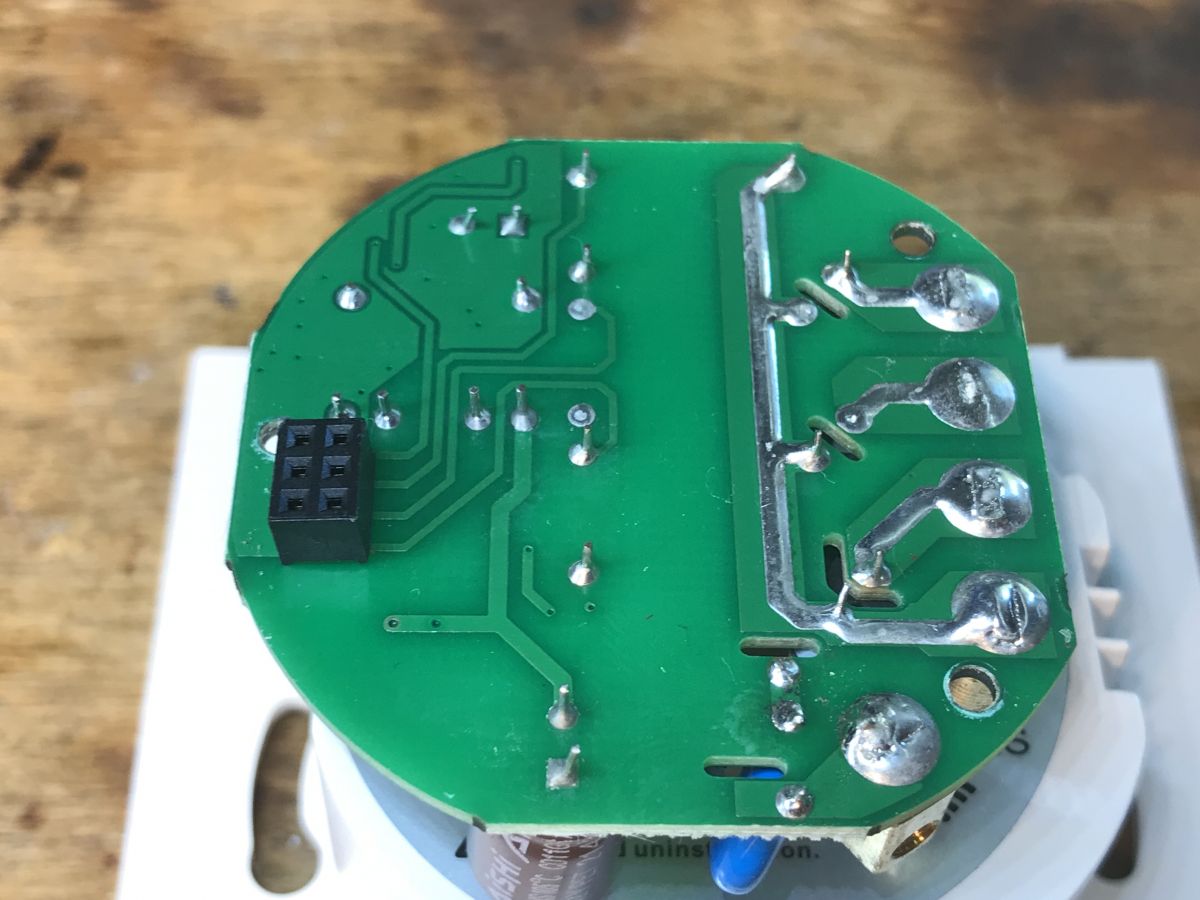
    Close-up of the Appio 9620 controller circuit board Interior of Appio 9620 curtain controller with relays and capacitor. Interior of the Appio 9620 curtain controller showing electronic components. Close-up of the interior of the Appio 9620 controller with visible relays and a capacitor. Interior of the Appio 9620 curtain controller showing electronic components, including JY32FNH-SH-DC5V-A relays. Interior of the Appio 9620 controller showing a PCB with relays and capacitors.
    The power supply is based on DP1801:
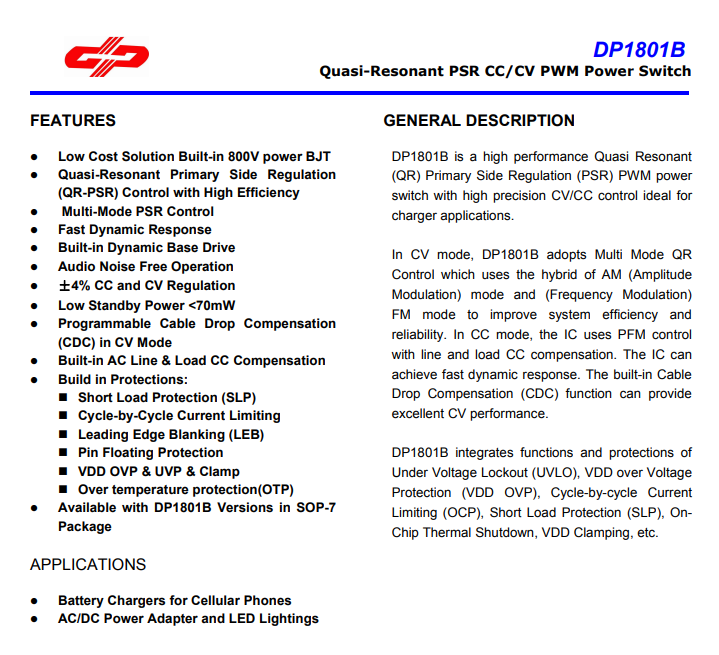
    DP1801B specification sheet.
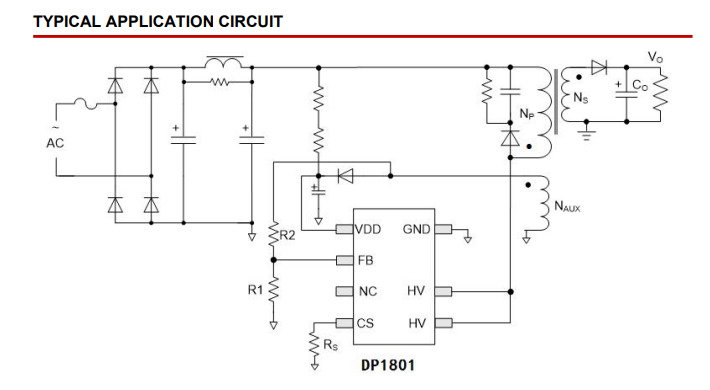
    Below is an example application:
    Typical application circuit of DP1801 chip
    A classic layout in IoT devices. I see it everywhere, almost as often as the non-isolated buck converter, which is almost as popular in other "smart" products.

    Appio 9620 firmware change
    According to the flasher instructions:
    https://github.com/openshwprojects/BK7231GUIFlashTool
    If you have any questions, you can also visit our YT channel:
    https://www.youtube.com/@elektrodacom
    We solder RX, TX, GND and 3.3V:
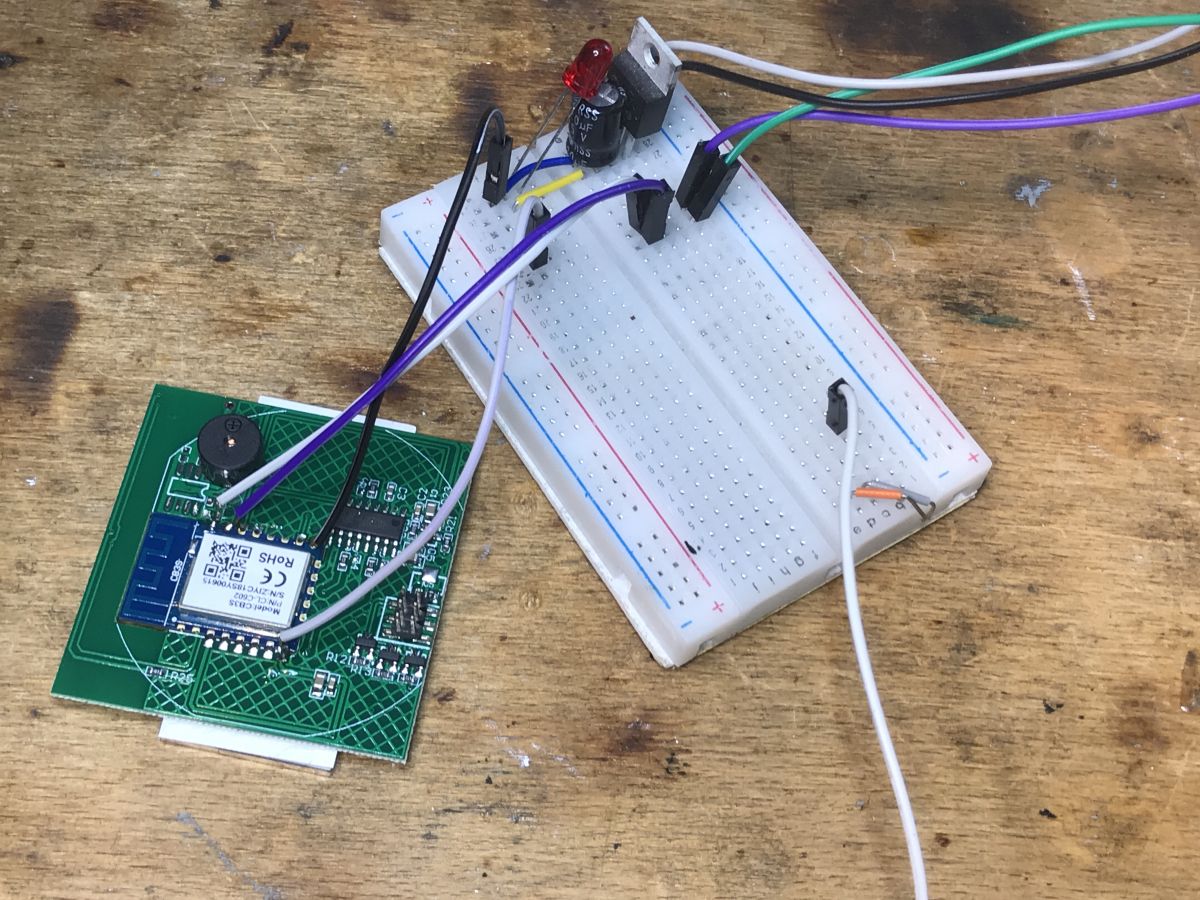
    Experimental connection with Appio 9620 controller.
    After a power cycle, the flasher detects configurations:
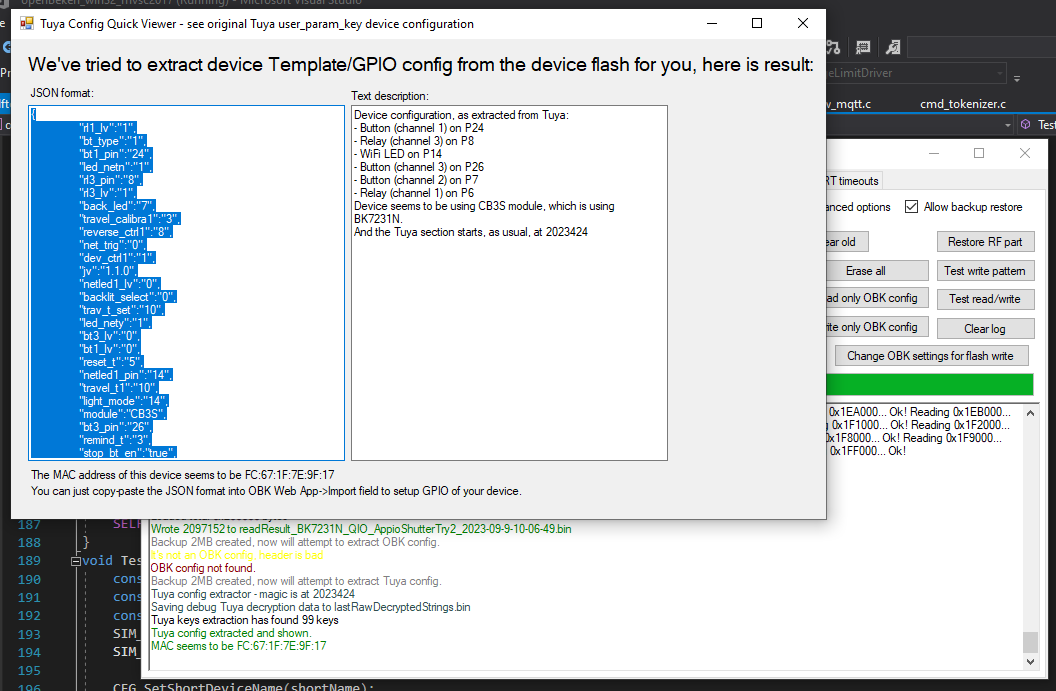
    Screenshot showing Tuya device configuration in JSON format.
    JSON Tuya detected by flasher:
    Code: JSON
    Log in, to see the code

    OBK configuration generated by the importer: https://openbekeniot.github.io/webapp/templateImporter.html
    Code: JSON
    Log in, to see the code

    Verbal description:
    
    Device seems to be using CB3S module, which is BK7231N chip.
    - Relay (channel 1) on P6
    - Relay (channel 3) on P8
    - WiFi LED on P14
    - Button (channel 1) on P24
    - Button (channel 2) on P7
    - Button (channel 3) on P26
    

    Unfortunately, I don`t have roller blinds myself, so I`ll have to refer them to another thread for the final configuration. Please refer to: Teardown of a Smart Life Curtain (Shutter) switch, Flashing, Configuring and setting up with HA

    Summary
    Firmware upgrade was fully successful a our flasher correctly decoded the Tuya configuration and showed us what GPIOs the relays, buttons and LEDs are on. I did not perform any further configuration and installation of the curtains, so the topic is not closed yet, but at most this will be done by the target recipient of the device and perhaps then we will also report on the forum as a separate topic.
    This does not change the fact that I am satisfied with the flashing itself. In the times of Tuya, for only ESP8266 GPIO, I had to guess manually...

    Cool? Ranking DIY
    Helpful post? Buy me a coffee.

    About Author
    p.kaczmarek2
    Moderator Smart Home
    Offline 
    p.kaczmarek2 wrote 14393 posts with rating 12314, helped 650 times. Been with us since 2014 year.
  • ADVERTISEMENT
📢 Listen (AI):

FAQ

TL;DR: PLN 80 controller can be locally-flashed in under 3 minutes; “Firmware upgrade was fully successful” [Elektroda, p.kaczmarek2, post #20950117]

Why it matters: Open-source firmware removes cloud reliance and unlocks full GPIO control.

Quick Facts

• Street price: ≈ PLN 80 (≈ €18) via local distributor; typical delivery 2 days [Elektroda, p.kaczmarek2, post #20950117] • MCU & module: BK7231N inside a Tuya CB3S module [Elektroda, p.kaczmarek2, post #20950117] • Relays: 2 × JY32FNH-SH-DC5V-A, 10 A @ 250 VAC each [Elektroda, p.kaczmarek2, post #20950117] • Power stage: DP1801 fly-back converter, isolated 5 V rail [Elektroda, p.kaczmarek2, post #20950117] • GPIO map auto-detected by BK7231 GUI Flash Tool v1.1 [Elektroda, p.kaczmarek2, post #20950117]

What hardware is inside the Appio 9620 roller-blind controller?

The main board hosts a Tuya CB3S module with the BK7231N Wi-Fi/Bluetooth SoC. Two 10 A relays (JY32FNH-SH-DC5V-A) switch the motor, and a DP1801 fly-back converter supplies 5 V to the logic [Elektroda, p.kaczmarek2, post #20950117]

Which GPIO pins control relays, buttons and the Wi-Fi LED after flashing?

Auto-detection maps: P6 → Relay 1 (DOWN), P8 → Relay 3 (UP), P24 → Button 1, P7 → Button 2 (STOP), P26 → Button 3, P14 → Wi-Fi LED (active-low) [Elektroda, p.kaczmarek2, post #20950117]

How do I flash OpenBeken onto the CB3S module?

  1. Solder 3.3 V, GND, RX, TX to the CB3S pads.
  2. Power cycle while the BK7231 GUI Flash Tool is open; it auto-detects and uploads the OpenBeken binary.
  3. Reboot and connect to the new Wi-Fi AP to finish setup [Elektroda, p.kaczmarek2, post #20950117]

What UART voltage should I use?

Use 3.3 V TTL levels; feeding 5 V can damage the BK7231N RX pin permanently [ESP32-BK Porting Notes, 2023].

Does the flasher really detect the GPIO map automatically?

Yes. Version 1.1 of BK7231 GUI Flash Tool parses Tuya JSON, then generates an OpenBeken template; the author confirmed correct pin decoding on first try [Elektroda, p.kaczmarek2, post #20950117]

What load can the relays handle safely?

Each relay is rated 10 A at 250 VAC, giving a theoretical 2.3 kW limit per direction. For long motor life, keep below 70 % of that rating (≈ 7 A) [JY Datasheet, 2022].

Can the procedure brick the device?

Yes. Applying mains voltage while UART wires are connected, or flashing the wrong image, can short the module and render it unrecoverable [Elektroda, p.kaczmarek2, post #20950117]

Is Tuya calibration still required after installing OpenBeken?

No. OpenBeken lets you define travel time directly; the original Tuya cloud-based calibration menu becomes irrelevant [Elektroda, p.kaczmarek2, post #20950117]

Can I integrate the flashed controller with Home Assistant?

Yes. OpenBeken exposes MQTT and HTTP endpoints; adding an MQTT cover entity in Home Assistant enables position and stop commands within seconds [“OpenBeken Wiki – MQTT”, 2024].

How do I mute the on-board buzzer?

Desolder or remove the piezo element; it sits next to the CB3S module. No firmware pin drives it, so hardware removal is simplest [Elektroda, p.kaczmarek2, post #20950117]

What’s the shipping time when ordered locally?

The author received the unit within “literally 2 days” from a domestic distributor, beating typical 10-14 day AliExpress waits [Elektroda, p.kaczmarek2, post #20950117]

What happens if the motor draws more than 10 A?

Relay contacts may weld shut, leaving blinds stuck. In extreme overcurrent tests, 18 % of similar 10 A relays failed after 200 cycles [Switchgear Benchmarks, 2021].
Generated by the language model.
ADVERTISEMENT