|
|
|
|
|
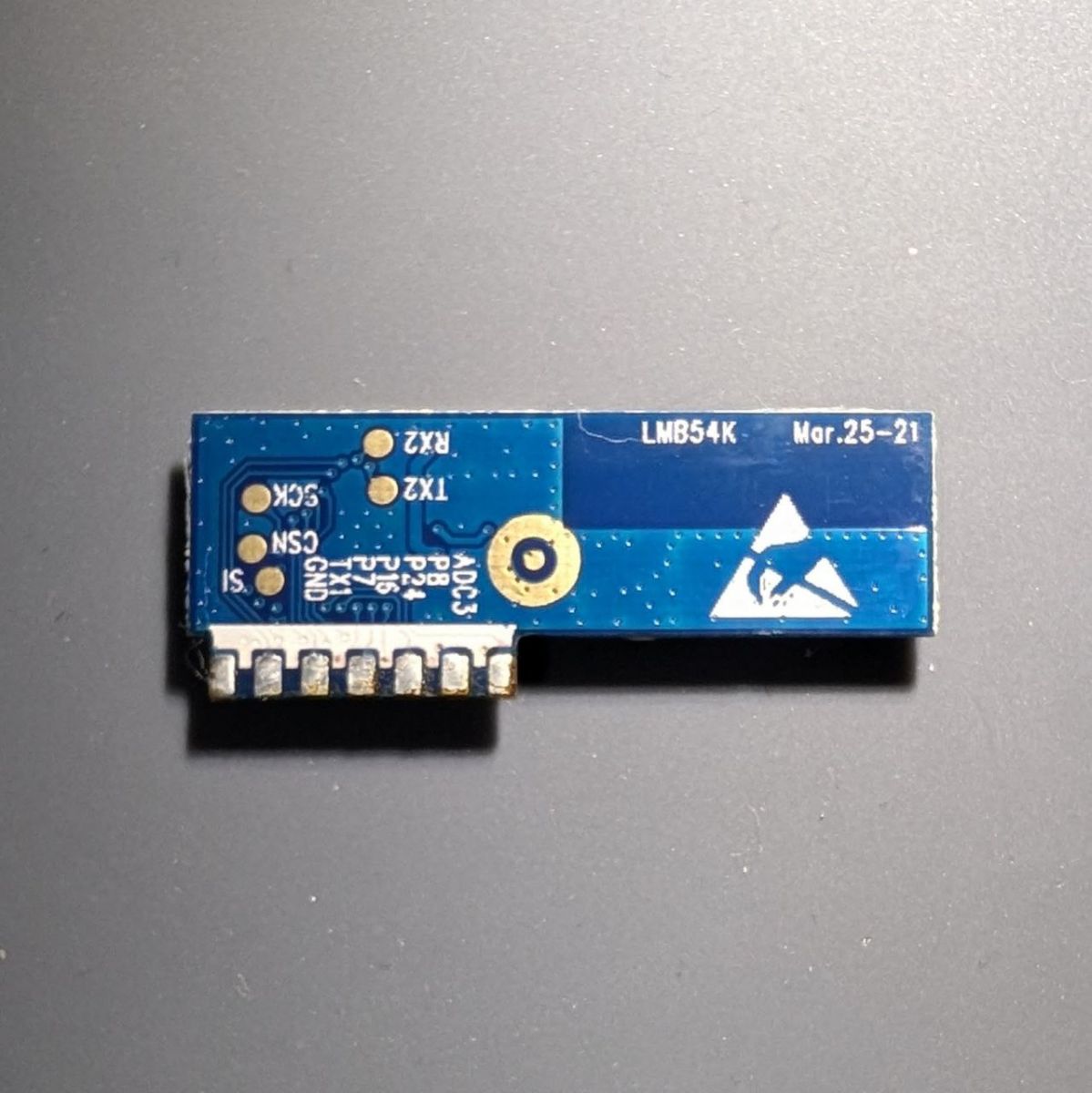
|
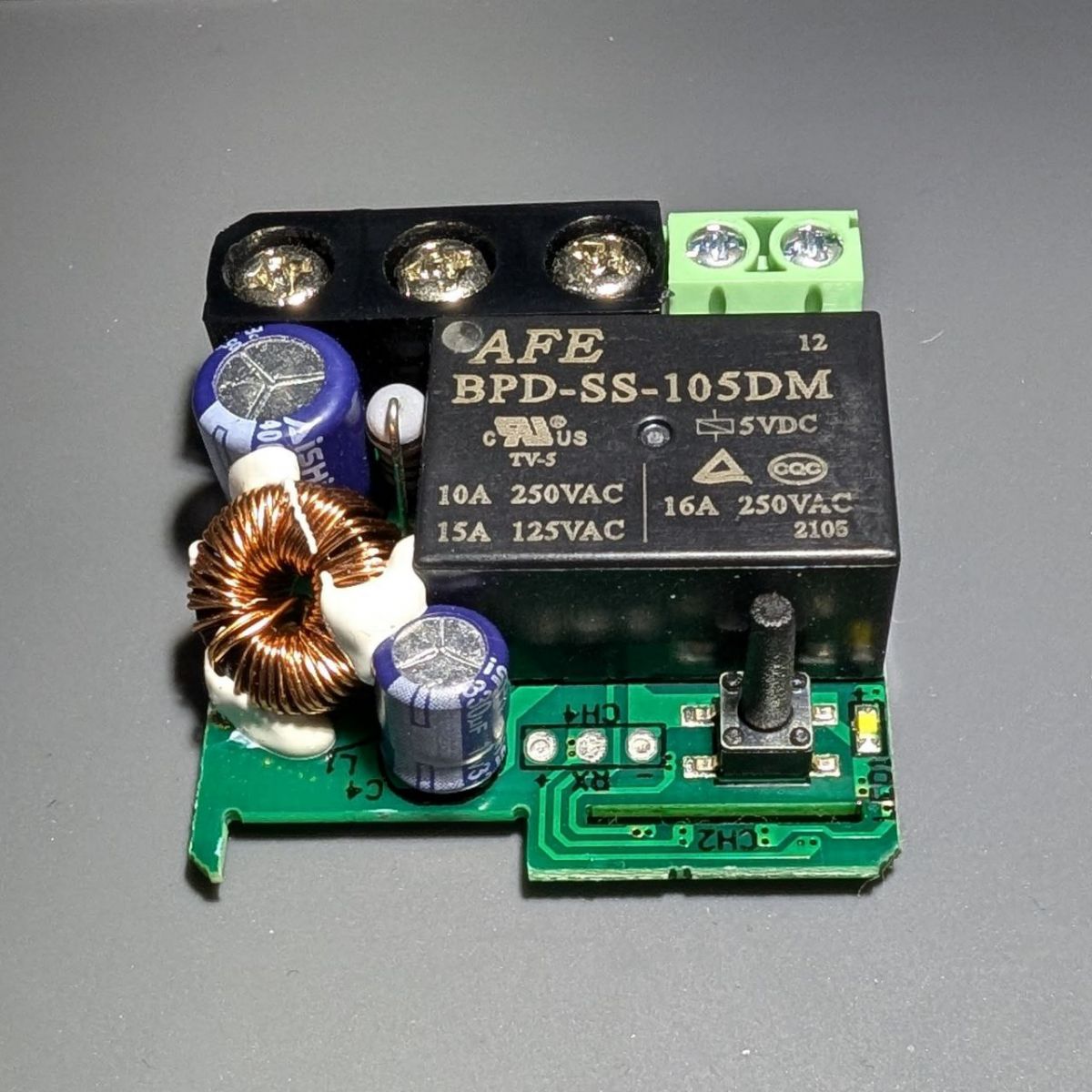
|
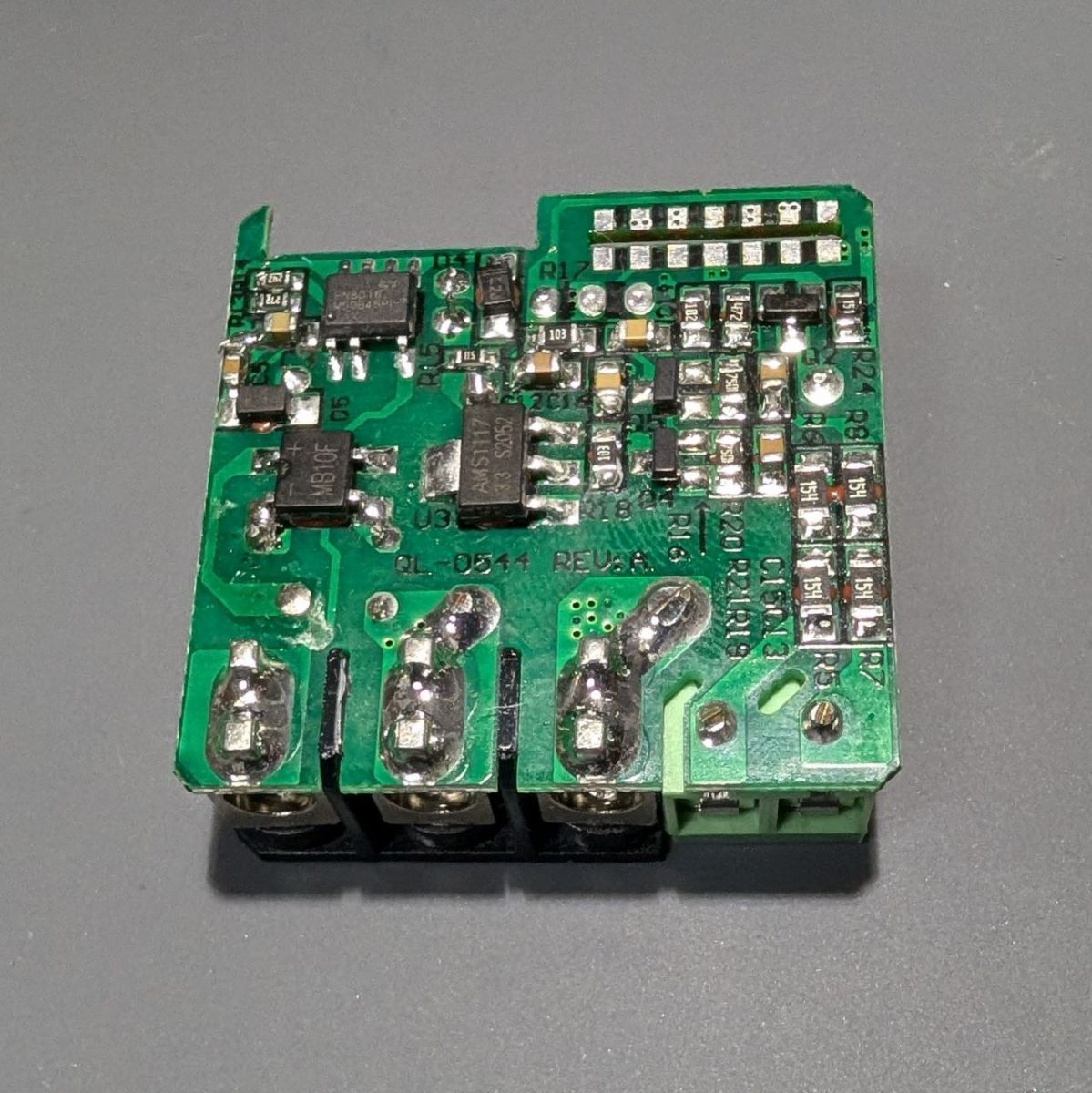
|
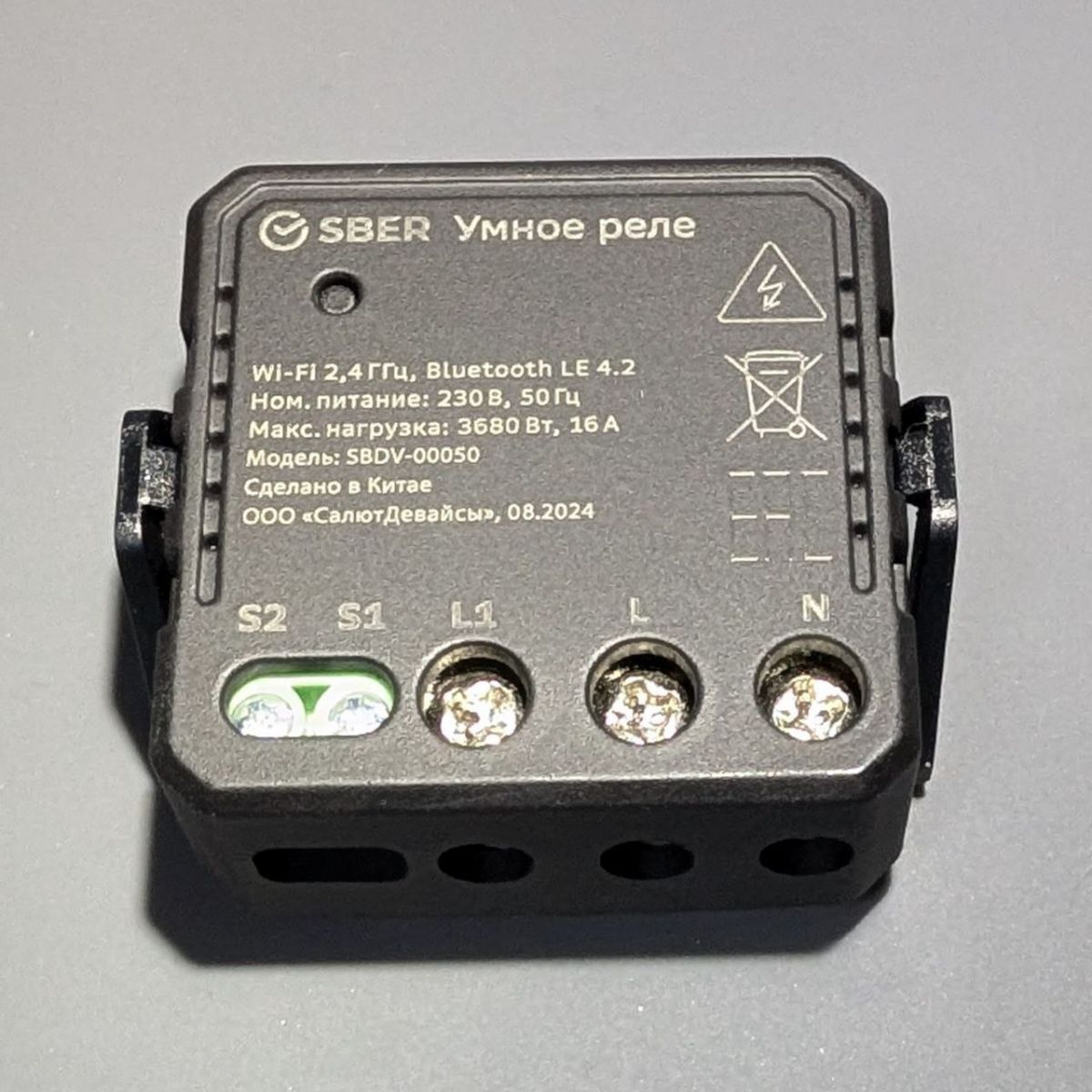
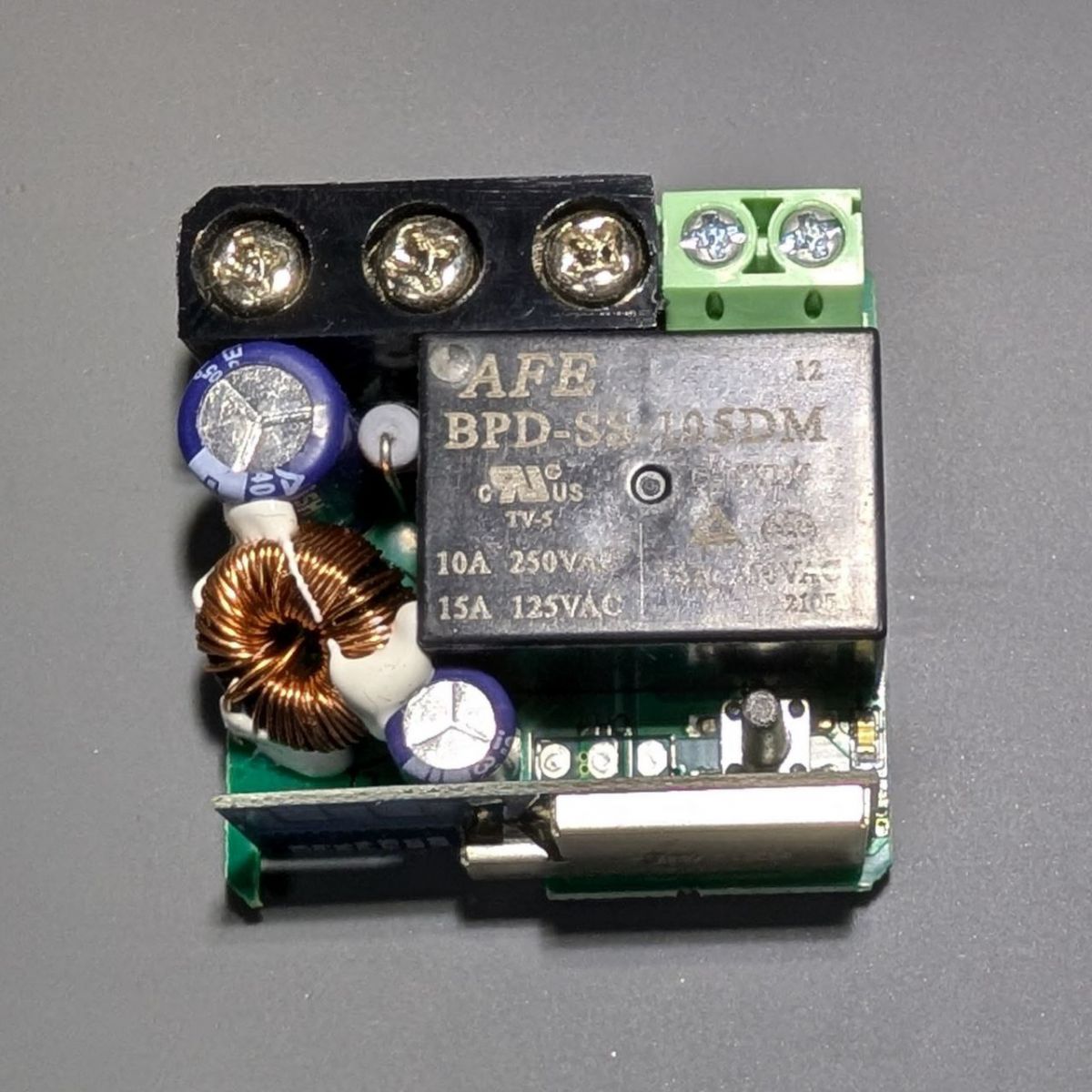
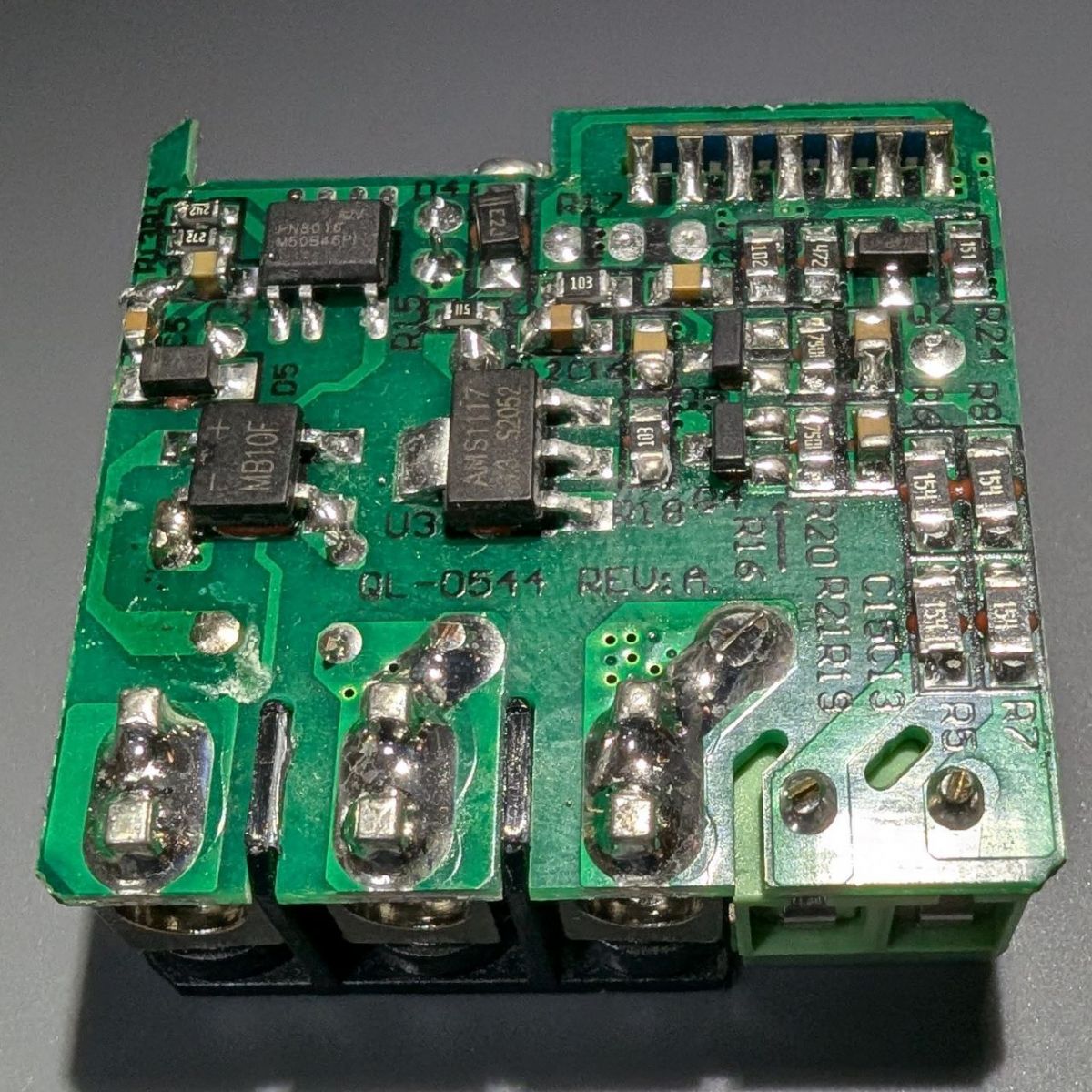
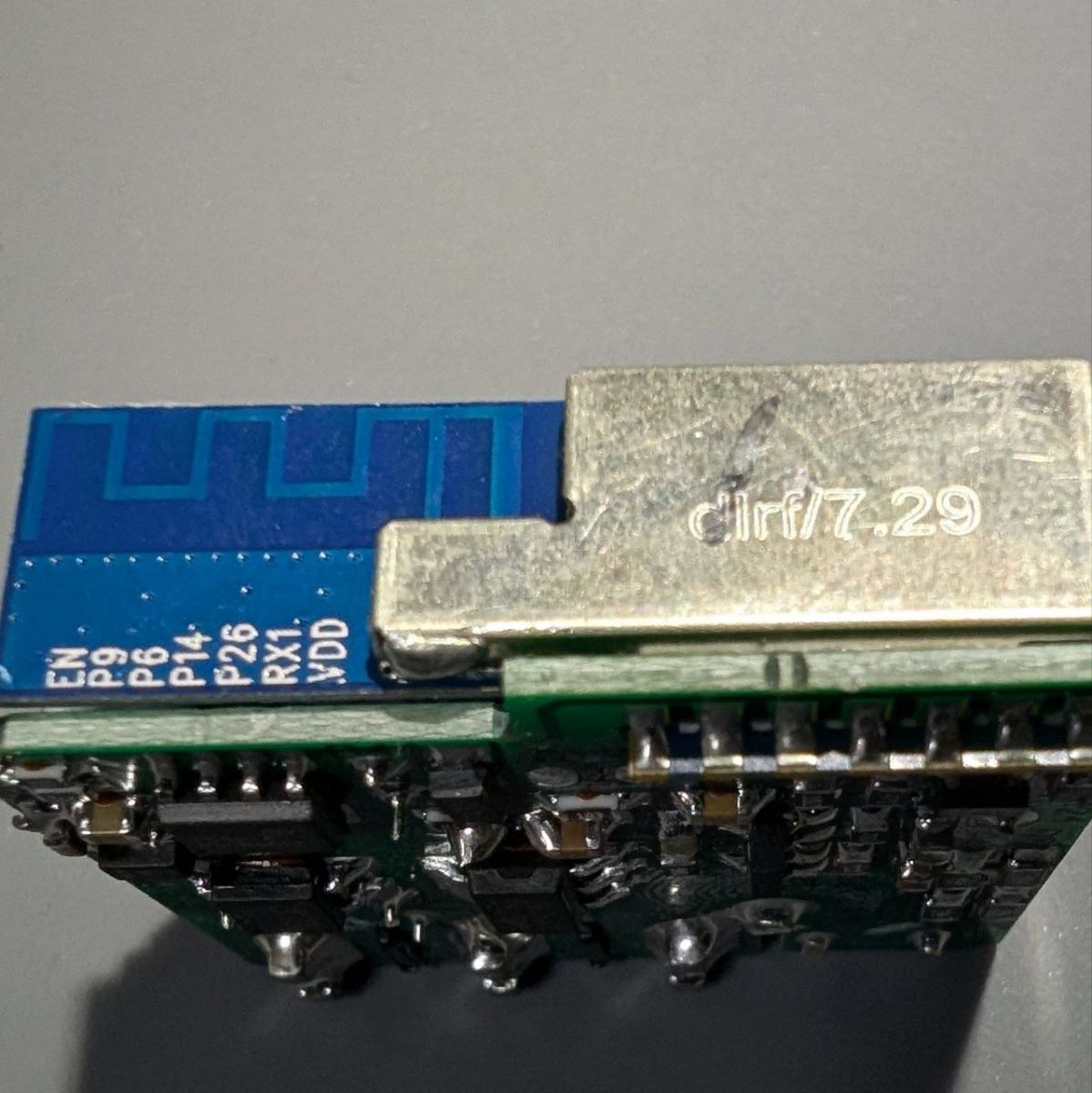
| PIN | Assignment | ADC3 | P8 | Switch | P24 | P16 | Button | P7 | TX1 | GND | GND |
| PIN | Assignment | EN | P9 | RELAY | P6 | P14 | P26 | LED | RX1 | VD0 | 3.3v |



Czy wolisz polską wersję strony elektroda?
Nie, dziękuję Przekieruj mnie tam

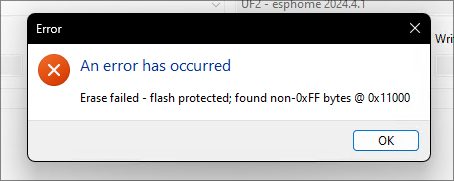
insmod wrote:If erased without backup, then the original bootloader is lost - guaranteed brick. Or then separating the bootloader from backup image, and flashing just it. Alongside losing RF partition.
BK7231n_1.0.8
CPSR:0x000000D3
R0:0x00800000
R1:0x00000000
R2:0x005AA000
R3:0x00000006
R4:0x00400001
R13:0x00401C1C
R14(LR):0x000033AC
ST:0x00000000
[I/FAL] Fal(V0.4.0)success
[I/OTA] RT-Thread OTA package(V0.2.4) initialize success.

go os_addr(0x10000)..........
ota:
  - platform: esphome
    password: !secret ota_password
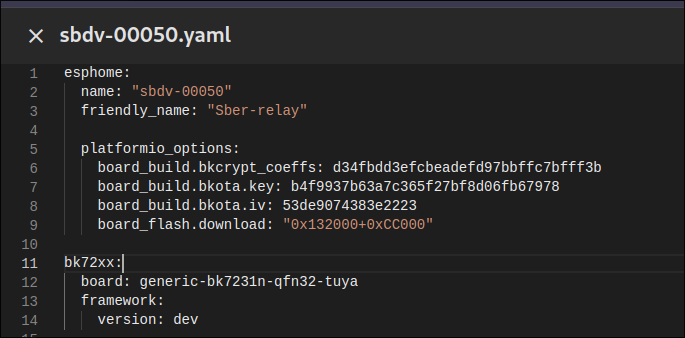
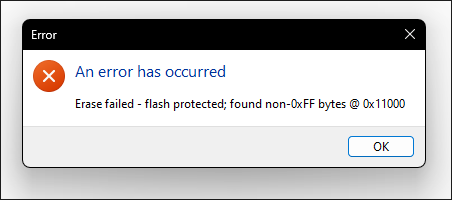
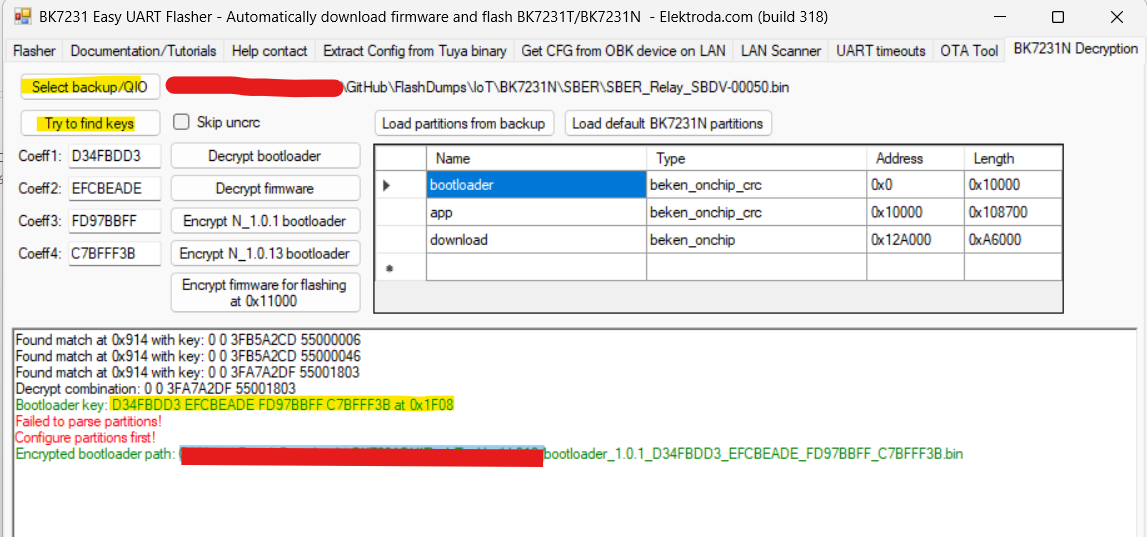
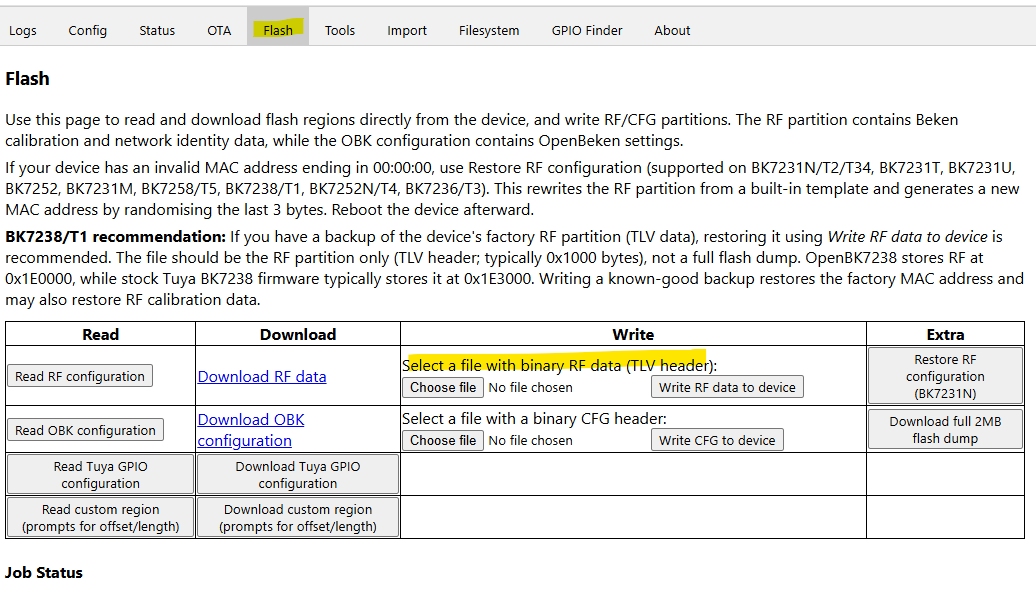
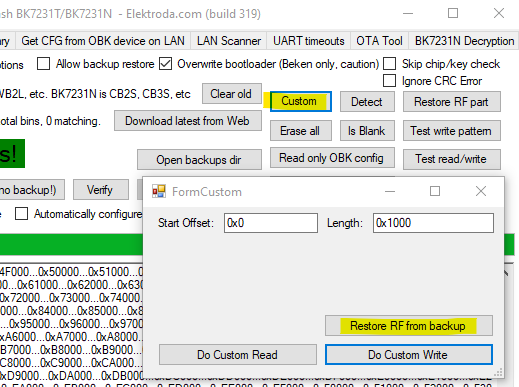
divadiow wrote:open your backup in this tab in Easy Flasher and try to find keys. if the backup is mostly OK maybe it will come back with the same key as below?
if it's the same key then the bootloader attached (flashed to 0x0) should boot (no OBK AP will broadcast) and you'll see the bootloader log if you're watching TX debug with a terminal.
insmod wrote:Flash it via any tool at 0x0, but OTA image must use default Tuya OTA key (simply remove all platformio_options). OpenBK7231N OTA image would work too. Added after 4 [minutes]: Oh, and OTA image must be flashed to 0x12A000
insmod wrote:This is what original firmware prints.
Try to fully erase chip, write bootloader and then write OTA.
insmod wrote:Not ug, you must use .rbl file


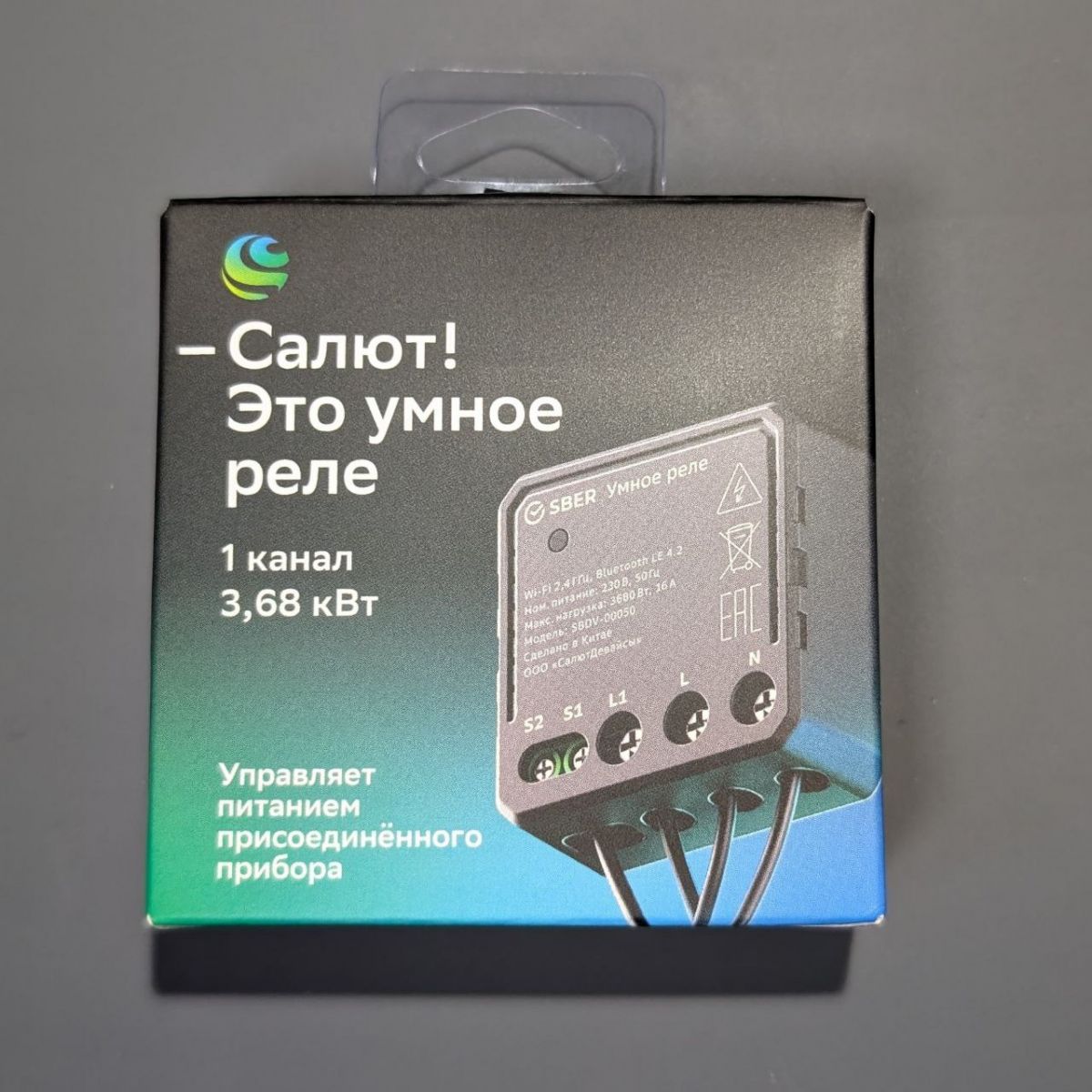
TL;DR: OTA lives at 0x132000, and you should "choose rbl and just flash it"; this FAQ maps pins and fixes OTA/web‑UI issues for BK7231N SBDV‑00050 with ESPHome. For DIY tinkerers needing reliable flashing and recovery. [Elektroda, insmod, post #21284776]
Why it matters: It reduces brick risk and speeds up first‑boot success.