logo elektroda
logo elektroda
X
logo elektroda

BG Electrical 822/HC-01 RDA5981A BL3335-P Module Double UK Smart Socket

gandi69 1461 46
Best answers

How can I flash a BG Electrical 822/HC-01 double UK smart socket with a BL3335-P/RDA5981A module and make it work with OpenRDA5981?

Yes — the BG Electrical 822/HC-01 with the BL3335-P/RDA5981A module can be flashed with OpenRDA5981, and while there is no Easy Flasher one-click path for RDA yet, the vendor Windows dump/flash tool can be used and OpenRDA5981 binaries are available from the release page [#21712734][#21712657] Flashing worked over the normal UART connection using only VCC, GND and TX/RX, with no extra boot pin needed on that module [#21716496] For the double socket, the blue LED rings were initially tied to the relay state, but setting GPIO25 to AlwaysHigh fixed the LEDs so they could light independently; one working mapping used Btn_n on GPIO 3/4, Rel on GPIO 59/60, and GPIO25 as AlwaysHigh [#21720596] OpenRDA5981 later gained OTA support, but devices on older builds still need one wired flash first before OTA updates can be used [#21739104] If you open the unit, the earth strap can be put back with the mounting screw instead of the original rivet [#21799296]
Generated by the language model.
ADVERTISEMENT
  • #31 21799301
    geekydrewbie
    Level 4  
    Posts: 3
    Help: 1
    Rate: 1
    @gandi69 Thanks makes sense :)
  • ADVERTISEMENT
  • #32 21803871
    gandi69
    Level 2  
    Posts: 99
    Rate: 6
    >>21739104

    Does this support OTA? I've put a spare socket onto the latest build version 1.18.245 yet when i try to downgrade the build or even change it to anything else I get a "Note: Selected OTA file variant "ota" does not match the current generic build." and it refuses to upgrade
  • #33 21803879
    divadiow
    Level 38  
    Posts: 4839
    Help: 420
    Rate: 852
    the note should be in amber colour and the start ota button should still allow upgrade to proceed though.

    definitely using file with _ota.img?

    Table showing RDA5981 with two firmware files: .bin and highlighted .img
  • #34 21803885
    bertjones
    Level 3  
    Posts: 4
    Rate: 1
    >>21803871

    If it helps, I flashed OpenRDA5981_1.18.216.bin to it using the wired connections.
    Refitted the module to the socket and tested it.
    Later on, I used the Easy Flasher OTA update option and updated to OpenRDA5981_1.18.217_ota.img successfully.
  • ADVERTISEMENT
  • #35 21803888
    divadiow
    Level 38  
    Posts: 4839
    Help: 420
    Rate: 852
    thanks. the ota.vue page that handles OTA updates in the web app has changed in the last day or two, so I want to be sure it works for RDA OTA.
  • #36 21803896
    bertjones
    Level 3  
    Posts: 4
    Rate: 1
    In which case my reply may not help as I did the OTA update at the end of November!

    I replied to confirm that it had worked, but if you have made changes since then I can't confirm it still does work.
    If it helps I used BK7231GUIFlashTool-v154 to flash OTA.
  • ADVERTISEMENT
  • #37 21803914
    gandi69
    Level 2  
    Posts: 99
    Rate: 6
    >>21803879

    that does work yes if you just click start. My other sockets are on v1.91 so I cant do those without a manual reflash and I dont fancy turning the power off to those rings just yet

    Added after 5 [minutes]:

    >>21803896


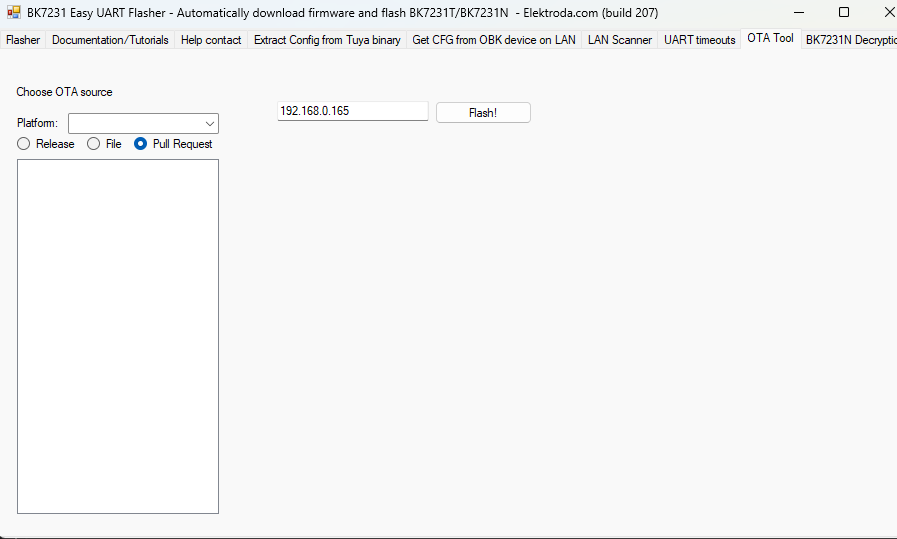
    BK7231 Easy UART Flasher interface with IP field and Flash button

    This is all i see in easy flasher for OTA? I just assumed it never worked and did it via the web ui on each device
  • #38 21804157
    divadiow
    Level 38  
    Posts: 4839
    Help: 420
    Rate: 852
    gandi69 wrote:
    that does work yes if you just click start.

    Ok good

    The behaviour should be that no note is shown for standard RDA to RDA OTA so I need to look at that.
  • #39 21806180
    divadiow
    Level 38  
    Posts: 4839
    Help: 420
    Rate: 852
    no warning should show now when selecting a standard OpenRDA ota update file. Please check if/when you can.
  • #40 21806211
    gandi69
    Level 2  
    Posts: 99
    Rate: 6
    Does this need a firmware update to check? I’m on 245
  • ADVERTISEMENT
  • #41 21806213
    divadiow
    Level 38  
    Posts: 4839
    Help: 420
    Rate: 852
    nope. just choose same 245 OTA file in ota tab to see result, nothing further needed
  • #42 21806452
    gandi69
    Level 2  
    Posts: 99
    Rate: 6
    that seems to have been sorted now thank you for your efforts
  • #43 21806456
    divadiow
    Level 38  
    Posts: 4839
    Help: 420
    Rate: 852
    great. thanks for checking.
  • #44 21806665
    p.kaczmarek2
    Moderator Smart Home
    Posts: 14394
    Help: 650
    Rate: 12315
    I think we either need to merge PROTA with EasyFlasher or hide that OTA tab in EasyFlasher.
    Helpful post? Buy me a coffee.
  • #45 21806752
    divadiow
    Level 38  
    Posts: 4839
    Help: 420
    Rate: 852
    p.kaczmarek2 wrote:
    hide that OTA tab in EasyFlasher


    This might be the first time I've known anyone to have used it.
  • #46 21821798
    andysmithf
    Level 1  
    Posts: 1
    Has anyone come up with a solution to replace the rivets for the earth strap?
  • #47 21821856
    divadiow
    Level 38  
    Posts: 4839
    Help: 420
    Rate: 852
    @bertjones I forgot you sent me your 822/HC-01 RDA5981A backup in October. Here's the super-exciting boot log from it (921600, IO21 pull-up)

    Code: Text
    Log in, to see the code


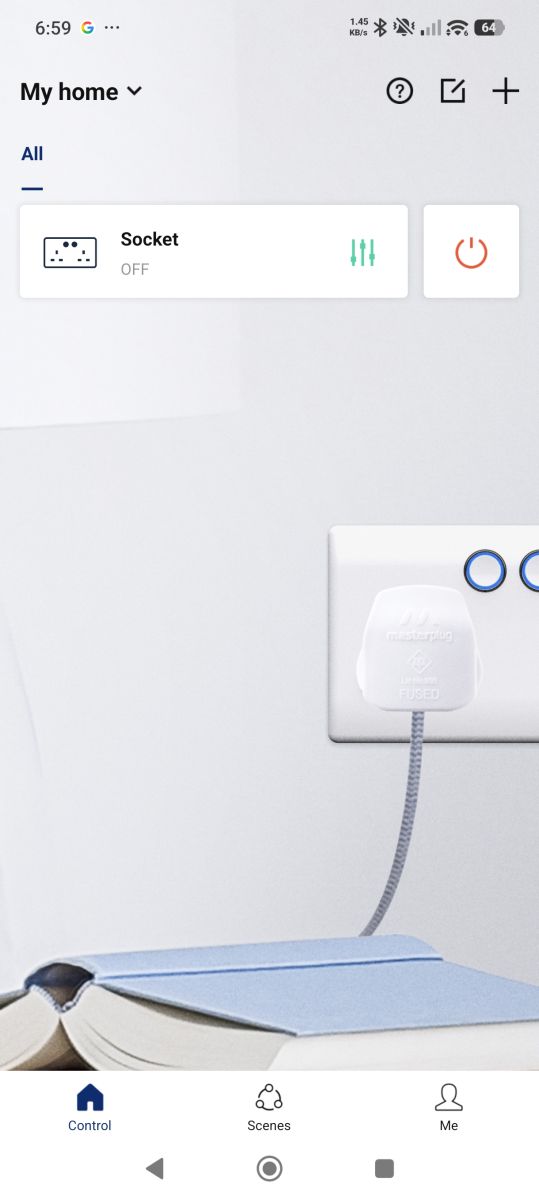
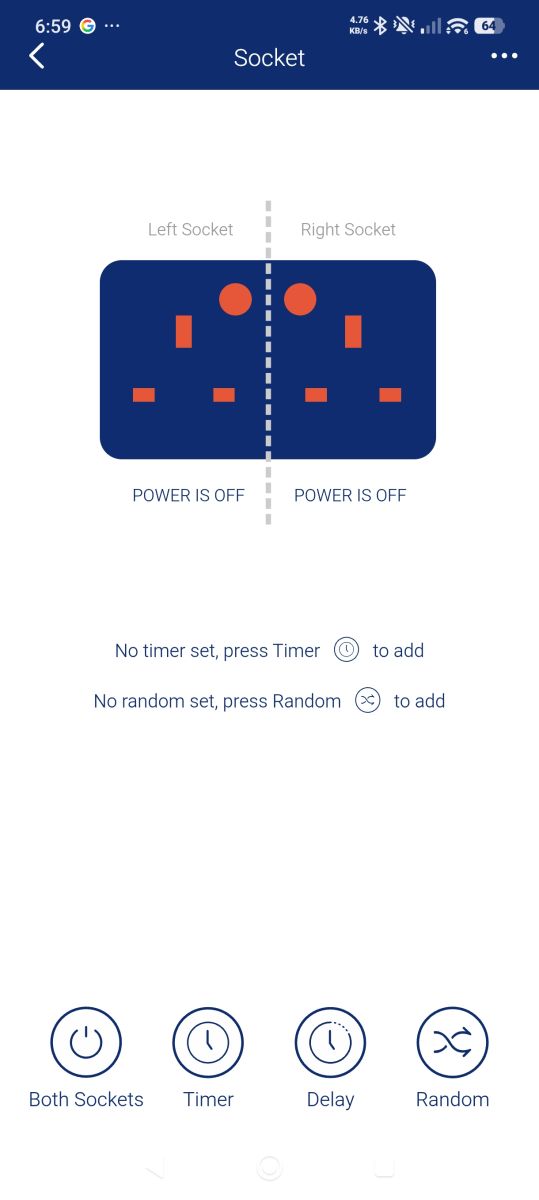
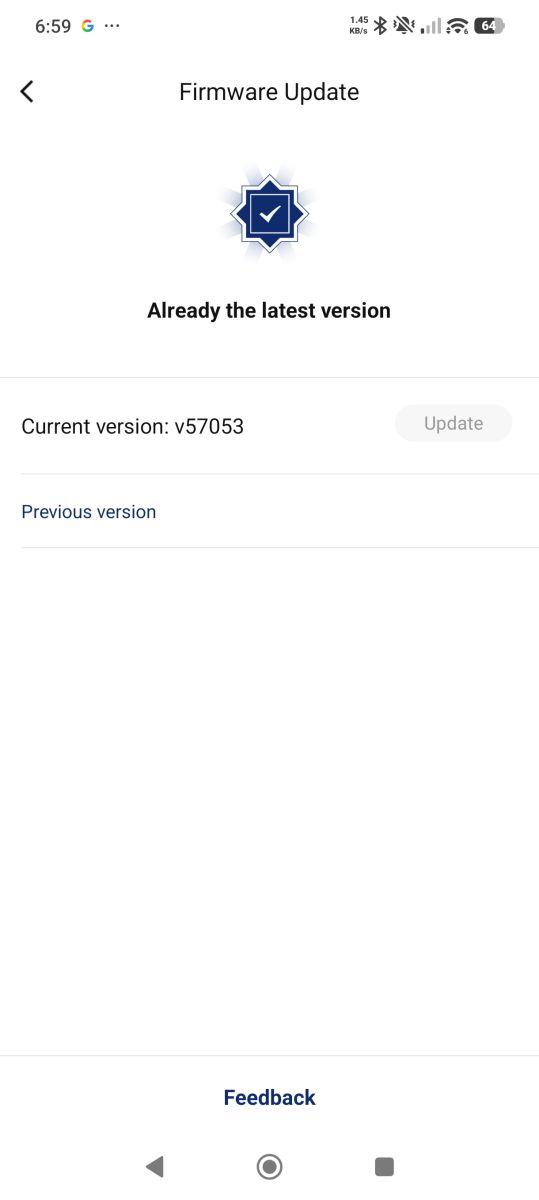
    pull-up IO4 to reset into AP mode. paired it with BG Home app

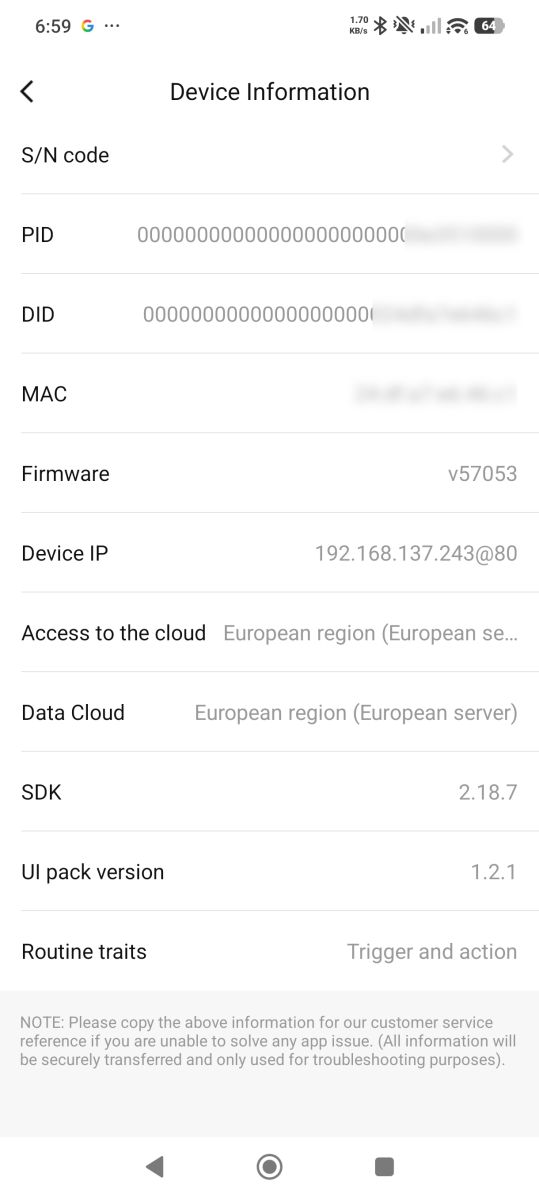
    Smart home app screen with power socket turned off and cable plugged in.App screen showing two remote-controlled sockets turned offFirmware update screen showing current version v57053 as the latest availableDevice information screen showing firmware, IP, cloud region, and software versions

    added to collection https://github.com/divadiow/FlashDumps/tree/main/IoT/RDA5981

Topic summary

✨ The discussion centers on the BG Electrical 822/HC-01 double UK smart socket equipped with the BL3335-P module based on the RDA5981A chip. Users have successfully flashed the device with OpenRDA5981 firmware, which currently lacks OTA update capability, requiring wired flashing for updates. The RDA's Windows flashing tool is available for firmware dumping and flashing. A key challenge identified is controlling the LED ring indicators independently from the relays, as the LEDs are wired to require the relay to be active for illumination. A workaround was found by configuring GPIO 25 as "AlwaysHigh" to enable independent LED control. Users shared JSON template configurations for pin assignments, including buttons, relays, and LEDs, to facilitate firmware customization. The device is common and affordable in the UK market, making it a popular candidate for open firmware conversion. ROM dumping procedures and bootloader details (Ali bootloader) were also discussed. Recent firmware versions of OpenRDA5981 now support OTA updates but still require initial wired flashing. Additional photos and hardware teardown insights were provided to assist others in flashing and customizing these smart sockets.
Generated by the language model.

FAQ

TL;DR: Flashing the BG 822/HC‑01 (BL3335‑P) at 921600 baud is straightforward, and “OpenRDA5981 now supports OTA.” Use Easy Flasher or RDA’s Windows tool, then wire TX/RX/GND/3.3V. [Elektroda, divadiow, post #21739104]

Why it matters: This guide helps UK DIYers replace cloud‑tethered firmware with local, reliable control on a common double smart socket.

Quick Facts

What is the BG 822/HC‑01 BL3335‑P smart socket module?

It’s a UK double smart socket using a removable BL3335‑P module based on RDA5981A. Users have shared photos confirming the BG double faceplate and the matching plug‑in module, which makes bench flashing and reassembly easier. [Elektroda, divadiow, post #21716513]

How do I flash OpenRDA5981 on Windows, step by step?

  1. Connect 3.3 V, GND, TX, RX between your USB‑serial adapter and BL3335‑P.
  2. In the RDA Windows tool, select the COM port and settings; click Start.
  3. Apply 3.3 V power to the module; retry power‑cycling until it connects and completes. [Elektroda, bertjones, post #21719655]

Where do I download the OpenRDA5981 firmware binary?

Releases are published under the OpenBK7231T_App releases page referenced in‑thread. Grab the OpenRDA5981 build from the releases section before flashing with the RDA tool. [Elektroda, divadiow, post #21712734]

Does OpenRDA5981 support OTA updates now?

Yes. As of November 2, 2025, OpenRDA5981 supports OTA, and Easy Flasher also supports RDA read/write. Older OpenRDA builds will need a one‑time wired update to migrate. “OpenRDA now uses the Ali bootloader.” [Elektroda, divadiow, post #21739104]

What pins do I need to wire for flashing?

Only 3.3 V, GND, TX, and RX are needed. A user confirmed successful OpenRDA flashing with just power and UART lines, no extra boot‑mode pins required. This keeps the hardware hookup simple. [Elektroda, gandi69, post #21716496]

What UART settings and sequence work best?

Use 3.3 V UART at 921600 baud. Start the RDA Dump/Flash tool, then power the module. If it doesn’t connect, power‑cycle and retry; it will usually attach after one or two attempts. [Elektroda, bertjones, post #21719655]

How do I get readable boot logs instead of gibberish?

Pull IO21 high at boot for a readable debug log, and share ground between your power supply and USB‑serial adapter. This tip comes directly from the thread’s BroadLink/RDA5981 logging guidance. [Elektroda, divadiow, post #21719695]

My relays don’t click on the bench—what’s wrong?

On bench power (3.3 V), the relays won’t energize because they use a higher‑voltage supply only present on mains. Do not connect mains while the USB‑serial adapter is attached for safety. [Elektroda, bertjones, post #21719655]

How do I map buttons, relays, and LEDs in a template?

Example mapping: Btn_n on pins 3 and 4 (channels 60/59), Rel on 7 and 26, LEDs on 8 and 25 to follow channels. Match channel numbers to link each LED with its relay. [Elektroda, gandi69, post #21720578]

The blue LED rings only light when relays are on—can I make them independent?

Yes. Set GPIO25 to AlwaysHigh so the blue rings can light independently. After applying AlwaysHigh;0 on pin 25, both rings behave as expected with button control. [Elektroda, gandi69, post #21720596]

Any hardware caveats when opening the BG double socket?

Accessing the module often requires cutting the rear earth strap rivet, then restoring it properly. Plan for safe rework so that the earth continuity remains sound after reassembly. [Elektroda, gandi69, post #21716534]

How do I capture a full ROM dump (useful size and settings)?

Set Flash Size to ~2 MB and Length of Word to 0x7FC00 (or select 2 MB with 0x3FFFF). Then power the module after pressing Start. You can trim in HxD later. [Elektroda, bertjones, post #21719975]

Is there an Easy Flasher path for RDA5981 now?

Yes. Easy Flasher supports RDA read/write, and OpenRDA5981 includes OTA with the Ali bootloader. Update once via wires, then use OTA. [Elektroda, divadiow, post #21739104]

How should LEDs be linked to relays in OpenBeken/OpenRDA?

Use the same channel to have an LED follow a relay. Use LED_n for inverted behavior. Use a different channel for independent LED control. “That’s the gist of it.” [Elektroda, p.kaczmarek2, post #21720583]

What template worked for initial testing?

A shared working setup used Btn_n on pins 3/4, Rel on 7/26, LEDs on 8/25 bound to channels 59/60. Users refined it with AlwaysHigh on pin 25 for independent rings. [Elektroda, gandi69, post #21716841]

What version output should I expect after a fresh flash?

Boot logs show the Ali bootloader and OpenRDA5981 version strings (e.g., 1.18.206), AP startup, and HTTP server messages. OTA logs include the upgrade progress line and reboot. [Elektroda, divadiow, post #21739104]
Generated by the language model.
ADVERTISEMENT