logo elektroda
logo elektroda
X
logo elektroda

How to Restore Original Firmware on Tuya WiFi RF Smart Switch BK7238 After Flashing

gcormier 726 10
ADVERTISEMENT
  • #1 21723374
    gcormier
    Level 3  
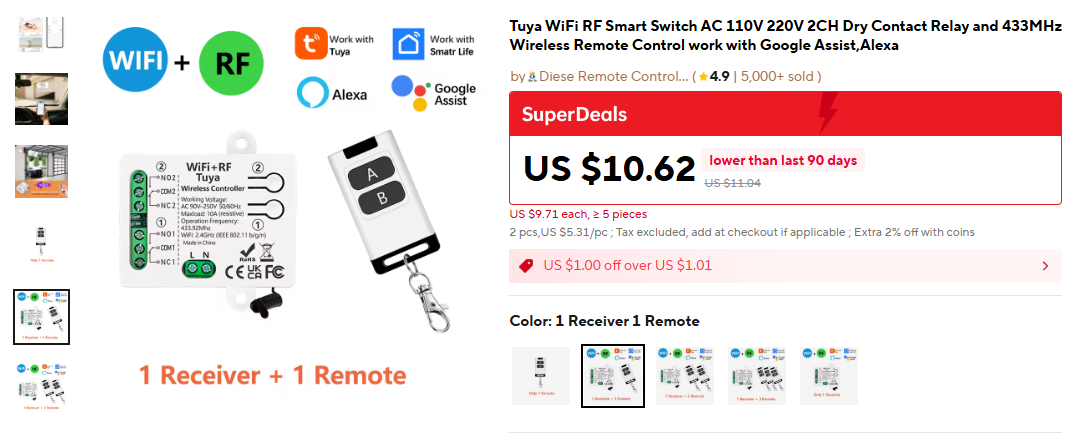
    Purchased "Tuya WiFi RF Smart Switch AC 110V 220V 2CH Dry Contact Relay and 433MHz Wireless Remote Control work with Google Assistant, Alexa" from AliExpress, store was "Diese Remote Controller".
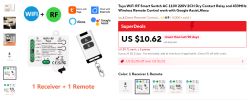
    Tuya WiFi+RF module with 2CH relay and three-button RF remote control

    Device is BK7238. There is also a PY32F002A onboard - it seems to handle all the RF functions (pairing with RF remote).

    P6 and P9 from BK7238 are digital outputs that toggle the relay on/off. (active=high)

    I made a firmware backup with `ltchiptool` before overwriting it incorrectly. Unfortunately it looks like ltchiptool cannot write the firmware back, so I cannot proceed any further with the old firmware.
    AI: What is your current goal—are you trying to restore the original firmware, flash a custom firmware, or just recover basic functionality on the device?
    Trying to make the device work.
    AI: Since discovering that ltchiptool cannot write the firmware back, have you tried any other flashing tools or recovery methods (e.g., UART/SWD access, other utilities), and if so, what were the results?
    Not yet.
  • ADVERTISEMENT
  • ADVERTISEMENT
  • #3 21723496
    gcormier
    Level 3  
    I tried - when adding the HEX it said unknown format :( I tried to flash anyway with no luck. I had to overwrite the bootloader to get success in restoring it to at least working with OpenBeken.
  • #4 21723549
    divadiow
    Level 37  
    maybe it was a bad backup. feel free to send it me to try.
  • ADVERTISEMENT
  • #6 21723570
    divadiow
    Level 37  
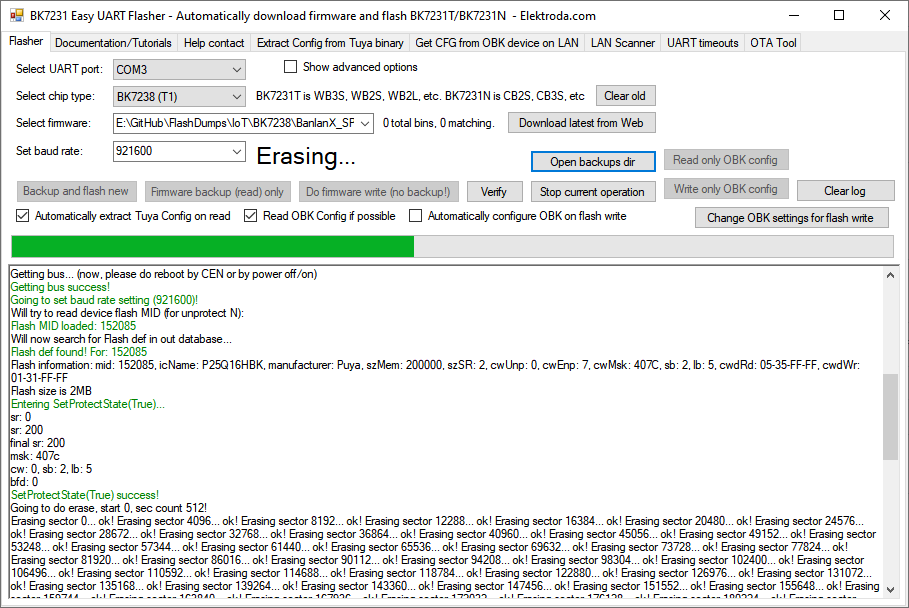
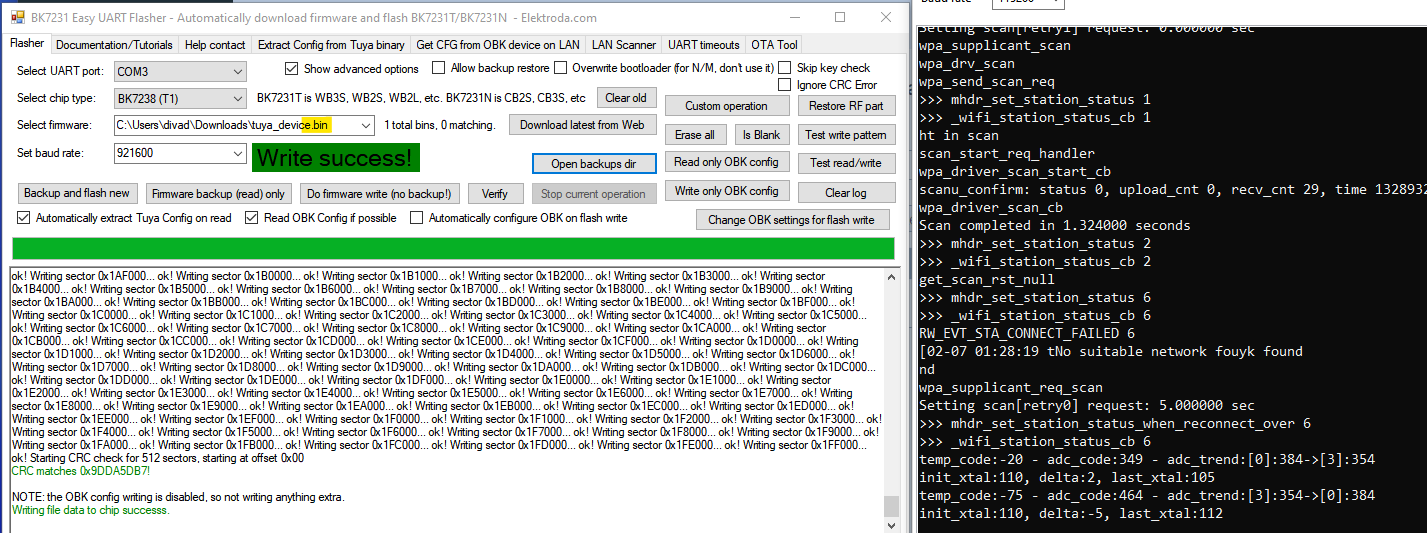
    it flashes and boots OK. rename to .bin


    BK7231 Easy UART Flasher software with successful firmware write log
  • #7 21723571
    gcormier
    Level 3  
    Can you provide more guidance?

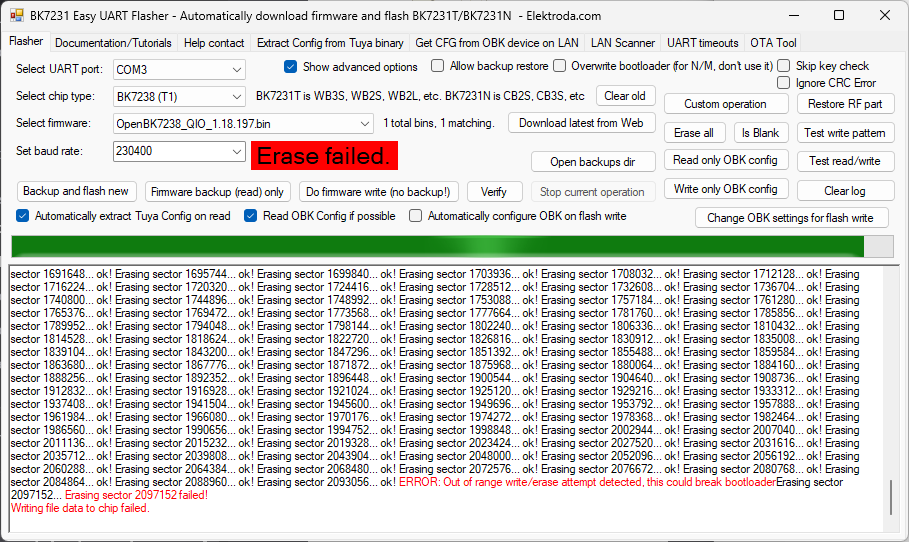
    I renamed to .bin, and chose "Custom Operation" and custom write, but get this

    Erase failed error in BK7231 Easy UART Flasher during flash memory erase operation
  • ADVERTISEMENT
  • #8 21723573
    divadiow
    Level 37  
    oh. drag your backup onto the 'select firmware' area so file is seen in drop-down box. then "do firmware write" button
  • #9 21723576
    gcormier
    Level 3  
    Great, it is working :)

    Do you have any advice on how to further reverse engineer between the BK7238 and the MCU to get it working with the RF remote control?

    P6 and P9 outputs were successfully toggling the relays. The RF remote control buttons will make a light blink on the board, so it is receiving properly. However, the RF buttons will not trigger the relays. I need to figure out what the MCU is sending to the BK7238.

    Added after 4 [minutes]:

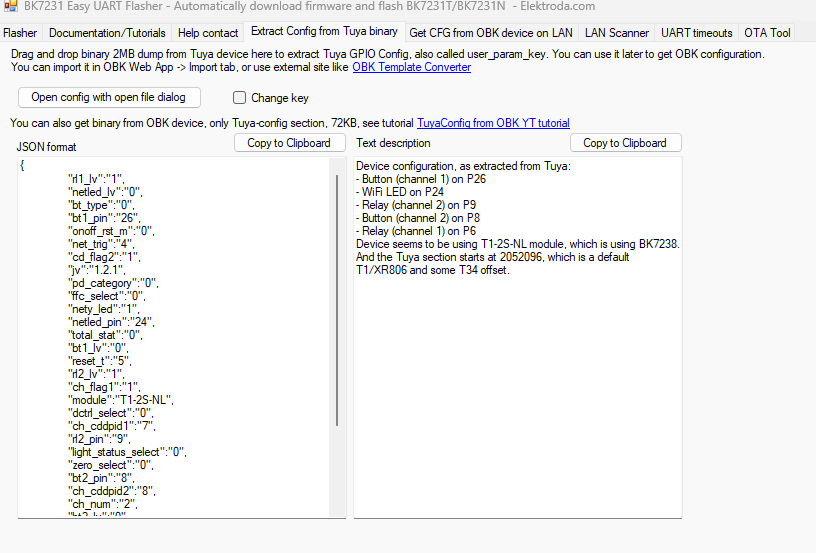
    Aha! This is very useful :)

    Screenshot of BK7231 Easy UART Flasher tool showing Tuya JSON and text configuration
  • #10 21723638
    divadiow
    Level 37  
    gcormier wrote:
    Aha! This is very useful :)

    indeed

    gcormier wrote:
    Do you have any advice on how to further reverse engineer between the BK7238 and the MCU to get it working with the RF remote control?


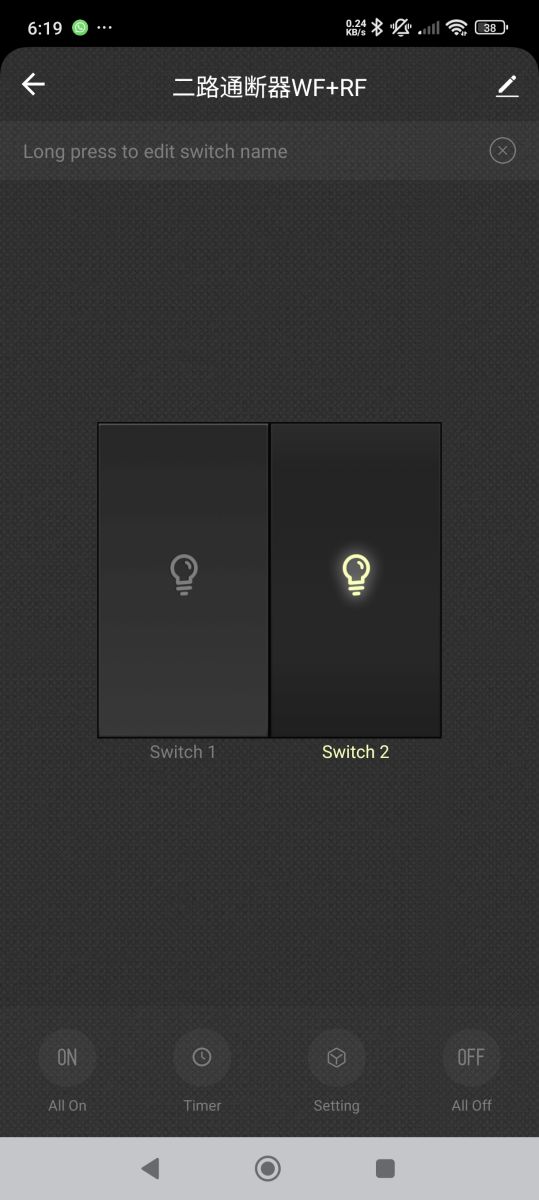
    not sure. How is the RF controller chip connected to the B7238, if at all? I seem to recall some RF-capable devices aren't intelligently connected to the MCU anyway, pair remote separately and maybe just control relay. Perhaps that is the case here too. I have paired your firmware with Tuya app and apart from the device name there's no mention of RF, no RF pairing info, nothing.

    App screen with two smart light switches; only Switch 2 is turned on

    also, for the record: you firmware boot log:

    Code: Text
    Log in, to see the code


    Added after 23 [minutes]:

    also, note this if you flash to OpenBK7238

    insmod wrote:
    And if you have multiple T1 devices, you should either do "Show advanced options" -> "Restore RF part", or "Show advanced options" -> "Custom operation" -> "Restore RF from backup".
    "Restore RF from backup" is recommended. Backup can be either original firmware, or even with OBK already flashed.
    Otherwise there will be MAC conflict in your network.

    (I think this needs to be added to guide)


    additionally, note any autoexec content offline (if you set one up) because I think OTA updates still wipe LittleFS content
  • #11 21723920
    gcormier
    Level 3  
    Thanks for all your help! It is working perfectly now. I can use RF remote, and set up for MQTT and Home Assistant I can control device as well.

    I restored Tuya formats with your help, then the autoconfigure worked and detected all the necessary GPIO!

    Does openBeken have any local scripting capabilities for automation? My goal is when a relay is triggered, it will turn off 3 seconds later.

    I can do this with Home Assistant of course, but any WiFi or other issues means the relay would not turn off. Would be better locally, like an ESPHome lambda function.

Topic summary

The discussion addresses restoring the original firmware on a Tuya WiFi RF Smart Switch based on the BK7238 chip after an incorrect flash. The device includes a PY32F002A MCU managing 433MHz RF remote pairing, with BK7238 pins P6 and P9 controlling relay toggling. A firmware backup was made using ltchiptool, but it cannot re-flash the firmware. The Easy Flasher tool (BK7231GUIFlashTool) was suggested for flashing the backup by renaming the HEX file to BIN and dragging it into the firmware selection area, which successfully restored device functionality. Further reverse engineering is underway to understand communication between the BK7238 and the MCU to enable RF remote control relay activation, as the RF signals are received (indicated by LED blinking) but do not trigger relays.
Summary generated by the language model.
ADVERTISEMENT