logo elektroda
logo elektroda
X
logo elektroda

OpenBeken RGB Bulbs with BK7231T Chips Overheating Despite Renewed Thermal Glue

gandi69 756 10
Best answers LABEL_AI_GENERATED

How can I reduce extreme overheating in OpenBeken RGB bulbs with BK7231T chips?

Lower the SM2135 LED driver current; that is the main fix, and these bulbs are often run near their limit so reducing it can also improve lifespan [#21741747] The codebase shows current presets from 10mA to 60mA, with 20mA as the default for both RGB and CW, so try setting RGB and/or CW to the lowest 10mA value instead of the default [#21741860] Make sure the SM driver starts first and that the setting is applied in startup/autoexec [#21741860] If the bulb still reports 90–100°C, the temperature reading may be wrong or a PWM duty limiter/remap may be needed [#21742119][#21746415] If the bulb has a very small, thin aluminium heatsink, a larger heatsink may also be necessary because new thermal glue alone will not help an undersized one [#21740852]
AI summary based on the discussion. May contain errors.
ADVERTISEMENT
  • #1 21740637
    gandi69
    Level 2  
    Posts: 99
    Rate: 6
    Openbeken rgb bulbs - extreme temperatures are happening on a couple my bulbs which are small bk7231T chips. Is there a way to get these temps down? I have renewed the thermal glue between the aluminium baseplate but it’s not helped
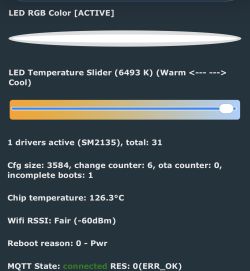
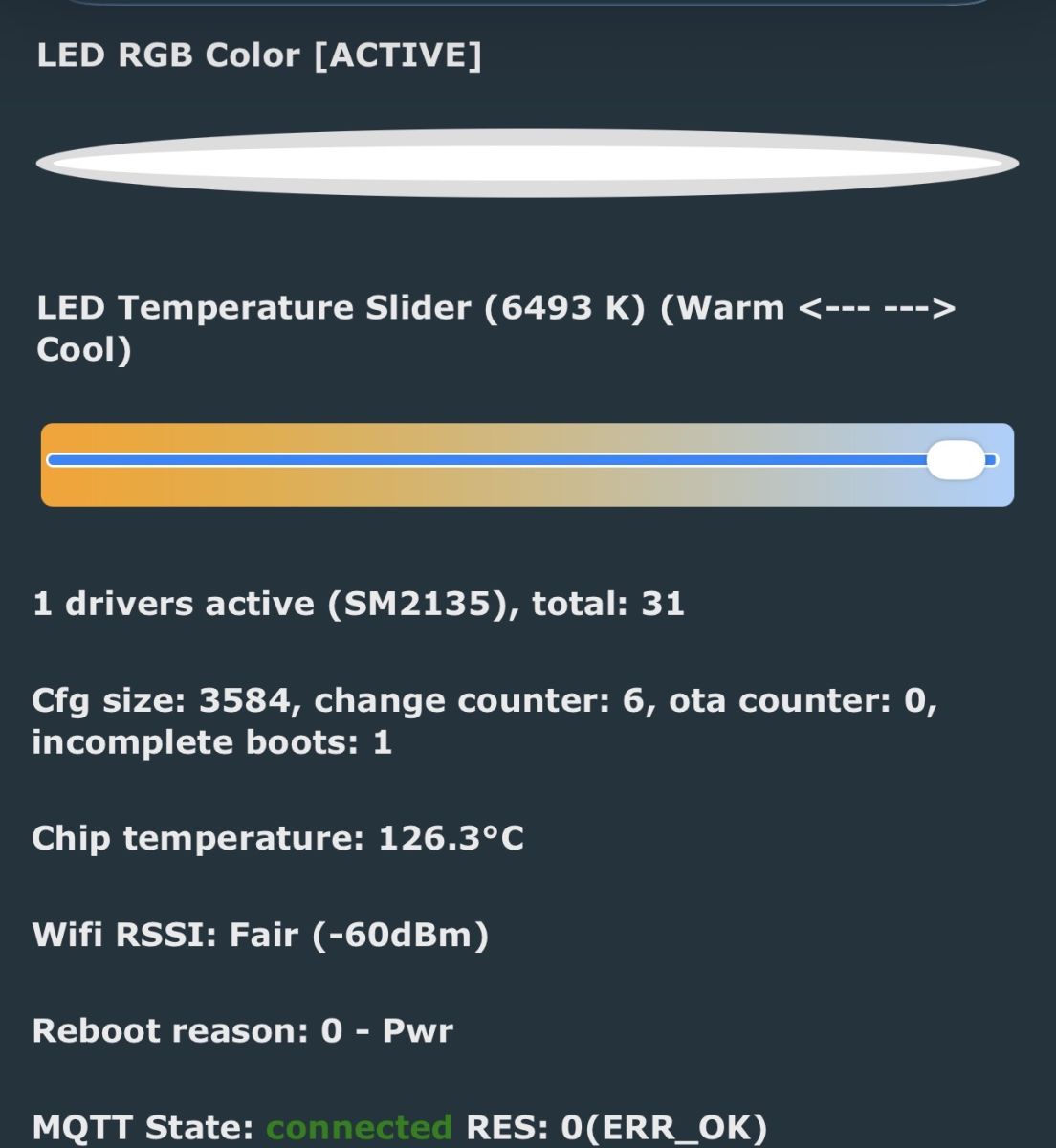
    LED control panel with color temperature slider set to 6493 K
  • ADVERTISEMENT
  • #2 21740852
    tomtim123
    Level 37  
    Posts: 2474
    Help: 423
    Rate: 765
    You would need to use a larger heatsink, as the current one is probably too small and this is where new paste will not help.

    Added after 34 [seconds]:

    Can you show what it looks like as maybe something can be added.
  • ADVERTISEMENT
  • Thin heatsink and power settings made no difference

    #4 21741197
    gandi69
    Level 2  
    Posts: 99
    Rate: 6
    Im not no - I thought powersave was just to save power when in an "off" state?

    I would rather not dismantle the bulbs again and break the glue however I will say the "heatsink" is a very cheap piece of aluminium possible 1mm thick. They are not the most robustly built bulbs. They are small too being "candle" e14 style, I dont suffer the problem as much with larger e14 type

    Added after 1 [hours] 34 [minutes]:

    Ive tried the various power and current options, no real change. I think I will retire these bulbs and switch it out to an LED strip (they are in a funky style of lamp which could accommodate a strip without being visible from exterior)
  • Lower SM2135 current to prevent overheating

    #5 21741747
    p.kaczmarek2
    Moderator Smart Home
    Posts: 14795
    Help: 659
    Rate: 12945
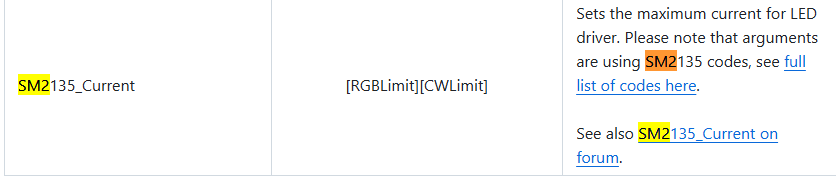
    You need to lower the SM2135 current. This is the solution. Tuya might even used lower current setting, we don't import it, yet. Maybe we should lower the default one.

    I had similar issue on LN882H. Reducing LED driver current through console command in autoexec.bat is the solution.

    I will say even more - you should make it lower than it was in Tuya, this way, your bulb will have much longer lifespan. Those chinese bulbs are always working at their limit and they are more or less designed to fail early, so you can buy next one soon.
    Helpful post? Buy me a coffee.
  • #6 21741854
    gandi69
    Level 2  
    Posts: 99
    Rate: 6
    What setting would you recommend? I have
    SM2135_Current 0x00 0x00 in startup
  • ADVERTISEMENT
  • SM2135 current defaults and driver startup order

    #7 21741860
    p.kaczmarek2
    Moderator Smart Home
    Posts: 14795
    Help: 659
    Rate: 12945
    I don't remember it from memory, but here's how it looks like in our codebase.
    
    #define SM2135_10MA         0x00
    #define SM2135_15MA         0x01
    #define SM2135_20MA         0x02  // RGB max current (Chip default)
    #define SM2135_25MA         0x03
    #define SM2135_30MA         0x04  // CW max current (Chip default)
    #define SM2135_35MA         0x05
    #define SM2135_40MA         0x06
    #define SM2135_45MA         0x07  // Max value for RGB
    #define SM2135_50MA         0x08
    #define SM2135_55MA         0x09
    #define SM2135_60MA         0x0A
    

    Defaults:
    
    static int g_current_setting_cw = SM2135_20MA;
    static int g_current_setting_rgb = SM2135_20MA;


    The only question is do you start SM driver first? If not, it may not get applied.
    Helpful post? Buy me a coffee.
  • #8 21741874
    gandi69
    Level 2  
    Posts: 99
    Rate: 6
    Driver is 100% started. I figured to run at the lowest 10ma setting but still temps are 90-100 degrees
  • #9 21742119
    p.kaczmarek2
    Moderator Smart Home
    Posts: 14795
    Help: 659
    Rate: 12945
    Are you sure that reading of temperature is correct? That's very high. Maybe our calibration is wrong on T.

    Or maybe we need a futher solution, for example, a PWM duty limiter/remap?
    Helpful post? Buy me a coffee.
  • ADVERTISEMENT
  • #10 21742311
    gandi69
    Level 2  
    Posts: 99
    Rate: 6
    it certainly feels it by touch alone when I remove the bulb, almost like handling an old incandescent bulb
  • #11 21746415
    gandi69
    Level 2  
    Posts: 99
    Rate: 6
    >>21742119

    I think a limiter for pwm would help I have another bulb that doesn’t use the other drivers and that over heats too

Topic summary

LABEL_AI_GENERATED
OpenBeken RGB candle-style E14 bulbs with BK7231T chips are overheating severely even after renewing the thermal glue under the aluminium baseplate. Suggestions included using a larger heatsink, checking whether the SM2135 LED driver current is set too high, and verifying whether the power-save setting or startup driver order affects the applied current. The current was reduced to the lowest 10 mA setting, but temperatures still reached 90–100 °C, and the bulbs felt as hot as incandescent lamps. The discussion ended with the idea that a PWM duty limiter or remap might be needed, especially since another bulb using different drivers also overheated.
AI summary based on the discussion. May contain errors.
ADVERTISEMENT