logo elektroda
logo elektroda
X
logo elektroda

Action Germany Connector 3202087.1 with BK7237 Chip—GPIO Pinout and Board Details

do8pgg 585 8
ADVERTISEMENT
  • #1 21815214
    do8pgg
    Level 1  
     Hi, 

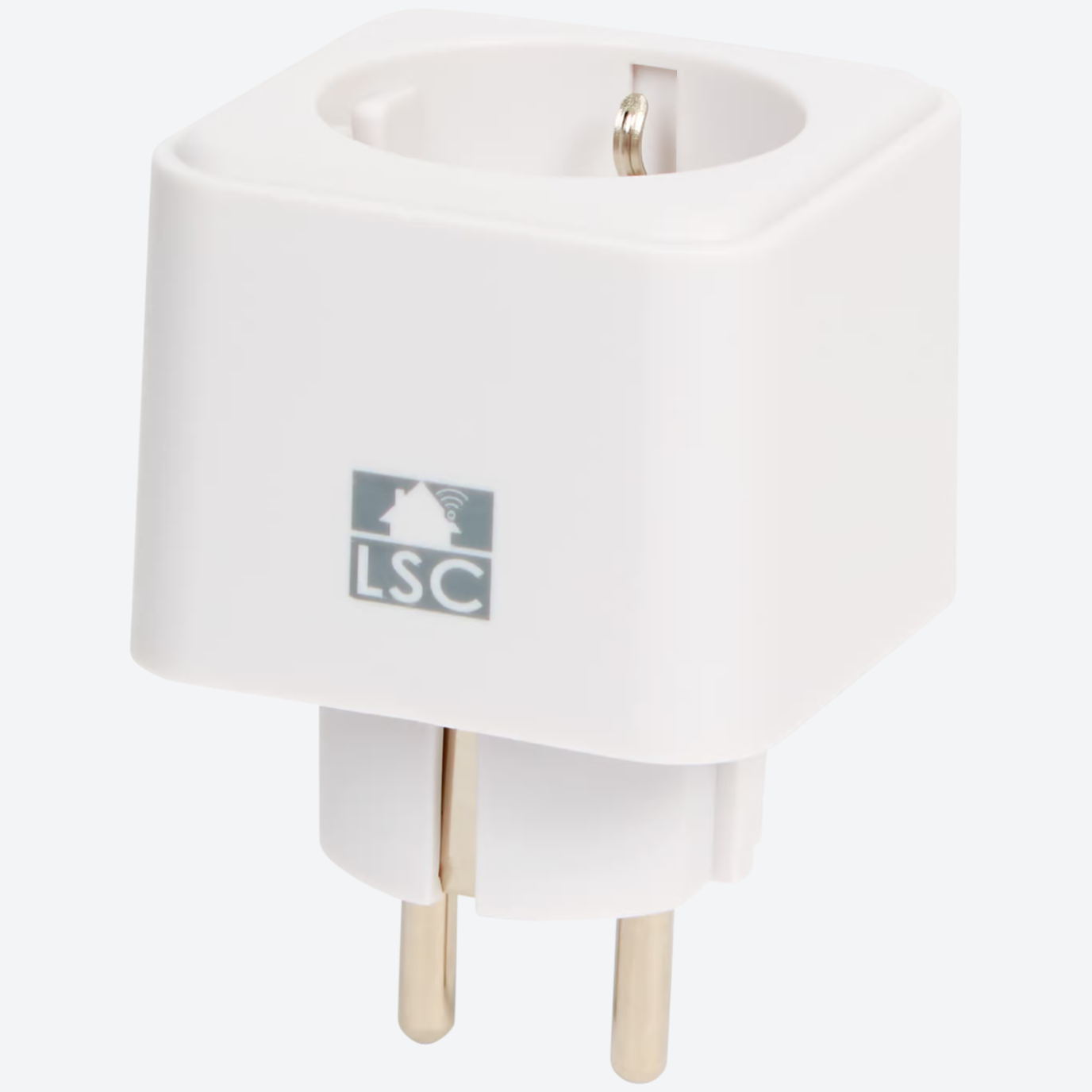
    Yesterday, I bought another connector at Action (Germany).
    They were no longer listed on the website. However, they were back under “NEW!”

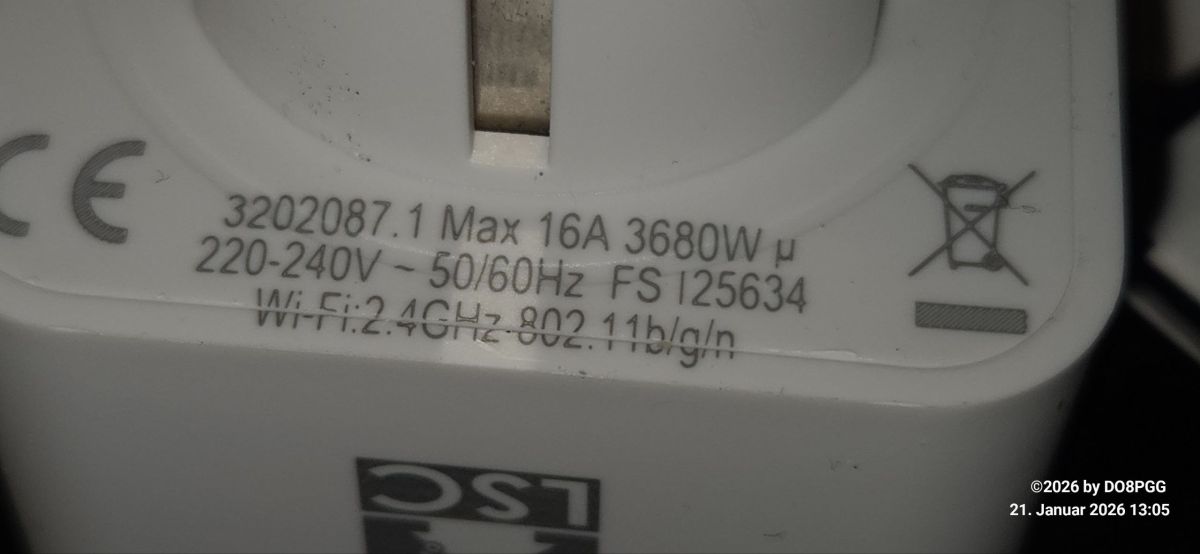
    Same price, very similar design. Item or part number: 3202087.1

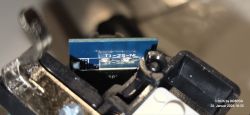
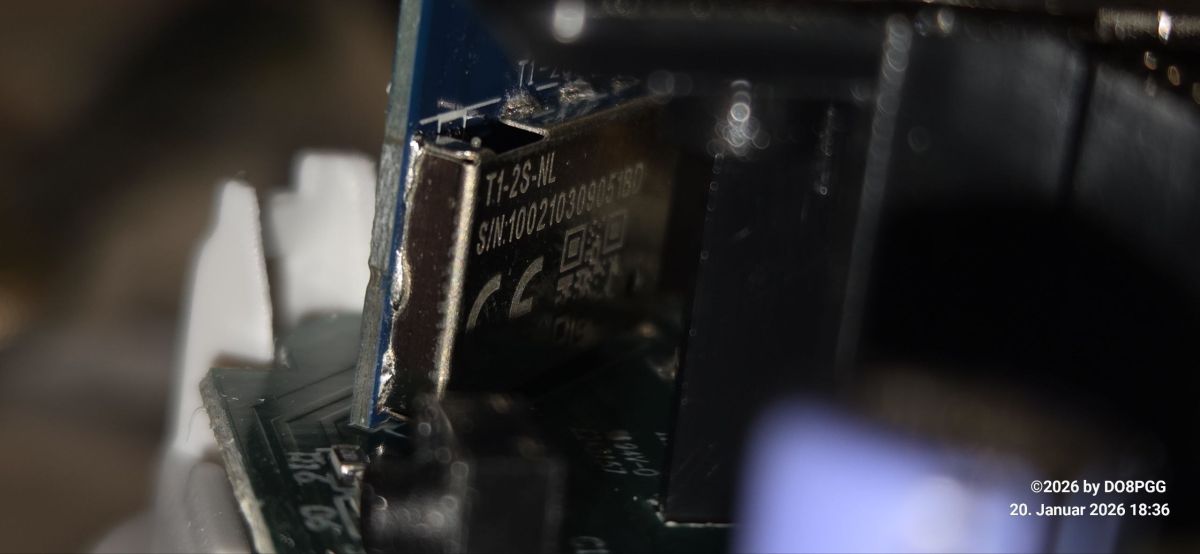
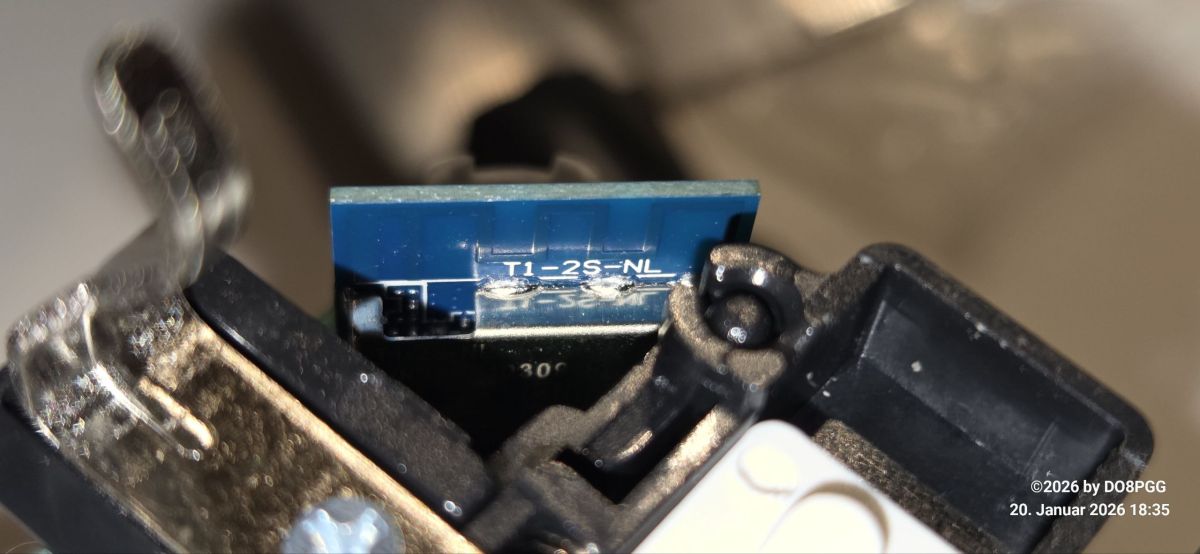
    I Soldered FTDI and nothing. Then I took a closer look. The circuit board now says “T1-2S-NL.” 
    A “BK7237” is now working in the device.

    Below is the assignment of the GPIO pins/ports. 
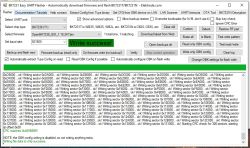
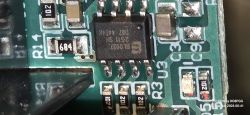
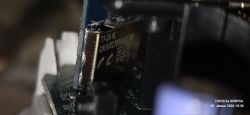
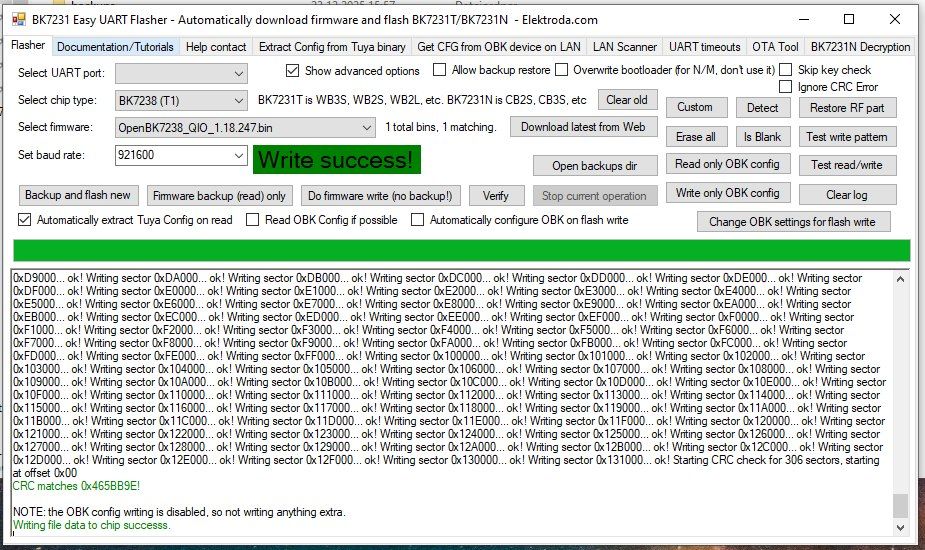
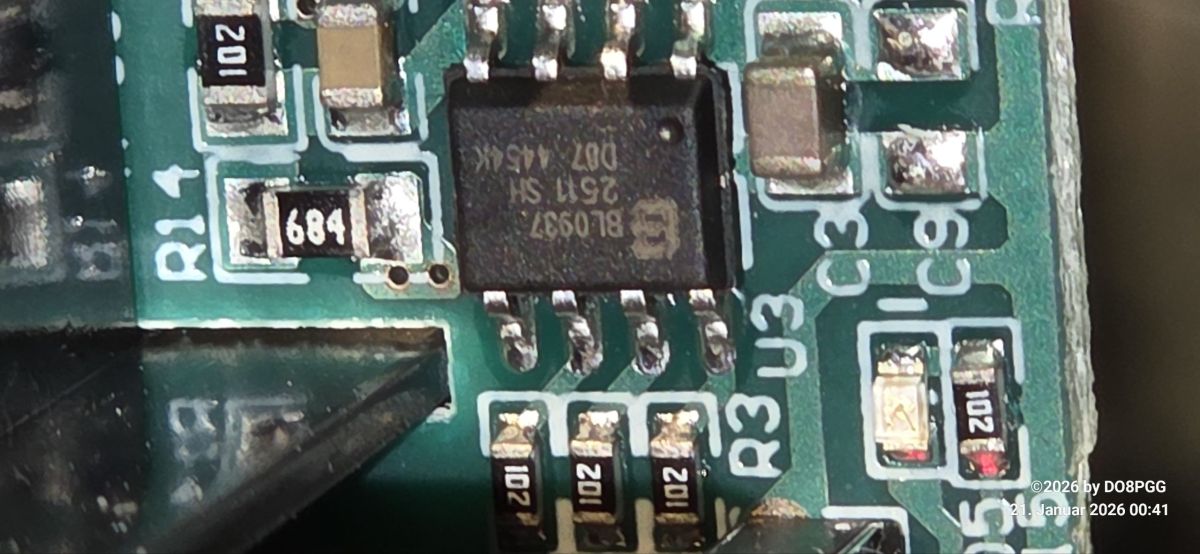
    Close-up of smart socket with technical specs, CE mark, and Wi-Fi 2.4GHz info BK7231 Easy UART Flasher interface with “Write success” message displayed Close-up of BL0937 IC on a green PCB with labeled resistors and capacitors Close-up of electronic module labeled T1-2S-NL with serial number and QR code. Close-up of electronic module labeled T1-2S-NL


    {
    "vendor": "Tuya",
    "bDetailed": "0",
    "name": "Full Device Name Here",
    "model": "enter short model name here",
    "chip": "BK7238",
    "board": "TODO",
    "flags": "1024",
    "keywords": [
    "TODO",
    "TODO",
    "TODO"
    ],
    "pins": {
    "0": "WifiLED;0",
    "7": "BL0937CF;0",
    "8": "BL0937CF1;0",
    "9": "LED_n;0",
    "11": "BL0937SEL;0",
    "24": "Rel;0",
    "26": "Btn;0"
    },
    "command": "loglevel 0",
    "image": "https://obrazki.elektroda.pl/YOUR_IMAGE.jpg",
    "wiki": "https://www.elektroda.com/rtvforum/topic_YOUR_TOPIC.html"
    }

    have fun with the 'new' device :-)
     
    vy73 de Peter, DO8PGG 
  • ADVERTISEMENT
  • ADVERTISEMENT
  • #3 21818426
    alli5774
    Level 2  
    Hallo,
    ich habe ebenfalls den LSC Smart Plug erfolgreich mit der 7238 geflasht. Ich habe deine Einstellungen übernommen, bekomme aber keine Verbrauchswerte angezeigt.
    Ich musste BL0937CF auf PIN6 und BL0937CF1 auf PIN8 legen.
    Allerdings werden nicht alle Werte korrekt angezeigt, Ampere liegt ohne Verbraucher bei 21.486, Apparent Power bei 5160.xxxVA und Reactive Power bei 5160.xxx var.
    Werden bei dir die Verbrauchswerte mit deinen Einstellungen korrekt angezeigt?
    Was muss ich noch verändern?

    Gruß
    Ingo
  • #4 21832232
    Baumori
    Level 2  
    Ich hatte das selbe Problem. Versuch, den BL0937SEL auf Pin 1 [P1 (RXD2/ADC5)] zu routen. Alle anderen Pins sind bei mir auf der obigen Konfiguration.
  • #5 21832491
    divadiow
    Level 38  
    so you have a working device or is there an outstanding issue? is the template in the first post wrong or are your devices a variant of it? Does Easy Flasher extract anything from your backups?
  • ADVERTISEMENT
  • #6 21833006
    Baumori
    Level 2  
    So far, I checked Power (CF pin), Voltage, and Current (SEL and CF1). Additionally, I moved the WiFi LED to pin 11. The relay LED lights up when the relay is closed, and the WiFi LED indicates when WiFi is connected. I’m still having trouble seeing the frequency in Home Assistant, but that might not be included in the MQTT package.
    Here’s my current pin configuration:

    "pins": {
    "1": "BL0937SEL;0",
    "6": "BL0937CF;0",
    "8": "BL0937CF1;0",
    "9": "LED_n;0",
    "11": "WifiLED_n;0",
    "24": "Rel;0",
    "26": "Btn;0"
    }
    Since I didn’t make a backup before flashing, I plan to purchase another plug and create a proper backup this time. By that, we'll get a proof point.
  • #7 21833172
    alli5774
    Level 2  
    Super, vielen Dank.
    Jetzt läuft er so wie er soll!
    Gruß
    Ingo
  • #8 21836229
    Baumori
    Level 2  
    Update: Here is the JSON configuration from a fresh device.
    {
    "sel_pin_pin":"1",
    "rl1_lv":"1",
    "bt1_pin":"26",
    "led1_pin":"9",
    "net_trig":"2",
    "jv":"1.0.2",
    "netled1_lv":"0",
    "netled_reuse":"0",
    "ffc_select":"0",
    "nety_led":"1",
    "vi_pin":"8",
    "over_cur":"18000",
    "resistor":"1",
    "bt1_lv":"0",
    "reset_t":"3",
    "netled1_pin":"11",
    "chip_type":"0",
    "lose_vol":"170",
    "over_vol":"280",
    "module":"T1-2S-NL",
    "ele_pin":"6",
    "ch_cddpid1":"9",
    "ch1_stat":"2",
    "ble_pair_time":"30",
    "led1_lv":"0",
    "ch_num":"1",
    "ele_fun_en":"1",
    "rl1_pin":"24",
    "netn_led":"0",
    "vol_def":"0",
    "ch_dpid1":"1",
    "sel_pin_lv":"1",
    "crc":"73"
    }
    and the Device configuration, as extracted from Tuya:
    - BL0937 SEL on P1
    - Button (channel 1) on P26
    - LED (channel 1) on P9
    - BL0937 VI (CF1) on P8
    - WiFi LED on P11
    - BL0937 ELE (CF) on P6
    - Relay (channel 1) on P24
    Device seems to be using T1-2S-NL module, which is using BK7238.
    And the Tuya section starts at 2052096 (0x1F5000), which is a default T1/XR806 and some T34/BK7231N offset.

    "pins": {
    "1": "BL0937SEL;0",
    "6": "BL0937CF;0",
    "8": "BL0937CF1;0",
    "9": "LED_n;0",
    "11": "WifiLED_n;0",
    "24": "Rel;0",
    "26": "Btn;0"
    }
    Purchase date: 2026-02-11 Maybe this plug came in two Hardware version's but at least my plugs have all the same config.
  • ADVERTISEMENT
  • #9 21836374
    divadiow
    Level 38  
    OK, so your final template is this? same model number as first post, same FS number, same physical appearance, same PCB markings?

    just with different pins, a variant.

    Code: JSON
    Log in, to see the code

Topic summary

A new version of the Action Germany connector, part number 3202087.1, has been identified featuring a BK7237 chip on a circuit board labeled "T1-2S-NL." The device design is similar to previous models but now incorporates the BK7237 SoC instead of earlier chips. Attempts to interface via FTDI initially failed, prompting closer inspection and GPIO pinout analysis. Several images of the board and GPIO assignments were shared for reference. A helpful response included a link to a GitHub pull request related to OpenBekenIOT, which may provide firmware or software support for BK7237-based devices.
Summary generated by the language model.
ADVERTISEMENT