









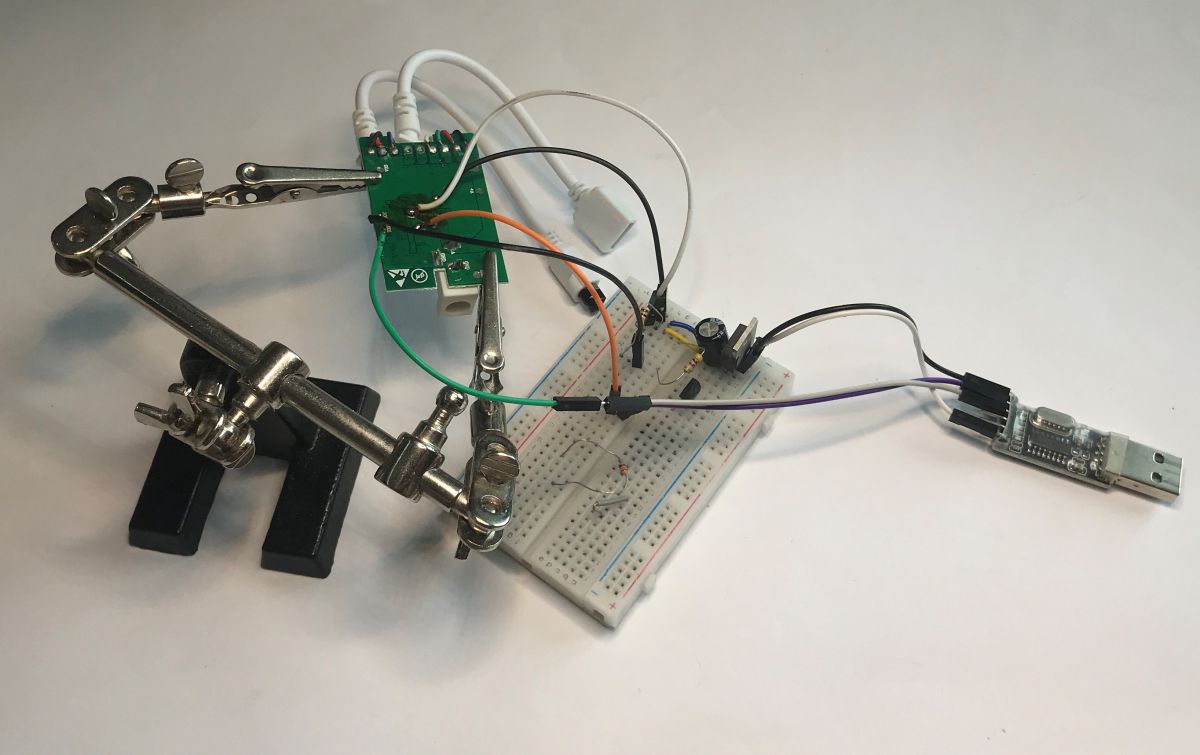
It has been a long time since I presented a device realised on the BL602. It is time to change that. The BL602 is a microcontroller offering 2.4 GHz Wi-Fi and Bluetooth LE 5.0 connectivity based on a 32-bit RISC-V core clocked at up to 192 MHz. It also has on-board Flash memory, generally 2 MB. It can sometimes be found in IoT devices, such as the Magic Home brand. This is where I will present one such one. The importer has repainted it EC79900 ecolight. It's worth noting that there is no Tuya support here, it's a different app.
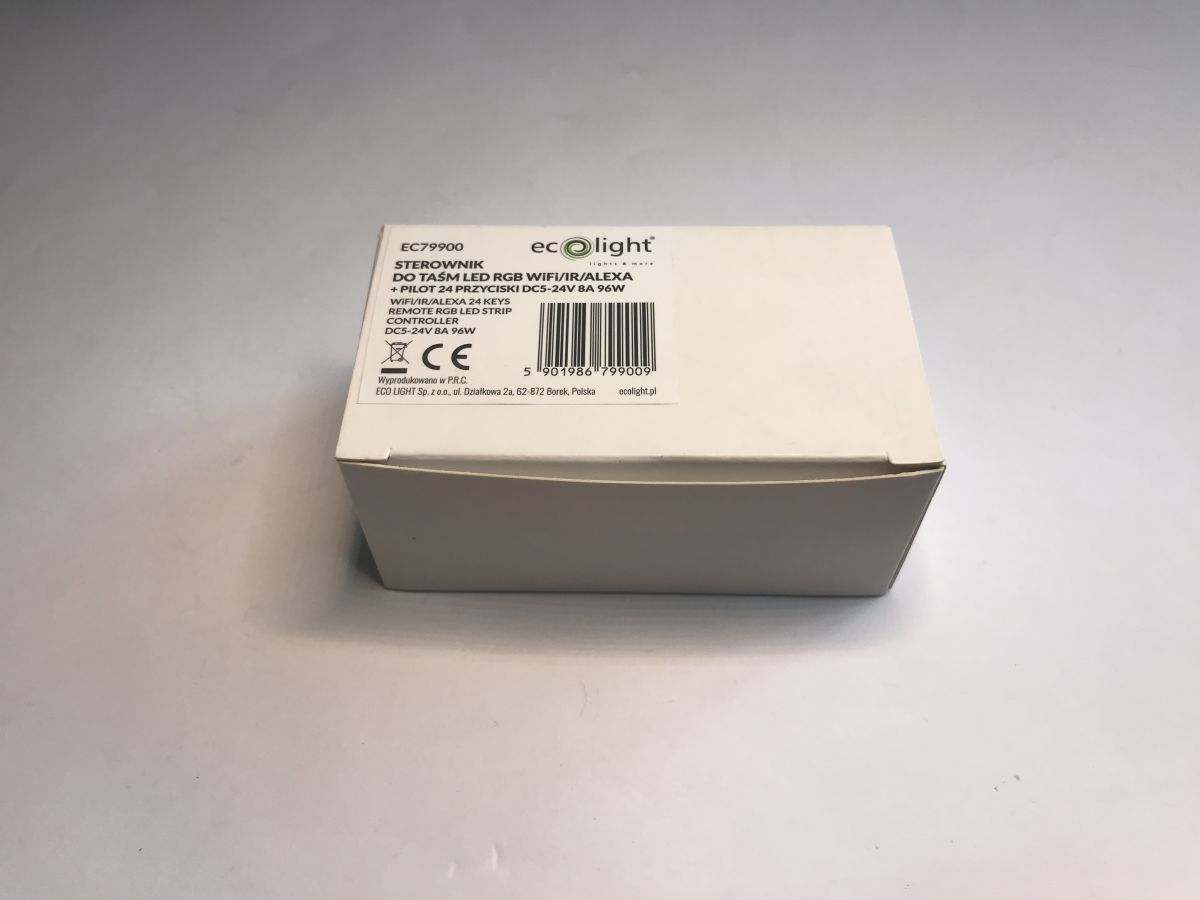
The QR code on the device, however, explains everything - it leads to the aforementioned Magic Home app.

An IR remote control and instructions are also included.

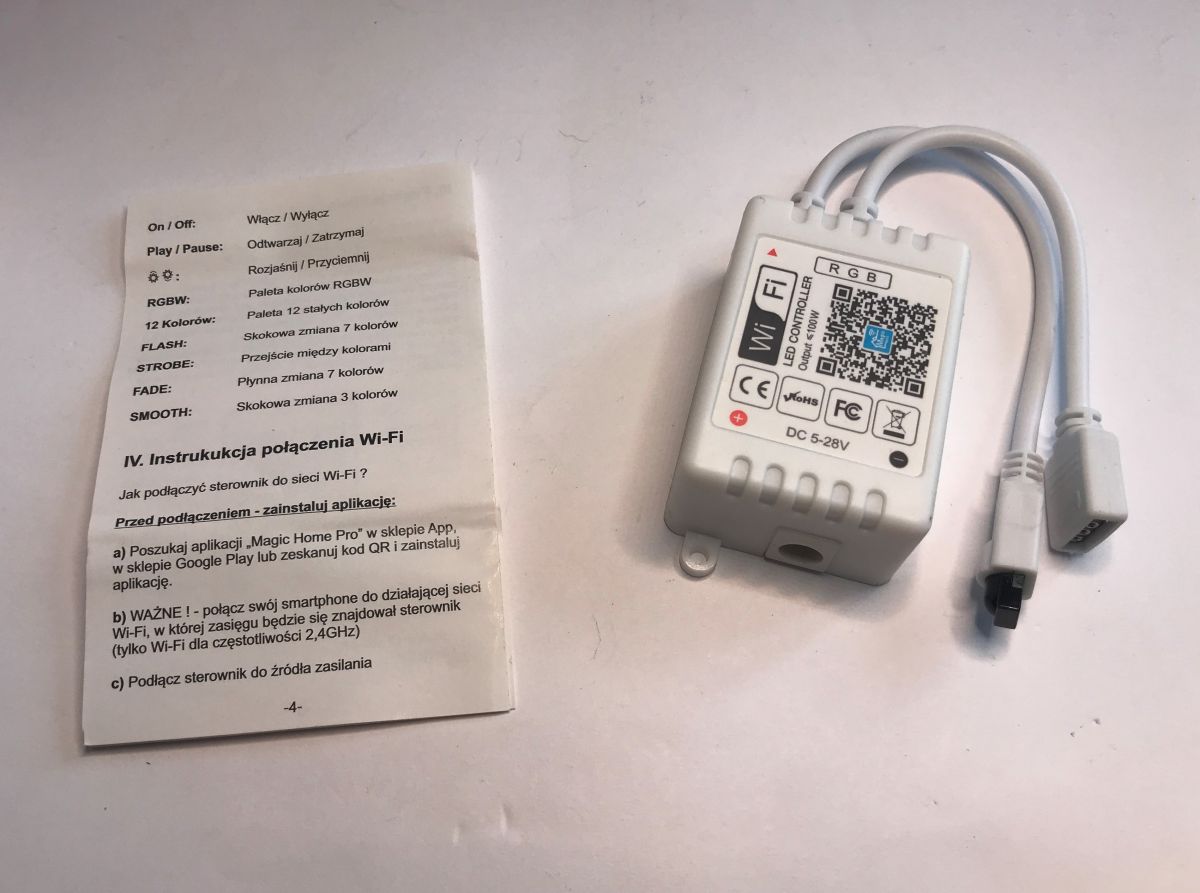
The instructions describe pairing the device with the manufacturer's app, this is of no use to me.


Interior of EC79900
Just lift the cover, it is on the hooks.

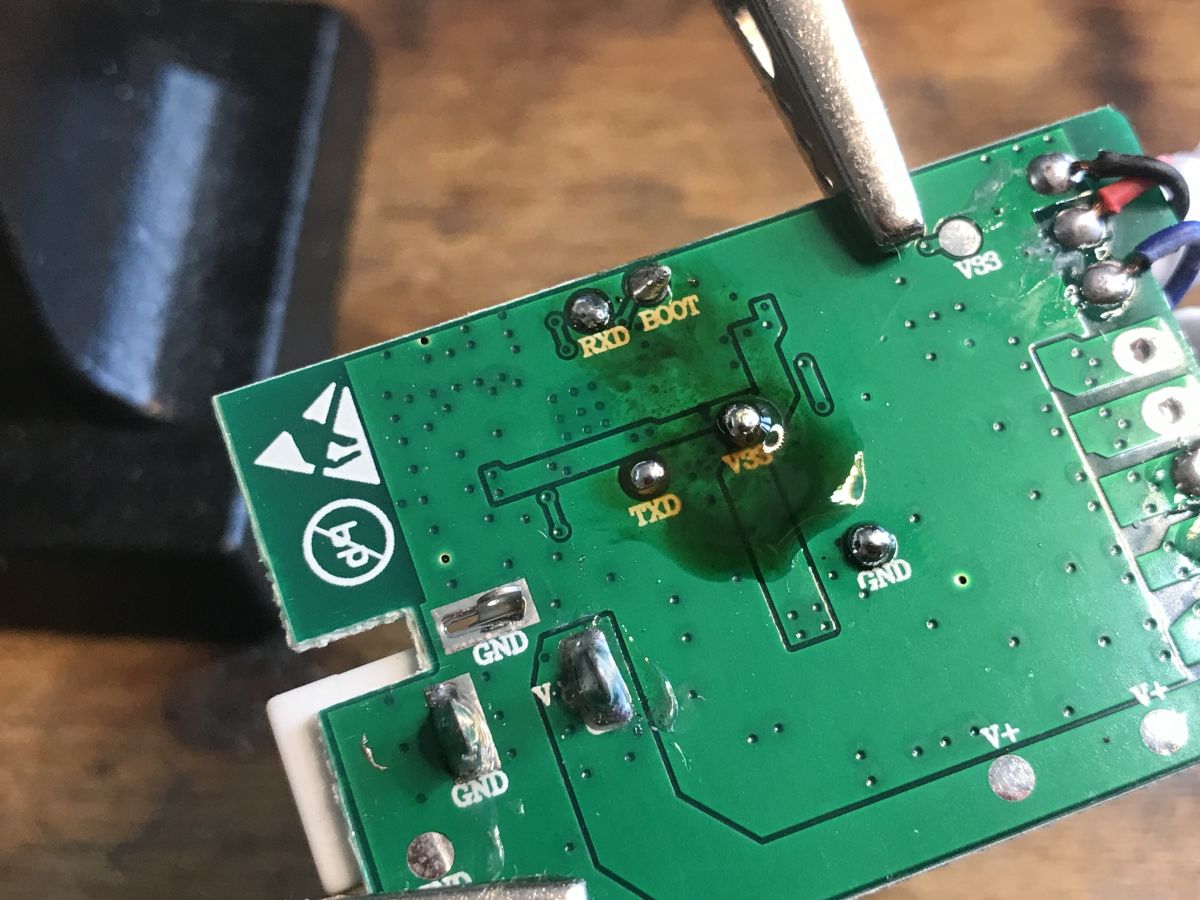
On the bottom of the PCB are the pads for programming, that is the UART and the BOOT (bootloader start) signal. In addition, we also have the power supply.
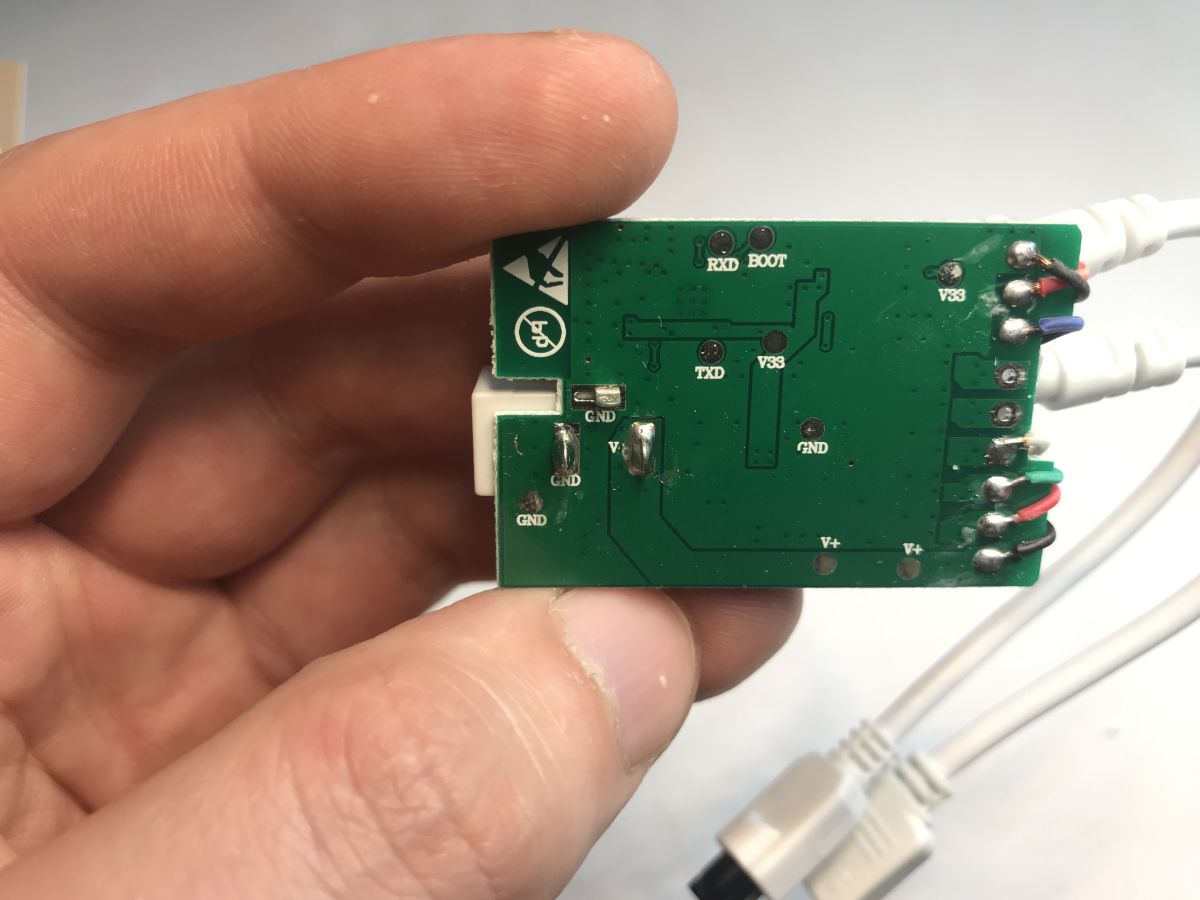
The whole thing is supported by the aforementioned BL602 together with a quartz resonator. The antenna from the Wi-Fi is on the board. Next to it is a free slot for an RF chip (radio remote control receiver). In the power section there is a GBDBE step-down inverter, so that from 12 V for the bar we can get 3.3 V for the MCU. Three small transistors control the RGB colours, the PCB potentially supporting up to 5 channels - i.e. RGB and CCT.
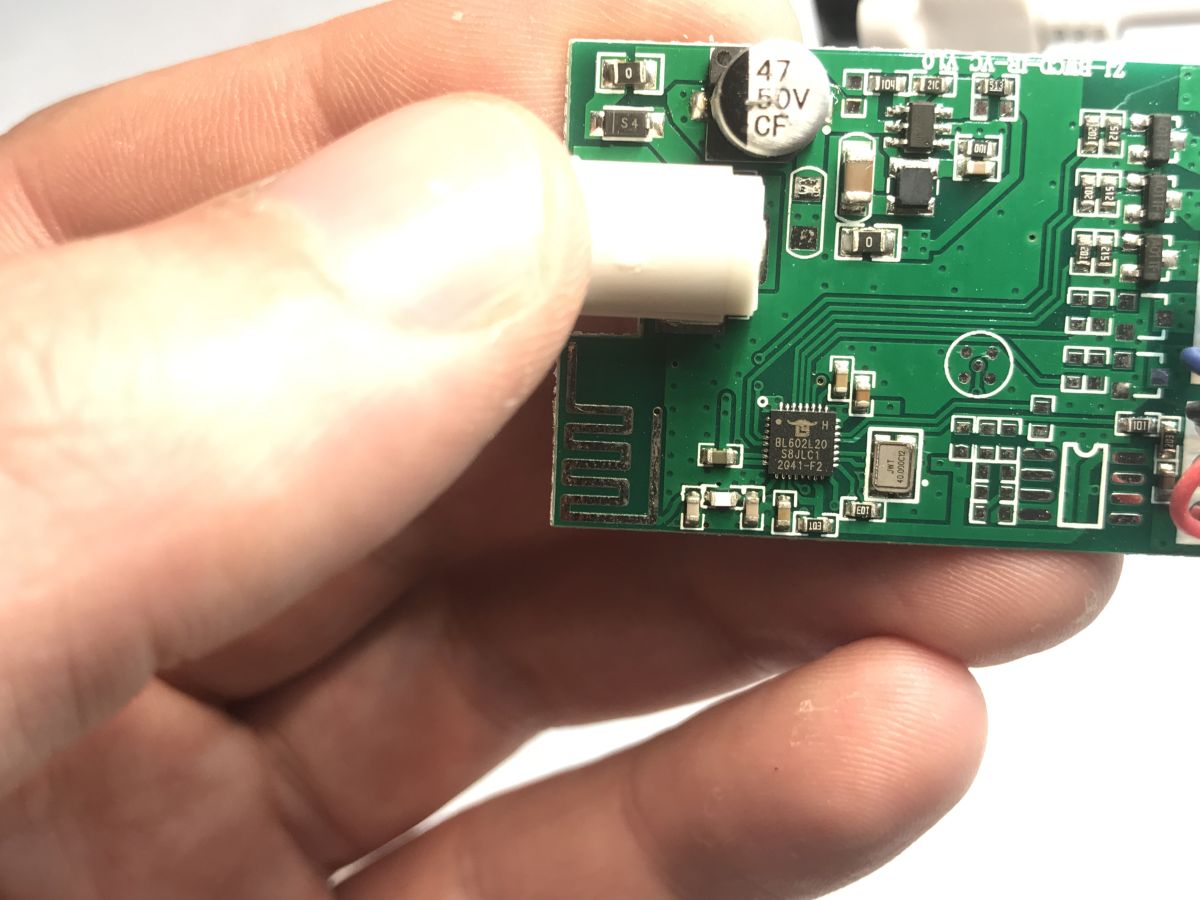
Additional images:
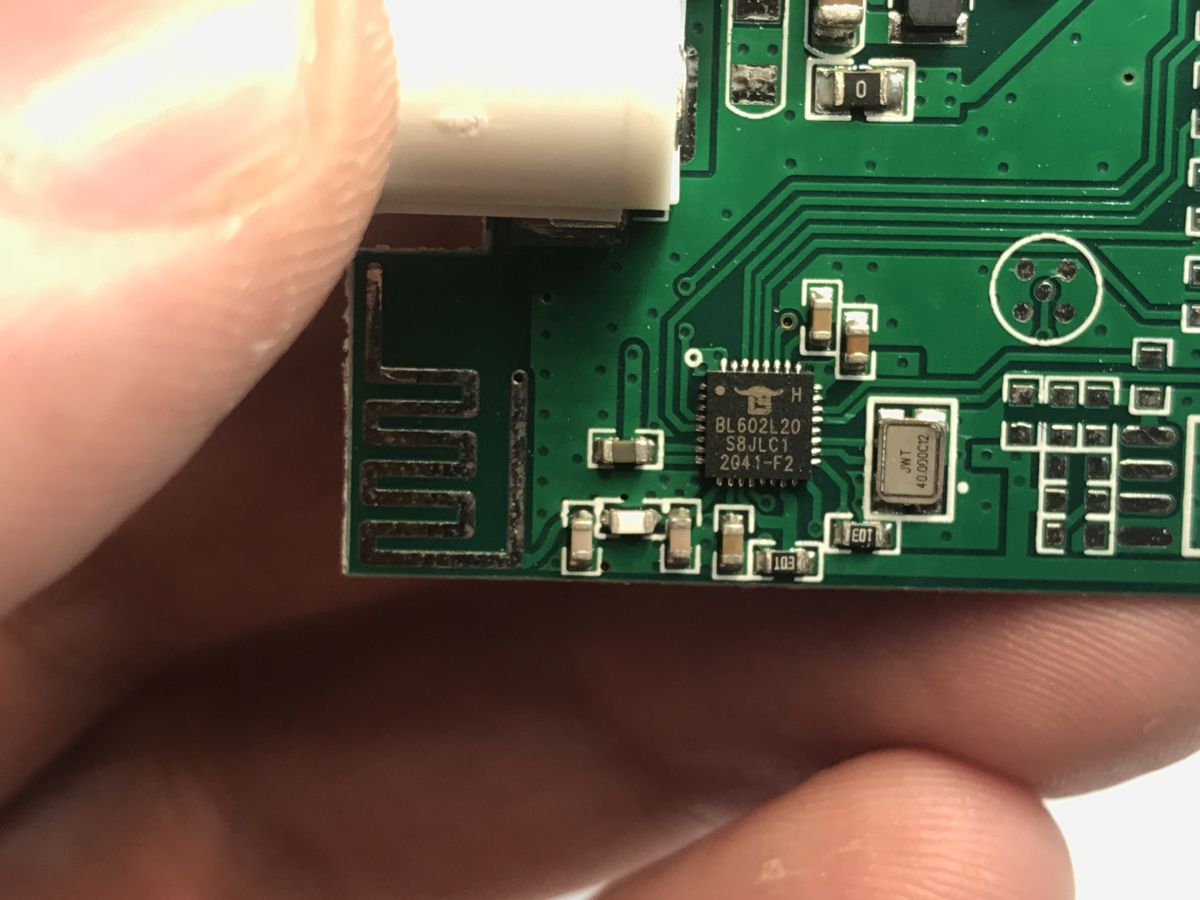

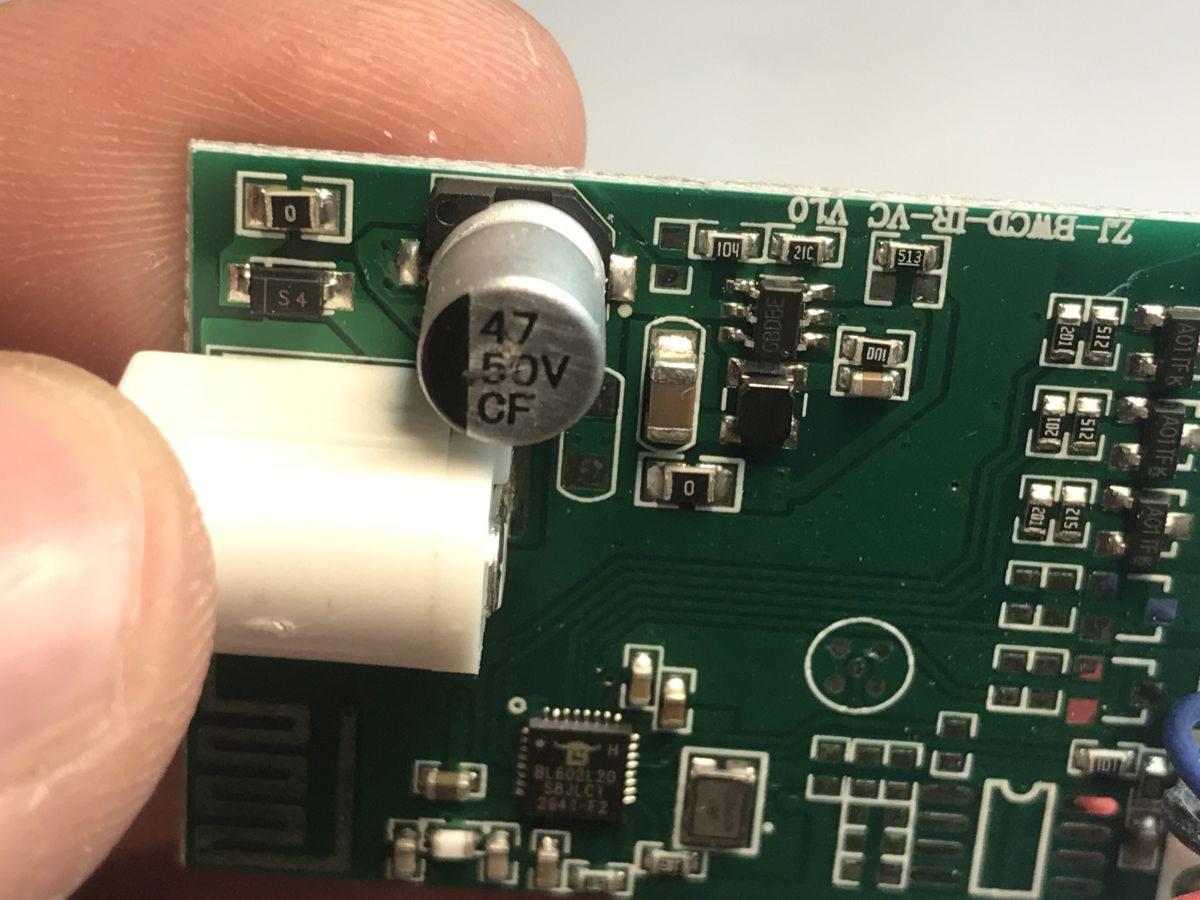
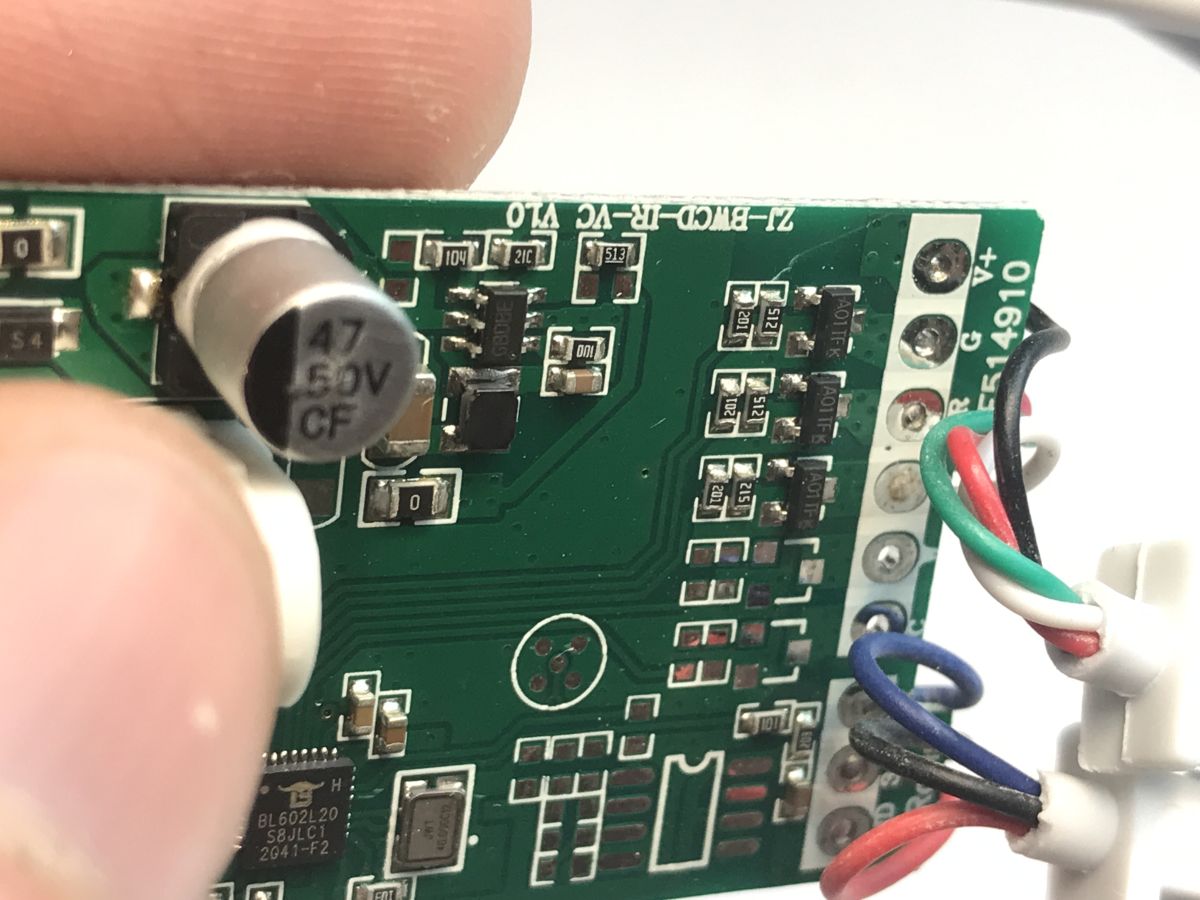
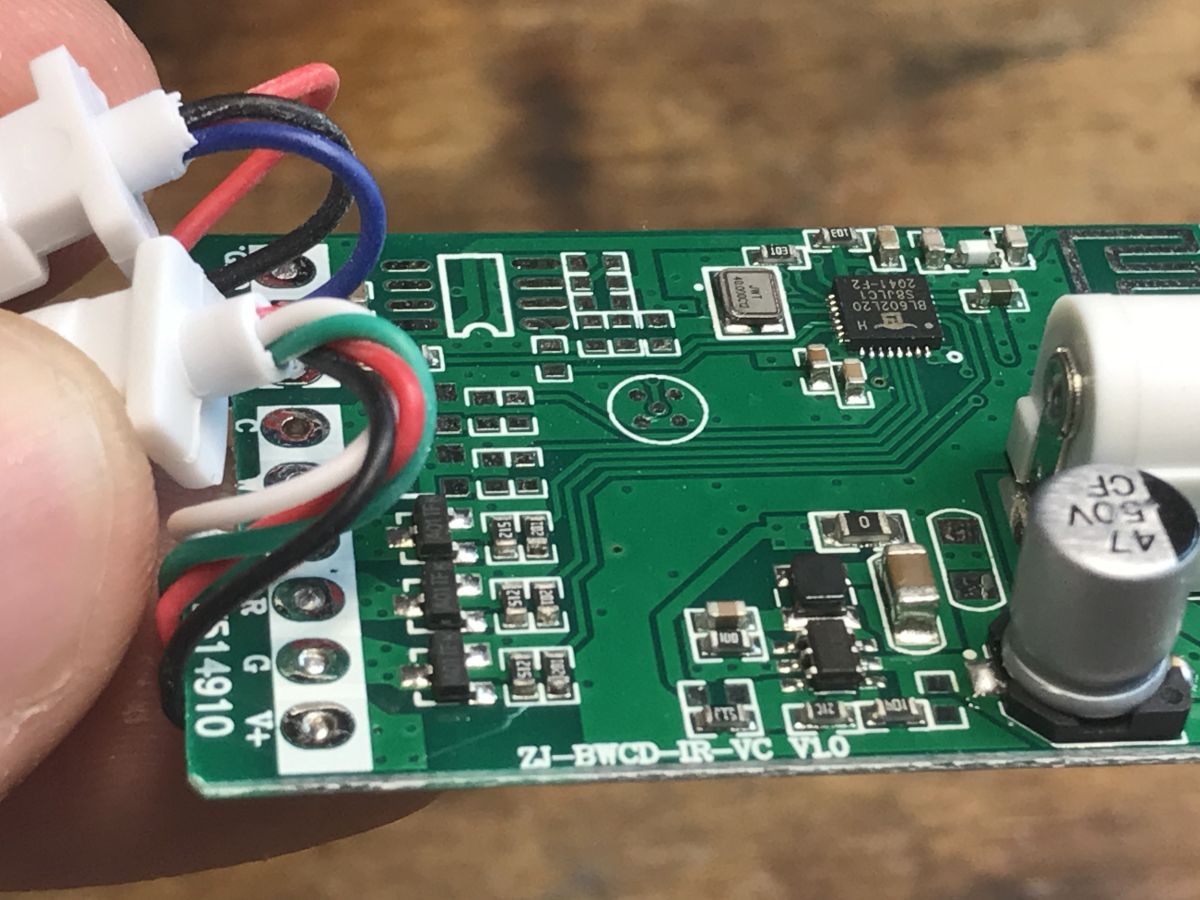

The board is so simple that you can draw out the connections and apply them to the photo:

Changing the EC79900 firmware
We change the firmware to be able to configure, rework and improve the device at will. It also allows us to disconnect it from the cloud, make it independent and pair it with Home Assistant.
We upload our electrode soft:
https://github.com/openshwprojects/OpenBK7231T_App
The entire manual can be found here:
https://www.elektroda.com/news/news4108535.html
Alternatively, you can try our flasher - it recently supported BL602:
https://github.com/openshwprojects/BK7231GUIFlashTool
We are whitewashing the pads:
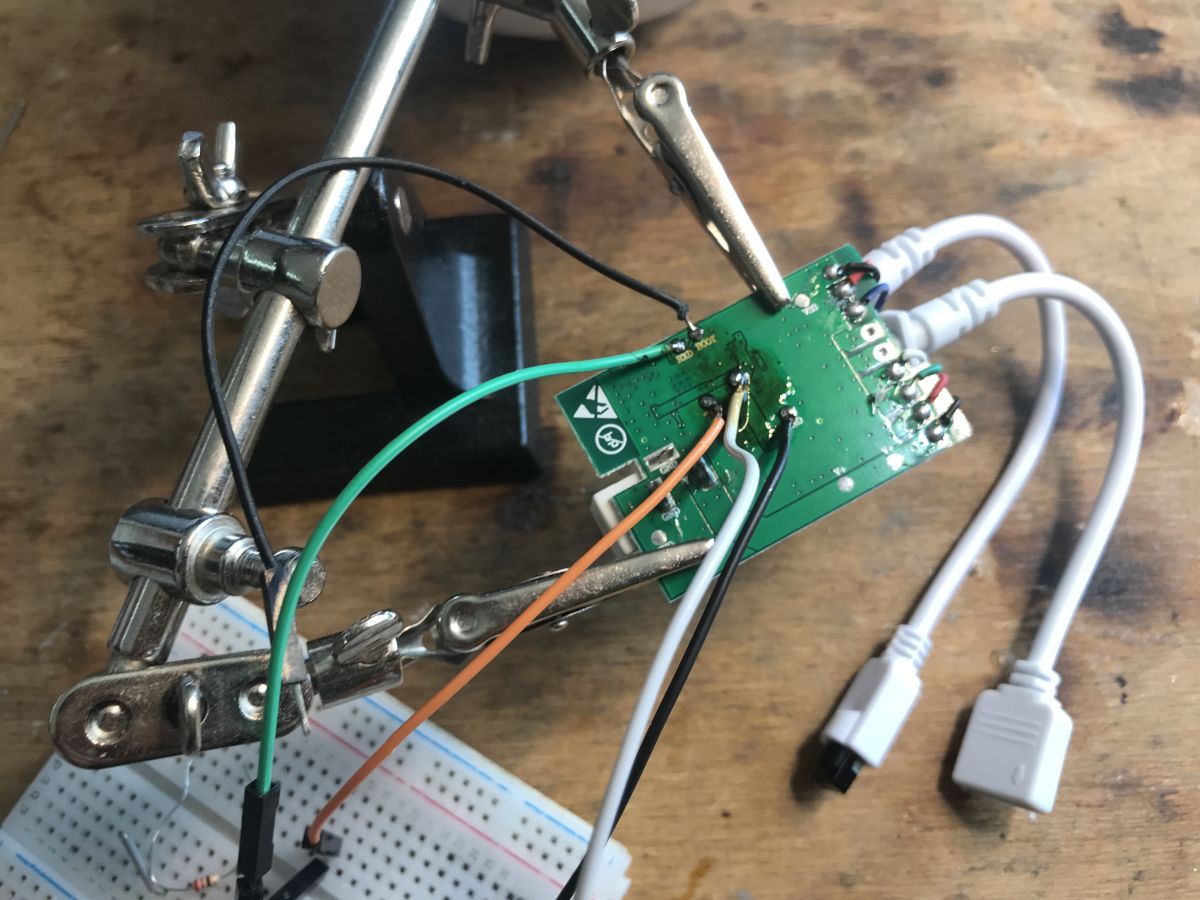
We solder the cables:
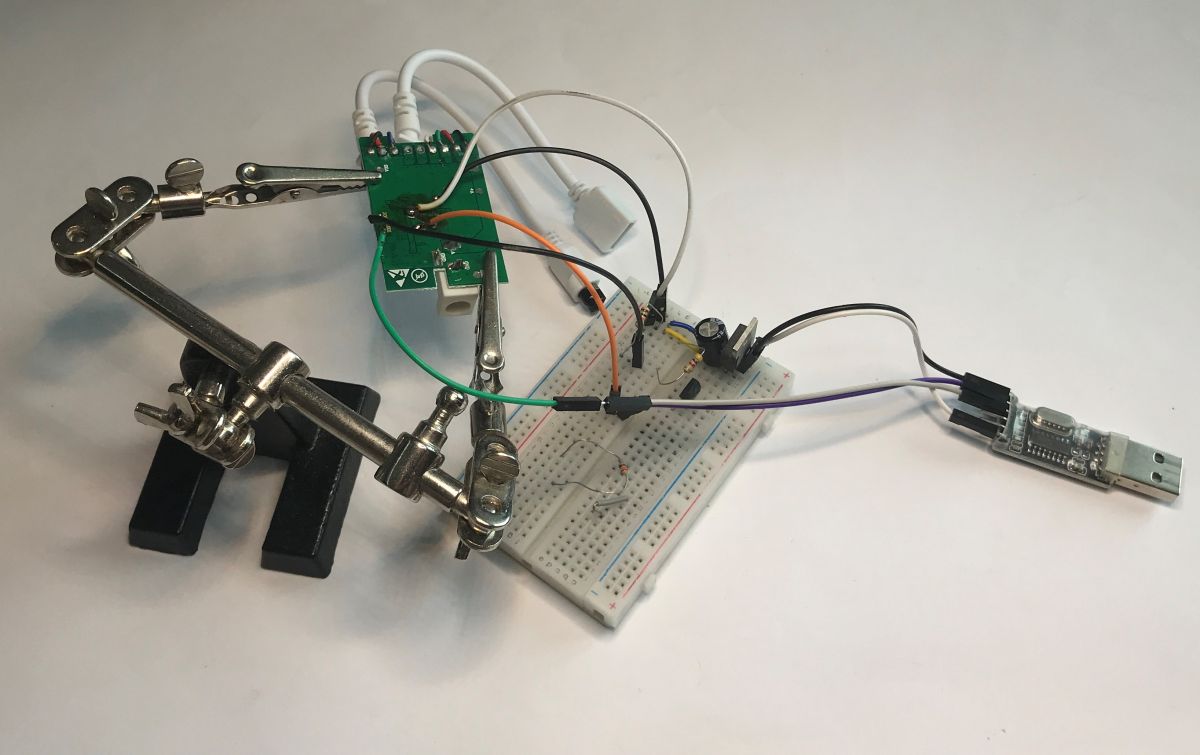
The rest as in the indicated material - USB to UART converter and 3.3 V LDO:
I also backed up the firmware (MagicHome-EC79900-LedStrip-RGB-0x1FFFFF-fromBLDevCubev190):

https://github.com/openshwprojects/FlashDumps/tree/main/IoT/BL602
After programming, set the pins according to my spreadsheet. PWM is GPIO3, GPIO4 and GPIO21, optionally also GPIO20 and GPIO17 (depends on how many channels you have a version for) and GPIO12 is the IR receiver. The IR controller on the BL602 is a work in progress and is based on the IRremoteESP8266. When configuring IR events, you can follow the material on the BK7238:
https://www.elektroda.pl/rtvforum/topic4133695.html
You can also add buttons to the unit - in my opinion they are essential.
Summary
In this way, you can free this device from the cloud and turn it essentially into such an Arduino that can be freely configured and programmed. In a similar way, you can add e.g. DS18B20 or DHT11 sensors etc. to it, also without compiling a batch - all from the UI. Pairing with Home Assistant (HASS Discovery) also is supported . Additionally, you can then combine multiple such strips into a single "logical" device using Tasmota Device Groups . I think it's a worthwhile redesign, and the programming process itself is not that difficult.
Do you use LED strips with Wi-Fi control, and if so, is it together with the manufacturer's cloud or locally?
Cool? Ranking DIY Helpful post? Buy me a coffee.

