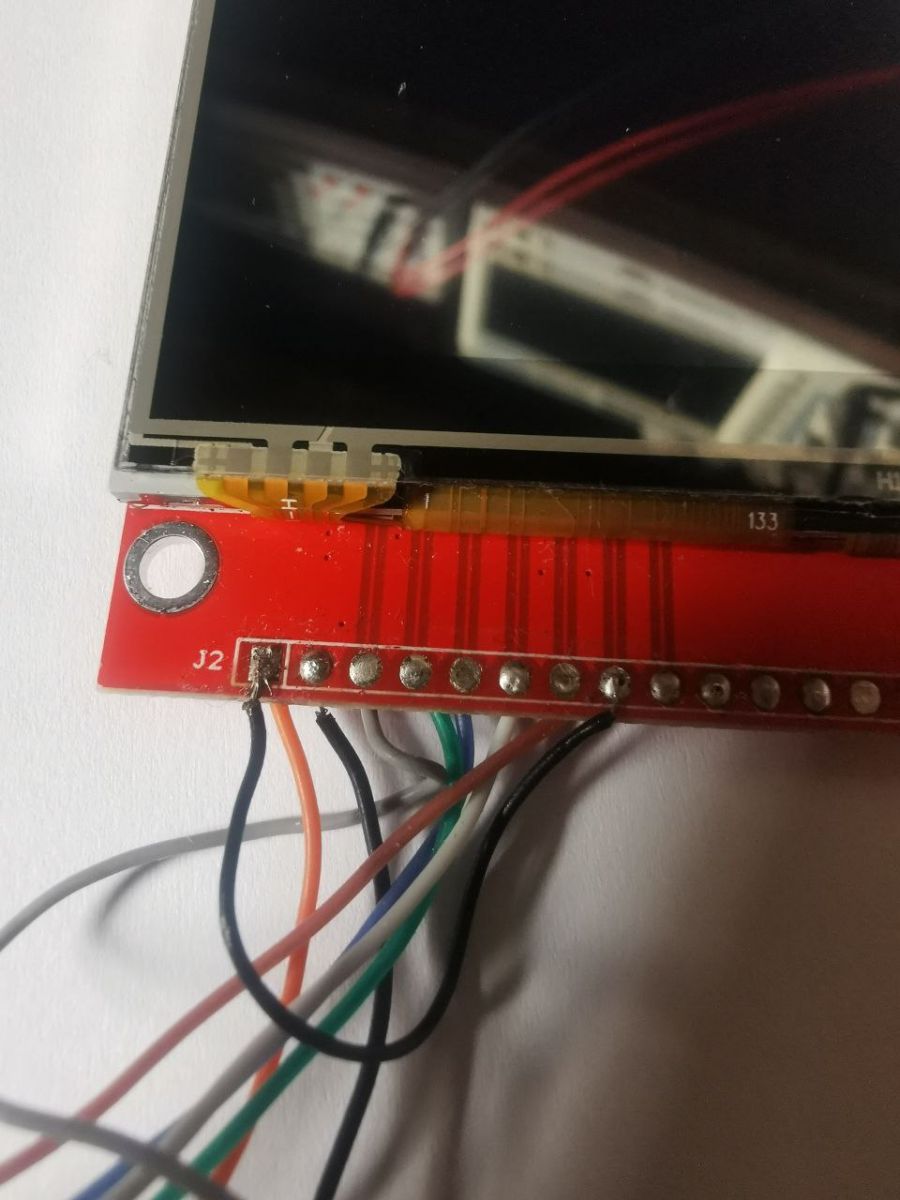
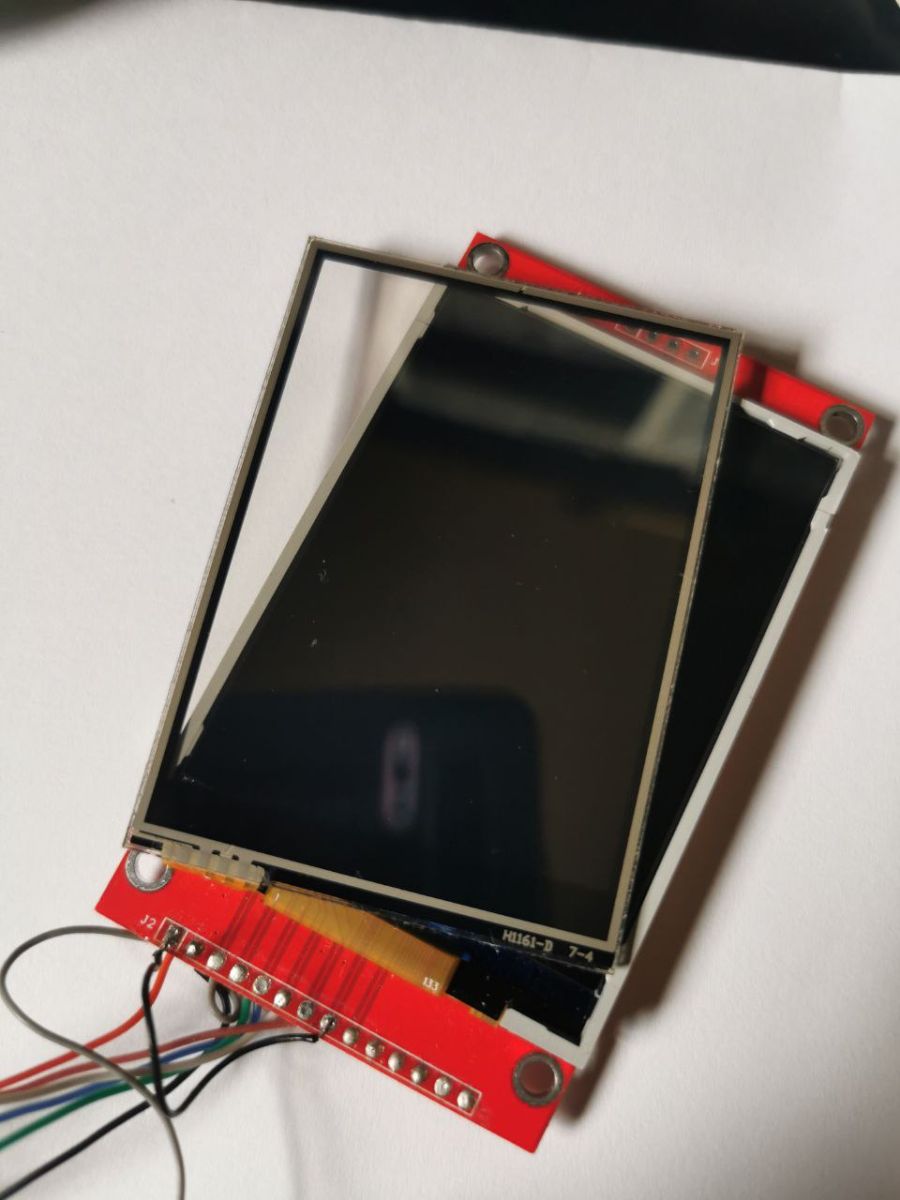
FAQ
TL;DR: On ESP32 DevKit v1 with TFT_eSPI, use GPIO 18/19/23 for SPI and define display options; as one expert noted, "Pins are of course GPIO." Add missing User_Setup defines to avoid the classic white screen. [Elektroda, efi222, post #21786805]
Why it matters: This FAQ helps makers quickly fix ESP32 + ILI9486/ILI9488 "white screen" or "rectangles only" issues with minimal rewiring and config.
Quick Facts
- Verified ESP32 pin map for TFT_eSPI: SCLK=18, MISO=19, MOSI=21(23), CS=5, DC=22, RST=17. Use GPIO numbers. [Elektroda, efi222, post #21786805]
- Add to User_Setup.h: TFT_RGB_ORDER, TFT_WIDTH, TFT_HEIGHT, and TFT_INVERSION_OFF to initialize the panel reliably. [Elektroda, efi222, post #21786805]
- Backlight on is not proof the LCD works; test first on a 5V Arduino Uno. [Elektroda, gps79, post #21775591]
- A 27,000,000 Hz SPI setting was used; start there, then lower if unstable. [Elektroda, darex120, post #21775345]
- ILI9488 showing rectangles only indicates setup/code issue; share code to diagnose. [Elektroda, inot, post #21788840]
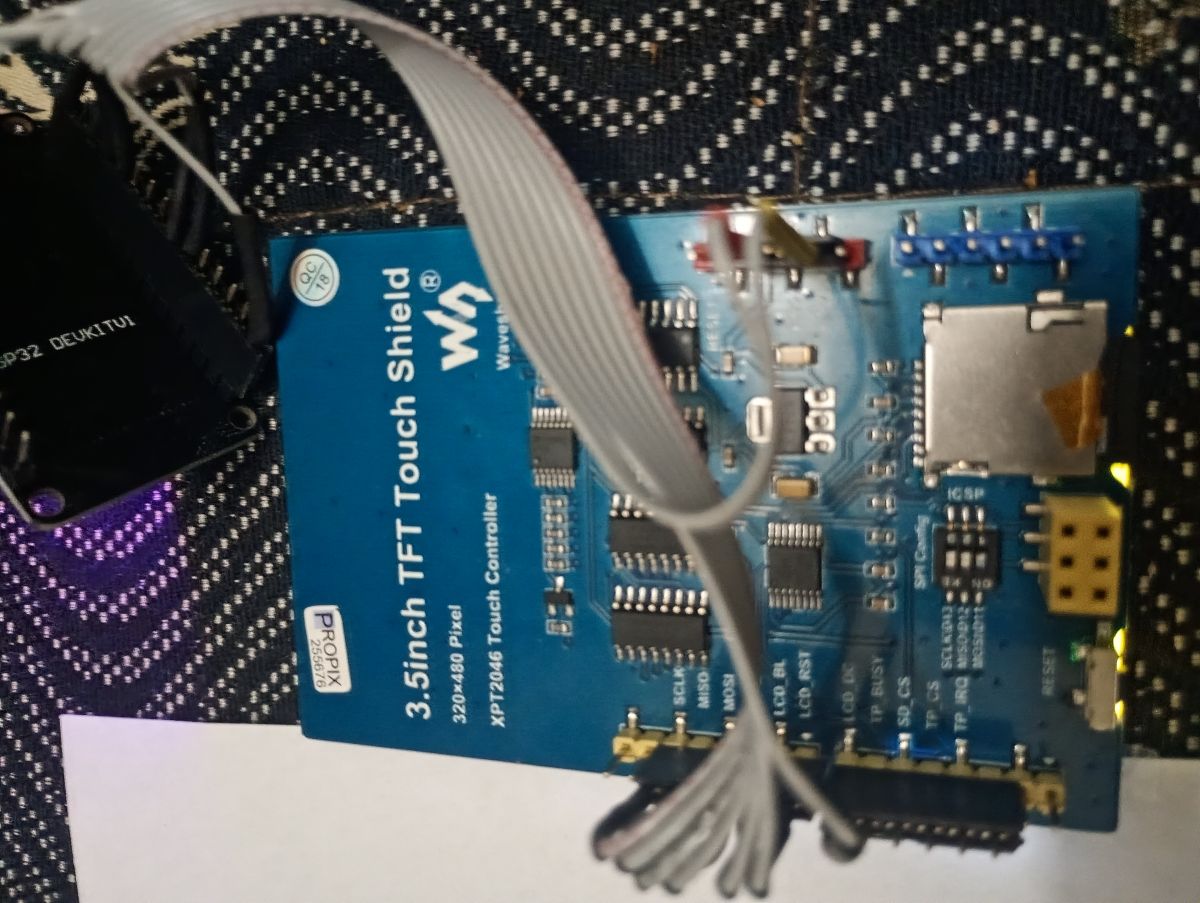
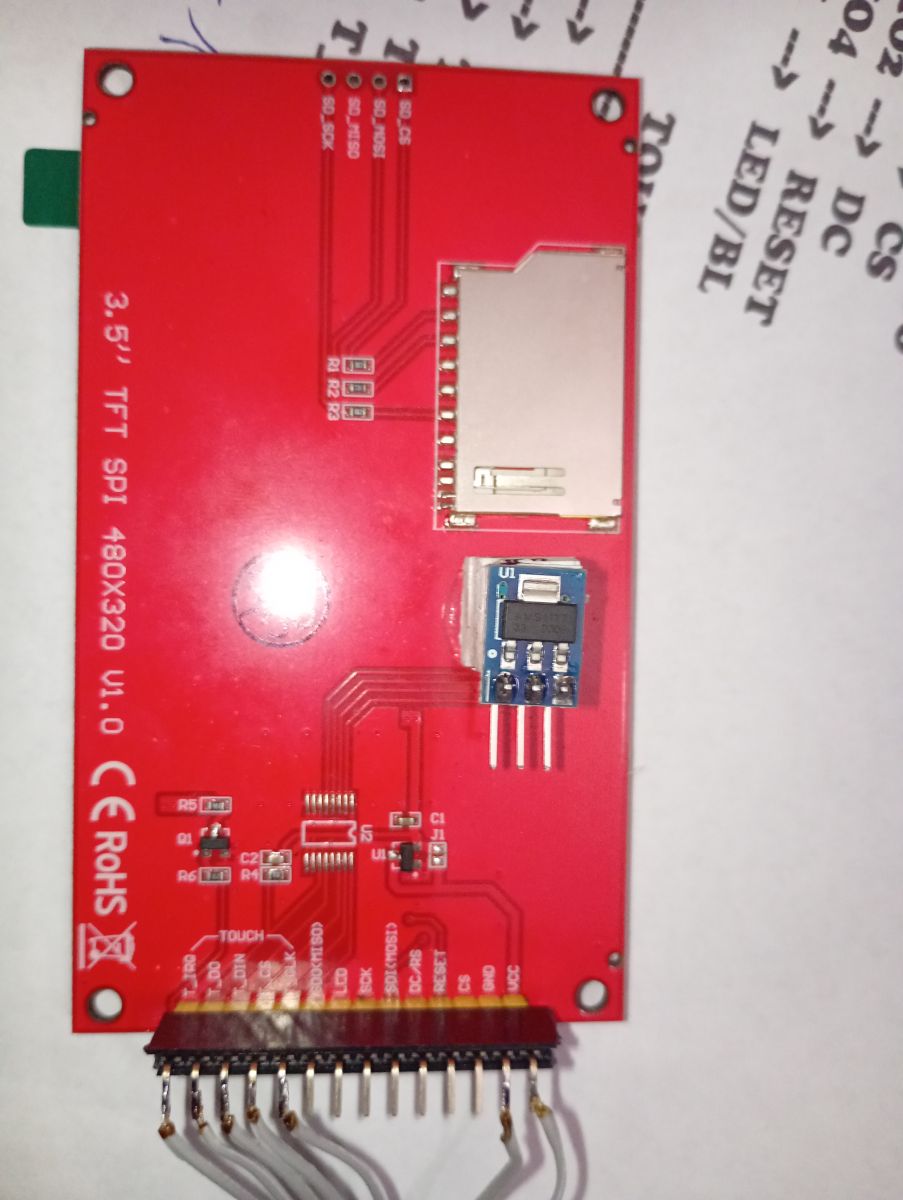
How do I wire an ILI9486/ILI9488 to an ESP32 DevKit v1 using TFT_eSPI?
Use GPIO numbers: SCLK=18, MISO=19, MOSI=21 (or 23), CS=5, DC=22, RST=17. Keep grounds common. These pins are verified for TFT_eSPI on ESP32. If your board routes differently, adjust in User_Setup. Quote: "Pins are of course GPIO." [Elektroda, efi222, post #21786805]
Why do I only get a white screen on the ESP32 with ILI9486?
Missing or wrong User_Setup defines cause a blank white screen. Add TFT_RGB_ORDER, TFT_WIDTH, TFT_HEIGHT, and TFT_INVERSION_OFF. Confirm CS/DC/RST GPIOs match wiring. Then recompile. Most white screens trace to setup or pin mismatches, not a dead panel. [Elektroda, efi222, post #21786805]
How can I prove the LCD works before debugging ESP32 firmware?
Test the shield on a known-good 5V platform like Arduino Uno using a simple demo. Backlight alone does not prove the controller initializes. Quote: "the backlighting of the screen is not proof." This isolates hardware faults from ESP32 or library issues. [Elektroda, gps79, post #21775591]
Will it work at 27 MHz SPI, or should I slow down?
A 27,000,000 Hz SPI clock is a practical starting point shown in the thread. If you see artifacts or timeouts, drop the frequency. Lowering to a mid‑teens MHz value often stabilizes marginal wiring. Keep wires short and powered correctly. [Elektroda, darex120, post #21775345]
ILI9488 shows rectangles and wrong colors—no text. How do I fix it?
Set TFT_RGB_ORDER (e.g., TFT_BGR), define TFT_WIDTH/TFT_HEIGHT, and ensure the correct driver macro is selected. Recheck CS/DC/RST pins. After init, draw text with a basic sketch to confirm. Color/geometry errors usually mean missing setup lines. [Elektroda, efi222, post #21786805]
What must be in TFT_eSPI’s User_Setup.h for these panels?
Include USER_SETUP_INFO, TFT_RGB_ORDER, TFT_WIDTH, TFT_HEIGHT, and TFT_INVERSION_OFF. Map SPI and control GPIOs: MISO, MOSI, SCLK, CS, DC, RST. If RST is tied to board reset, set TFT_RST to -1. Then rebuild. [Elektroda, efi222, post #21786805]
Do I use Arduino pin names or raw GPIO numbers on ESP32?
Use raw GPIO numbers, not Arduino digital pin aliases. Update TFT_eSPI defines to match ESP32 GPIO labeling. Quote: "Pins are of course GPIO." This prevents silent miswires that yield a white screen. [Elektroda, efi222, post #21786805]
What quick sketch can I use to verify text rendering?
Initialize TFT_eSPI, set rotation, clear the screen, set text color/size, and print three lines. The thread’s minimal sketch prints “ESP32 DEVKIT V1”, “ILI9488”, and “PlatformIO OK”. If text fails, revisit User_Setup and pins. [Elektroda, darex120, post #21788998]
My display works on Arduino but not on ESP32—does it still help to test?
Yes. Confirming it runs on Arduino proves the panel is alive. Then focus on ESP32-specific wiring and TFT_eSPI configuration differences. Once validated, you can swap microcontroller and library with confidence. [Elektroda, gps79, post #21775591]
Will this setup work at all on ESP32 DevKit v1?
Yes. Users reported successful ESP32 operation after correcting pin maps and adding the missing TFT_eSPI defines. If you still see a white screen, recheck CS/DC/RST and RGB order. [Elektroda, efi222, post #21786805]
What is TFT_eSPI?
It is the Arduino graphics library whose settings your configuration matches. It needs proper User_Setup defines and ESP32 GPIO mapping to drive ILI9486/ILI9488 reliably. [Elektroda, efi222, post #21786805]
What’s a fast 3‑step bring‑up for ESP32 + ILI9486/ILI9488?
- Wire GPIOs: SCLK=18, MISO=19, MOSI=21(23), CS=5, DC=22, RST=17.
- In User_Setup.h, add TFT_RGB_ORDER, TFT_WIDTH, TFT_HEIGHT, TFT_INVERSION_OFF, and map pins.
- Build the minimal text sketch and check for correct colors and text. [Elektroda, efi222, post #21786805]
Why does backlight turn on but nothing draws?
The LED backlight is independent of controller init. A lit panel can still fail to accept commands if SPI pins, CS/DC, or setup defines are wrong. Treat backlight as power only, not function. [Elektroda, gps79, post #21775591]
I only see shapes, not characters—could font or rotation be wrong?
Text can disappear if rotation mismatches width/height or color order. Set rotation, then define TFT_WIDTH/TFT_HEIGHT correctly and use setTextColor with a contrasting background. Rebuild after changes. [Elektroda, efi222, post #21786805]
Any edge cases I should watch for during troubleshooting?
If RESET ties to board RST, set TFT_RST to -1 in User_Setup to avoid conflicts. Otherwise, the screen may appear dead after firmware uploads. Quote: “// Set TFT_RST to -1 if...”. [Elektroda, efi222, post #21786805]
What did the original poster finally confirm about ILI9486 vs ILI9488?
They got ILI9486 working after adjustments, then saw rectangles on ILI9488 with the simple TFT_eSPI sketch. That points to setup/code differences between the two drivers. Share code for review next. [Elektroda, darex120, post #21788782]