logo elektroda
logo elektroda
X
logo elektroda

BL602 tuya mini smart switch relay (model ELC MNEW 01) without power meter

magic81 276 15
ADVERTISEMENT
  • #1 21825111
    magic81
    Level 3  
    "chip": "BL602", maximum flash baud rate (using CH340 USB TTL converter): 460800

    Code: JSON
    Log in, to see the code

    Most similar devices have TglChanOnTgl on pin 2.

    Maybe I will add functions for double-press or long-press.
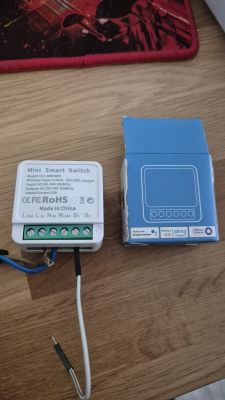

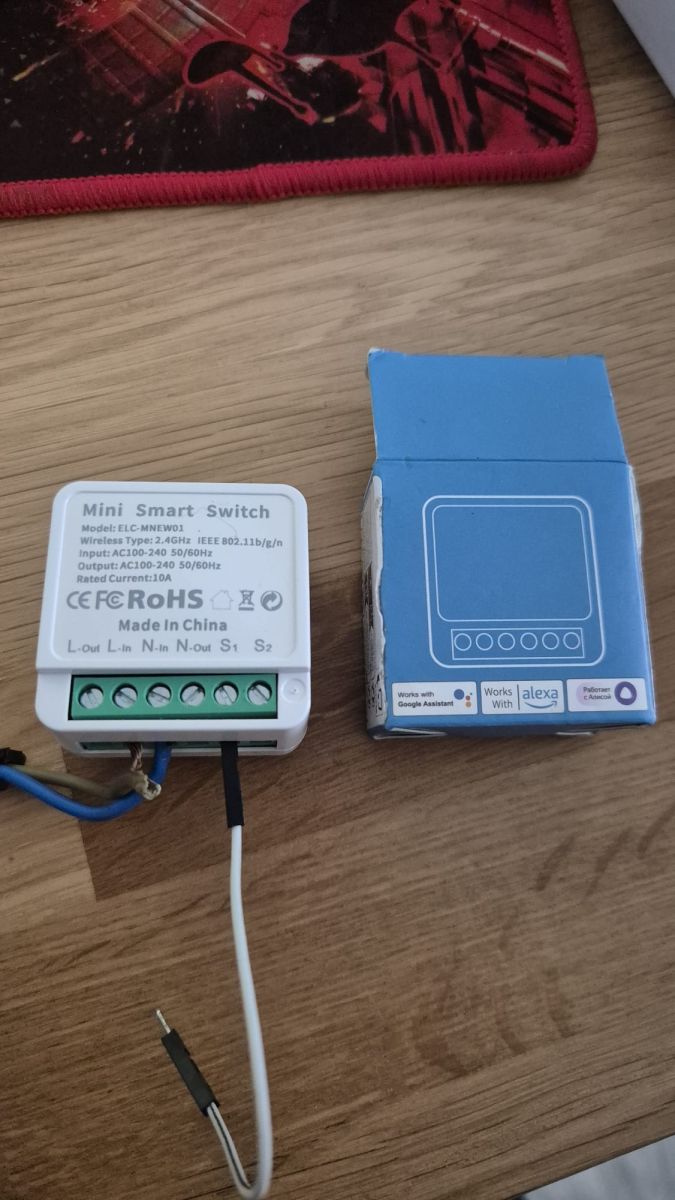
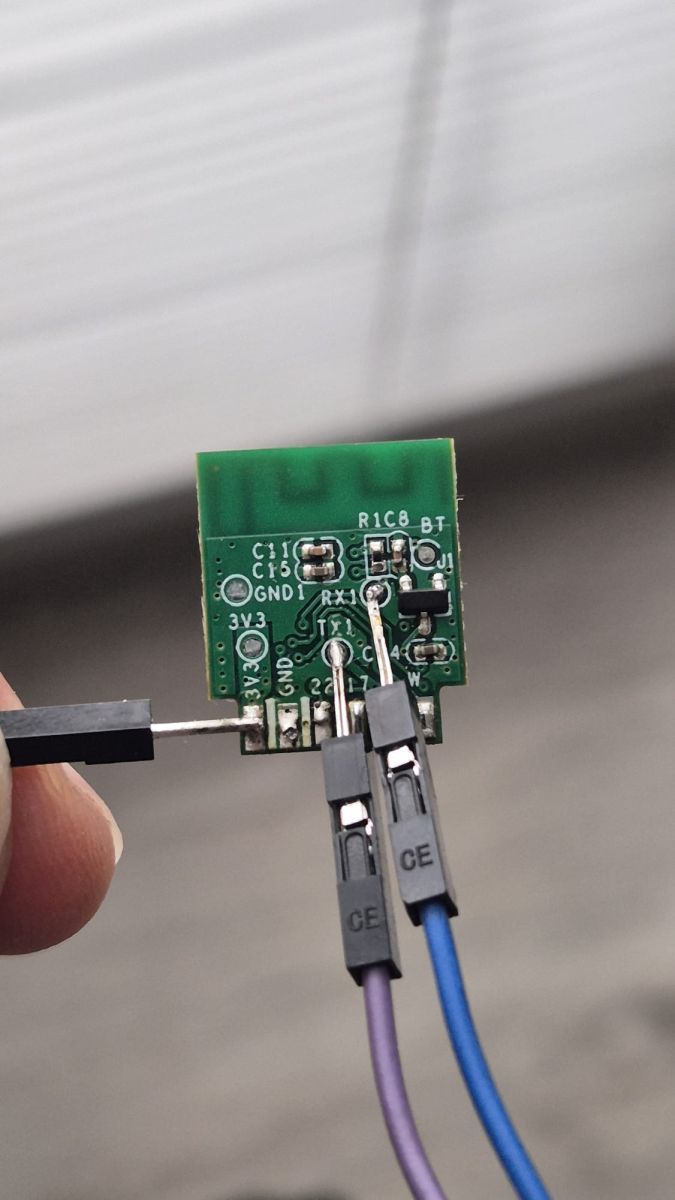
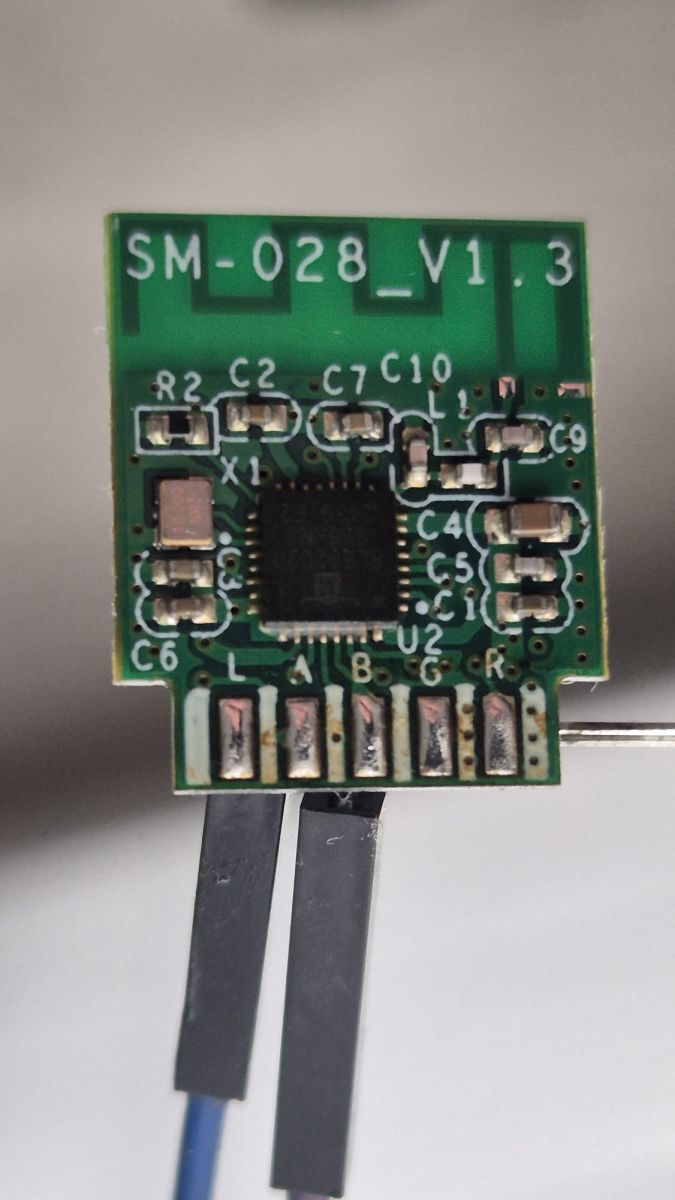
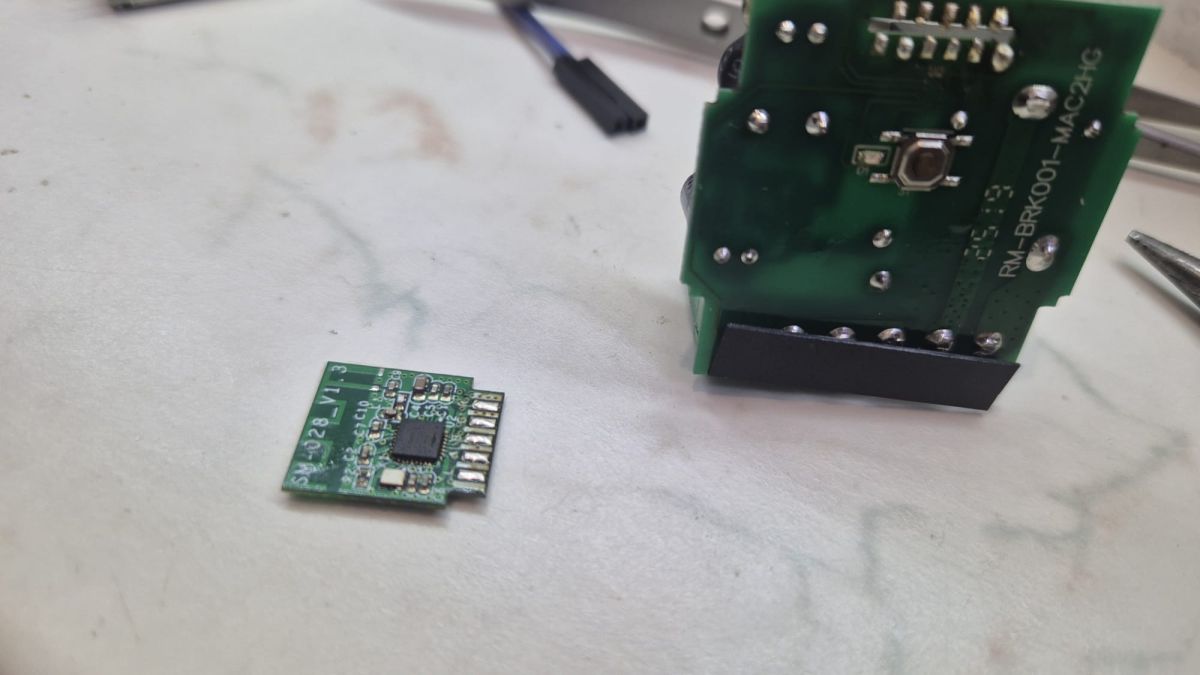
    Mini Smart Switch with wires connected, next to blue product box
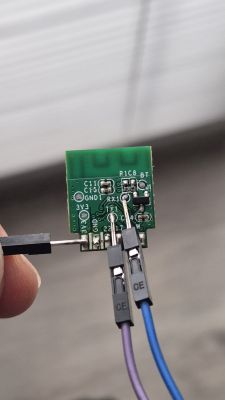
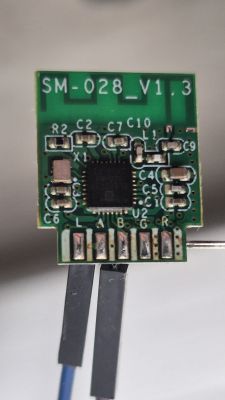
    Electronic module with jumper wires connected to labeled pins Small green PCB with integrated circuit labeled SM-028_V1.3 Two electronic modules on a table, one lying flat, the other standing upright

    Added after 1 [hours] 56 [minutes]:

    changed "14": "LED_n;1", to LED_Wifi_n and
    added start script:
    addEventHandler OnHold 20 SafeMode
    , so there is led identification if the device is connected to the wifi, if not (because you changed ssid or another problem), you can easily create access point and aproach it and reconfigure it, so you don't have to restart device 5 times to boot in safe mode.
  • ADVERTISEMENT
  • #2 21825345
    p.kaczmarek2
    Moderator Smart Home
    Another SM-028-V1.3 device, nice.

    By the way, don't solder wires like that, this method has a high risk of ripping off the pads. I usually try to trim the wires first.

    Do you have factory 2MB backup? Did you flash with our Easy Flasher?
    https://github.com/openshwprojects/BK7231GUIFlashTool
    Helpful post? Buy me a coffee.
  • ADVERTISEMENT
  • #3 21825355
    magic81
    Level 3  
    I know about imperfect solder method, but it is only temporary and I am very careful. I realize there is a big leverage :)

    Yes, I flashed with your tool. Works well.

    I had a problem after setting Wi-Fi SSID and SSID2 that device didn't connect to SSID 1 and did not switch to second one. So I tried to read serial monitor to get some feedback, but I didn't know the proper baud rate so I got only nonsense characters. And I had to reflash it.

    I have original firmware, yes, do you want me to upload it?
  • ADVERTISEMENT
  • #4 21825361
    p.kaczmarek2
    Moderator Smart Home
    Imperfect soldering is okay as long as it works, it's just that I did the same in the past and I tore off pads that way, haha.

    We are collecting flash backups with @divadiow for research, you can share yours as long as the device was NOT paired with your WiFi (otherwise it may contain your SSID).
    https://github.com/openshwprojects/FlashDumps
    Helpful post? Buy me a coffee.
  • ADVERTISEMENT
  • #5 21825410
    divadiow
    Level 38  
    p.kaczmarek2 wrote:
    this method has a high risk of ripping off the pads. I usually try to trim the wires first


    totally. took me ages to work this out for some reason. now all my wires have short copper ends. much more flexible.
  • #8 21825713
    magic81
    Level 3  
    Can you read something interesting from it? :)
  • #9 21825717
    divadiow
    Level 38  
    from the log? hmm, not so much maybe. SDK version used, name and version of firmware, build date.
  • #10 21825722
    magic81
    Level 3  
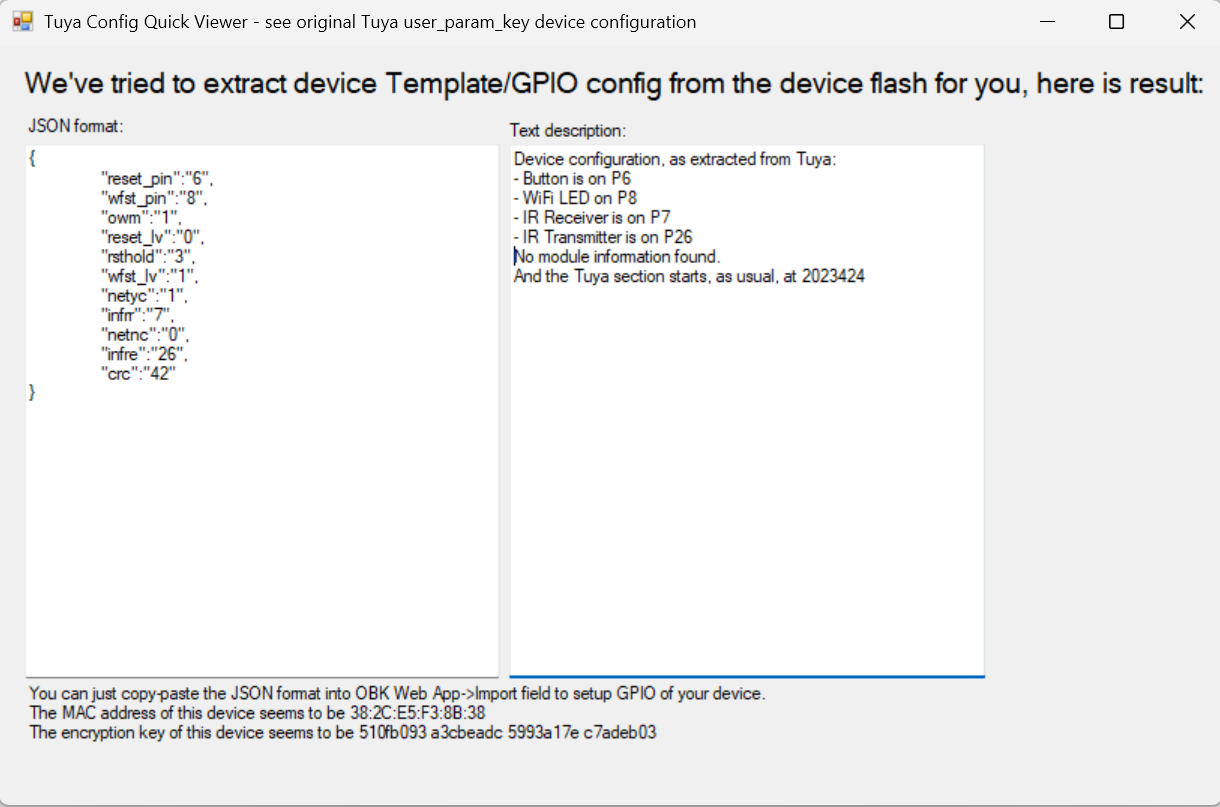
    And how do you read pin configuration and internal logic? I flashed another chip (power meter) before, and there was config JSON and translation.
  • #11 21825740
    divadiow
    Level 38  
    ah yes, I forget about that work-in-progress BL602 config extractor. This is what one of my scripts outputs.

    Code: Text
    Log in, to see the code


    which aligns with your findings. I have a few versions...

    it should be noted that the above is the script interpreting findings. some of it might be wrong/irrelevant
  • #12 21825743
    magic81
    Level 3  
    How does it work? How do you extract that configuration? :)
  • #14 21825854
    divadiow
    Level 38  
    magic81 wrote:
    I flashed another chip (power meter) before and there was config json and translation


    Unless I misunderstand what you mean. What config JSON and translation? Can you show me where?
  • #15 21827012
    magic81
    Level 3  
    >>21825854

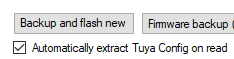
    It was this:
    Screenshot showing buttons “Backup and flash new” and “Firmware backup”


    Screenshot of Tuya Config Quick Viewer showing GPIO configuration in JSON format

    So I just wondered why pin configuration was extracted on that chip, but not on BL602, that's all :)
  • #16 21827062
    divadiow
    Level 38  
    oh, I see. Easy Flasher only decrypts and extracts config info from Tuya KV. Your device is eWeLink.

Topic summary

The discussion centers on the BL602-based Tuya mini smart switch relay (model ELC MNEW 01) without a power meter, focusing on pin assignments and firmware customization. The user notes an unusual pin mapping with TglChanOnTgl on pin 3 instead of the common pin 2 and plans to add double-press and long-press functions. Firmware modifications include renaming pin 14 from LED_n to LED_Wifi_n and adding a start script with an OnHold event handler on pin 20 to enable safe mode and LED identification for Wi-Fi connection status. The conversation also covers flashing the device using the Easy Flasher tool with a CH340 USB TTL converter at 460800 baud rate, soldering techniques to avoid pad damage, and issues with Wi-Fi SSID failover. Sharing factory 2MB flash backups is encouraged for research, provided the device is not paired to a Wi-Fi network to avoid exposing SSIDs. The SM-028-V1.3 device is mentioned as similar hardware.
Summary generated by the language model.
ADVERTISEMENT