logo elektroda
logo elektroda
X
logo elektroda

Universal IR remote control receiver/transmitter for Wi-Fi - interior and firmware change ATLO-RC-IR

p.kaczmarek2 1092 4
ADVERTISEMENT
Treść została przetłumaczona polish » english Zobacz oryginalną wersję tematu
📢 Listen (AI):
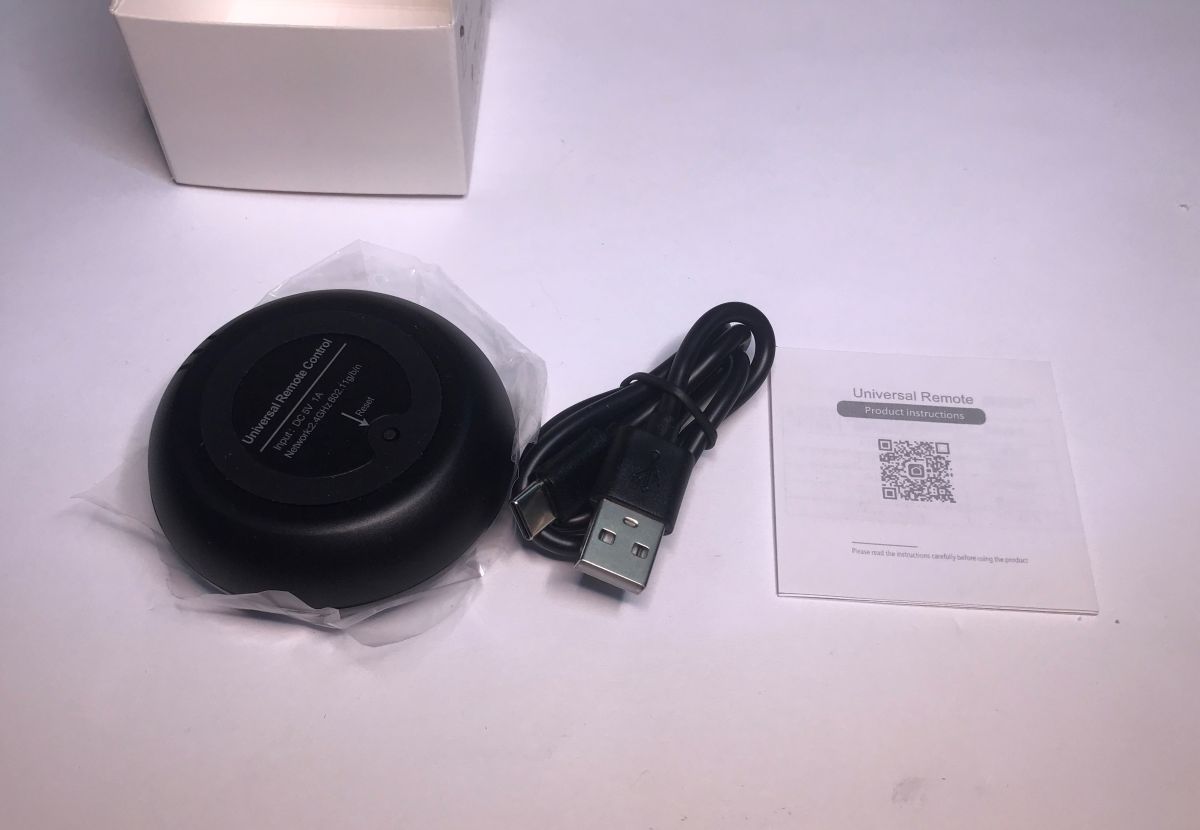
  • Black IR remote shell, USB cable, and instruction sheet on white surface
    I would like to invite you to a demonstration of the interior and software changes of the Tuya universal IR remote control. The device shown here is capable of receiving and transmitting infrared signals in various remote control standards such as RC5, RC6, NEC, etc. The whole thing is controlled from Wi-Fi, so various complex mechanisms and automations can be created, and even potentially paired with Home Assistant.

    I will skip the tests with the Tuya app in this topic, as this has been presented before.
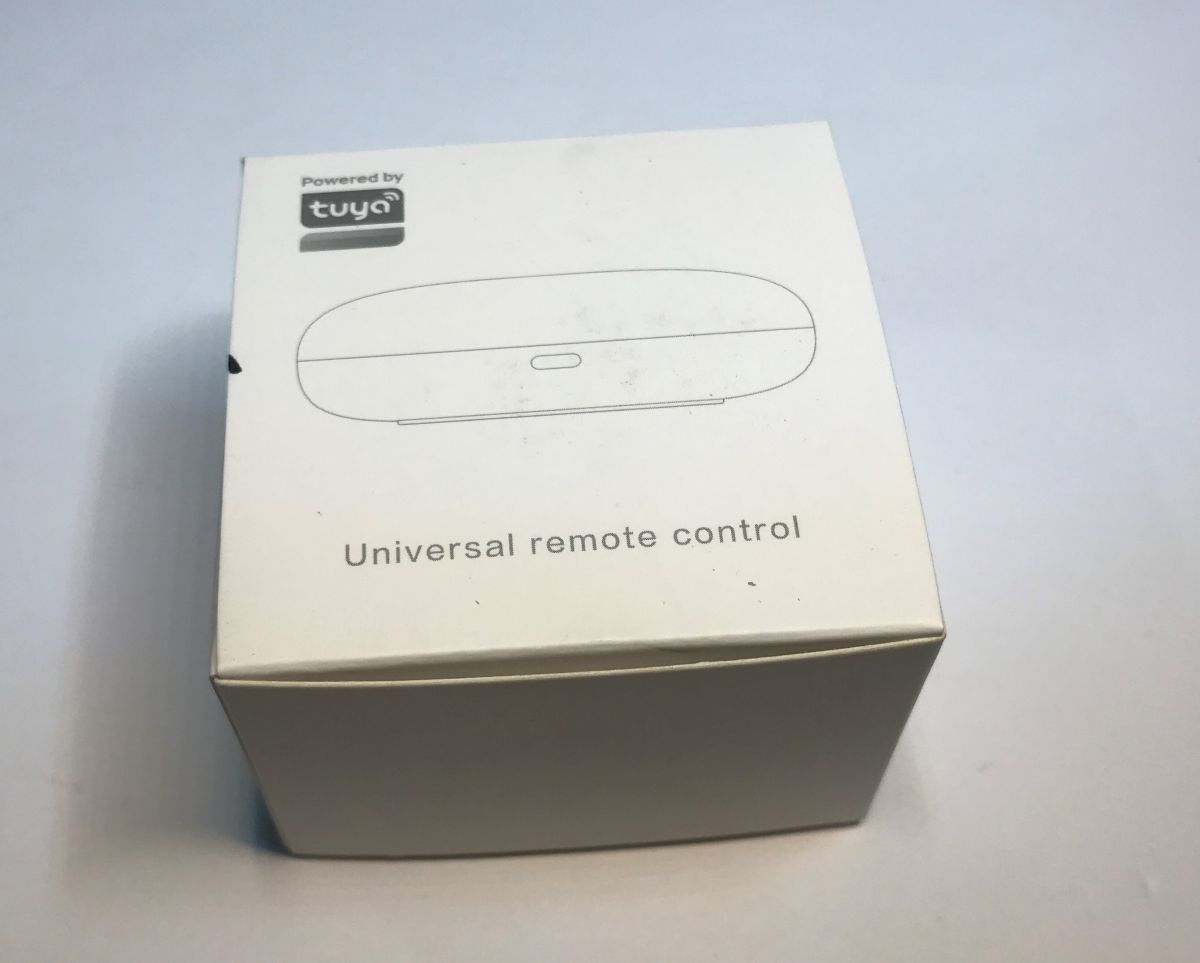
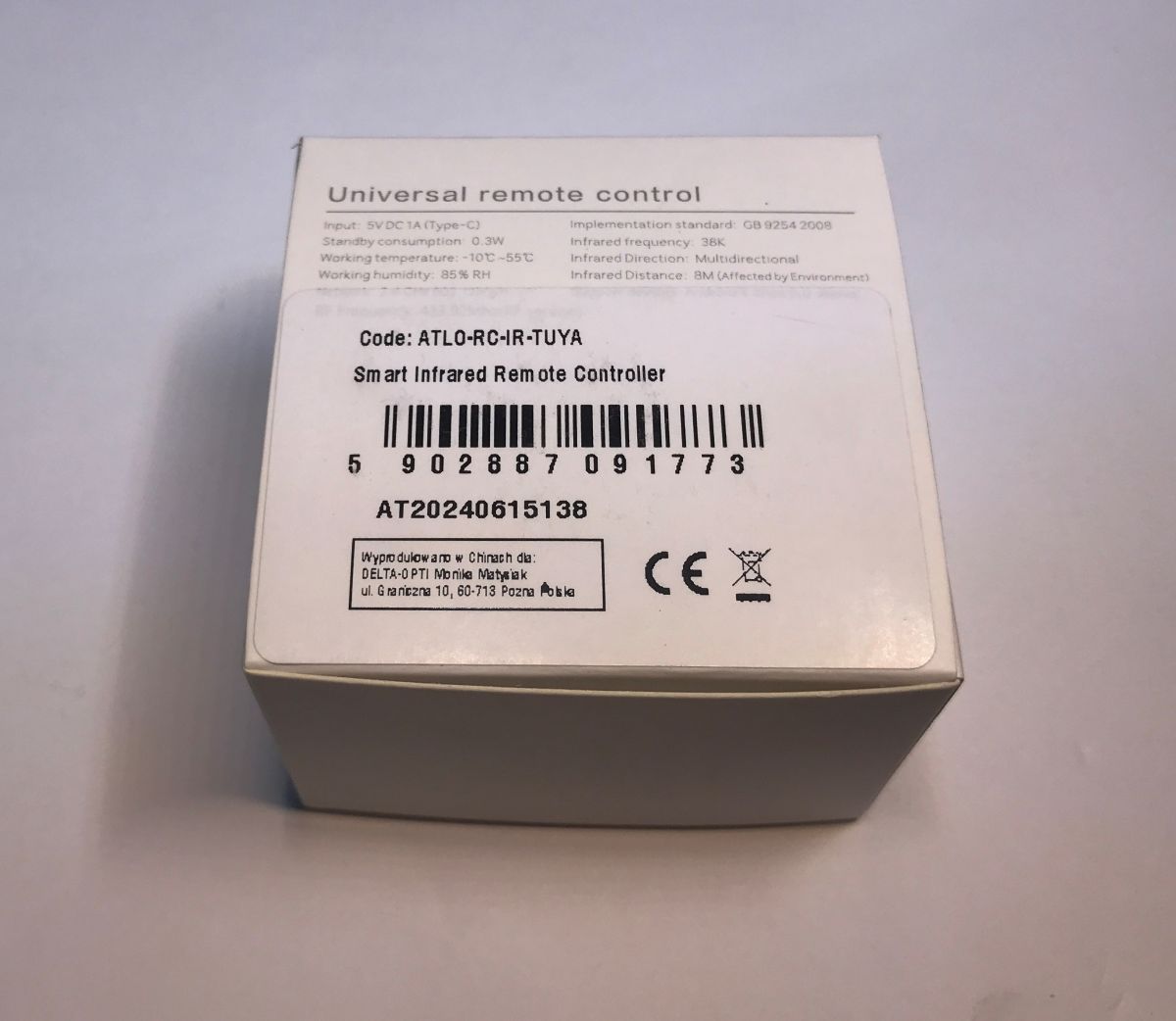
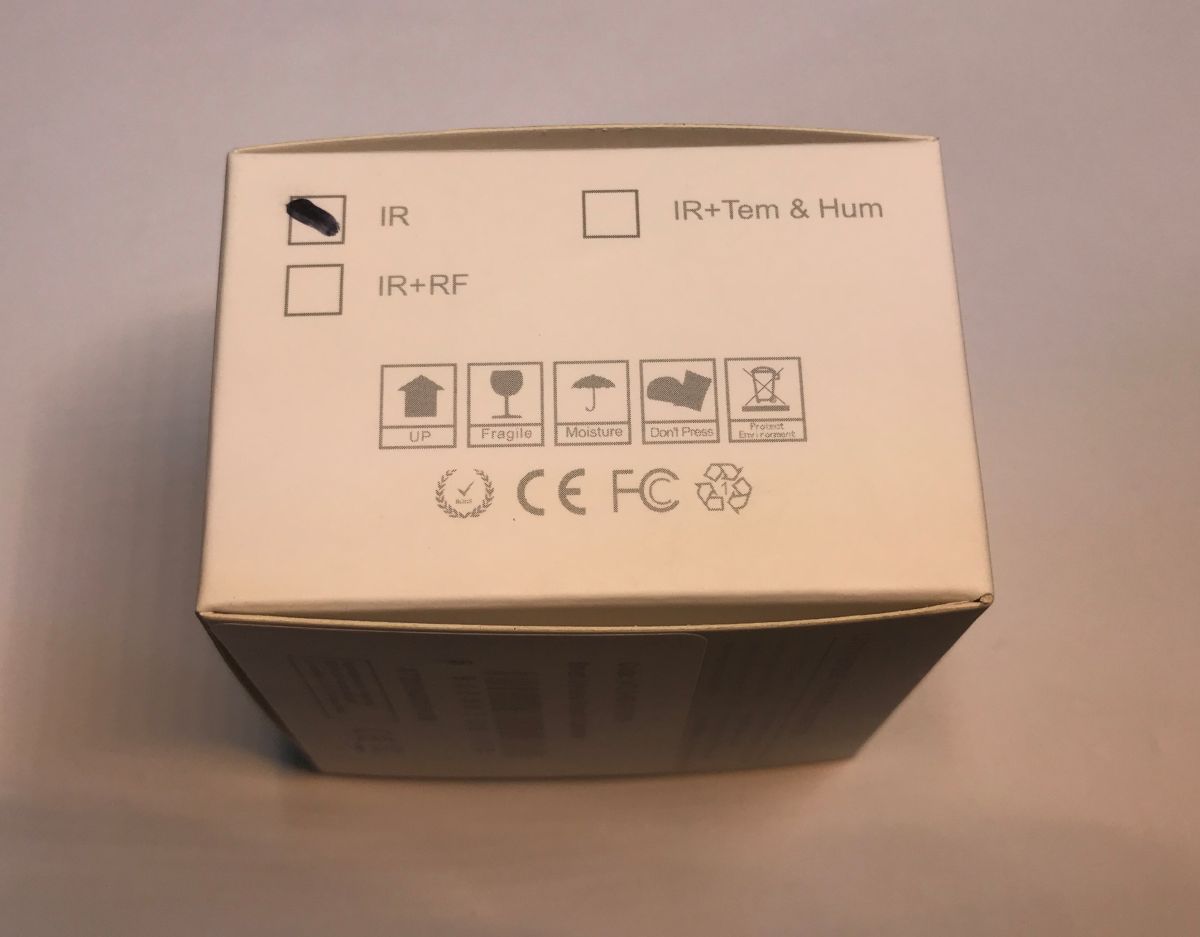
    White box labeled Universal remote control with Tuya logo on top Box of ATLO-RC-IR-TUYA device with label and barcode visible Top of the device box with IR option marked in black
    The adventure begins with the purchase of the hardware - in our country for around £30, probably cheaper in China. The kit also includes a USB cable, but this won't be of much use to us as it doesn't have a data line.
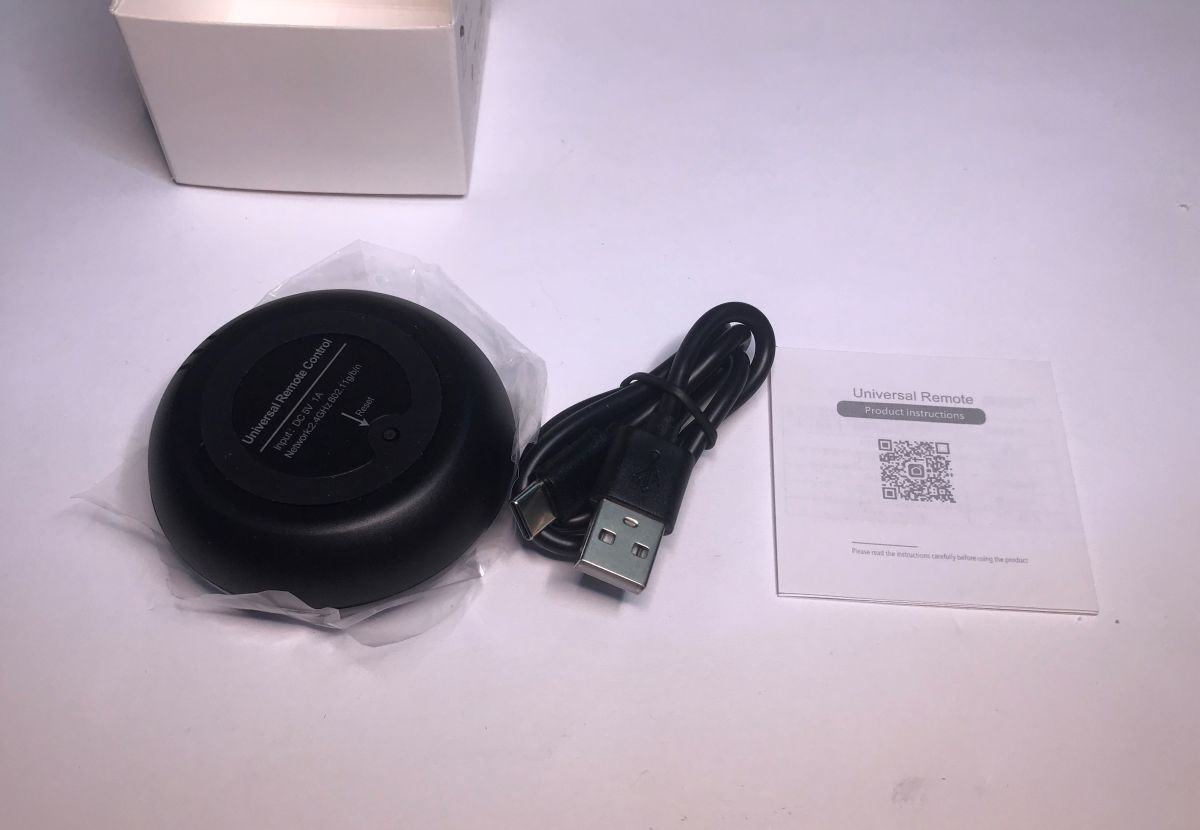
    Tuya IR universal remote with USB cable and instructions on white background
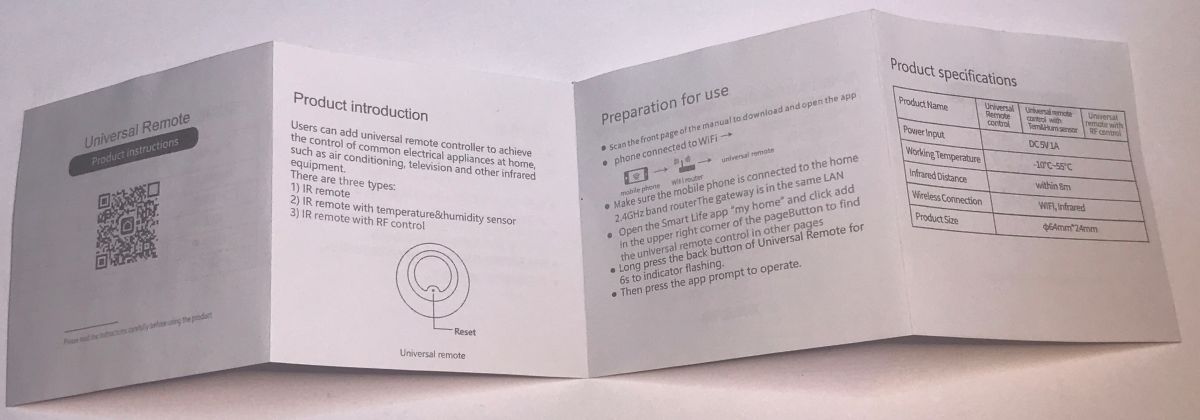
    Instructions (pairing with Tuya, etc):
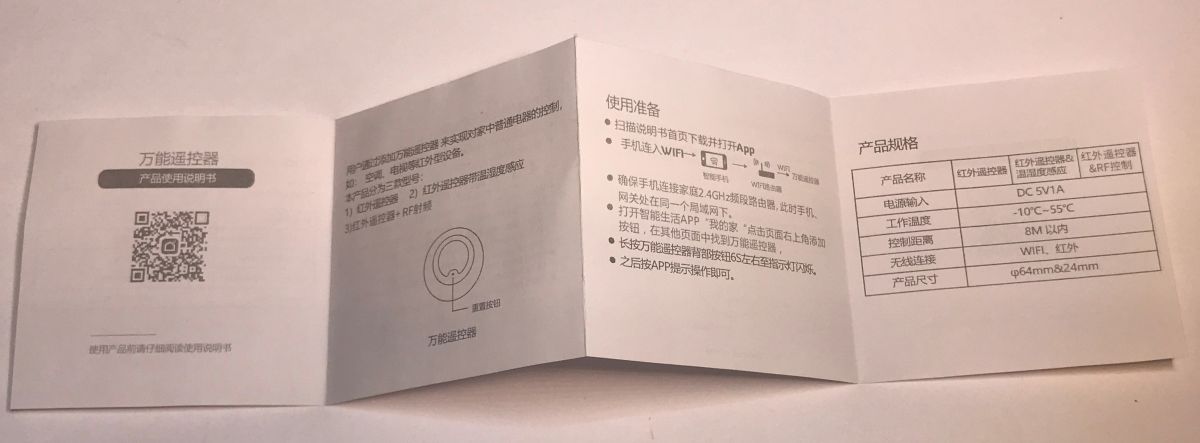
    User manual for Tuya universal IR remote control in Chinese language Universal IR remote Tuya instruction leaflet with usage and specs

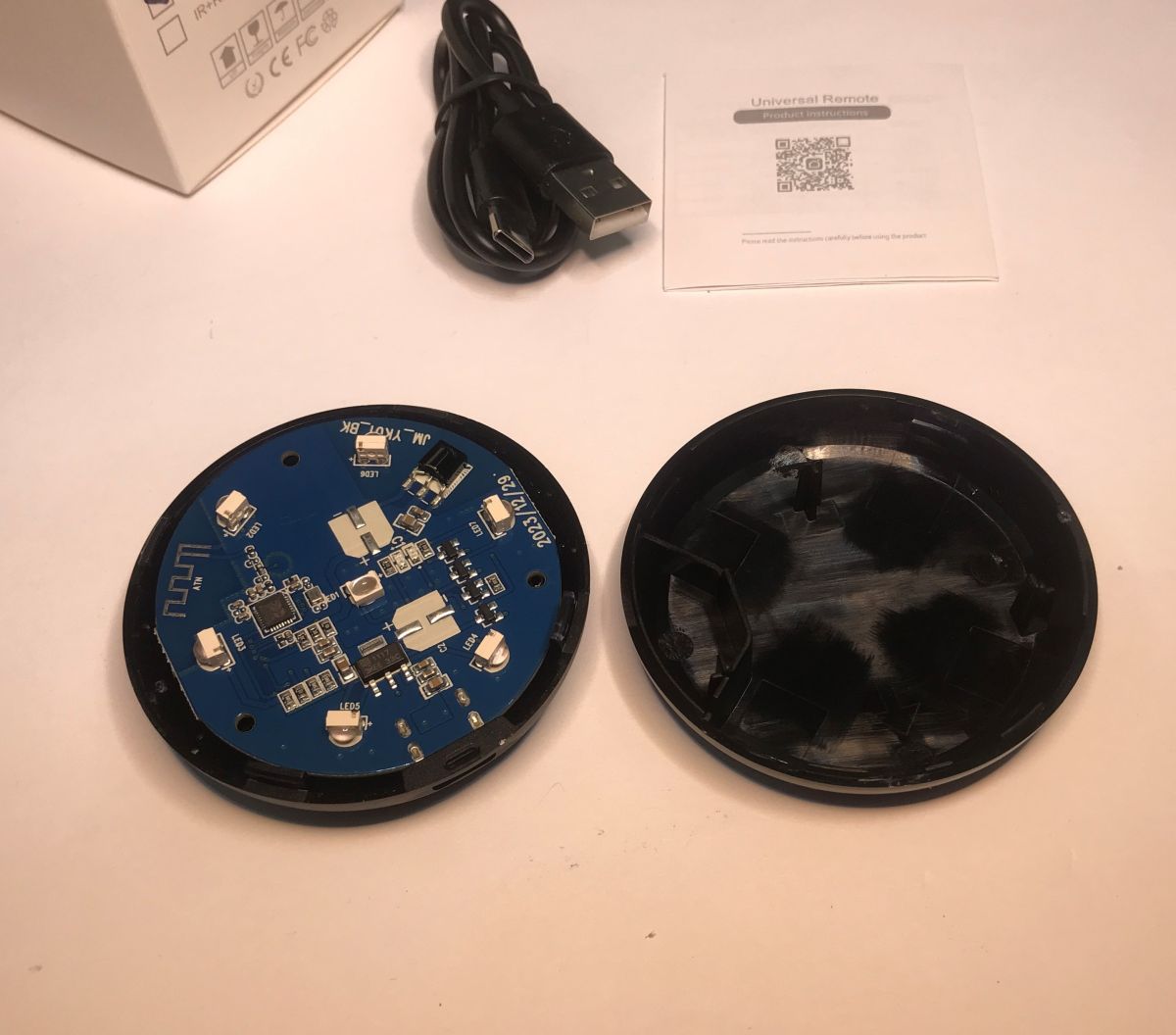
    Let's take a look inside:
    Disassembled Tuya IR universal remote with visible PCB and casing
    The construction of this device is very simple. The whole thing is powered by 5V from USB, so no converters are needed. An LDO AMS1117-3.3V regulator is sufficient, which powers the BK7231N located directly on the PCB. There are also separate IR LEDs on the PCB from the transmitter, pointing in different directions, and a single IR receiver.
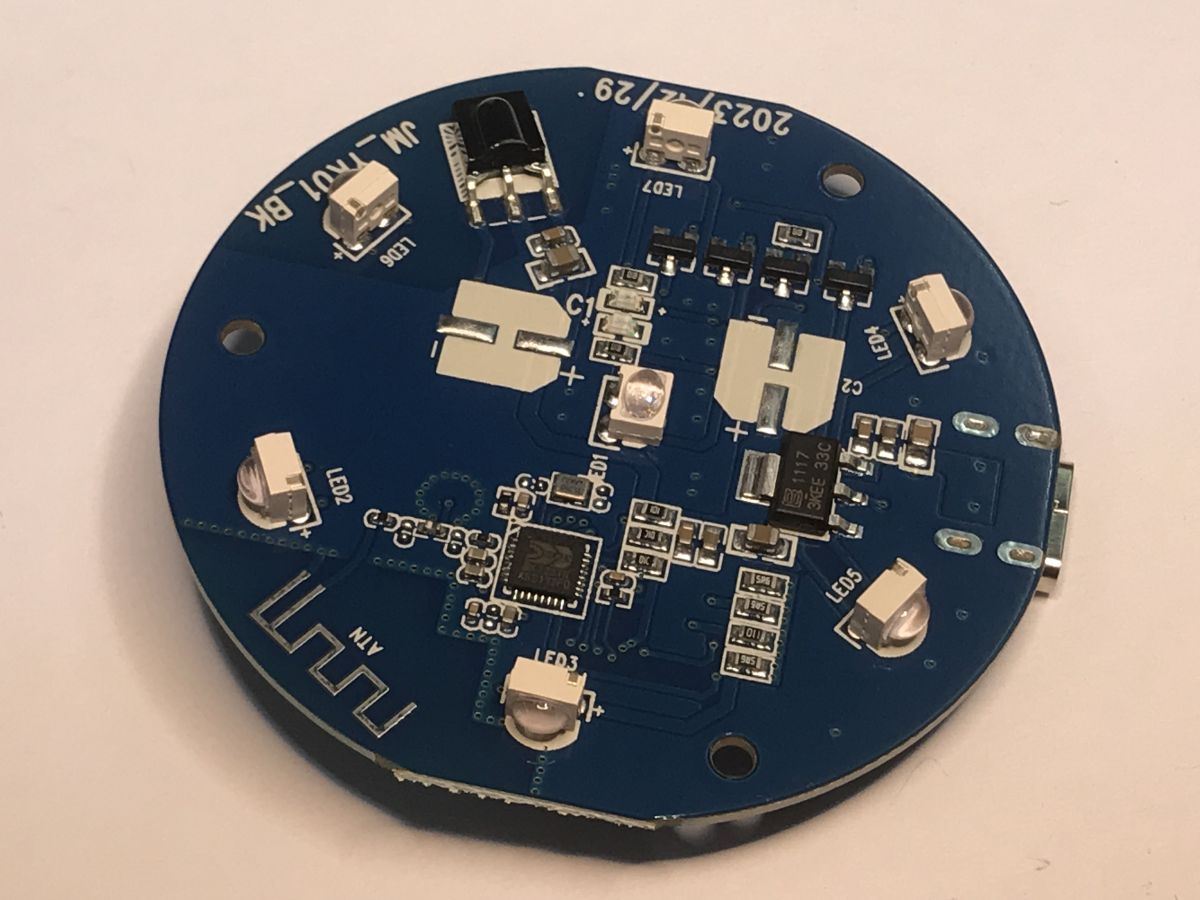
    Round PCB with BK7231N chip, IR LEDs, and Wi-Fi antenna trace visible.
    Due to the low performance of the microcontroller GPIO, transistors were used here to control the transmitters:
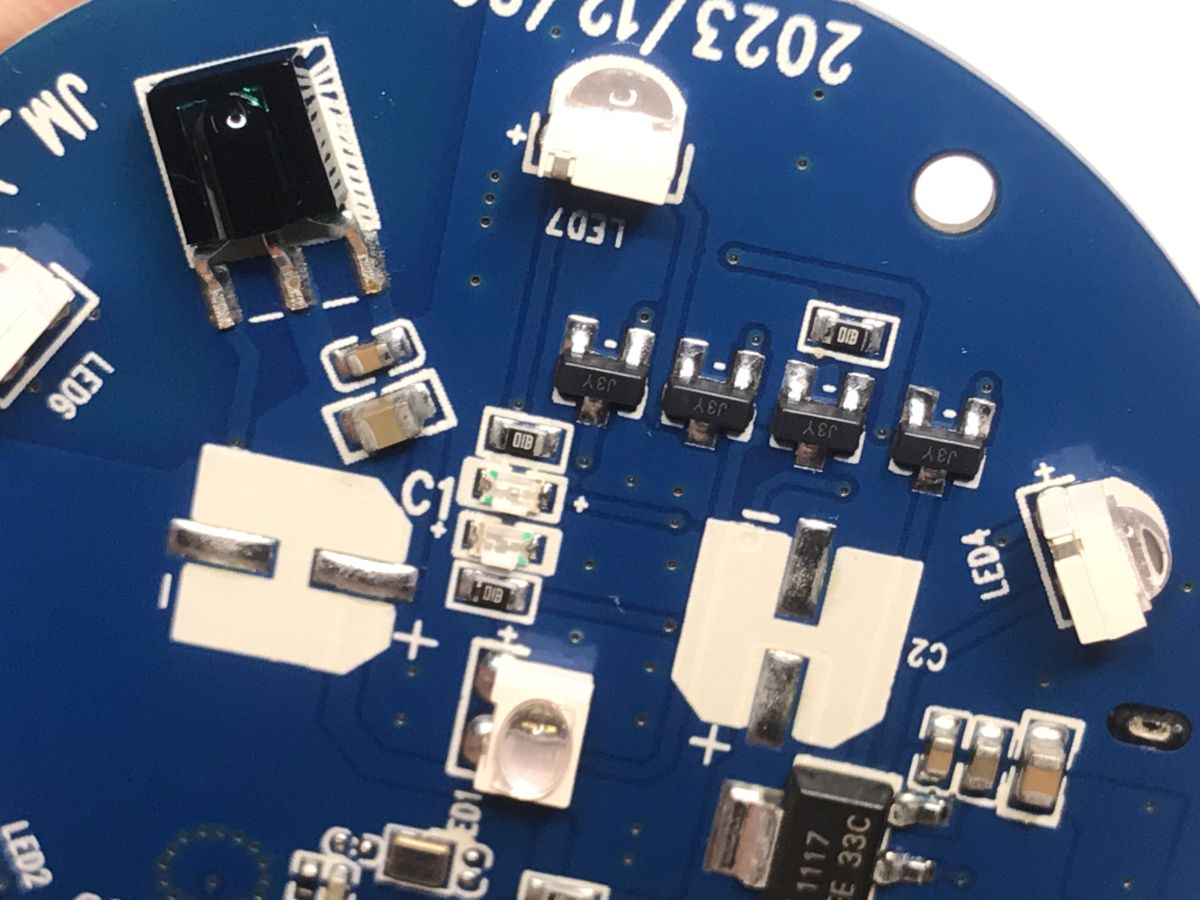
    Close-up of PCB with IR components, transistors, and status LEDs.
    The Wi-Fi antenna is also in track form on the PCB:
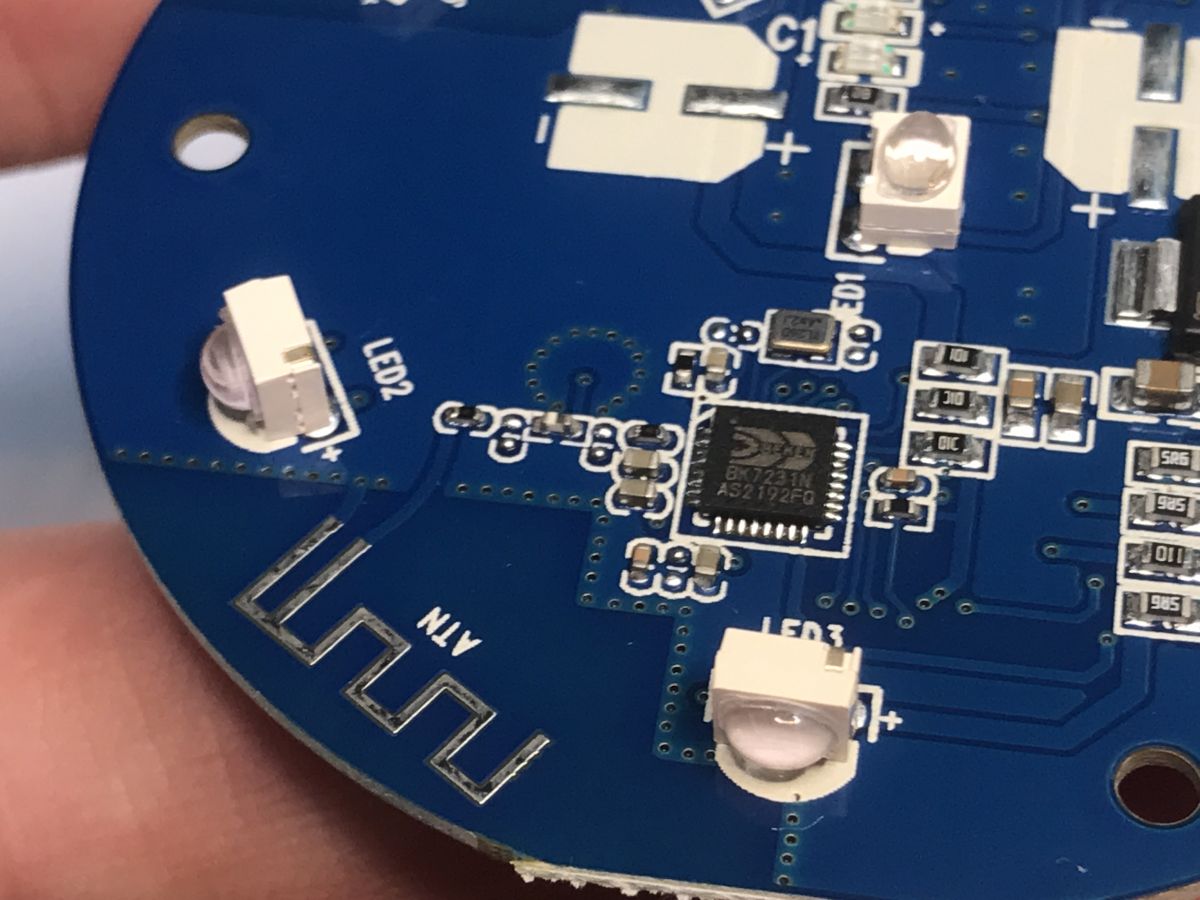
    Close-up of PCB with BK7231N chip, IR LEDs, and PCB Wi-Fi antenna
    On the bottom of the PCB there are pads for programming. The signals from UART and SPI can be distinguished here.
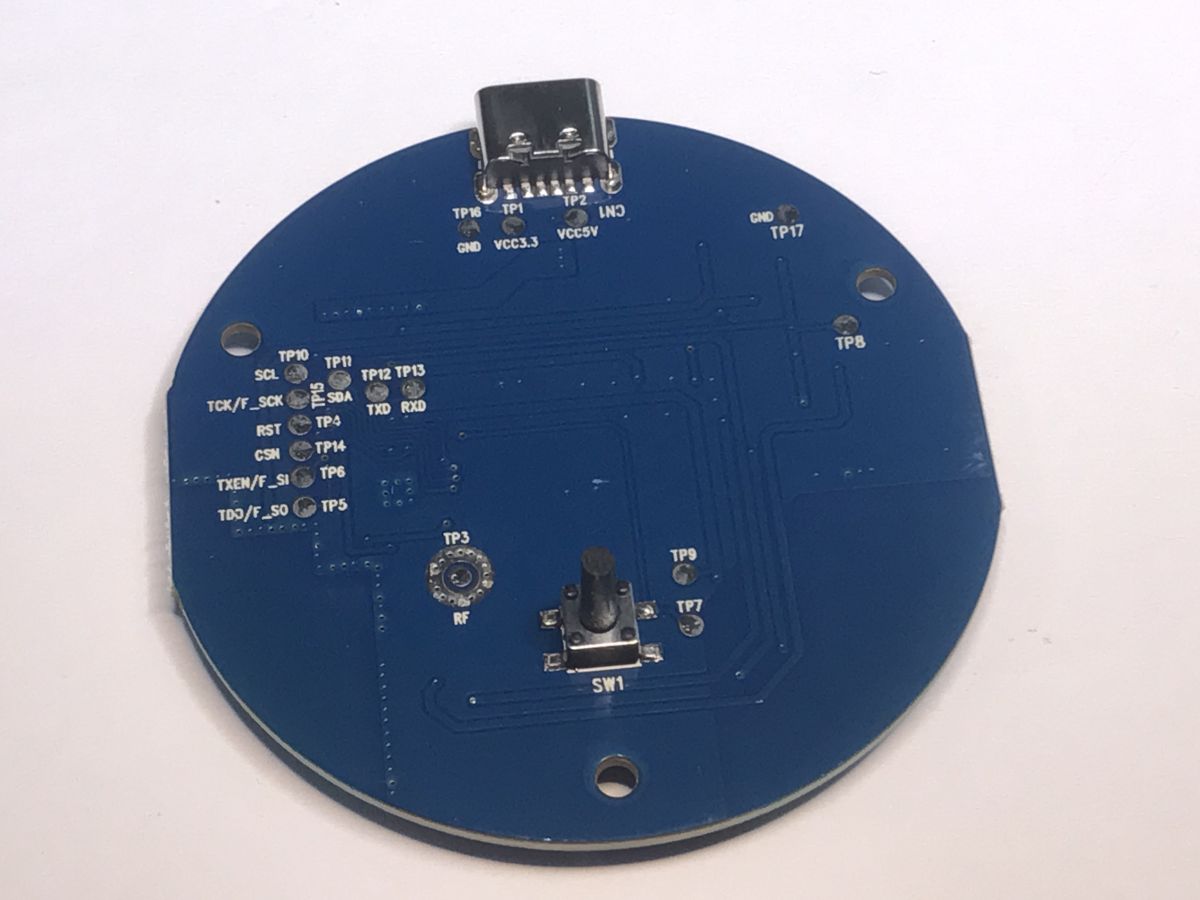
    Bottom of a blue circular PCB with a button and labeled programming pins
    We program the device with our flasher, following the instructions from the repository:
    https://github.com/openshwprojects/BK7231GUIFlashTool
    We need a USB to UART converter. We solder the power supply, RX1 and TX1.
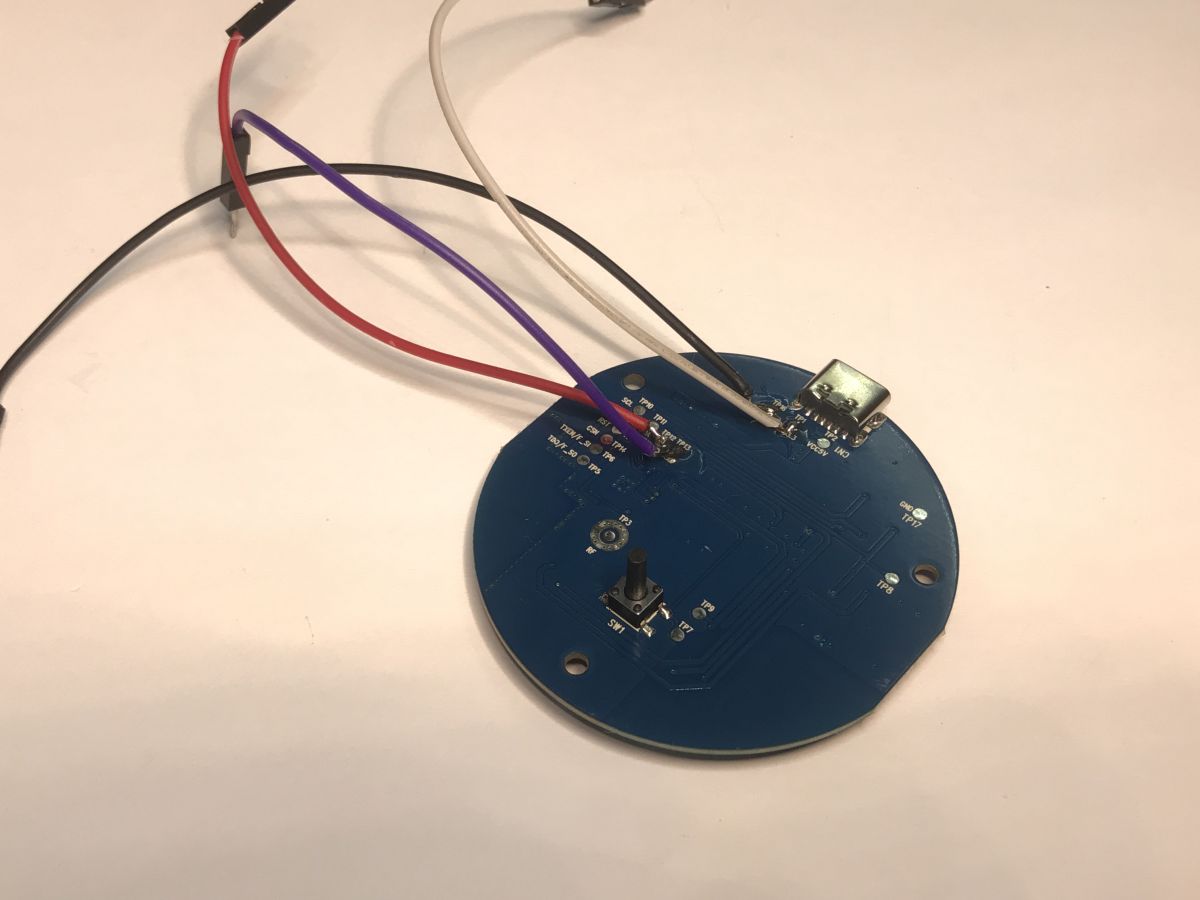
    Round PCB with connected wires and a micro USB port for IR Tuya device
    This also needs to be well powered. In the picture I have used an external LDO for this, although here you could just as well solder 5V to the input of the LDO found on the board. It's important that the BK7231 gets 3.3V at VDD, not a higher voltage. It can easily be damaged.
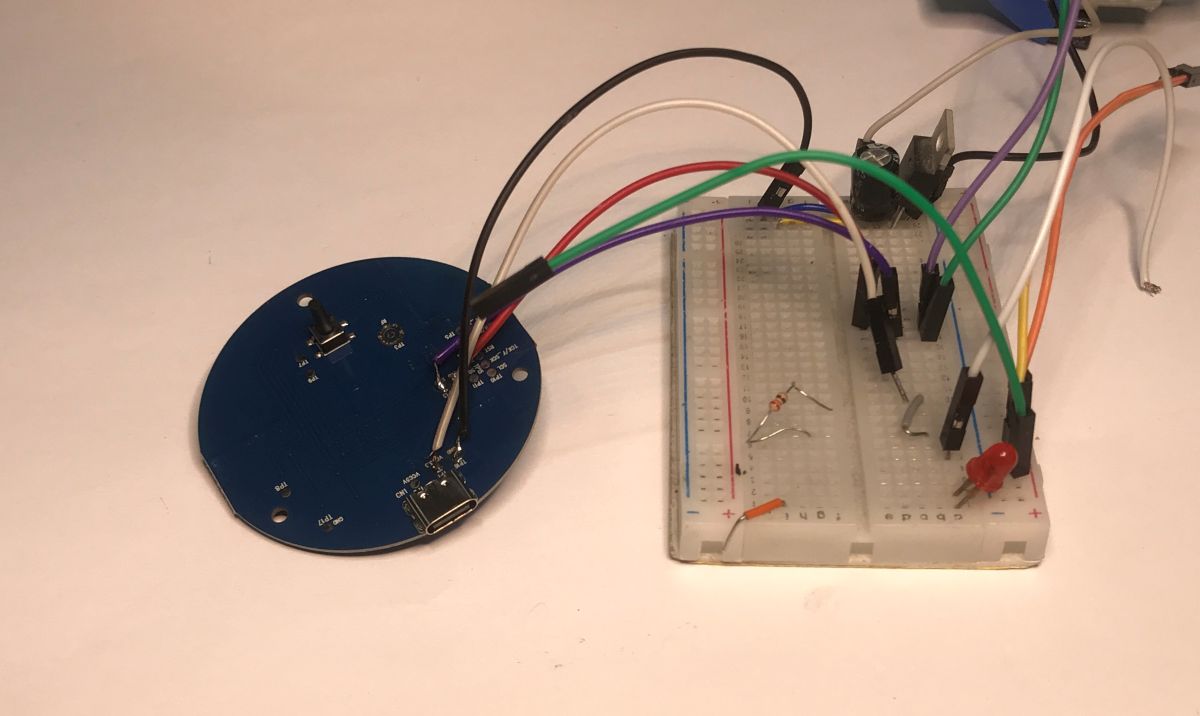
    Tuya IR PCB connected to a breadboard with jumper wires and electronic components
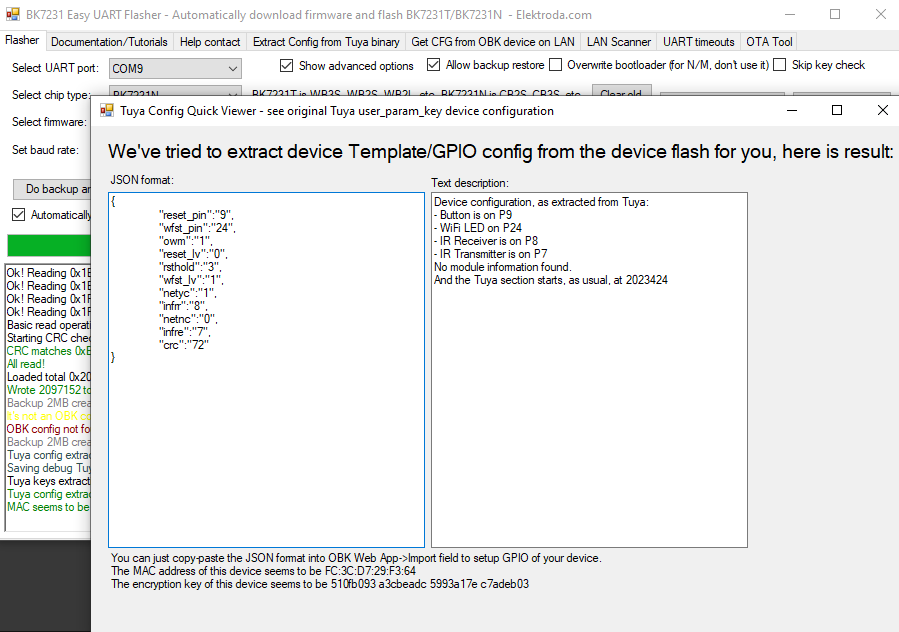
    Flasher correctly detects GPIO configuration:
    GPIO configuration window extracted from Tuya device memory in flasher software
    JSON Tuya:
    Code: JSON
    Log in, to see the code

    You can read from here:
    - wfst_pin - pin with status LED on it
    - reset_pin - pin with pairing button
    - infrr - pin with IR receiver
    - infre - pin with IR transmitter
    Description from the converter:
    
    - WiFi LED on P24
    - IR Receiver on P8
    - IR Sender on P7
    - Pair/Reset All Pin on P9
    

    OBK template:
    Code: JSON
    Log in, to see the code


    IR events can be handled according to our previous material:


    It was also translated here:
    Tutorial/presentation on operating the NiceMCU BK7238/T1 IR remote control - Home Assistant [EN]
    Tutorial/presentation on operating the NiceMCU BK7238/T1 IR remote control - Home Assistant [EN]
    The IRSend command is used to send data:
    https://github.com/openshwprojects/OpenBK7231T_App/blob/main/docs/commands.md

    Note that there are two versions of the OBK available - the main one is the Arduino-IRRemote integration and the other is the IRRemoteESP8266. The IRRemoteESP8266 version supports additional protocols and can be downloaded here:
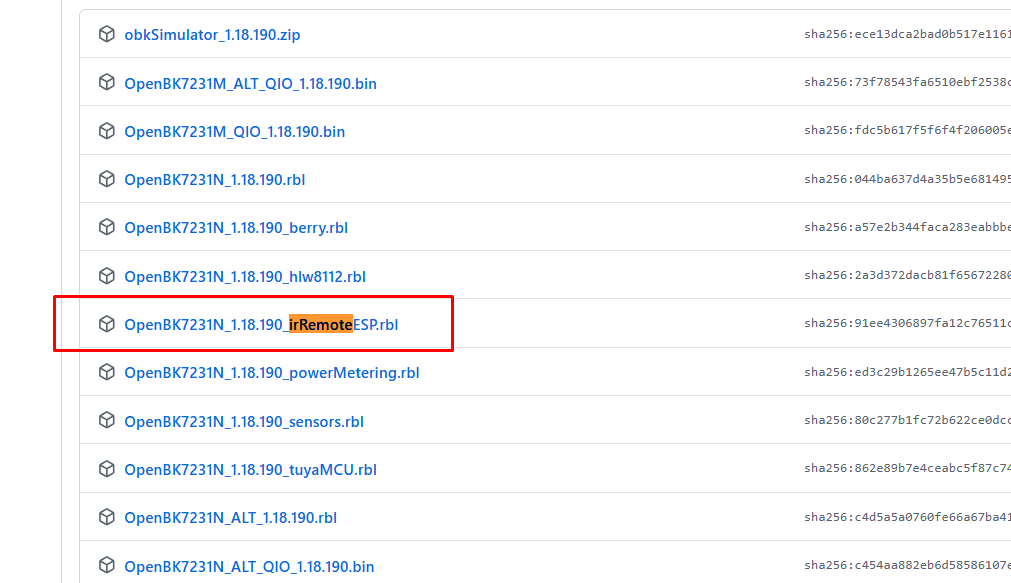
    Firmware file “OpenBK7231N_1.18.190_irRemoteESP.rbl” highlighted in red box
    OpenBeken is thoughtfully designed to support a wide range of use cases and anyone can select a version that suits them. If desired, you can also compile a custom configuration online - without having to install the compiler on your computer ( tutorial ).
    https://github.com/openshwprojects/OpenBK7231T_App/releases/
    For more information, I refer you to the documentation.
    Command documentation:
    https://github.com/openshwprojects/OpenBK7231T_App/blob/main/docs/commands.md
    Documentation of control via MQTT:
    https://github.com/openshwprojects/OpenBK7231T_App/blob/main/docs/mqttTopics.md

    In summary , a device reprogrammed in this way can be connected to the Home Assistant and controlled from MQTT. You can receive signals (in MQTT format compatible with Tasmota) from various remote controls and use them to trigger automation, e.g. to control lighting, roller-blinds or other devices. You can also send your own signals from the HA level via this gadget - e.g. to control the TV (to switch it off or on at a given time) or maybe even the air-conditioning (provided its protocol is supported - in this case, I recommend versions with IRRemoteESP). Sending is also possible from the HA - the IRSend command according to the OBK documentation is sending on a Tasmota-style cmnd.
    What applications do you see for this type of IR 'gateway'?

    Cool? Ranking DIY
    Helpful post? Buy me a coffee.

    About Author
    p.kaczmarek2
    Moderator Smart Home
    Offline 
    p.kaczmarek2 wrote 14048 posts with rating 11854, helped 637 times. Been with us since 2014 year.
  • ADVERTISEMENT
  • #2 21793399
    krzbor
    Level 28  
    Is there any reason why you are connecting an external power supply instead of powering this via the USB plug? Then you only need to solder 3 wires - GND, Tx and Rx.
  • ADVERTISEMENT
  • #3 21793413
    p.kaczmarek2
    Moderator Smart Home
    In this particular case, I think you could simplify and power this from USB, while soldering only GND, Tx and Rx. Then you could do the "power off"/"power on" cycle required by the flasher by disconnecting the USB cable. This is required when programming the BK7231, their bootloader does not have a BOOT pin like the ESP, it just works in such a way that it waits for a packet for a short moment after a reboot/reset. This is called "getting bus"


    I simply want to show good practice so that someone does not later connect a device powered from 230 V and still with a non-isolated inverter on a BP2525 to a computer

    Well, and I also have a limited number of USB ports and it's quicker for me to make four solders rather than three+connect the cable....

    What you say is more likely to work for USB powered devices, and will work for LED controllers powered from, say, a 12V typical power supply. Similarly, if you have a mains-powered device, then although you can't power it from the mains when it's connected to a computer , you can plug in from 5V to the AMS1117-3.3V input as it's available on the PCB, and not use an external LDO.

    On the other hand, it won't work to power the Wi-Fi module from a low-radio 3.3V source - as some USB to UART converters have a 3.3V pin, then you'll run out of current and there could be a problem.

    Generally these BK7231 are a bit problematic to program, I already had various interesting situations. For example this:
    Microcontroller works without power connection? We are running on GND and UART alone, a conundrum.
    Helpful post? Buy me a coffee.
  • ADVERTISEMENT
  • #4 21794297
    krzbor
    Level 28  
    p.kaczmarek2 wrote:
    This is required when programming the BK7231, their bootloader doesn't have a BOOT pin like the ESP, it just works so that it waits for a packet for a short moment after a reboot/reset.

    Thanks for the clarification - I didn't know that.
  • #5 21794330
    p.kaczmarek2
    Moderator Smart Home
    Yes, there is no BOOT pin. Simply the flasher "catches the reboot". More precisely, there are two methods for this:
    - cycle disconnecting and restoring the power supply (I recommend this)
    - short-circuiting the CEN to ground (chip reset)
    Except that this shorting of the CEN is problematic, I don't know exactly what it is due to, but the flasher doesn't want to "catch" the circuit, it requires trying and shorting for a certain amount of time. For this reason, after programming many devices for people, I have completely given up with this method with CEN.
    Helpful post? Buy me a coffee.
📢 Listen (AI):
ADVERTISEMENT