







Hello,
Here's the teardown for the smartplug Deltaco SH-P01 and SH-P01-3P.
Serial: PO194180
https://deltaco.se/sh-p01 (260106)

These have been available, and still are, in the Swedish store Clas Ohlson.
https://www.clasohlson.com/se/Deltaco-smart-plug-SH-P01-inomhus/p/36-8479 (260106)
The WiFi module in these is the WB2S and I have successfully flashed
the BK7231T firmware on eight of these.
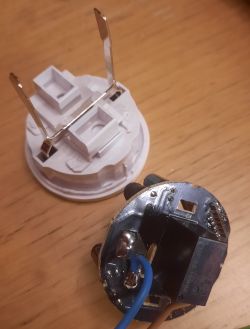
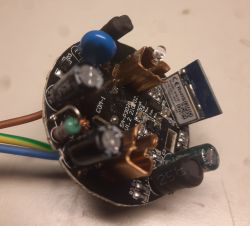
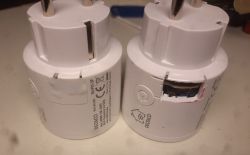
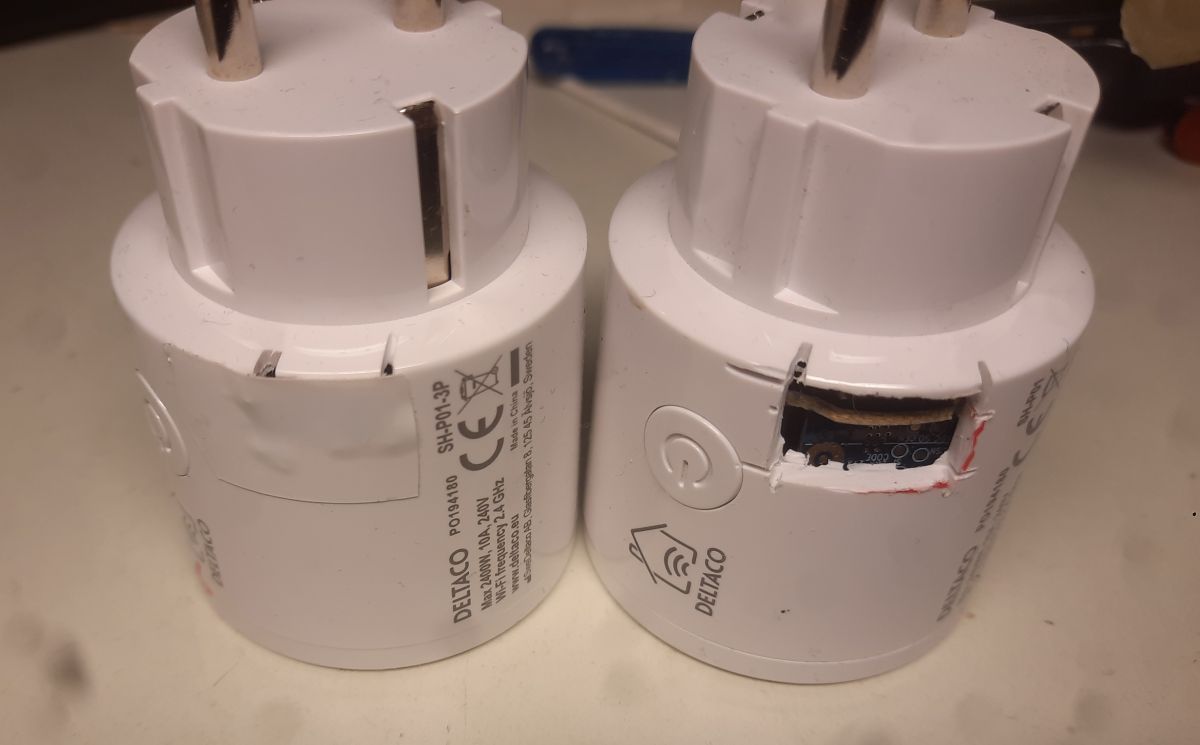
However I had to destroy one to open it since they are glued.
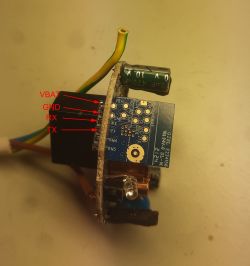
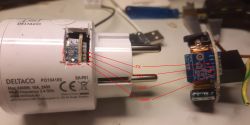
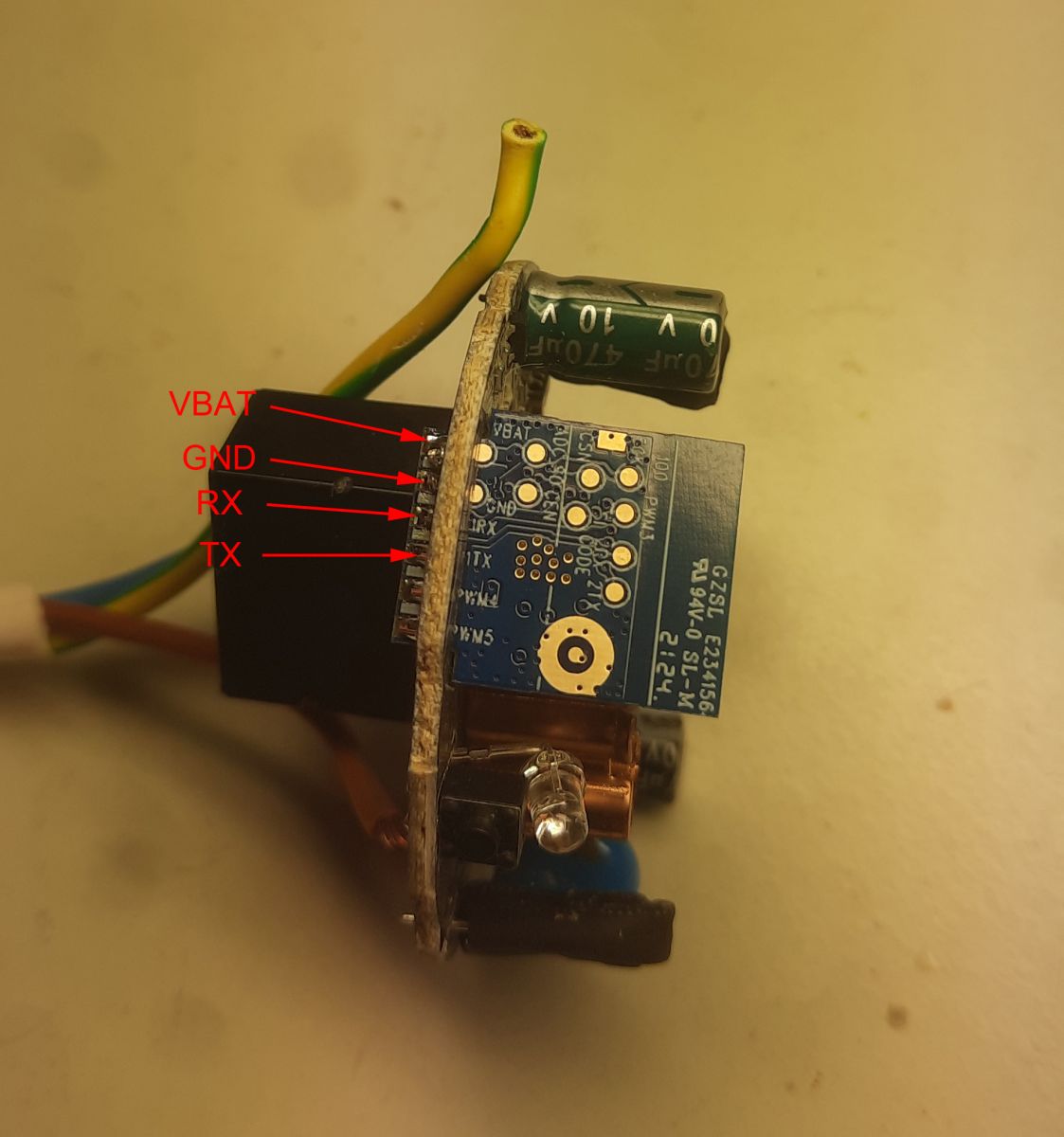
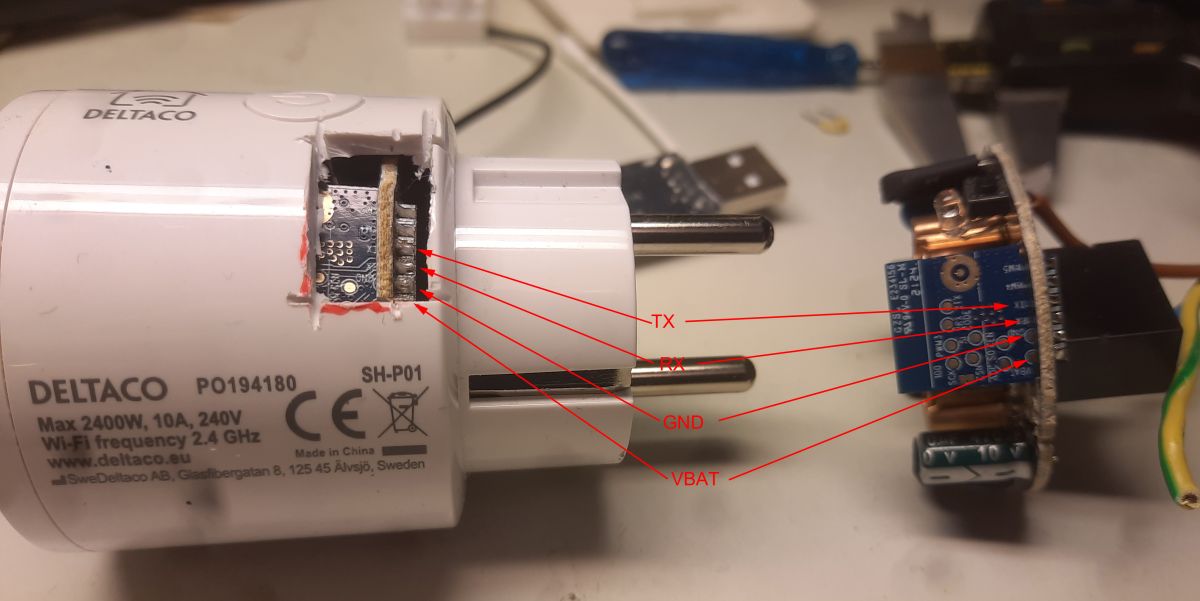
The rest I saw a hole on the side to be able to solder
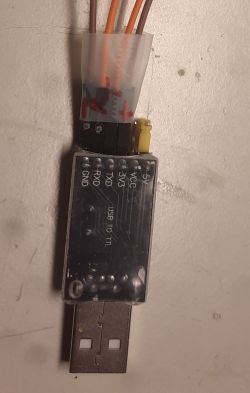
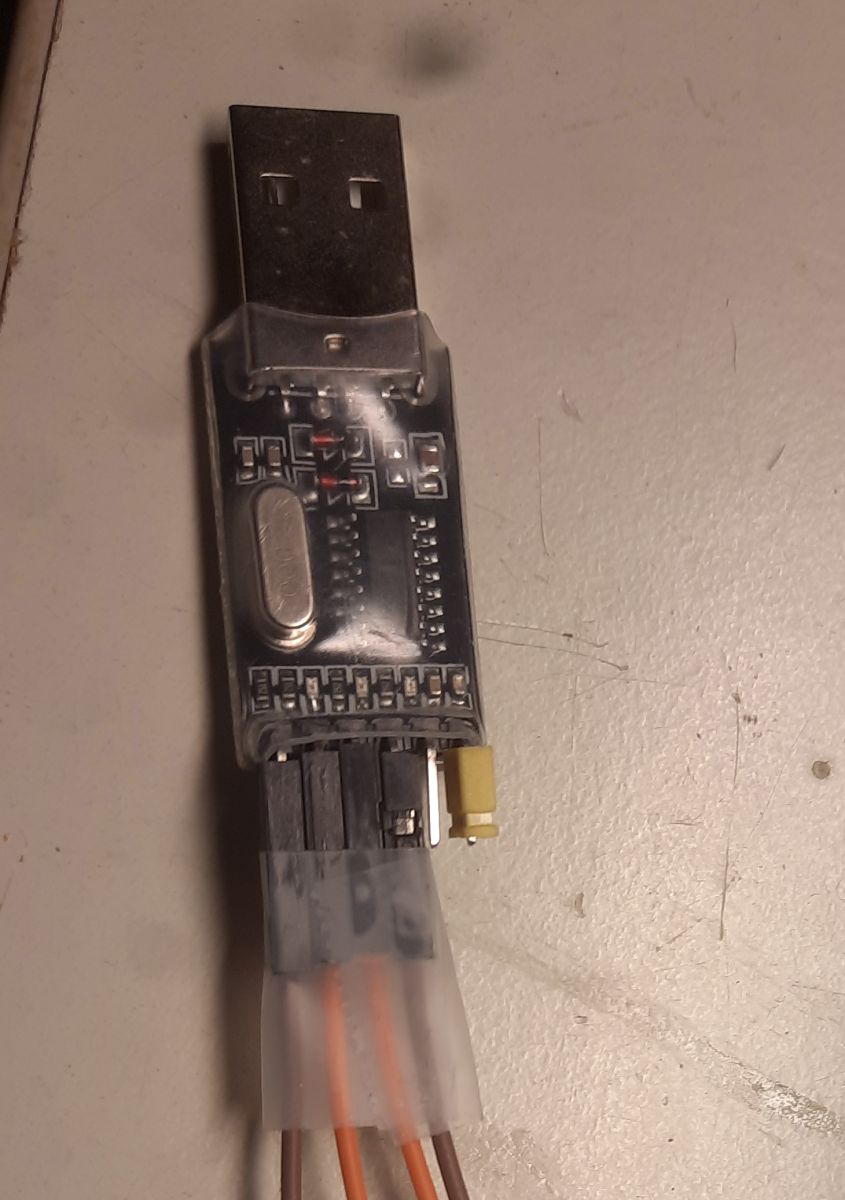
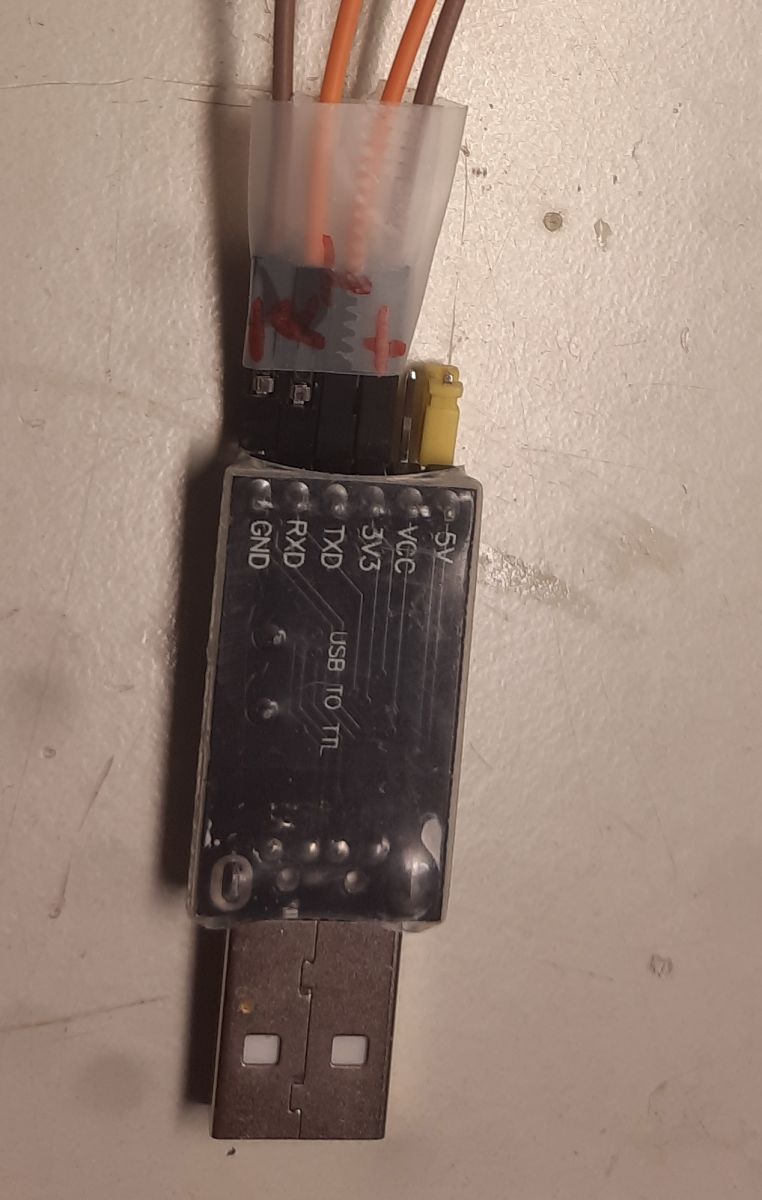
VBAT, GND, RX, TX to a generic USB2TTL adapter I got from eBay.
The pin connection should be:
Adapter pin - WB2S pin
3.3 V - VBAT
GND - GND
TXD - RX
RXD - TX
The adapter uses a CH340G chip, so Windows needs drivers for this to
add a virtual COM port when inserted into USB. I run Windows 10 and probably
downloaded the driver here (it can be found on other places):
https://cdn.sparkfun.com/assets/learn_tutorials/8/4/4/CH341SER.EXE (260106)
https://www.ebay.com/itm/141976858044 (260106)
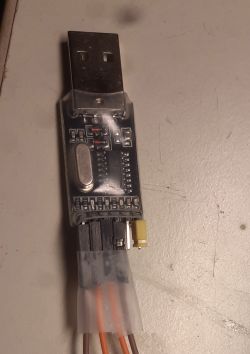
I downloaded the software (v176) to flash from here:
https://github.com/openshwprojects/BK7231GUIFlashTool/releases
And the flasher downloaded this image:
OpenBK7231T_UA_1.18.226.bin
The pins are configured as:
Button : pin 6
WiFi-LED: pin 8
Relay : pin 24
This is the configuration used in the webapp that OpenBekenIOT uses:
/Ola Löfberg
Here's the teardown for the smartplug Deltaco SH-P01 and SH-P01-3P.
Serial: PO194180
https://deltaco.se/sh-p01 (260106)
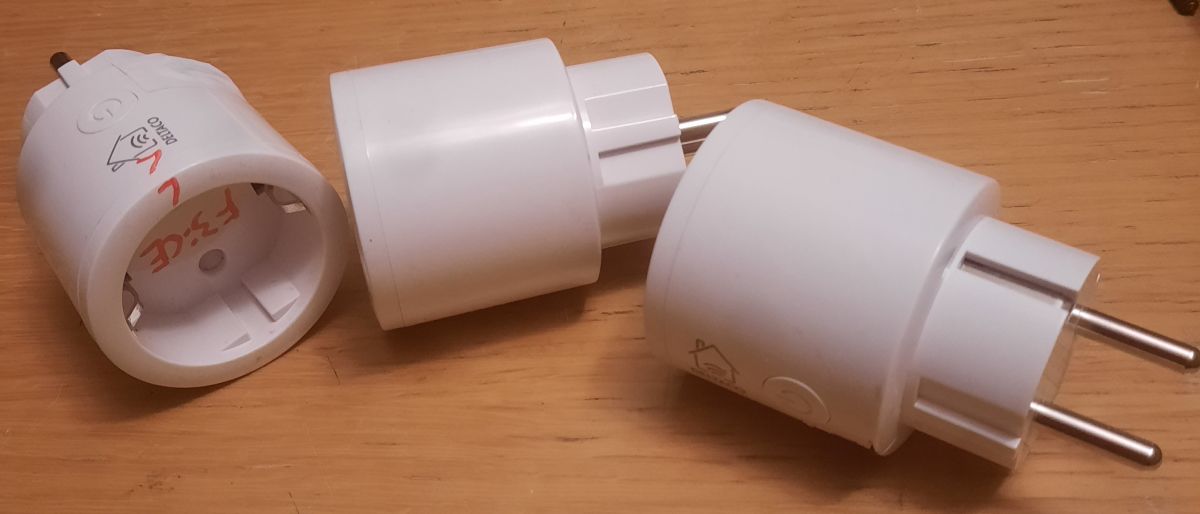
These have been available, and still are, in the Swedish store Clas Ohlson.
https://www.clasohlson.com/se/Deltaco-smart-plug-SH-P01-inomhus/p/36-8479 (260106)
The WiFi module in these is the WB2S and I have successfully flashed
the BK7231T firmware on eight of these.
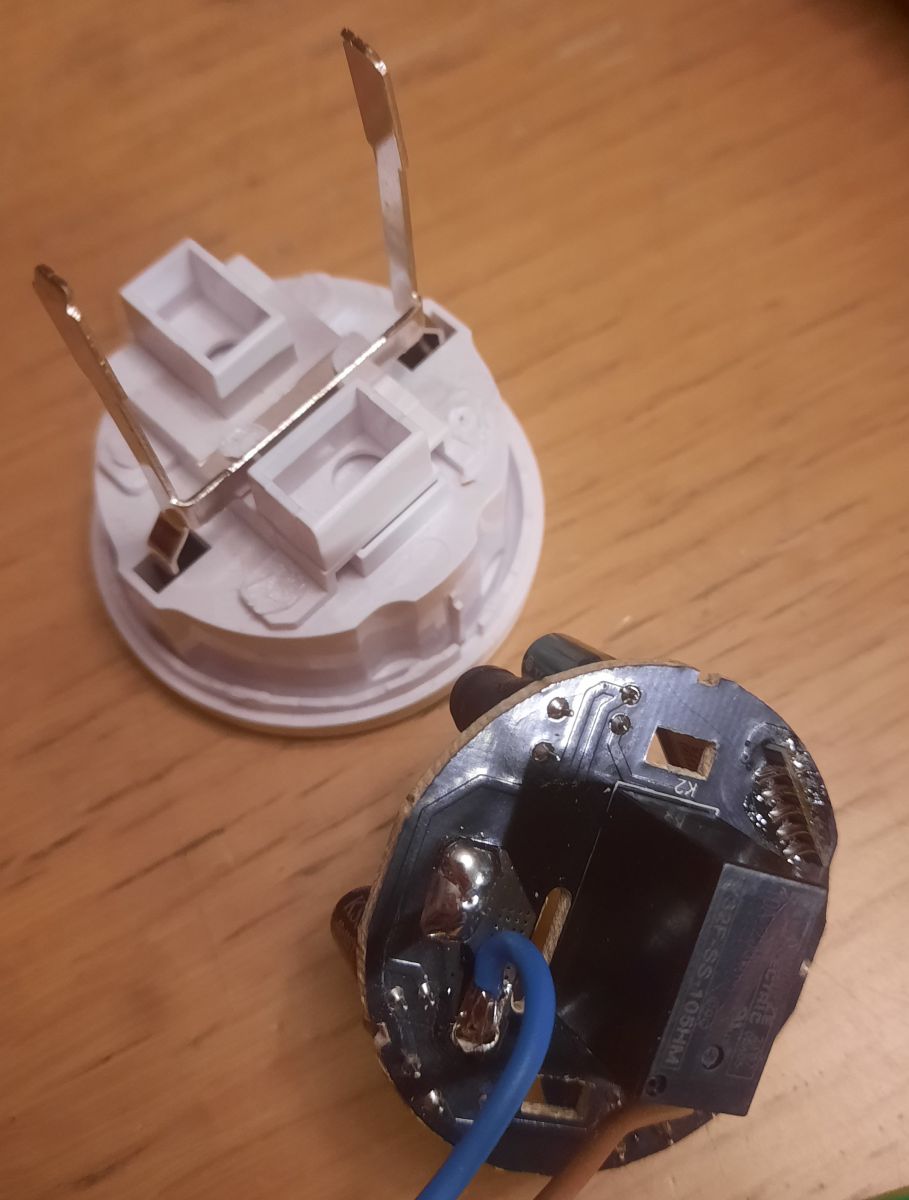
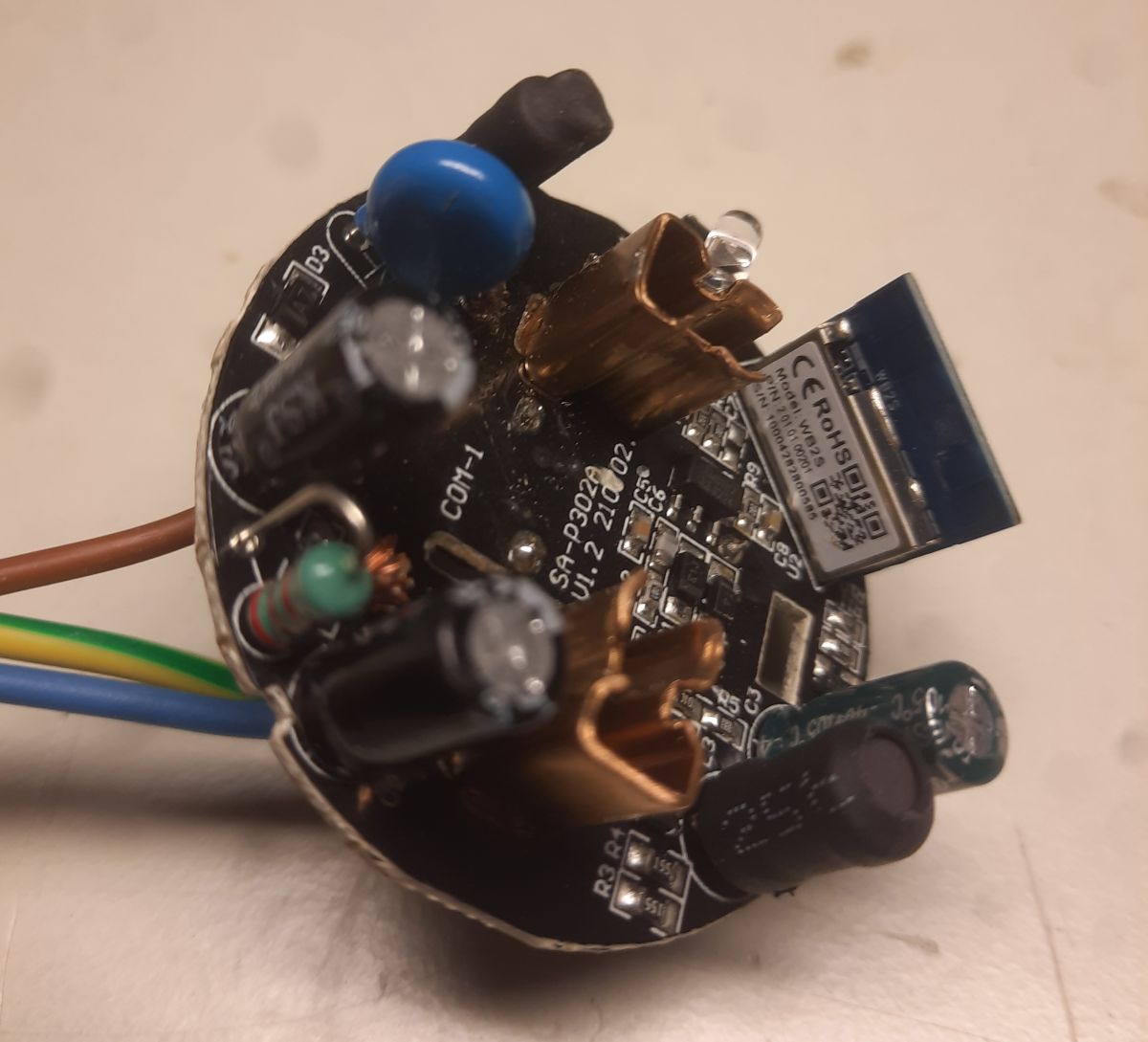
However I had to destroy one to open it since they are glued.
The rest I saw a hole on the side to be able to solder
VBAT, GND, RX, TX to a generic USB2TTL adapter I got from eBay.
The pin connection should be:
Adapter pin - WB2S pin
3.3 V - VBAT
GND - GND
TXD - RX
RXD - TX
The adapter uses a CH340G chip, so Windows needs drivers for this to
add a virtual COM port when inserted into USB. I run Windows 10 and probably
downloaded the driver here (it can be found on other places):
https://cdn.sparkfun.com/assets/learn_tutorials/8/4/4/CH341SER.EXE (260106)
https://www.ebay.com/itm/141976858044 (260106)
I downloaded the software (v176) to flash from here:
https://github.com/openshwprojects/BK7231GUIFlashTool/releases
And the flasher downloaded this image:
OpenBK7231T_UA_1.18.226.bin
The pins are configured as:
Button : pin 6
WiFi-LED: pin 8
Relay : pin 24
This is the configuration used in the webapp that OpenBekenIOT uses:
Code: JSON
/Ola Löfberg

